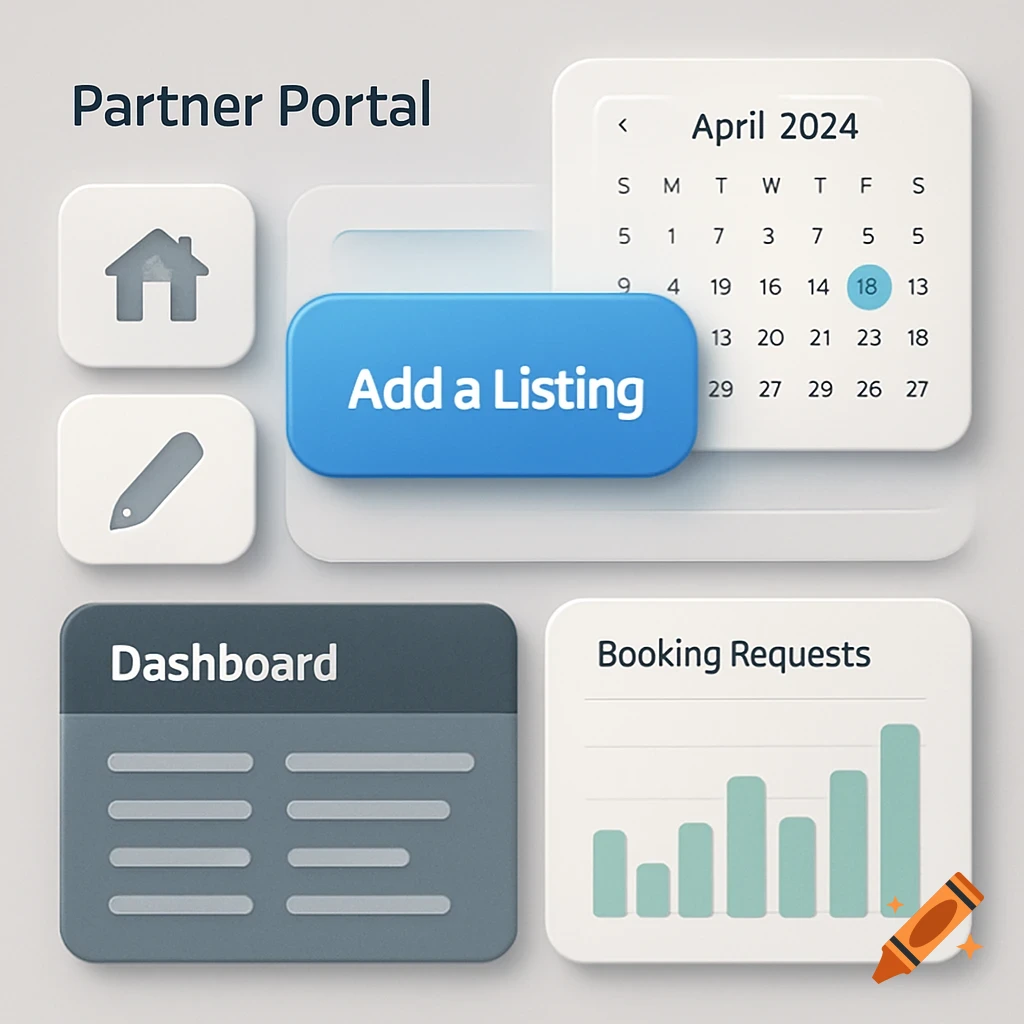
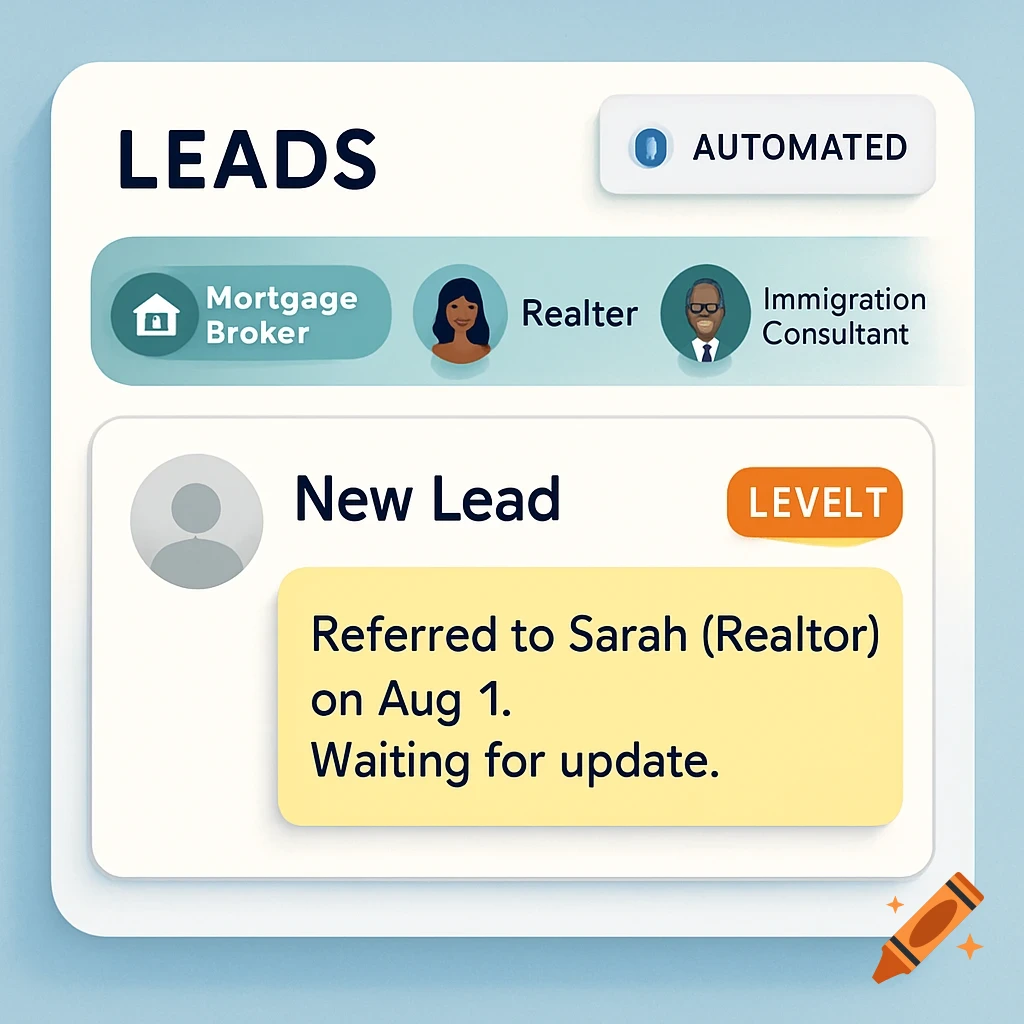
A Monday.com interface screen showing a workflow titled 'Move the Lead Through Levels 1 -> 2 -> 3', with columns for 'Level 1', 'Level 2', and 'Action'. It displays checkmarks and action options like 'Change Level Value', 'Update Status', and 'Add Follow-Up'.
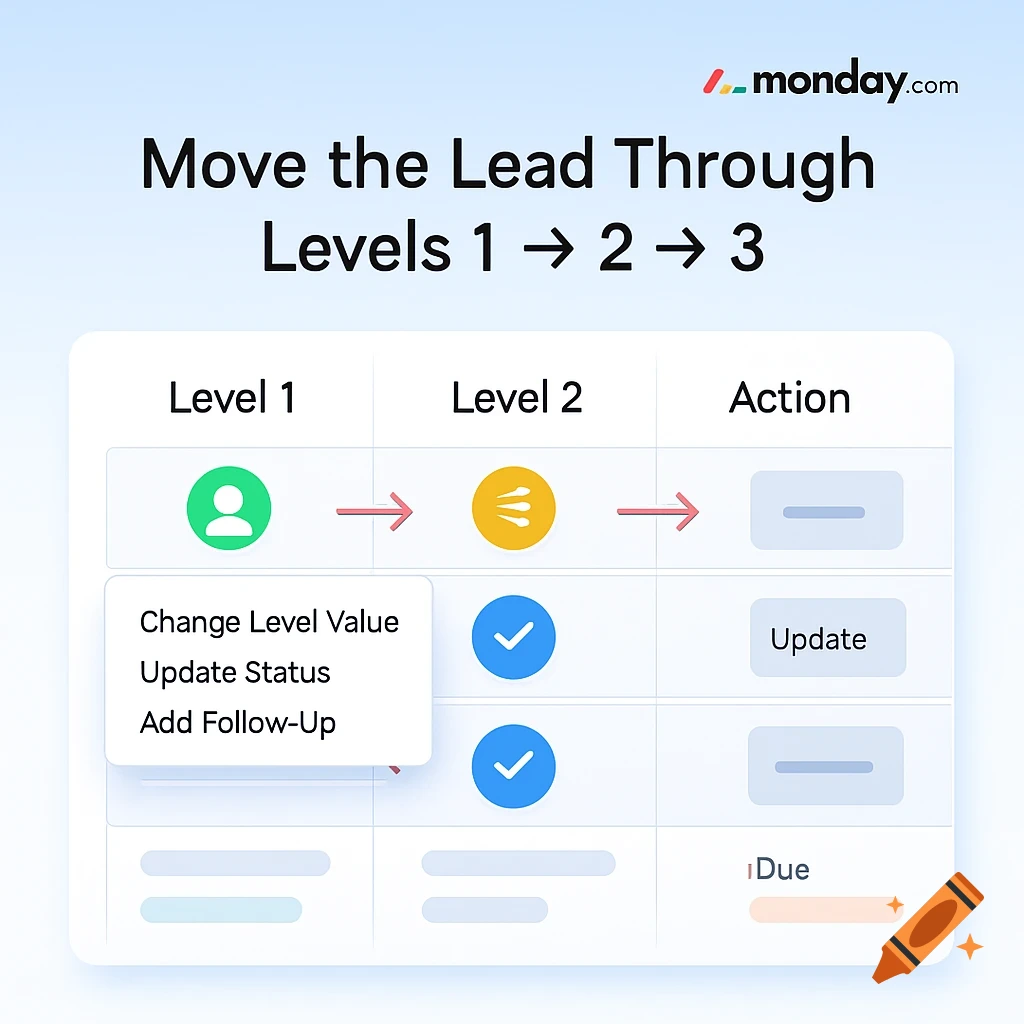
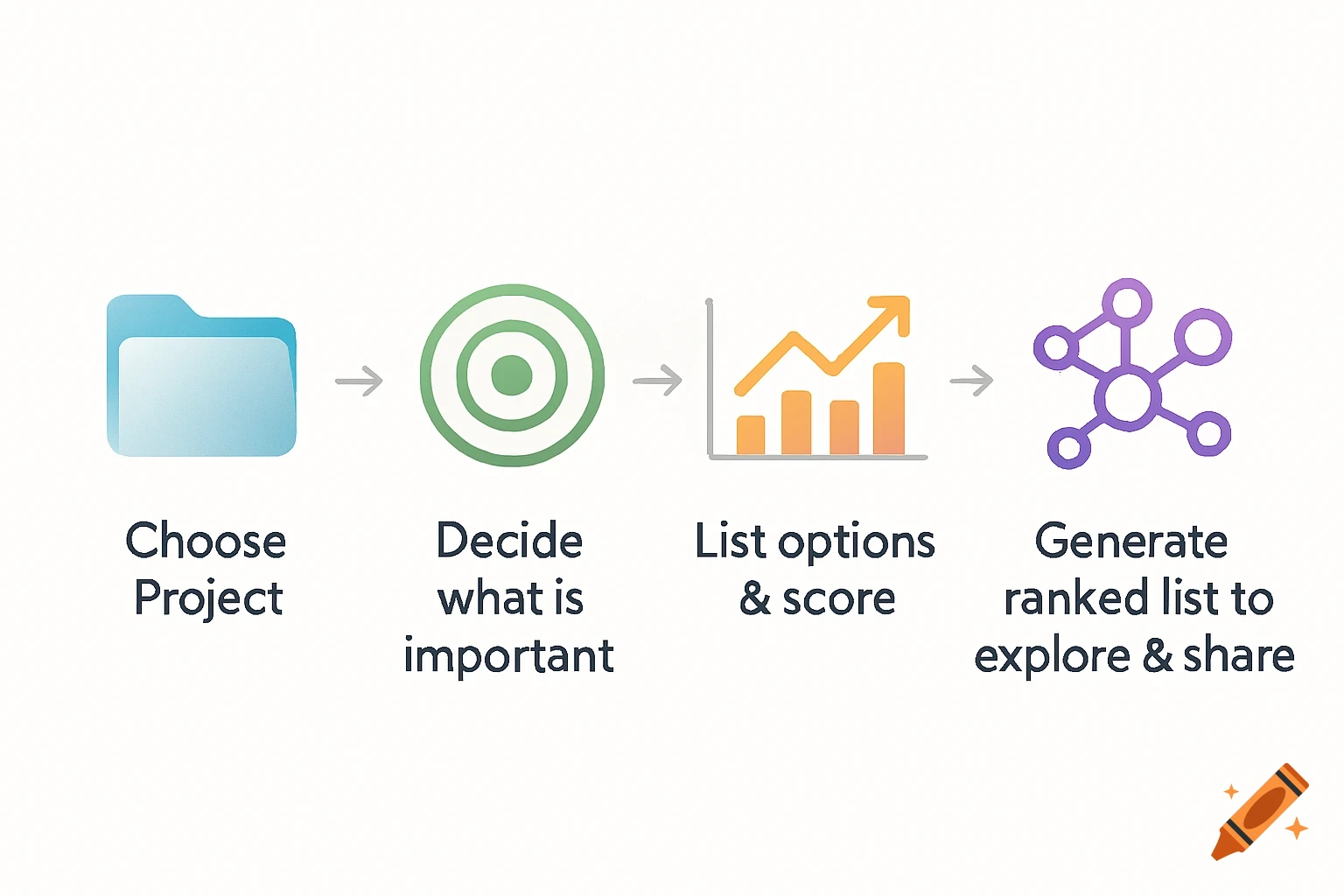
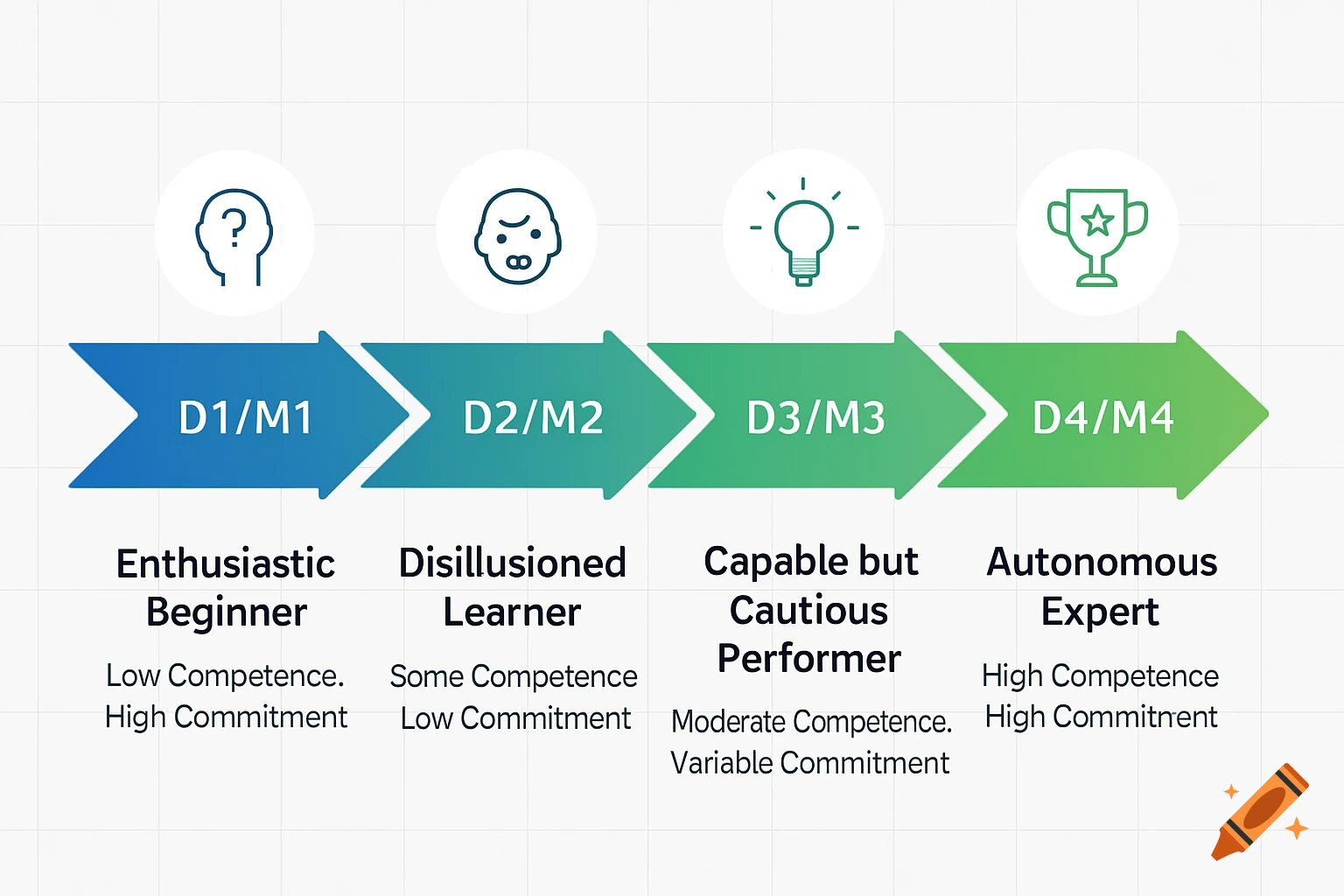
create image with our system monday.com to understand this step for our agents as guide simple and easy to understand the Step 3: Move the Lead Through Levels 1 ➞ 2 ➞ 3 Use the Level column to track lead progress: Level 1: Lead is new. Partner has been triggered. Level 2: Lead is actively being worked on. Notes and follow-ups added. Level 3: Lead is completed, converted, or closed. How to move a lead: Change the Level column value. Update the Status (e.g., from "Contacted" to "In Progress"). Add a follow-up date and new notes. 📅 Follow-up every 2–5 days depending on lead activity. See more