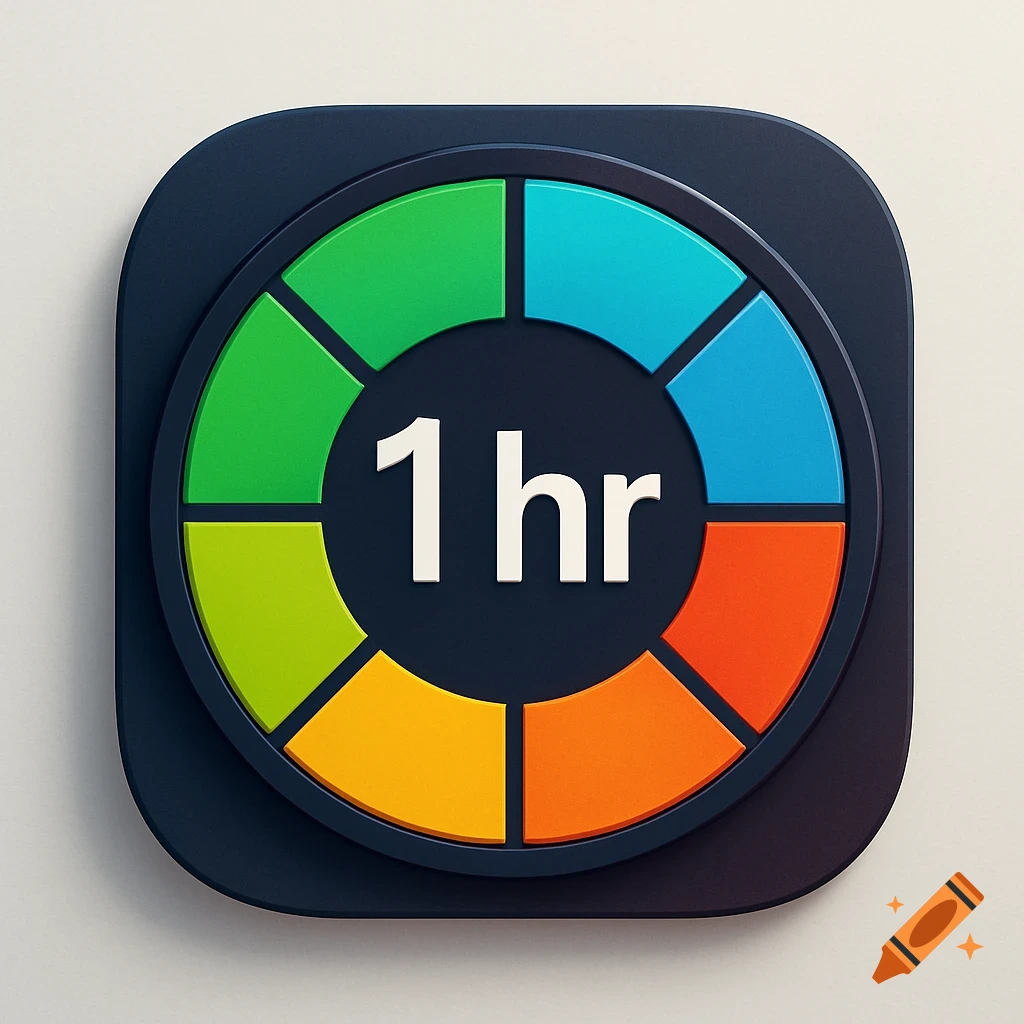
A colorful segmented circular app icon with a dark center displaying '1 hr' in white text, on a white rounded square.
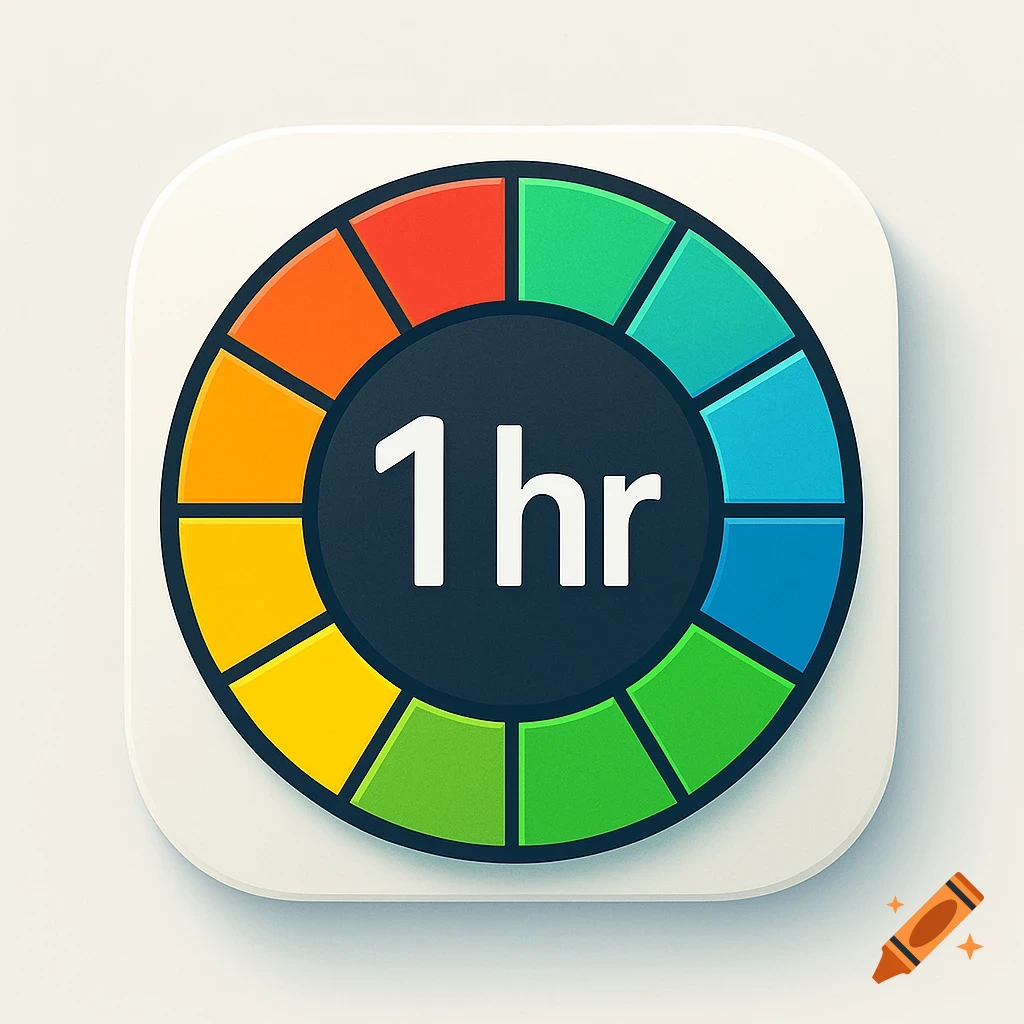
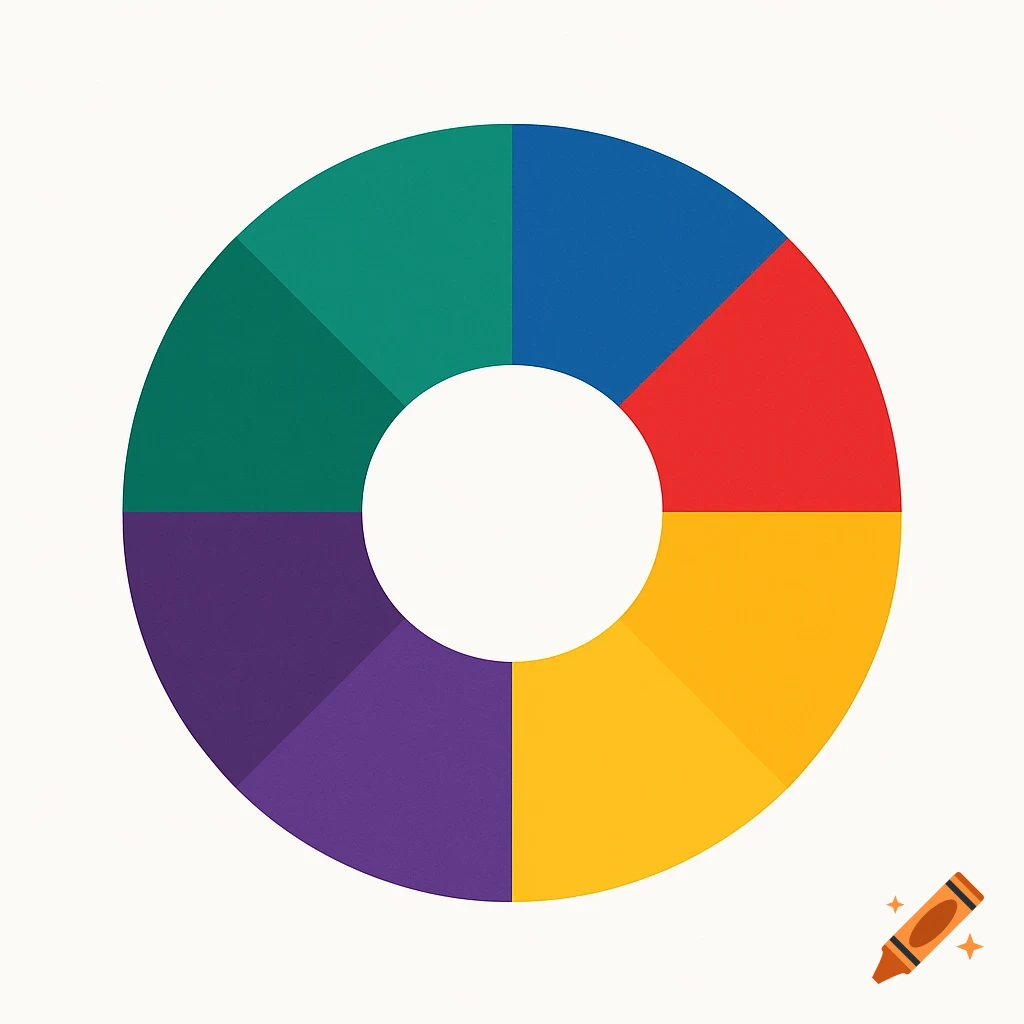
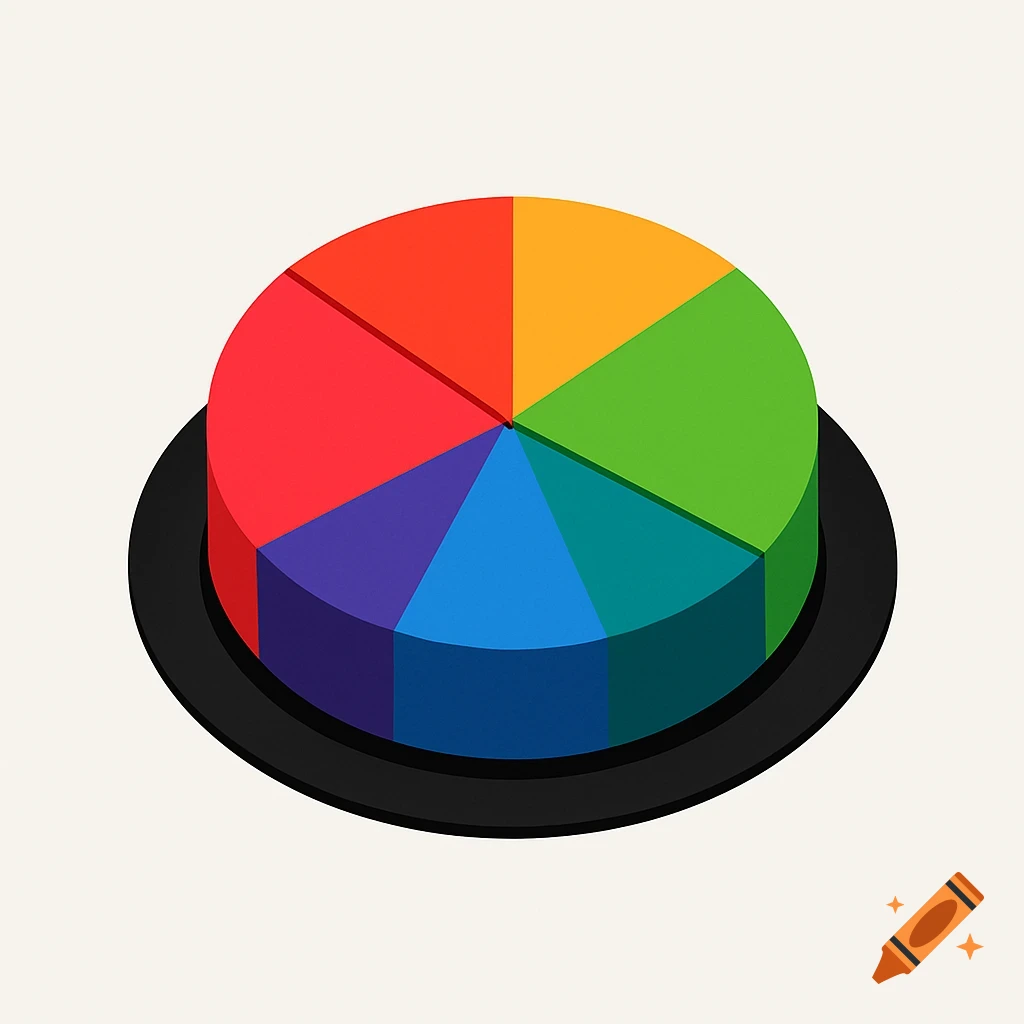
Timer App Icon If you divide a circle into six equal segments, each segment will span:\frac{360^\circ}{6} = 60^\circSo each slice of the pie should be exactly 60 degrees wide. Use this geometry to generate an icon for a timer app. The icon generation should follow these steps: 1. Base Shape: Start with a circle to represent the clock face. 2. Dividing the Circle: Divide the circle into six equal segments (like slicing a pizza). Each segment will represent a 10-minute interval. • Segment 1 (0-10 minutes): Color this segment green. • Segment 2 (10-20 minutes): Color this segment blue. • Segment 3 (20-30 minutes): Color this segment cyan. • Segment 4 (30-40 minutes): Color this segment yellow. • Segment 5 (40-50 minutes): Color this segment orange. • Segment 6 (50-60 minutes): Color this segment red. 4. Distinct Borders: Ensure each segment has a clear border to distinguish them from one another. You can use a darker shade of each color for the borders. 5. Labeling: In the center of the clock, write "1 hr" in a clear, bold font. You can use a contrasting color like white or black to ensure it stands out against the colorful segments. 6. Final Touches: Add any additional details like a subtle shadow or gradient to give the icon depth. See more