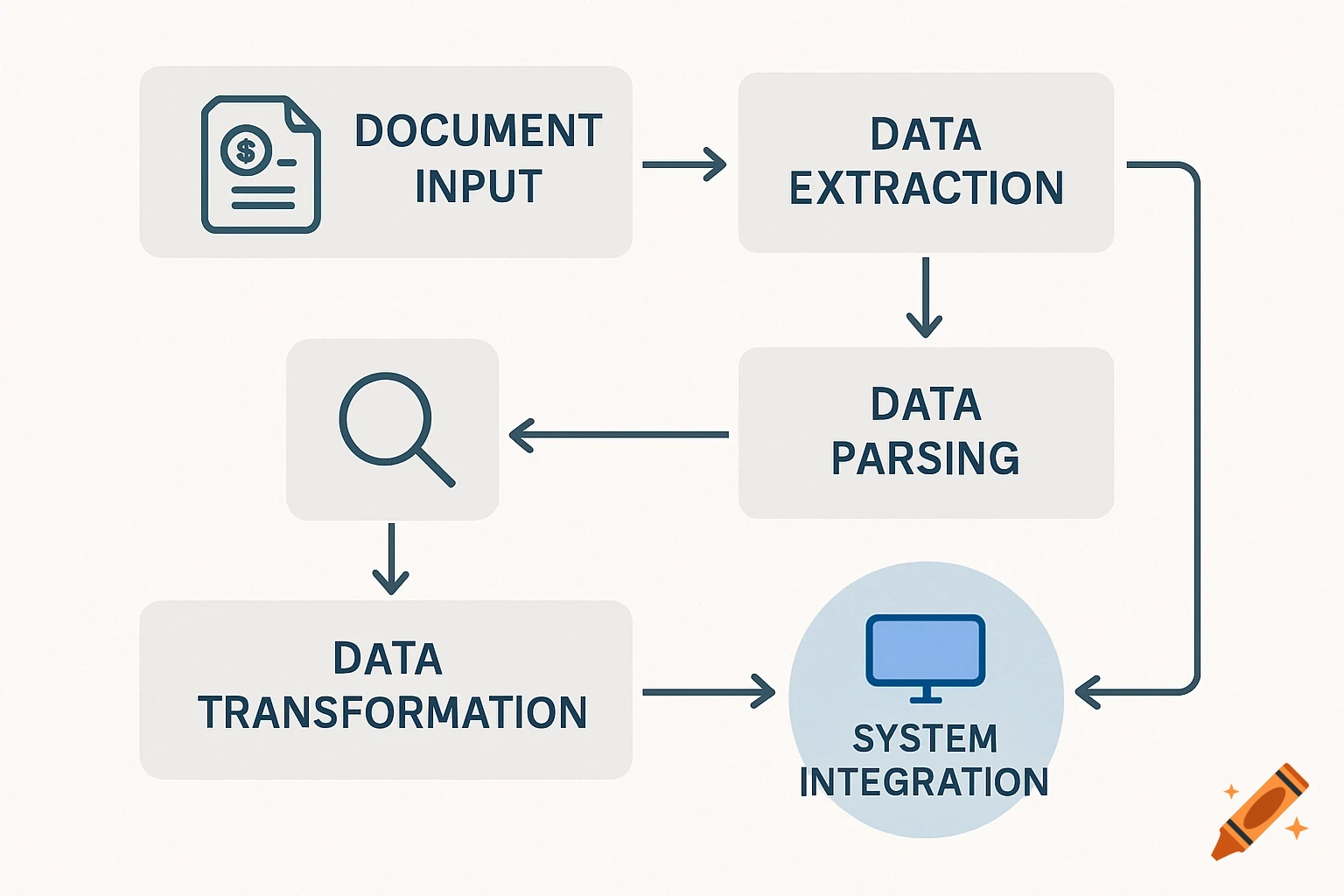
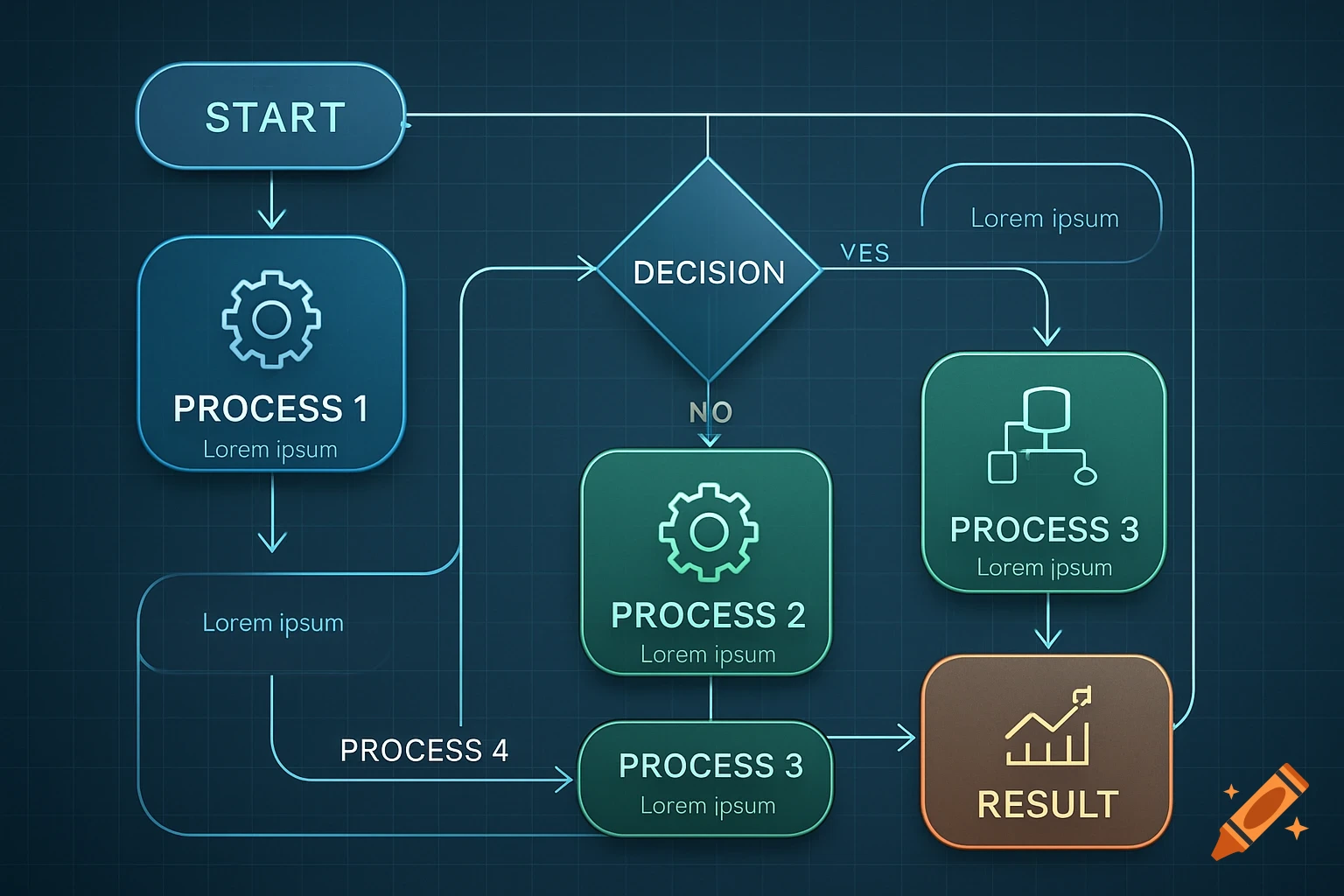
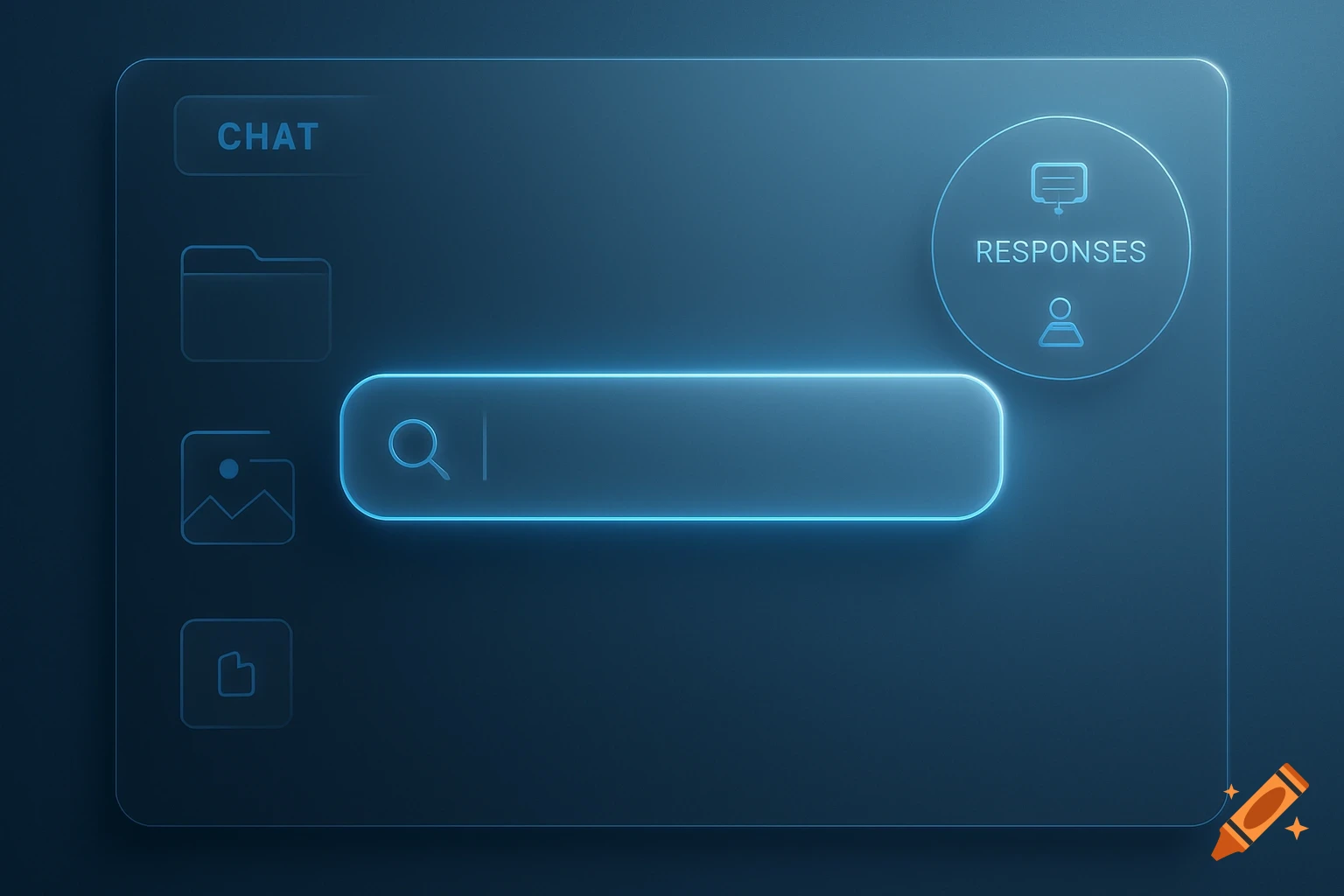
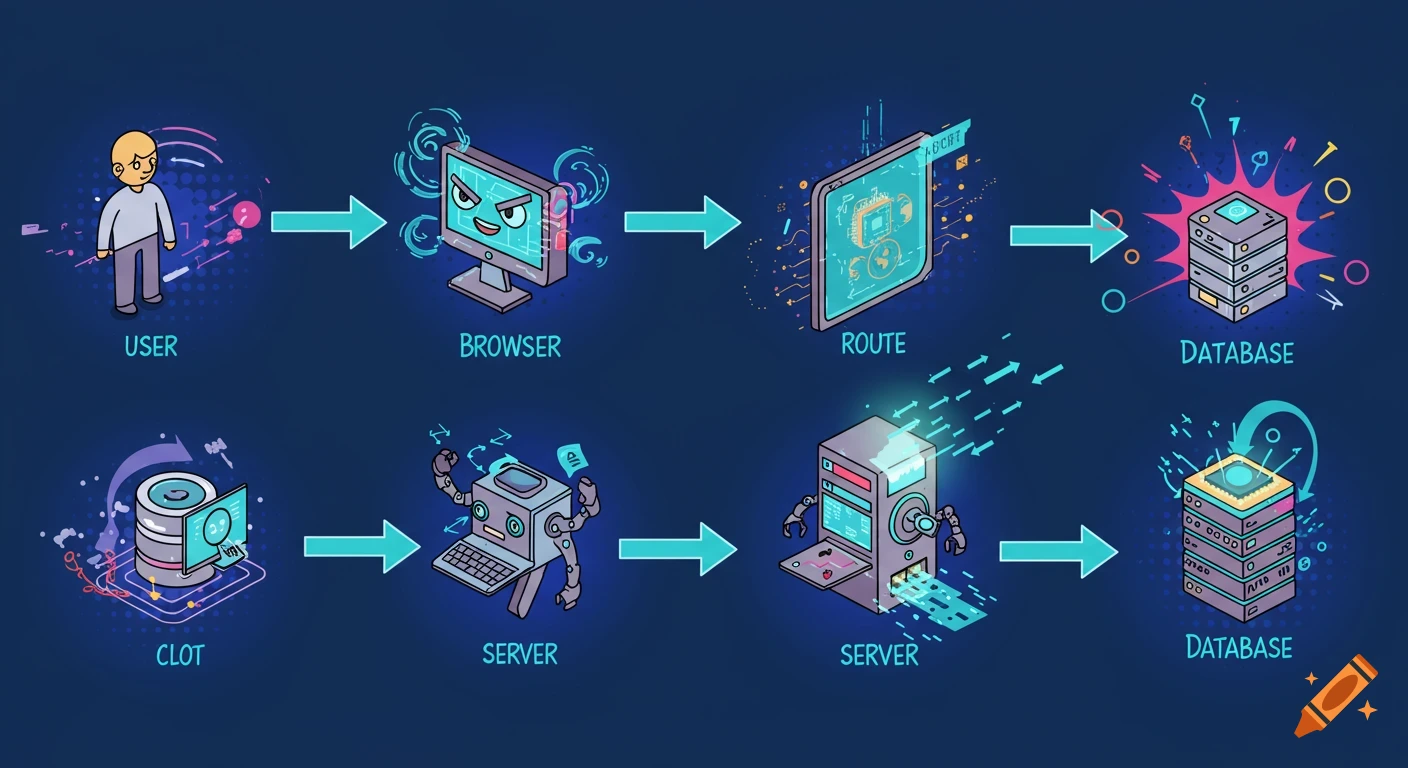
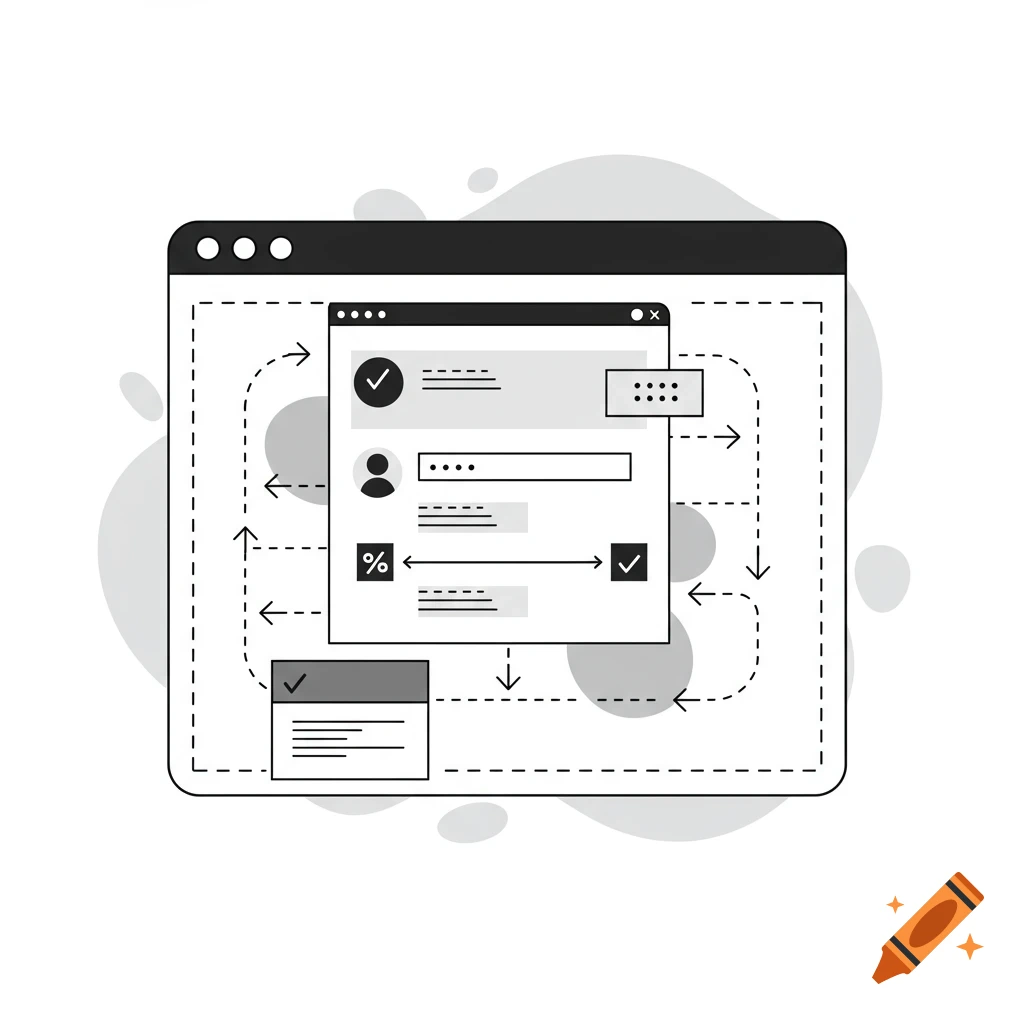
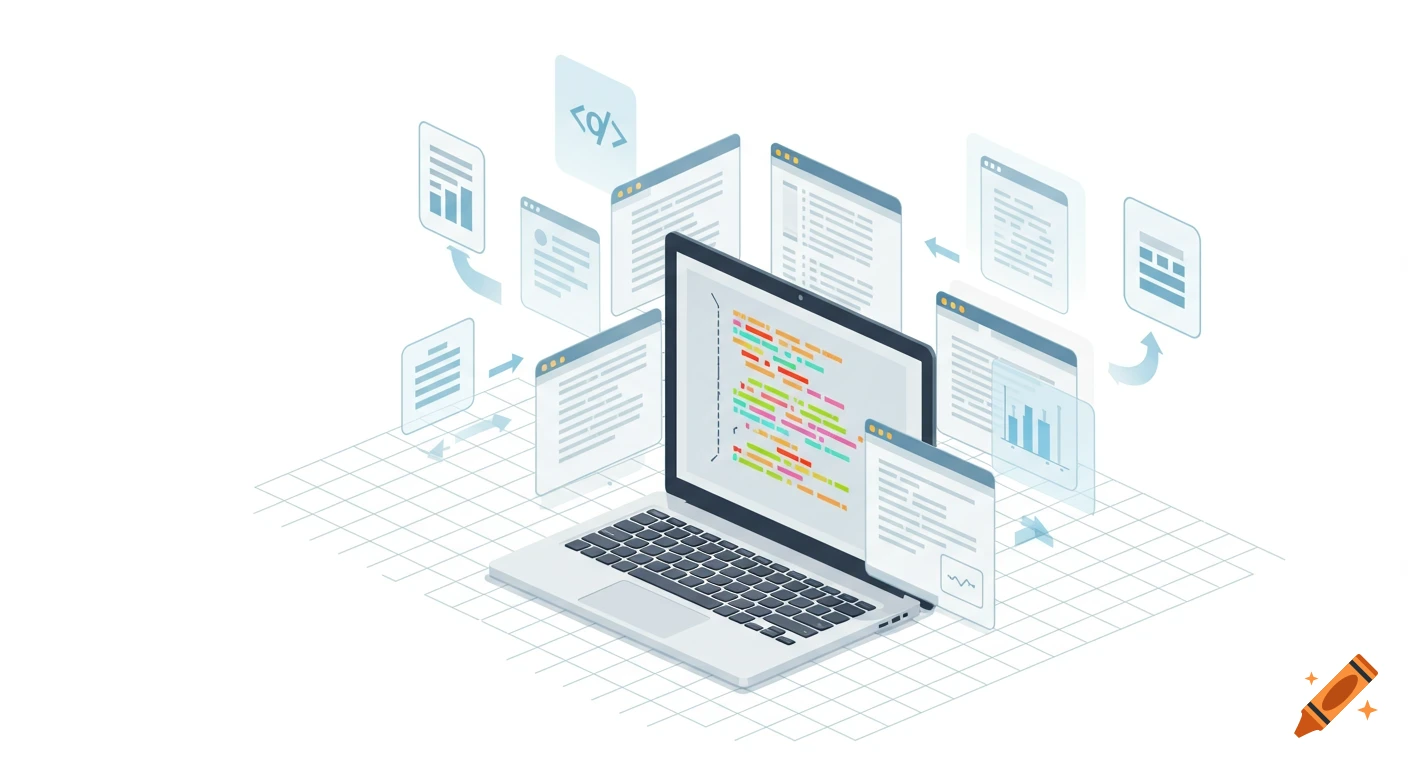
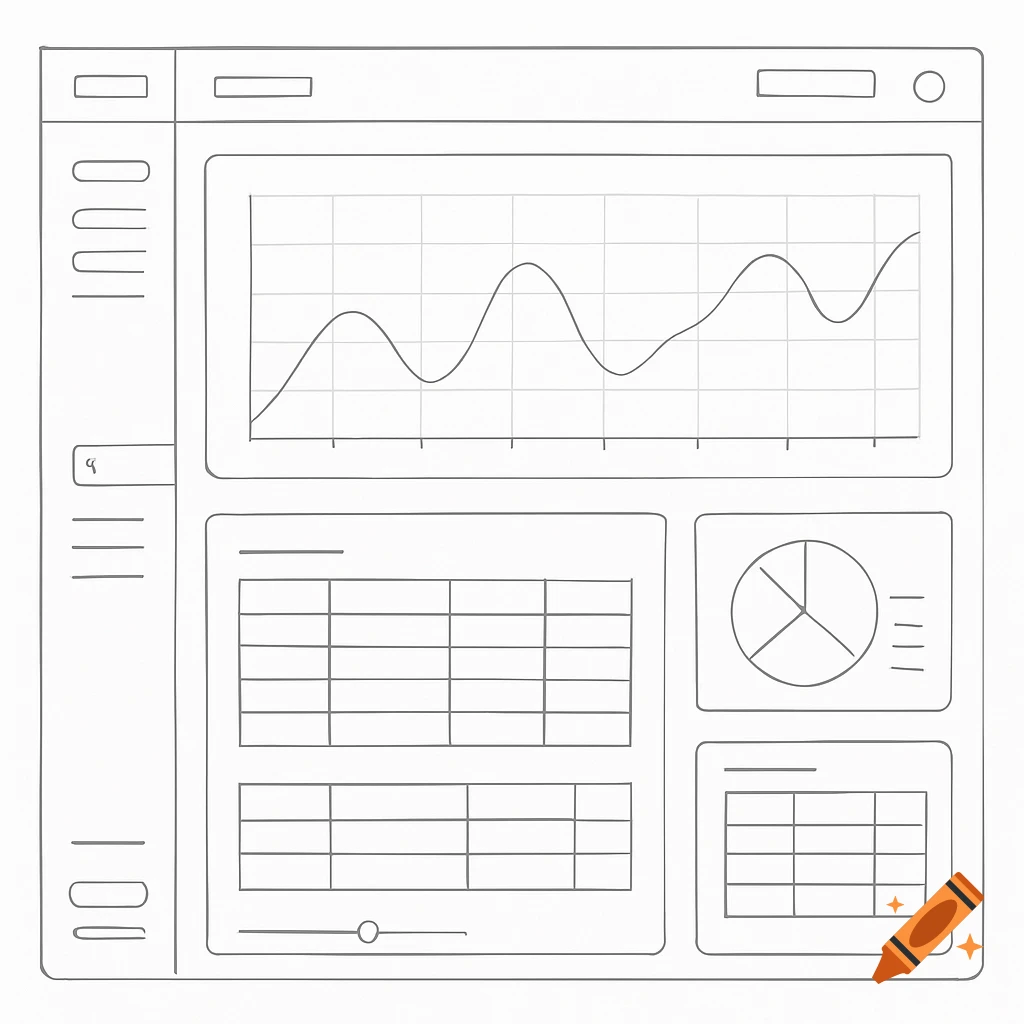
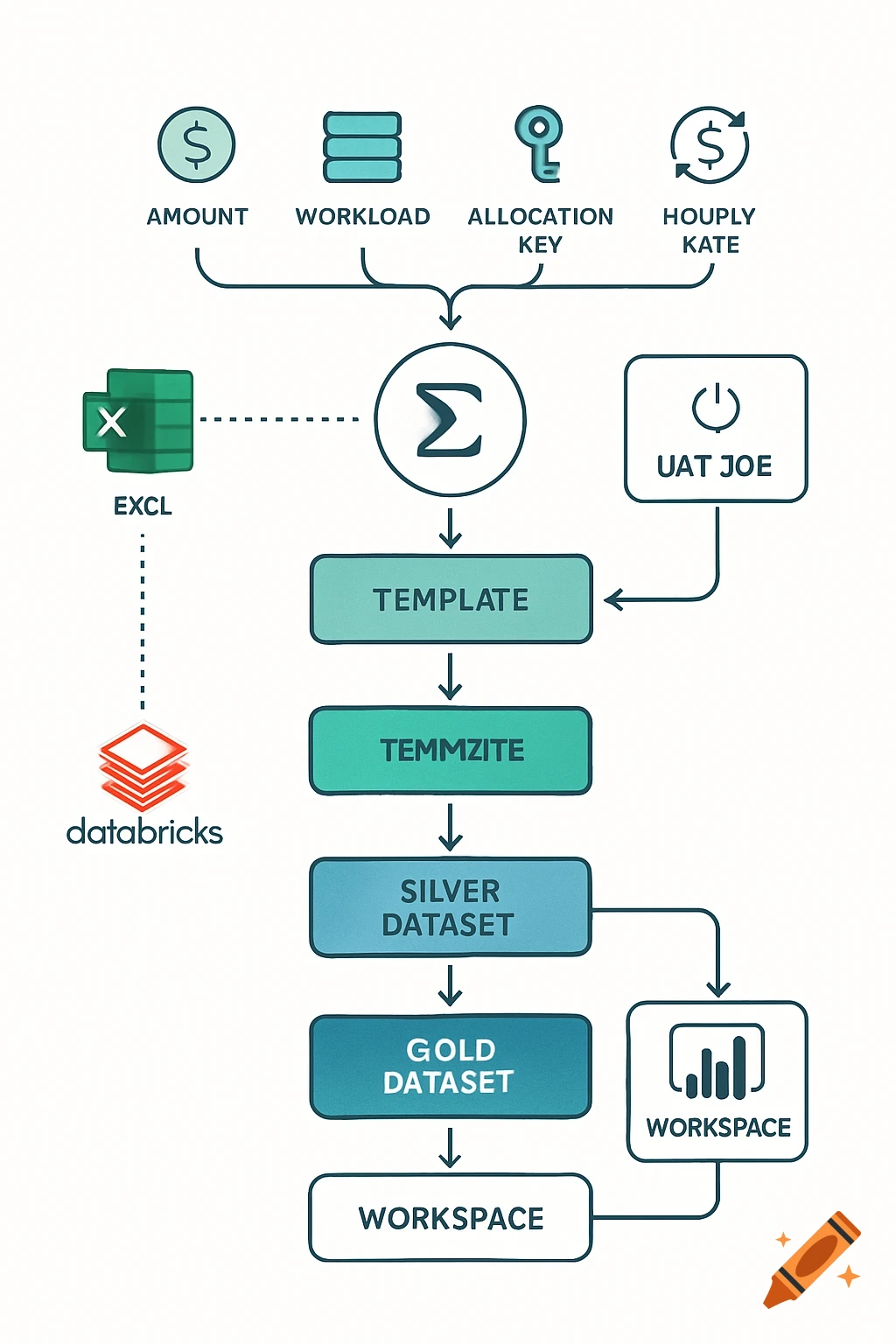
User journey flow diagram: search term entry, search results page, item details page with link validations.
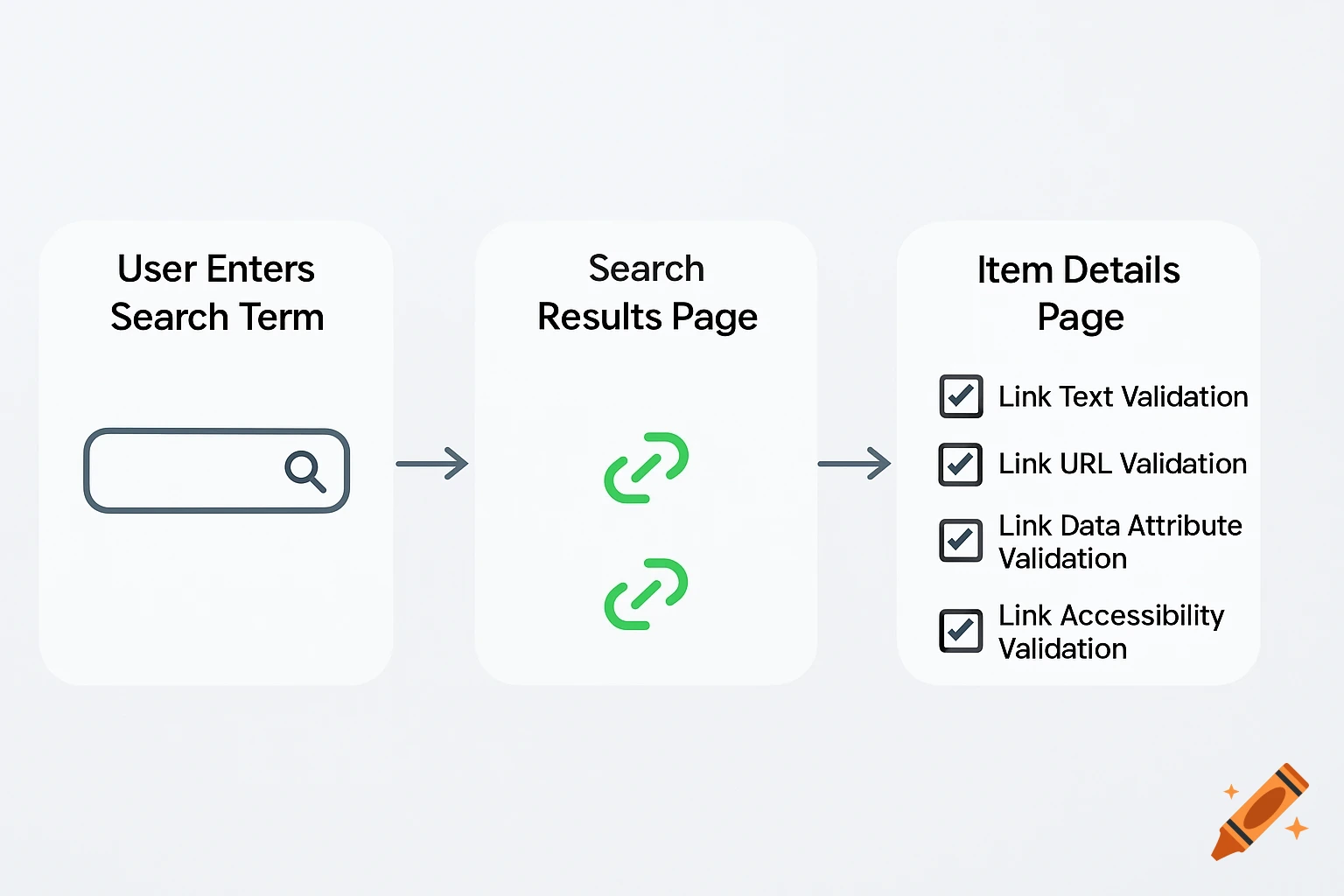
Visual: Simplified Test Flow for Key User Journey (Focus on Links) Flow: The diagram should represent a single, critical user journey within the web application. For a PI kickoff, you want to demonstrate value quickly. Choose a journey that highlights the core functionality and the importance of data integrity. For example: "User searches for a supply item, clicks on a search result link, and views the item details." Stages: Keep the stages high-level: User Interaction: (e.g., "User Enters Search Term") Search Results Page: (This is where the <a> elements are crucial) Item Details Page: Assertion Points (Crucial): Focus assertions specifically on the <a> elements and the data they convey. Examples: "Link Text Validation: Search result links display correct item names." "Link URL Validation: Links point to the correct item details page." "Link Data Attribute Validation: Links include necessary item IDs for tracking." (This assumes your links have data attributes, which is good practice) "Link Accessibility Validation: Links are properly formatted for screen readers." (Good to show you're thinking about inclusivity) Automation Indication: Small TestCafe icons next to each Assertion Point. This subtly communicates that these checks are automated. Visual Style: Clean and modern. Use a limited color palette. Avoid overly complex shapes or connectors. The goal is clarity, not artistic flair. See more