


Craiyon Tutorial: Master AI Image Generation
Welcome to the comprehensive guide for using Craiyon, your AI image generator. We will take you from basic prompts to advanced techniques, helping you create stunning images across various styles and use cases.
Looking for something specific? Jump directly to:
- 🎨 Logo Design - Create professional logos and branding
- 📸 Product Photography - E-commerce and product shots
- 🖼️ Digital Art - Fantasy, concept art, and illustrations
- 🎌 Anime & Manga - Japanese art style creations
- 🎉 Event Materials - Cards, posters, and invitations
- 📱 Social Media - Instagram, Twitter, and more
- 📚 Book & Novel Art - Covers and chapter illustrations
- 💿 Album & CD Covers - Music artwork and designs
- 👕 Merchandise Design - Wearable art and gifts
- 🎮 Gaming Art - Characters, items, and worlds
- 🏗️ Architecture & Interiors - Spaces and structures
- 🖌️ Image Editing - Modify your creations with text
Table of Contents
Quick Start
Core Features
- Mastering Prompts
- Styles and Formats
- Advanced Features
- Image Editing with Retouch
- Background Remover
Use Cases & Examples
Resources
Getting Started with Craiyon
Your First Image
Let's start with a simple example. A common first prompt might be:
Basic Prompt: "a woman walking in a park"
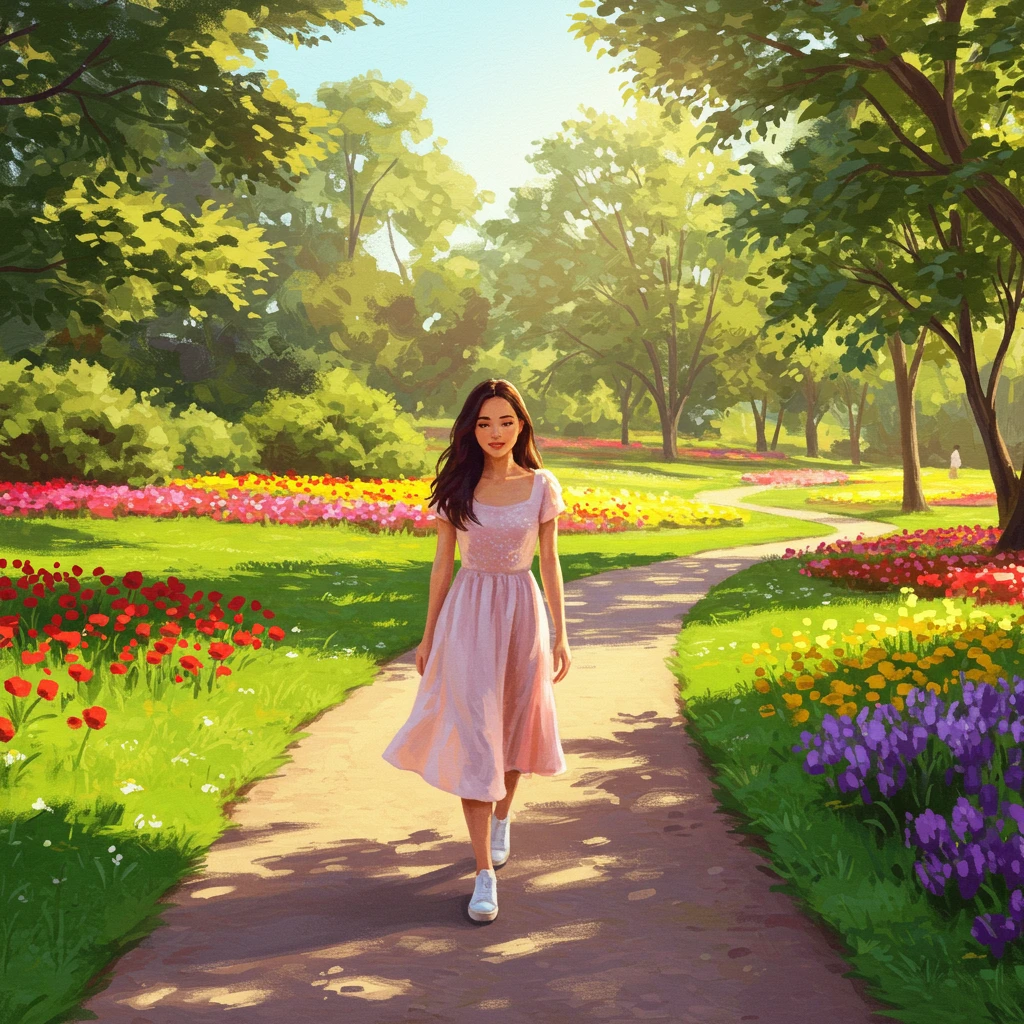
This gives us a decent image, but we can make it much better by adding details.
Improving Your Prompts
Enhanced Prompt: "a young woman with long brown hair walking through a sunlit park, wearing a blue summer dress, trees in the background, golden hour lighting, professional photography"
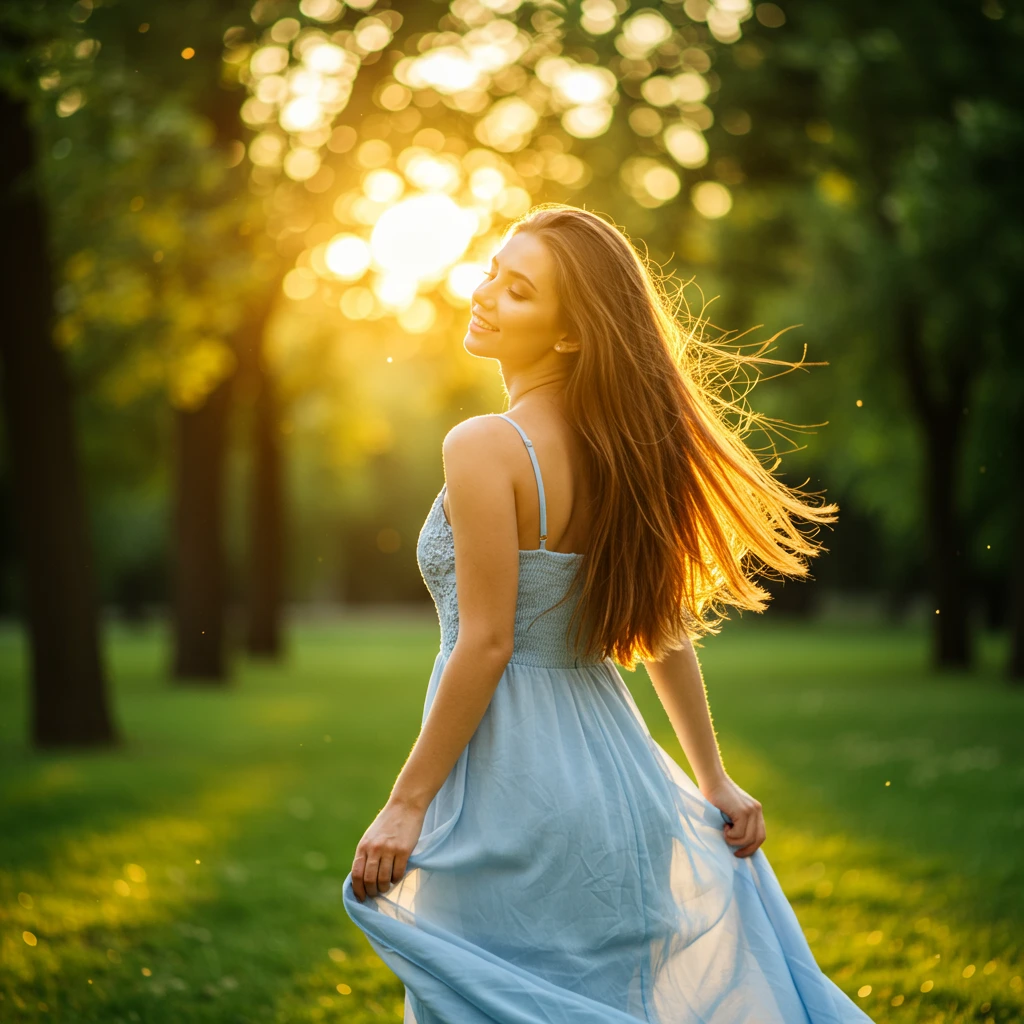
Notice how the additional details about:
- Physical appearance
- Clothing
- Environment
- Lighting
- Style
...all contribute to a more specific and higher quality result.
The Craiyon Interface
Core Components
1. Prompt Box
This is where you enter your text description. You can write in any language, not just English!
2. Quality Selection
- Base Quality: Free, unlimited images
- Pro Quality: 1 credit per image, requires subscription, higher quality
3. Style Selection
Choose from Auto, Photo, Illustration, Vector, or Raw to guide the artistic direction.
4. Aspect Ratio
- Square: Default, available for all users
- Portrait: Taller format (requires subscription)
- Landscape: Wider format (requires subscription)
5. Excluded Section
Add words or phrases you DON'T want in your image. For example:
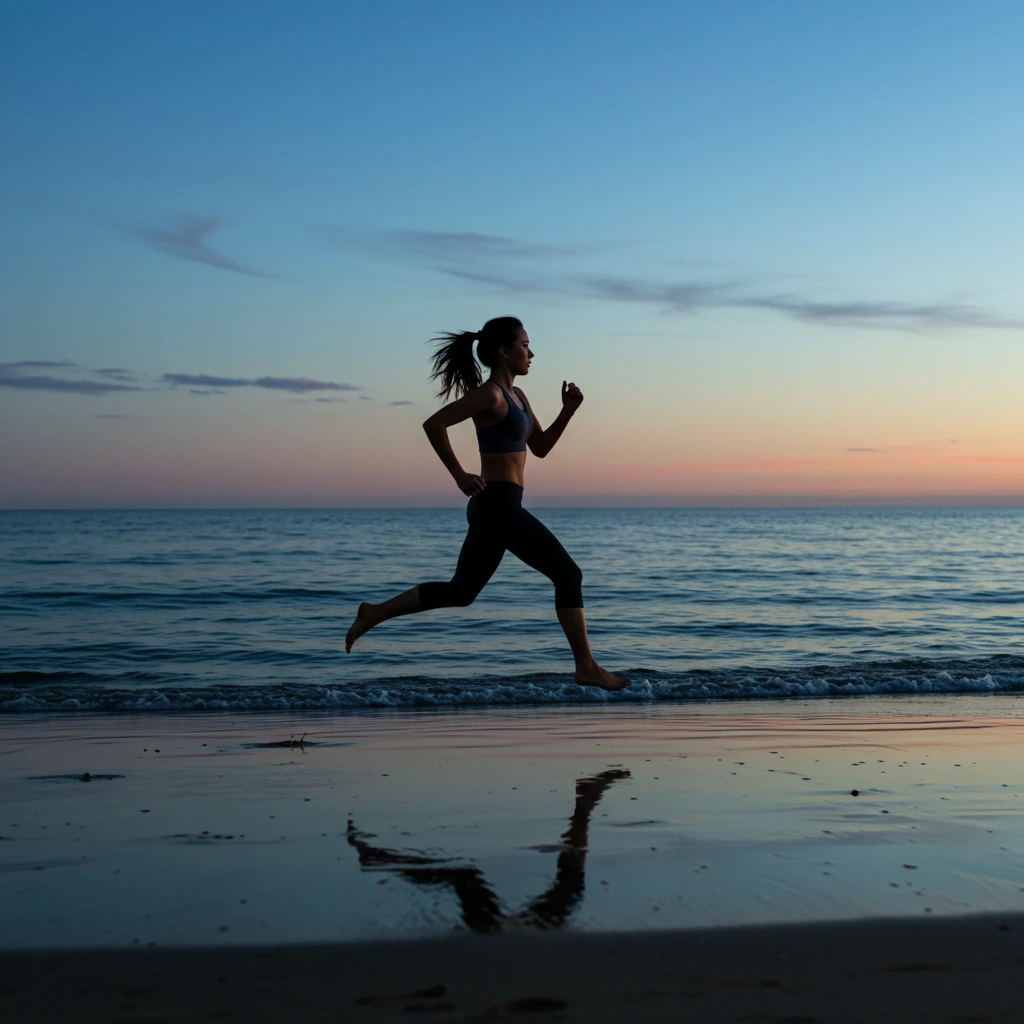
Prompt: "a woman running on the beach at sunset"
Excluded: "sun, orange sky"
This gives you a beach scene without the typical sunset elements.
6. Number of Images
- 1 image: Great for testing and saving Pro credits
- 2 images: Default for Base quality, gives you variations
7. Like Button (❤️)
Save your favorite images to your collection (requires login)
8. Recent History
View your generation history (logged-in users only)
9. Image Actions
Click any generated image to:
- Download
- Remove background
- Order as merchandise (t-shirts, mugs, etc.)
- Share with others
- View similar images
Mastering Prompts
Prompt Structure
A great prompt typically includes:
- Subject: What/who is the main focus
- Action/Pose: What they're doing
- Environment: Where they are
- Style: Artistic direction
- Mood/Lighting: Atmosphere
- Technical details: Camera angle, quality markers
Examples of Progressive Improvement
Level 1: "a cat"
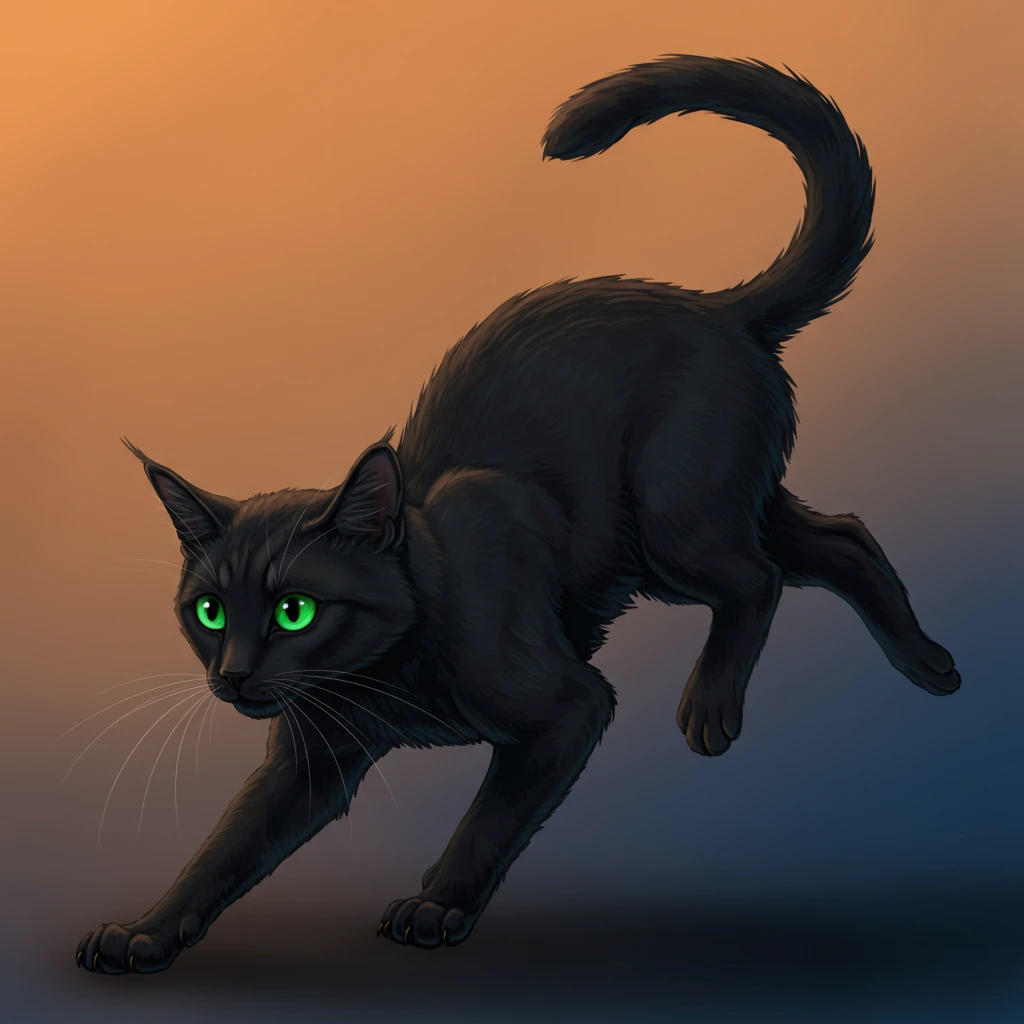
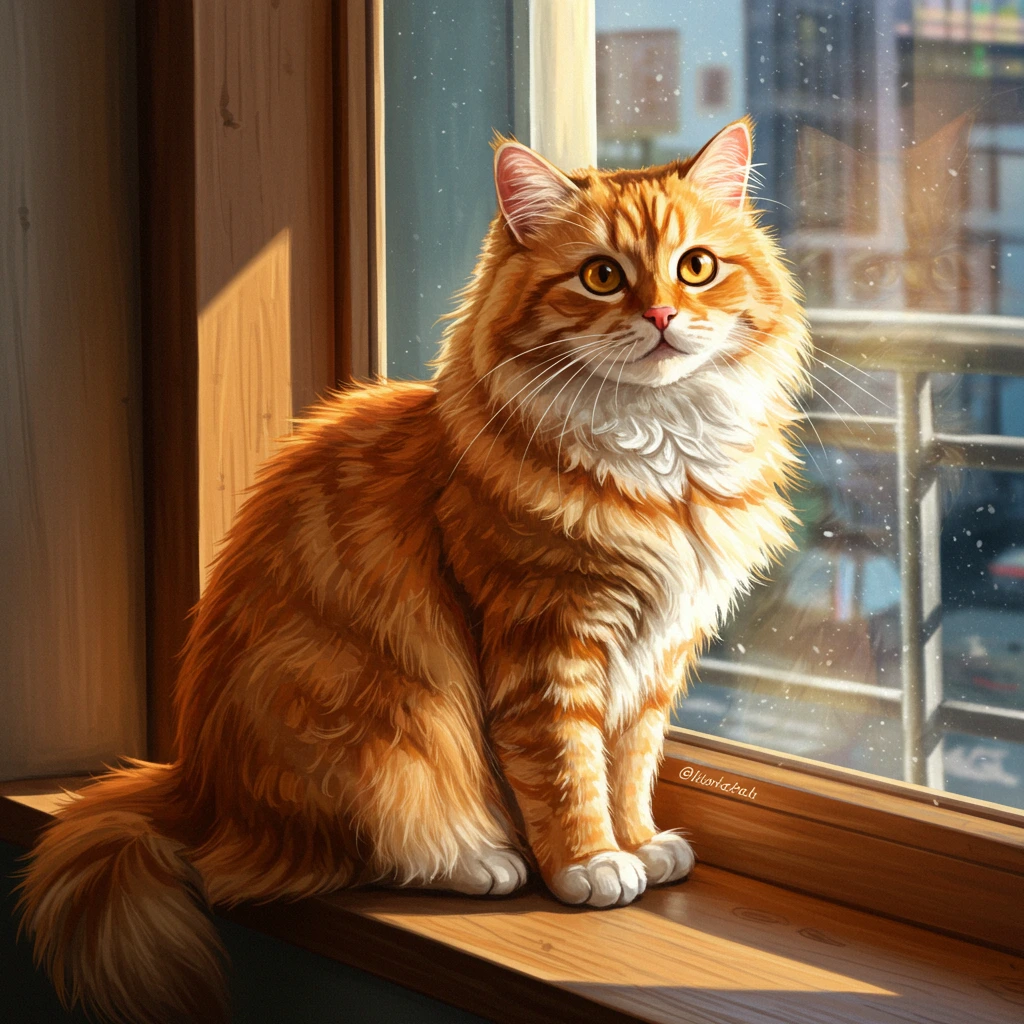
Level 2: "a fluffy orange cat sitting on a windowsill"
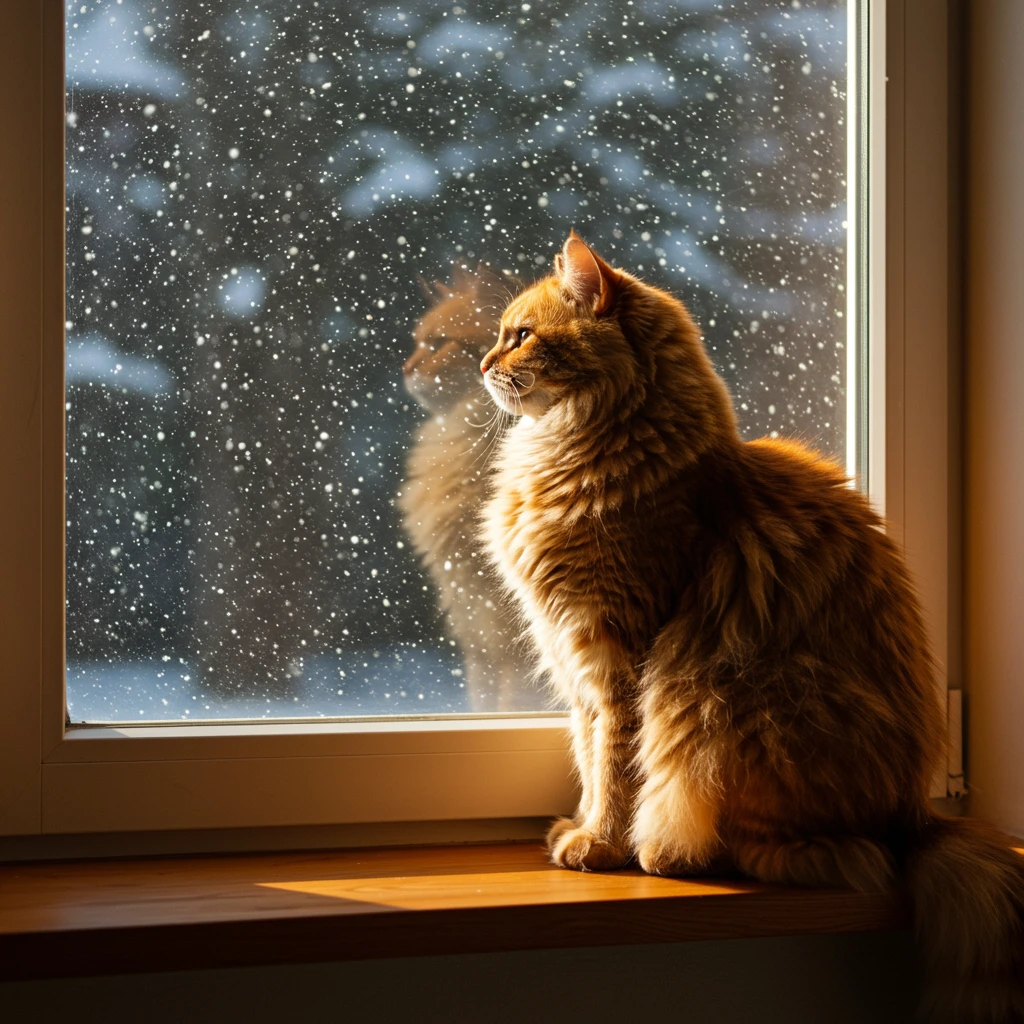
Level 3: "a fluffy orange tabby cat sitting on a wooden windowsill, looking outside at falling snow, cozy indoor lighting, warm atmosphere, photorealistic"
Styles and Formats
Style Options
Craiyon offers five distinct style modes:
1. Auto
Let AI choose the best style based on your prompt. Great for beginners!
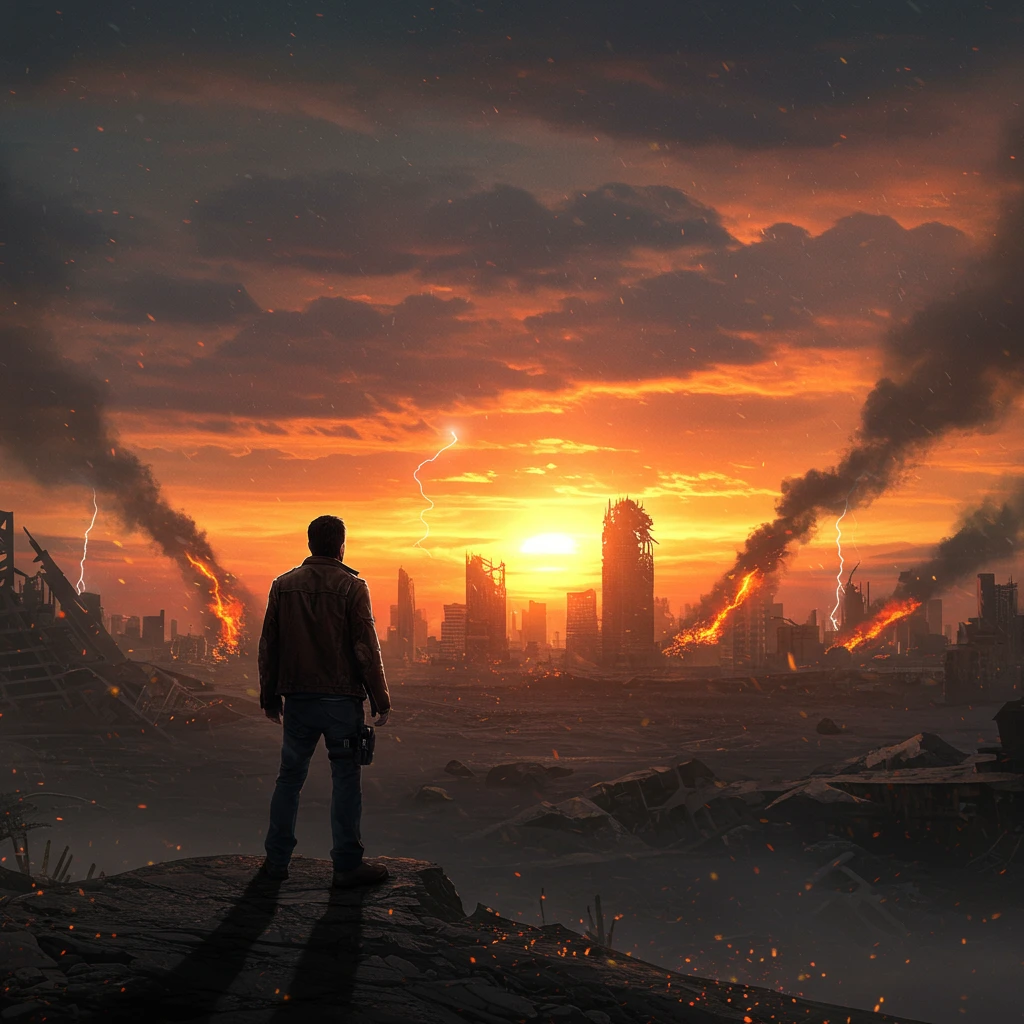
Example Prompt: "a man facing the end of the world"
2. Photo
Realistic, photographic images. Perfect for:
- Portraits
- Landscapes
- Product mockups
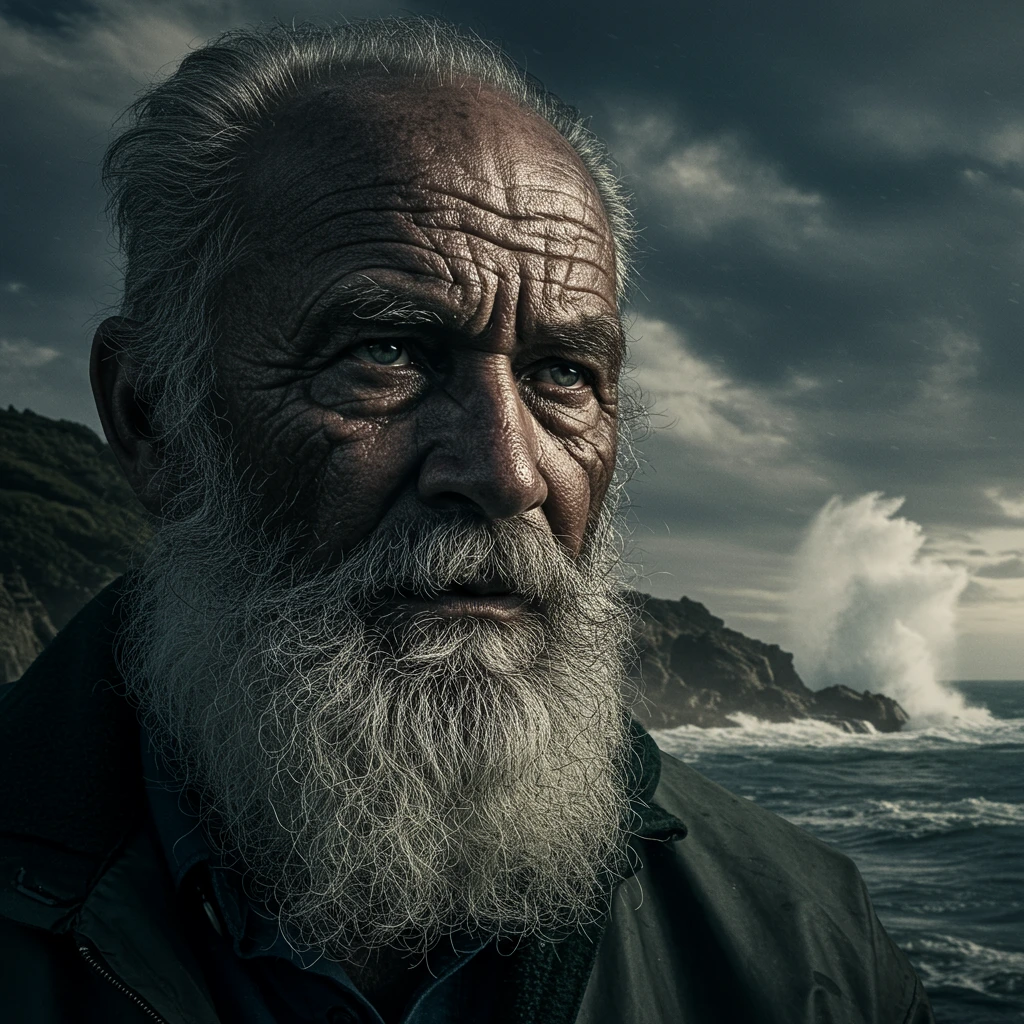
Example Prompt: "elderly fisherman with weathered face, salt and pepper beard, stormy ocean background, dramatic natural lighting, cinematic portrait photography"
3. Illustration
Artistic, drawn style. Ideal for:
- Children's book illustrations
- Concept art
- Stylized portraits
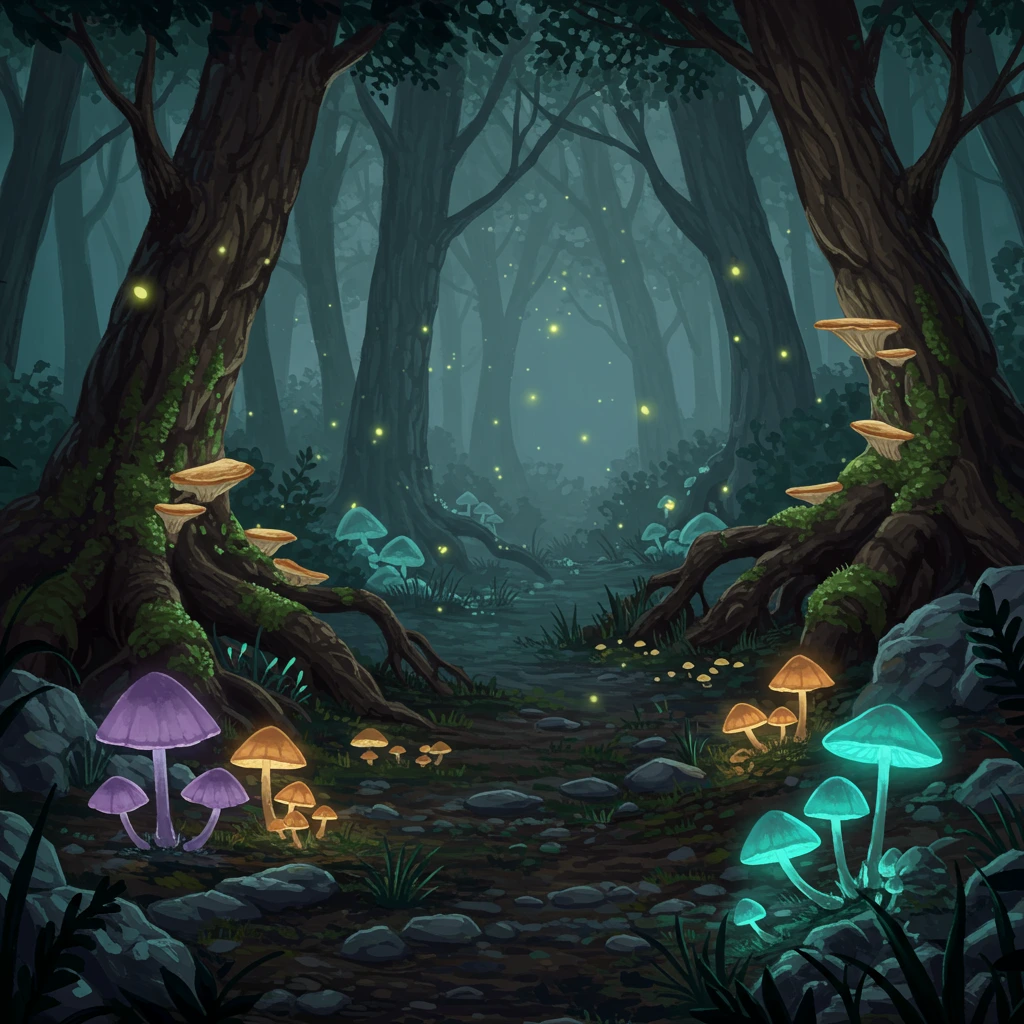
Example Prompt: "whimsical illustration of a magical forest with glowing mushrooms, fairy tale style"
4. Vector
Clean, scalable graphics. Best for:
- Logos (Pro subscription required for text)
- Icons
- Simple designs
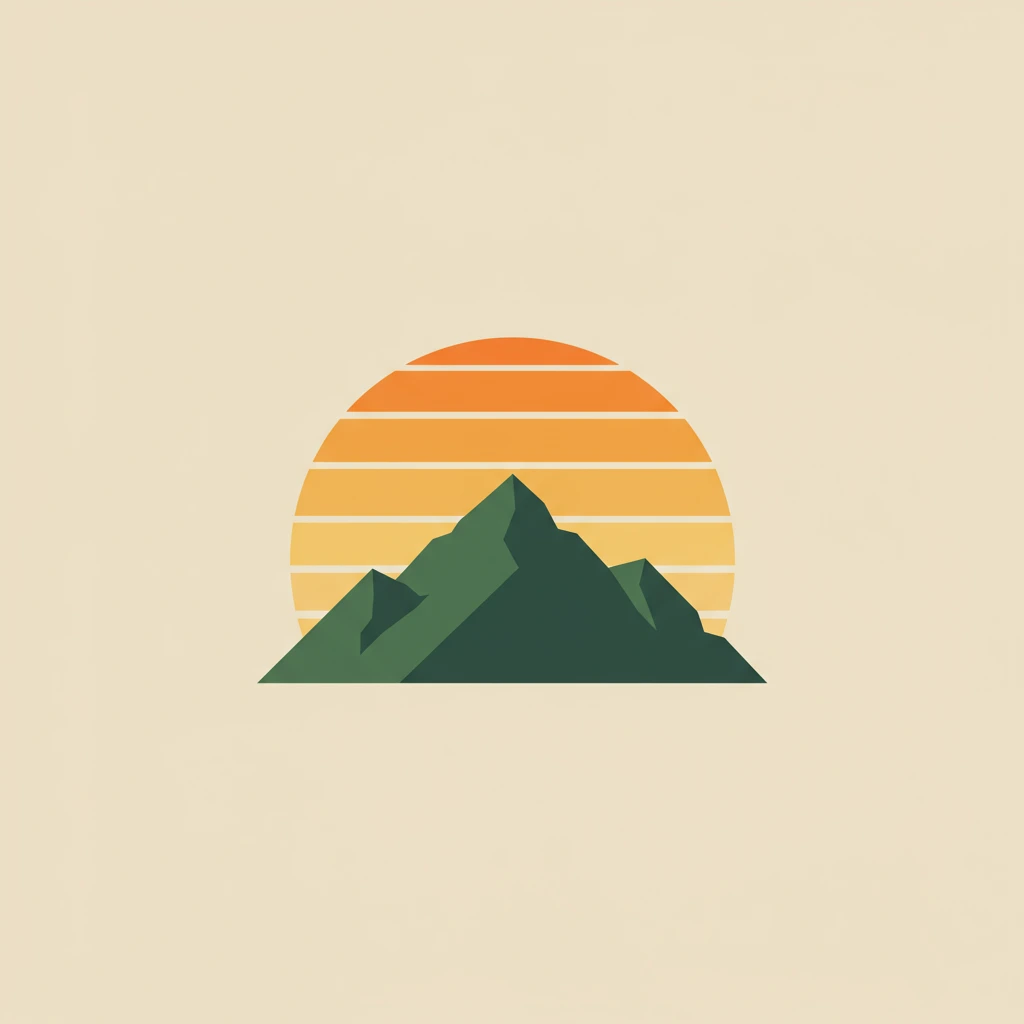
Example Prompt: "minimalist vector logo of a mountain with sunrise, flat design"
5. Raw
The ultimate control mode for experienced users. Raw style removes Craiyon's automatic style enhancements, giving you complete creative control over the final image. This is where you become the art director.
What Makes Raw Different:
- No automatic style filters or enhancements
- Direct interpretation of your prompt
- Full control over artistic direction
- Perfect for specific artistic visions
When to Use Raw:
- You have a specific artistic style in mind
- You want to mix multiple artistic influences
- You need precise control over the aesthetic
- You're creating something unique that doesn't fit other categories
Mastering Raw Mode:
Since Raw doesn't apply any automatic styling, you need to be very specific about what you want:
Specify the Medium:
- "oil painting on canvas"
- "watercolor illustration"
- "digital 3D render"
- "pencil sketch"
Define the Style:
- "photorealistic"
- "abstract expressionism"
- "art nouveau"
- "brutalist architecture"
Reference Artists or Movements:
- "in the style of Studio Ghibli"
- "Bauhaus design principles"
- "cyberpunk aesthetic"
- "Victorian Gothic atmosphere"
Control Technical Aspects:
- "shallow depth of field"
- "high contrast black and white"
- "soft pastel colors"
- "dramatic chiaroscuro lighting"
Example Raw Prompts:
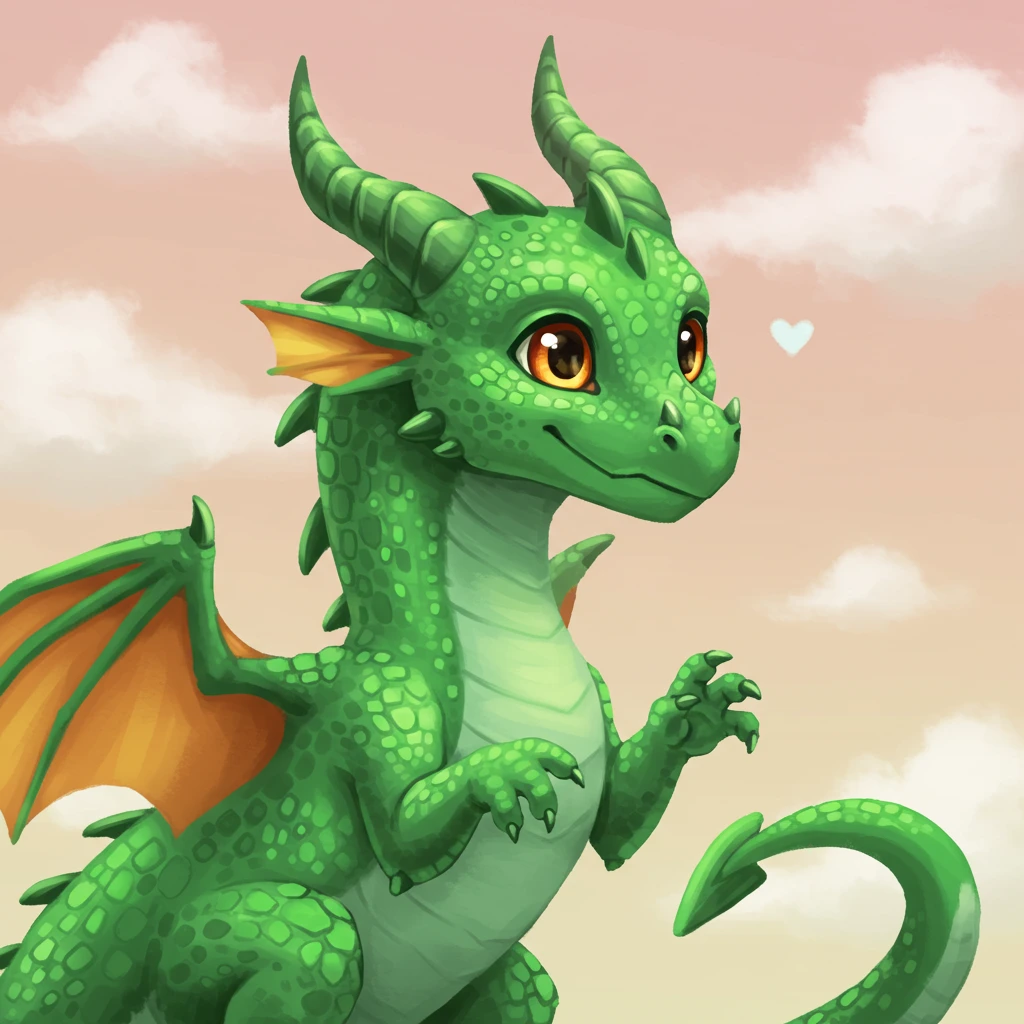
Basic (Other Styles): "a dragon"
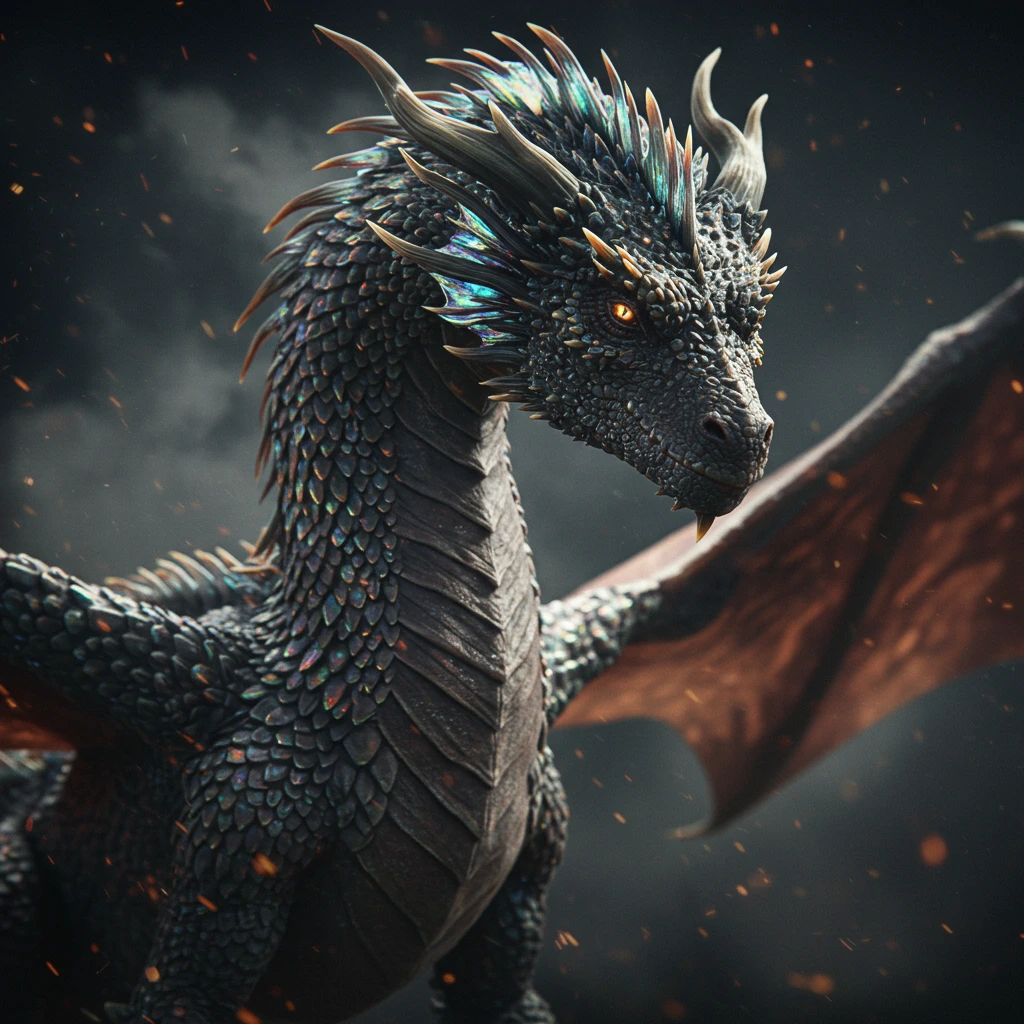
Raw Mode - Hyperrealistic: "hyperrealistic dragon, scales with iridescent sheen, cinematic lighting, 8K detail, photographic quality, shallow depth of field, dark moody background"
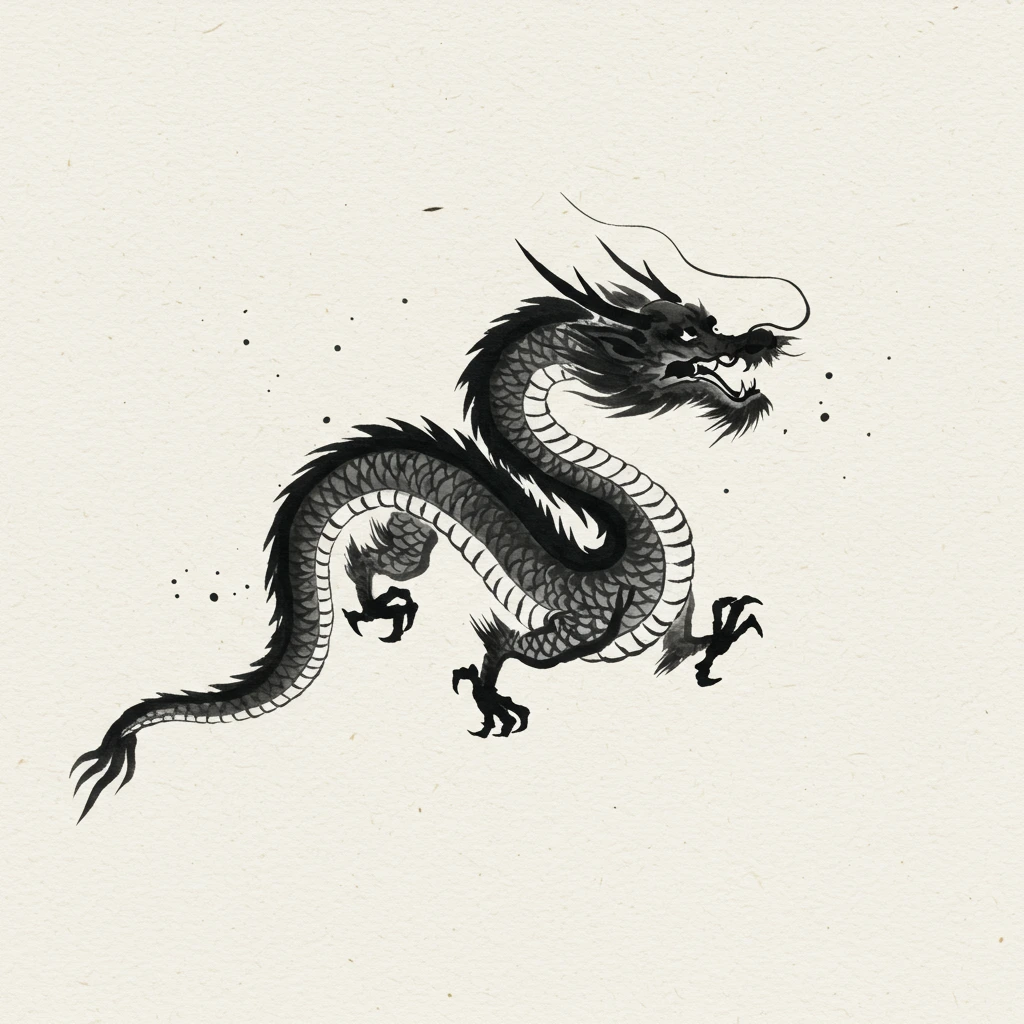
Raw Mode - Artistic: "dragon in traditional Japanese ink painting style, minimalist brush strokes, negative space, washi paper texture, sumi-e technique"
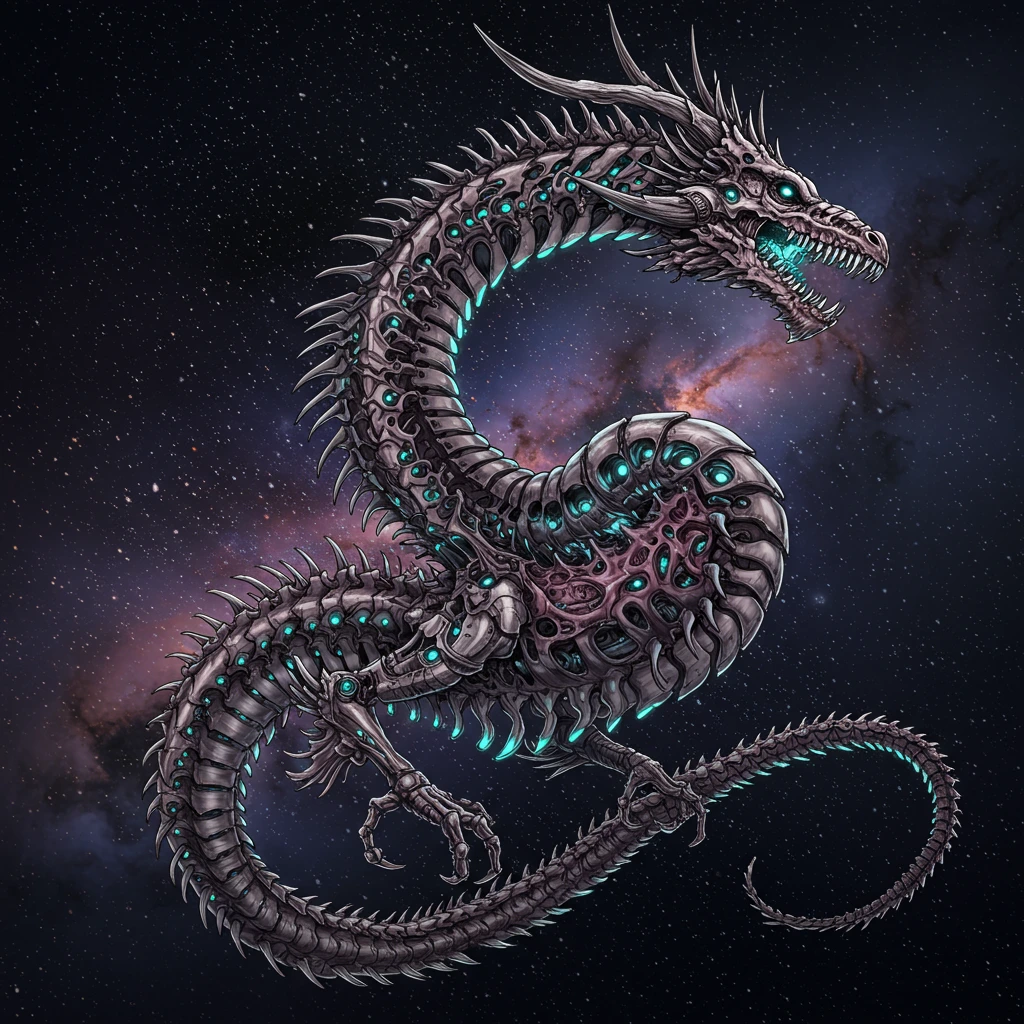
Raw Mode - Mixed Styles: "biomechanical dragon, H.R. Giger meets Studio Ghibli, organic machinery, bioluminescent details, ethereal atmosphere, intricate line work"
Aspect Ratios
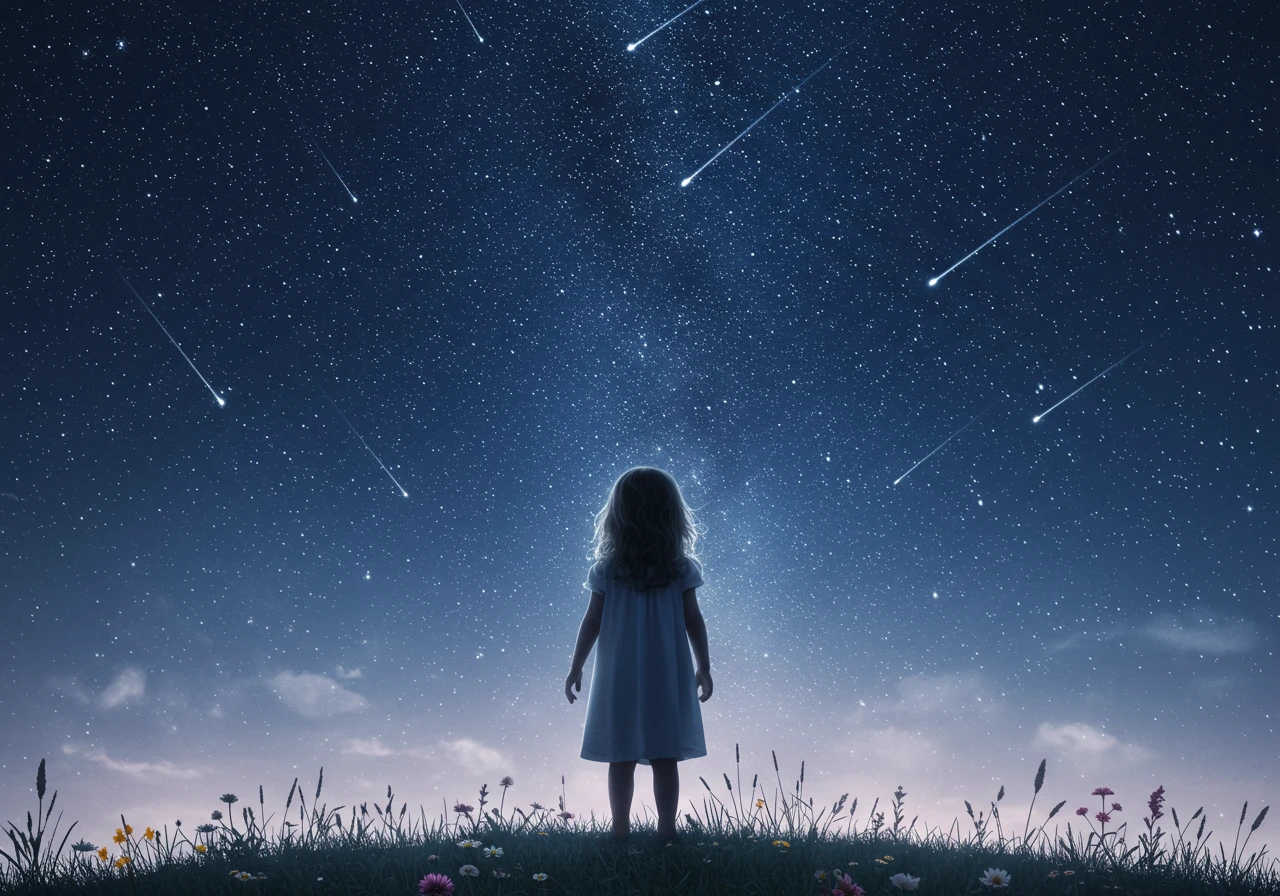
Choose the right format for your composition. Here's the same prompt in different aspect ratios:
Prompt: "a little girl watching the stars outside"
- Square: Default, free for all users
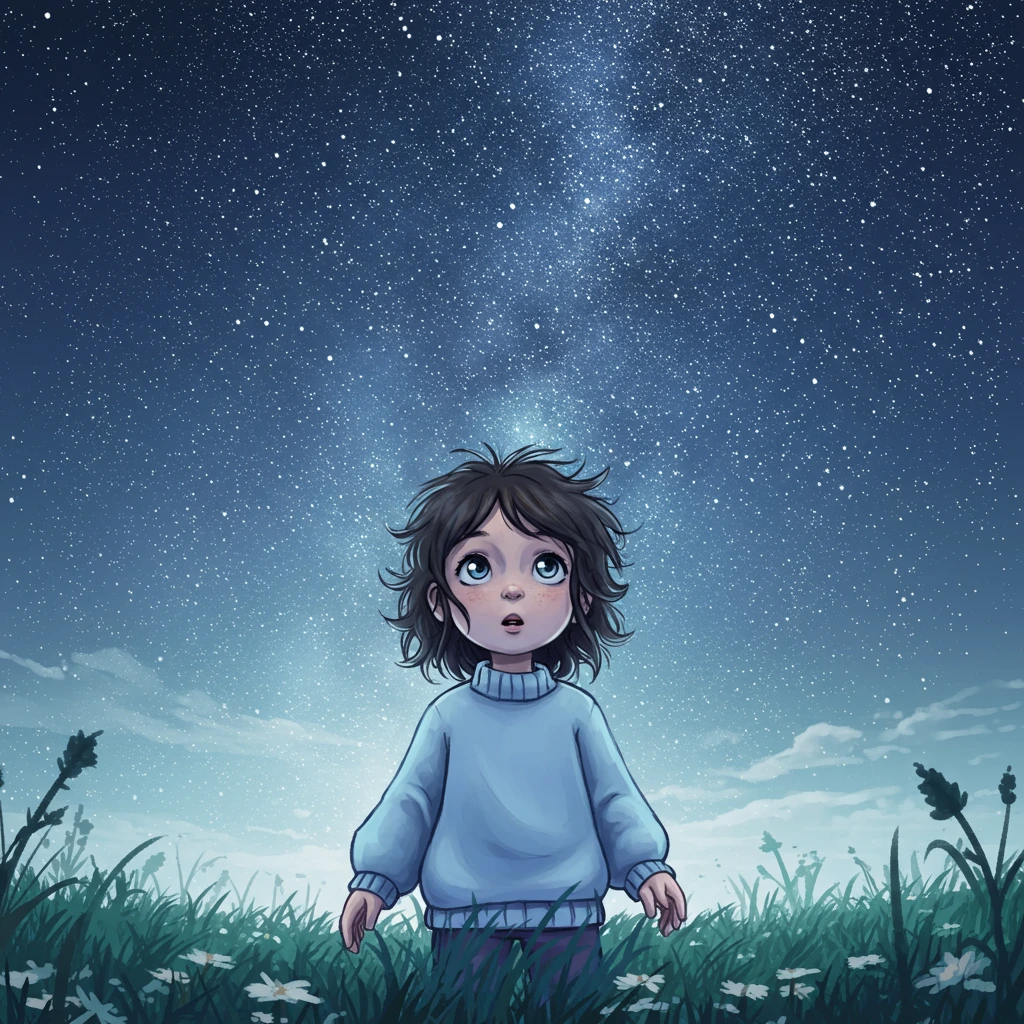
- Portrait: Taller images (requires subscription) - Perfect for character focus
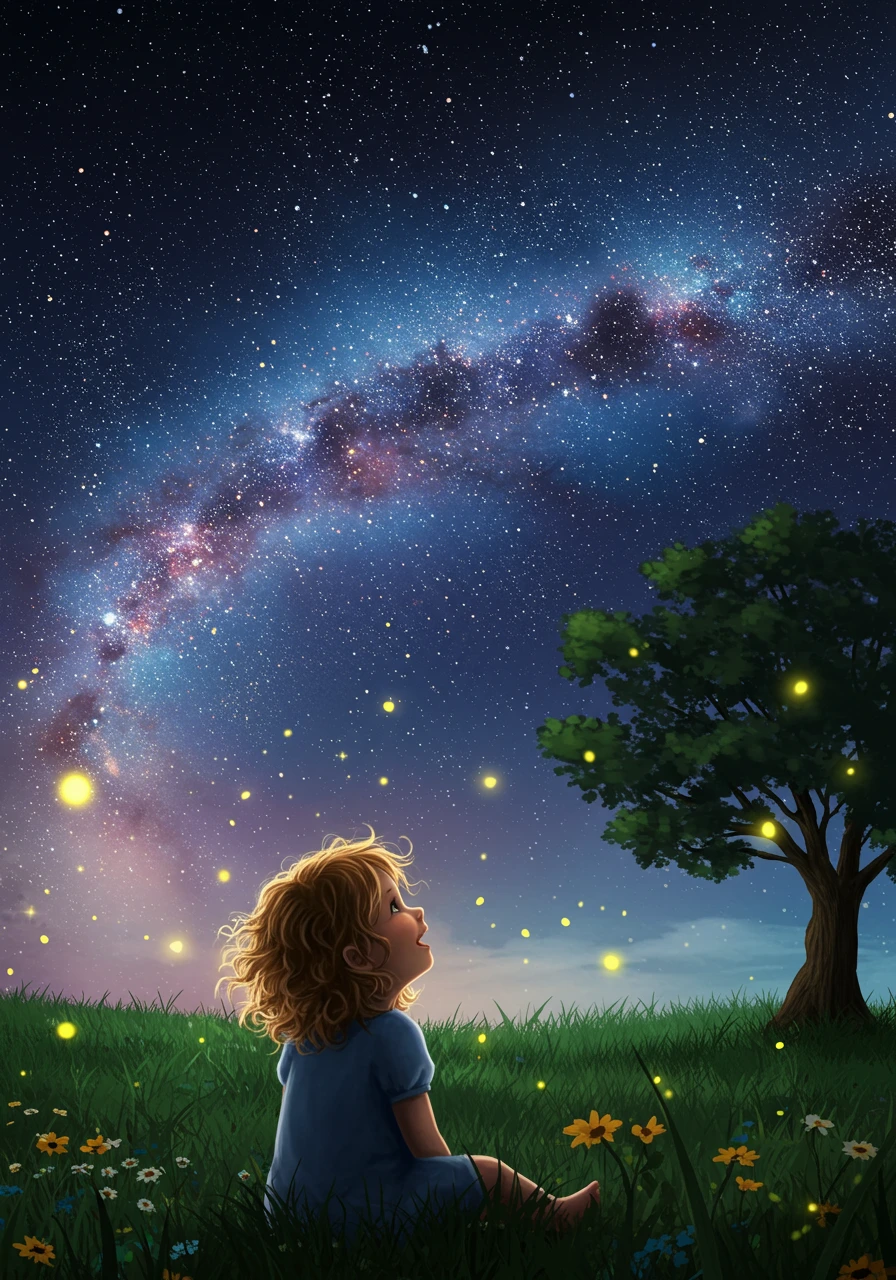
- Landscape: Wider images (requires subscription) - Ideal for expansive scenes
Advanced Features
Using the Excluded Section Effectively
The Excluded section is powerful for fine-tuning results:
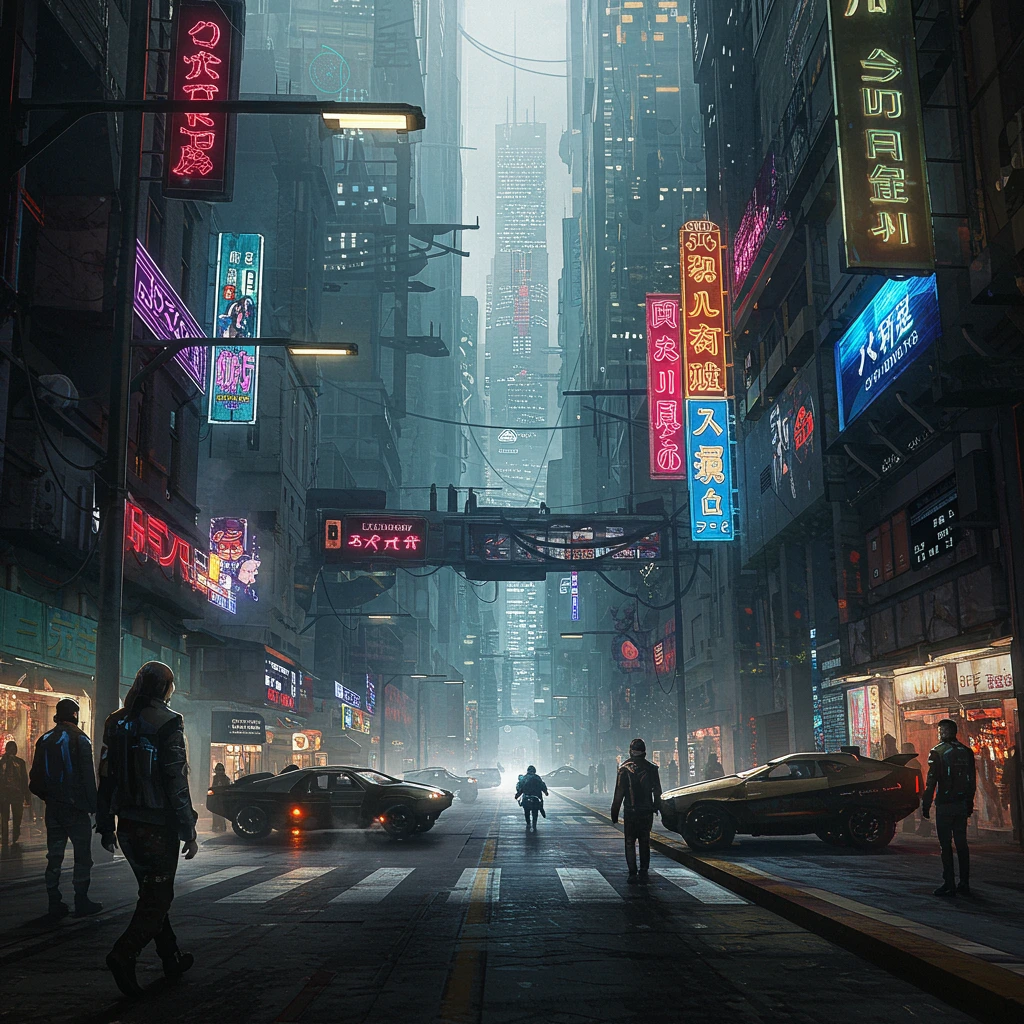
Scenario 1: Avoiding Clichés
- Prompt: "cyberpunk city street"
- Excluded: "neon, rain, purple, pink"
- Result: A cyberpunk scene without typical neon-rain aesthetics
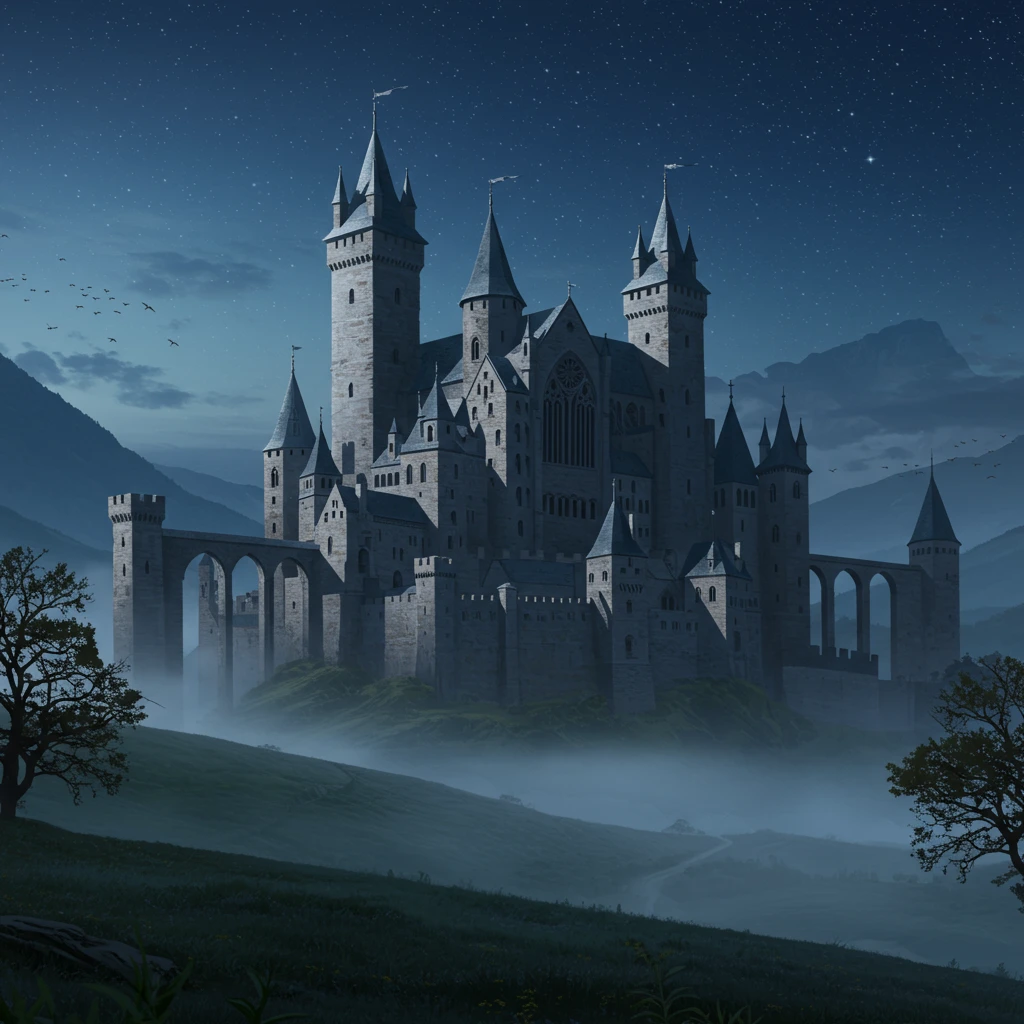
Scenario 2: Controlling Details
- Prompt: "medieval castle"
- Excluded: "people, knights, flags"
- Result: An empty, atmospheric castle
Text in Images (Pro Feature)
Pro subscribers can generate images with text:
Example: "vintage coffee shop sign saying 'The Daily Grind', weathered wood, hand-painted letters"
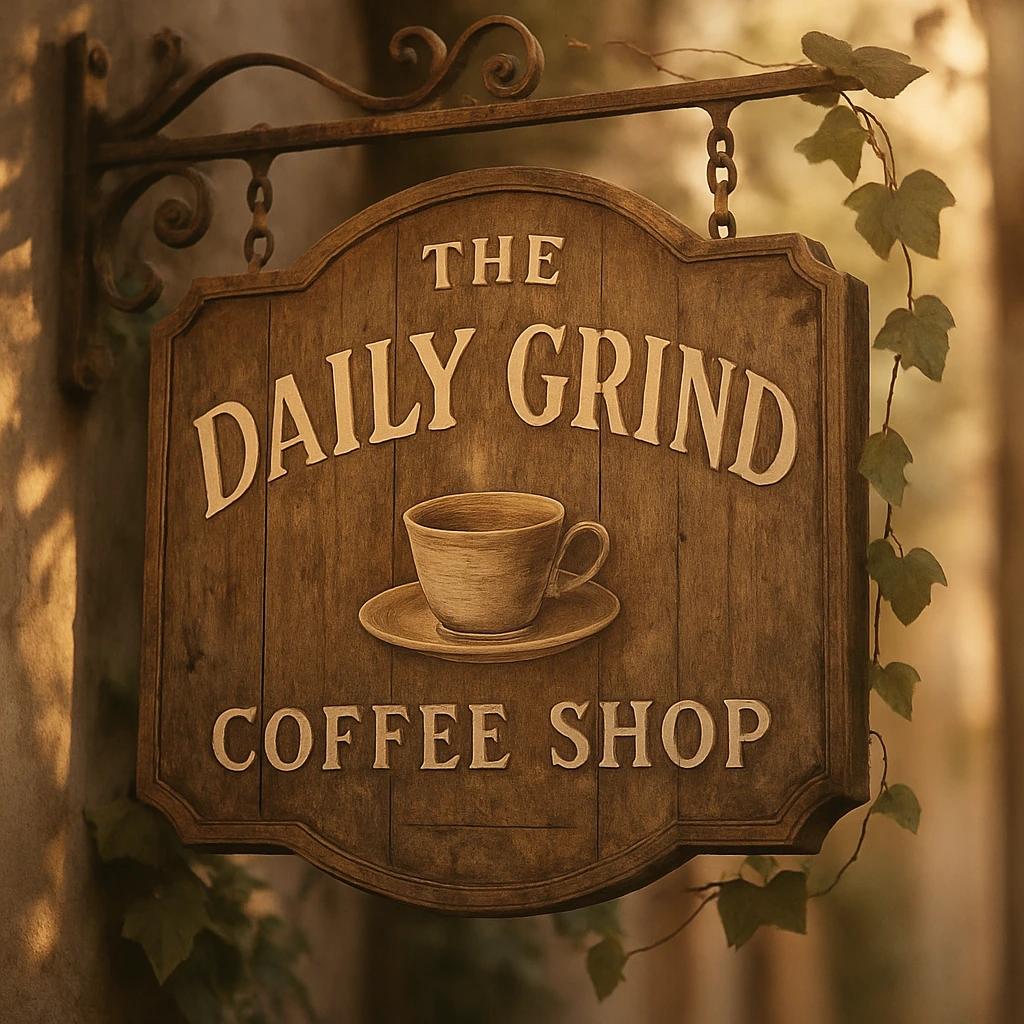
Image Editing with Retouch (Pro Feature)
The Retouch feature unlocks powerful image editing capabilities using simple text commands. Instead of starting from scratch, you can now modify, enhance, and completely transform your existing images.
How to Use Retouch
- Generate an image you like.
- Click on the image to open the details view.
- Find the Retouch input field below the image.
- Type a command describing the change you want to make.
- Click the "Retouch" button and watch the magic happen!
What Can You Do with Retouch?
Retouch is incredibly versatile. Here are some examples of what you can achieve:
- Edit Objects or People: "change the man's shirt to red"
- Change the Style: "make it a watercolor painting"
- Adjust the Format: "change to landscape format"
- Add or Edit Text: "add the text 'Welcome Home'"
- Remove Objects: "remove the car from the background"
- Change the Scenery: "make it nighttime with a full moon"
- Relocate the Subject: "the character is now on a beach in Hawaii"
Retouch Examples
Let's start with this watercolor image of a fox and see how we can transform it.
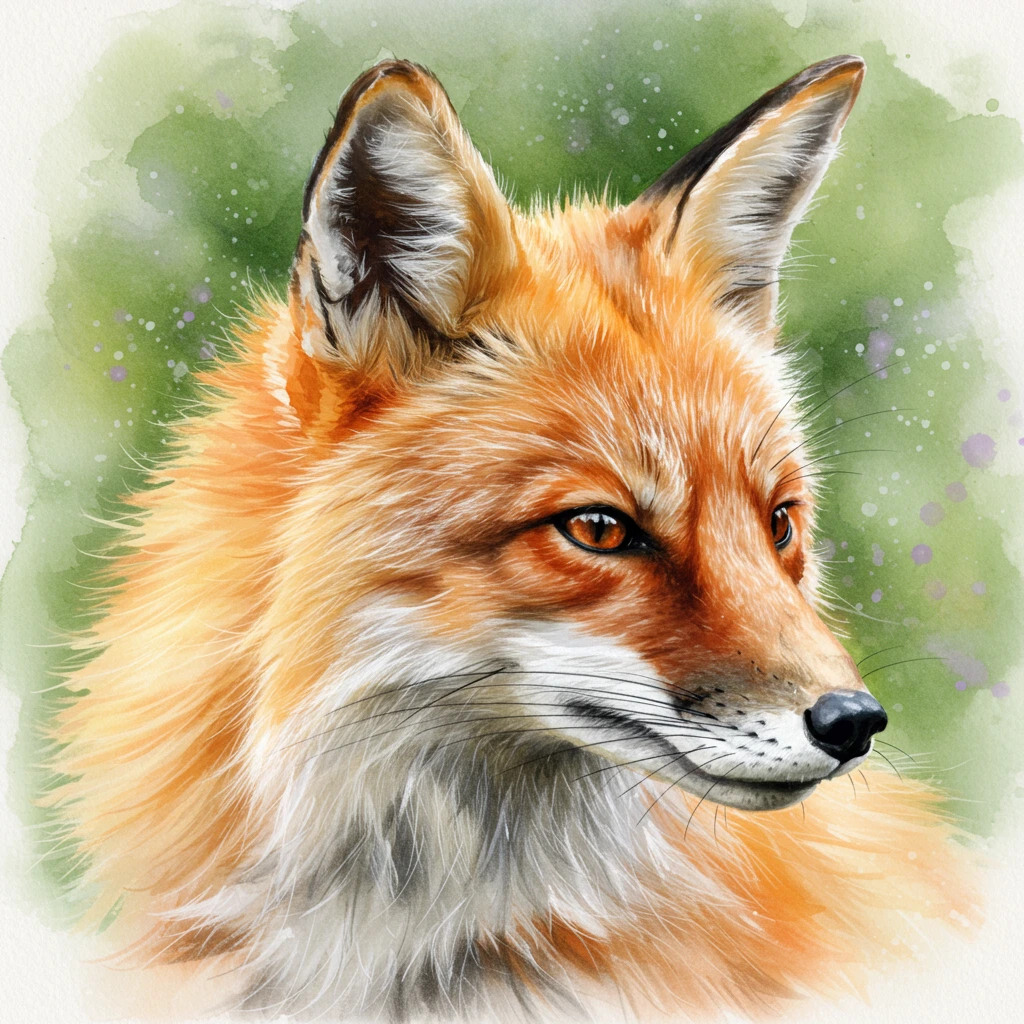
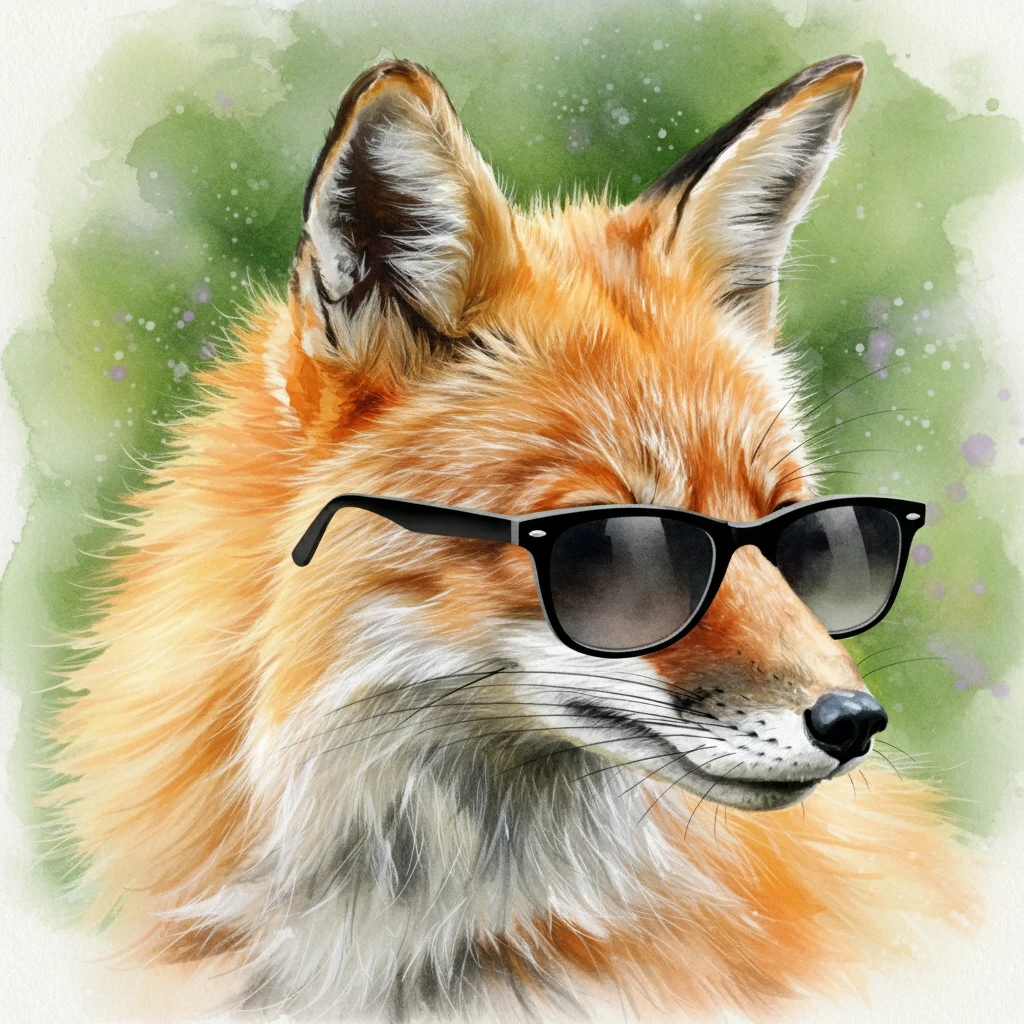
1. Add or Edit an Object
A simple way to start is by adding a small detail.
Retouch Command: "add sunglasses"
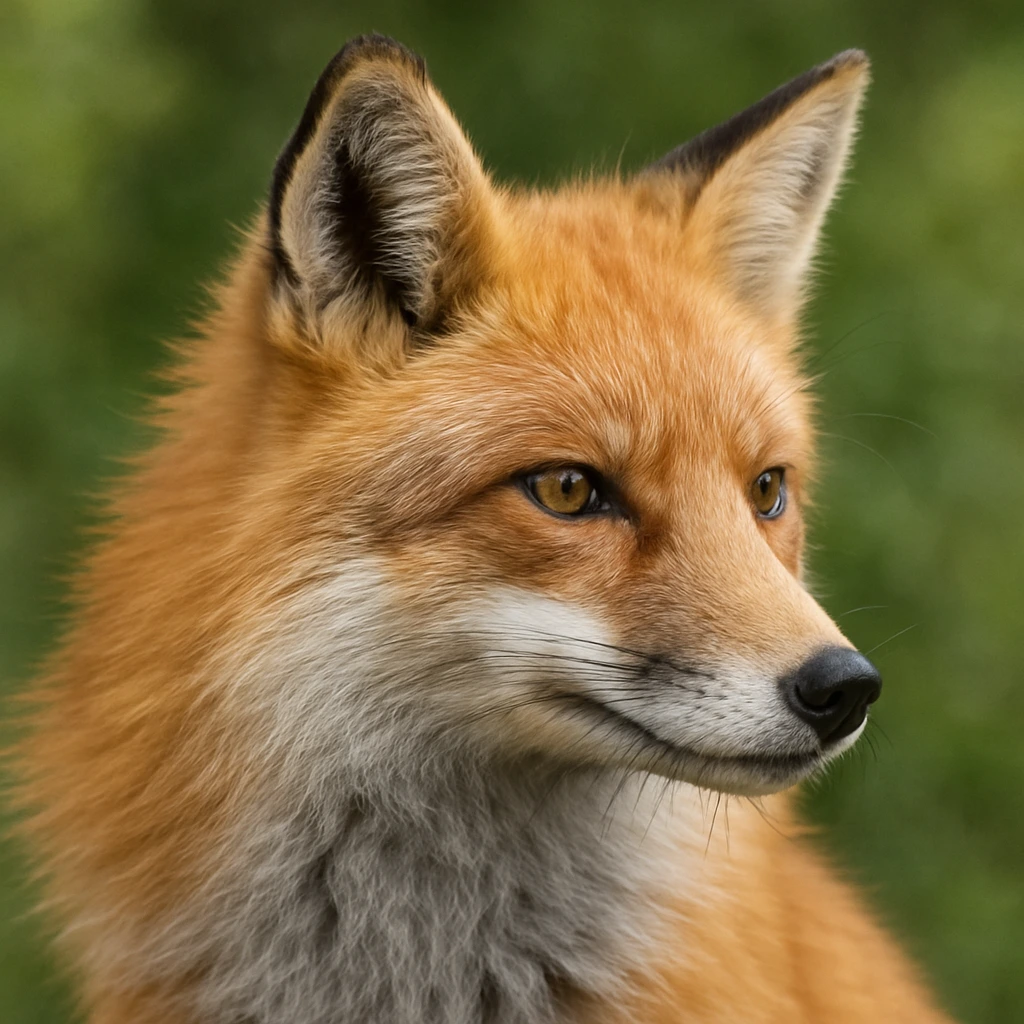
2. Change the Style
You can completely change the artistic style of the image.
Retouch Command: "make it look real"
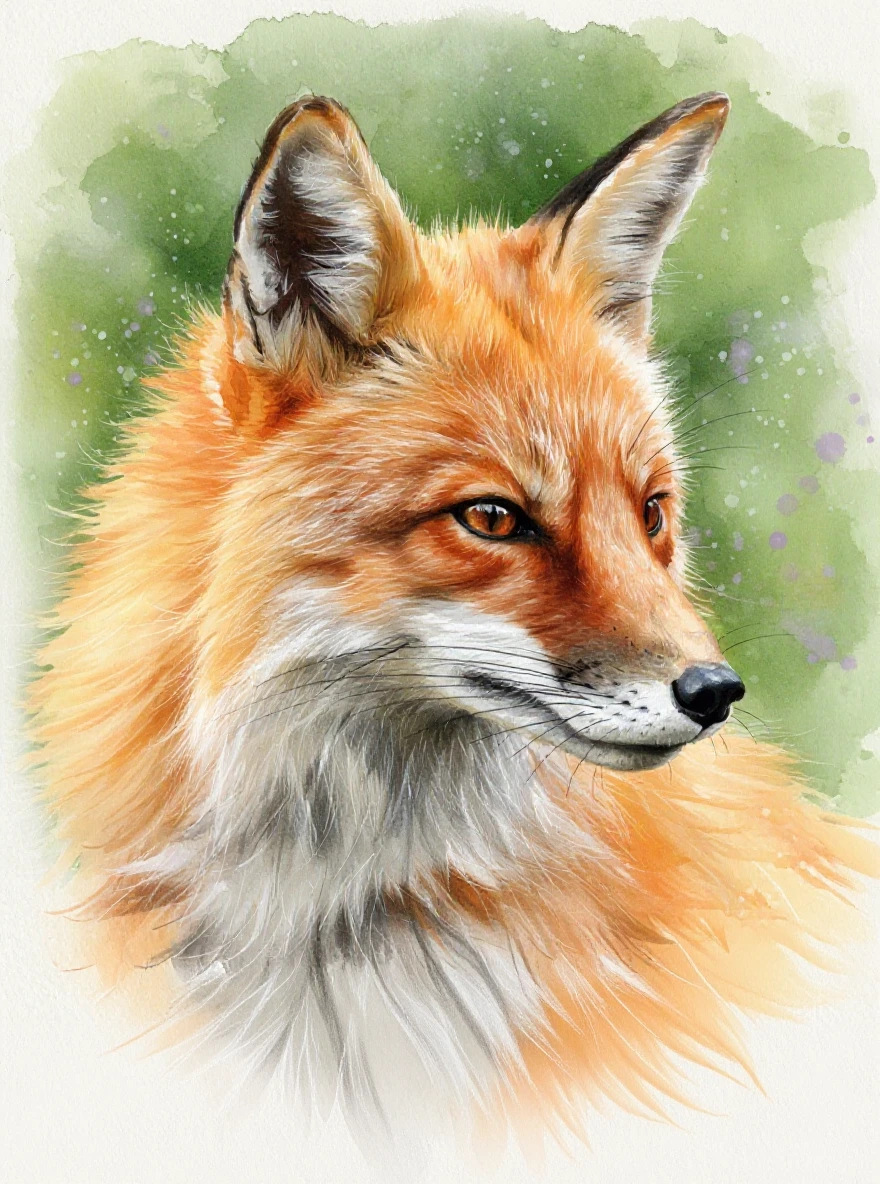
3. Change the Image Format
You can change the orientation and extend the image to reveal more.
Retouch Command: "extend into portrait mode"
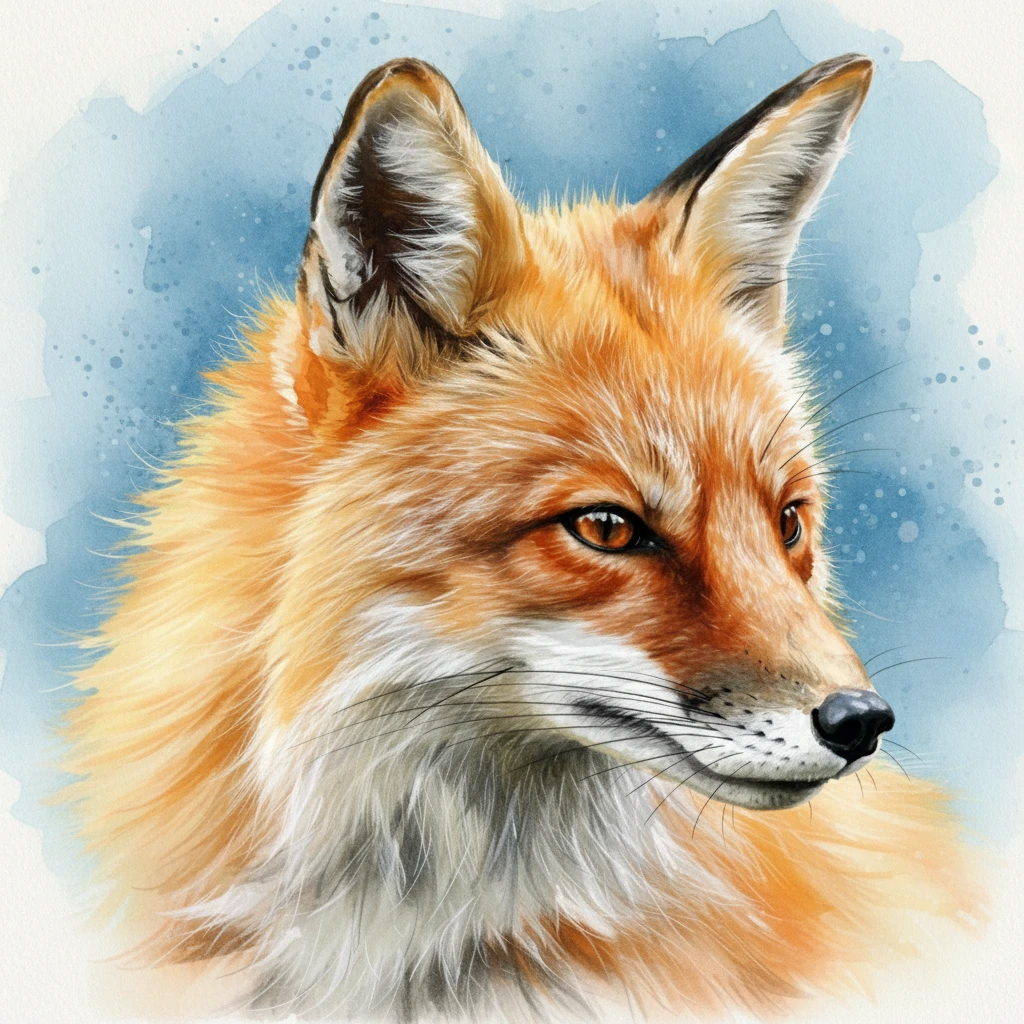
4. Change the Background
Easily modify the environment around your subject.
Retouch Command: "change the background to blue"
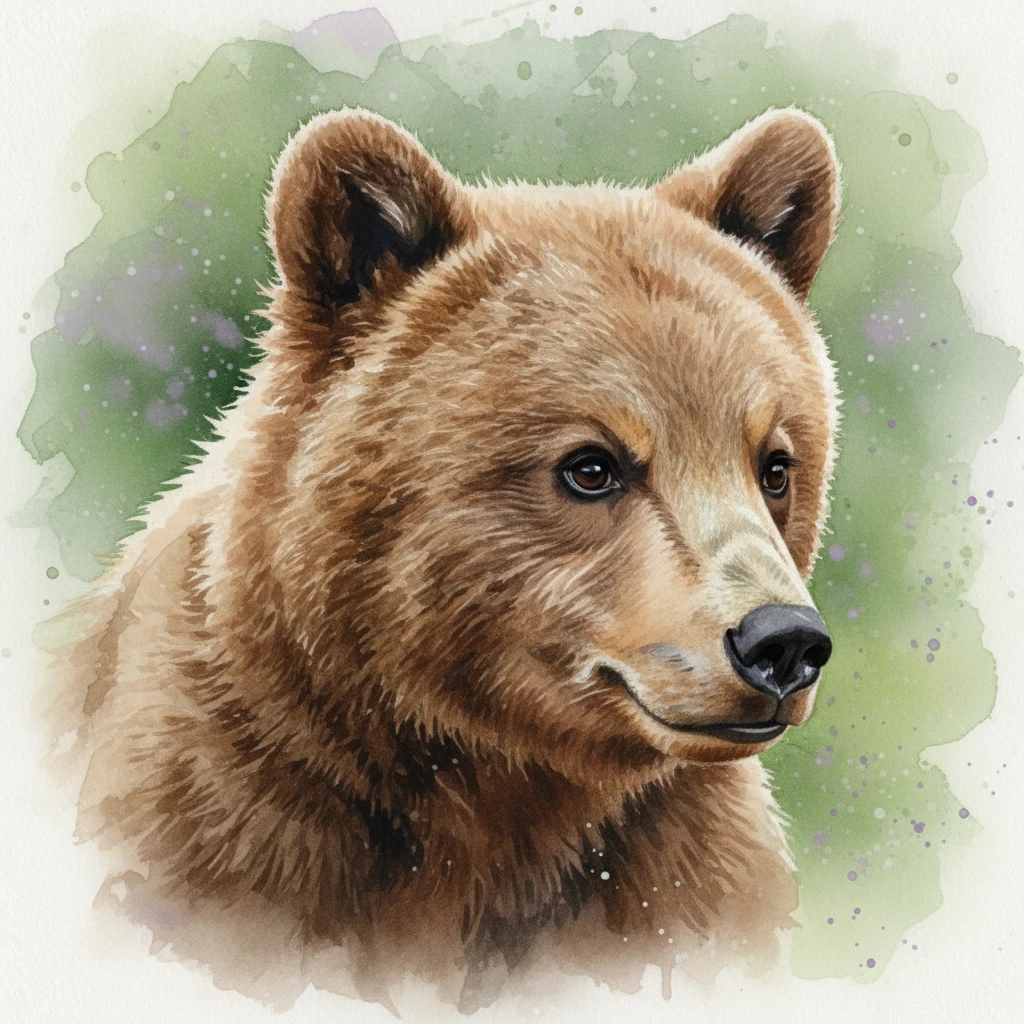
5. Change the Subject
You can even transform the main subject into something else entirely.
Retouch Command: "make it a bear"
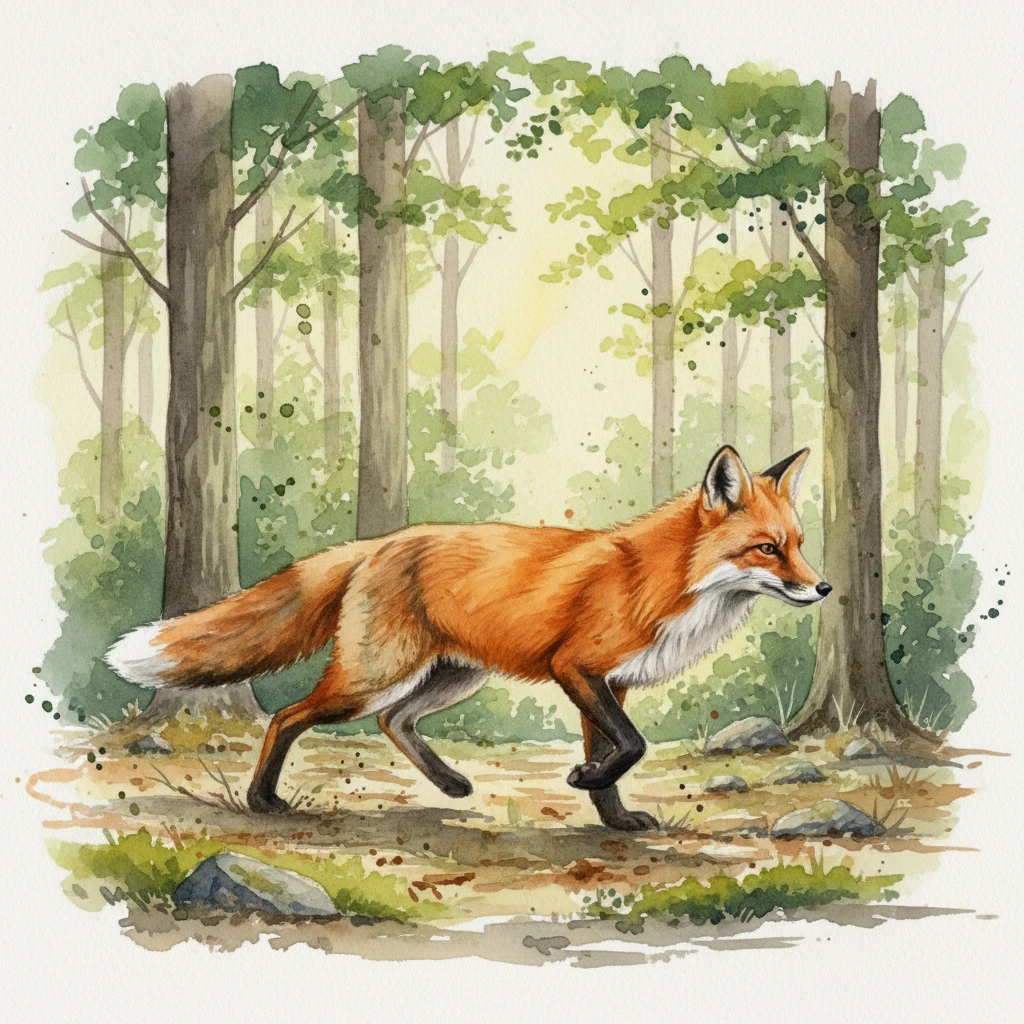
6. Change the Entire Scene
Place your subject in a completely new environment.
Retouch Command: "he’s walking in the forest"
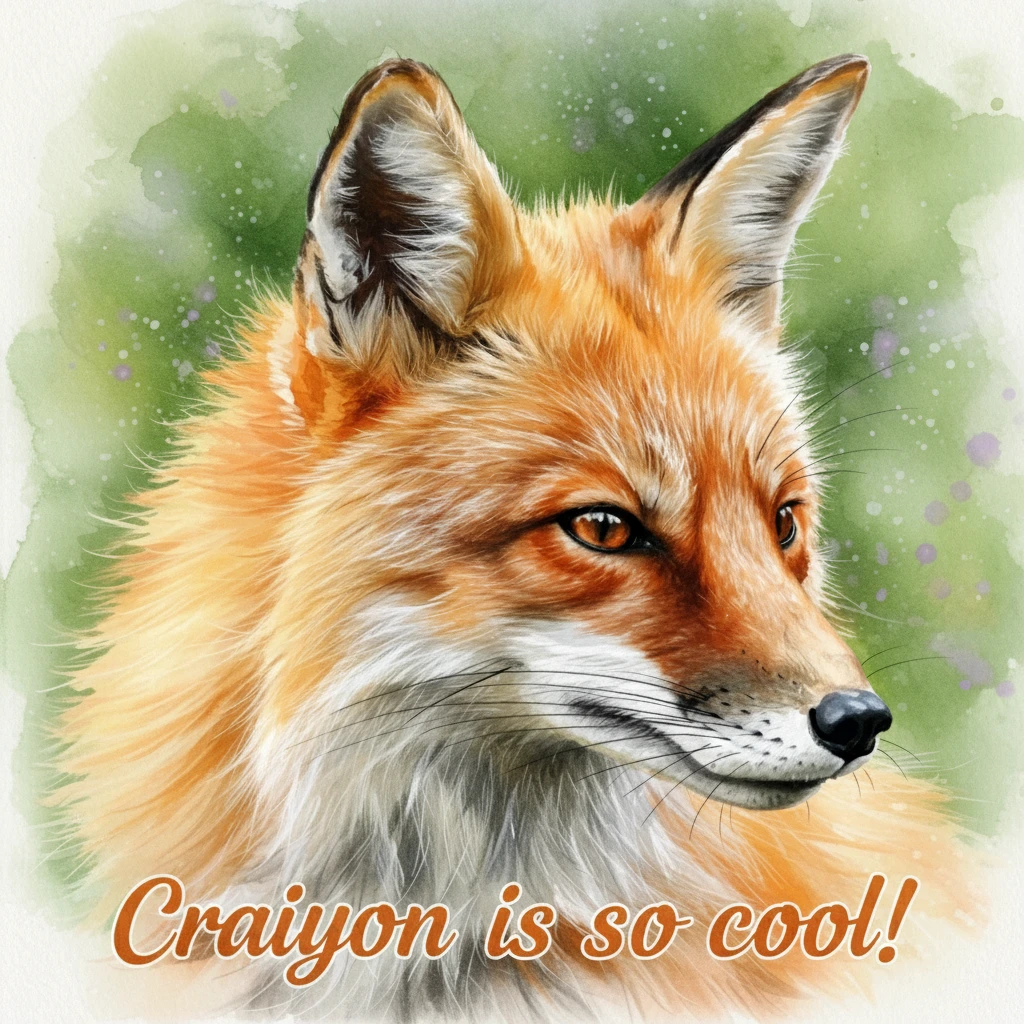
7. Add Text
Pro subscribers can add text directly onto the image.
Retouch Command: "add 'Craiyon is so cool!'"
Background Remover
Craiyon's background remover is one of the best available, with incredible detail preservation.
How It Works
- Upload any image (Craiyon-generated or external)
- AI automatically removes the background
- Choose your new background:
- Transparent (PNG)
- White
- Black
- Suggested colors
- Custom color picker
Perfect For:
Graphics & Design:
- Logo extraction and placement
- Design assets and icons
- Stickers and decals
- Isolated objects for compositions
Photography:
- Professional headshots and portraits
- Event photography subjects
- Fashion and model shots
- Wildlife and pet photography
E-commerce & Products:
- Clean product listings
- Catalog images
- Marketing materials
- Product mockups on different backgrounds
Animals & Nature:
- Pet portraits with fur detail preservation
- Wildlife photography
- Plant and flower isolation
- Nature subjects for educational materials
Gaming & Digital Art:
- Character sprites and assets
- Item and weapon renders
- UI elements and icons
- Concept art isolation
Social Media & Content:
- Profile pictures
- Thumbnail creation
- Meme templates
- Content overlays
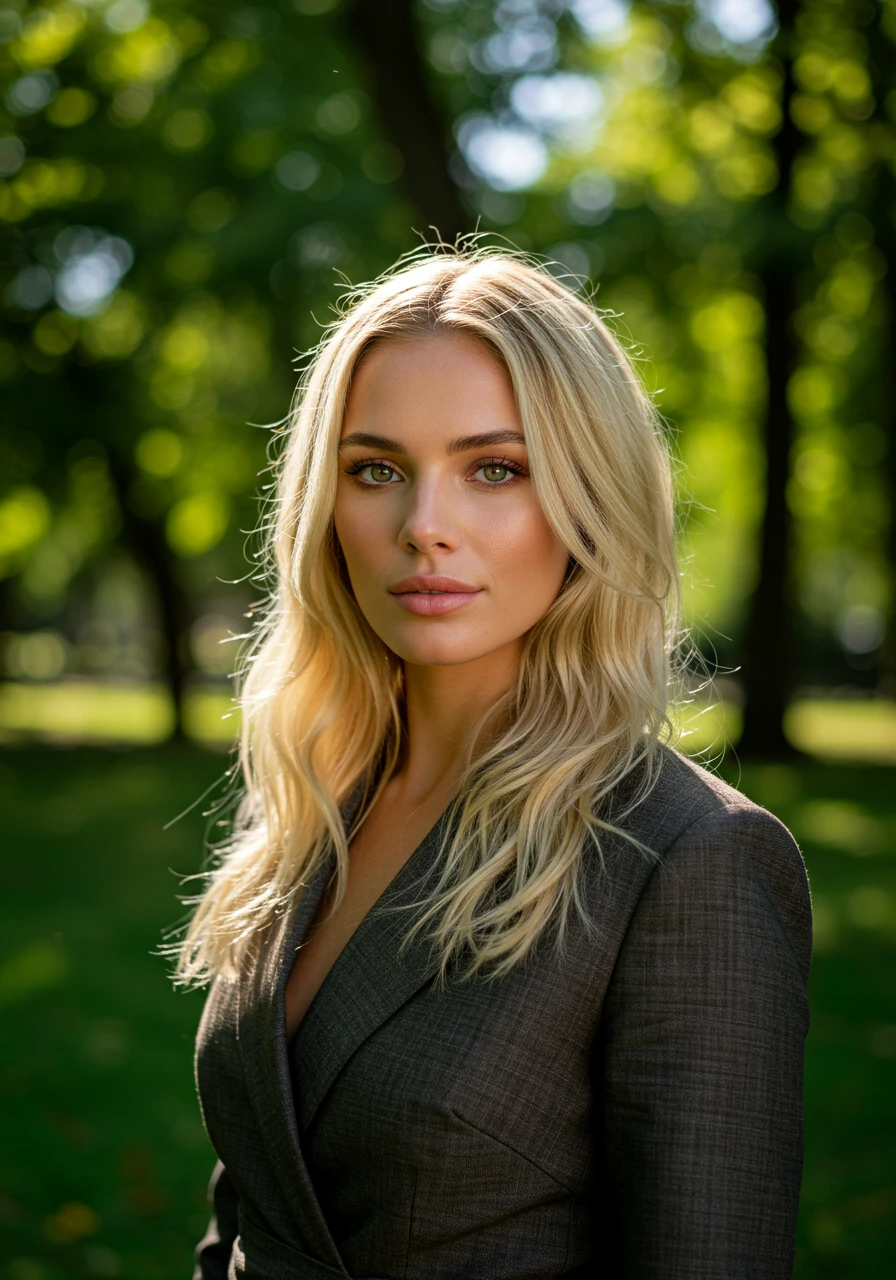
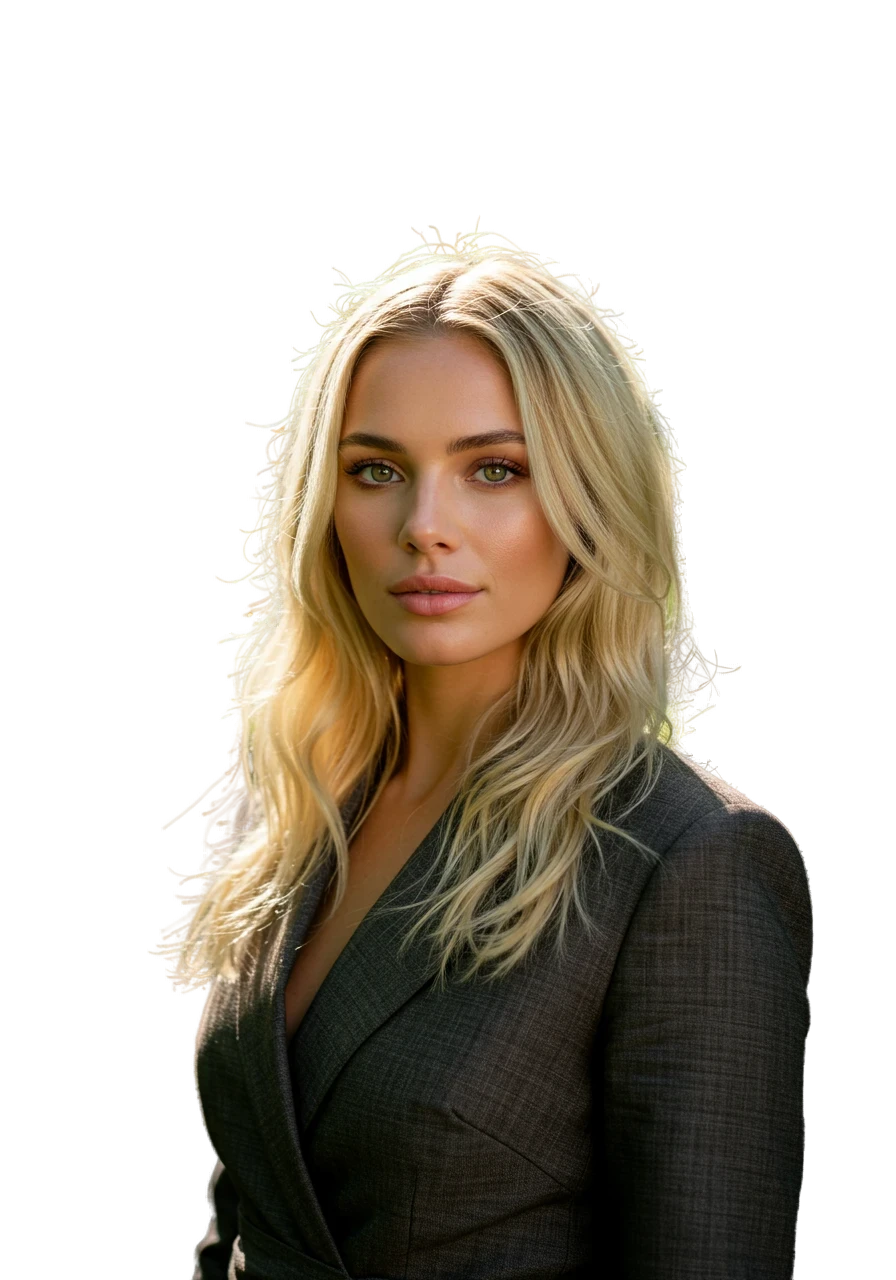
Example: Hair Detail Preservation
The background remover excels at complex edges like hair:
Before:
After:
Use Cases and Examples
1. Logo Design
For Non-Text Logos:
- Prompt: "minimalist geometric logo for tech company, blue and silver, vector style"
- Style: Vector
- Format: Square

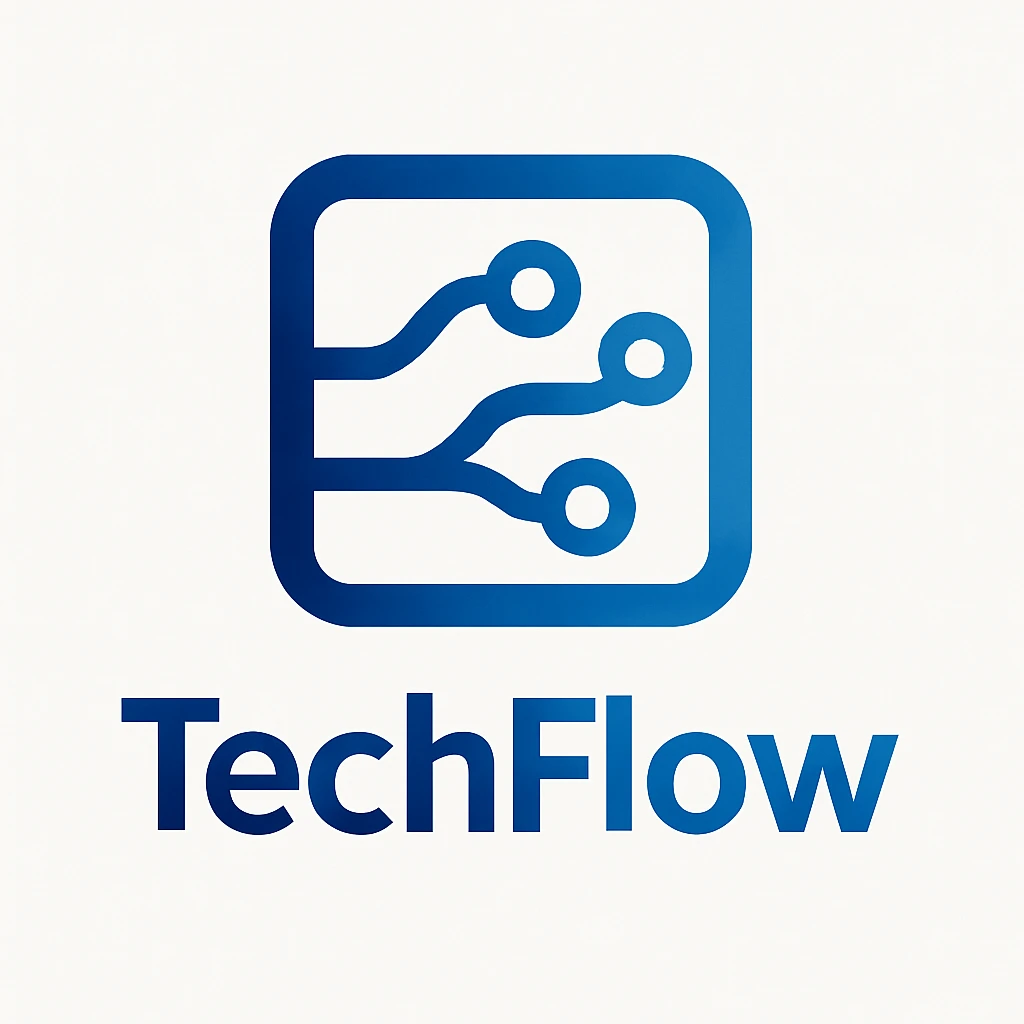
For Text Logos (Pro Only):
- Prompt: "modern logo for 'TechFlow' company, circuit board pattern, blue gradient"
- Style: Vector
- Format: Square or Landscape
2. Product Design
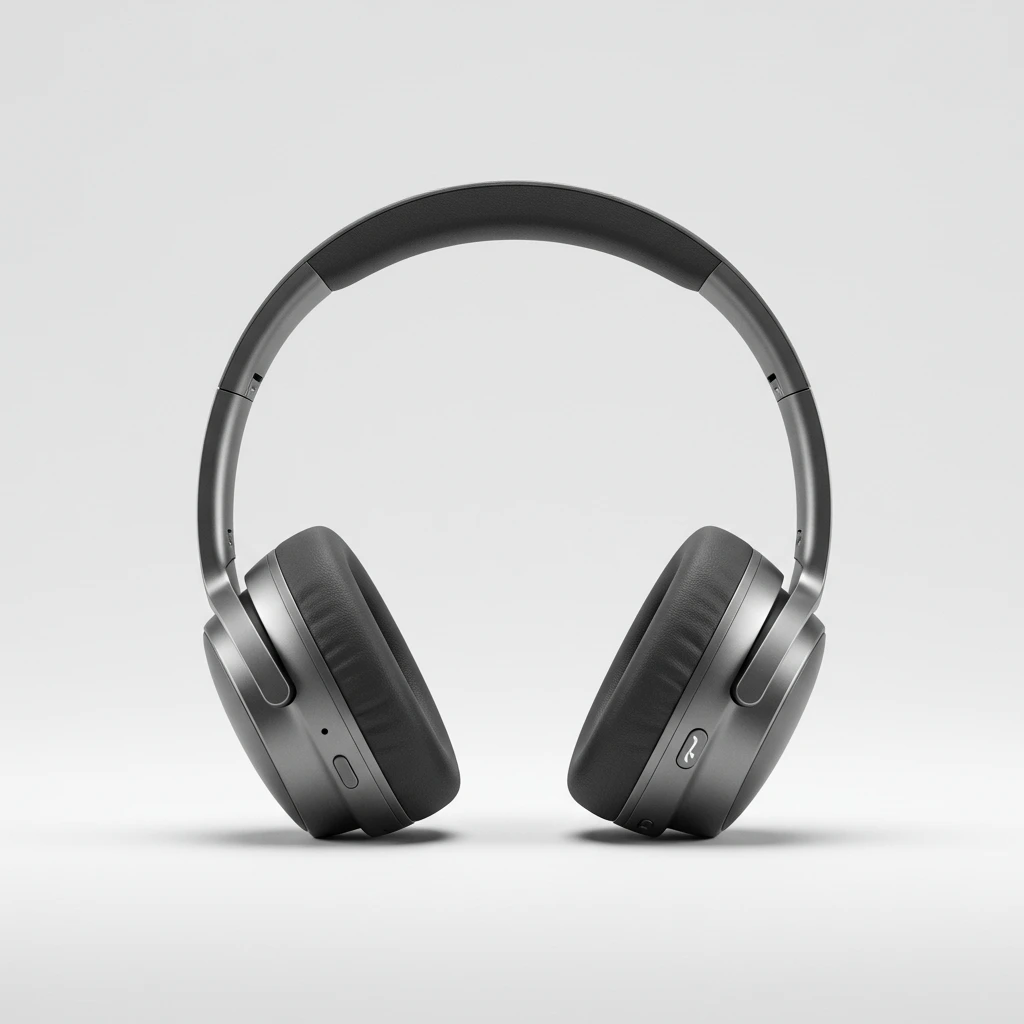
Example: "sleek wireless headphones on white background, product photography, studio lighting"
- Style: Photo
3. Art and Illustrations
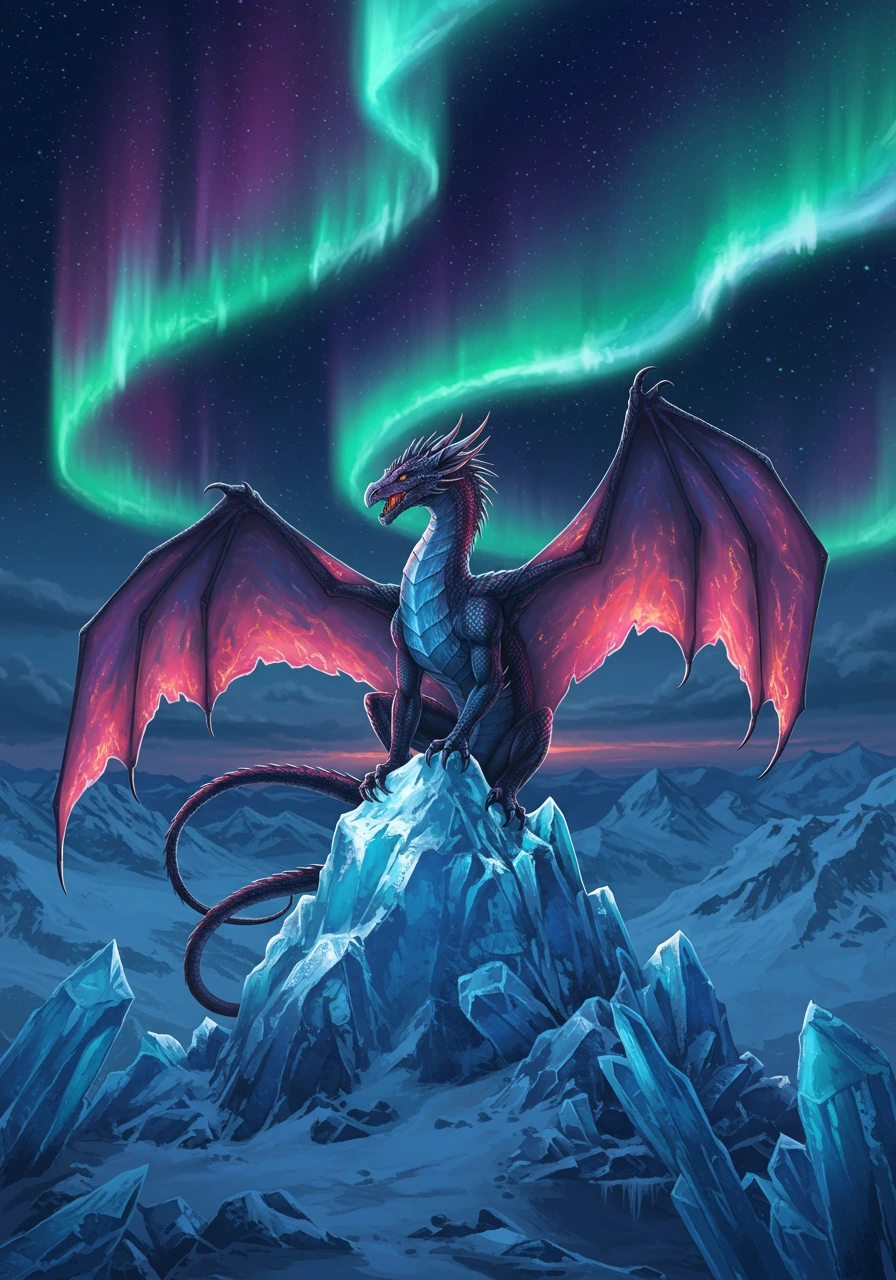
Digital Art Example:
- Prompt: "fantasy dragon perched on crystal mountain, aurora borealis sky, digital painting, highly detailed"
- Style: Illustration or Raw
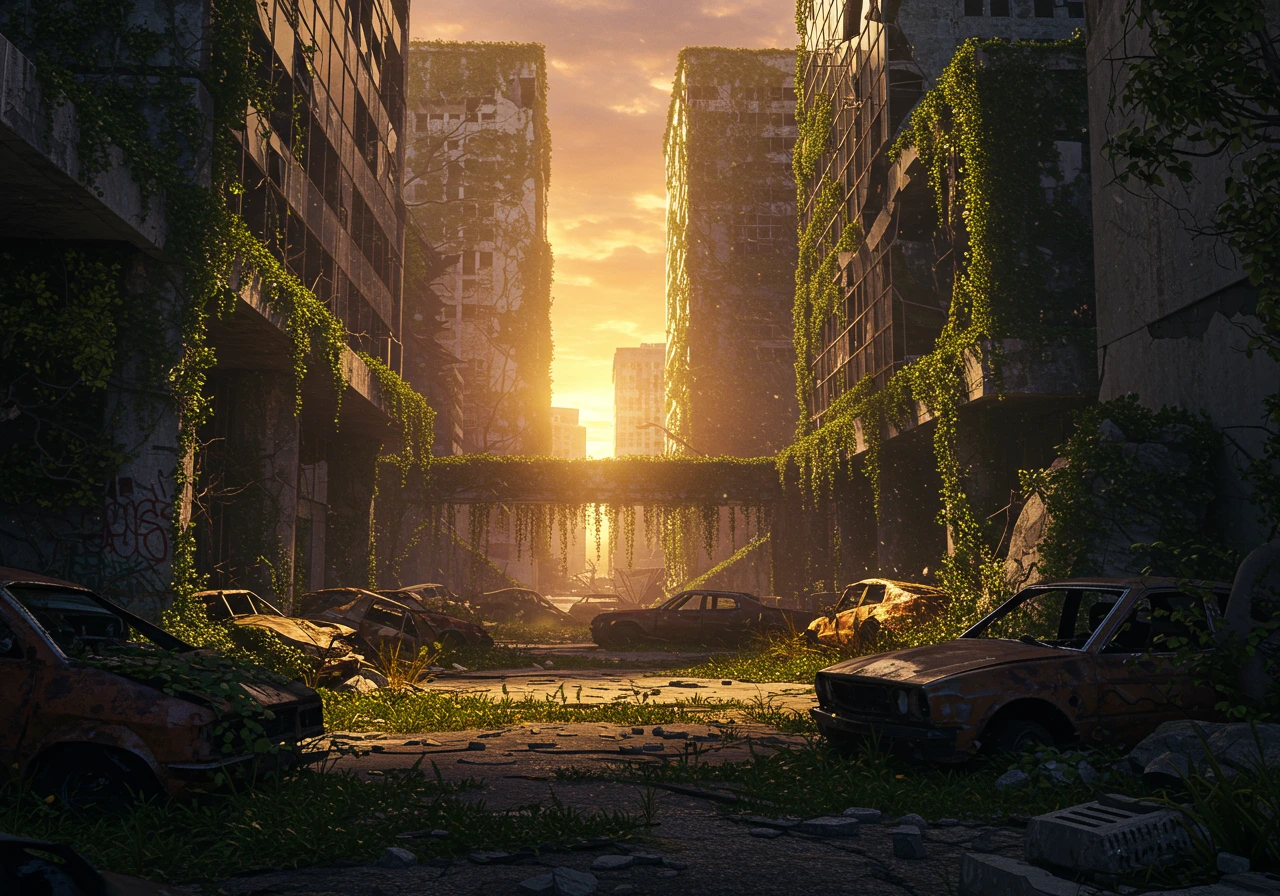
Apocalyptic Scene:
- Prompt: "post-apocalyptic city ruins, overgrown vegetation, abandoned cars, dramatic sunset, cinematic atmosphere"
- Style: Photo or Raw
- Format: Landscape (Pro)
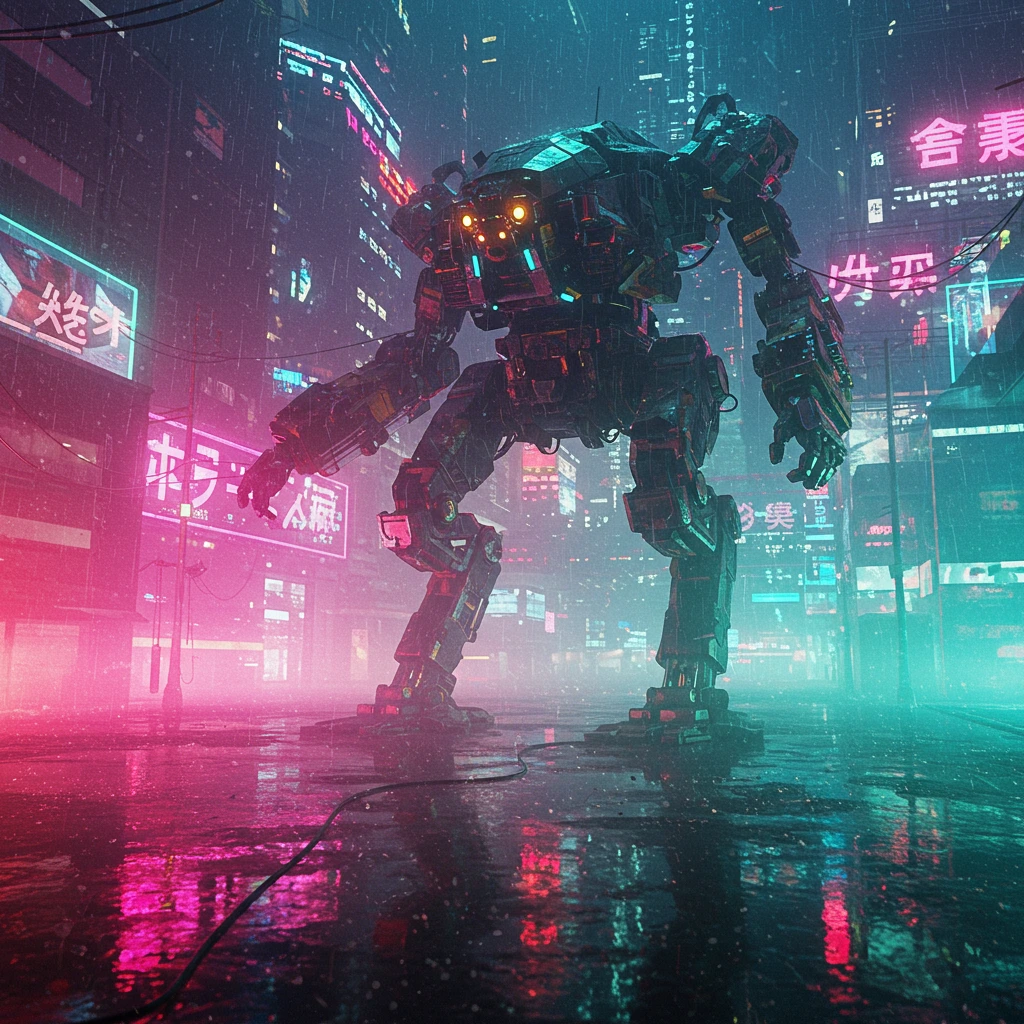
Sci-Fi Robot:
- Prompt: "giant mech robot in rain, cyberpunk city, neon lights reflection, blade runner style, atmospheric"
- Style: Raw or Illustration
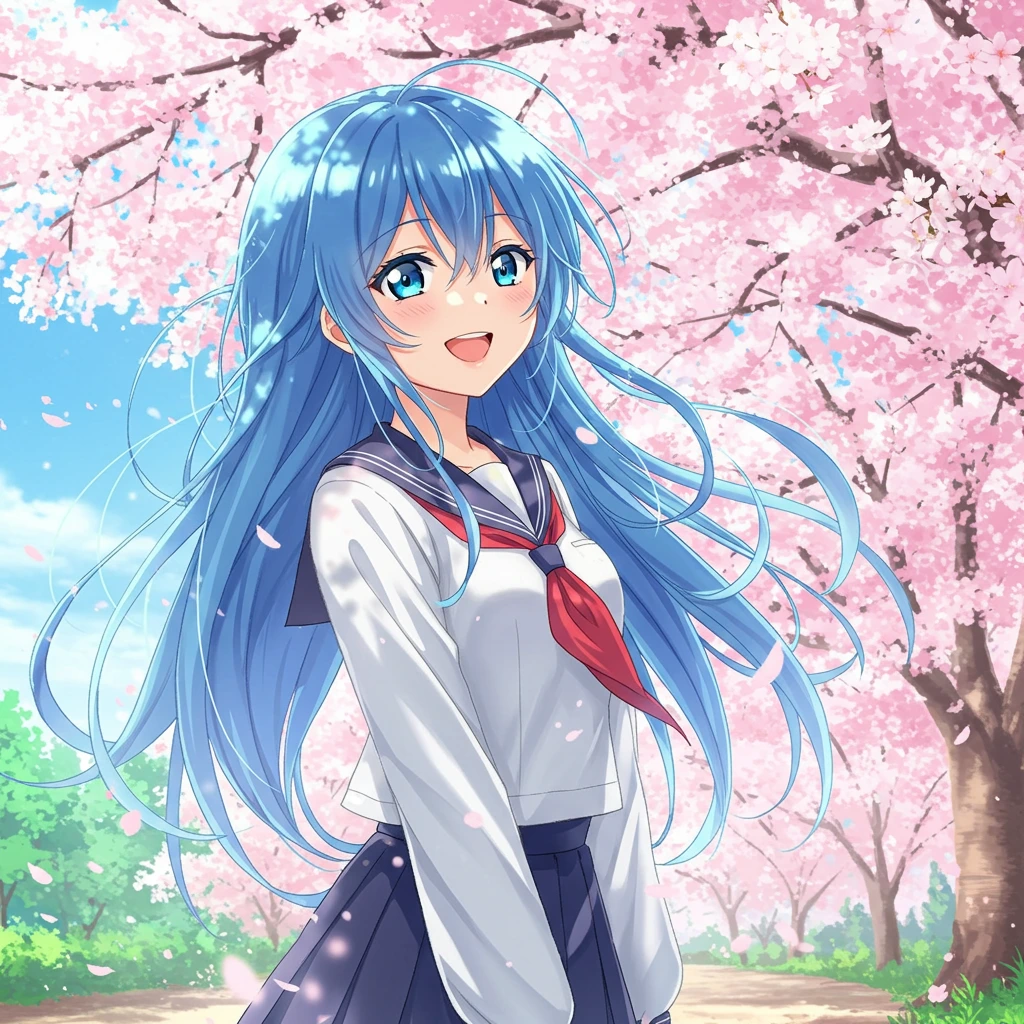
4. Anime and Manga
Example: "anime girl with blue hair in school uniform, cherry blossoms background, manga style"
- Style: Illustration
- Format: Portrait (Pro)
5. Event Materials
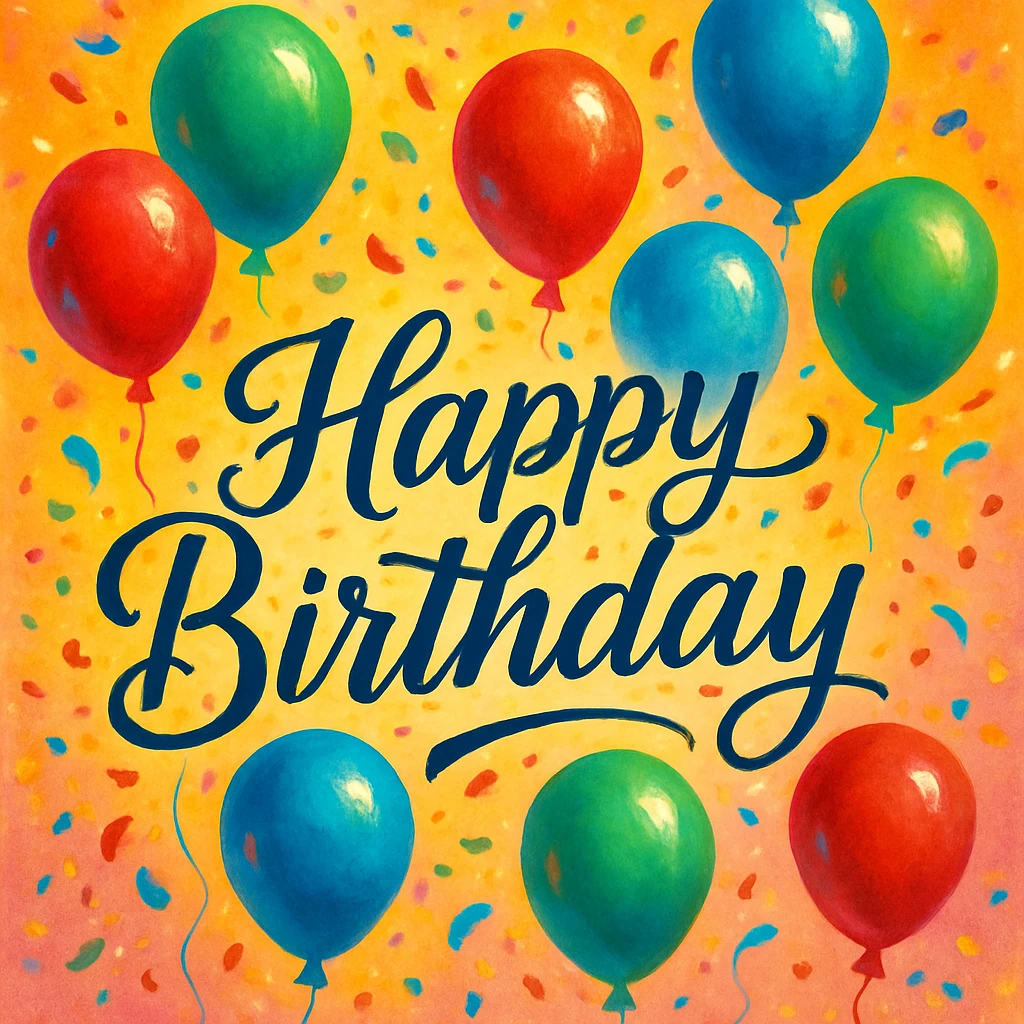
Birthday Card:
- Prompt: "cheerful birthday card design with balloons and confetti, 'Happy Birthday' text, festive colors"
- Style: Illustration
- Note: Text requires Pro subscription
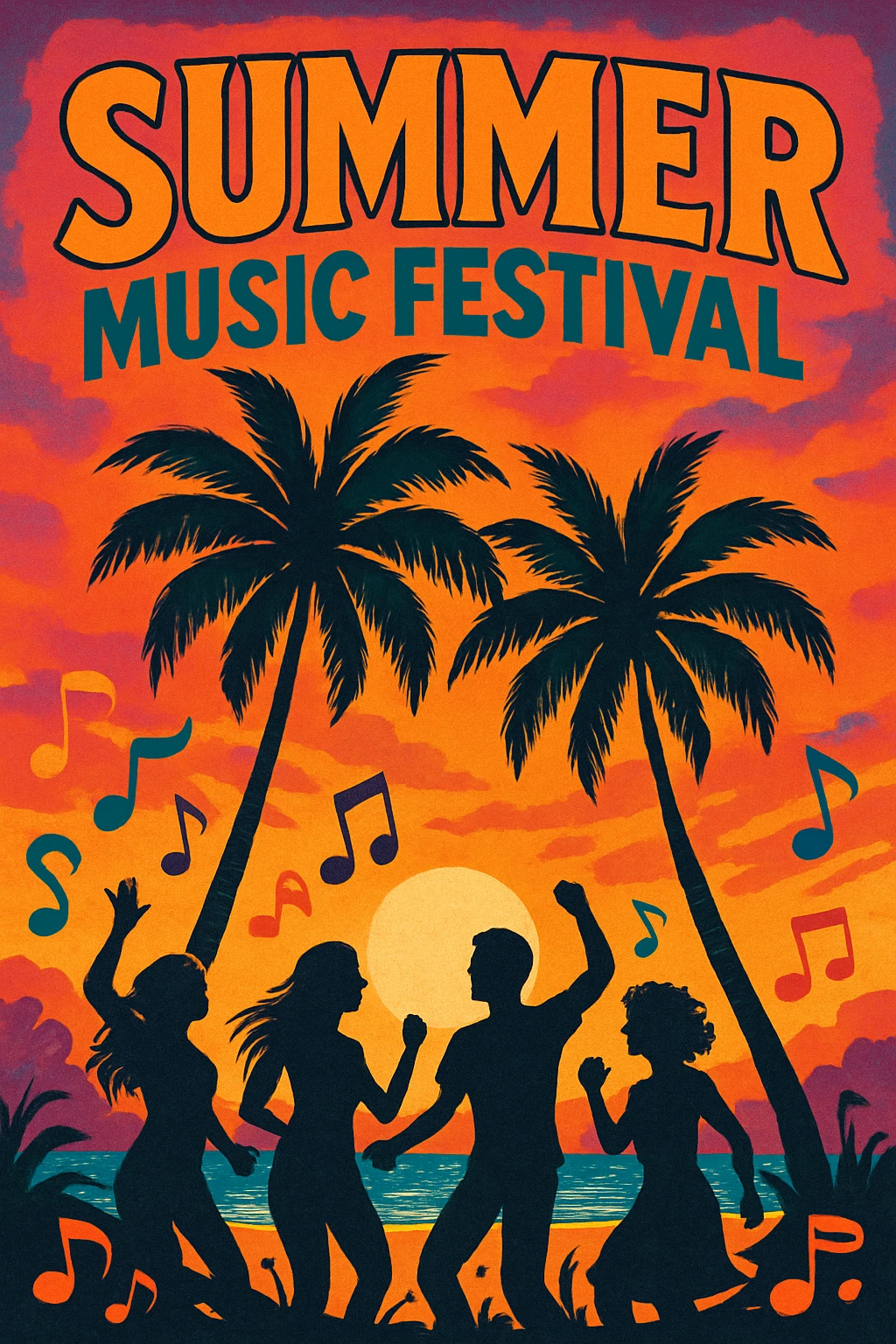
Event Poster:
- Prompt: "summer music festival poster, tropical theme, palm trees and sunset"
- Style: Photo or Illustration
- Format: Portrait (Pro)
6. Social Media Content
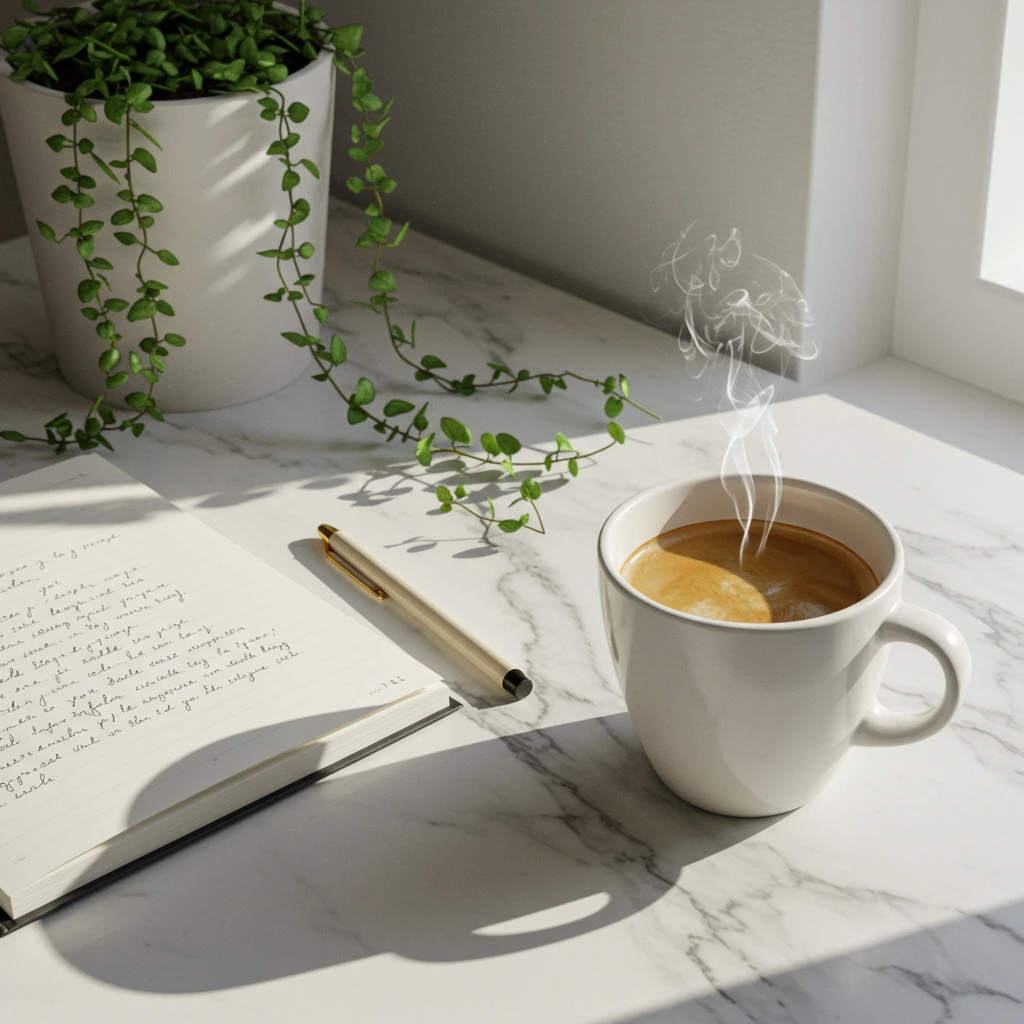
Instagram Post:
- Prompt: "aesthetic flat lay of coffee, notebook, and plants, morning light, minimalist"
- Style: Photo
- Format: Square
7. Book Covers & Illustrations
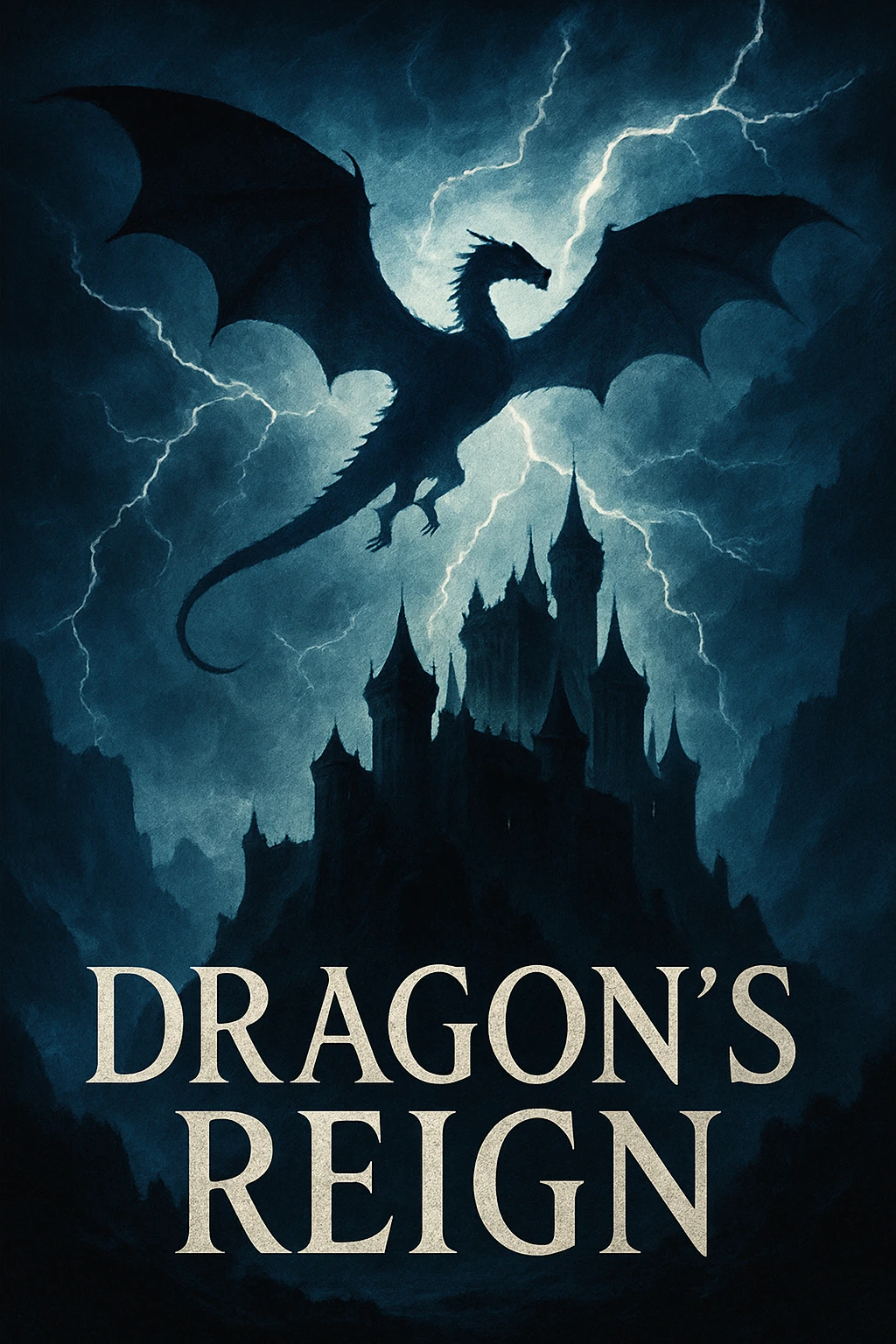
Fantasy Novel Cover:
- Prompt: "epic fantasy book cover titled 'Dragon's Reign', dragon silhouette against stormy sky, ancient castle, dramatic lighting, professional book cover design"
- Style: Illustration
- Format: Portrait (Pro)
- Note: Text requires Pro subscription
Children's Book Illustration:
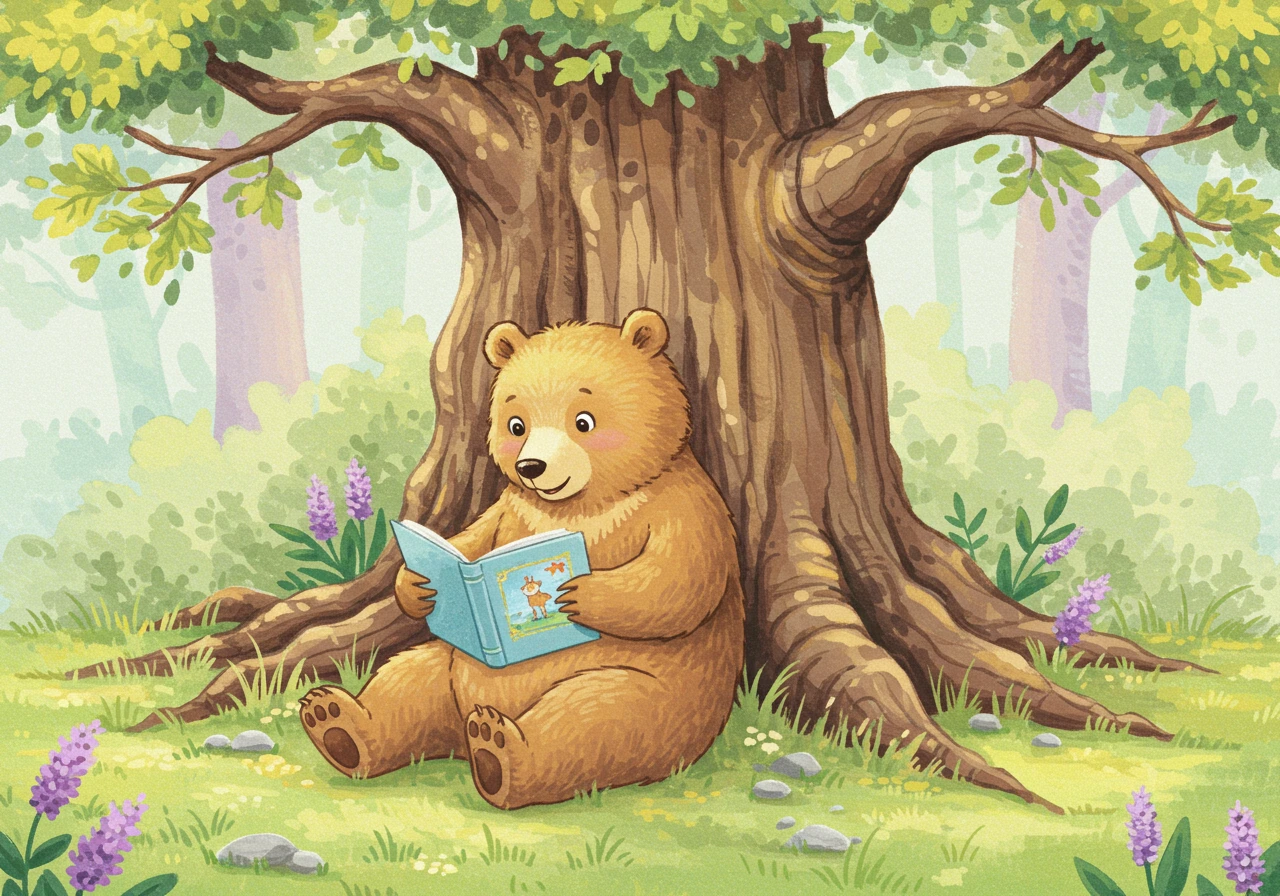
- Prompt: "friendly bear reading a book under a tree, watercolor style, soft pastel colors, children's book illustration"
- Style: Illustration
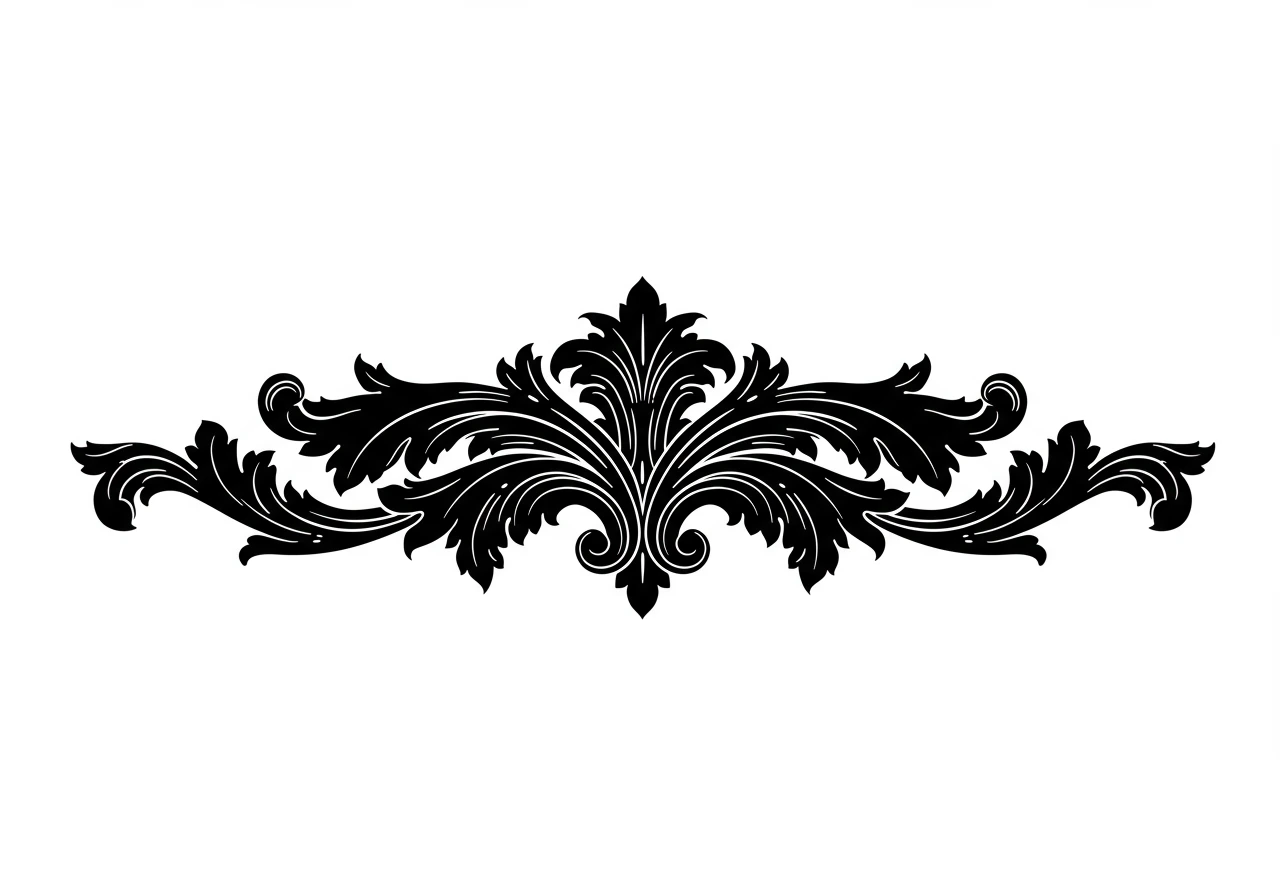
Chapter Header Art:
- Prompt: "ornate Victorian flourish design, black and white, chapter divider, elegant scrollwork"
- Style: Vector
8. Album & CD Covers
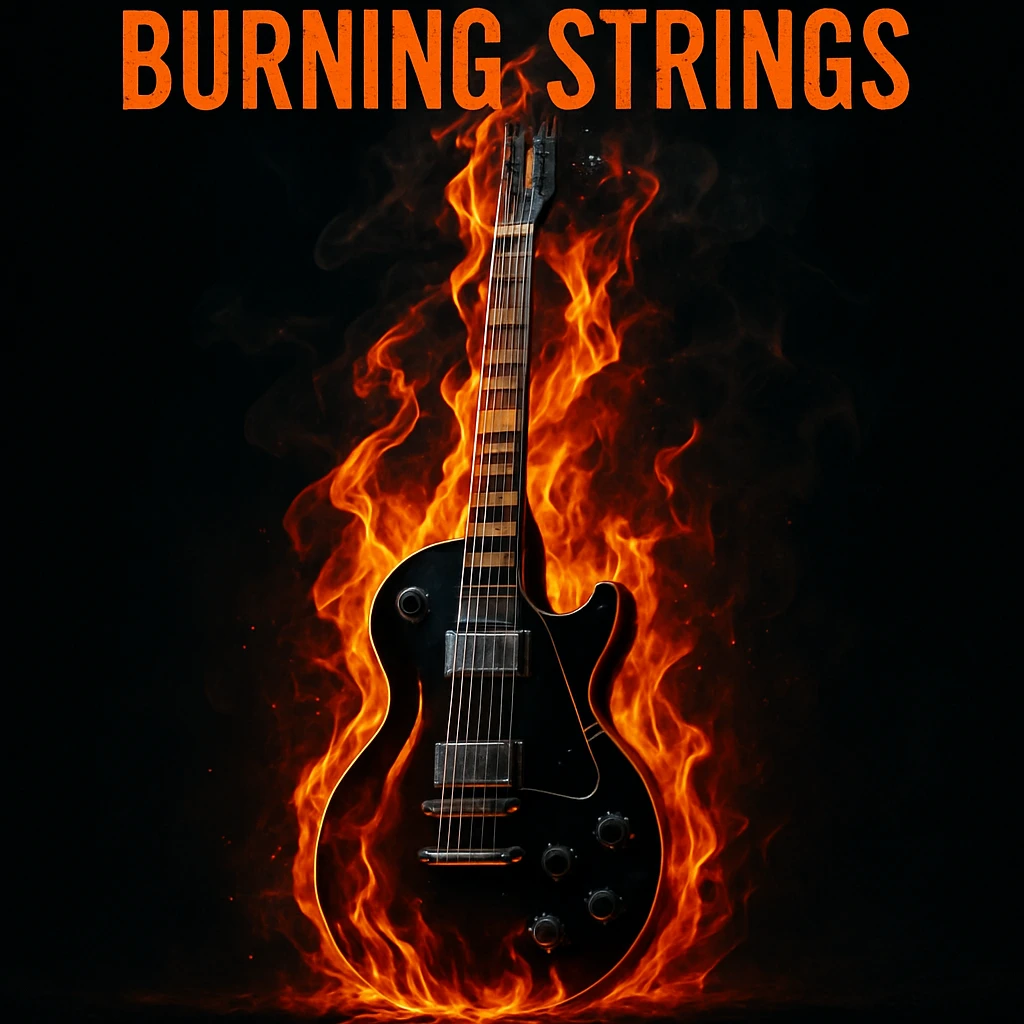
Rock Album Cover:
- Prompt: "rock album cover 'Burning Strings', electric guitar in flames, dark background, dramatic lighting, high contrast"
- Style: Photo or Raw
- Format: Square
- Note: Text requires Pro subscription
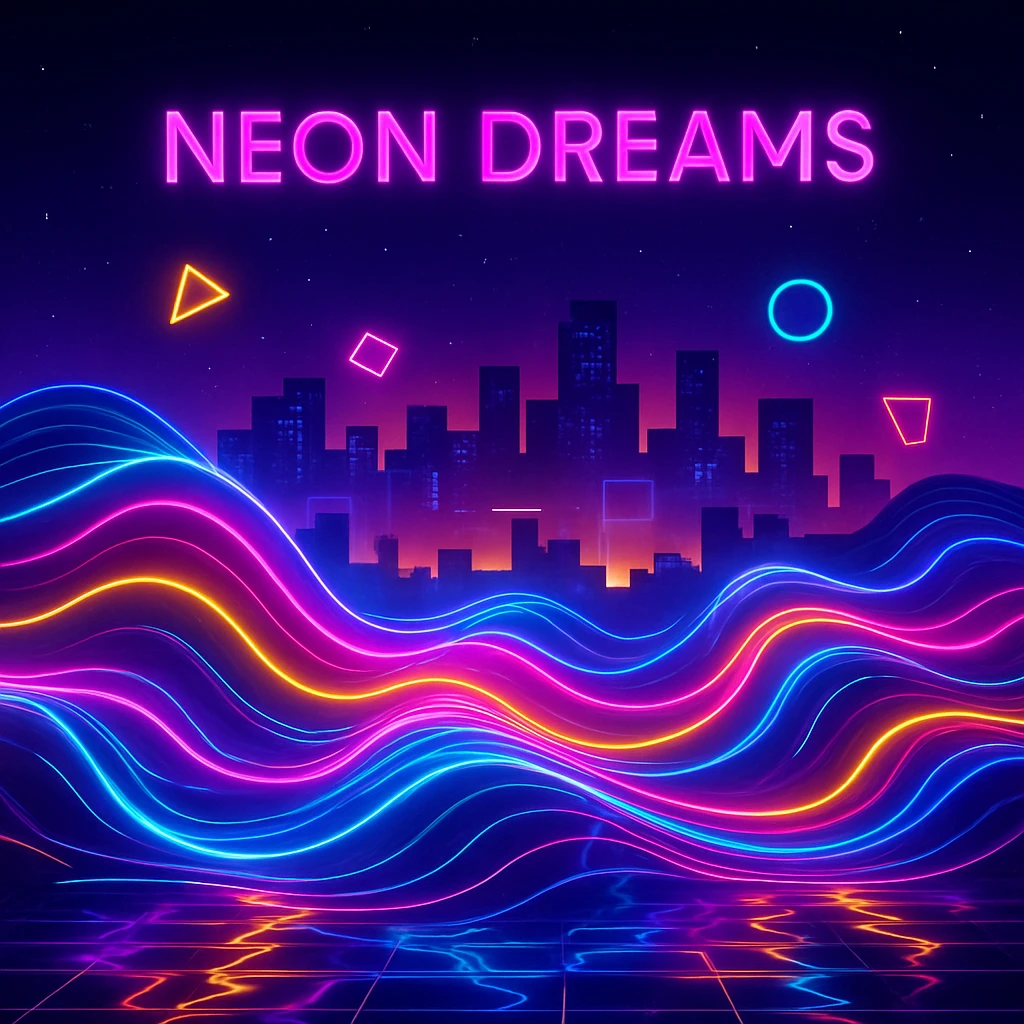
Electronic Music Cover:
- Prompt: "electronic album cover 'Neon Dreams', abstract neon waves, synthwave aesthetic, retro futuristic, vibrant colors"
- Style: Raw or Illustration
- Format: Square
- Note: Text requires Pro subscription
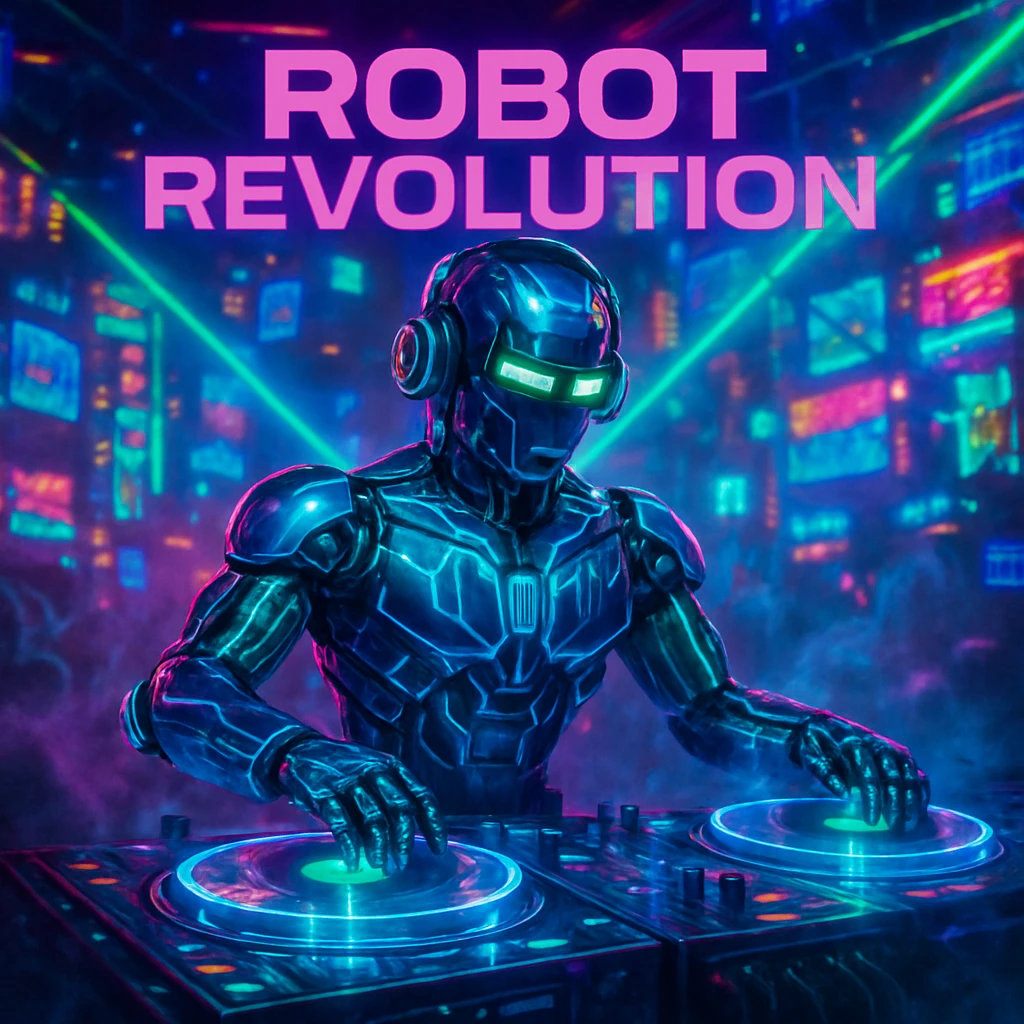
Sci-Fi Album Art:
- Prompt: "cyberpunk album titled 'Robot Revolution', robot DJ in neon club, holographic turntables, electric atmosphere"
- Style: Raw or Illustration
- Format: Square
- Note: Text requires Pro subscription
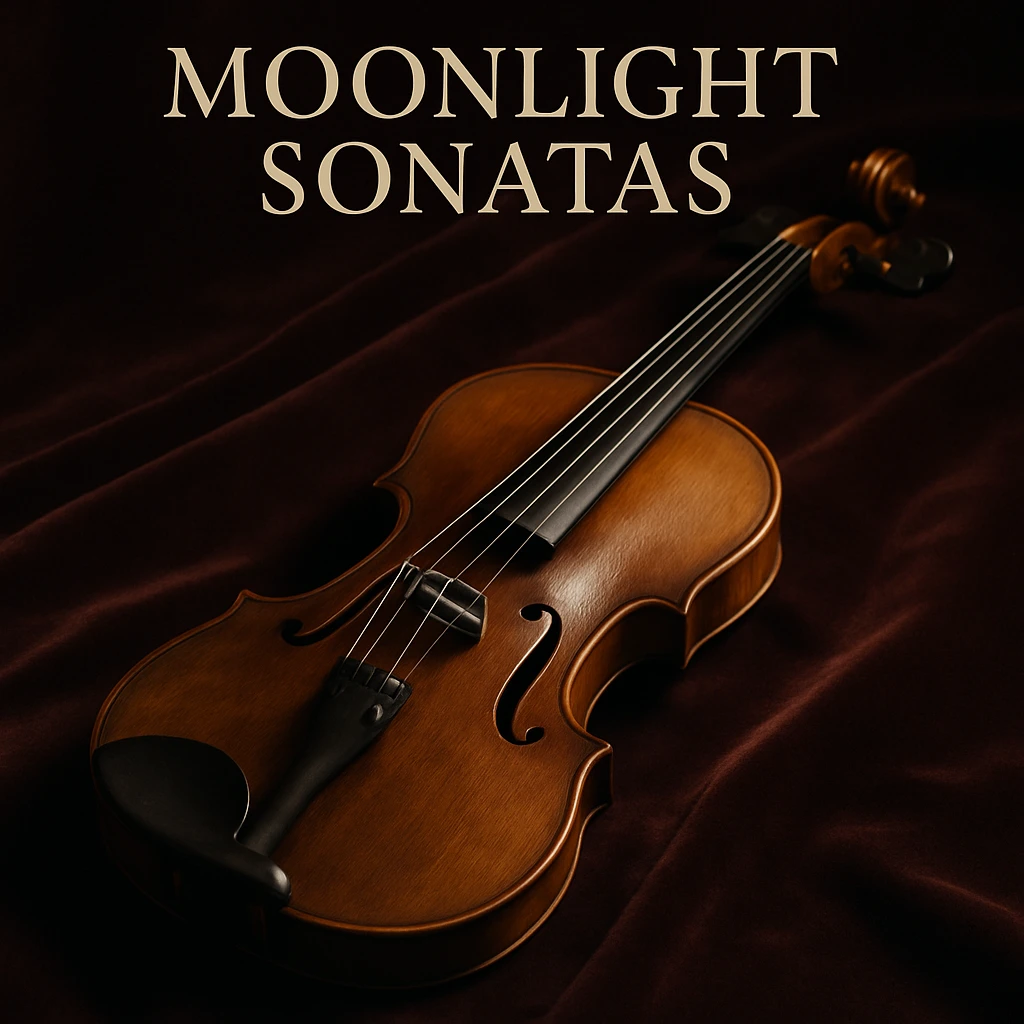
Classical Album:
- Prompt: "classical album named 'Moonlight Sonatas', elegant violin on velvet cloth, soft lighting, minimalist composition"
- Style: Photo
- Format: Square
- Note: Text requires Pro subscription
9. Merchandise & T-Shirt Design
Create wearable art and unique gifts!
💡 Pro Tip: When you create an image you love, you can order it as a t-shirt directly from Craiyon! Click on any generated image and look for the merchandise option. You can:
- Choose t-shirt color
- Adjust image layout
- Add custom text overlay
- Perfect for gifts!
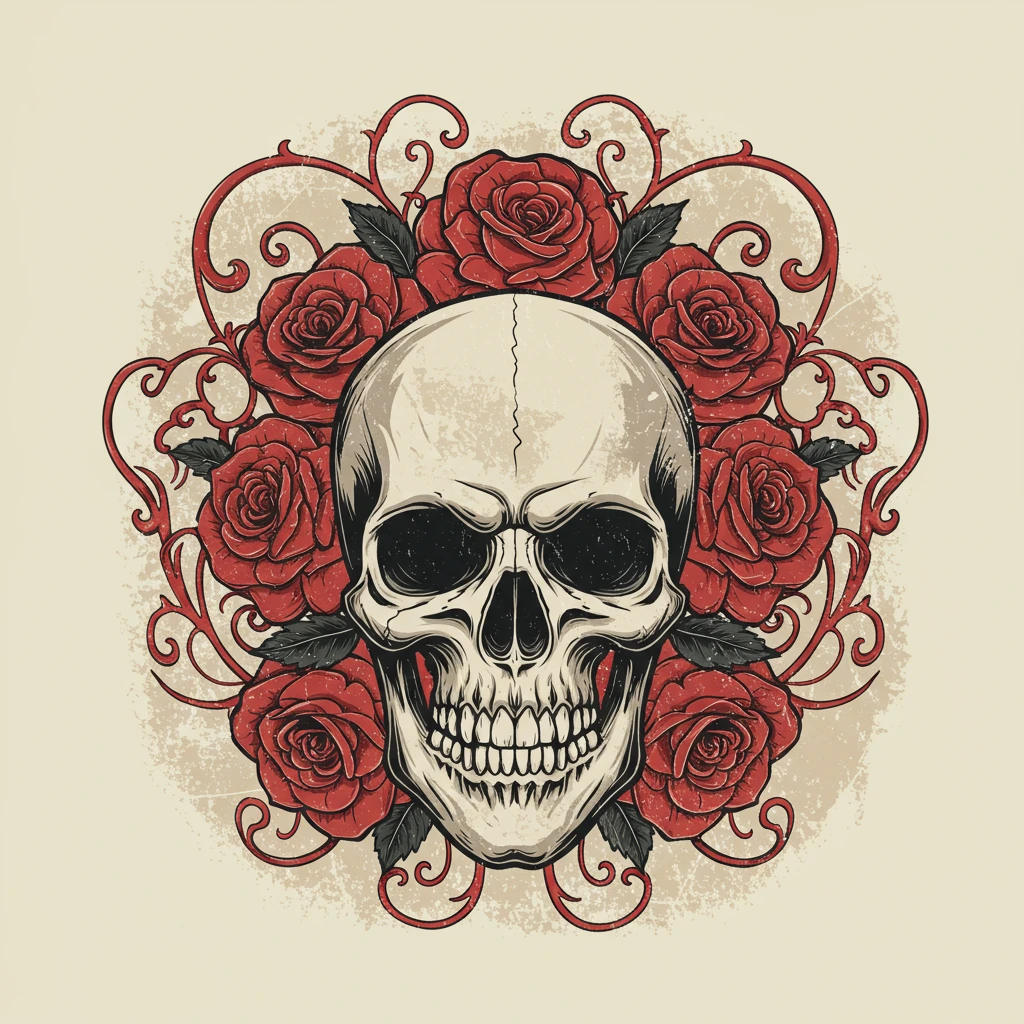
Band Merchandise:
- Prompt: "vintage rock band design, skull with roses, distressed texture"
- Style: Illustration or Vector
- Format: Square
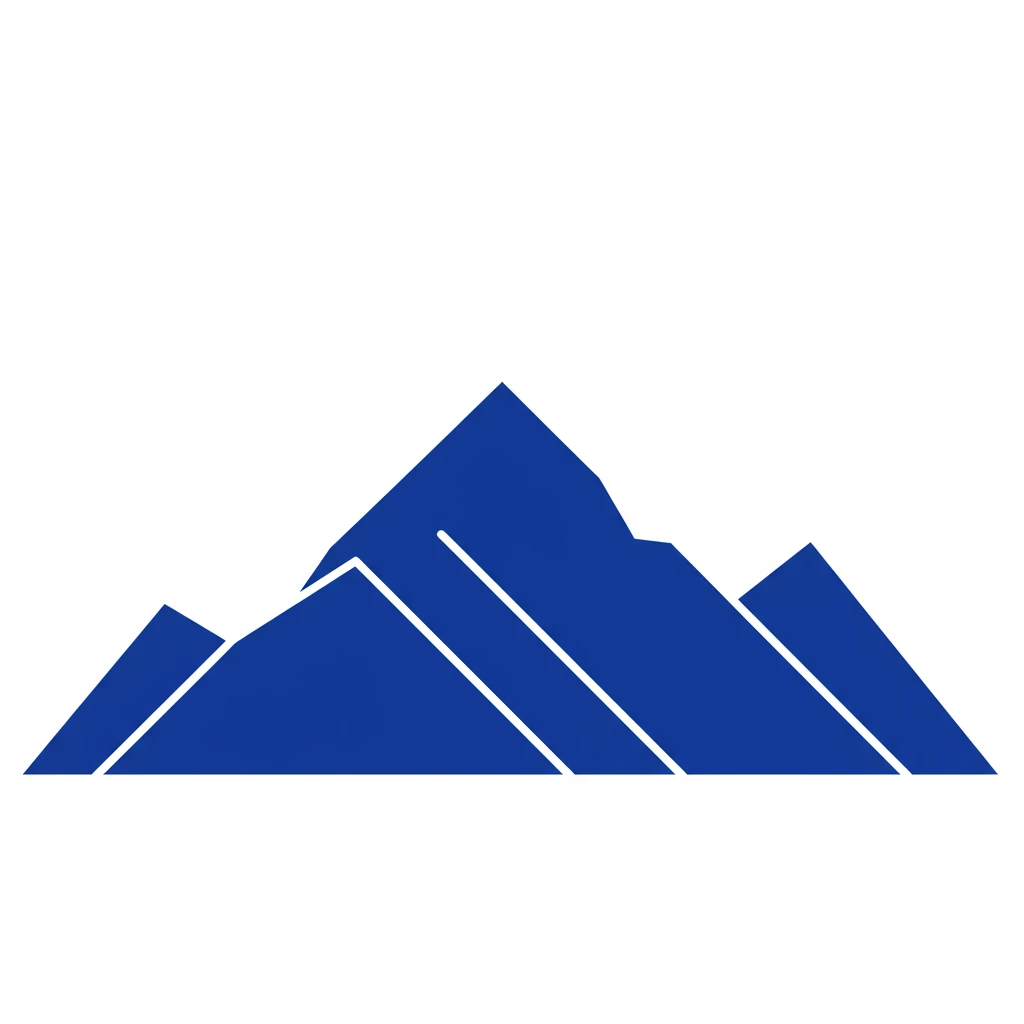
Minimalist Design:
- Prompt: "geometric mountain landscape, minimalist design, single color, clean lines"
- Style: Vector
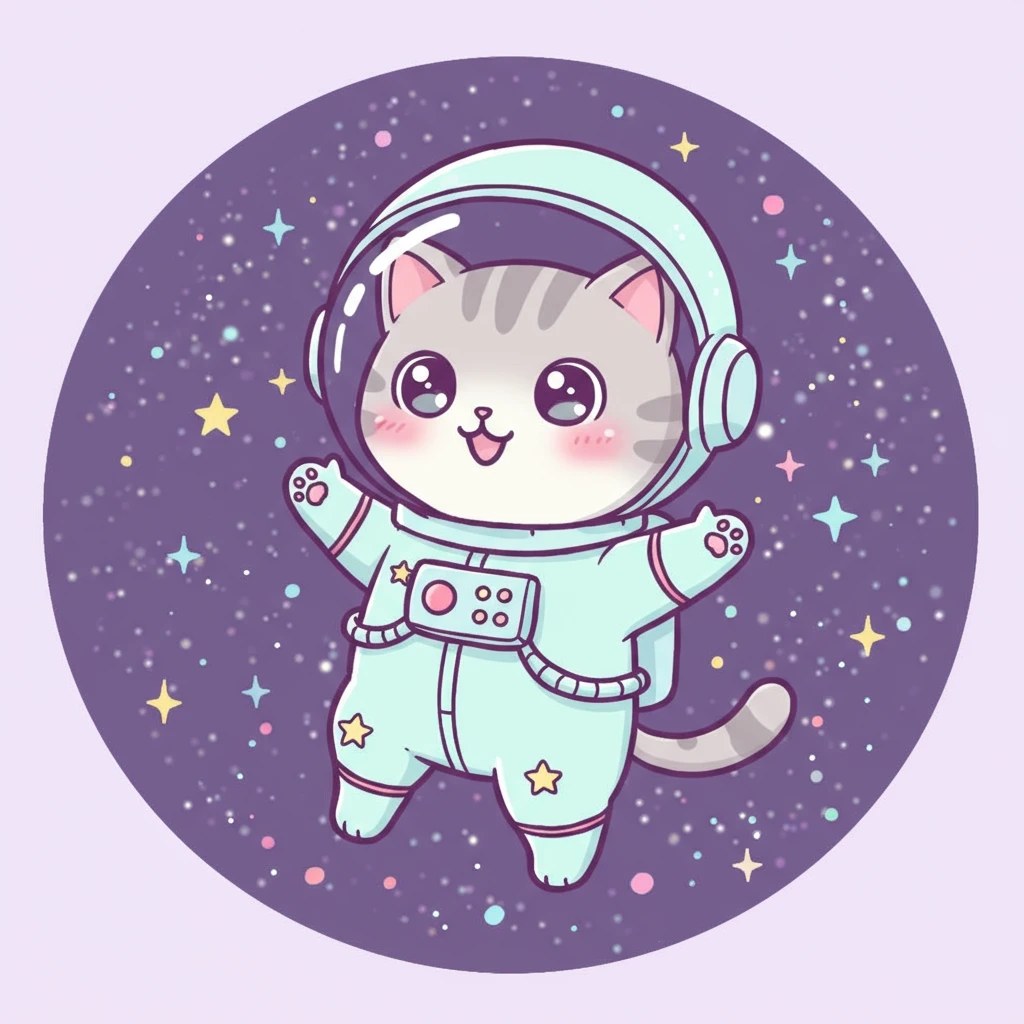
Cute Character Design:
- Prompt: "kawaii cat astronaut, pastel colors, simple design, merchandise illustration"
- Style: Illustration
10. Gaming Characters & Artifacts
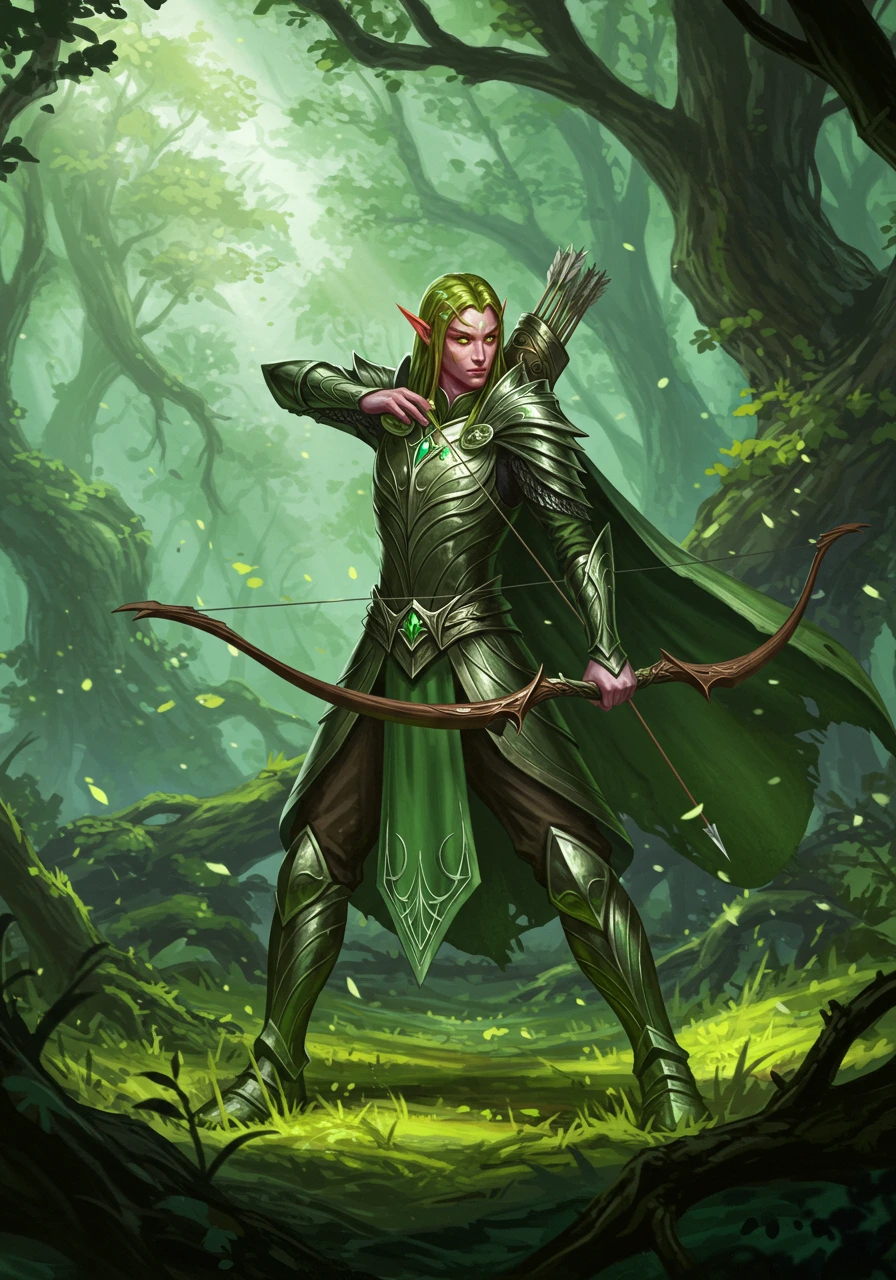
RPG Character:
- Prompt: "elven archer character design, fantasy RPG, detailed armor, forest background, concept art"
- Style: Illustration
- Format: Portrait (Pro)
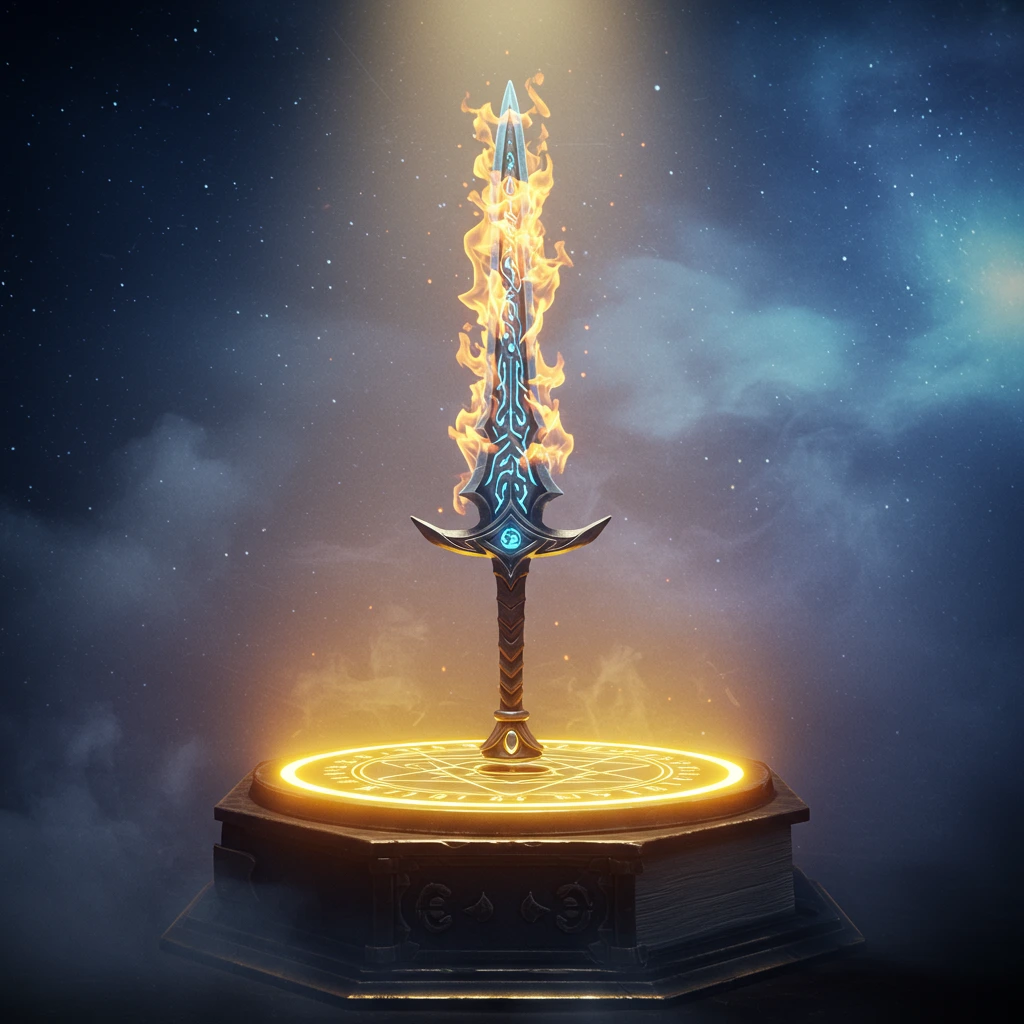
Magic Item:
- Prompt: "legendary flaming sword, magical artifact, glowing runes, item showcase, game asset"
- Style: Illustration or Raw
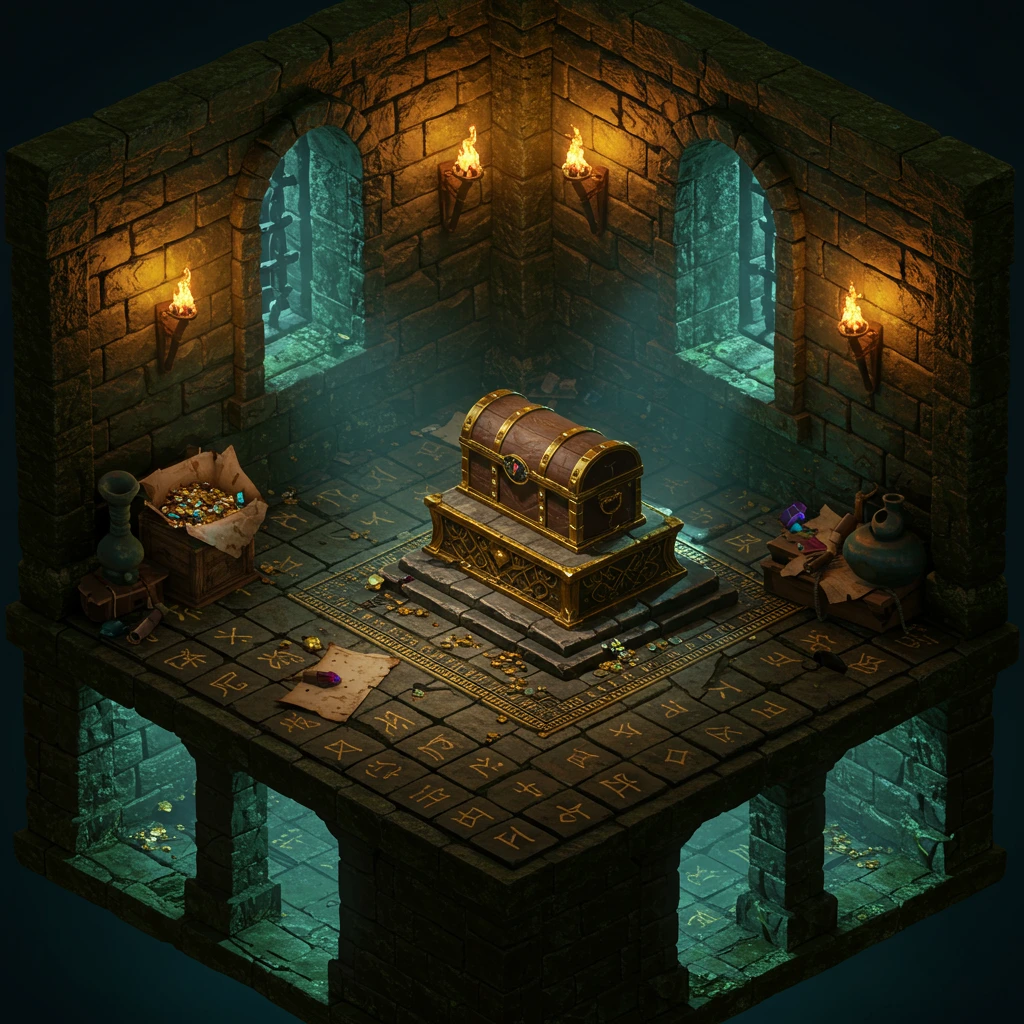
Game Environment:
- Prompt: "isometric dungeon room, treasure chest, torches, game level design"
- Style: Vector or Illustration
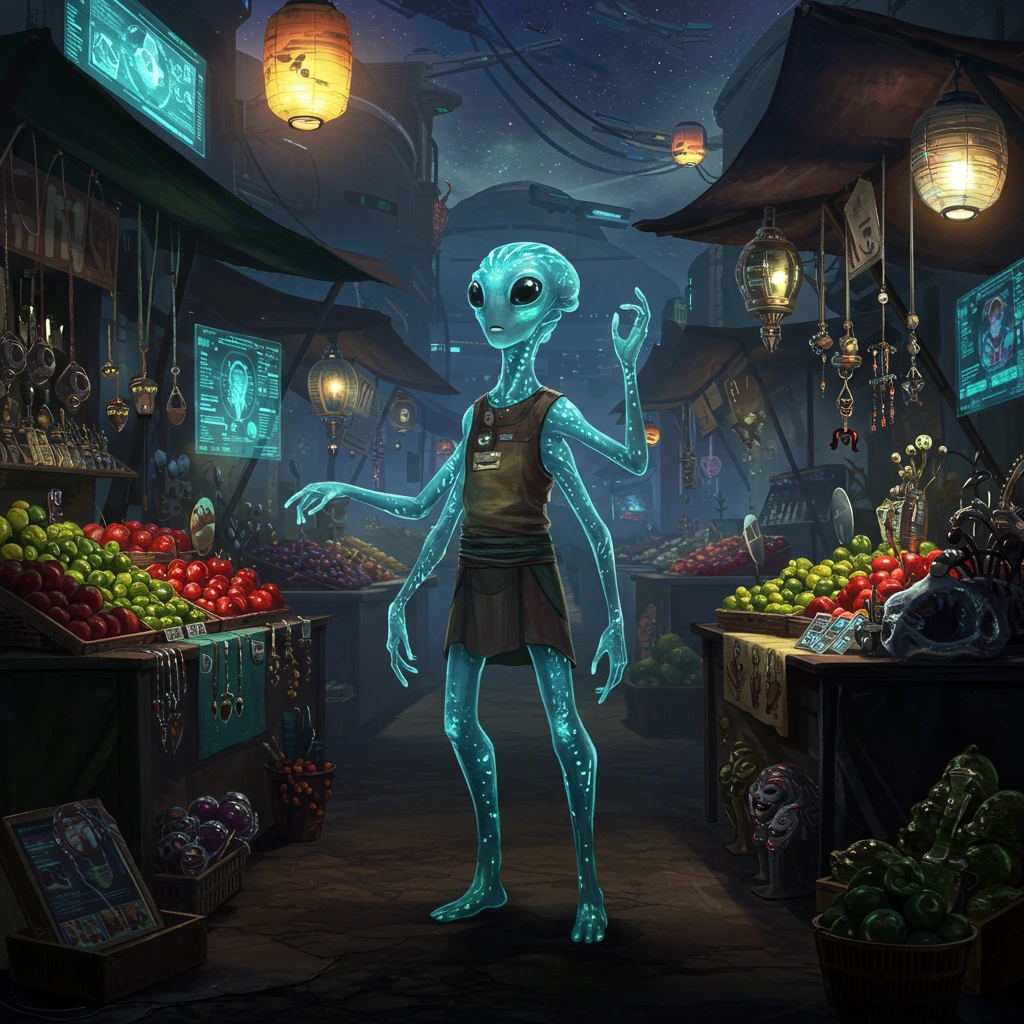
Alien Character Design:
- Prompt: "friendly alien merchant, four arms, bioluminescent skin, sci-fi marketplace background, character concept art"
- Style: Illustration
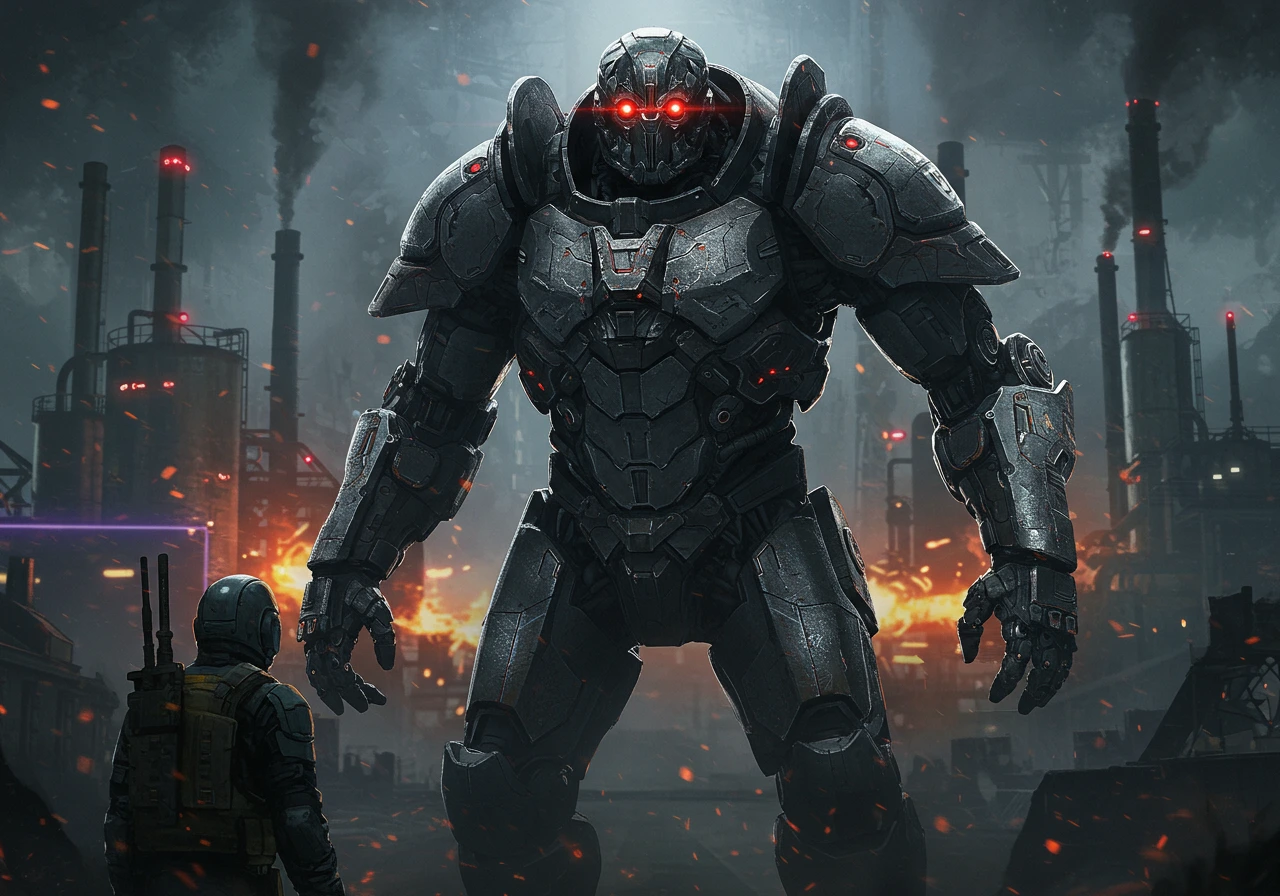
Robot Boss Enemy:
- Prompt: "menacing robot boss, glowing red eyes, heavy armor plating, industrial background, game villain design"
- Style: Illustration or Raw
11. Architecture & Interior Design
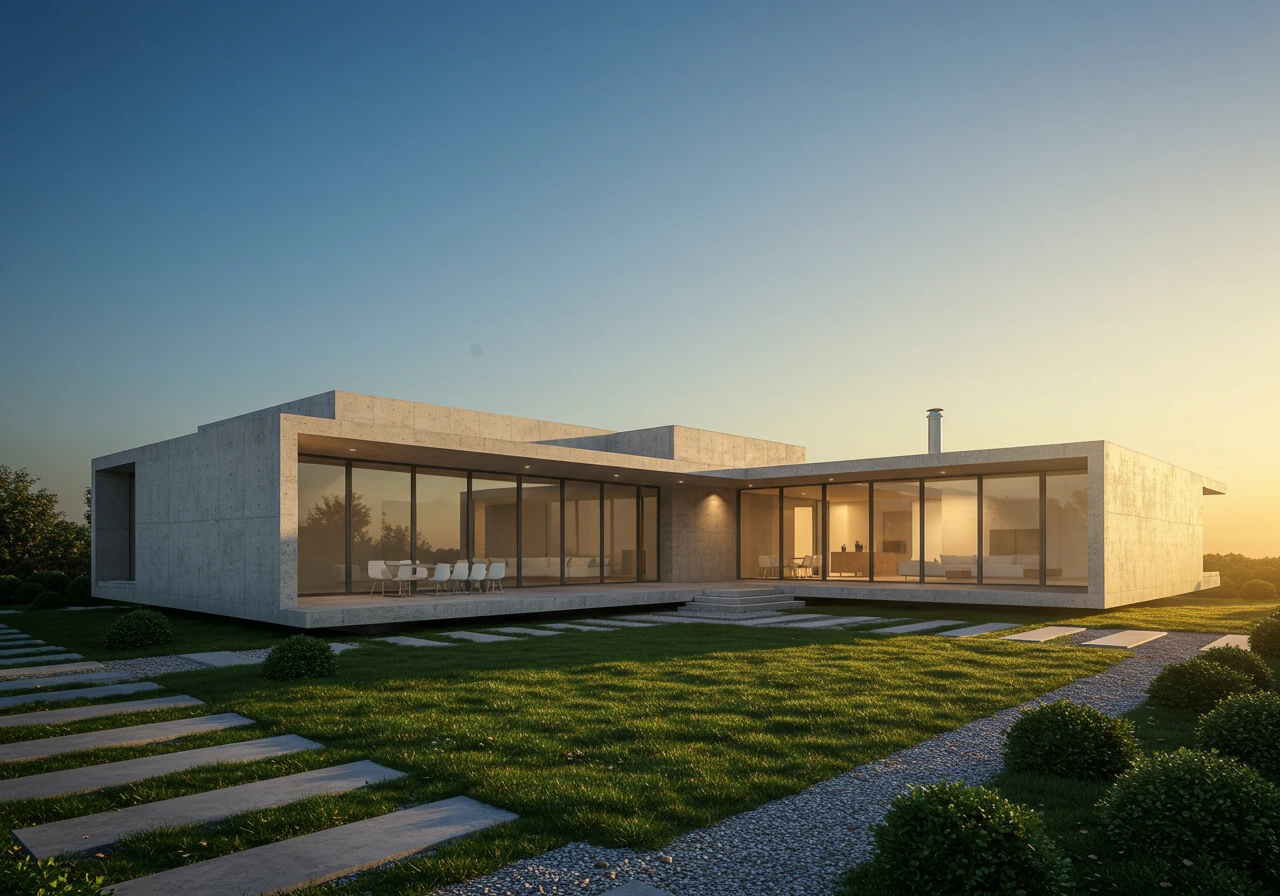
Modern House Exterior:
- Prompt: "modern minimalist house, concrete and glass, landscape architecture, golden hour photography"
- Style: Photo
- Format: Landscape (Pro)
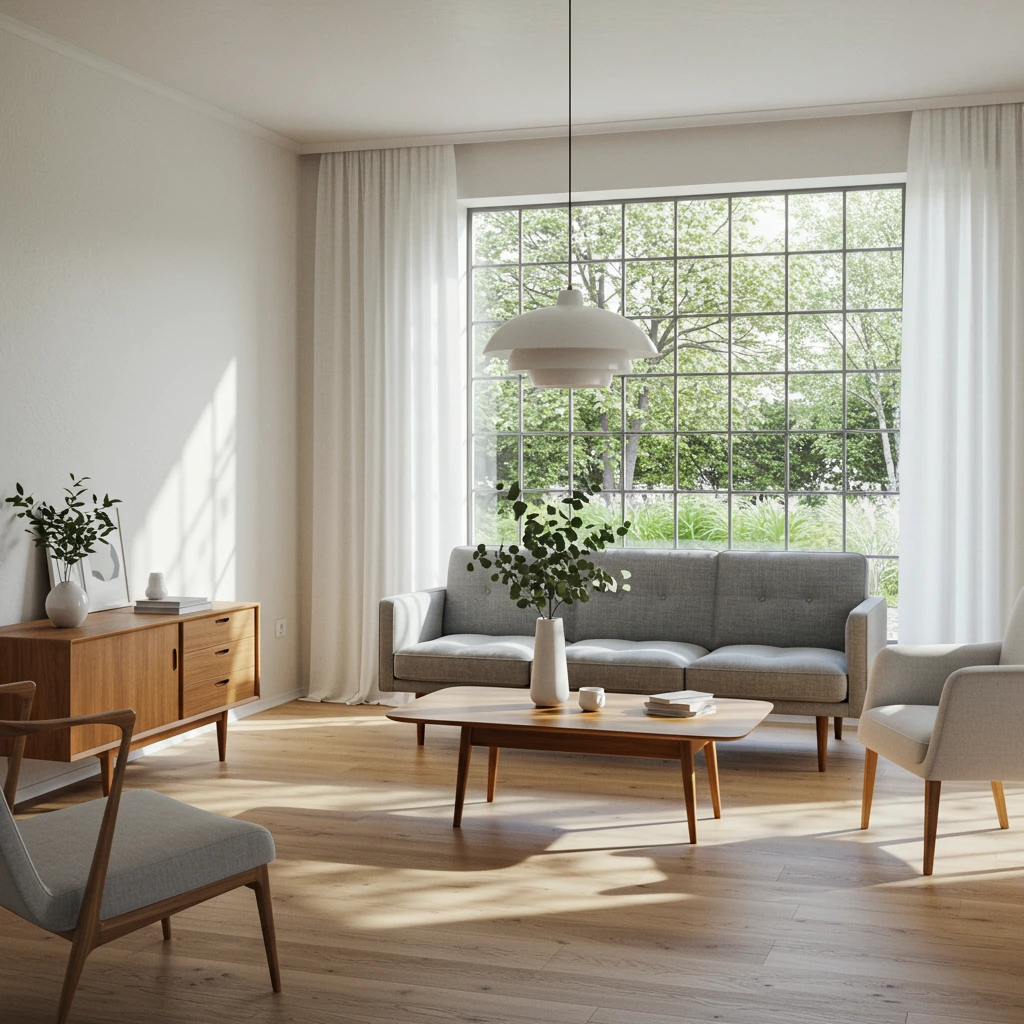
Interior Design Concept:
- Prompt: "scandinavian living room, natural light, minimalist furniture, interior design photography"
- Style: Photo
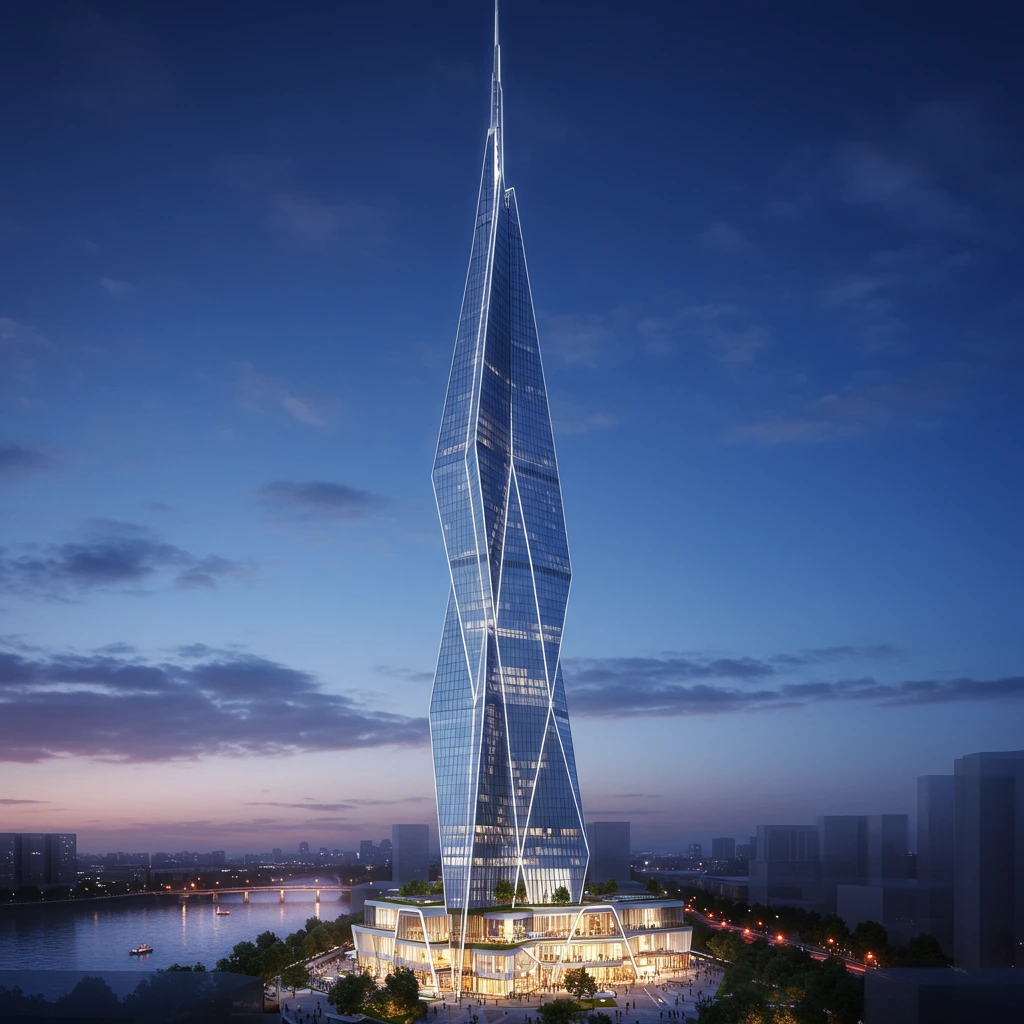
Architectural Visualization:
- Prompt: "futuristic skyscraper, architectural rendering, blue hour, dramatic lighting, cityscape"
- Style: Photo or Raw
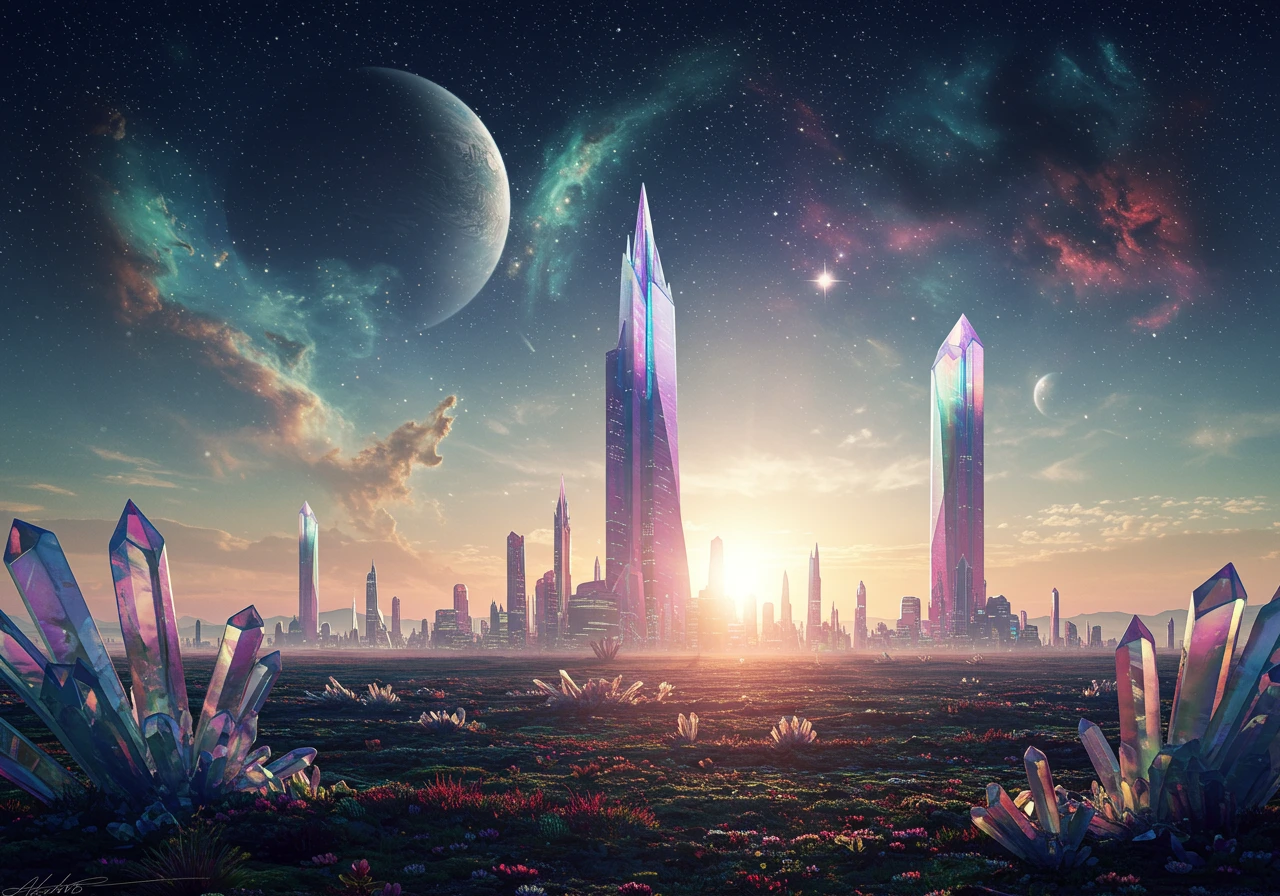
Alien Architecture:
- Prompt: "alien city on distant planet, crystalline structures, two moons in sky, otherworldly architecture, sci-fi landscape"
- Style: Raw or Illustration
- Format: Landscape (Pro)
Tips and Tricks
1. Finding Inspiration
- Browse Similar Images: While generating, explore related images
- Click for More: When you click on any image, you'll see many similar ones as well as relevant image tags to visit
- Use Search: Find images by keywords
- Explore Suggested Categories: Browse by theme (nature, fantasy, space, etc.)
- Check Image Details: Click any image to see its prompt and settings
2. Prompt Writing Tips
- Be Specific: "red car" → "vintage red Ferrari on mountain road"
- Add Quality Markers: "highly detailed", "professional", "high resolution", "sharp focus", "studio quality"
- Specify Style: "in the style of [artist/movement]"
- Include Lighting: "golden hour", "studio lighting", "dramatic shadows"
3. Advanced Prompt Techniques
Classic Artists That Work Well:
- Impressionists: "Claude Monet style", "Edgar Degas inspired", "Pierre-Auguste Renoir"
- Post-Impressionists: "Vincent van Gogh style", "Paul Cézanne", "Georges Seurat pointillism"
- Renaissance: "Leonardo da Vinci style", "Michelangelo inspired", "Botticelli aesthetic"
- Others: "Rembrandt lighting", "Vermeer style", "Hokusai waves", "Alphonse Mucha art nouveau"
Digital Art Techniques:
- 3D Styles: "3D render", "octane render", "unreal engine", "volumetric lighting"
- Isometric: "isometric view", "isometric art", "isometric pixel art"
- Digital Painting: "digital painting", "concept art", "matte painting", "speedpainting style"
- Technical: "technical illustration", "blueprint style", "CAD rendering", "wireframe"
Artistic Styles for Amazing Results:
- Cinematic: "cinematic lighting", "movie poster", "film still", "anamorphic lens"
- Artistic Posters: "vintage travel poster", "art deco poster", "minimalist poster design"
- Sketch Styles: "pencil sketch", "charcoal drawing", "ink illustration", "crosshatching"
- Coloring Books: "coloring book page", "line art", "black and white outline", "mandala design"
Photography & Camera Terms:
- Professional: "85mm lens", "f/1.4 aperture", "golden ratio composition", "rule of thirds"
- Film Types: "Fujifilm", "Kodak Portra 400", "Ilford HP5", "expired film look"
- Lighting: "Rembrandt lighting", "split lighting", "rim lighting", "chiaroscuro"
- Styles: "street photography", "fashion photography", "architectural photography"
Trending Styles (What Makes Images Go Viral):
- Atmospheric: "volumetric fog", "god rays", "atmospheric perspective"
- Detail Markers: "intricate details", "hyperrealistic", "photorealistic", "8K resolution"
- Mood: "ethereal", "dreamlike", "surreal", "liminal space"
- Color: "vibrant colors", "pastel palette", "monochromatic", "complementary colors"
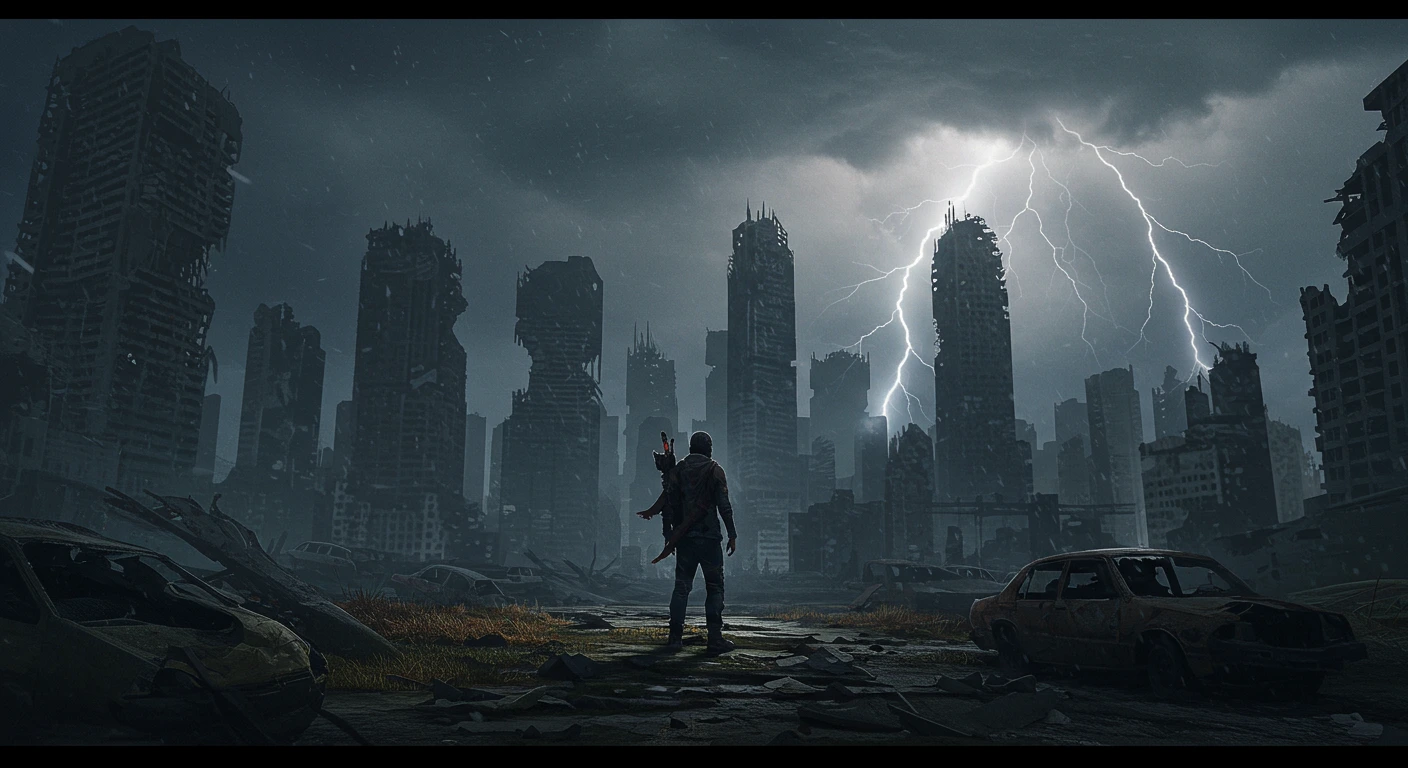
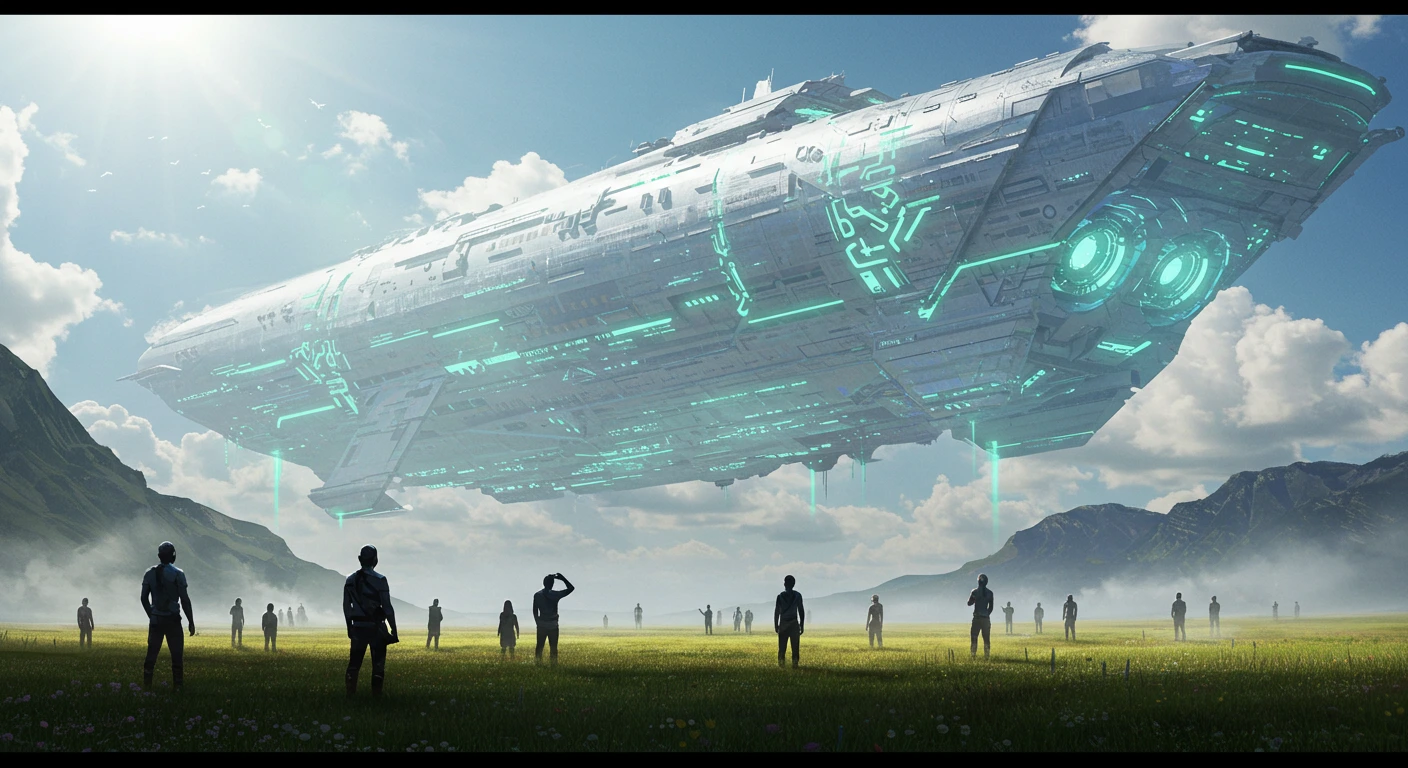
Epic Scene Examples:
- Apocalyptic: "last human survivor, destroyed cityscape, dramatic sky, cinematic composition"
- Alien Encounter: "first contact with alien species, massive spaceship hovering, awe-inspiring scale"
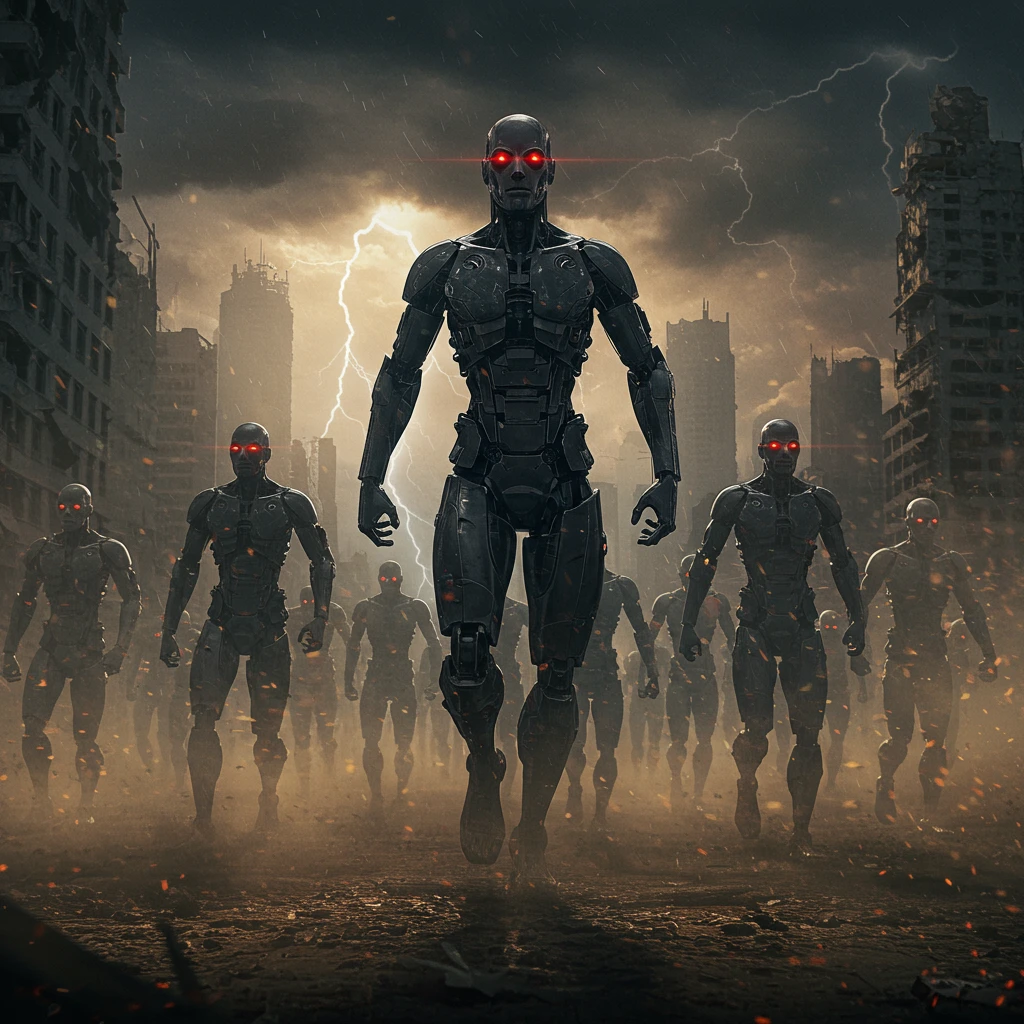
- Robot Revolution: "army of robots marching, dystopian future, dramatic lighting, movie poster style"
4. Credit Management
- Start with 1 image when testing prompts
- Use Base quality for initial iterations
- Switch to Pro for final versions
- Top up credits or subscribe for more
5. Common Techniques
Negative Space: Use excluded words to create minimalist compositions Style Mixing: Combine multiple artistic influences Technical Terms: Use photography terms (bokeh, depth of field, etc.)
Subscription Benefits
Why Go Pro?
- 250 Pro Credits Monthly: High-quality image generation
- Unlimited Base Images: Never run out of free generations
- No Watermarks: Clean, professional results
- No Attribution Required: Use images freely without crediting Craiyon
- Private Images: Your creations remain private (Professional plan)
- Text in Images: Add words and phrases to your art
- Custom Aspect Ratios: Portrait and landscape formats
- Fastest Generation: Priority processing
- High-Quality Downloads: Maximum quality exports
When You Need Pro:
- Creating logos with text
- Professional work requiring high quality
- Non-square aspect ratios
- Privacy for commercial projects
Getting Help
- Check the FAQ section for common questions
- Join our Discord community for tips, help, and inspiration
- Connect with other creators and share your amazing generations
Ready to create amazing images? Start with a simple prompt and build from there. Remember, the key to great results is experimentation and detailed descriptions. Happy creating!