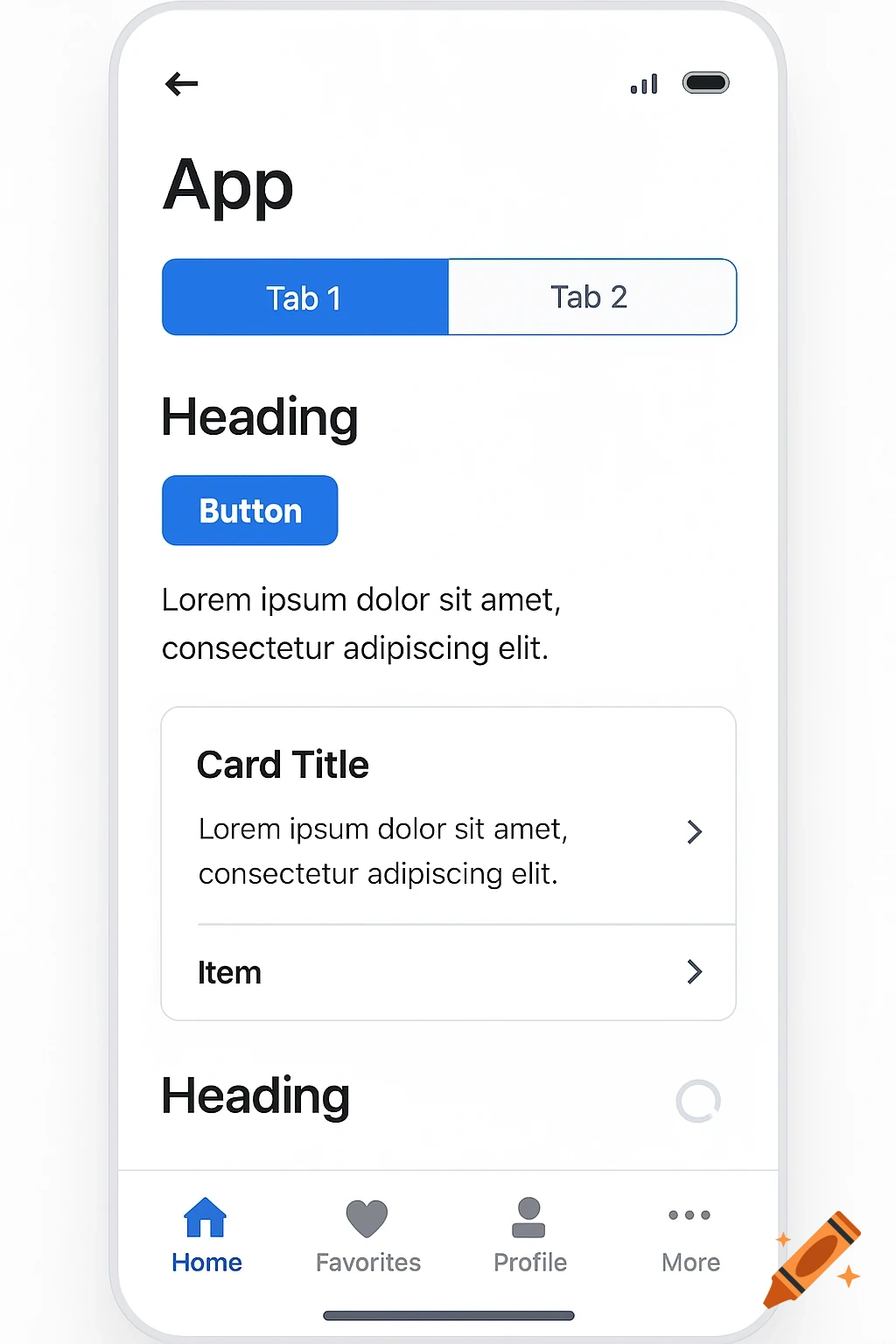
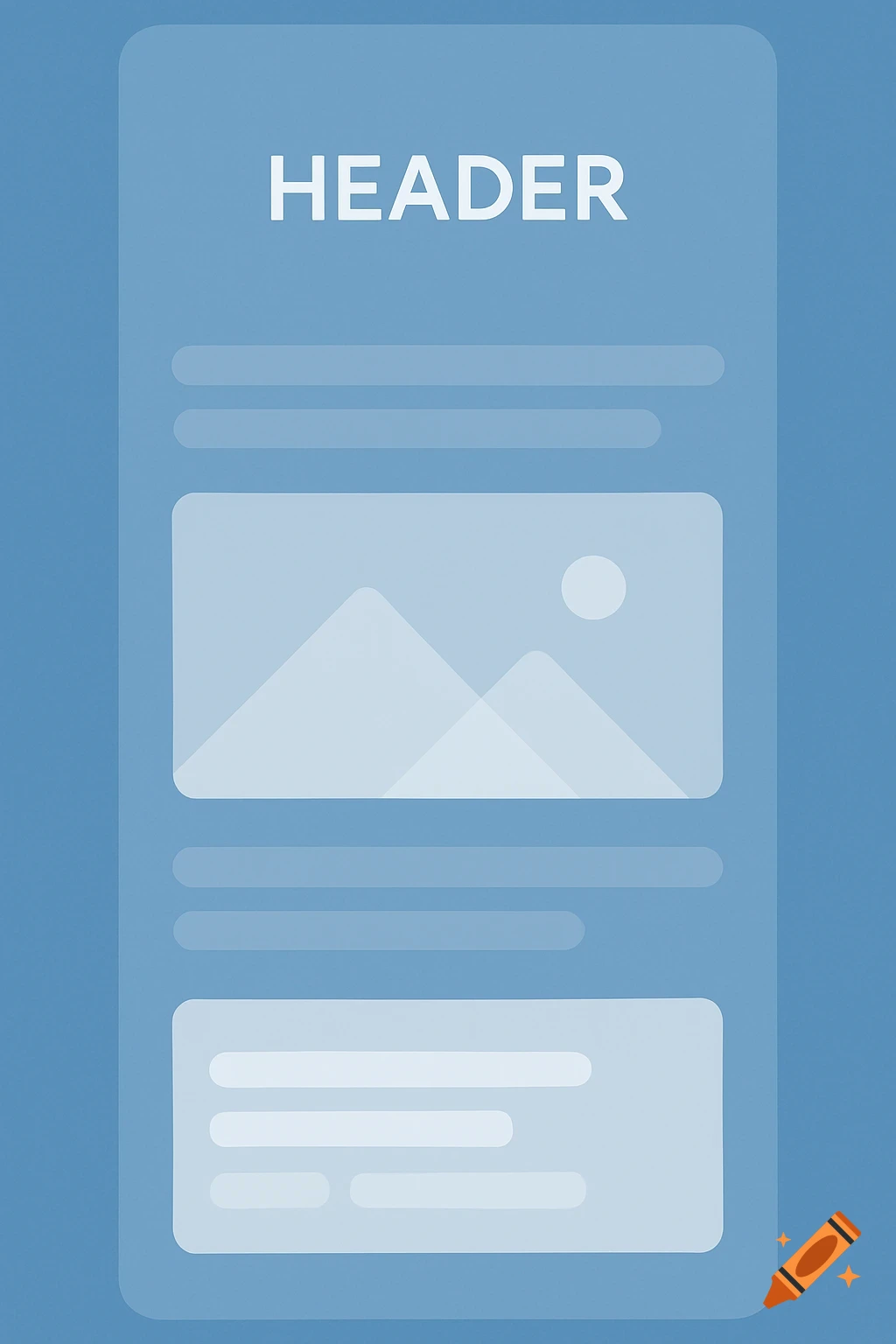
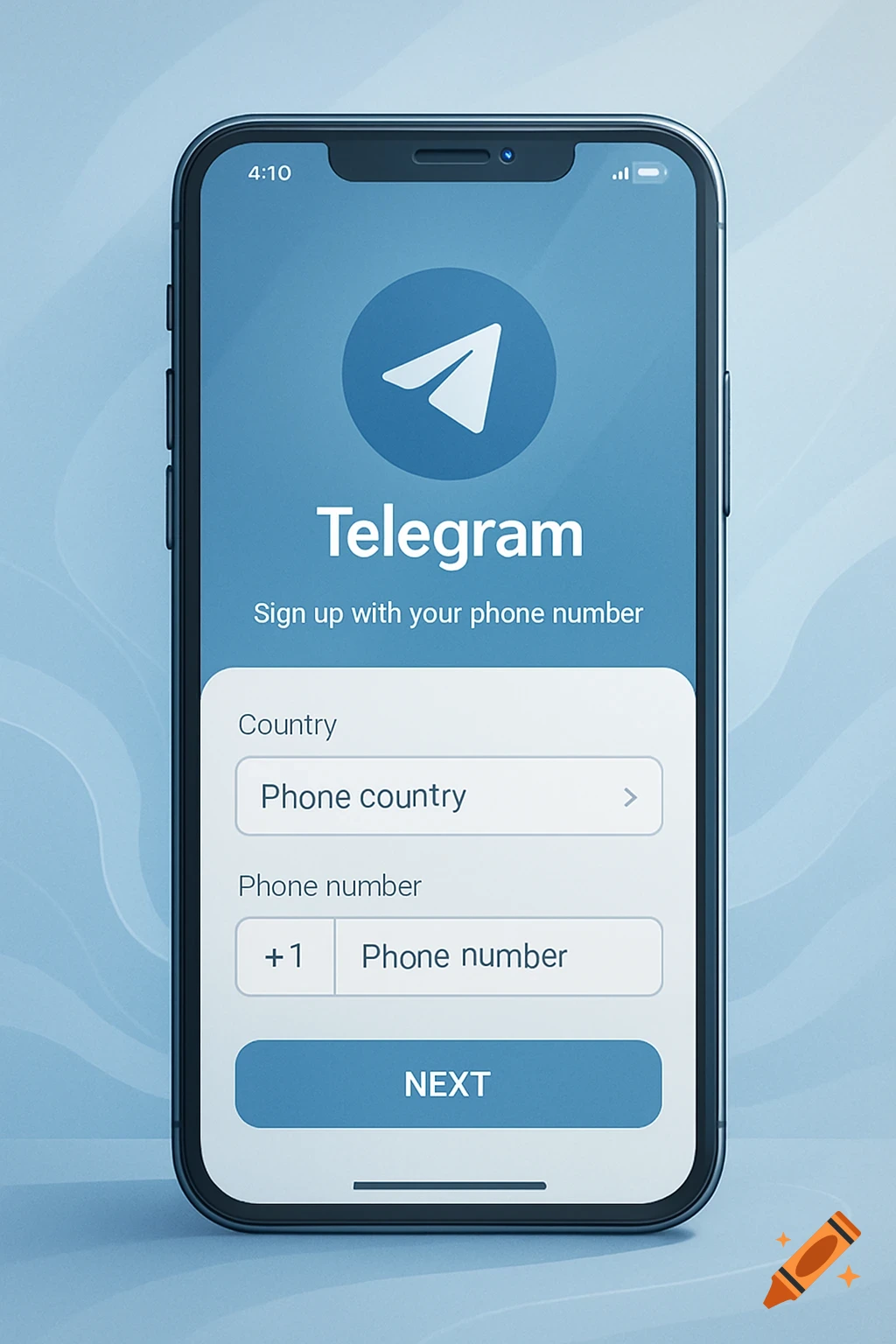
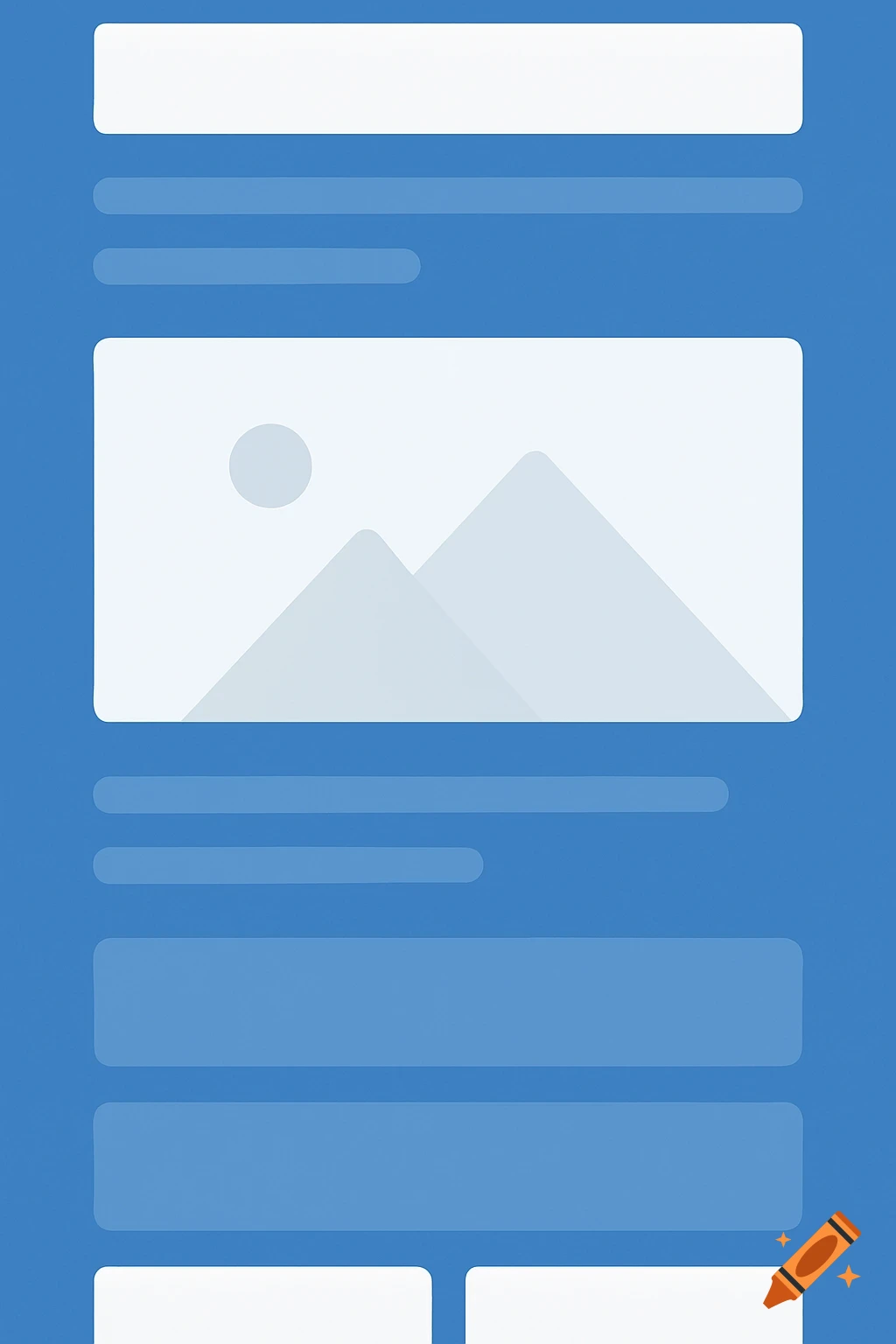
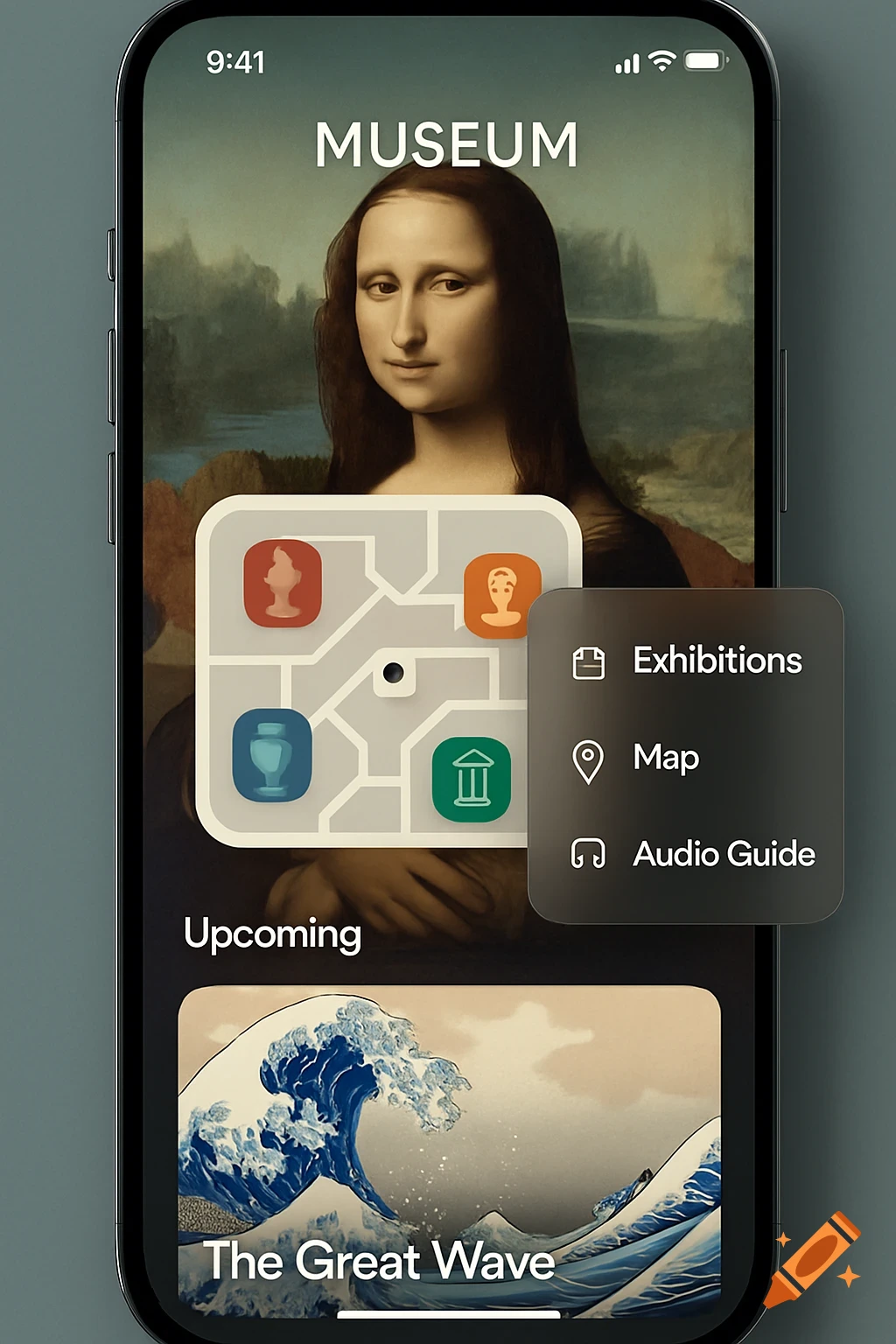
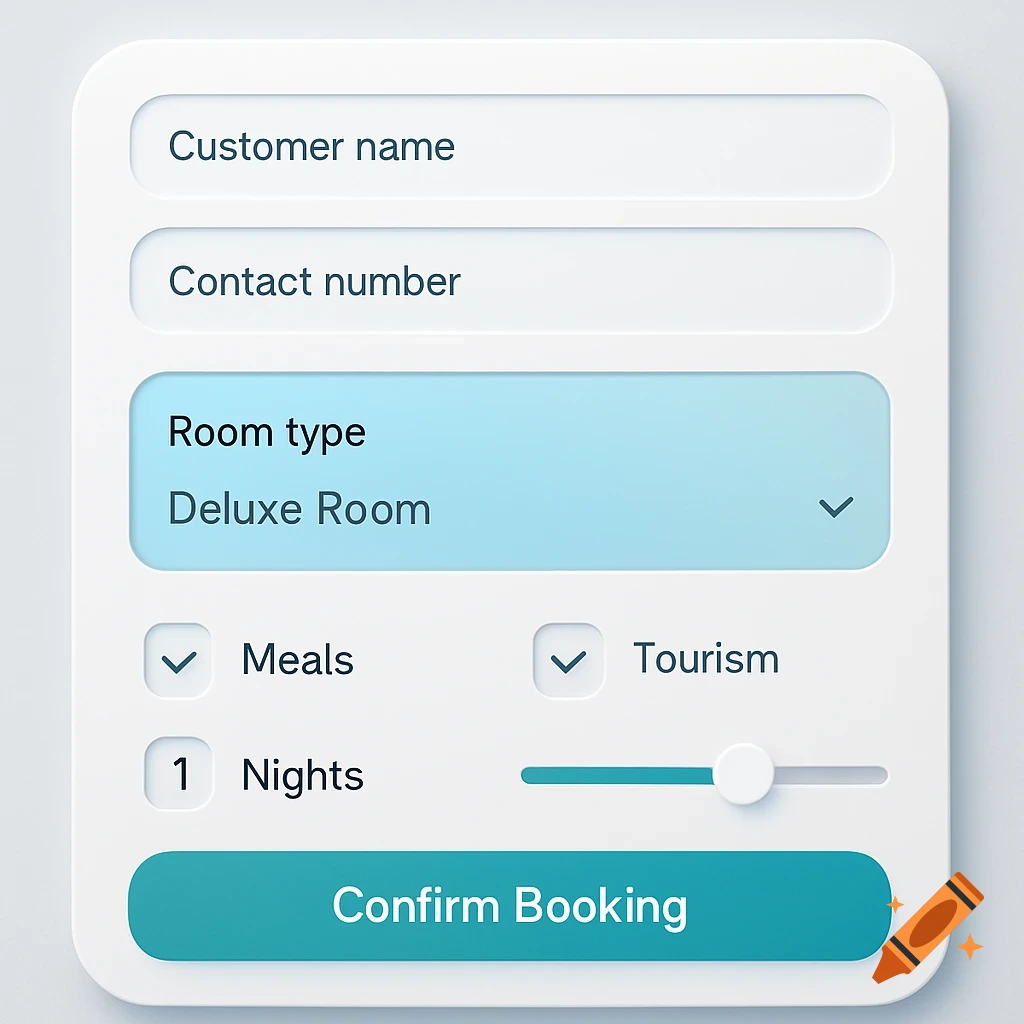
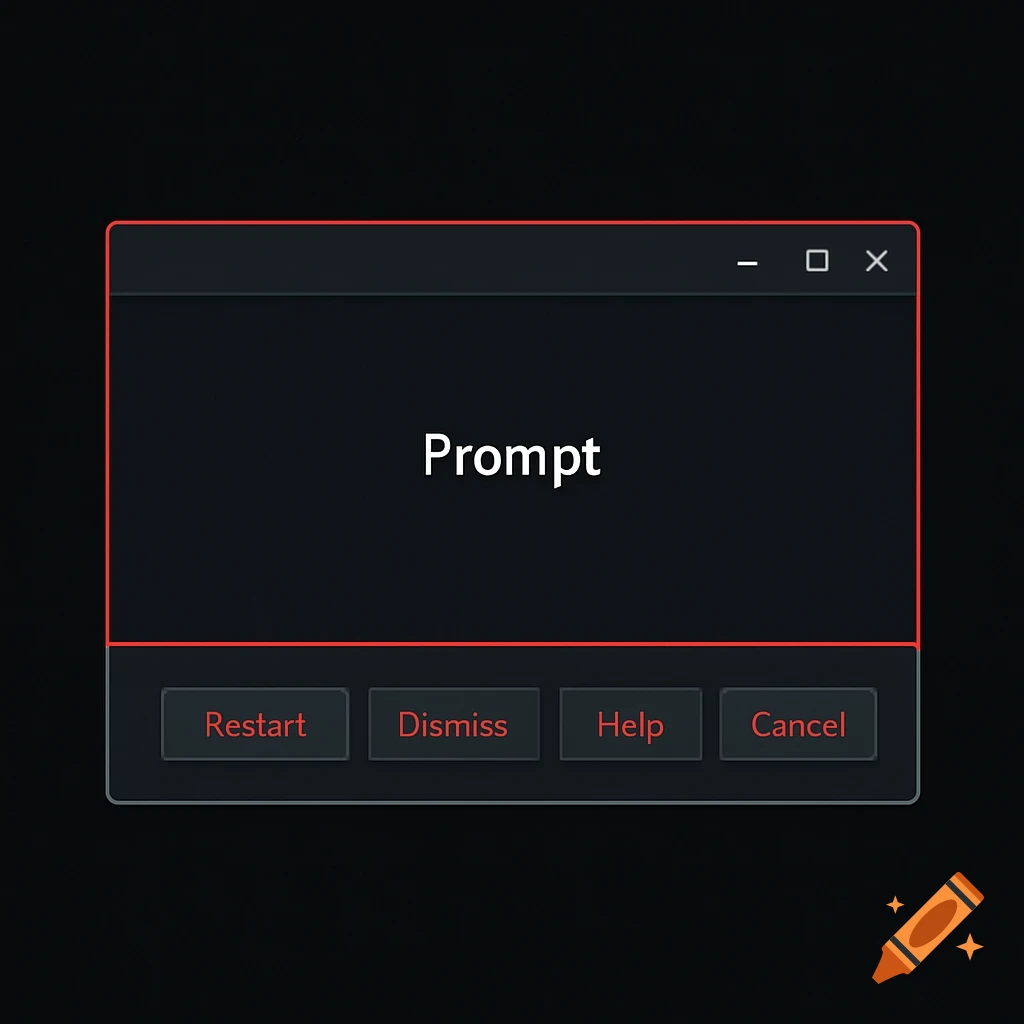
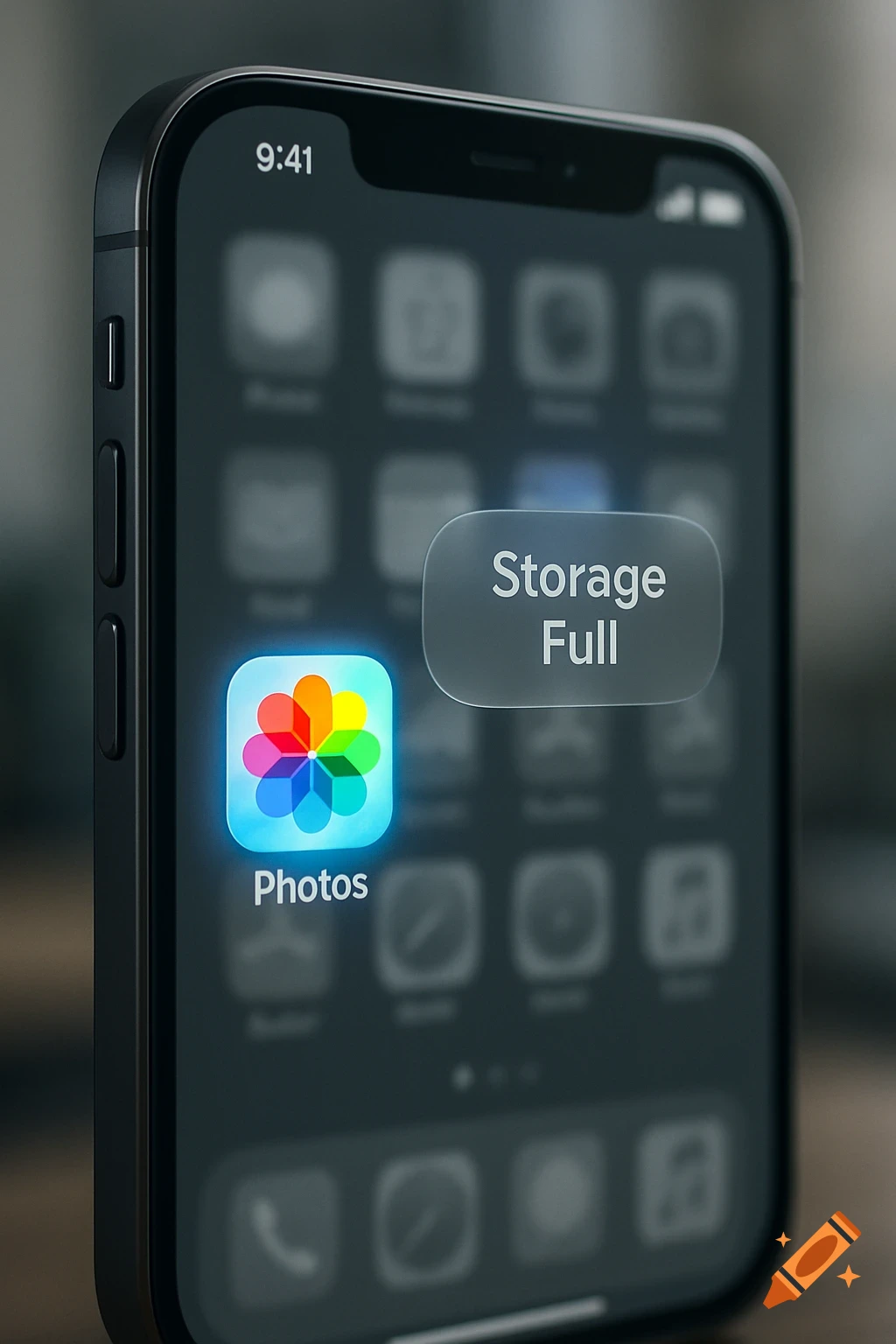
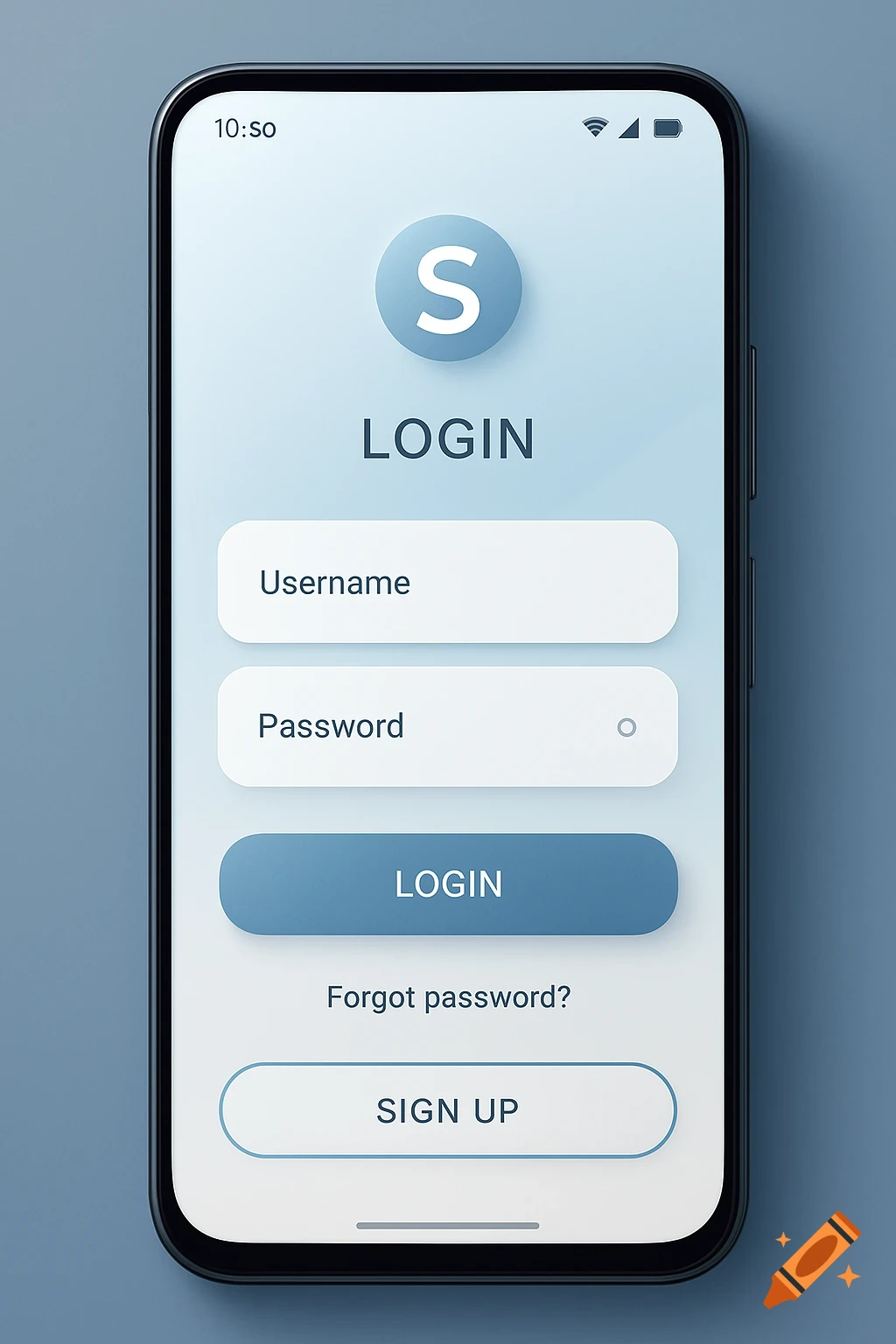
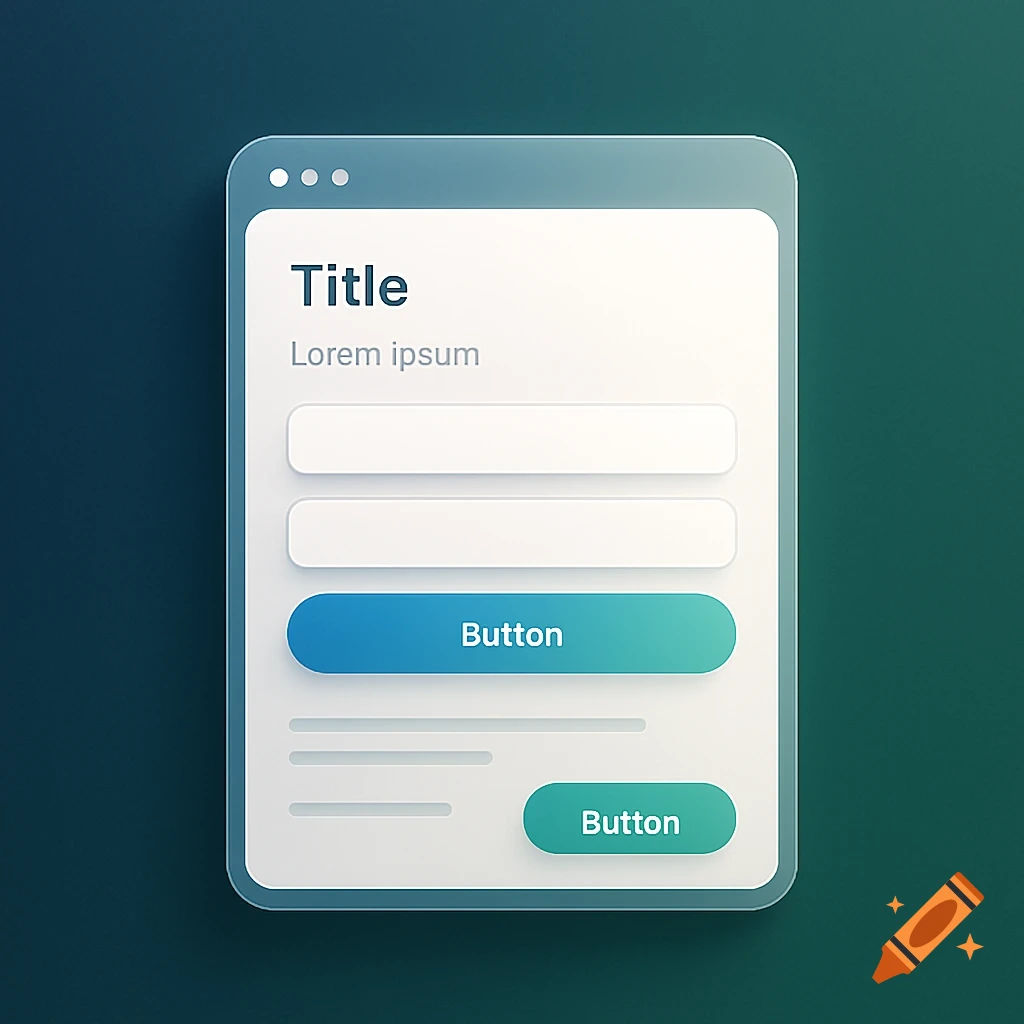
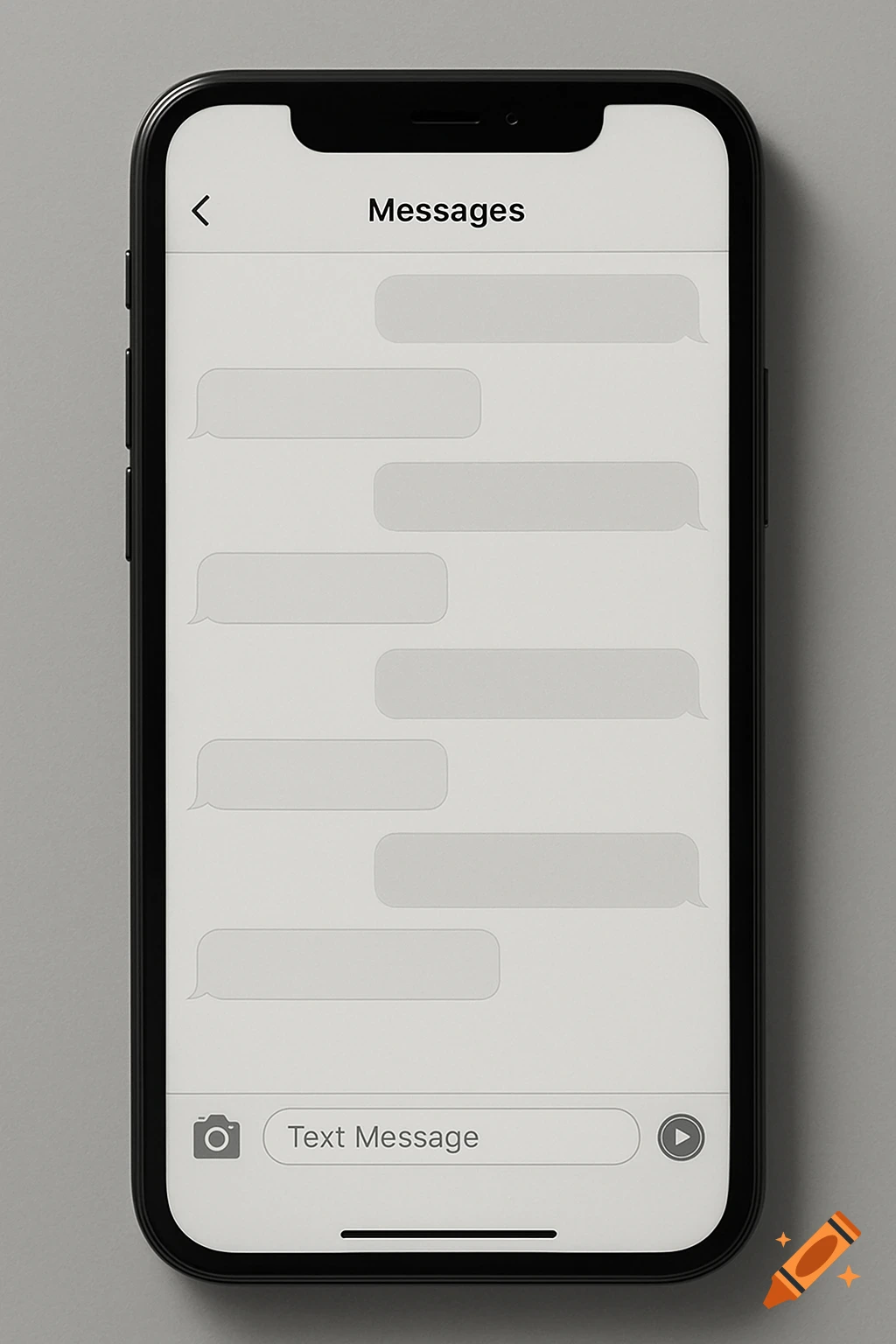
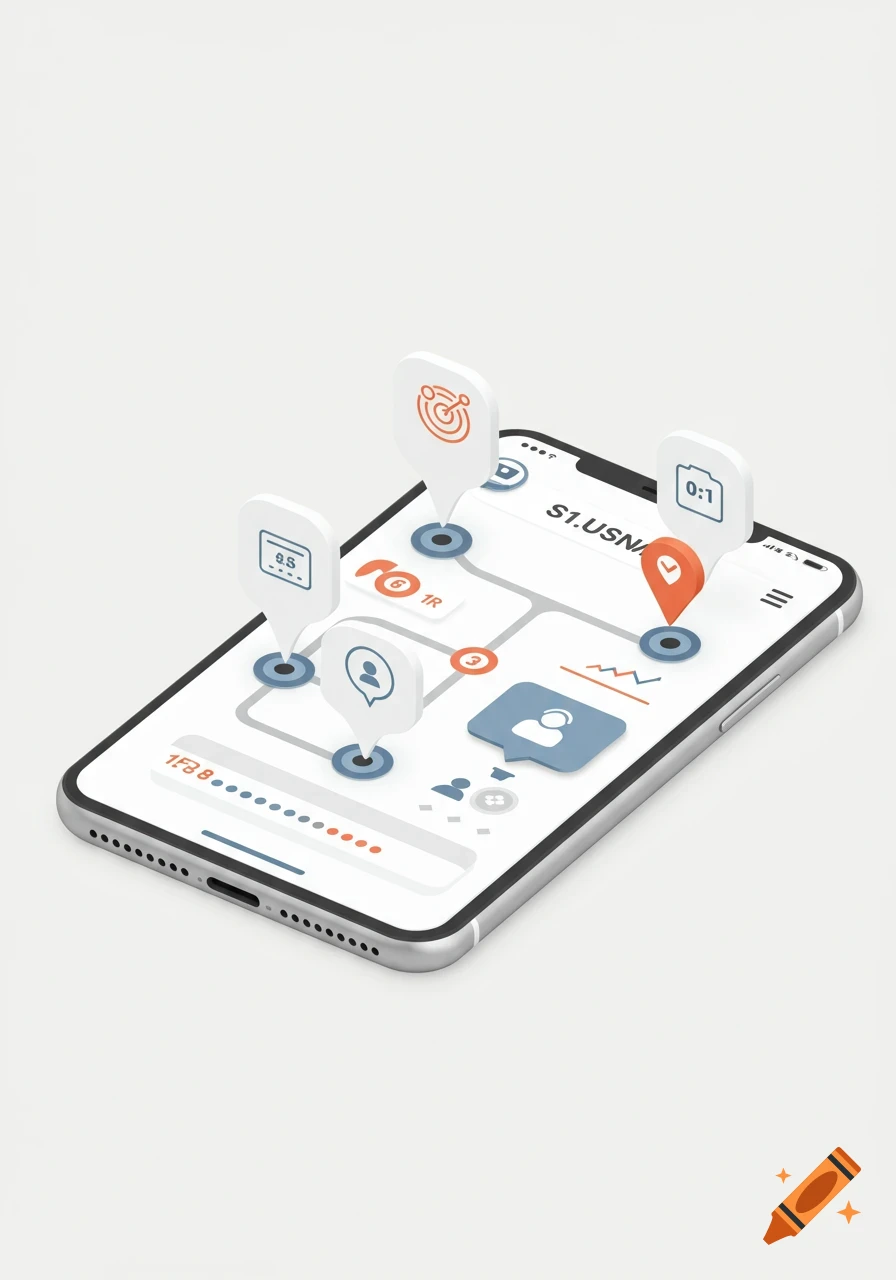
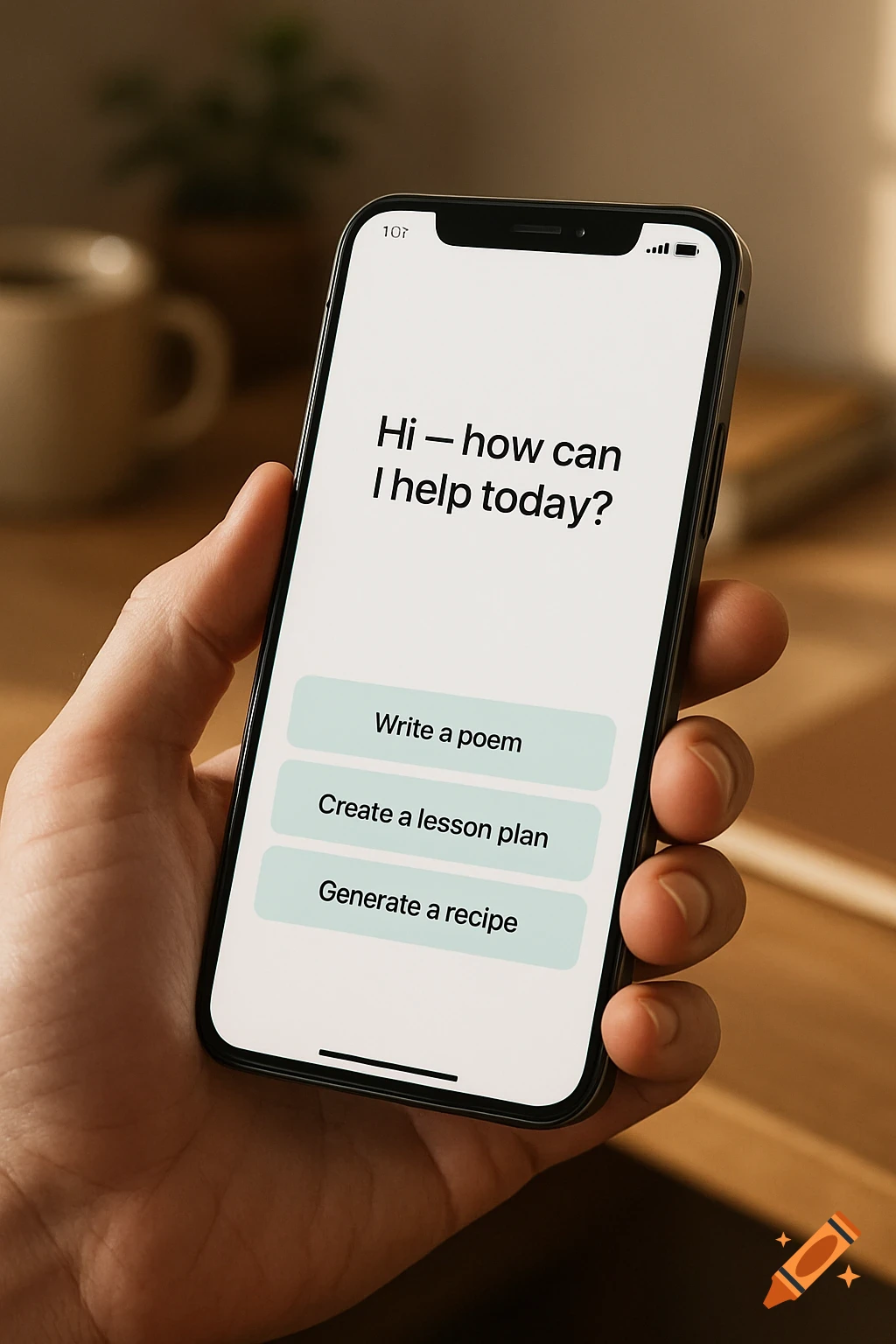
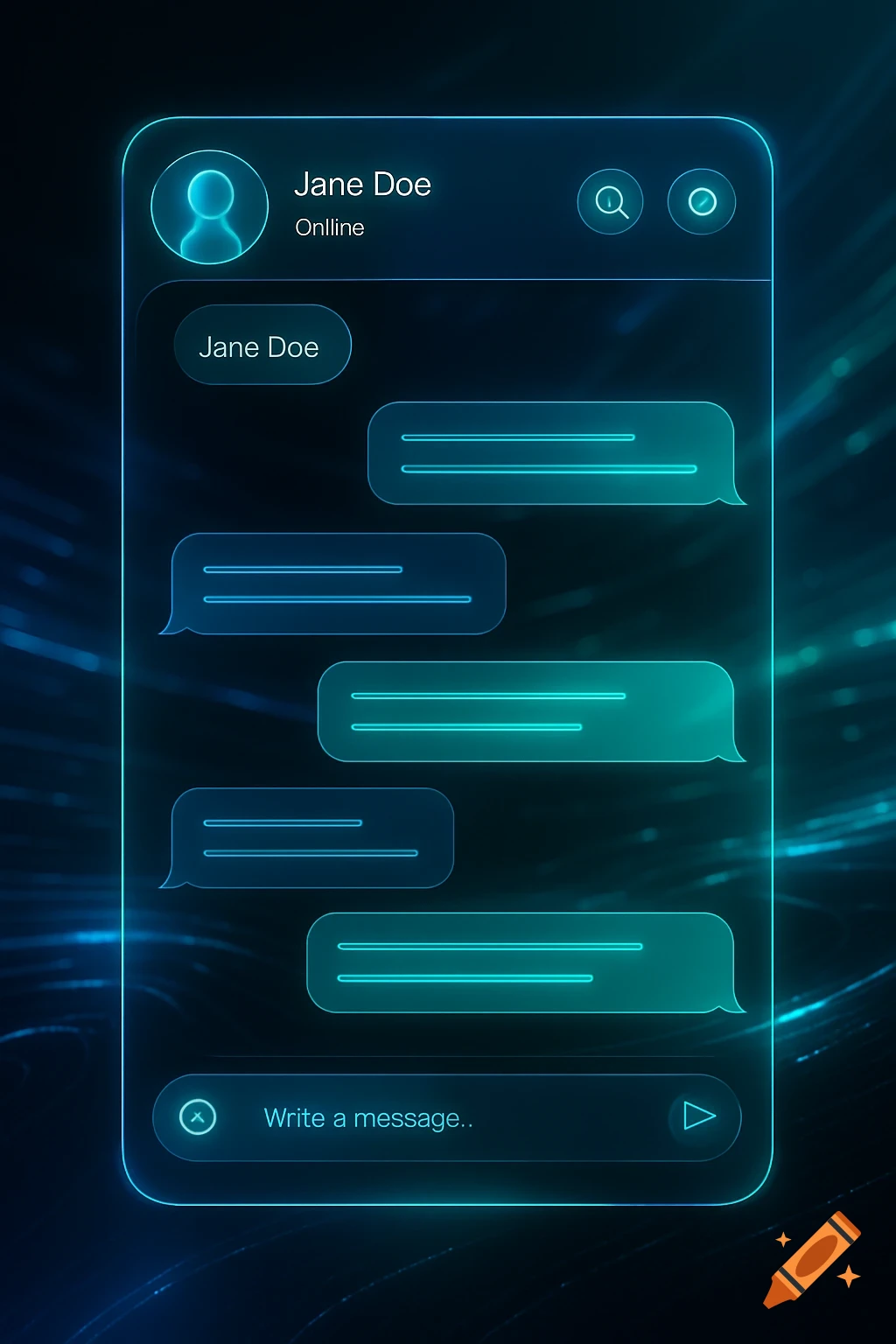
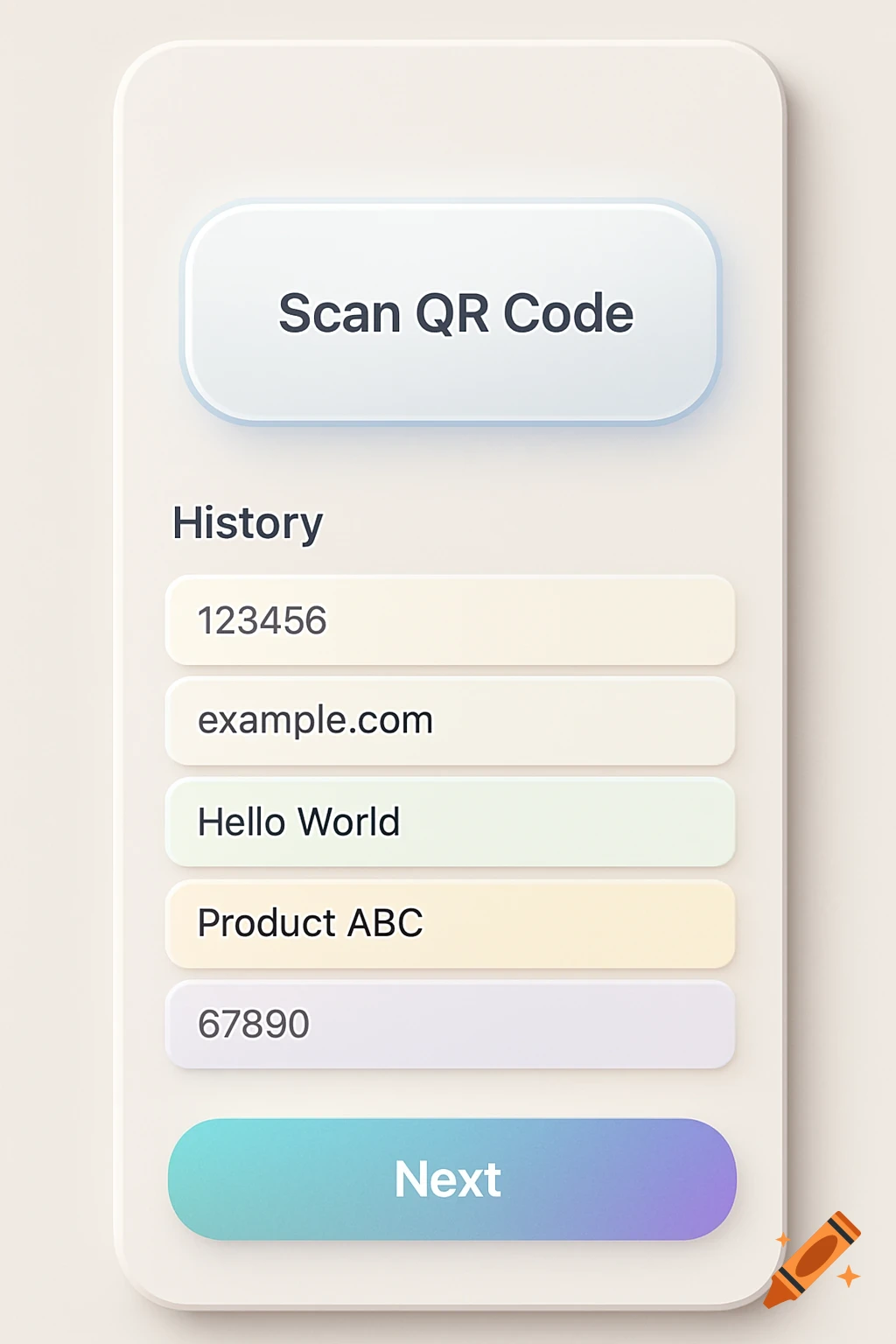
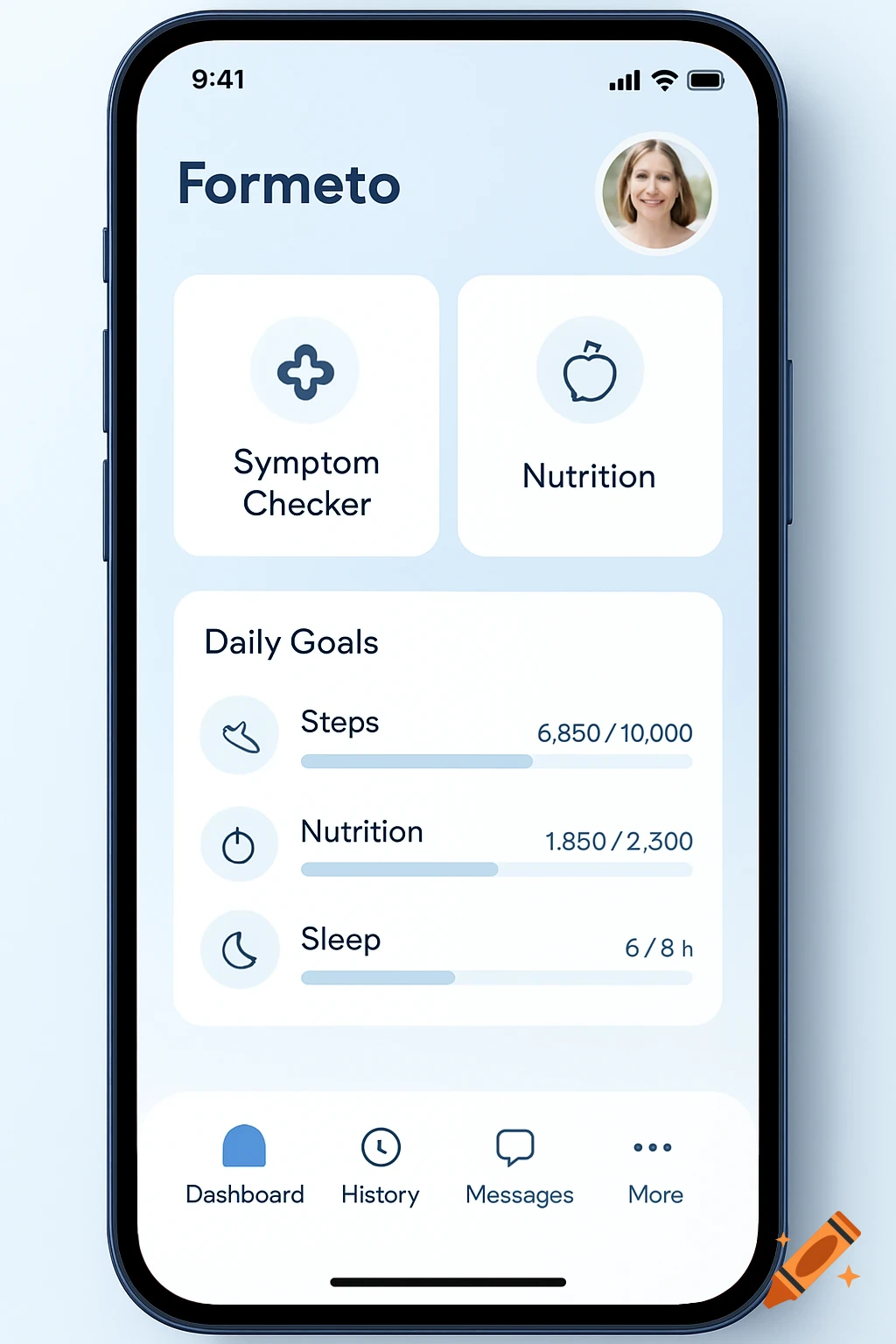
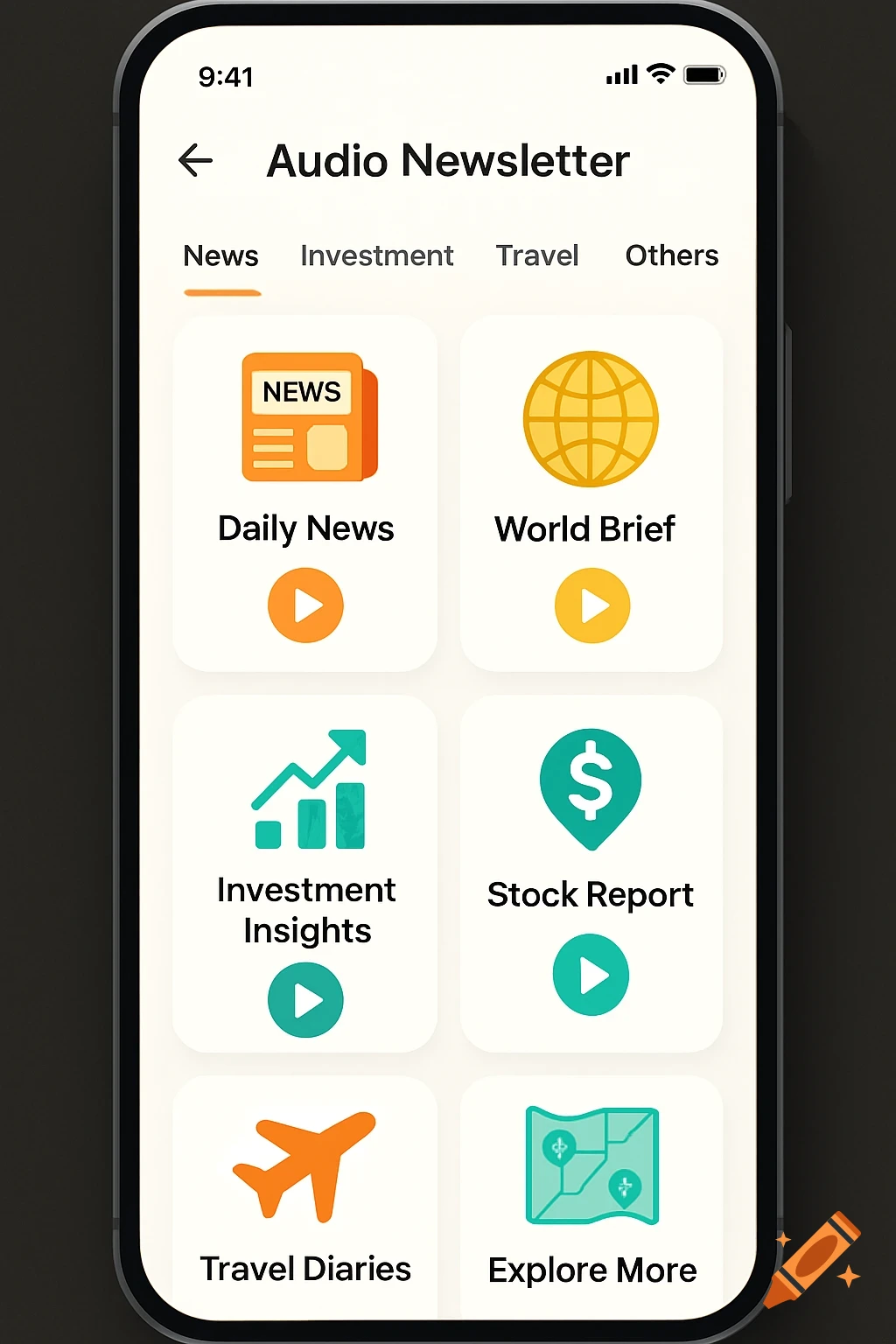
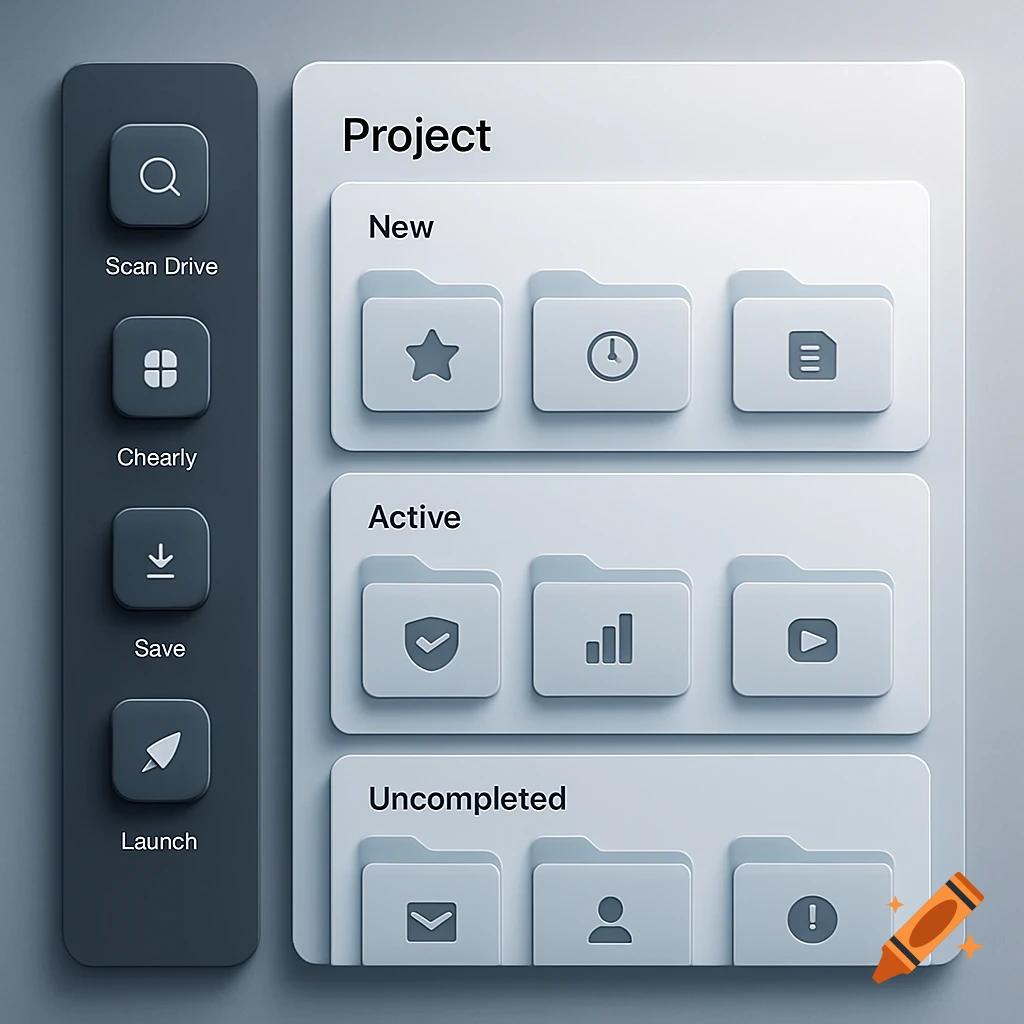
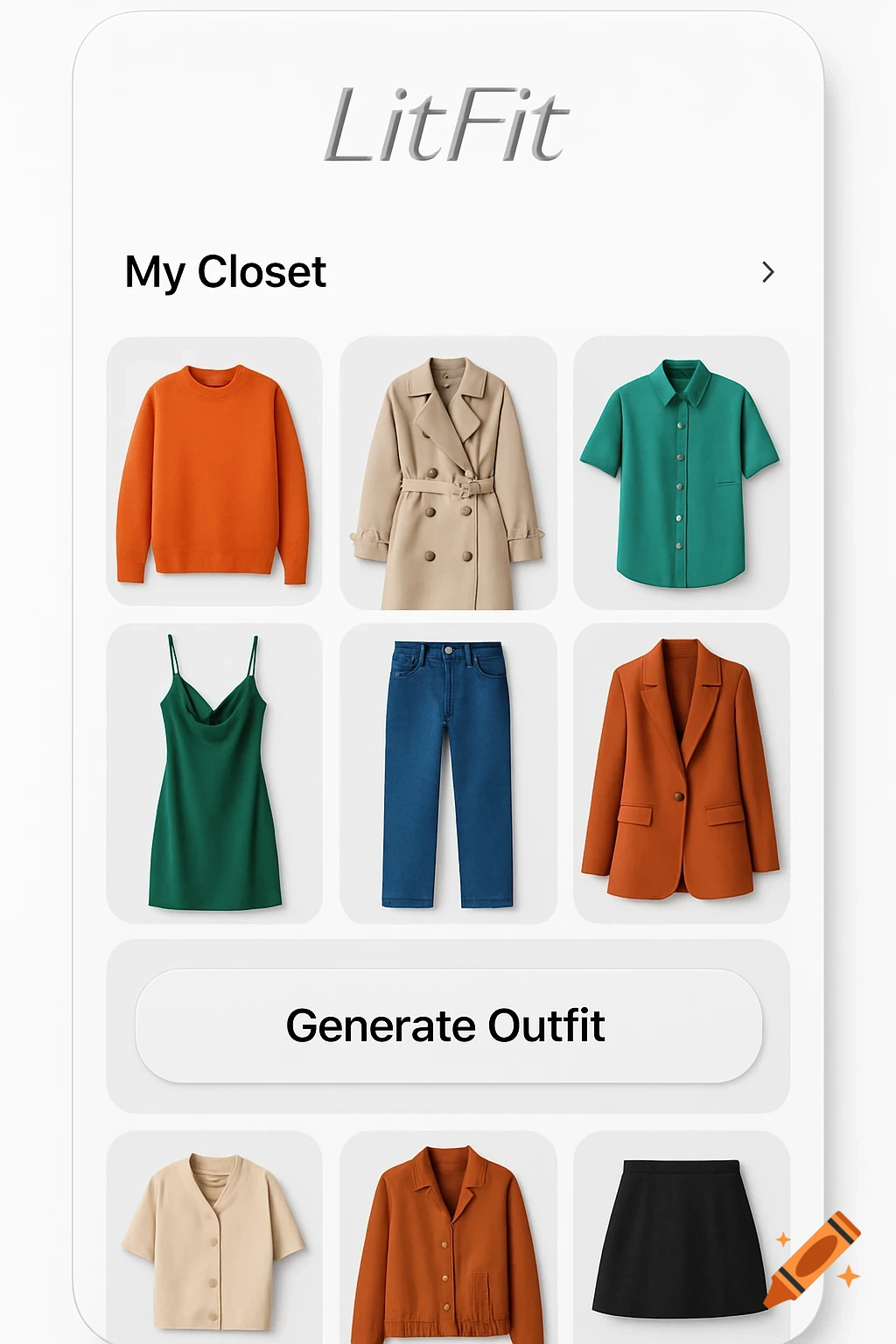
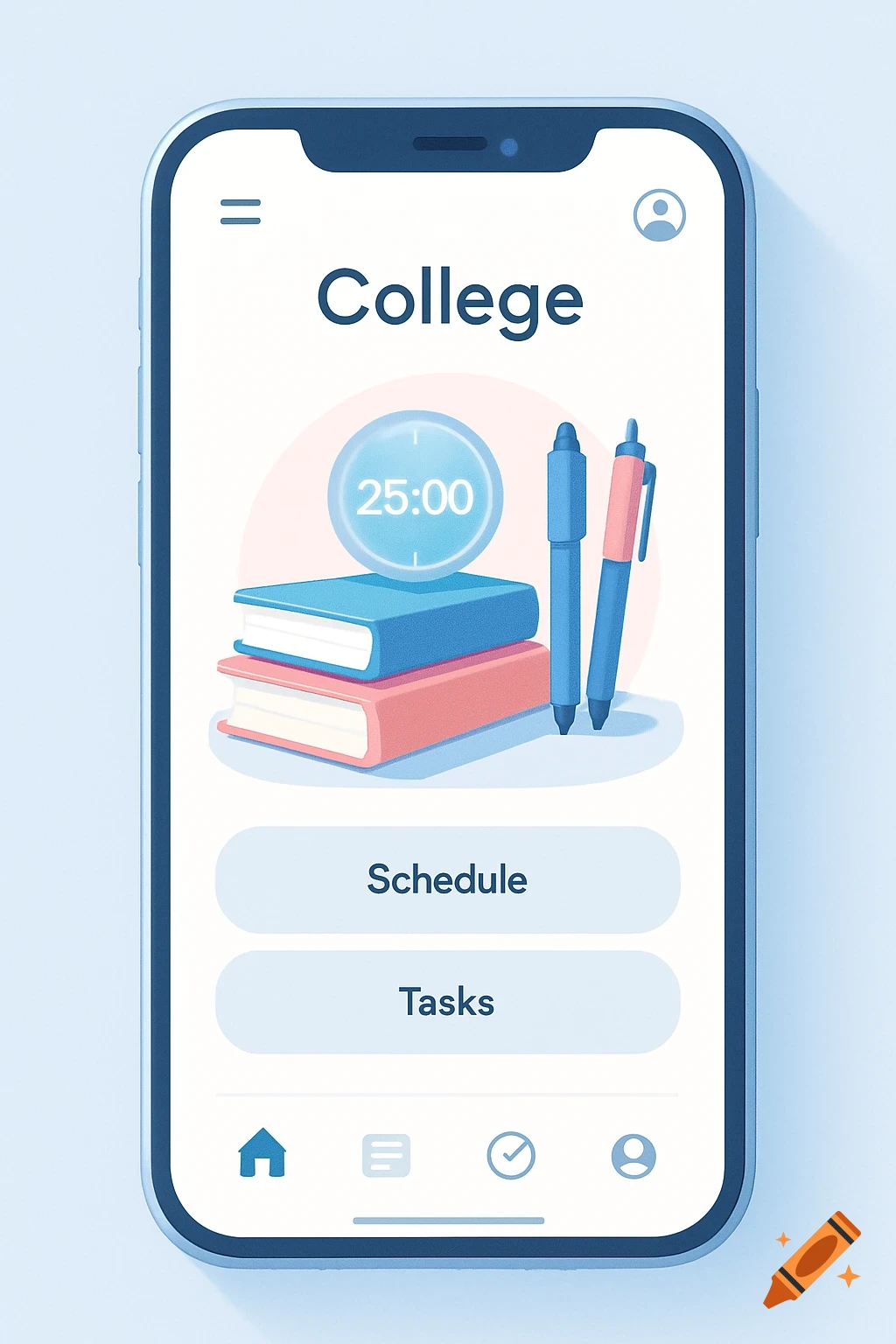
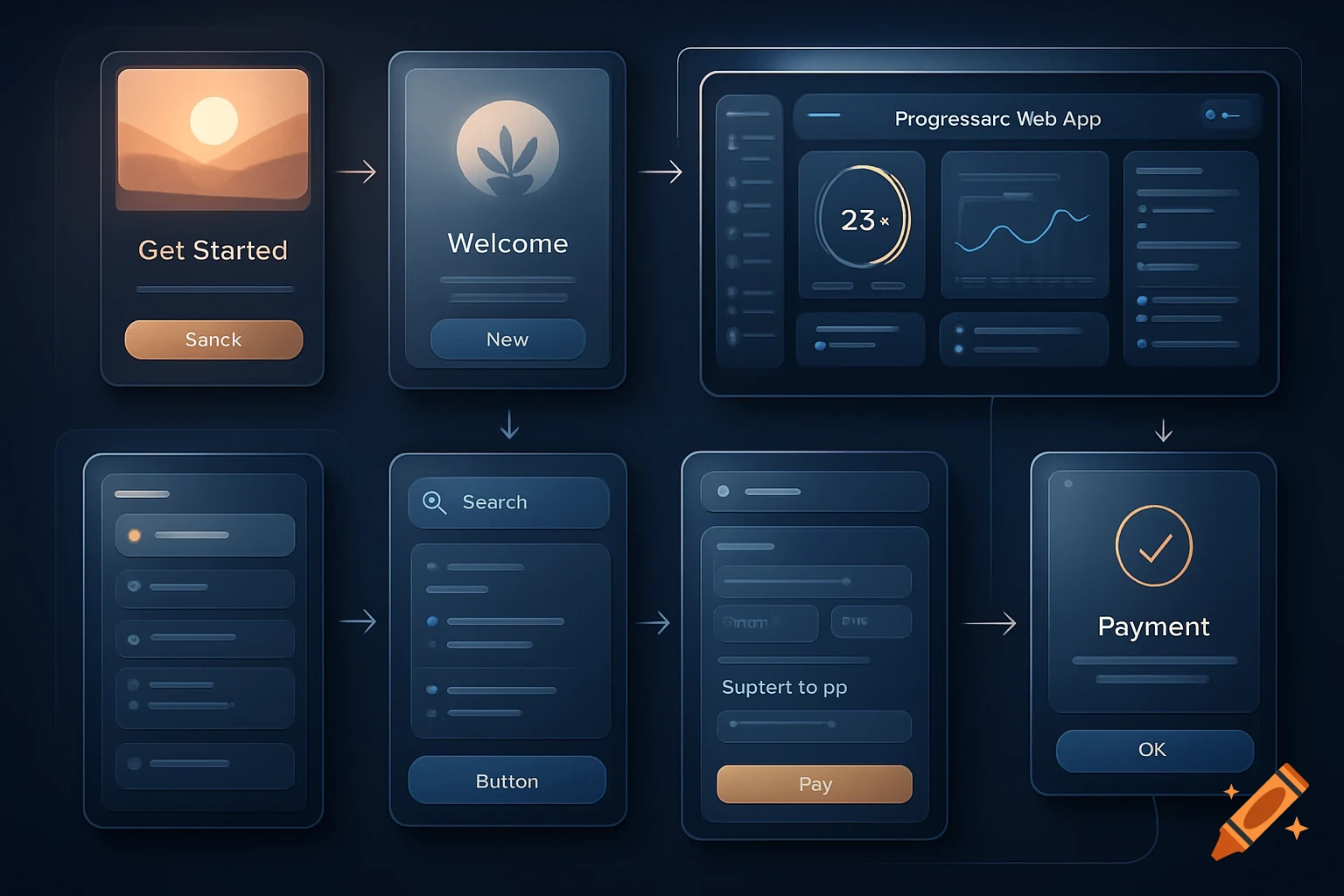
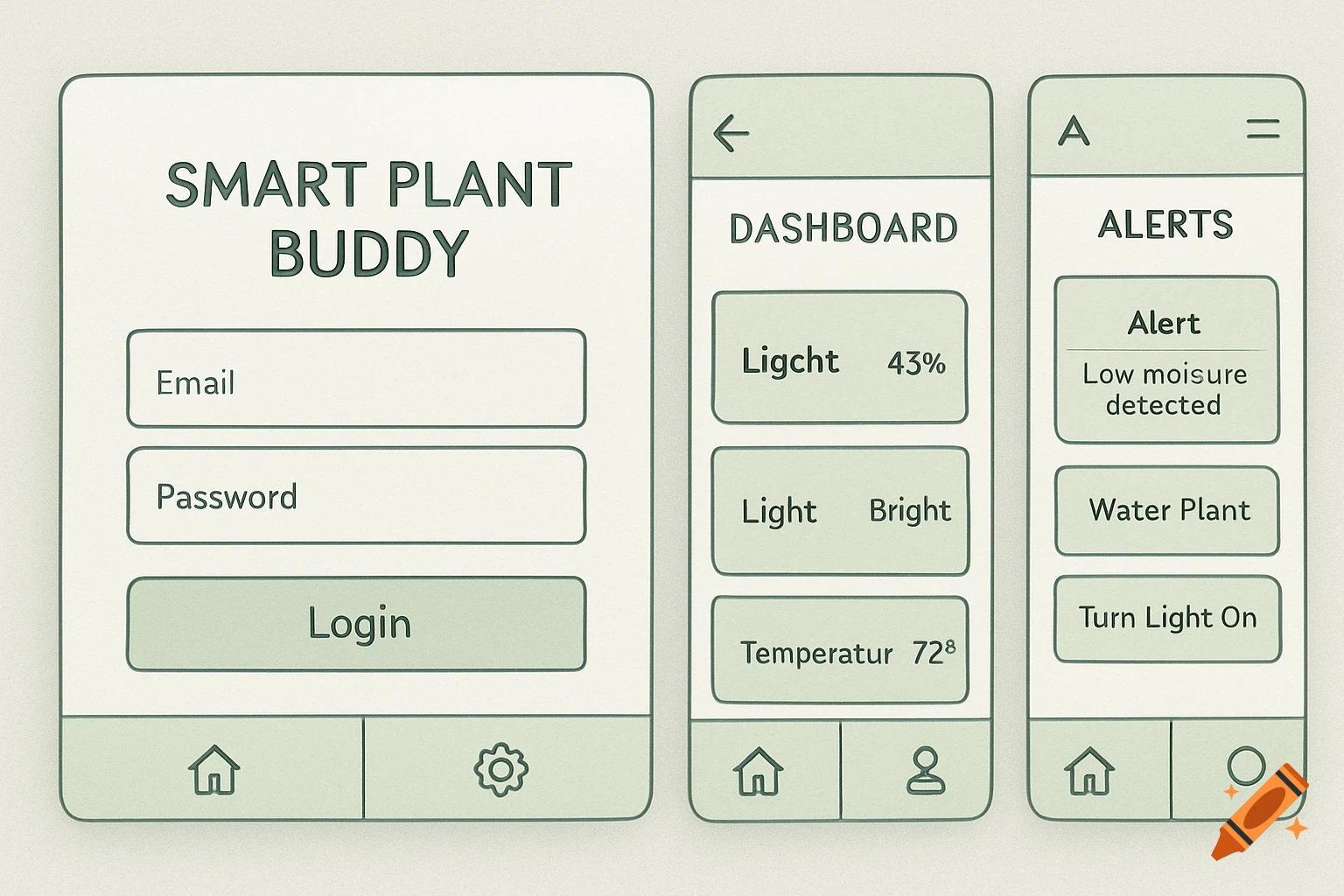
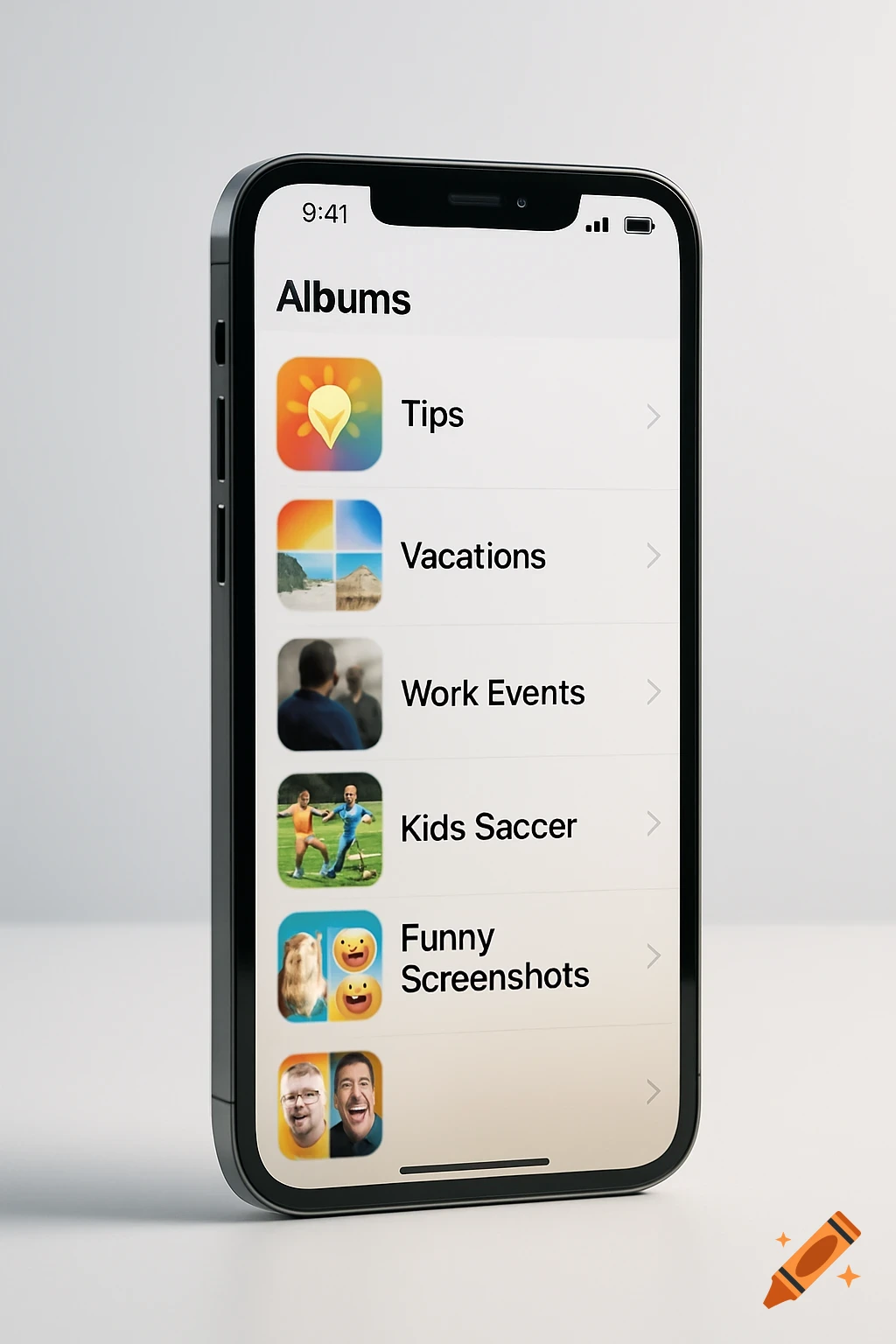
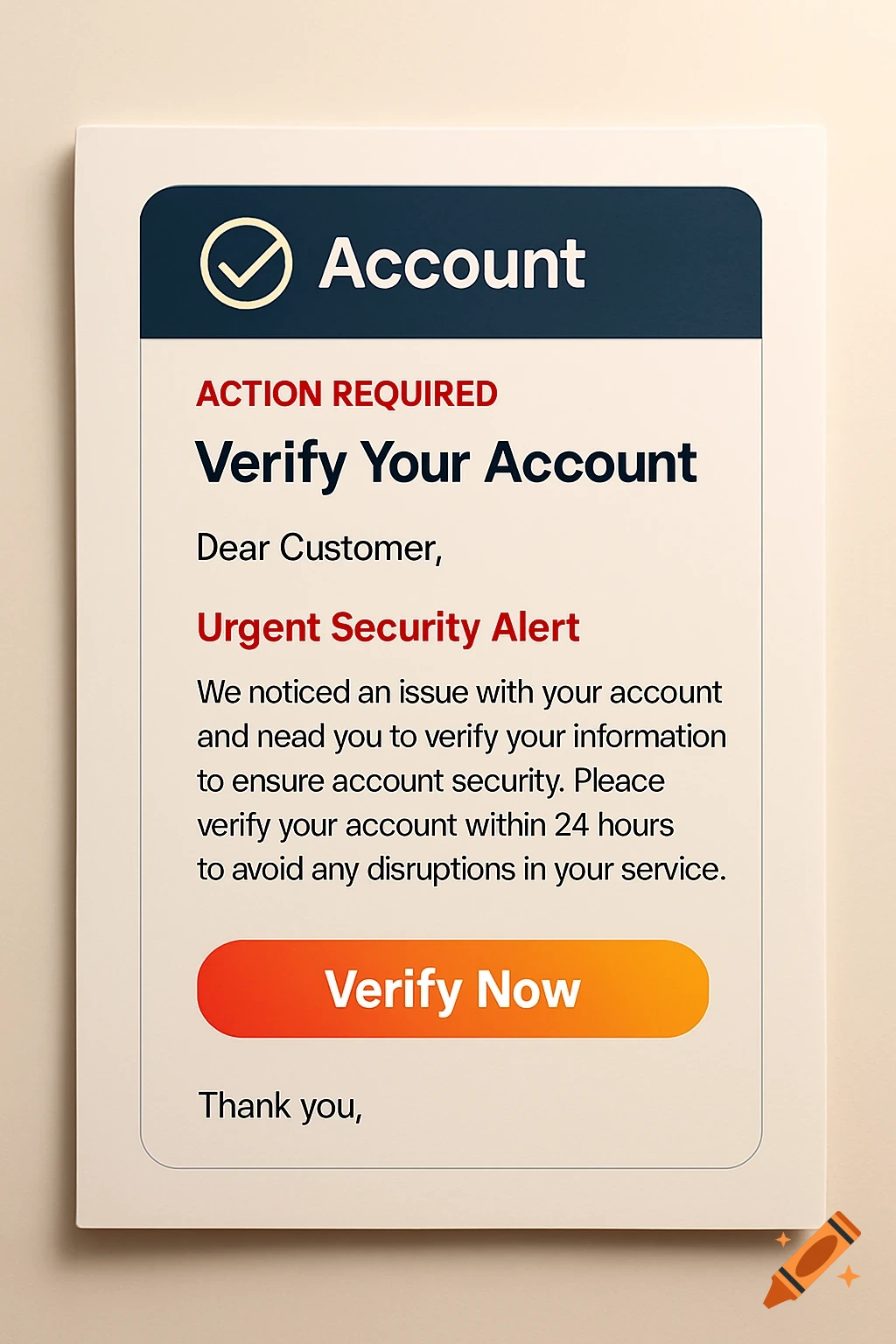
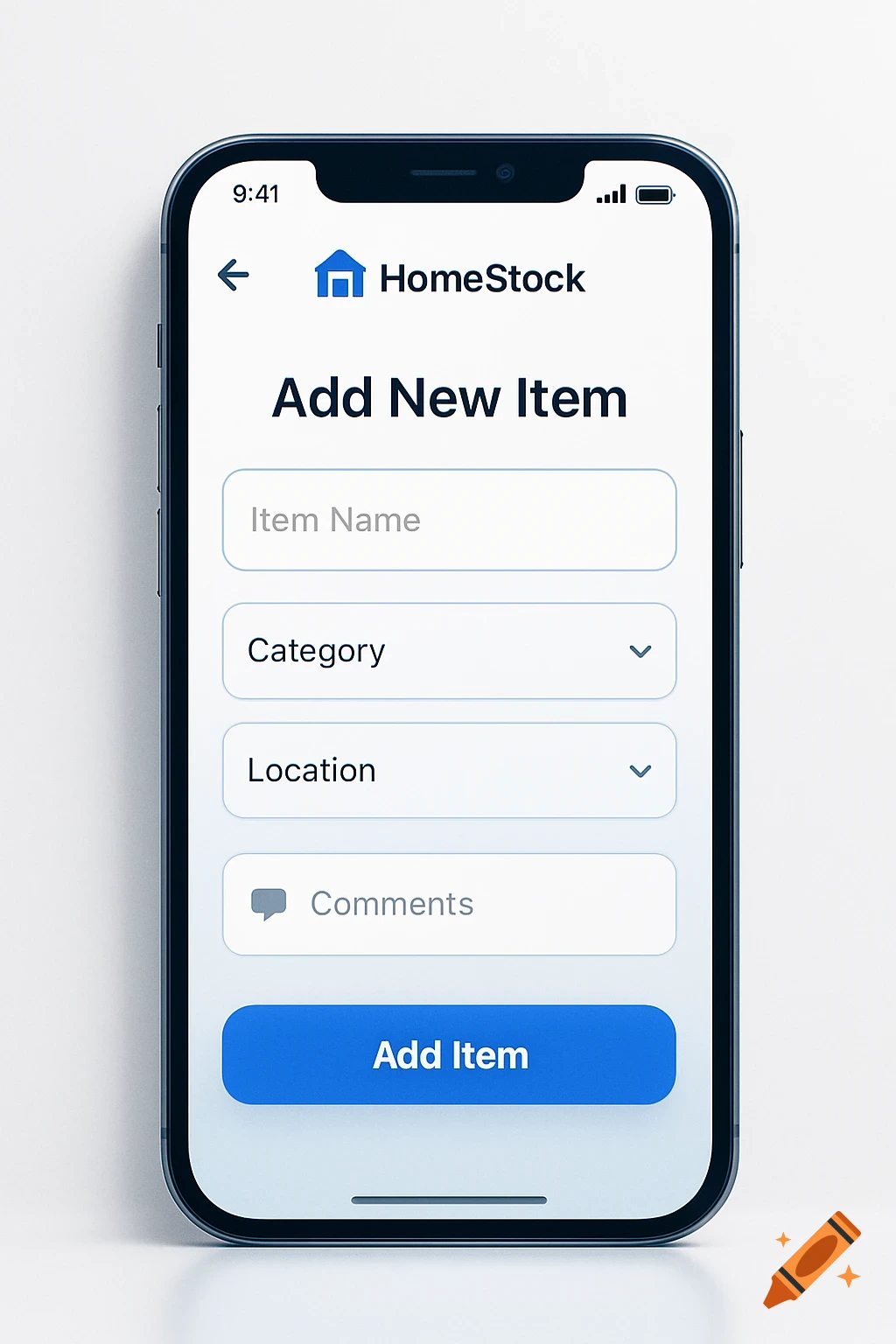
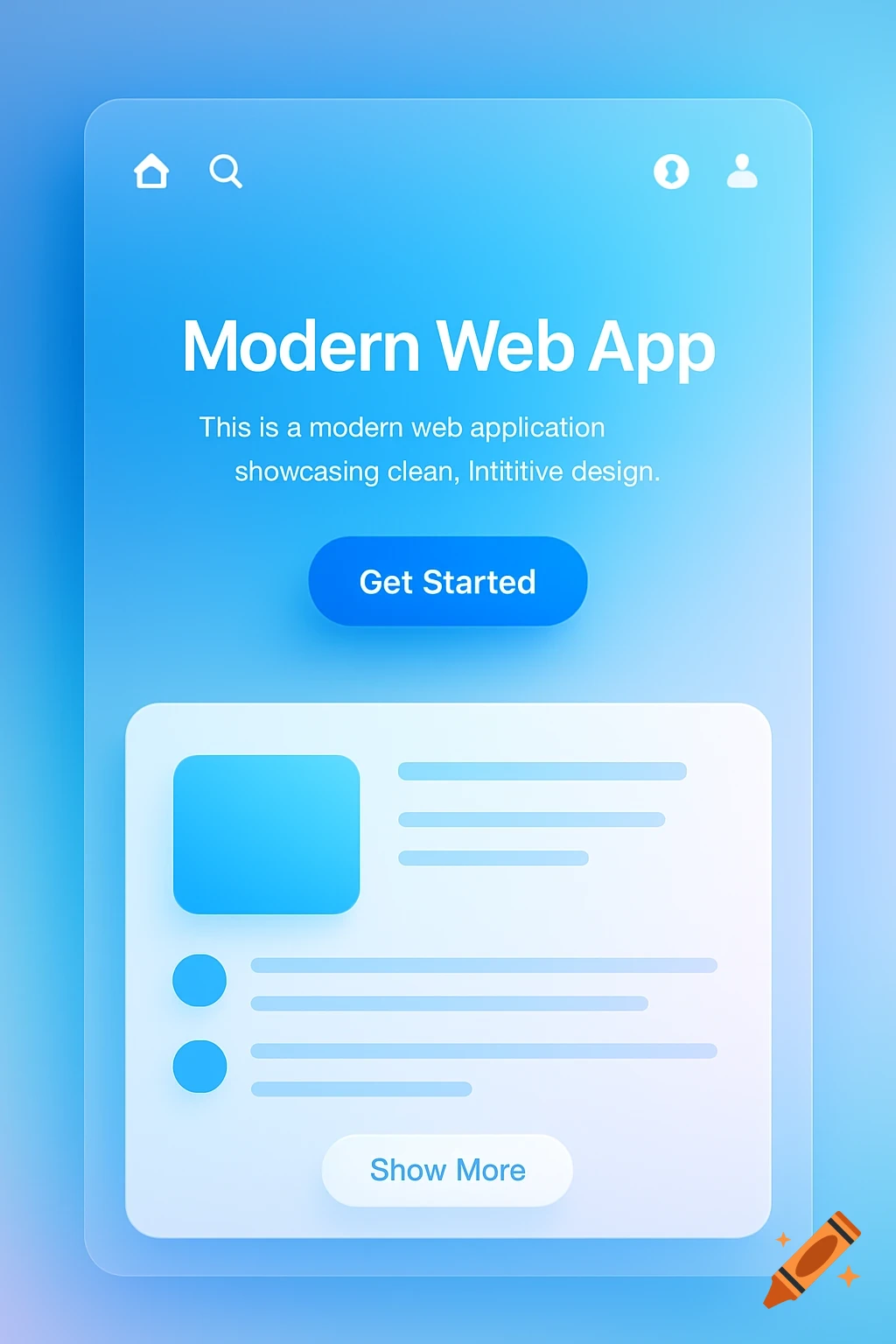
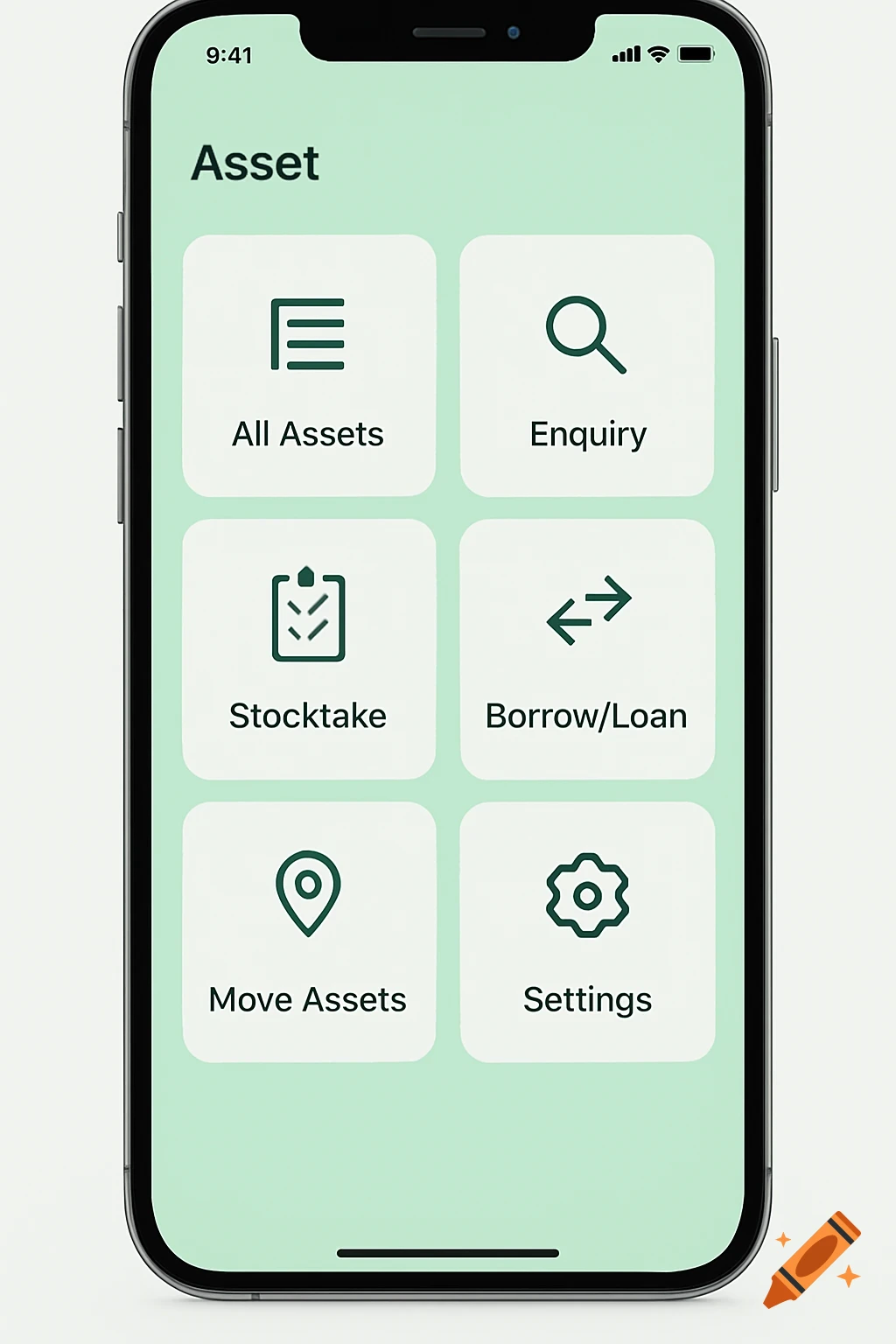
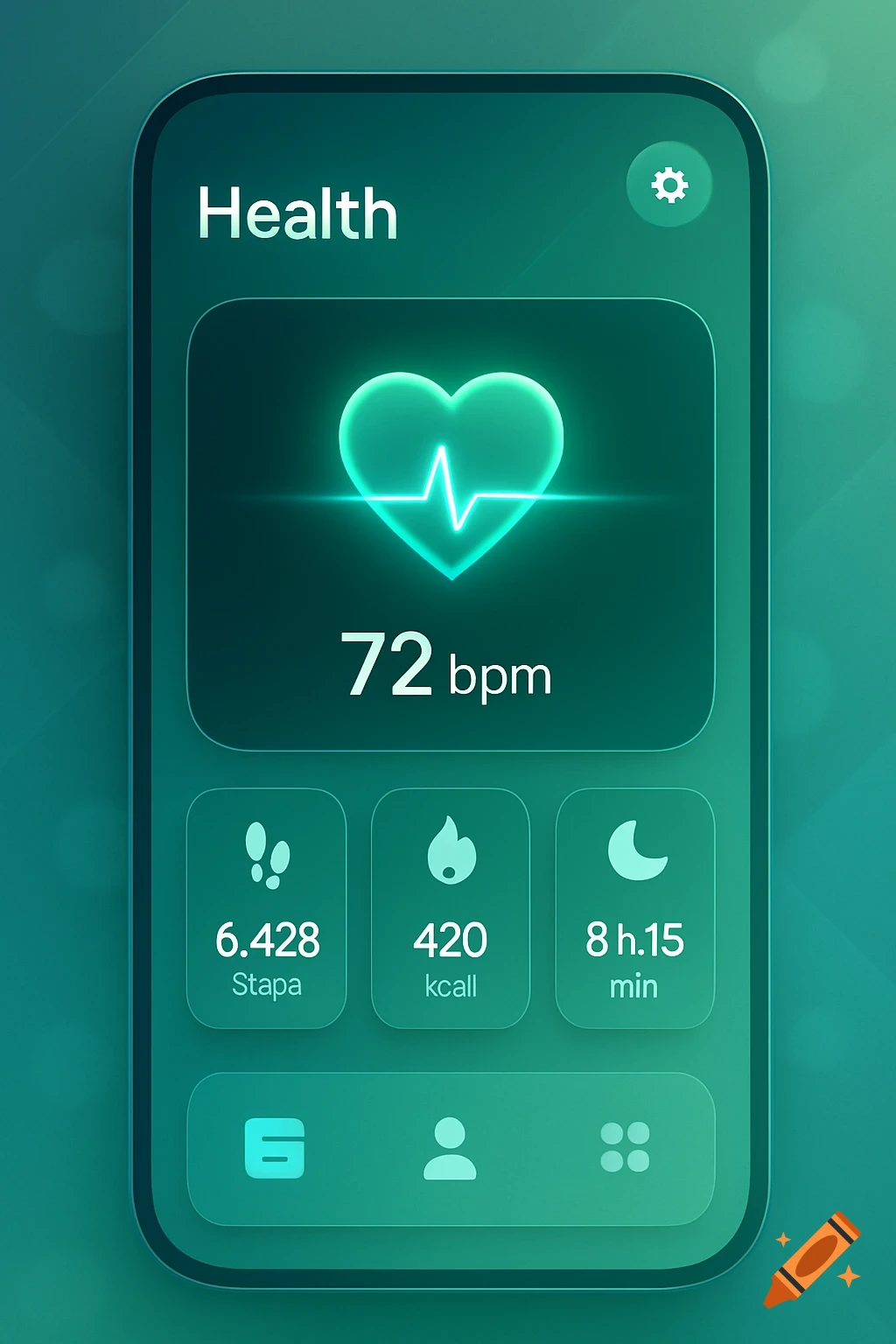
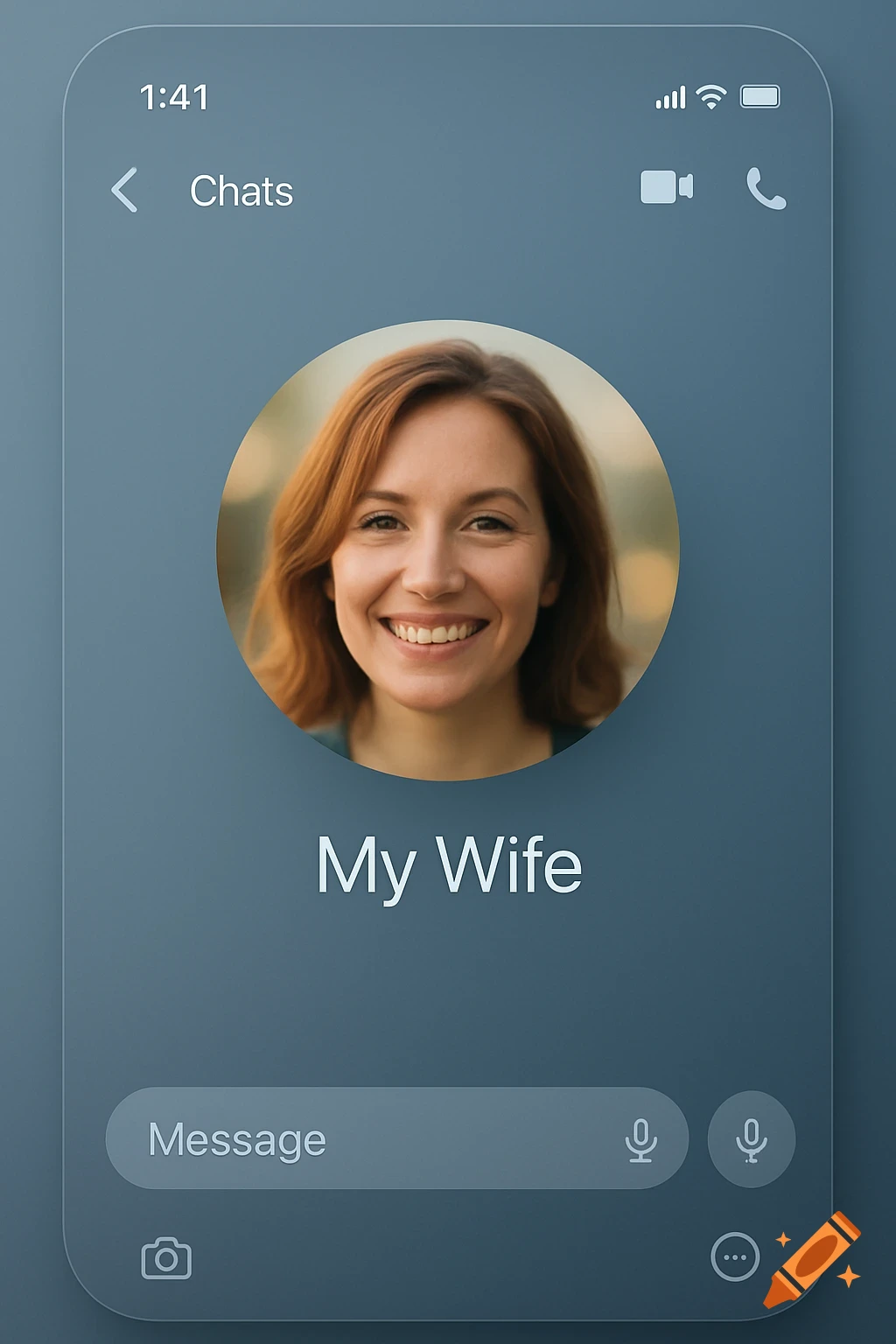
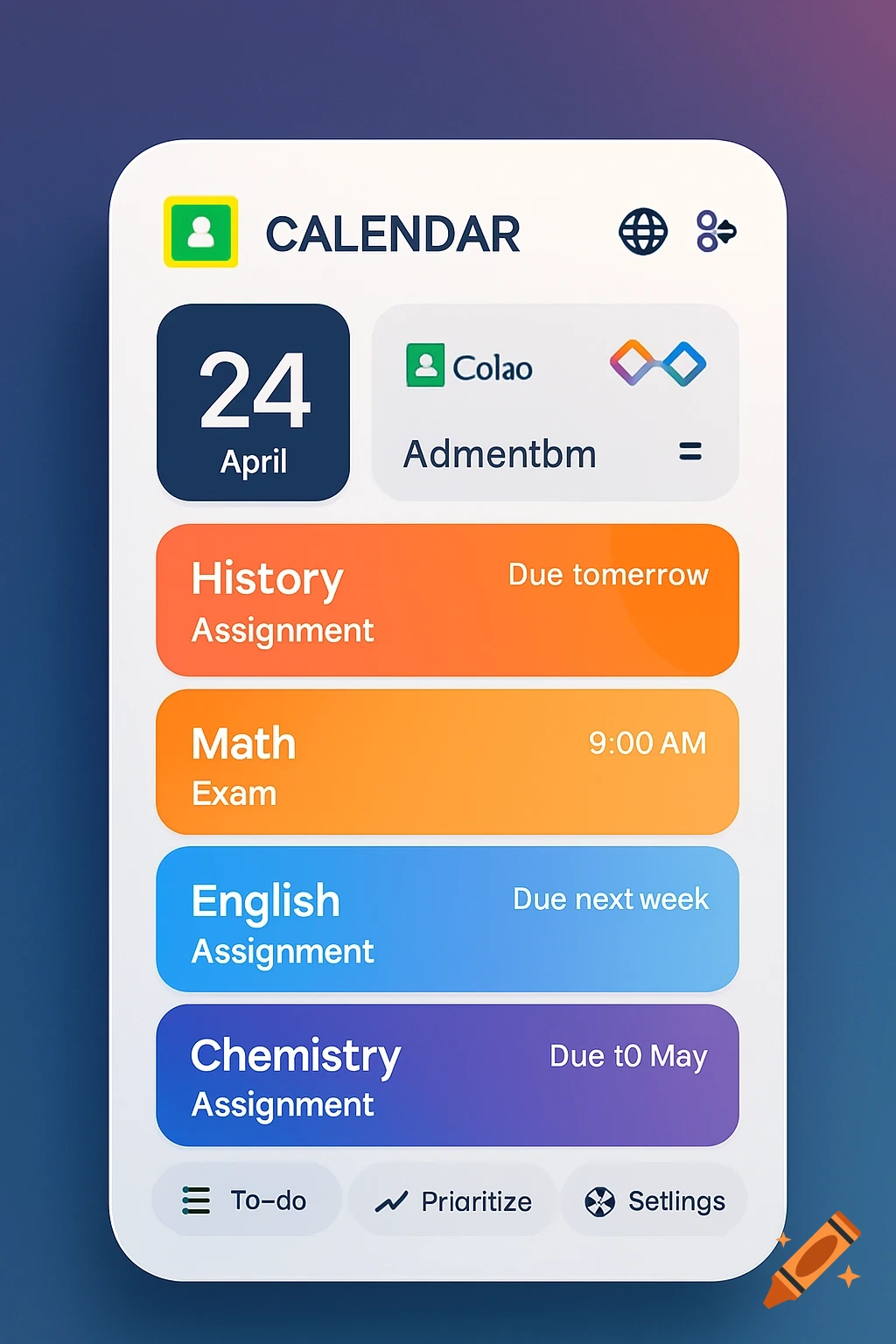
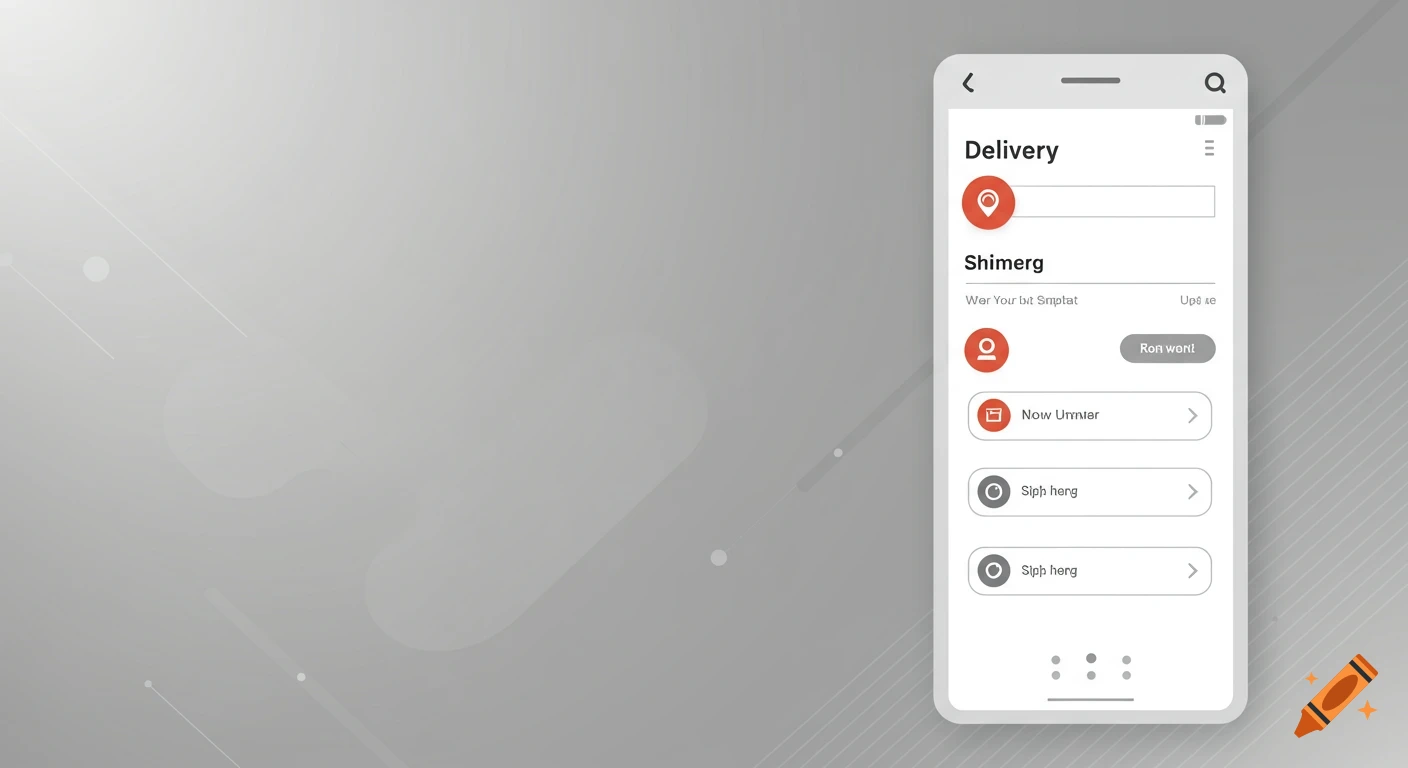
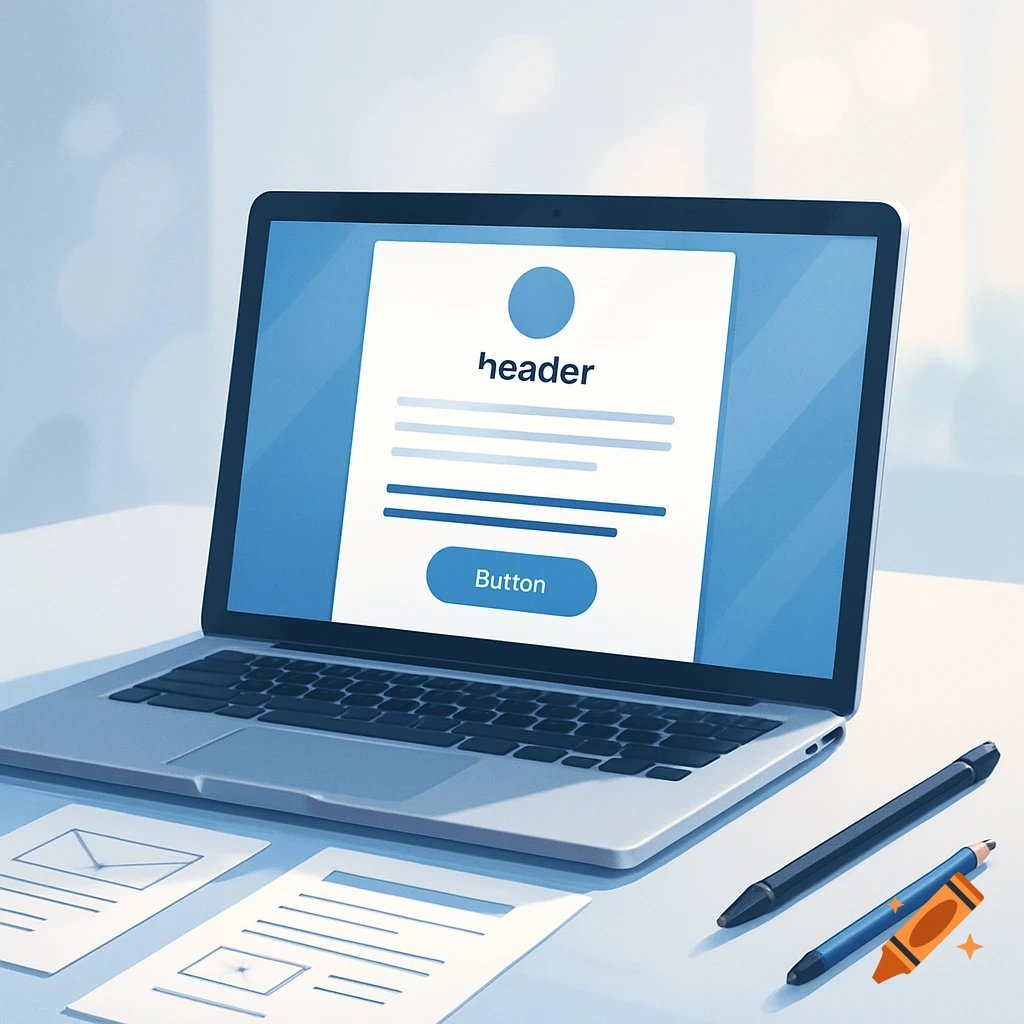
A smartphone displaying a clean mobile app user interface with a header, tabs, a button, and content placeholders.
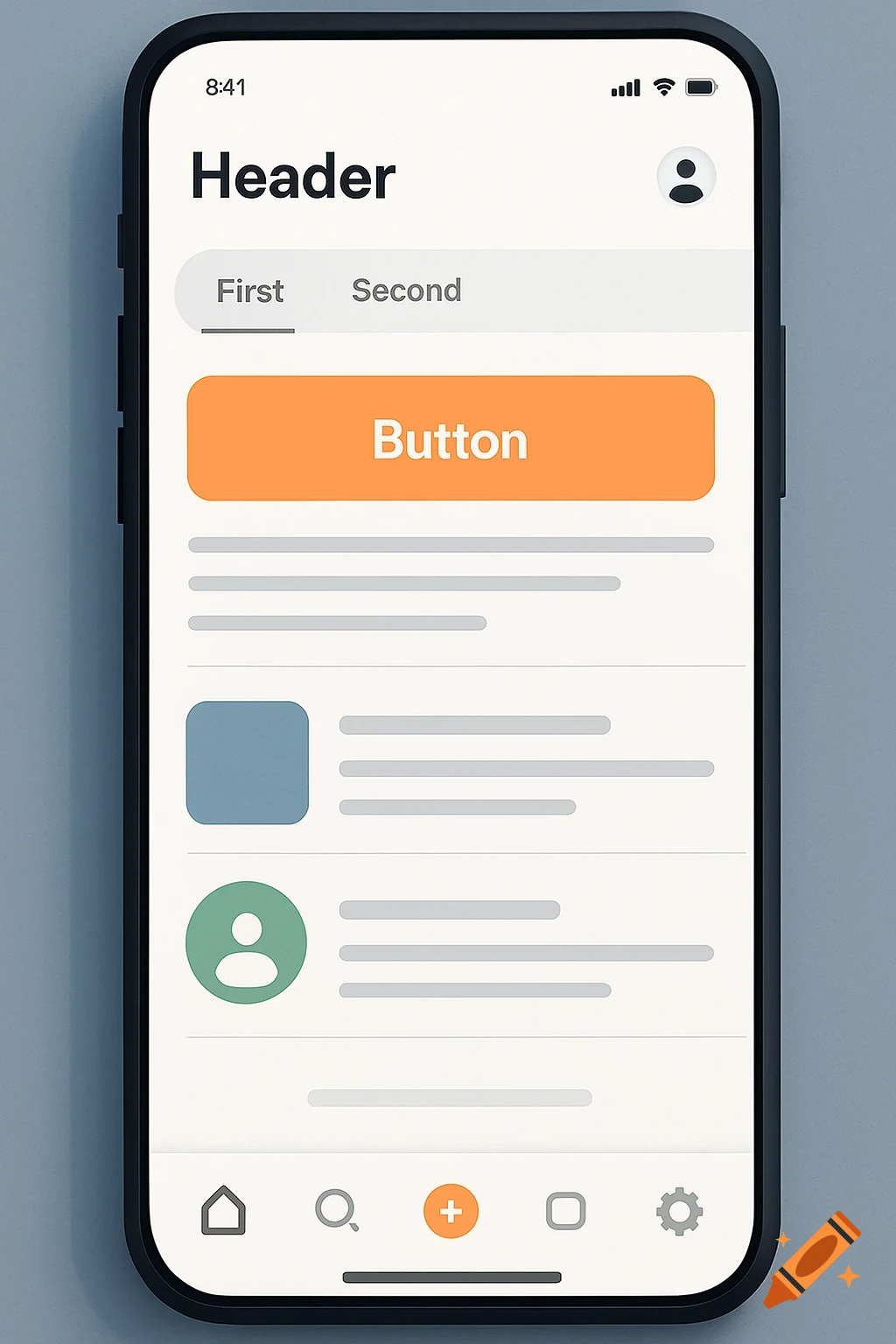
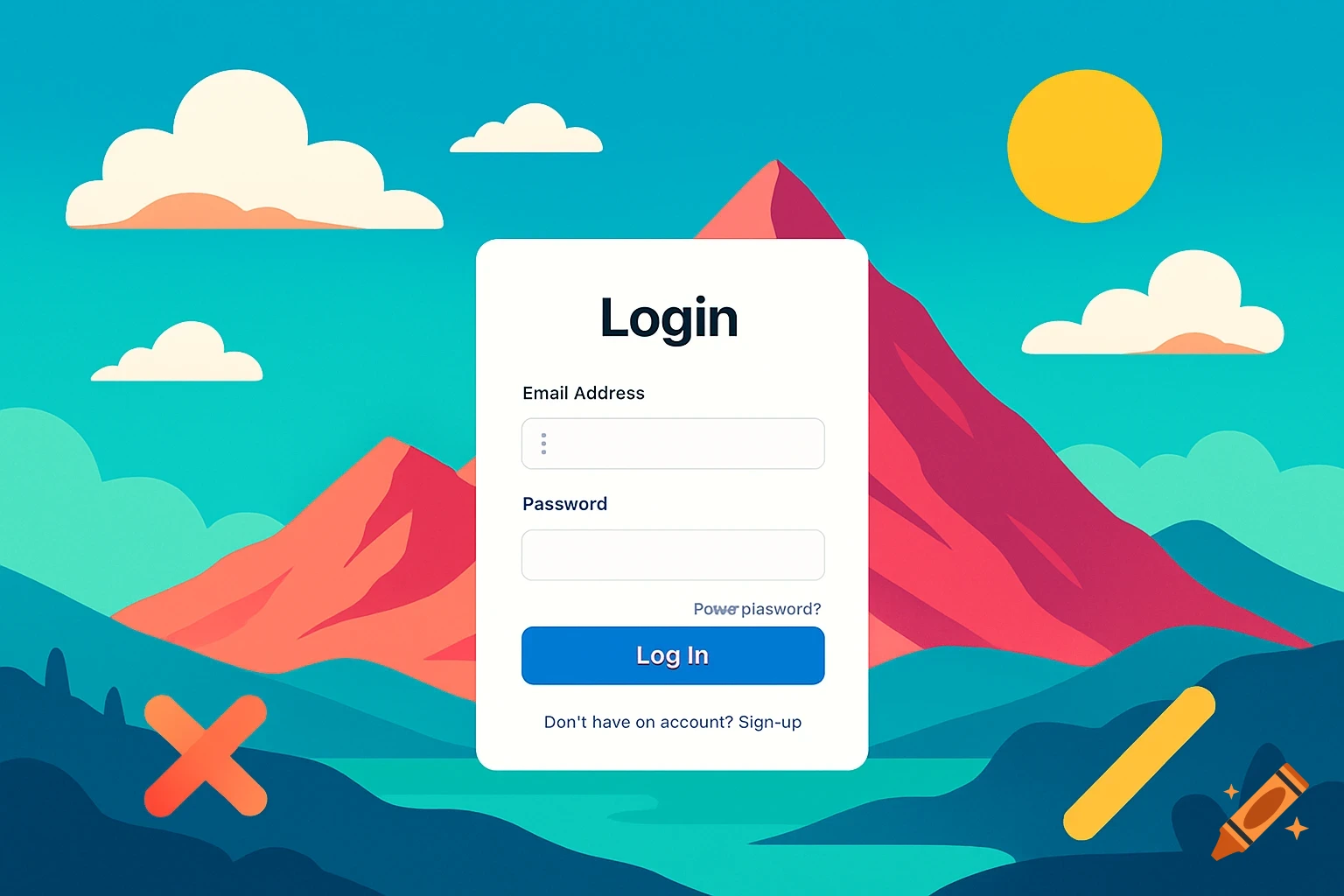
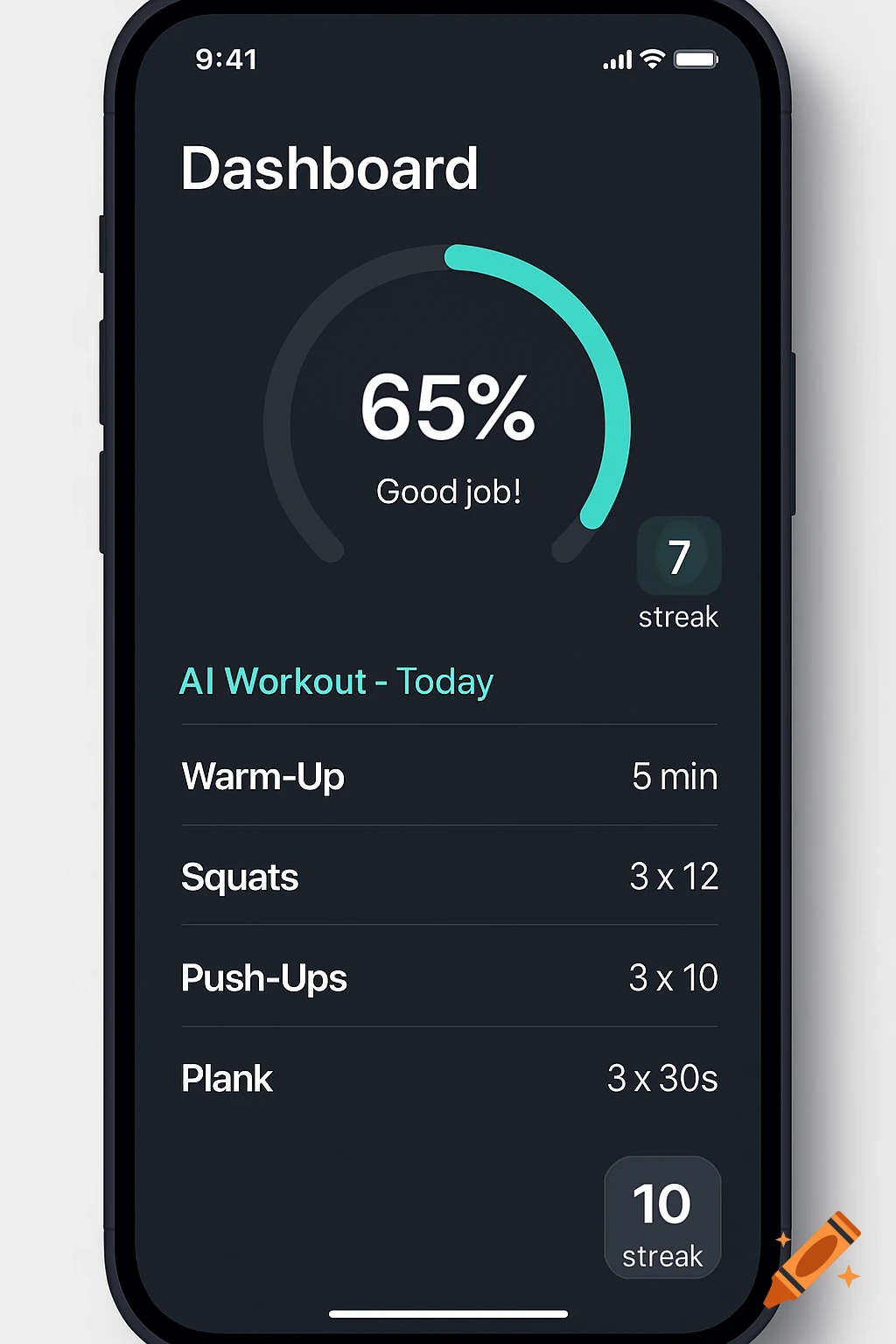
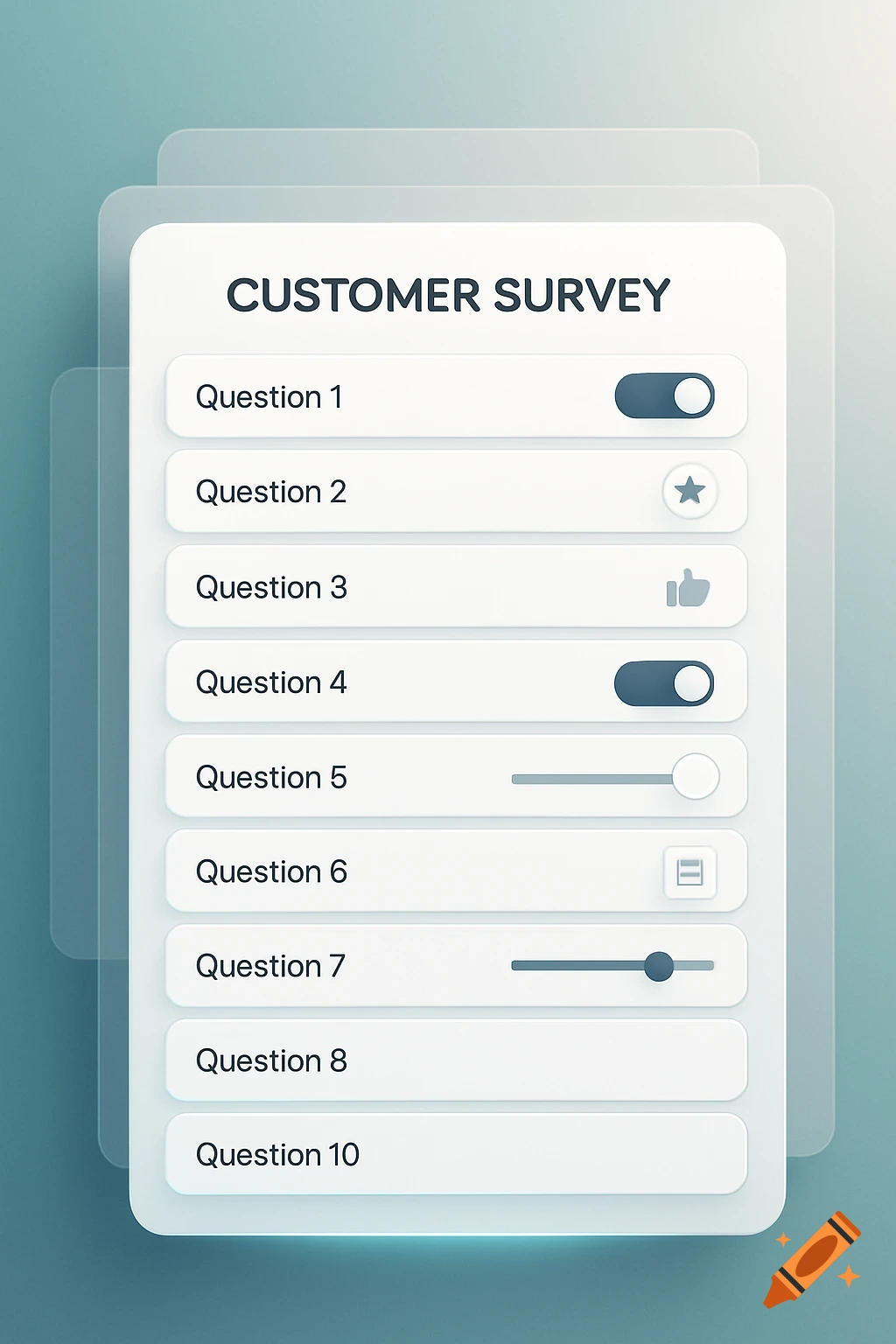
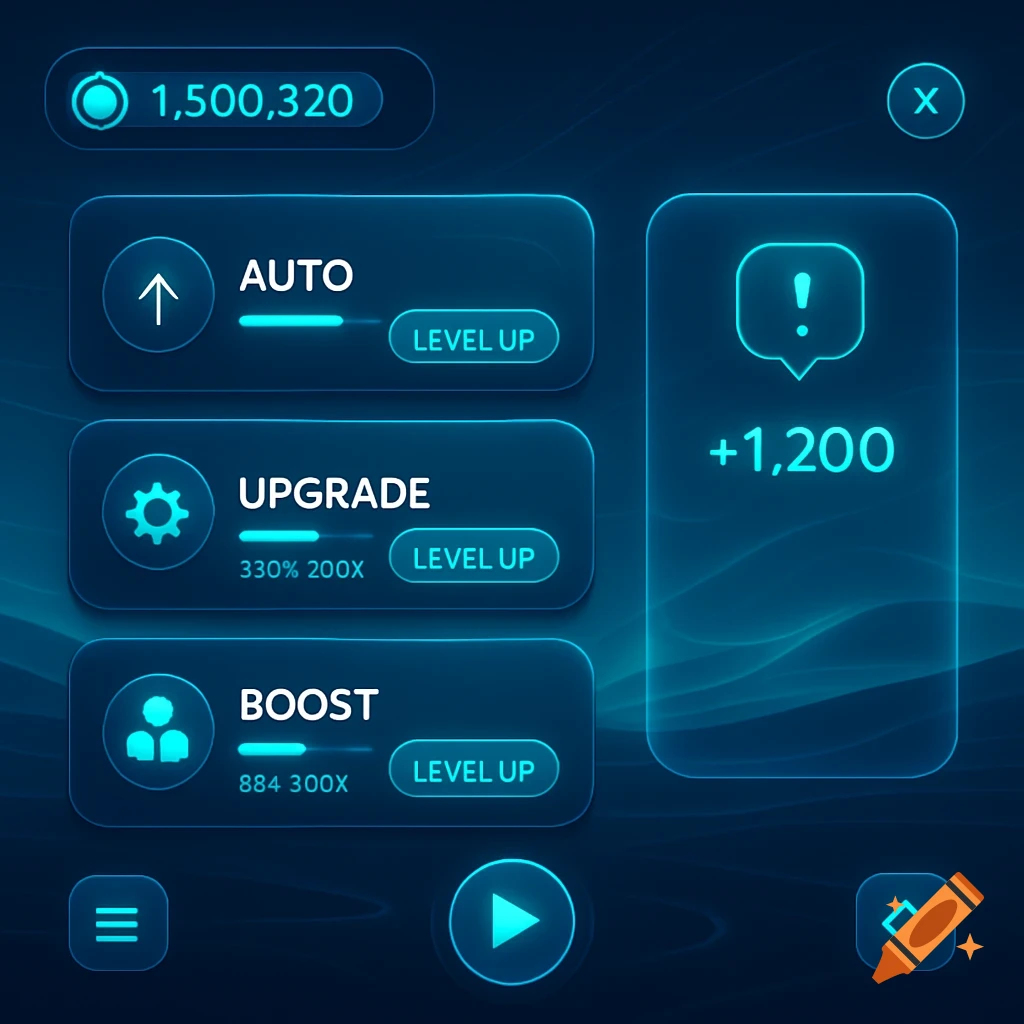
can you create images and different options following these guidelines "Designing an app with a clean, intuitive layout and a user-friendly interface is essential to keeping users engaged and helping them find what they need quickly. Here’s a detailed but simple breakdown of how to design an app effectively, both in layout and colors. ✅ 1. Best Way to Design an App Layout & User Interface (UI) 🧠 Start with User-Centered Design (UCD) Focus on who will use the app and what they need. Always prioritize simplicity and clarity. 📱 Core Principles for a Good Layout: 1. Follow a Clear Visual Hierarchy Use size, weight, and position to show what's most important. Top of screen = high priority (e.g., titles, primary actions). Example: Header > Main content > Supporting info. 2. Use Consistent Layout Patterns Keep screen layouts predictable. Stick with grid systems for neat alignment (like 4pt or 8pt spacing). Use common navigation patterns: Bottom nav bar (for 3-5 primary actions) Hamburger menu (for secondary options) Tabs (for categorized data) 3. Break Content into Manageable Sections Don’t overload screens. Group similar content together. Use cards, dividers, whitespace to organize data. 4. Prioritize Touch-Friendly Design Buttons should be large enough (at least 44x44px). Avoid placing clickable elements too close together. 5. Provide Immediate Feedback Show loading indicators, button animations, or confirmations when users interact. 6. Use Icons and Labels Together Icons alone See more