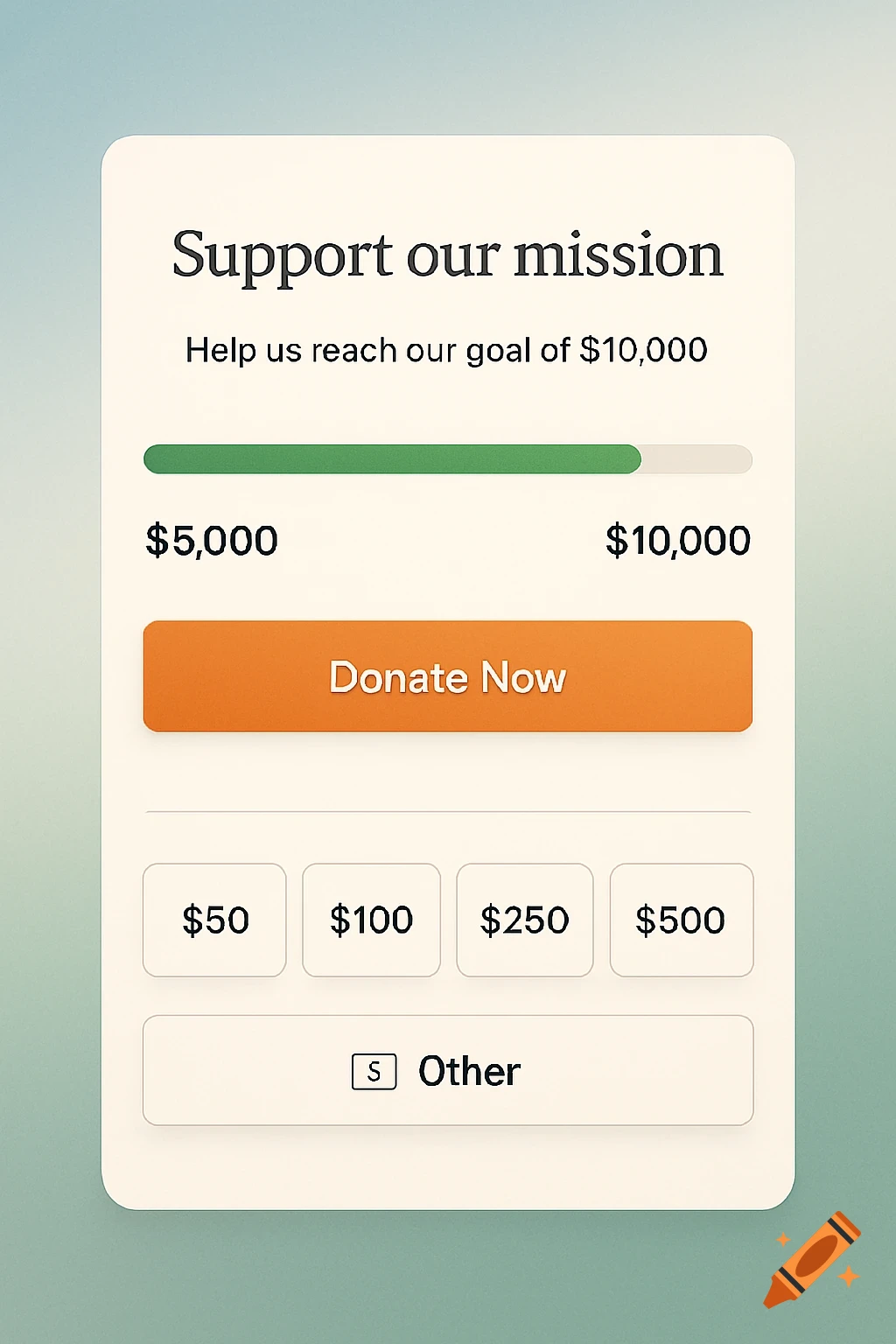
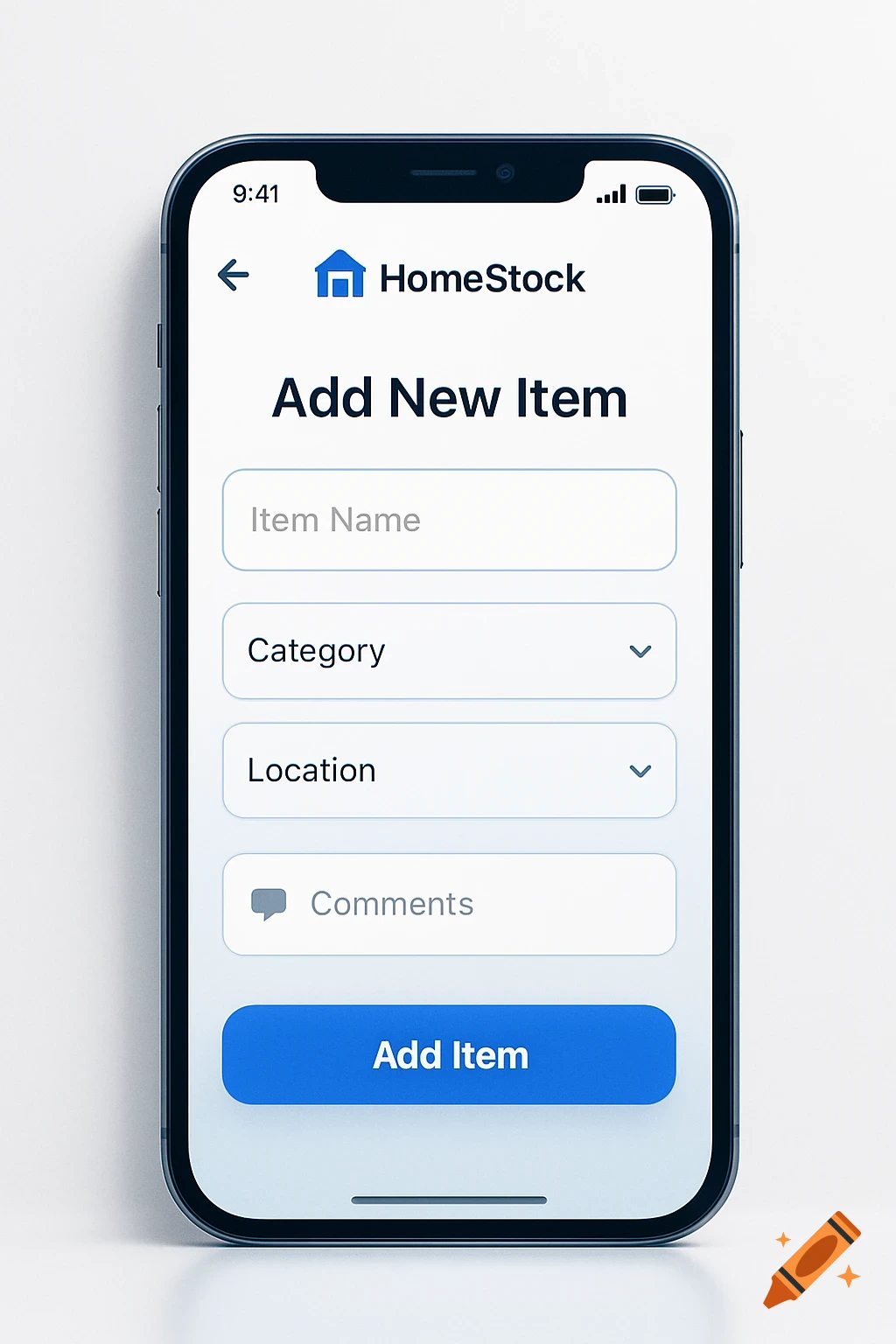
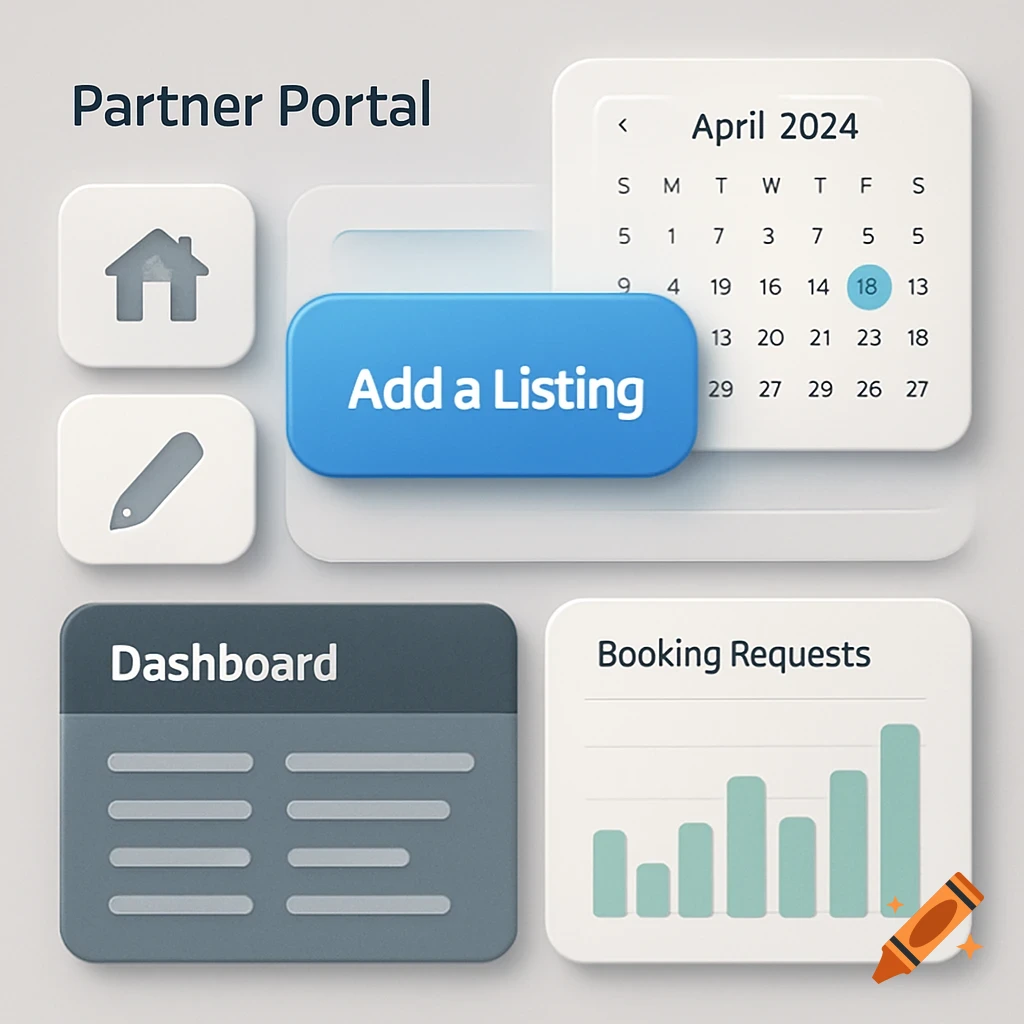
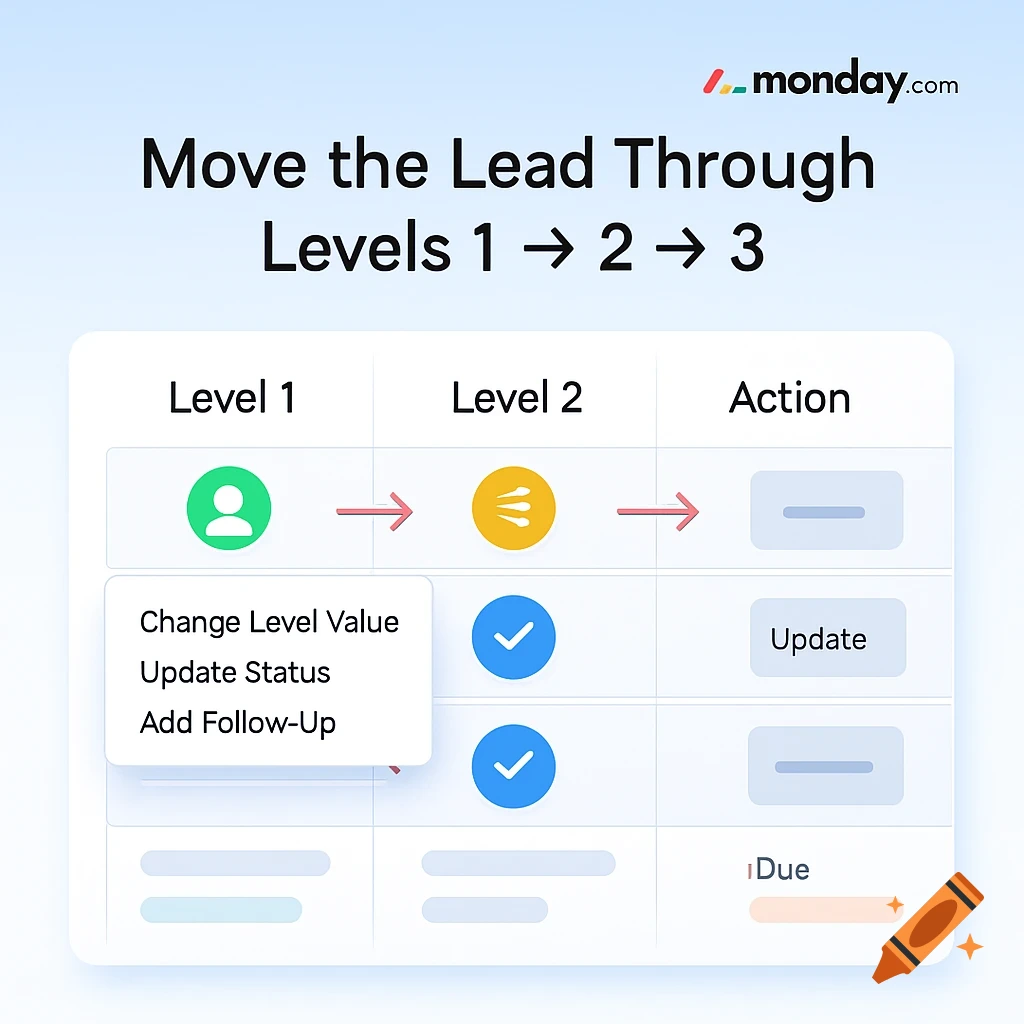
A light blue screen with a white card displaying a business UI. It shows sections for 'LEADS', 'AUTOMATED', and details for a 'New Lead'. Professions like 'Mortgage Broker', 'Realter', and 'Immigration Consultant' are visible with icons. A yellow note states 'Referred to Sarah (Realtor) on Aug 1. Waiting for update.' An orange tag reads 'LEVELT'.
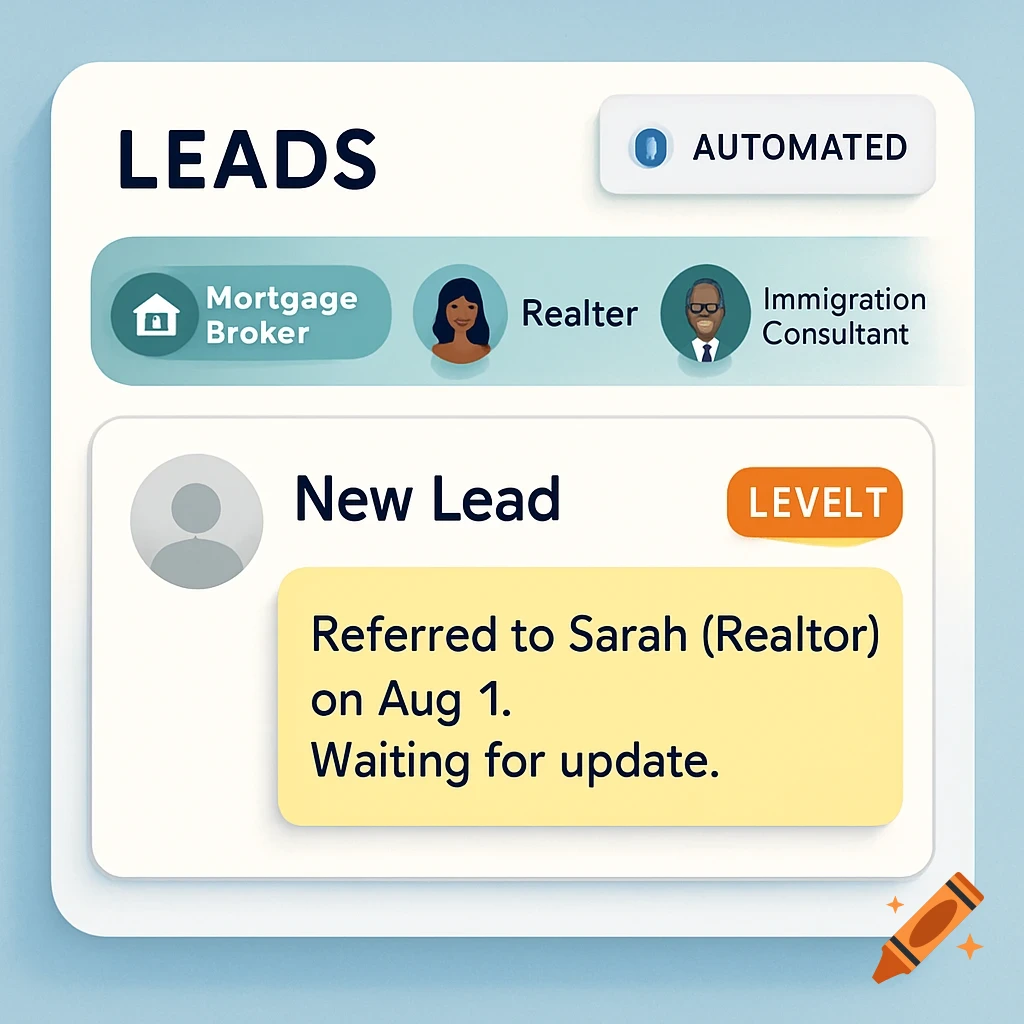
create image with our system. monday.com to understand this step for our agents as a simple and easy-to-understand guide to the Step 2: Trigger the Client with a Preferred Partner (Level 1) When a new lead comes in: Tag the right Preferred Partner (Mortgage Broker, Realtor, or Immigration Consultant). Set their Level to Level 1. Add a note to confirm the trigger (e.g., "Referred to John - Mortgage Broker"). Optionally, use an automation to notify the partner or assign a task. 📍 Example: "Referred to Sarah (Realtor) on Aug 1. Waiting for update." See more