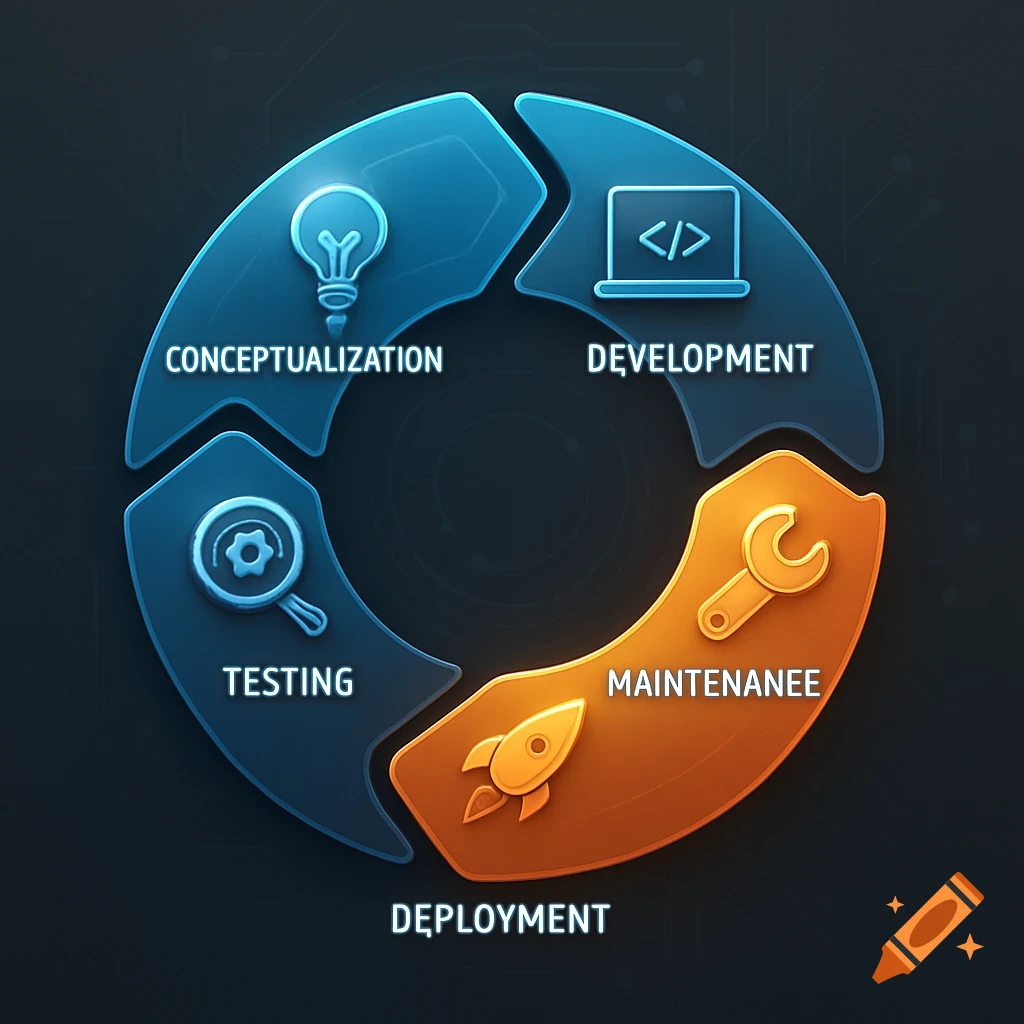
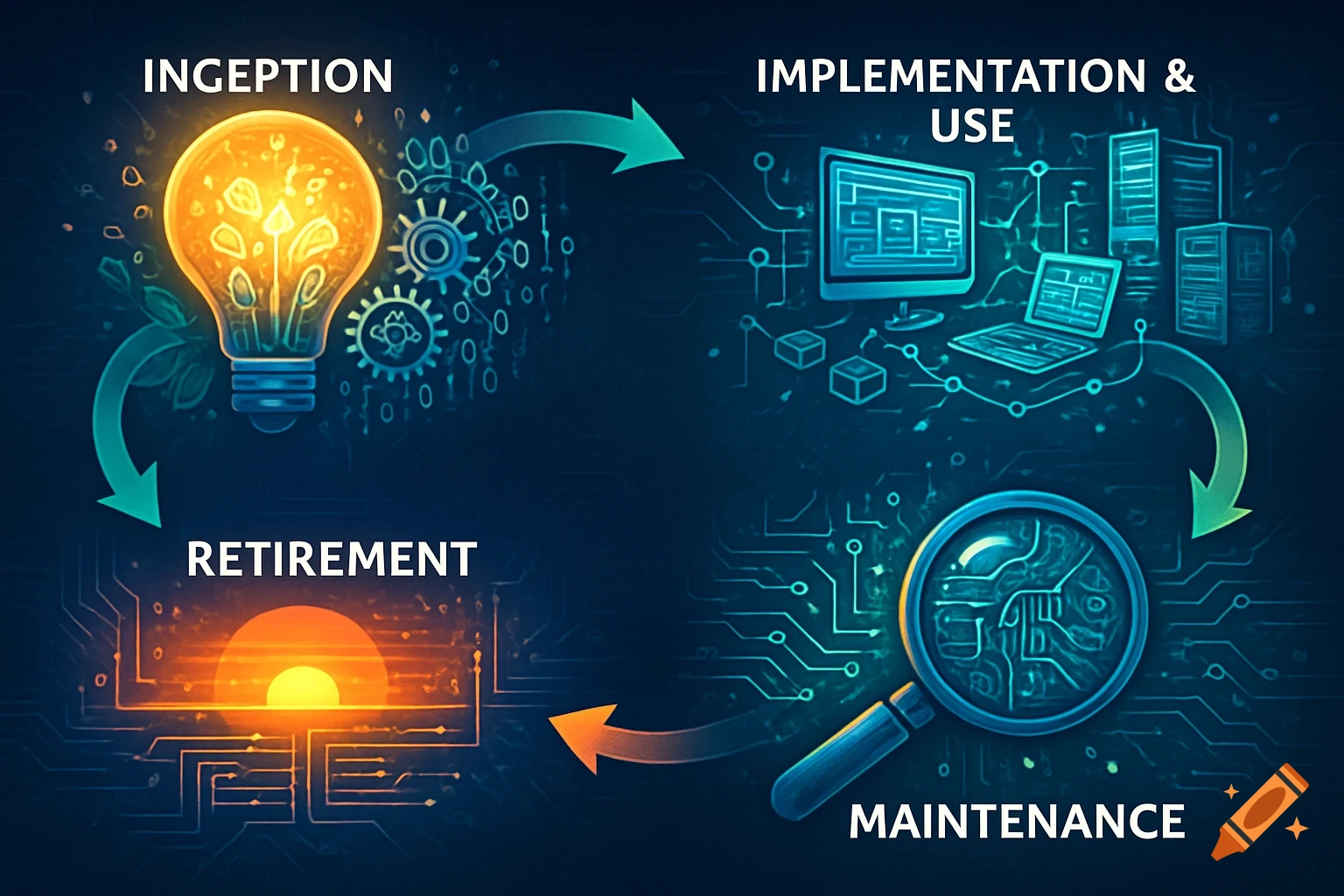
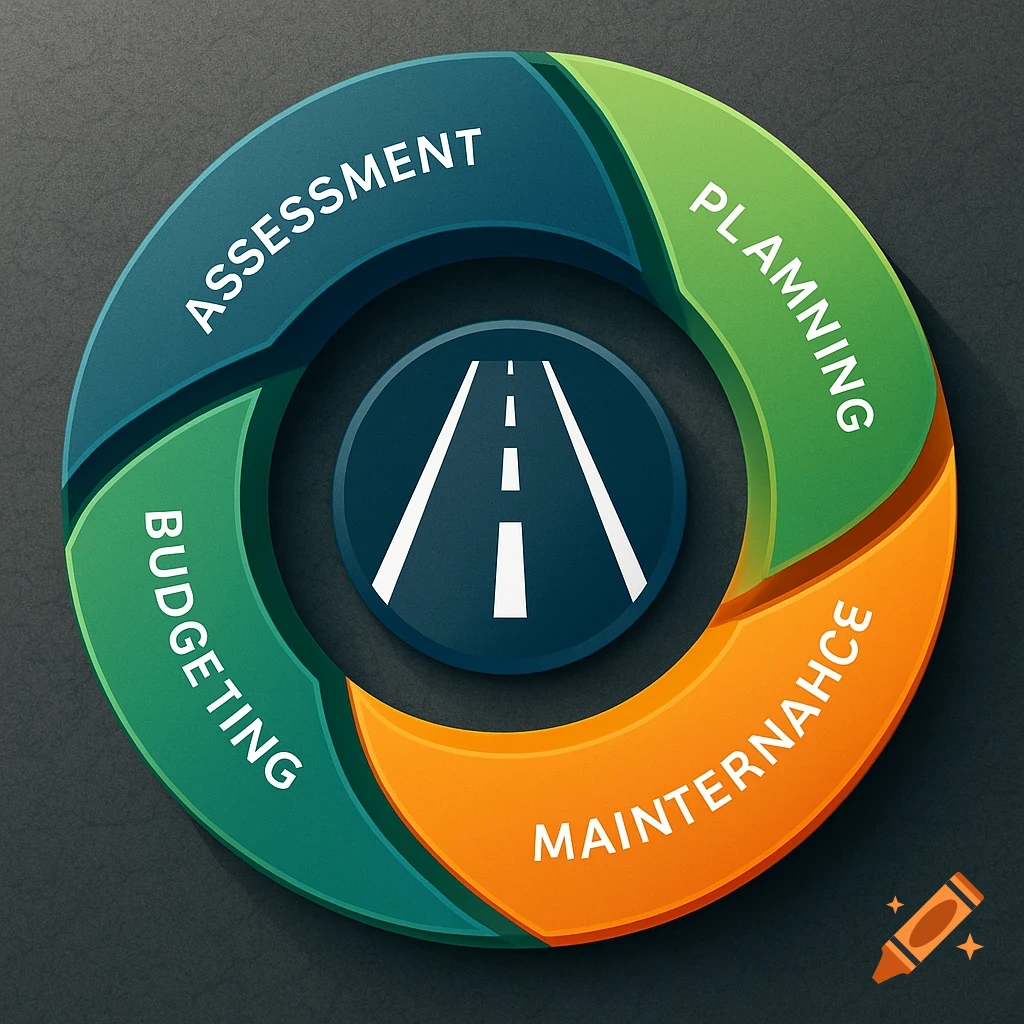
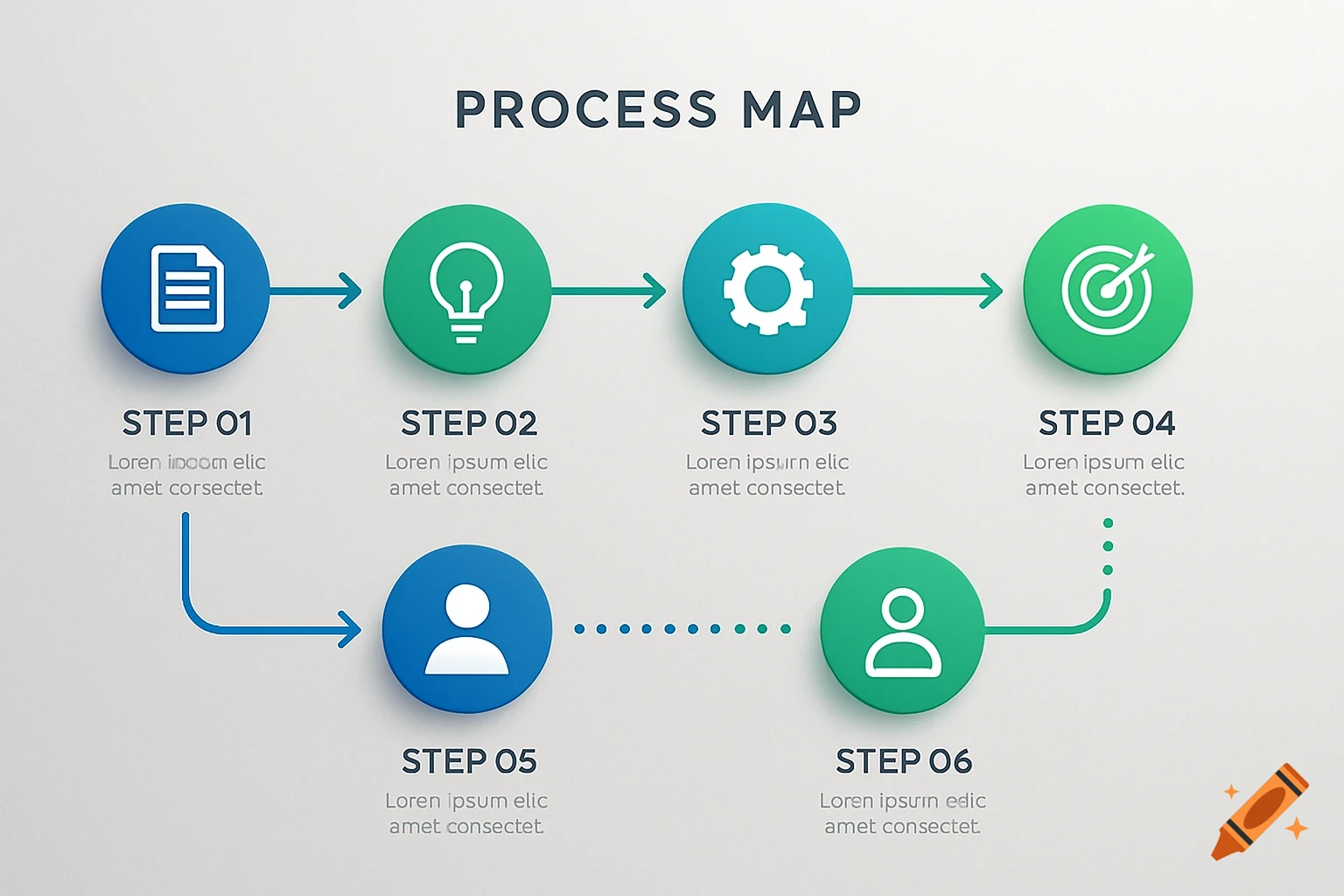
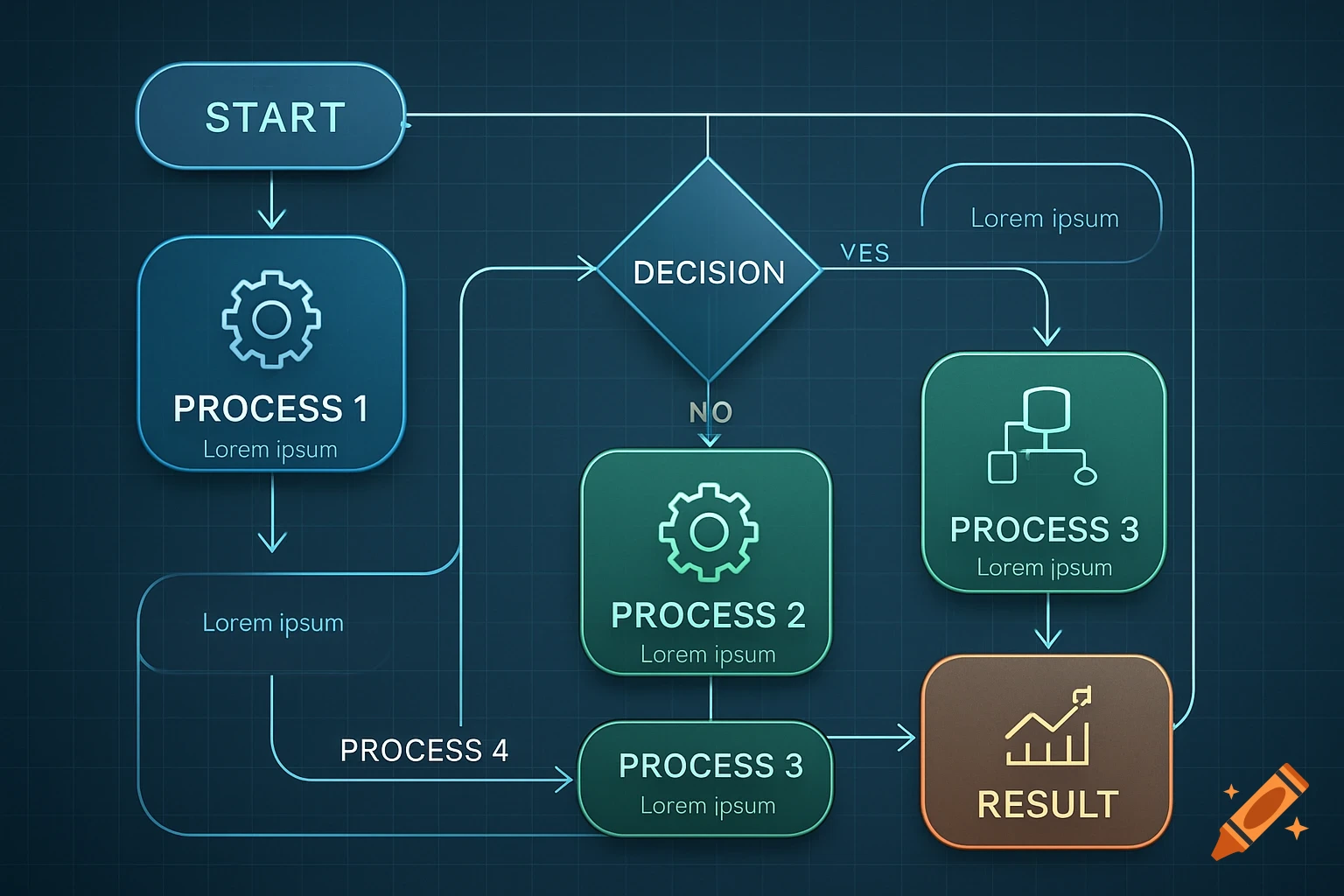
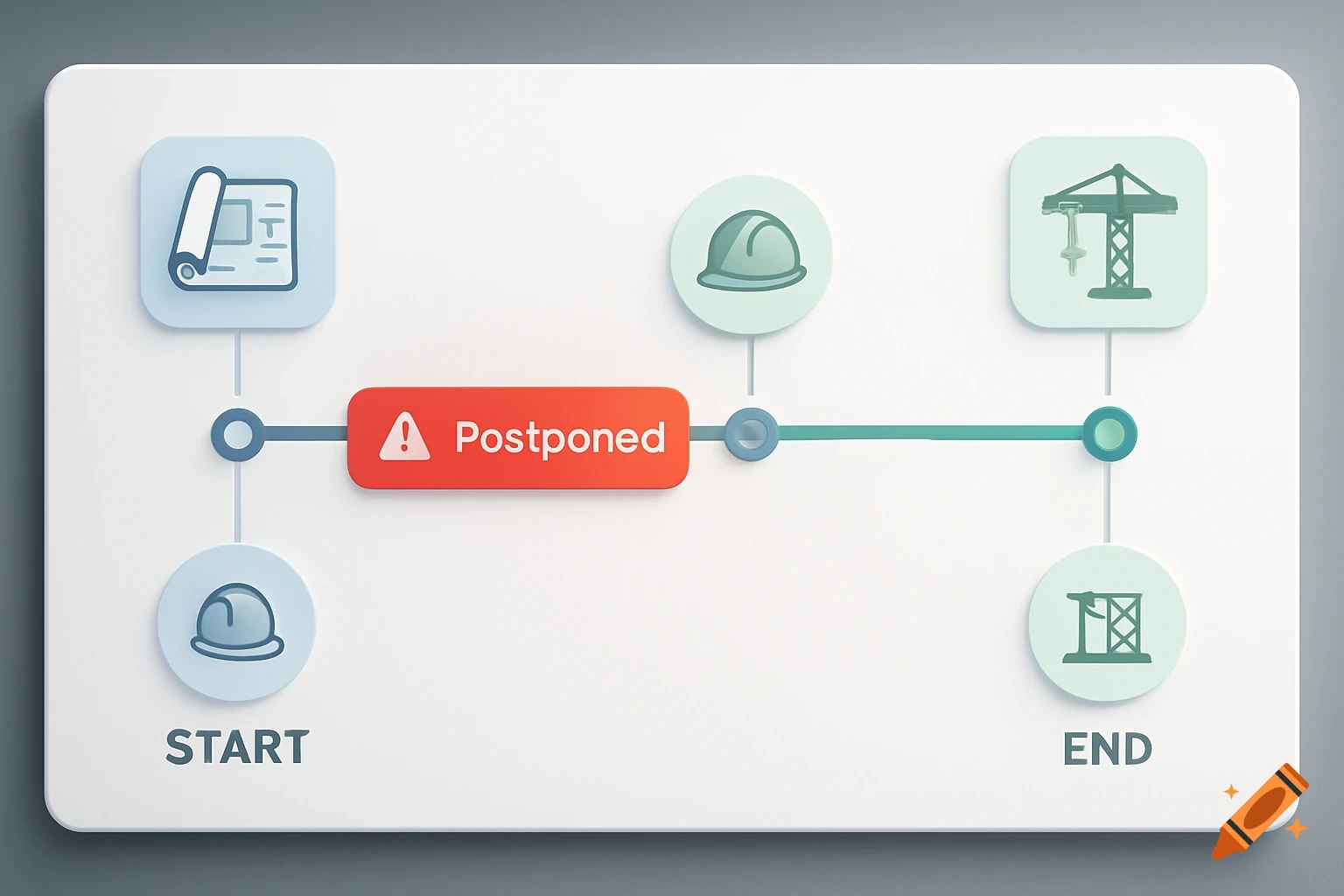
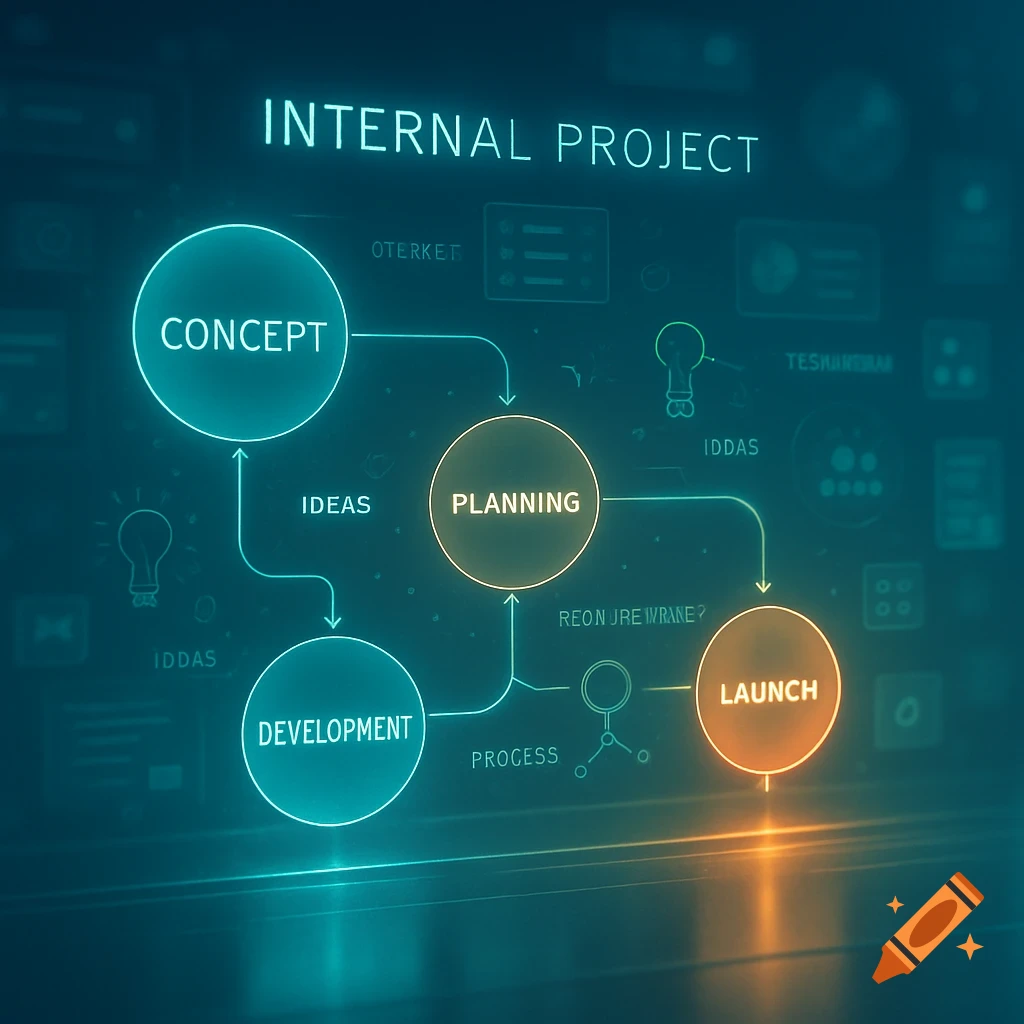
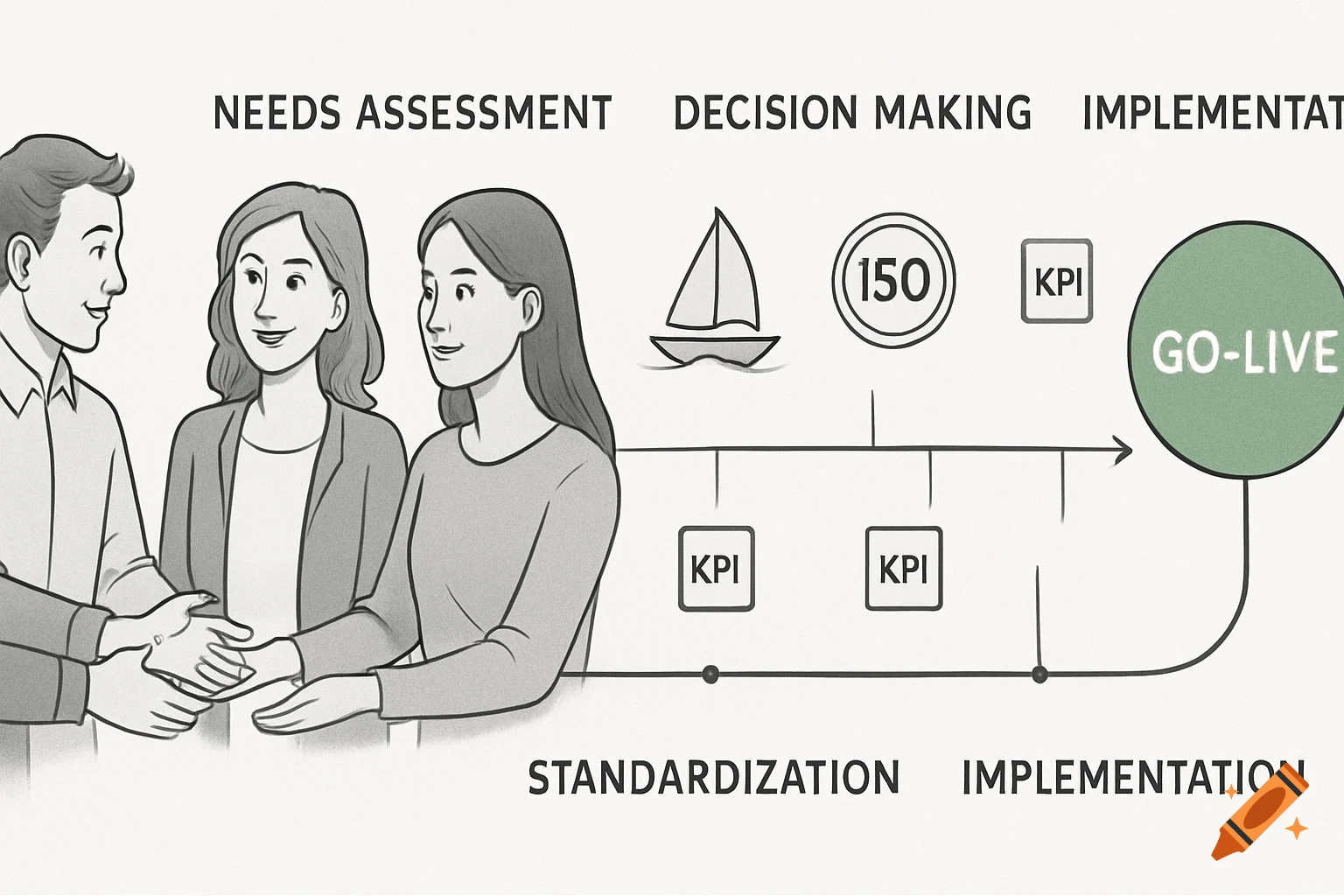
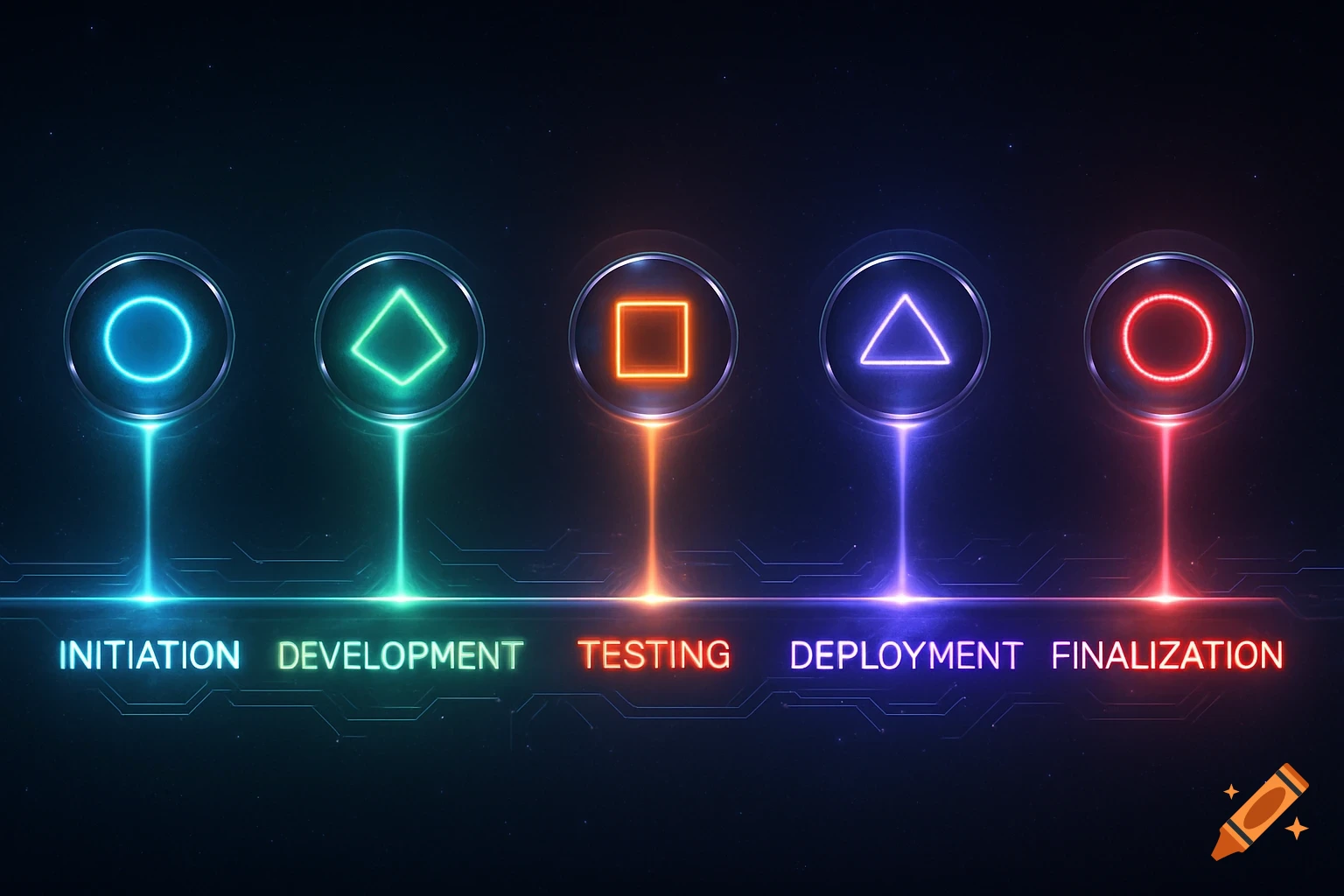
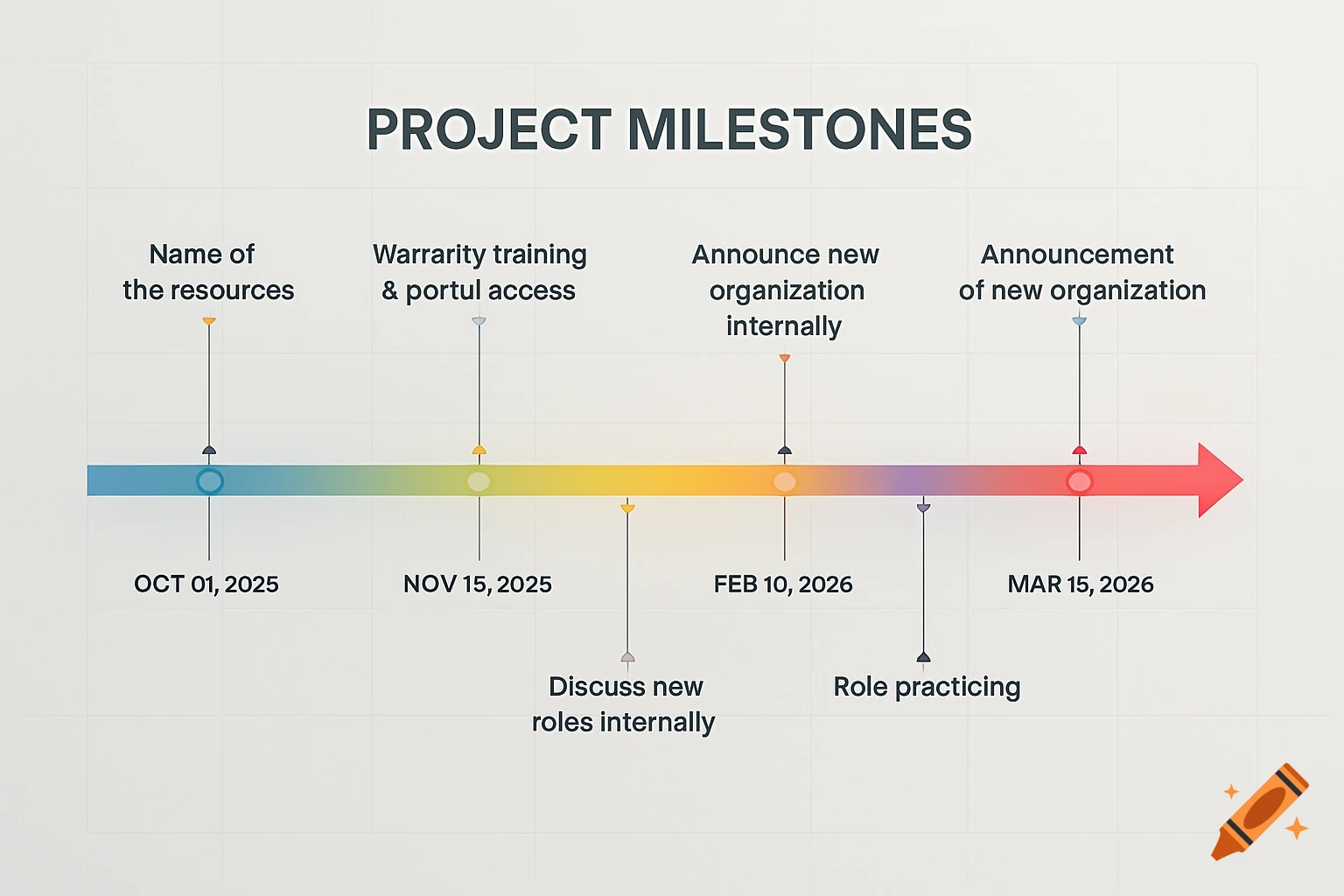
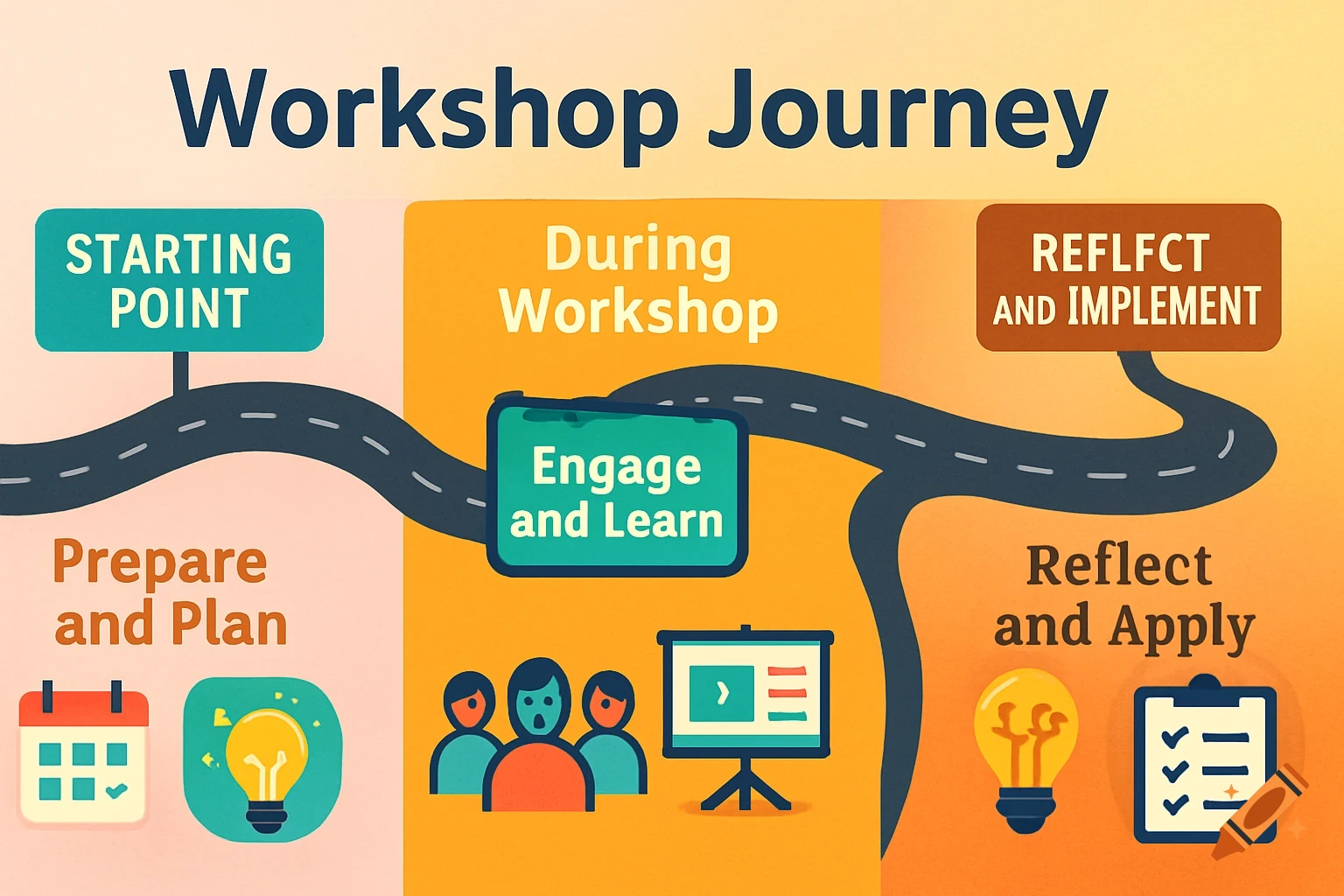
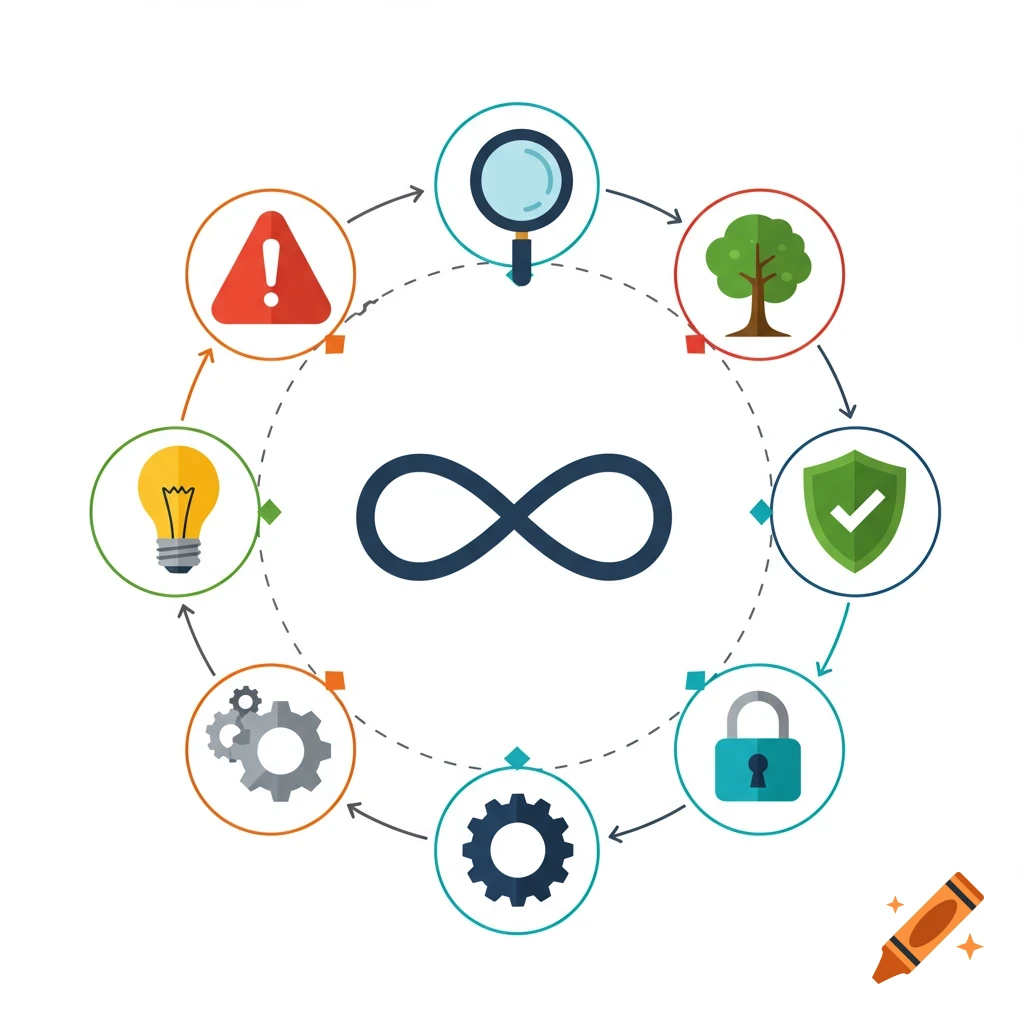
A colorful deployment workflow diagram showing phases like Planning, Implementation, and Support, with tasks and responsible roles.

✅ Diagram 2: Deployment Workflow Include these elements: Swimlane or Timeline Style – Lay out the process phases (Procurement → Installation → Configuration → Testing → Training → Go-Live) horizontally or vertically. Milestone Markers – Use icons or flags for: Major reviews (end of each phase) Risk check-points (e.g., after testing) Dependencies – Use arrows to show task dependencies. Color Segmentation – Use color to separate phases (e.g., Planning in blue, Implementation in green, Support in orange). Actors/Teams – Optionally include which role/team is responsible for each stage (e.g., Procurement Manager, Infrastructure Lead). See more