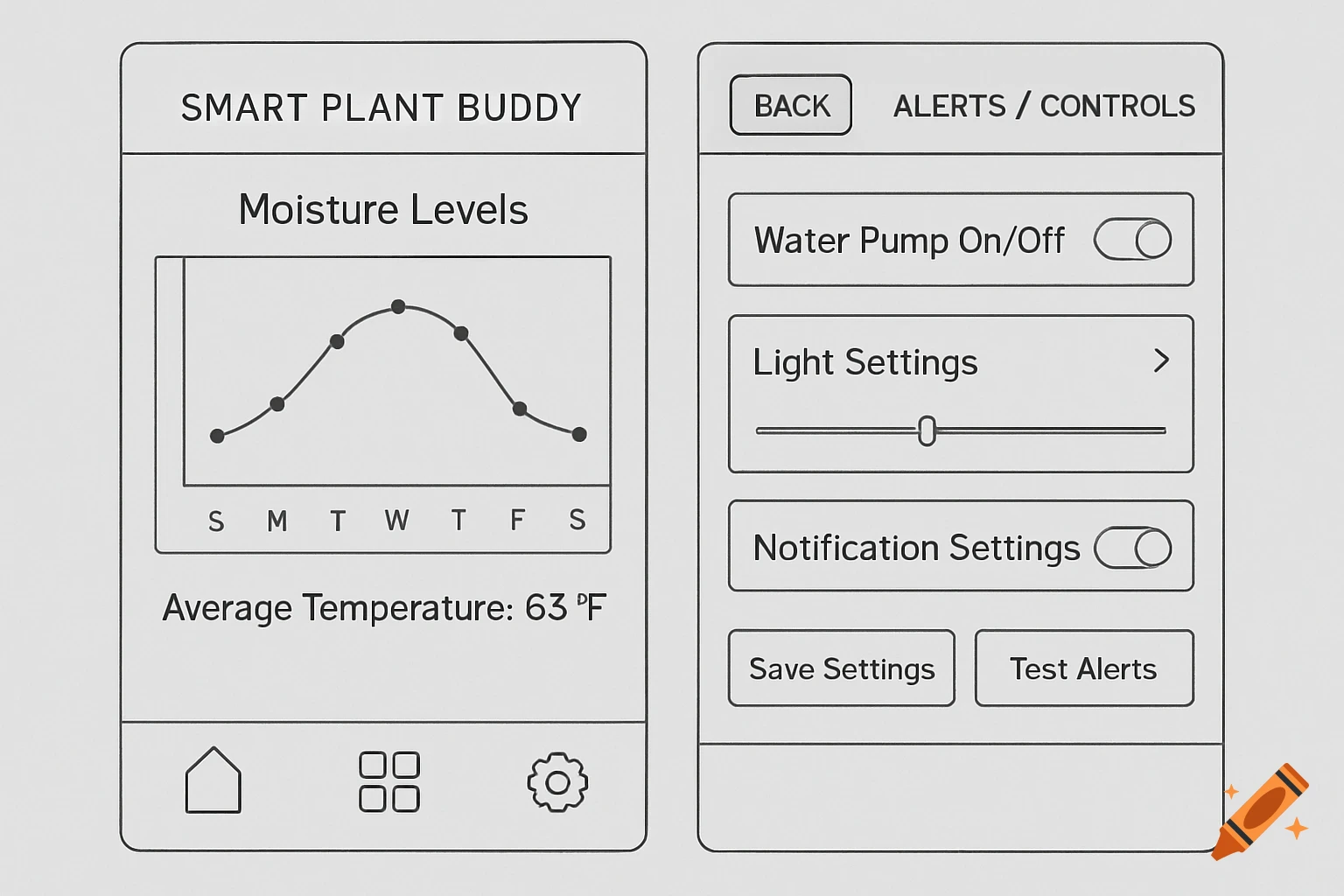
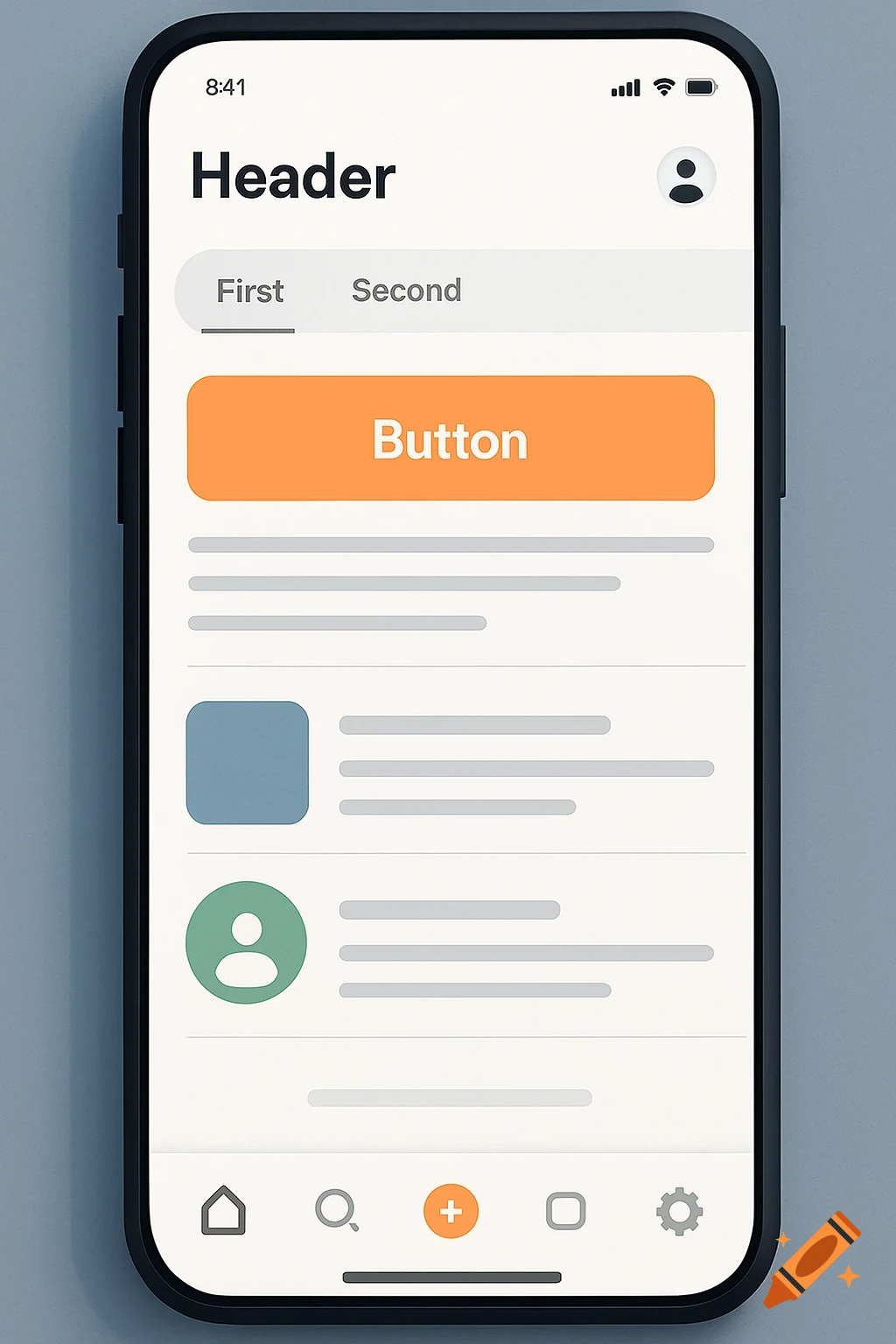
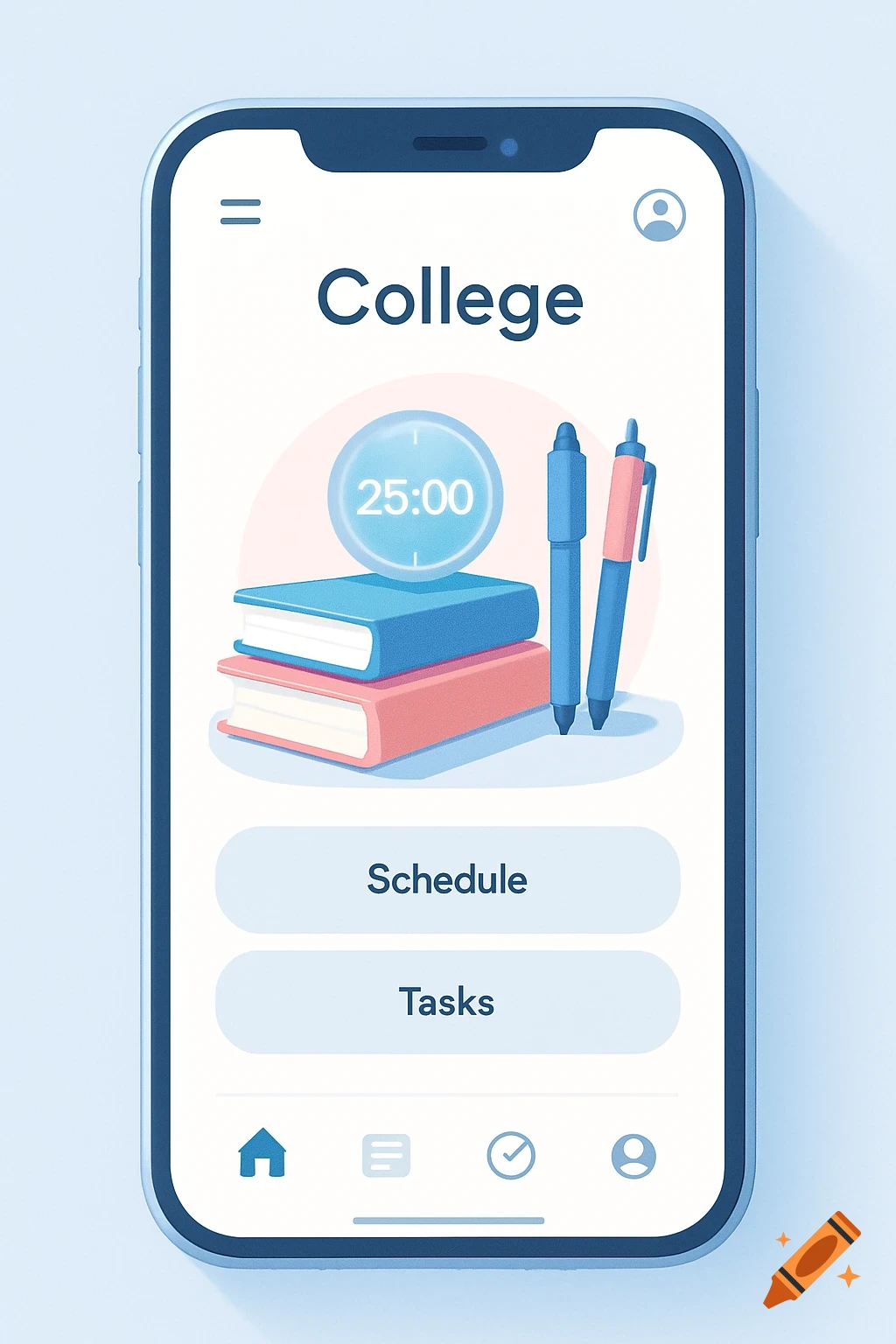
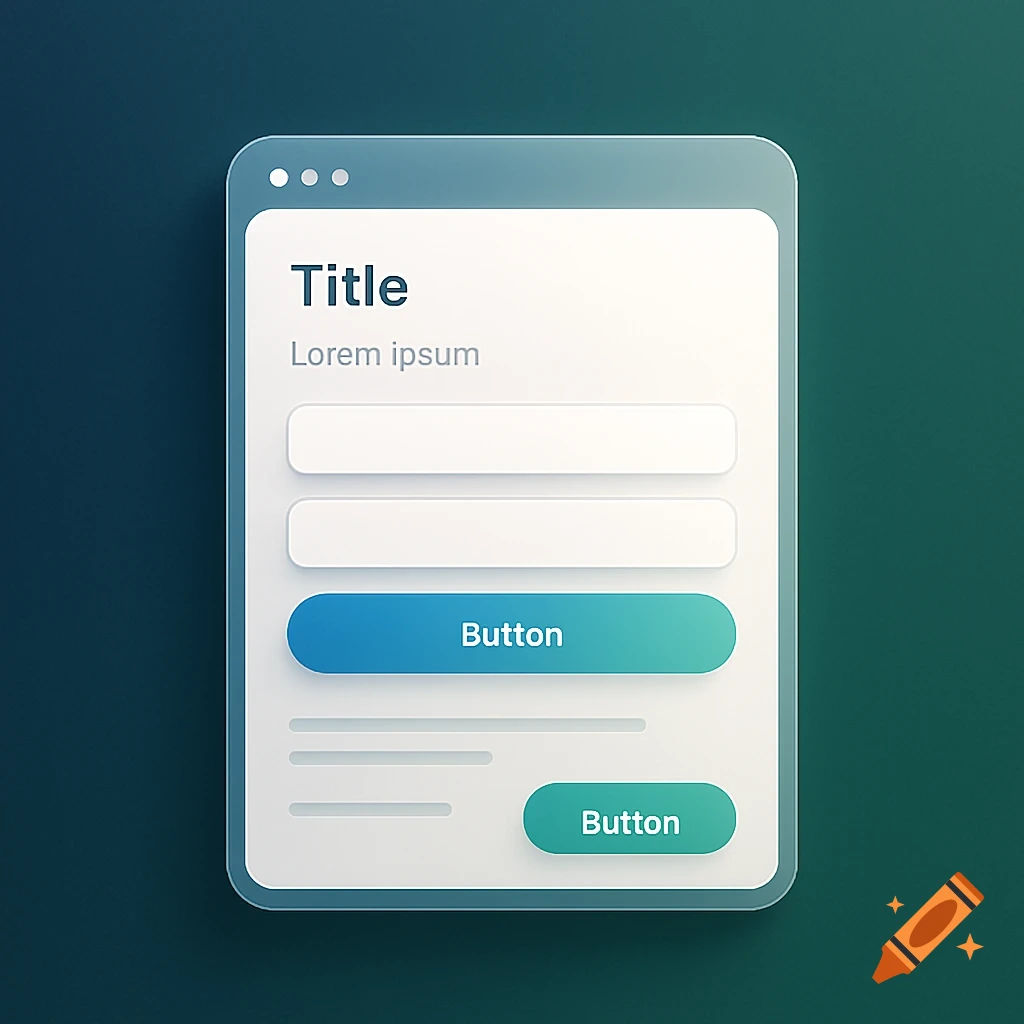
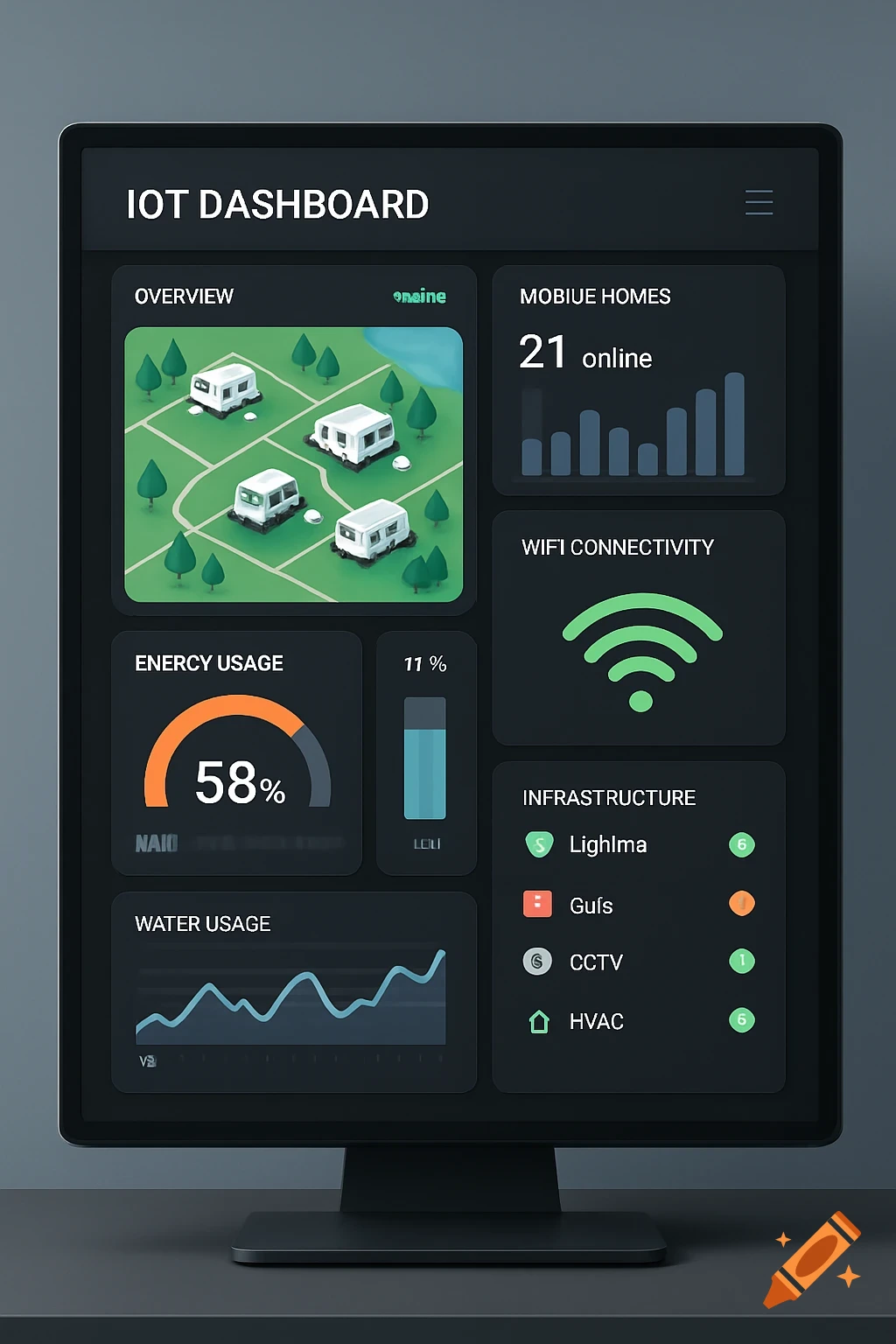
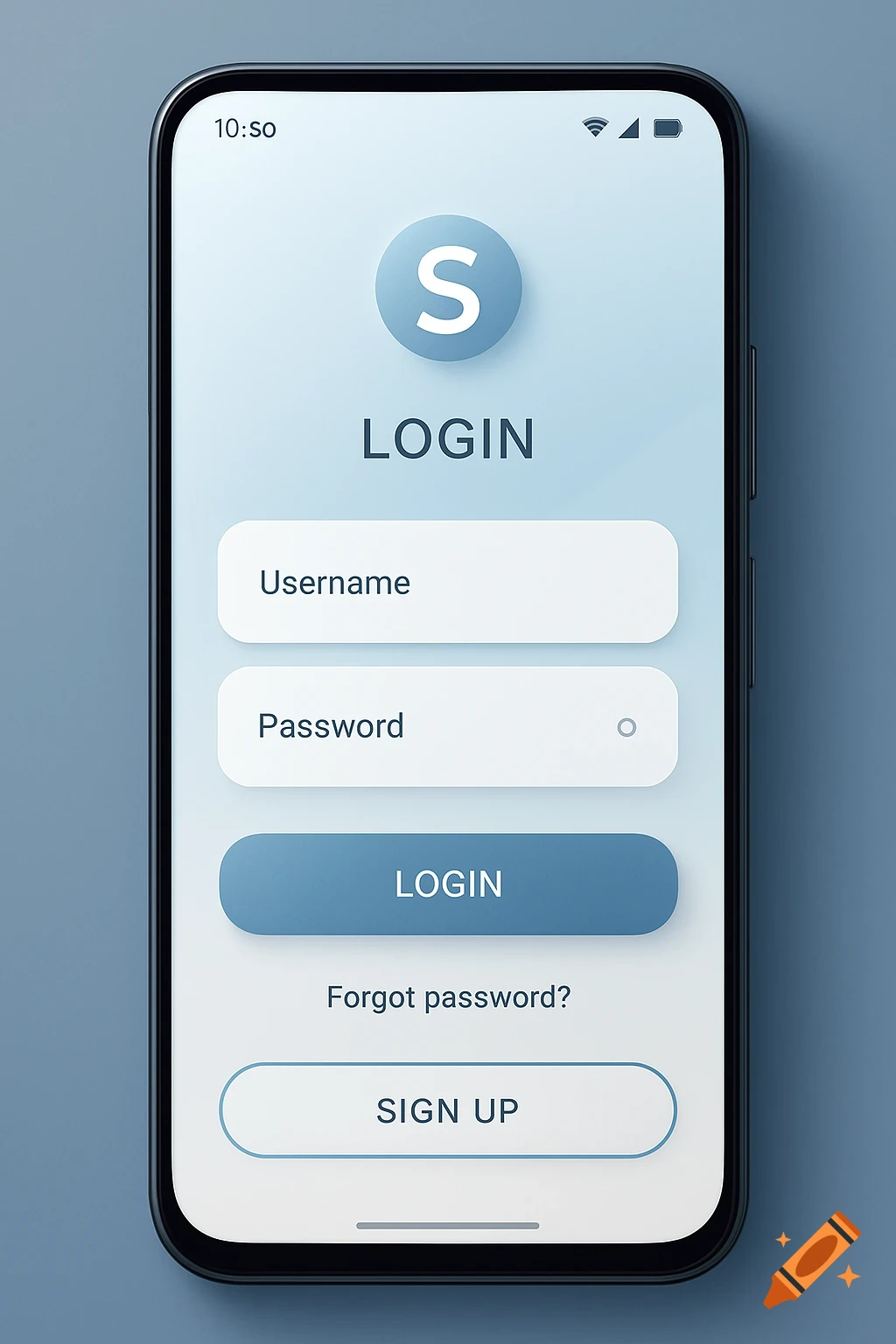
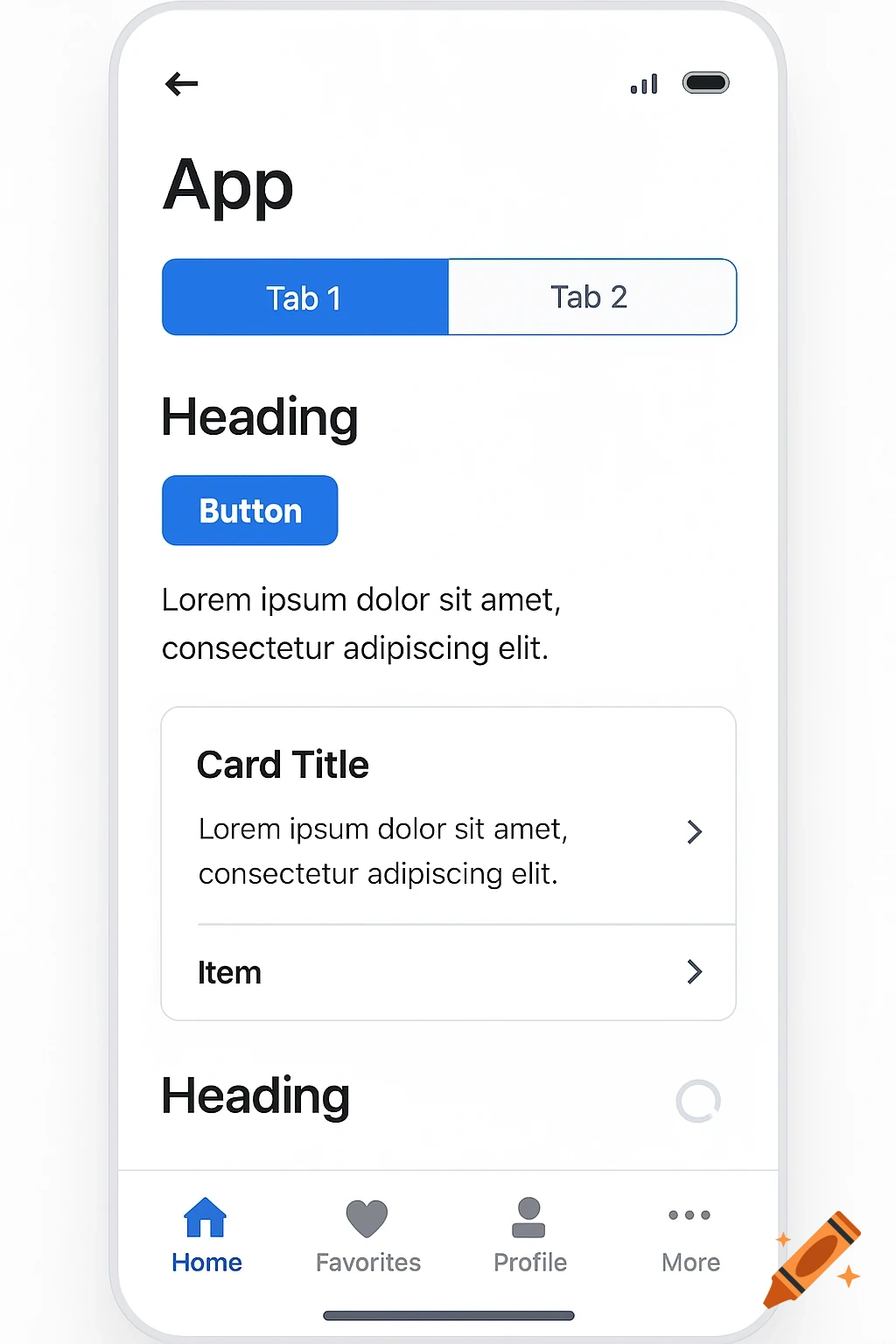
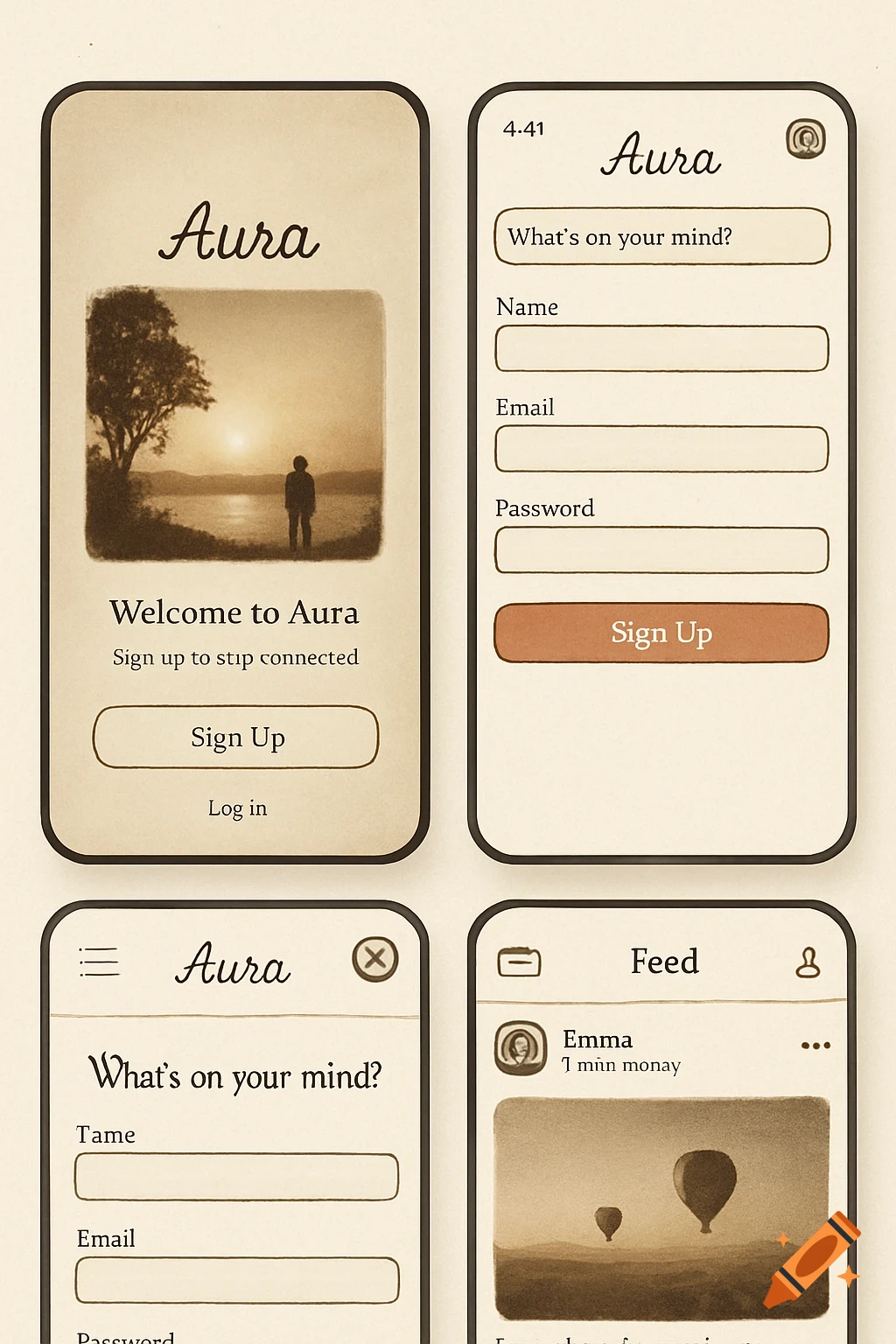
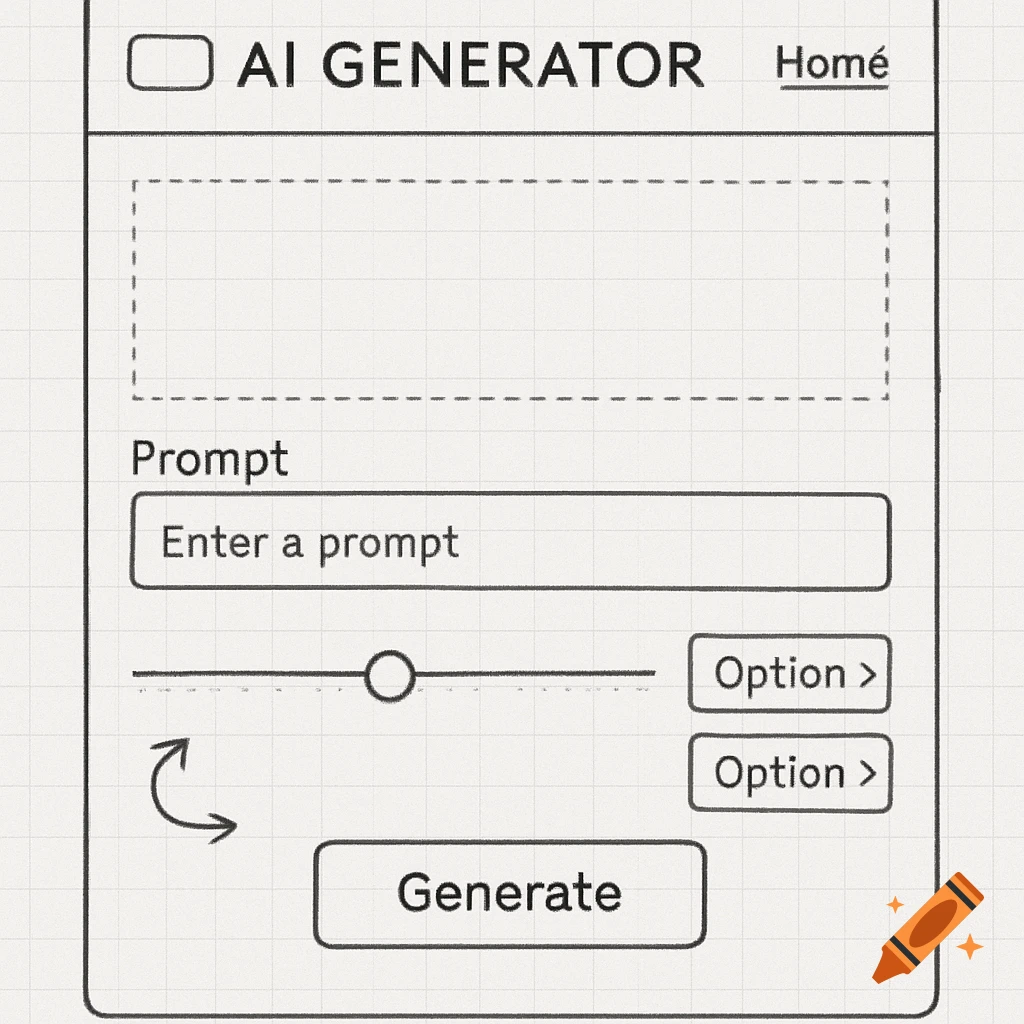
Three mobile app wireframes: a login screen, a dashboard, and an alerts screen for a 'Smart Plant Buddy' app, in a simple green and off-white color scheme.
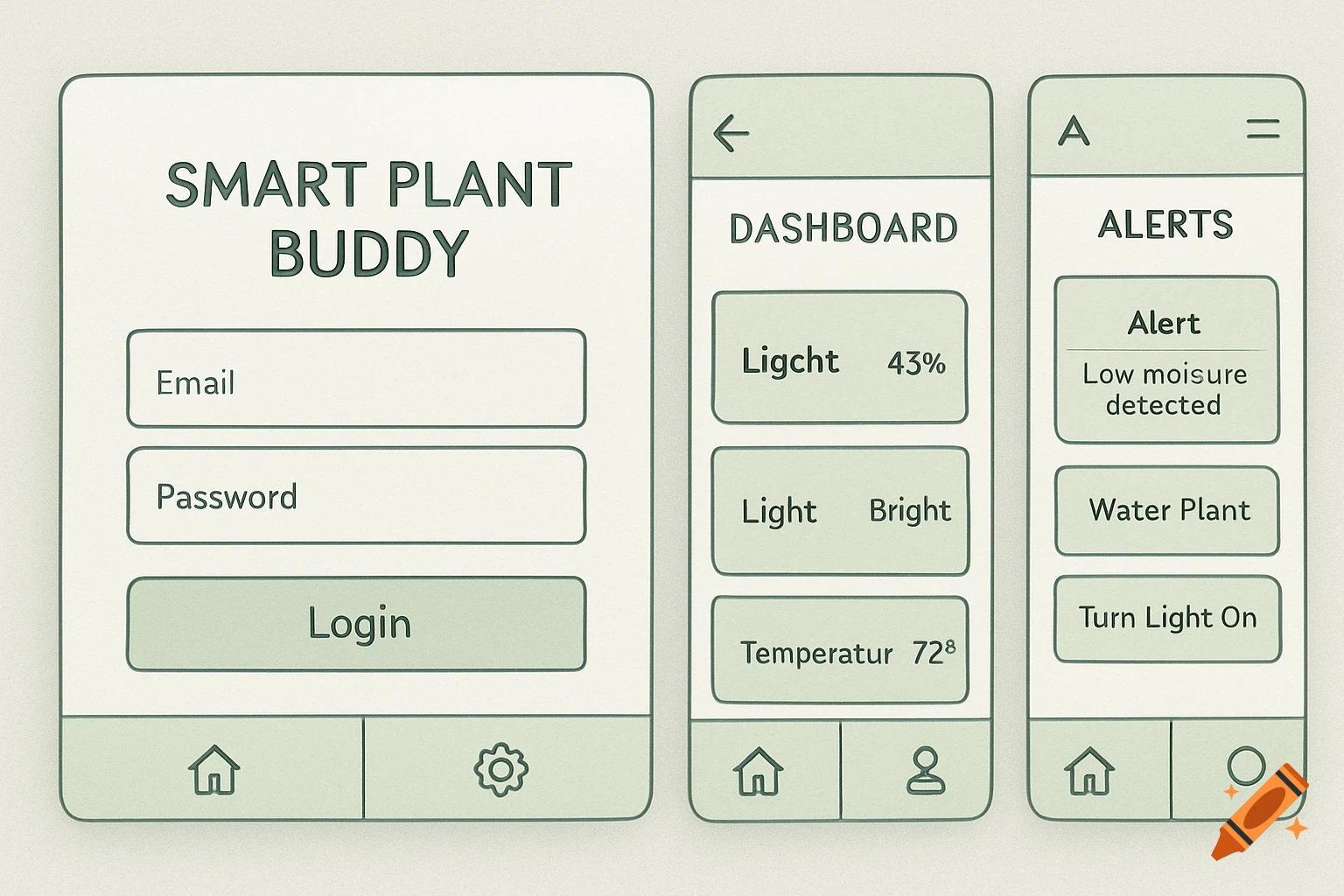
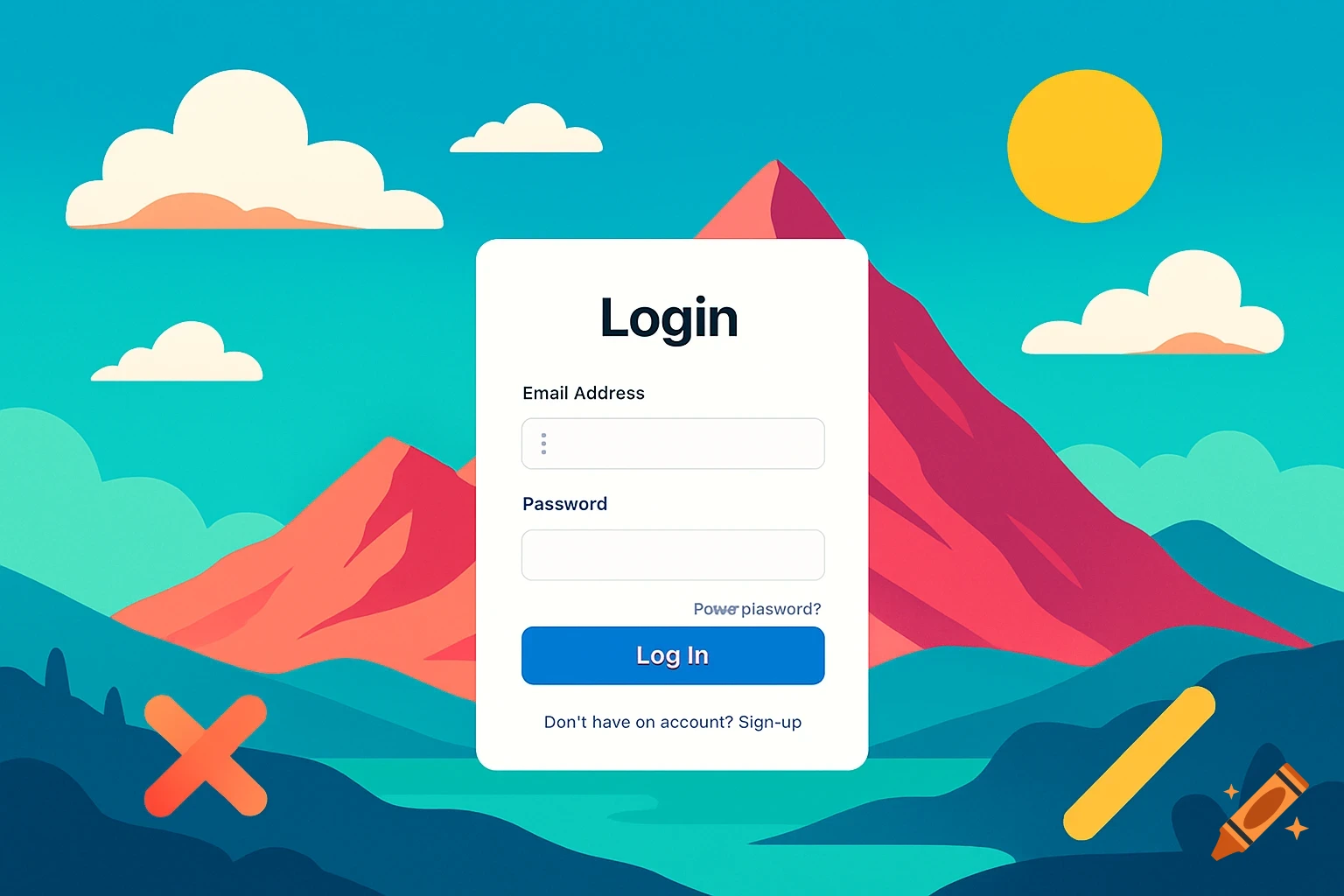
Create 4 separate "pages" (like slides) for key screens: Login, Dashboard, History, Alerts/Controls. Use basic shapes: Rectangles for buttons/screens, lines for navigation, text labels. Label everything clearly (e.g., "Moisture Gauge"). Export each as PNG/JPG, then insert into your Google Doc. If you hate drawing, use text descriptions (like below) and hand-draw on paper, photo it, and insert. Our 4 Key Screens: Focus on user flow: Login → Dashboard → History → Controls/Alerts. Copy-Paste This for Descriptions (Use as Guide): If you can't draw right away, paste these into your doc as placeholders, then replace with images. UI Mockups (Wireframes) Note: These are low-fidelity wireframes created in draw.io. Each represents a key screen in the mobile app flow. Login Screen Top: App title "Smart Plant Buddy" (large text). Middle: Email input field, Password input field, "Login" button below. Bottom: Navigation bar with icons: Home (house), Settings (gear). (Simple vertical layout for quick access. Flow: Leads to Dashboard after login.) See more