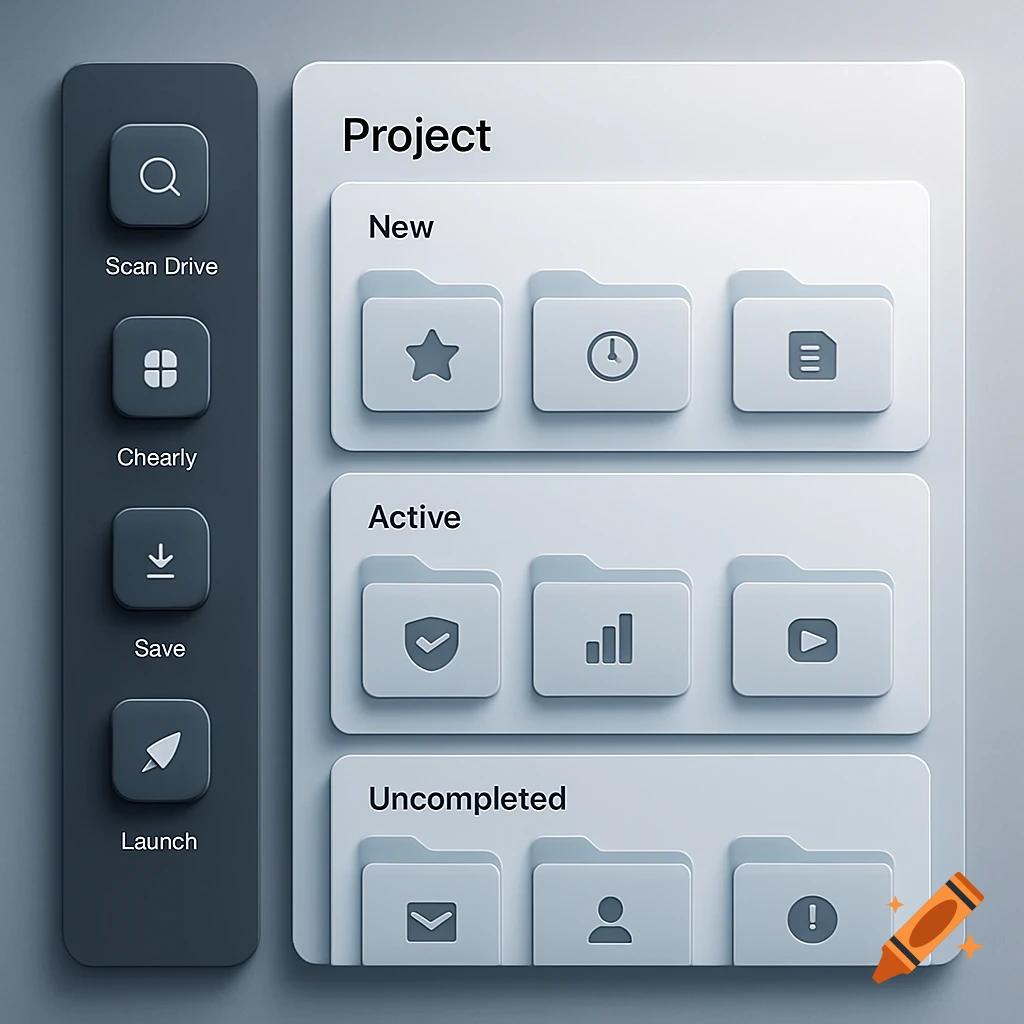
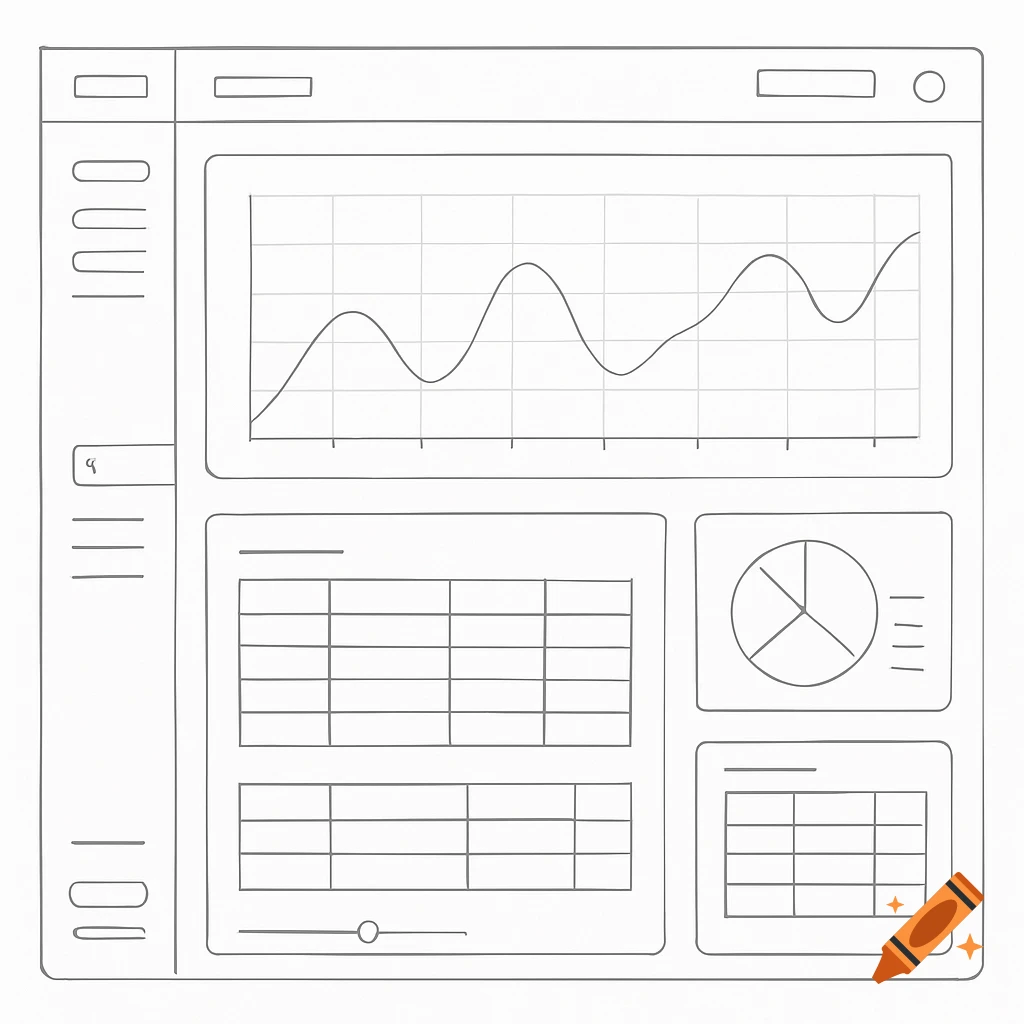
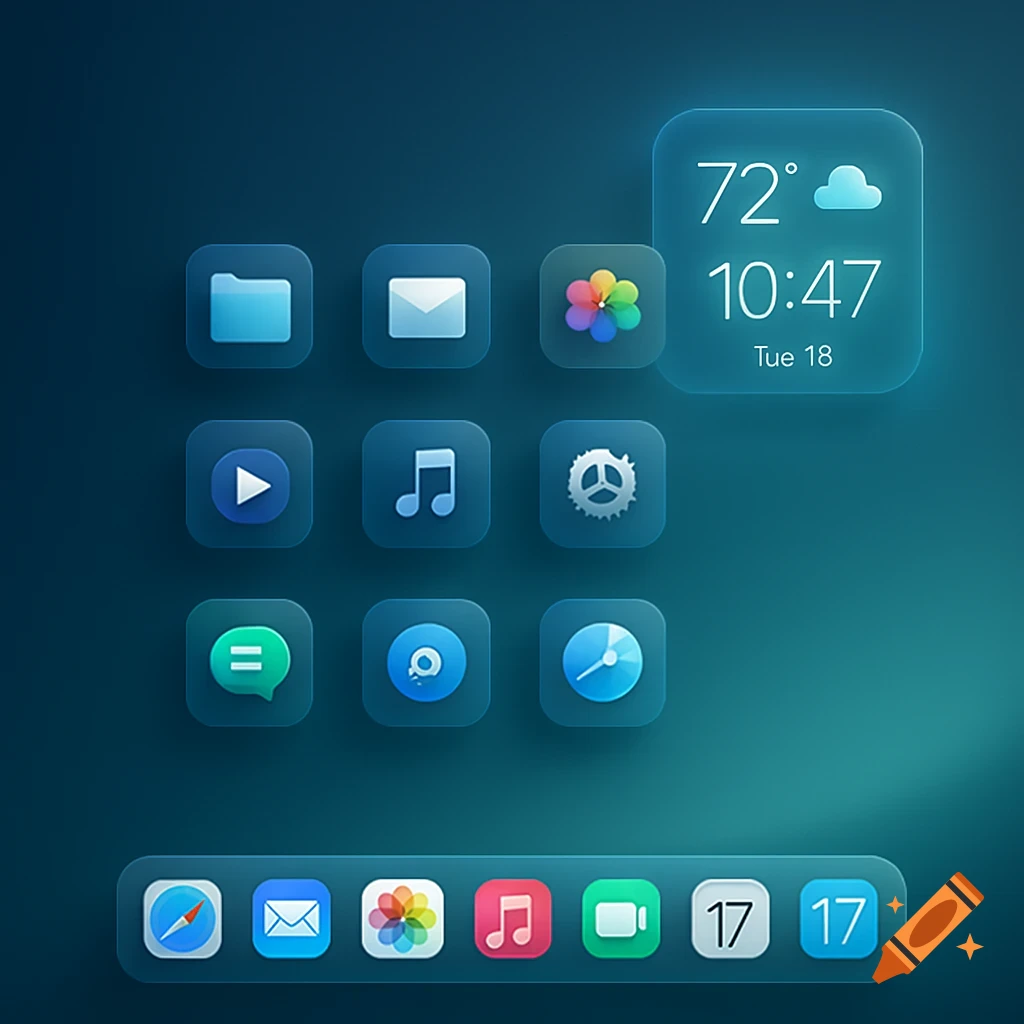
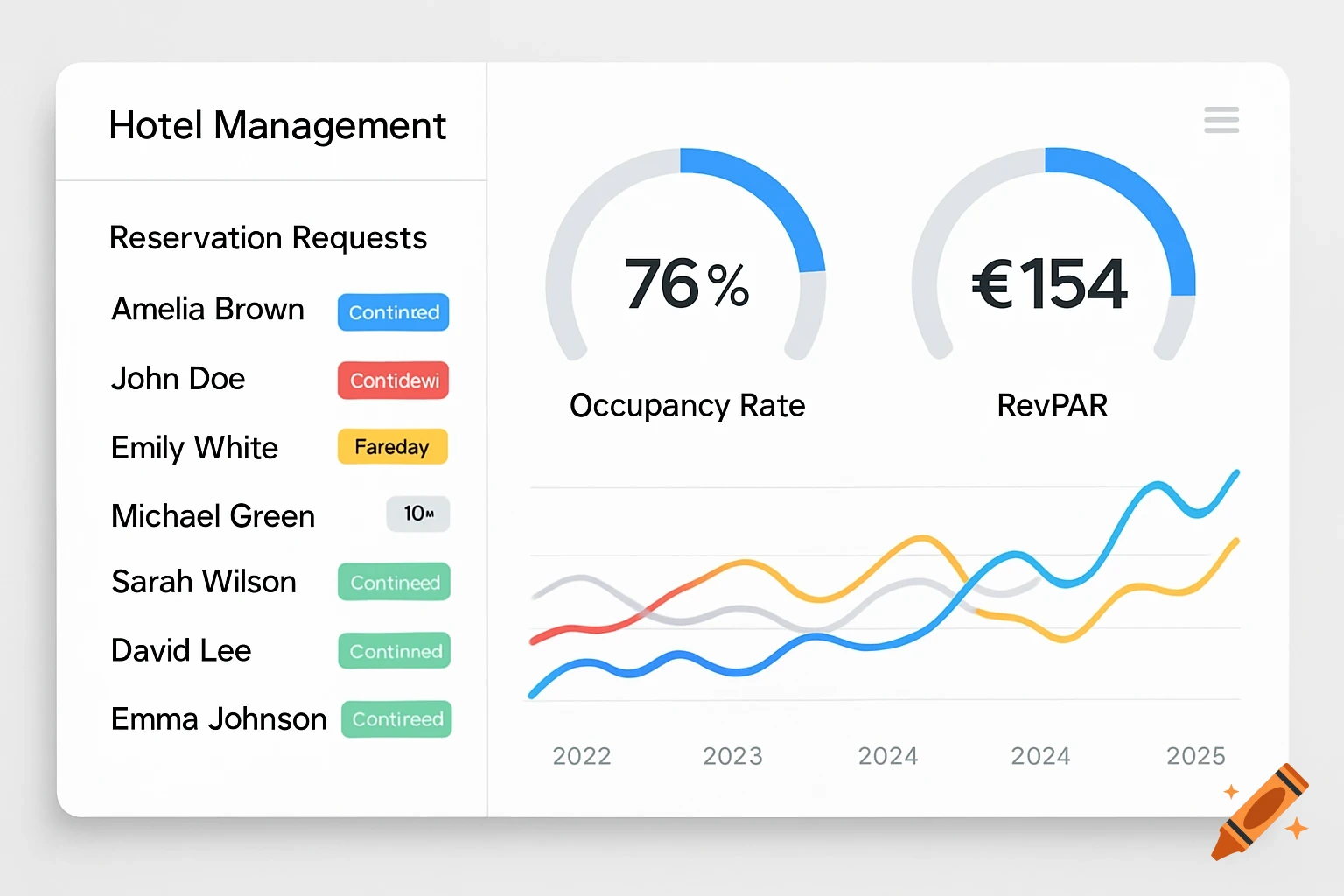
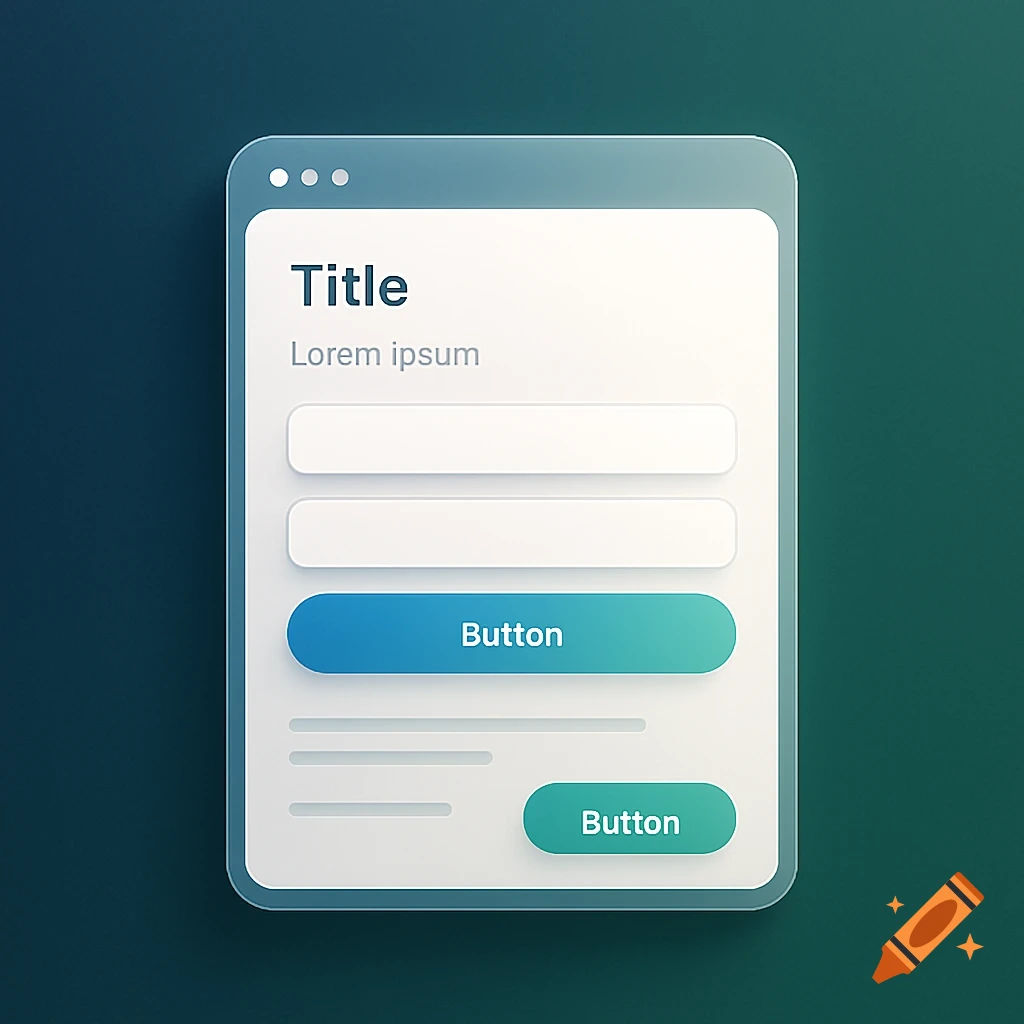
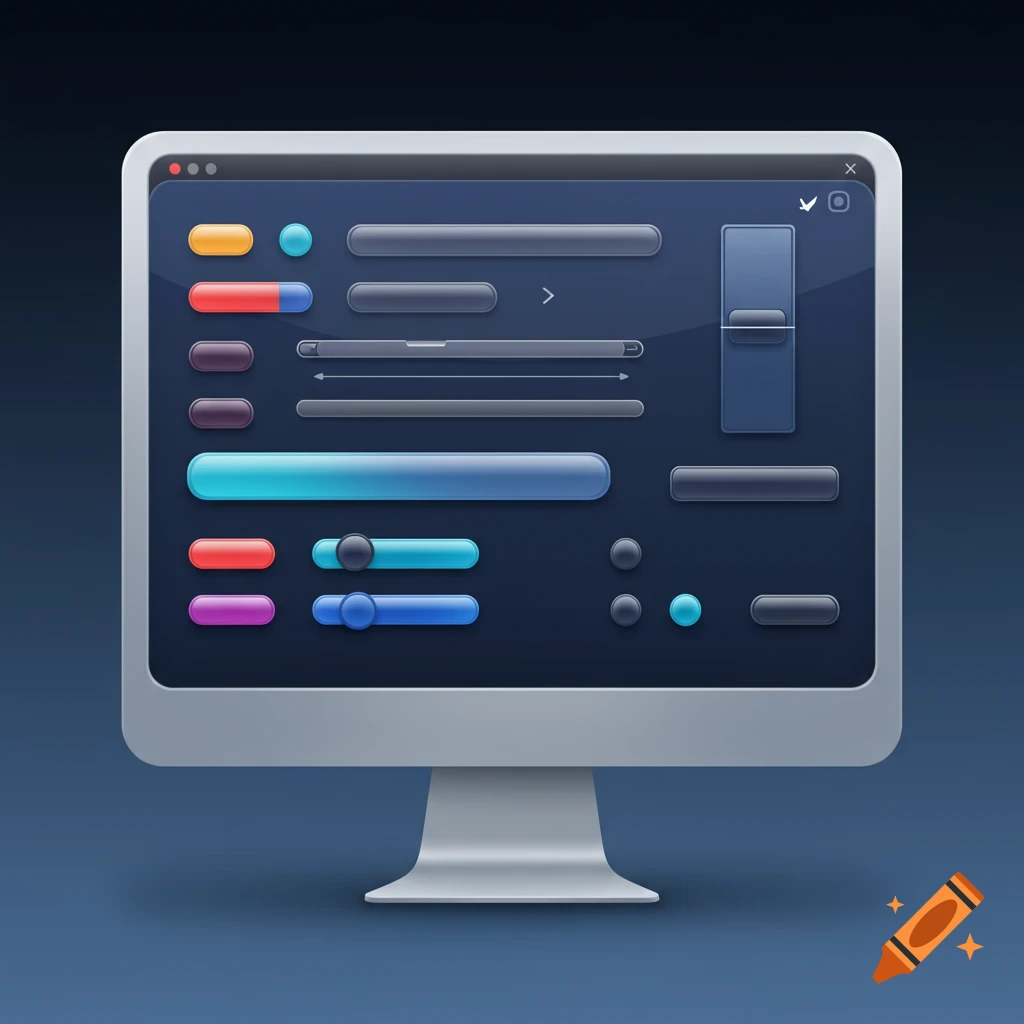
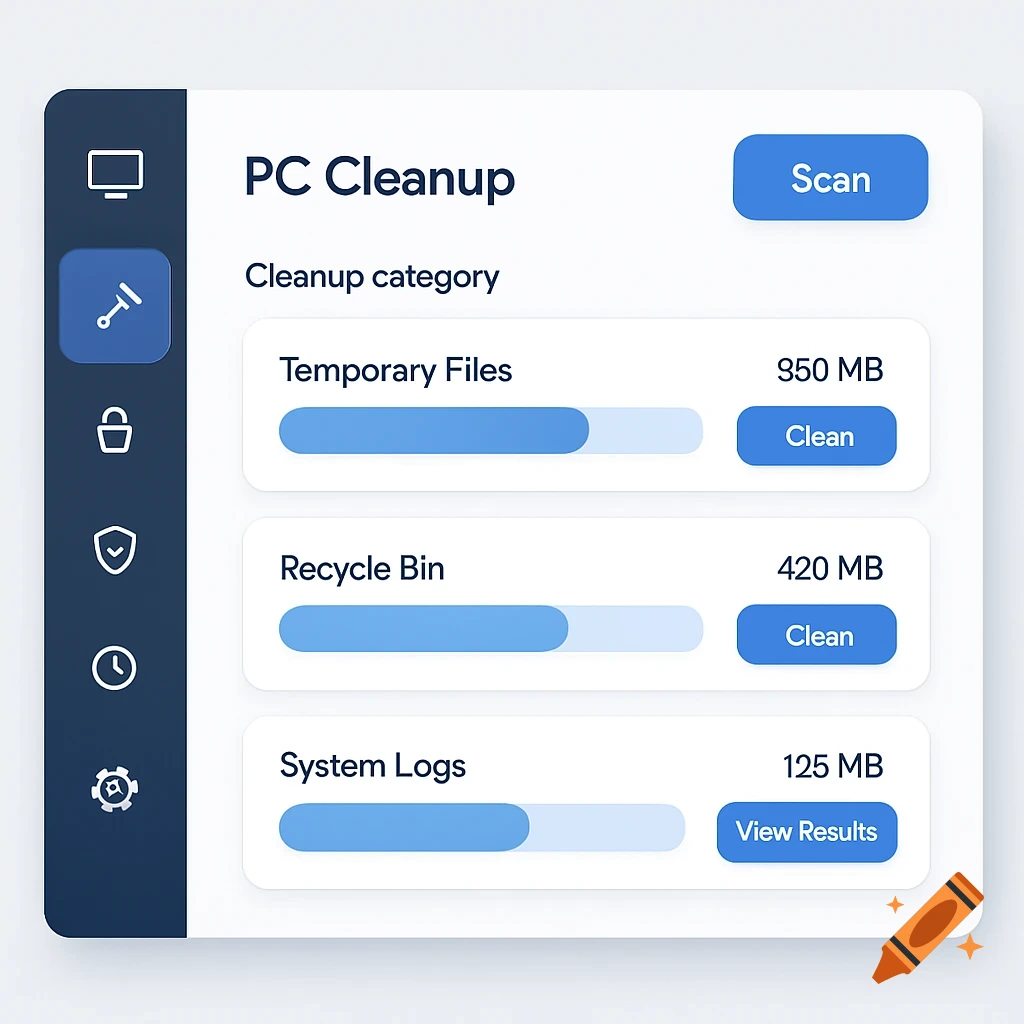
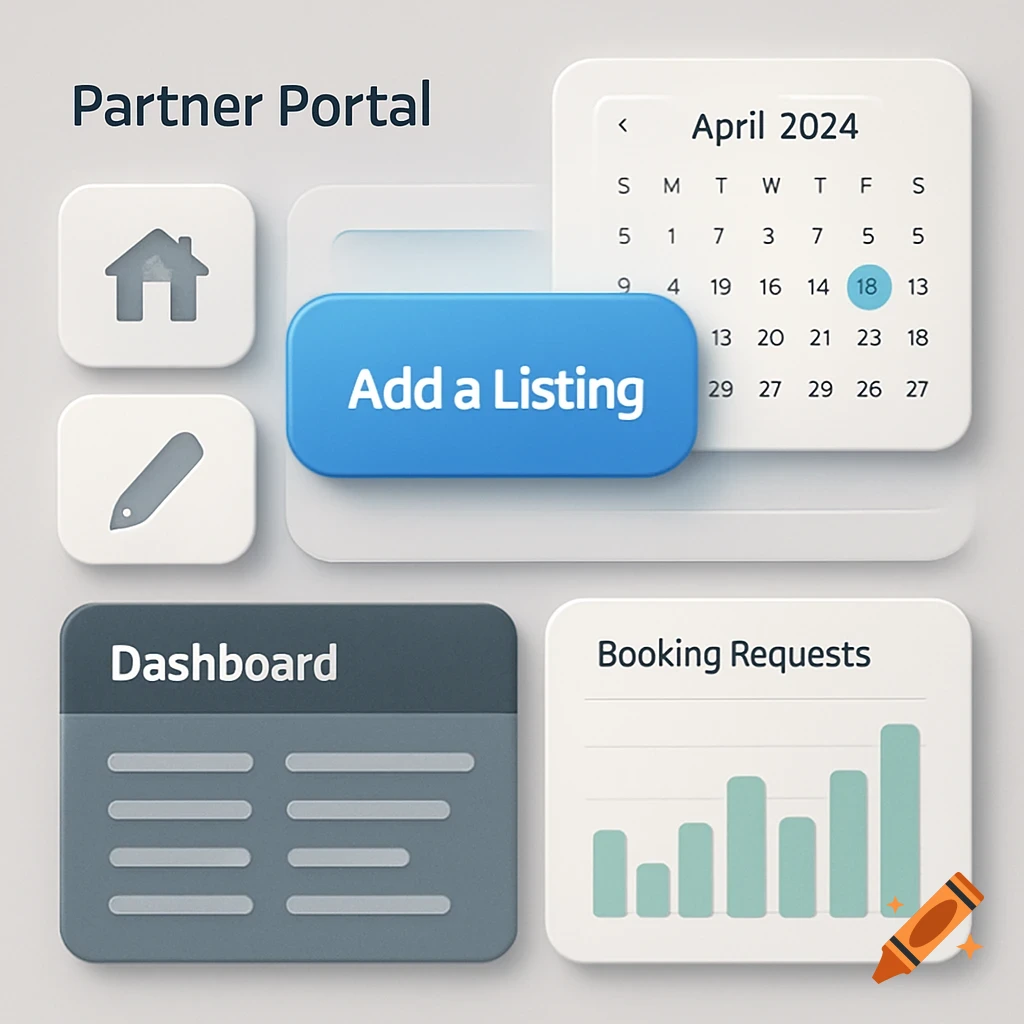
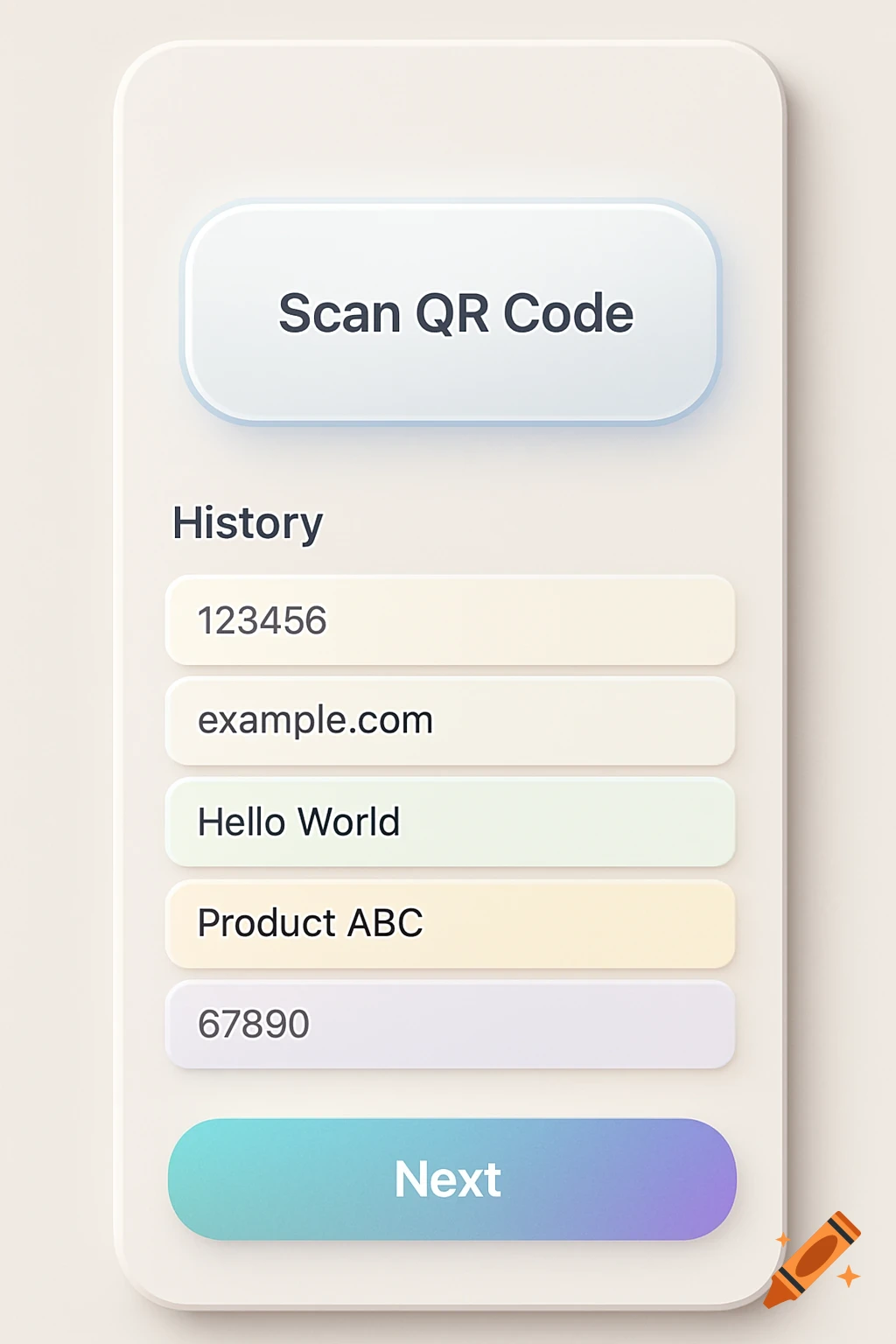
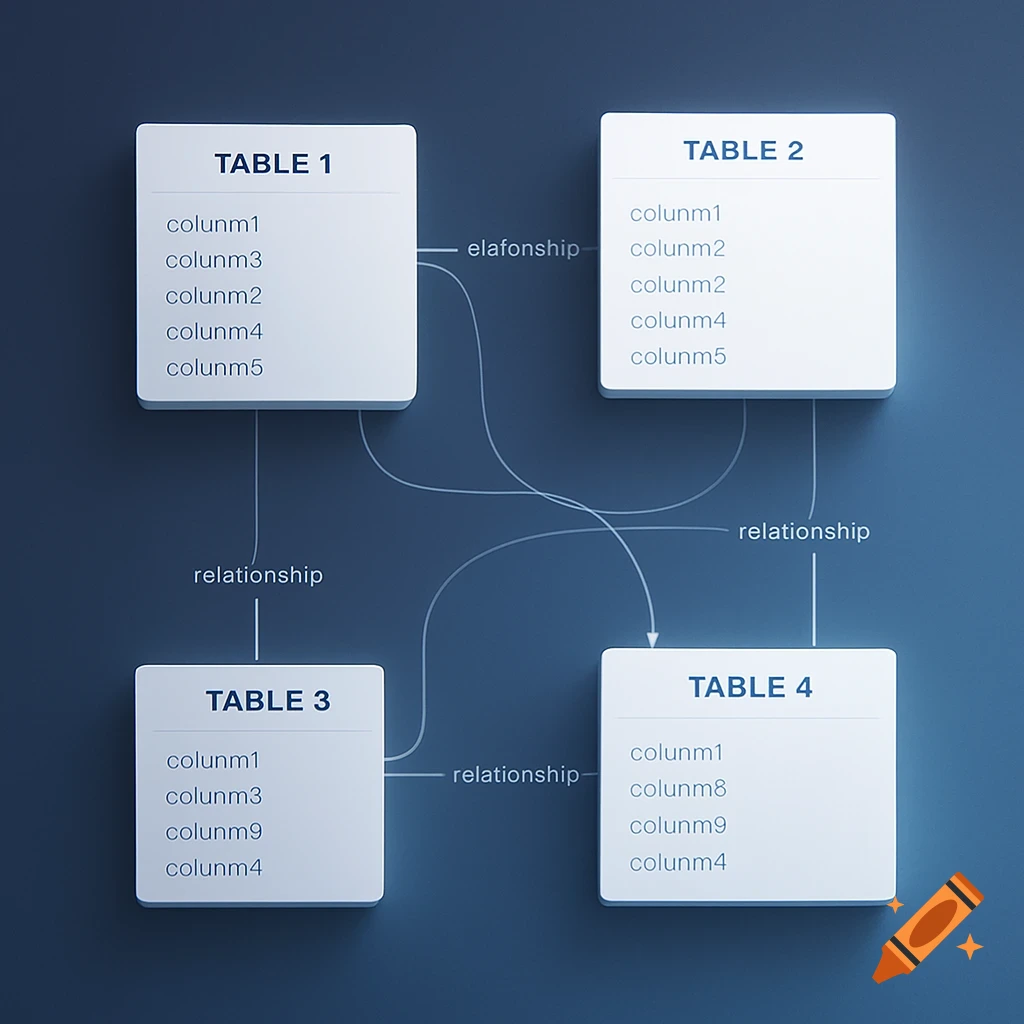
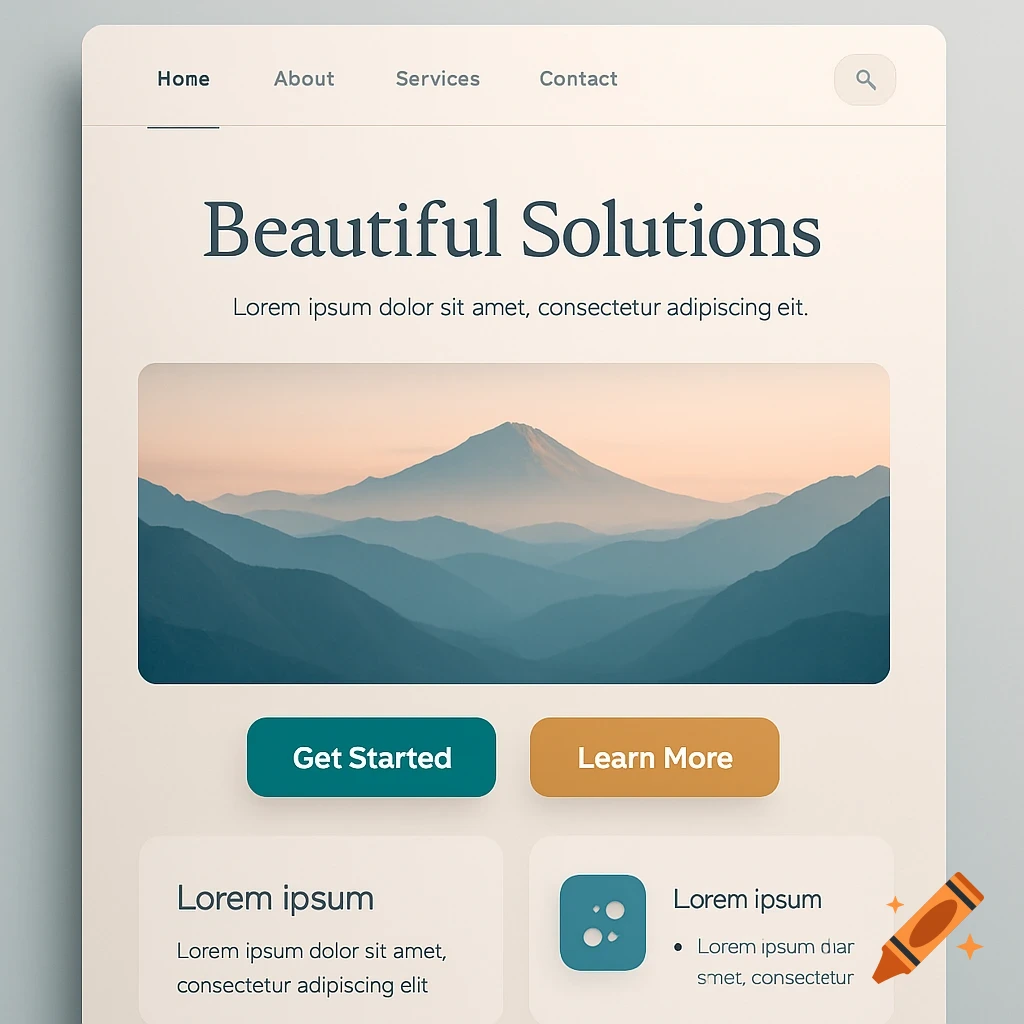
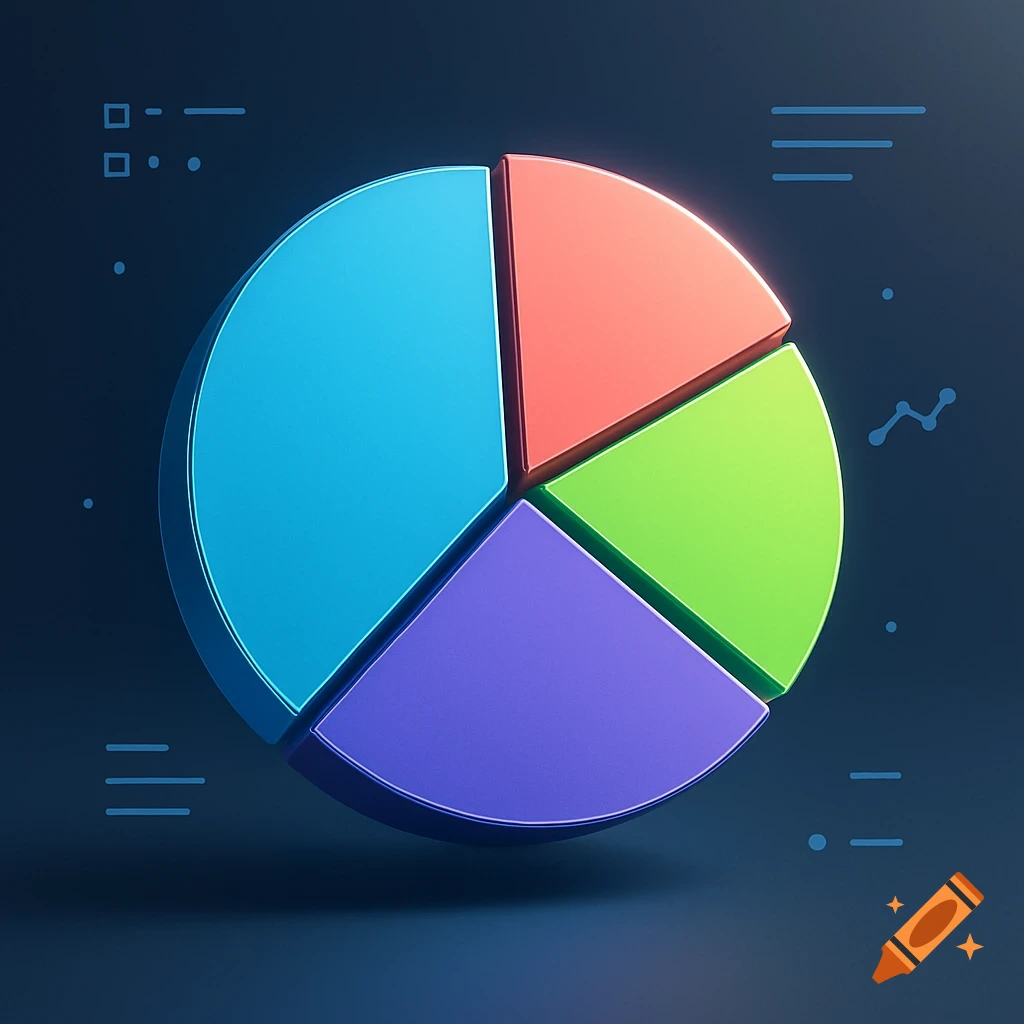
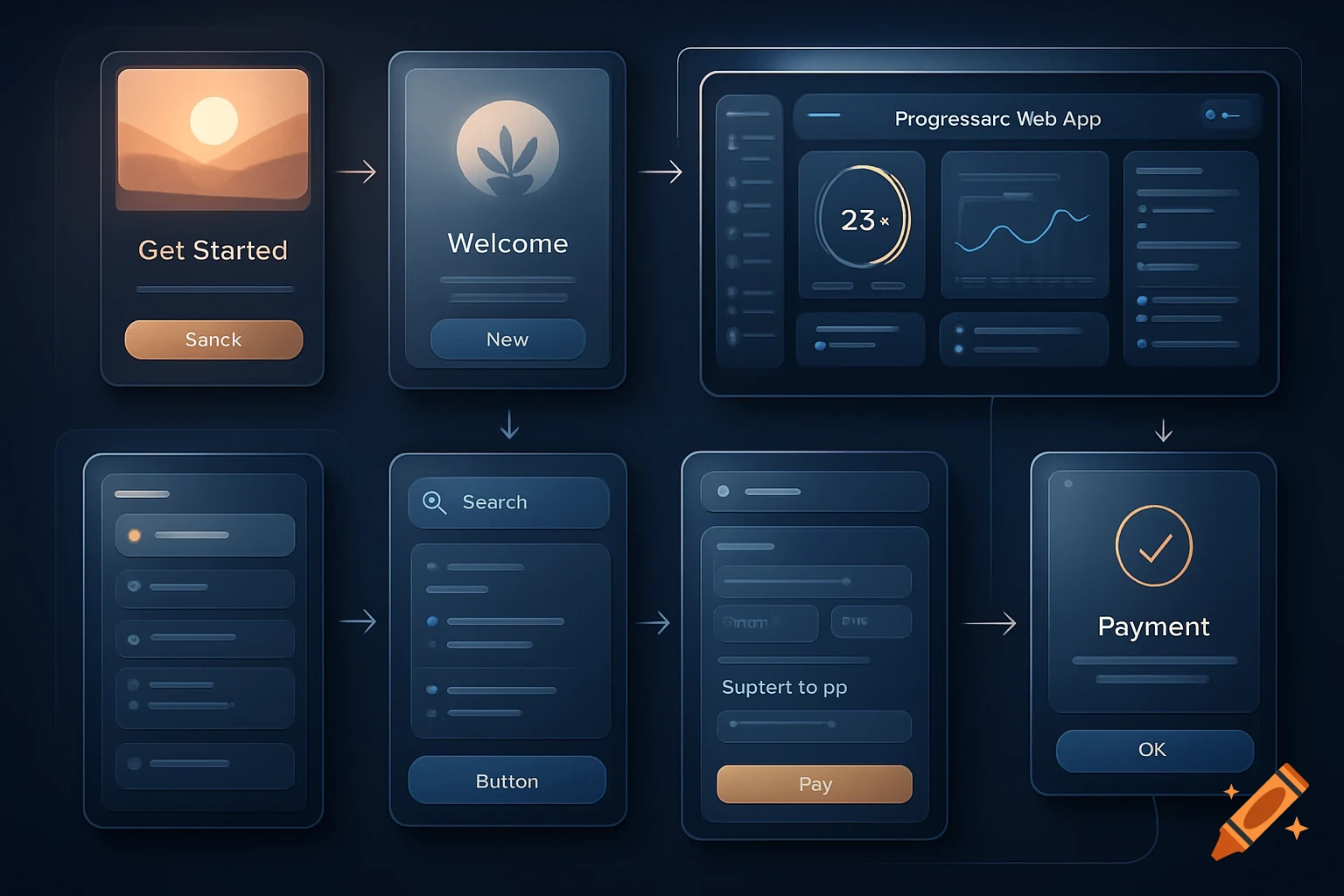
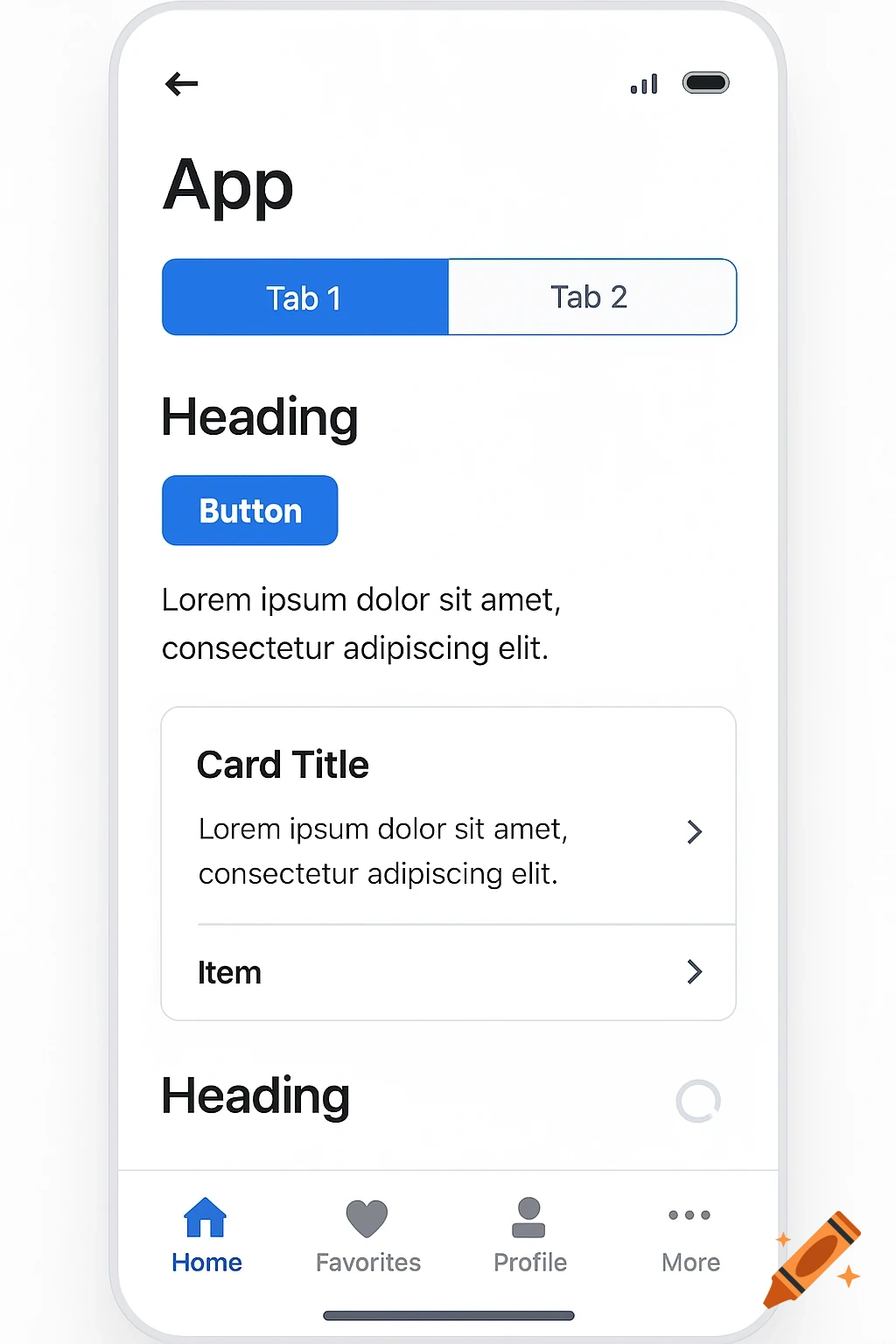
A clean, modern user interface design showing a selection box with a rotation indicator, a font dropdown, graphs, and tool icons.
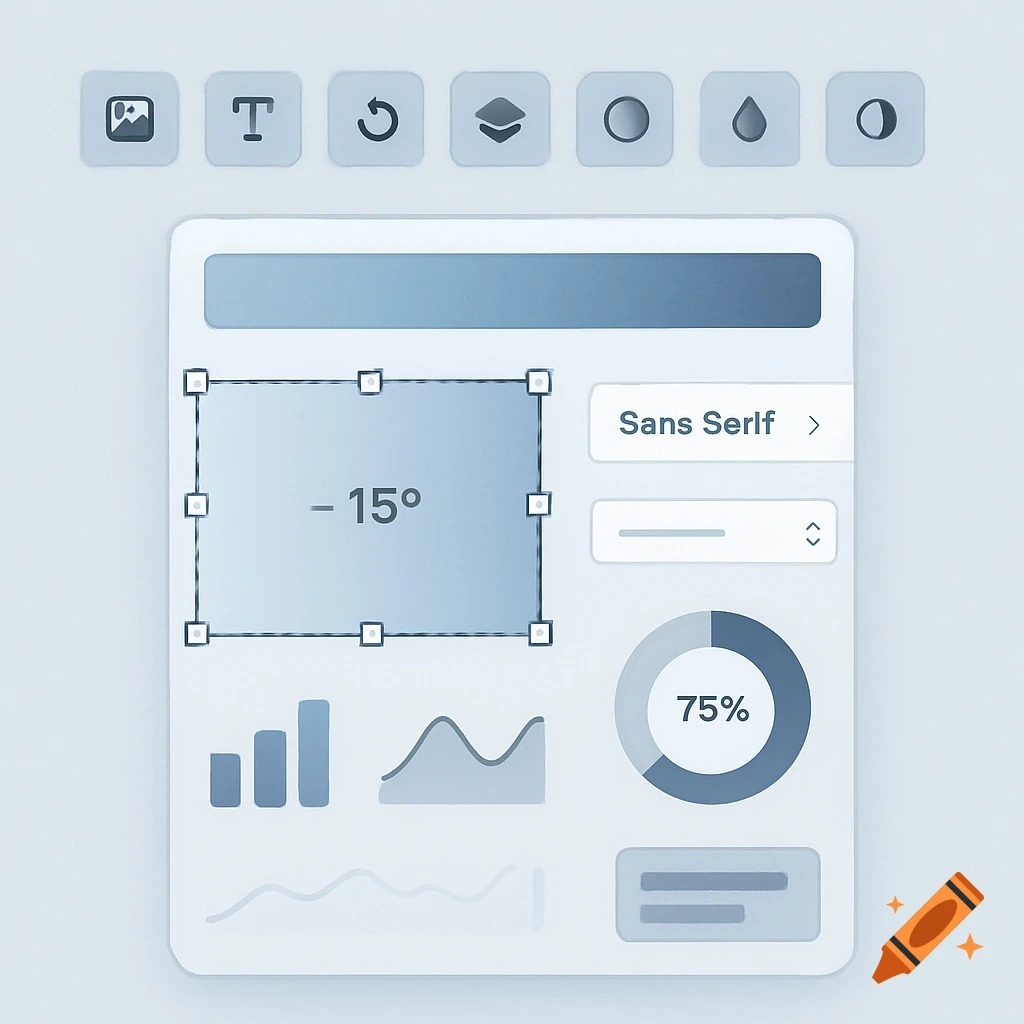
Create a modern and clean image that includes the following elements scattered on the image: A selection box, similar to those used when selecting an image, with visible edges or handles. A rotation indicator, visually showing degrees of rotation—ideally presented in a sleek, dynamic way as if a shape or object is being rotated. A font selection dropdown, clearly indicating that multiple fonts are available. Include a visible scroll bar to imply there are more options beyond what’s currently shown. Simple, small graphs or charts, adding a hint of analytics or interface functionality. A gradient control area, featuring a hollow circle placed at the center-top of a gradient, indicating a draggable or interactive control point. Include a set of modern tool icons, such as: Image icon Text icon Rotate icon Layers icon — optionally accompanied by a small layers panel or mini-graph Opacity icon Color icon The overall design should feel contemporary, clean, and professional—something that, when posted on a platform like LinkedIn, immediately signals that the person sharing it is a designer showcasing their interface or product design skills. See more