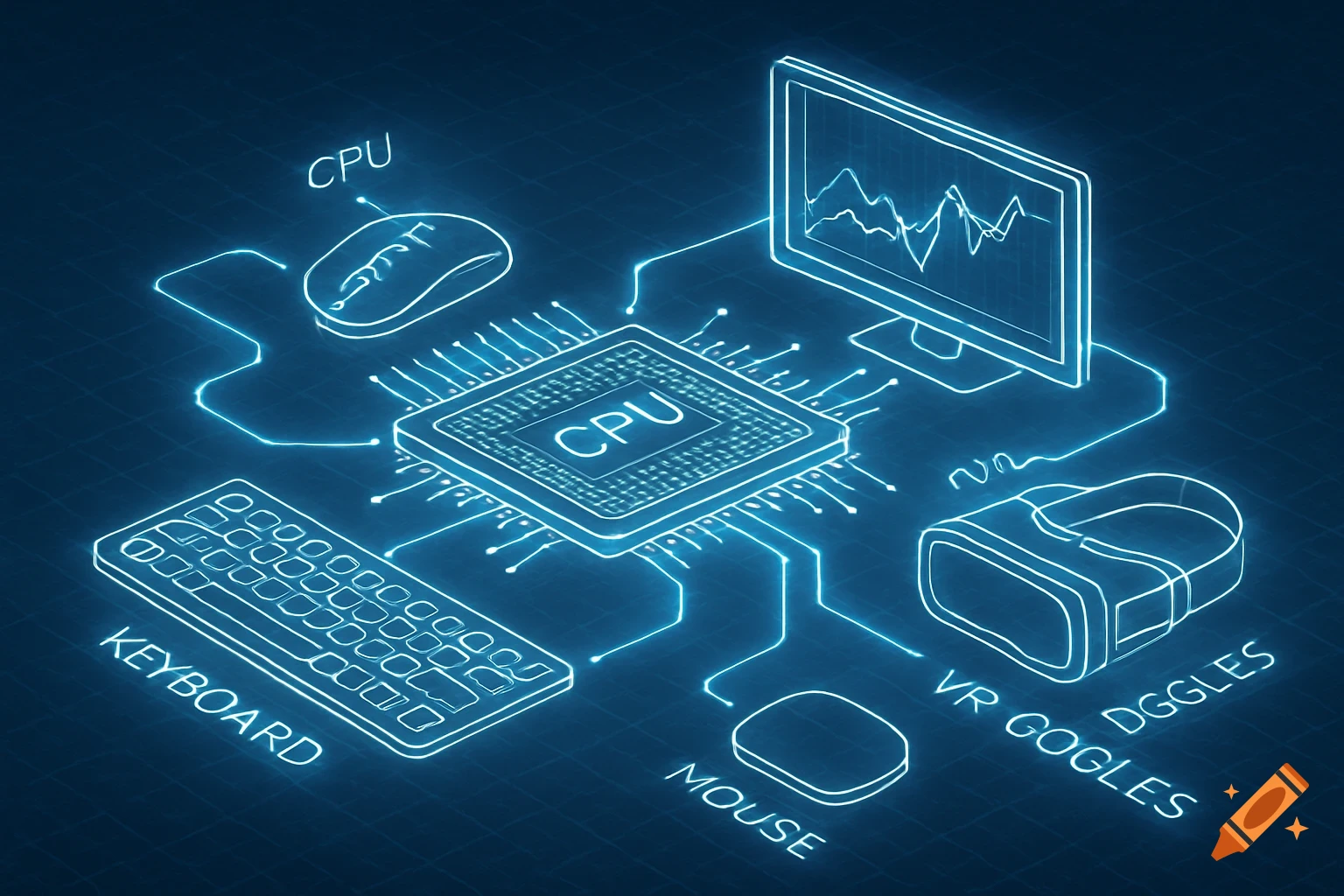
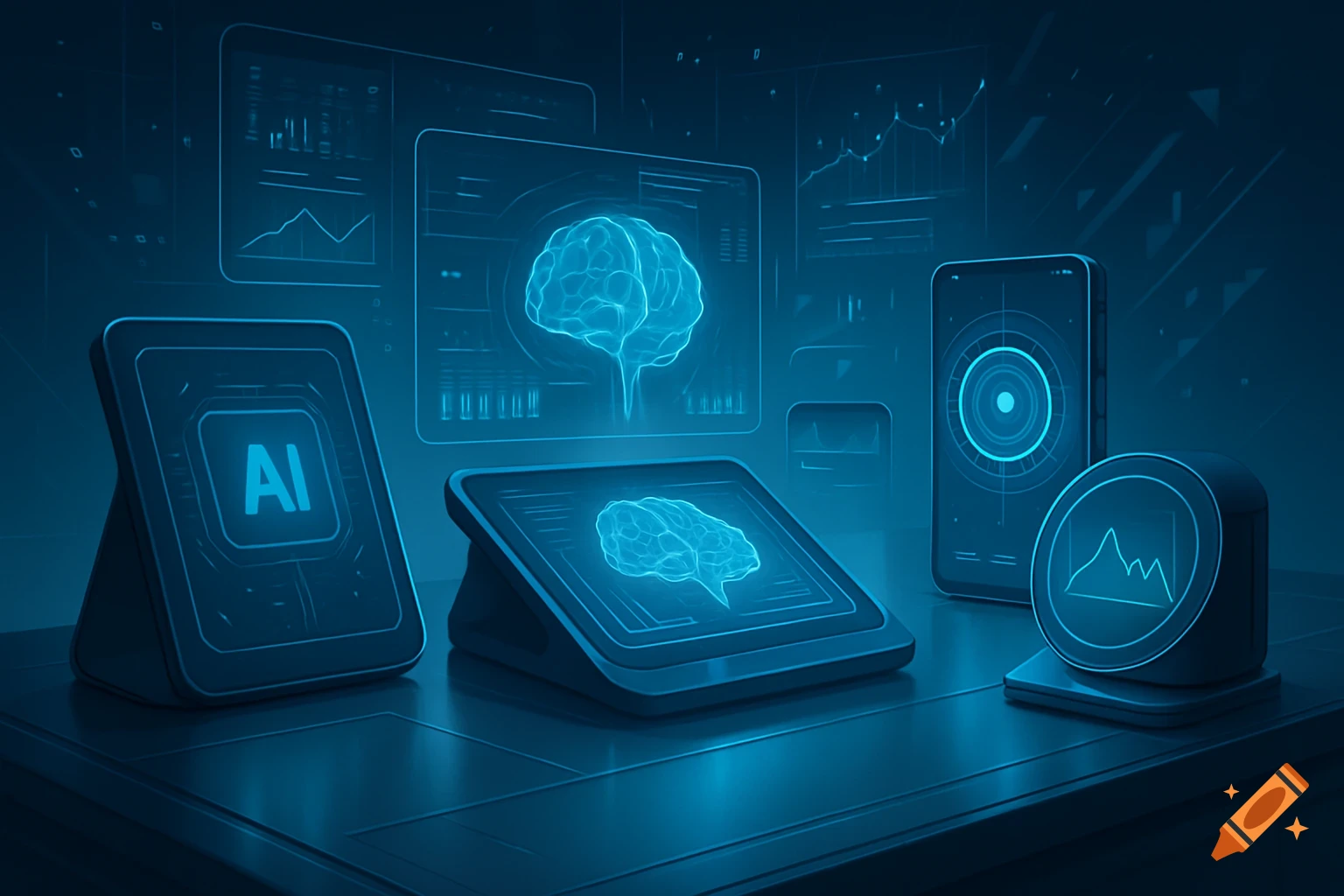
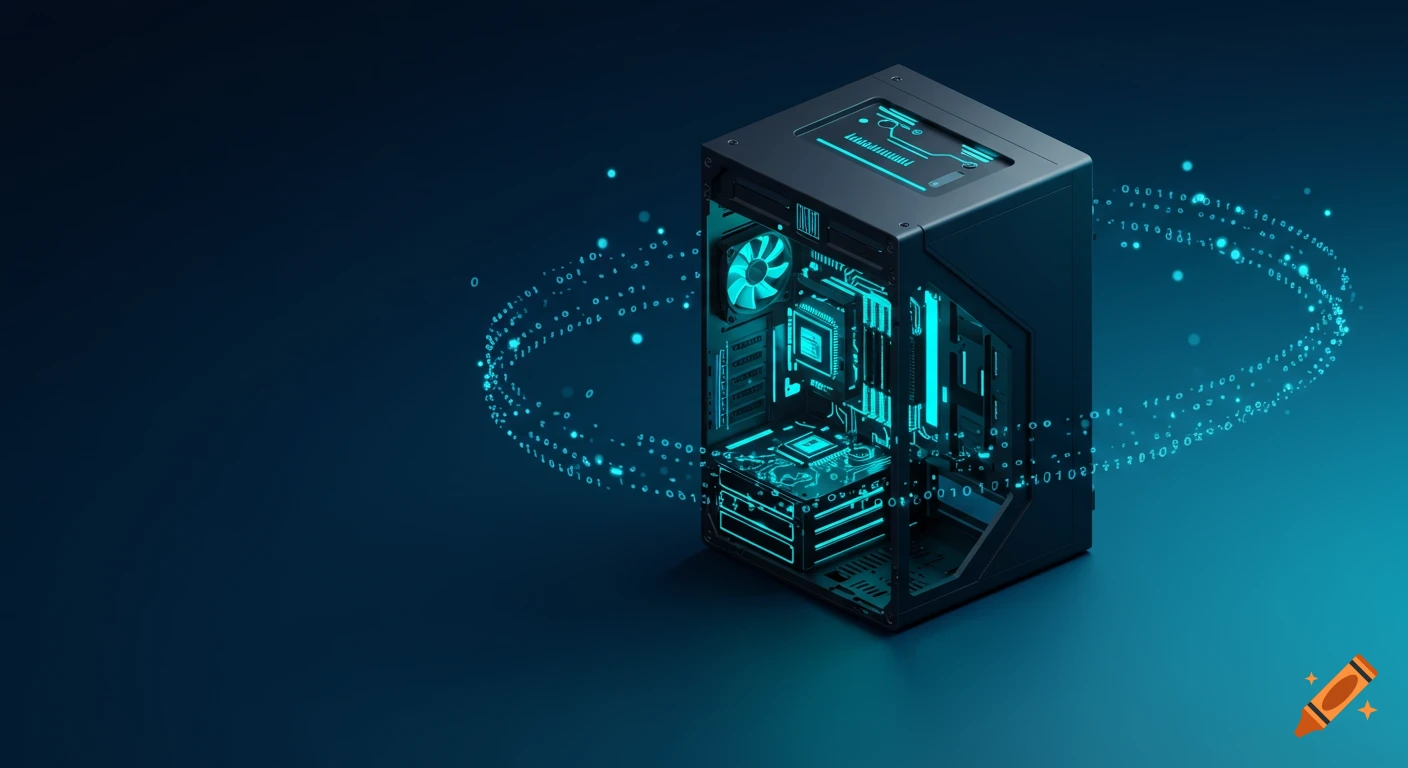
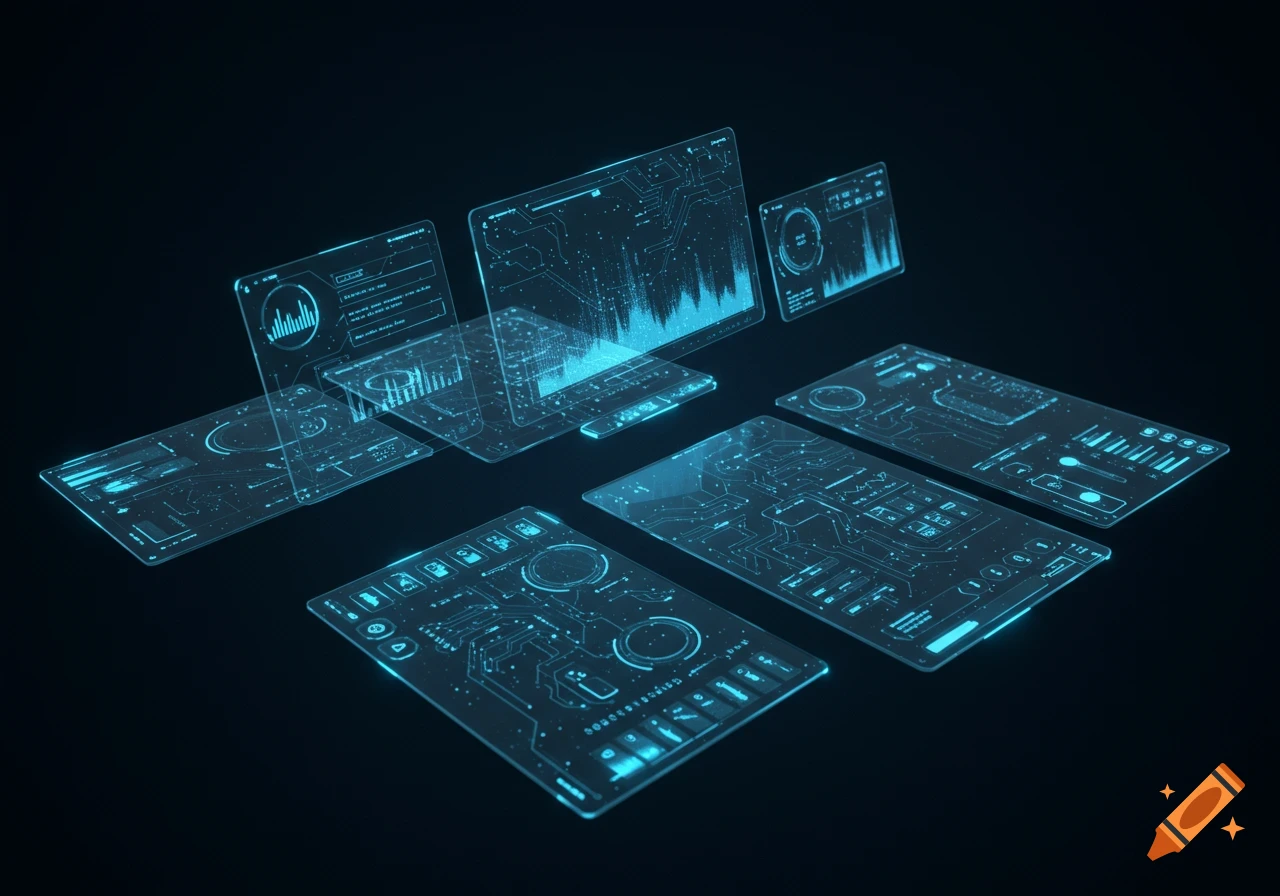
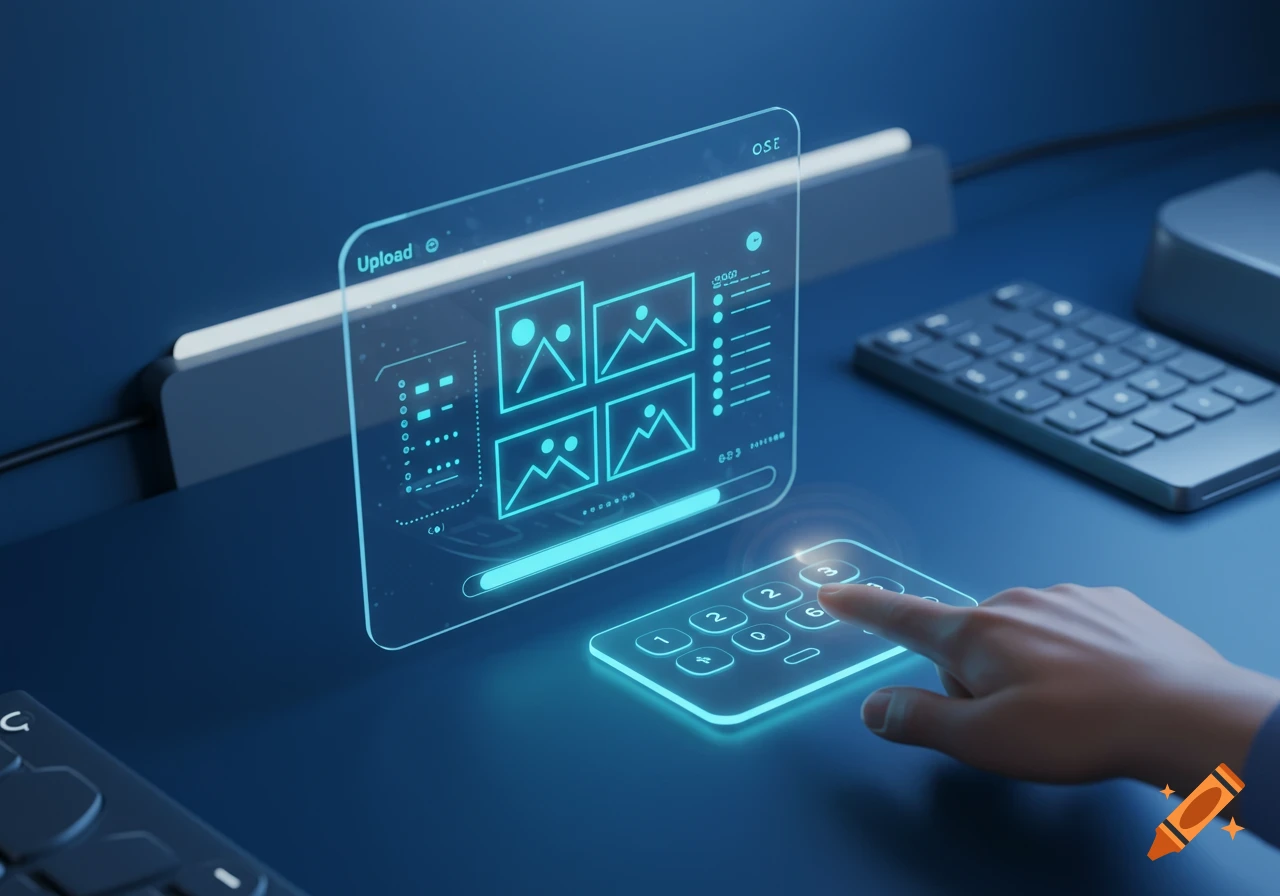
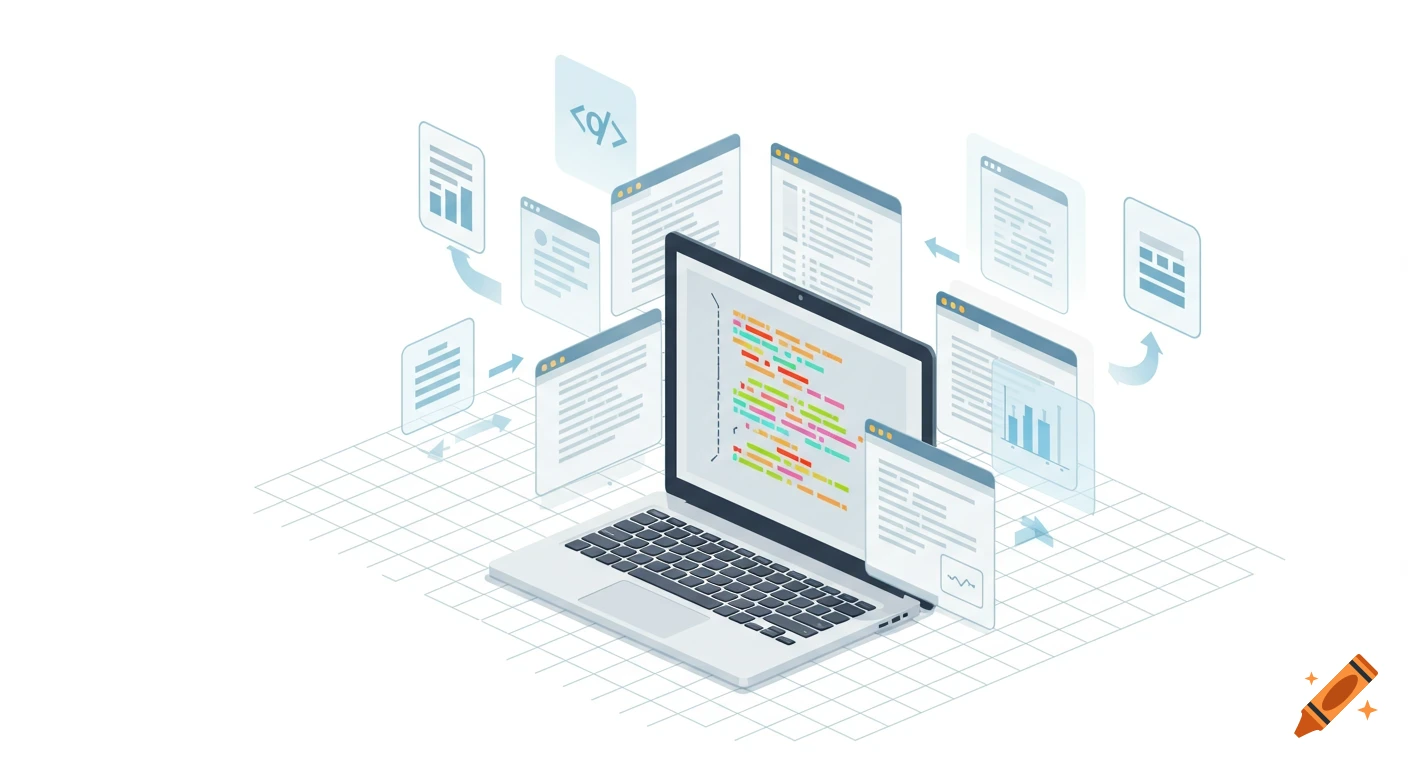
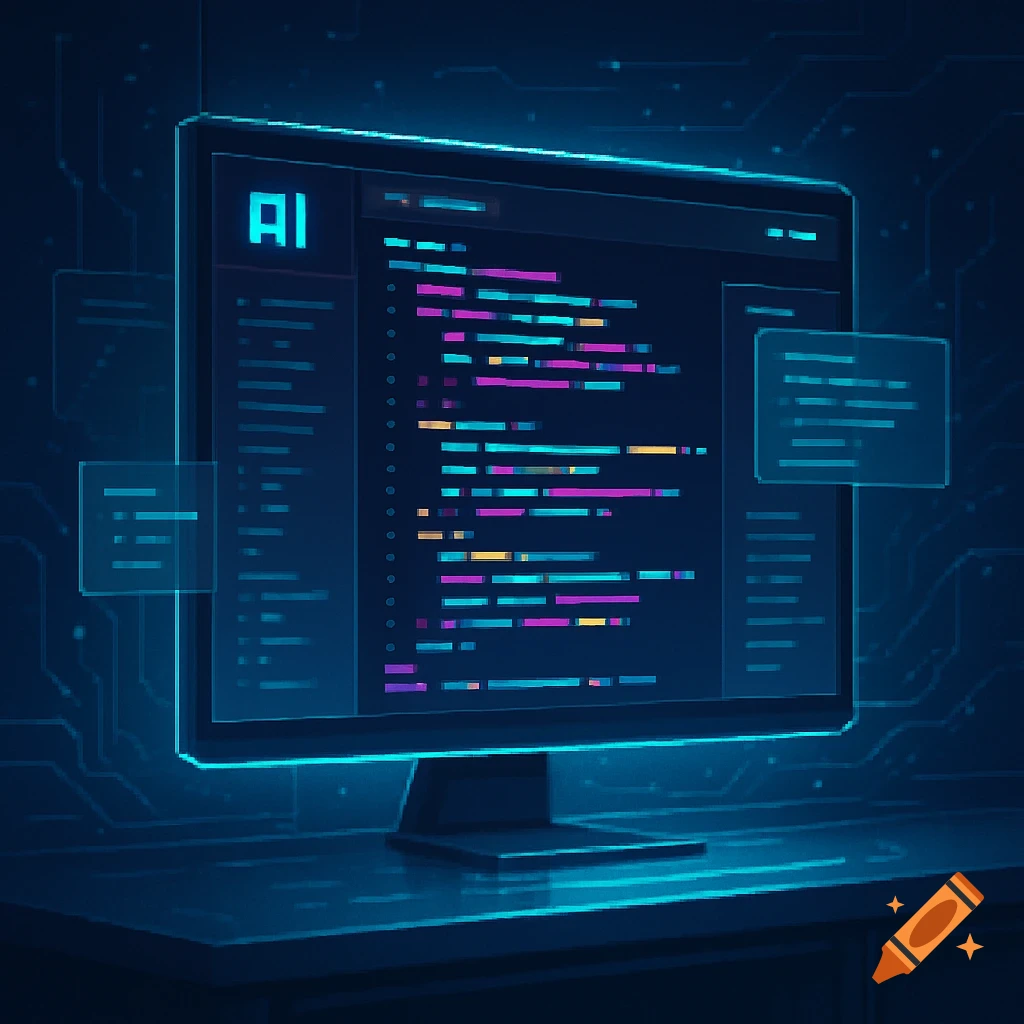
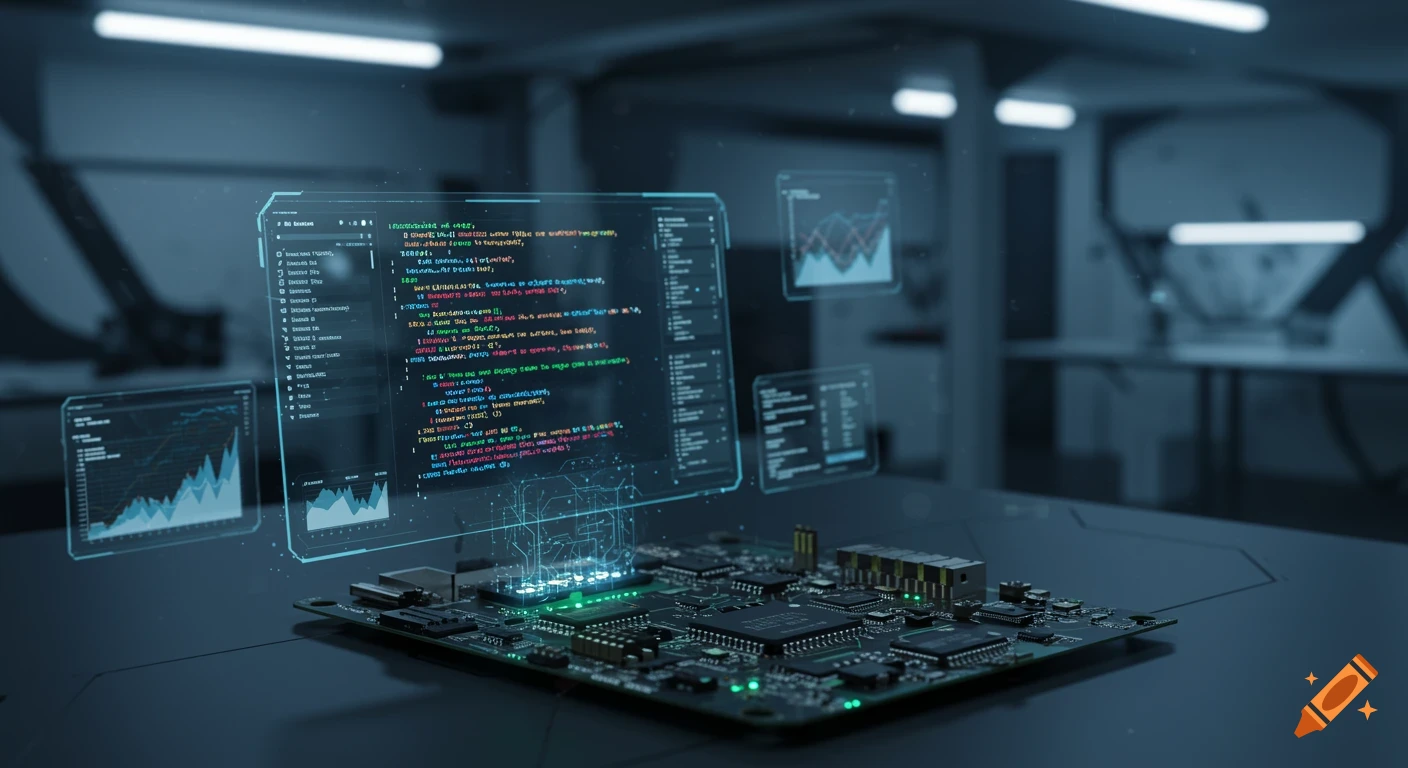
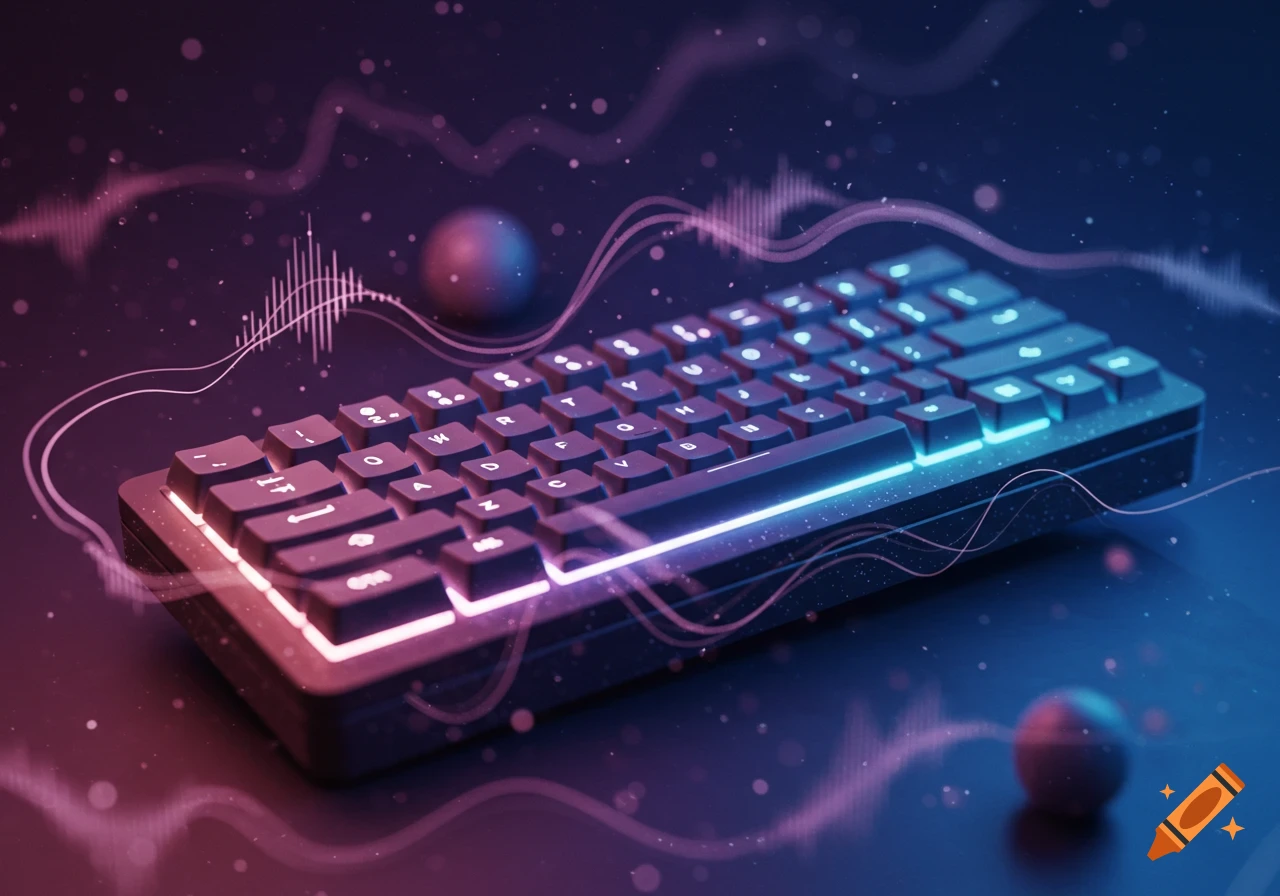
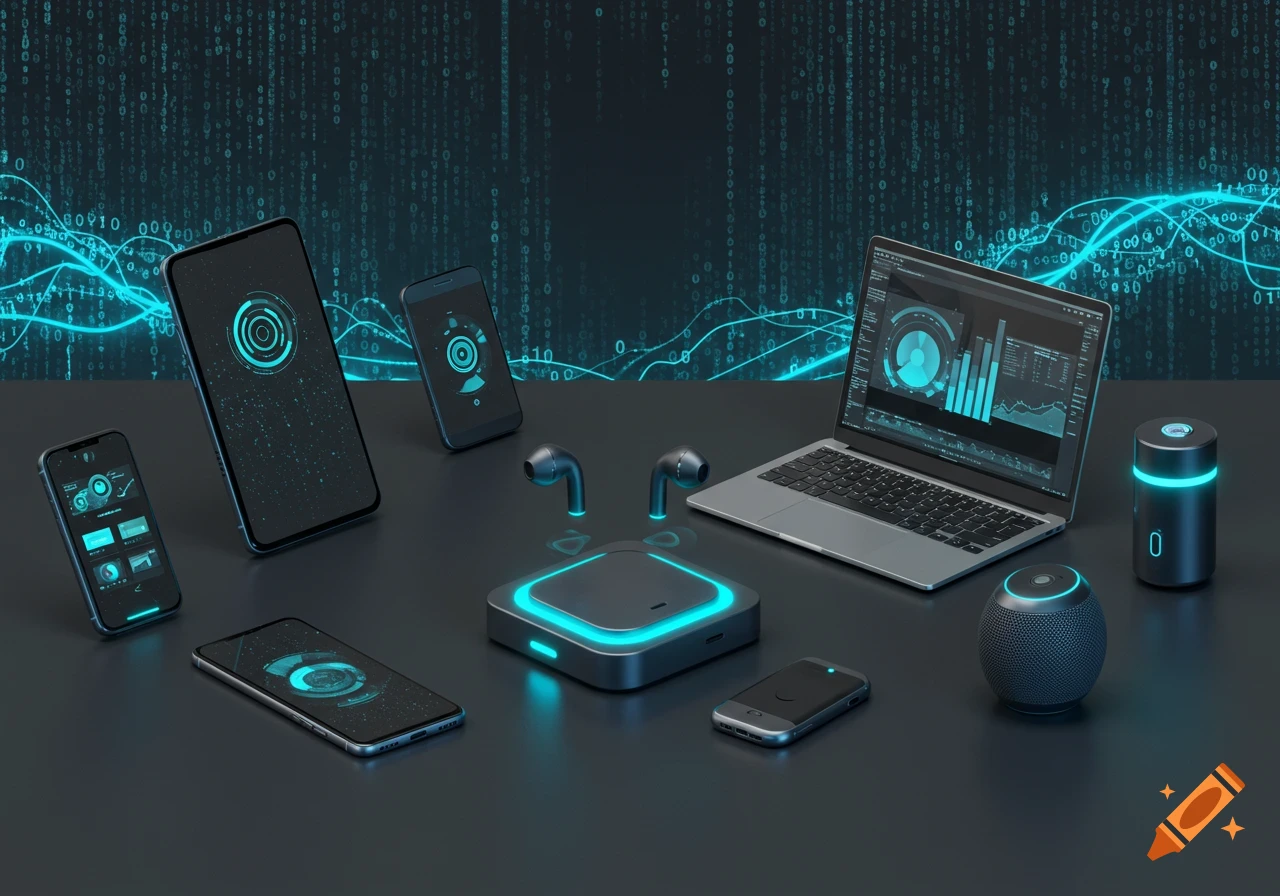
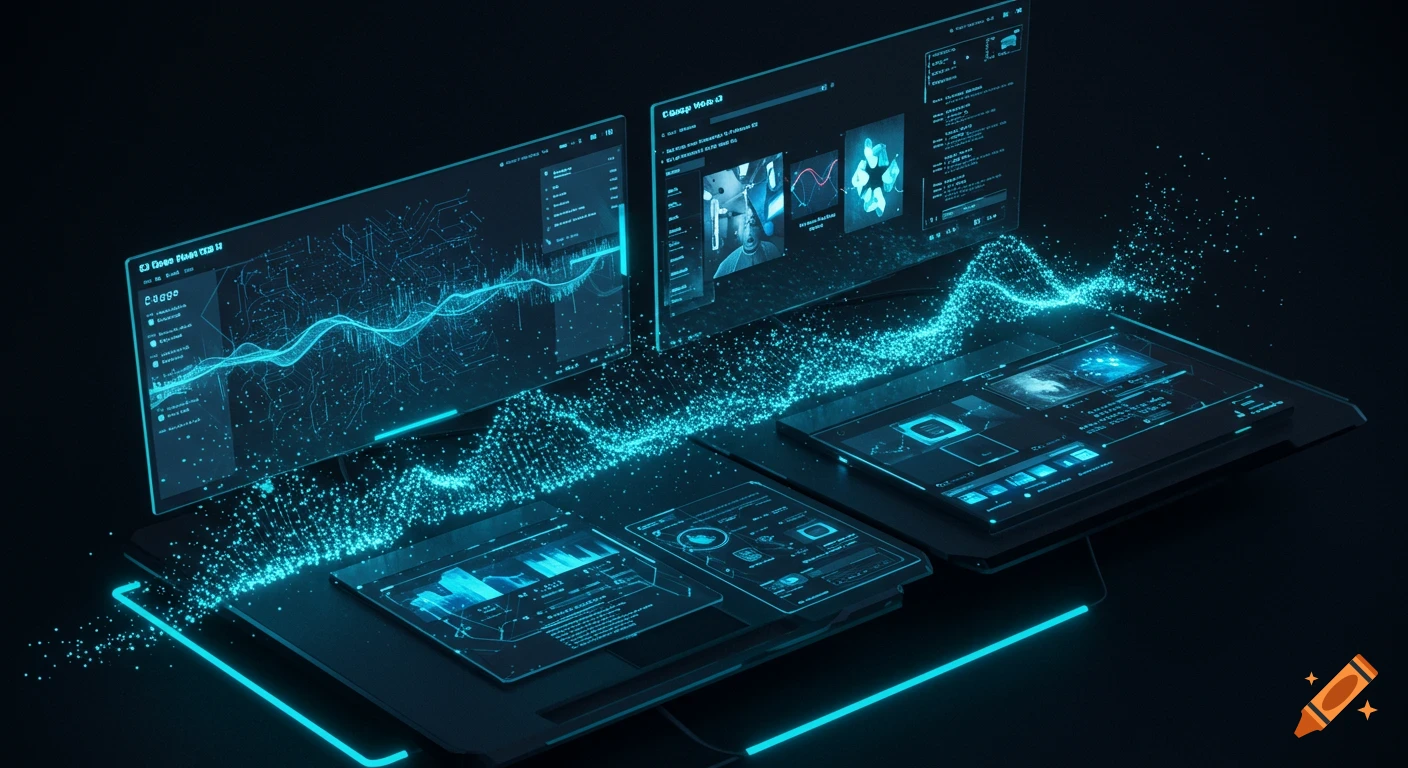
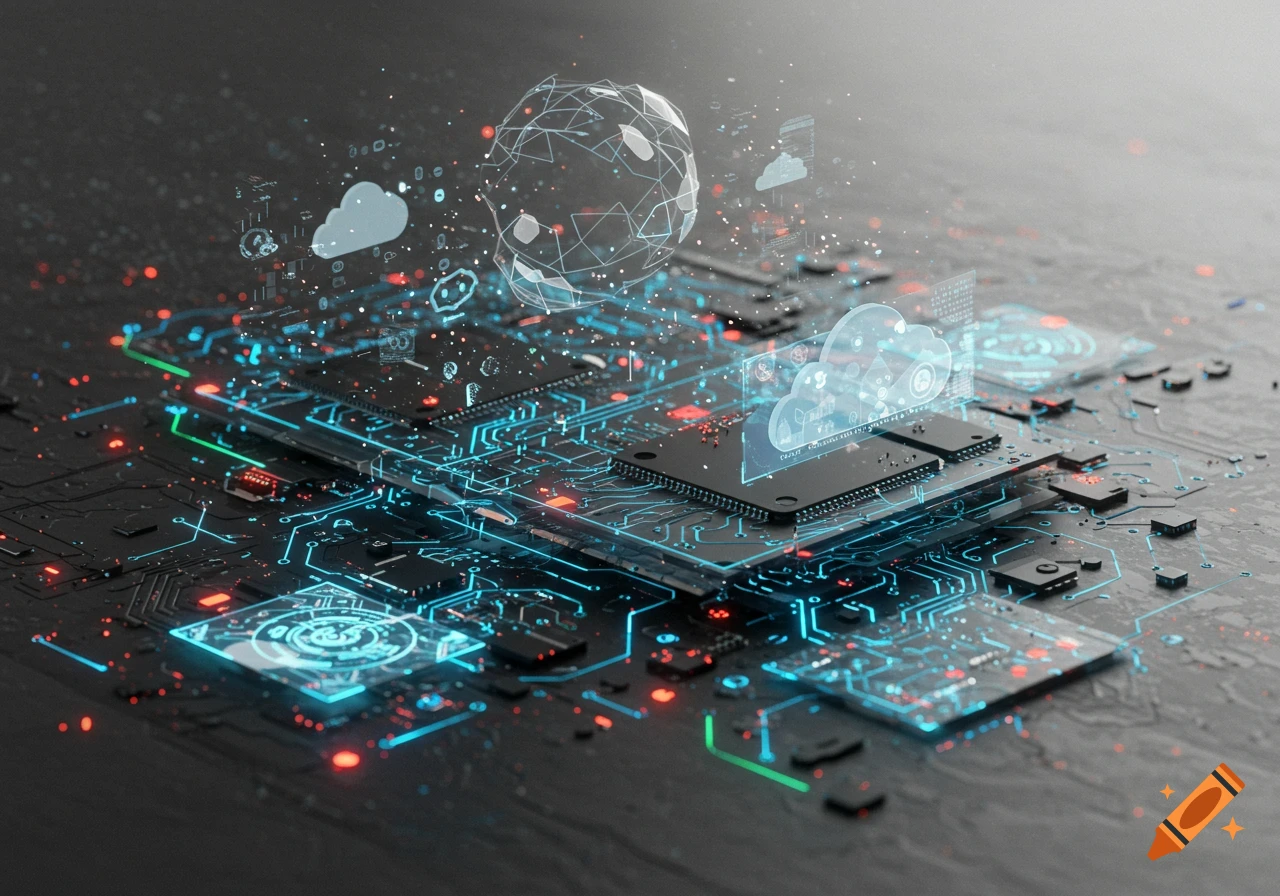
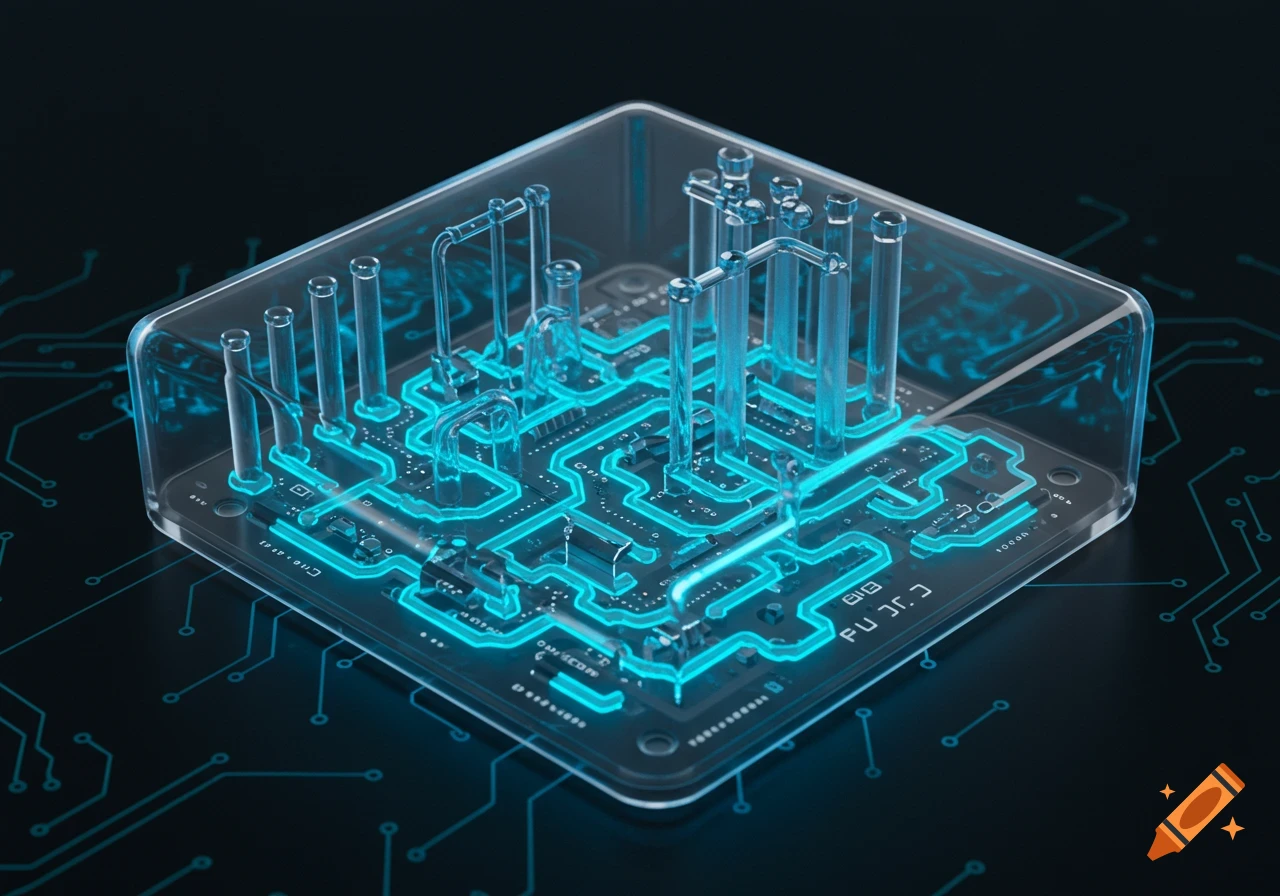
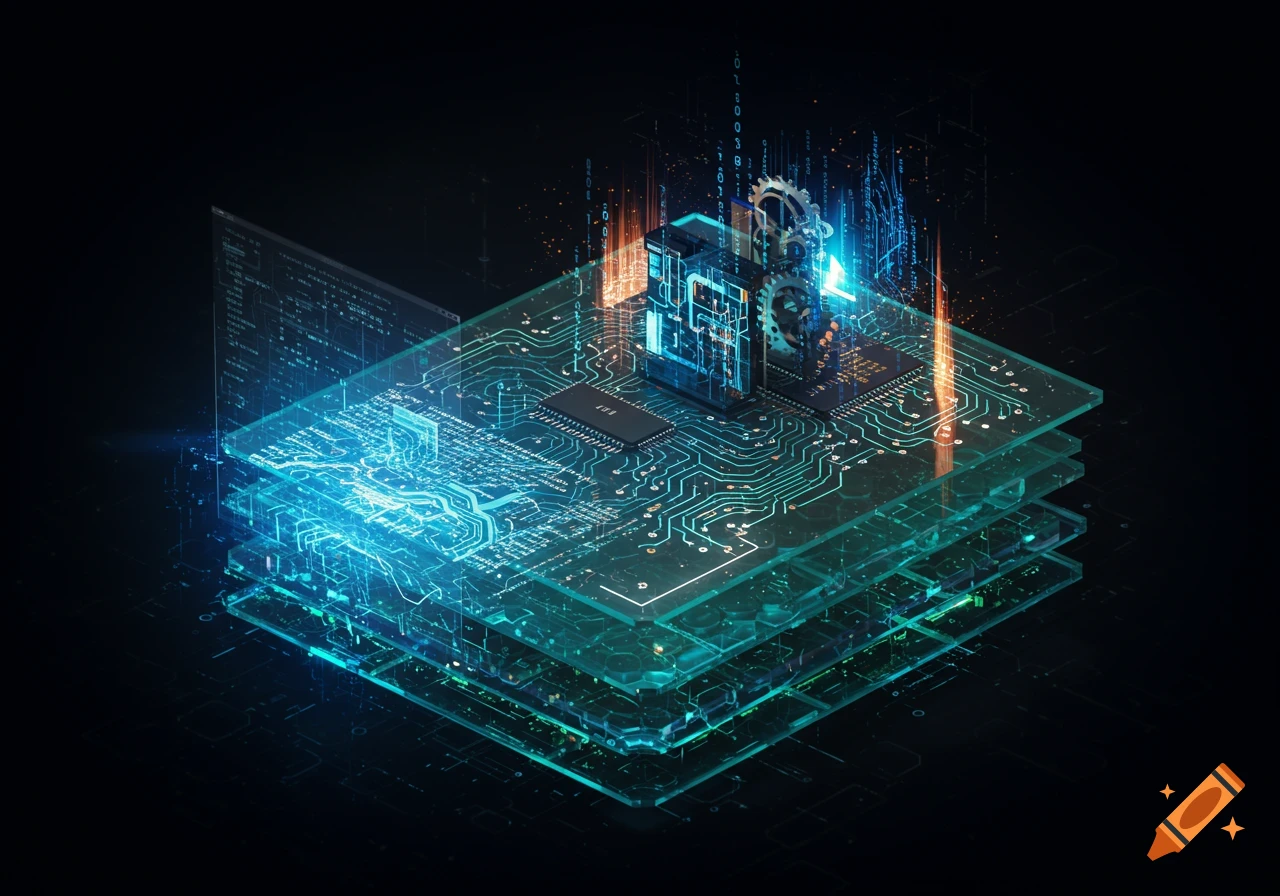
A glowing blue futuristic diagram showing an AI system with a mini PC, camera, keyboard, and display. Labels show data flow like PROMPT, SENSOR DATA, PREDICTION, AUDIO, and KEY PRESS, illustrating a learning loop.

Show These Steps and Data Connections: Prompt Initiation Mini PC → Tablet: Sends lesson instruction (e.g., “Find the letter C”) Tablet → Student: Displays and reads out the prompt Hand Detection Camera → Mini PC: Streams hand movement over keyboard Mini PC: Runs AI model to track finger position Visual Feedback Mini PC → Keyboard: Lights up correct key when finger approaches Audio Cue Mini PC → Tablet: Plays supportive audio (e.g., “That’s the C key.”) Key Press Input Student → Keyboard: Presses the key Keyboard → Mini PC: Sends keypress data Positive Feedback & Next Prompt Mini PC → Tablet: Displays success and next letter prompt Mini PC → Keyboard: Updates key lighting for next target Use directional arrows to represent each connection between components. Keep the layout clean and intuitive, with a clear loop showing real-time interaction and feedback. See more