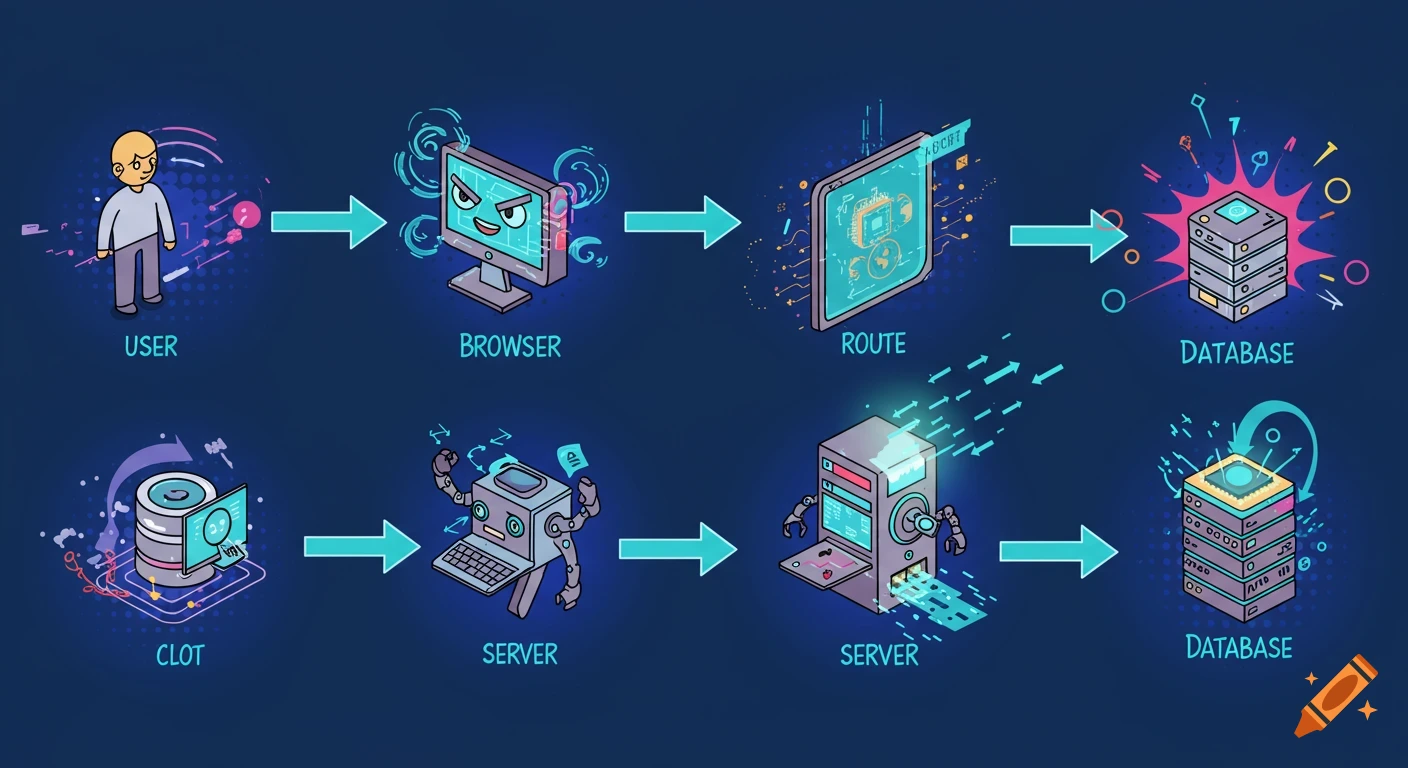
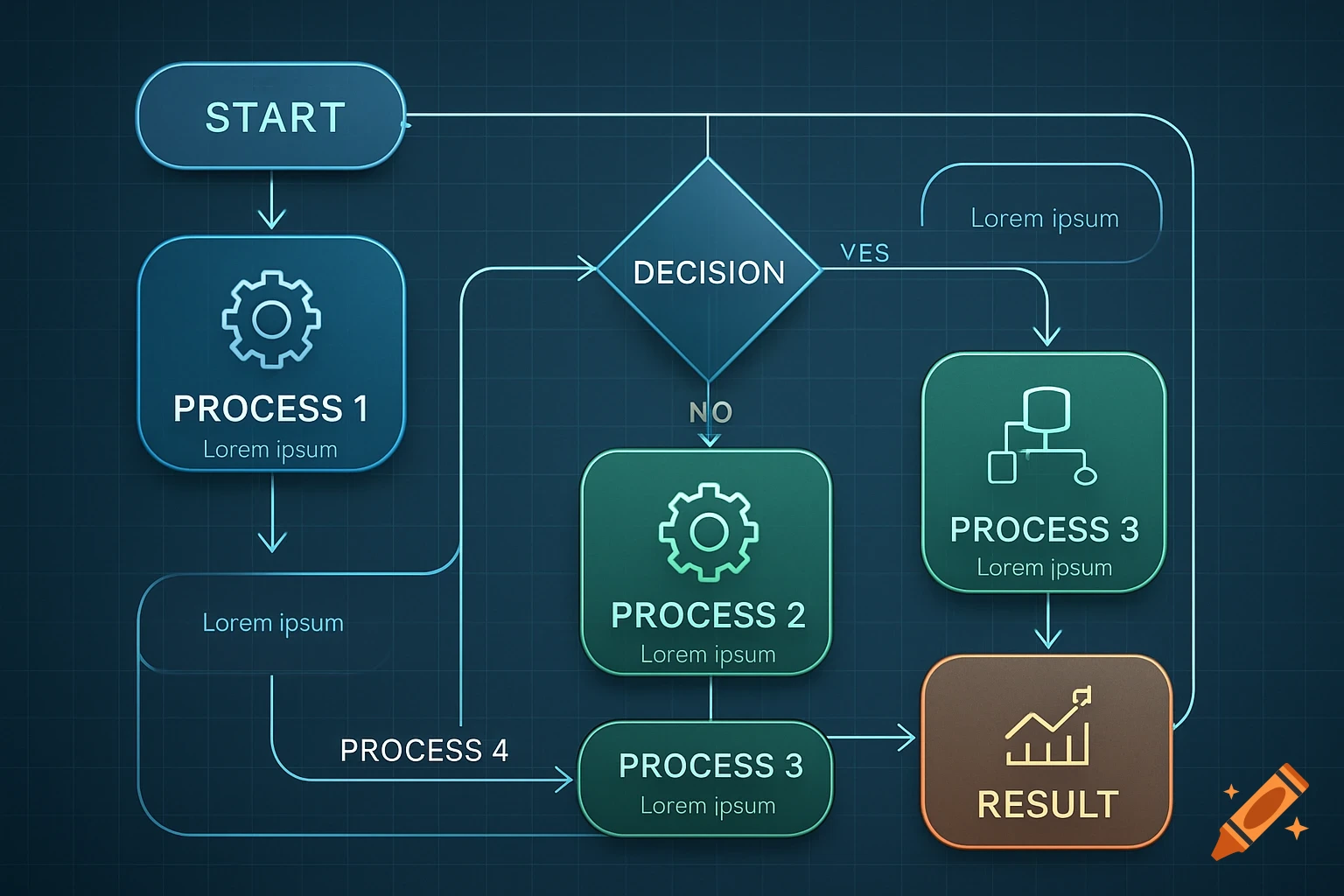
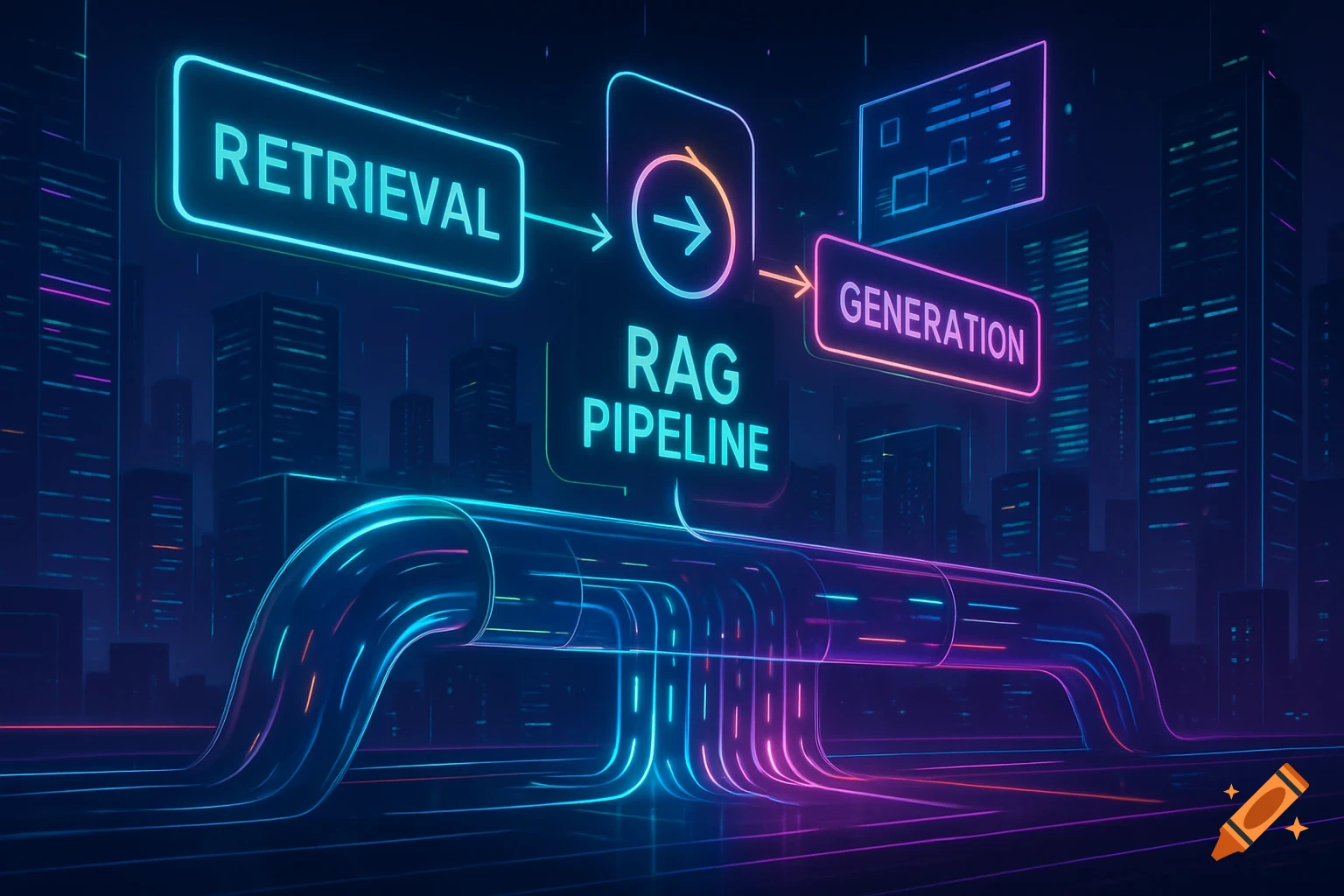
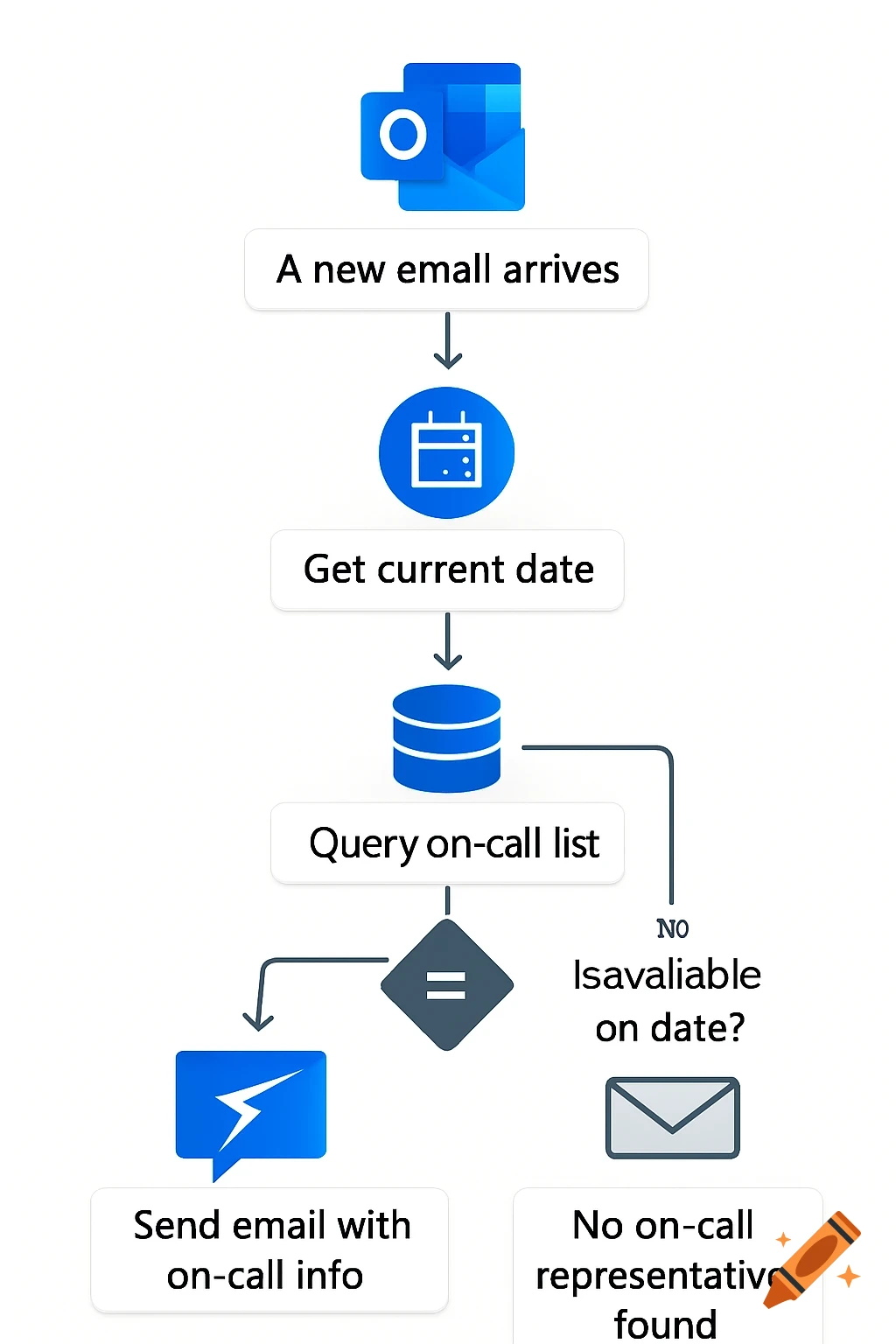
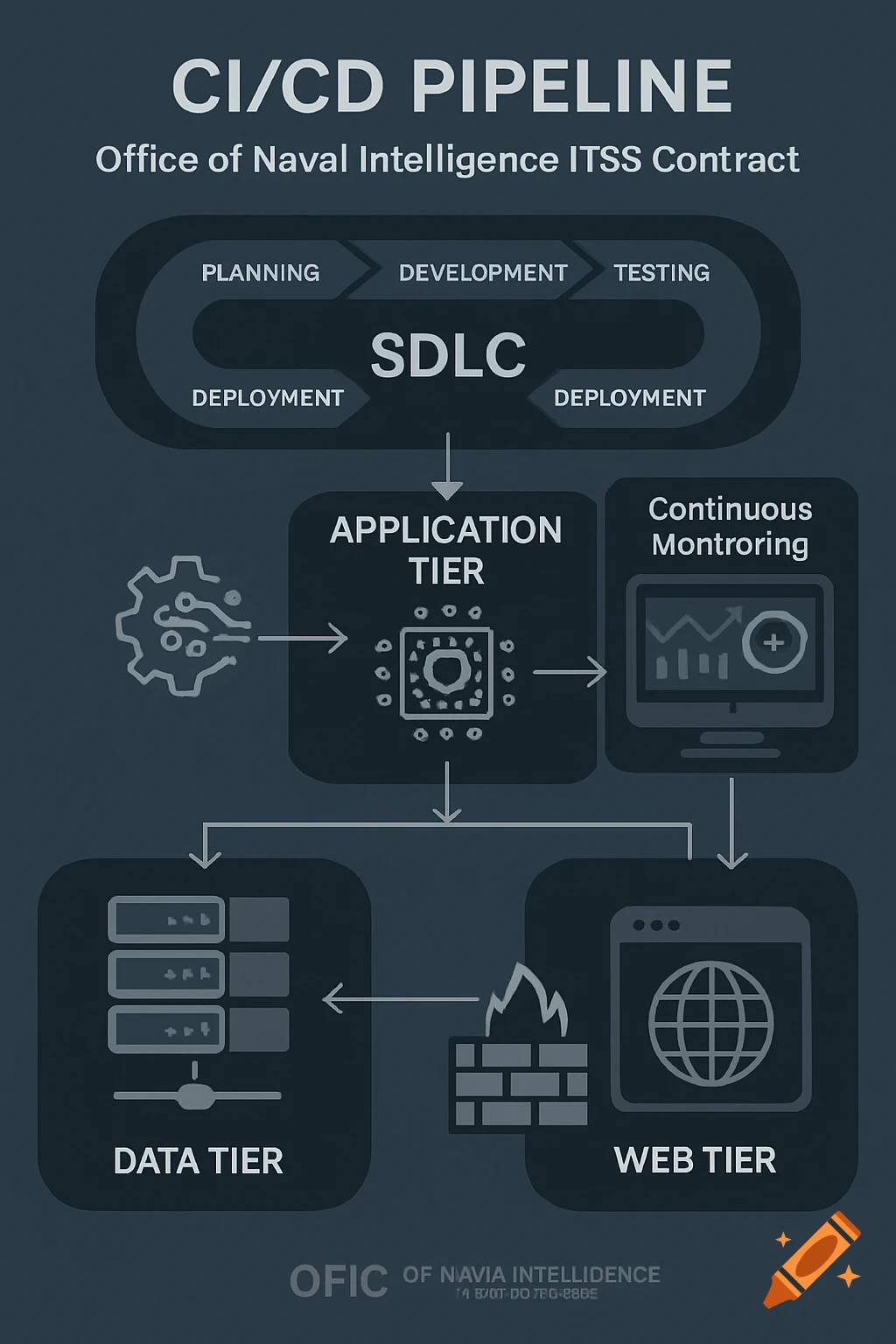
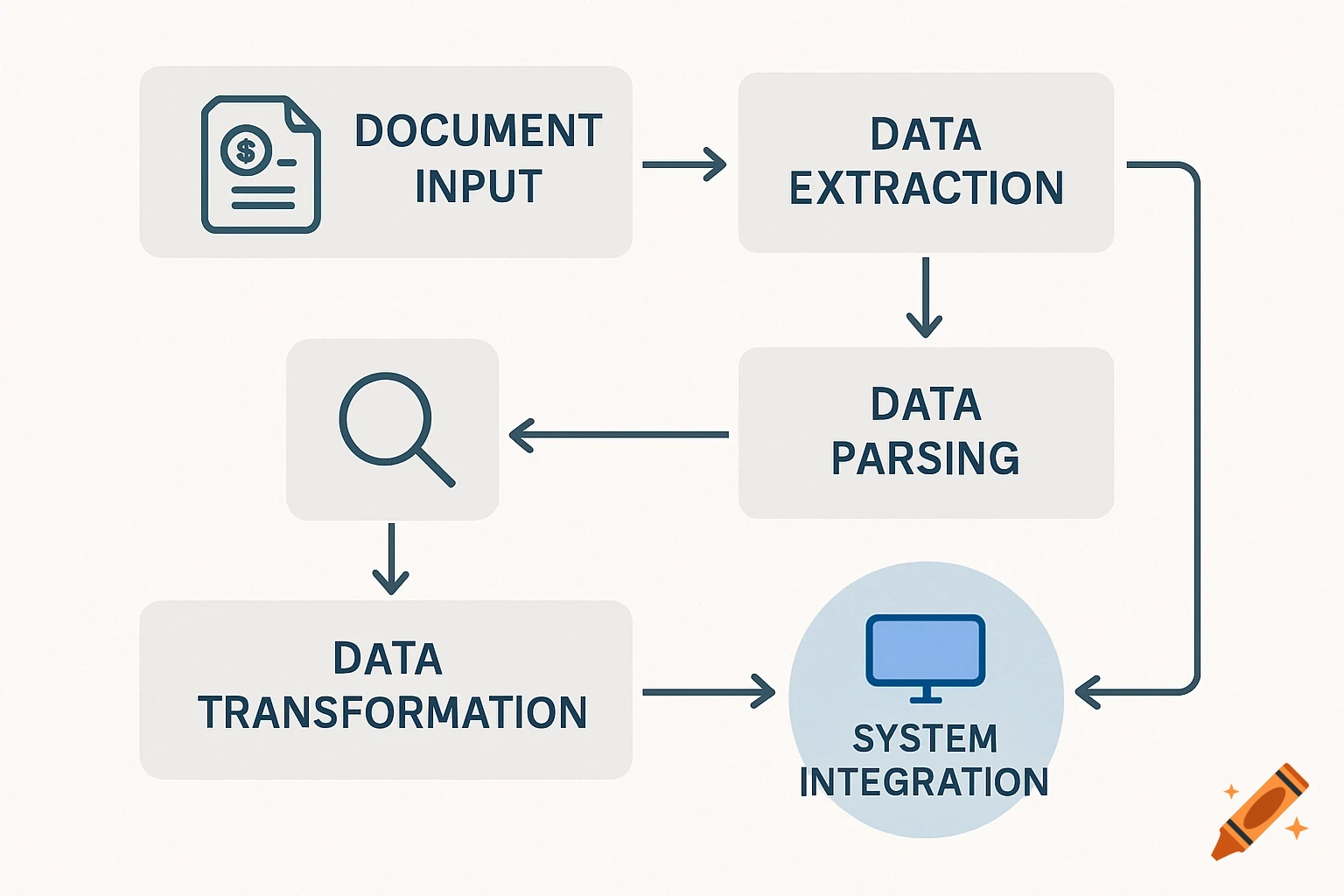
A flow diagram illustrating the 'Naive RAG Pipeline' from user query to response, showing stages like Retriever, Knowledge Base, and LLM Generator.
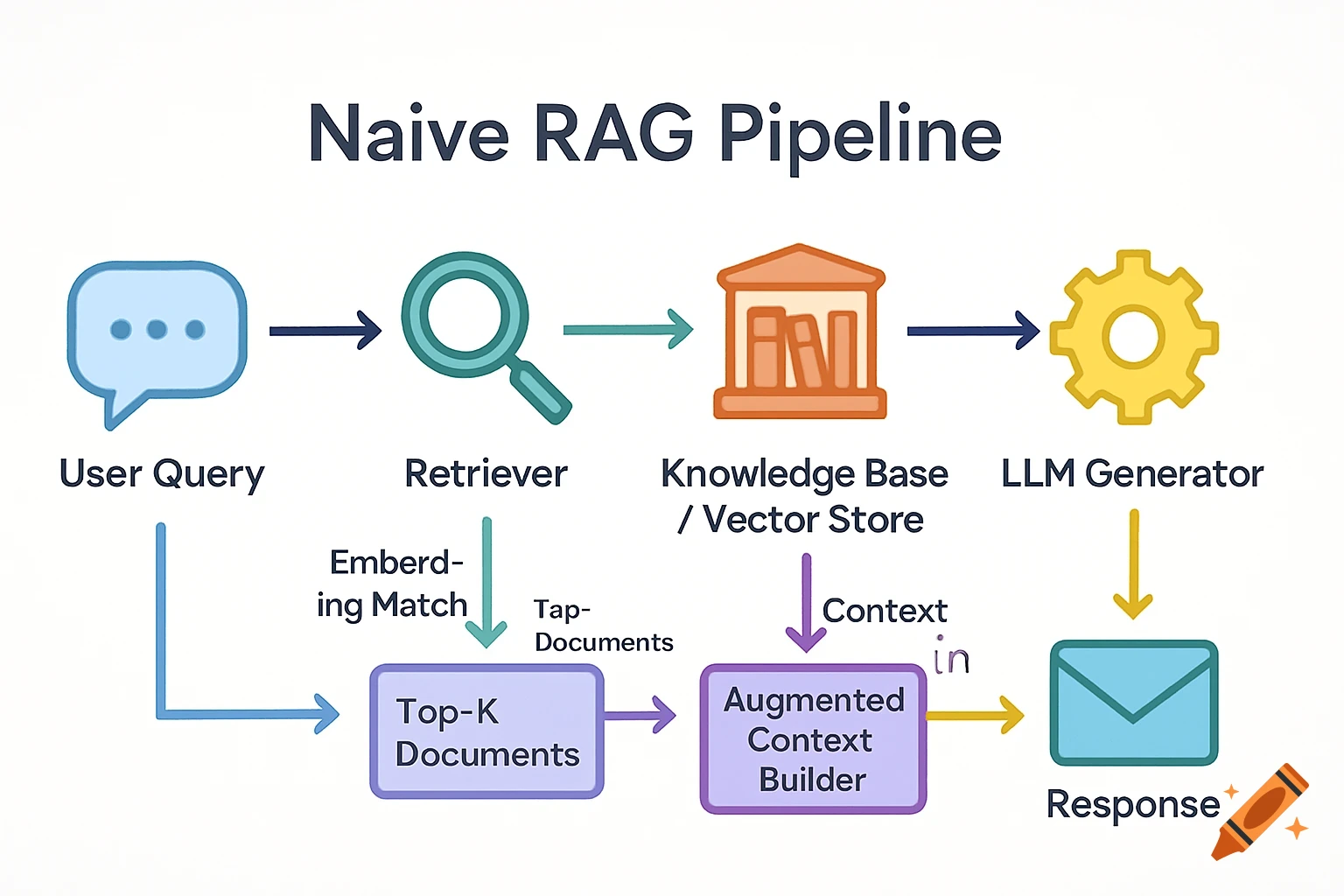
Create a visually appealing flow diagram titled “Naive RAG Pipeline” that clearly highlights each stage in the Retrieval-Augmented Generation process. Use a left-to-right or top-to-bottom layout and include distinct color or visual emphasis for each stage to make the flow intuitive. The flow should represent the fundamental, minimal steps of a RAG system — no advanced or optimized components. Stages to highlight: 1. User Query – natural language input 2. Retriever – retrieves top-K relevant documents/chunks from the knowledge base 3. Knowledge Base / Vector Store – contains embeddings of documents 4. Augmented Context Builder – merges retrieved text with the query 5. LLM Generator – generates the final answer based on the augmented prompt 6. Response – final output to the user Flow Highlighter Notes: • Use distinct visual cues (color bands, bold borders, or glow effects) to emphasize data movement between stages. • Show retrieval arrows from Knowledge Base → Retriever → Context Builder. • Label each arrow with short hints like “Embedding Match”, “Top-K Results”, “Context Injection”, etc. • Keep the overall tone educational and clean, suitable for slide decks or presentations. The diagram should convey that the Naive RAG flow is linear and static, without re-ranking, dynamic retrieval, or feedback loops. See more