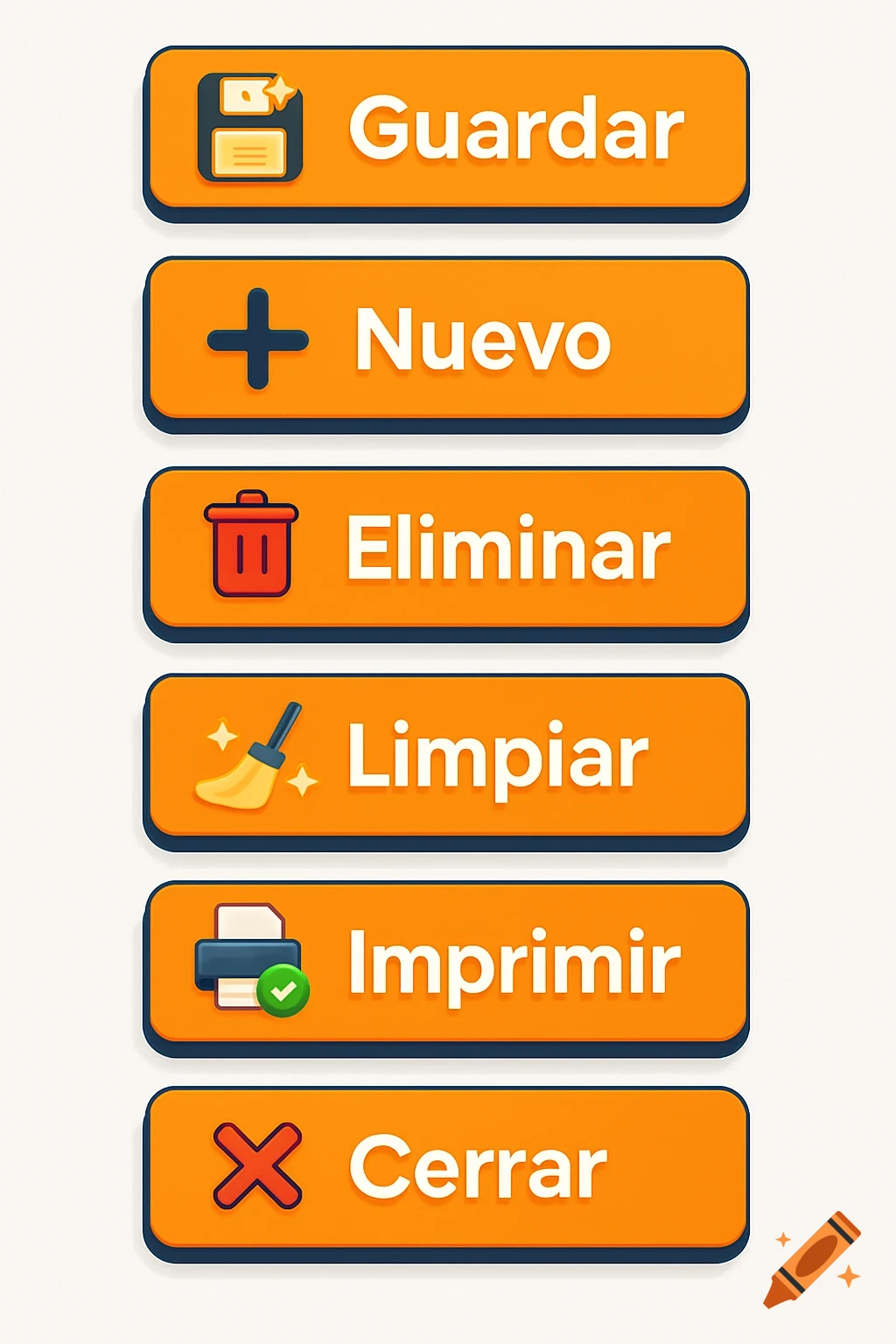
Grid of orange and yellow flat-style UI buttons with text and icons for navigation and actions in Spanish.

Design a cohesive and modern set of four flat-style UI buttons with rounded corners for a professional database interface. Each button should follow the same size and visual style: 160x48 px, with a bold white label in Montserrat font, centered text, and a navigation icon on the left. Background color: vibrant orange (#F47C00); Text color: white (#FEFEFE); Border or drop shadow: subtle in Prussian blue (#253C56); Hover accent: yellow-orange (#FFBE50); Shape: rectangular with slightly rounded corners ; Style: minimalist, flat, clean and profesional; Output: PNG with transparent background. Include the following buttons in the same set: - “Primero” with a white double arrow pointing left (⏮) - “Anterior” with a white single arrow pointing left (◀) - “Siguiente” with a white single arrow pointing right (▶) - “Último” with a white double arrow pointing right (⏭) - “Guardar” with floppy disk icon - “Nuevo” with plus icon - “Cerrar” with close (X) icon - “Imprimir” with printer icon - “Limpiar” with broom icon - “Eliminar” with trash can icon Make sure all buttons share consistent typography, spacing, color scheme, and shadow depth to ensure a visually unified navigation control set. See more