A stack of six orange UI buttons with icons: Save, New, Delete, Clean, Print, and Close, in a flat digital style.
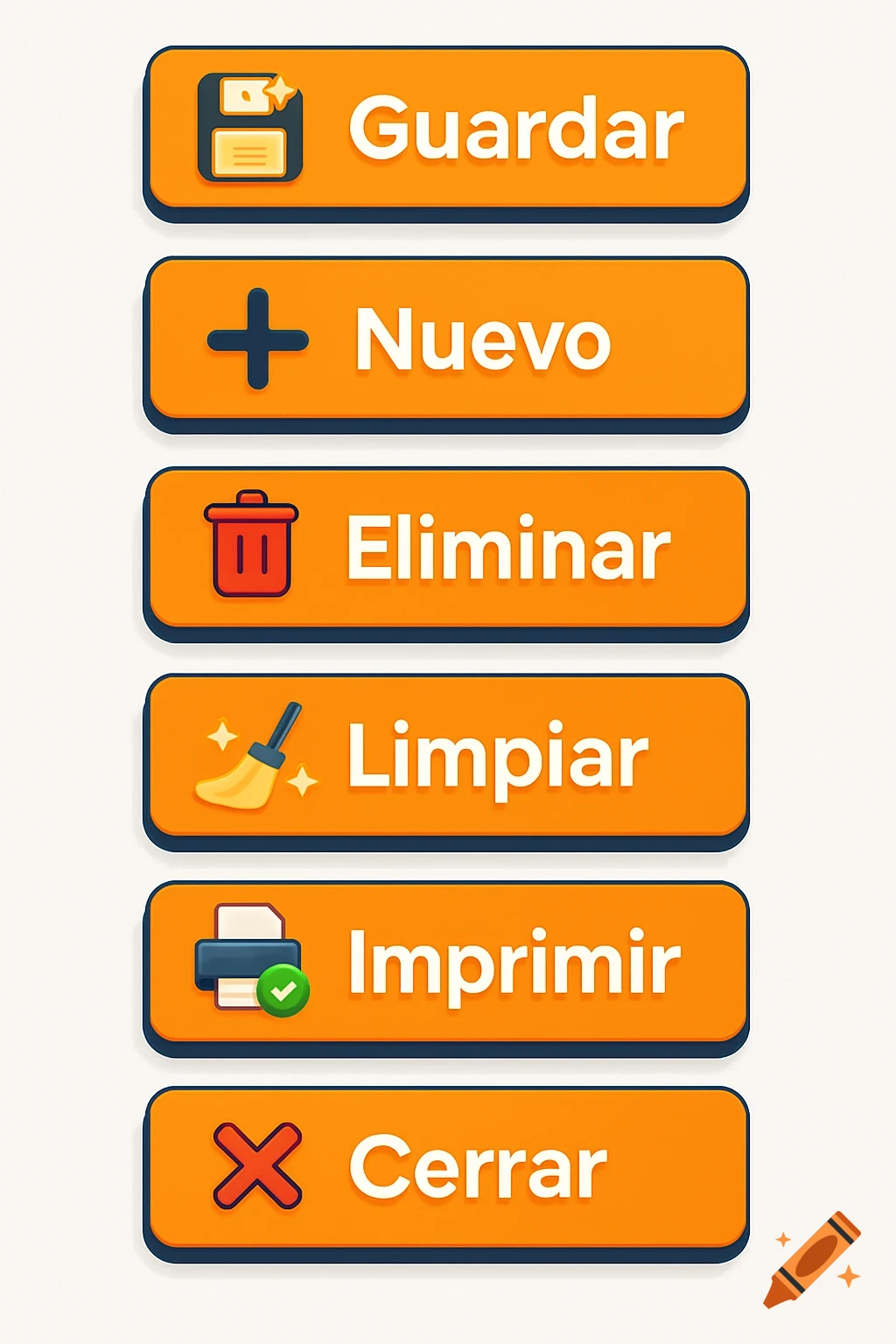
Design a visually striking and professional set of flat-style UI buttons for a modern Microsoft Access database interface. The buttons should be visually consistent, clean, and optimized for usability in a form-driven system. Each button must include a bold, expressive icon to the left of the label, enhancing user recognition without clutter. 🎨 Design guidelines: - Shape: rectangular with soft rounded corners (UI/UX standard) - Size: 160x48 pixels or proportional for clarity - Background: vivid orange (#F47C00) - Text: bold white (#FEFEFE), using Montserrat or Roboto Bold, 14–16pt - Shadow: subtle drop shadow in Prussian blue (#253C56) - Hover color: soft golden yellow (#FFBE50) - Icon style: expressive, modern flat or semi-3D icon, white or light-colored, integrated left of text - Button format: PNG with transparent background - Layout: horizontal, icon left – label right - Aesthetic: minimalistic, modern, business-professional with visual impact 🧩 Generate the following buttons: 1. **Guardar** — icon: glowing diskette with sparkles, to indicate save or archive action 2. **Nuevo** — icon: dynamic “plus” sign inside a circle, with glowing edges 3. **Eliminar** — icon: red glowing trash can with a motion blur or impact spark 4. **Limpiar** — icon: stylized broom sweeping particles or stars 5. **Imprimir** — icon: sleek printer ejecting a document with a green check 6. **Cerrar** — icon: animated or expressive red X with a subtle shine 7. **Primero** — icon: double left See more