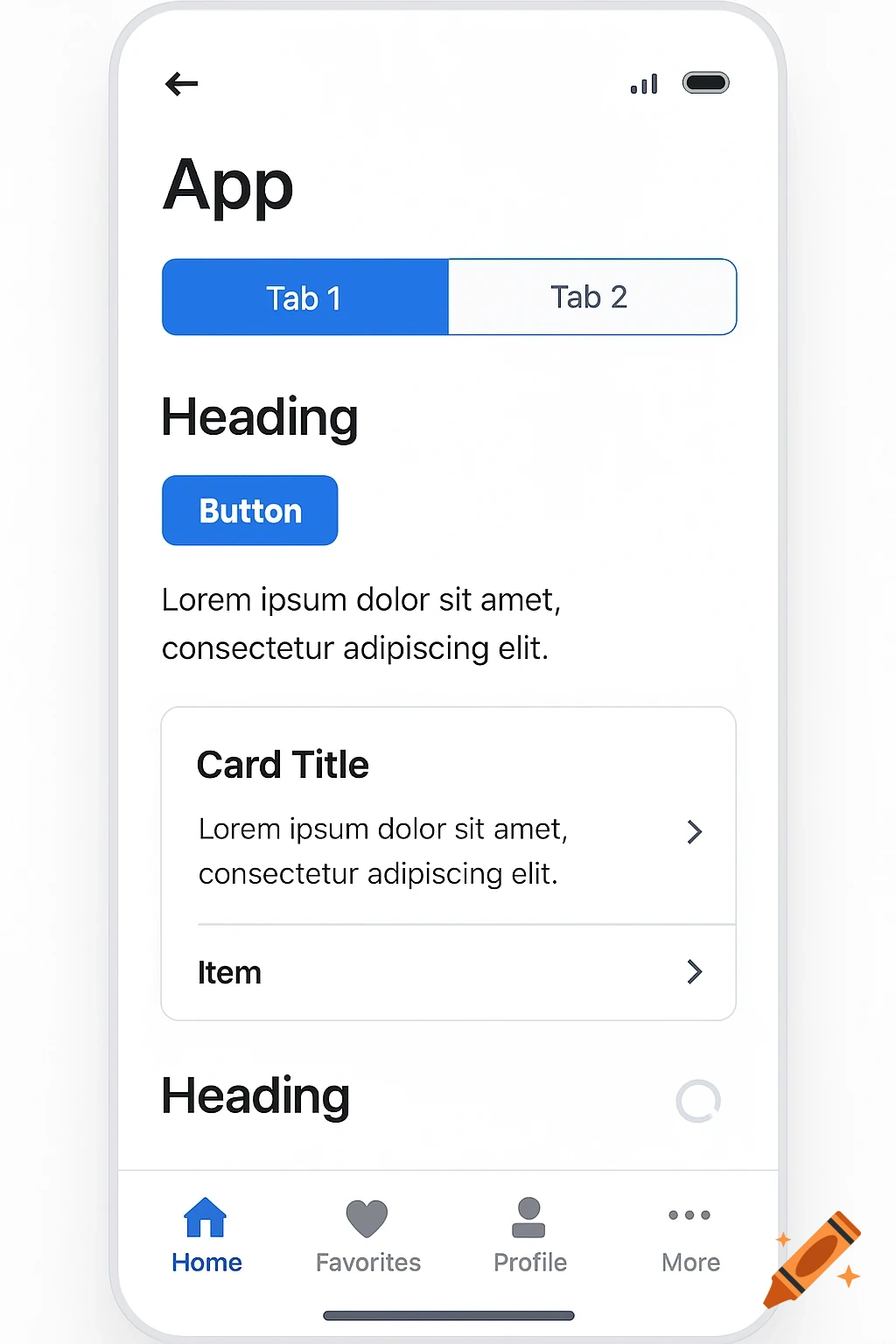
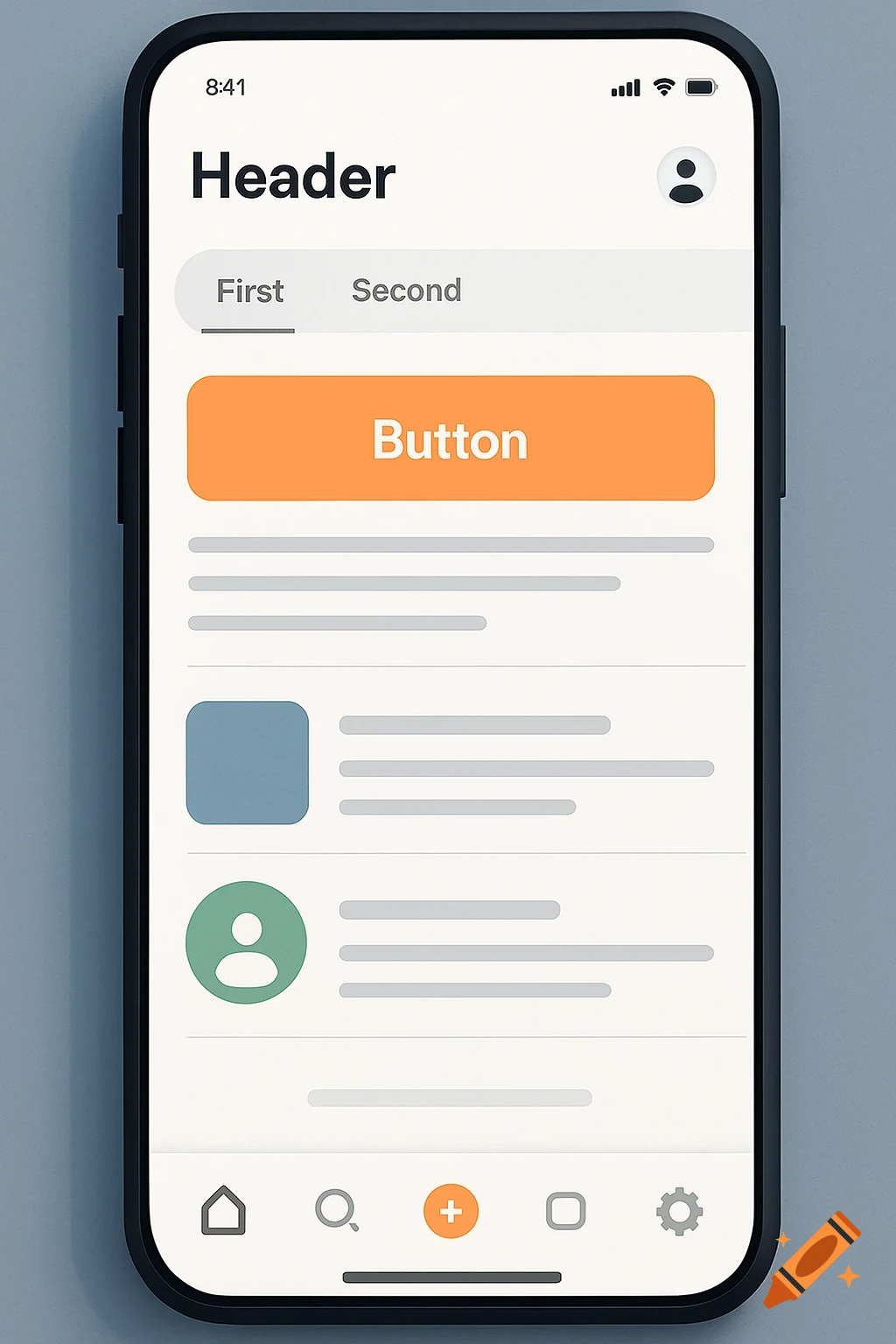
A mobile app homepage for travel planning, featuring a welcome message, trip listings for Italy, Paris, Tahiti, and Vancouver, and sections for planning and highlights.
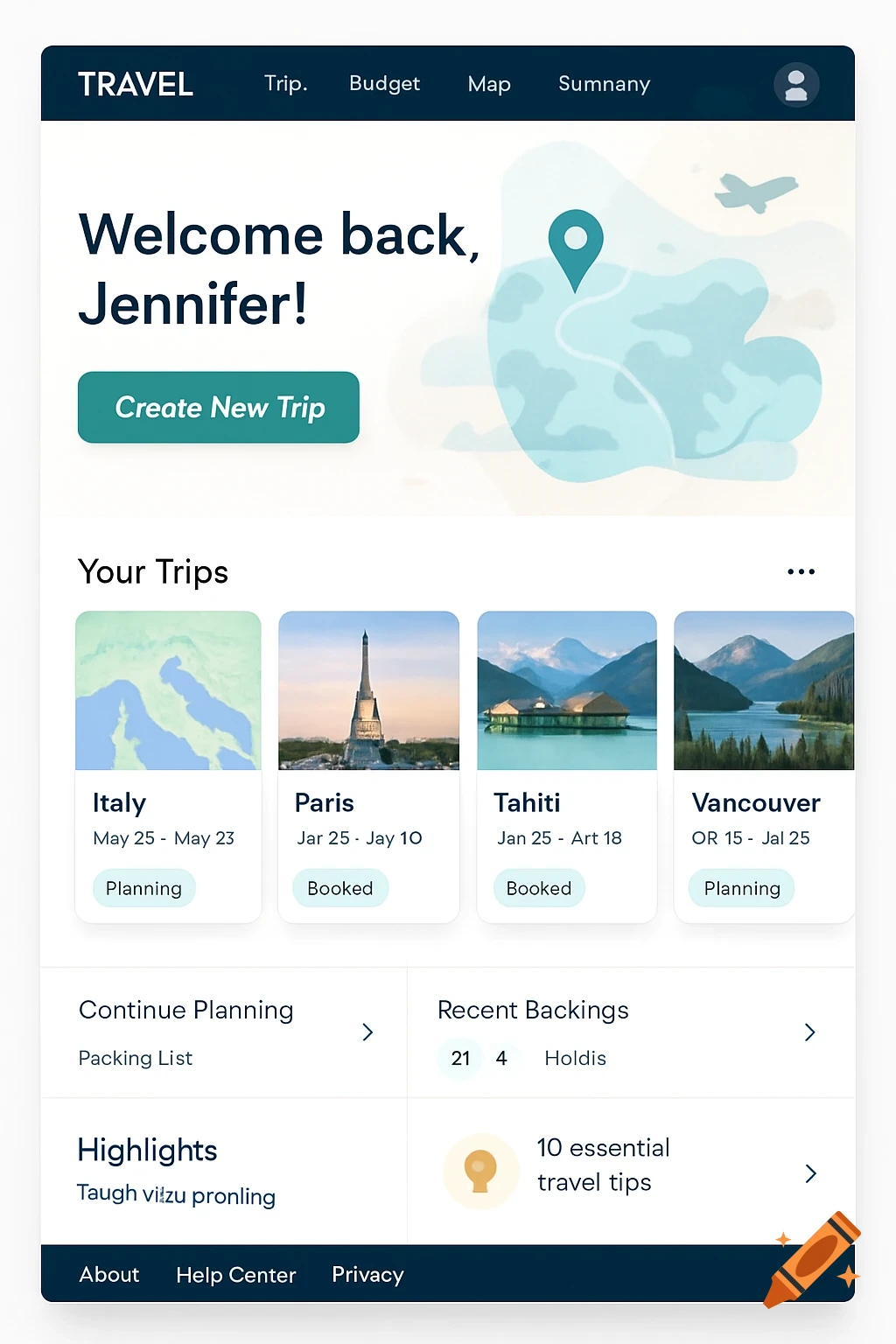
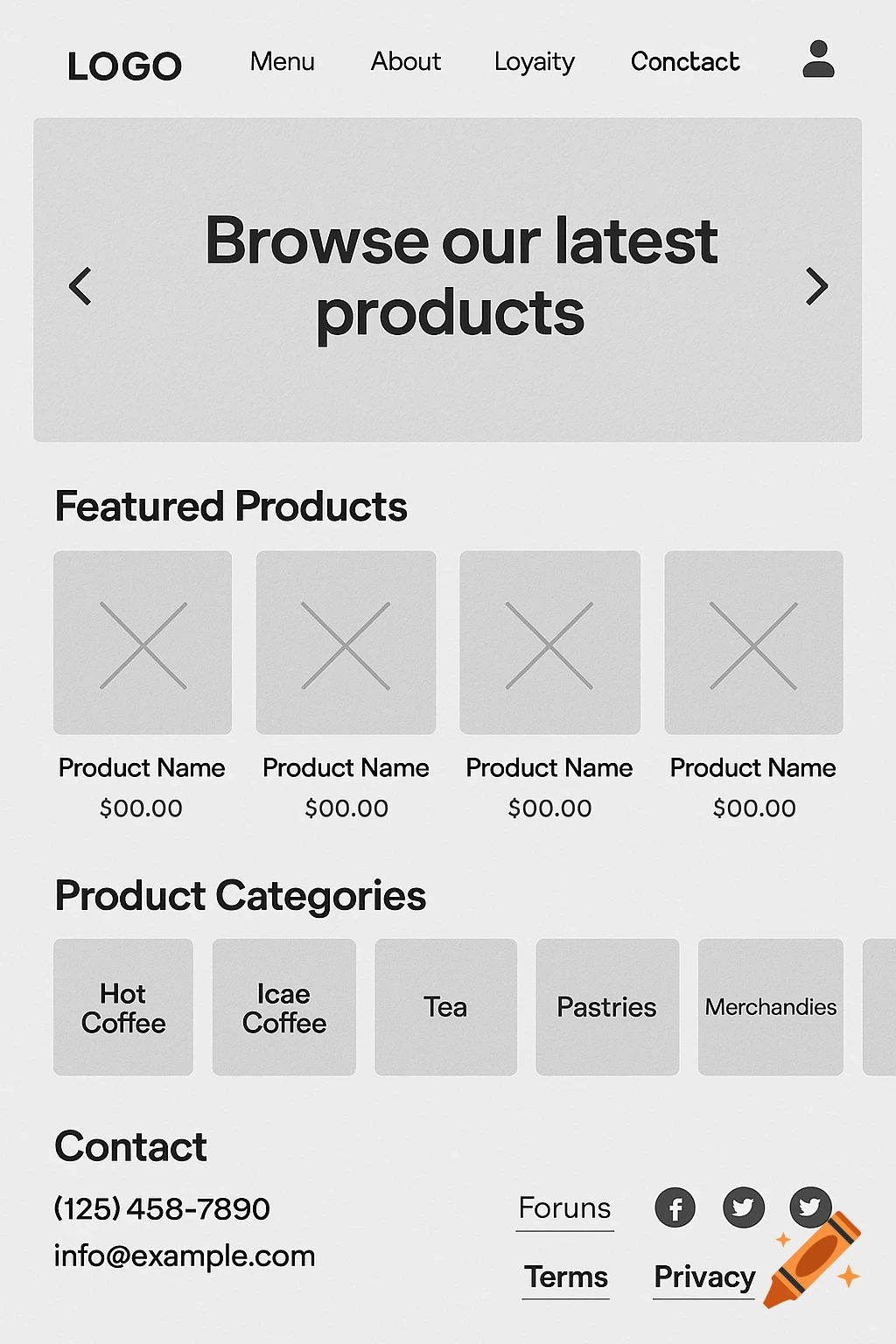
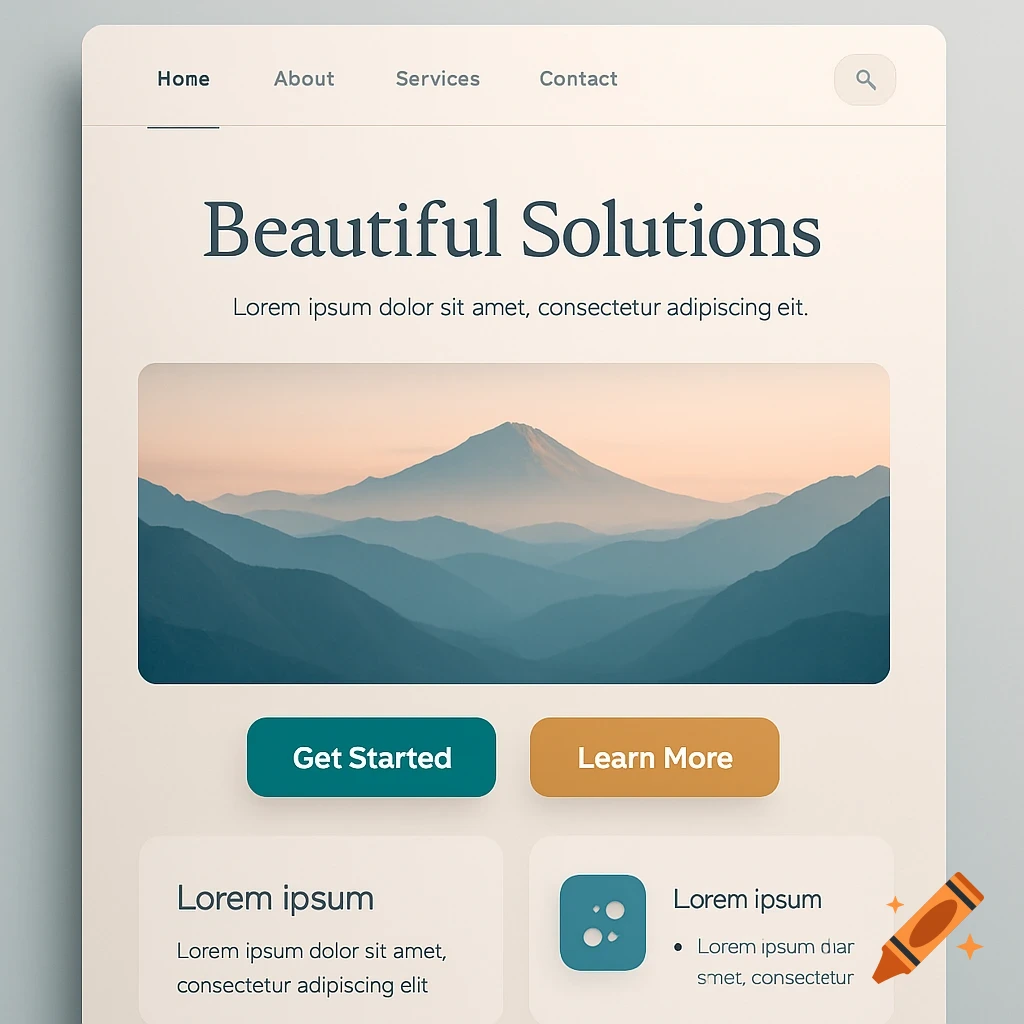
Given the following I want you to create a visual of the homepage: 1. Top Navigation Bar Logo / App Name (clickable, returns to homepage) Primary Links Trips Budget Map Summary User Menu (avatar ► dropdown: Profile, Settings, Logout) 2. Hero / “Welcome” Section Greeting (“Welcome back, [Name]!”) Primary CTA “Create New Trip” (big, standout button) Secondary CTA “Join Trip via Code” (smaller button) 3. Your Upcoming Trips Grid/List Section Title (“Your Trips”) Trip Cards (horizontal carousel or grid) Thumbnail (map snapshot or cover photo) Trip Name + Dates Status Badge (e.g. “Planning”, “Booked”, “Completed”) Quick-actions icons: ★ Favorite, ⋮ More (Edit, Share, Delete) Clicking a card → opens TripDashboard 4. Quick Actions / Shortcuts “Continue Planning” If you have an in-progress trip, show a big card linking back to the last visited page (Itinerary, Budget, Map) “Recent Bookings” Show 2–3 latest bookings (flight icon, hotel icon) with link to their ItineraryCard 5. Highlights / Tips Panel (optional) Upcoming Deadlines (e.g. final vote closing in 2 days) Budget Snapshot (total spent vs. budget cap) Map Preview (small embedded map with pinned locations) 6. Footer Links: About · Help Center · Privacy · Terms Social Icons (if desired) Version Number Component Breakdown Navbar HeroBanner TripCardGrid → TripCard QuickActionsPanel → ContinueCard, RecentBookingsList HighlightsPanel (optional) Footer This structure keeps the homepage focused on getting users into their trips See more