An illustration with a red header Home Hardware – Electrical & Plumbing, divided into two sections. The Electrical side shows a light bulb, outlet, wire spool, and breaker panel, with text 'Wire, Breakers, Switches, Smart Home'. The Plumbing side shows a faucet, pipe, wrench, and water droplet, with text 'Pipes, Fittings, Faucets, Drainage'.
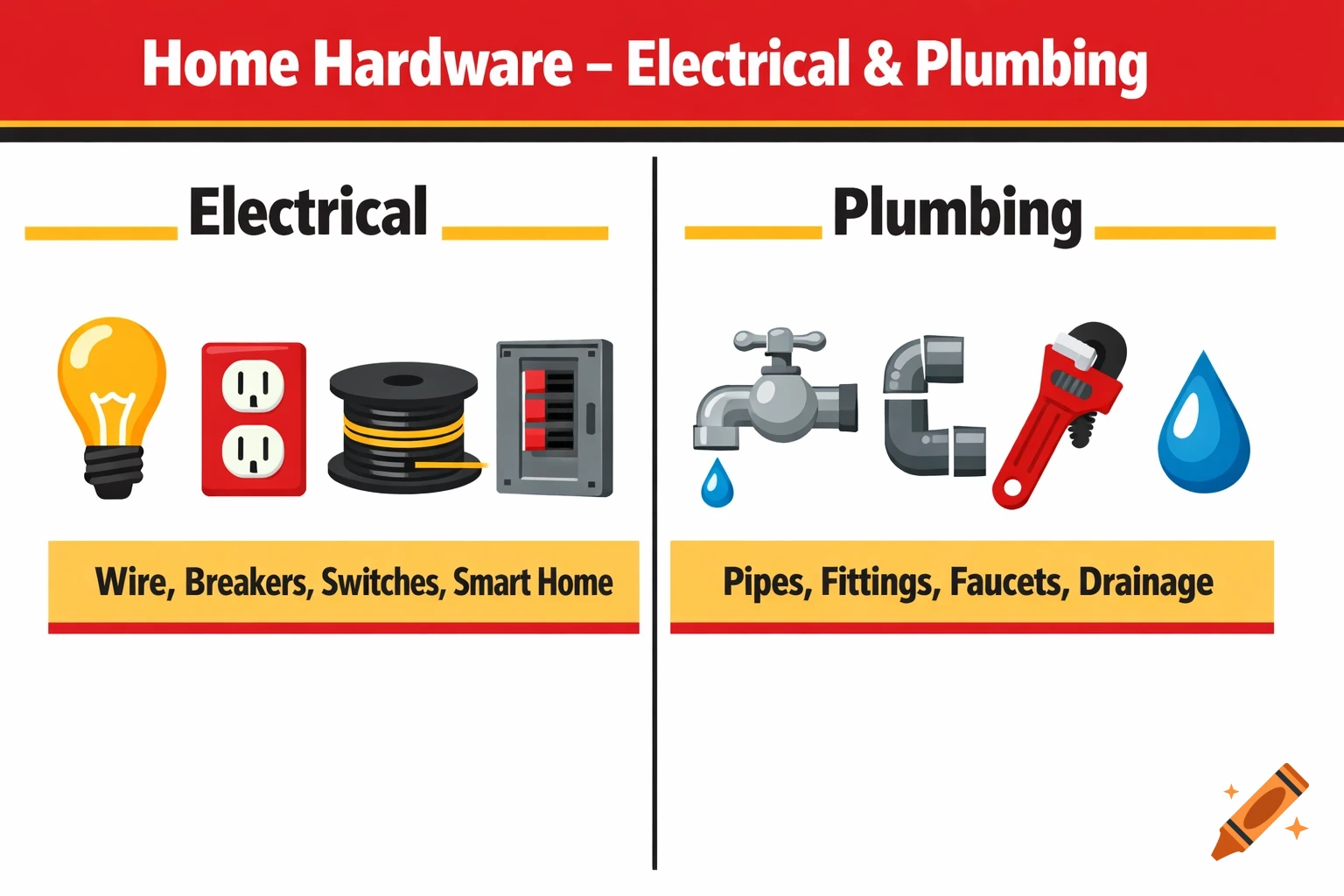
Split the canvas into two equal vertical panels: left for Electrical, right for Plumbing. Place the main Home Hardware logo centered at the top as a header “Home Hardware – Electrical & Plumbing”. Colours to use Background: Home Hardware red for the header band and accents; white or very light neutral for main panel backgrounds. Accent blocks/lines: Home Hardware yellow and black for borders, icons, or dividers between Electrical and Plumbing. Electrical side elements Use iconography such as a light bulb, outlet, wire spool, and breaker panel, stylized in flat design and outlined or filled using red, yellow, white, and black only. Add small label text like “Wire, Breakers, Switches, Smart Home” under the icons to echo real Home Hardware electrical categories. Plumbing side elements Use iconography such as a faucet, pipe section, wrench, and water droplet, again only in the core red, yellow, white, and black palette. Add small label text like “Pipes, Fittings, Faucets, Drainage” to reflect Home Hardware’s plumbing category naming. Branding and style notes Keep fonts simple and bold, similar to the straightforward sans-serif feel used across Home Hardware’s site and marketing materials. Maintain generous white space and clear separation between the two departments so the viewer can instantly read the image as Electrical vs Plumbing under the unified Home Hardware brand. See more