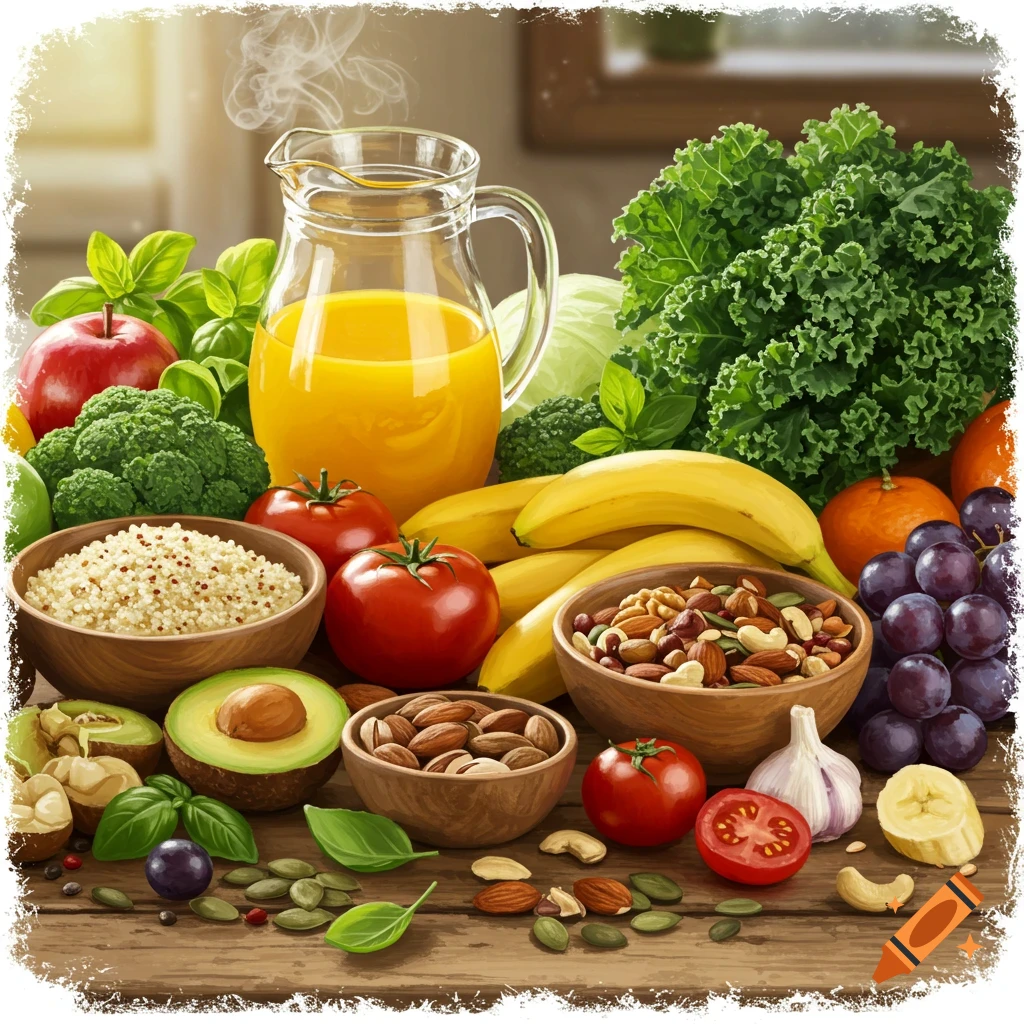
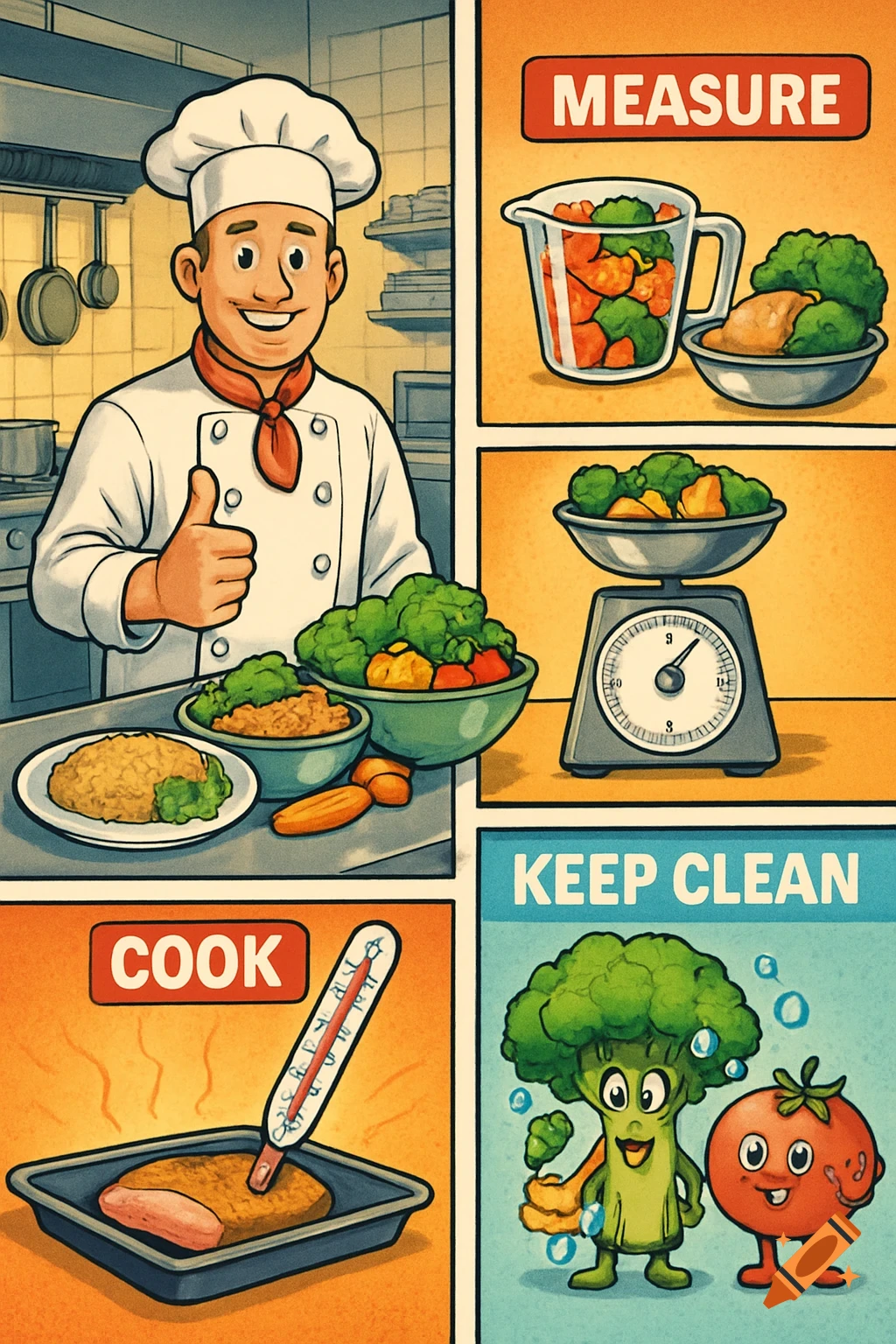
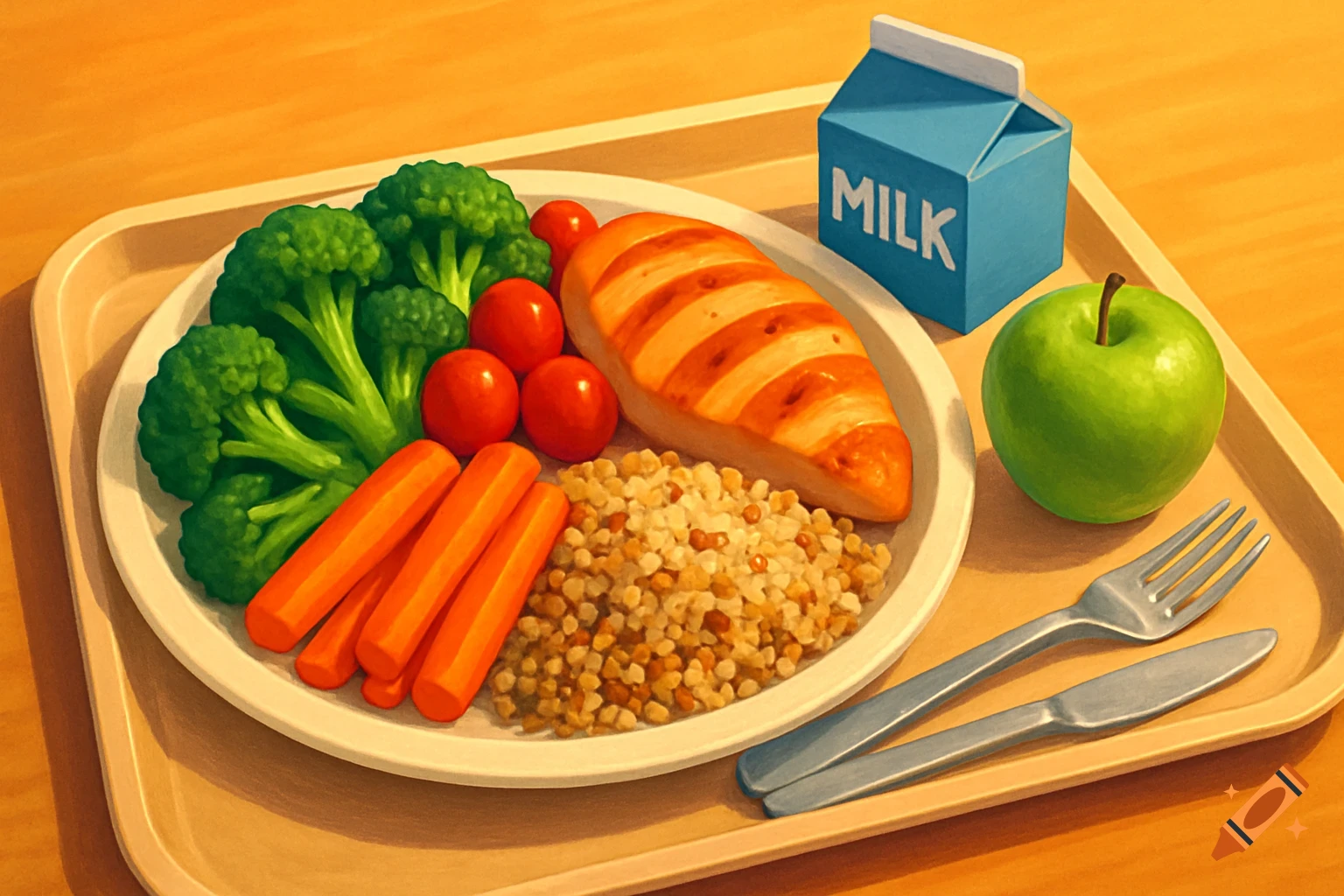
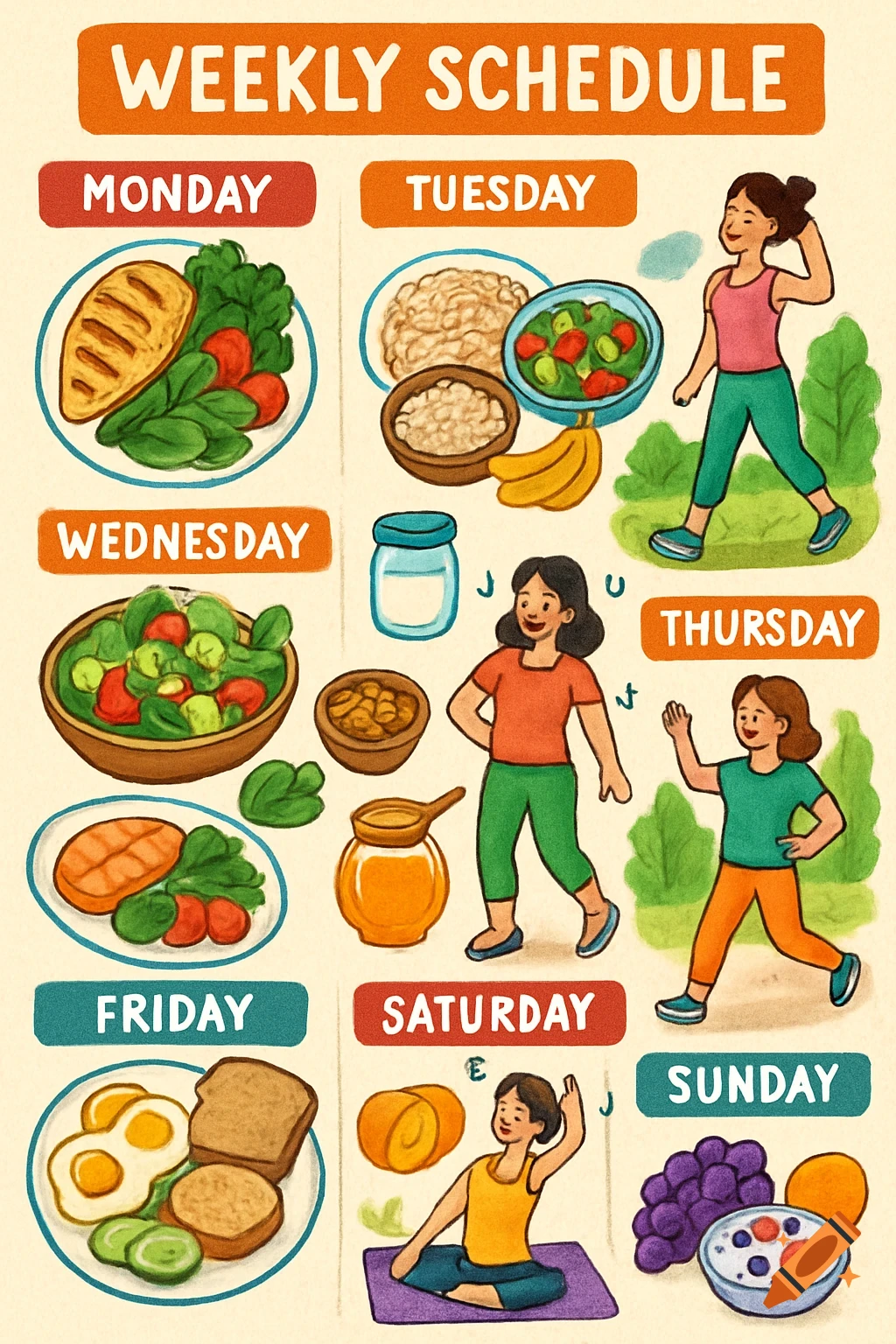
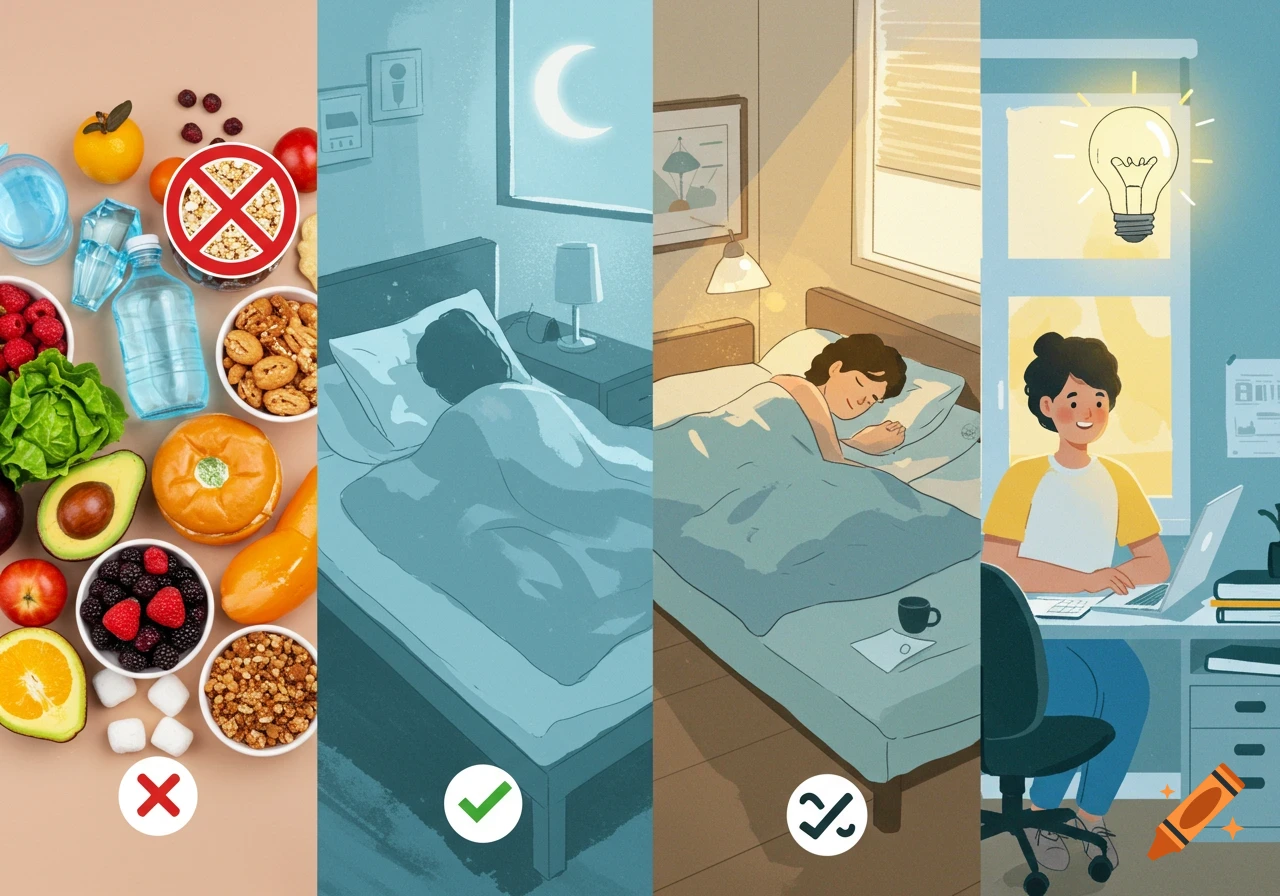
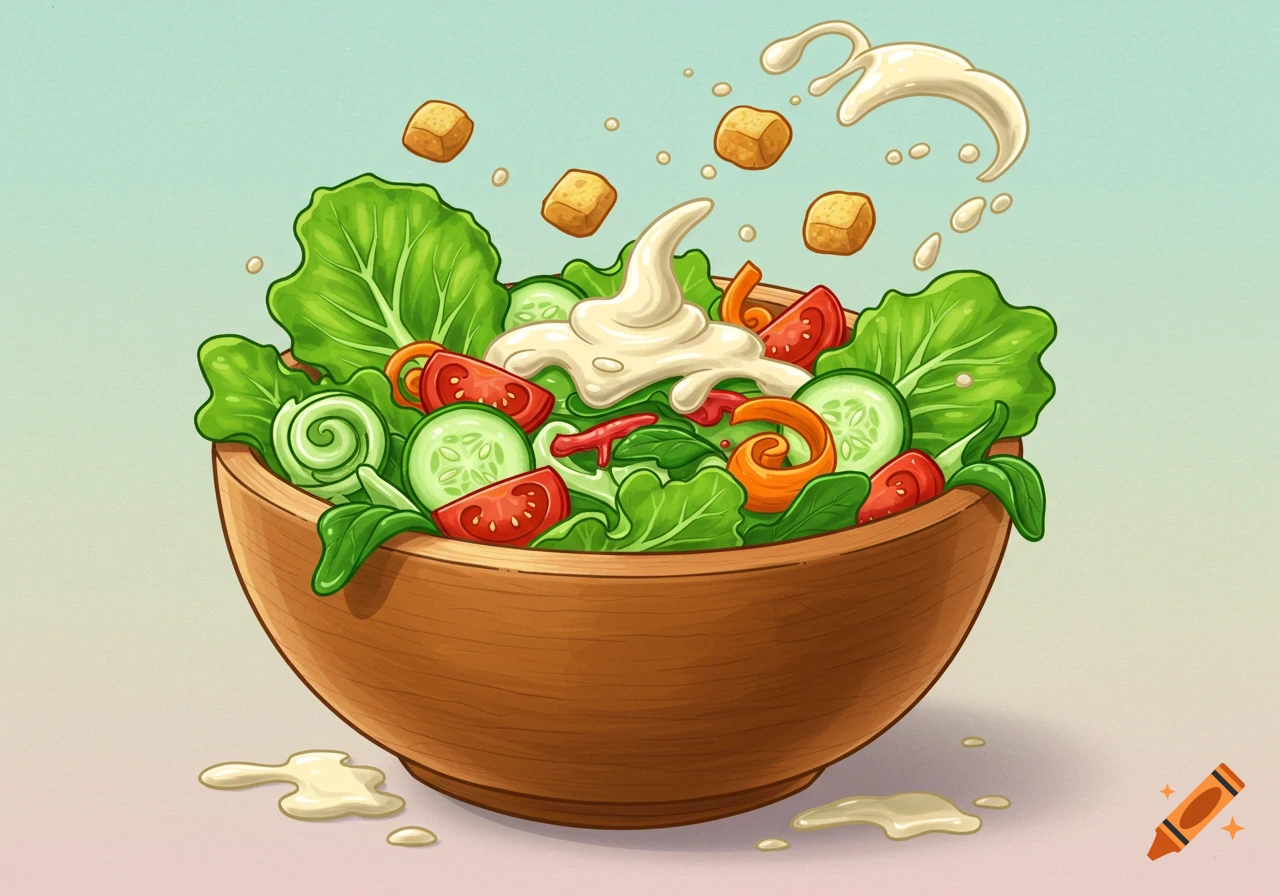
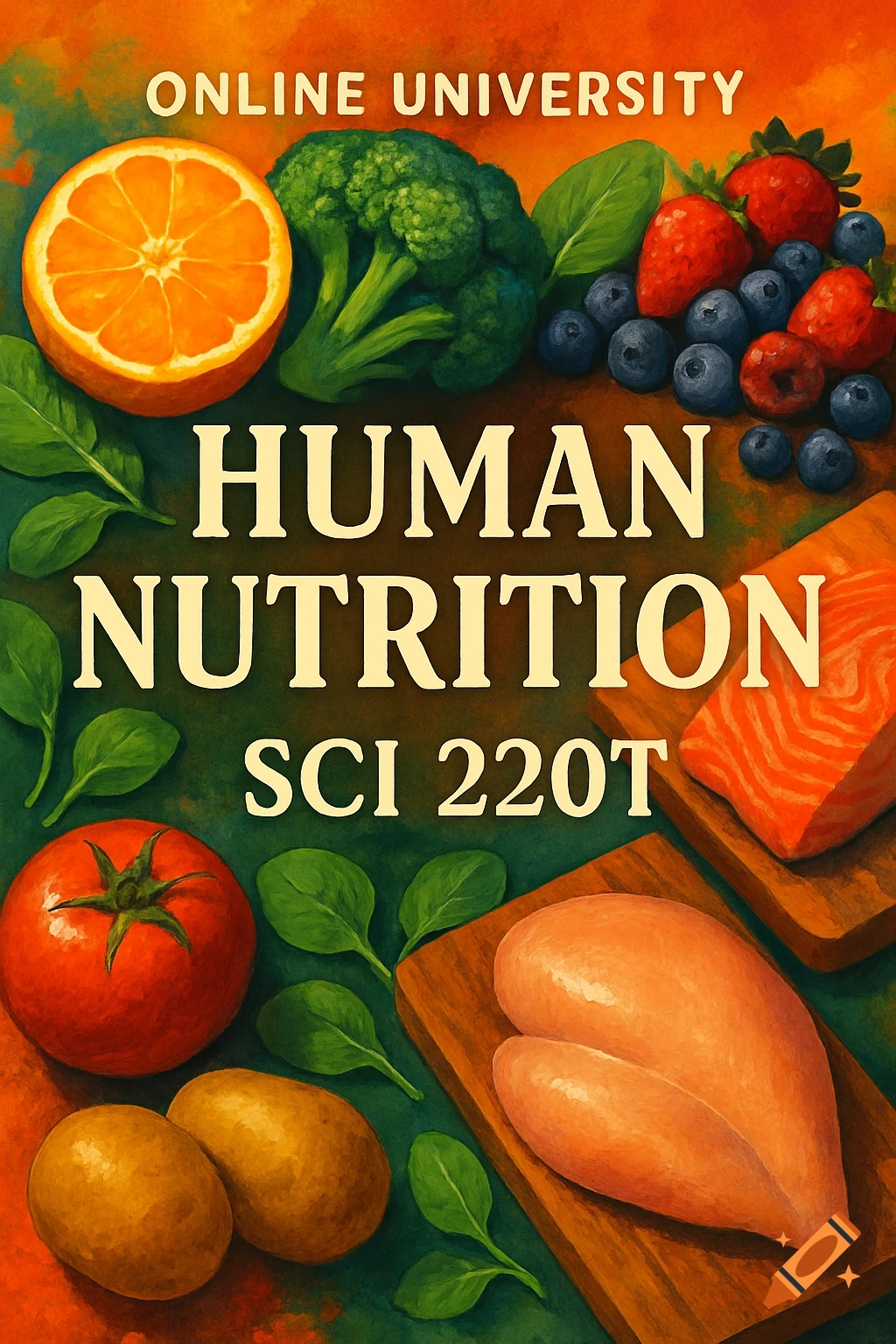
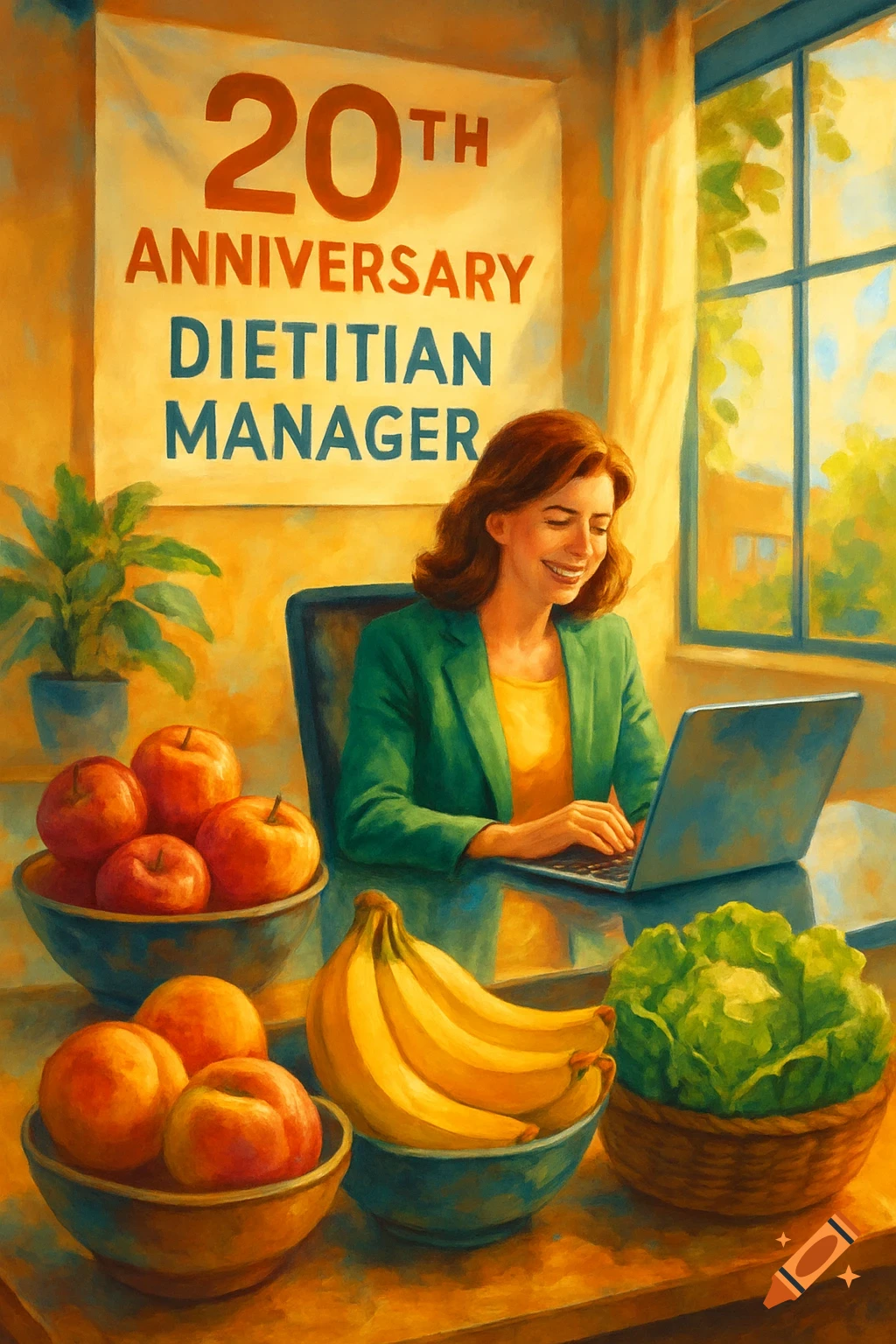
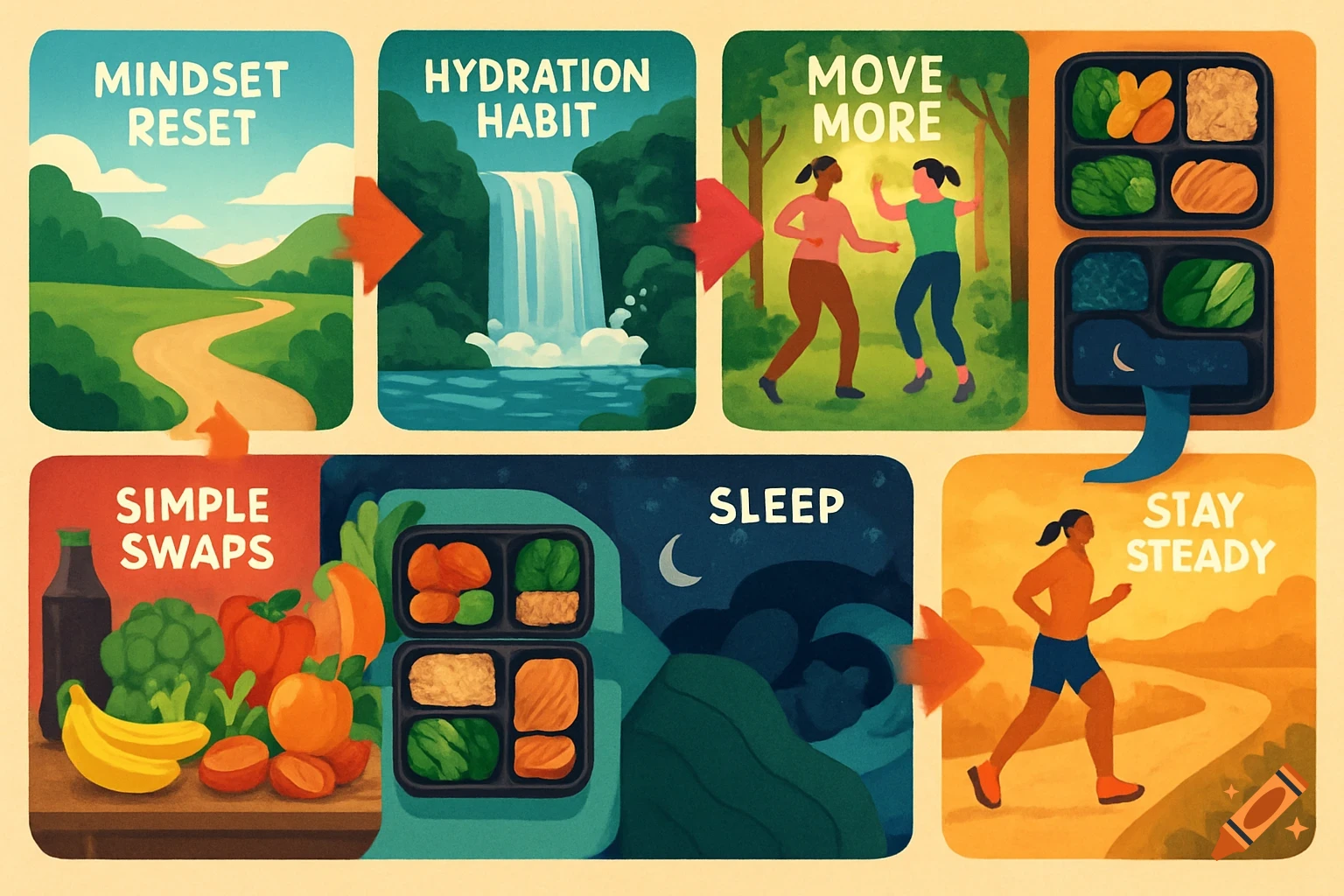
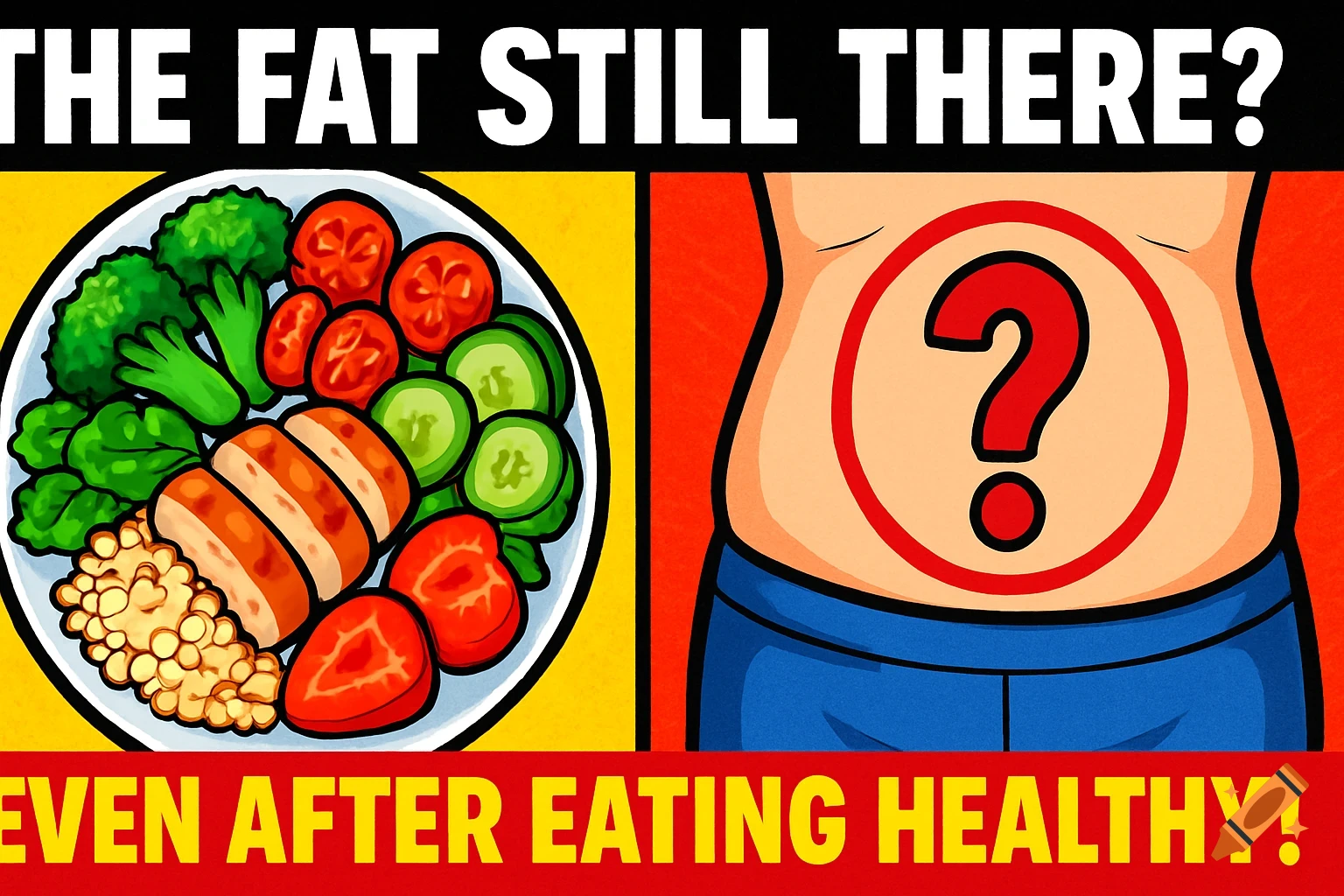
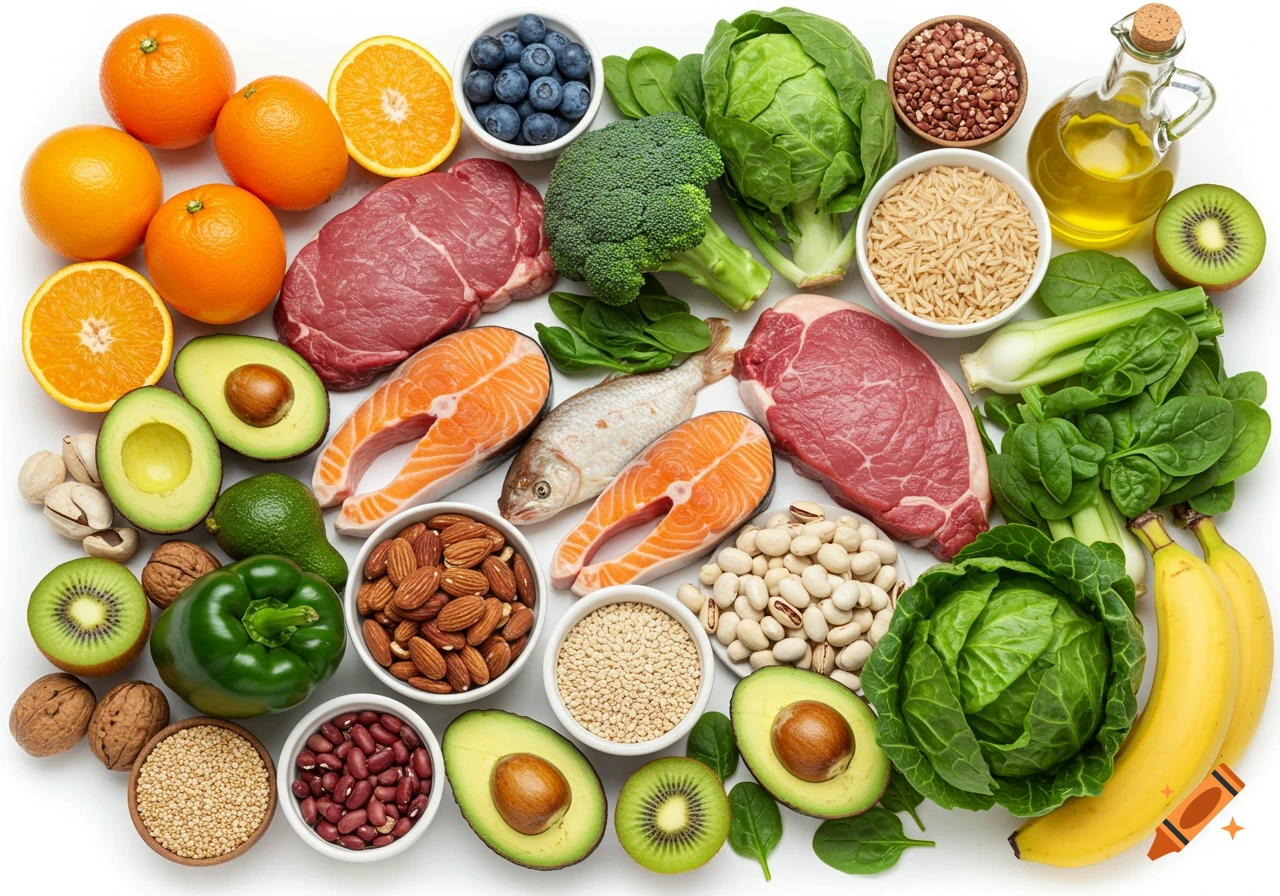
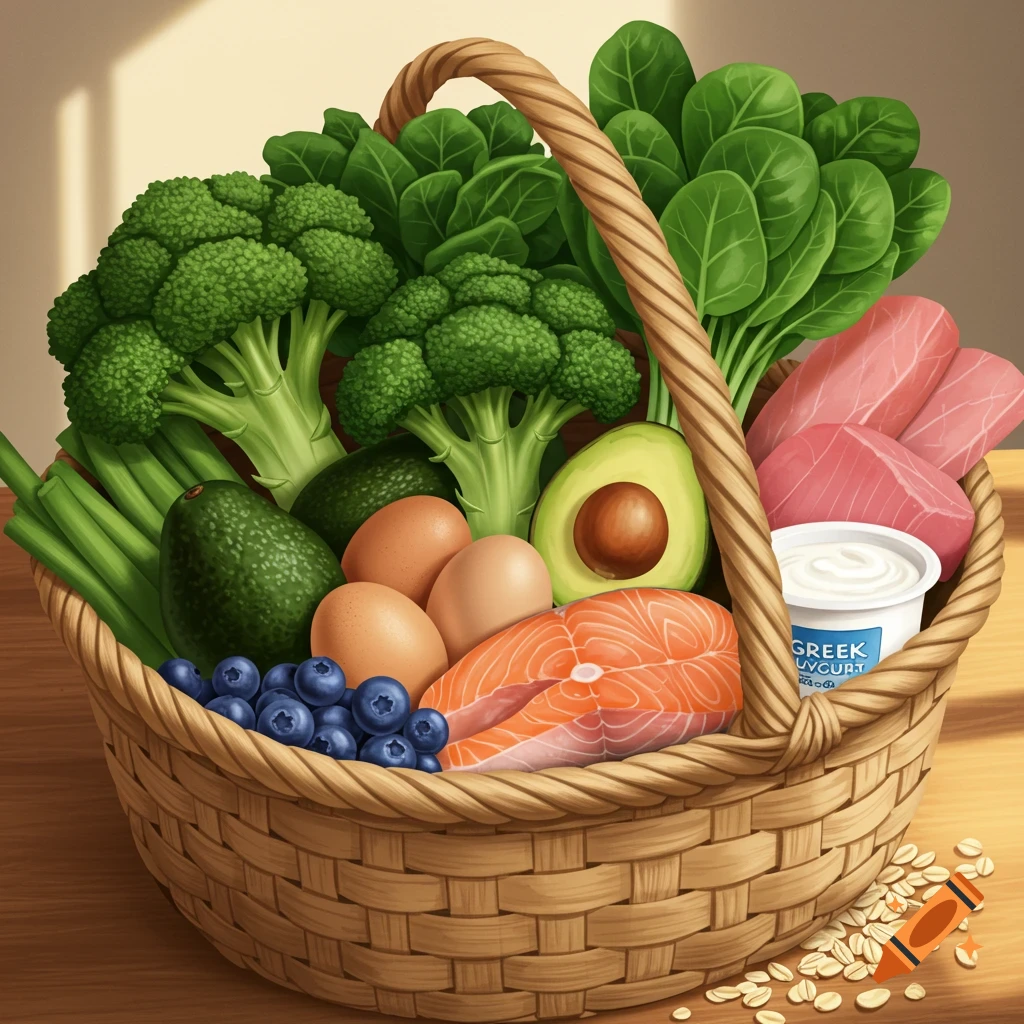
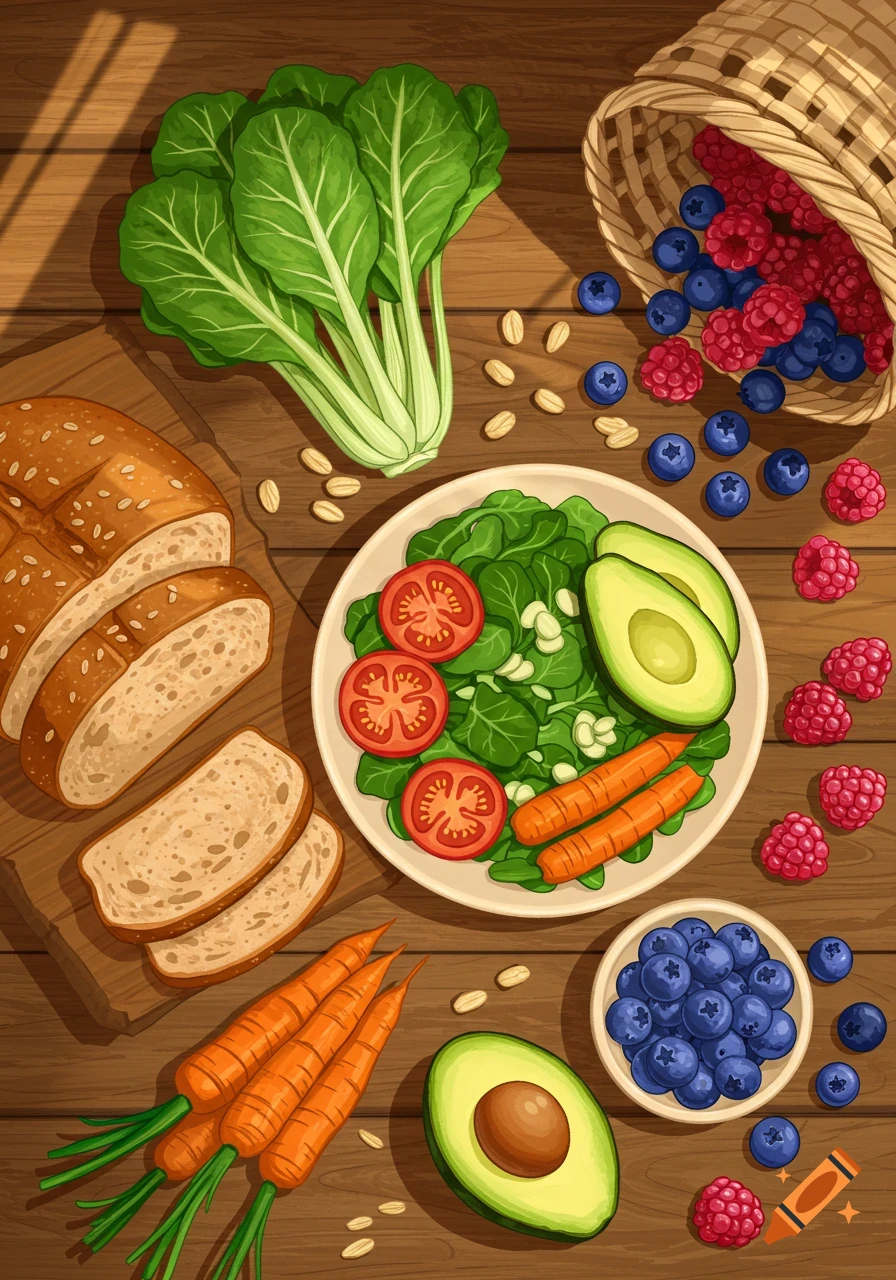
An illustration of healthy food in a basket next to a laptop with a cognitive training game, with text 'Executive Function Training for Healthier Eating Choices'.
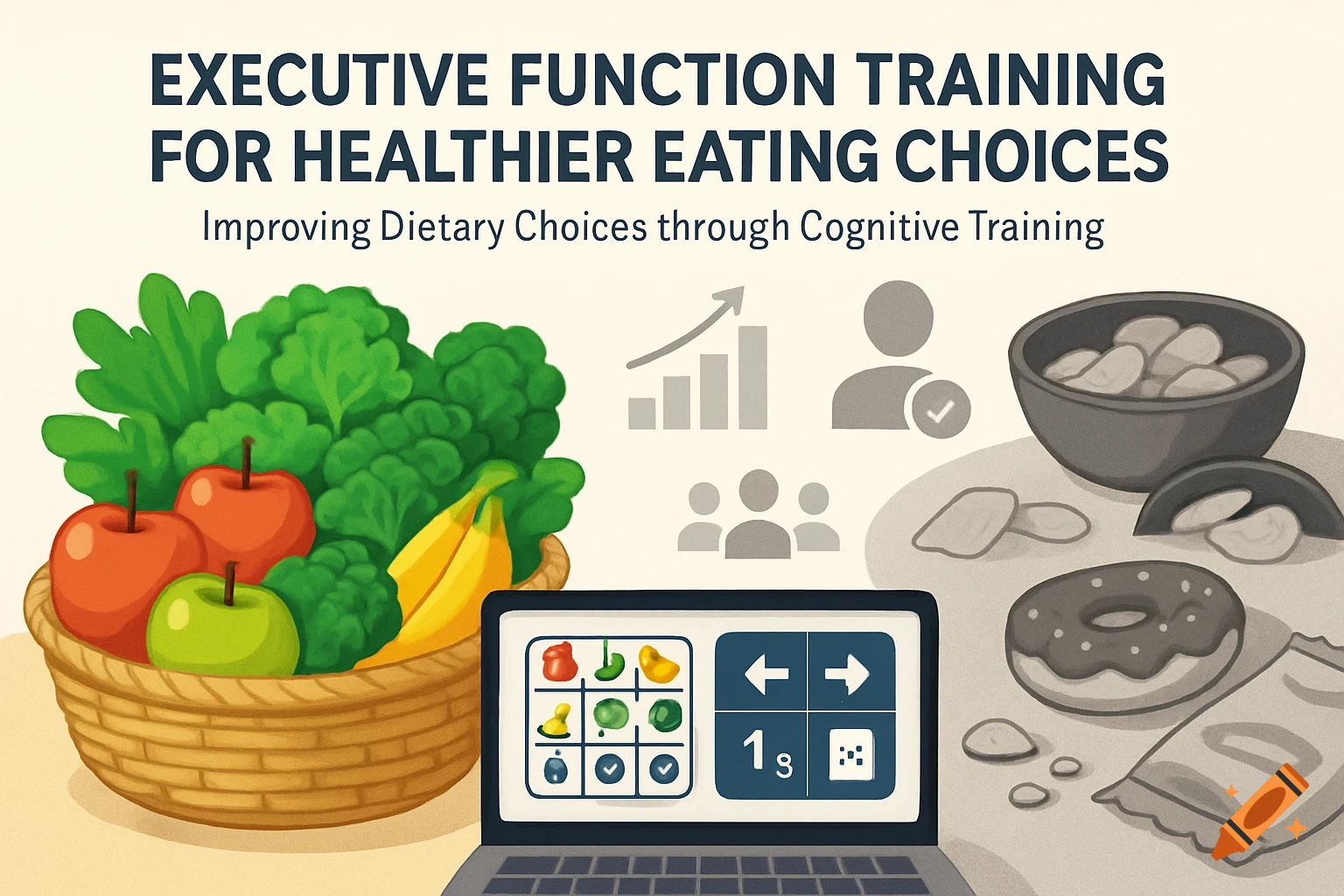
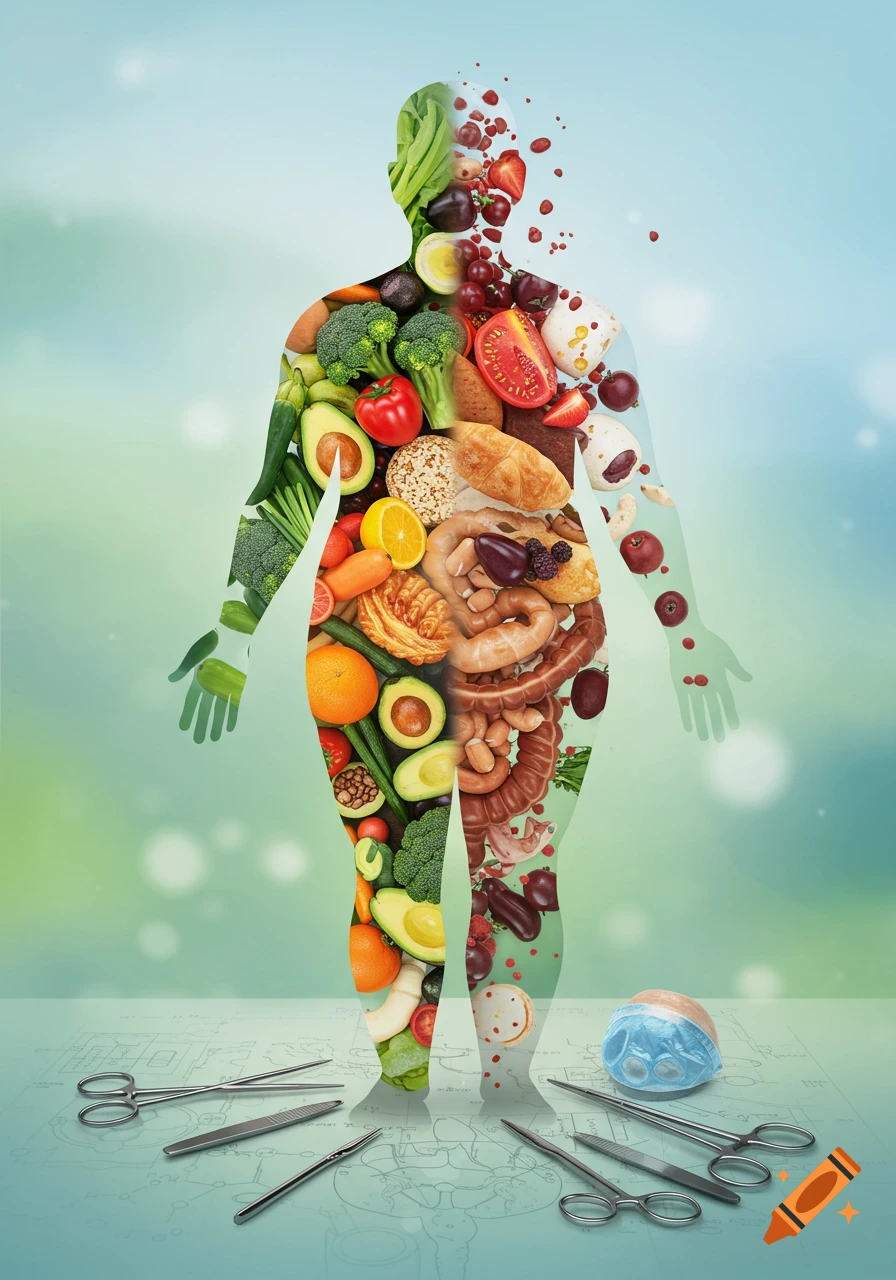
create an image using the following Visual Elements: Background: Use a clean, light background that enhances readability and emphasizes the key elements. Central Imagery: Split Image Concept: Create a division in the center of the image. Left Side: Showcase vibrant, colorful images of nutritious foods (fruits, vegetables), possibly in bowls or baskets to symbolize abundance and health. Right Side: Display images of less nutritious options (candy, fried snacks). Consider using a slightly dimmer or muted color palette to contrast with the nutrient-dense side. Web-Based Training Visual: Incorporate symbols of online engagement, such as a laptop or tablet displaying images of the EF training games. This can be placed towards the bottom or side of the image, illustrating the digital aspect of the study. Data Visualization Elements: Include simple infographic-style icons or figures representing key statistics, such as: A bar chart or line graph showing improvement in EF scores. Illustrations indicating the number of participants or changes in dietary behavior. Text Overlay: At the top or bottom, include a bold title like "Executive Function Training for Healthier Eating Choices" to provide immediate context. Use a succinct tagline or call-to-action underneath, such as "Improving Dietary Choices through Cognitive Training". Color Palette: Use a vibrant and uplifting color scheme for the nutrient-dense side (greens, yellows, reds) and a more muted palette for the nutrient-poor side See more