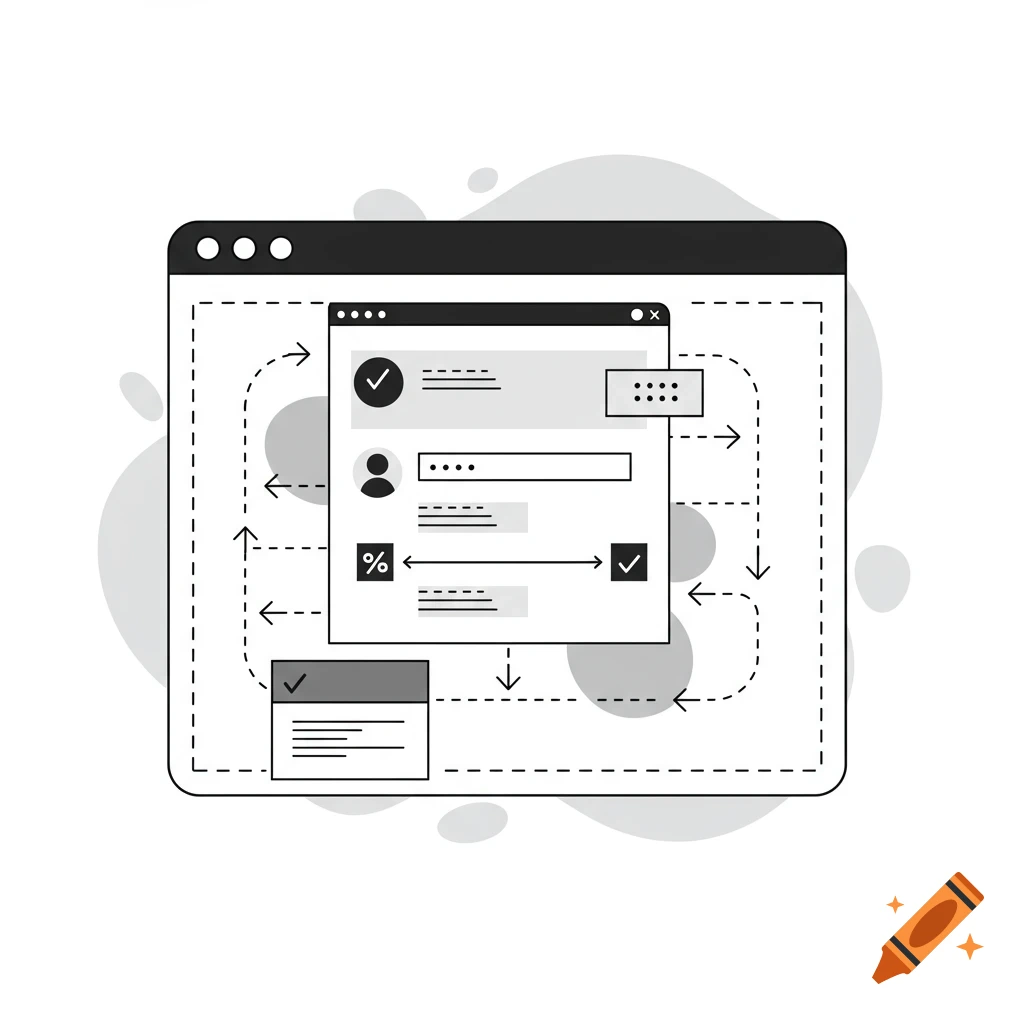
A two-panel diagram contrasting a fixed 30-minute seat timer with a proposed solution for dynamic seat control using a sensor and user options.
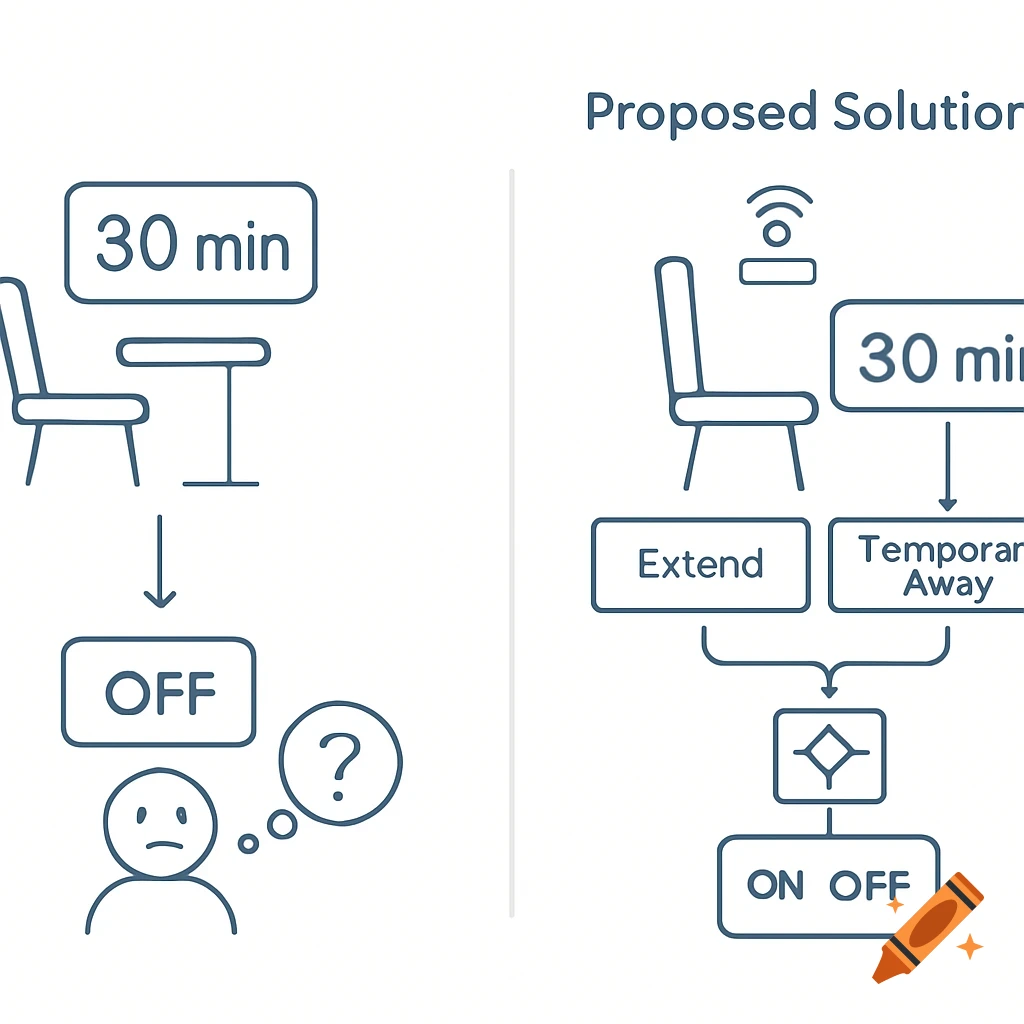
show a simple library seat icon with a big “30 min” countdown timer above it. An arrow points to the seat turning OFF automatically, with a small confused user icon, to express that the seat is released after a fixed time regardless of actual occupancy. Right panel titled “Proposed Solution”: show a seat with a small sensor icon on it, a “30 min” timer, and two buttons labeled “Extend” and “Temporary Away”. Arrows from the seat sensor, timer, and buttons go into a small logic box, then to a large ON/OFF switch icon, to express that seat status is automatically controlled by the seat-occupancy sensor plus timer and user buttons. Use simple line icons, blue/gray accent colors, and a white background, in the style of a PowerPoint TRIZ diagram. See more