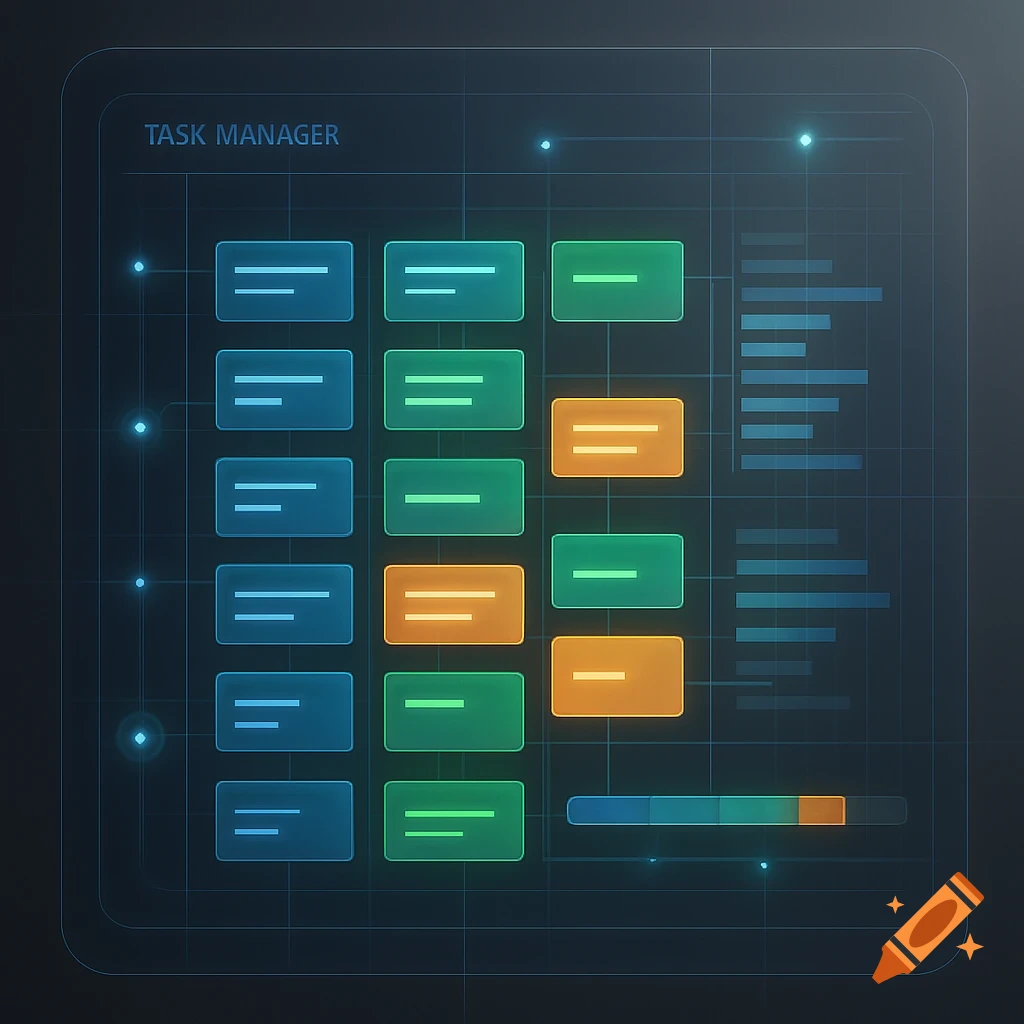
A user interface mockup titled "MES - Operator Panel" with sections for Production Schedule (table), Production Entry (form), and Report Machine Issue (form).
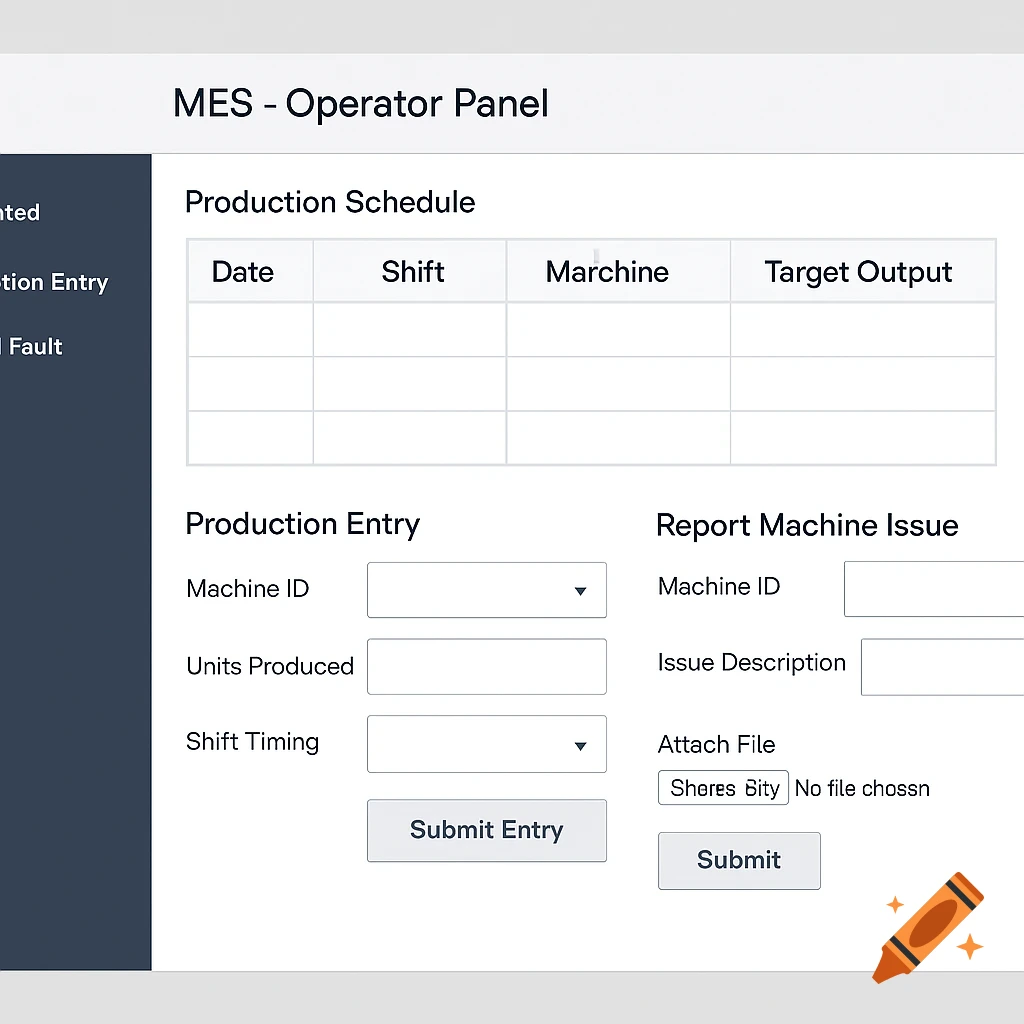
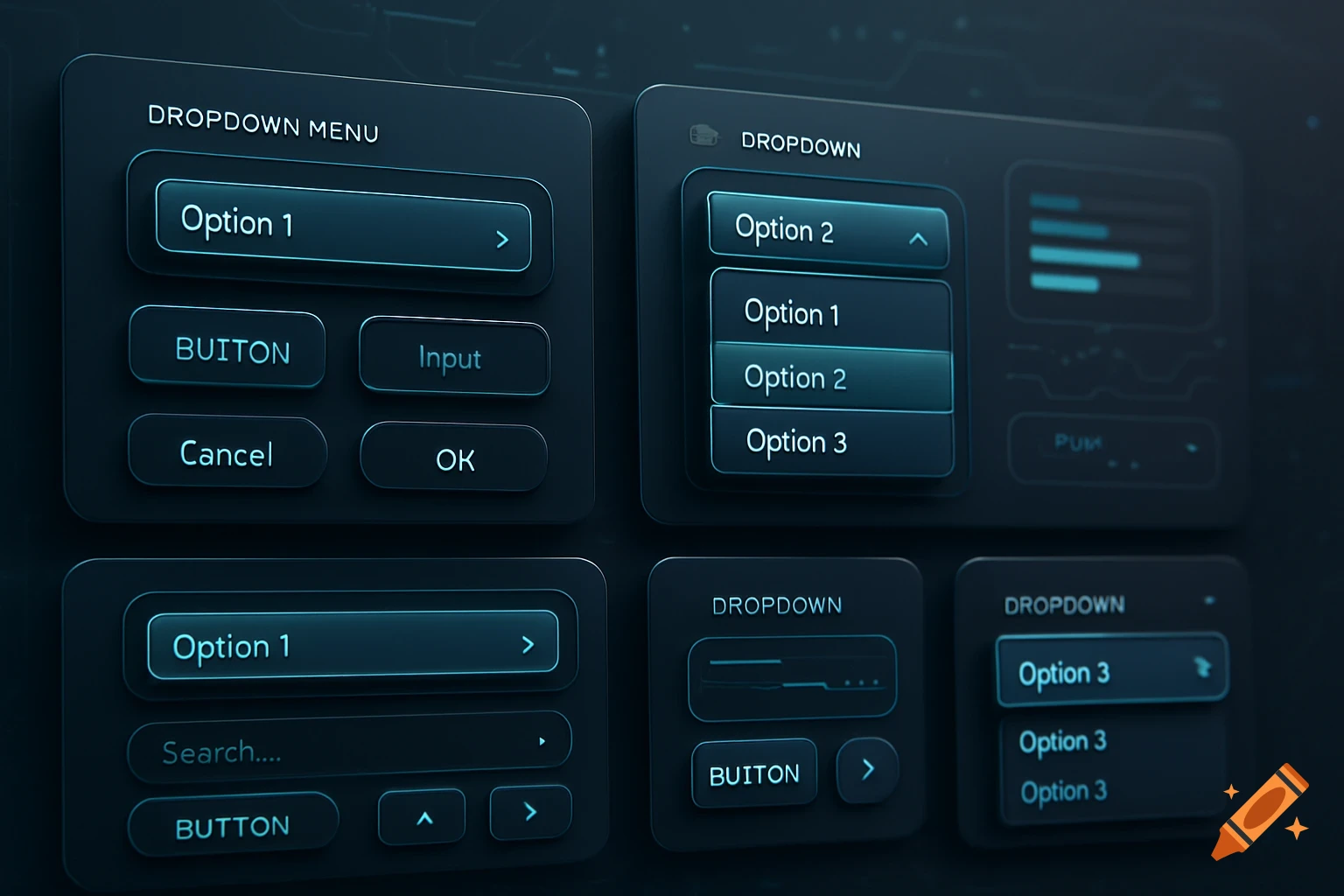
✅ Step 1: Create a New Project Open JustInMind Click “New Project” Choose “Web” (since it’s for a company desktop use) Name your project: MES - Production Operator UI ✅ Step 2: Set Up the Interface Structure You’ll create the main screen layout. Think of it like a dashboard with: Header: Module title Sidebar: Menu options Main panel: Form and display 👉 Do this: Drag a Rectangle widget across the top → This is your Header Double-click to name it: MES - Operator Panel Drag a Vertical Rectangle on the left side → This is your Sidebar Menu Add 3 Text elements for: Dashboard Production Entry Report Fault ✅ Step 3: Design Main Content Area This is where the operator will interact with the system. 👉 Section 1: Production Schedule Table Drag a Data Grid or Table widget into the main panel. Label columns as: Date Shift Machine Target Output 👉 Section 2: Production Entry Form Drag Text and Input Field widgets to create: Machine ID (Dropdown) Units Produced (Text input) Shift Timing (Dropdown) Add a Button at the bottom: “Submit Entry” 👉 Section 3: Fault Reporting Panel Add section title: “Report Machine Issue” Add: Machine ID (Dropdown) Issue Description (Text Area) Attach File (File Upload widget) Submit Button See more