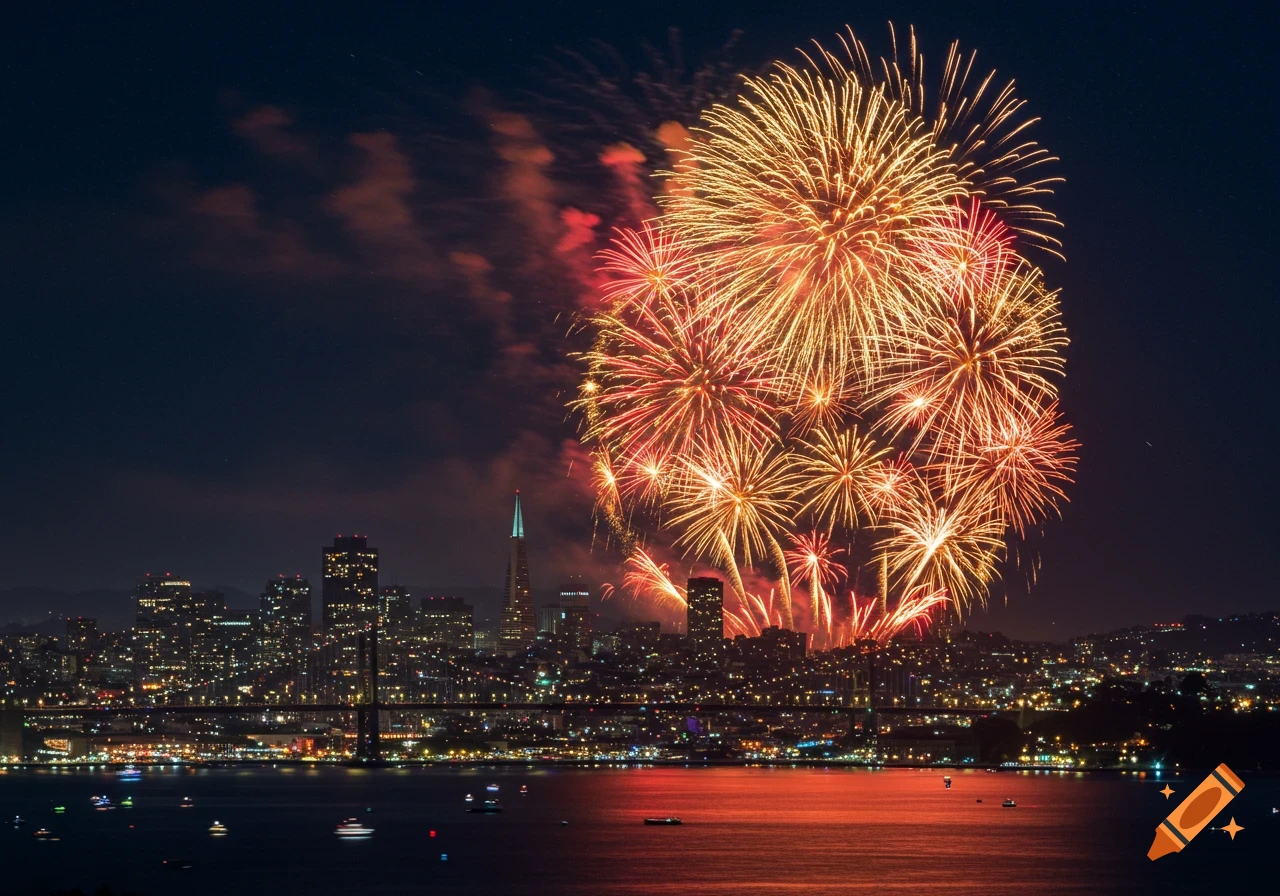
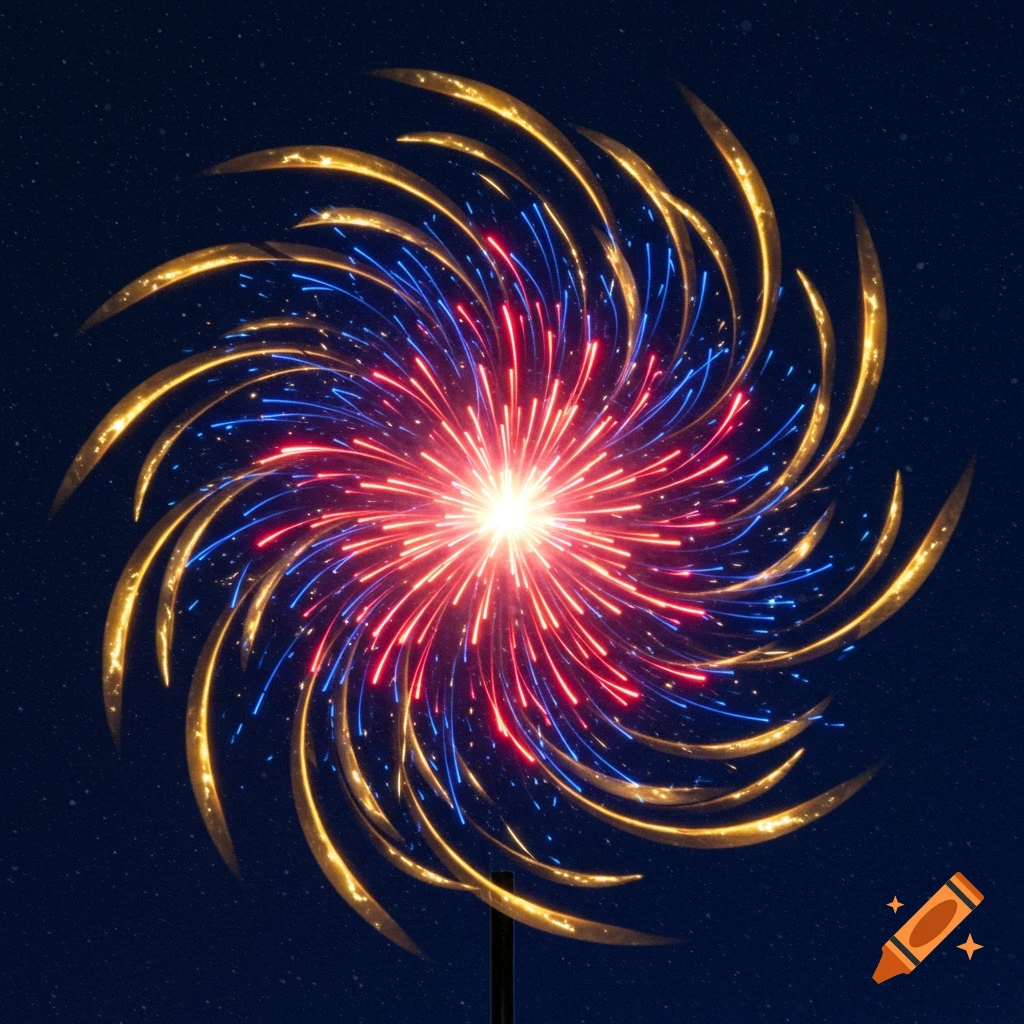
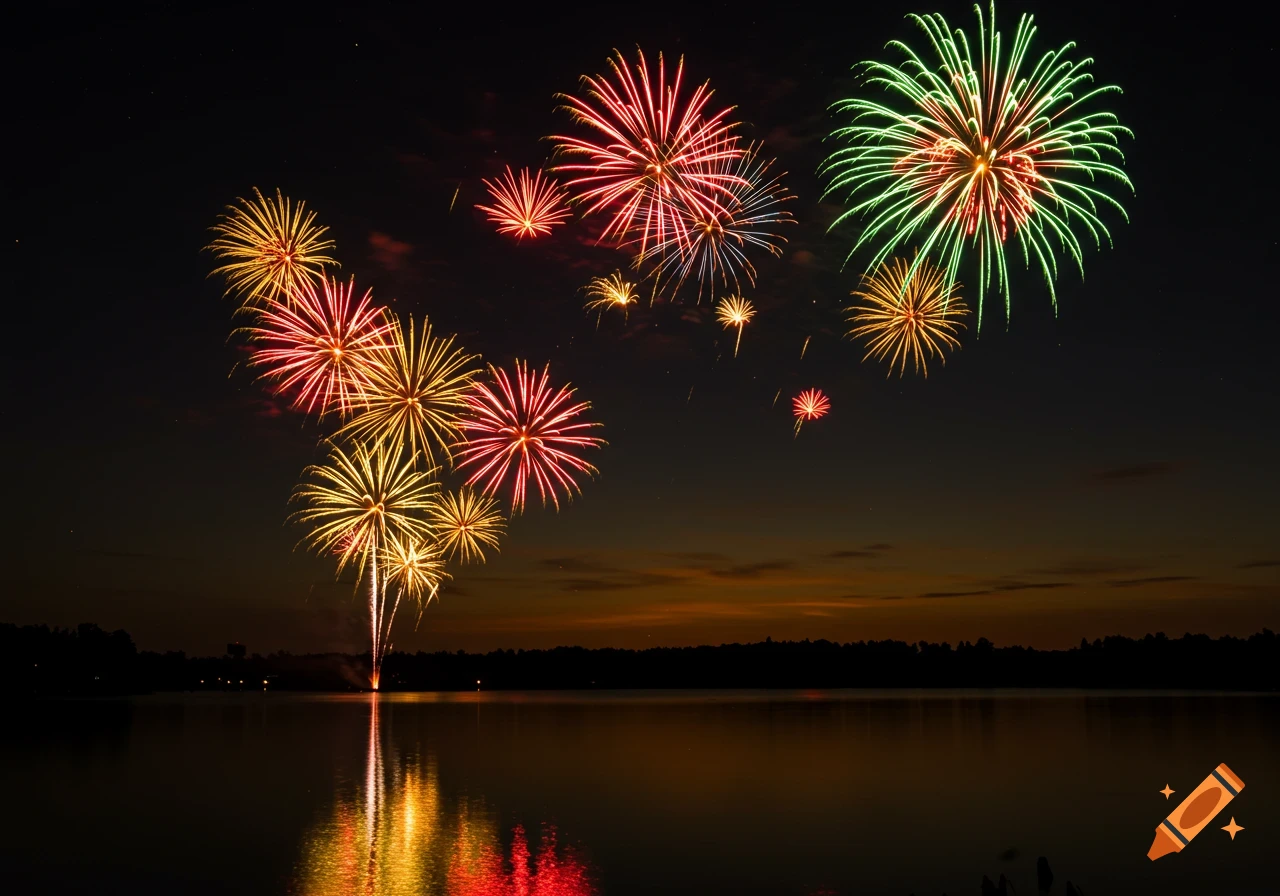
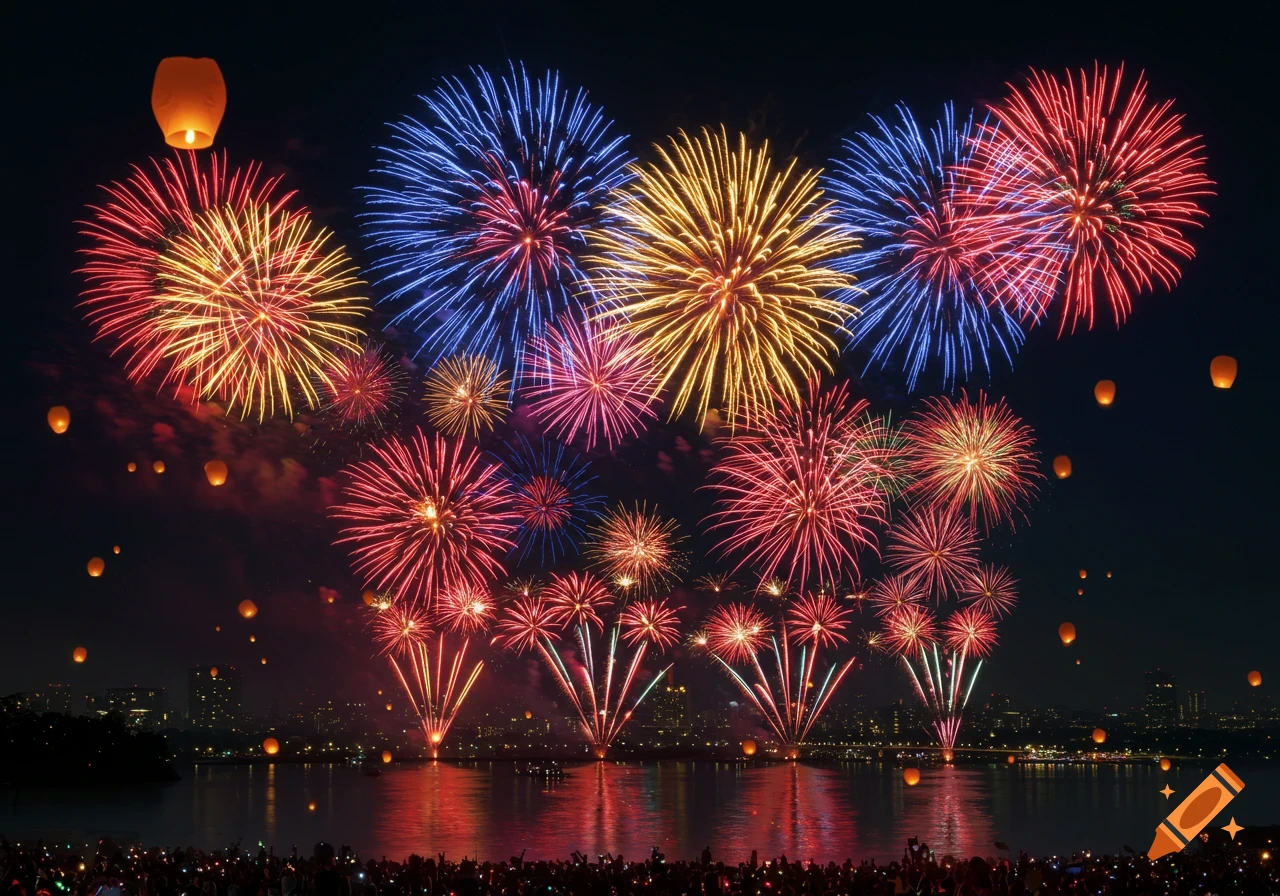
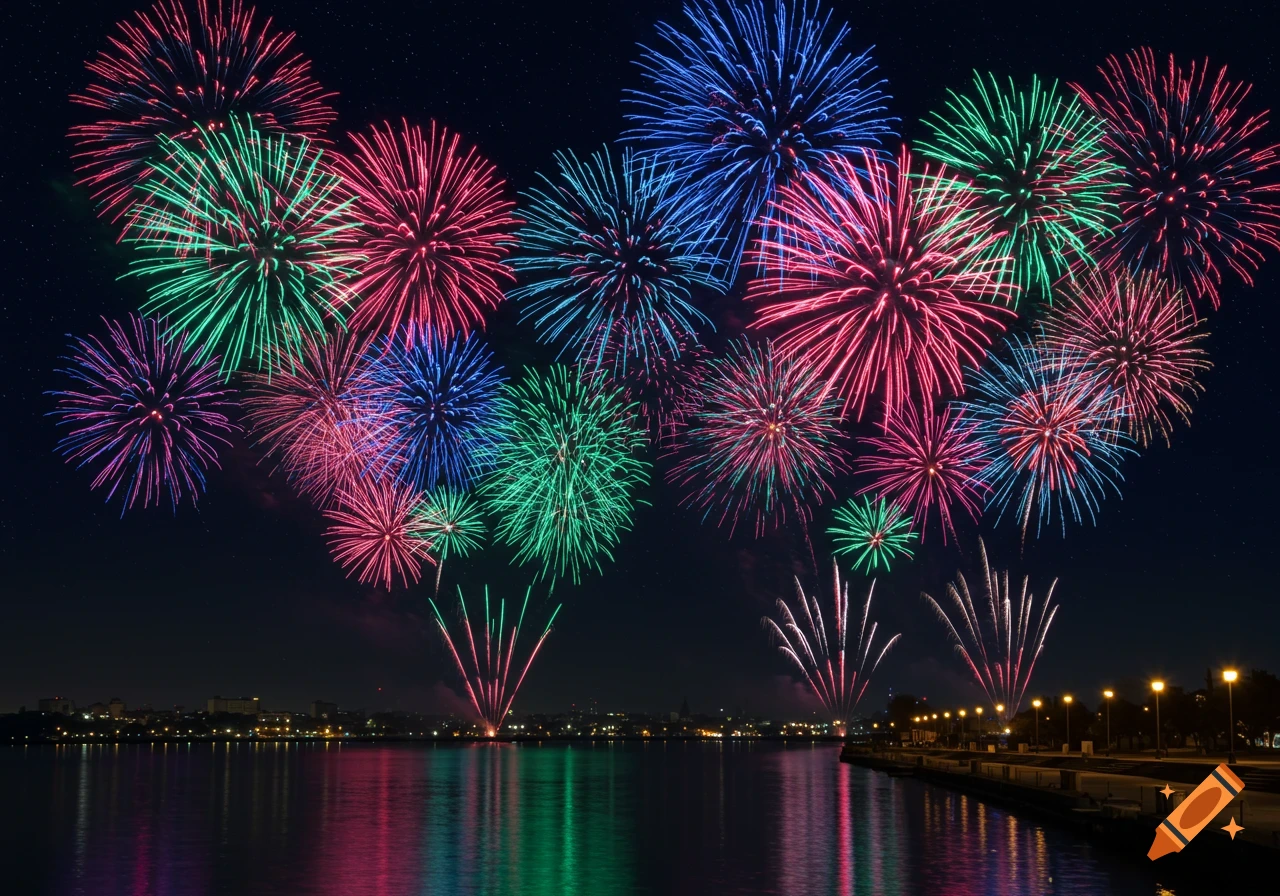
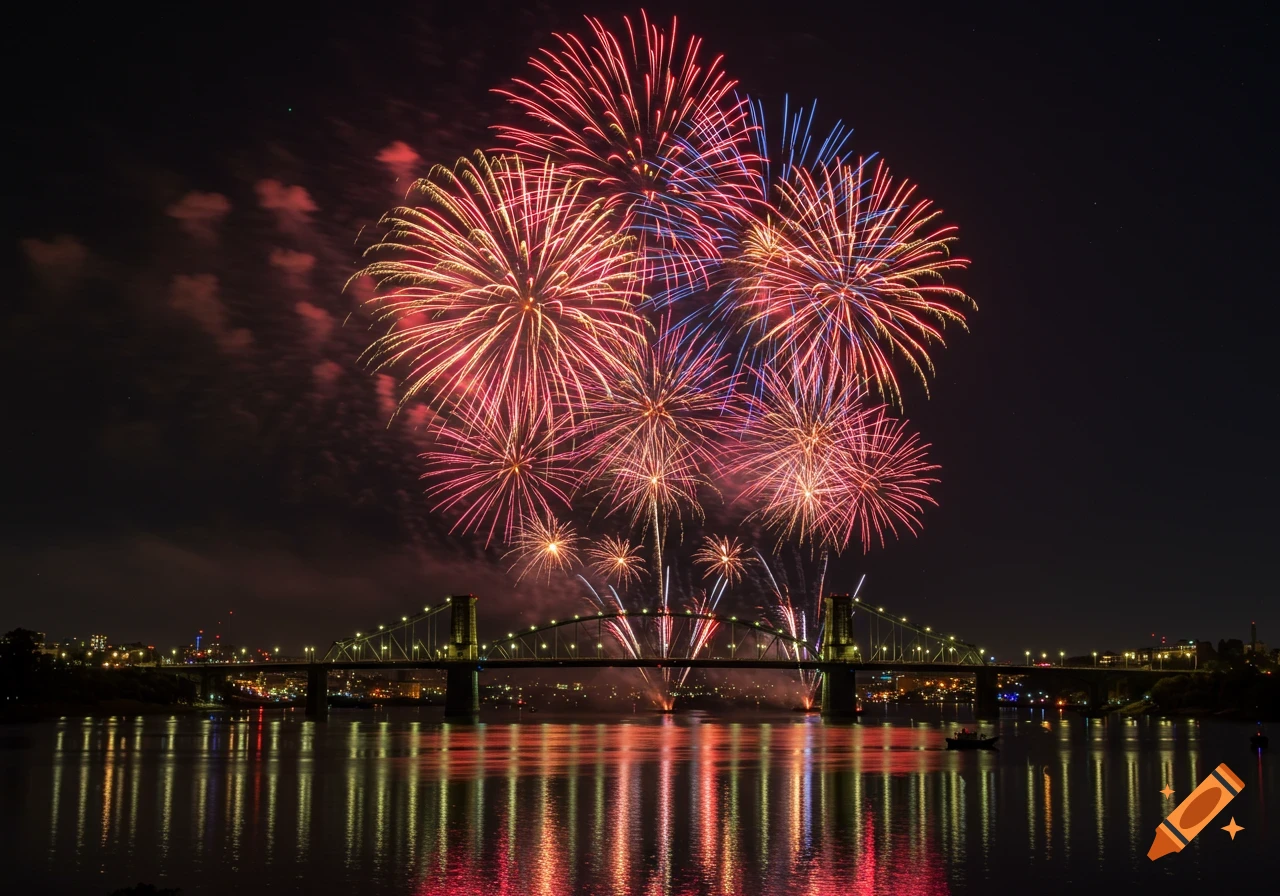
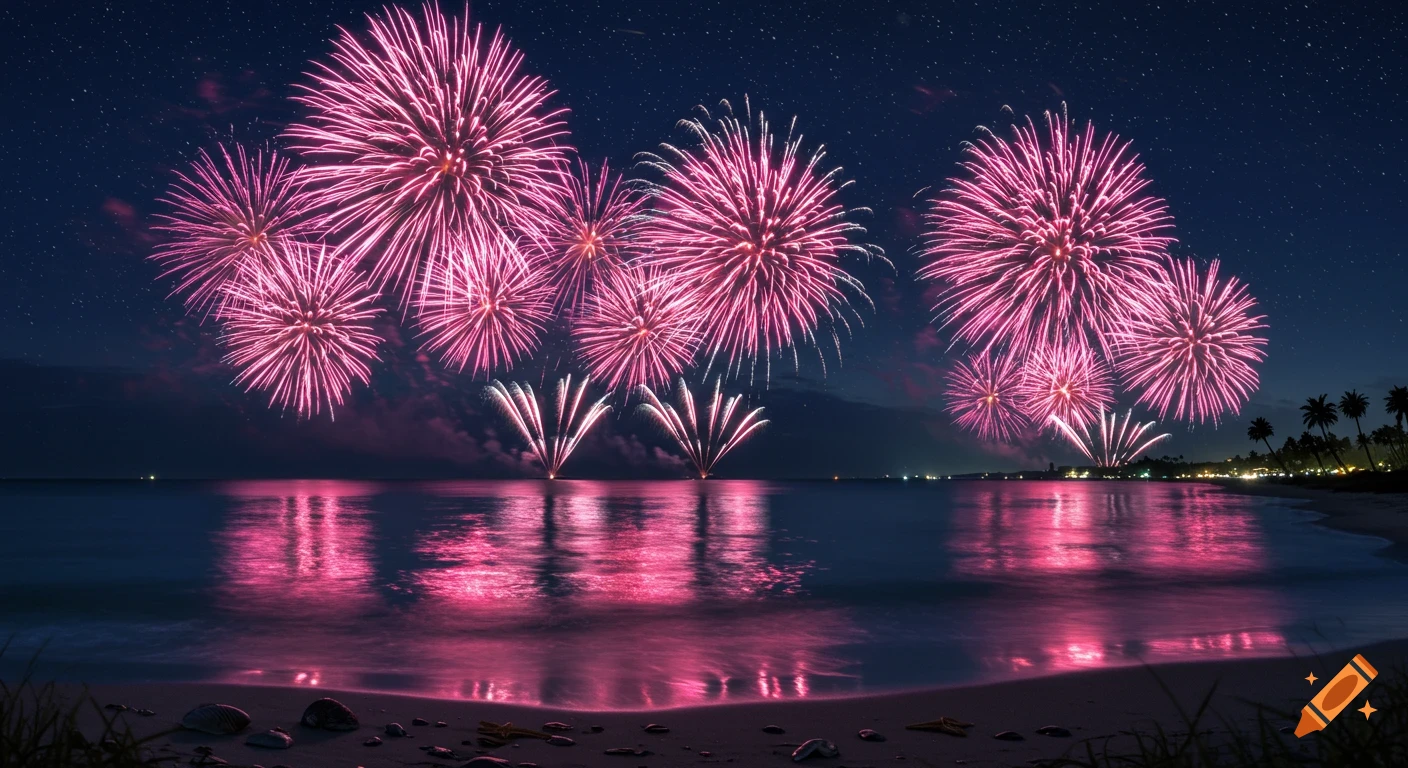
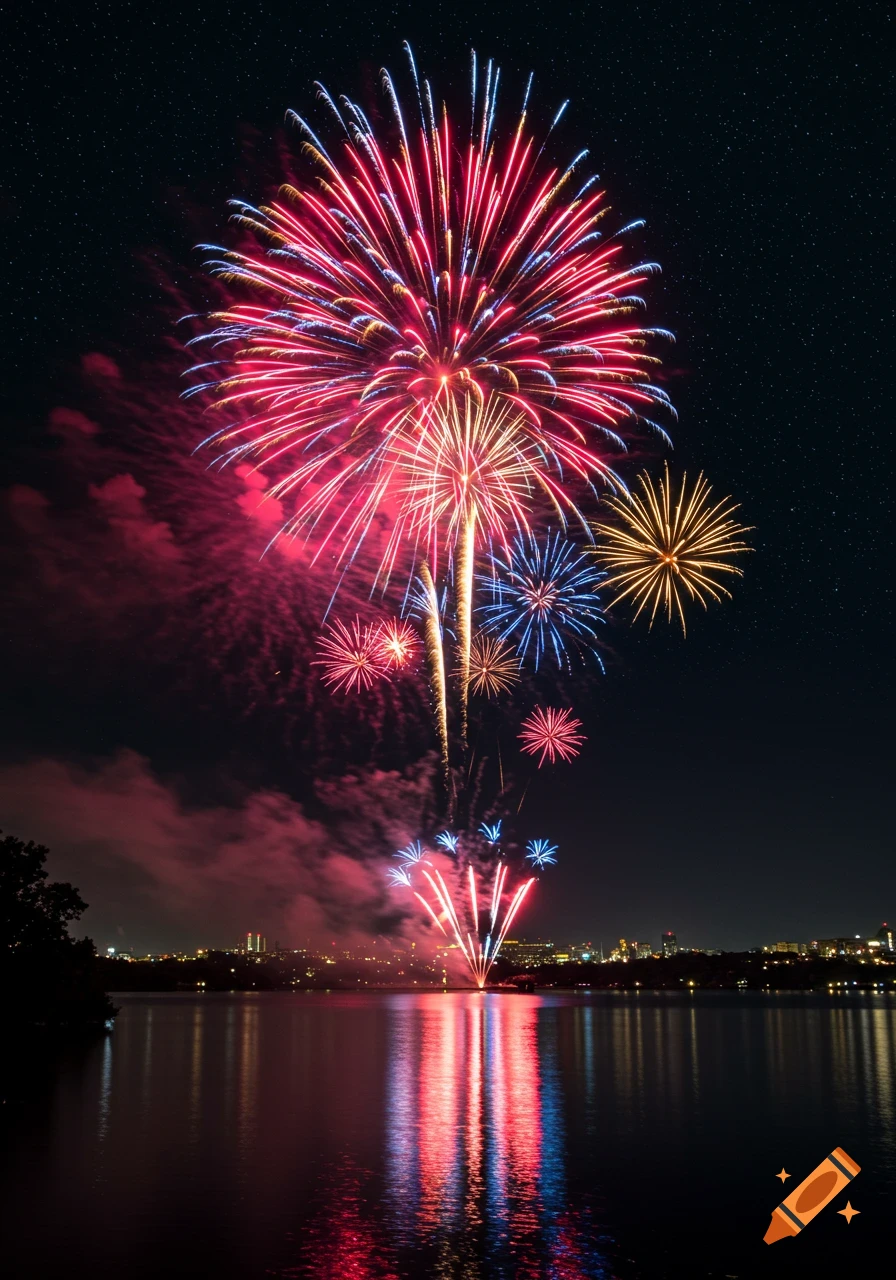
Vibrant fireworks explode against a dark, starry night sky with glowing clouds below.

from PIL import Image, ImageEnhance # Load your image img = Image.open("your_image.png") # Replace with your file name # Enhance the sharpness, contrast, and brightness img = ImageEnhance.Sharpness(img).enhance(2.0) img = ImageEnhance.Contrast(img).enhance(1.3) img = ImageEnhance.Brightness(img).enhance(1.1) # Resize for typical phone wallpaper (1080x1920) img = img.resize((1080, 1920), Image.LANCZOS) # Save the result img.save("akaza_fireworks_wallpaper_phone.jpg", quality=95) print("Wallpaper saved as akaza_fireworks_wallpaper_phone.jpg") See more