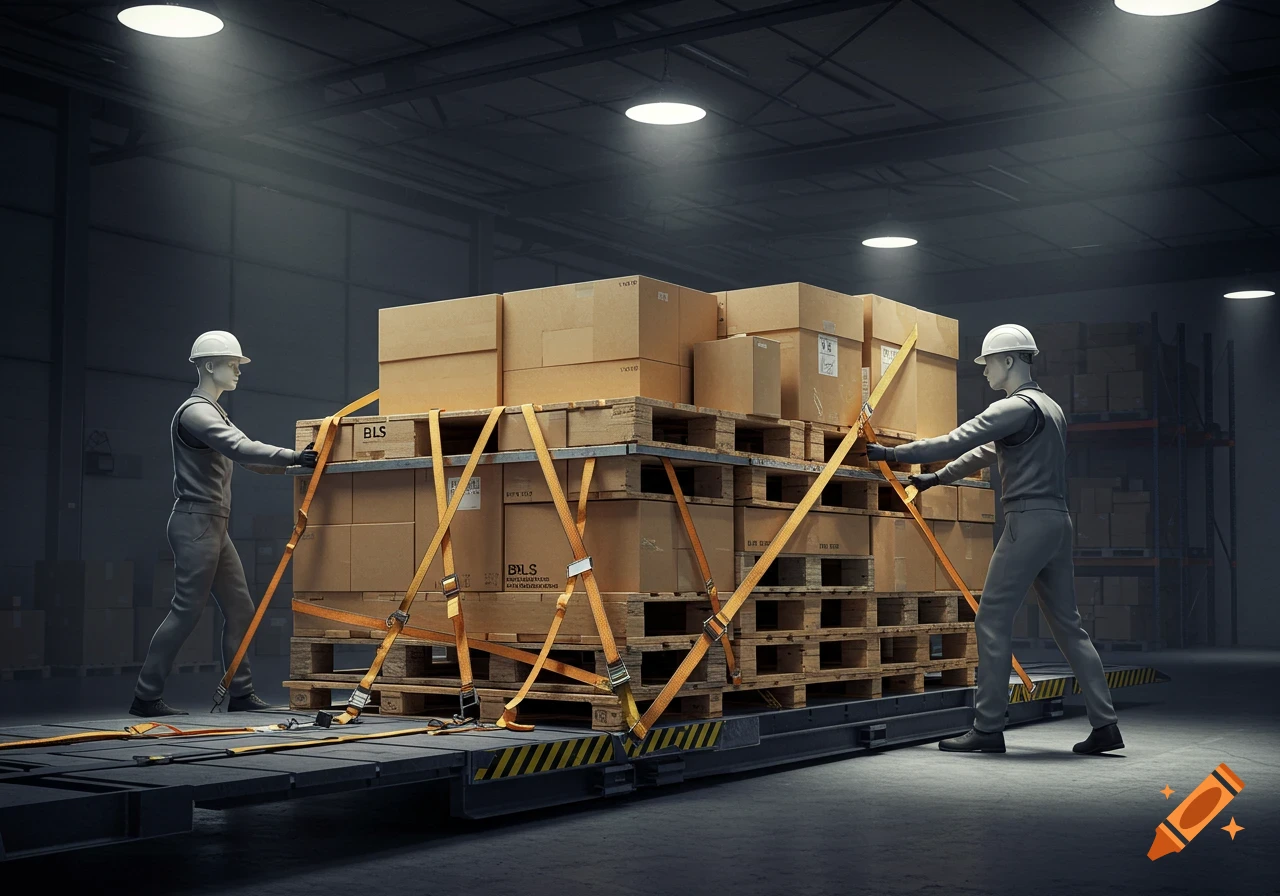
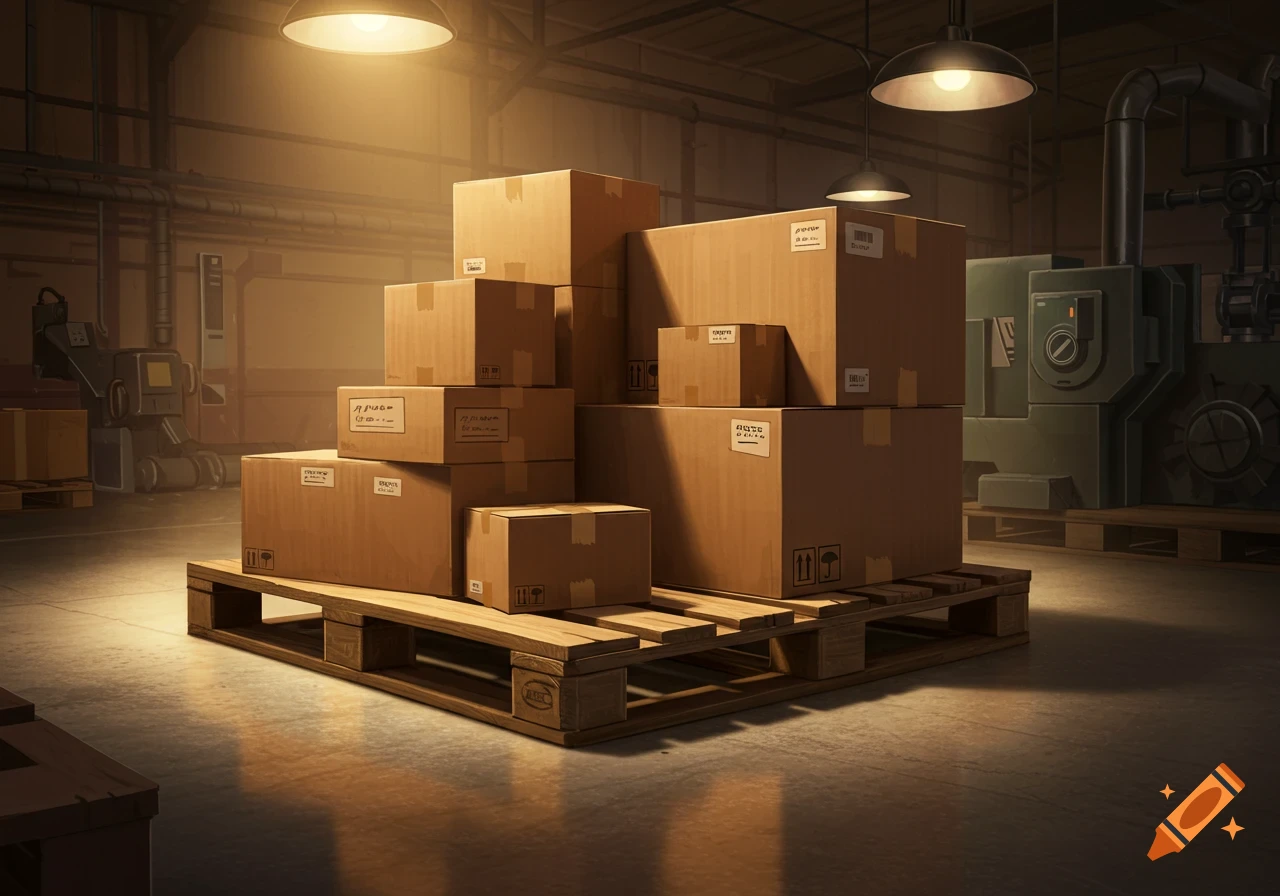
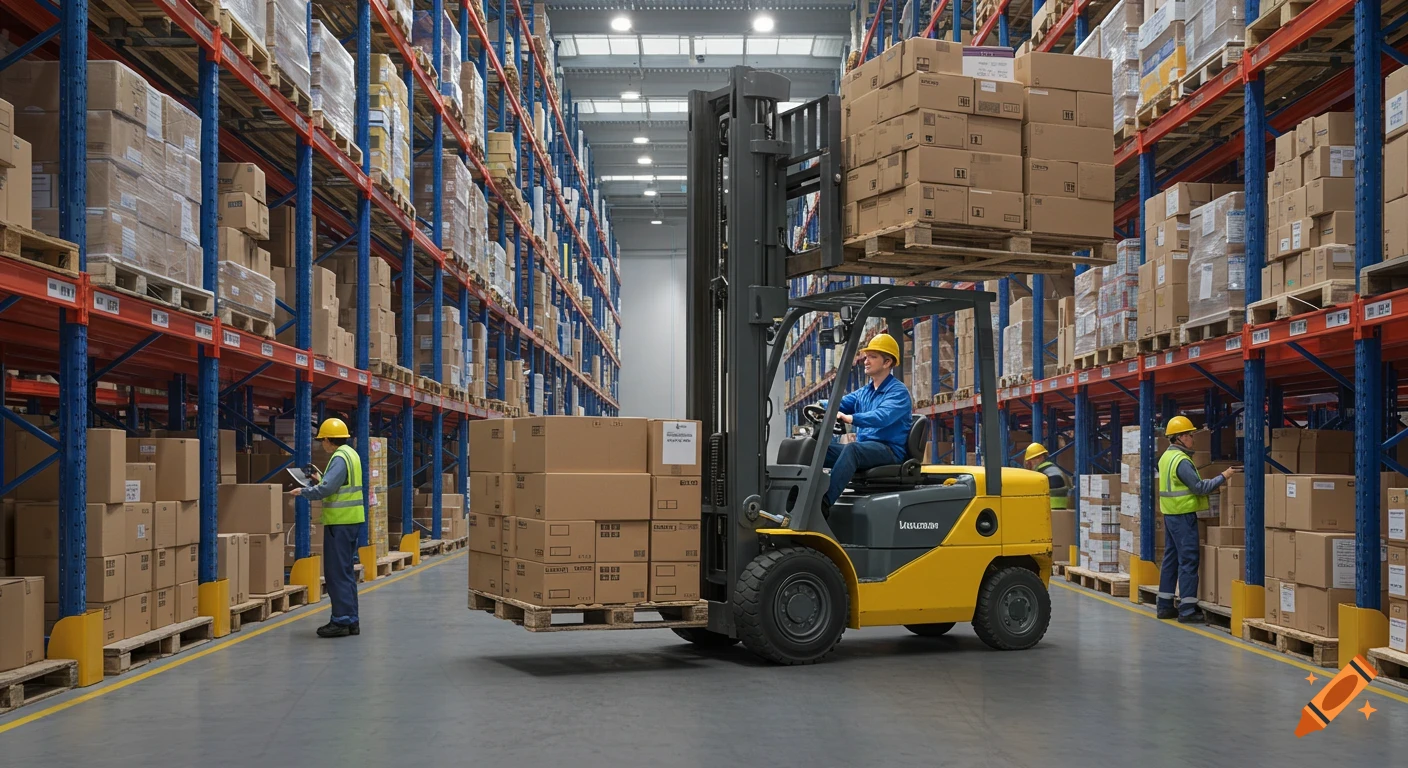
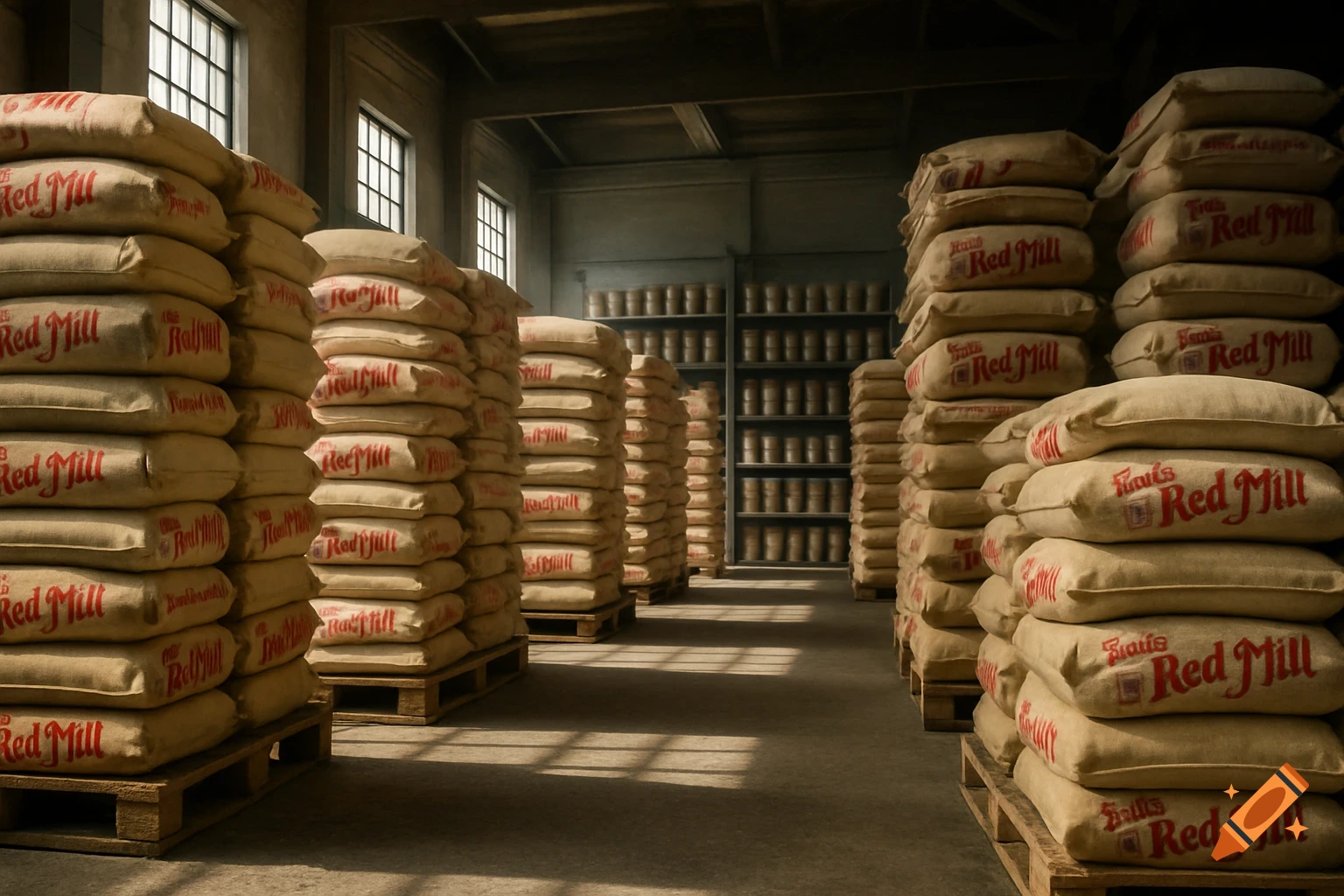
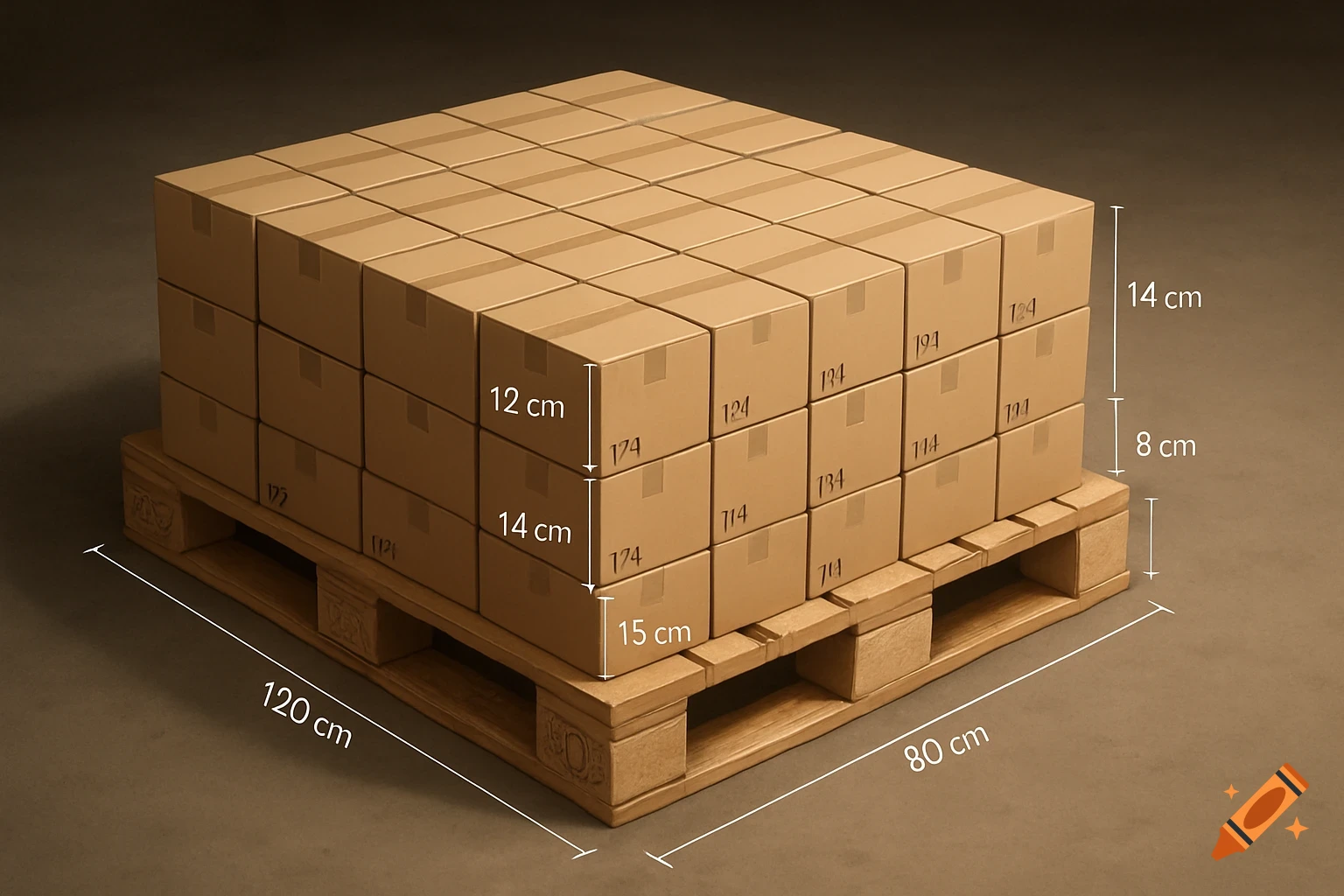
Illustration of a pallet stacked with boxes, featuring an LPN label and glowing layer outlines.
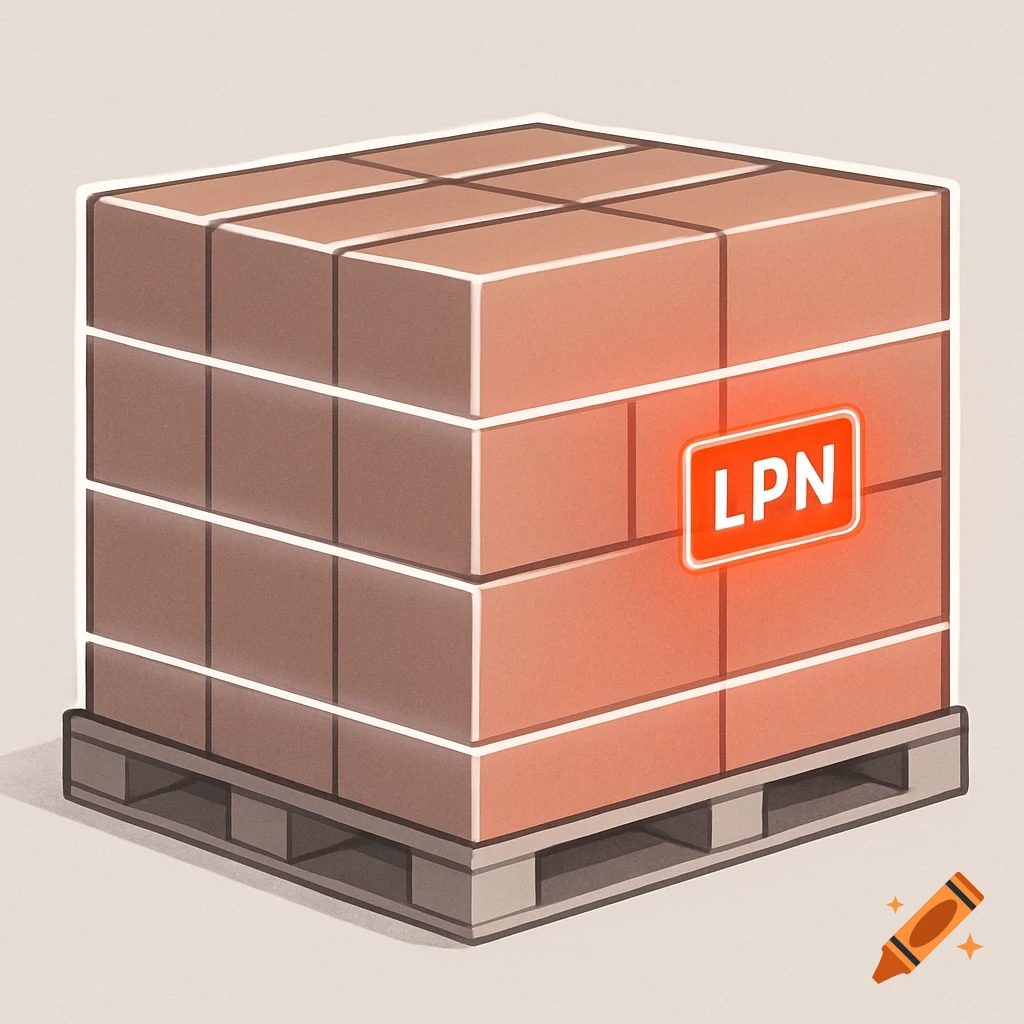
Visual 1: Side View of a Pallet – Layer Counting & LPN Highlight Orientation & Style: Side view of a 3D warehouse pallet Stylized yet realistic (clear shapes, clean lines) Neutral background (light gray or white) to keep focus on the pallet Pallet Details: Standard 40"x48" pallet (wood or plastic) Stacked cases (3–4 visible layers) Shrink-wrapped or uncovered boxes with clear layer definition Visual Highlights: LPN Label Highlight: One case on the visible side of the pallet should display a bold LPN label. This label should be outlined or glowing in neon red. The entire visible side of the pallet (the one showing the LPN) should be very lightly shaded in red or pink to draw subtle attention — think of a soft glow or overlay, not a heavy fill. Case Layer Outlines (Layer Counting): The top and bottom layers of cases should be outlined clearly in bright neon white — these layers should visually "bookend" the stack. The middle layers (if any) should also be outlined in the same neon white, but slightly less prominent, to show a complete count. Outlines should look like glowing horizontal bands that segment the pallet by layers, wrapping the cases cleanly without obscuring details. Additional Notes: The rest of the pallet should be in muted or neutral tones so the red LPN and white outlines stand out. Add very soft shadows or gradients for depth. Avoid clutter — keep the focus on clarity and data visibility. See more