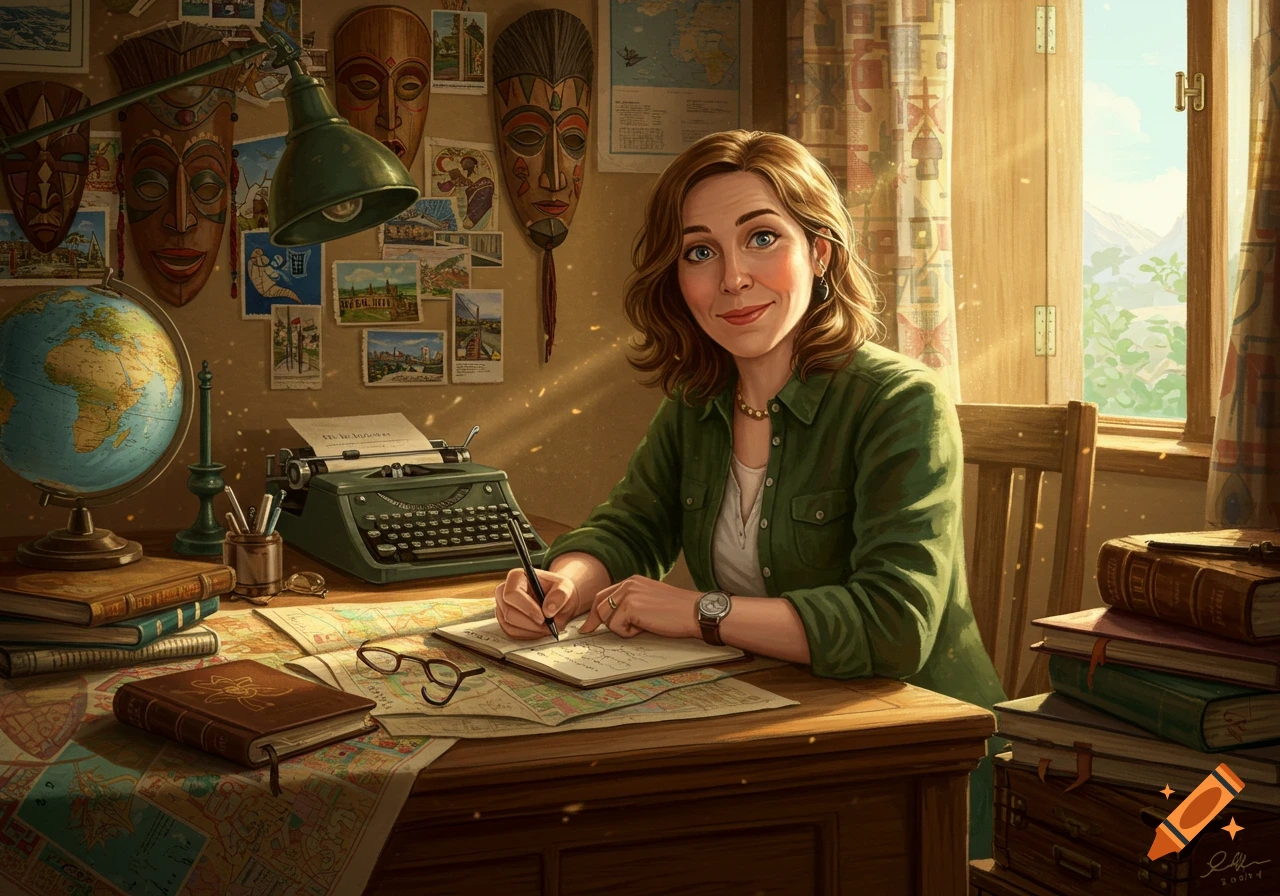
A woman in a teal shirt and brown apron makes a bracelet at a wooden table with colorful beads, an organizer, and an open book, in a photorealistic style.
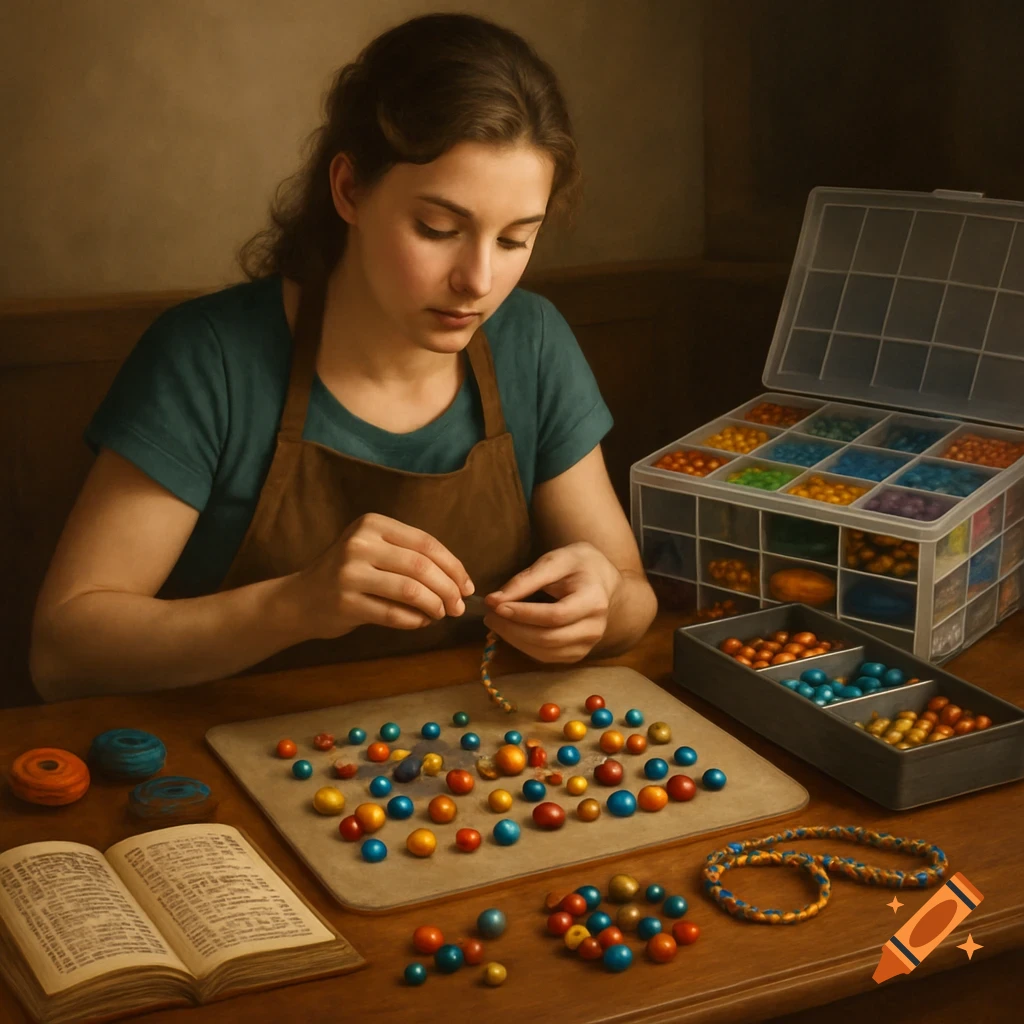
Using the analogy of a [Bracelet-Making Workstation], create a detailed, highly-realistic, and imaginative visual representation of a computer system. The image should combine the theme with the computer parts. Focus on the analogy from the text below: [How a Computer Works — Bracelet-Making Style CPU (Central Processing Unit) = The Crafter’s Brain This is the brain that decides what to do next, like choosing the pattern and telling your hands which beads to pick. RAM (Short-term memory) = The Beads on Your Work Mat These are the beads you have right in front of you, ready to use quickly while making your bracelet. You don’t keep all your beads here — just the ones you need right now. Hard Drive or SSD (Long-term storage) = The Bead Organizer Box This is where you keep all your beads, threads, and finished bracelets safe when you’re not using them. You can go back and get more beads whenever you want. Motherboard (The main circuit board) = The Worktable This is the table that holds everything together — the beads, tools, and your workspace — so you can build your bracelets smoothly. Operating System (Windows or macOS) = The Instruction Book or Pattern Guide This is the main set of instructions that helps you know what to do and when, making sure you build the bracelet correctly and don’t get lost. So, the crafter’s brain (CPU) uses beads from the mat (RAM) to build bracelets on the worktable (motherboard), following the instructions (operating system), and stores extra beads See more