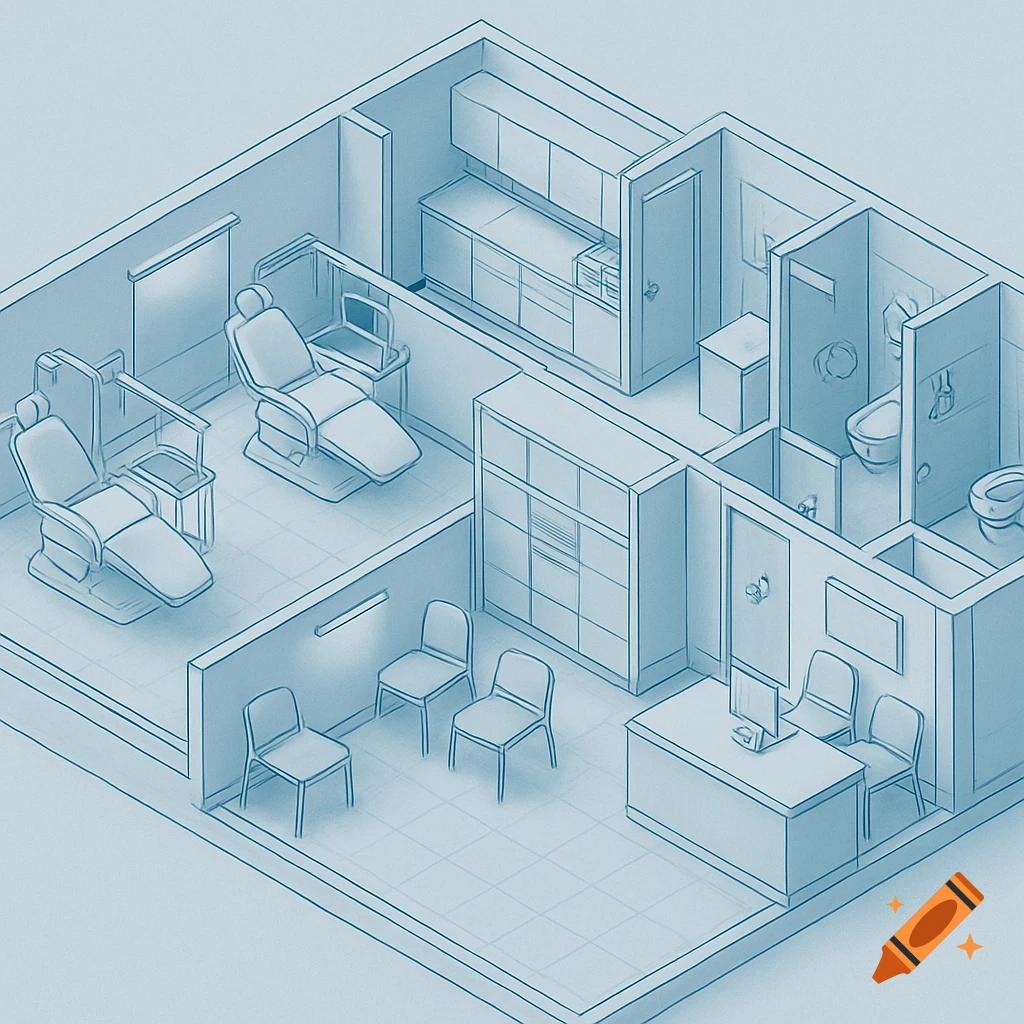
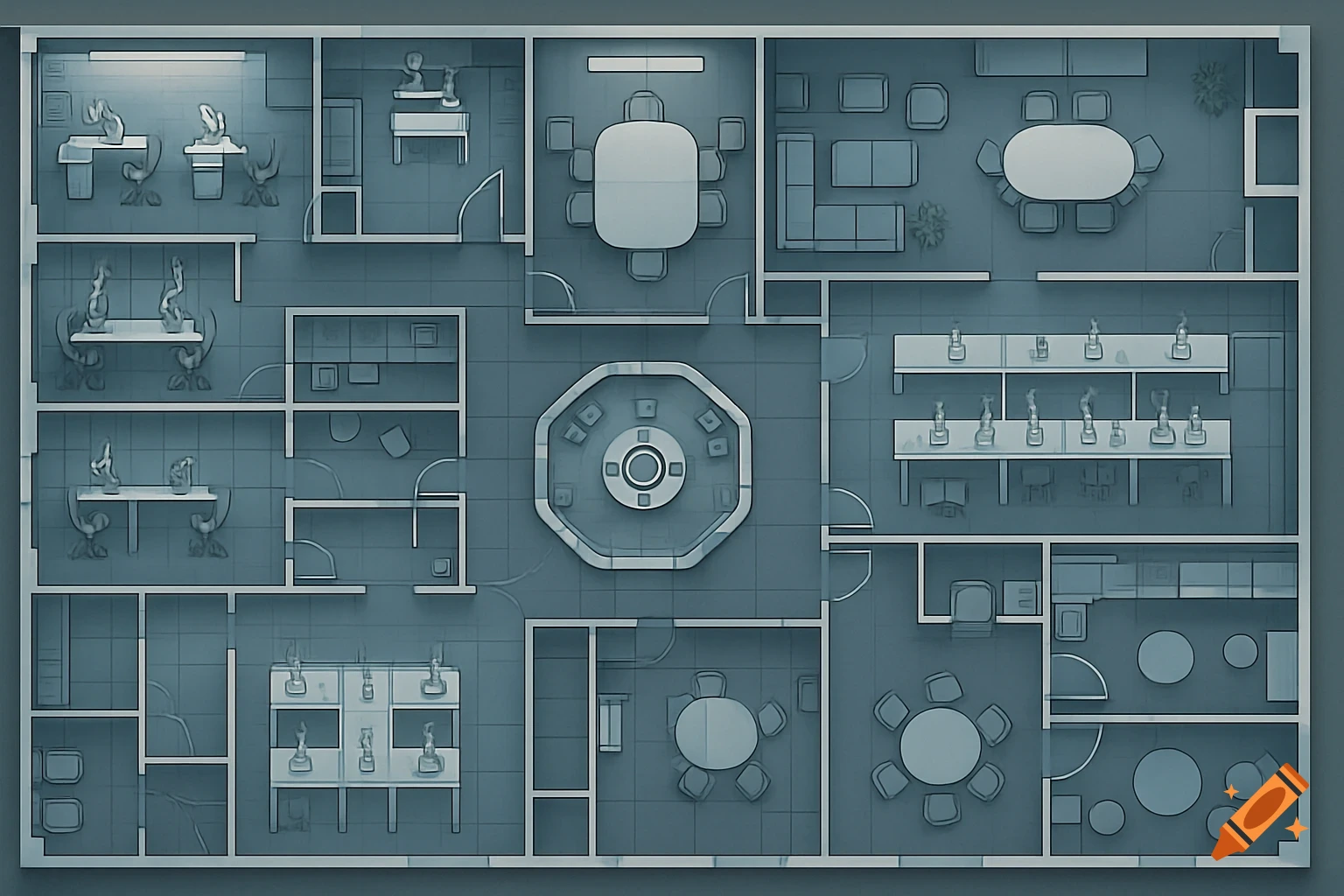
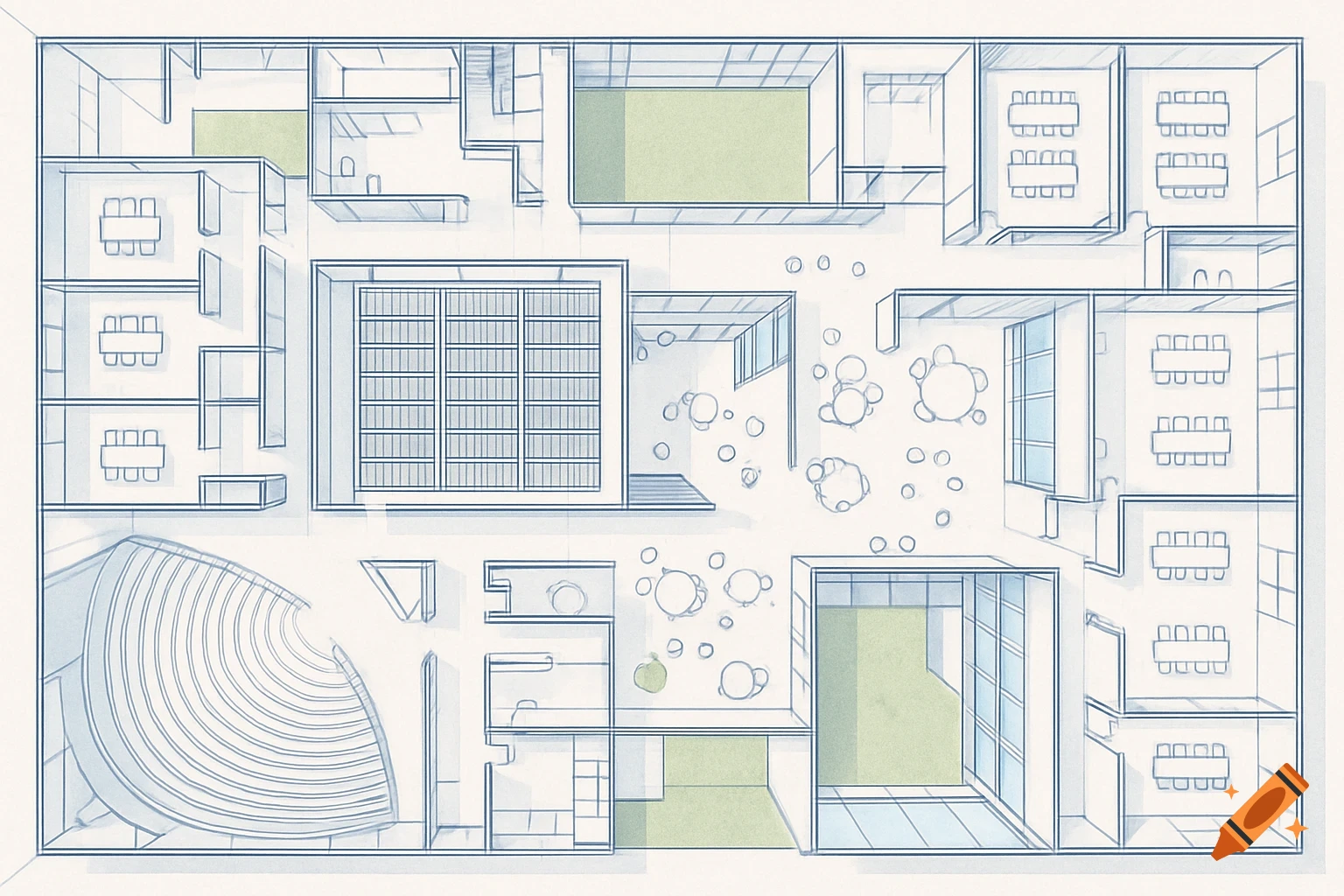
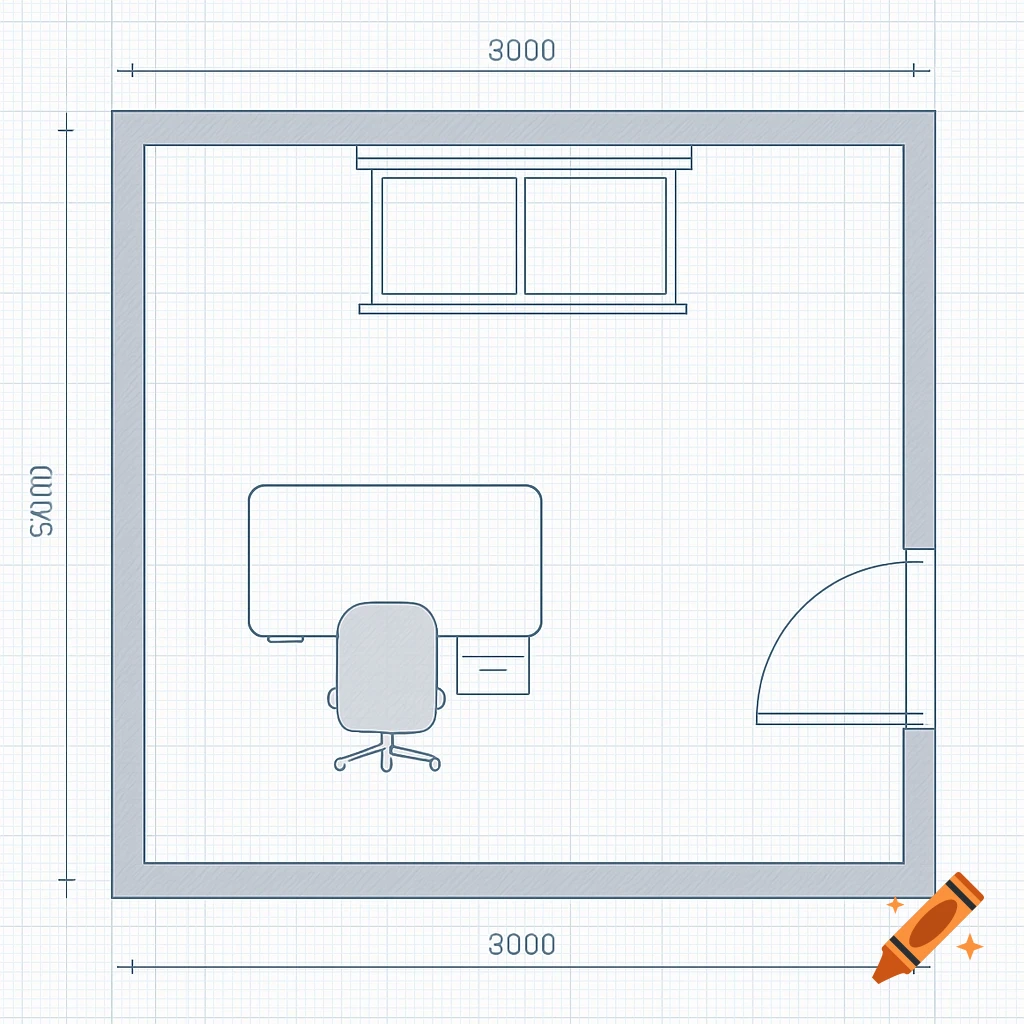
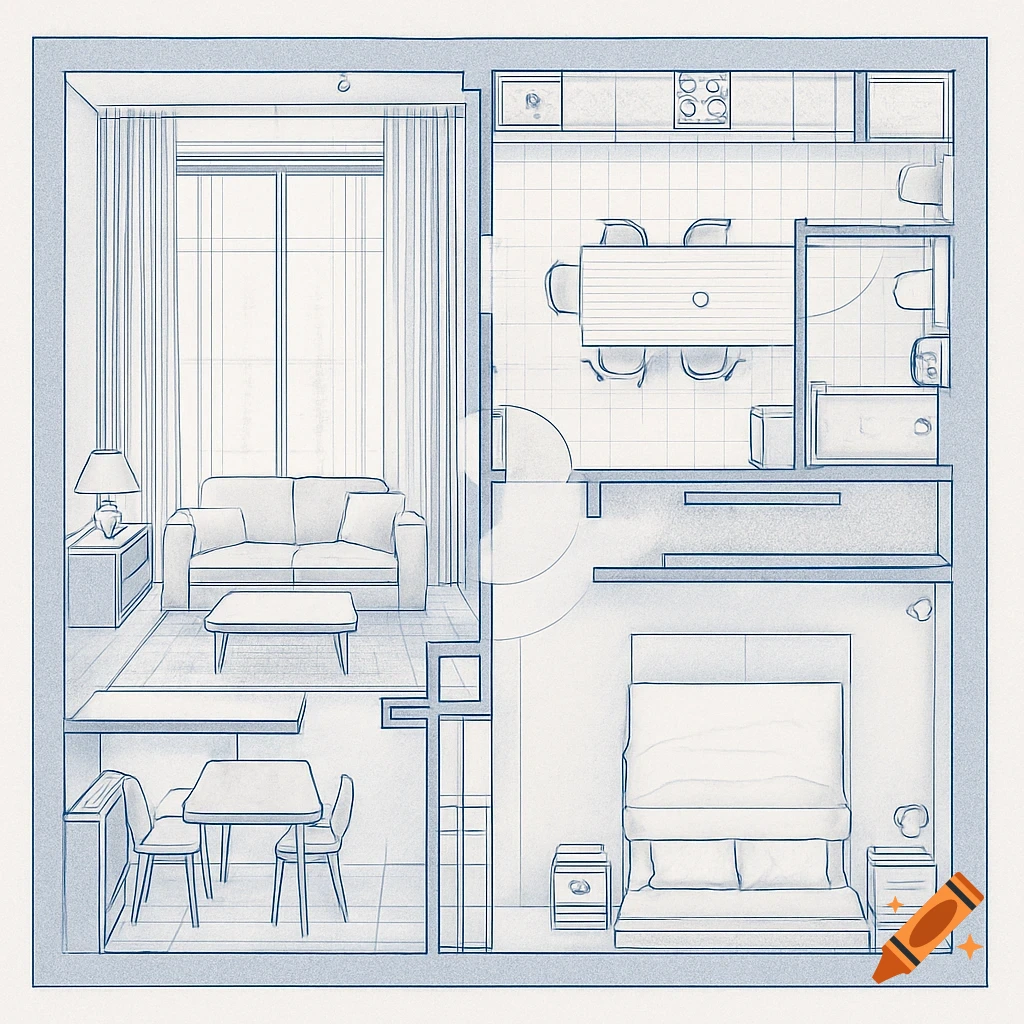
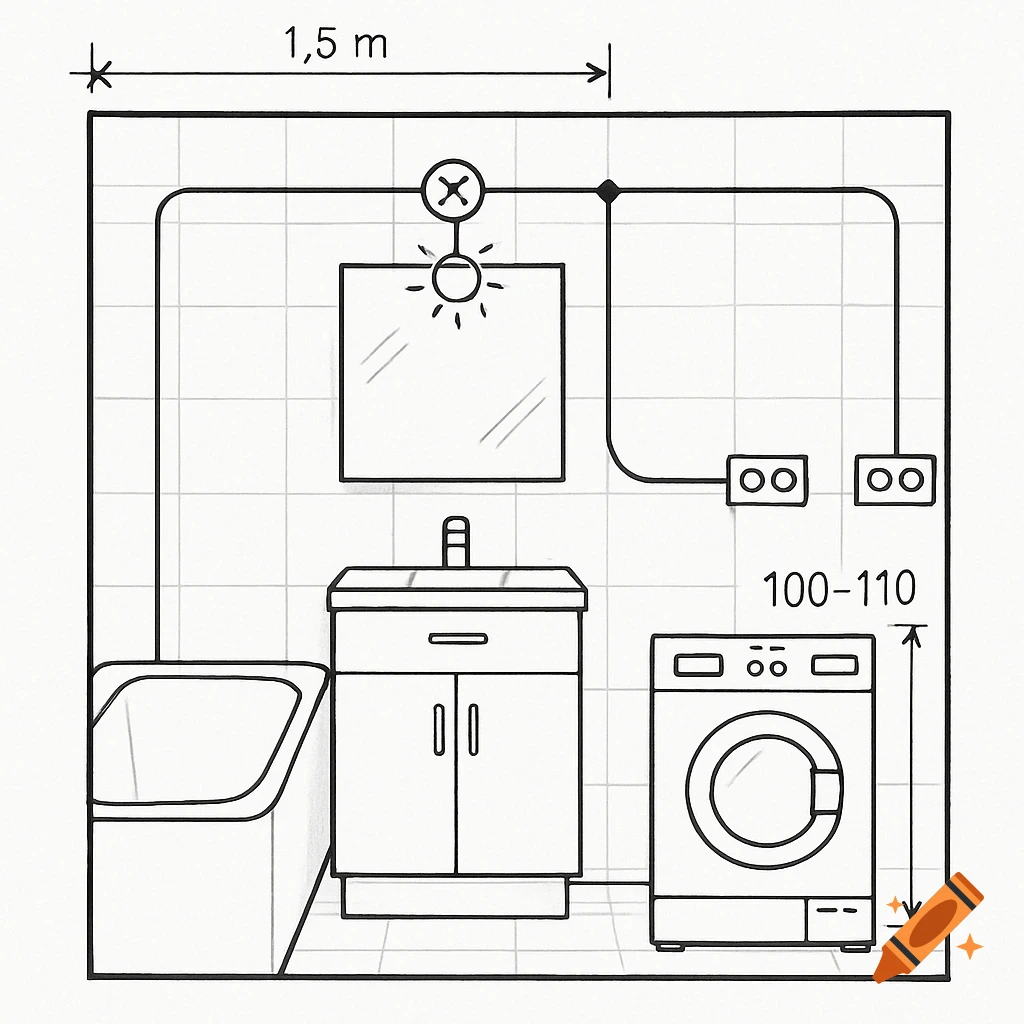
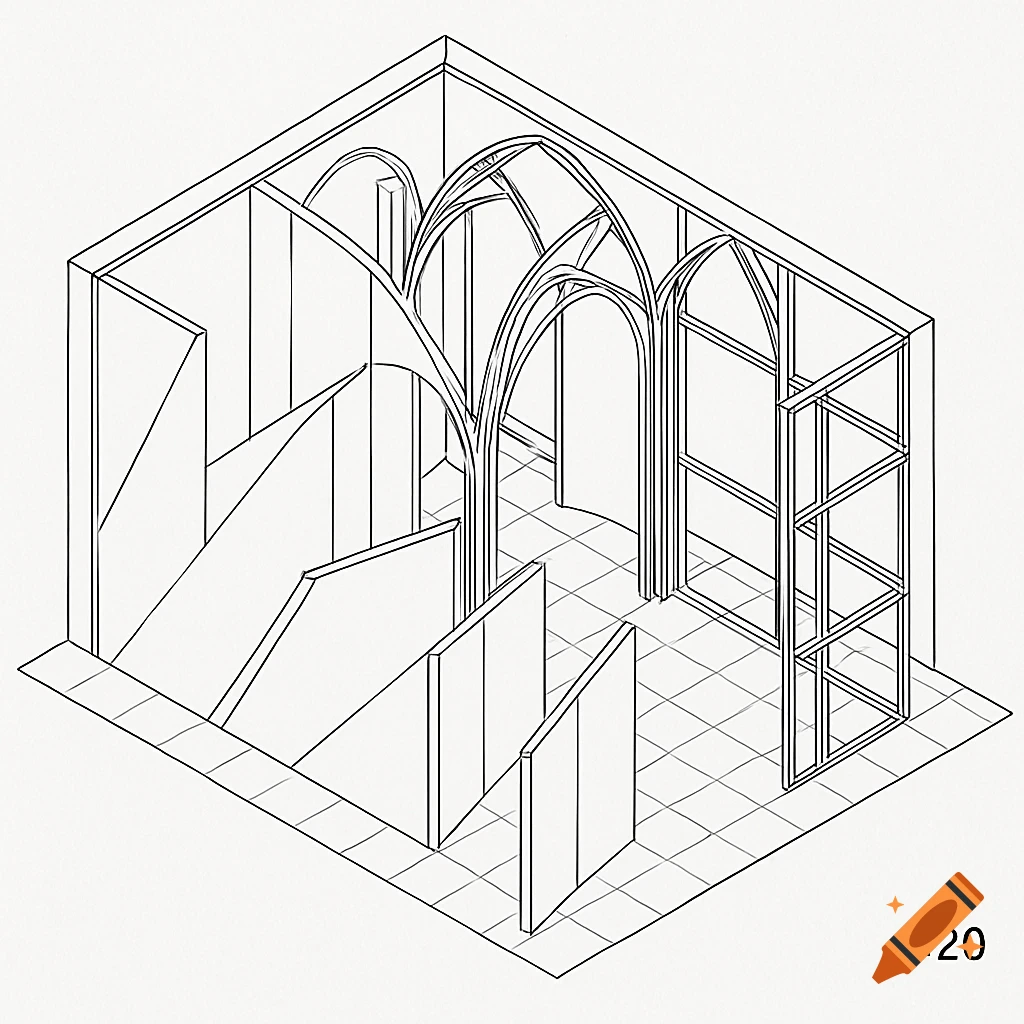
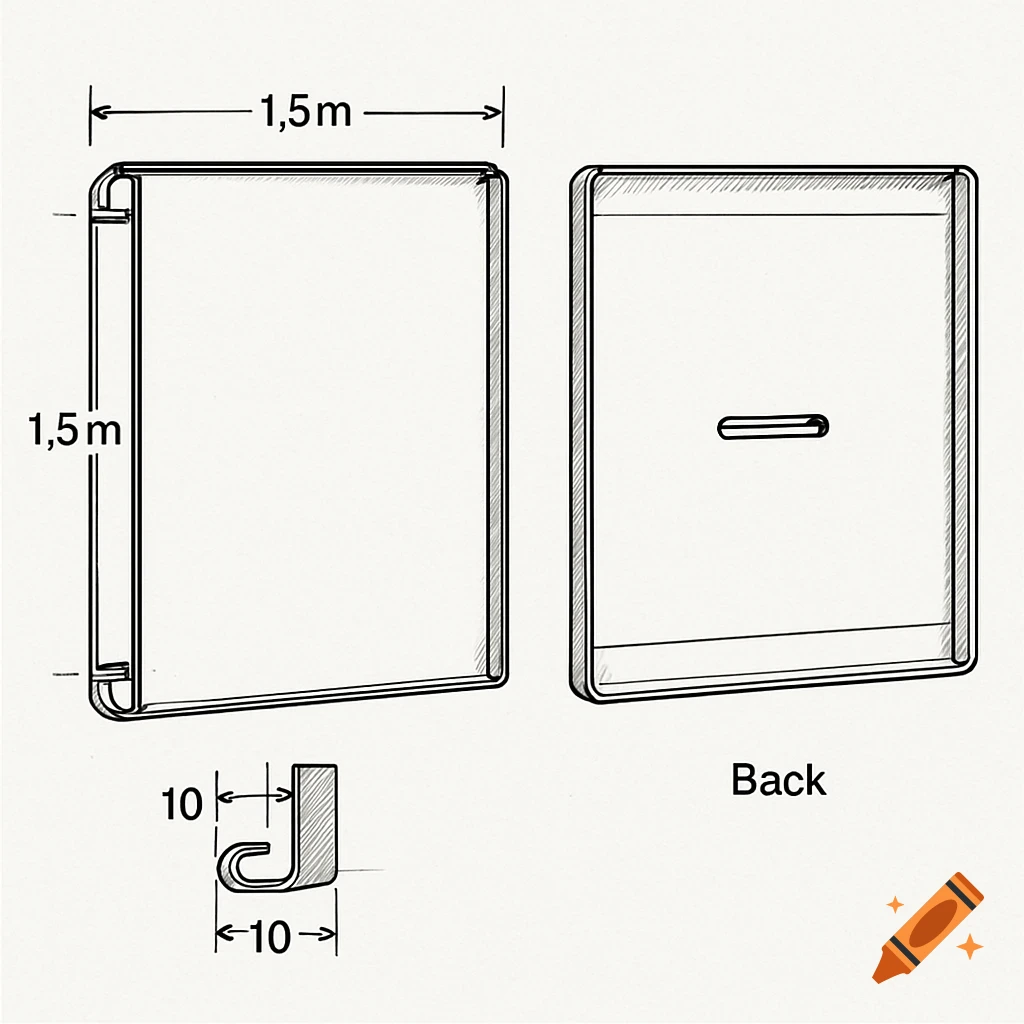
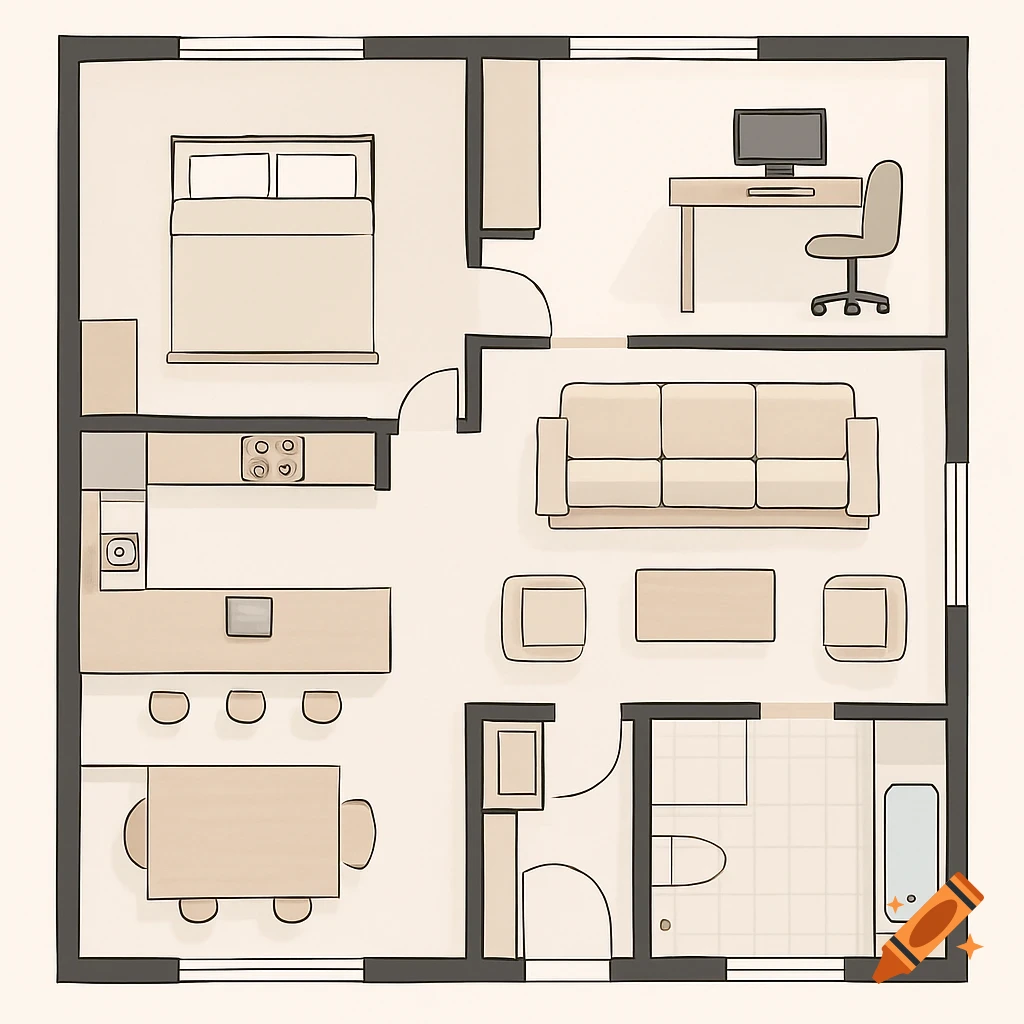
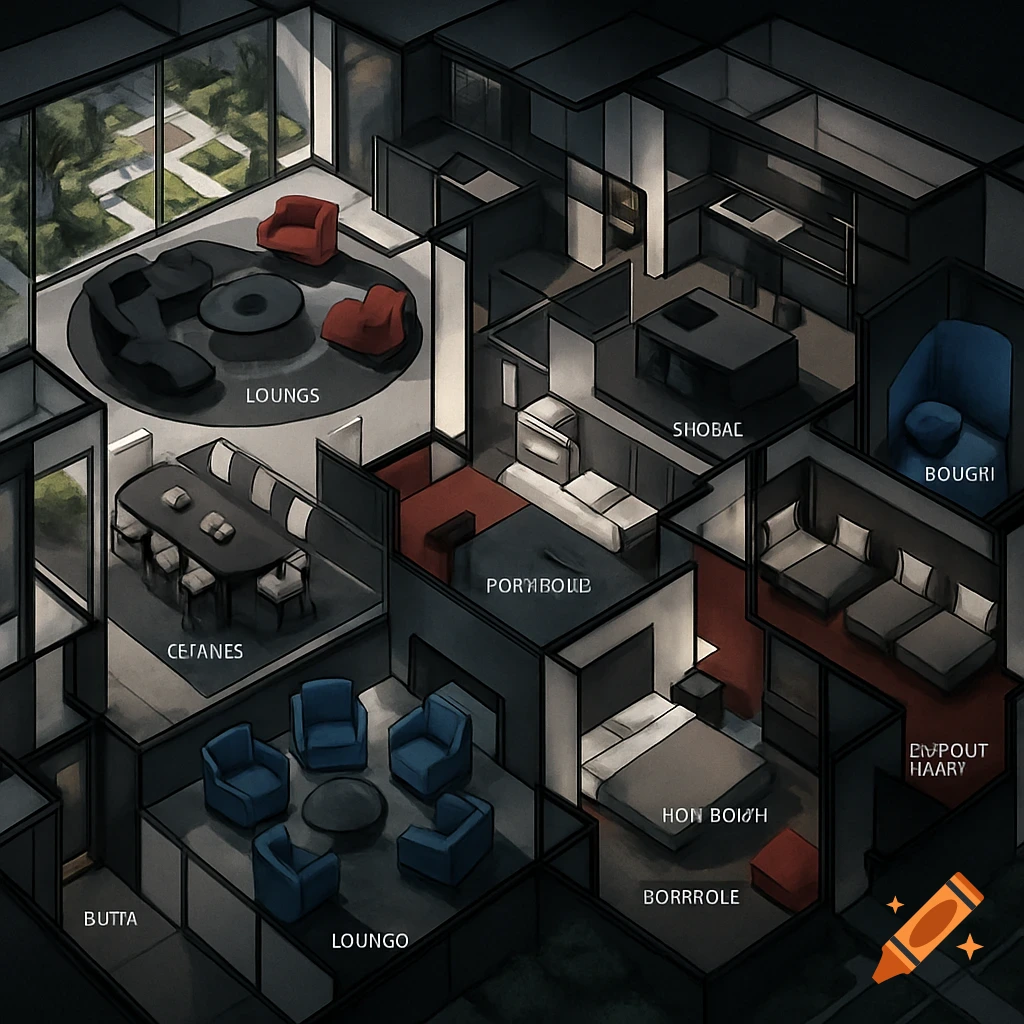
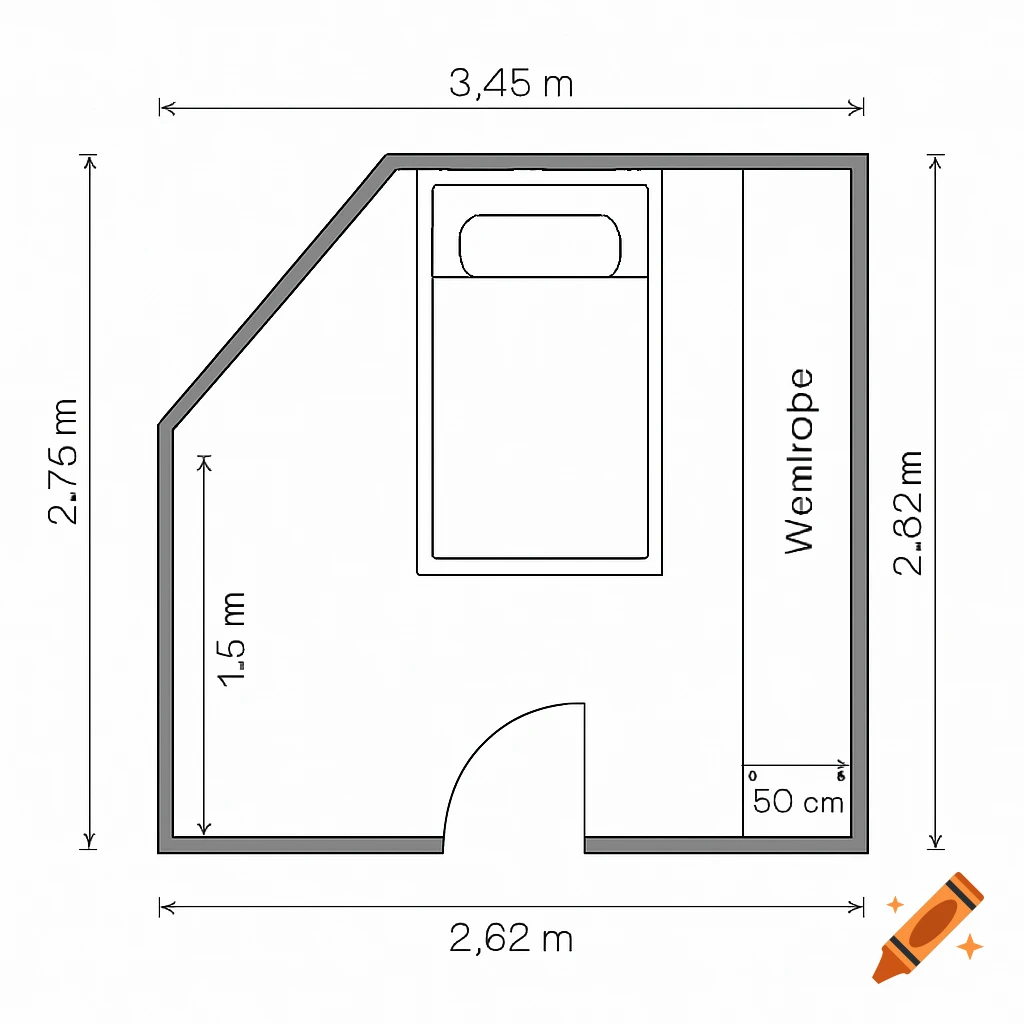
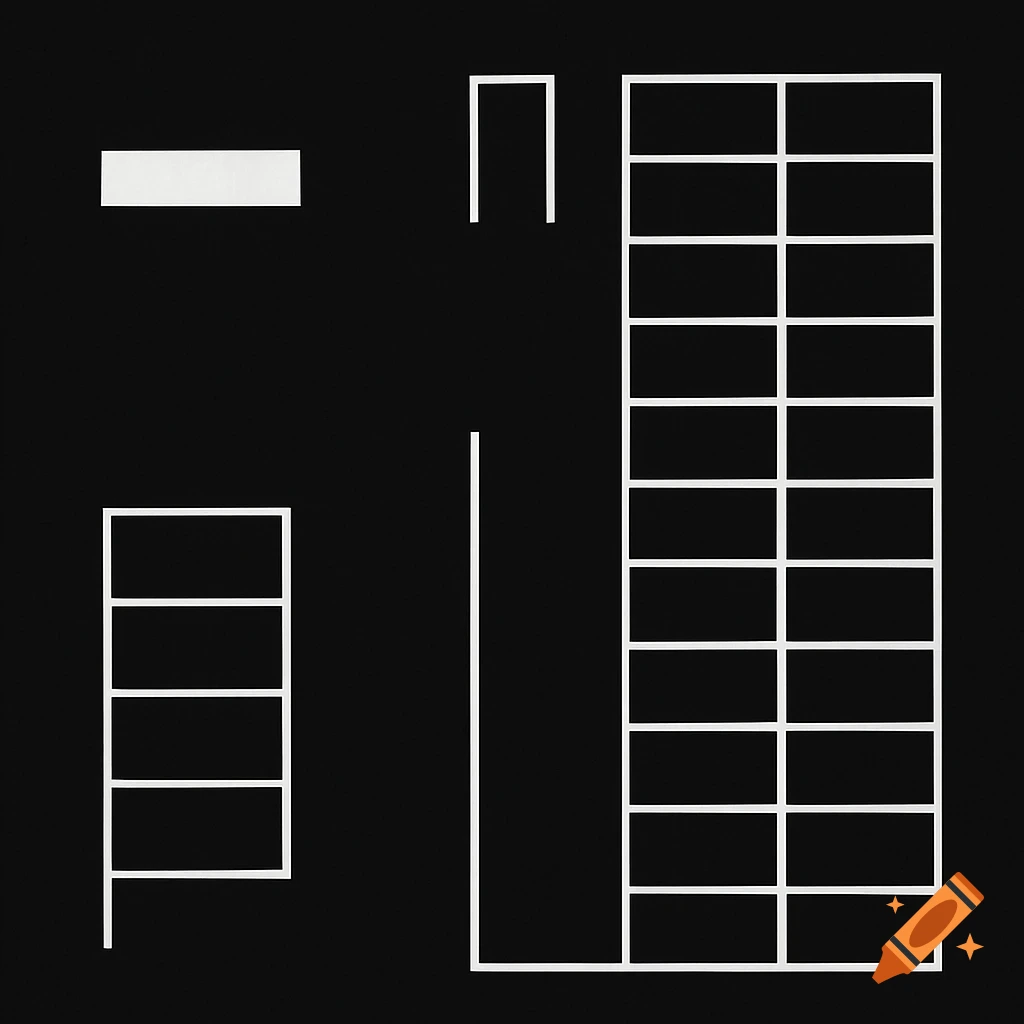
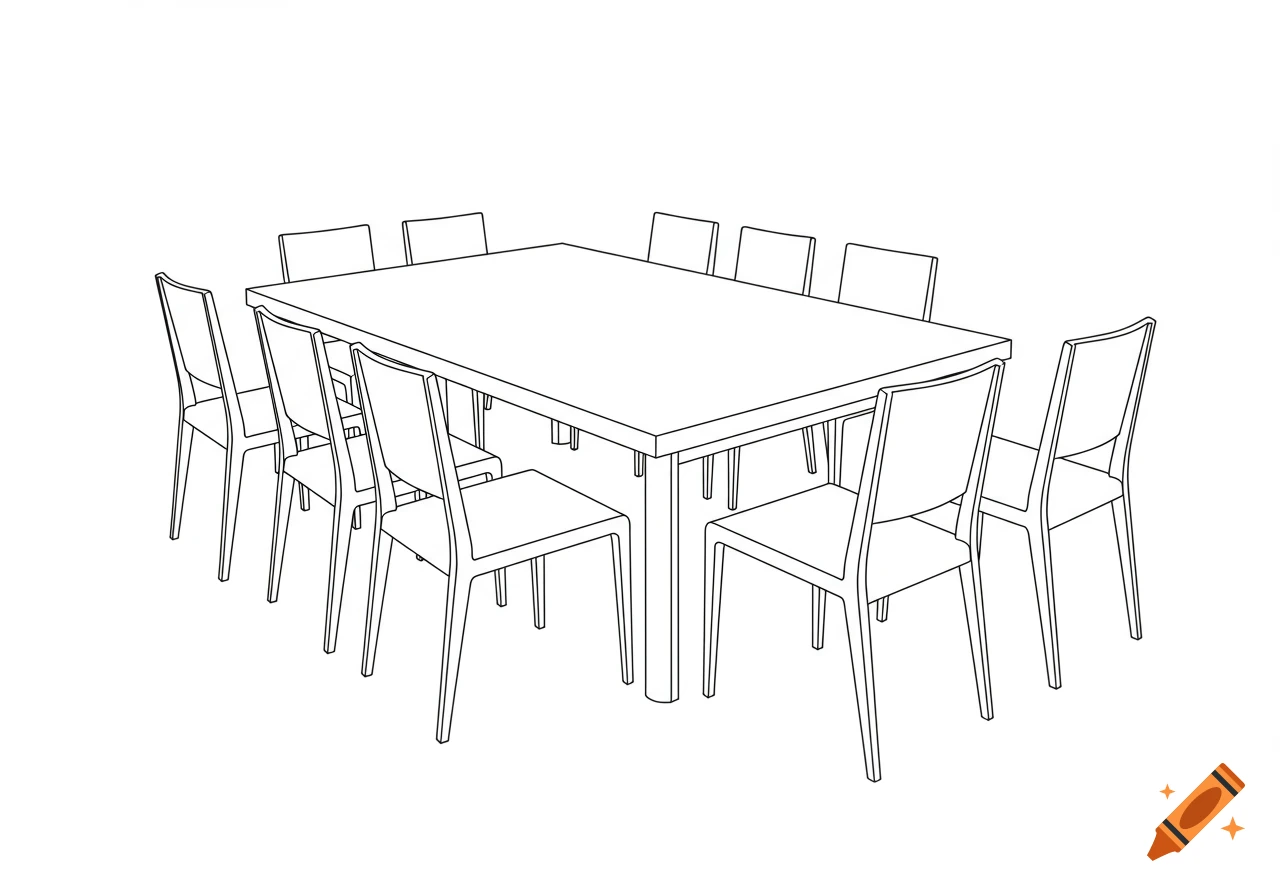
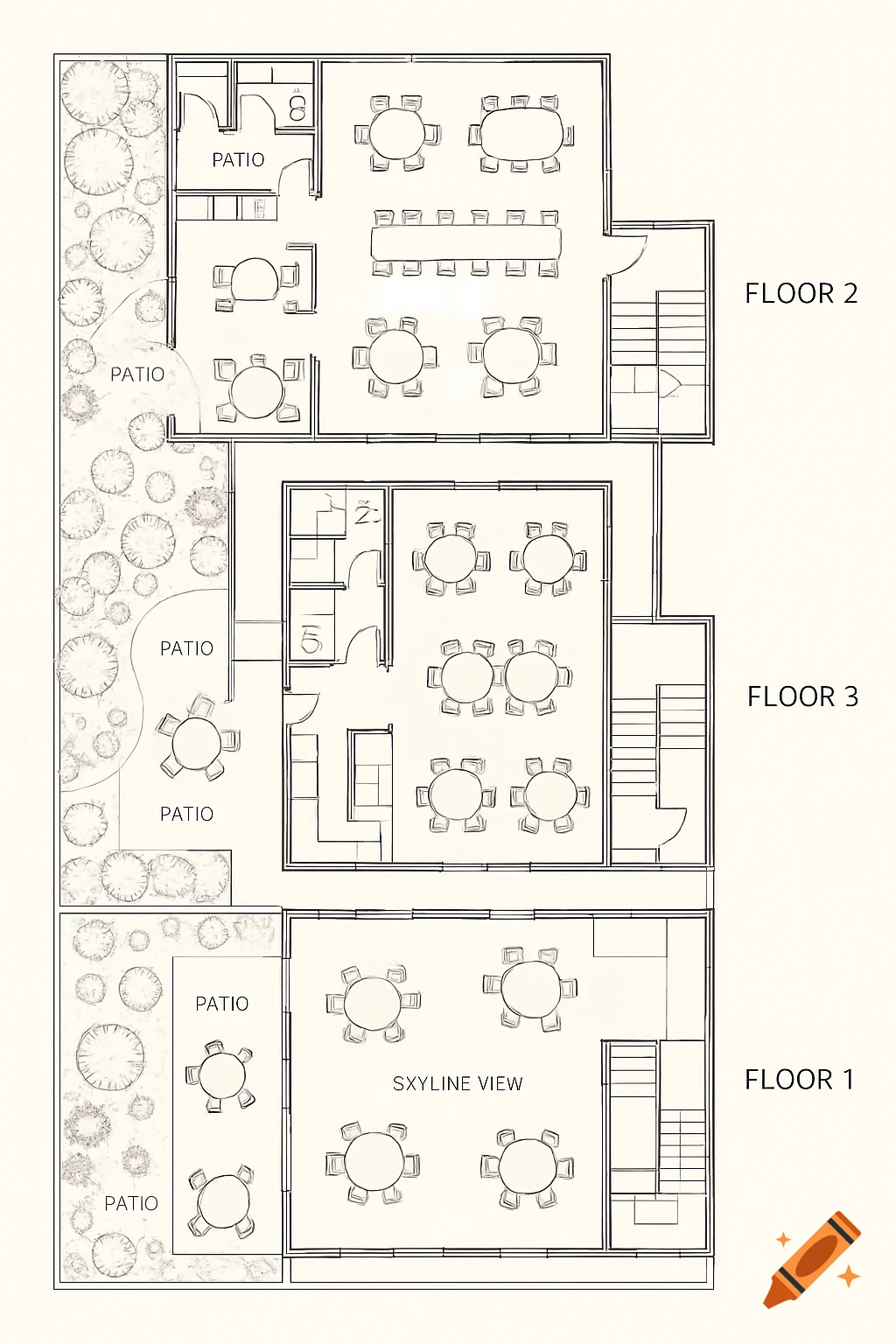
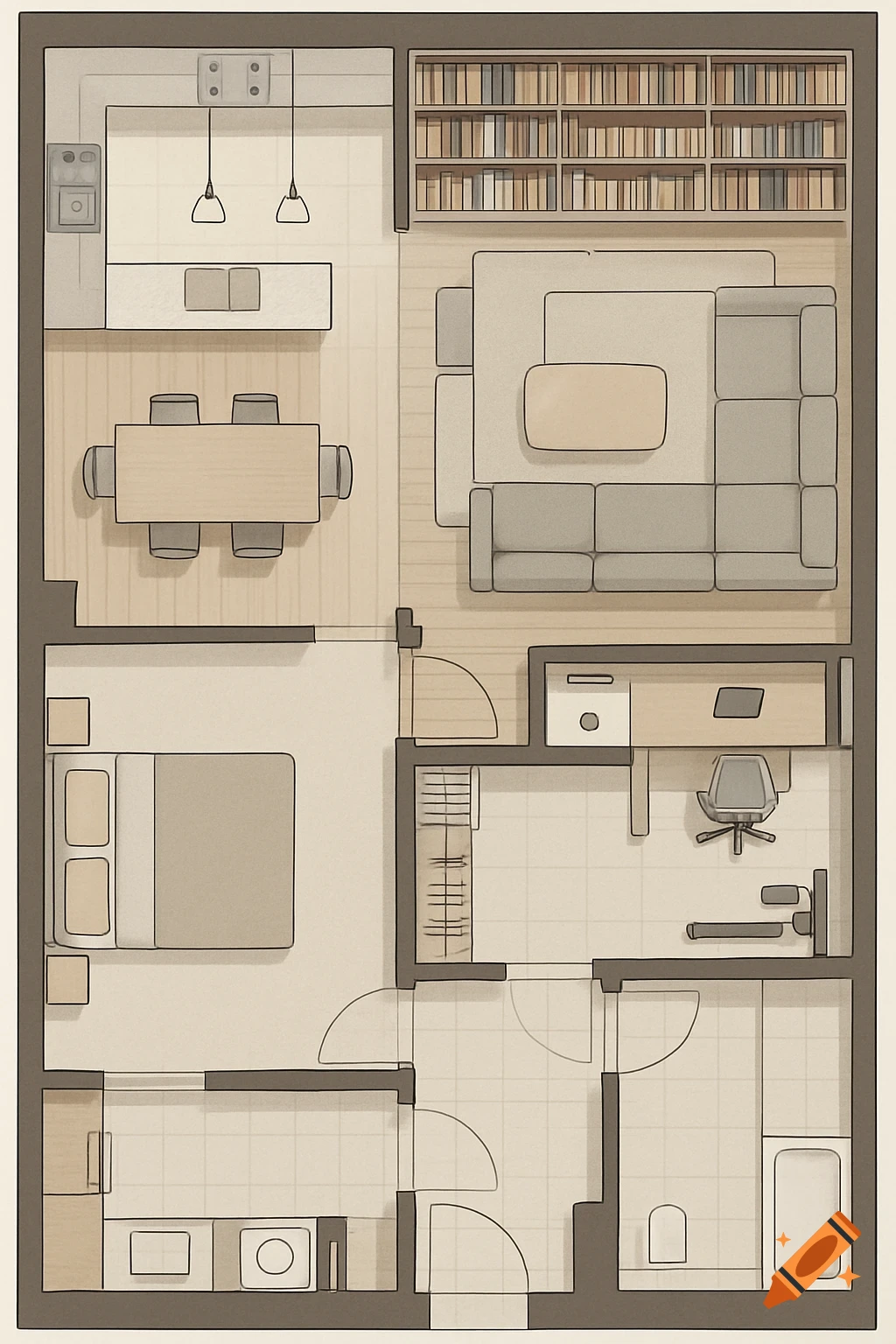
Top-down schematic diagram of a classroom layout with a central table, and desks with computers along the left and right walls. A door is in the front-left, and a network rack in the back-right.
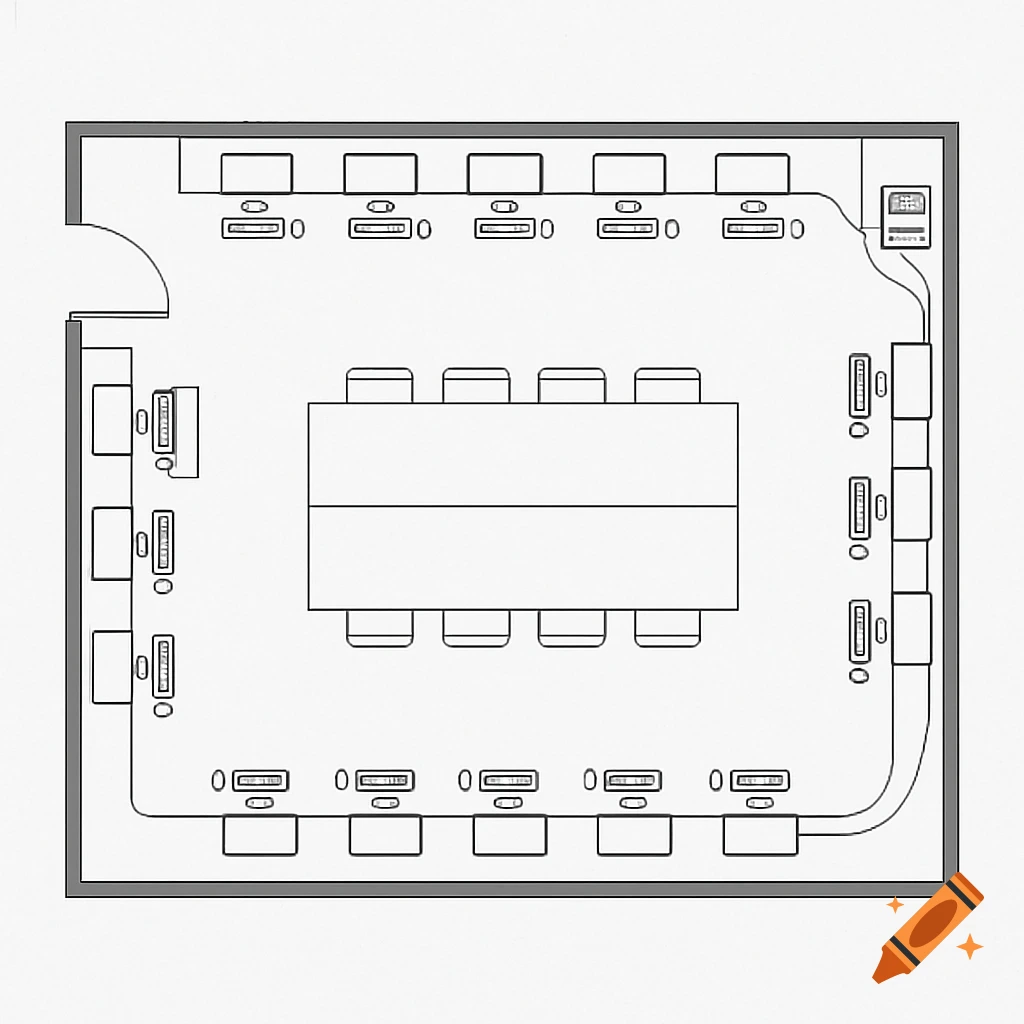
Create a top-down schematic diagram of a rectangular classroom layout with a door located at the front-left corner of the room, without any furniture blocking the door. Along the left long wall, place a row of 8 computers arranged vertically from the front near the door to the back of the room. The first computer, closest to the door, is the teacher's computer and is positioned horizontally facing into the room (not vertical). The other 7 computers on the left wall are student computers aligned vertically and facing towards the center of the room. Along the right long wall, place a row of 7 student computers also arranged vertically, facing the center aisle. Place three long rectangular tables: one runs parallel along the left wall under the row of 8 computers but does NOT cover the door area; another runs parallel along the right wall under the 7 computers; and a third long table is placed in the center of the classroom running front to back. There must be clear spaces between tables to allow for chairs and walking paths. At the back-right corner of the room, place a network rack containing a switch. Show Ethernet cables running neatly behind each computer along the walls, connecting all PCs to the switch in the rack. The teacher's computer is near the door and positioned horizontally, facing into the classroom, while all other computers are vertical and facing the center aisle. The diagram should be a clean, simple bird’s-eye view schematic with clear icons for computers, See more