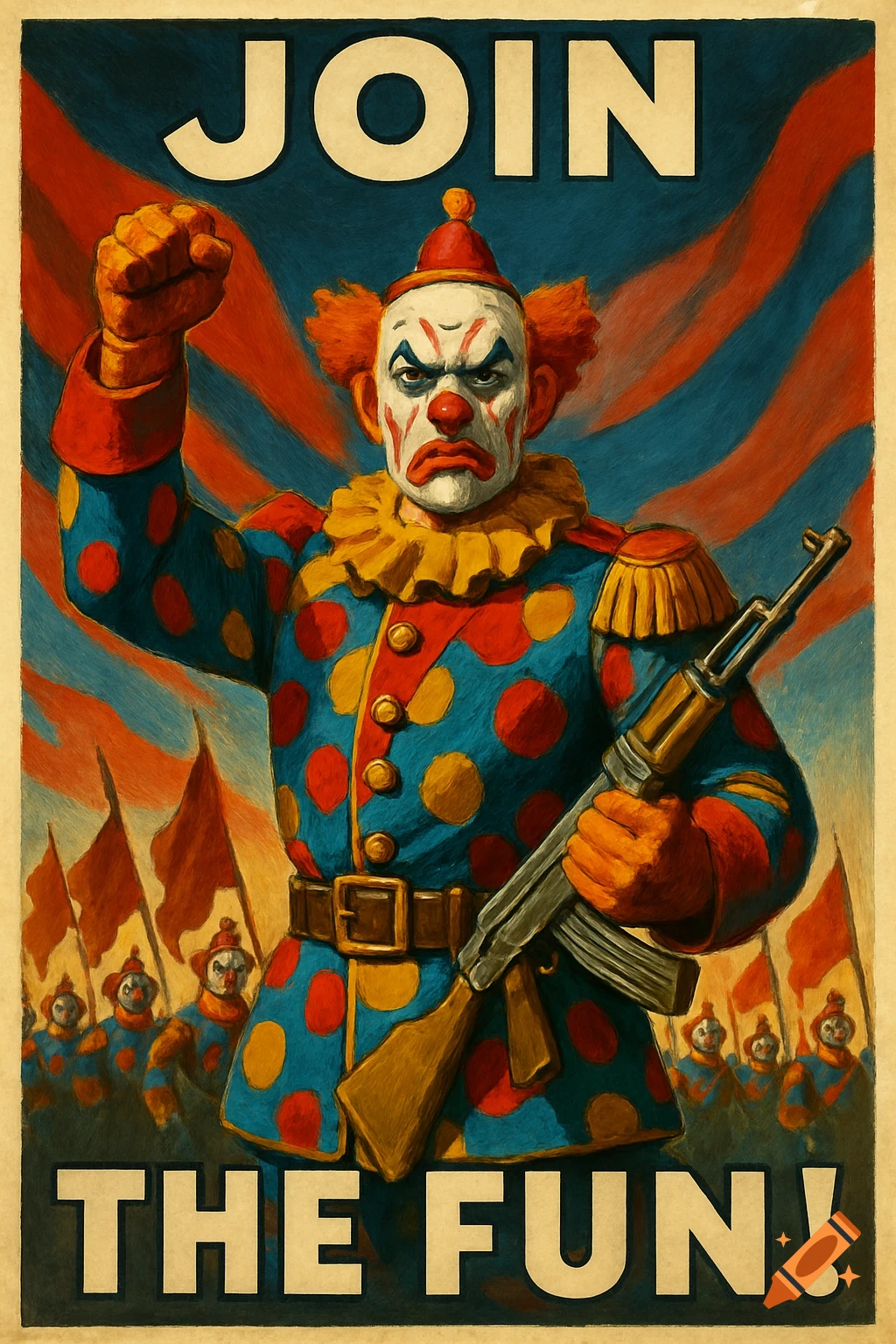
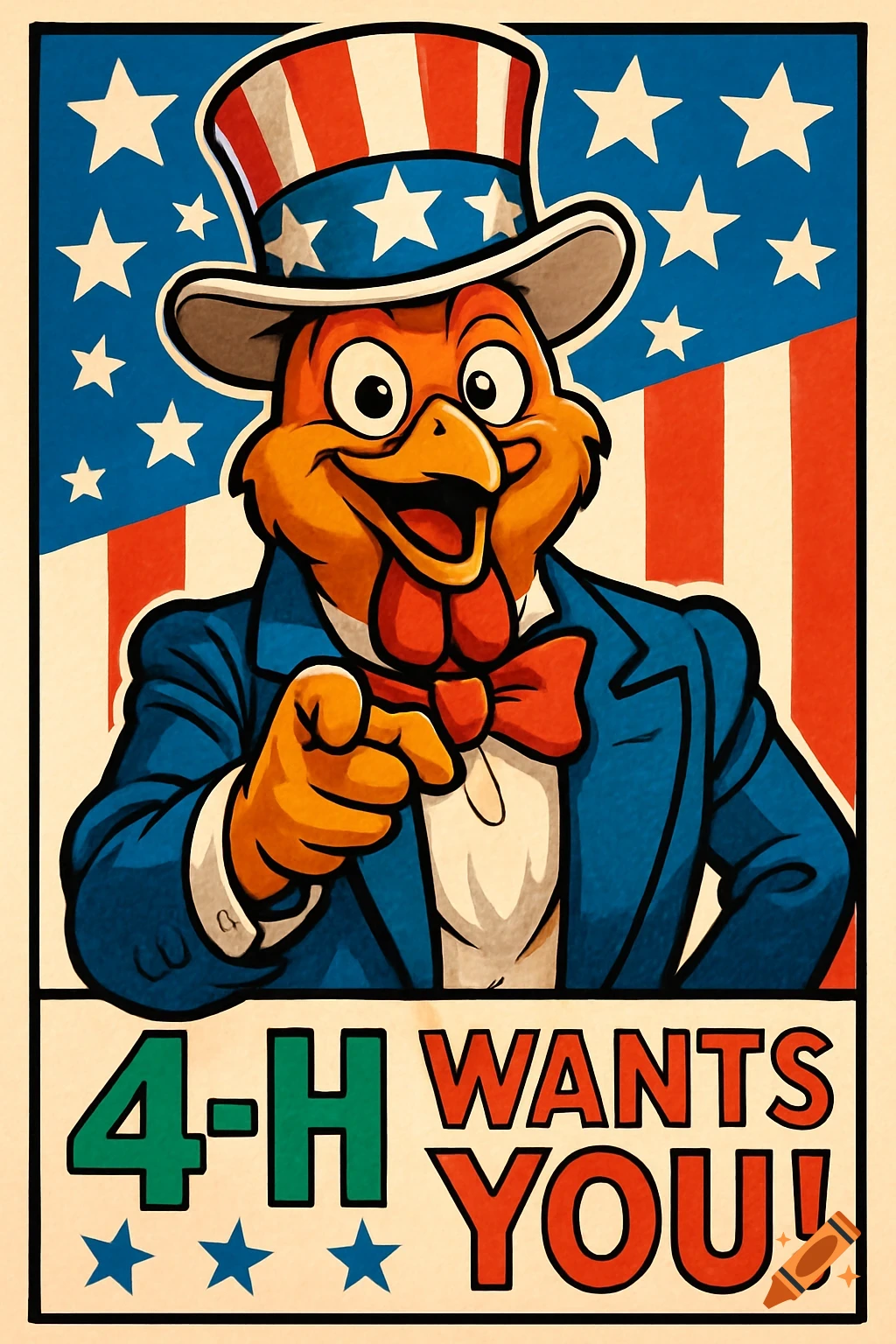
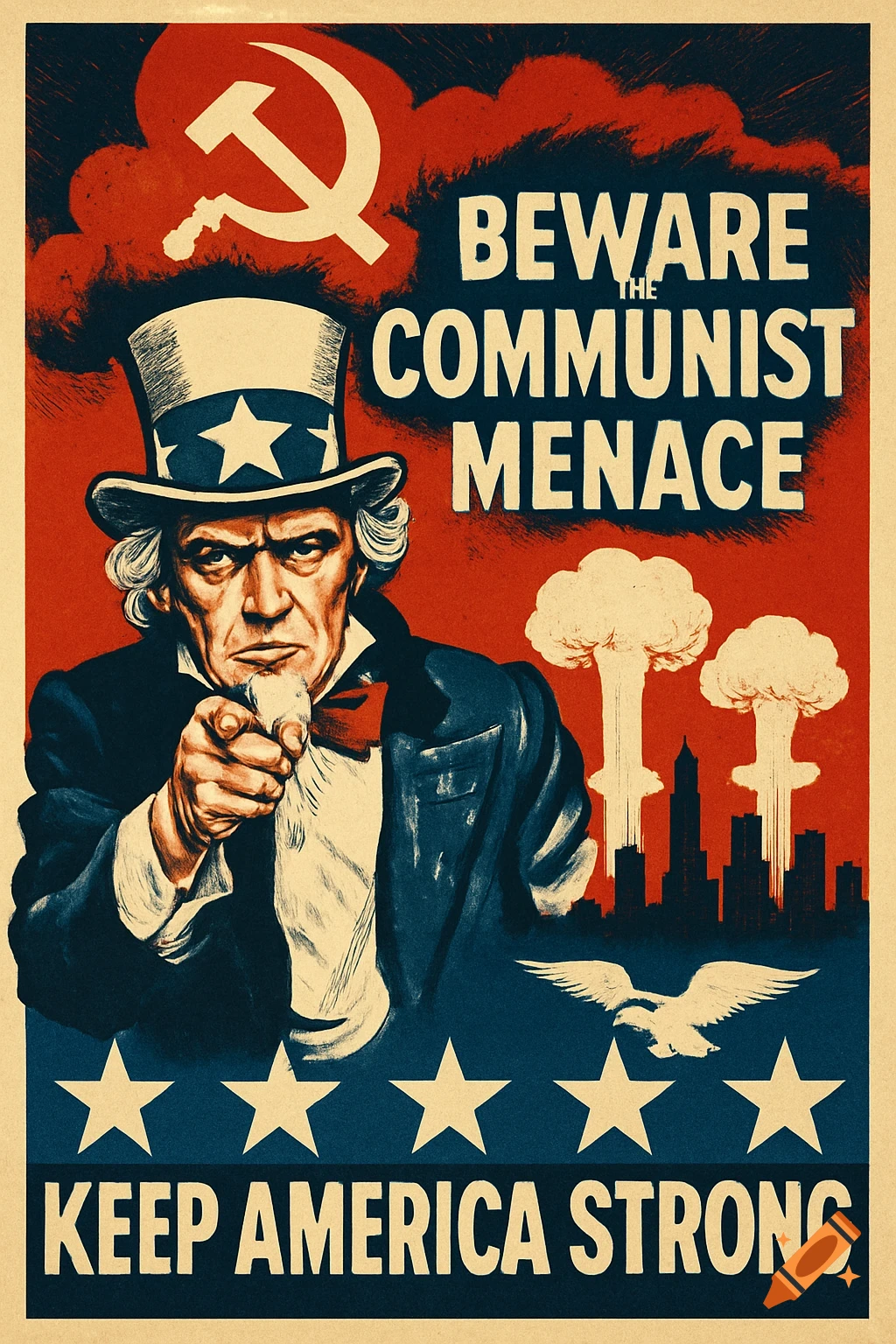
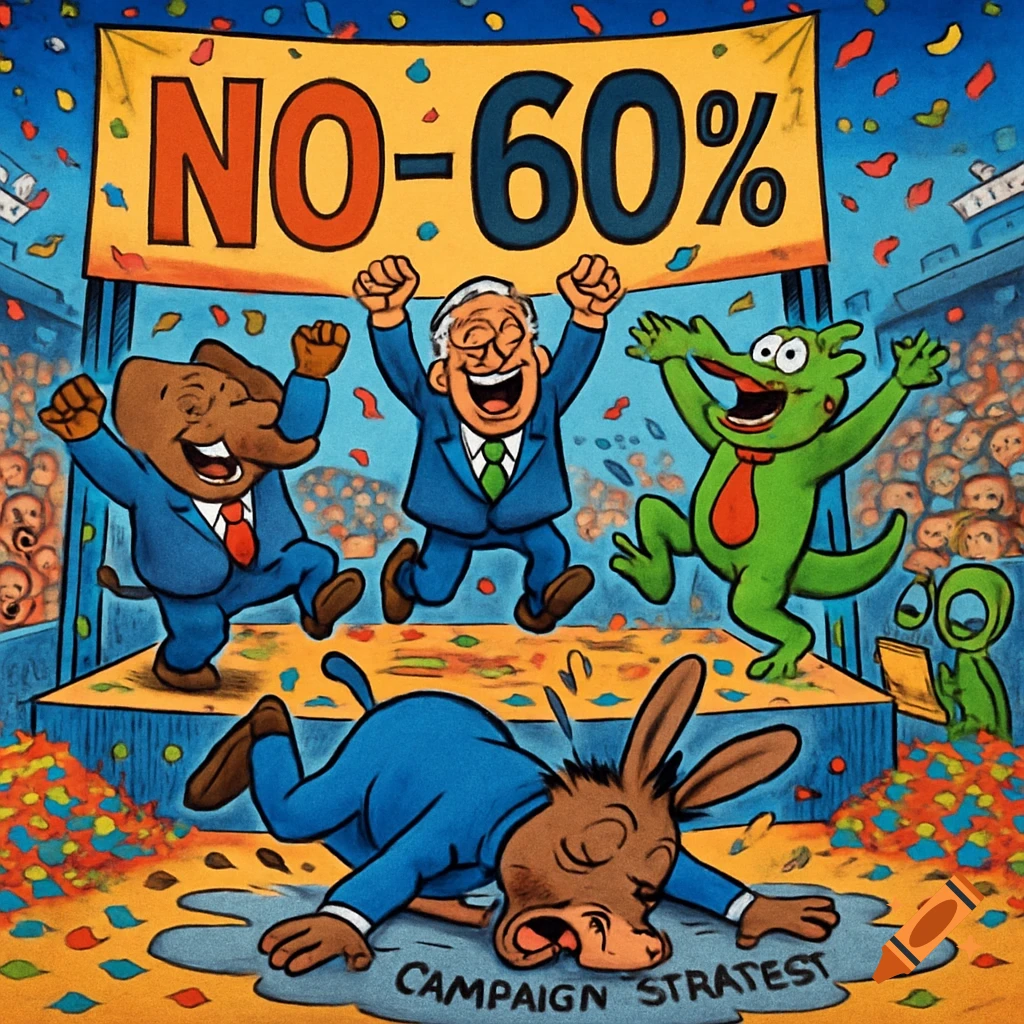
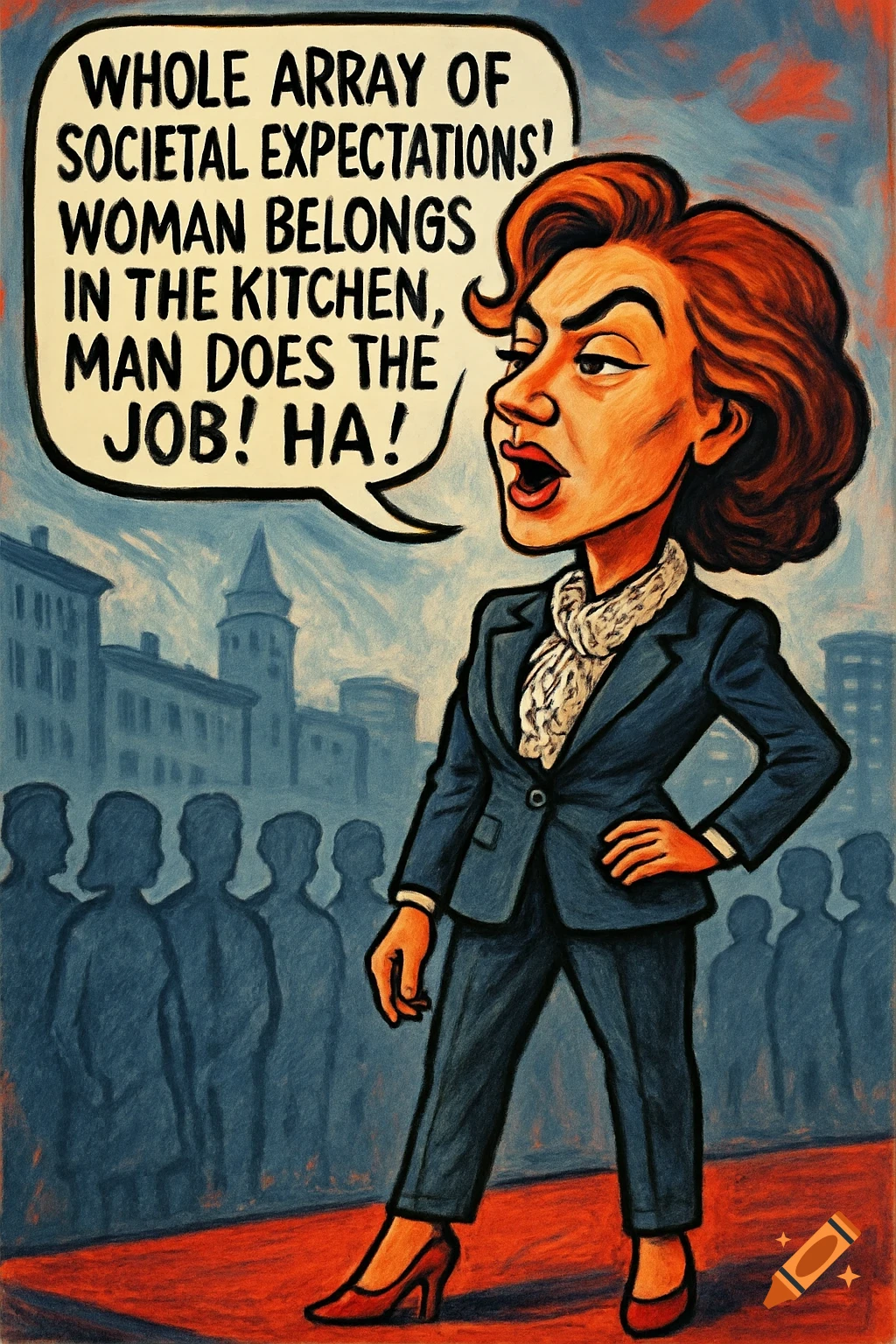
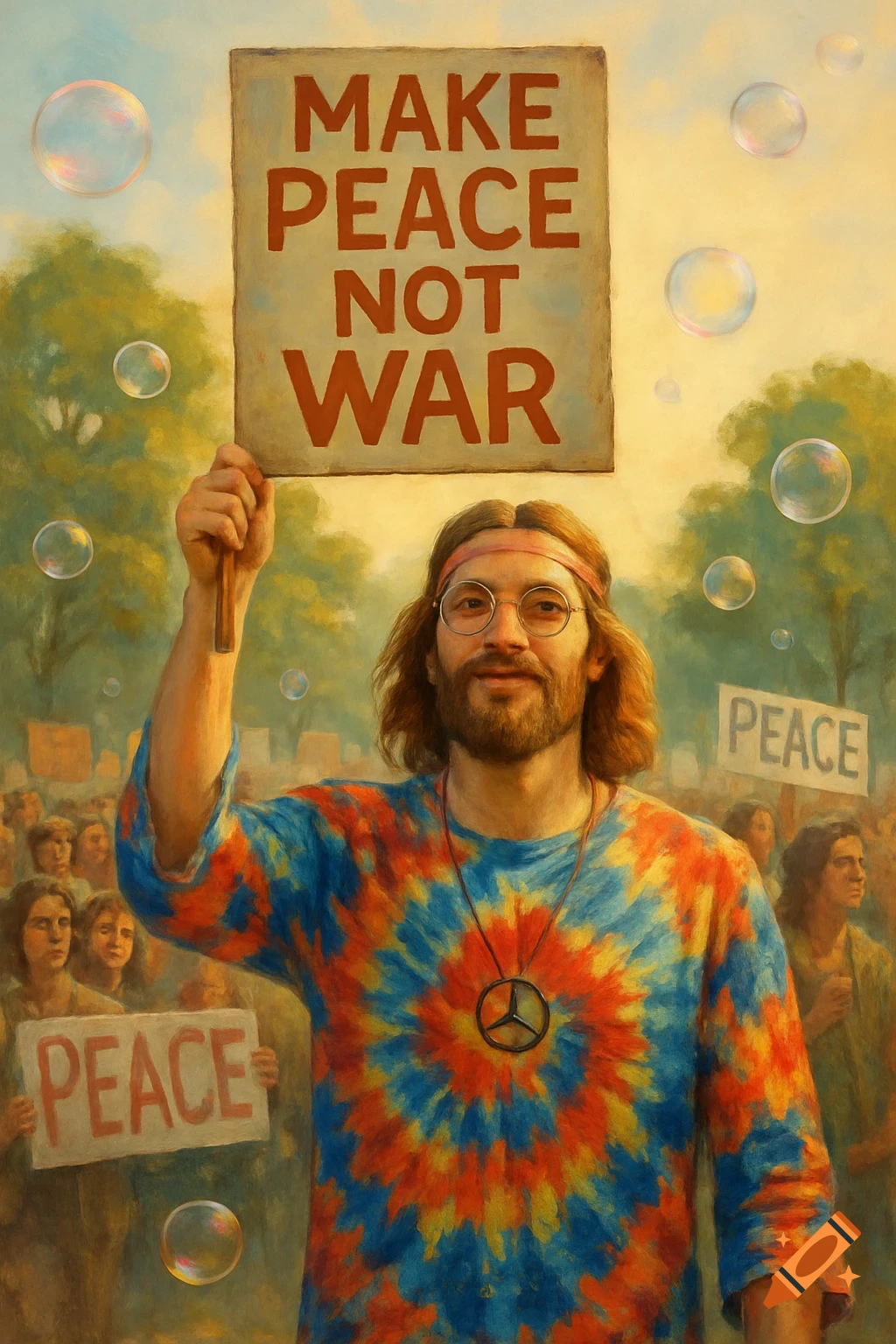
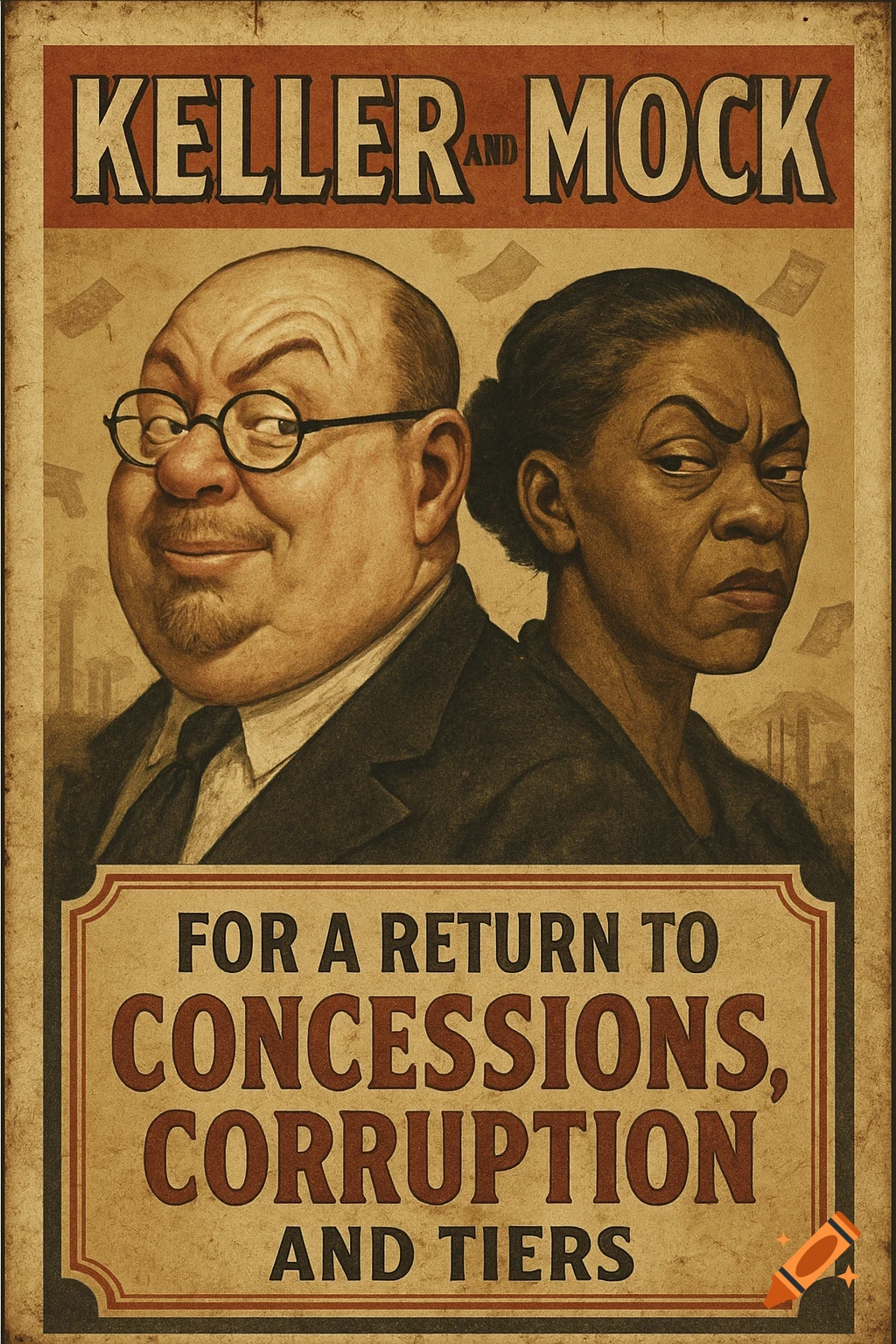
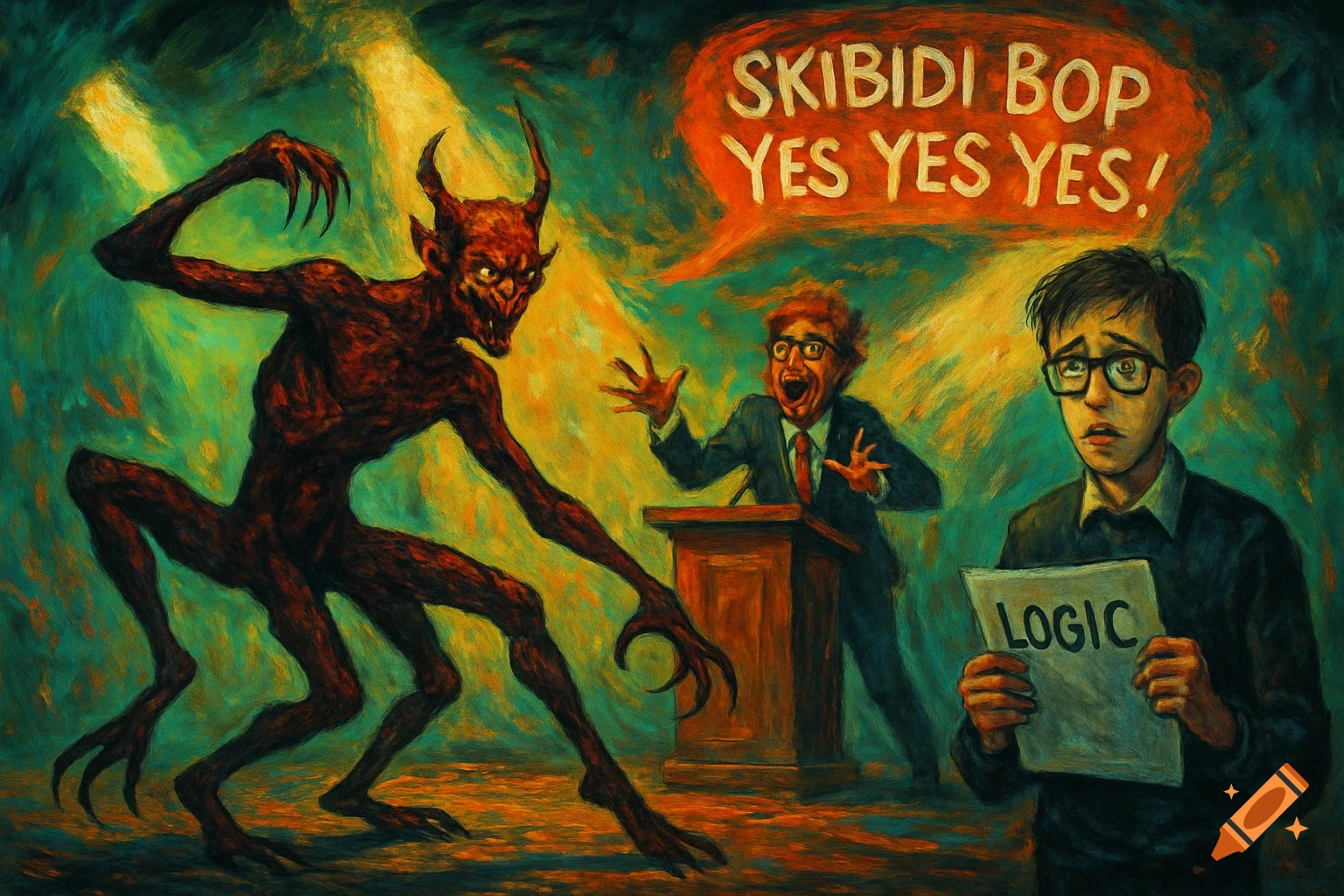
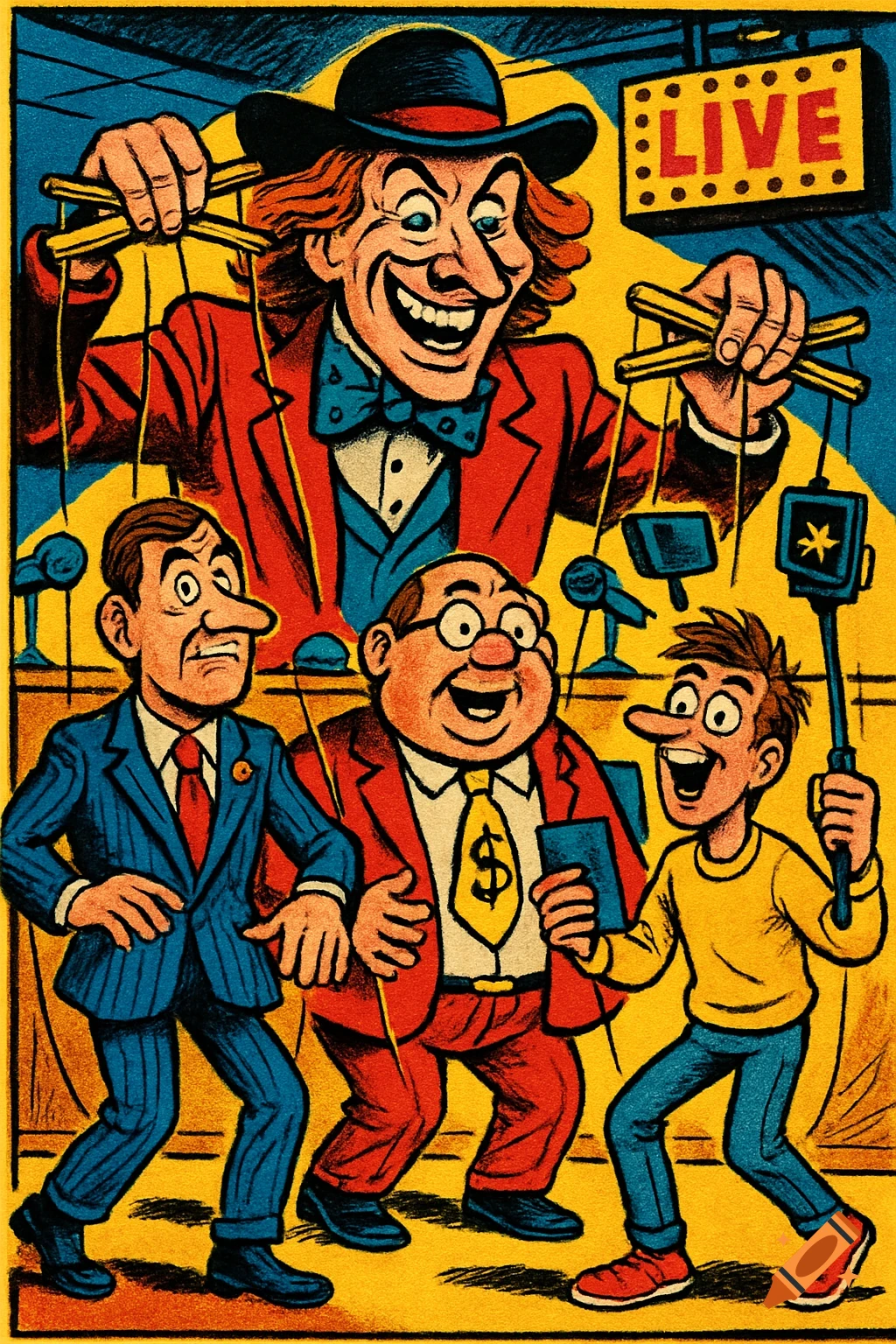
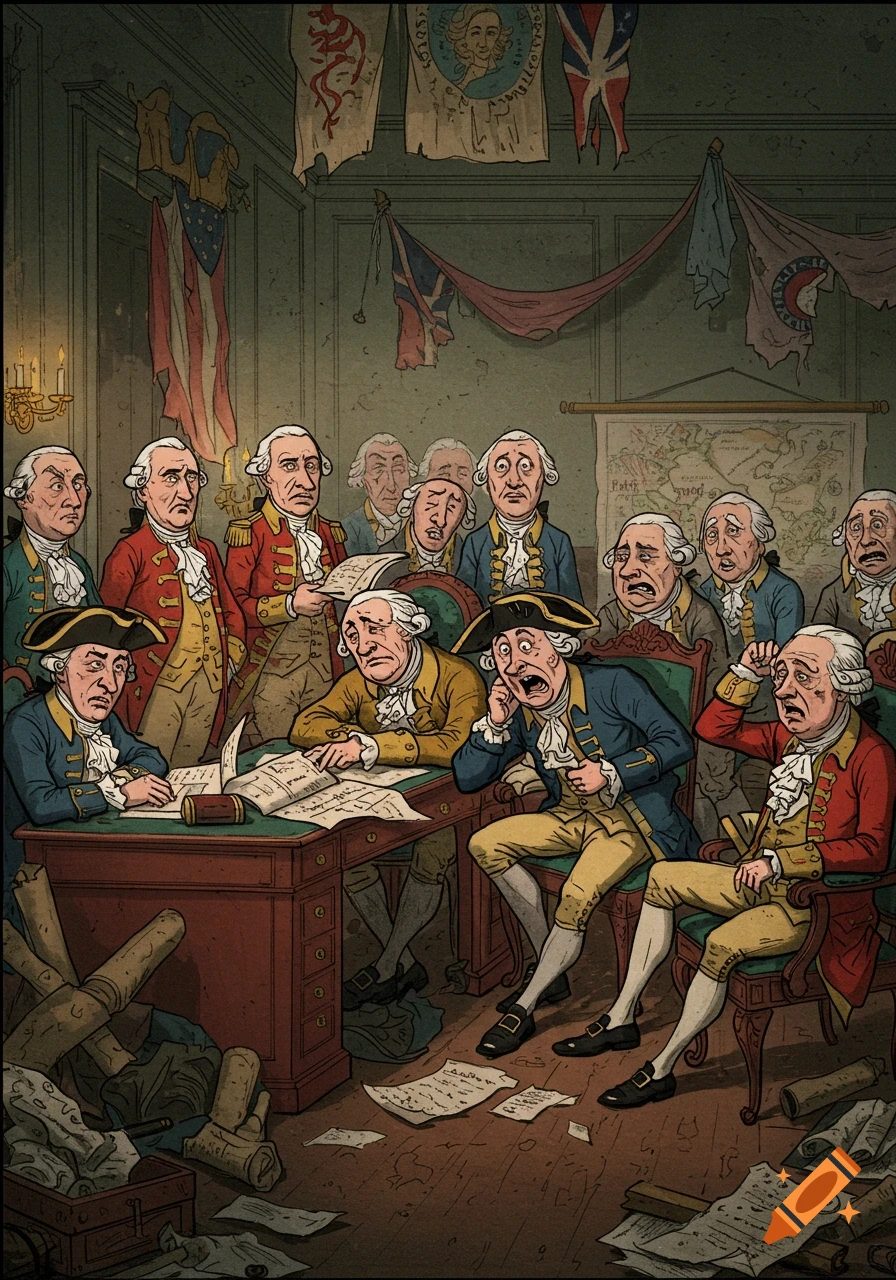
A political cartoon depicting several clowns tumbling and falling in front of a circus tent, with satirical text about an election.
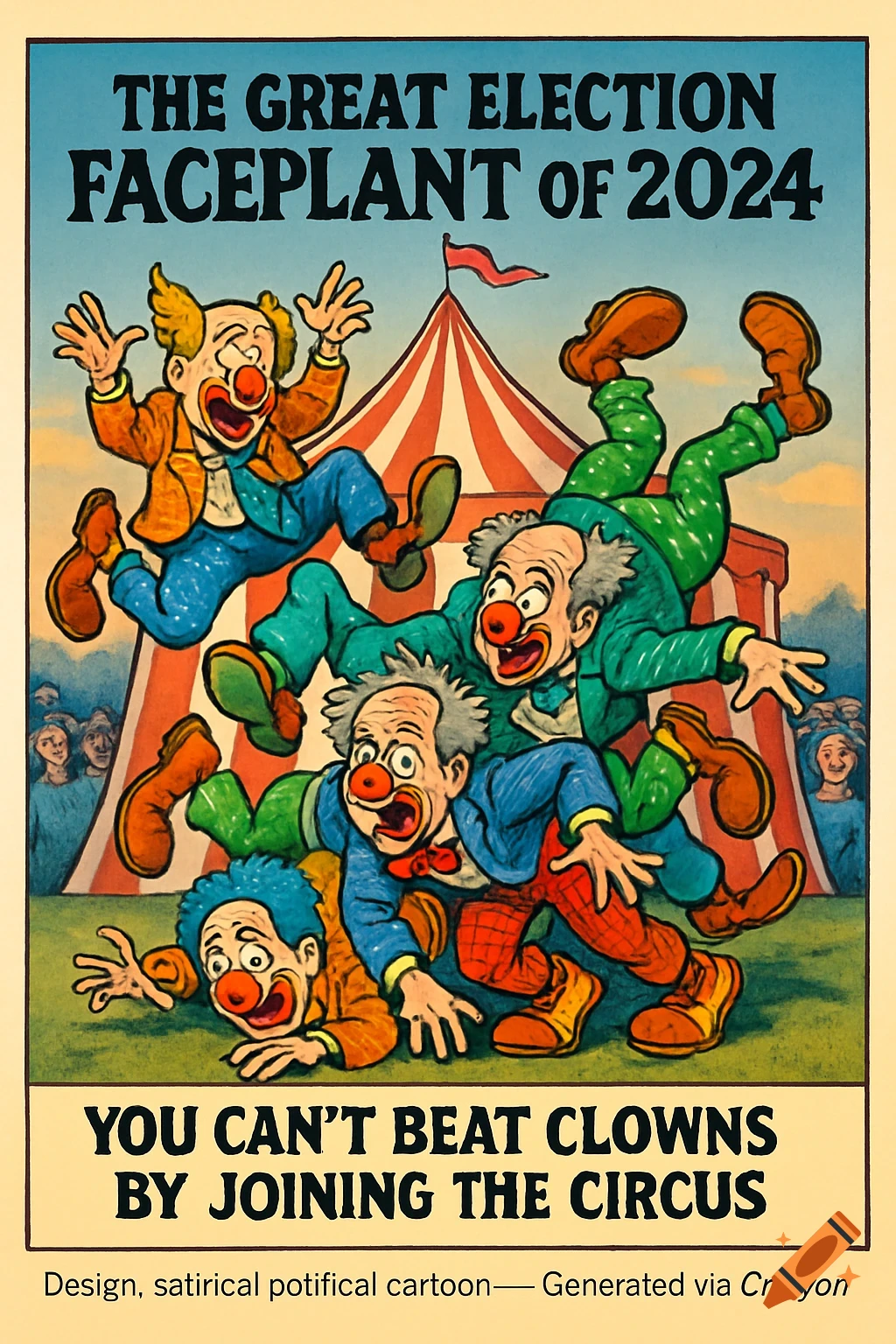
""" make_poster.py Creates a single-panel poster PDF (A3 landscape) with your artwork centered, title at top, and footer. Replace `INPUT_IMAGE` with your generated image file. Requires: reportlab, pillow Install: pip install reportlab pillow """ from reportlab.lib.pagesizes import A3, landscape from reportlab.pdfgen import canvas from reportlab.lib.units import mm from PIL import Image import os # -------- USER CONFIG -------- INPUT_IMAGE = "poster_image.png" # <-- replace with your image file (PNG/JPG) OUTPUT_PDF = "Election_Faceplant_Poster.pdf" TITLE_TEXT = "The Great Election Faceplant of 2024" SUBTITLE = "You can’t beat clowns by joining the circus." FOOTER_TEXT = "Design: satirical political cartoon — Generated via Craiyon" # ----------------------------- def fit_image_to_box(img_path, box_w, box_h): """Return width, height to fit image into a box preserving aspect ratio.""" with Image.open(img_path) as im: iw, ih = im.size scale = min(box_w / iw, box_h / ih) return int(iw * scale), int(ih * scale) def mm_to_points(mm_val): return mm_val * mm def make_poster(input_image, output_pdf): # page setup PAGE_W, PAGE_H = landscape(A3) # points c = canvas.Canvas(output_pdf, pagesize=(PAGE_W, PAGE_H)) # Title area top_margin = mm_to_points(20) title_size = 36 subtitle_size = 18 # Draw Title c.setFont("Helvetica-Bold", title_size) c.drawCentredString(PAGE_W / 2, PAGE_H - top_margin, TITLE_TEXT) # Draw Subtitle (under title) c.setFont("Helvetica", subtitle_size) See more