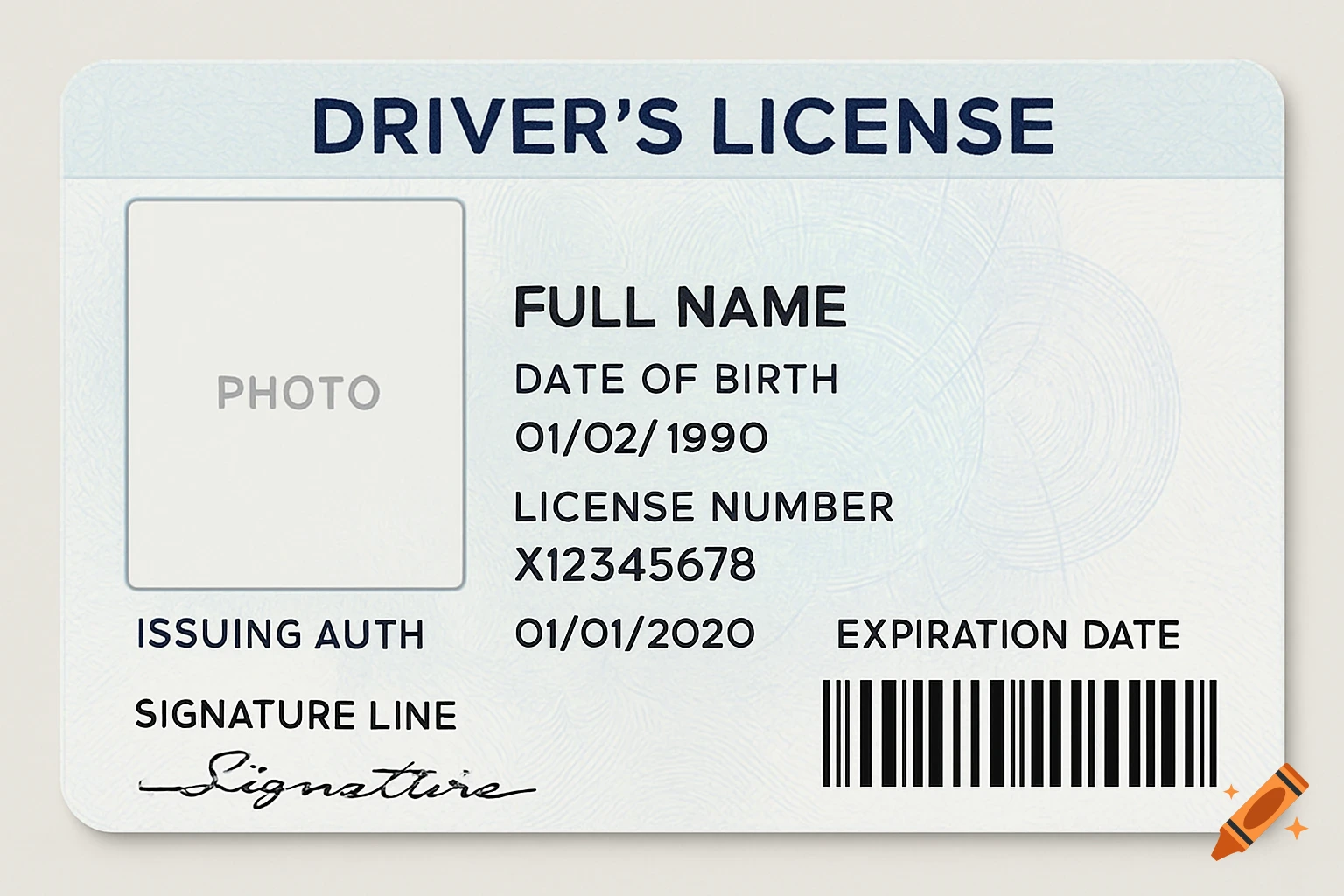
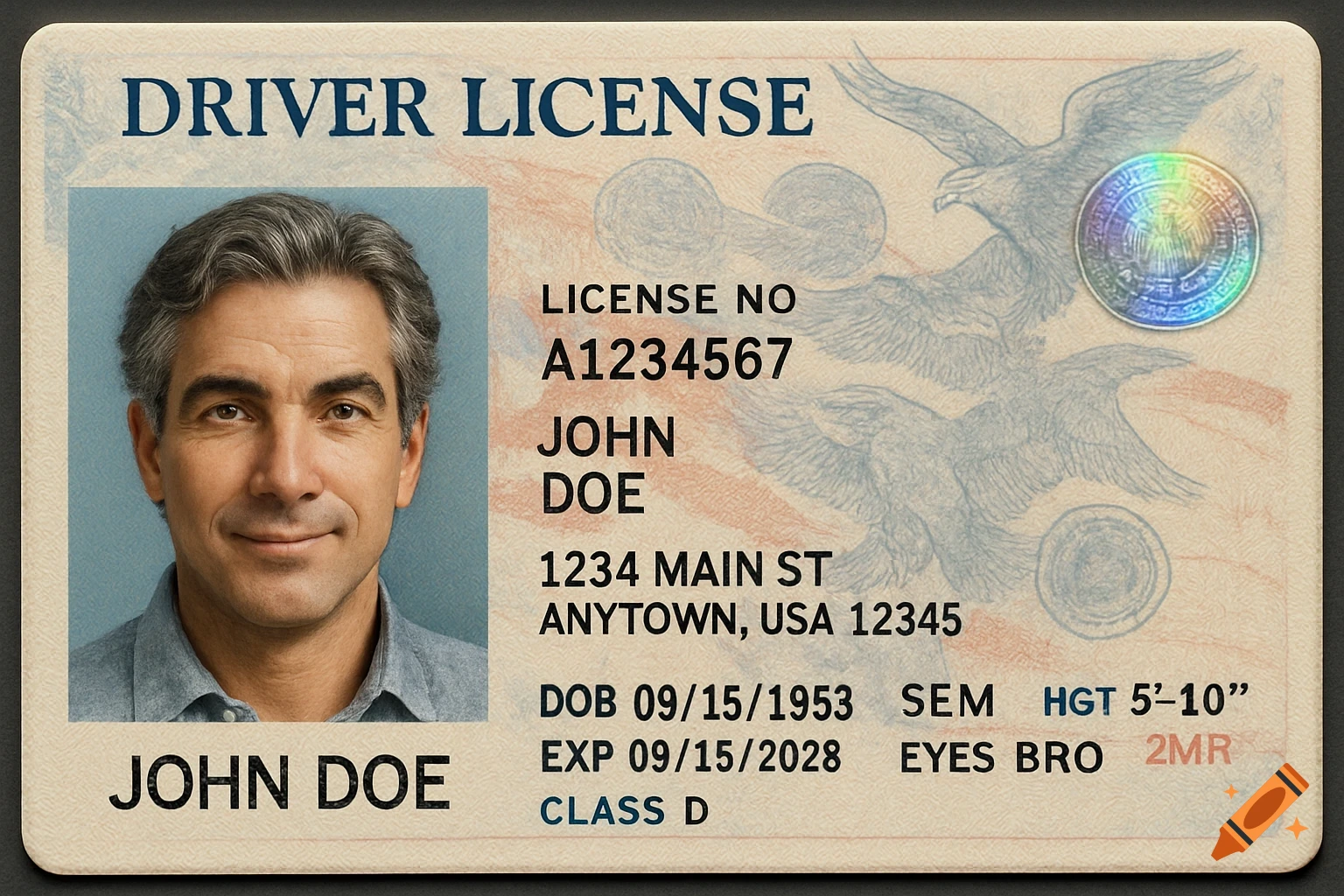
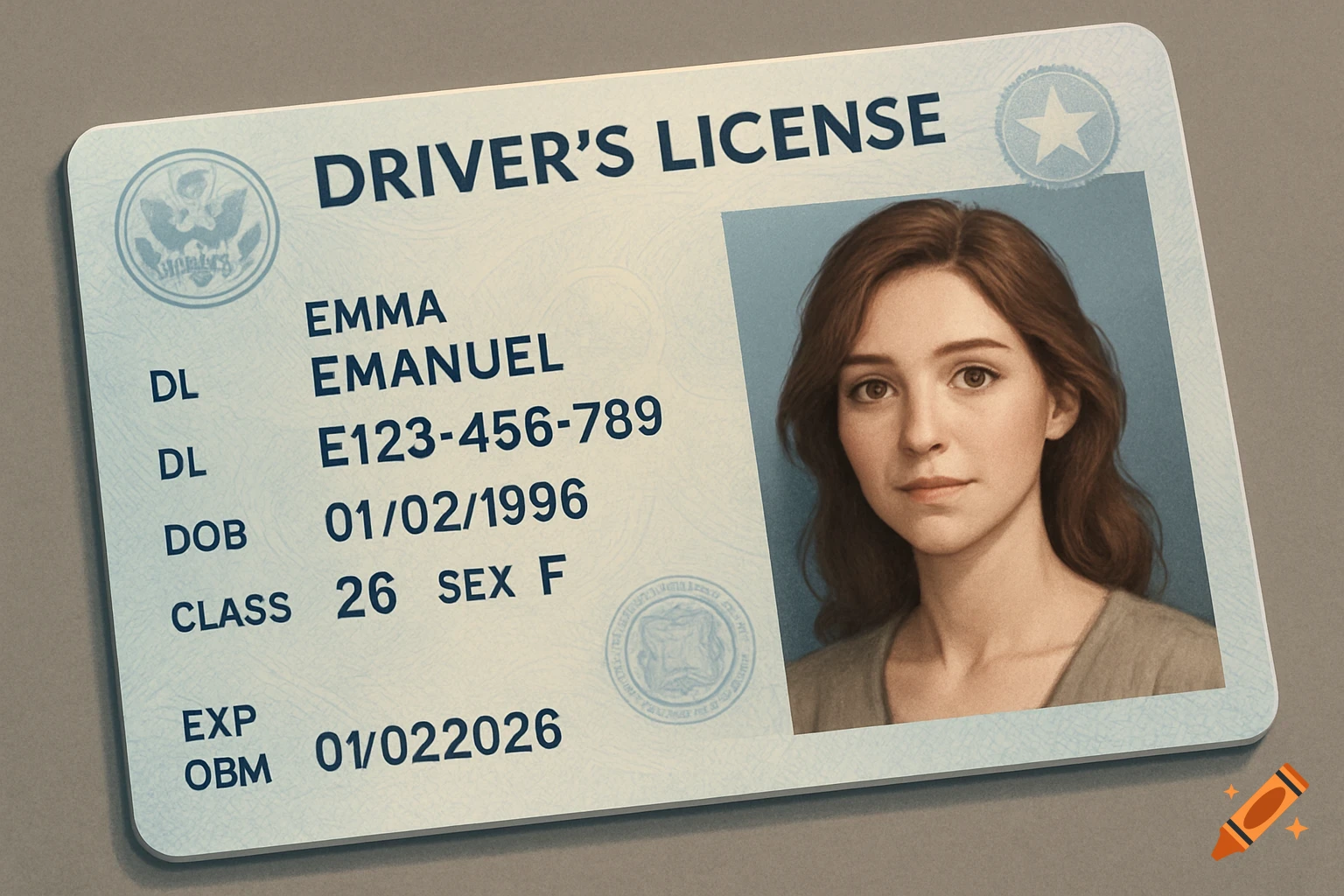
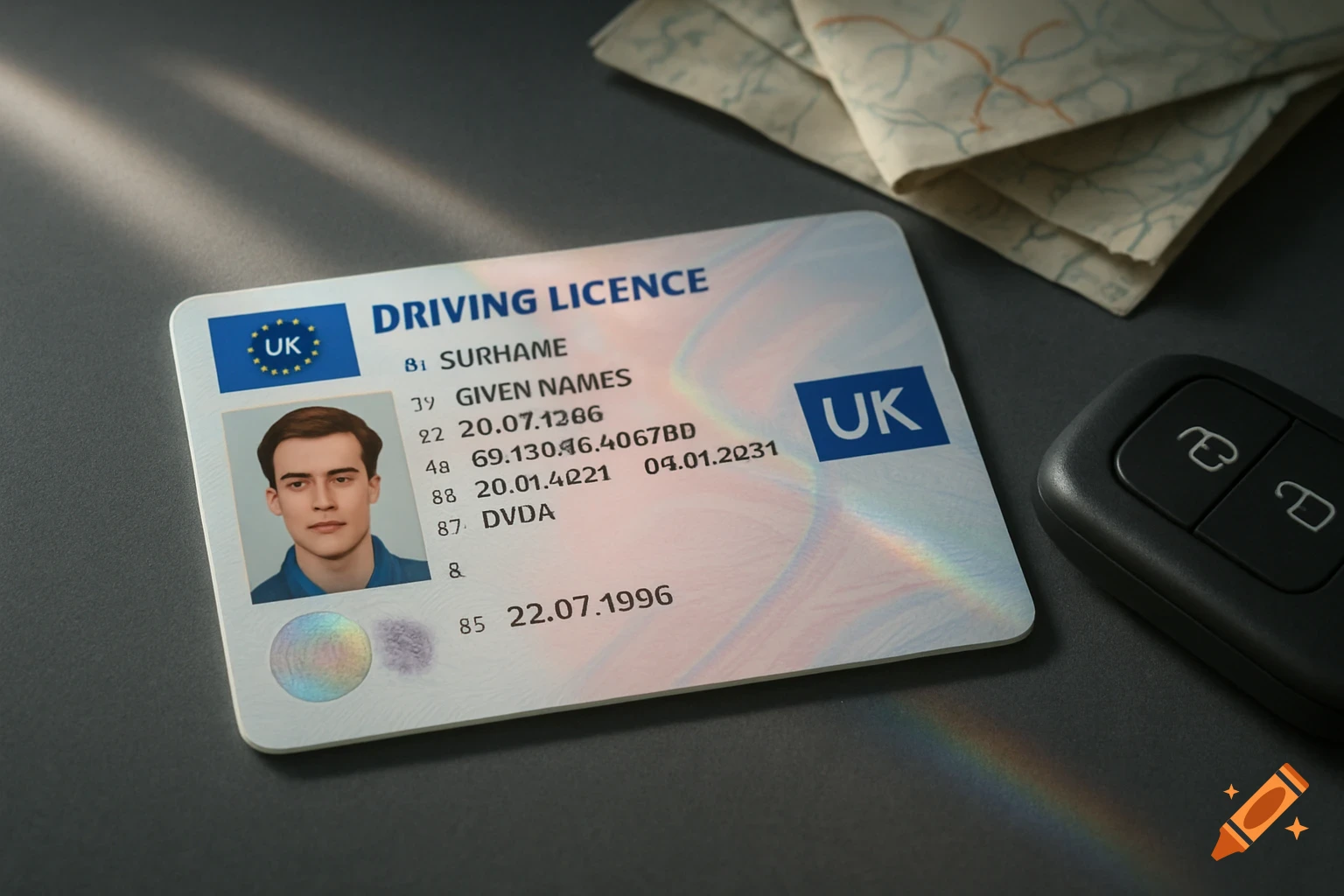
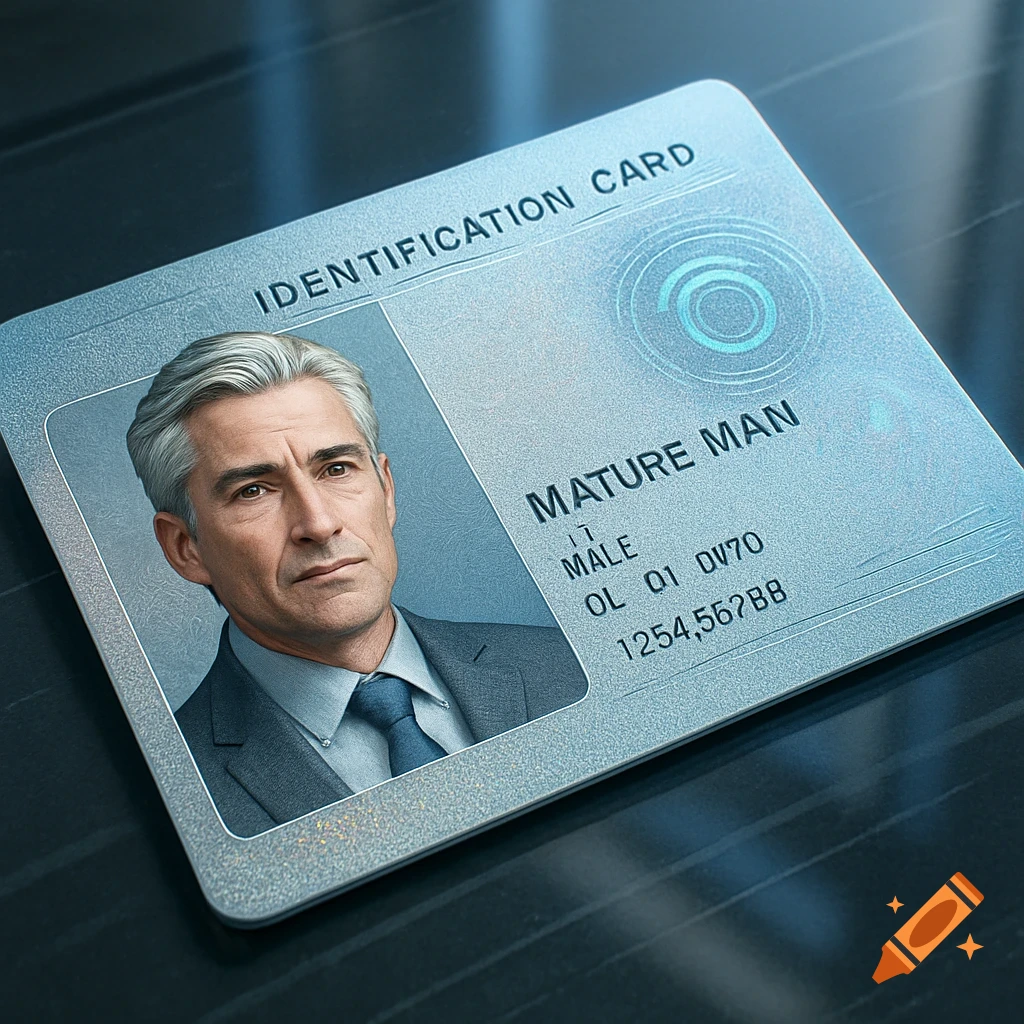
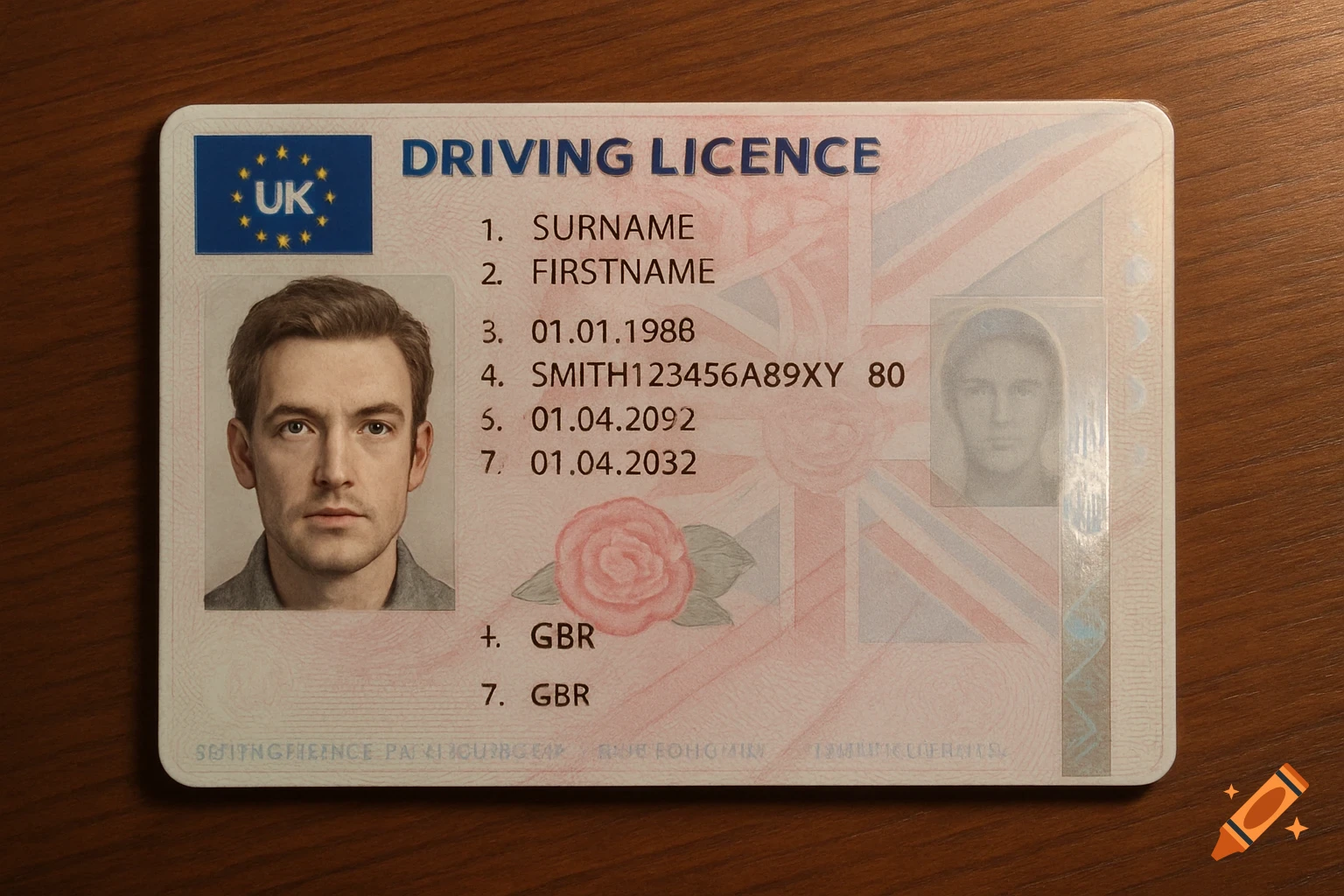
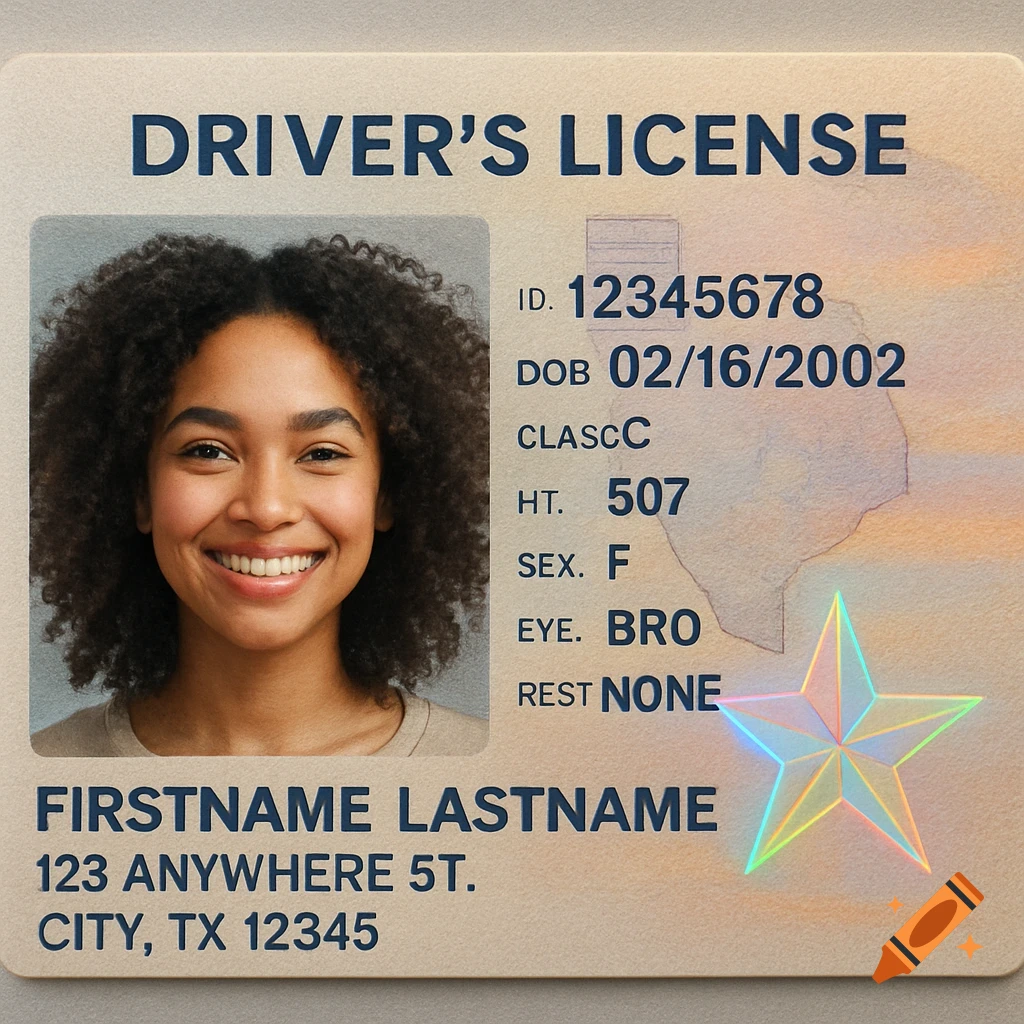
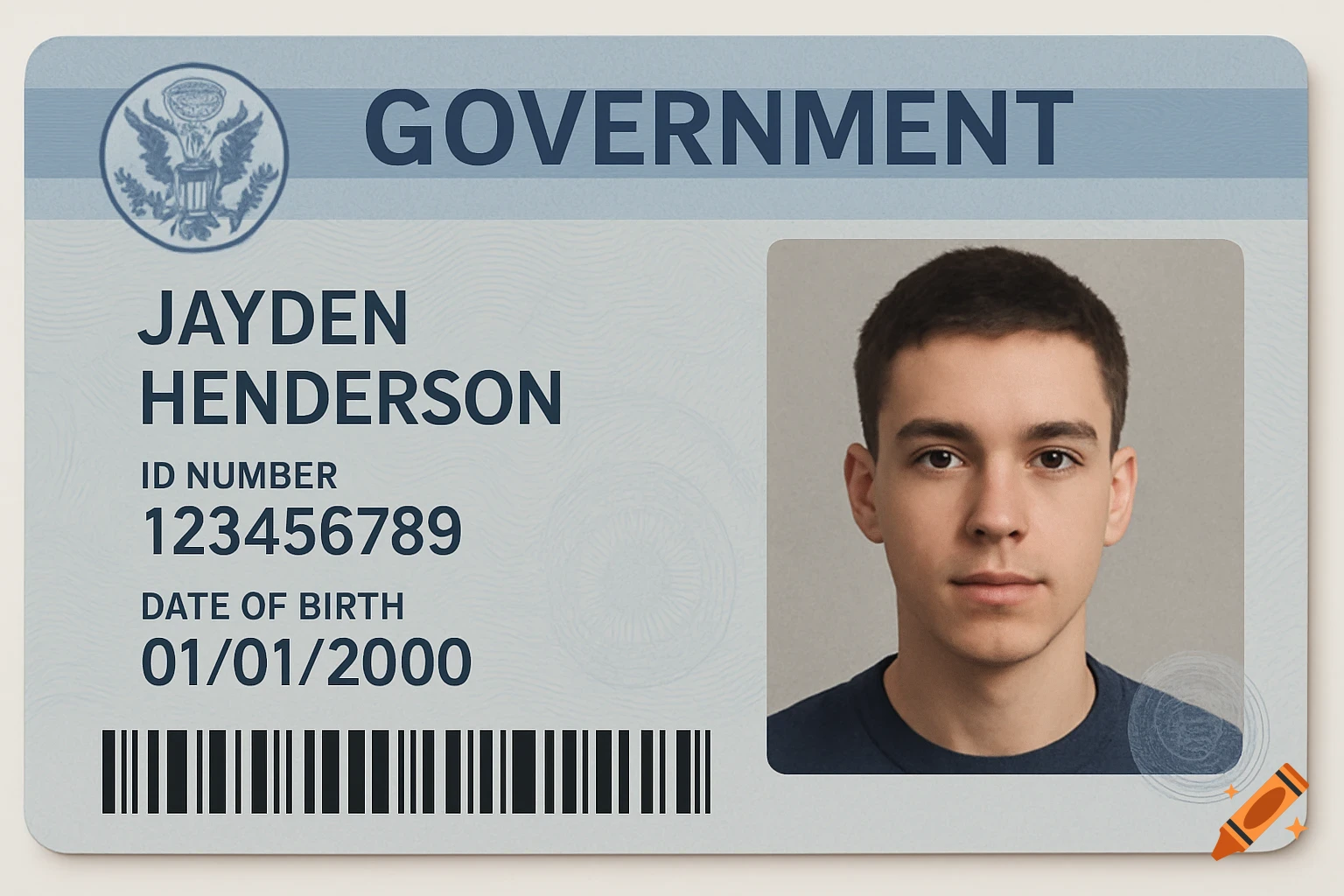
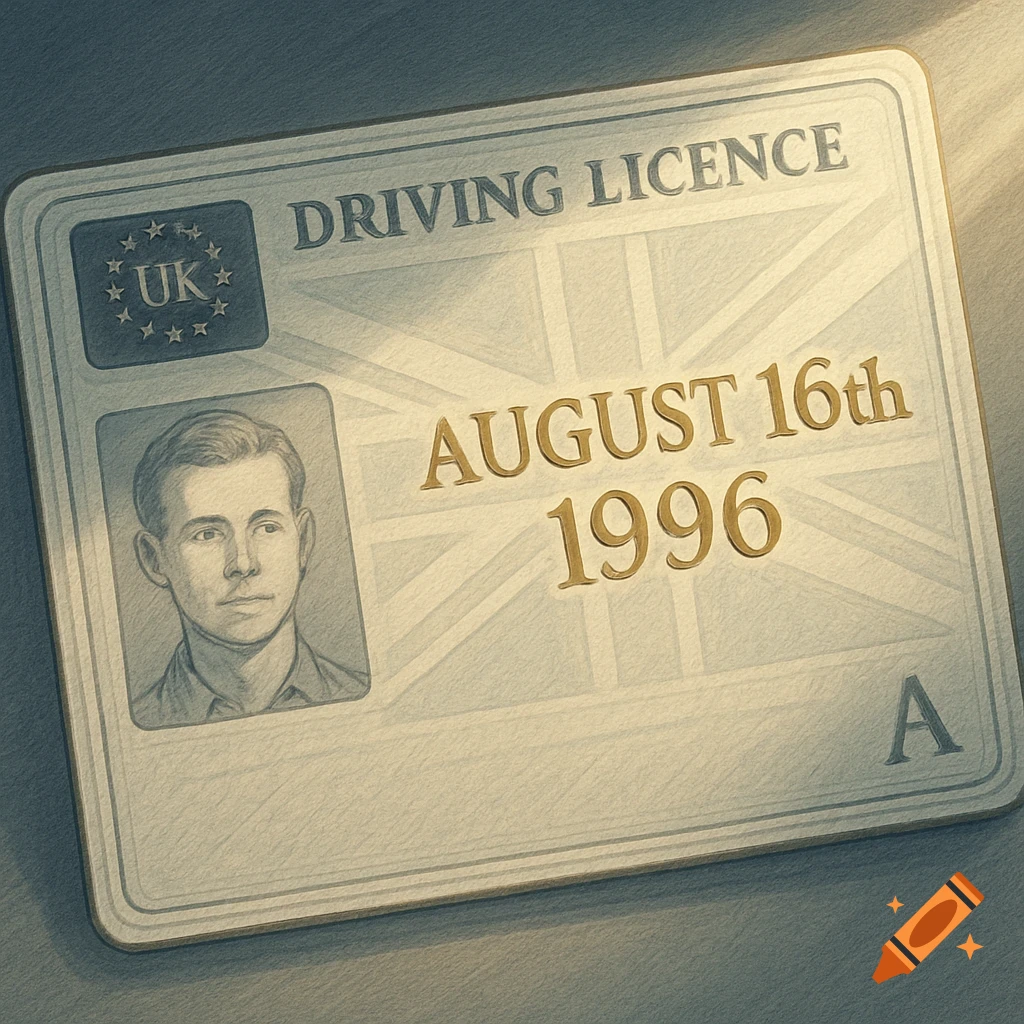
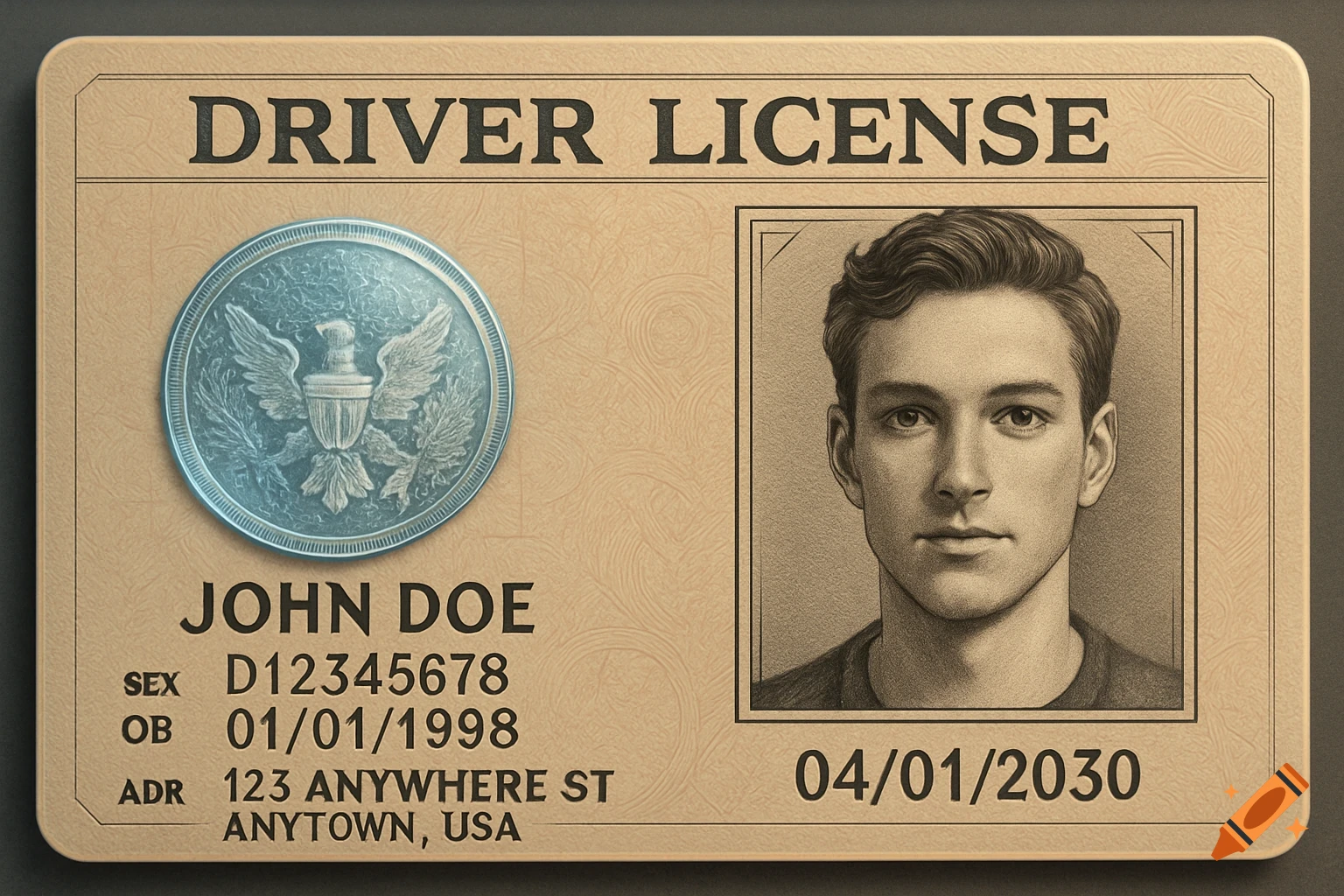
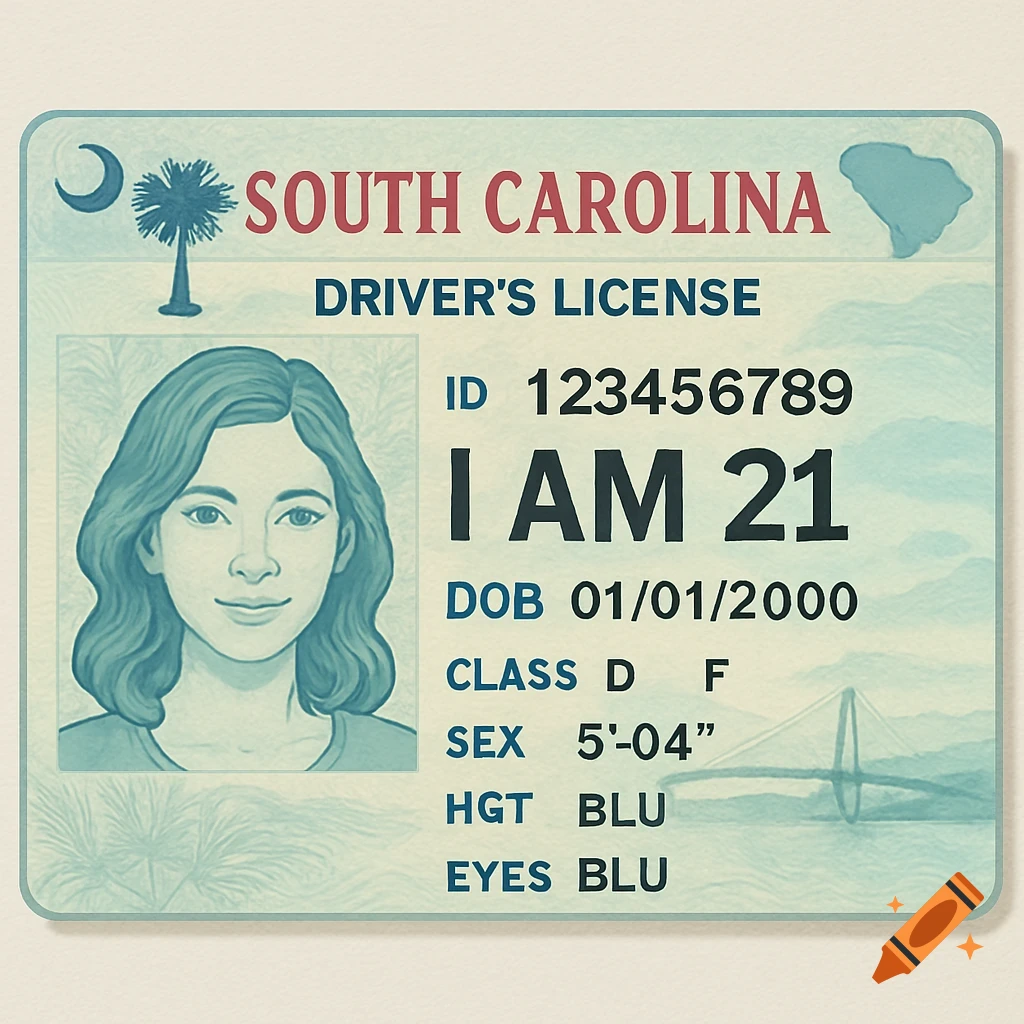
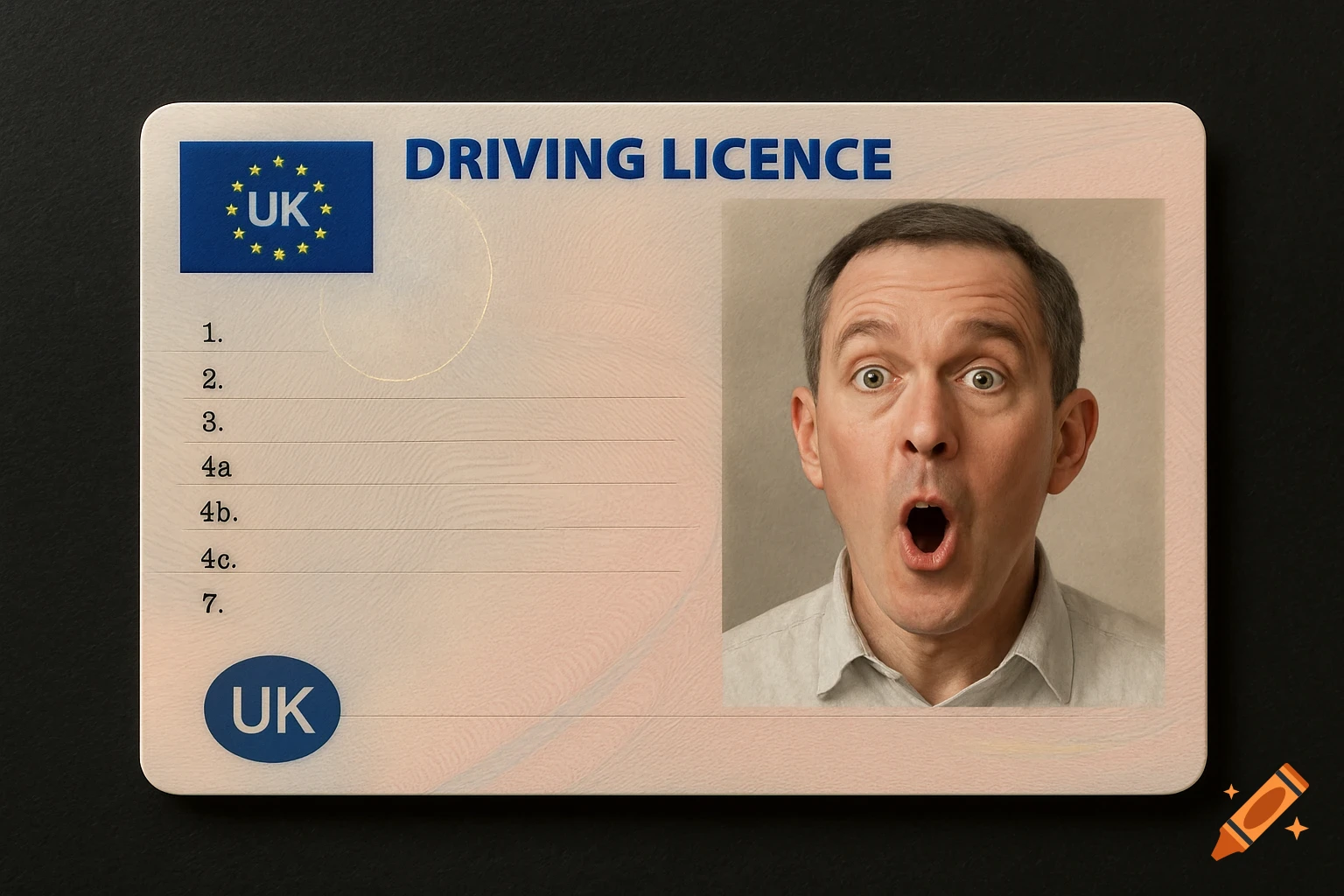
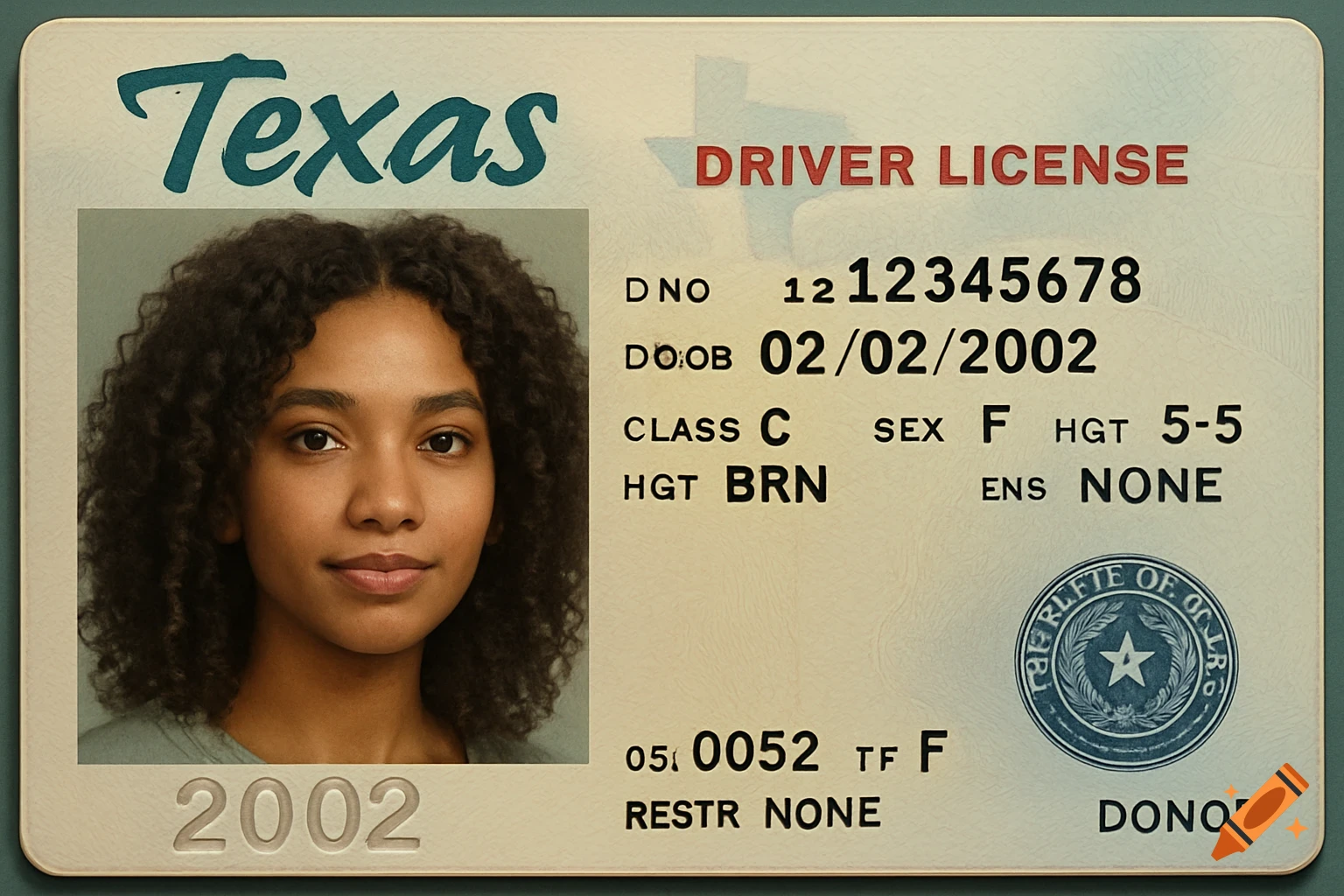
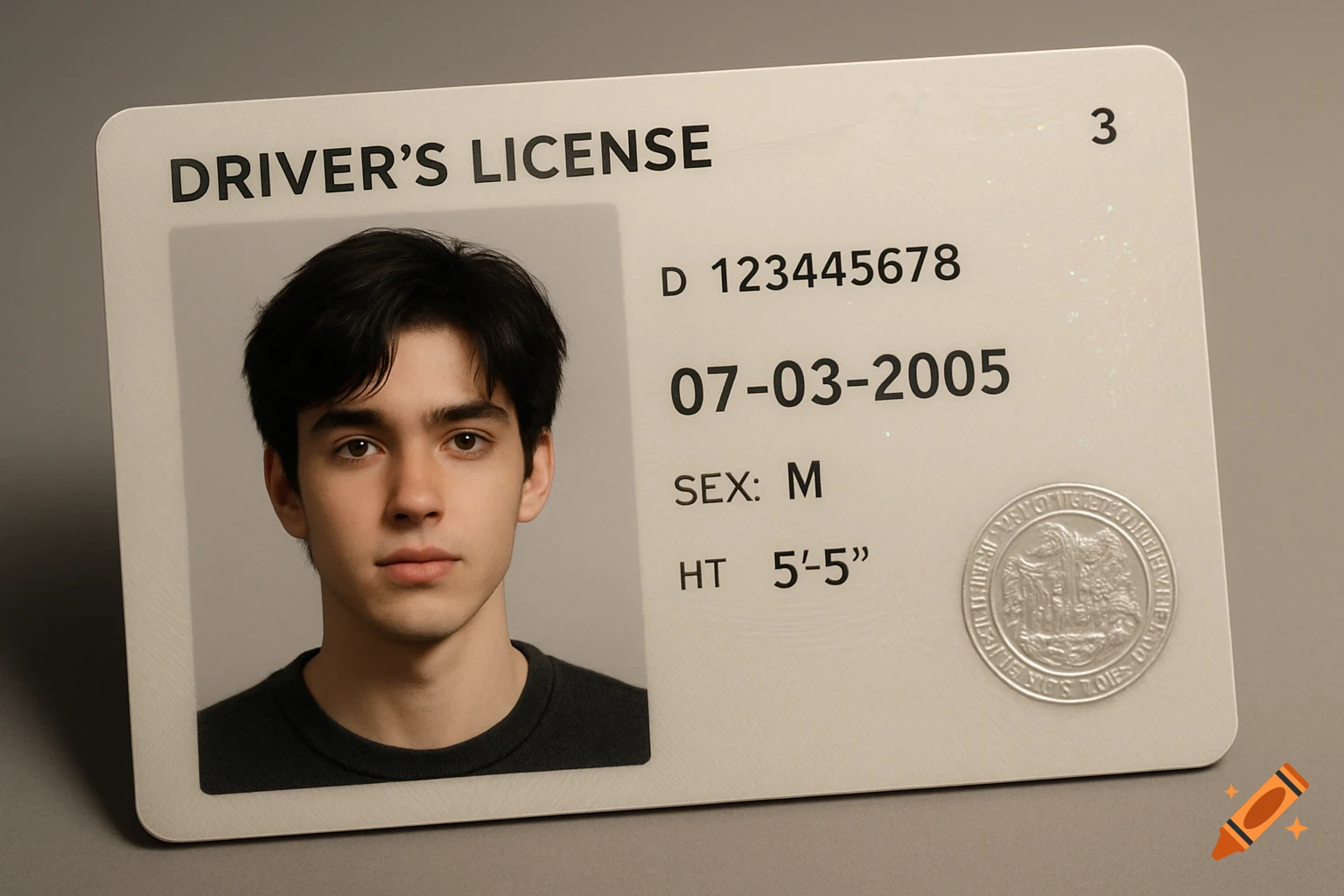
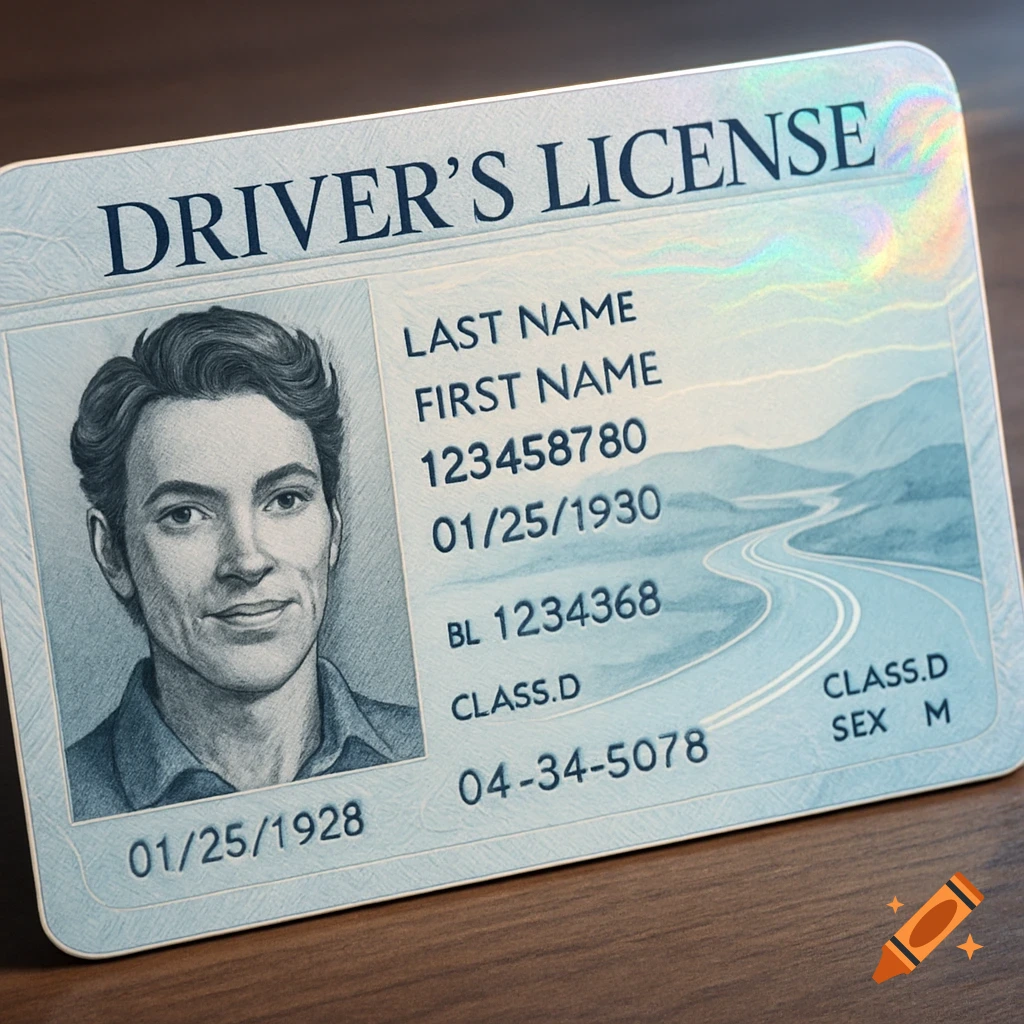
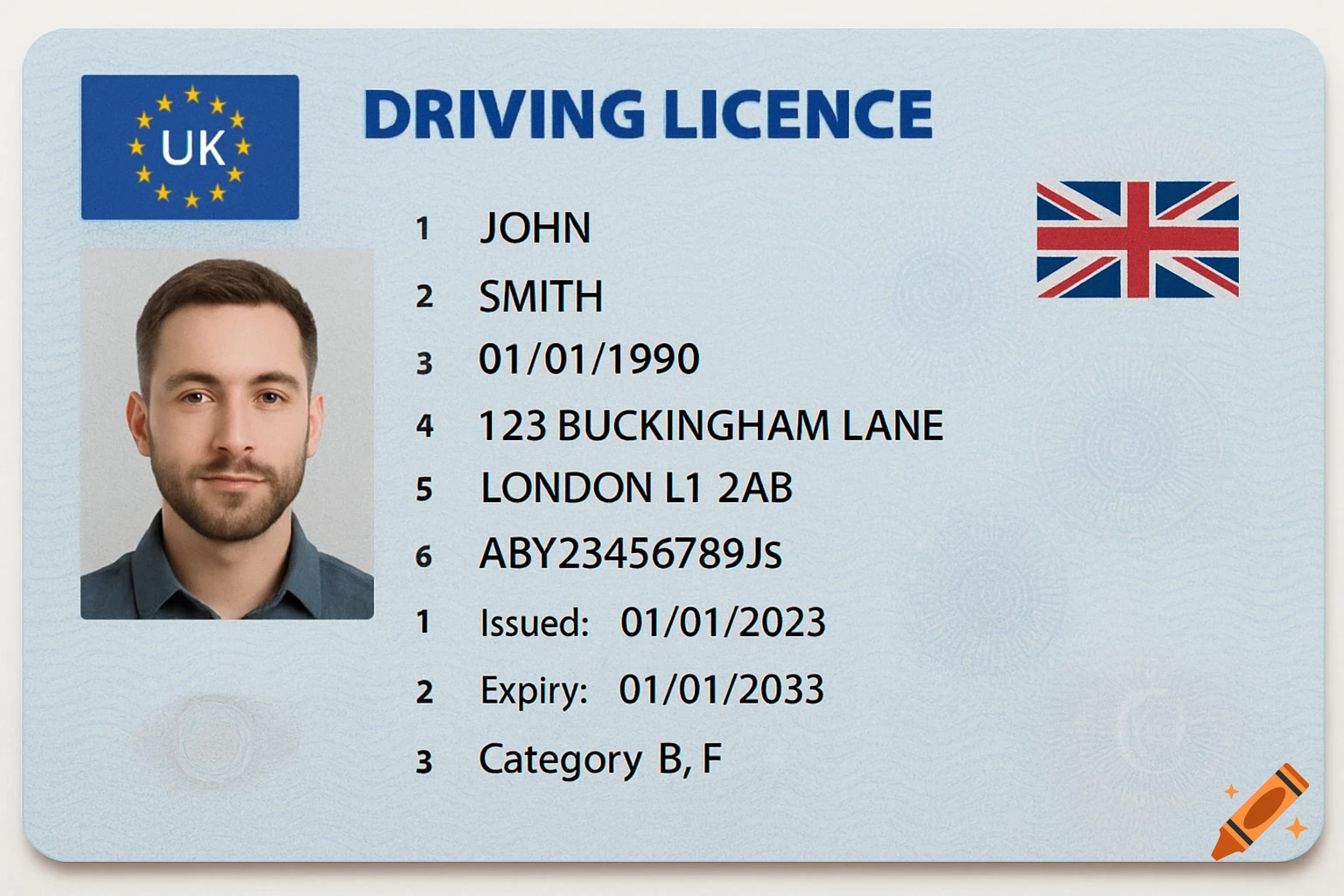
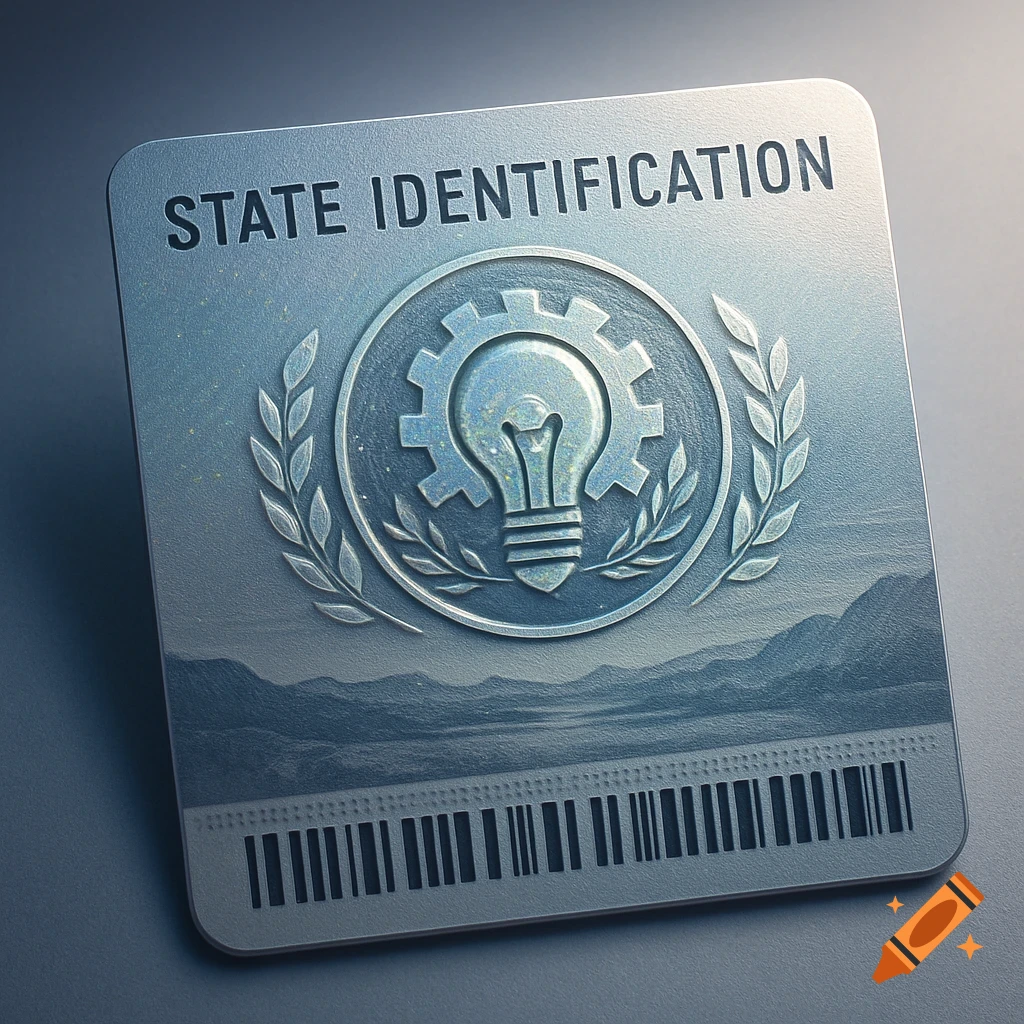
A close-up of a generic driver's license showing a photo placeholder, text fields for name, date of birth, license number, issue and expiration dates, and a signature.
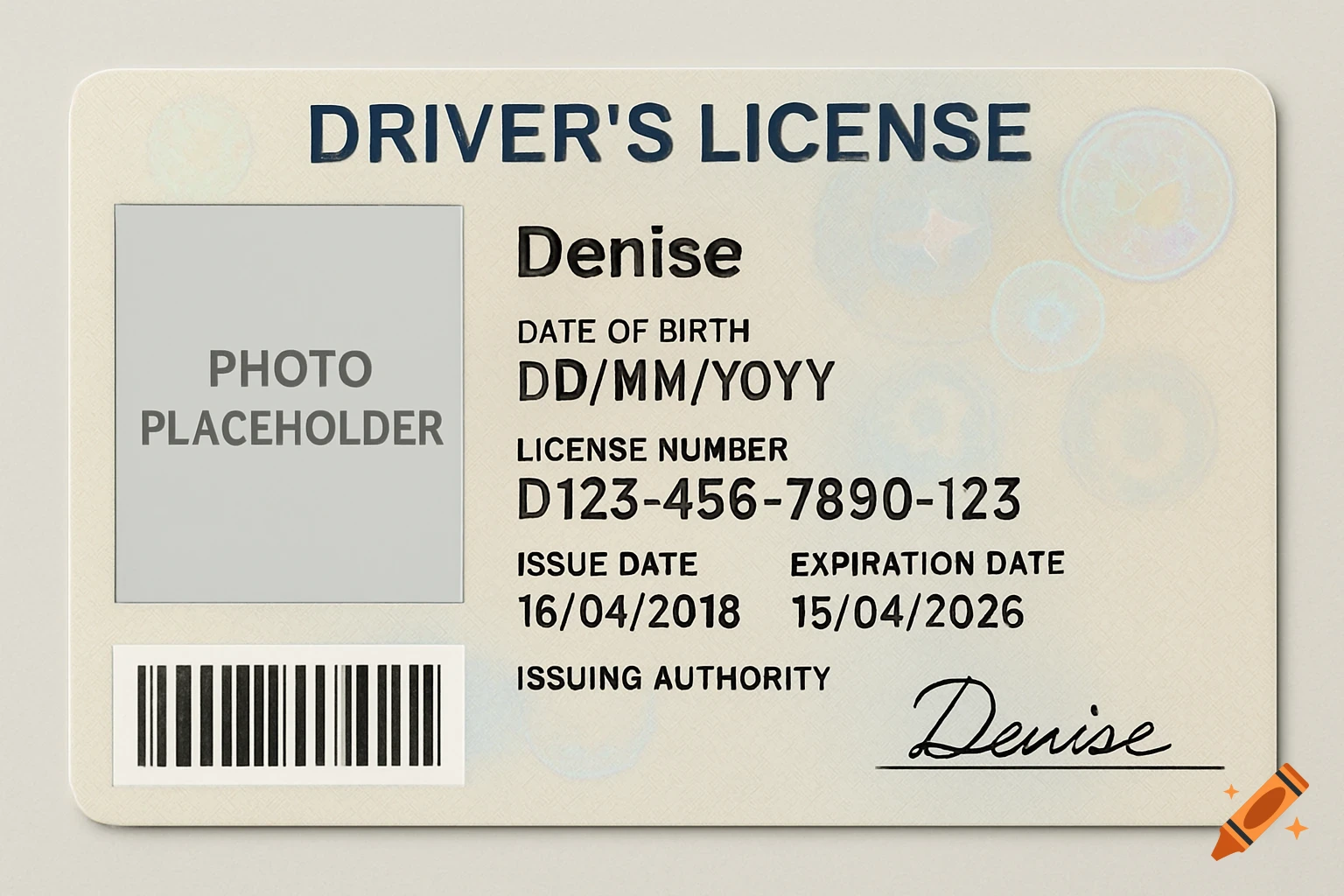
Create a realistic-looking driver's license based on the following details. Ensure the design includes typical features such as a photo placeholder, full name and full name is denise, date of birth, license number, expiration date, issue date, and issuing state or country. The output should look like an authentic license but must not replicate any real individual's information or actual government-issued documents. Use generic or fictional data for all personal information. Steps: - Include a clear rectangular area labeled 'Photo' where a driver's photo would be. - Provide fields for 'Full Name', 'Date of Birth', 'License Number', 'Expiration Date', 'Issue Date', and 'Issuing Authority'. - Design the license layout realistically with common elements like holograms, barcode placeholders, and signature lines as text annotations. - Use typical formatting styles seen in driver's licenses (fonts, alignment). Output Format: Present the license information in a structured text format that outlines each field and describes placement visually, without generating any actual images. Example: [Photo Placeholder] Full Name: John Doe Date of Birth: 25/03/2007 License Number: D123456789 Issue Date: 01/01/2020 Expiration Date: 01/01/2027 Issuing Authority: State of Example [Barcode Placeholder] [Signature Line] Notes: Do not use or display any real license numbers or personally identifiable information. See more