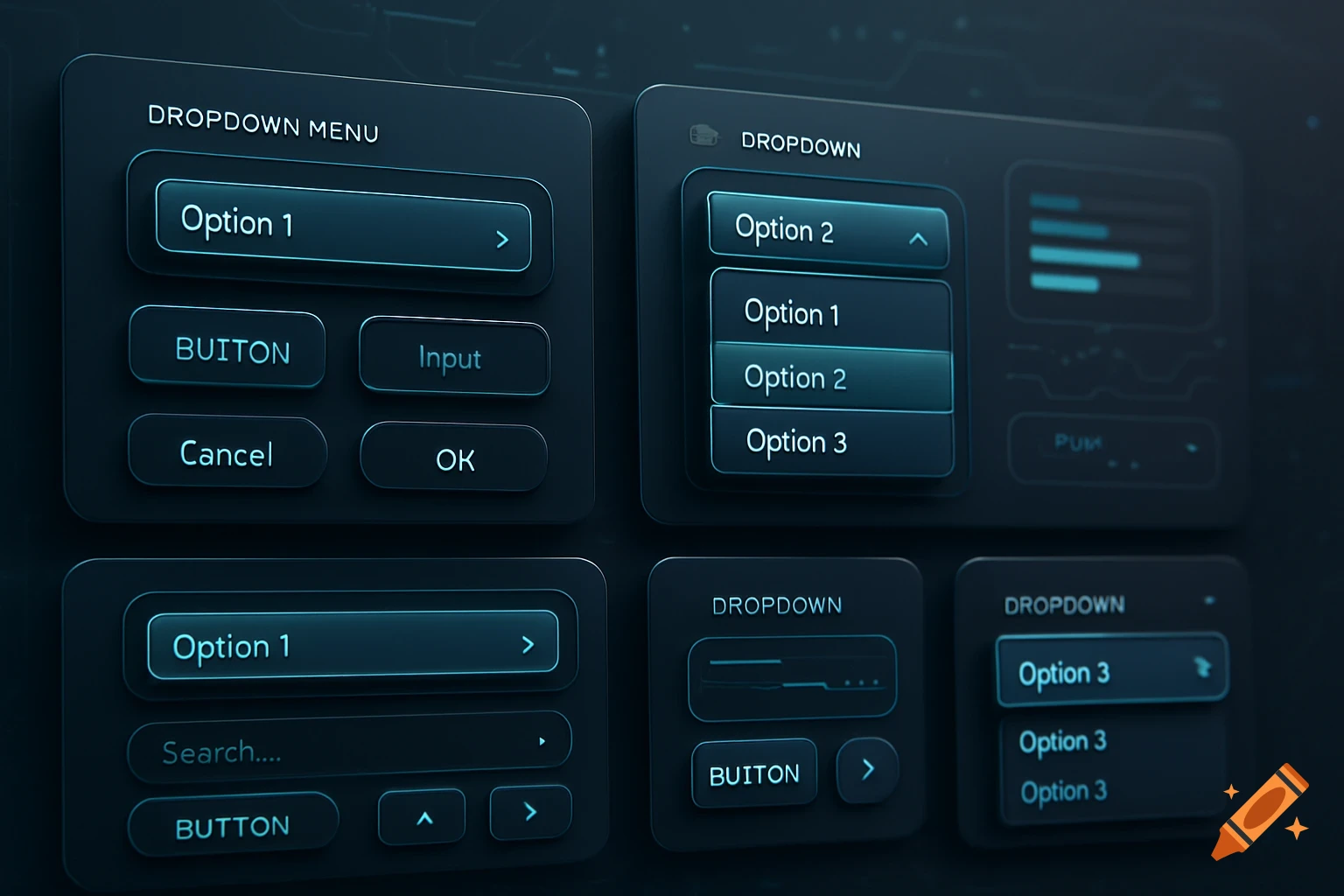
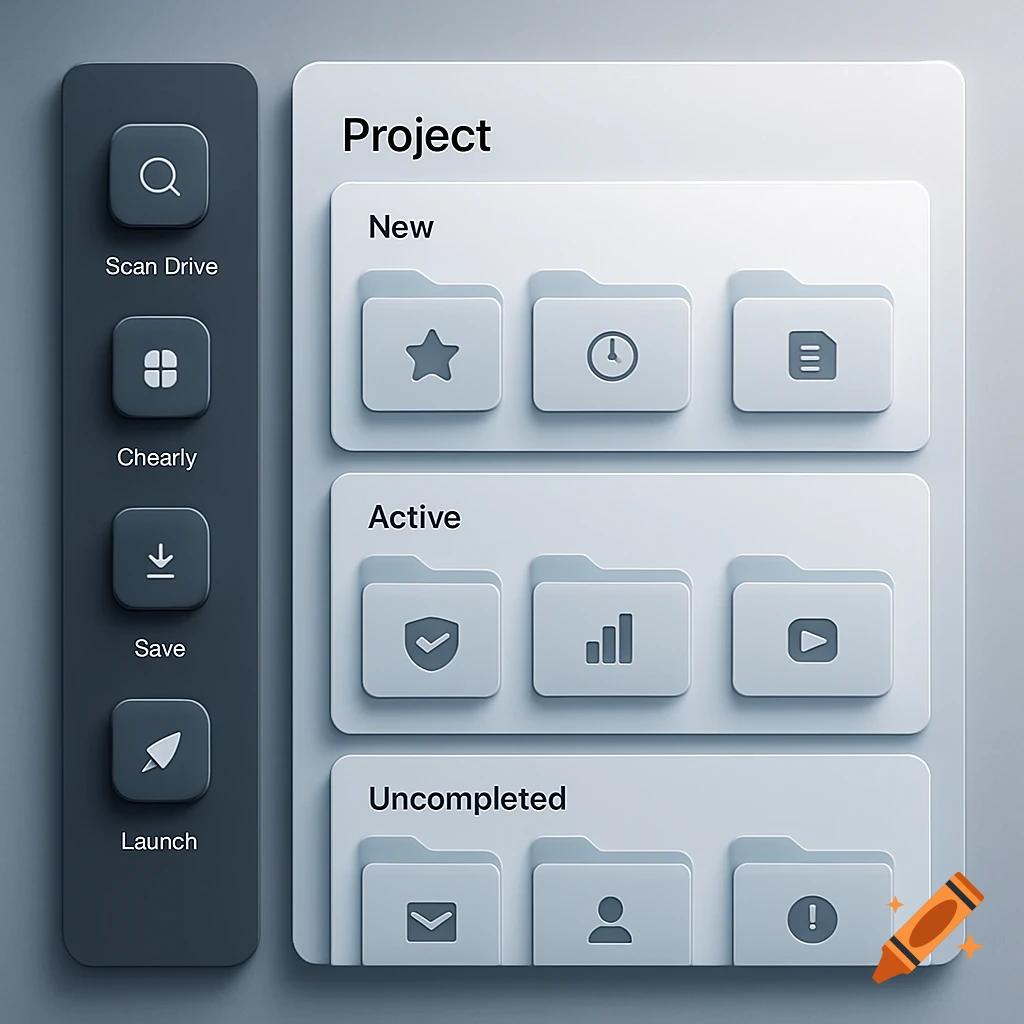
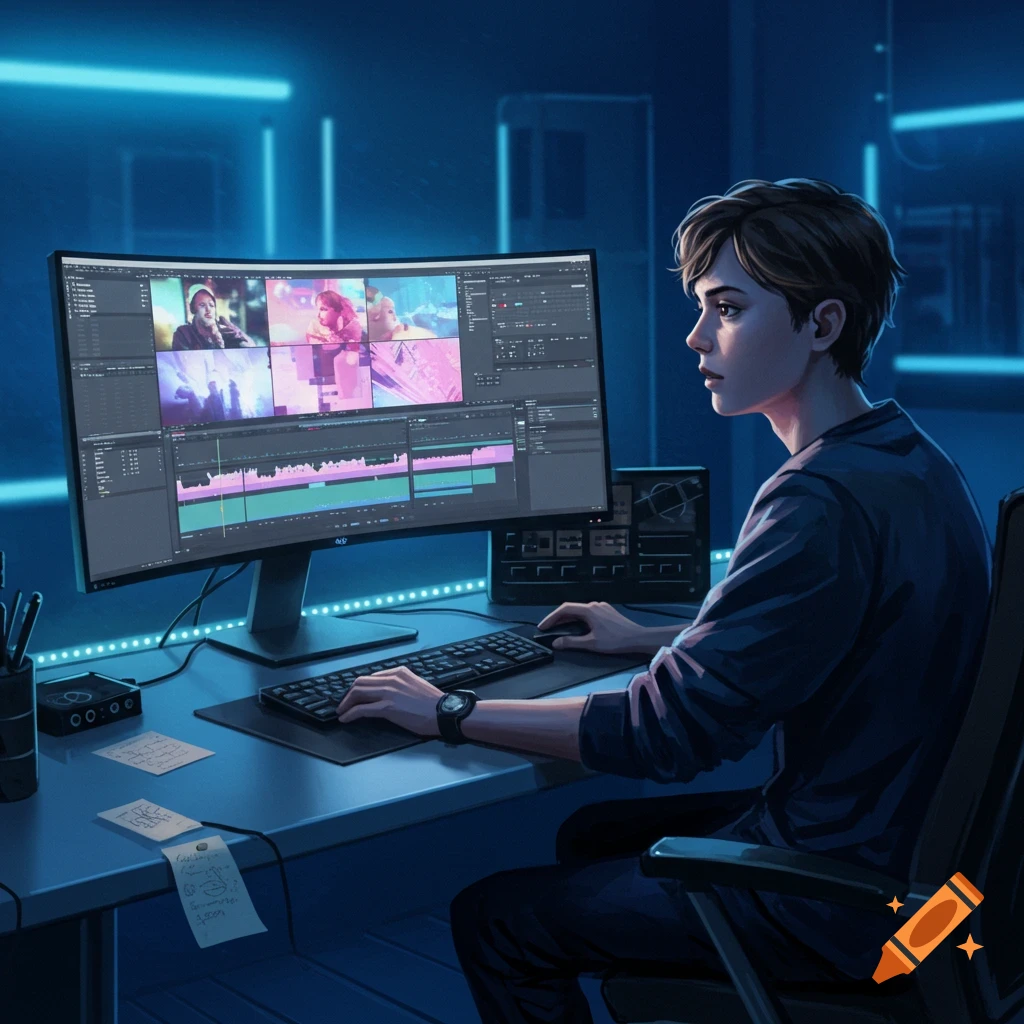
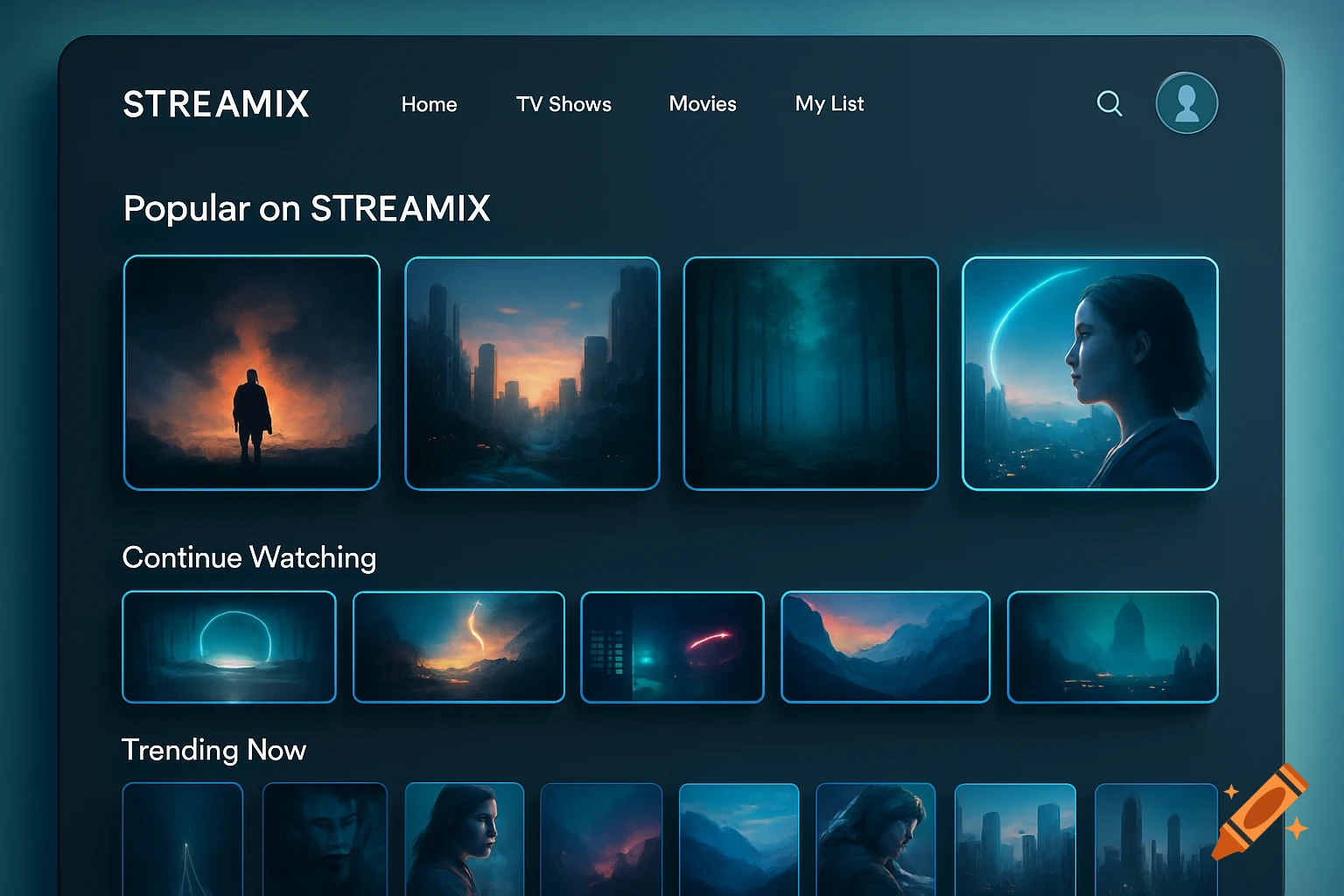
User interface for video editing software showing scenes, takes, cameras, and review sections.
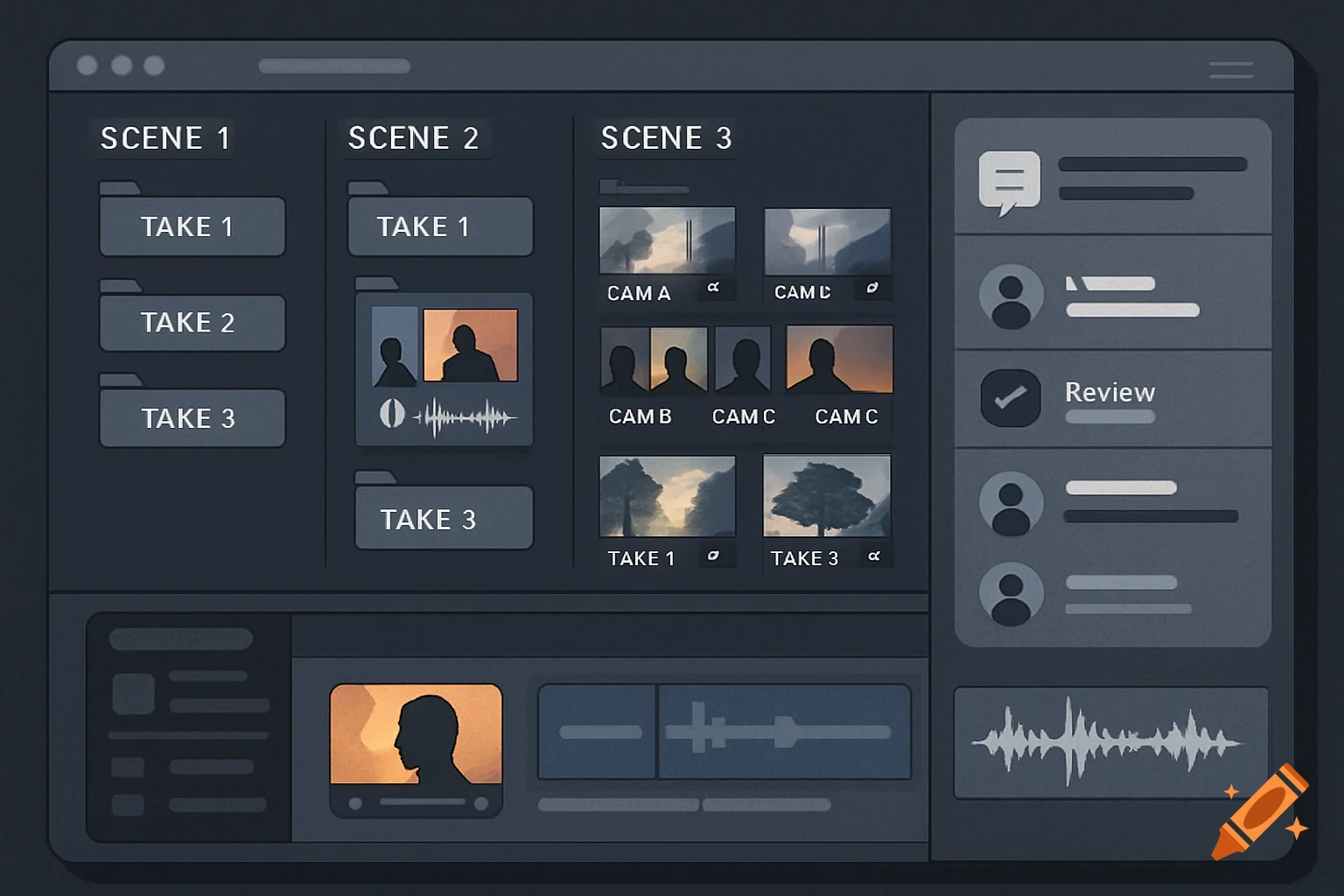
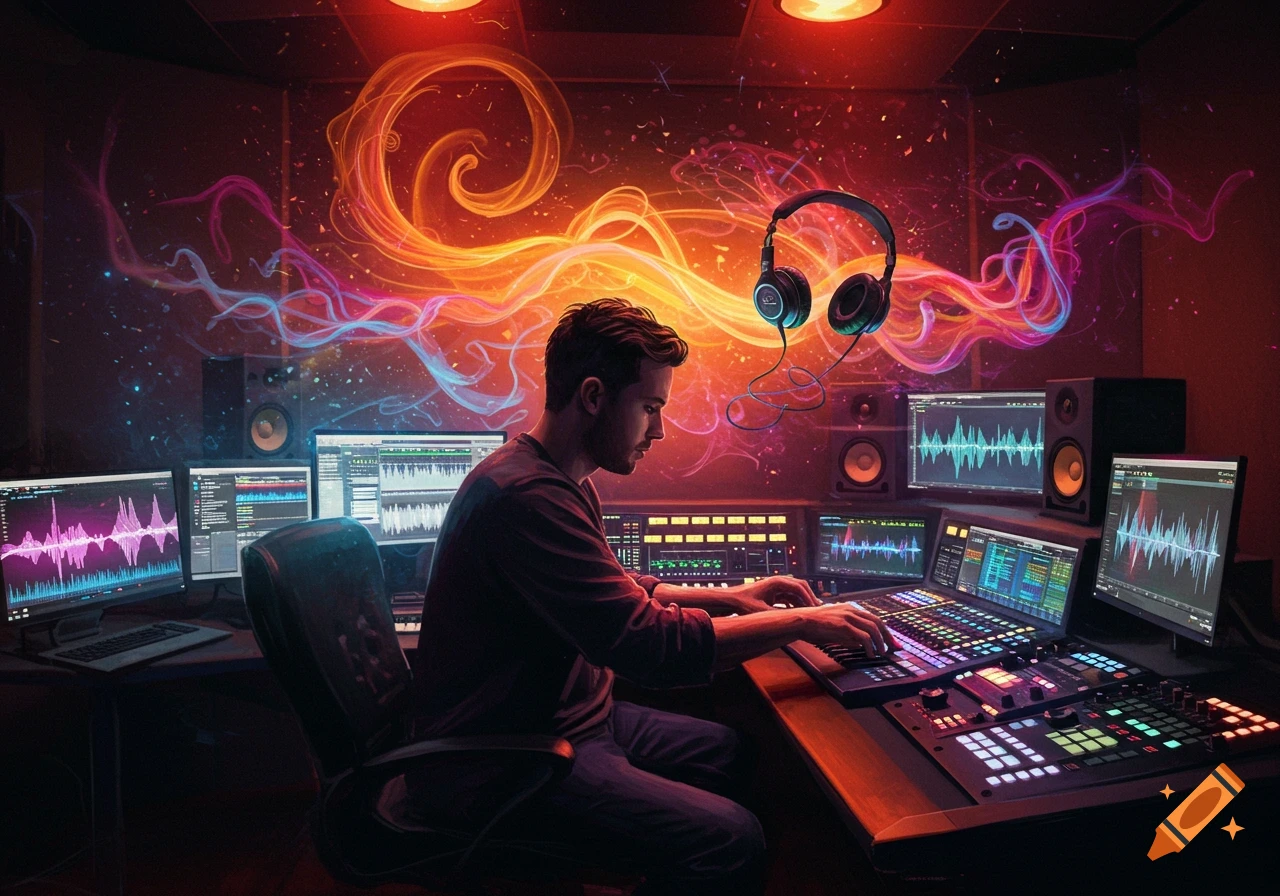
When a post-production team uploads all their video clips, audio files, and other media, the system organizes everything for them. It looks at the file names and data inside each file to figure out what scene it belongs to, what take it is, and which clips go together. It sorts everything into labeled folders by scene, take, and camera angle, so everything is easy to find. For example, all the shots from Scene 3 will be grouped together, and audio will be matched with the right video clips when possible. This means editors don’t have to waste time digging through messy folders or guessing which files go where. Instead, they can just open up their workspace and get right to work. The platform also lets team members leave notes, assign tasks, and track progress in one place. This way, everyone stays on the same page by knowing what’s done and what still needs work, and the team can move through post-production faster and with fewer mistakes. See more