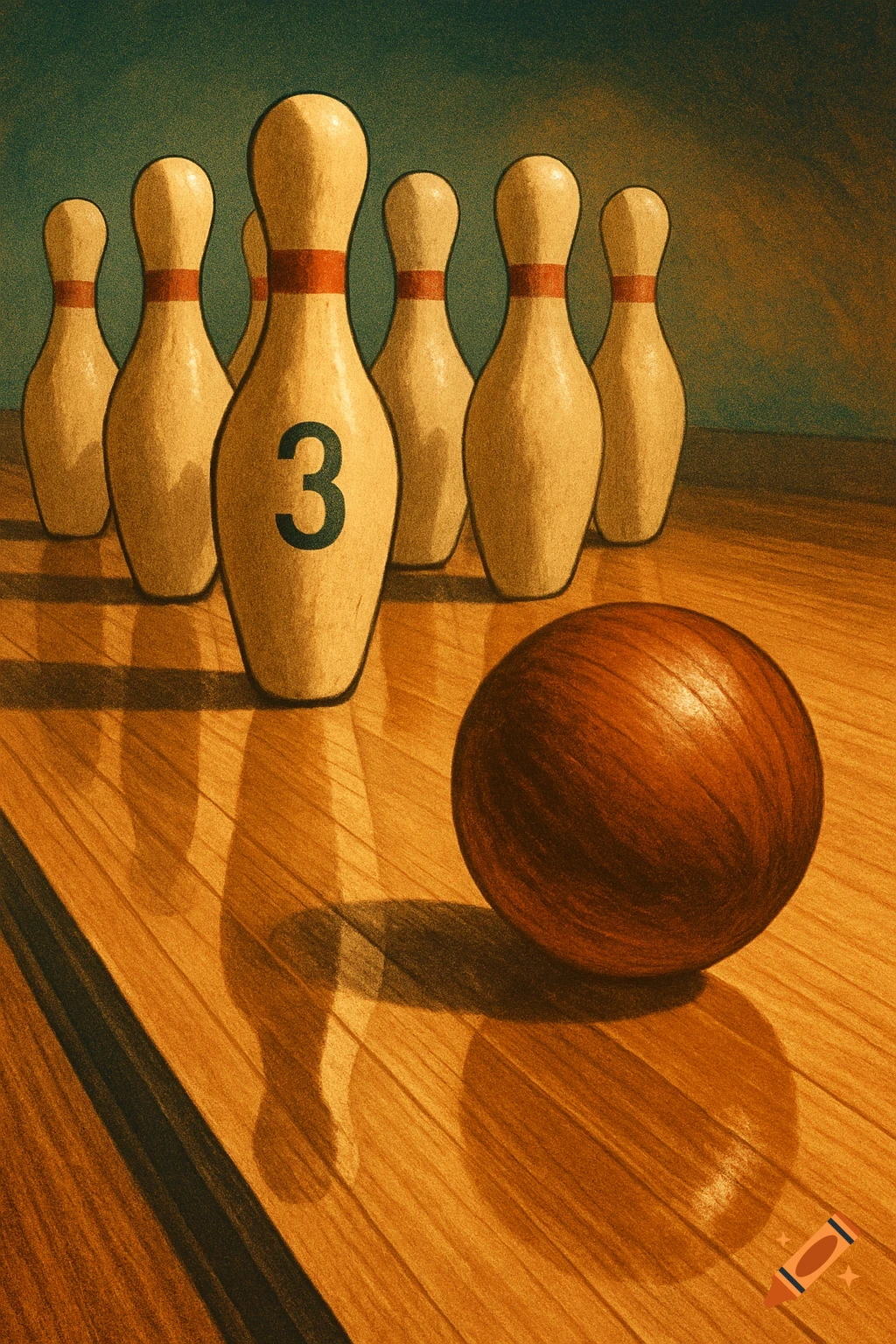
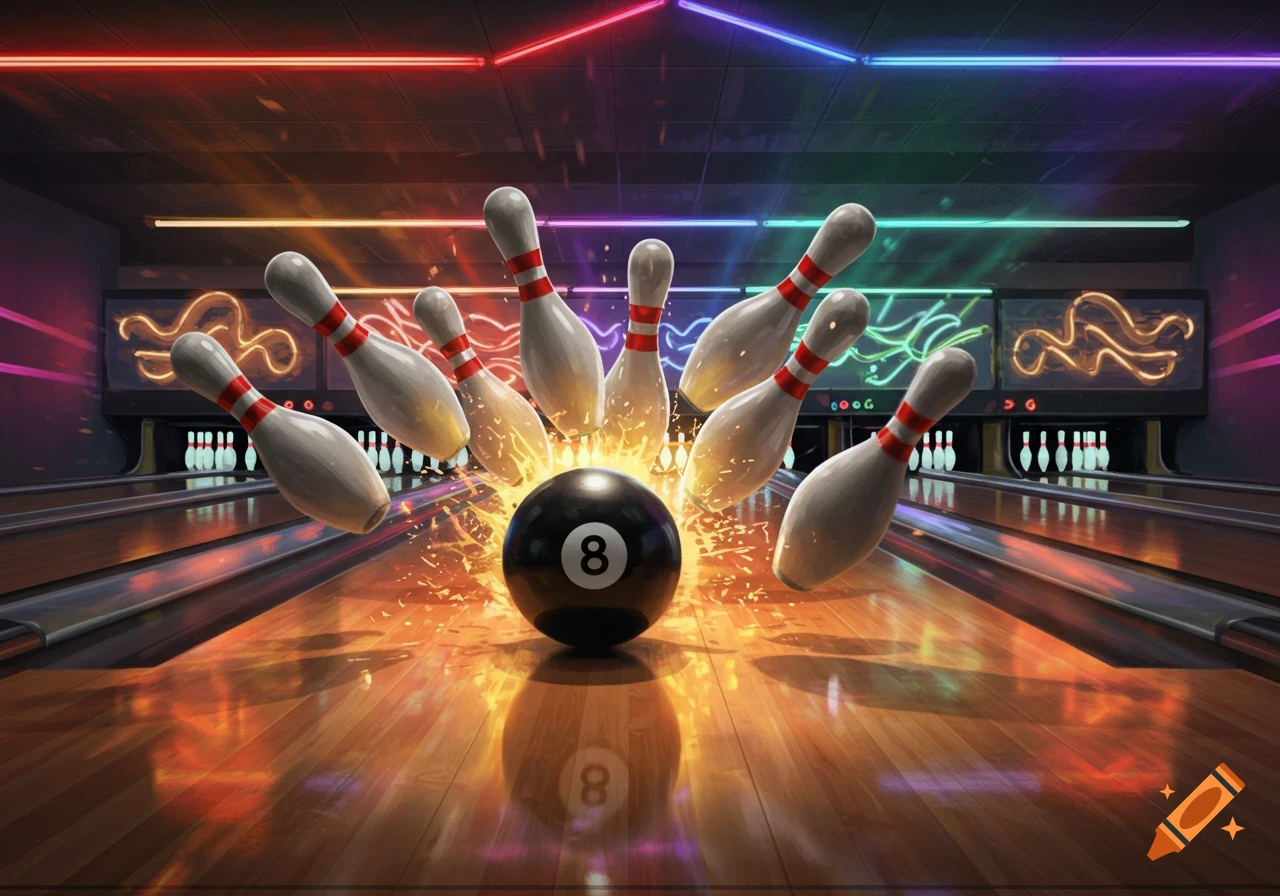
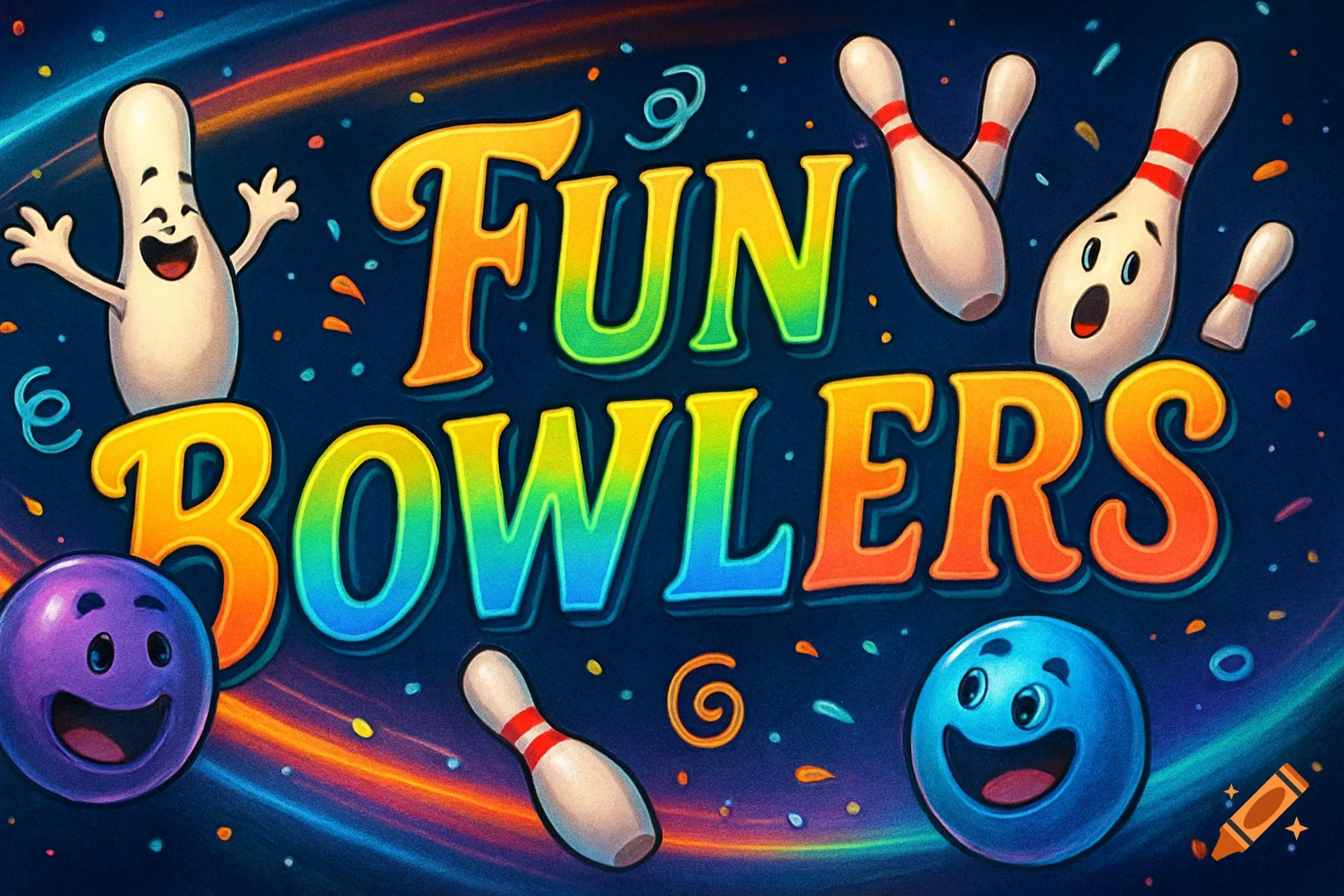
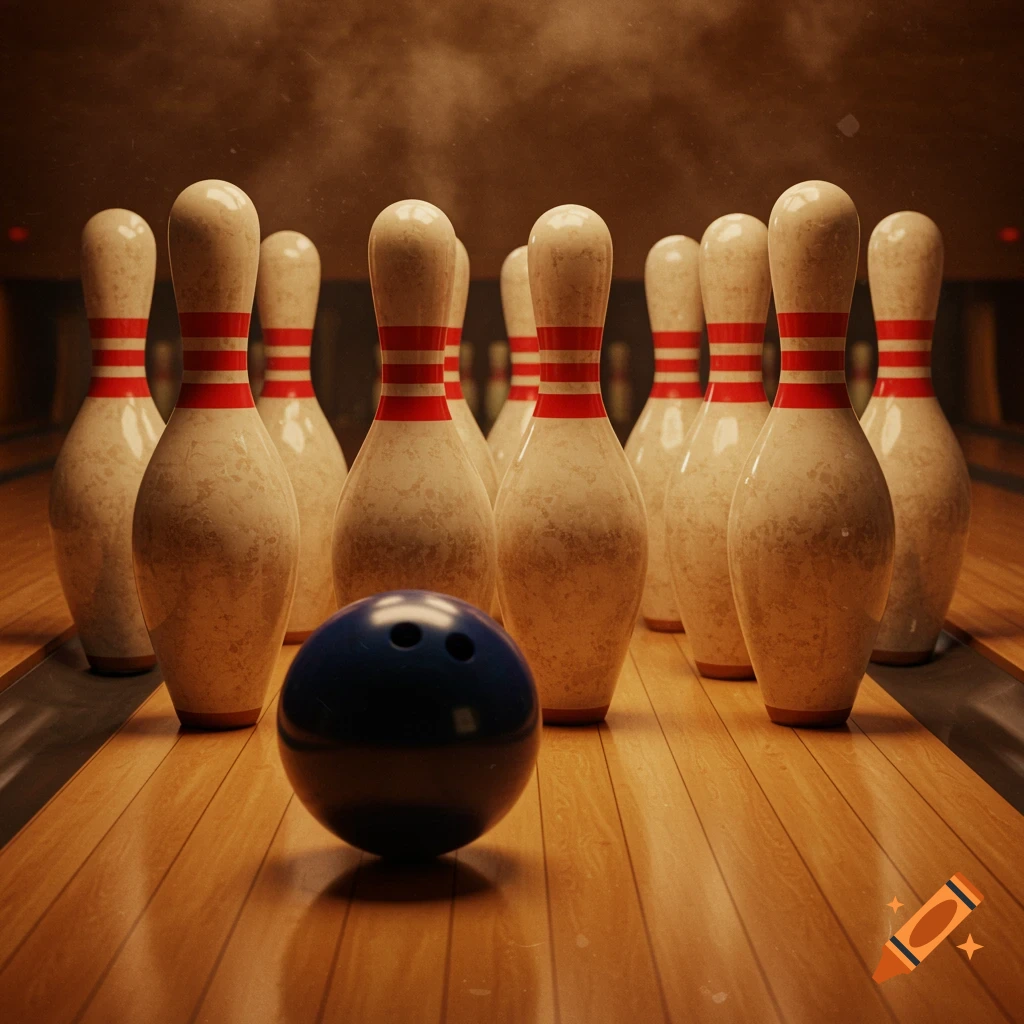
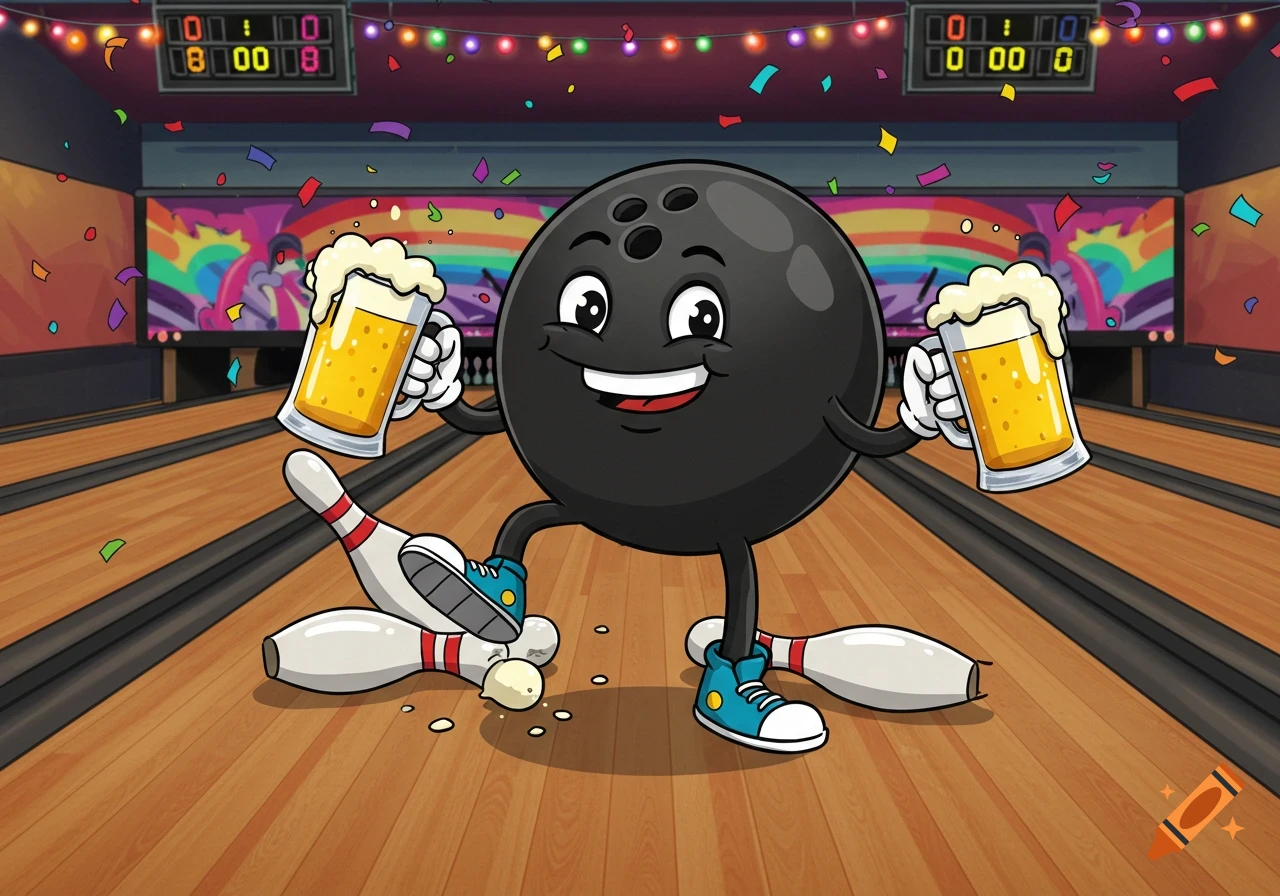
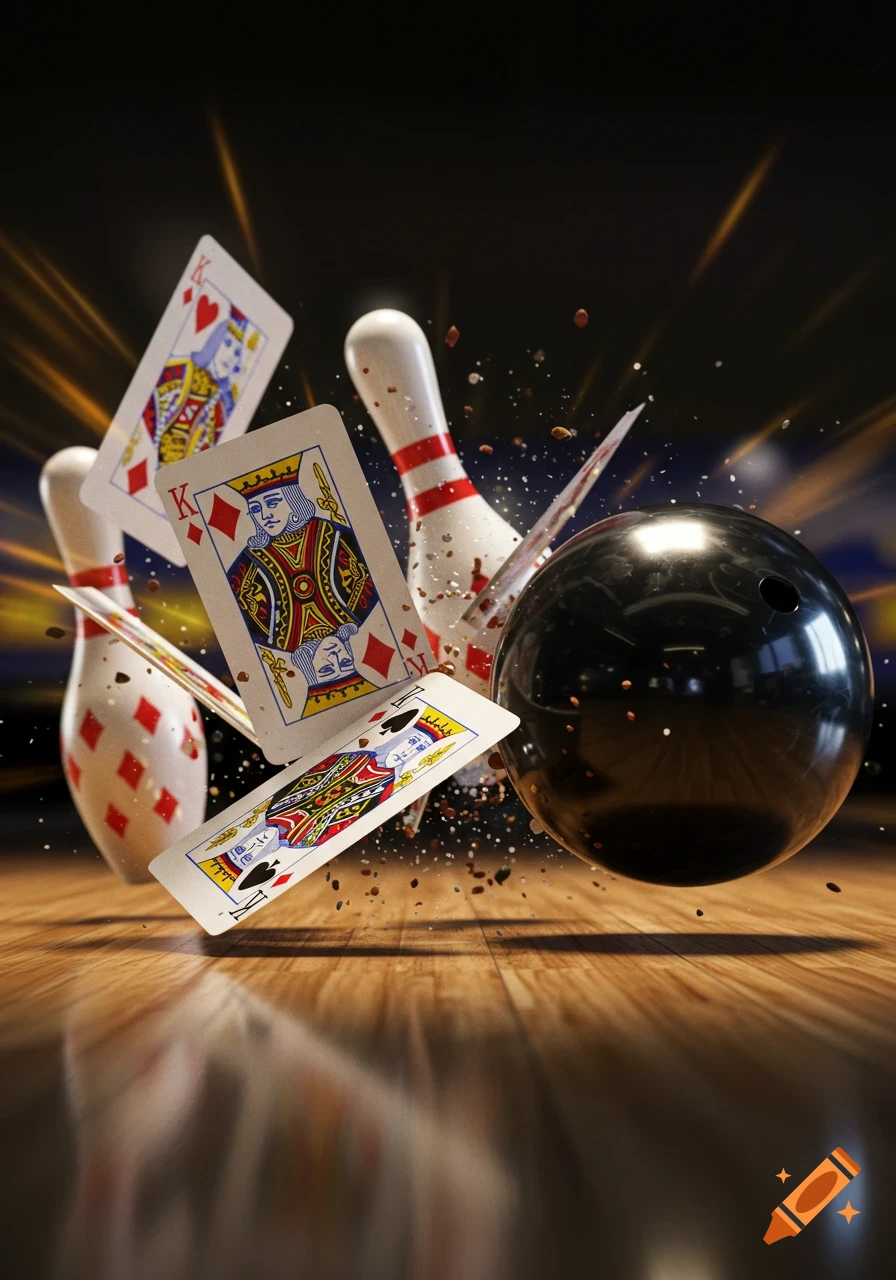
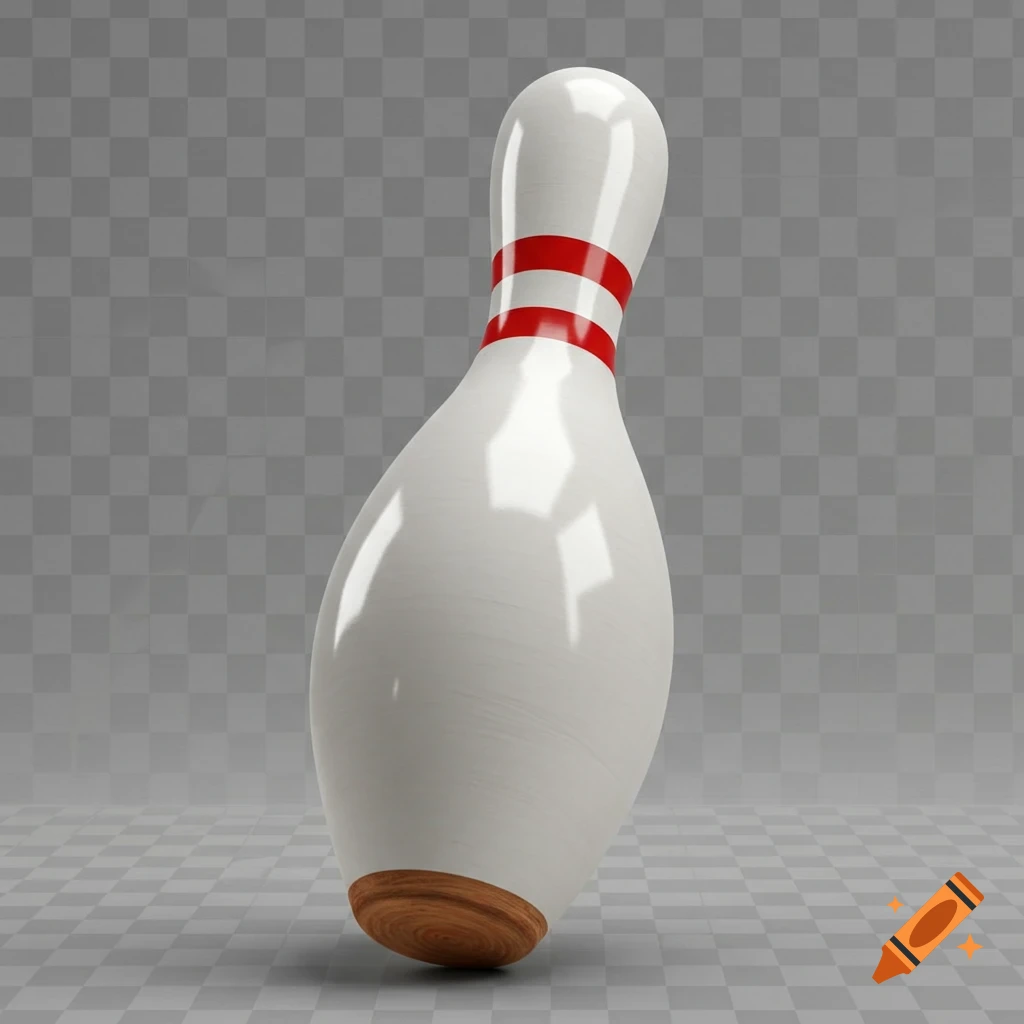
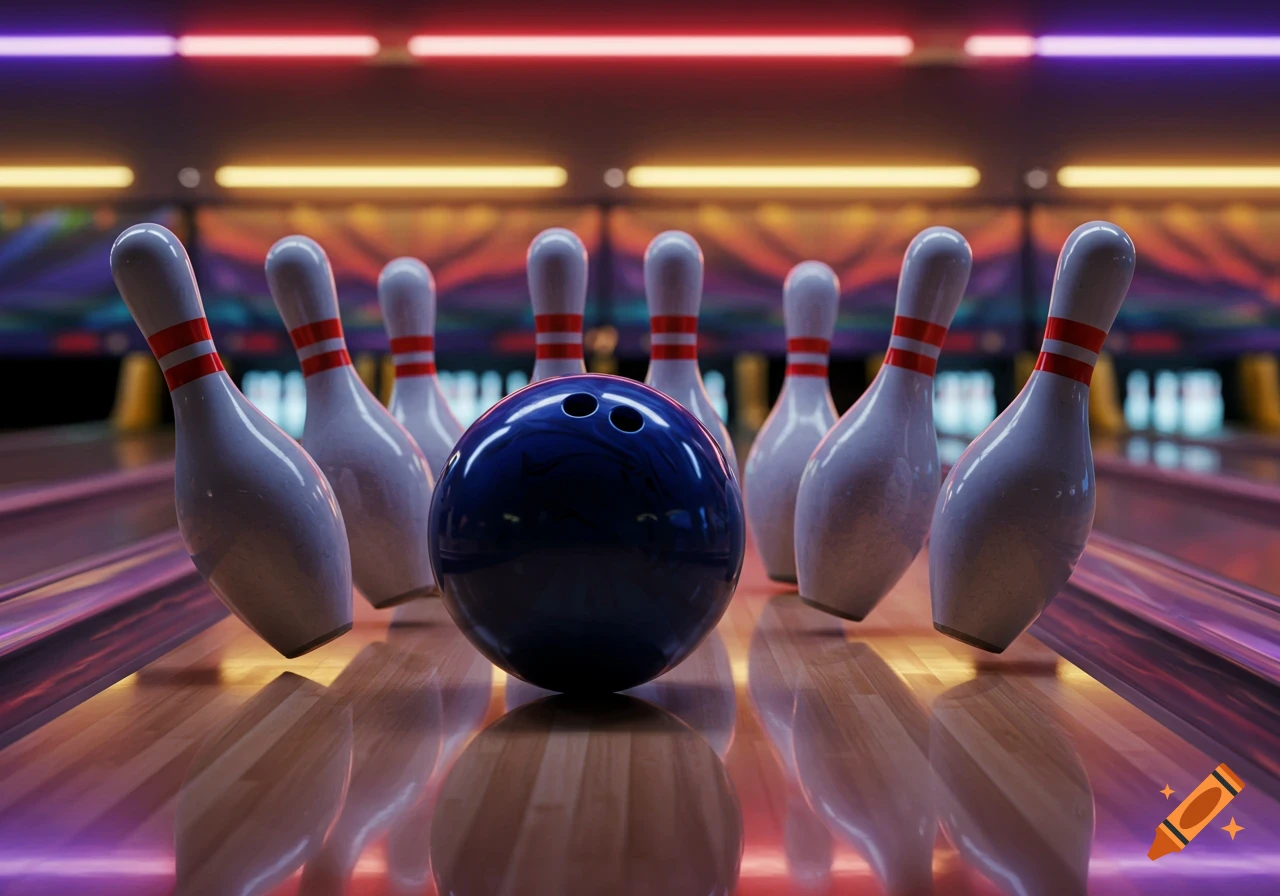
A collection of white bowling pins with red and blue bands, some standing and some fallen, in a simple cartoon style.
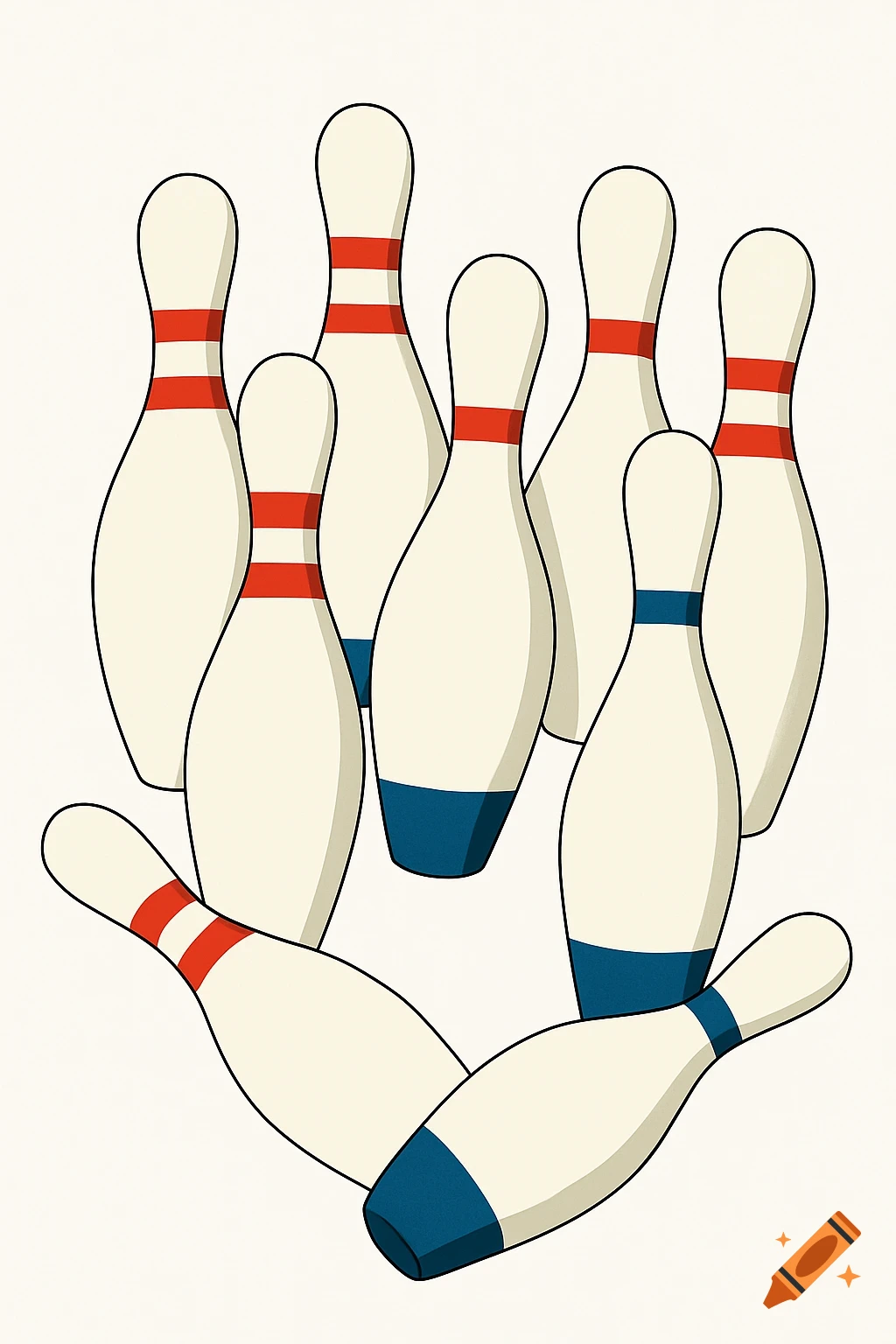
### **Step-by-Step Replication Guide:** 1. **Open a New File:** - Create a new document with a transparent or white background. 2. **Create the Bowling Pin Shape:** - **Draw the Body**: Use the pen tool or ellipse tool to create an elongated, tapered shape for the bowling pin. Make sure the top is rounded and the bottom tapers into a narrow point. - **Ensure Symmetry**: You can create one pin first and duplicate it to keep proportions consistent. 3. **Add the Red and Blue Bands:** - **Red Bands**: Use the rectangle tool to draw two thin red bands near the top of the pin. Position them slightly below the top to ensure they're consistent in placement across all pins. - **Blue Bands**: Similarly, use the rectangle tool to draw two blue bands around the lower section of each pin. Position them near the base, similar to the red ones. 4. **Arrange the Pins:** - **Overlap**: Duplicate the pin and arrange them in a dynamic, overlapping layout. Tilt some pins slightly to the left or right to add depth and a sense of motion. - Ensure that some of the pins overlap, with one pin’s top crossing into the base of another pin, to keep the dynamic effect. 5. **Apply Solid Colors (Without Texture):** - For the color of the pins, use a solid beige or tan color for the pin bodies. Avoid any gradients or textures to keep it clean and smooth. - The red and blue bands should remain solid colors with no gradients. 6. **Minimal Shading (Optional):** - If you want to add dimension, you can apply a See more