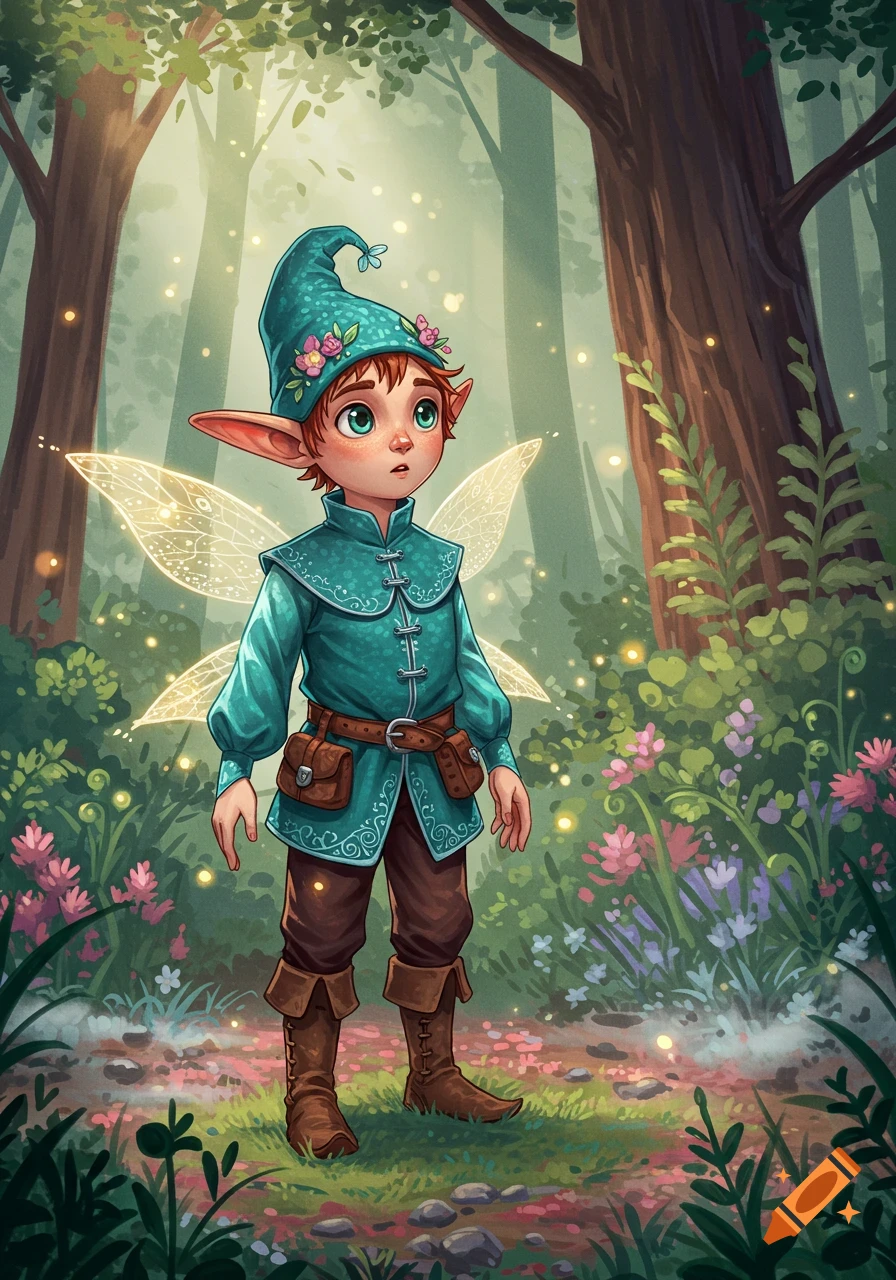
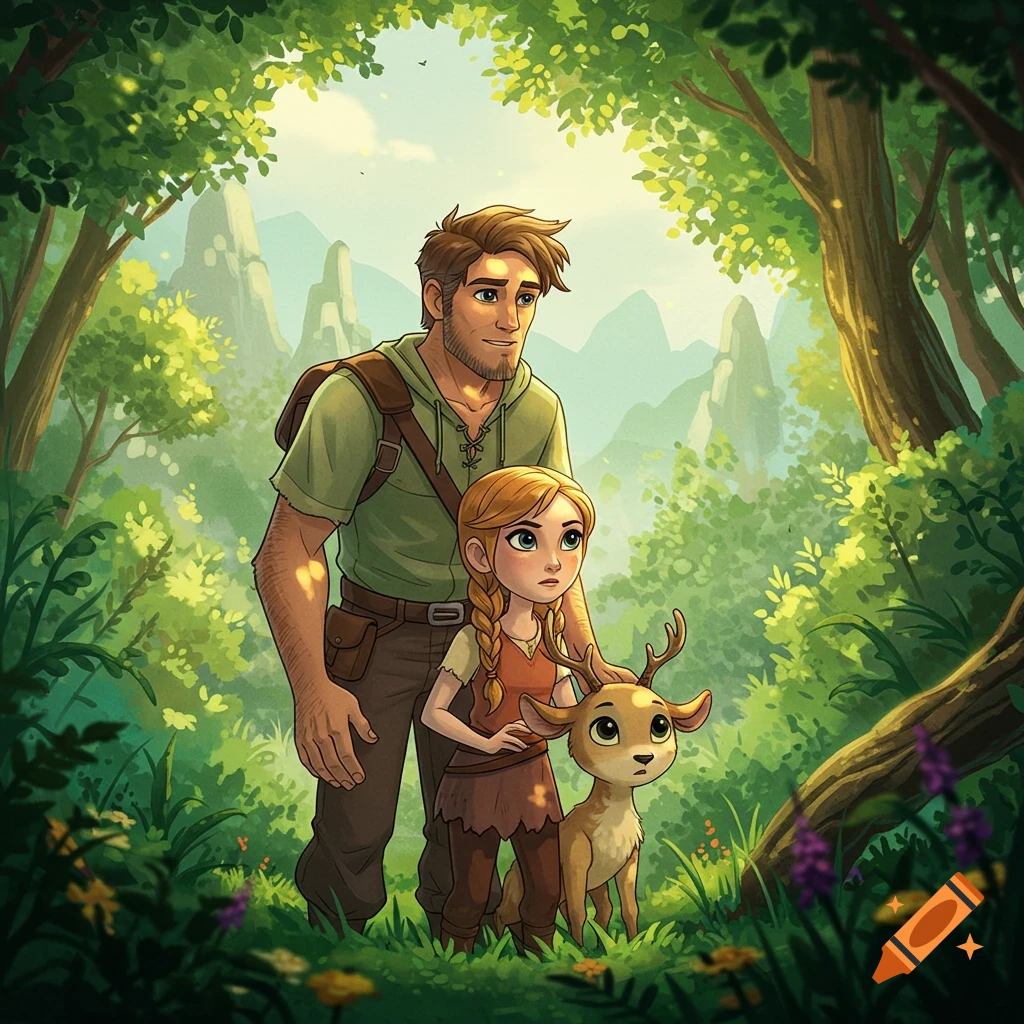
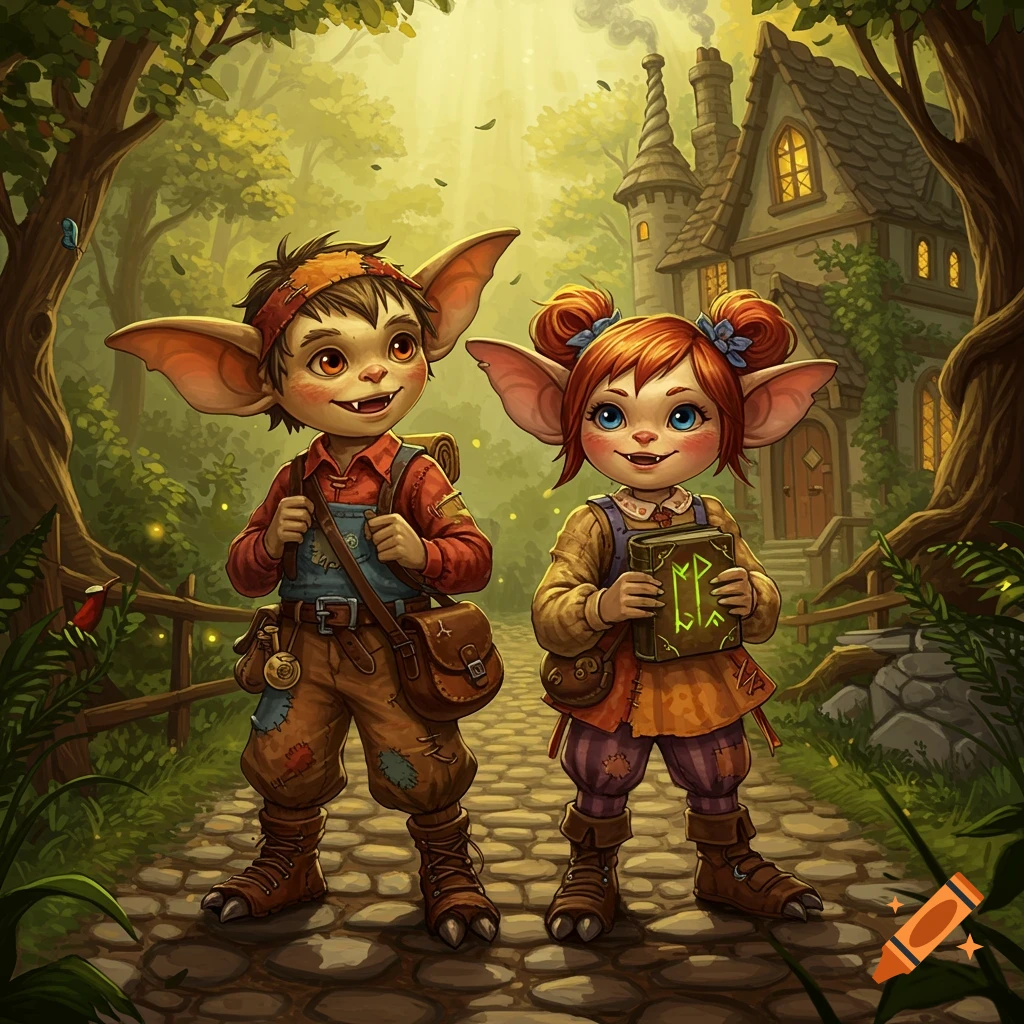
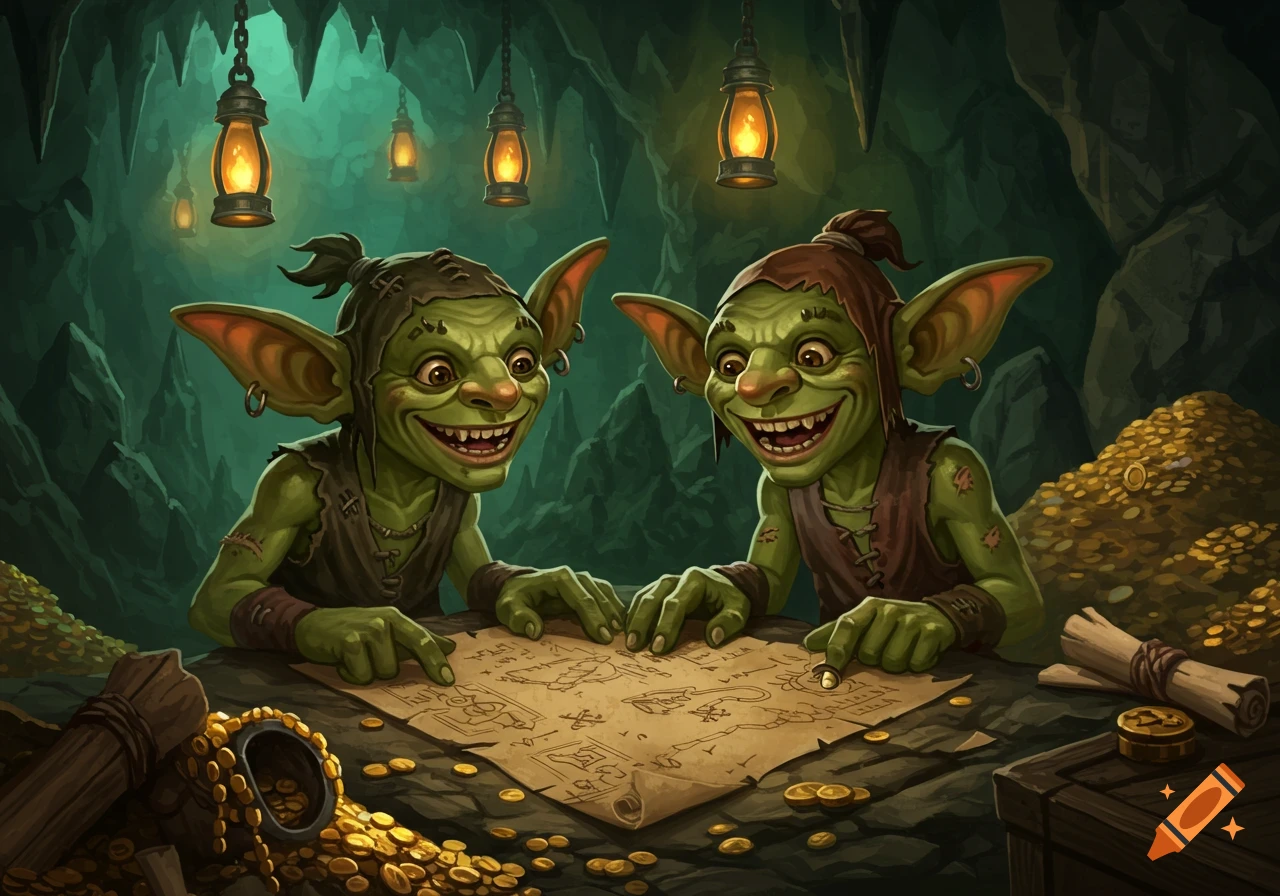
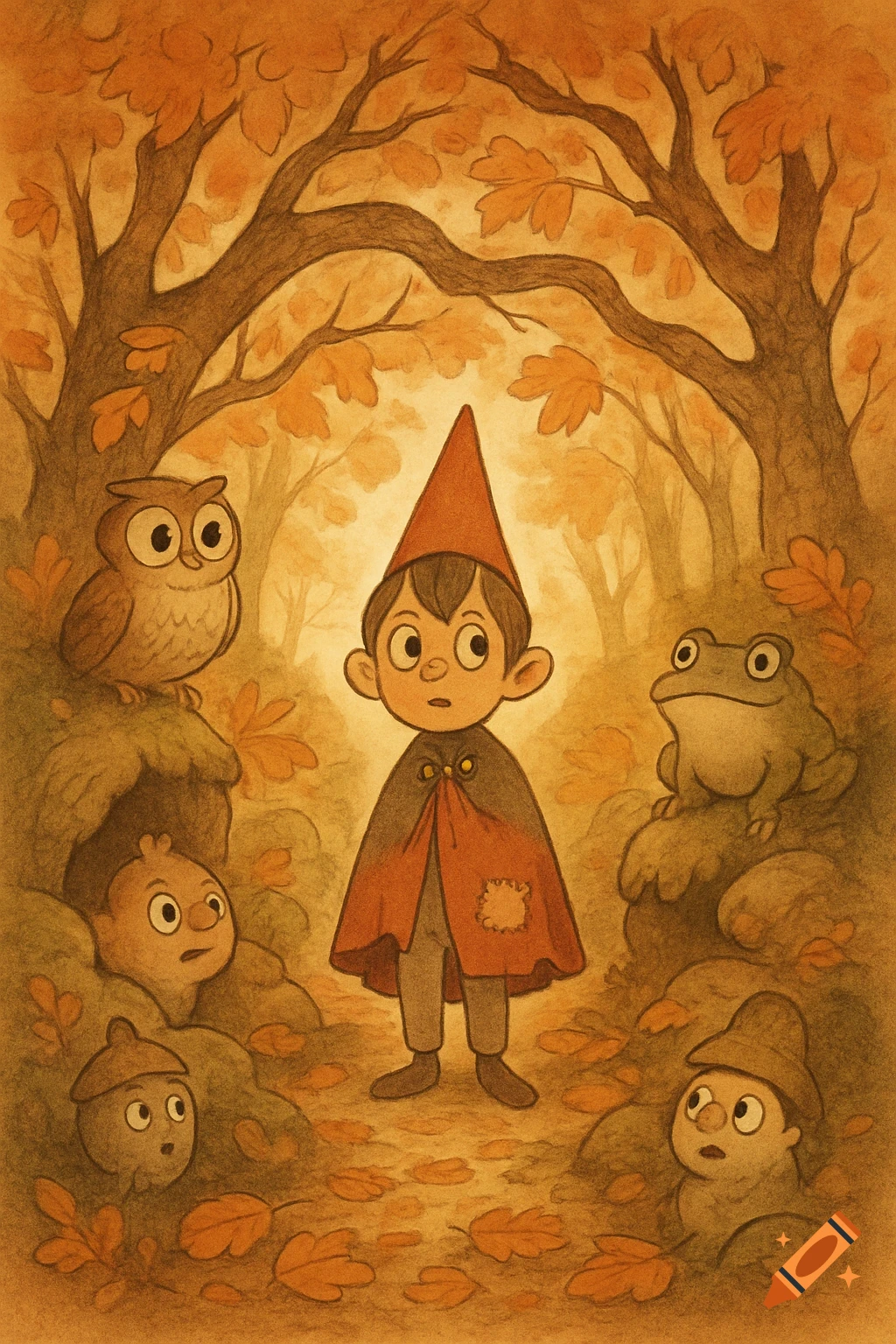
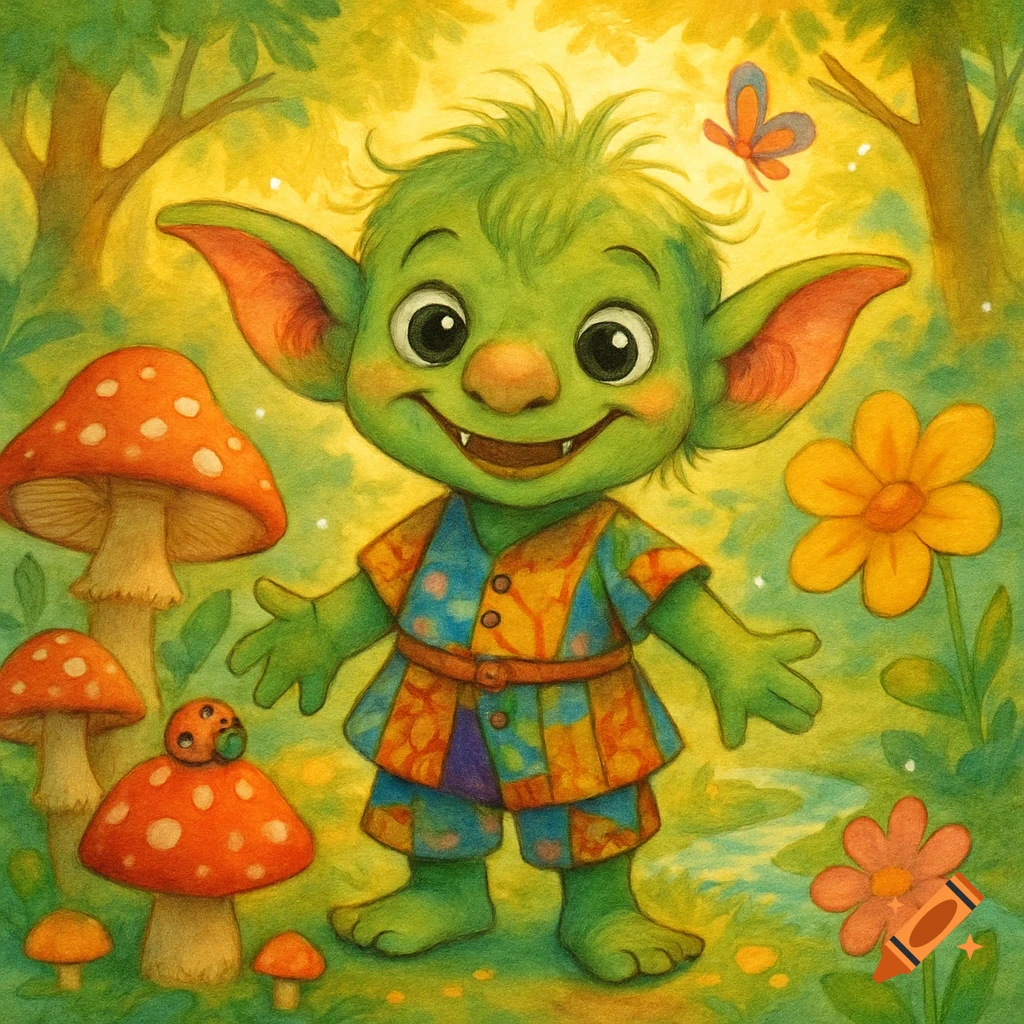
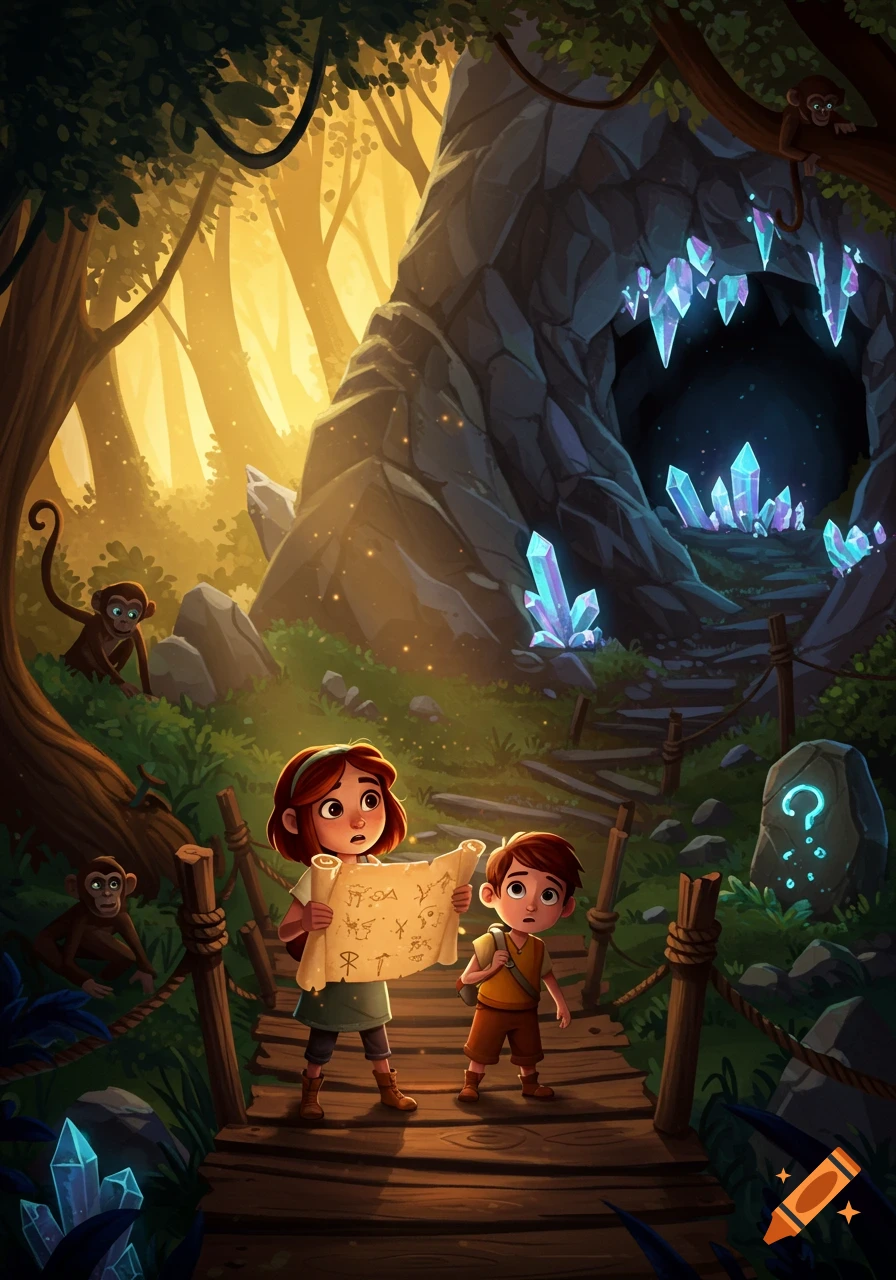
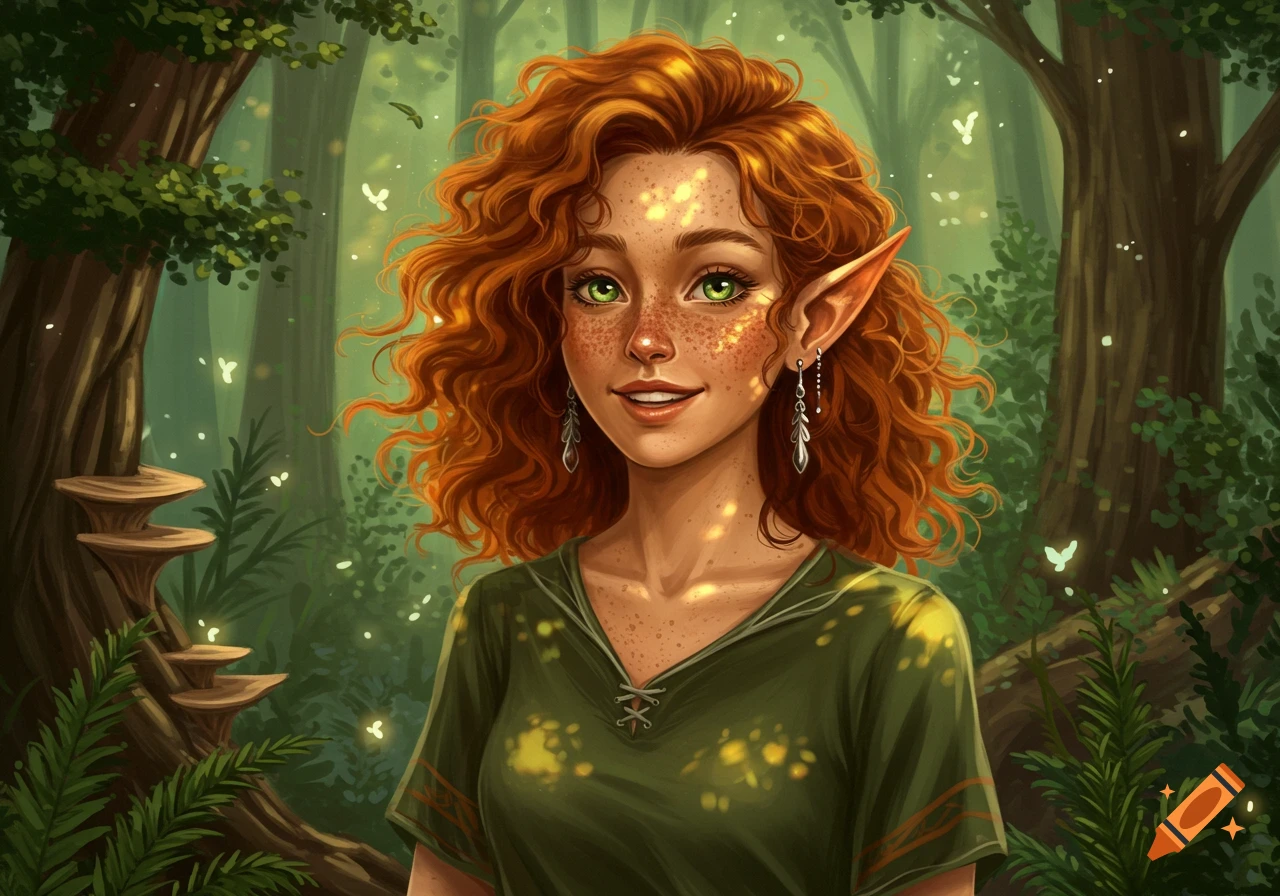
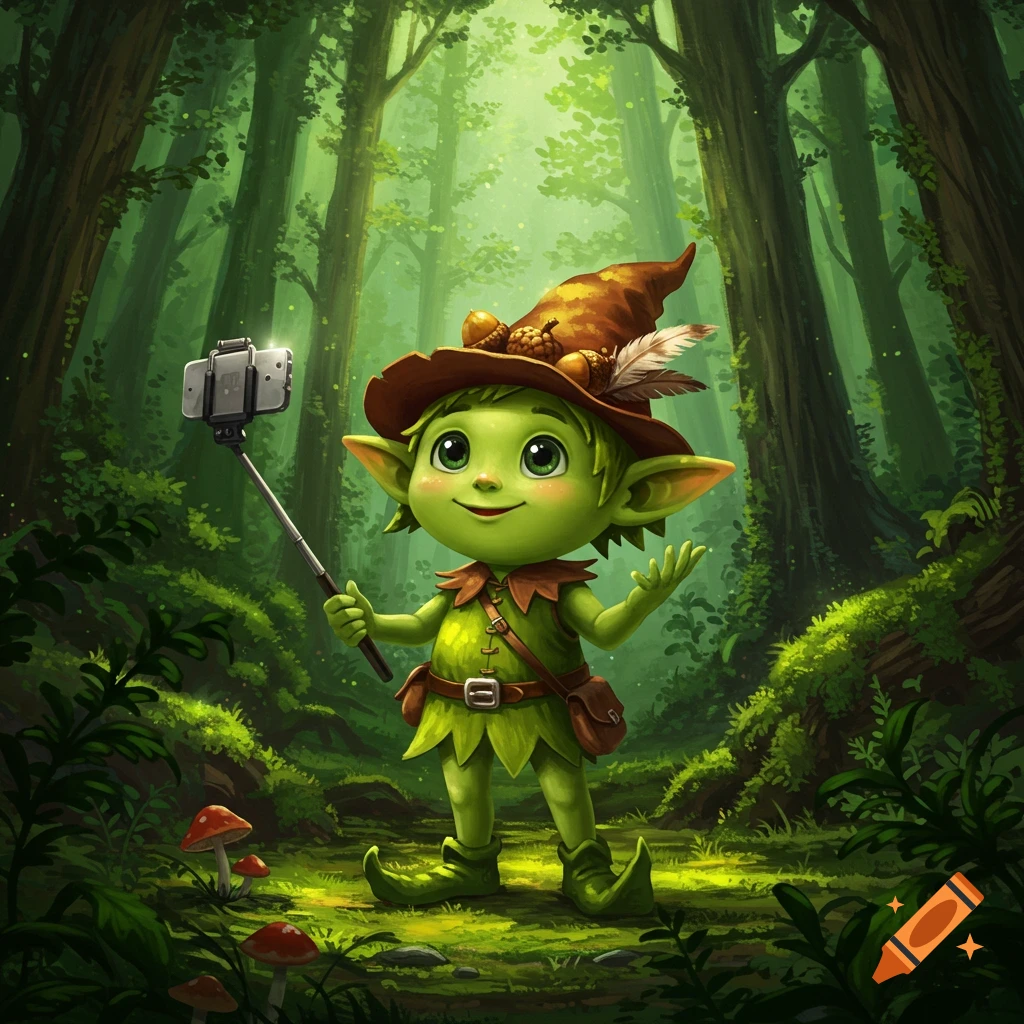
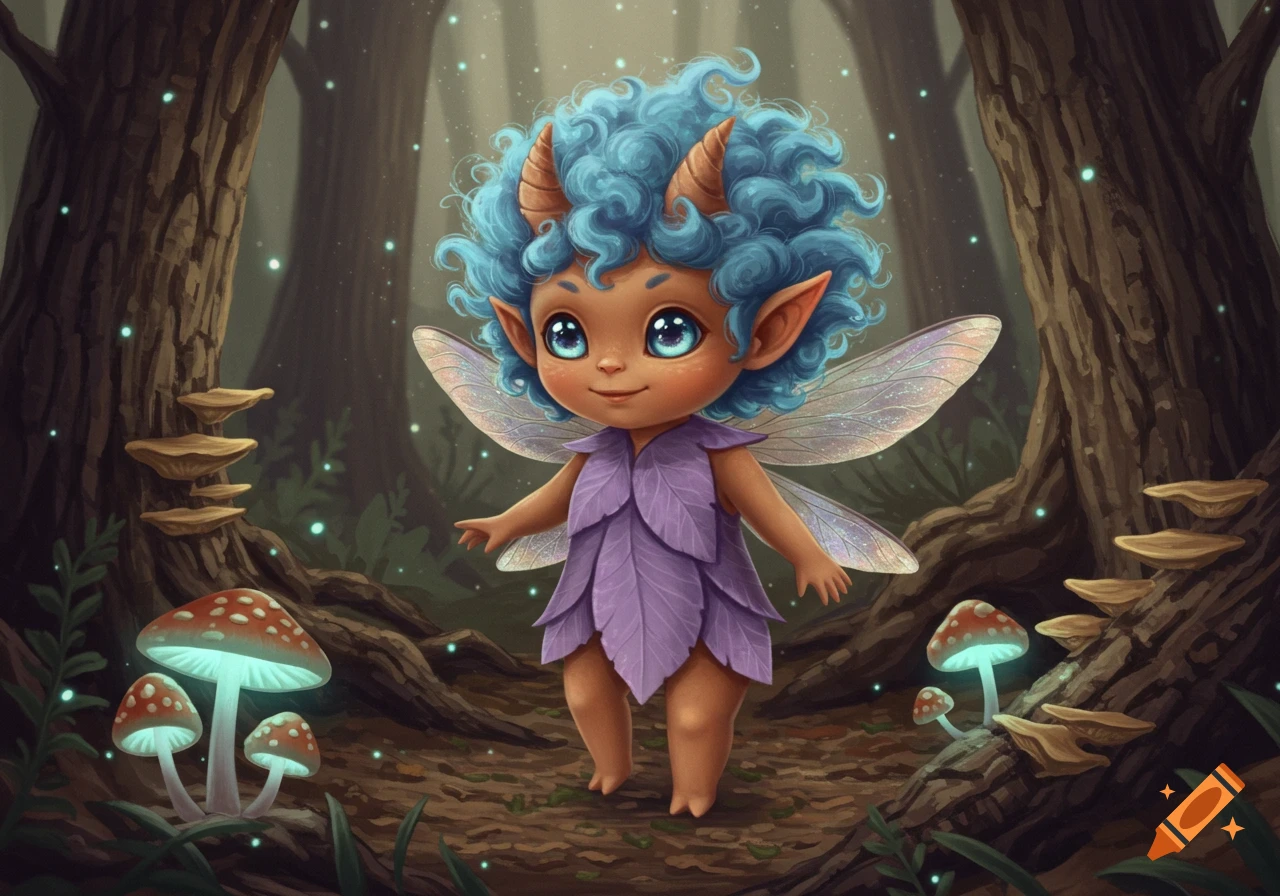
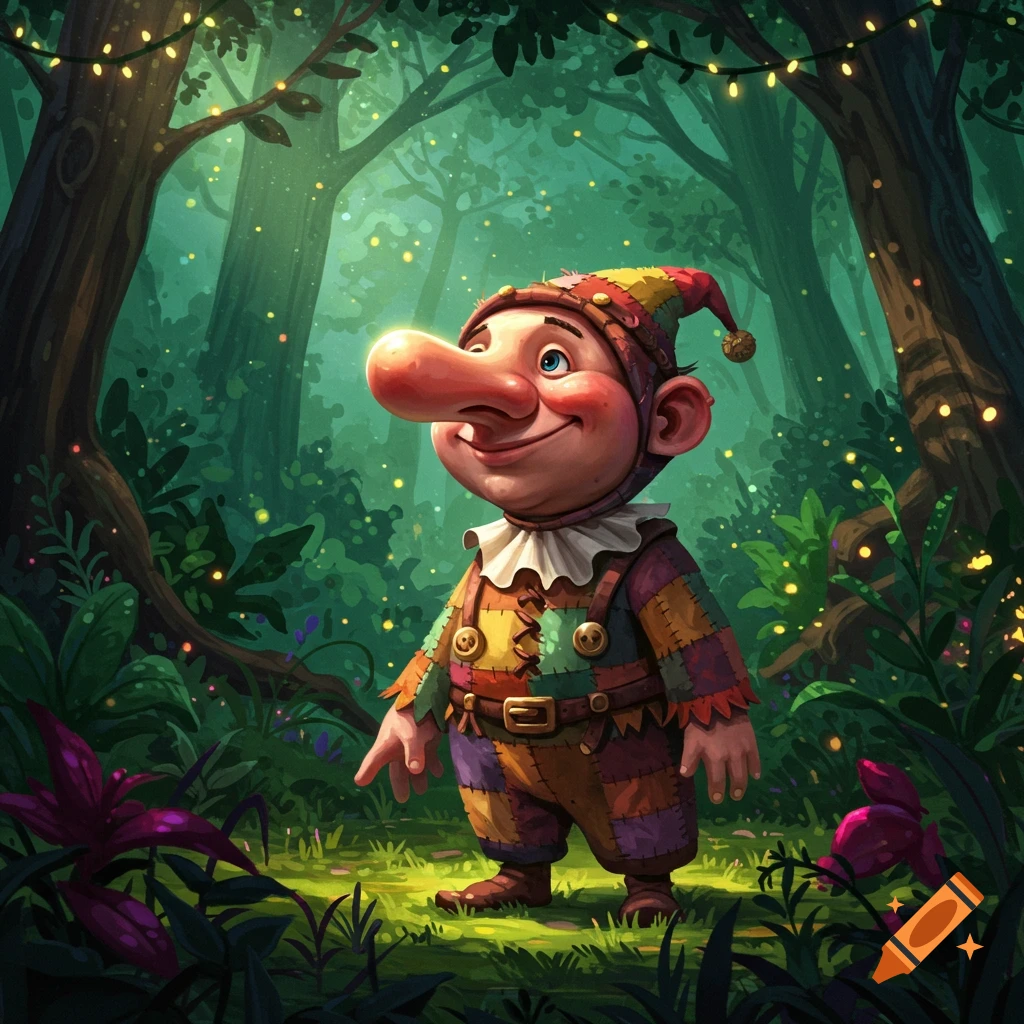
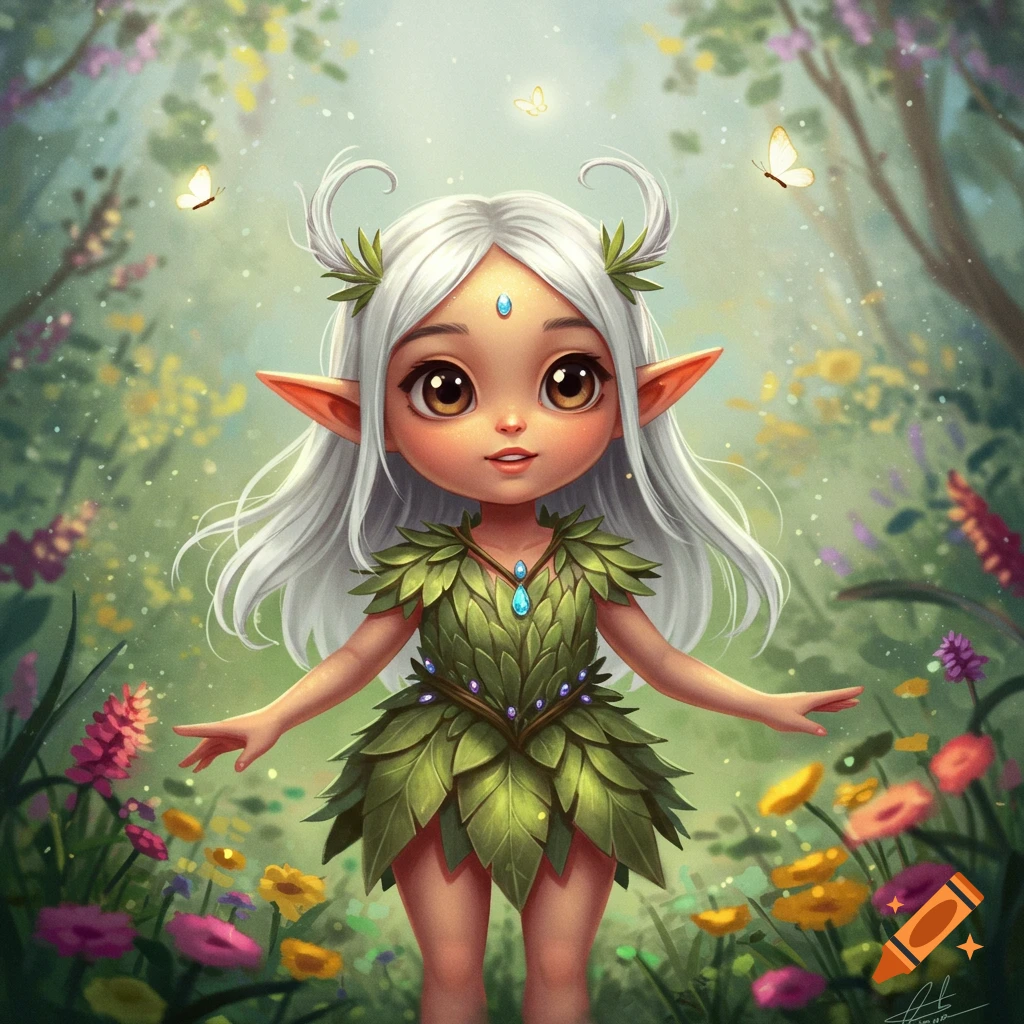
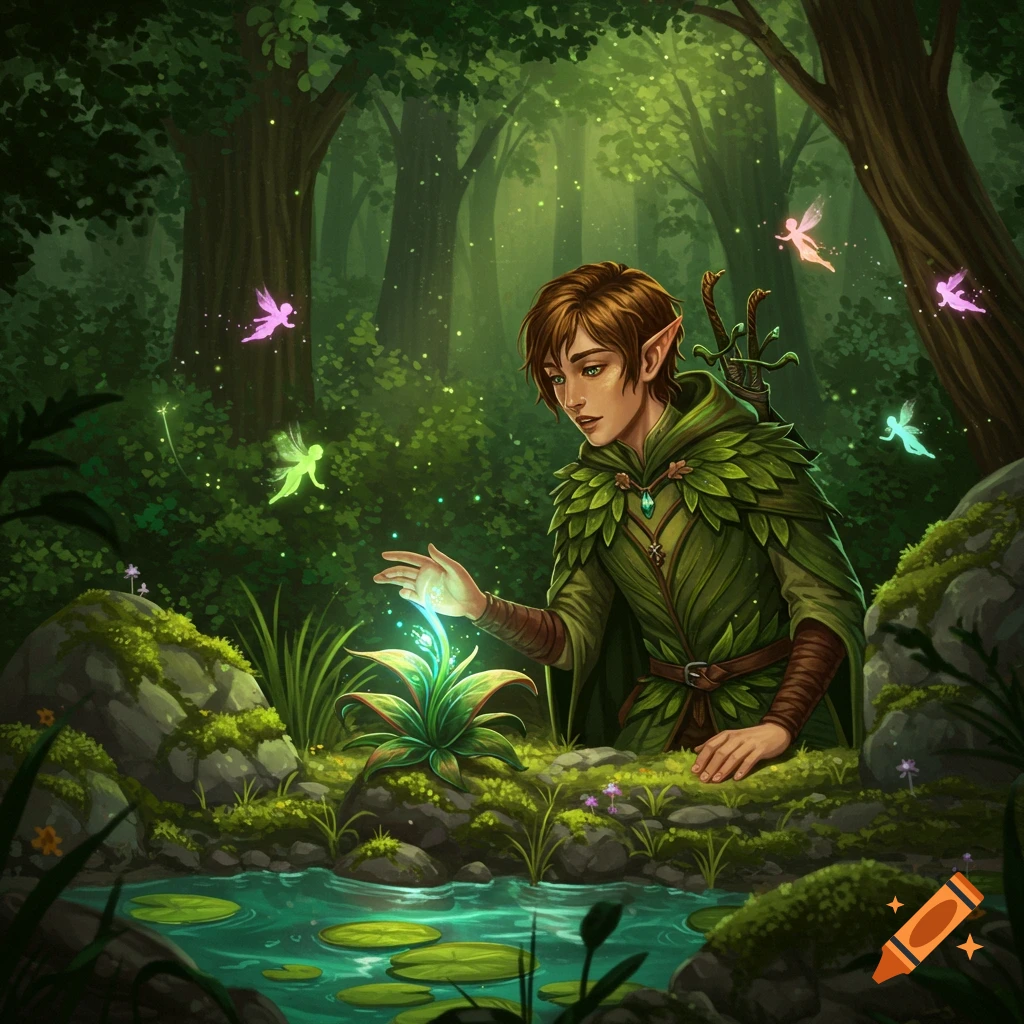
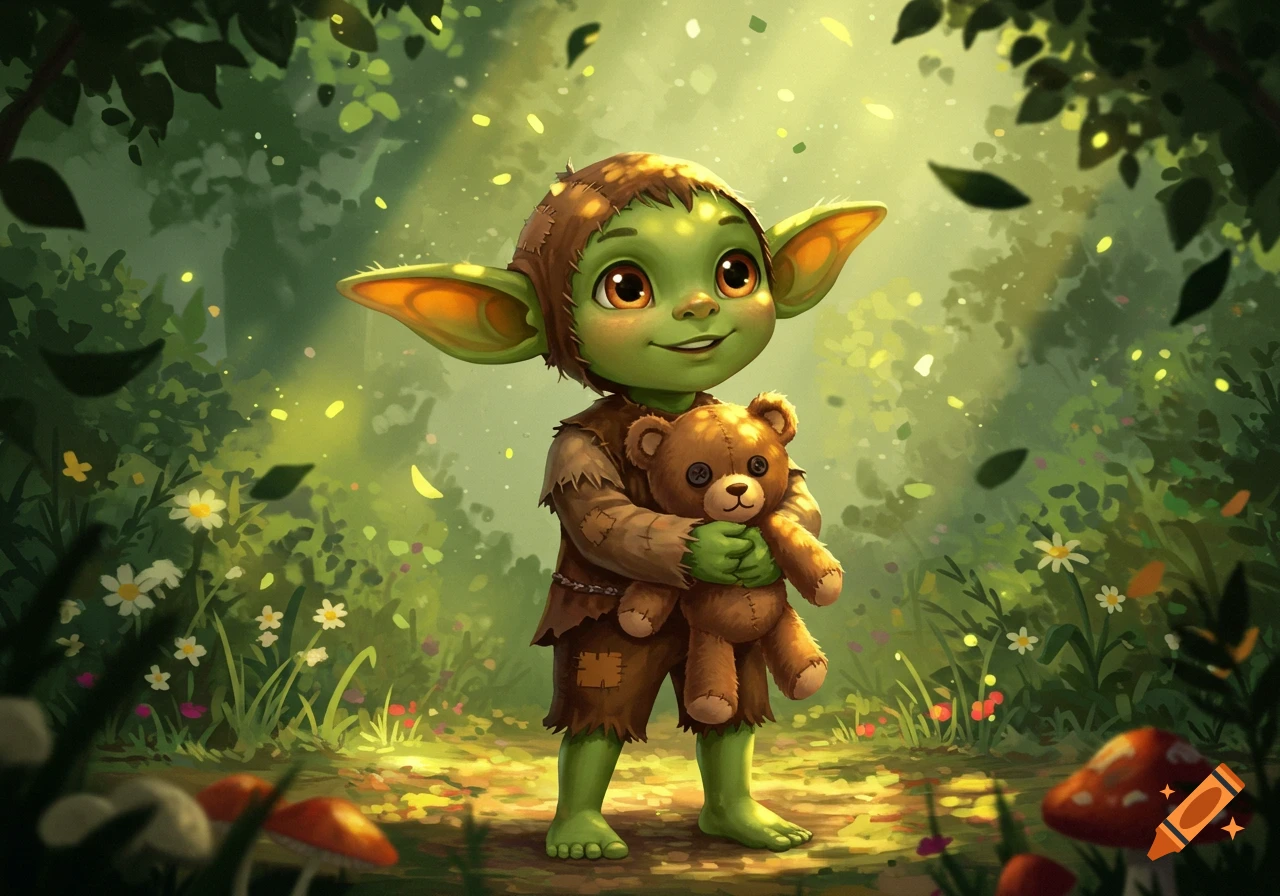
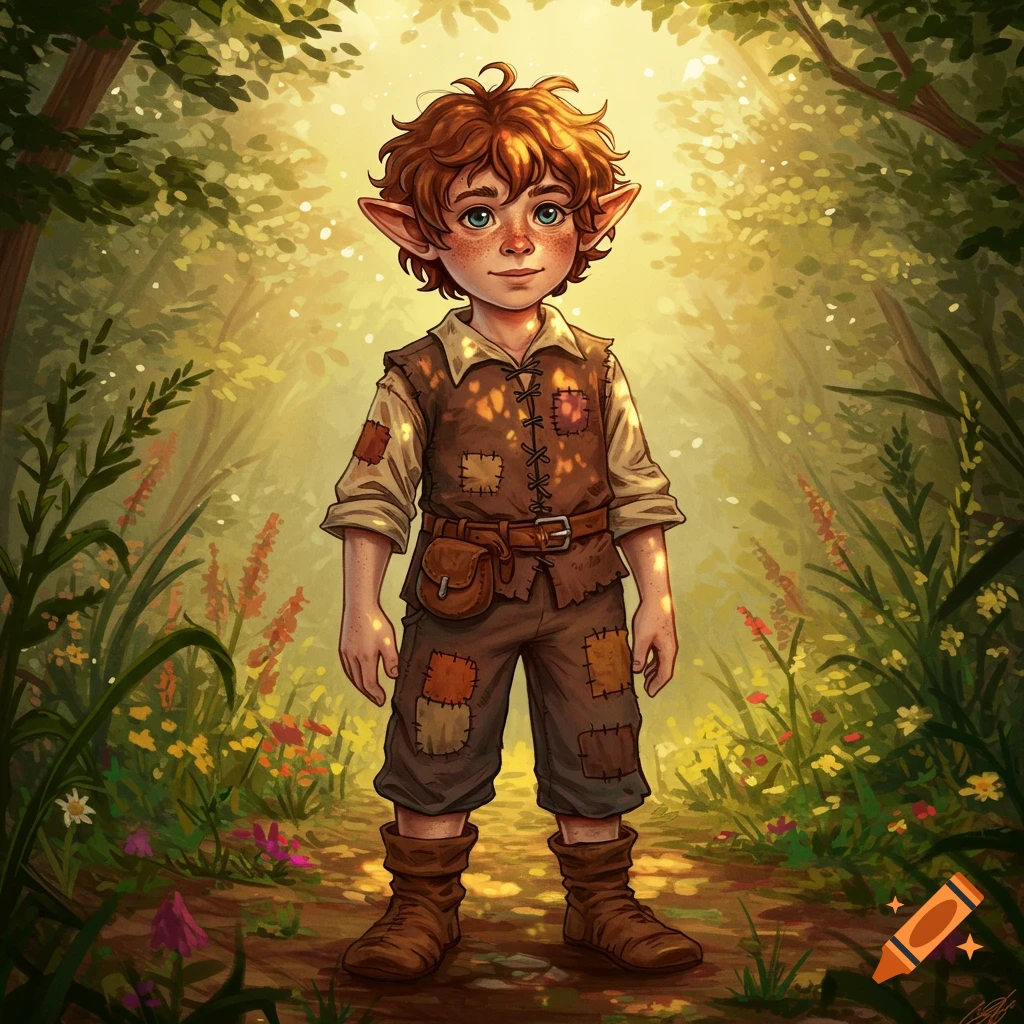
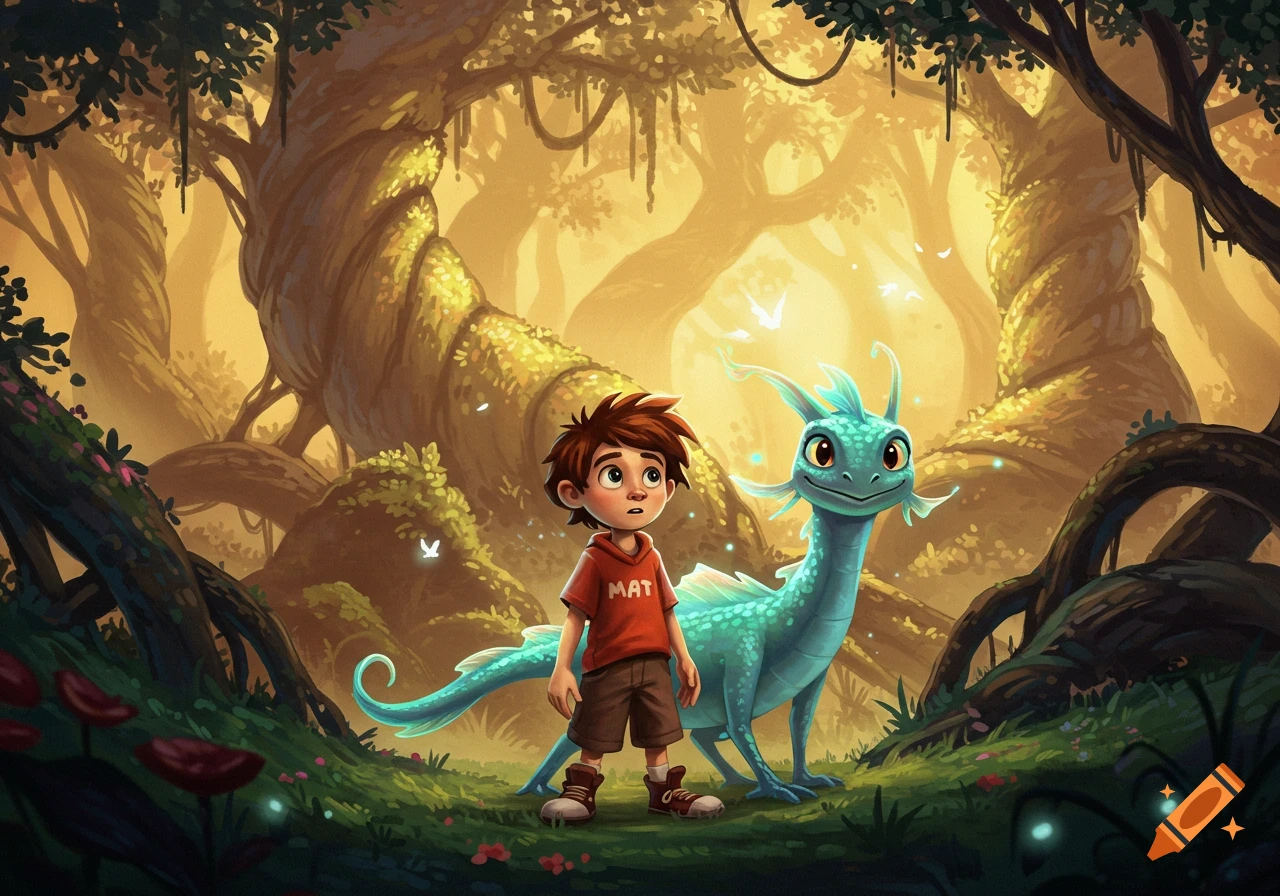
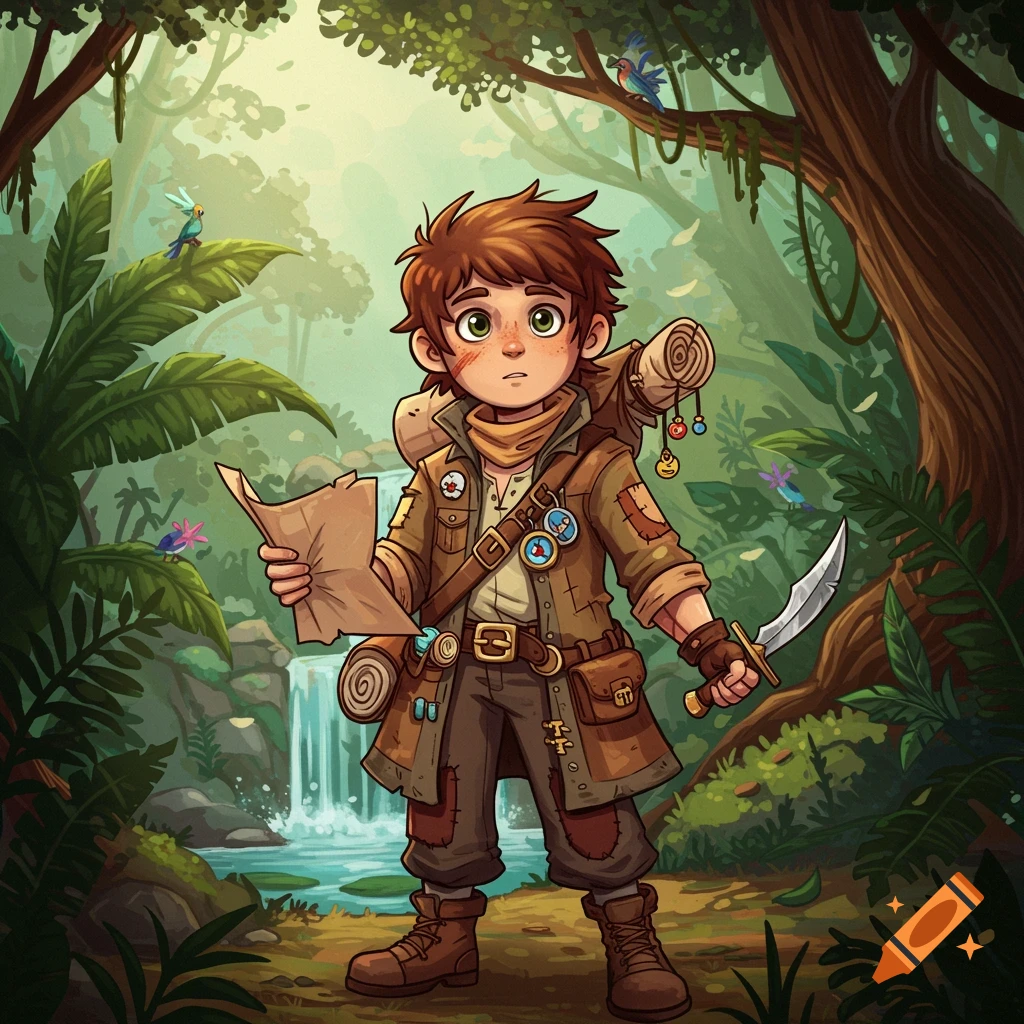
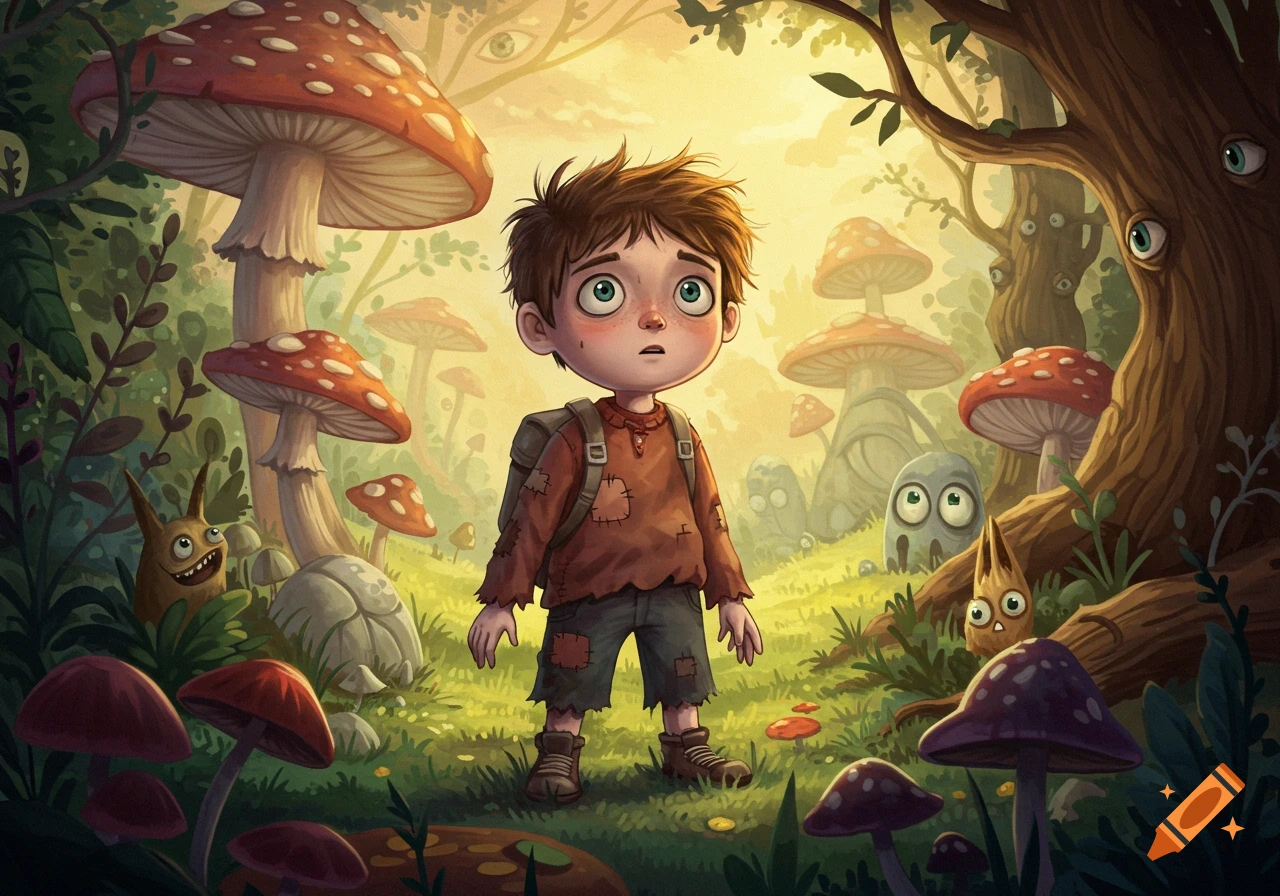
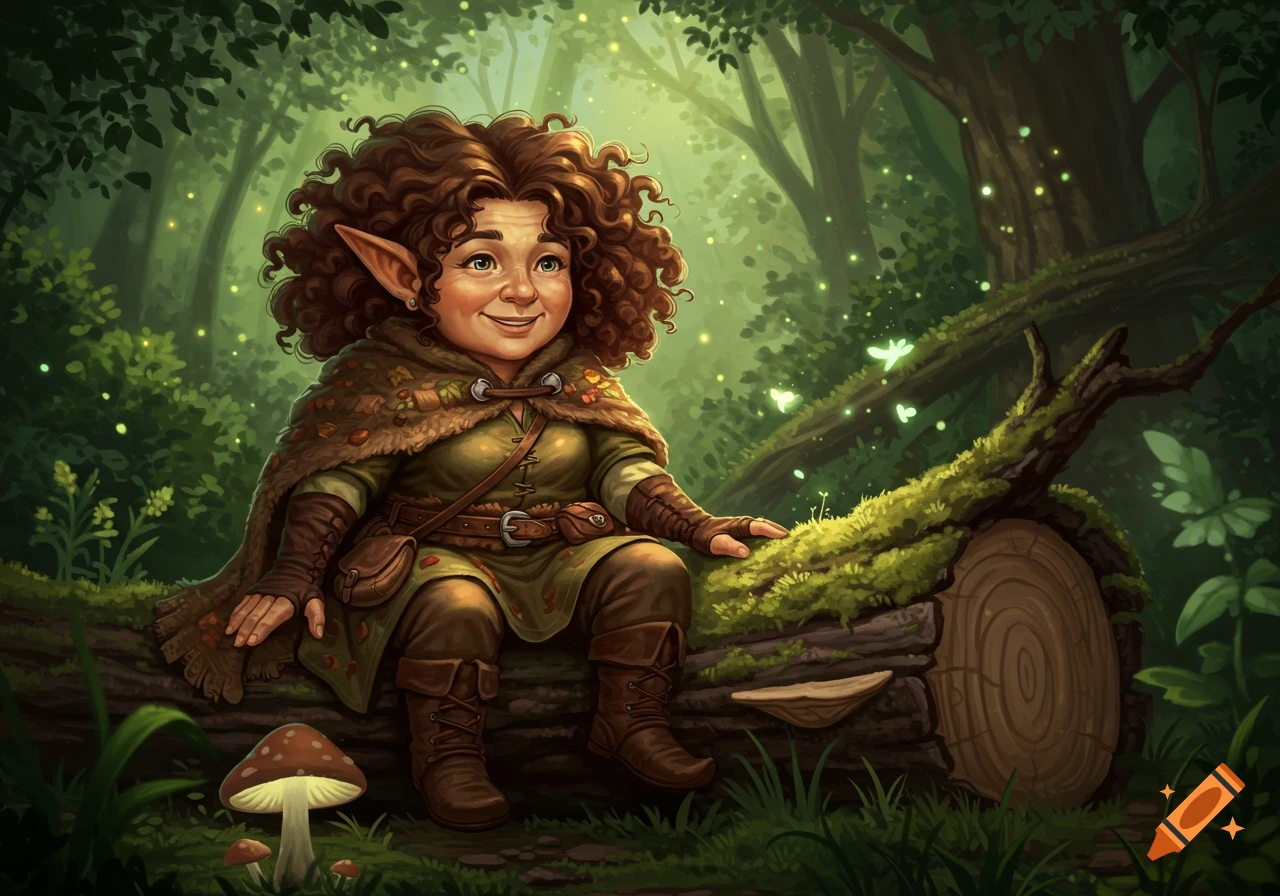
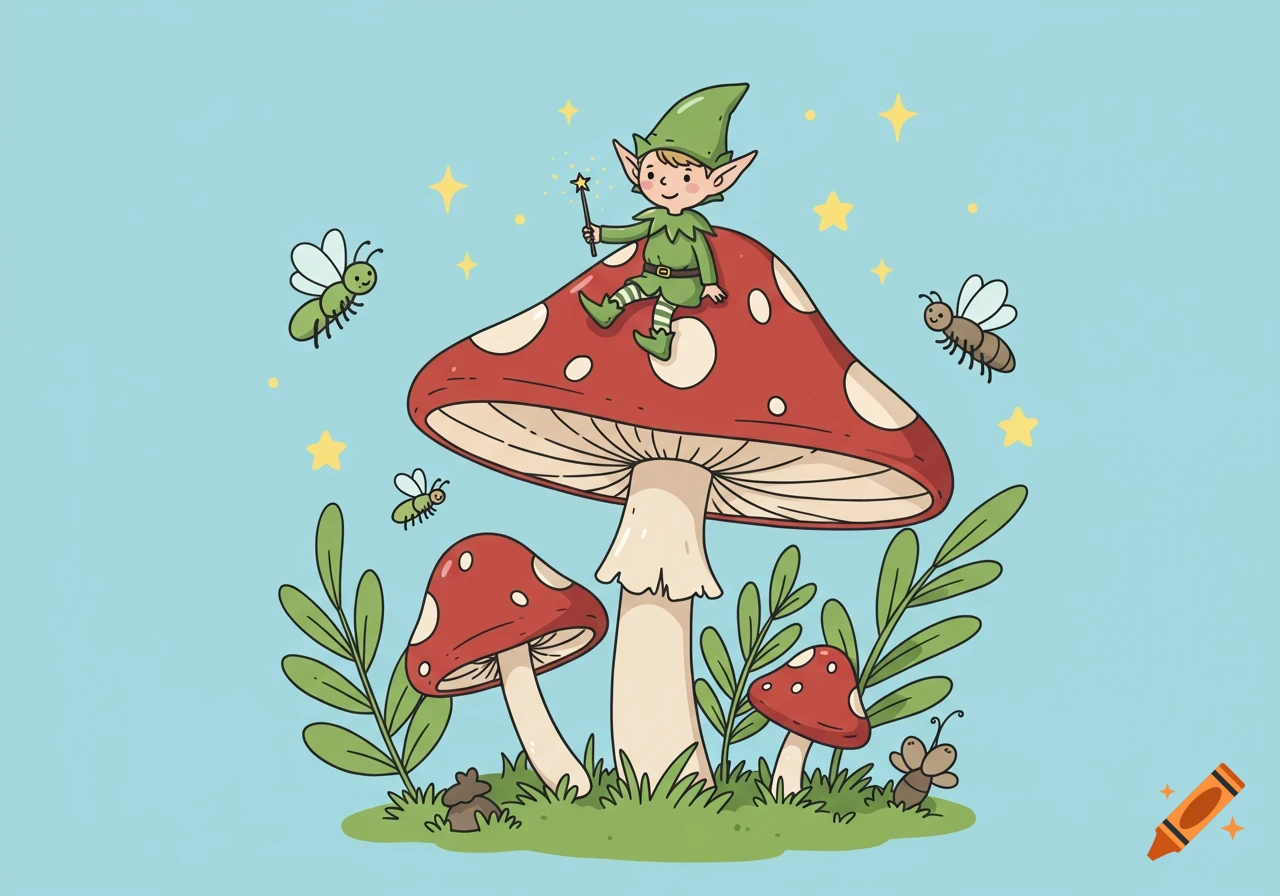
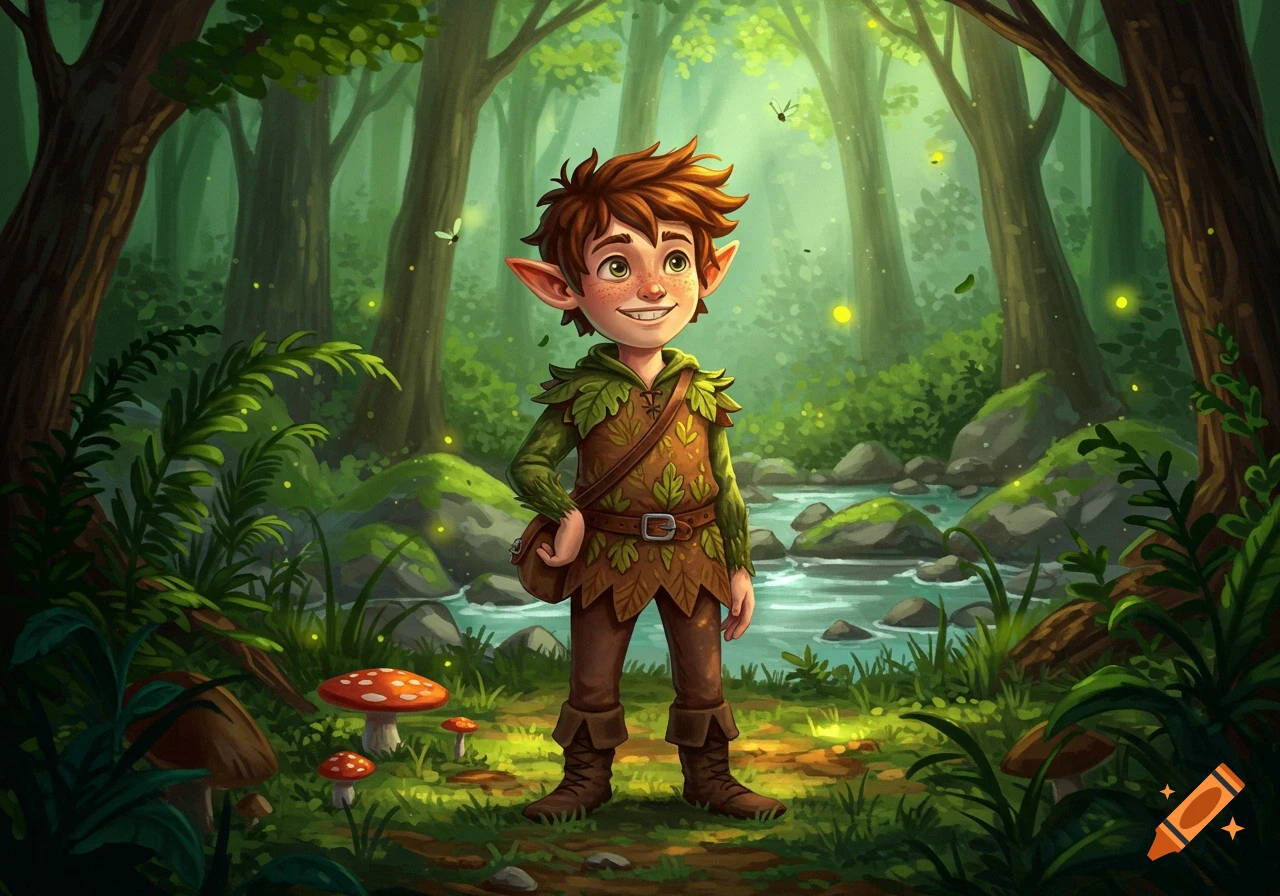
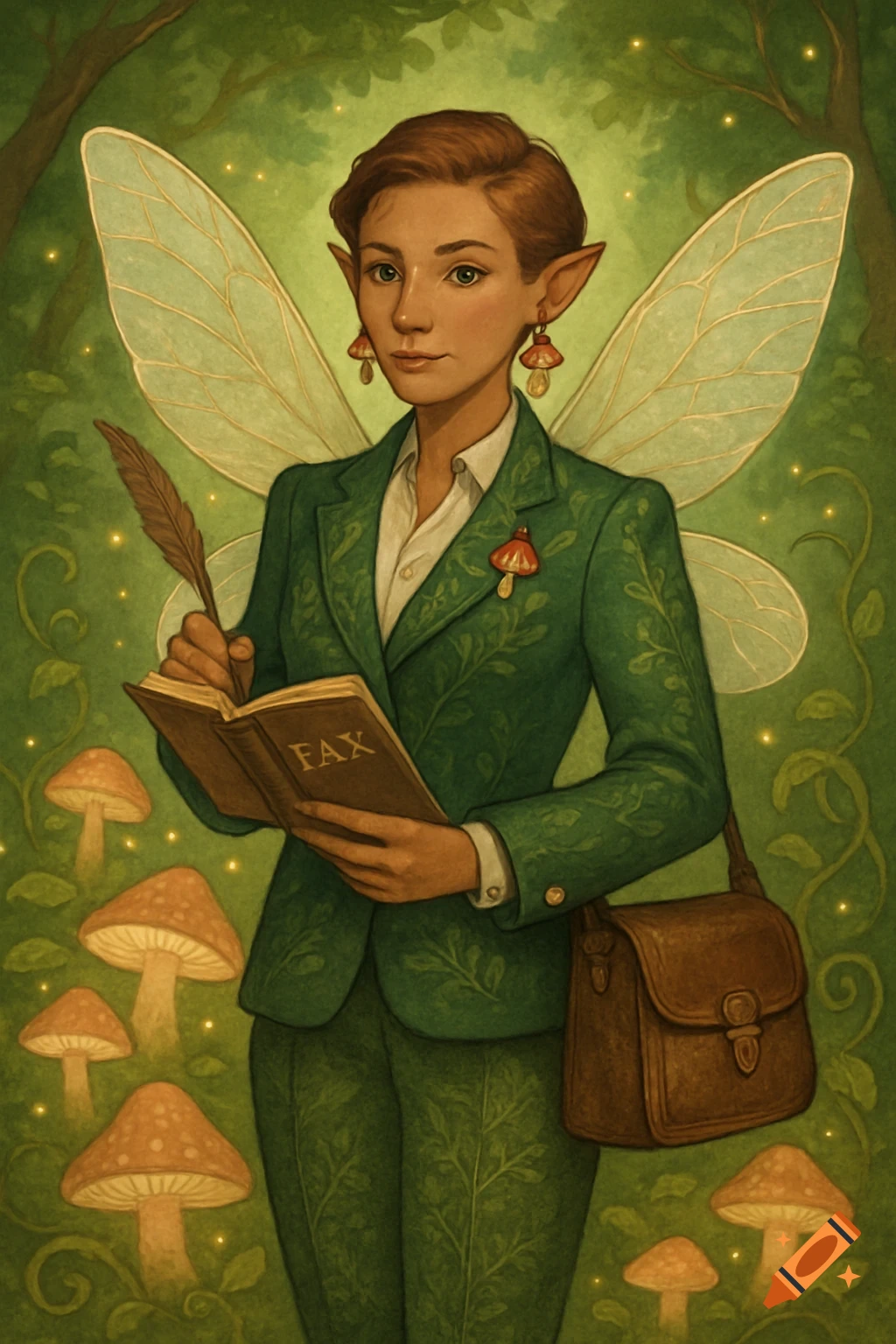
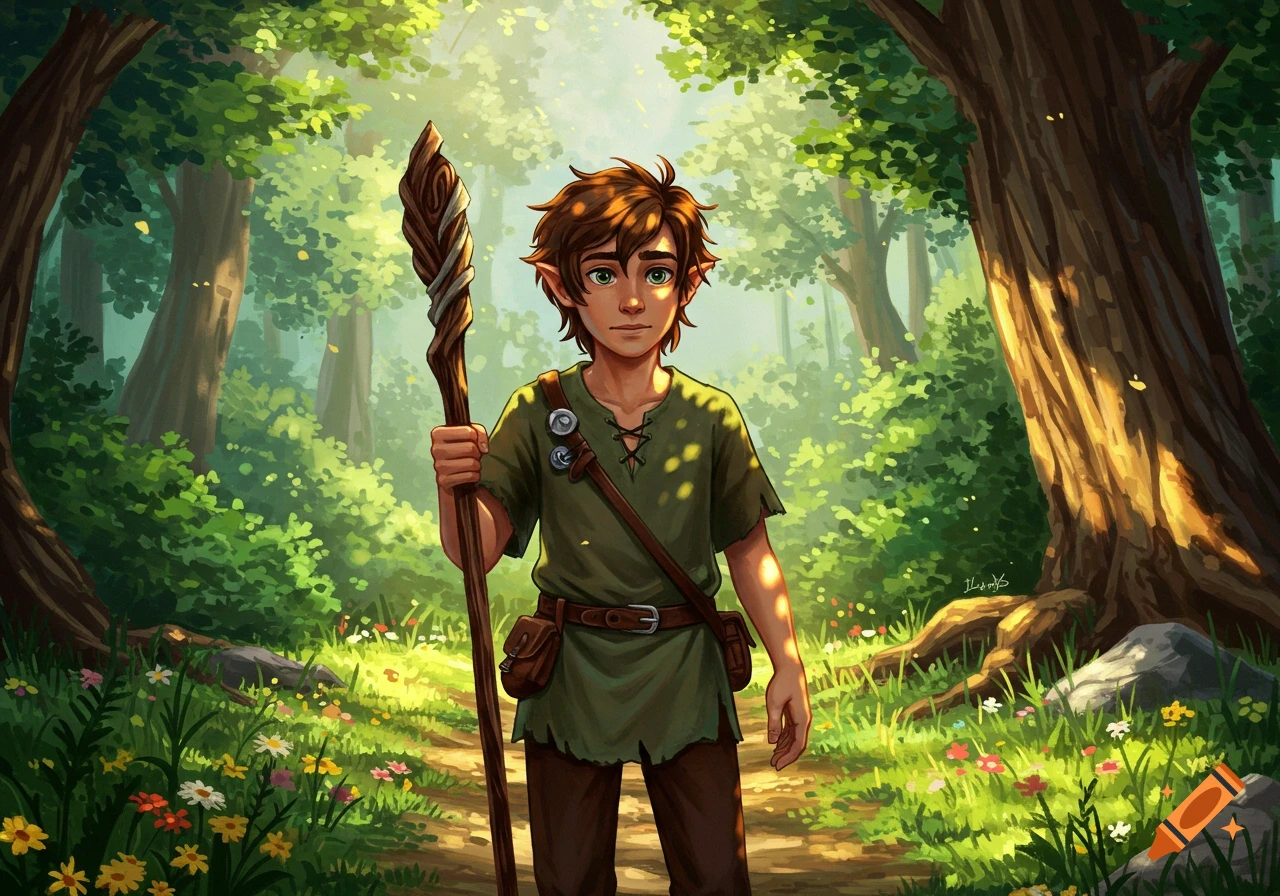
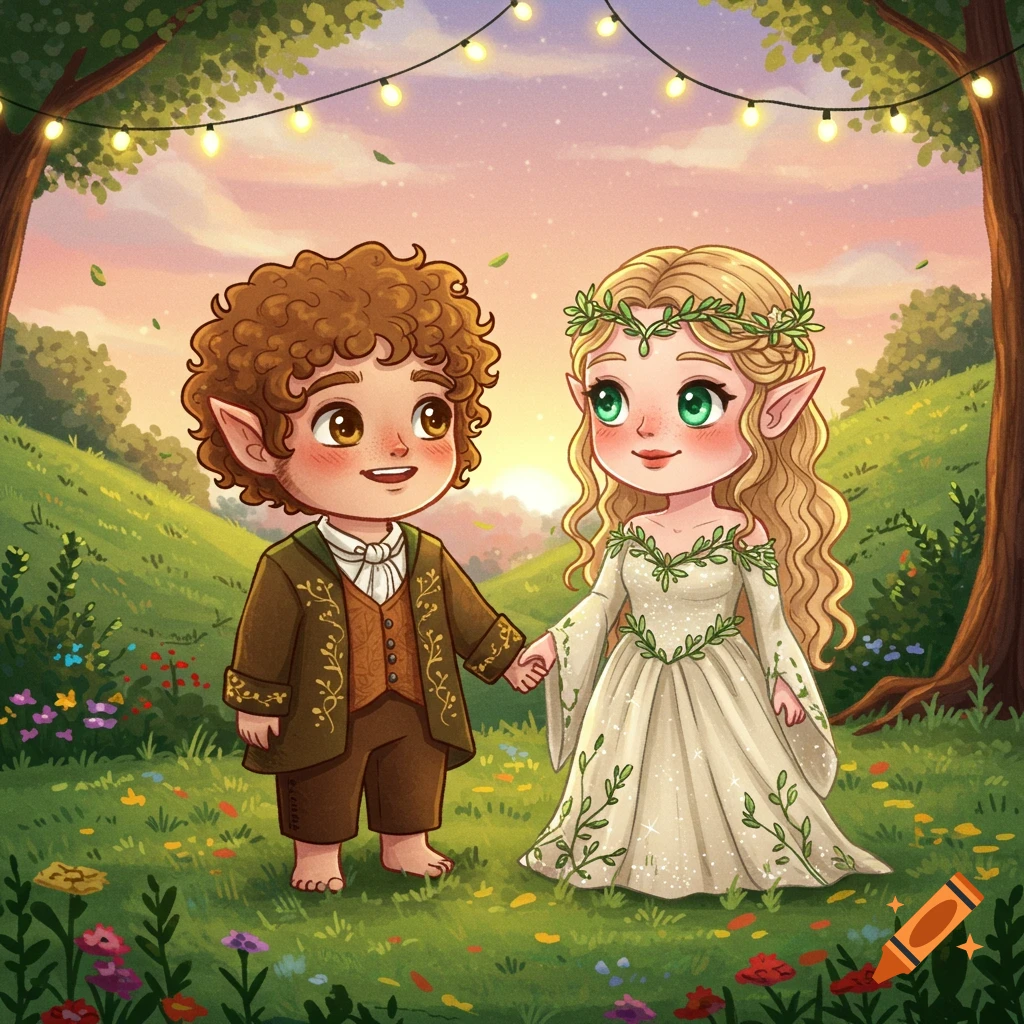
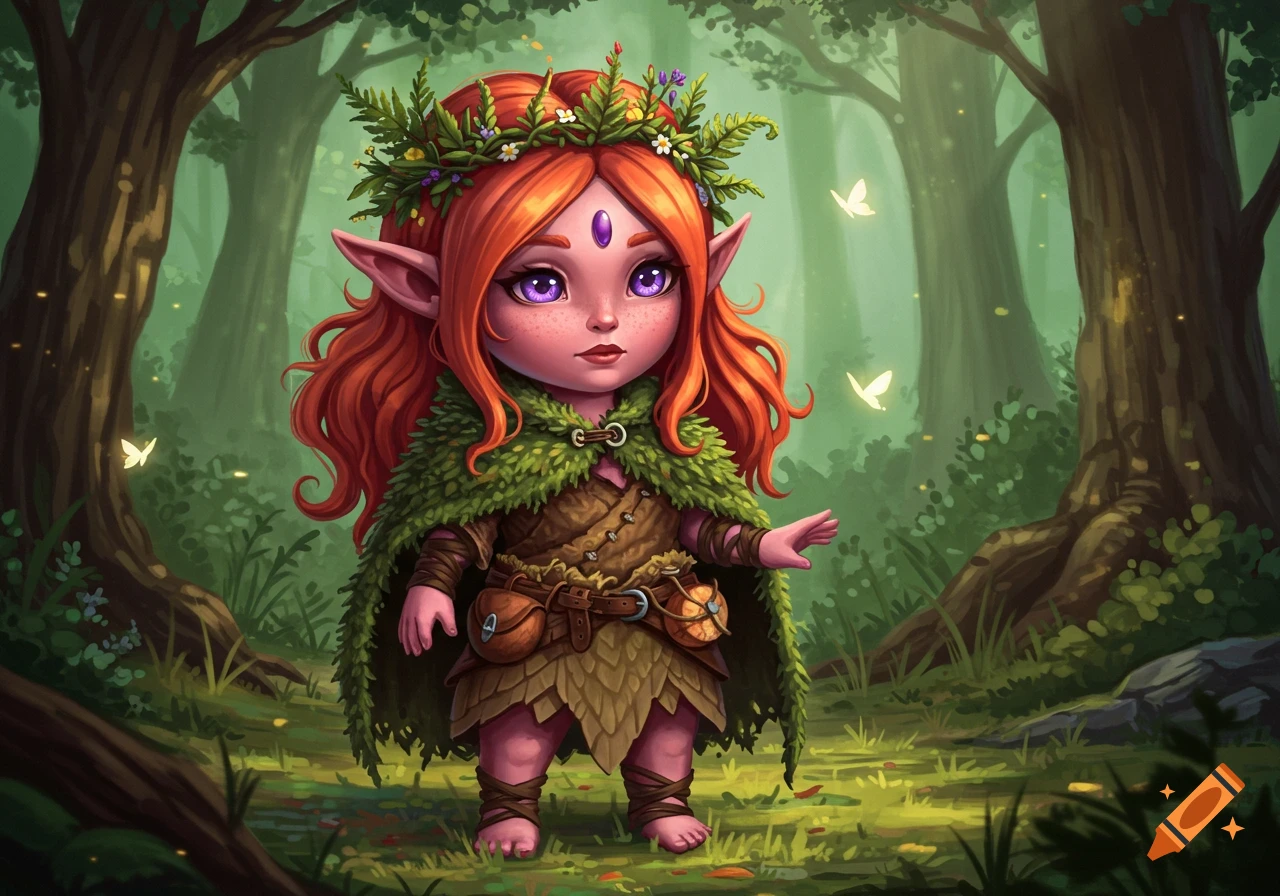
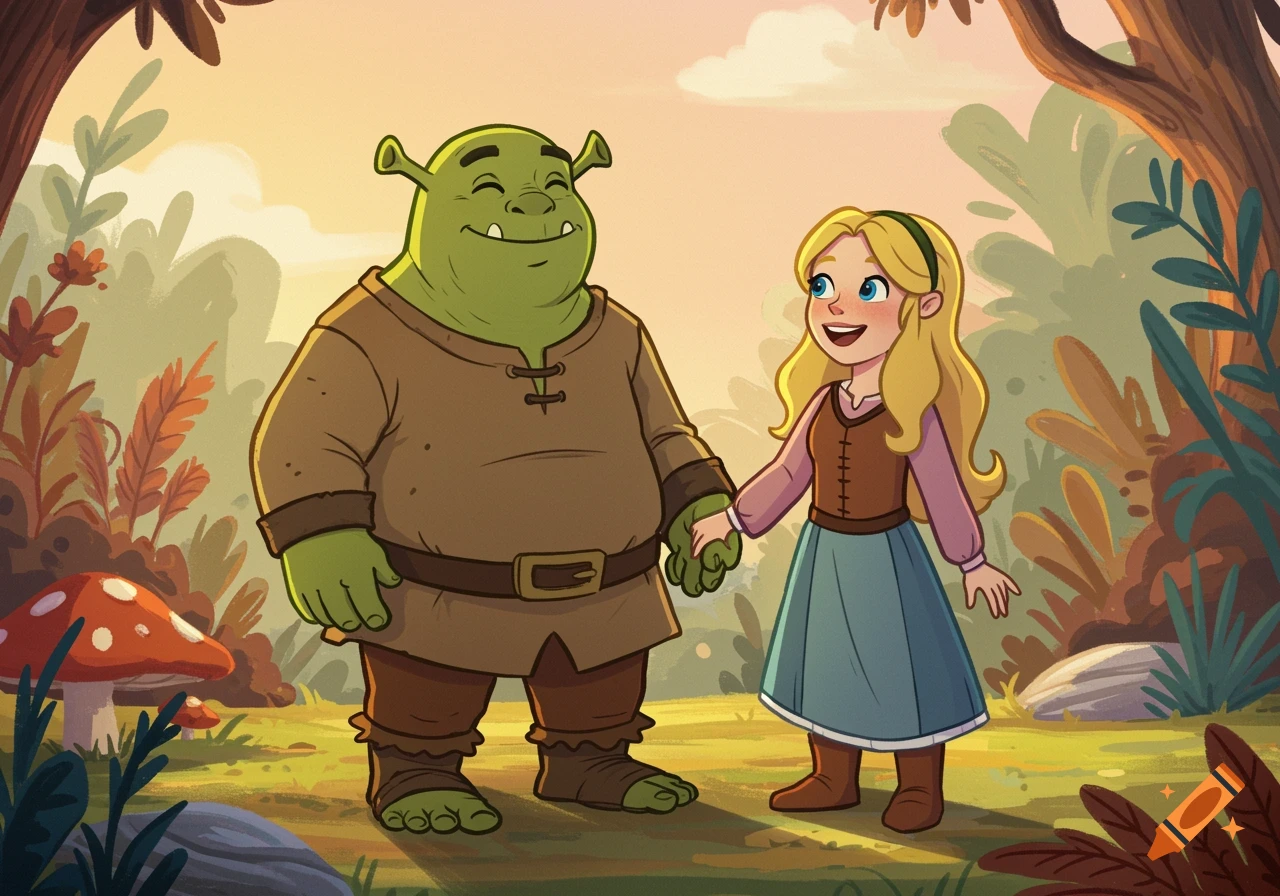
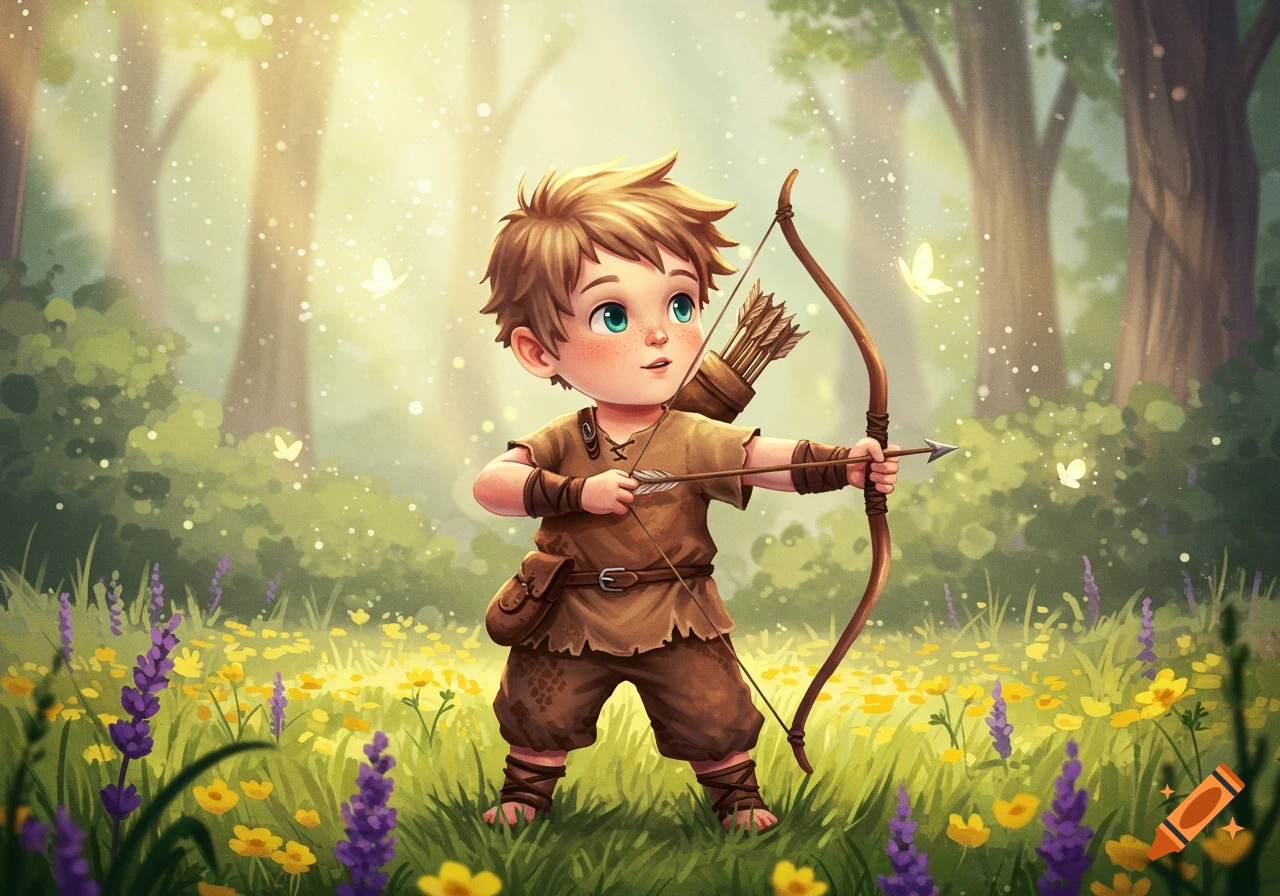
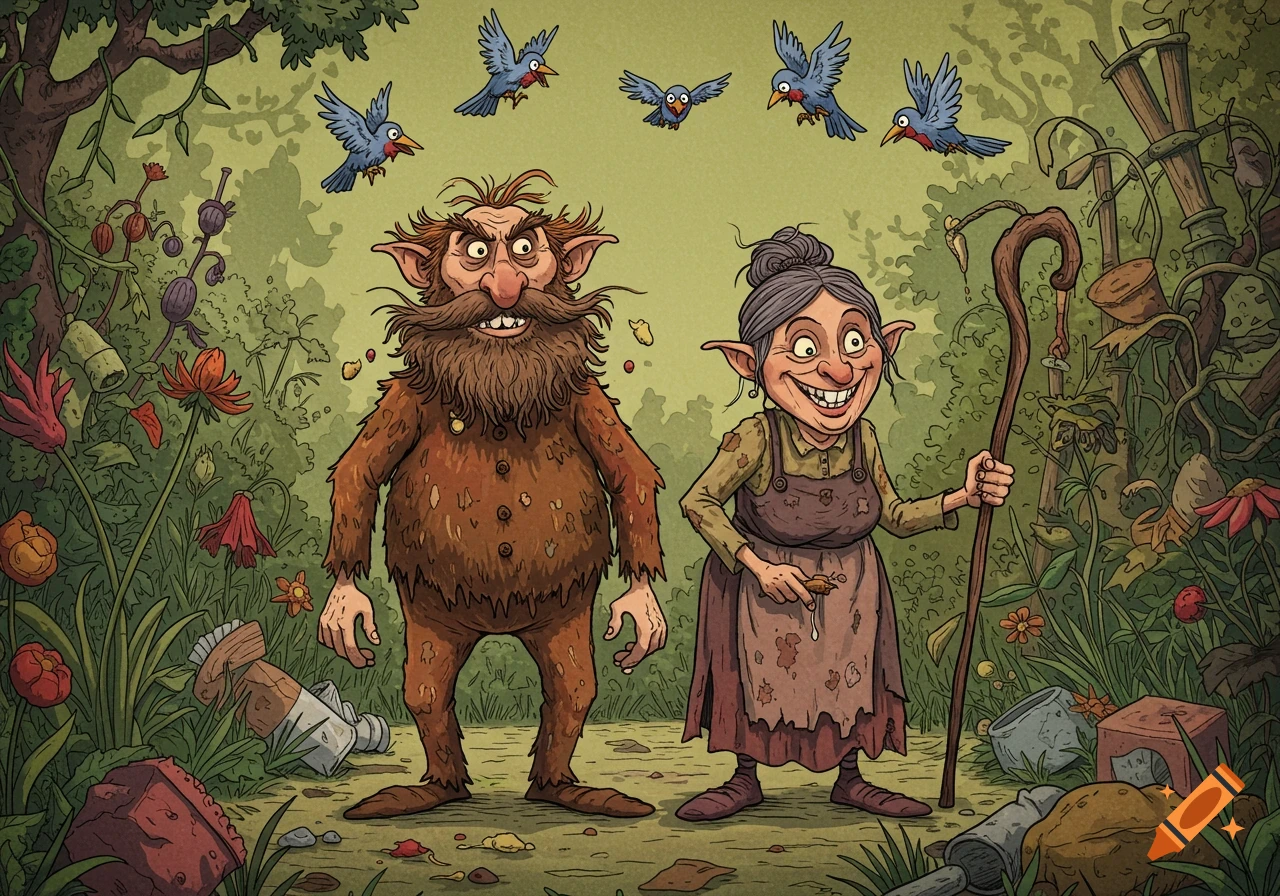
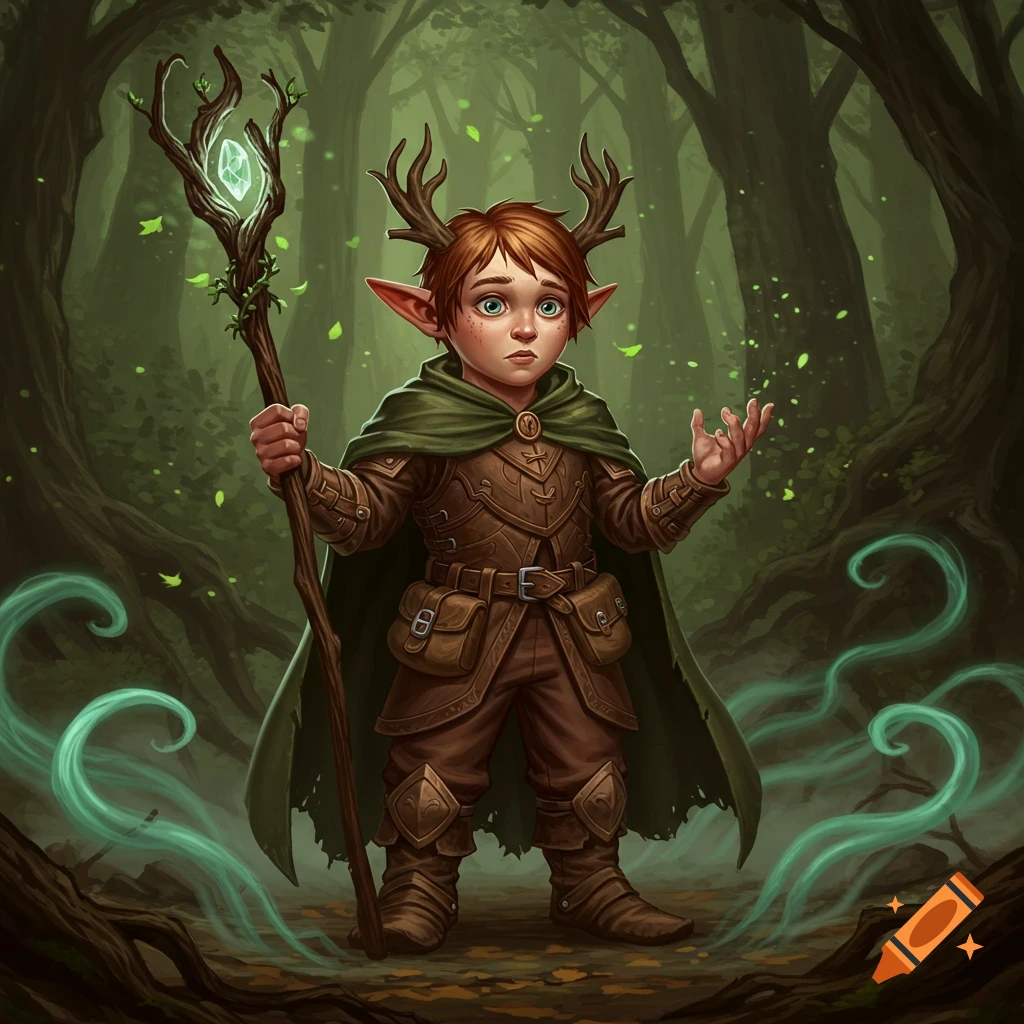
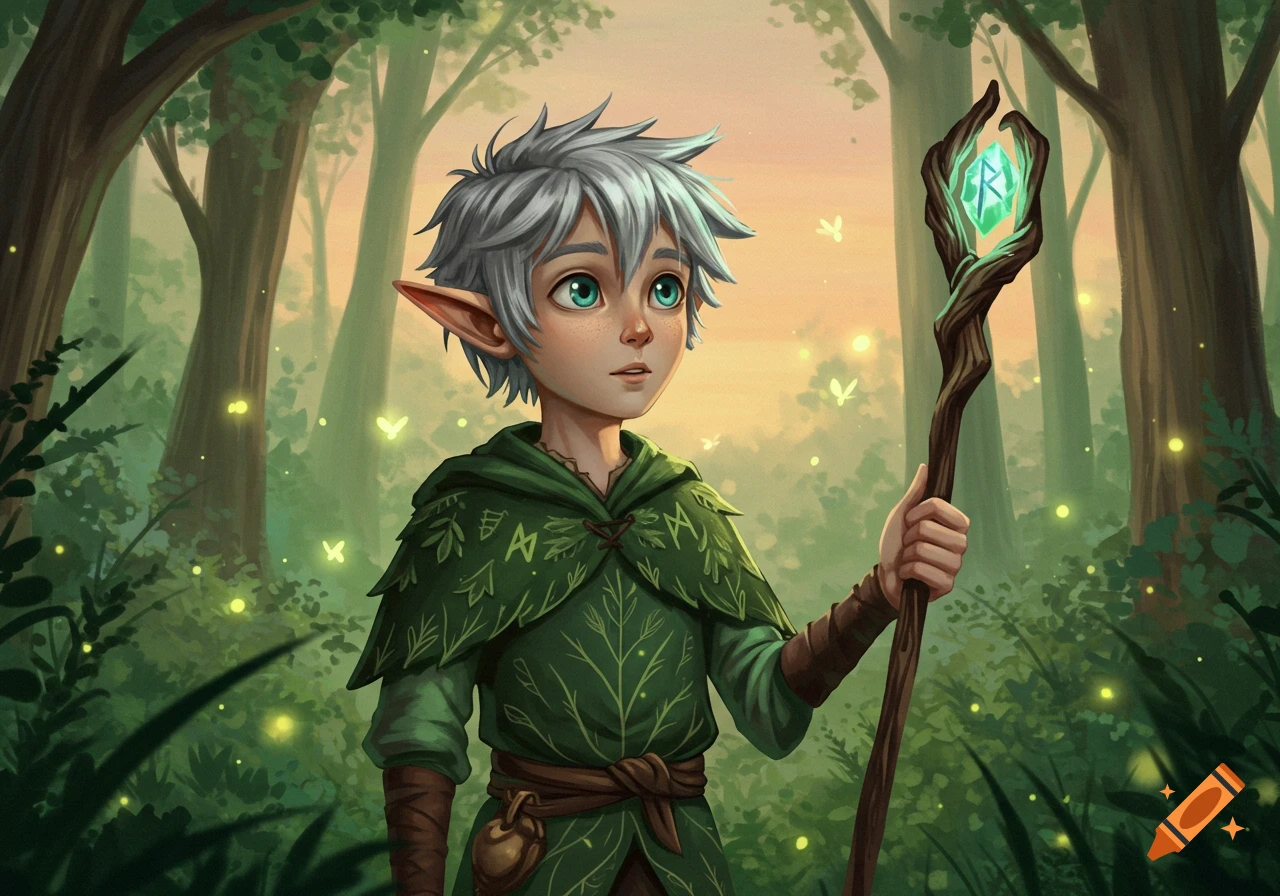
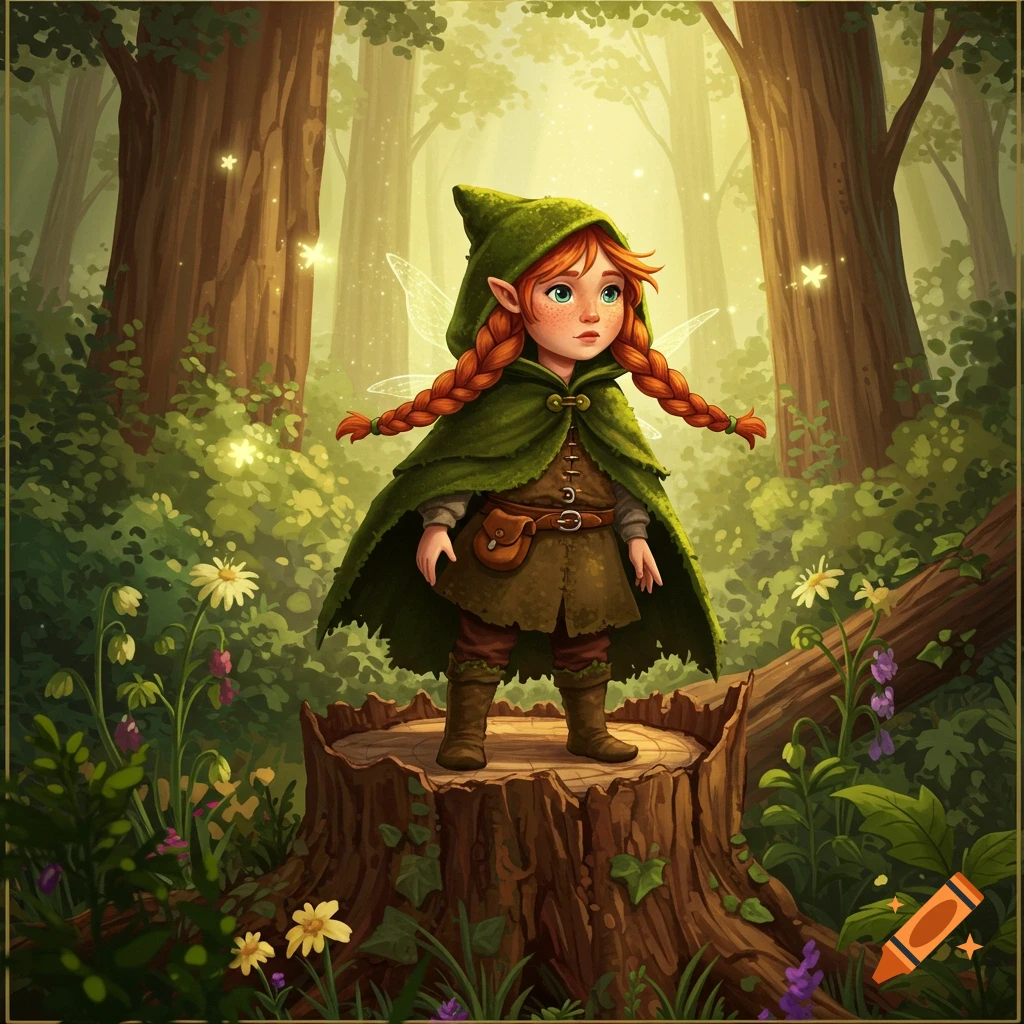
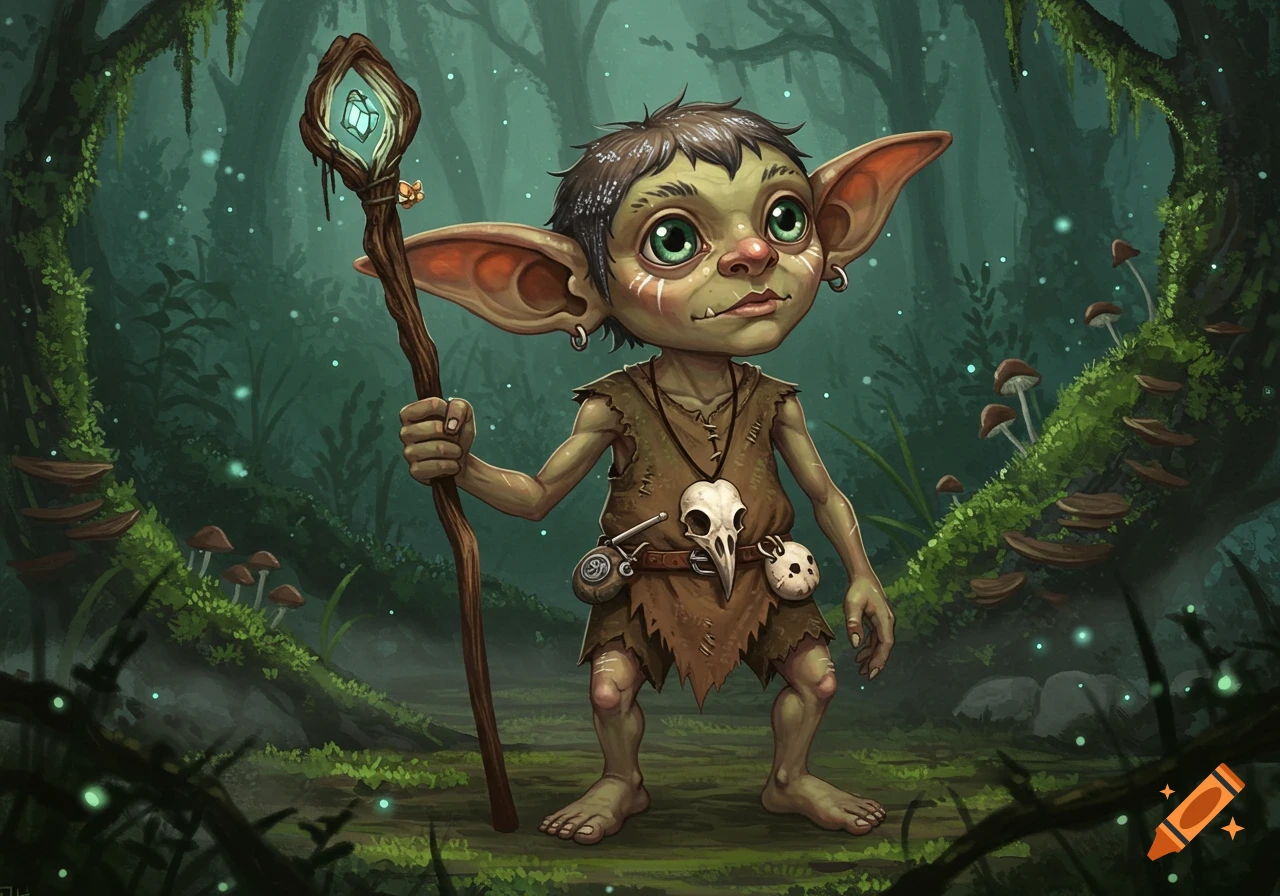
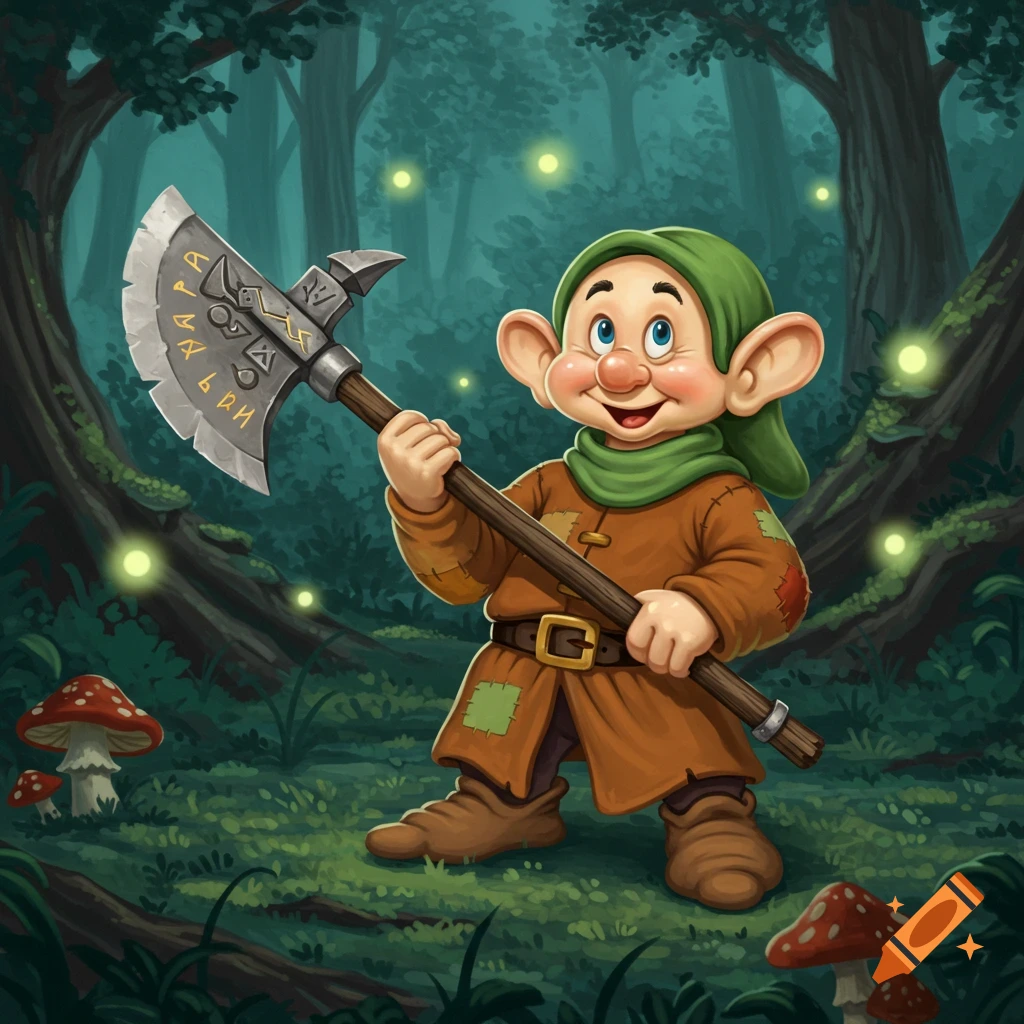
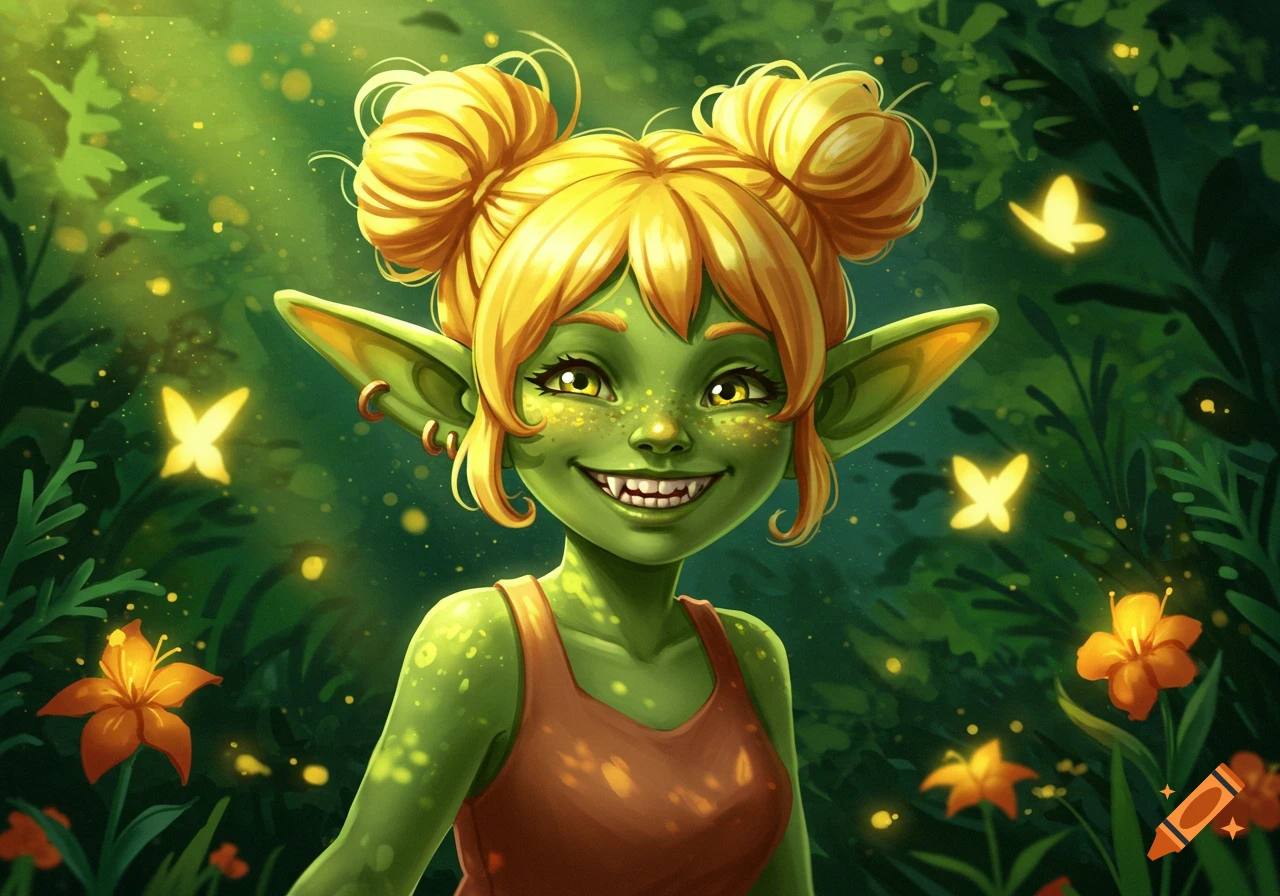
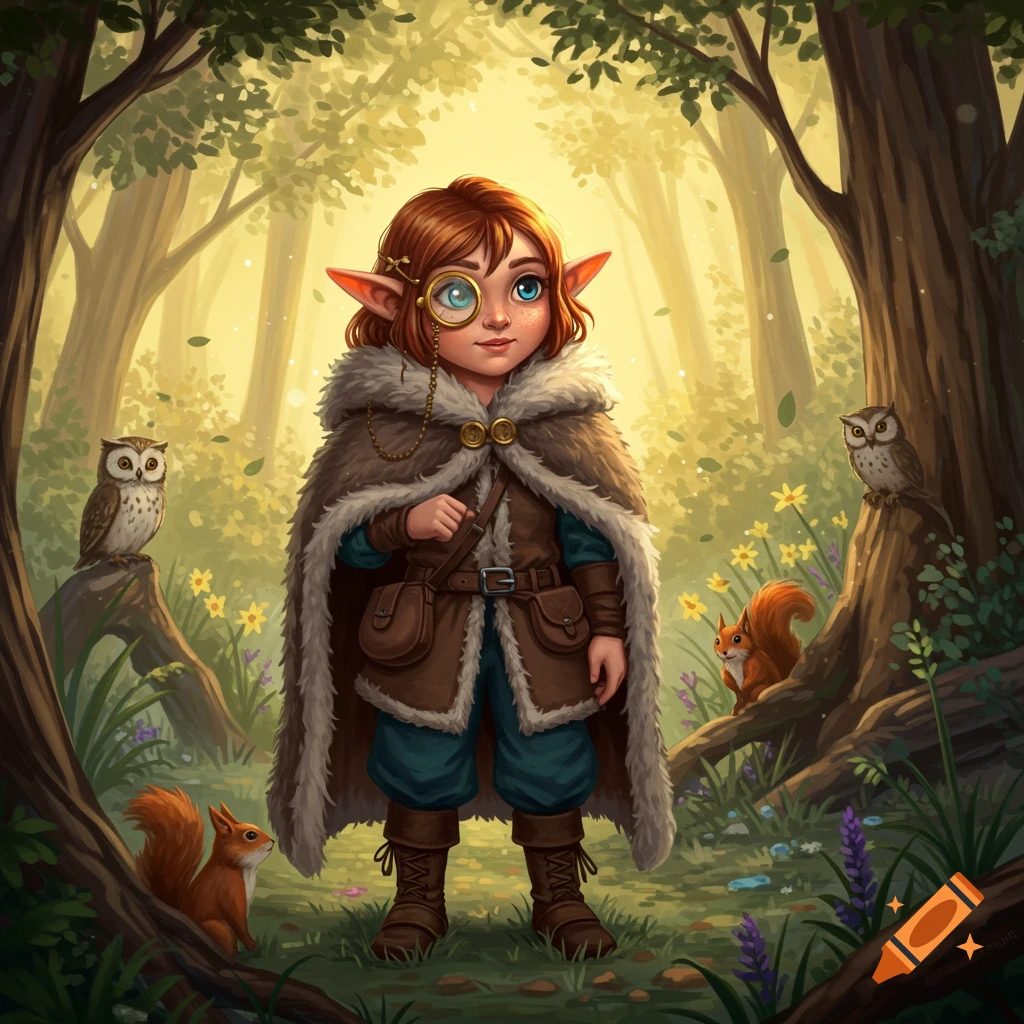
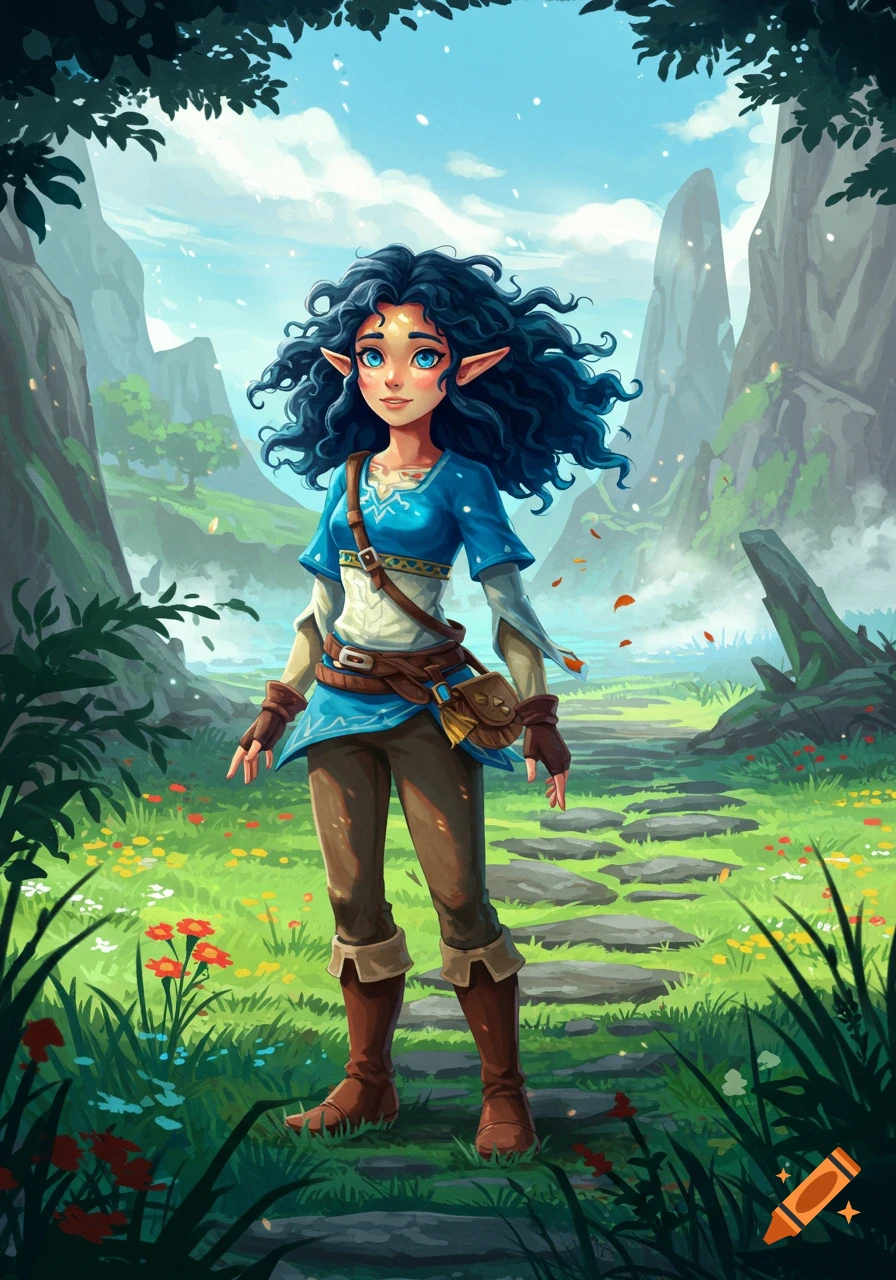
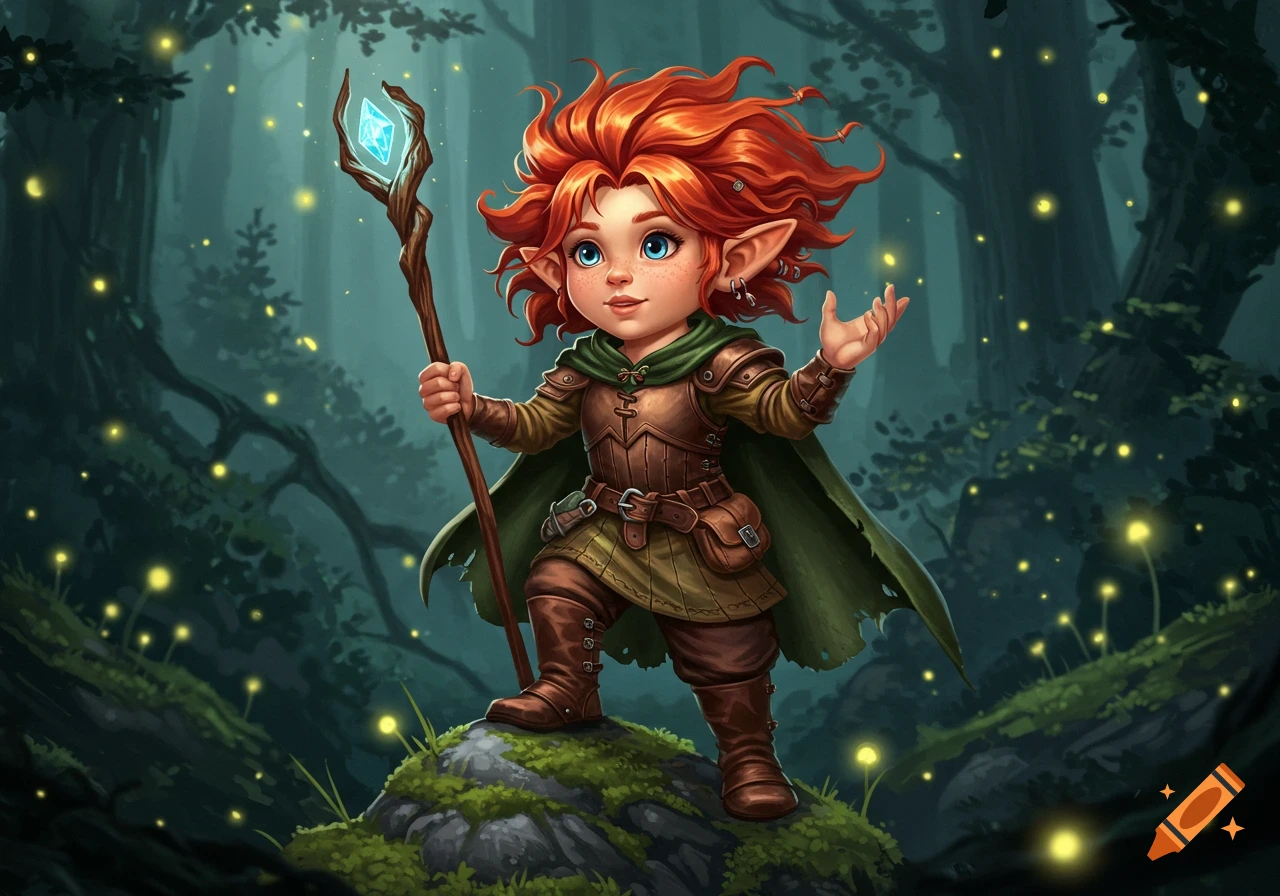
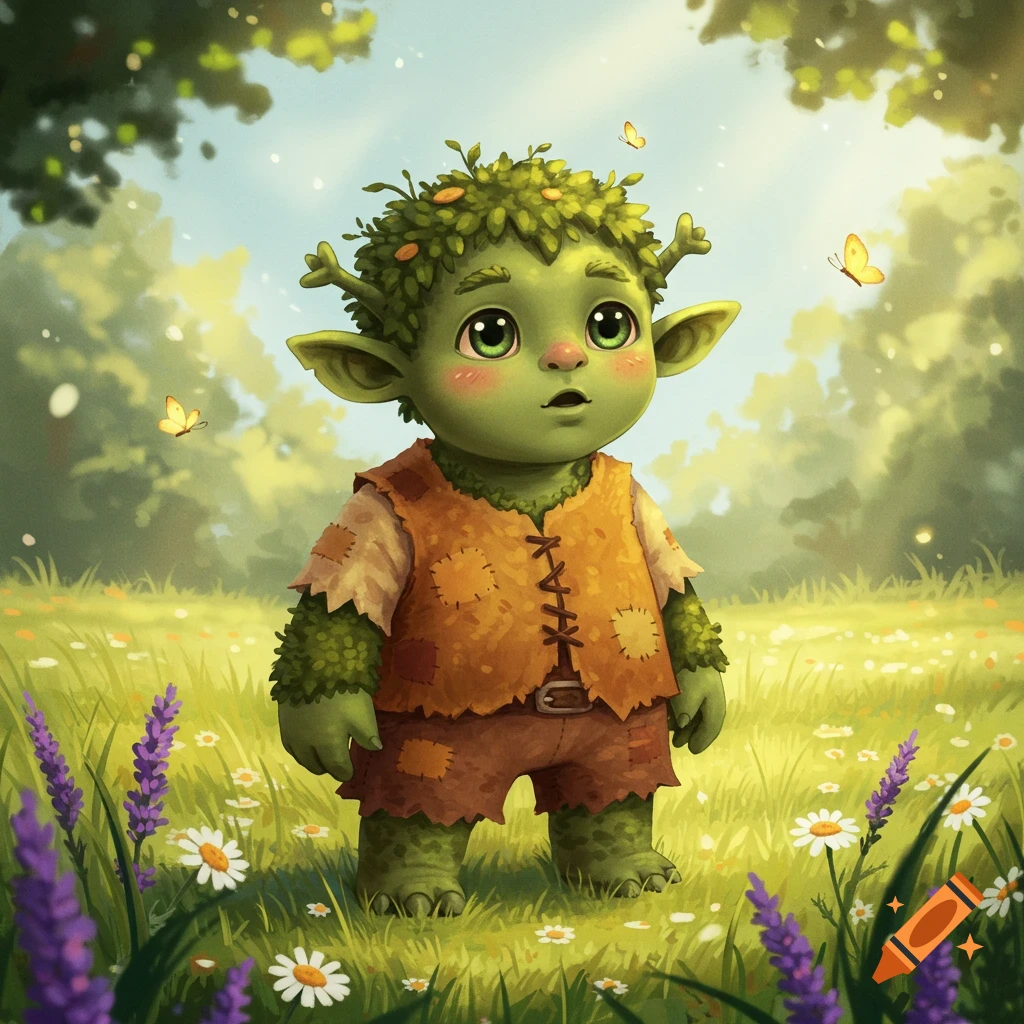
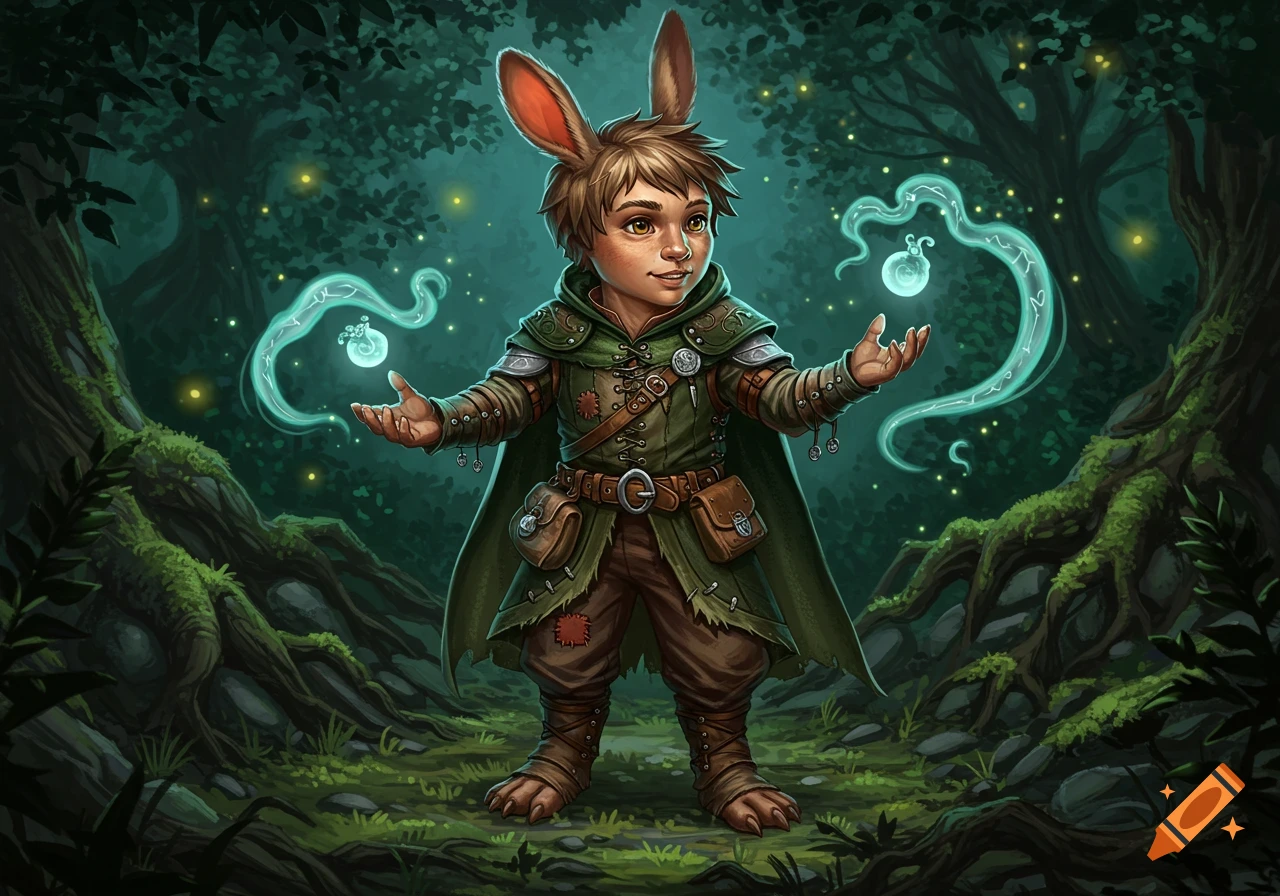
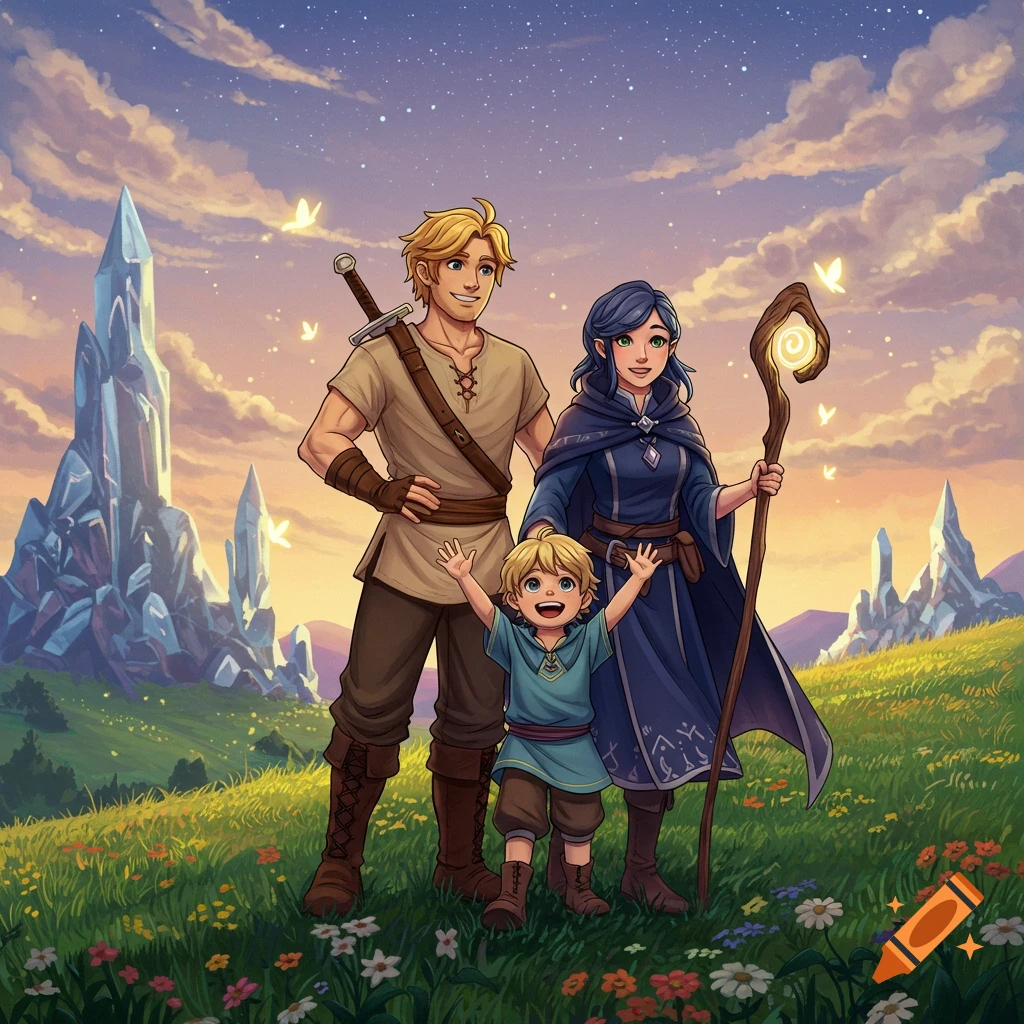
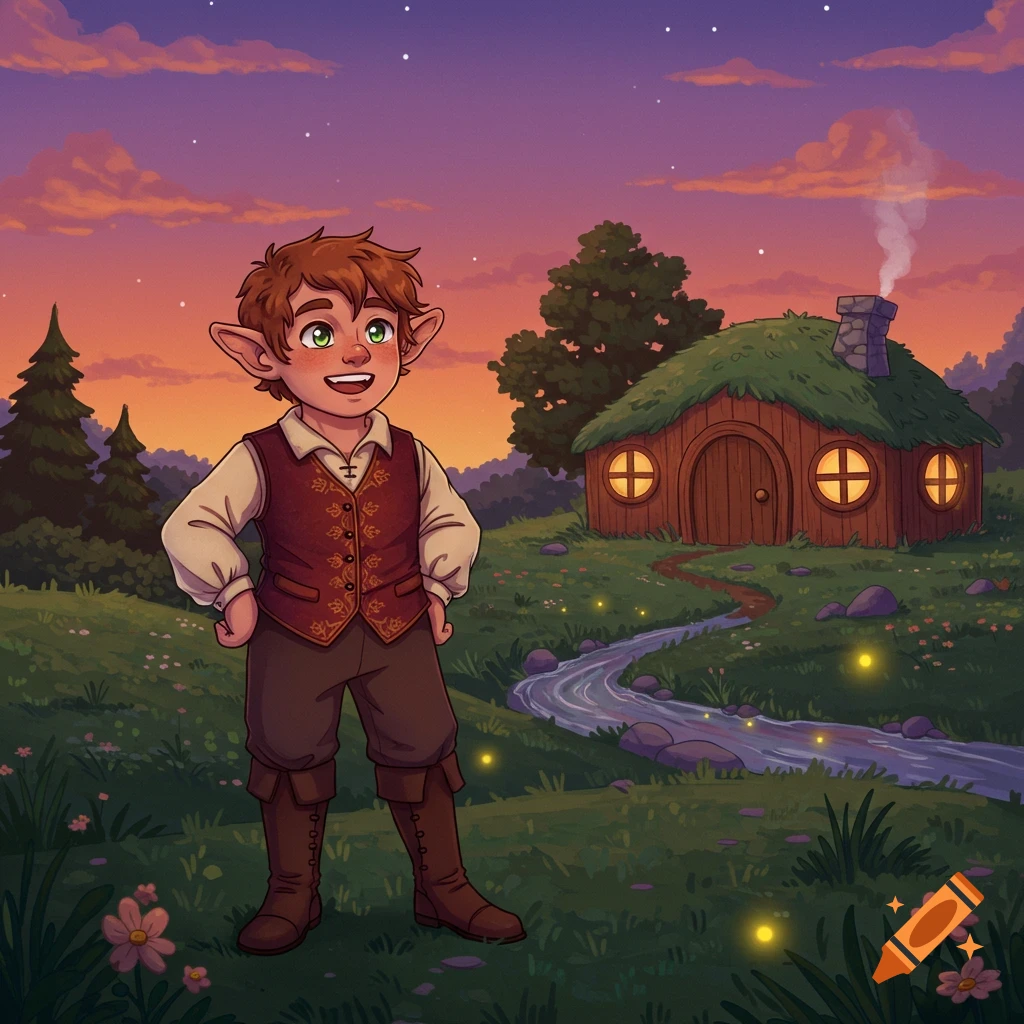
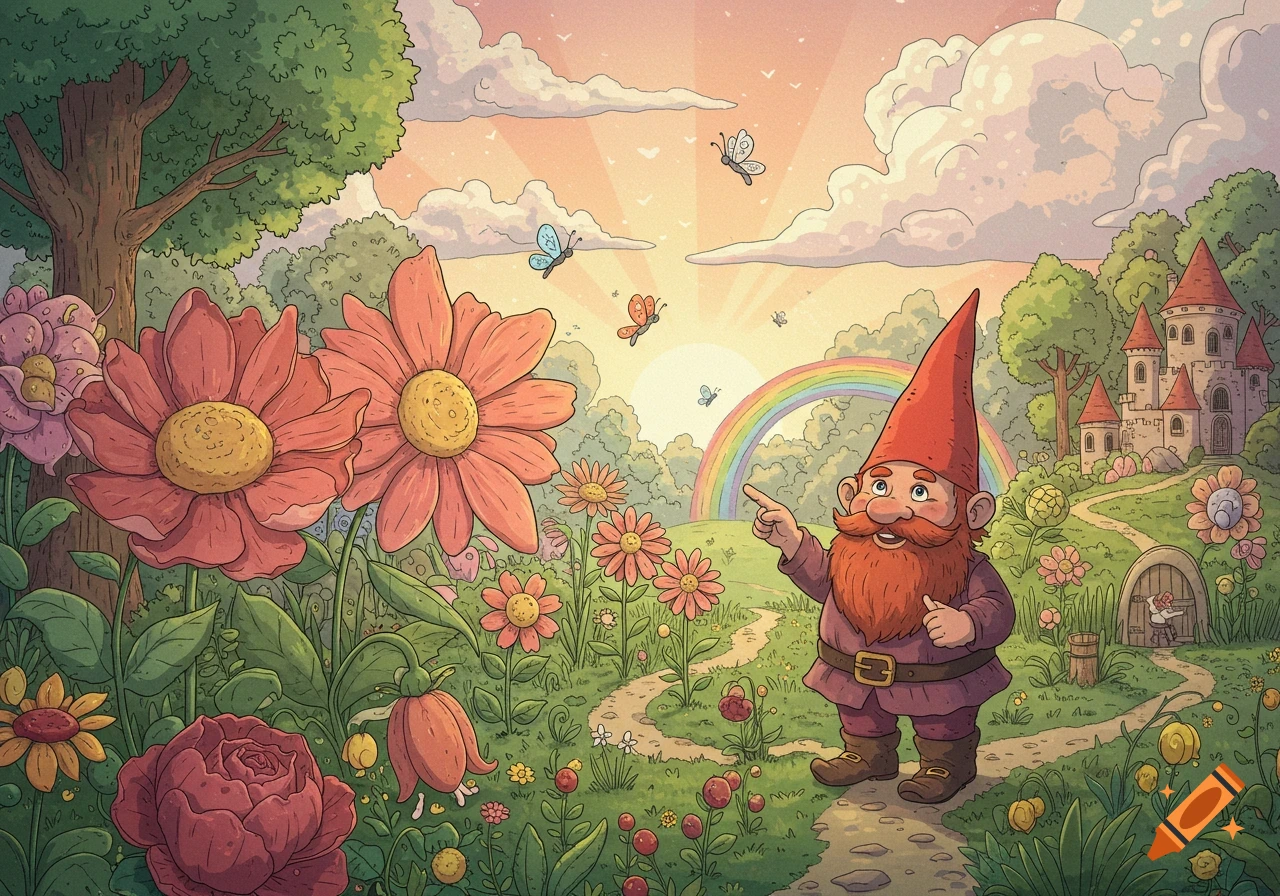
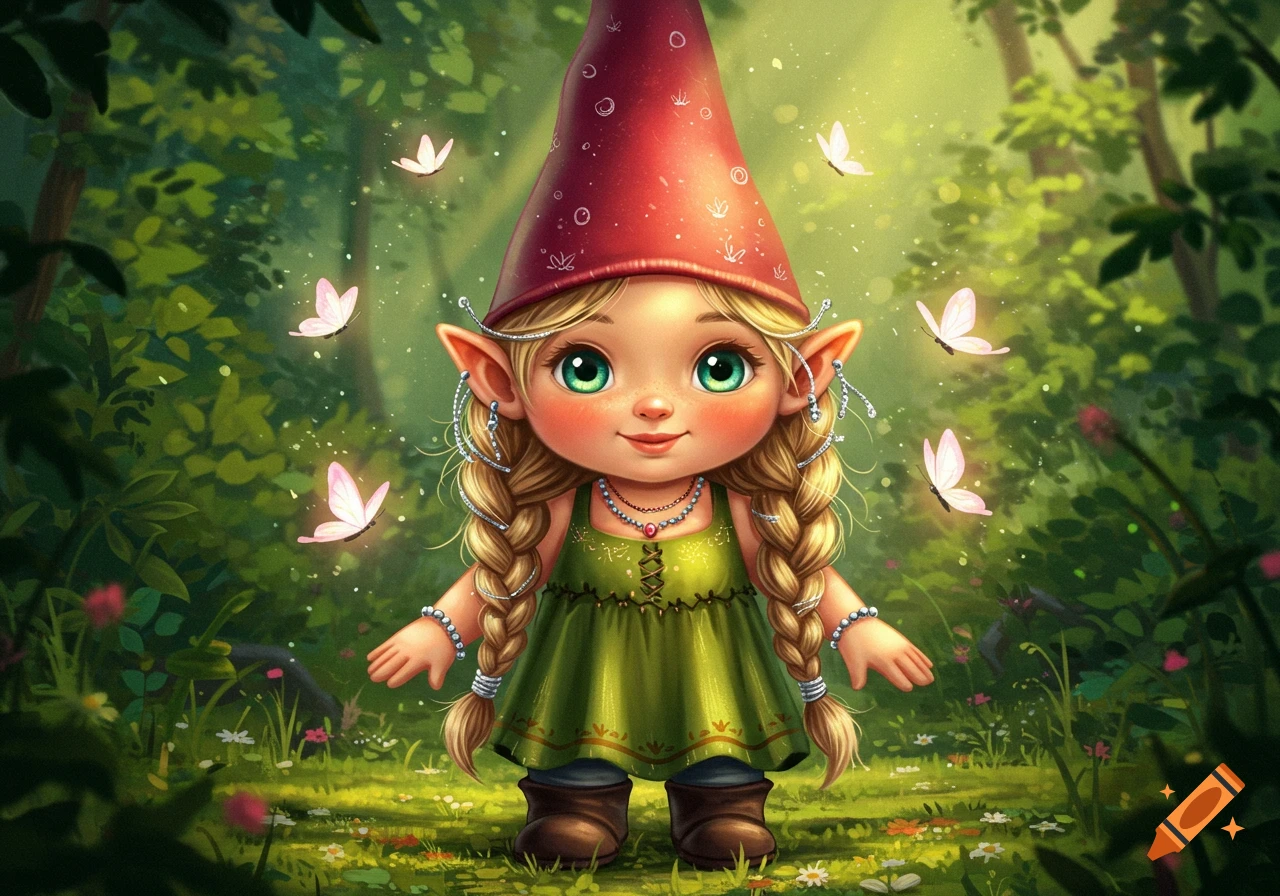
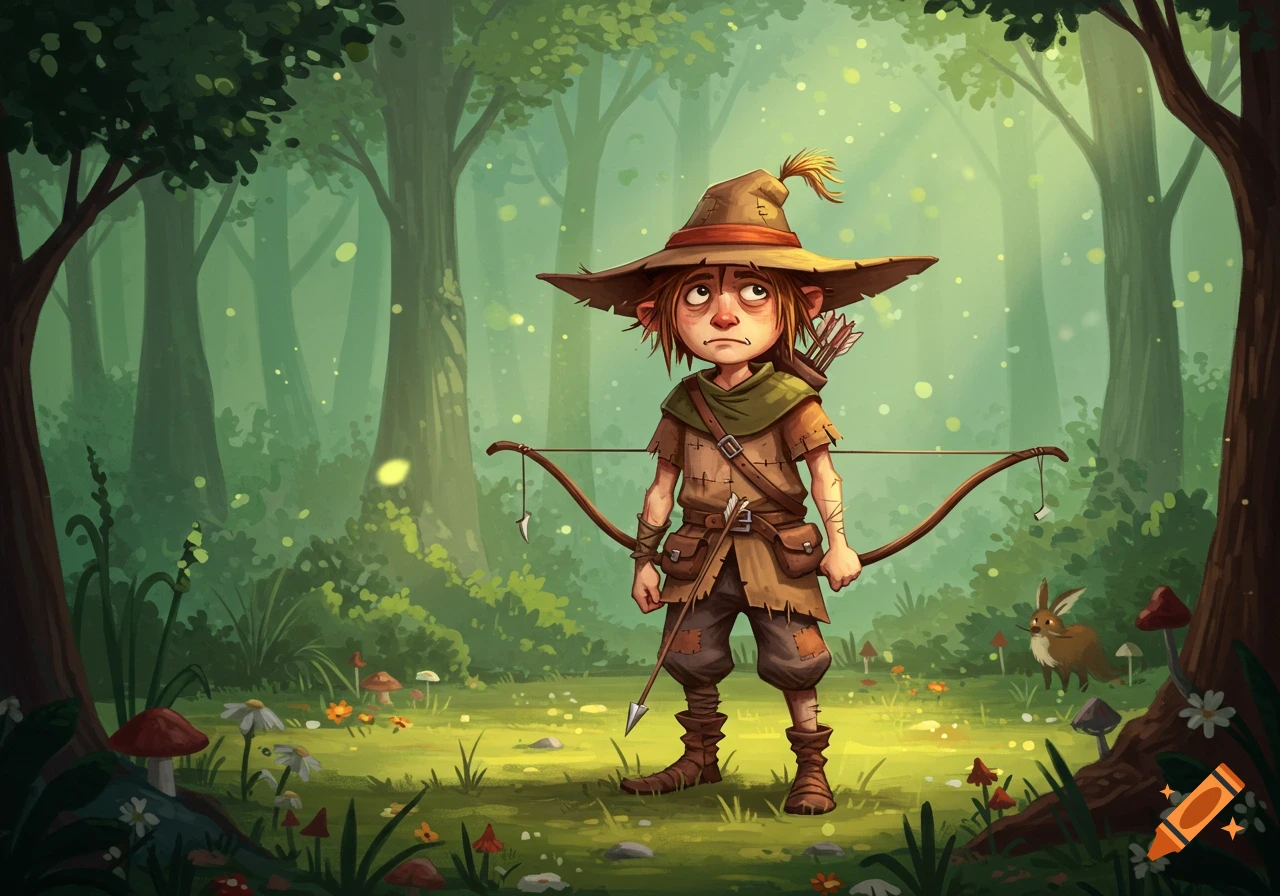
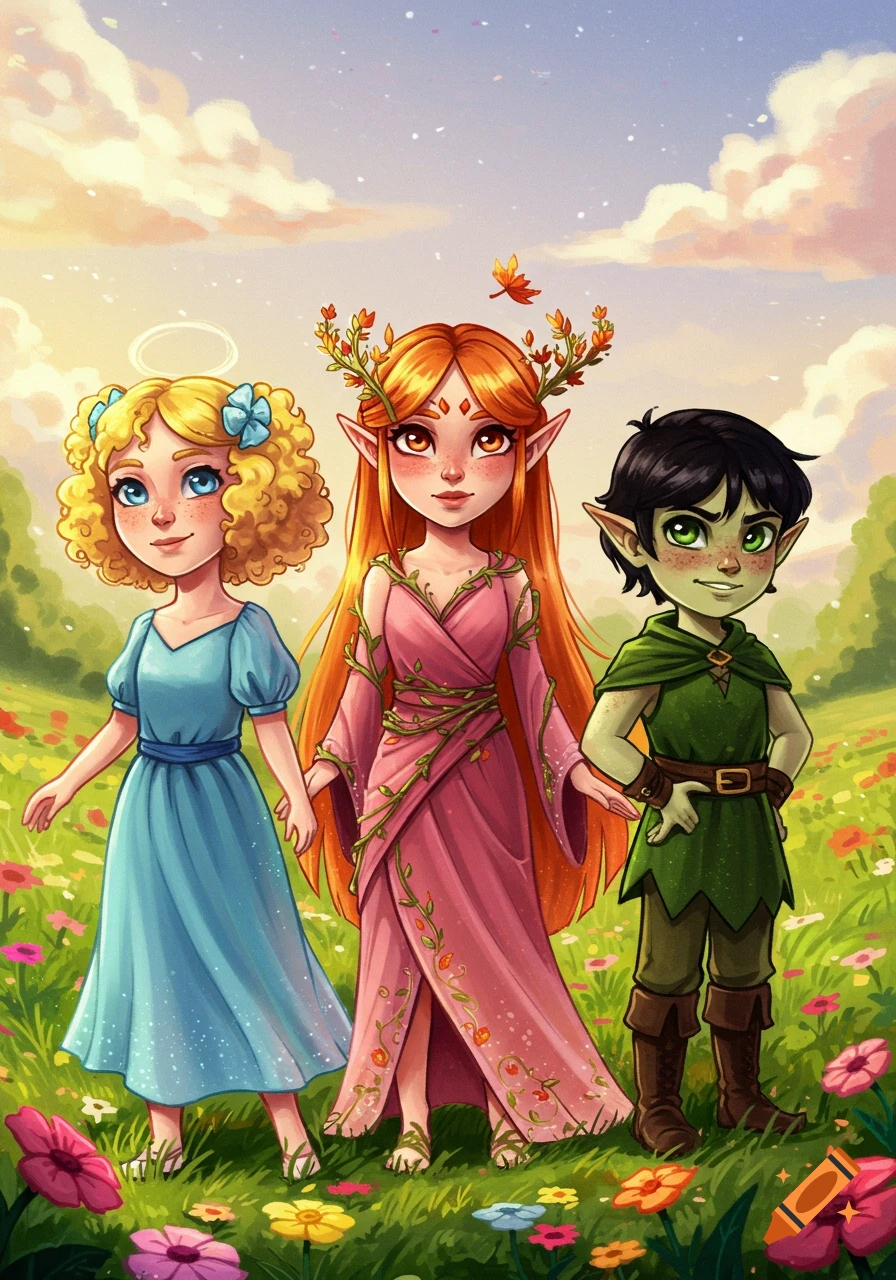
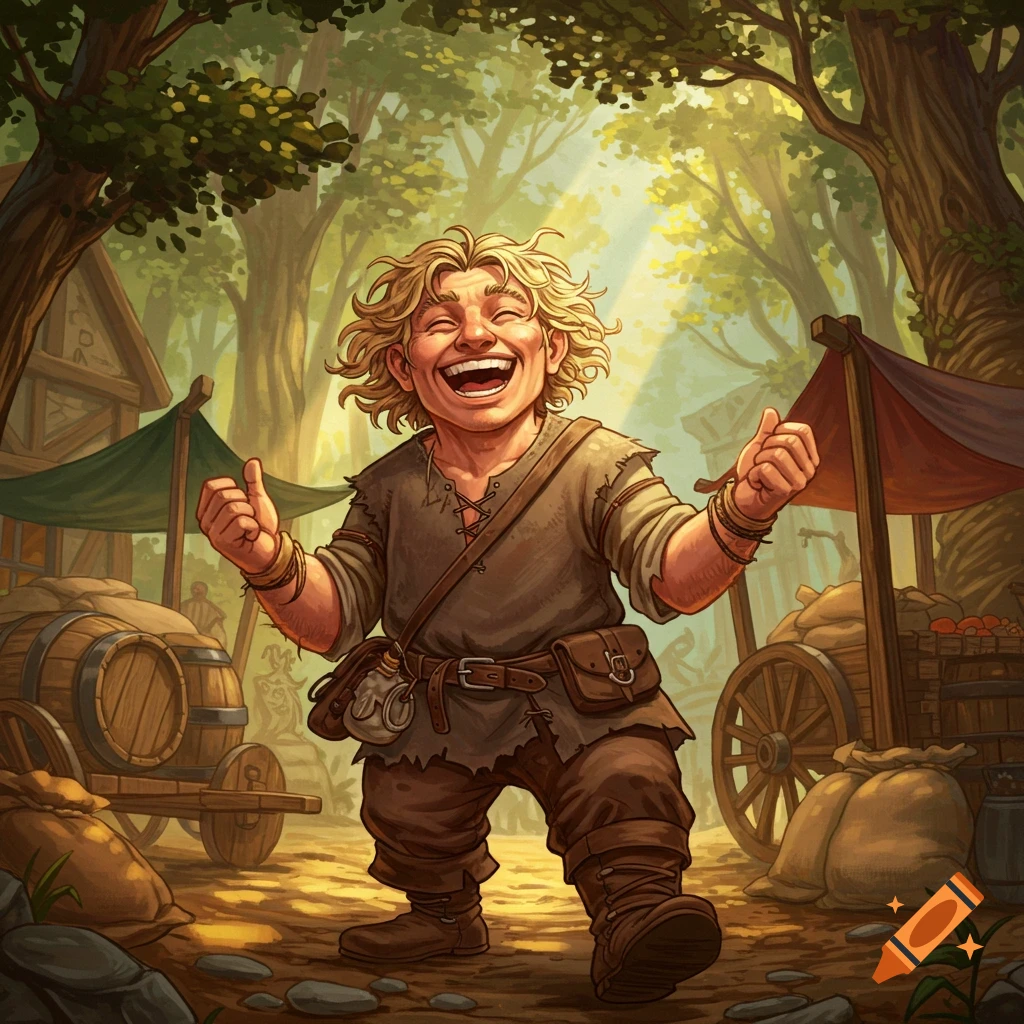
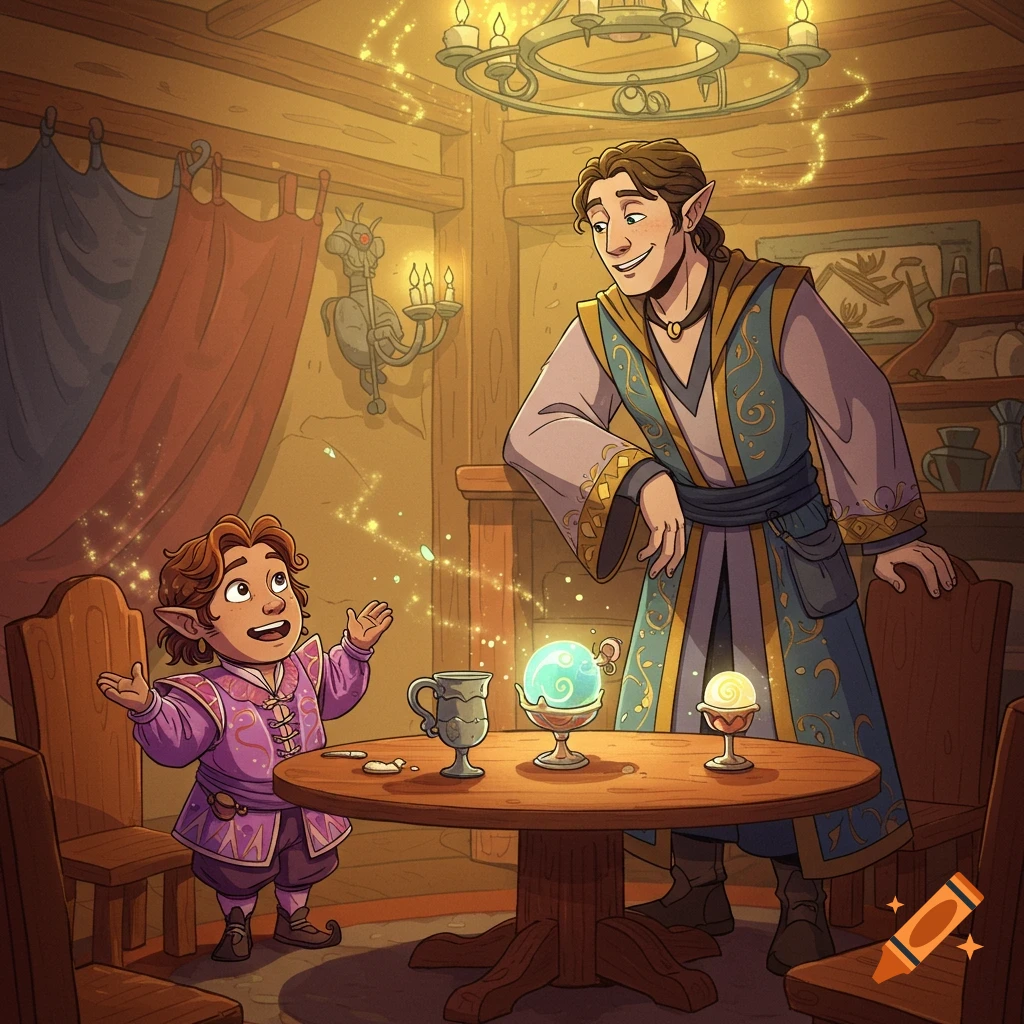
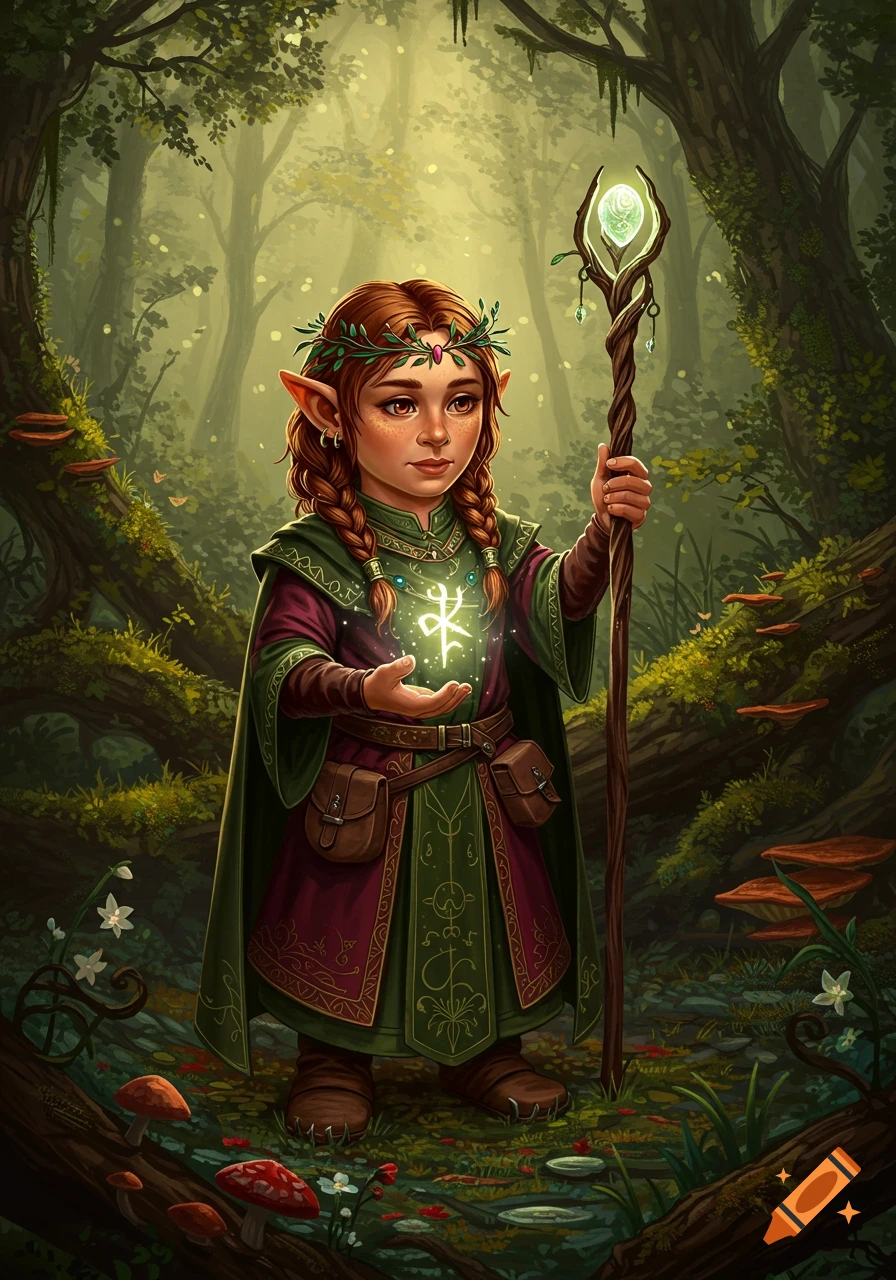
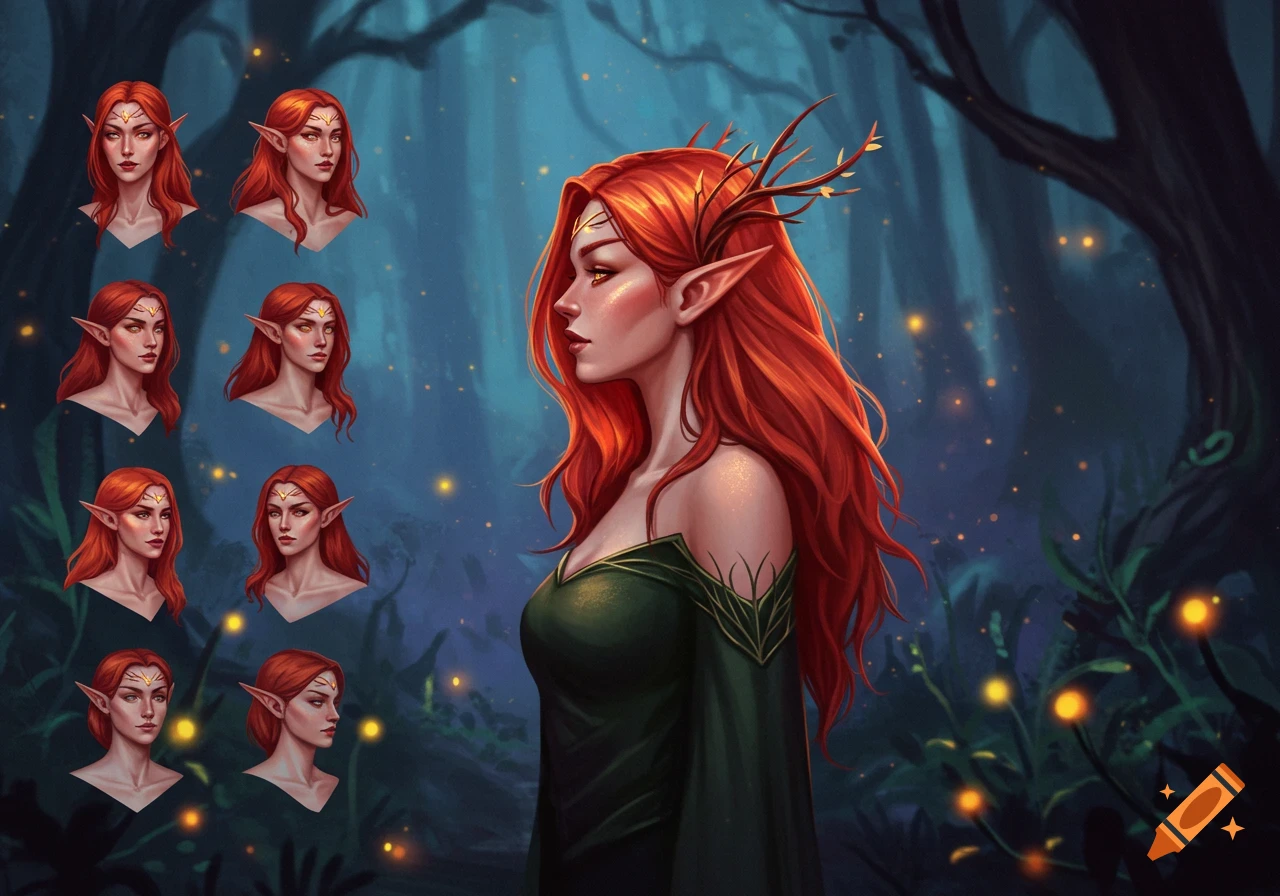
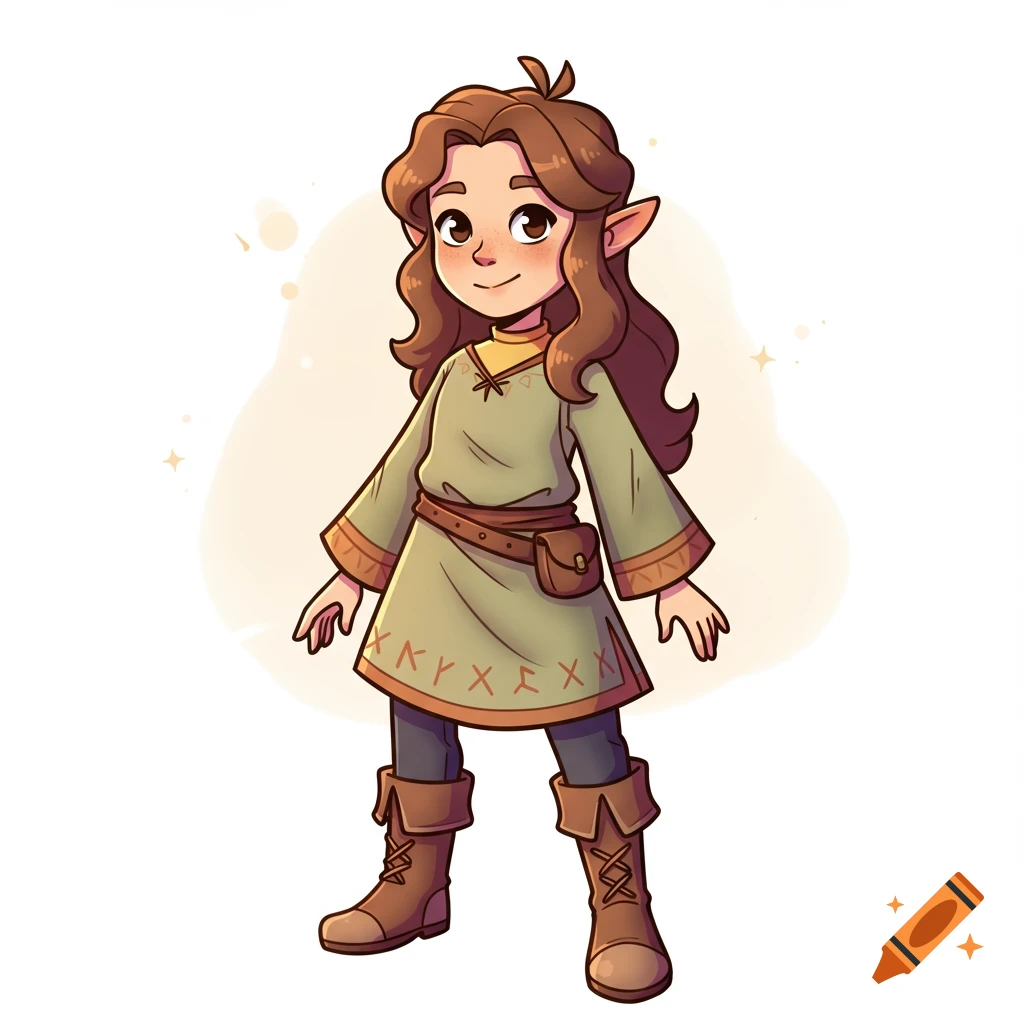
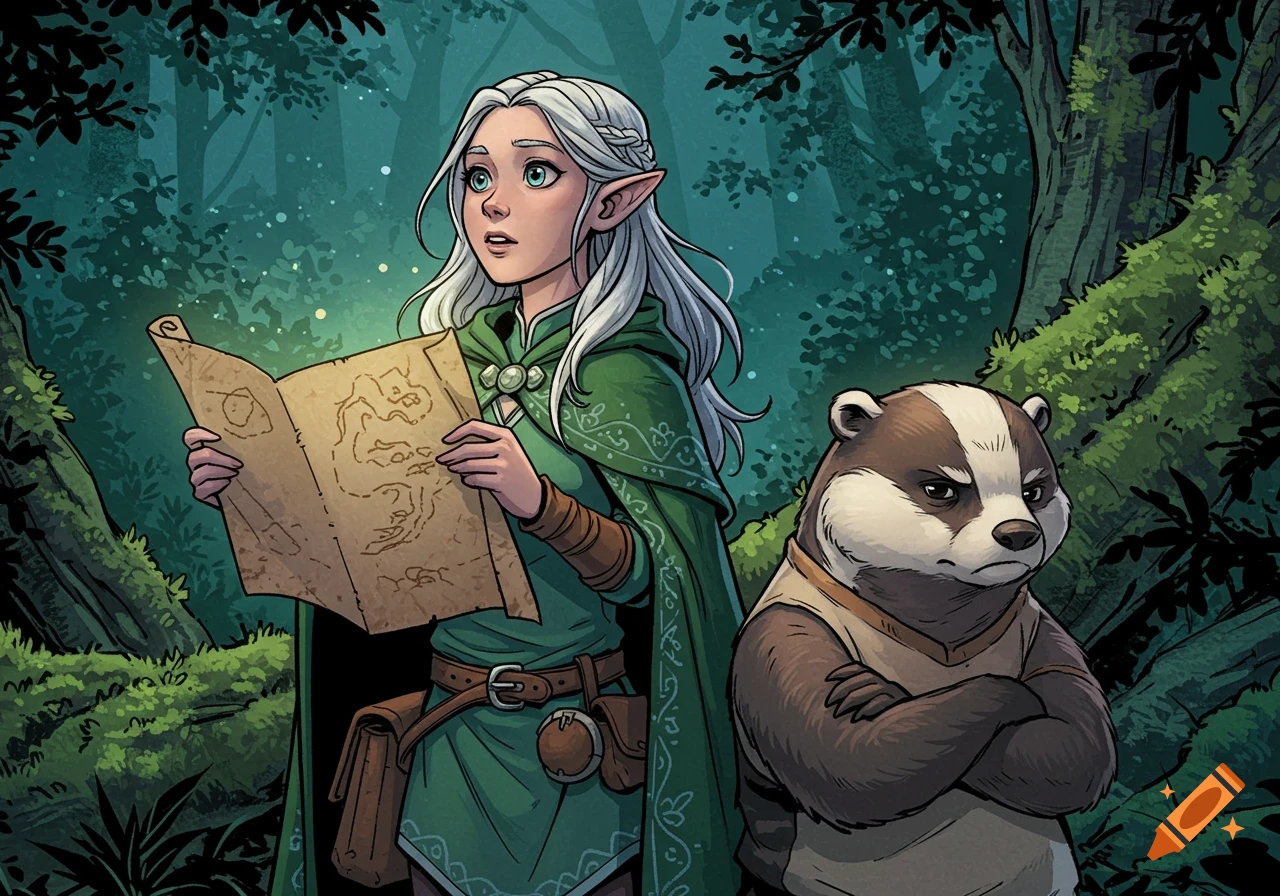
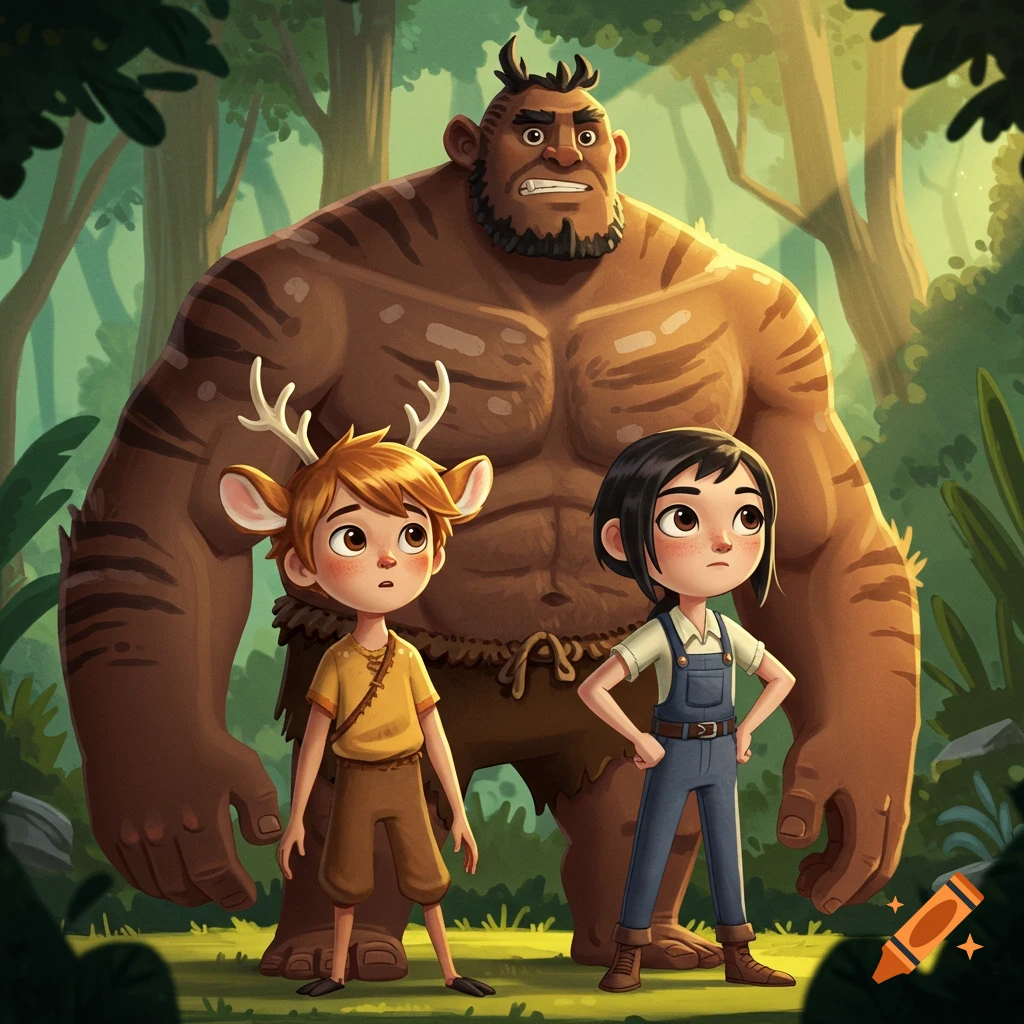
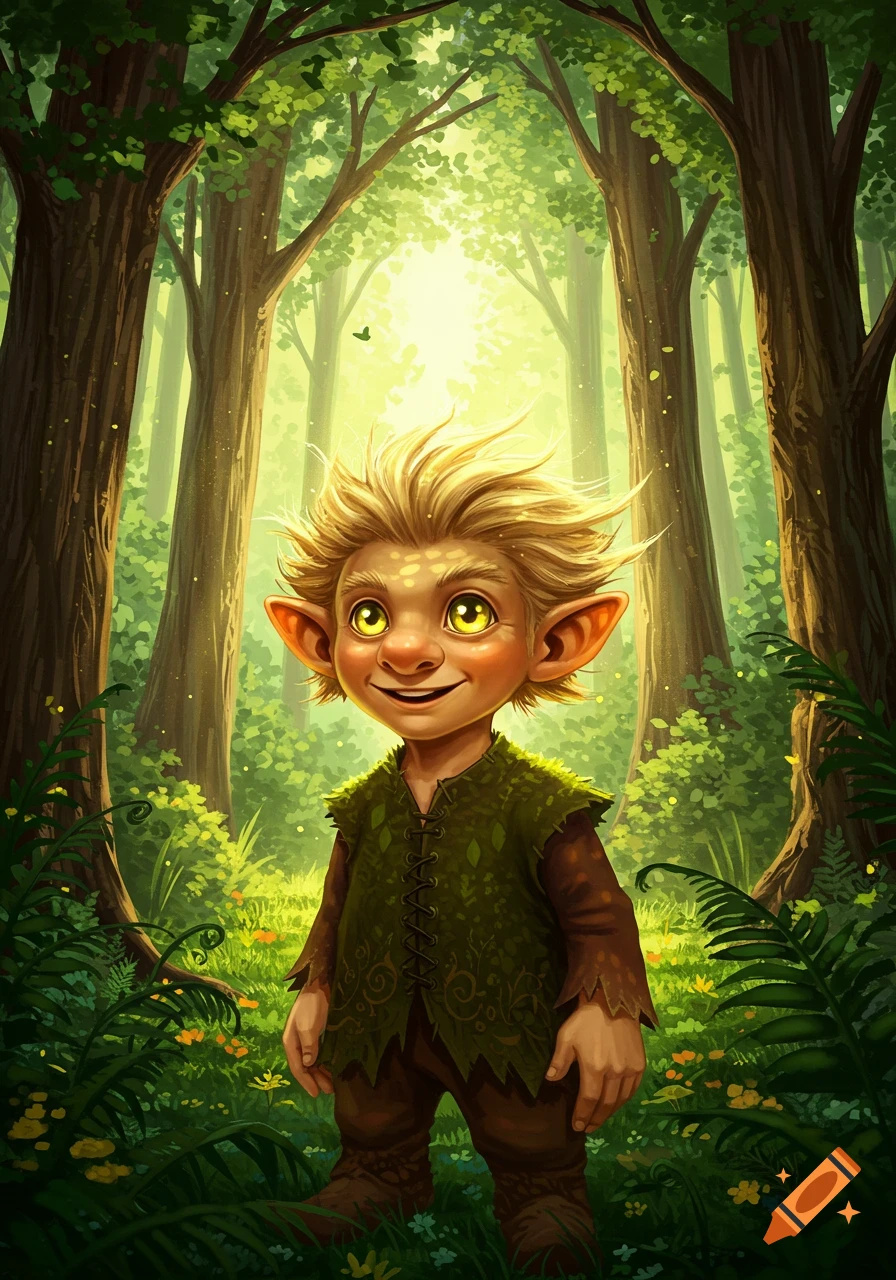
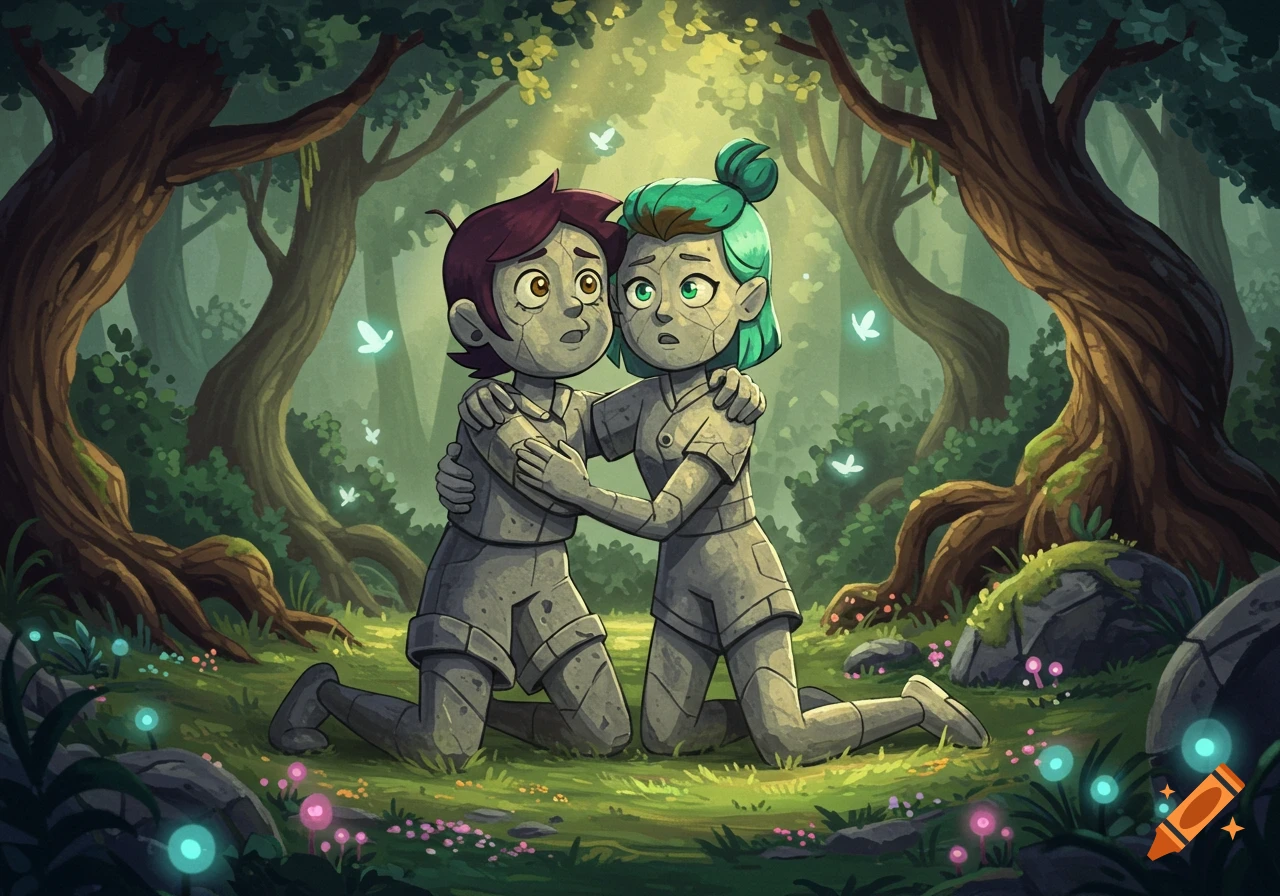
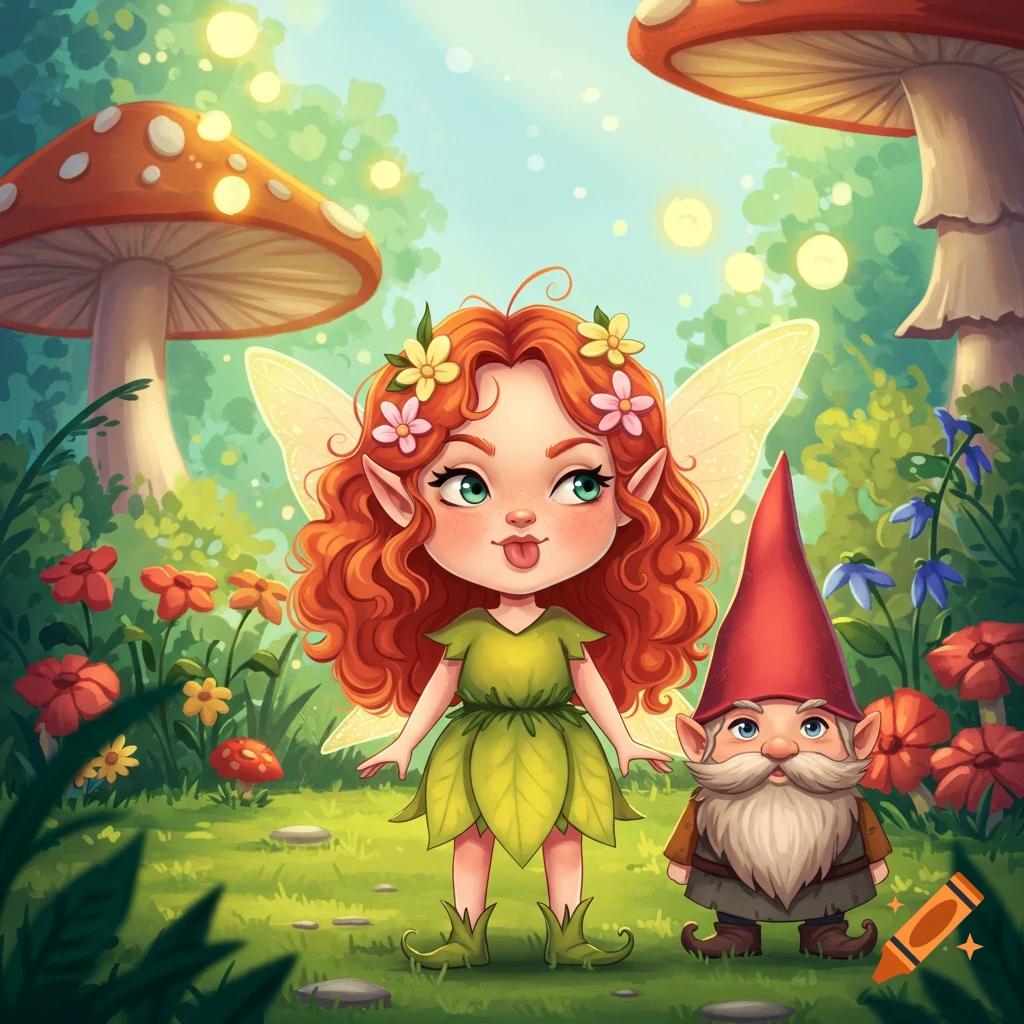
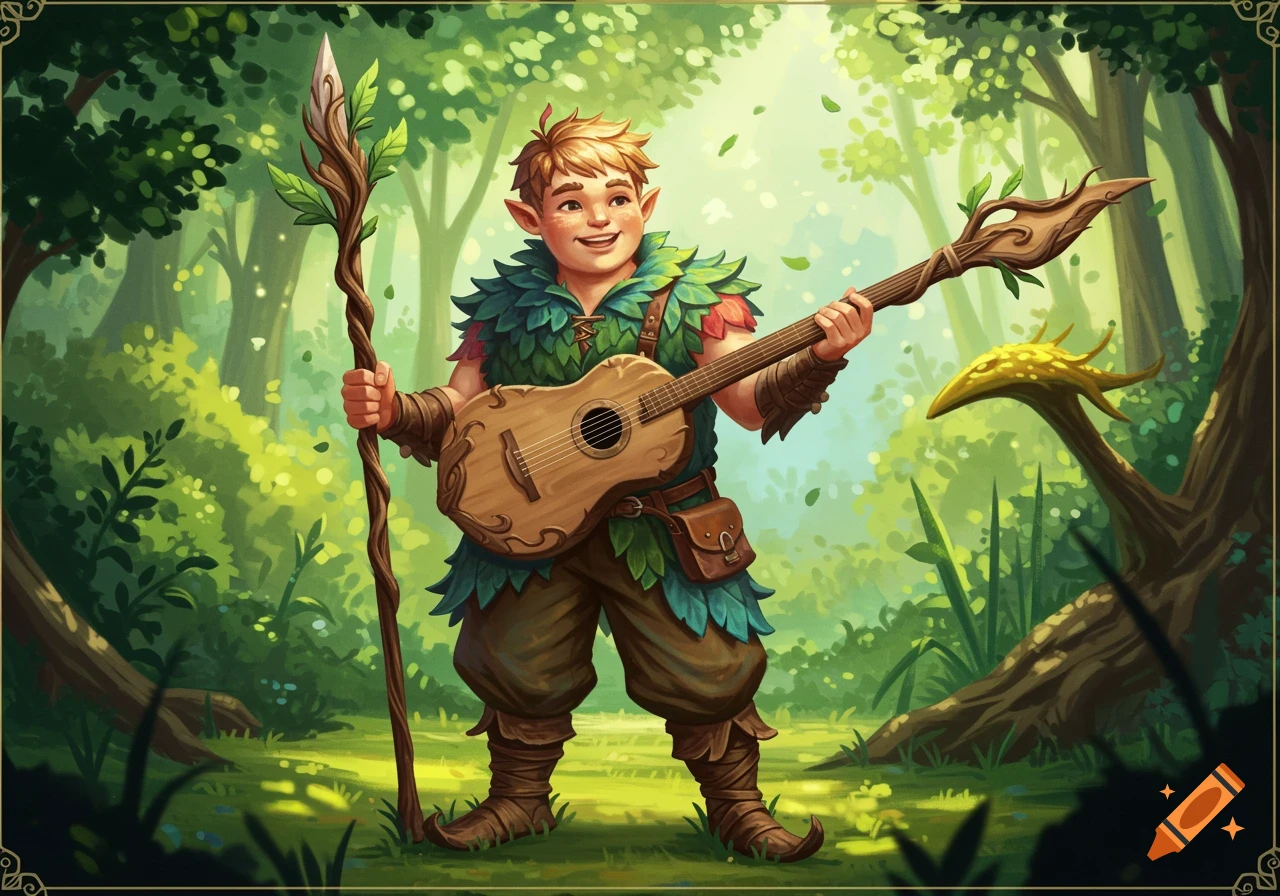
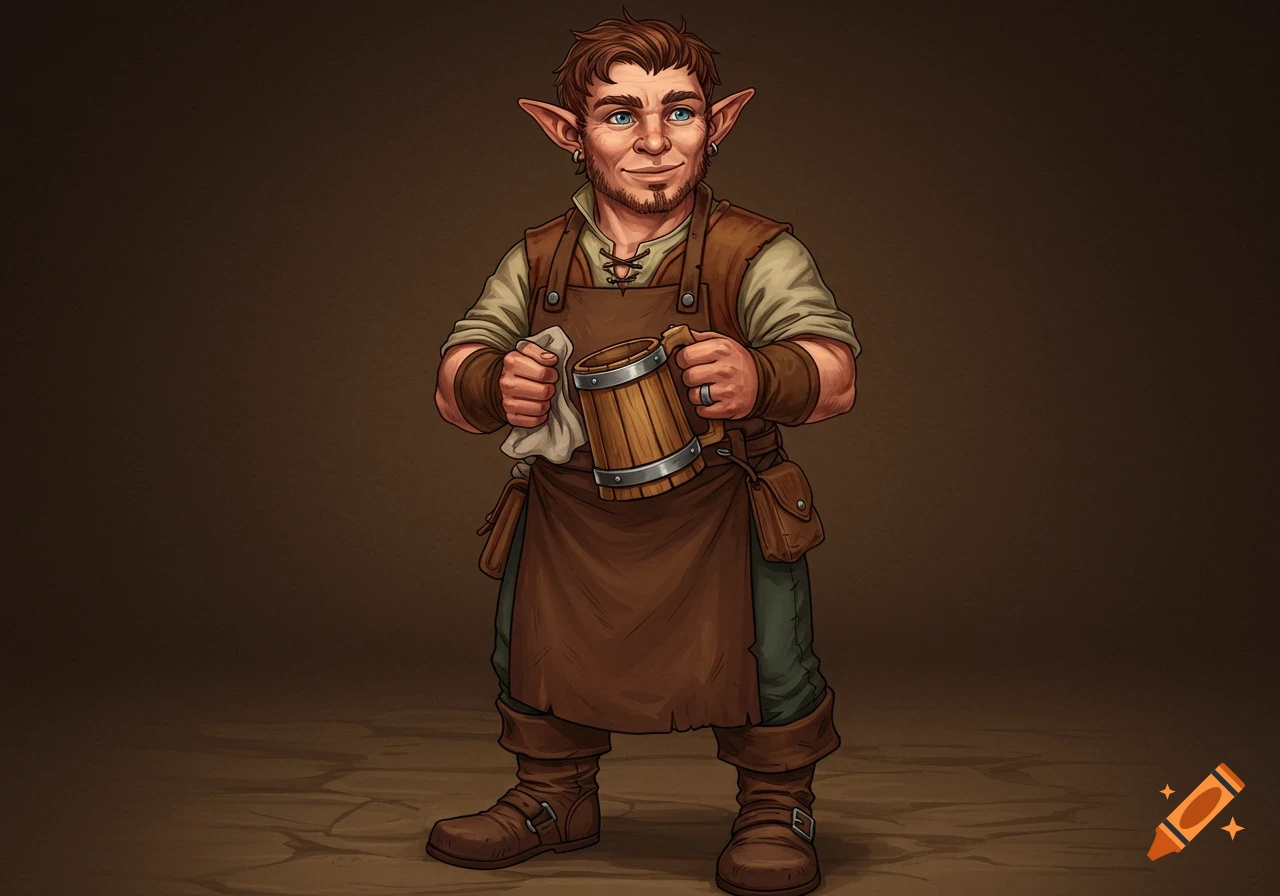
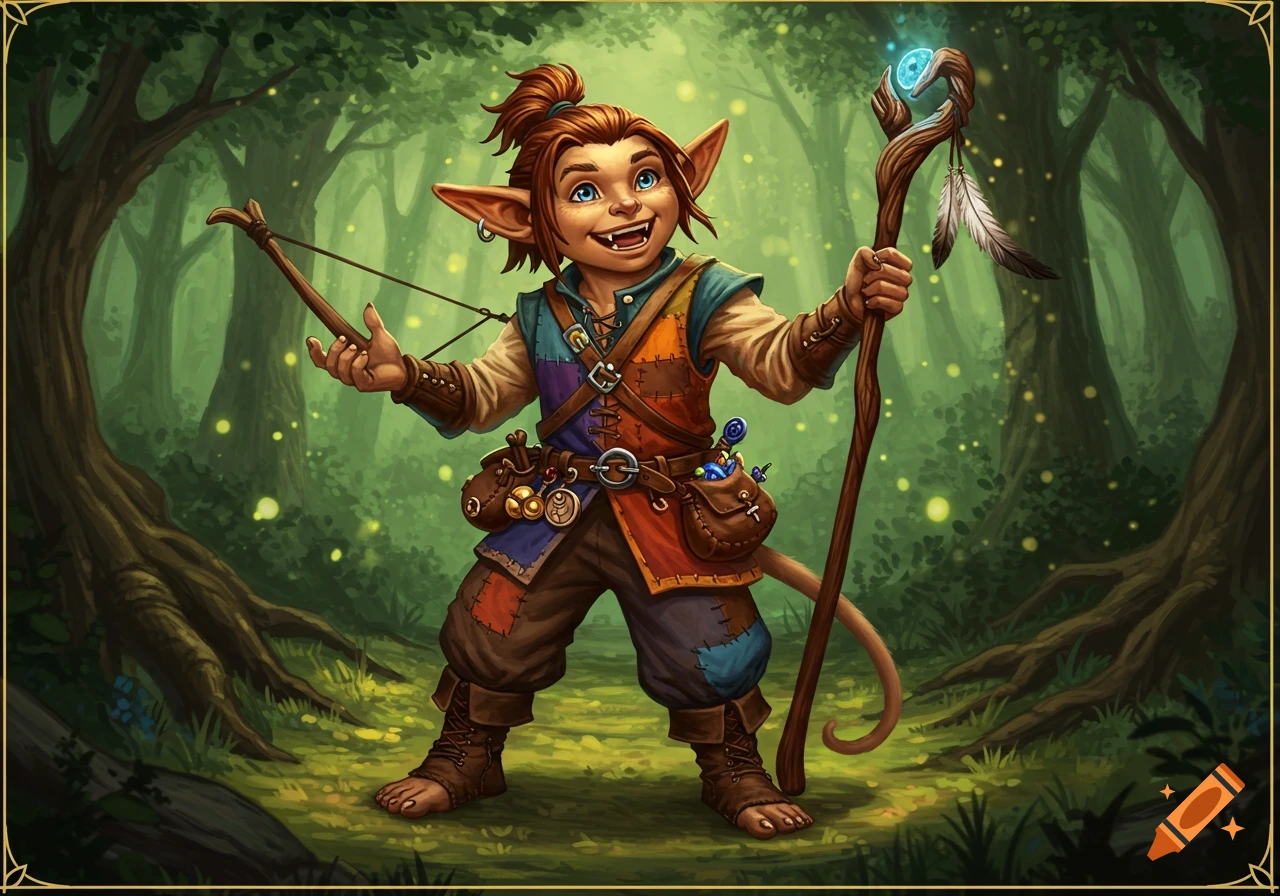
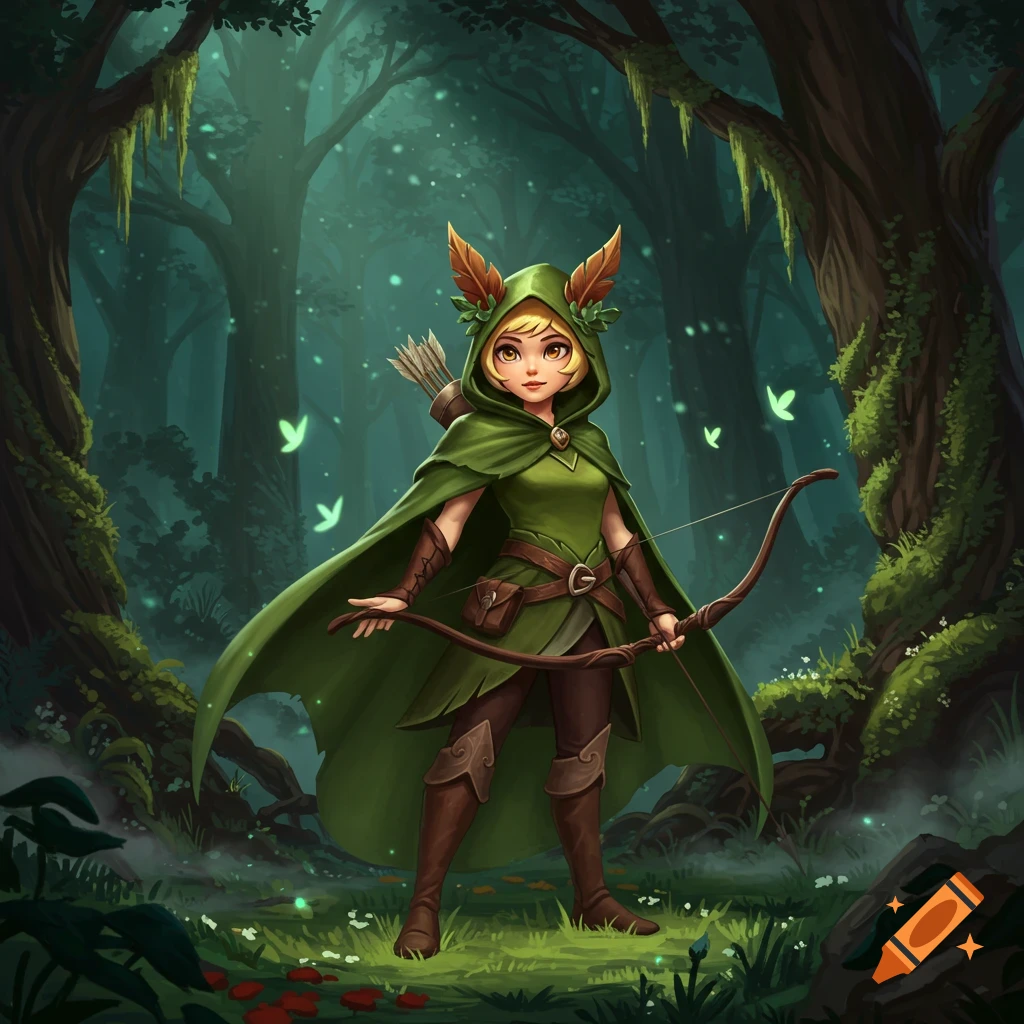
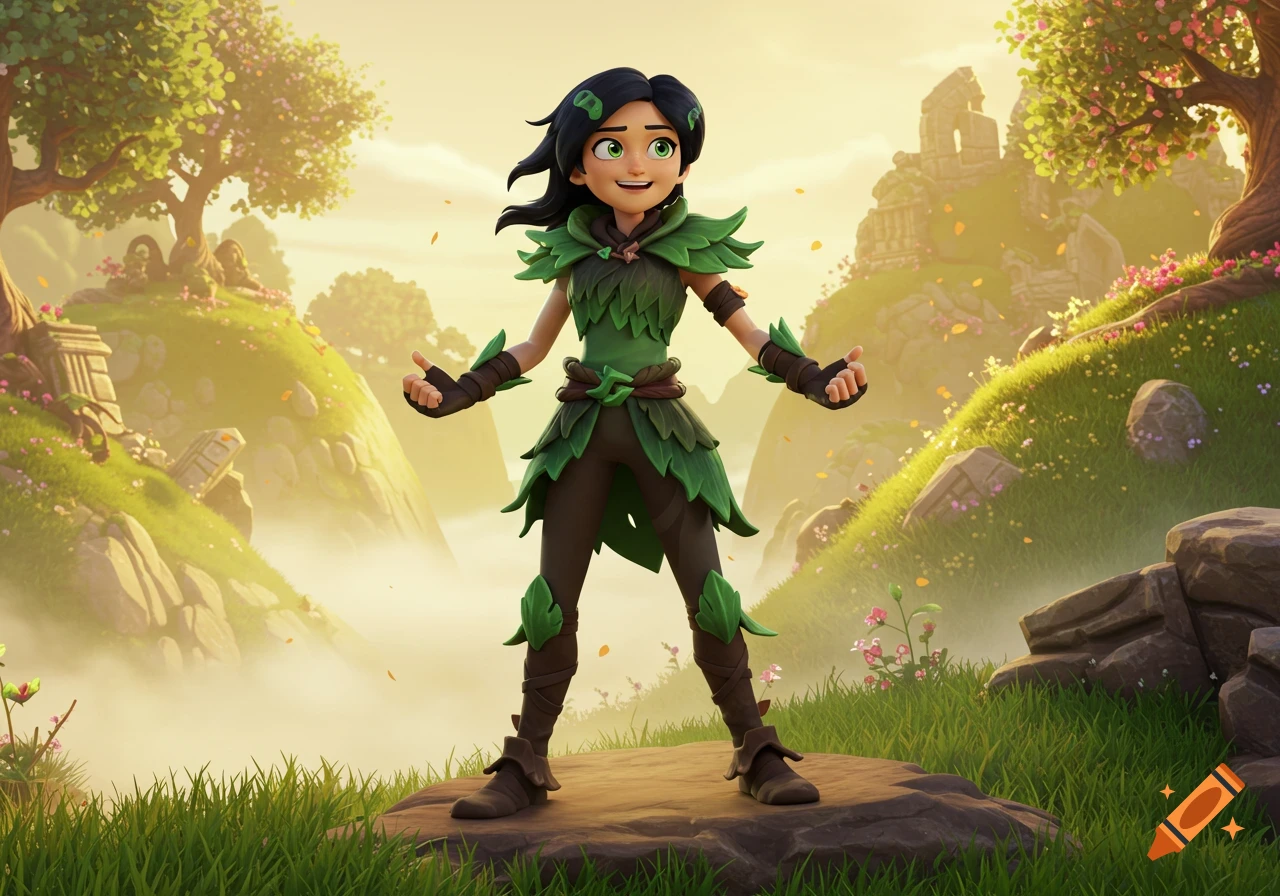
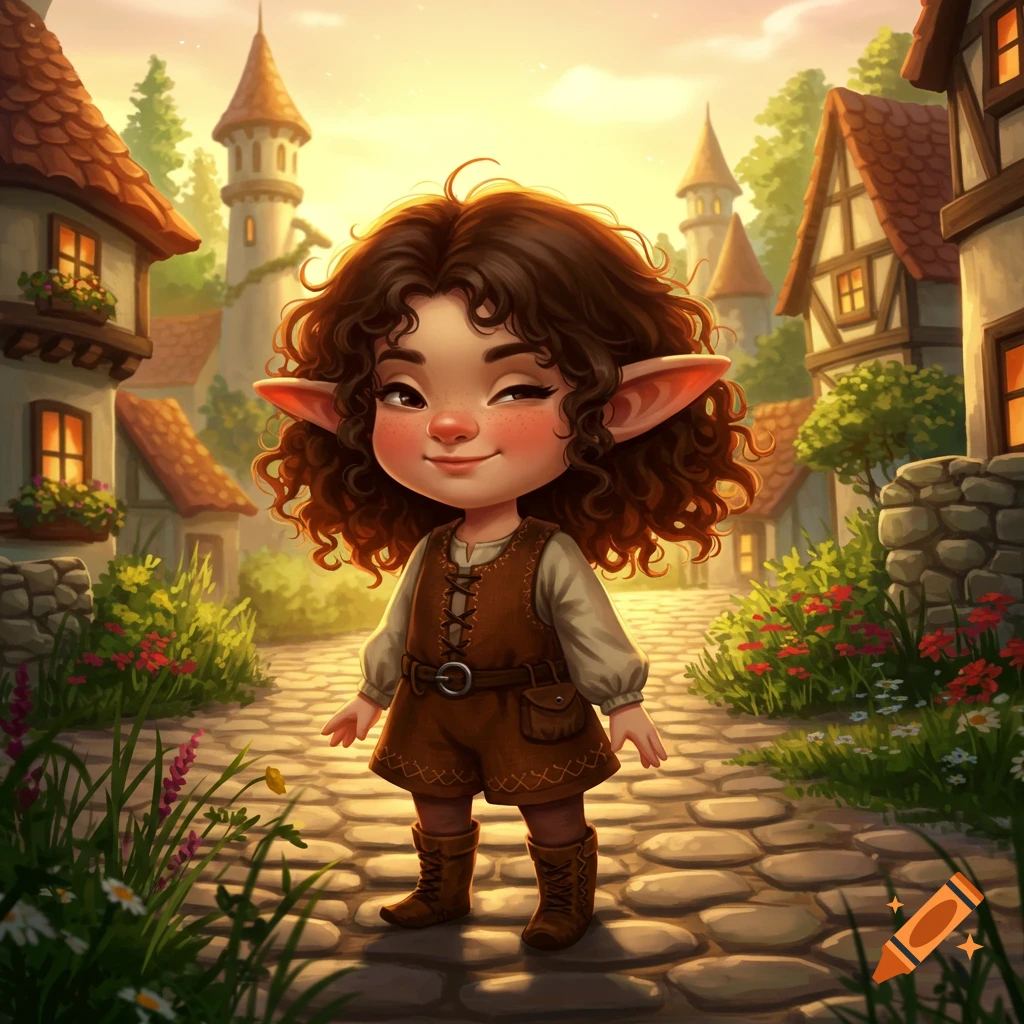
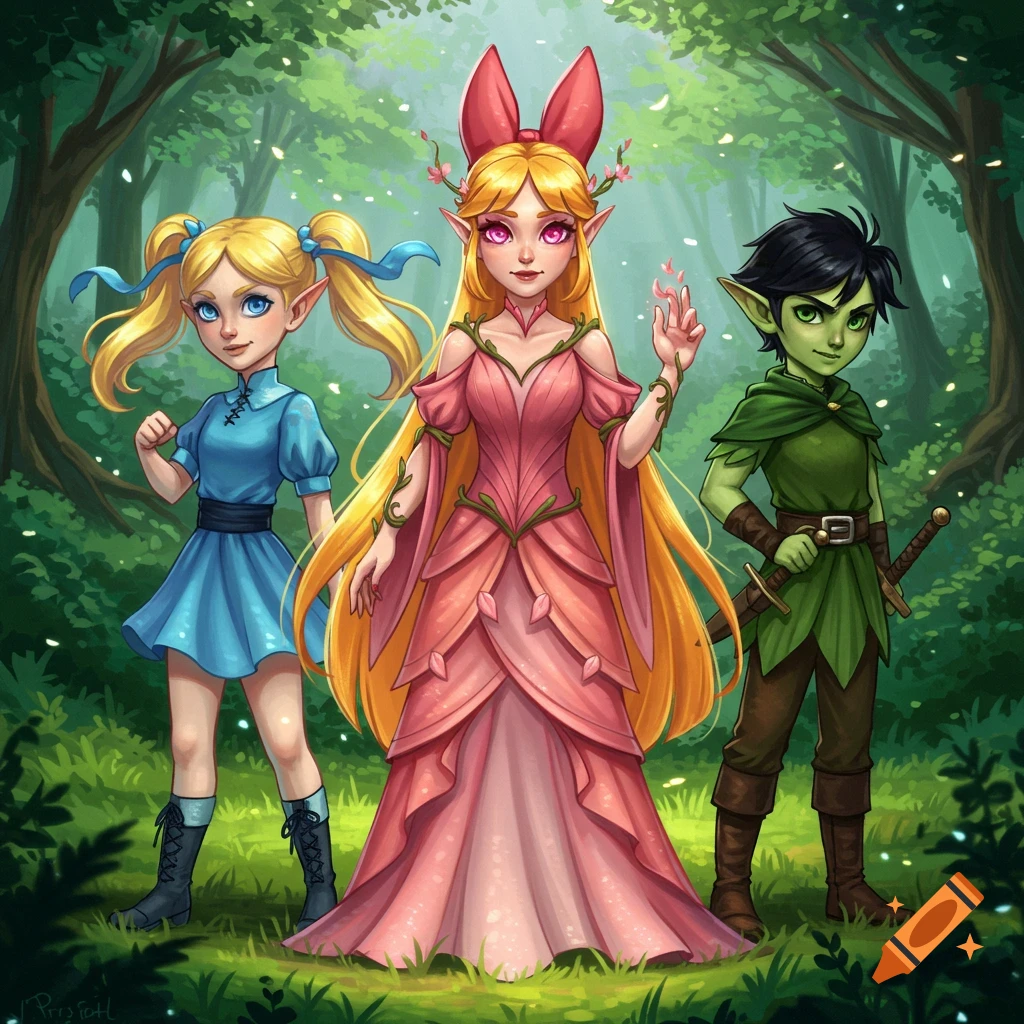
Two cartoon elf coloring pages, one with Brynlee and one with Liam, on watercolor backgrounds.
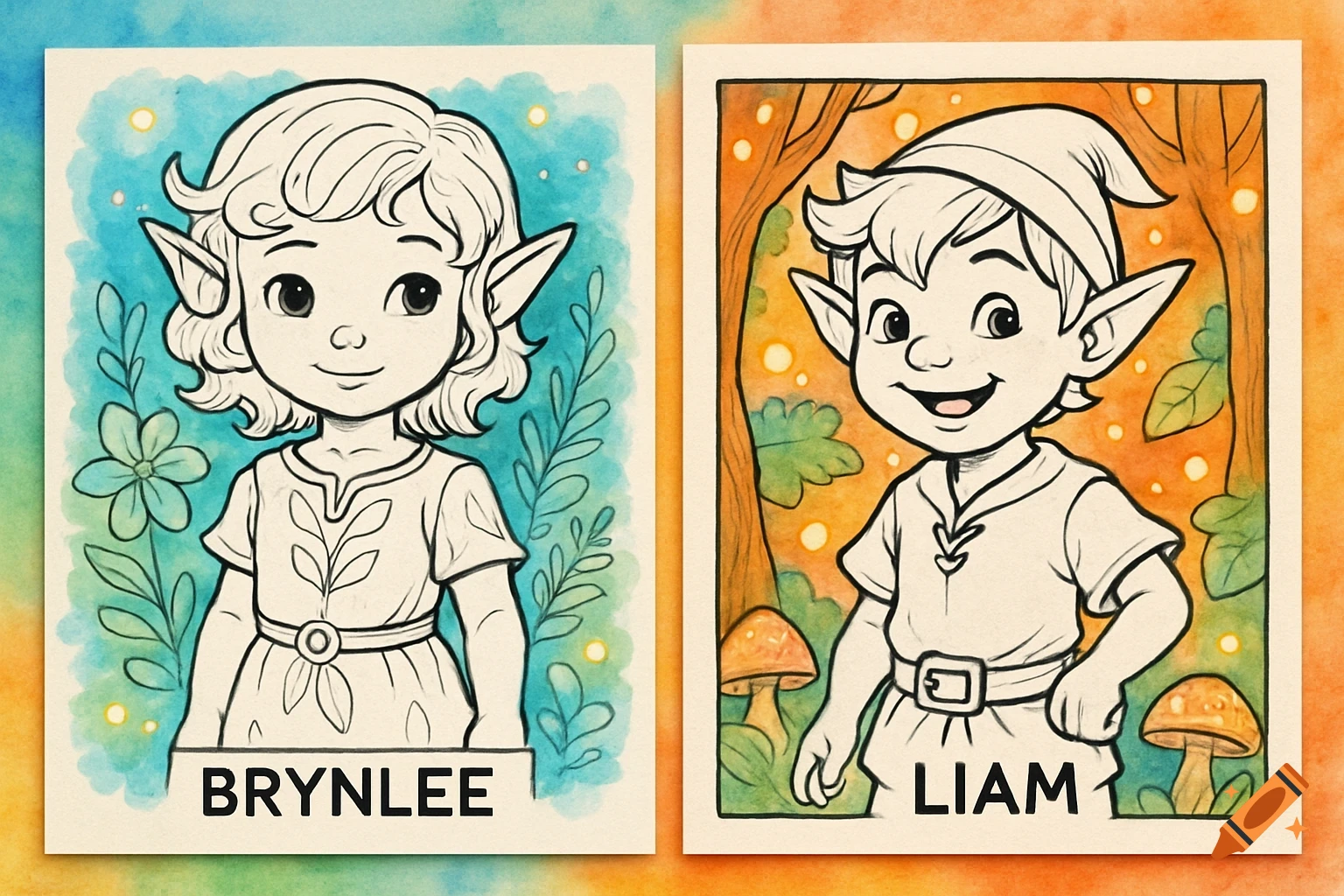
from fpdf import FPDF from PIL import Image # Create a PDF pdf = FPDF(format='letter') pdf.set_auto_page_break(0) # List your coloring page images (line art PNGs or JPEGs) # Make sure you have these images saved: 'brynlee.png' and 'liam.png' images = ['brynlee.png', 'liam.png'] for img_path in images: pdf.add_page() # Full page image pdf.image(img_path, x=0, y=0, w=8.5*25.4/2.54, h=11*25.4/2.54) # convert inches to mm # Output the PDF pdf.output("Elf_Coloring_Pages.pdf") print("PDF created: Elf_Coloring_Pages.pdf") See more