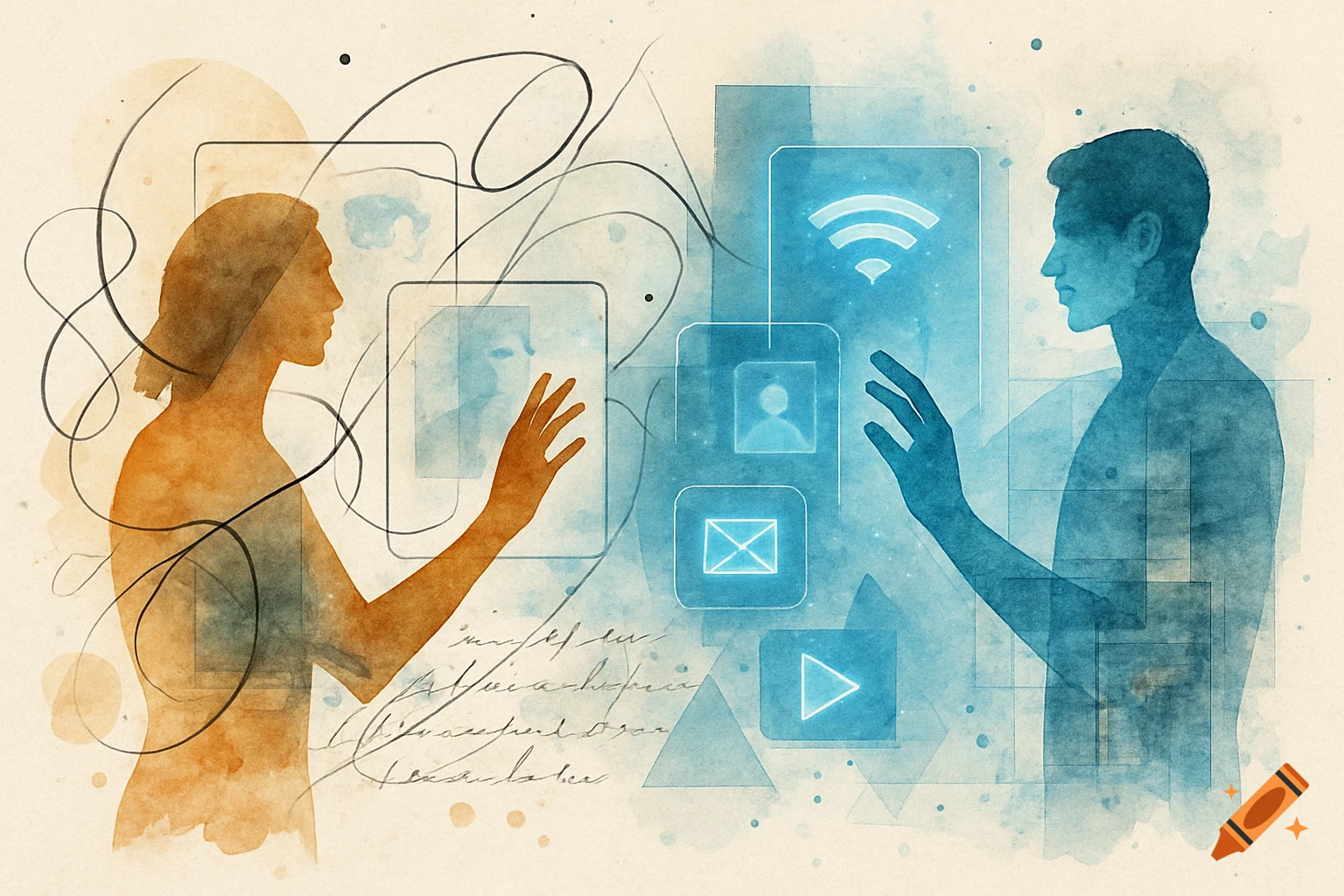
A glowing blue female AI character interacting with a futuristic holographic interface, pointing at an email icon.
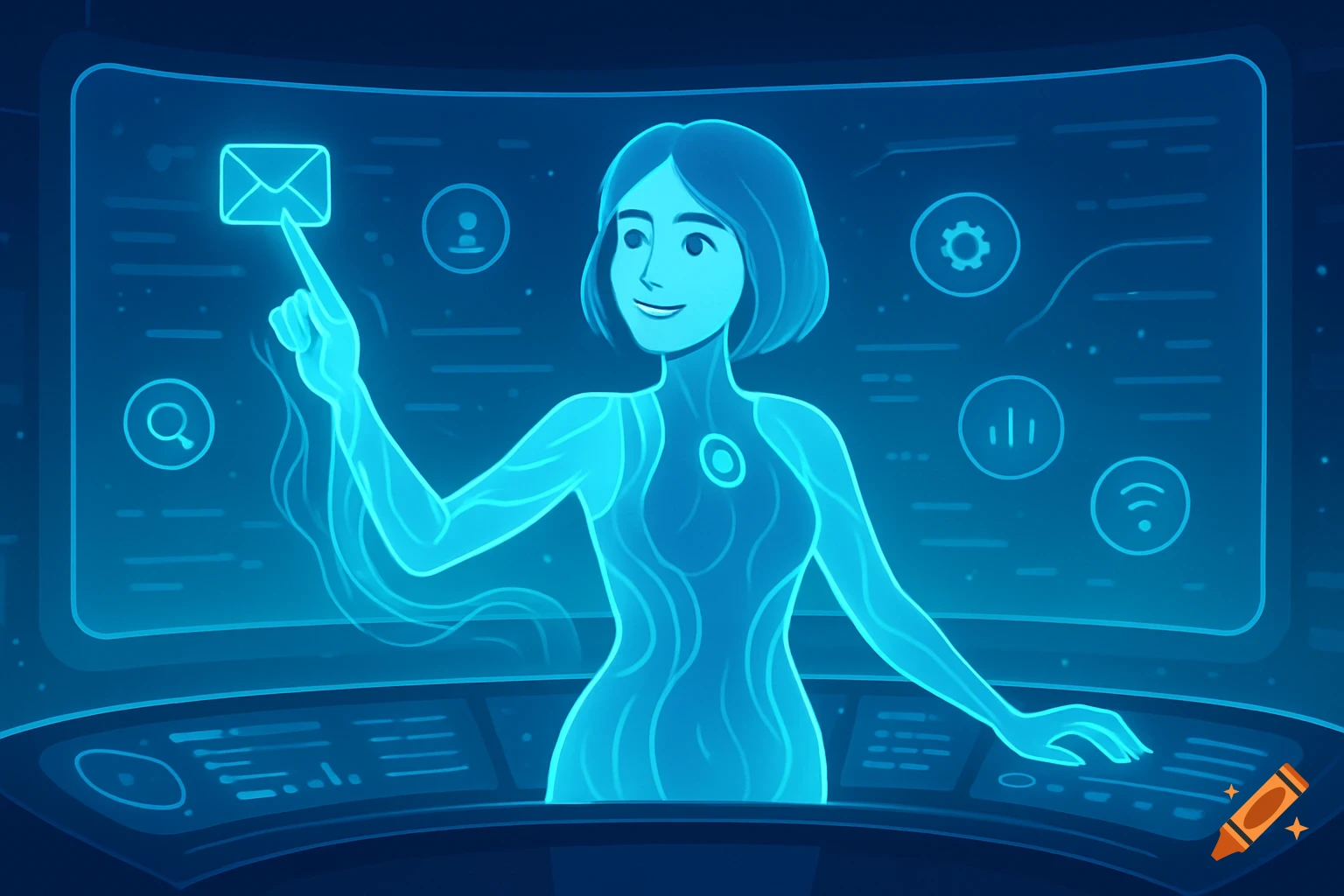
Hi There! I’m Cortana, and I’m here to help. A little sign-in here, a touch of Wi-Fi there, and we’ll have your PC ready for all you plan to do. Use your voice or the keyboard along the way, and if you’d like me to stay quiet, just select the little microphone icon towards the bottom of your screen. If you need an assistive screen reader, press the Windows, Control and Enter keys at the same time to turn on Narrator. Ok, enough intro. Let’s dig in. Your region is set to [United States]. Is that right? (Bloop…) Your keyboard is set to [US] Want to stick with that? (Bloop…) Do you also type with another keyboard layout? (Bloop…) Now we have some important setup to do. Now let’s see what’s new from Windows! Now, let us know if this computer is owned by your work or school, or if it’s yours. We’ll set it up accordingly. Type your email address or phone number, then follow the instructions to sign in. I’ll catch up with you once that’s done. (Bloop…) You’re about to set up an offline account, but I wanted to make sure you know: Windows works way better with a Microsoft account. Do you want to do that instead? (Bloop…) Type what you want to name your account. Ok, now type a password for your account. Hey look, that’s me, Cortana! Can I have permission to use the info I need to do my best work? (Bloop…) These are the settings Microsoft recommends. Go ahead and review them, and select “Accept” when you’re ready. Almost done now. We just need to get a few more things polished up for See more