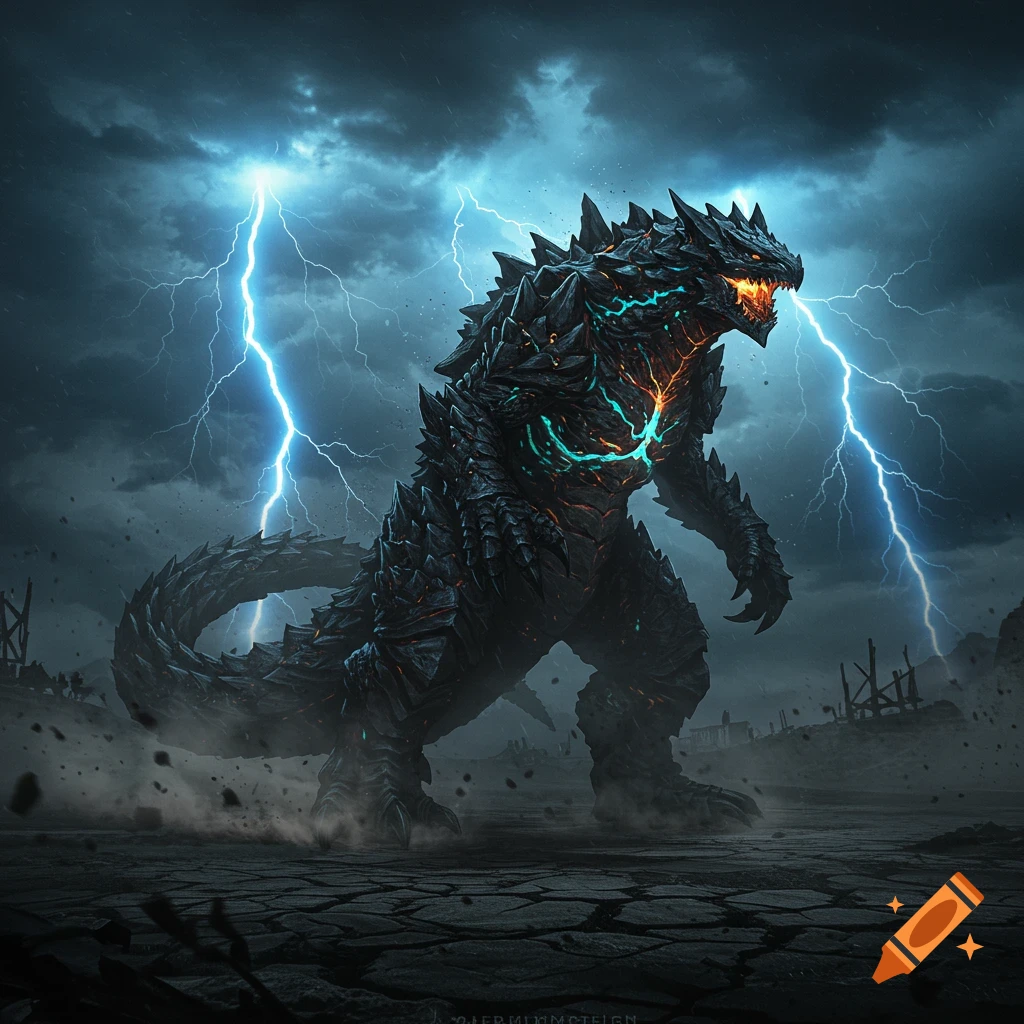
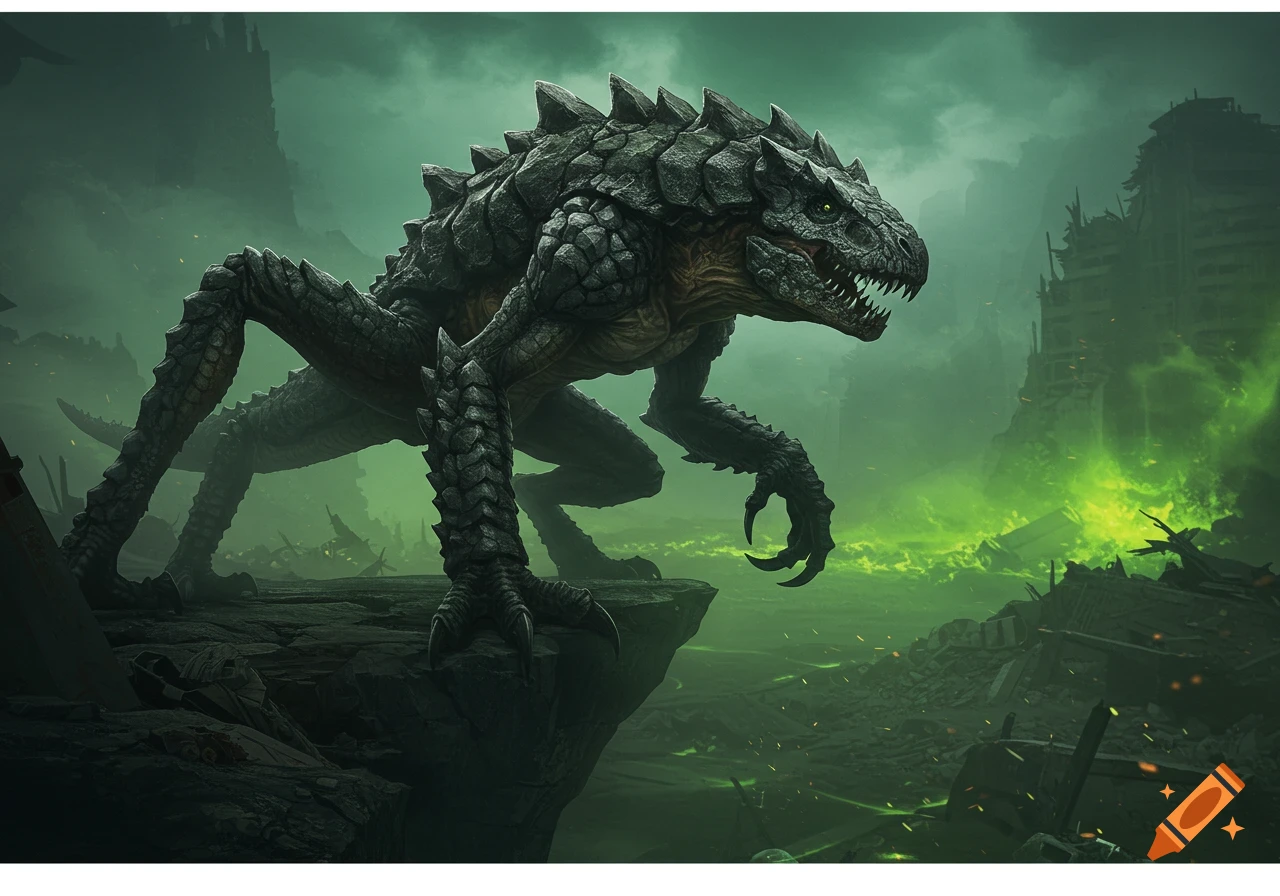
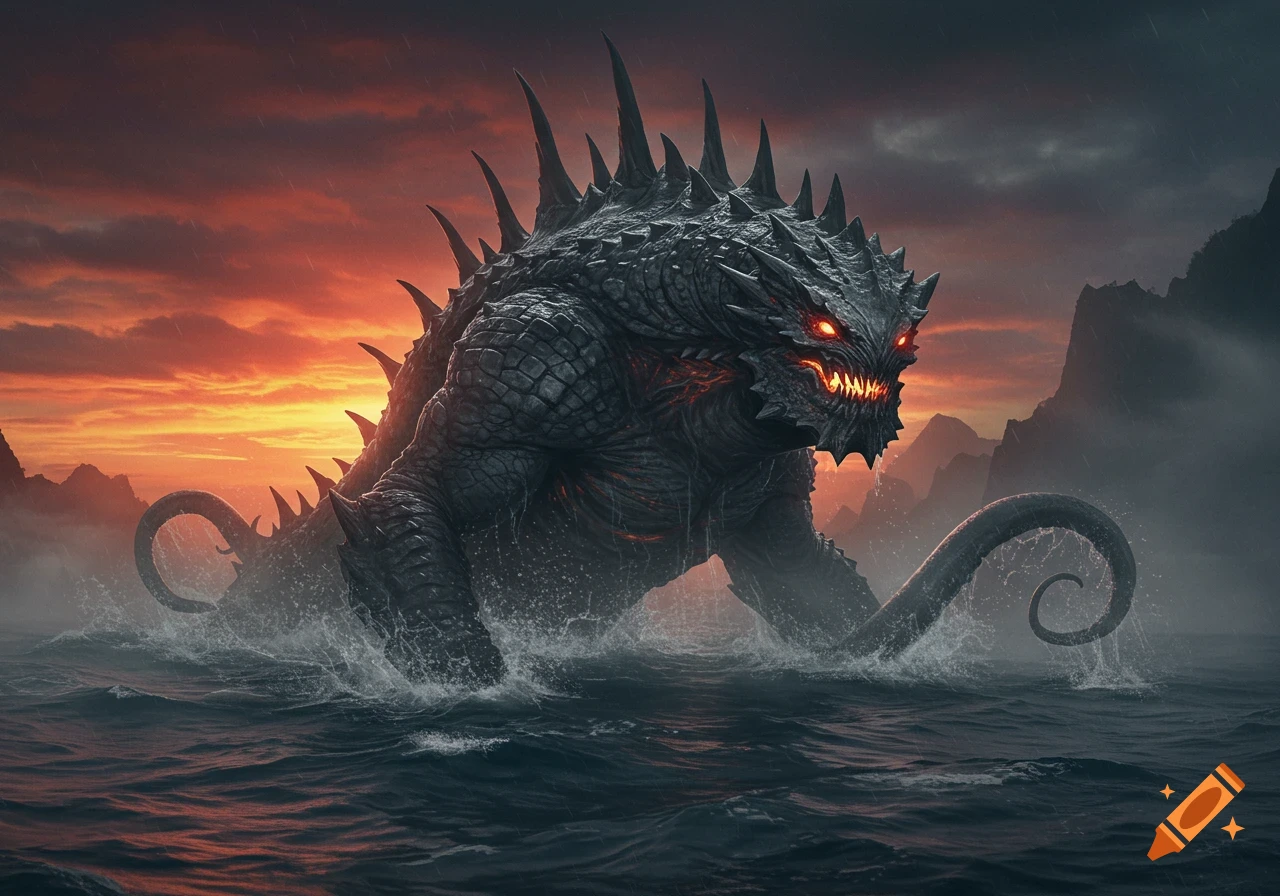
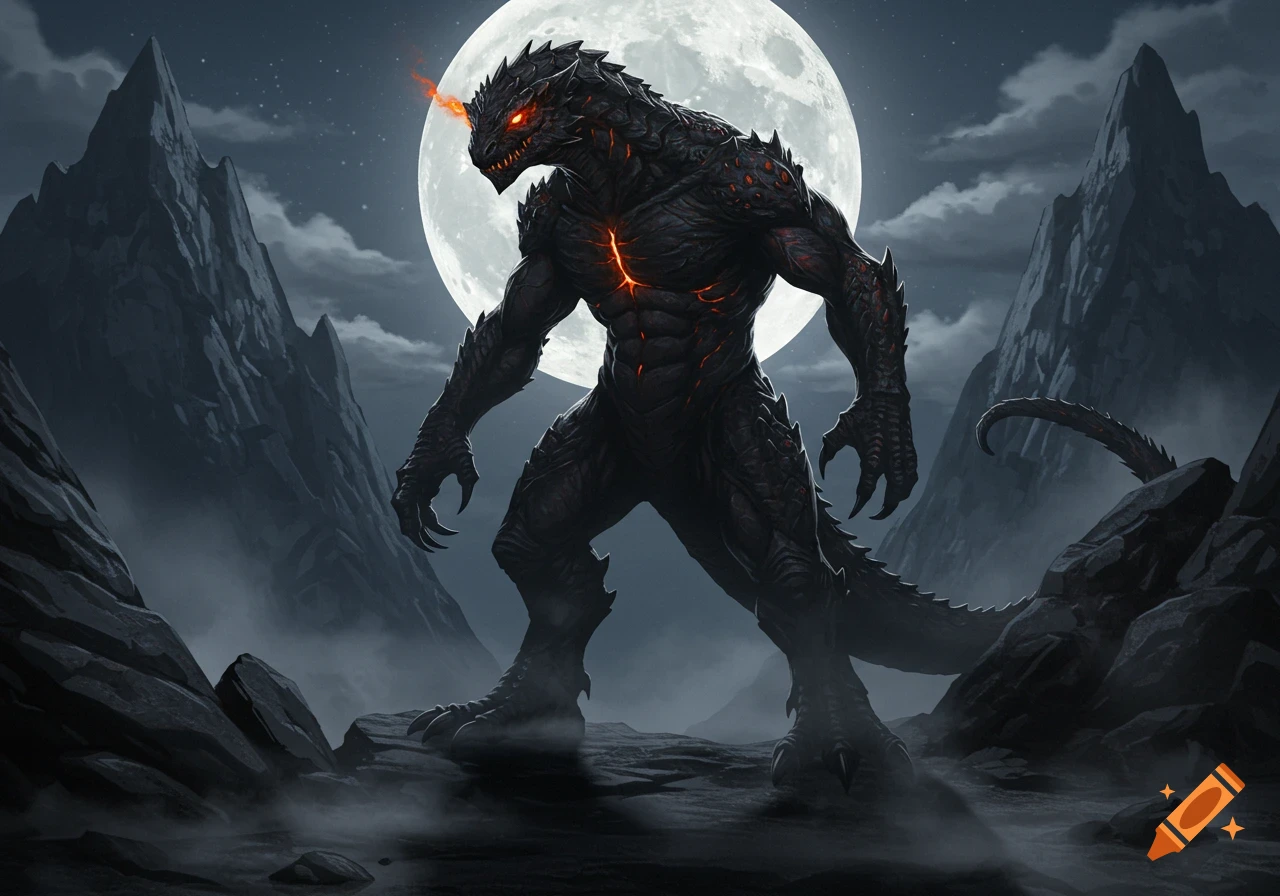
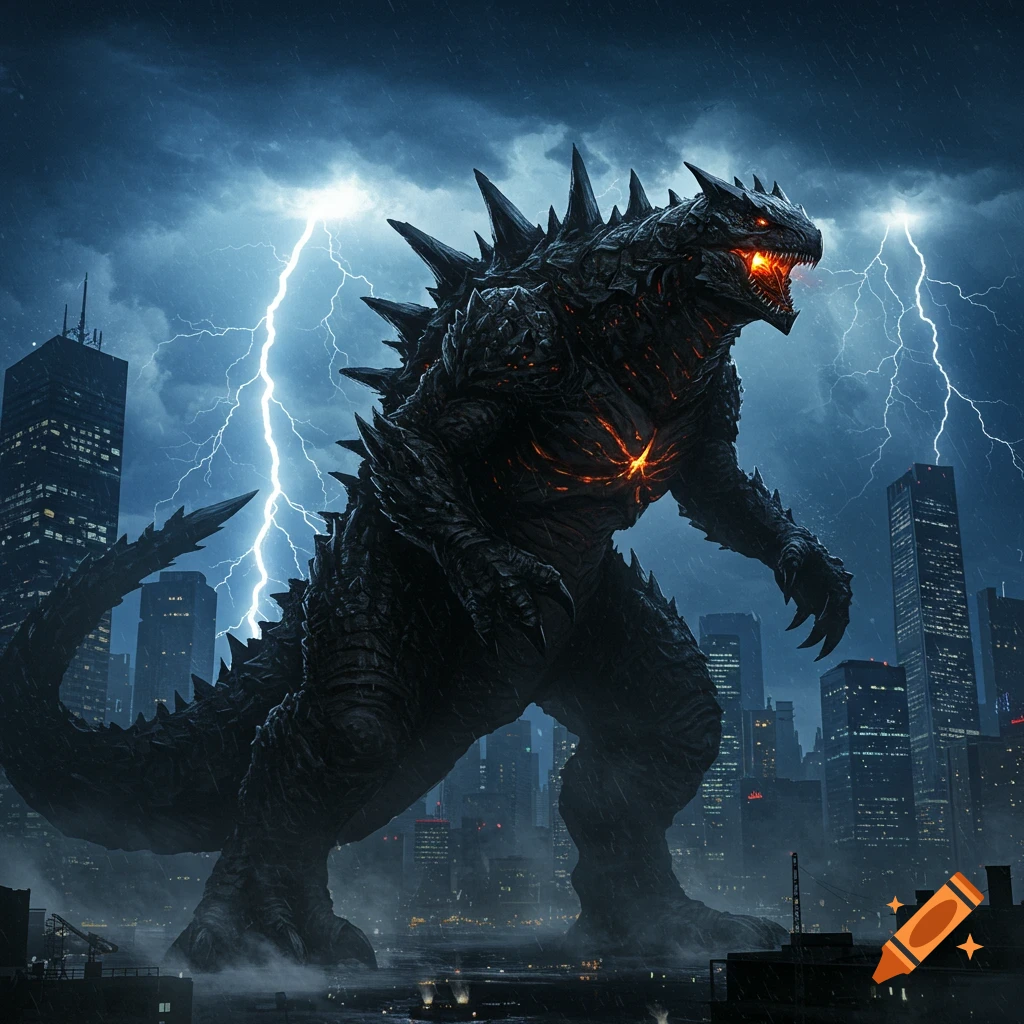
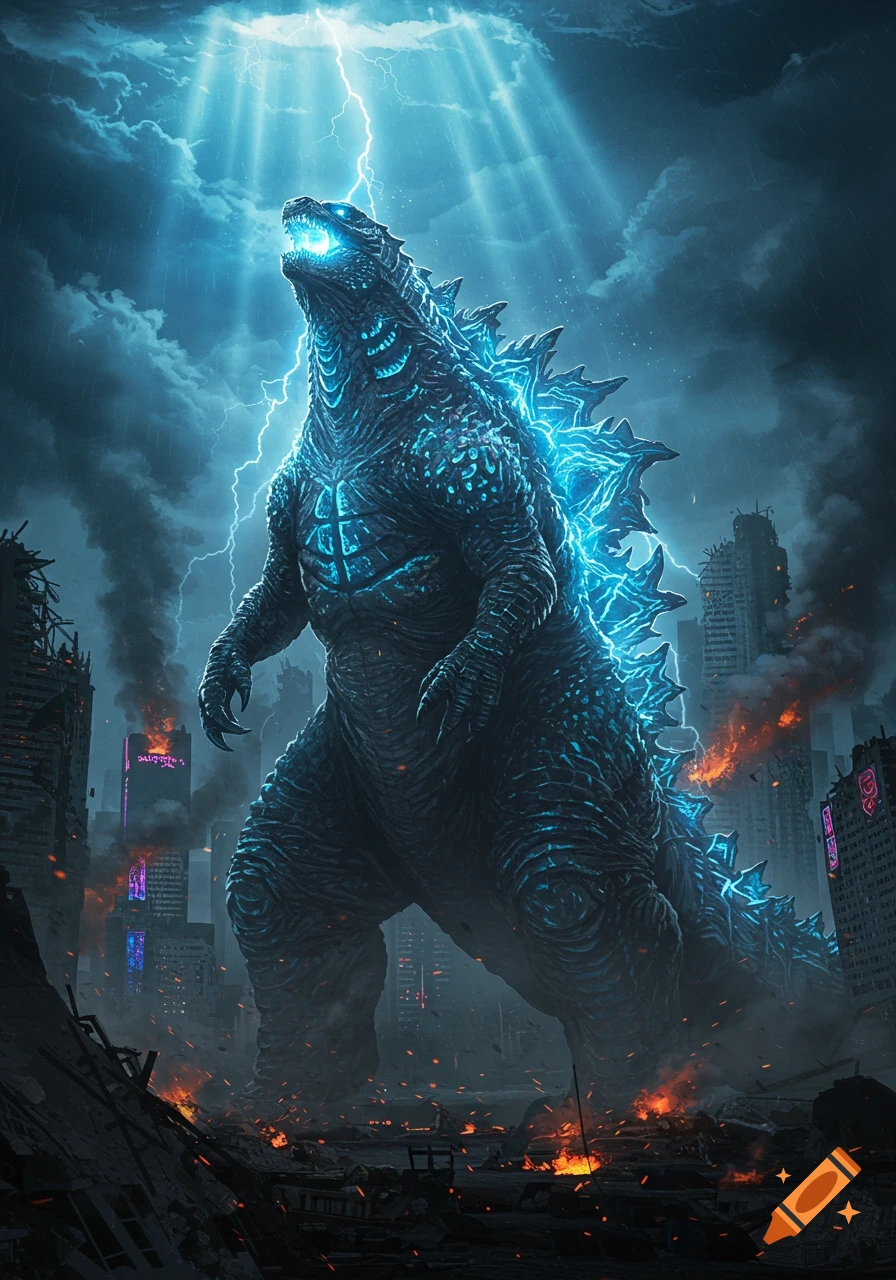
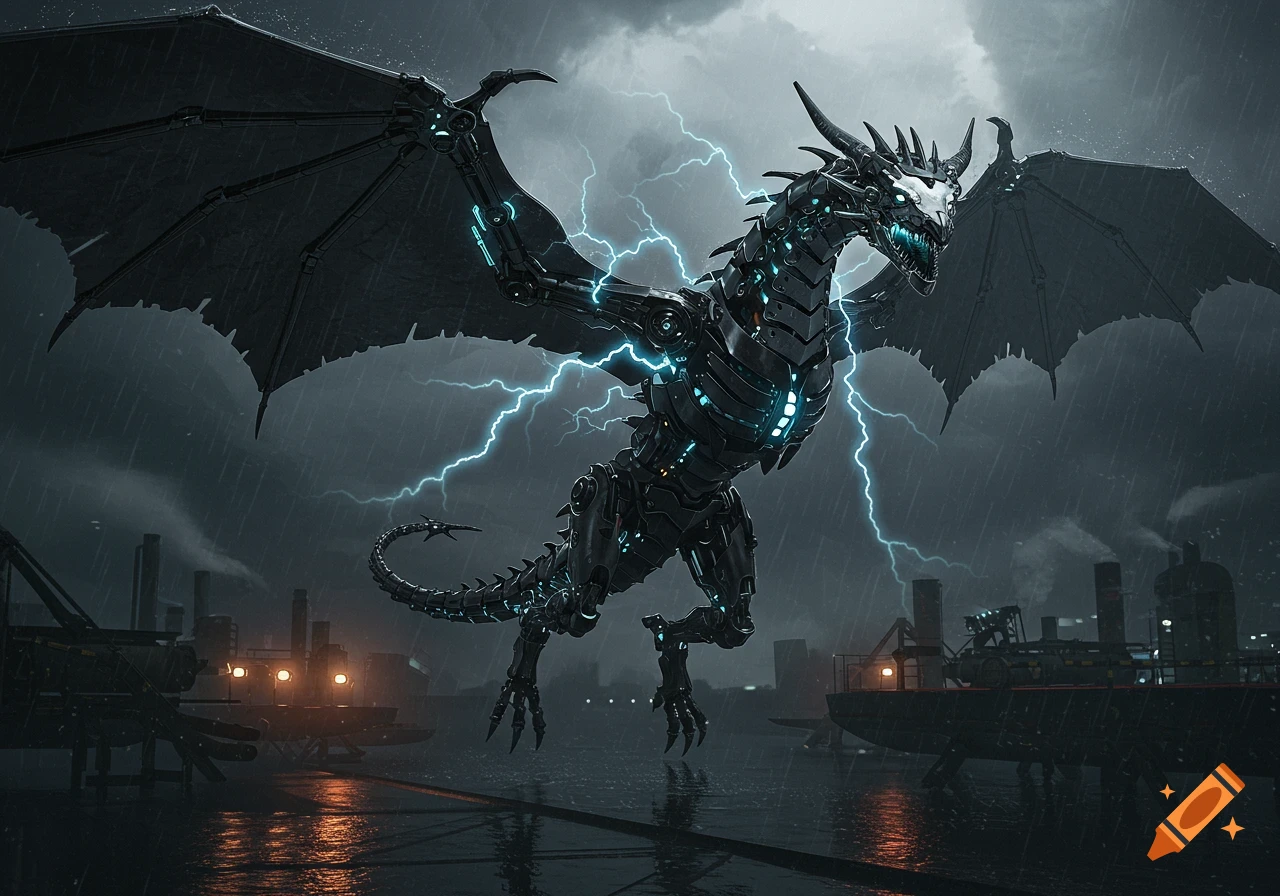
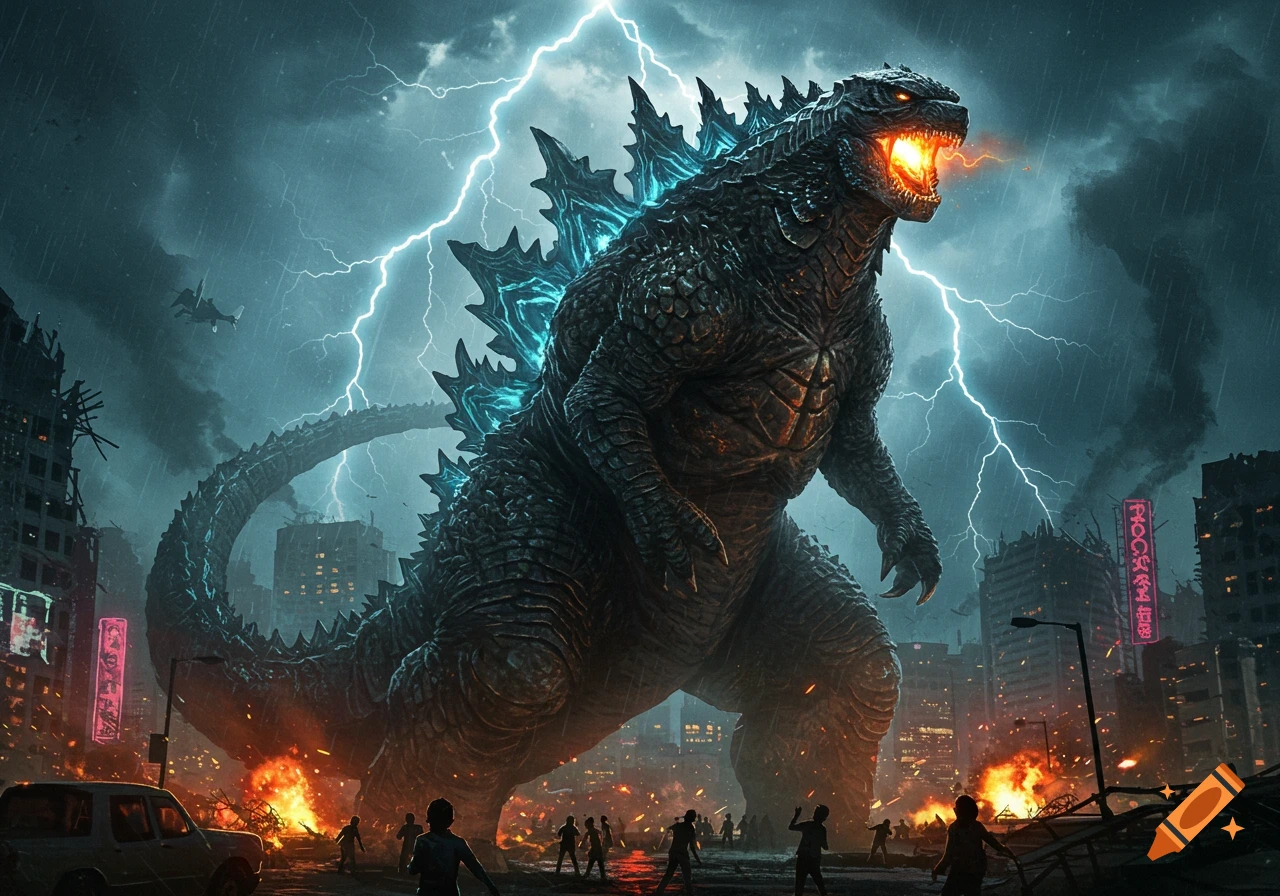
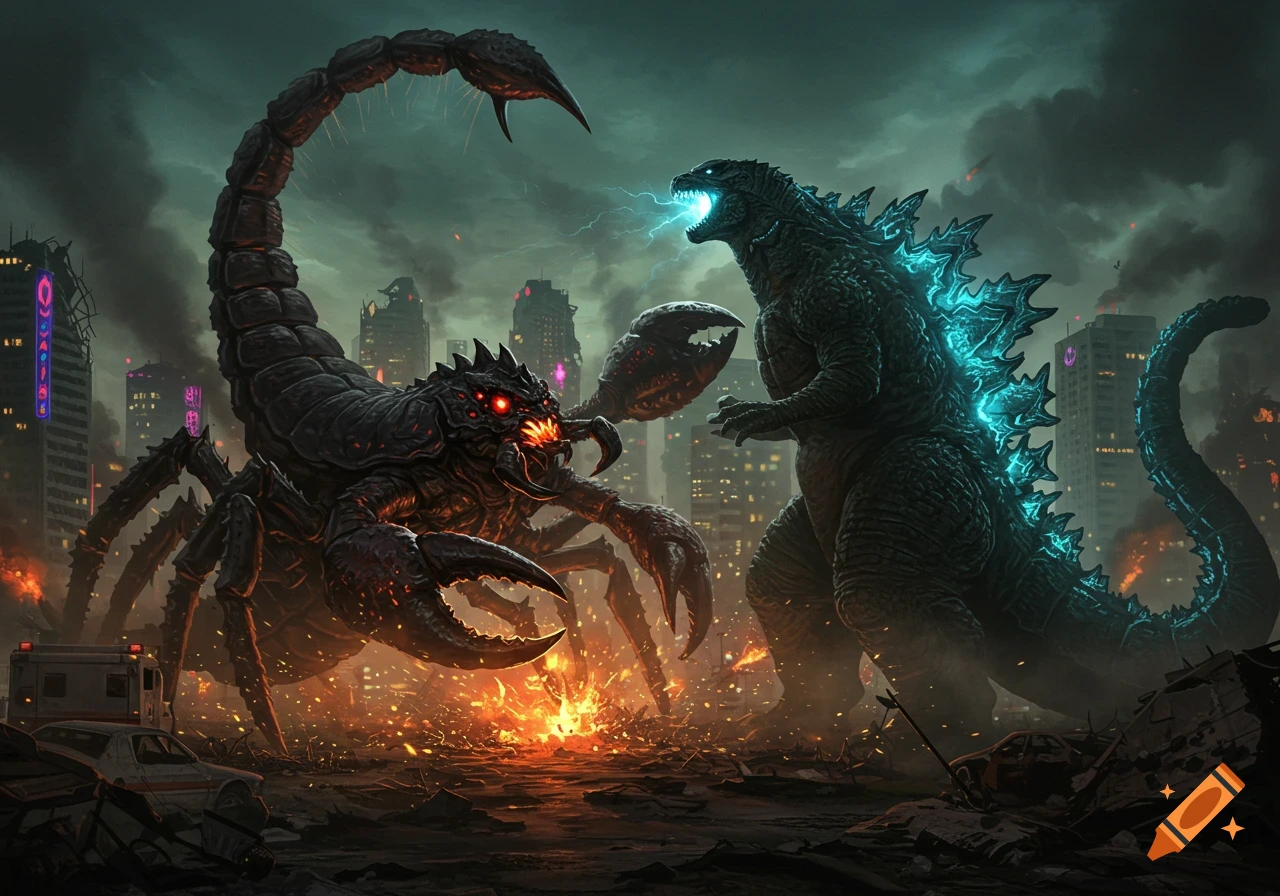
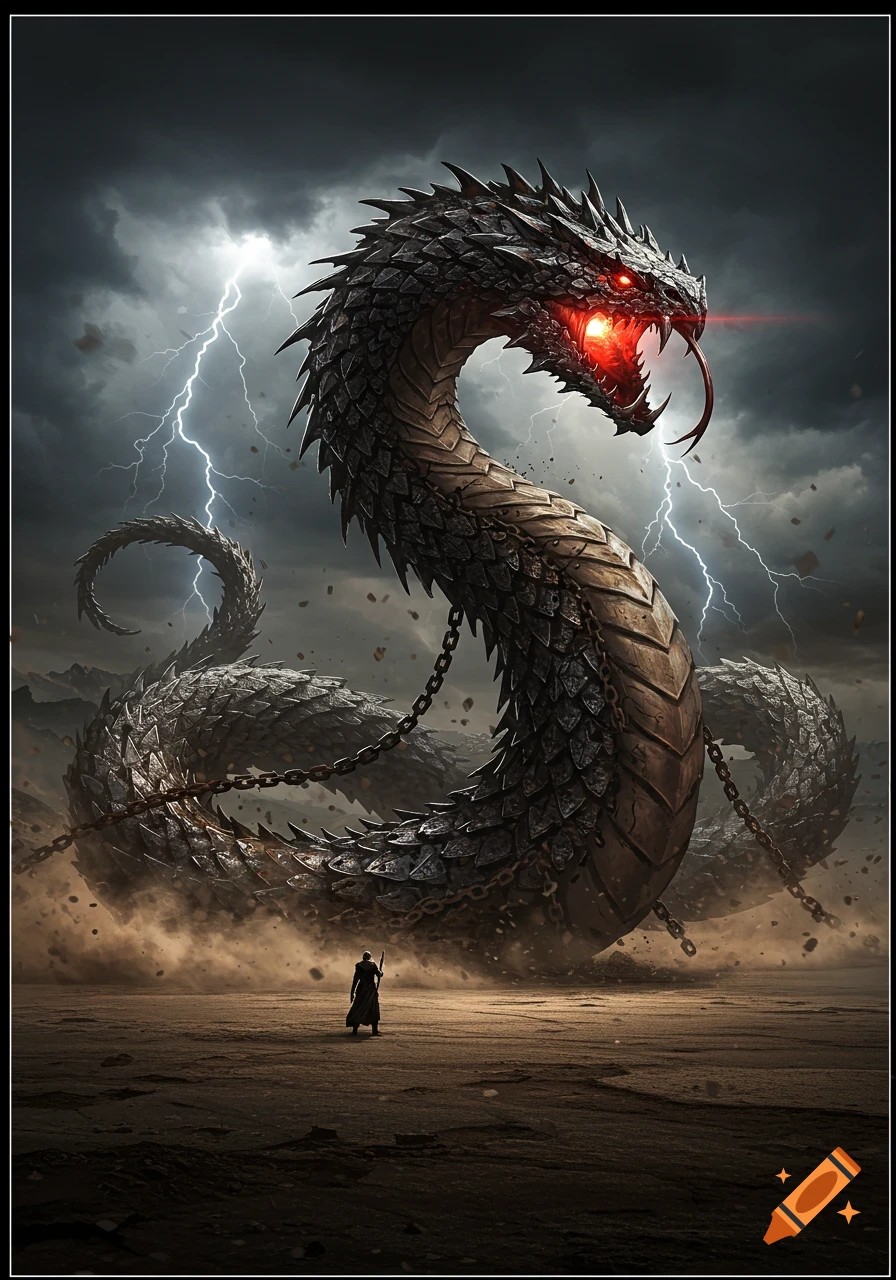
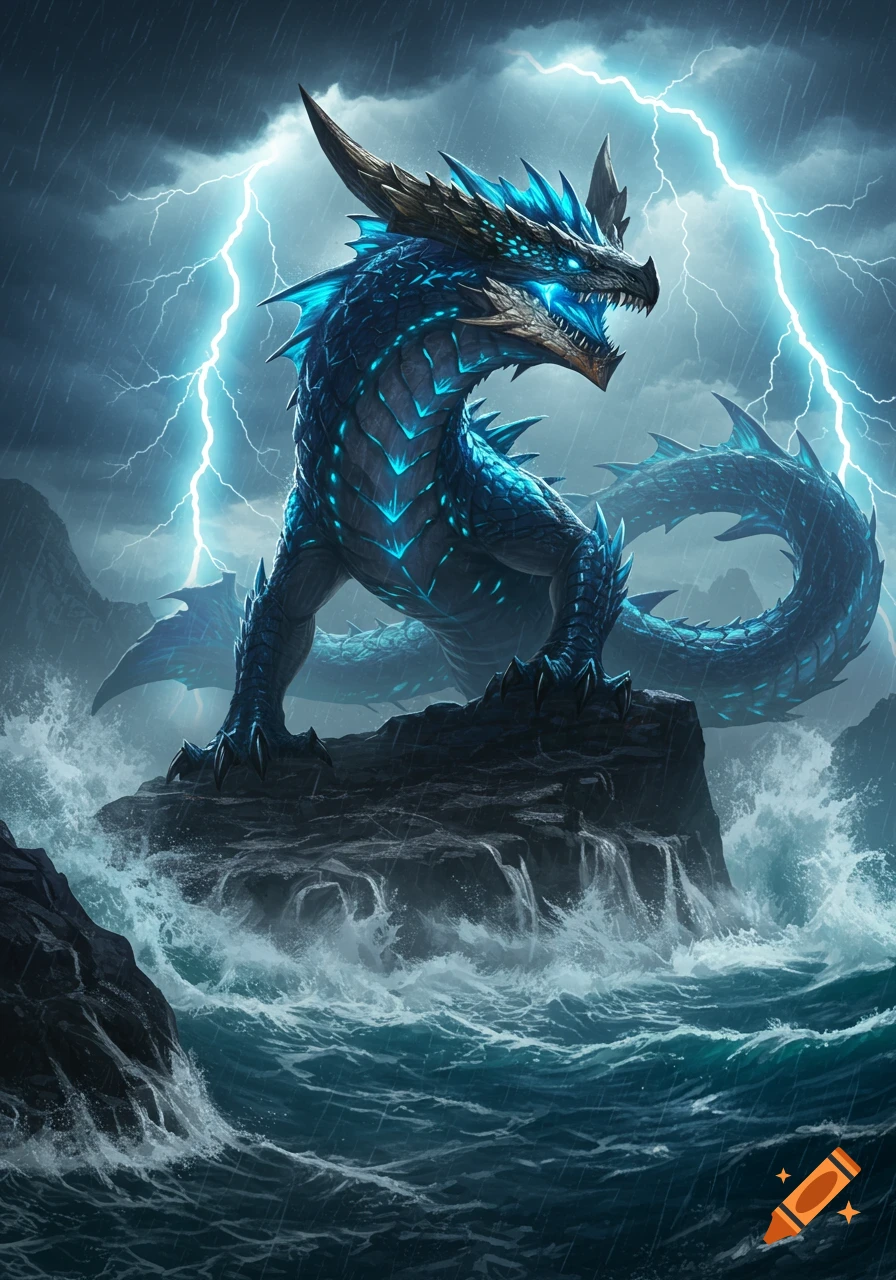
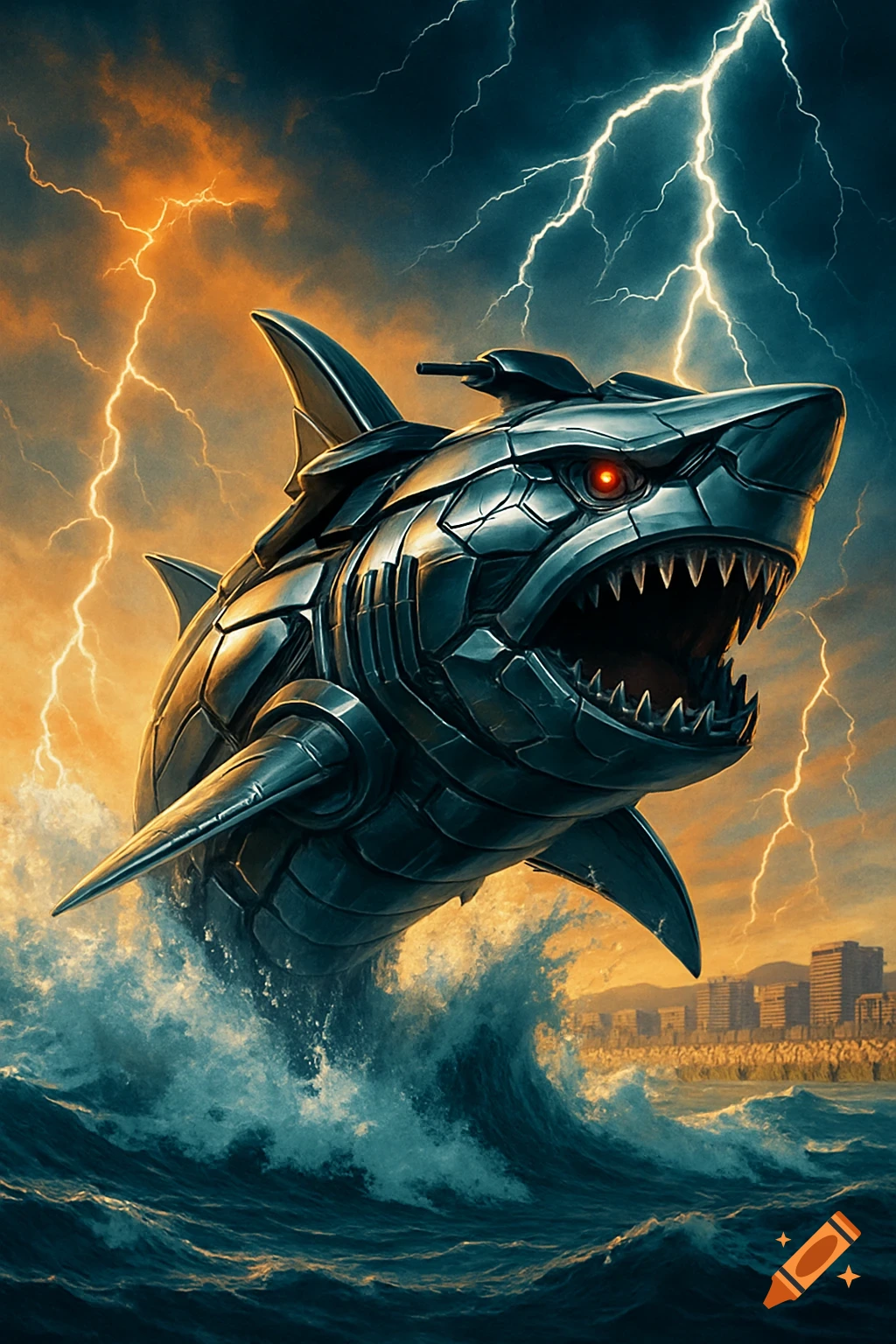
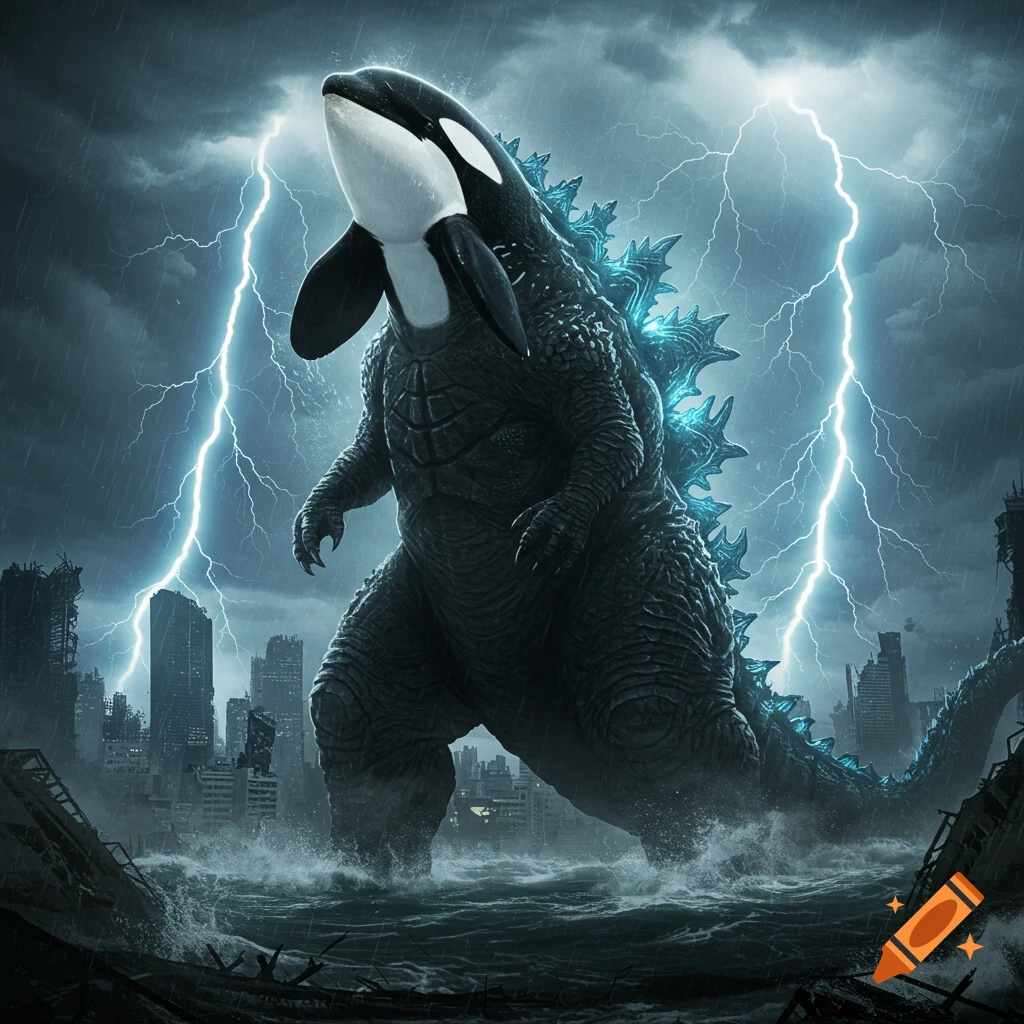
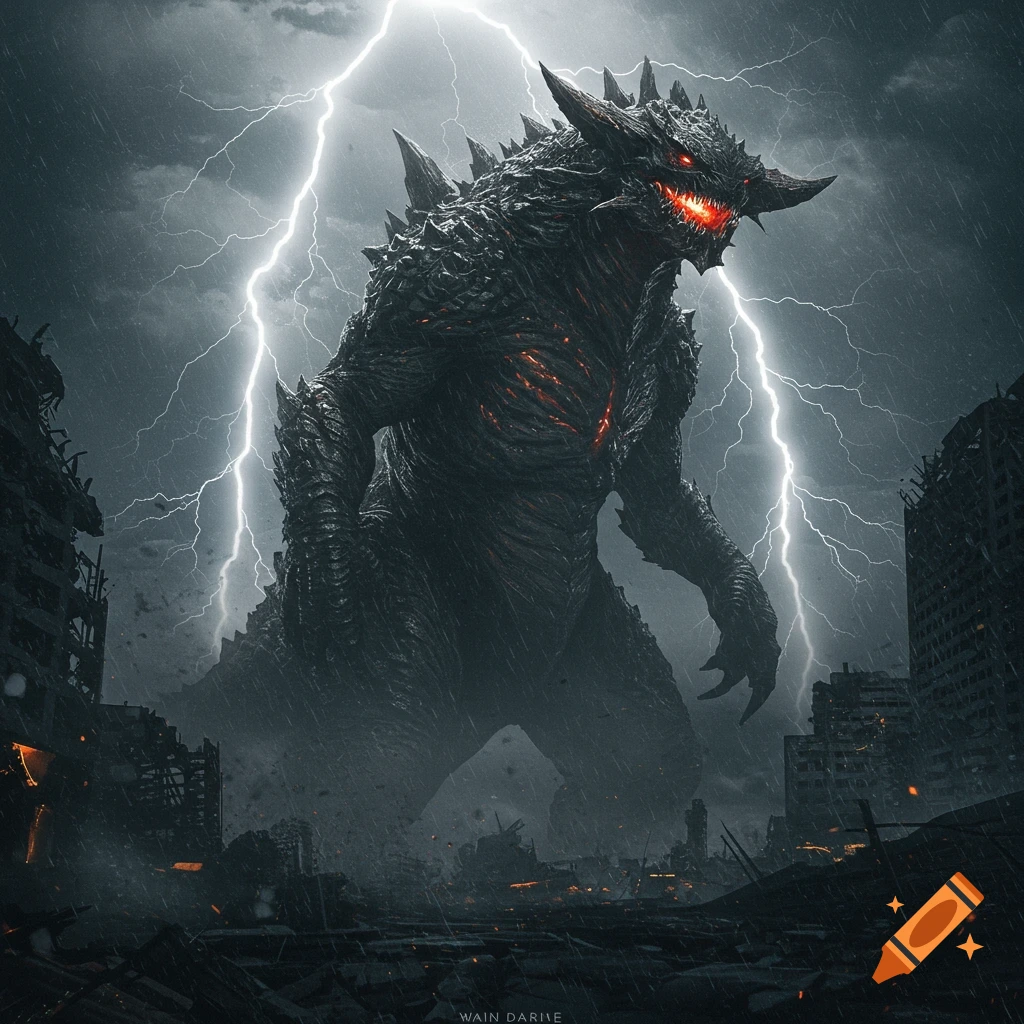
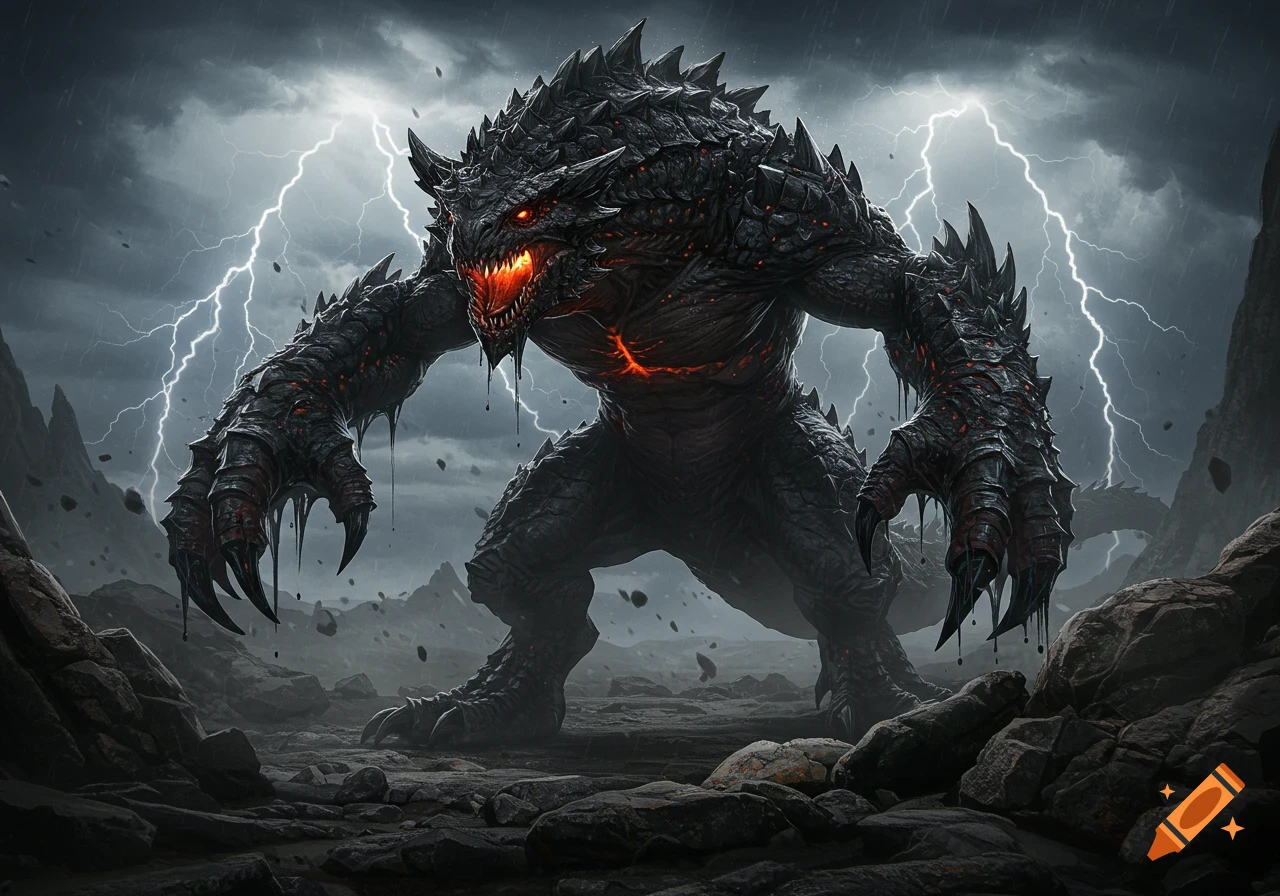
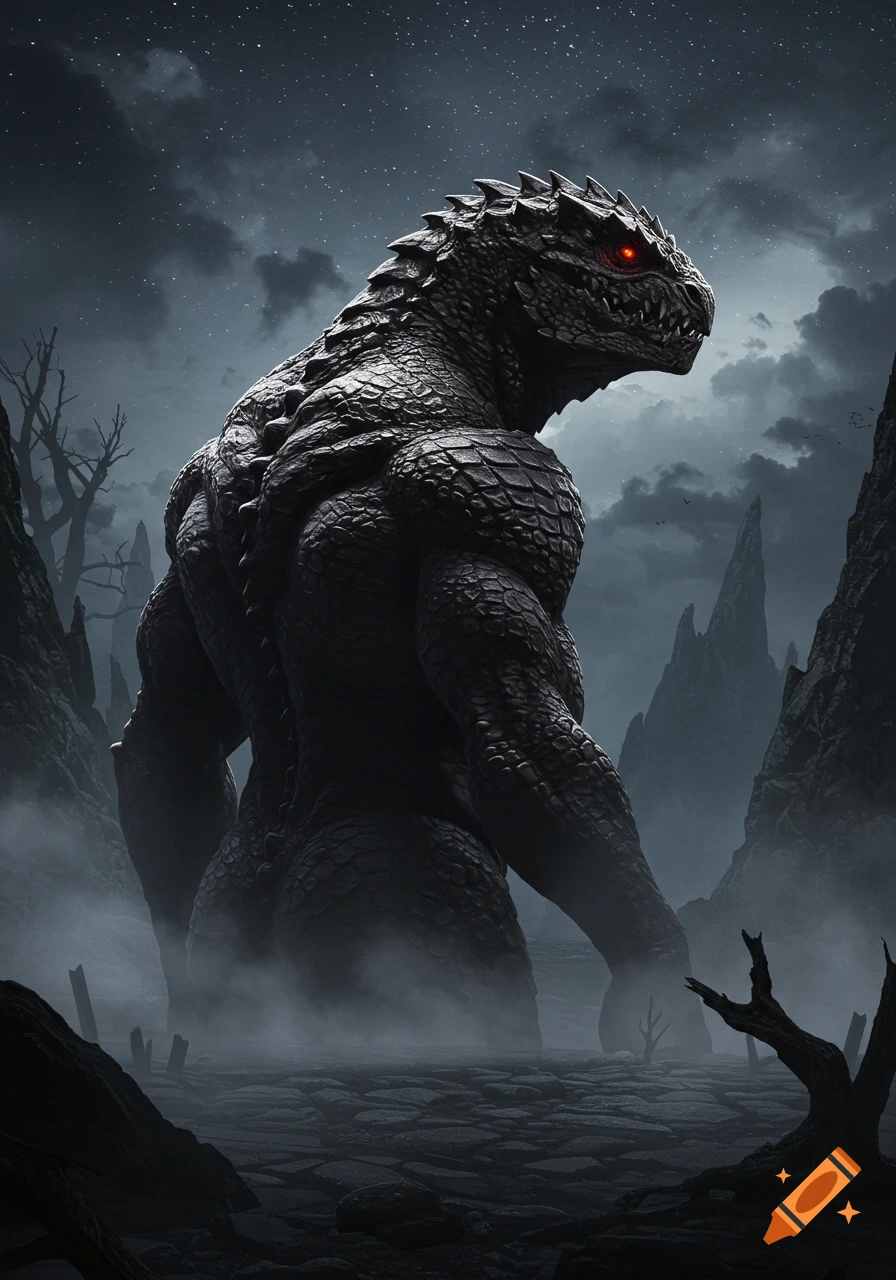
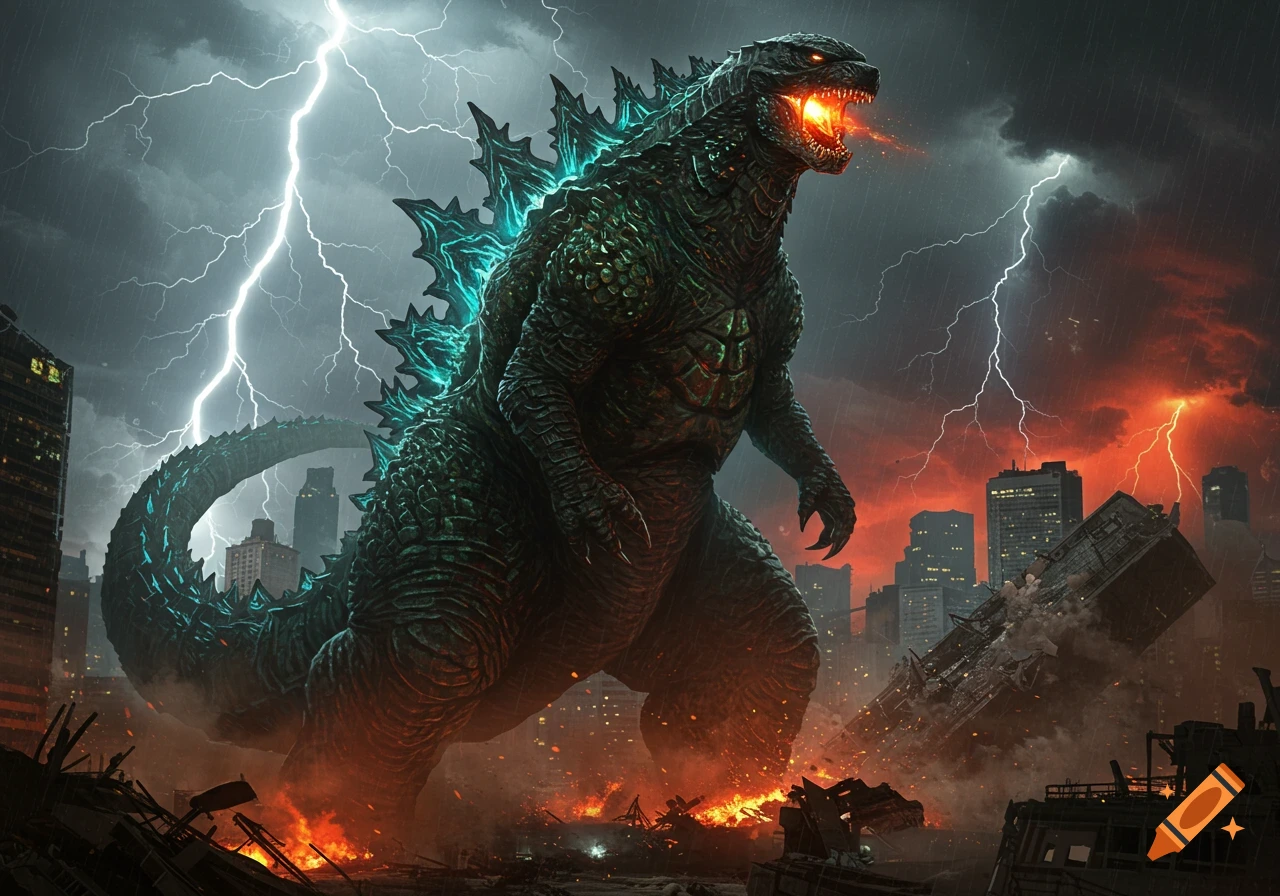
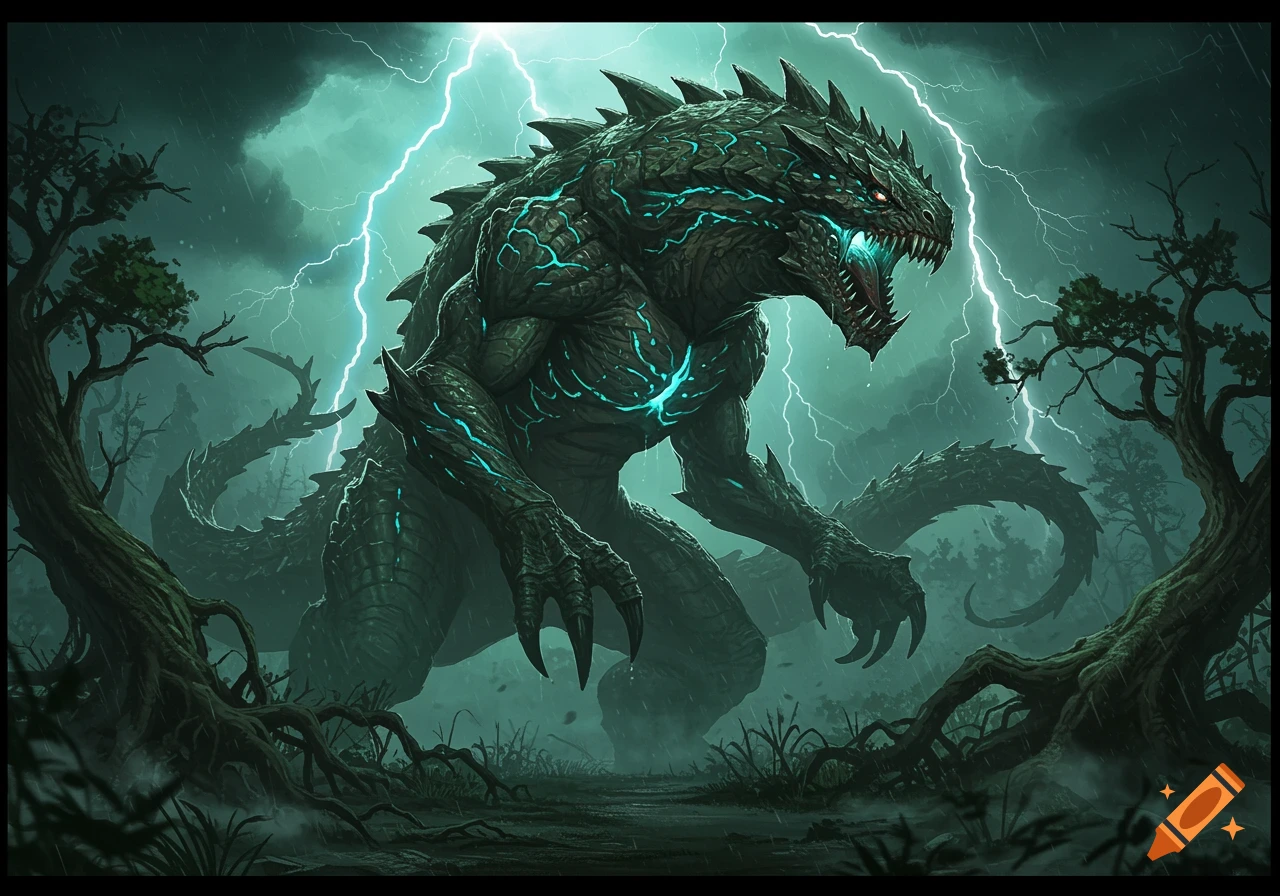
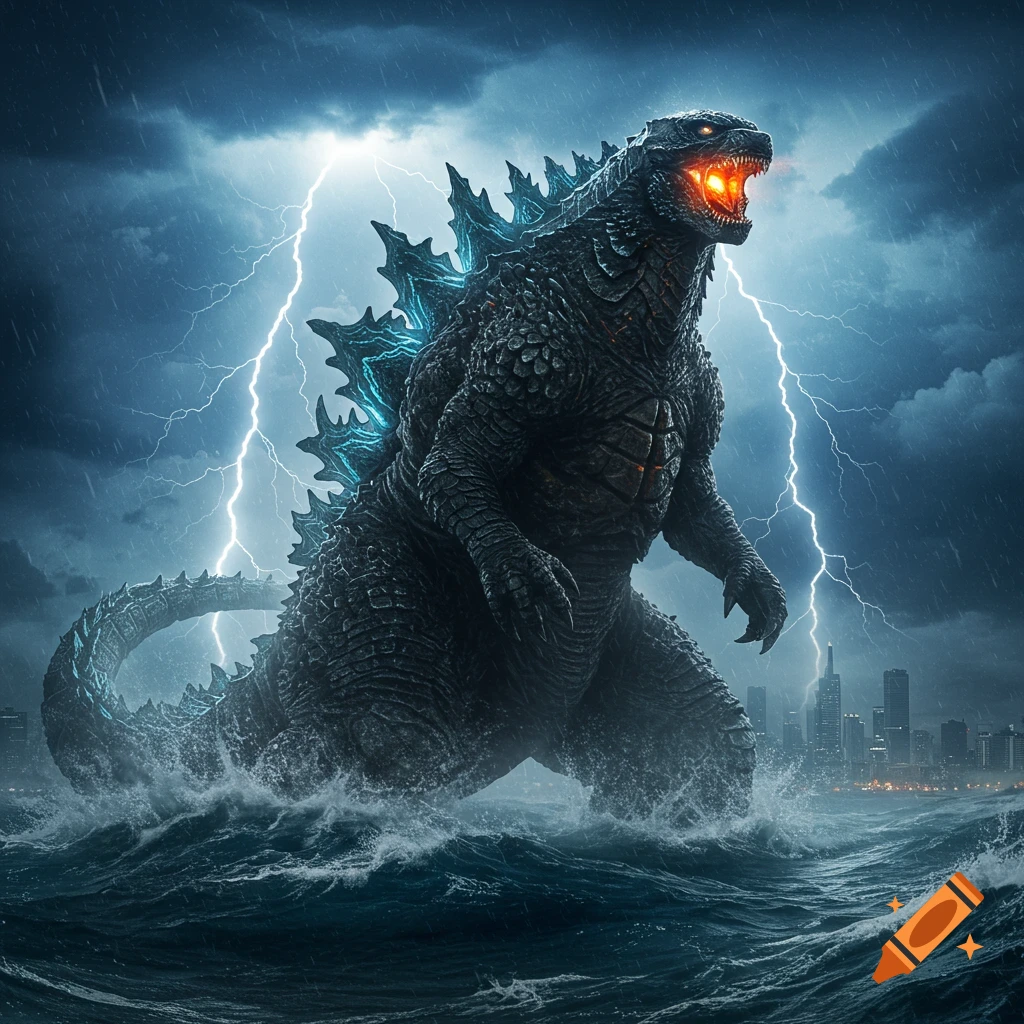
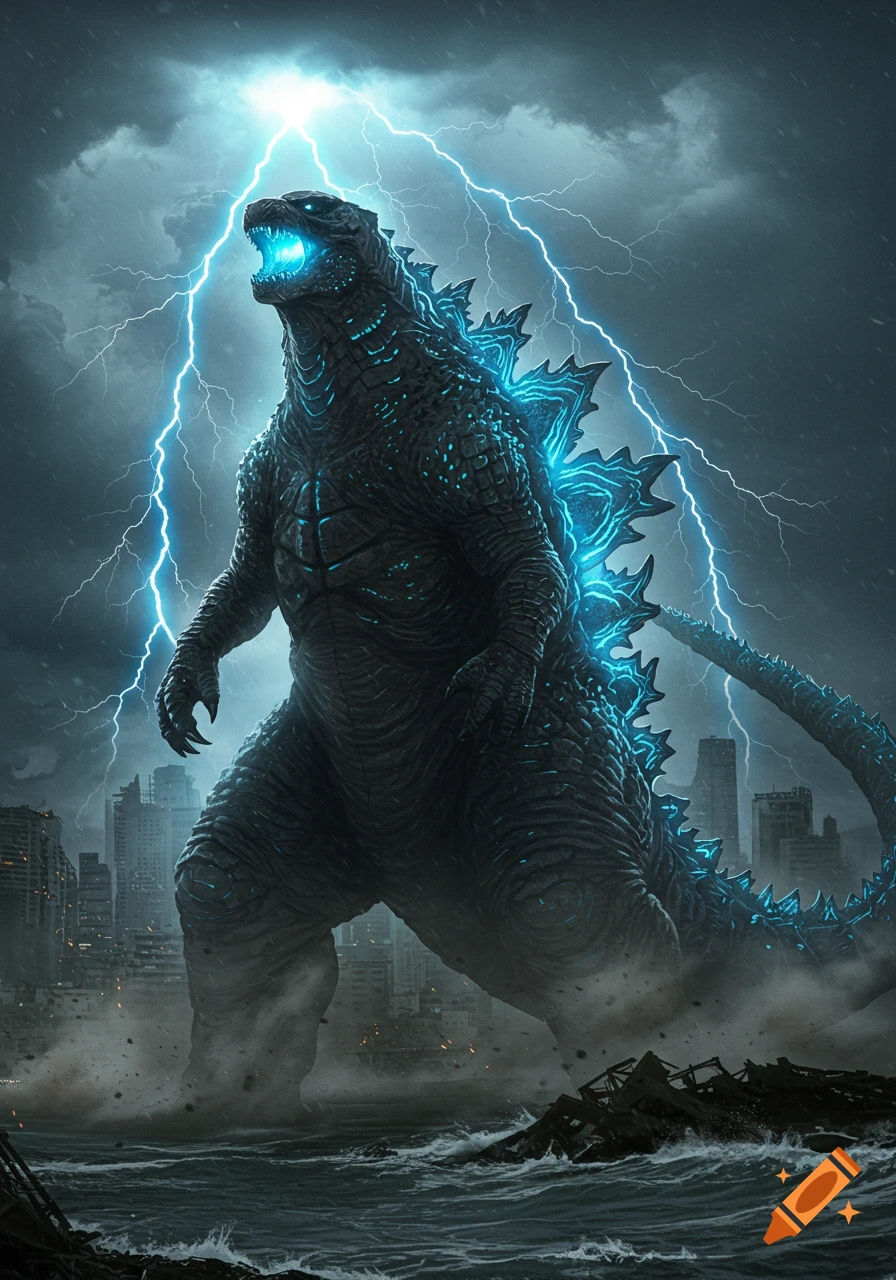
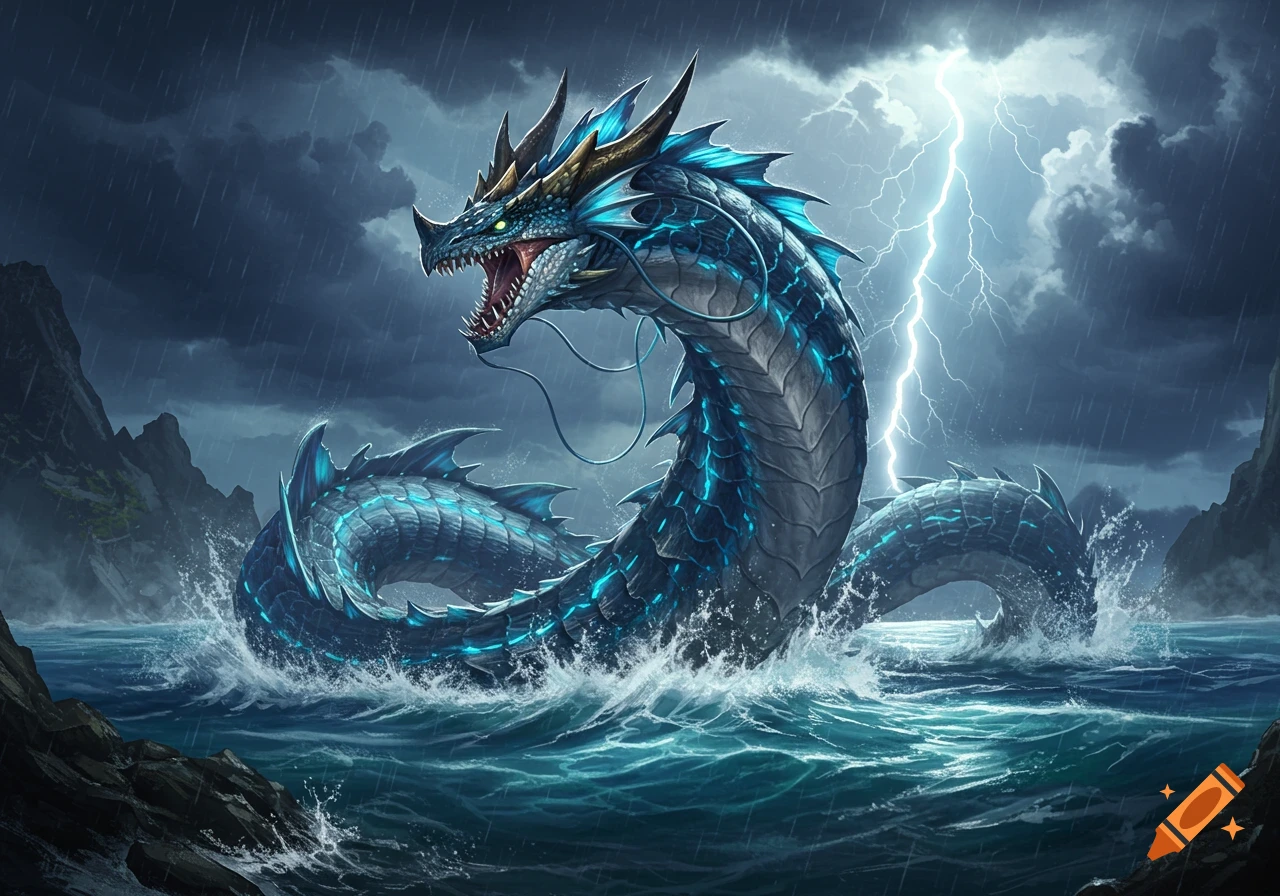
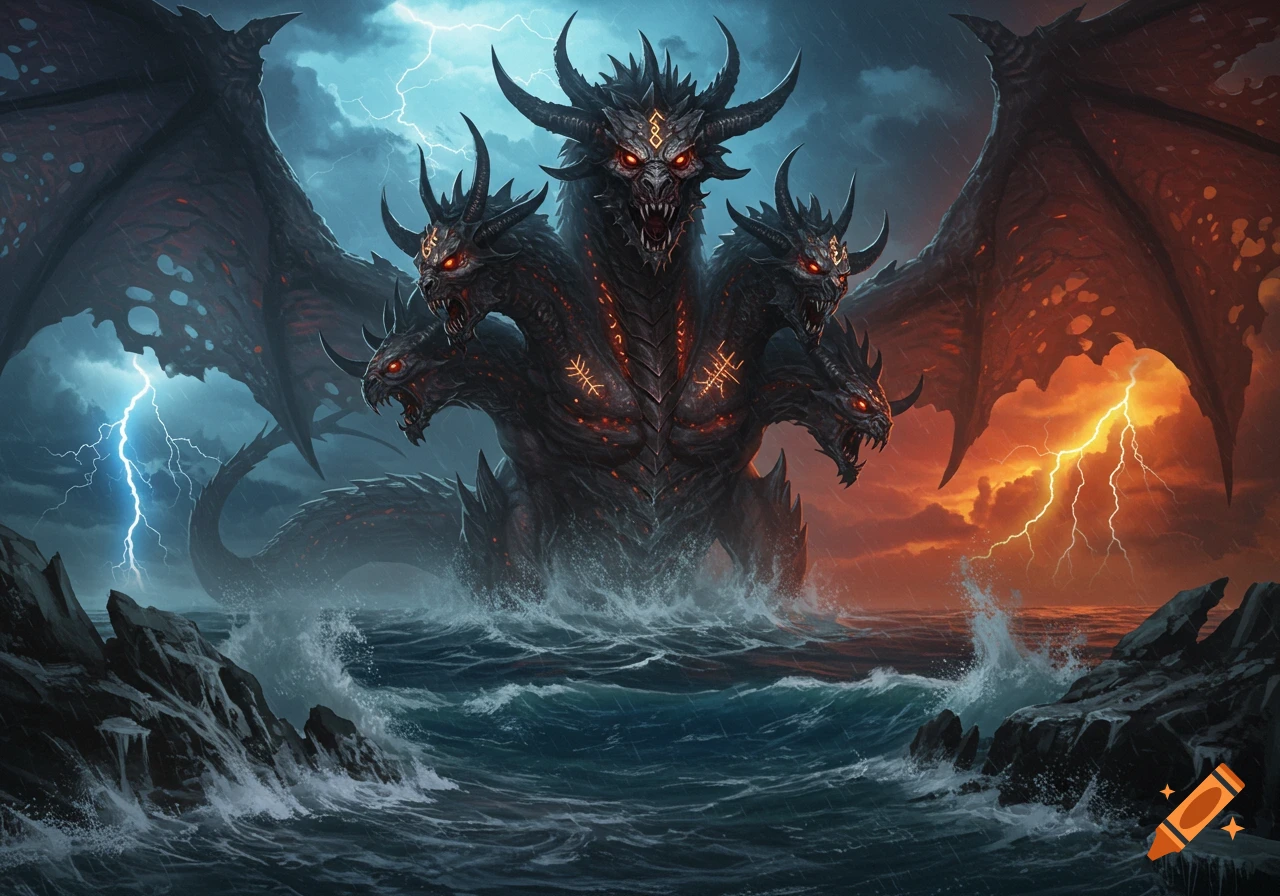
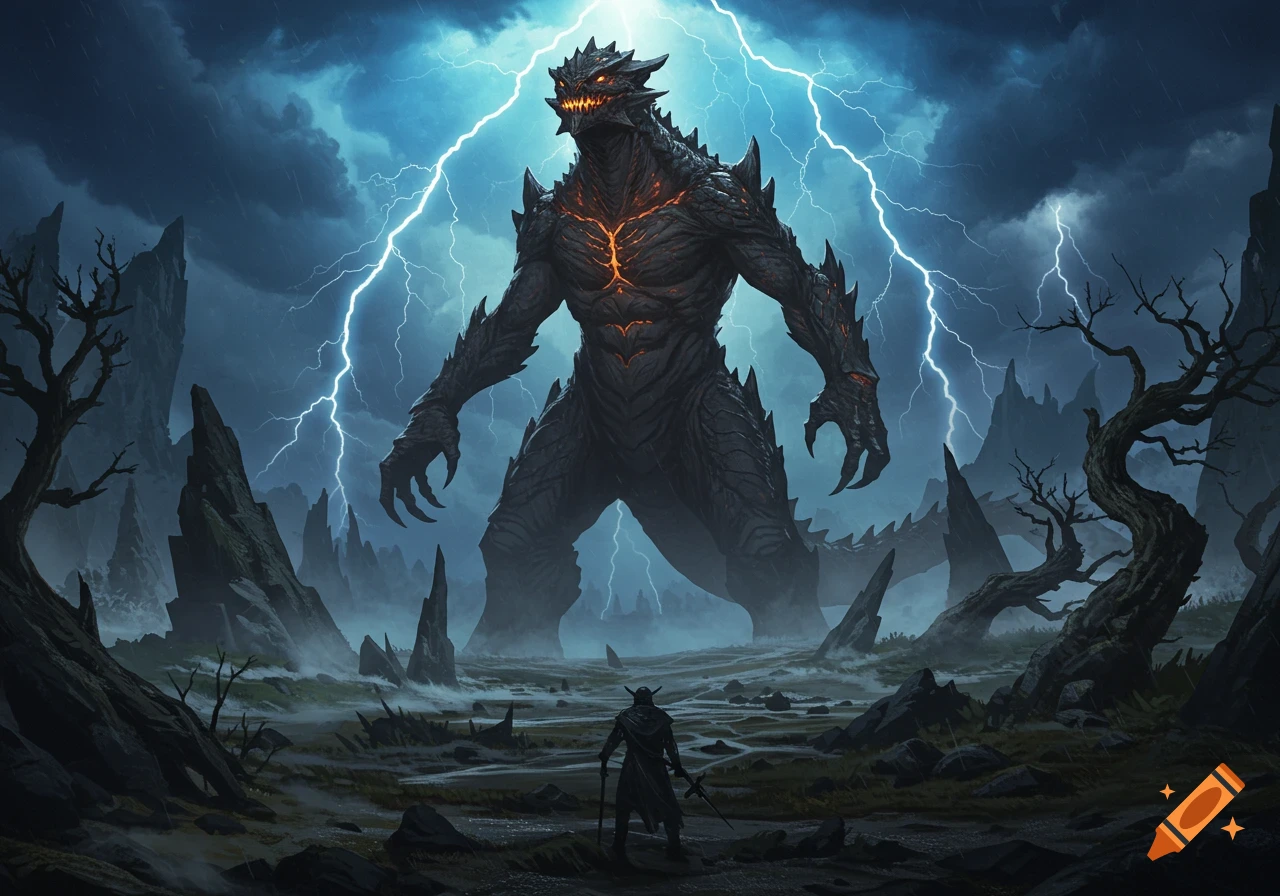
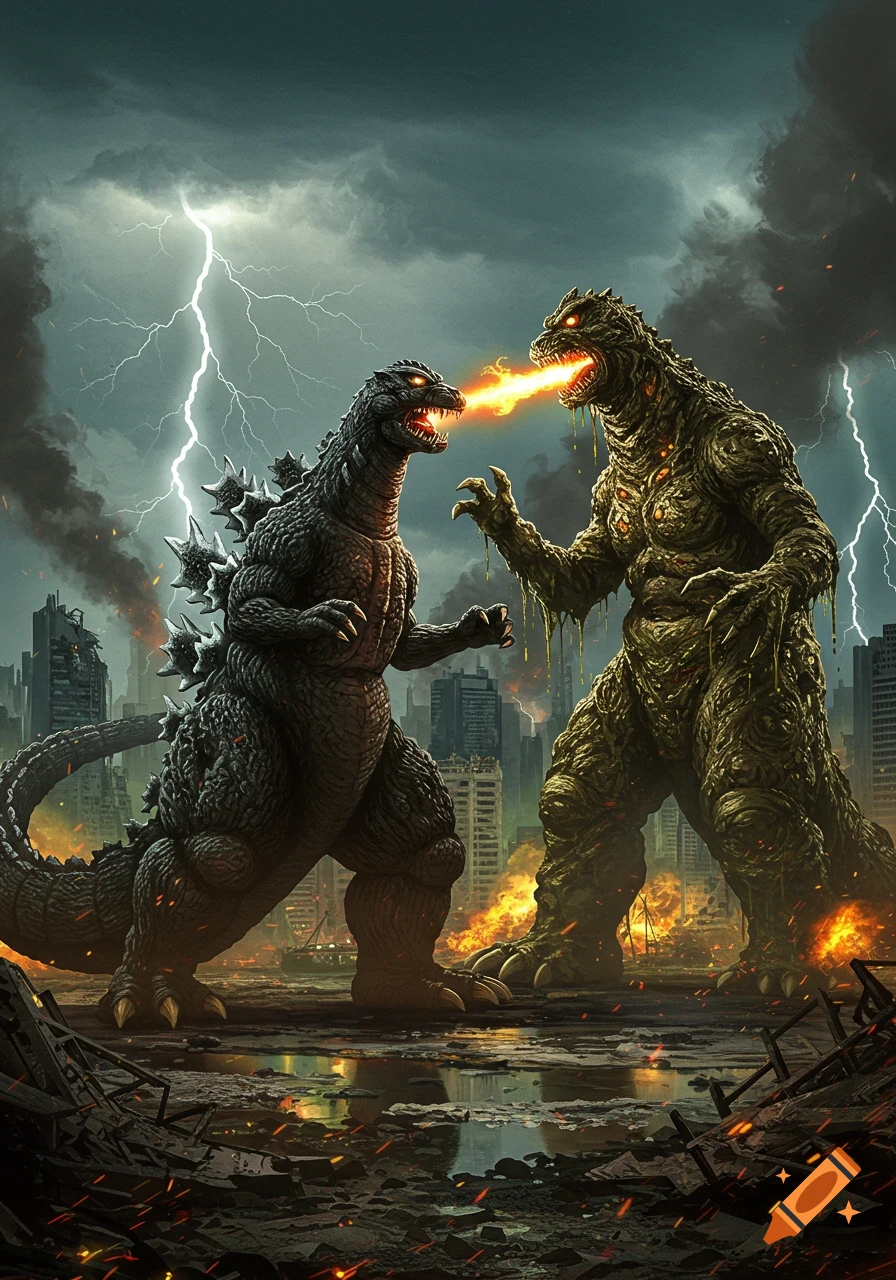
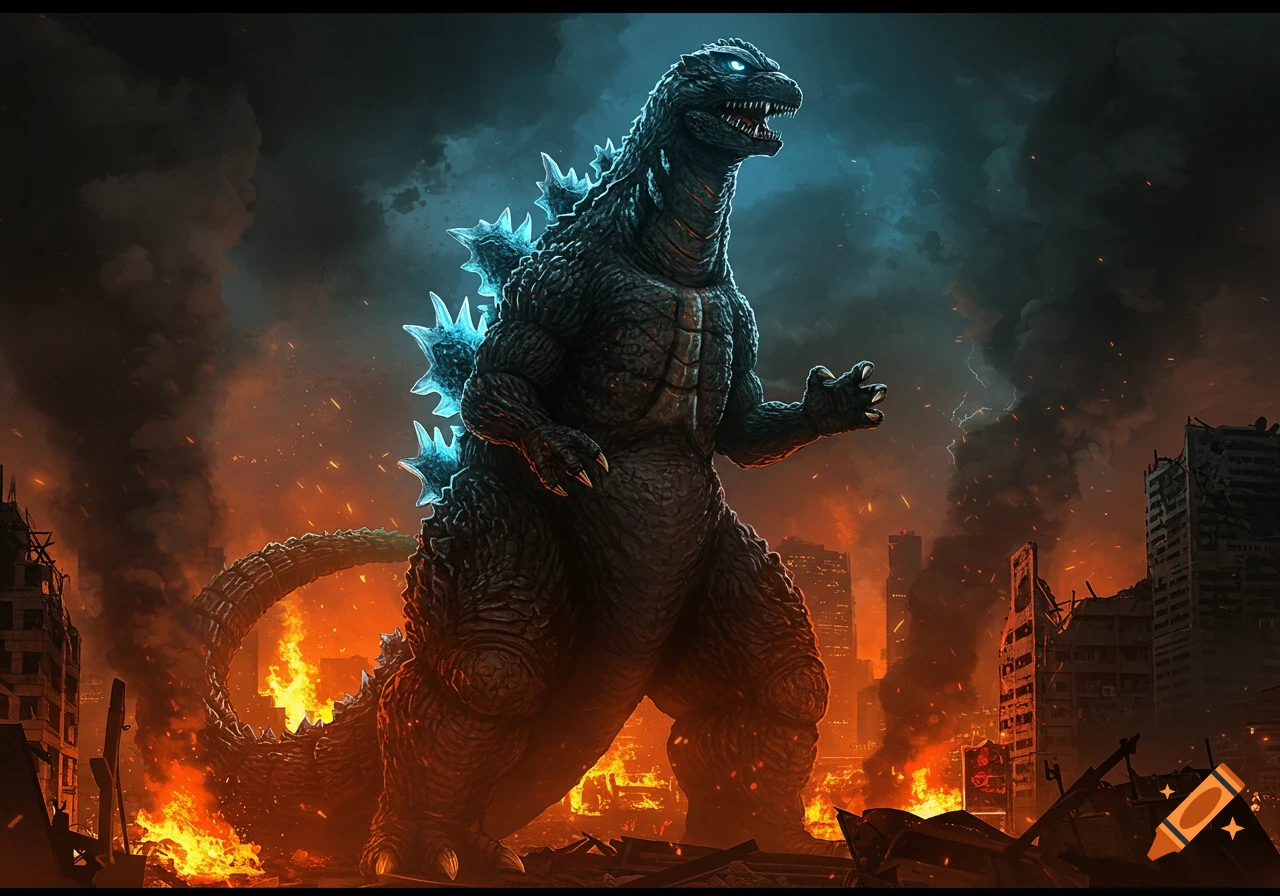
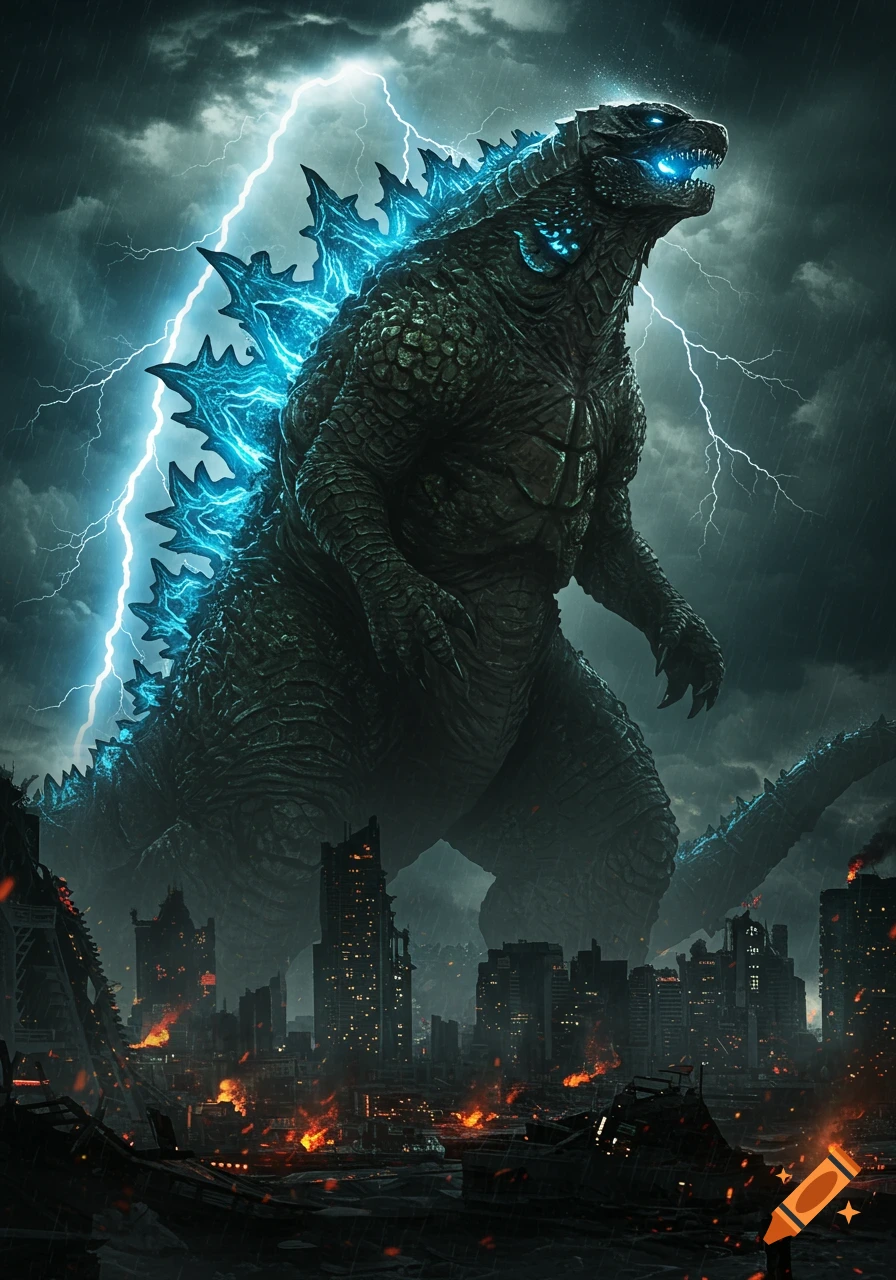
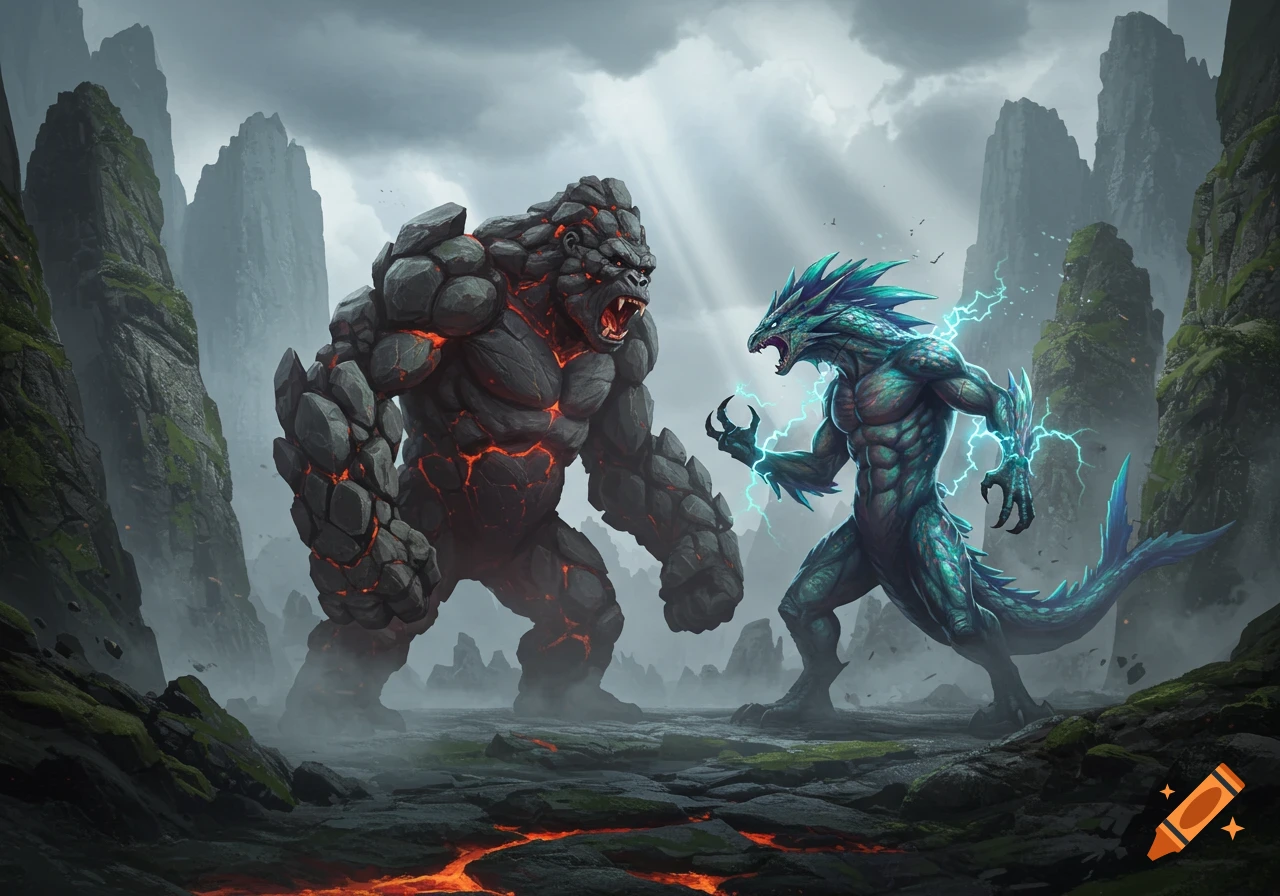
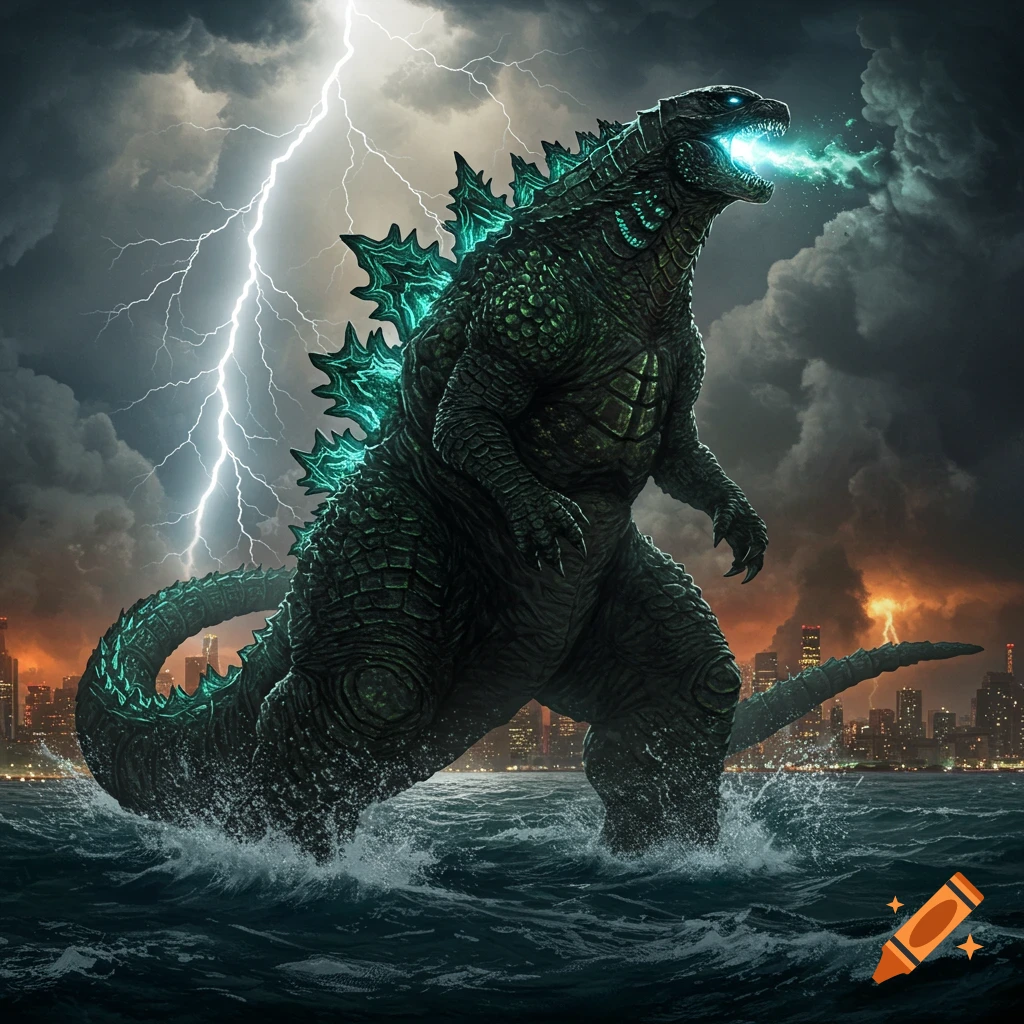
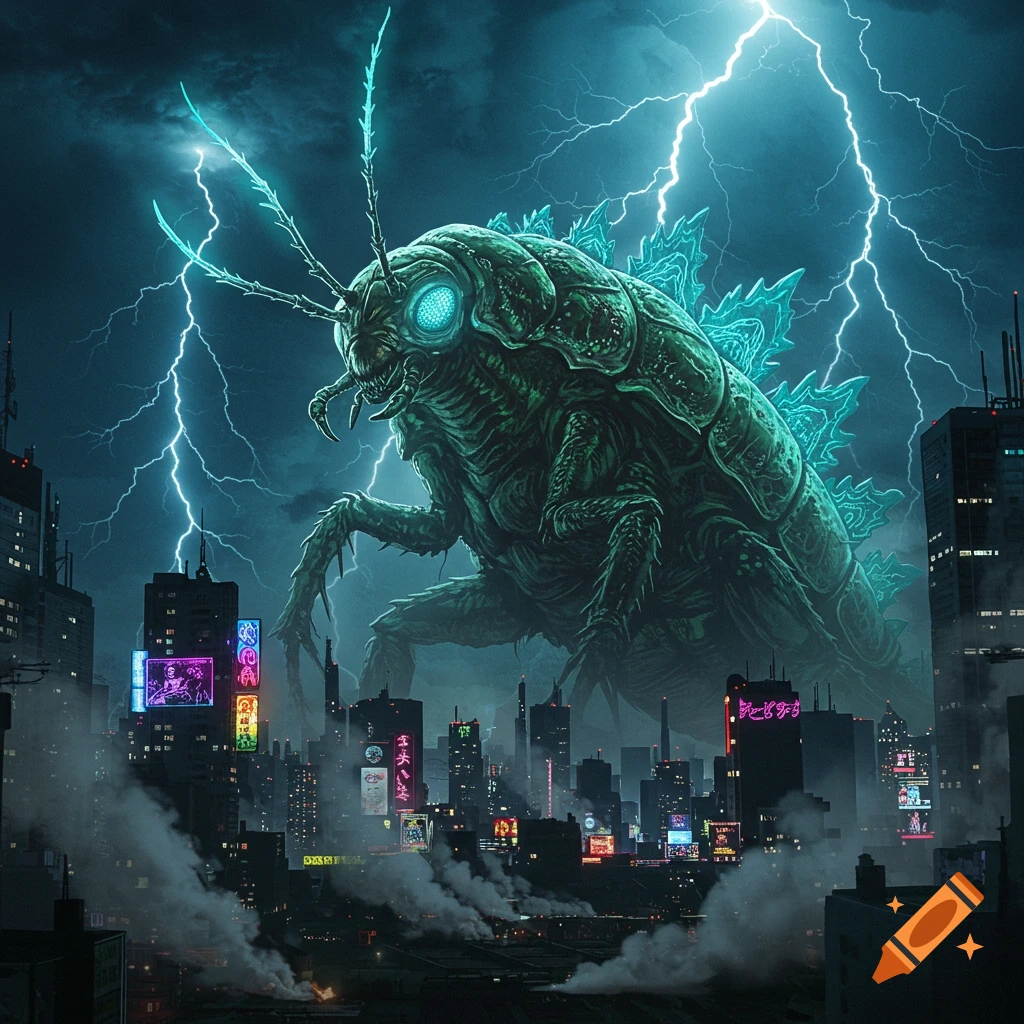
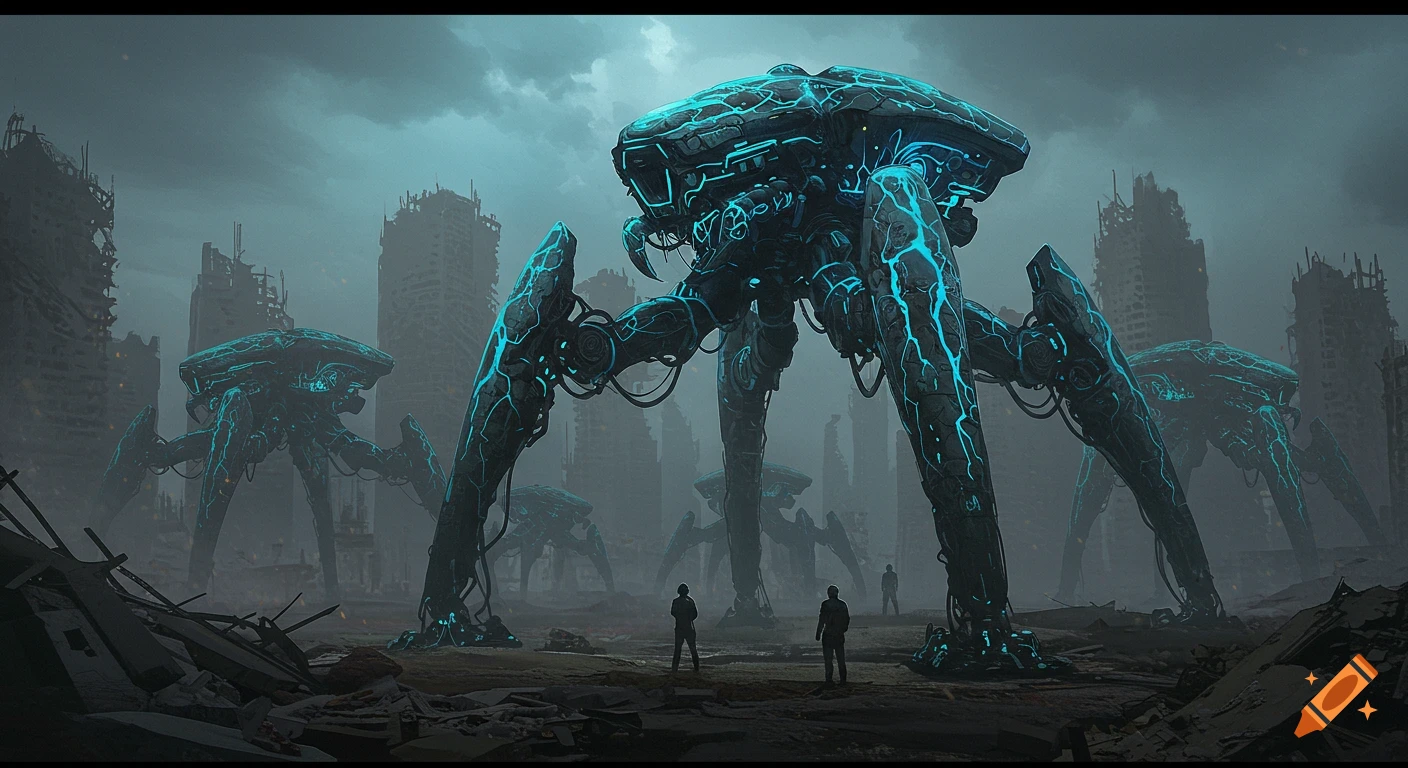
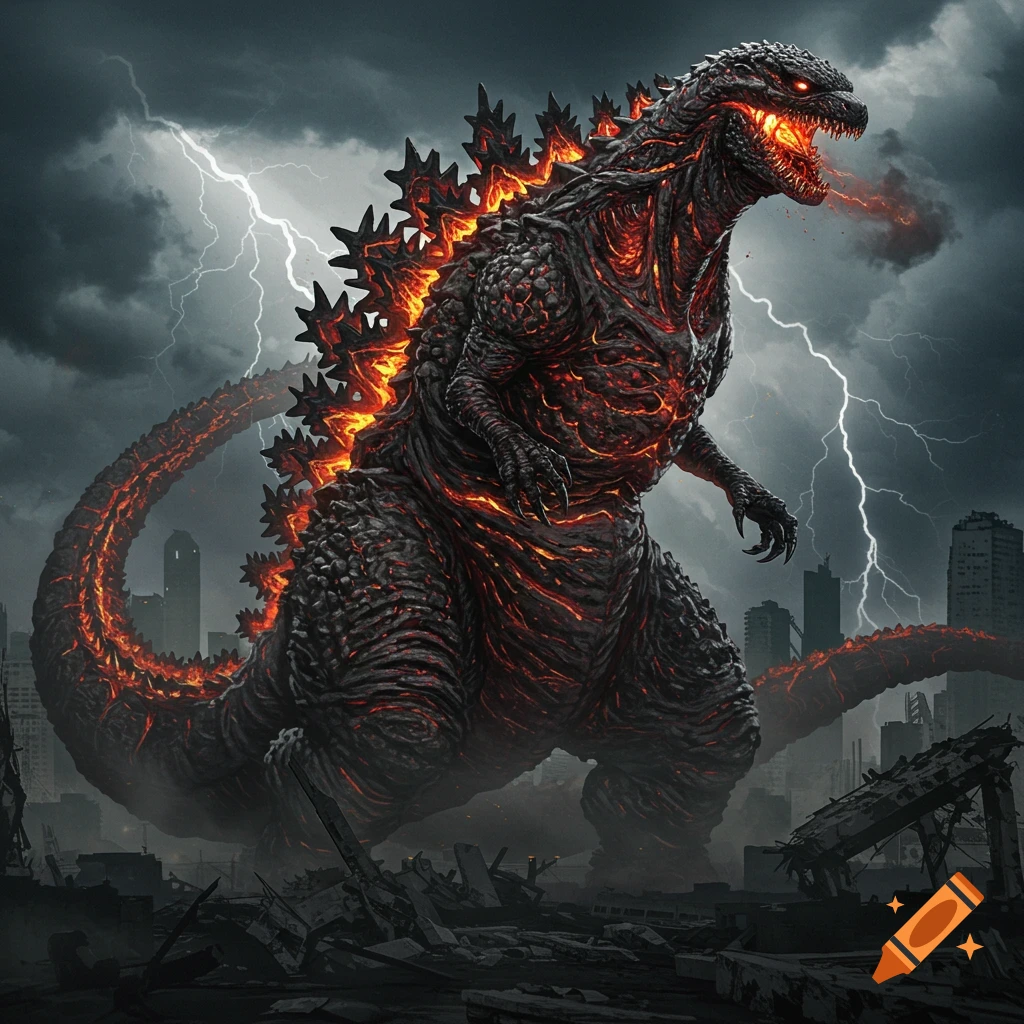
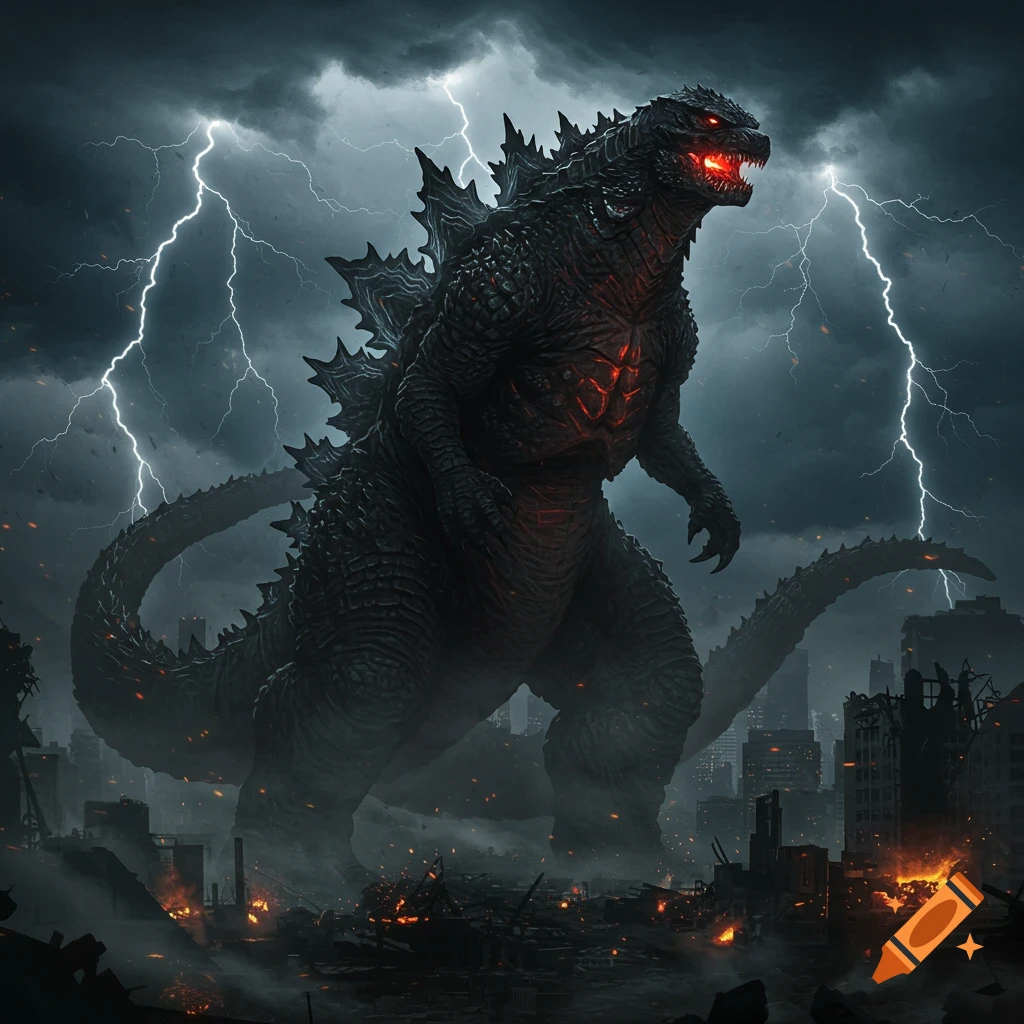
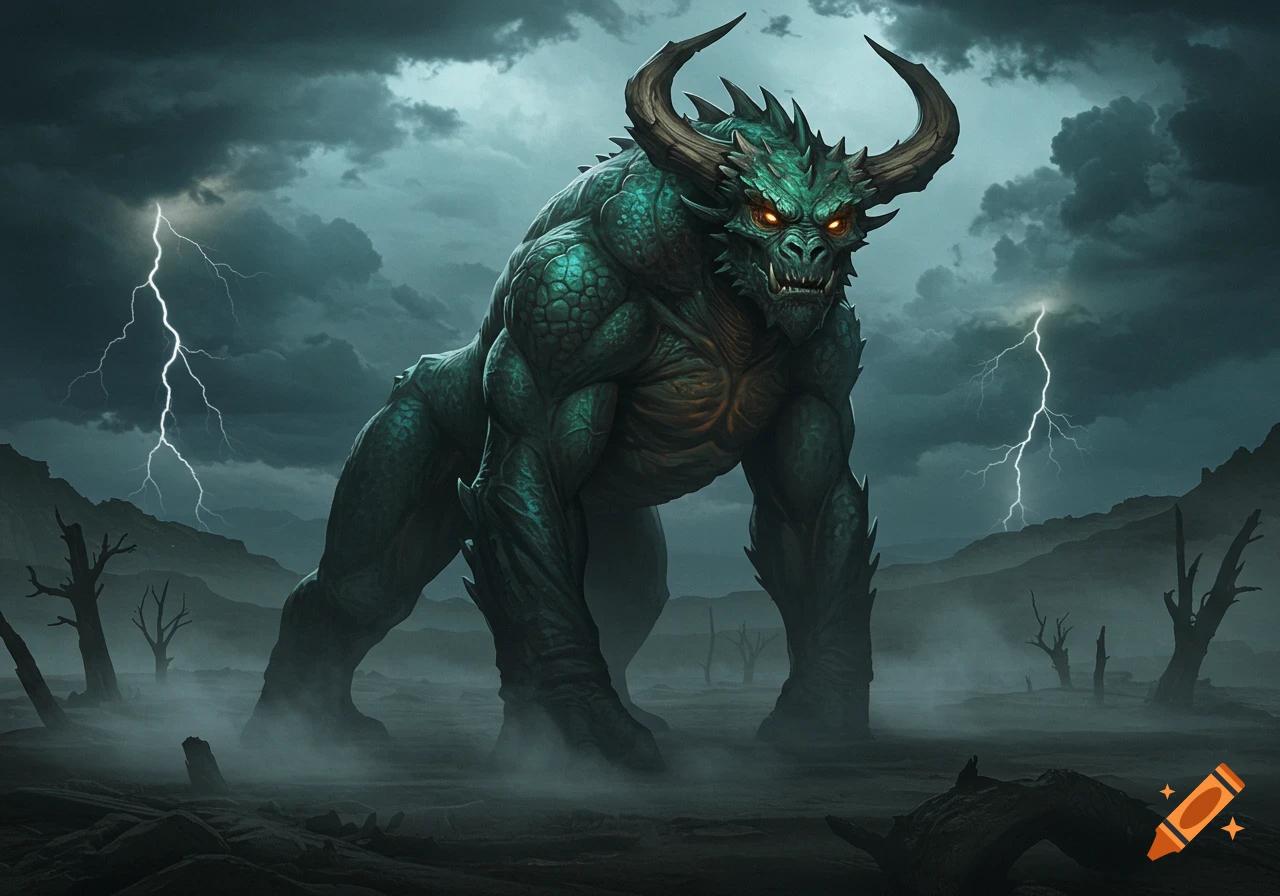
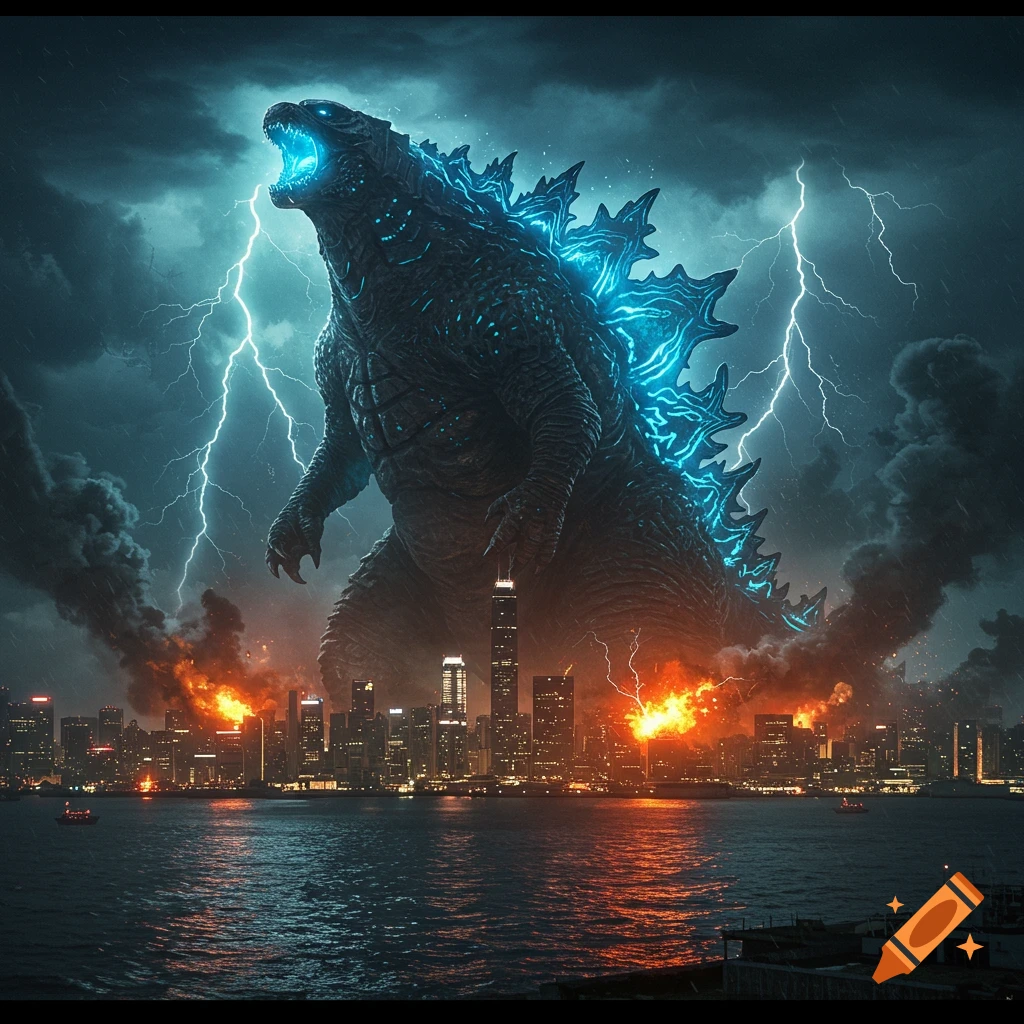
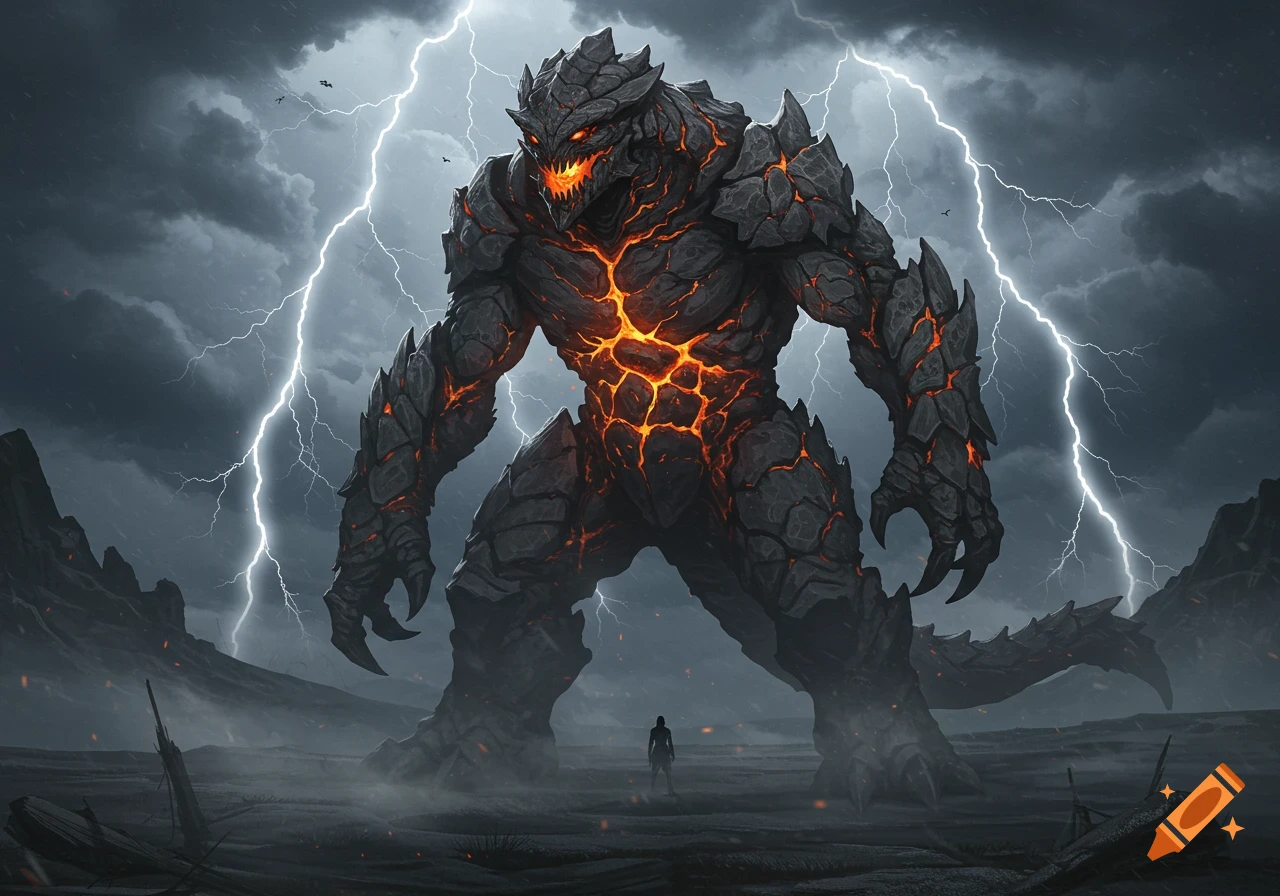
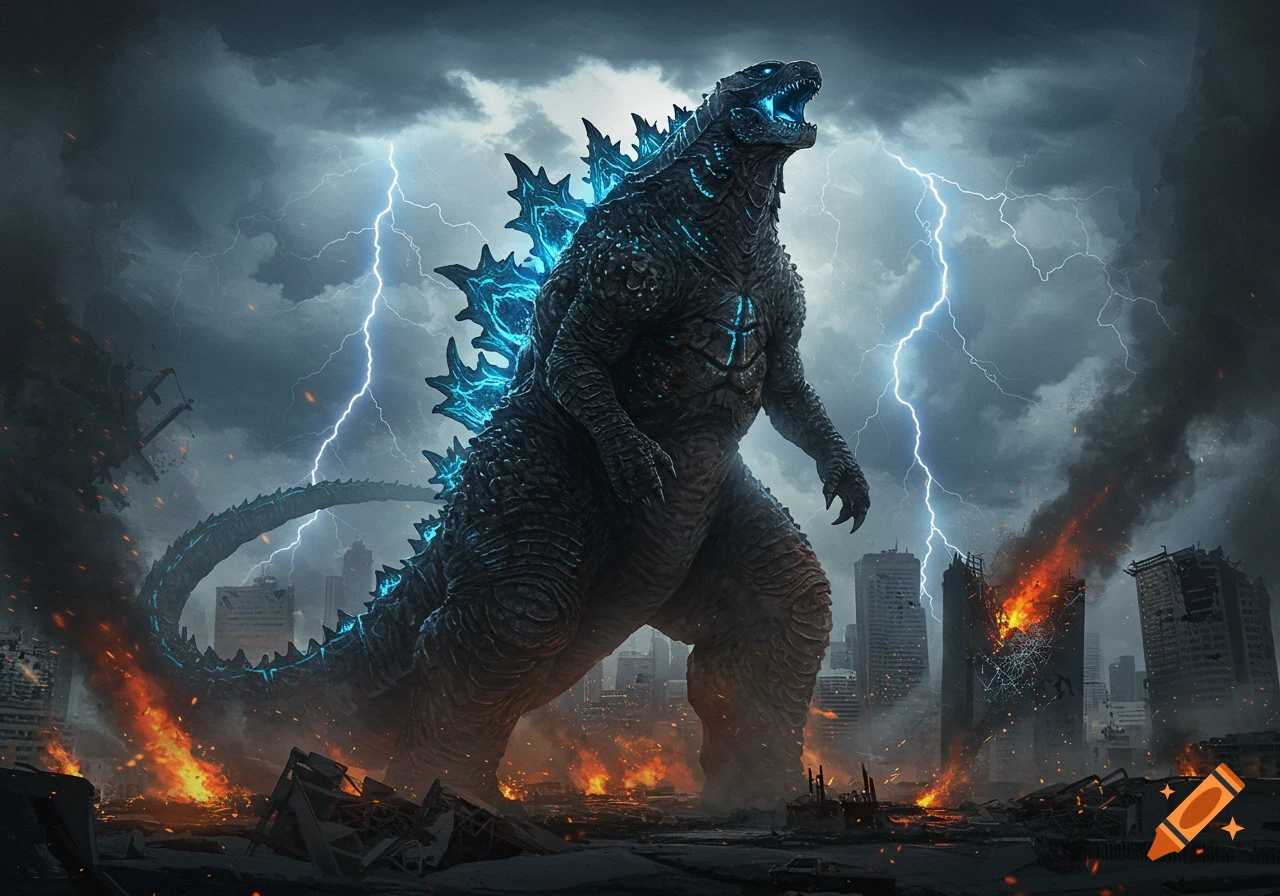
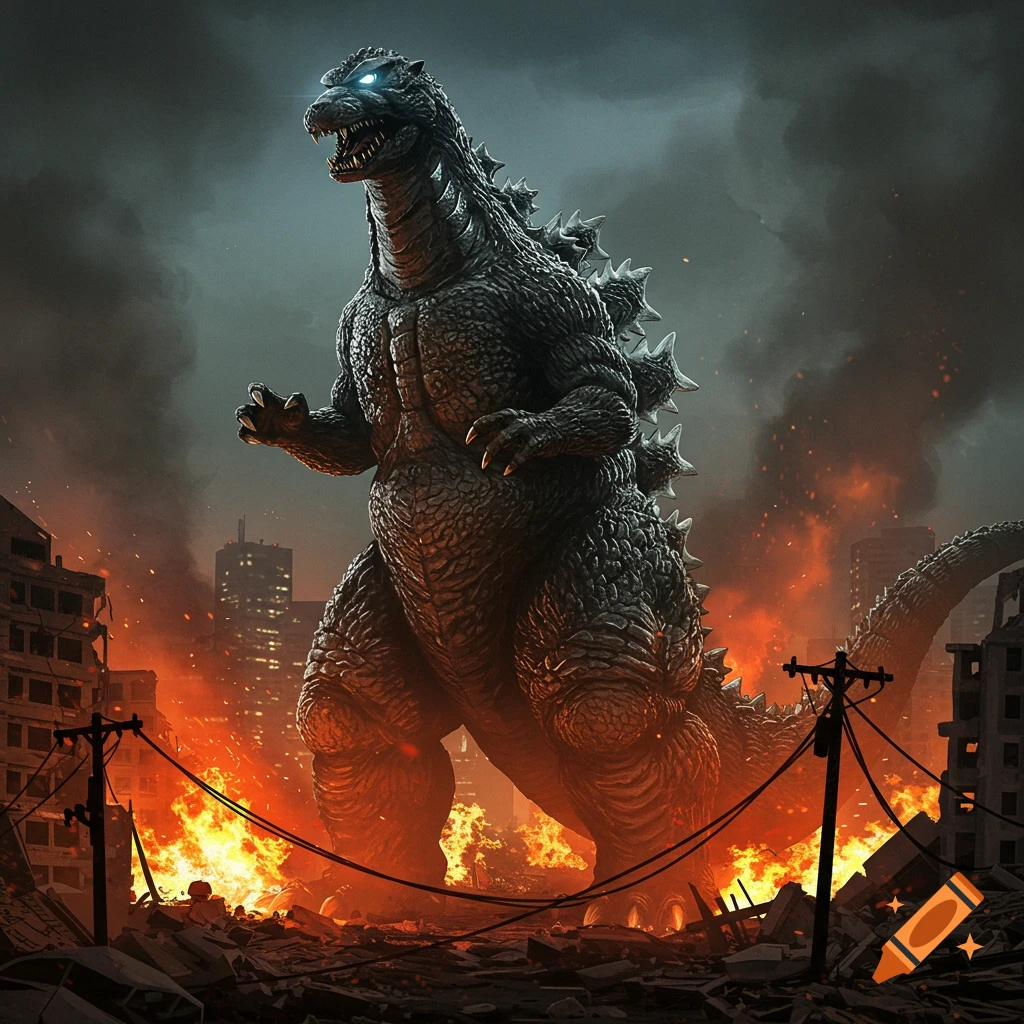
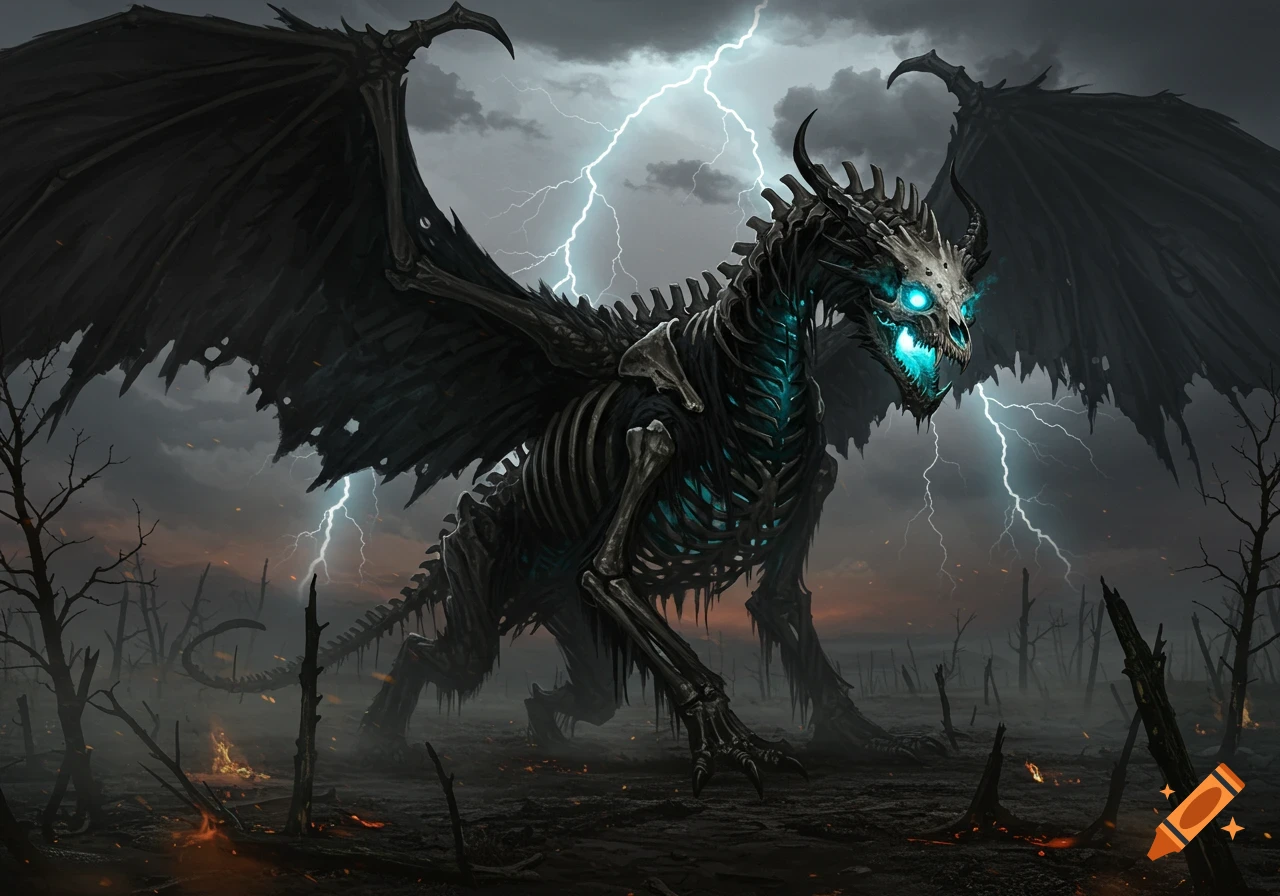
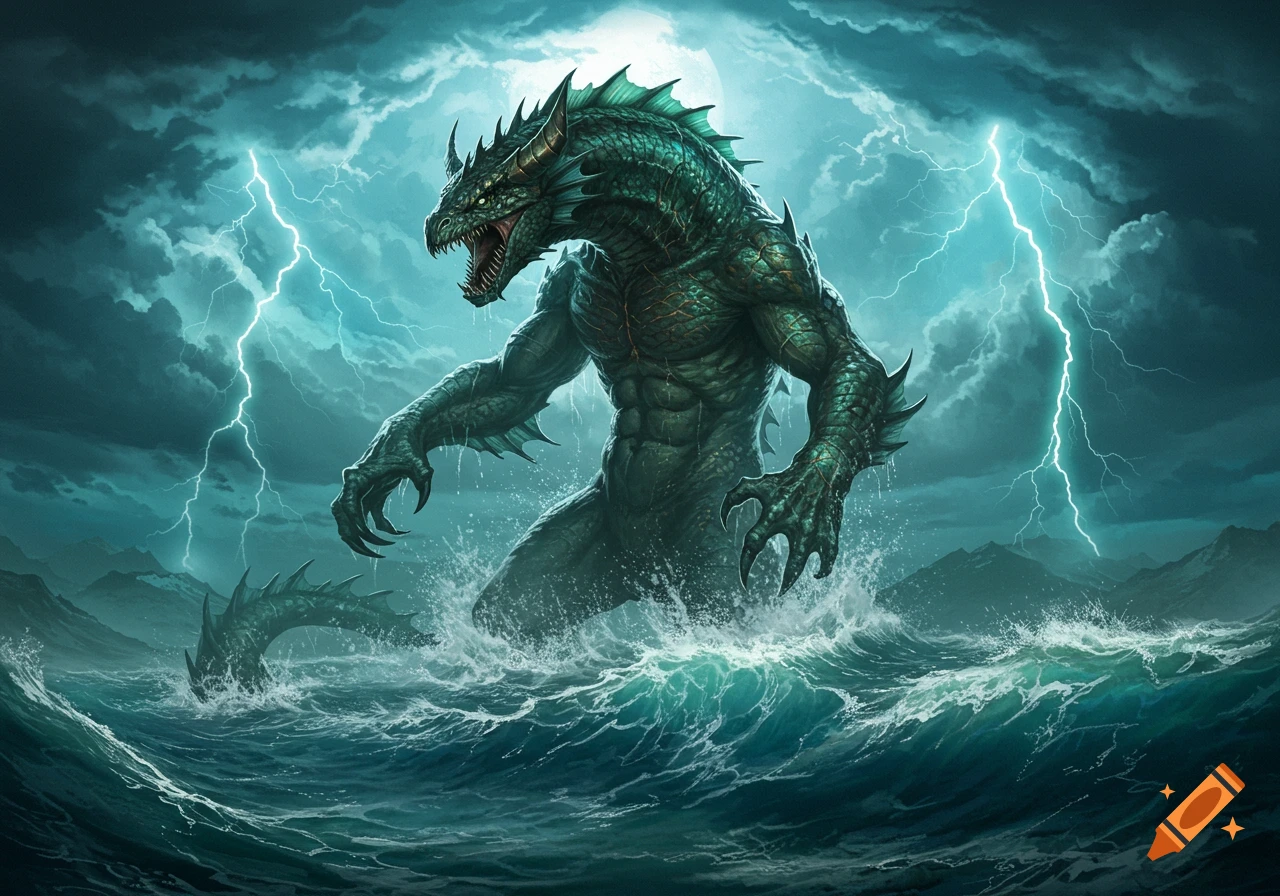
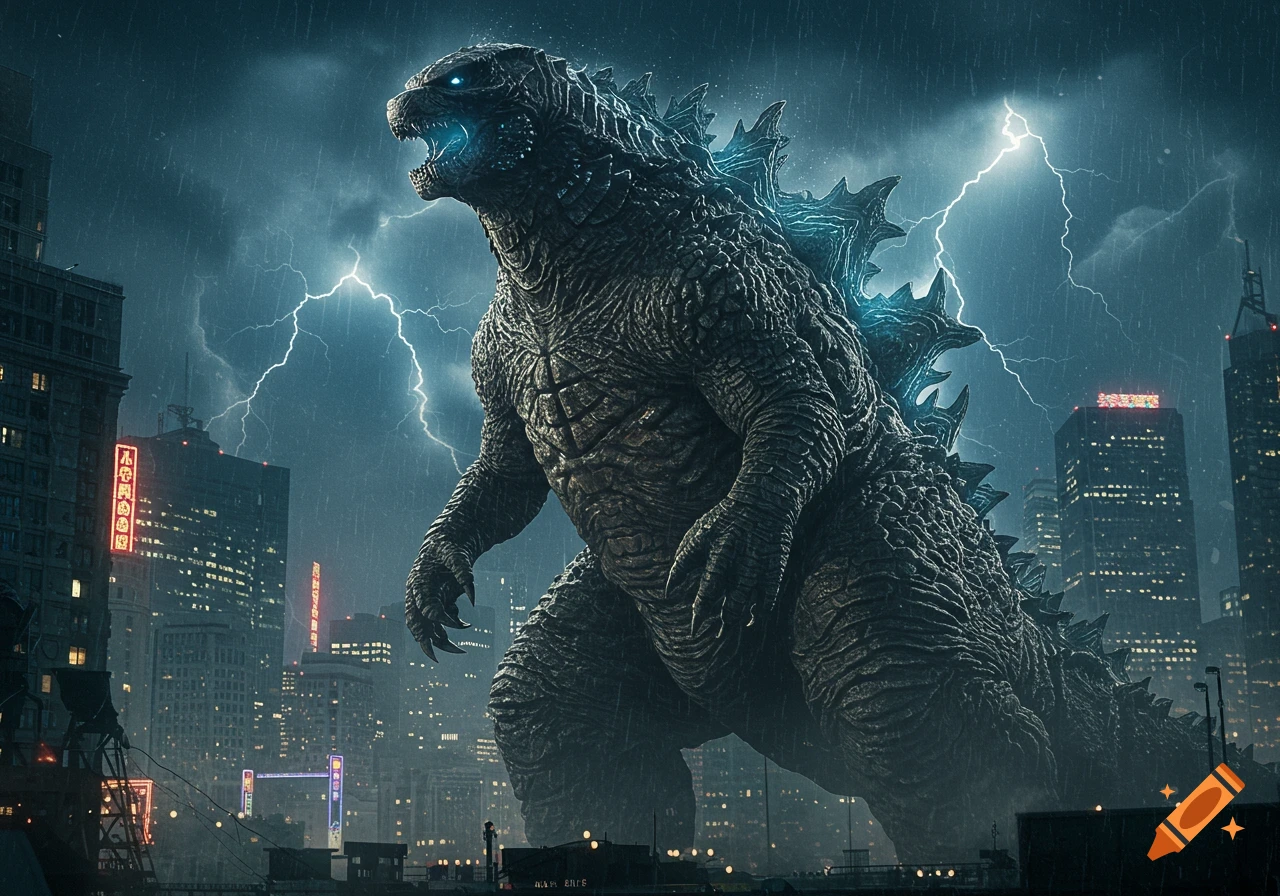
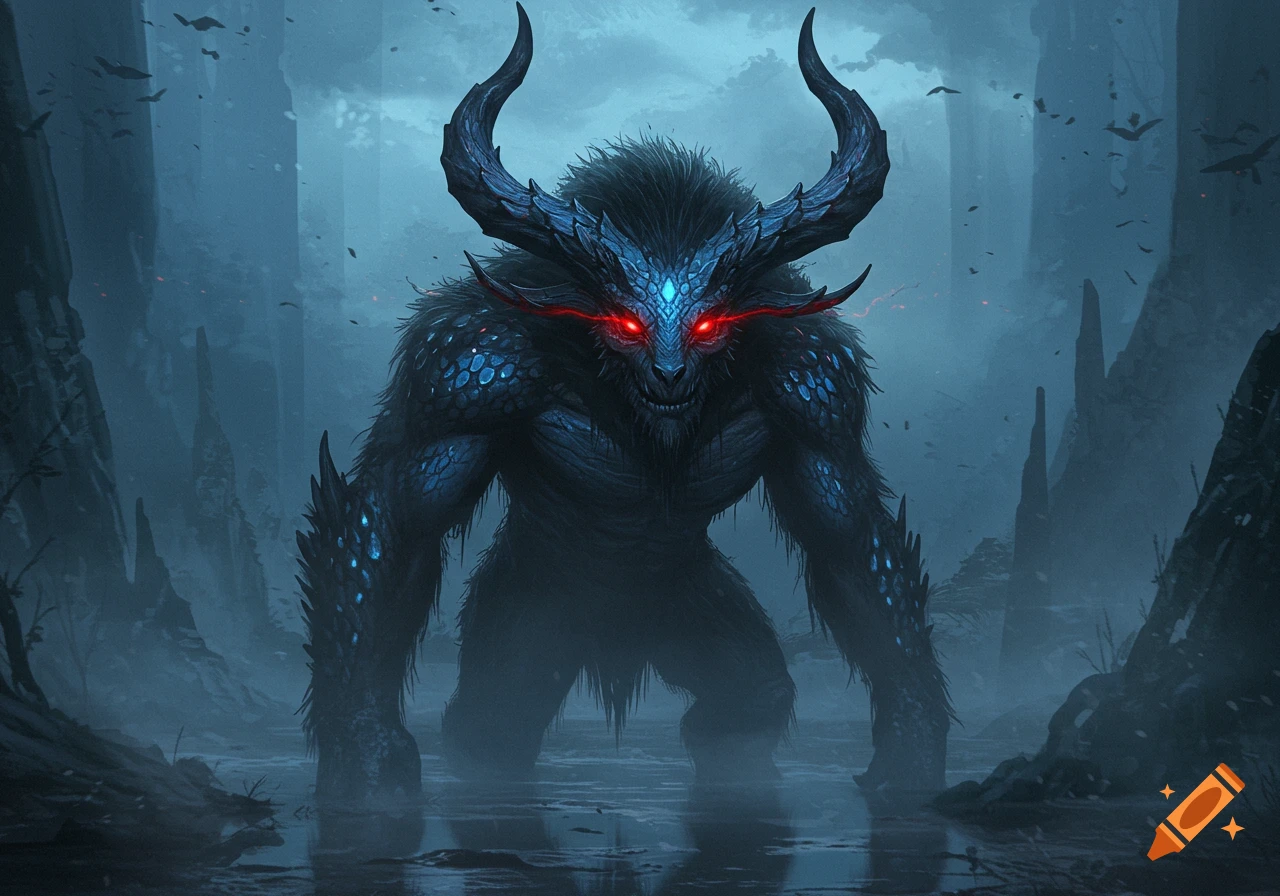
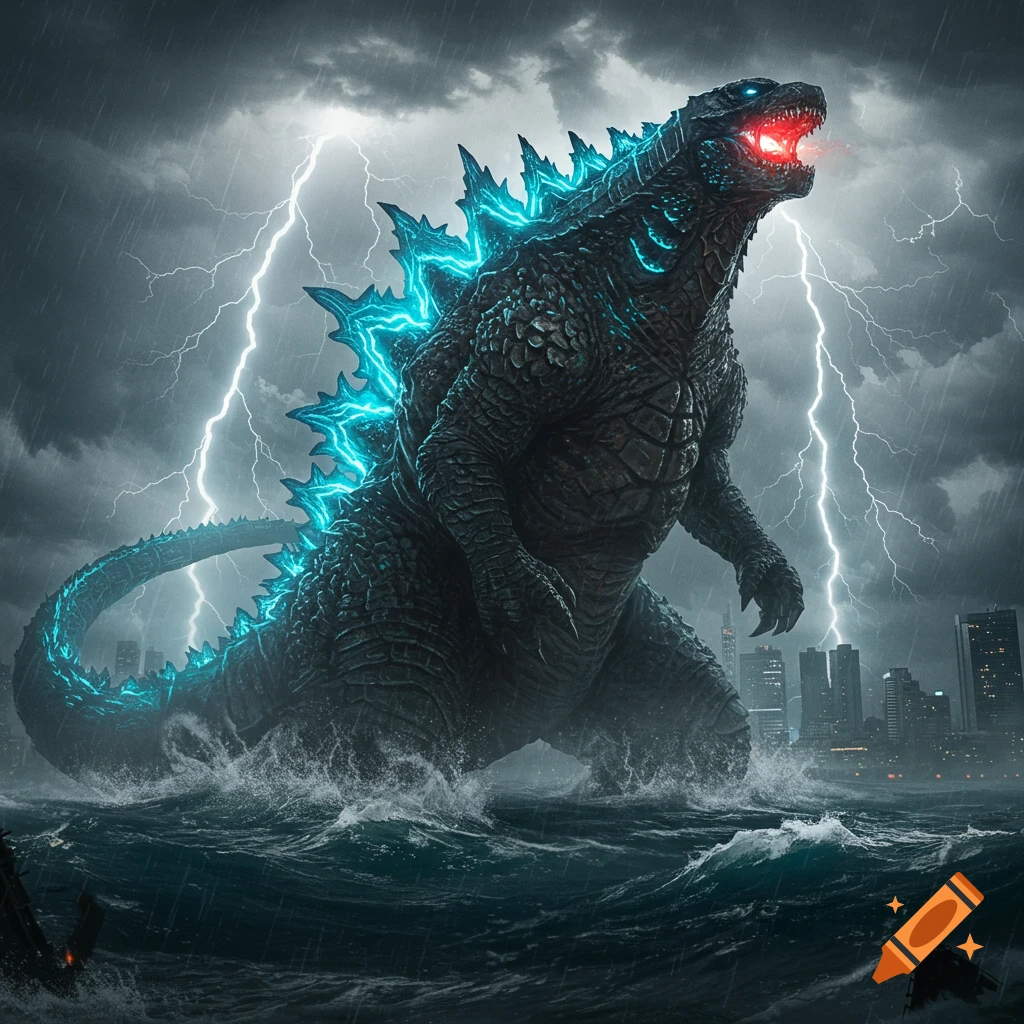
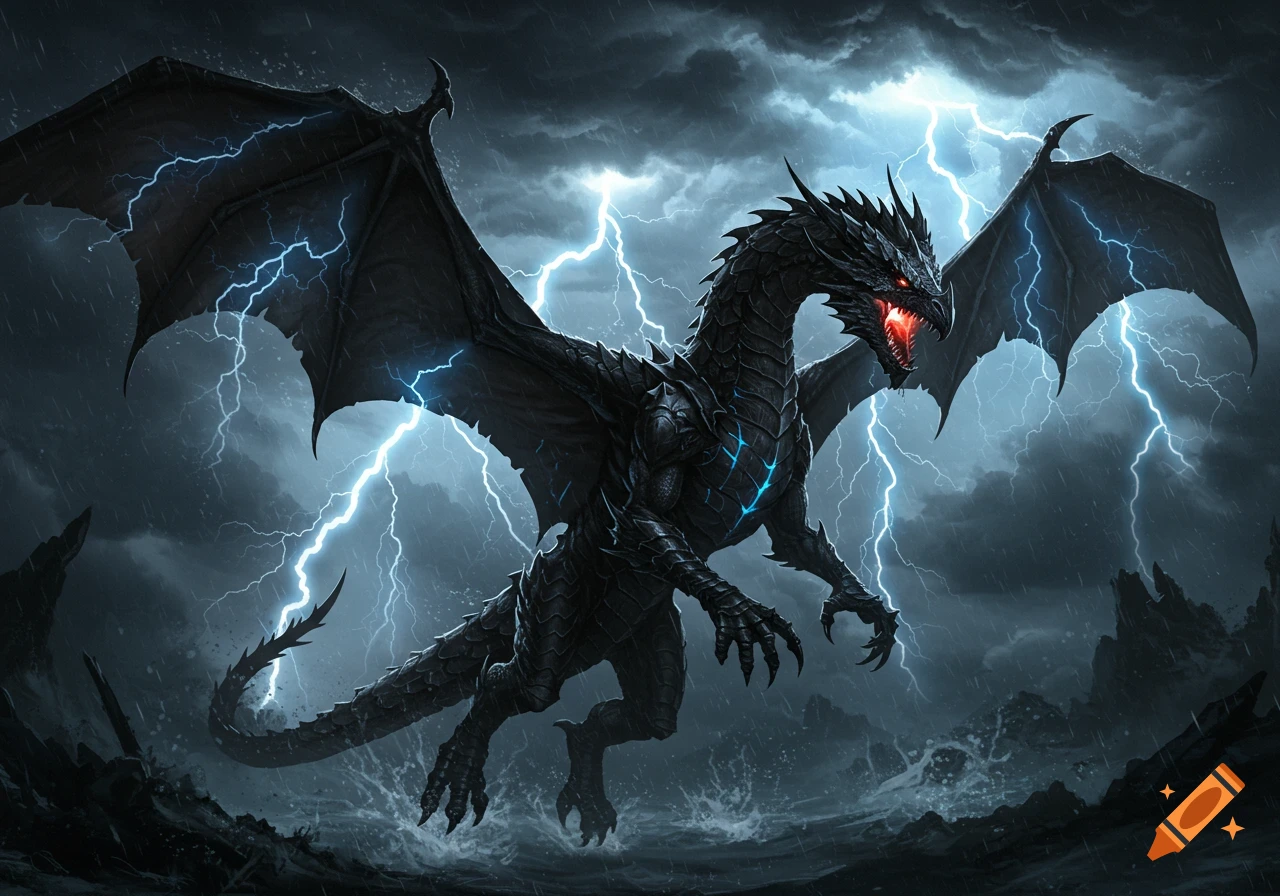
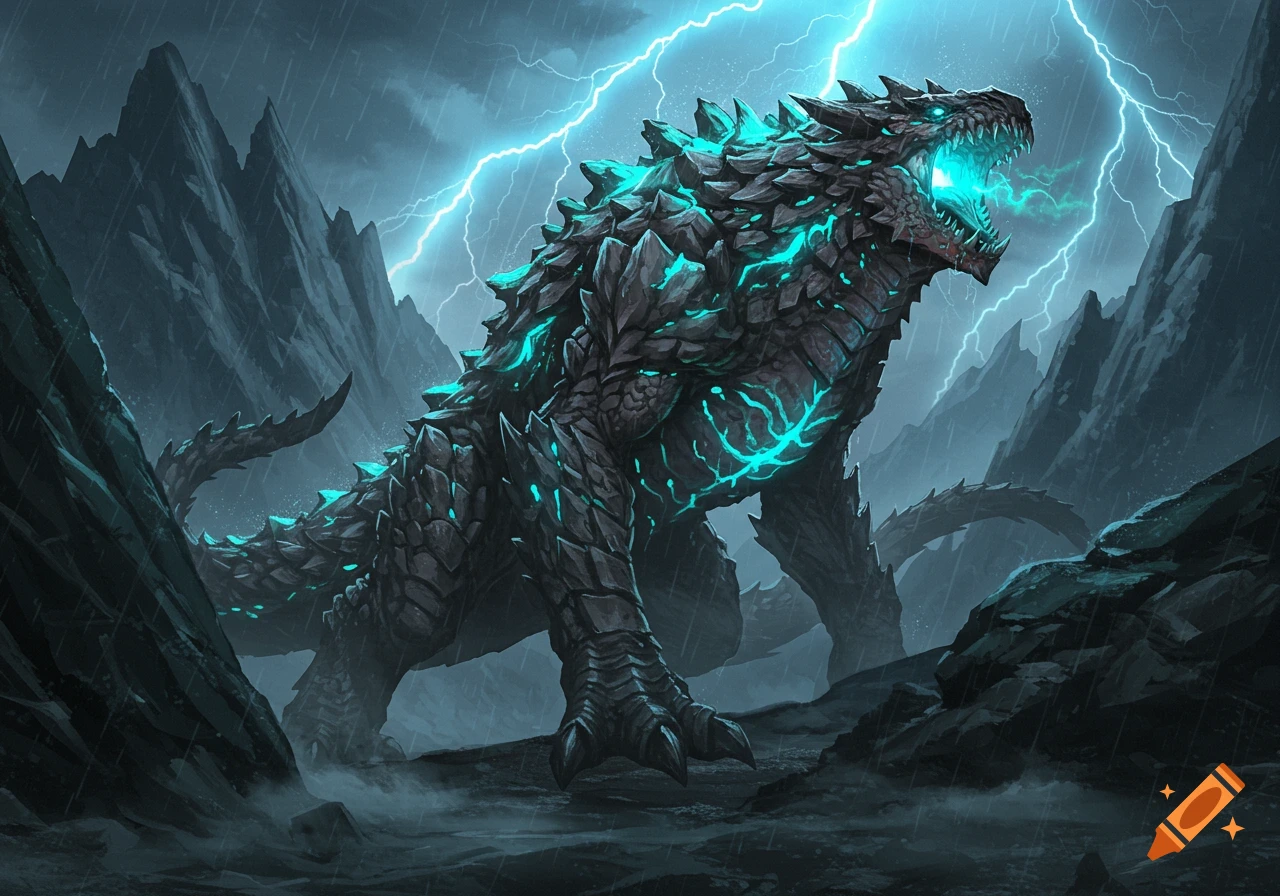
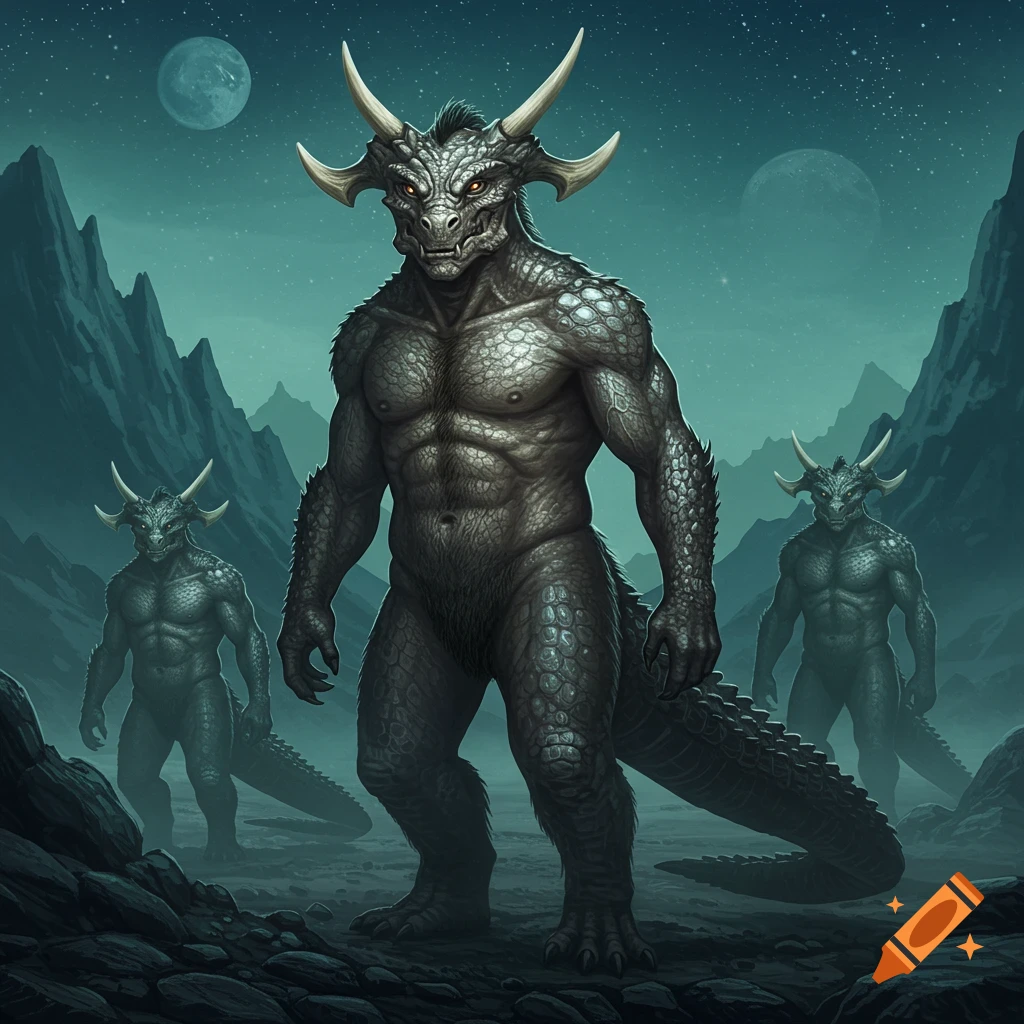
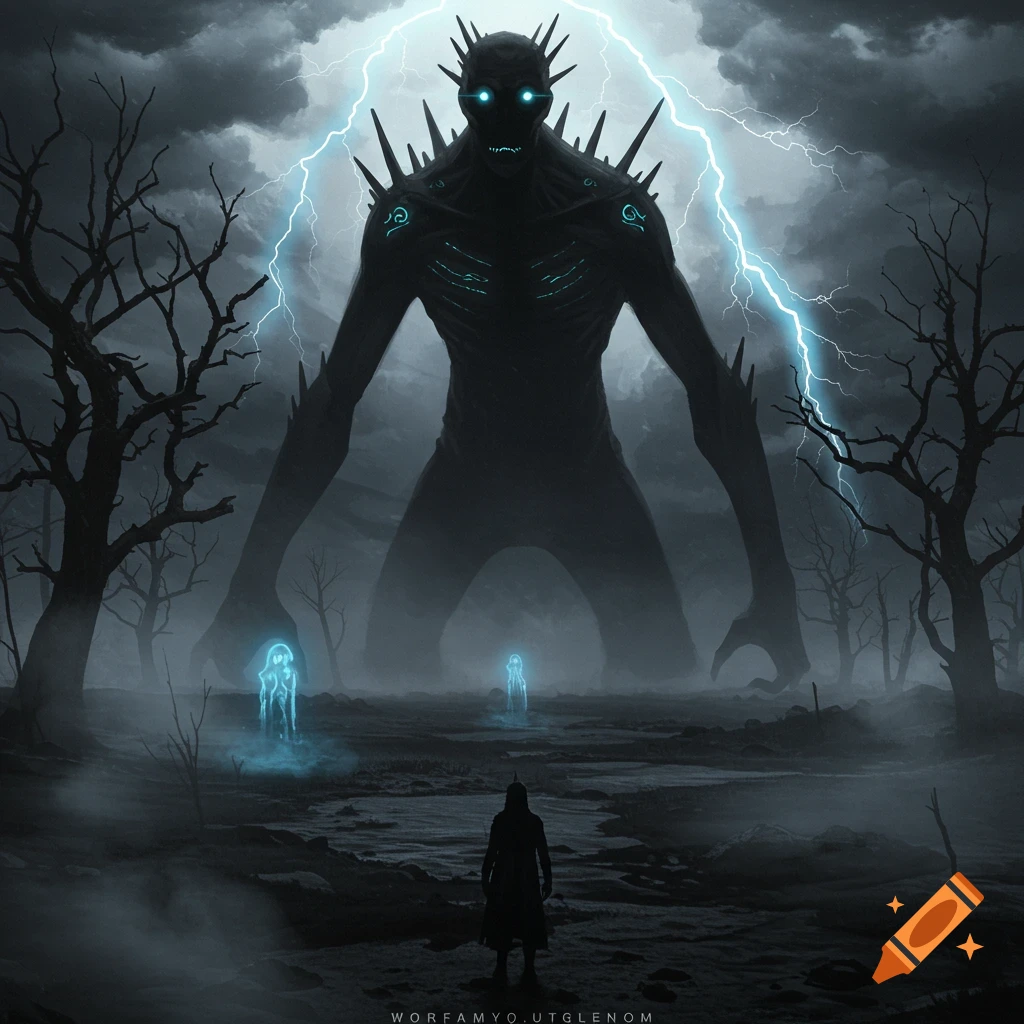
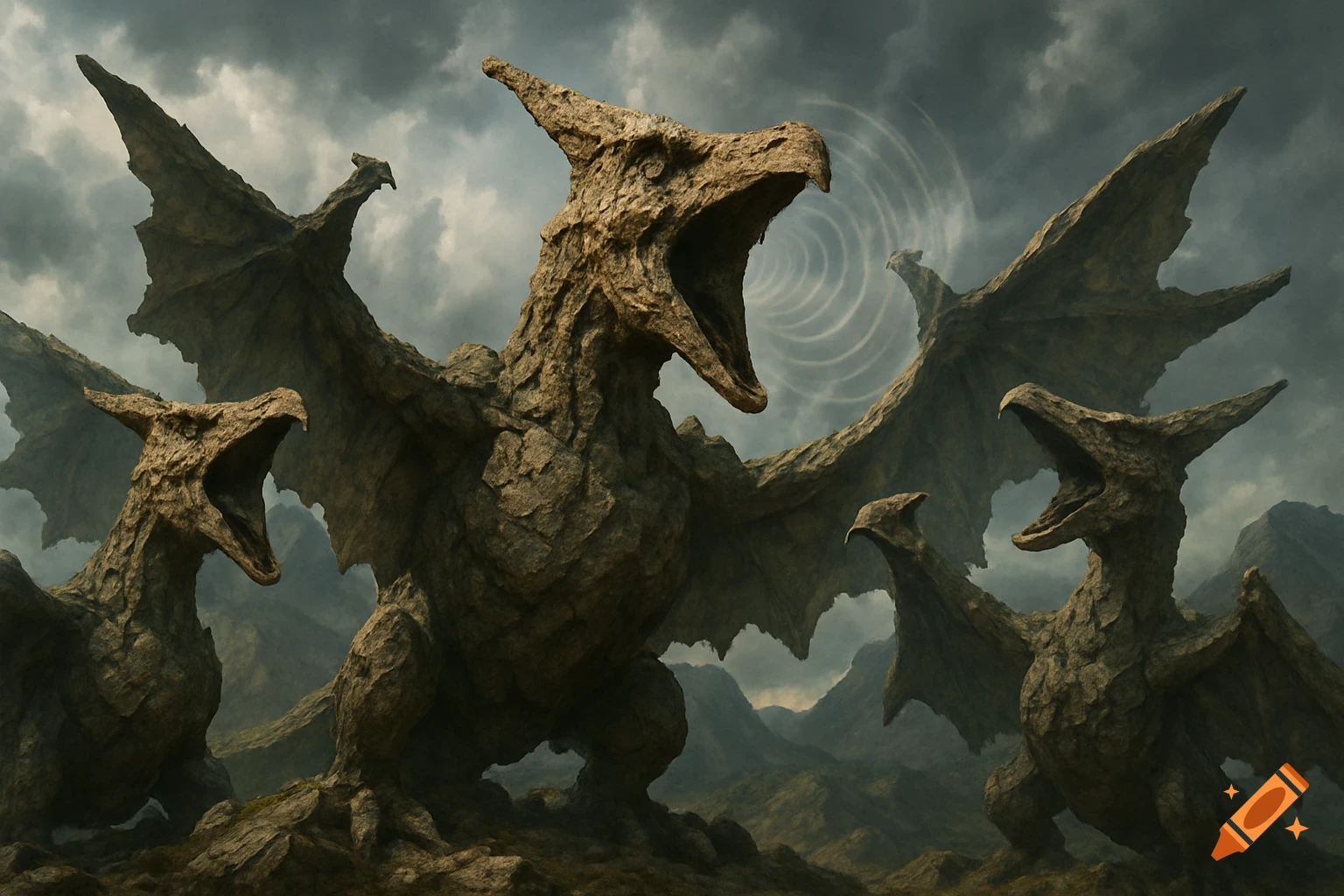
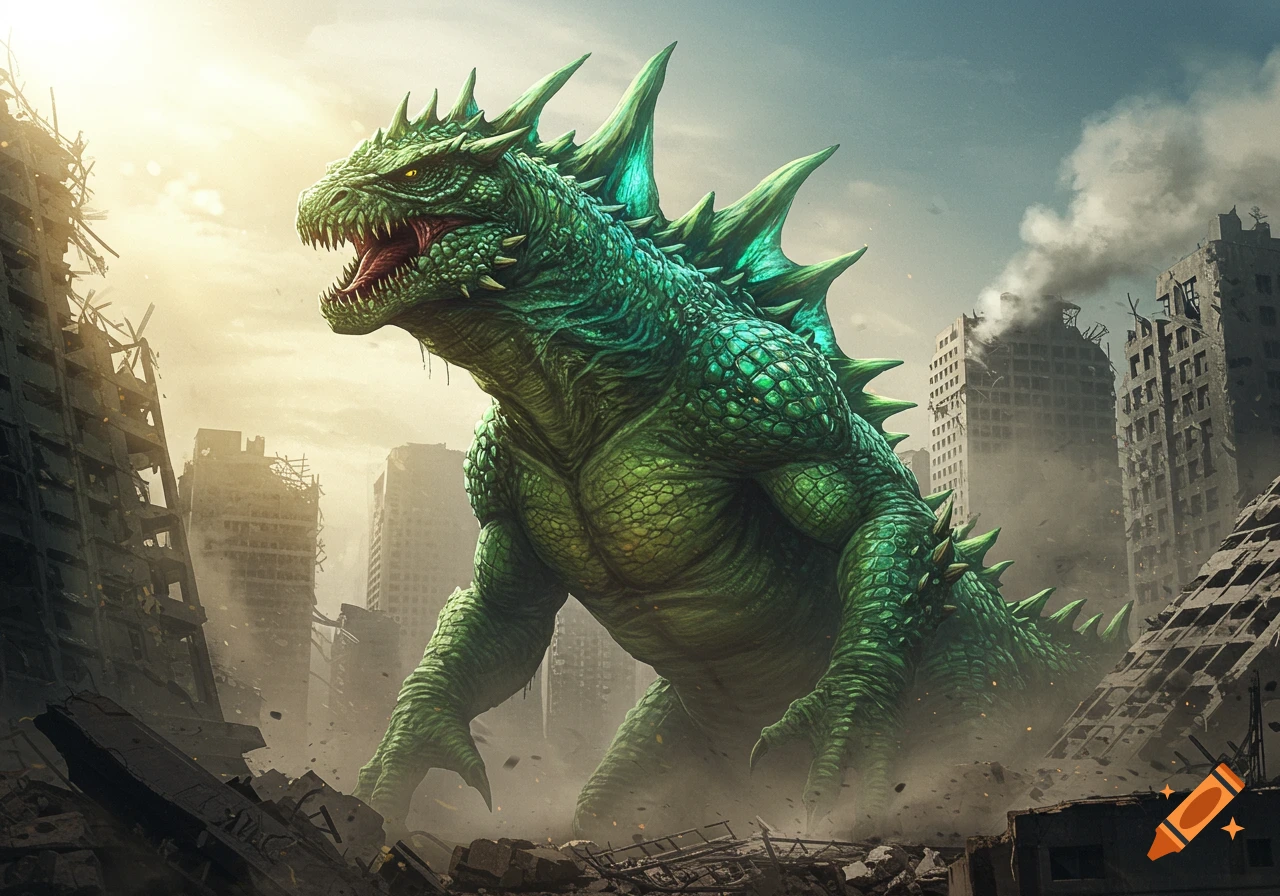
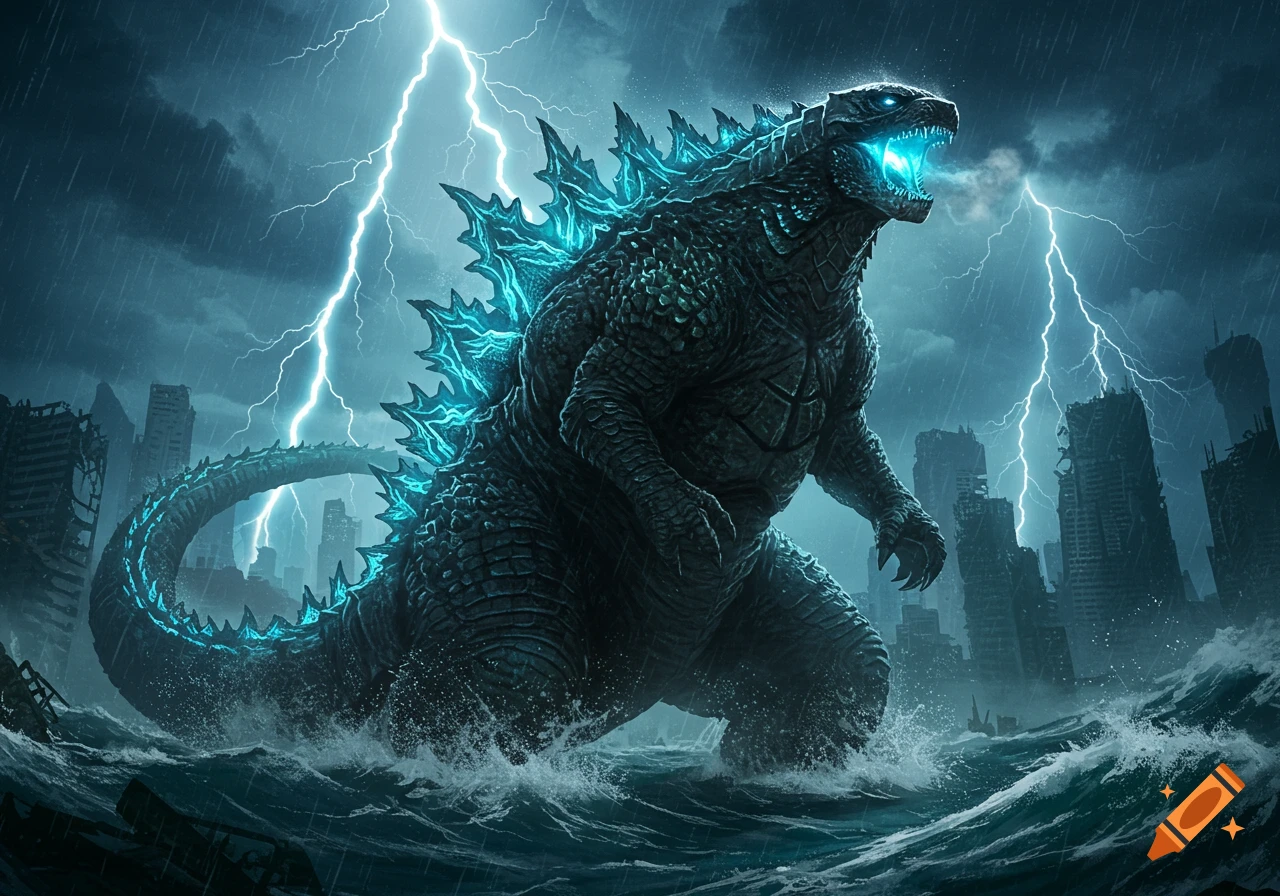
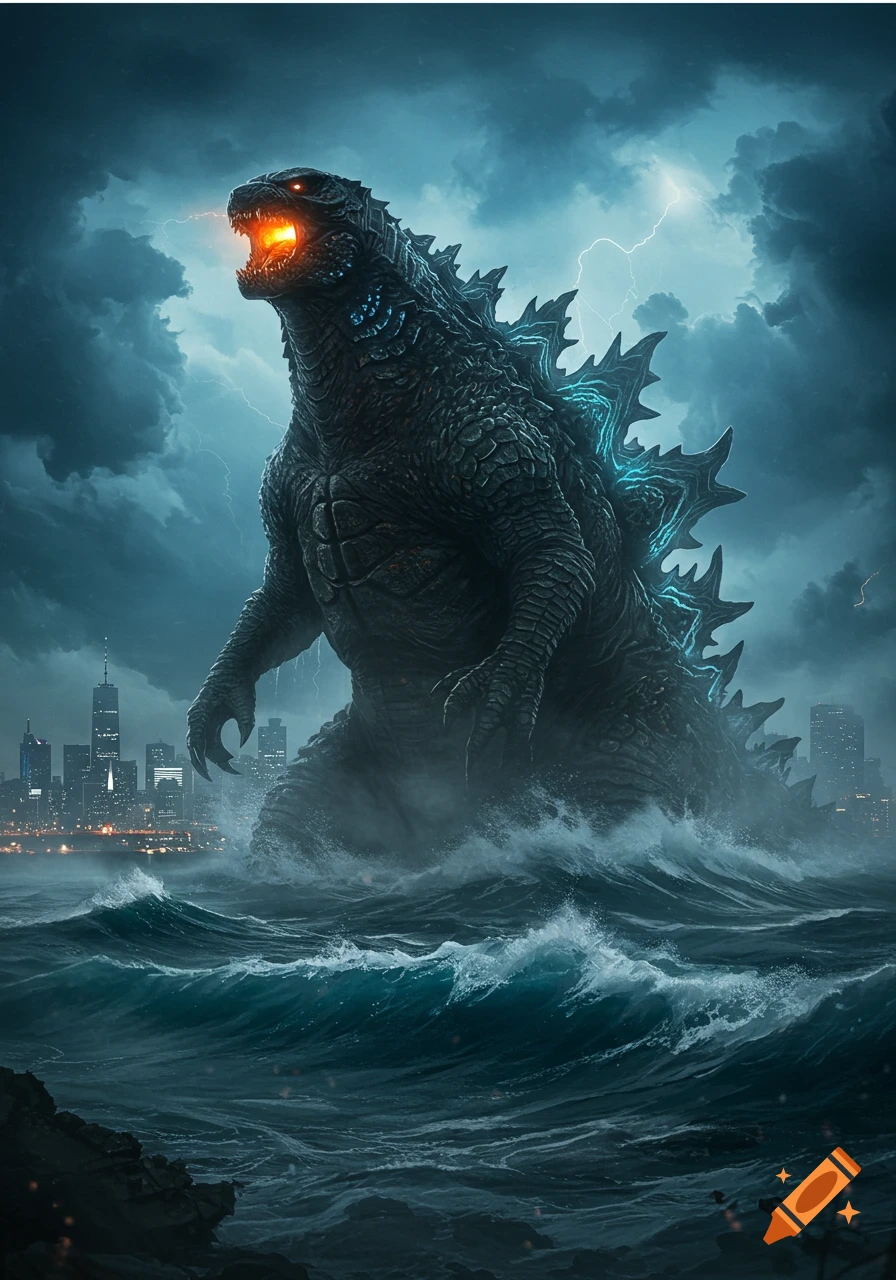
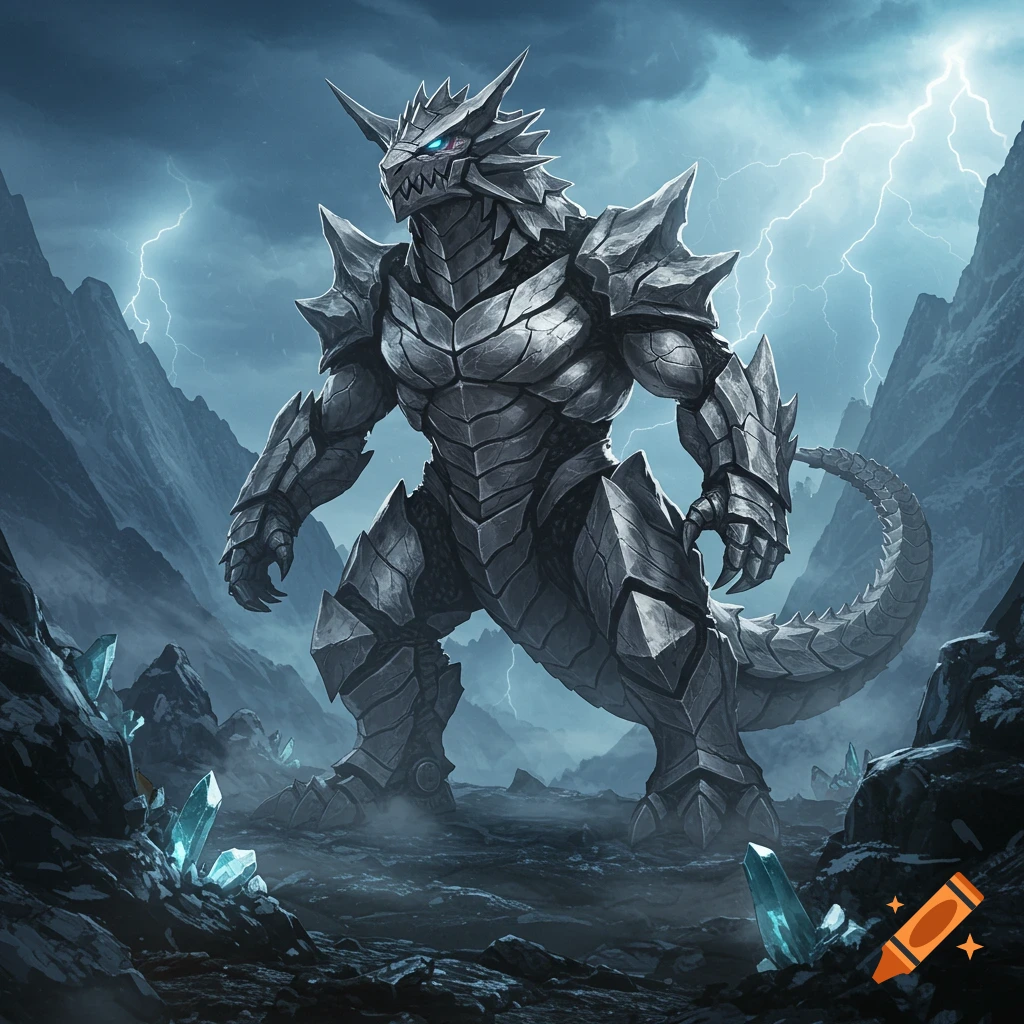
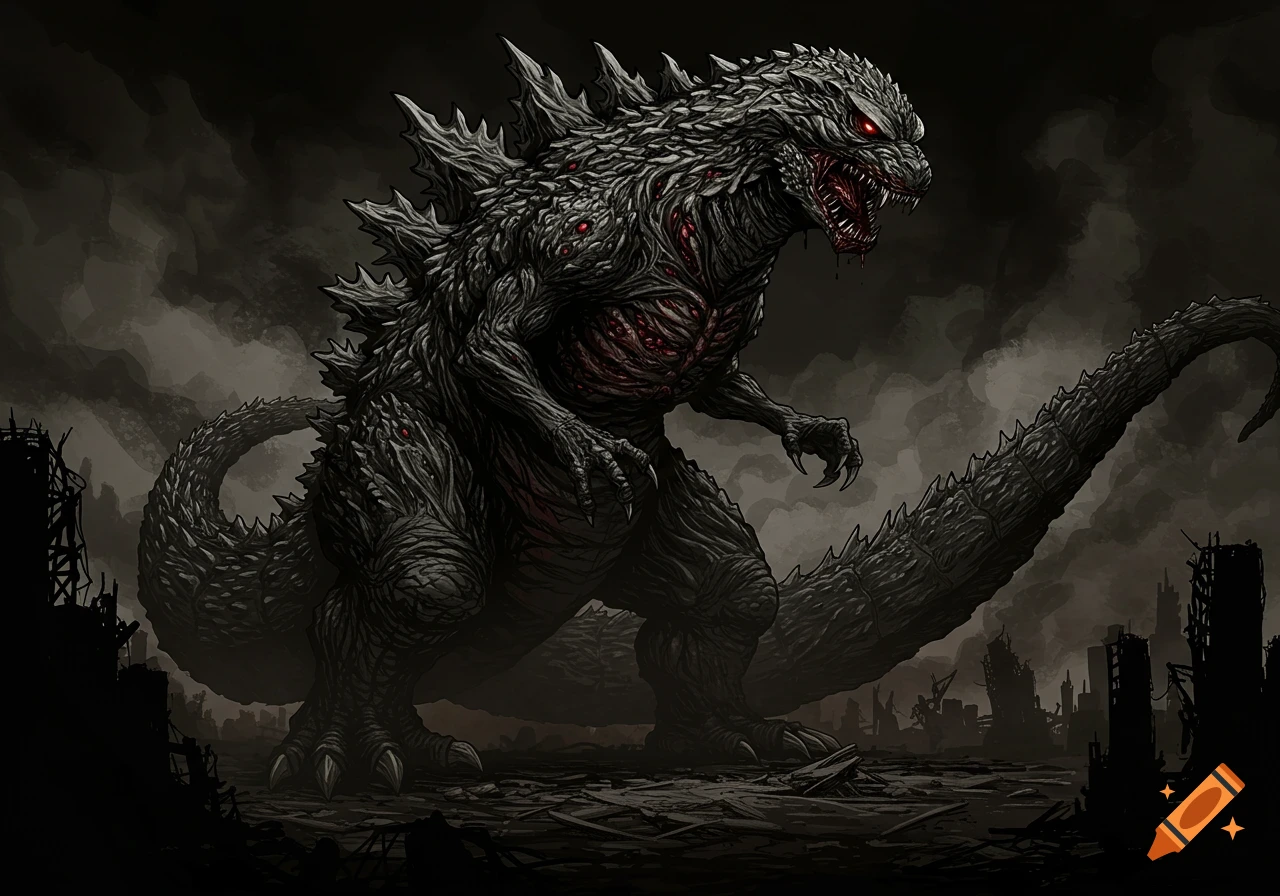
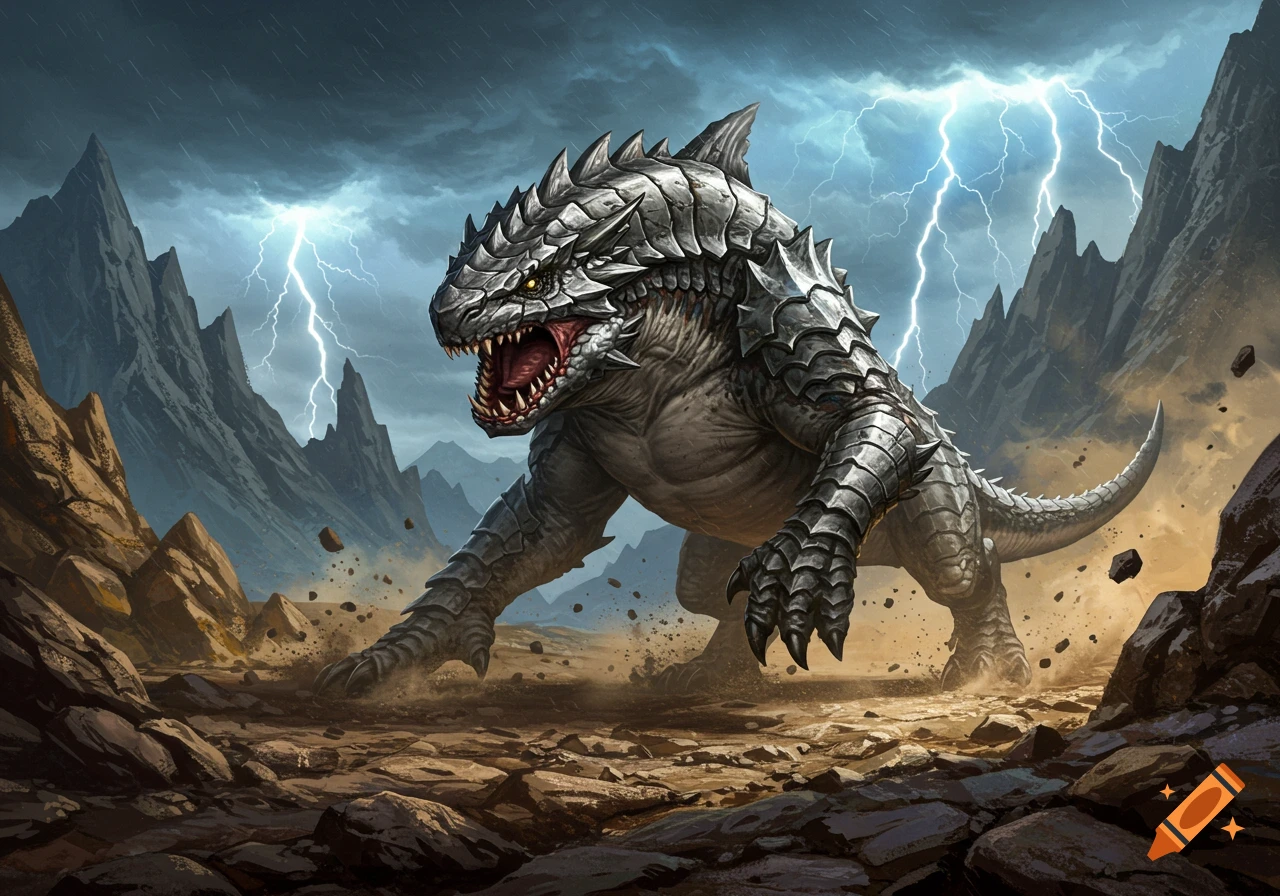
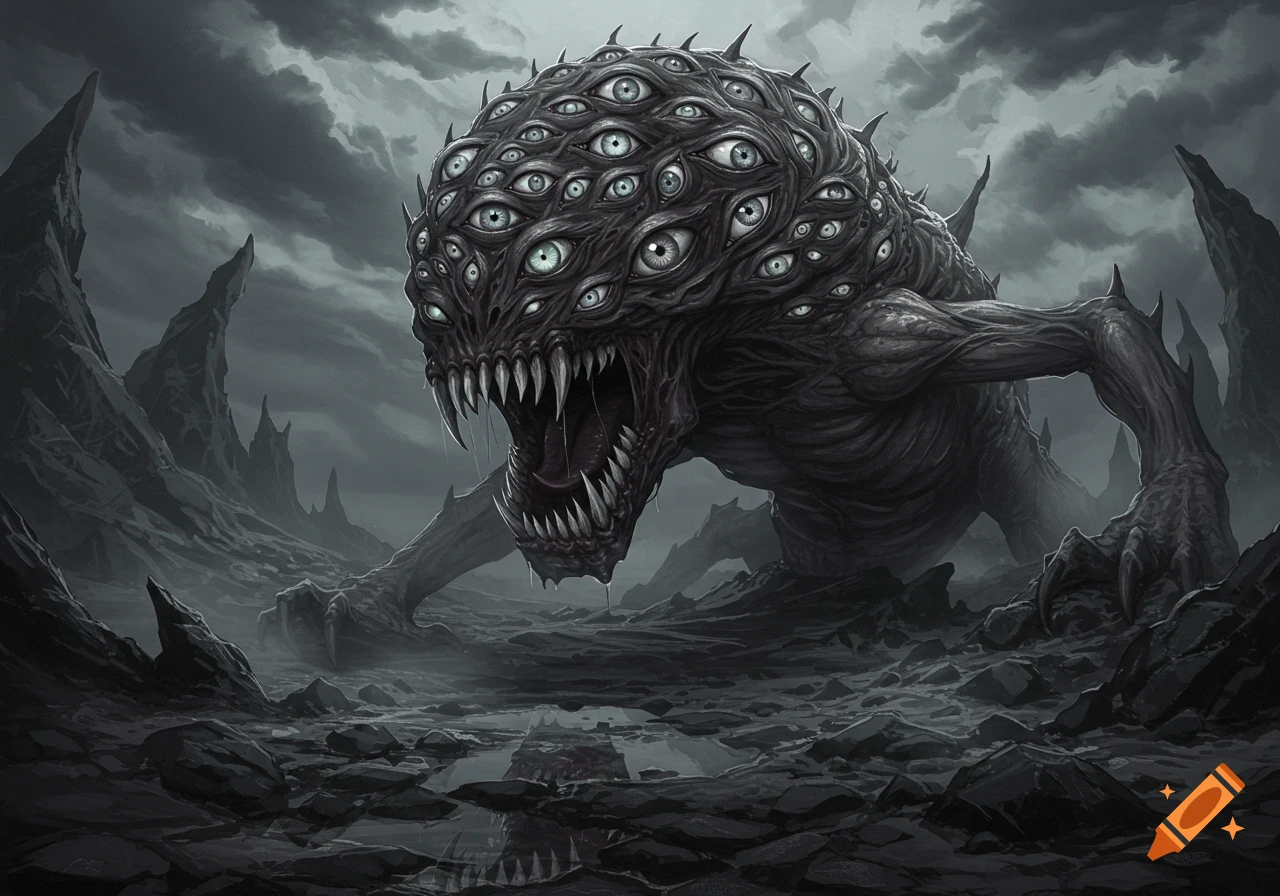
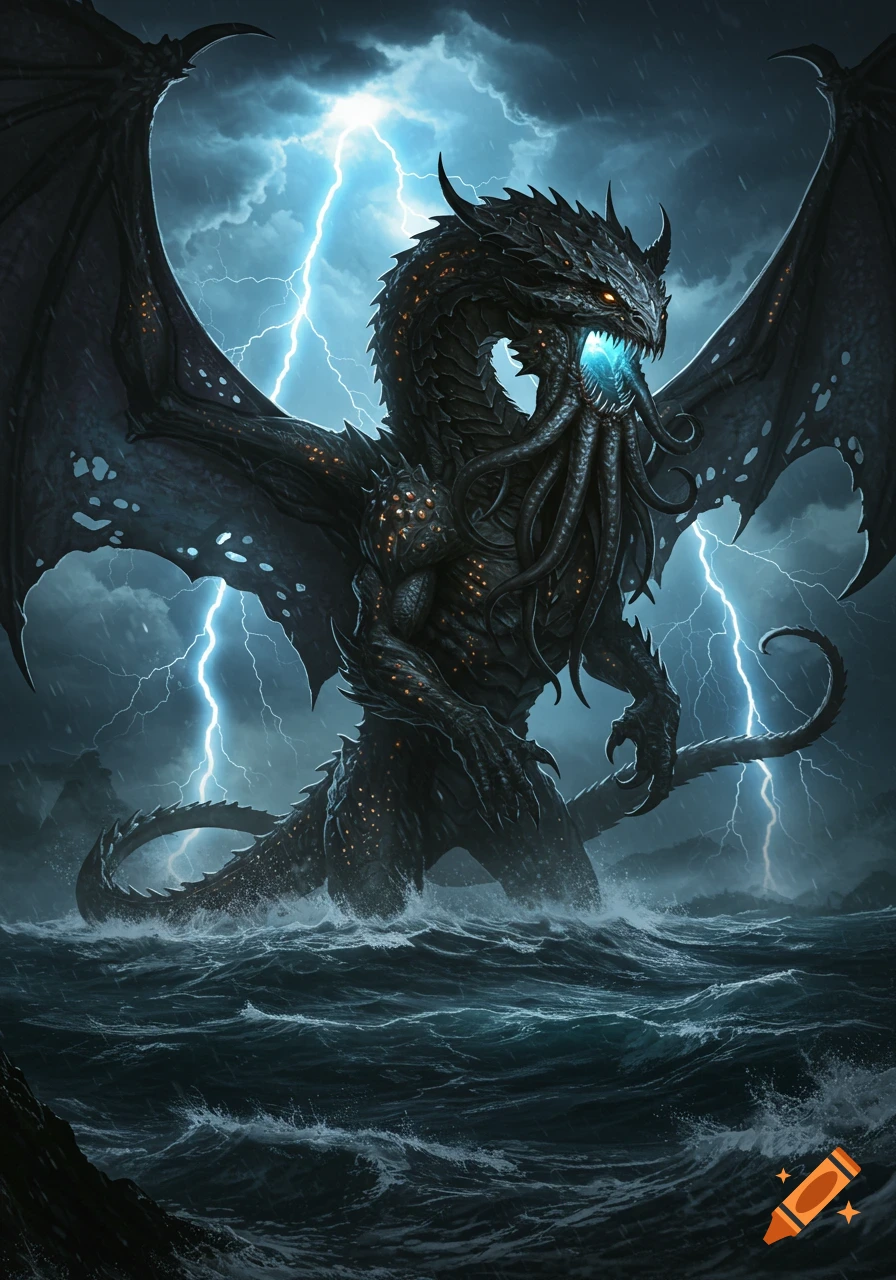
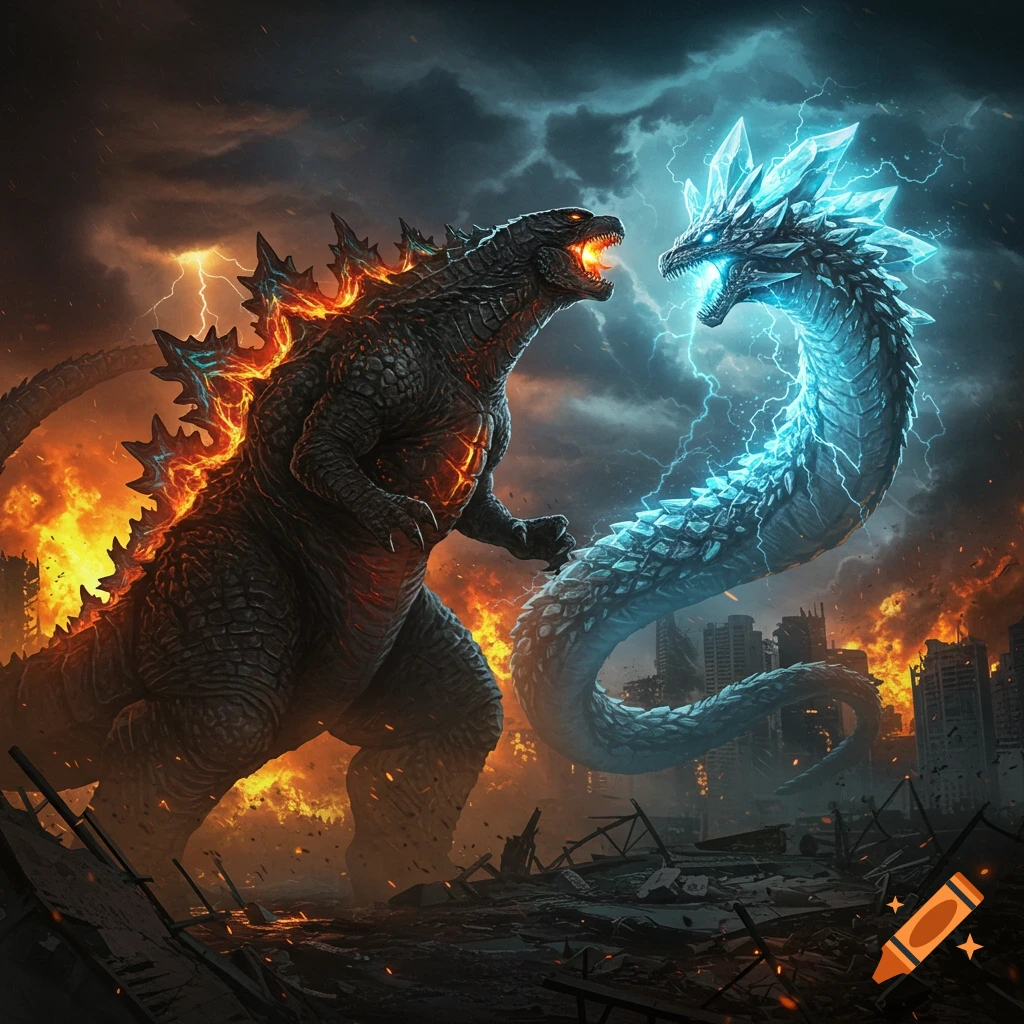
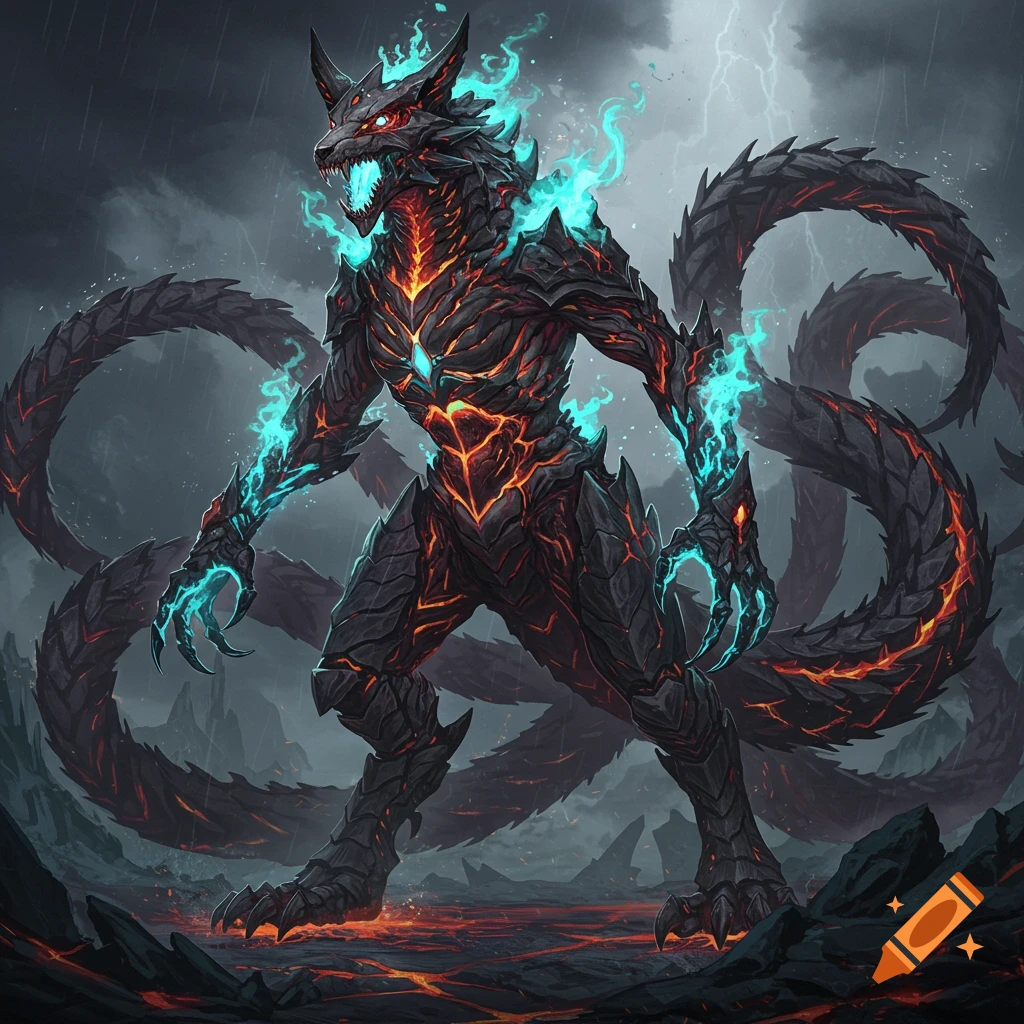
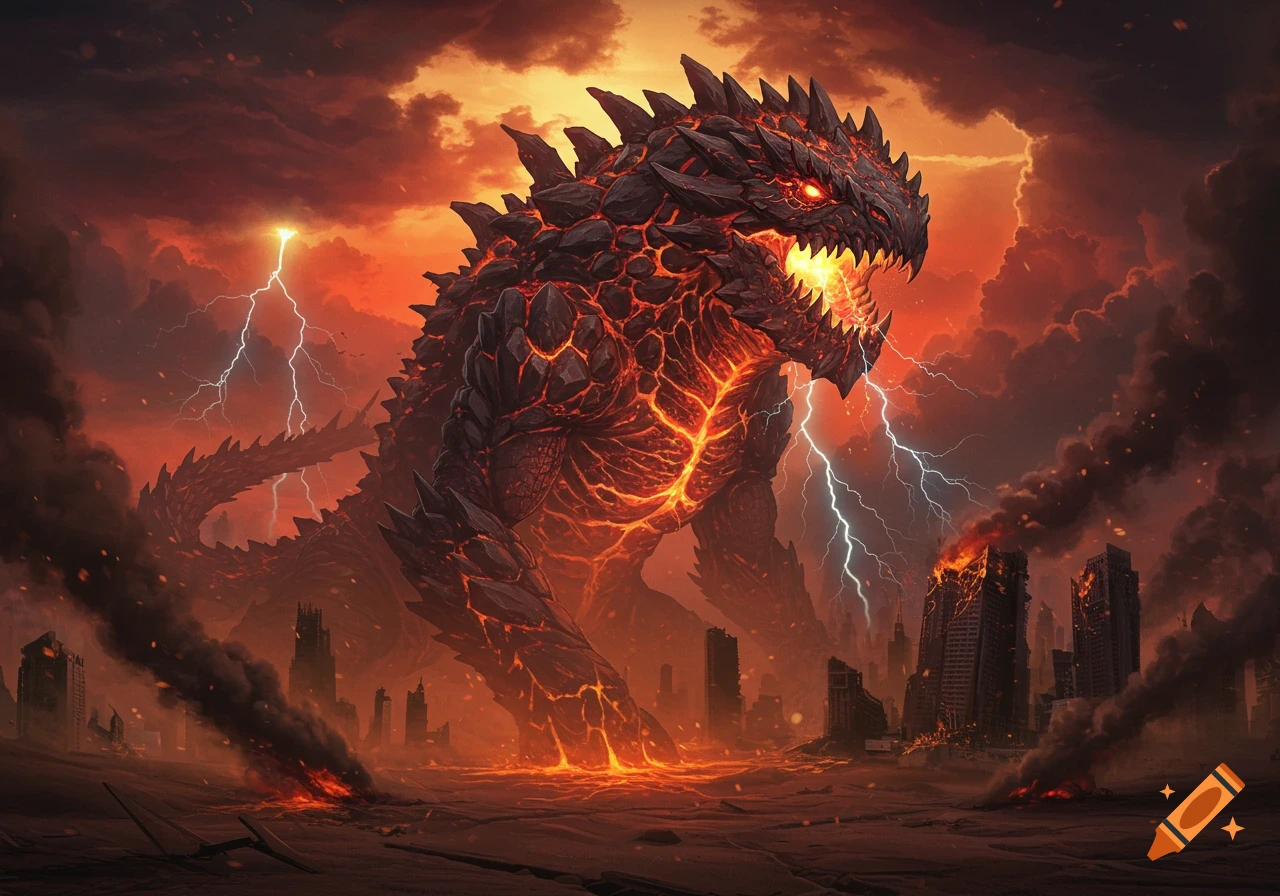
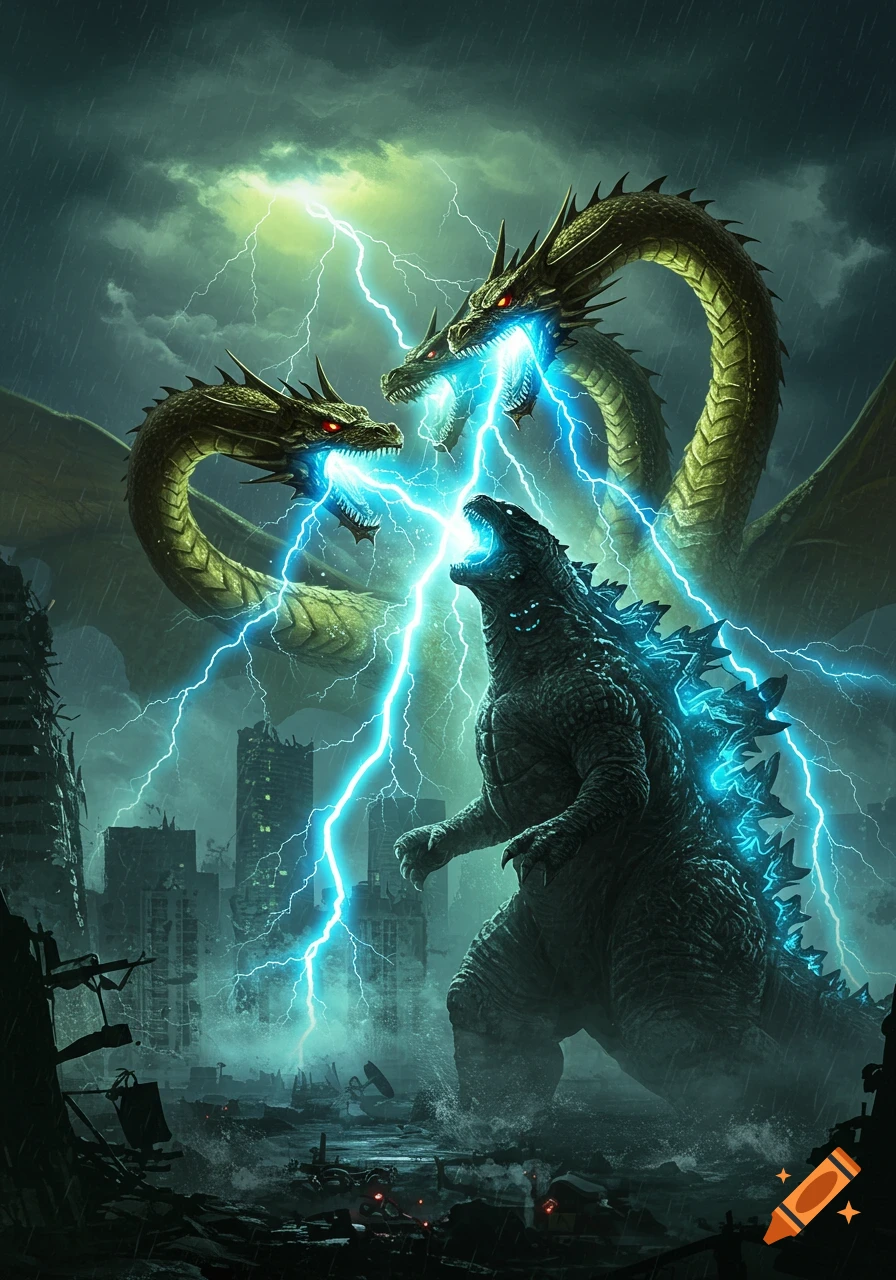
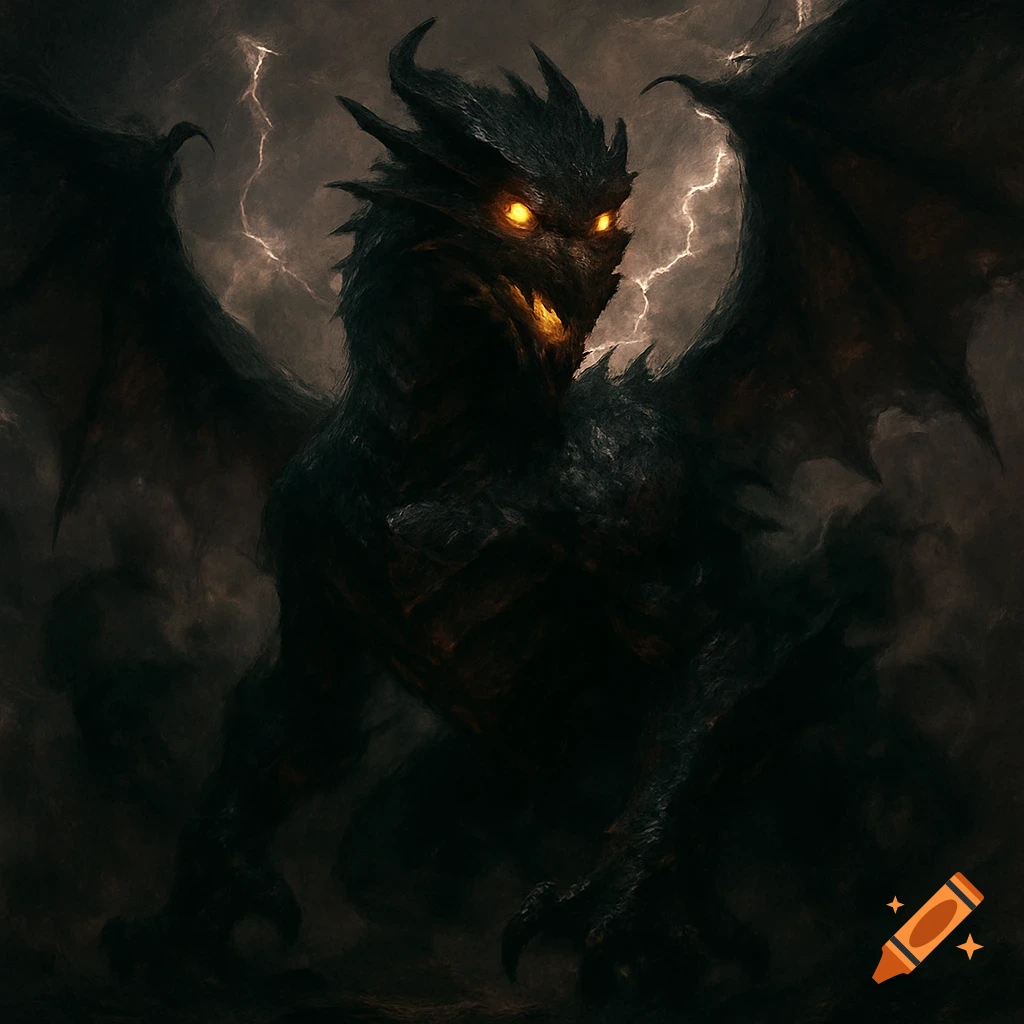
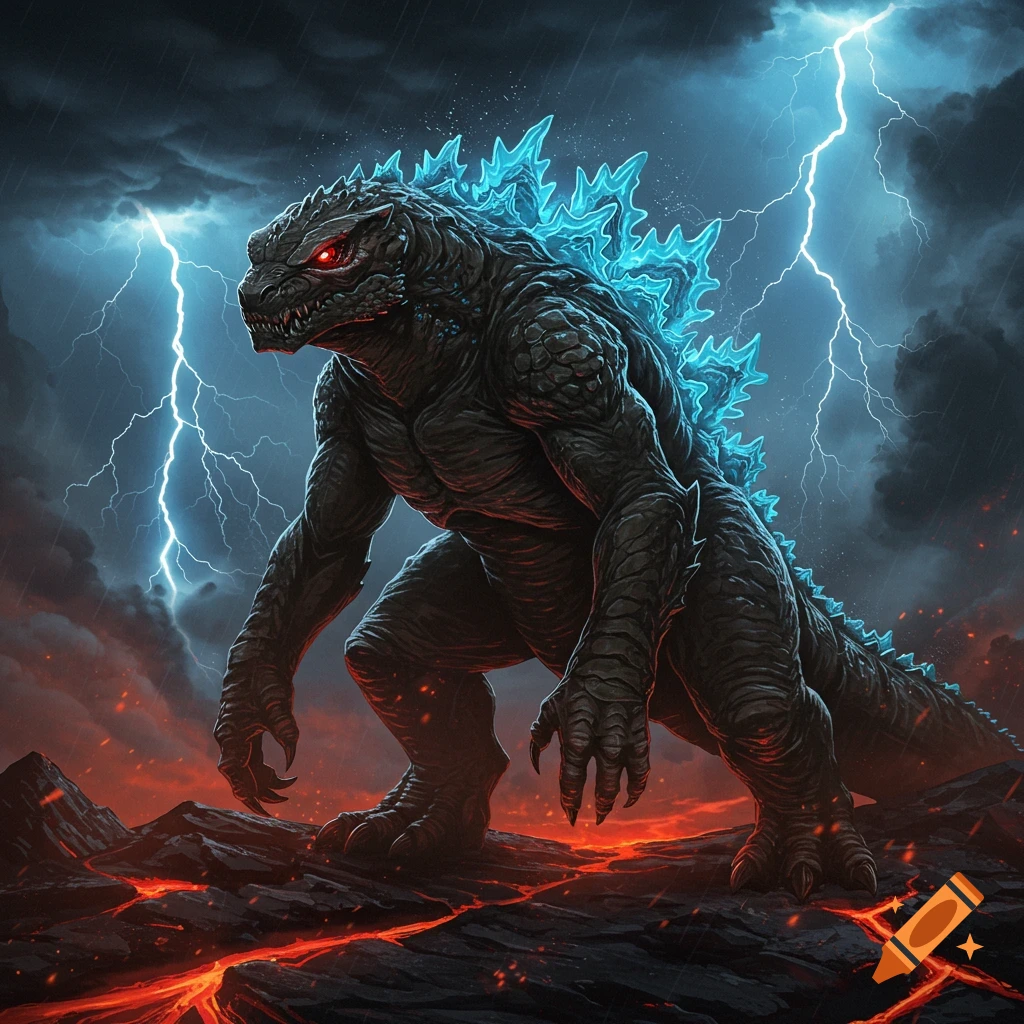
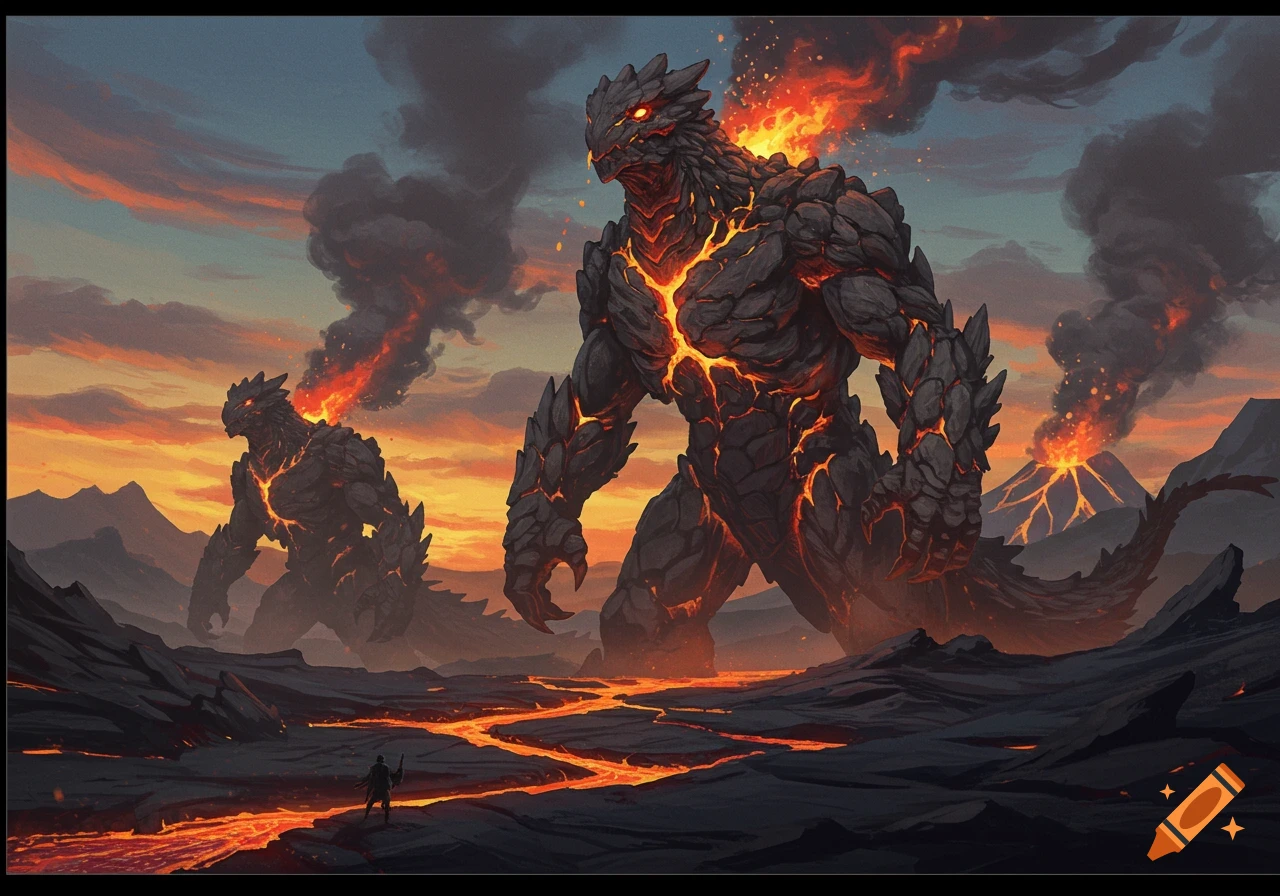
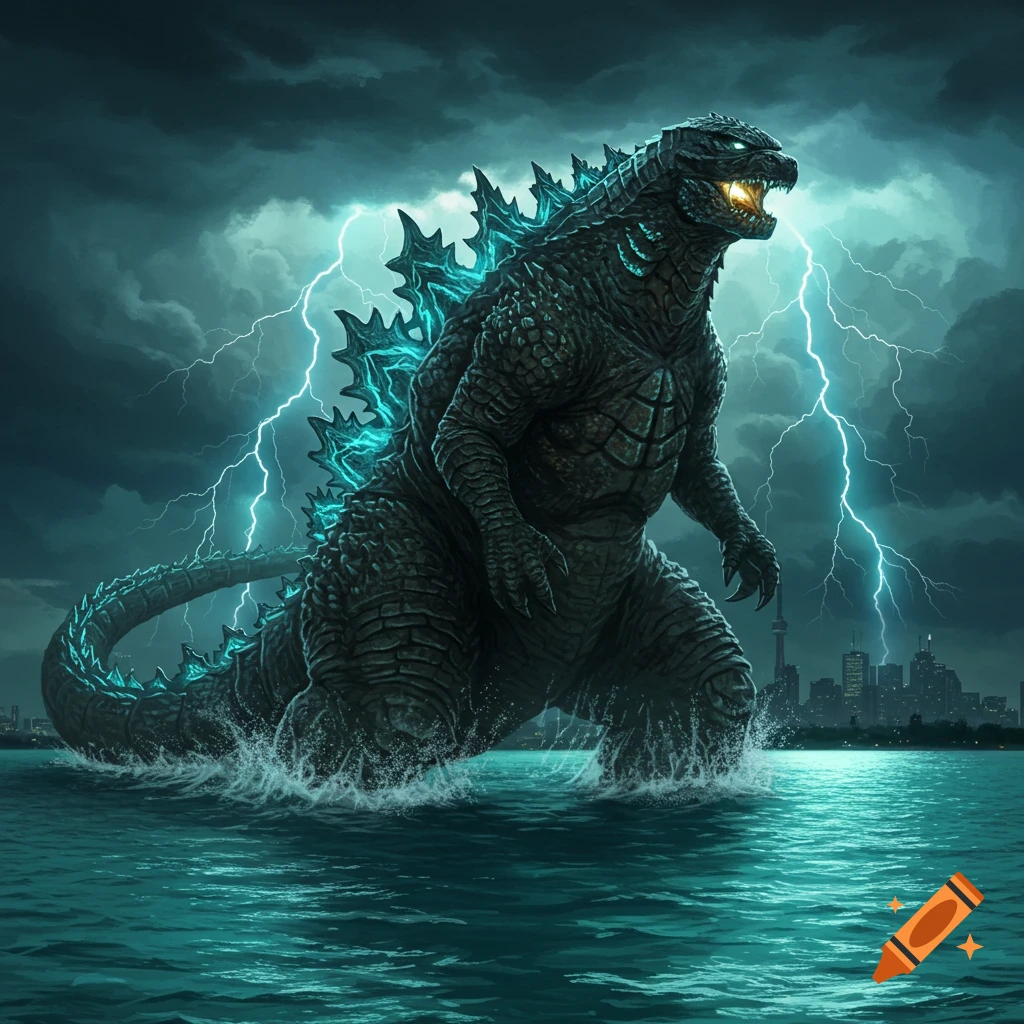
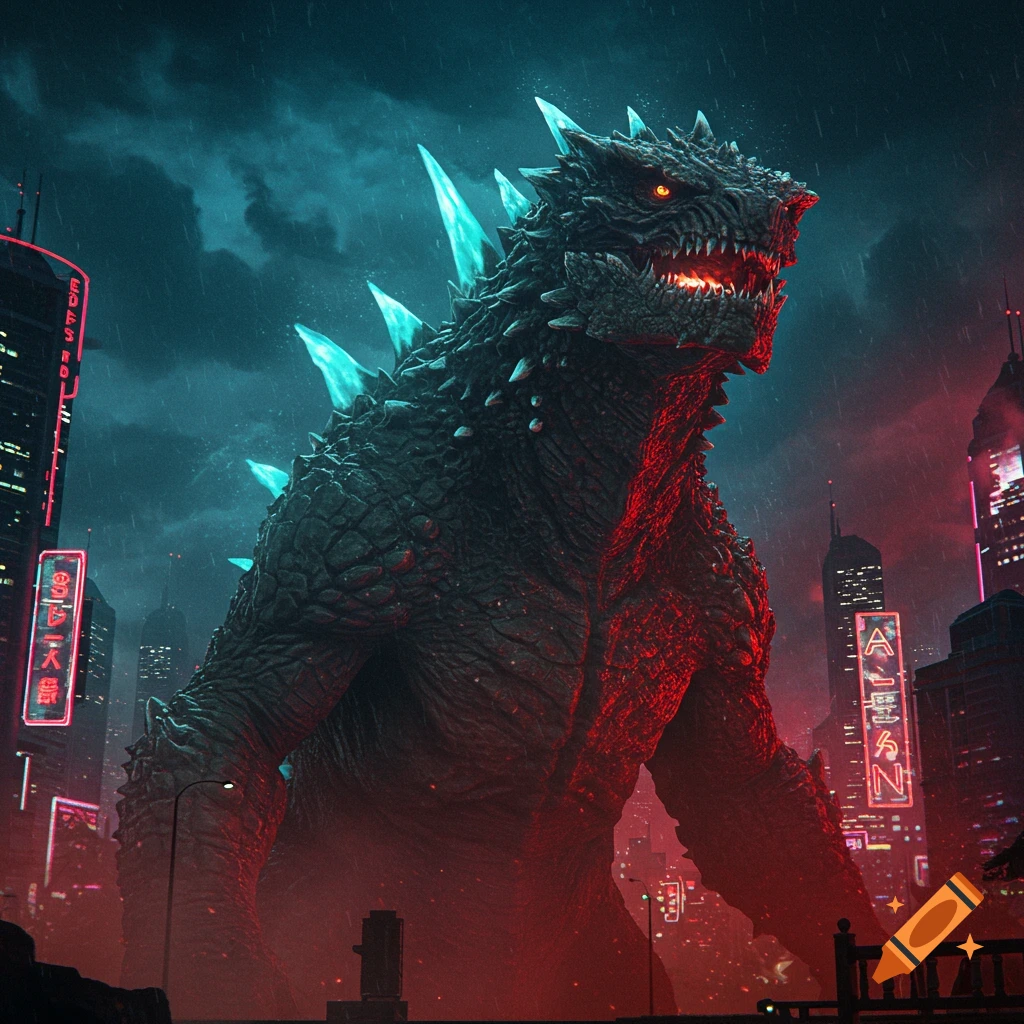
Dark, gritty wolf-reptile kaiju in a flooded city.
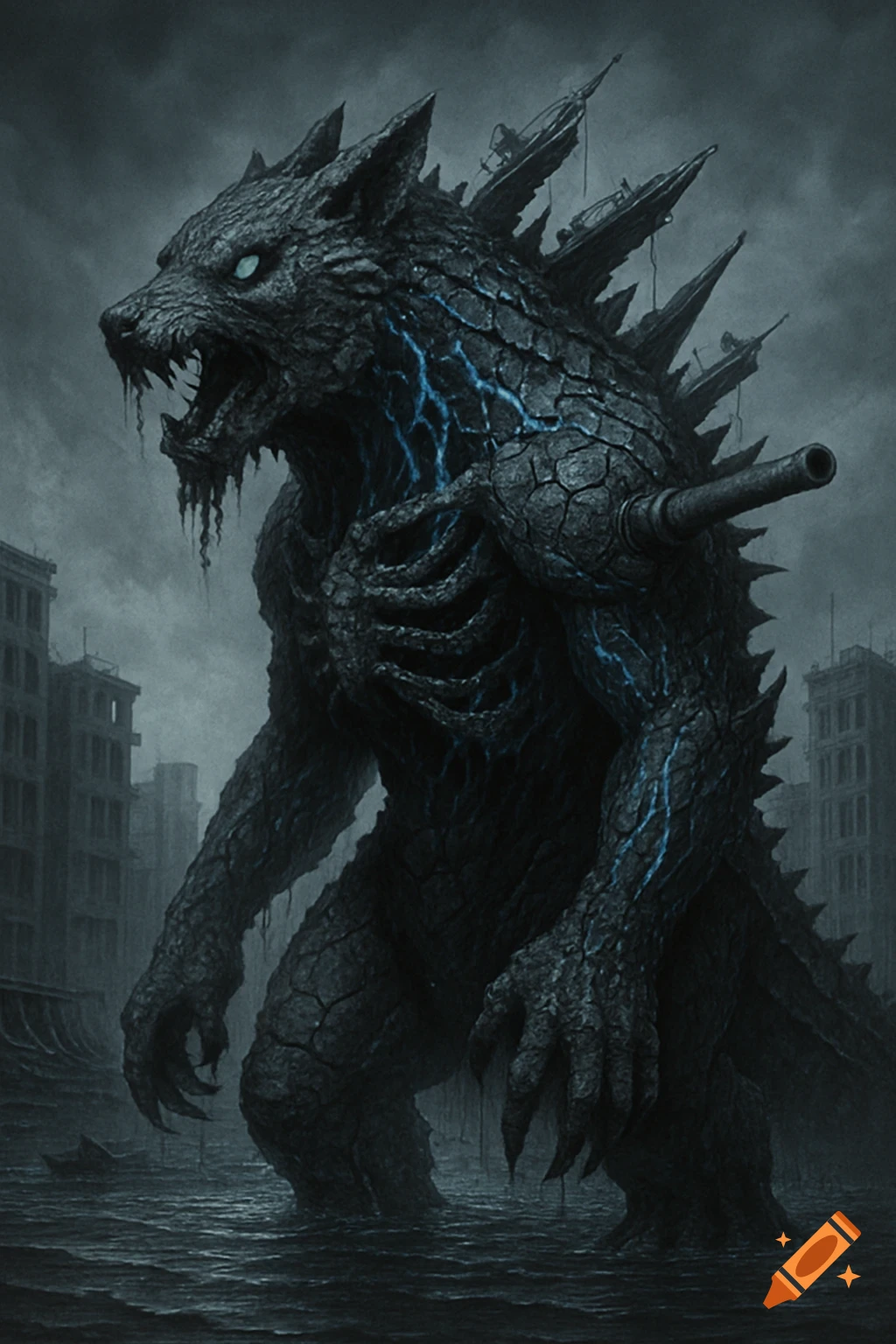
Got it! Let’s **master Craiyon** for your kaiju creation. While it’s less advanced than DALL·E 3, we can optimize it with **smart prompting** and iterative tweaks. Here’s the game plan: --- ### **Step 1: Craiyon-Optimized Kaiju Prompt** *(Paste this into [Craiyon](https://www.craiyon.com/))* > *"Gritty 1940s war-torn kaiju, wolf-reptile hybrid with: > - Cracked charcoal scales and glowing blue veins > - Exposed ribcage with a fused WWII tank turret > - Milky blind eyes, shredded jaw dripping tar > - Standing in a flooded city, ships impaled on dorsal spikes > Hyper-detailed, monochrome with blue accents, *Shin Godzilla* style, cinematic lighting"* **Why this works**: Craiyon struggles with complexity, so we: - Use **short, concrete descriptors** (e.g., "charcoal scales" vs. "textured obsidian armor"). - Repeat **key themes** ("1940s," "wolf-reptile") to reinforce the style. --- ### **Step 2: Generate & Analyze** 1. Click "Draw" and wait ~1 minute (Craiyon is slower). 2. **Pick the least-bad image** (even if it’s 60% there). 3. Note what’s **missing/wrong** (e.g., *"Scales look smooth, needs more cracks"*). --- ### **Step 3: Refine the Prompt** **Example Edits**: - **Problem**: Kaiju looks too cartoonish. **Fix**: Add *"unreal engine 5, photorealistic, 4K texture"* to the prompt. - **Problem**: Missing tank turret. **Fix**: Change to *"rusty tank cannon grafted to RIGHT shoulder"* (more specific). --- ### **Step 4: Free "Upscaling" Trick** Craiyon images are low-res, but you See more