A thank you card with a dark blue night sky background, shooting stars, and the text 'Thank You!' and an appreciation message.
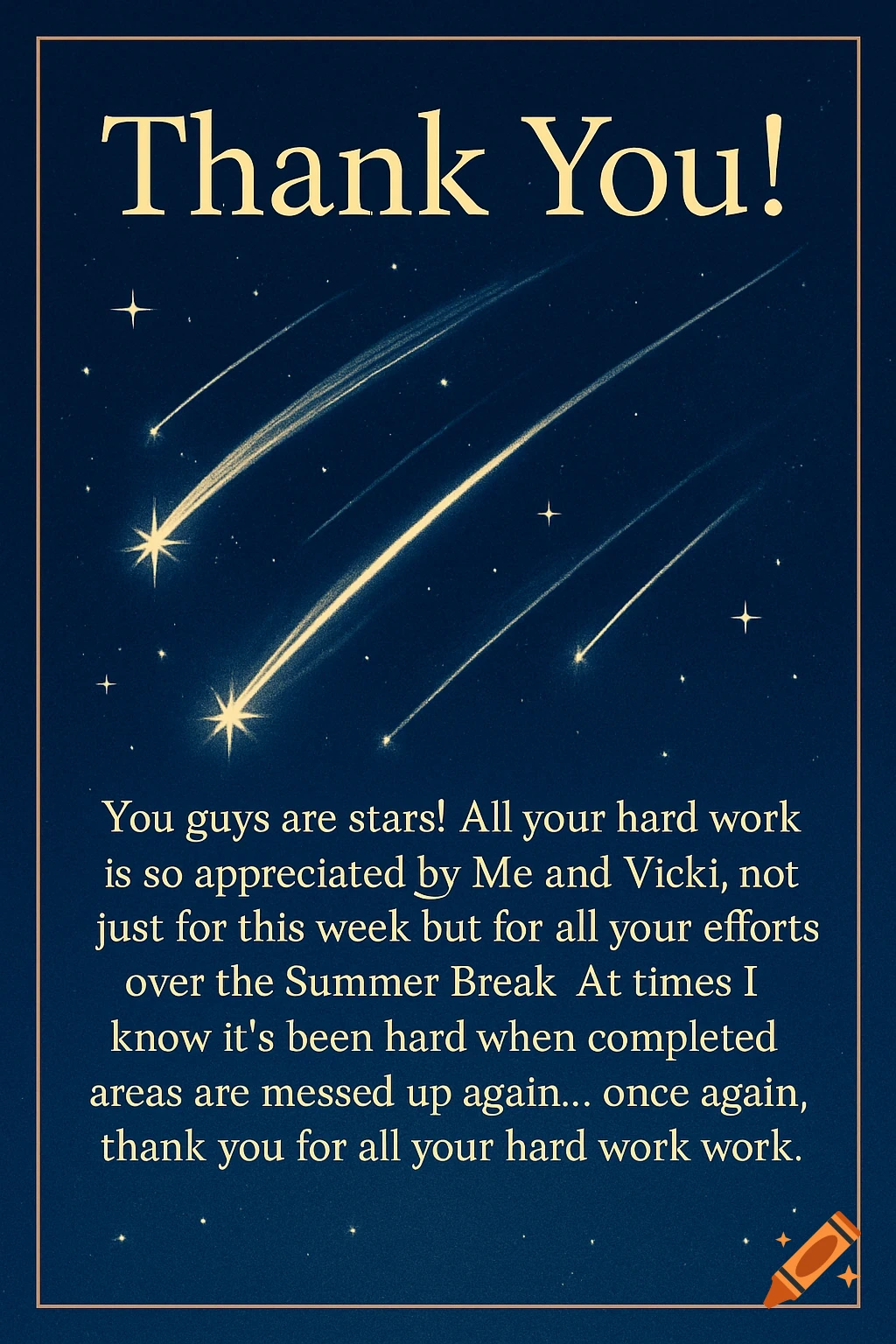
Visual Concept for "Thank You" Background: Use a dark blue or black background to represent the night sky. This will make the shooting stars stand out. Shooting Stars: Add several shooting stars across the sky. You can create them using bright yellow or white lines with a glowing effect. Make sure they have a tail to give the impression of movement. Text: At the center or top of the visual, write "Thank You!" in large, bold, and elegant font. Consider using a bright color like gold or white to make it pop against the dark background. Below it, in a smaller font, add the message: "You guys are stars! All your hard work is so appreciated by Me and Vicki, not just for this week but for all your efforts over the Summer Break. At times I know it’s been hard when completed areas are messed up again… once again, thank you for all your hard work." Use a clear, readable font for this part, perhaps in white or light yellow. Additional Elements: You might want to add some twinkling stars or a subtle gradient to the background to give it more depth. Consider adding a border or frame around the visual to make it look polished. See more