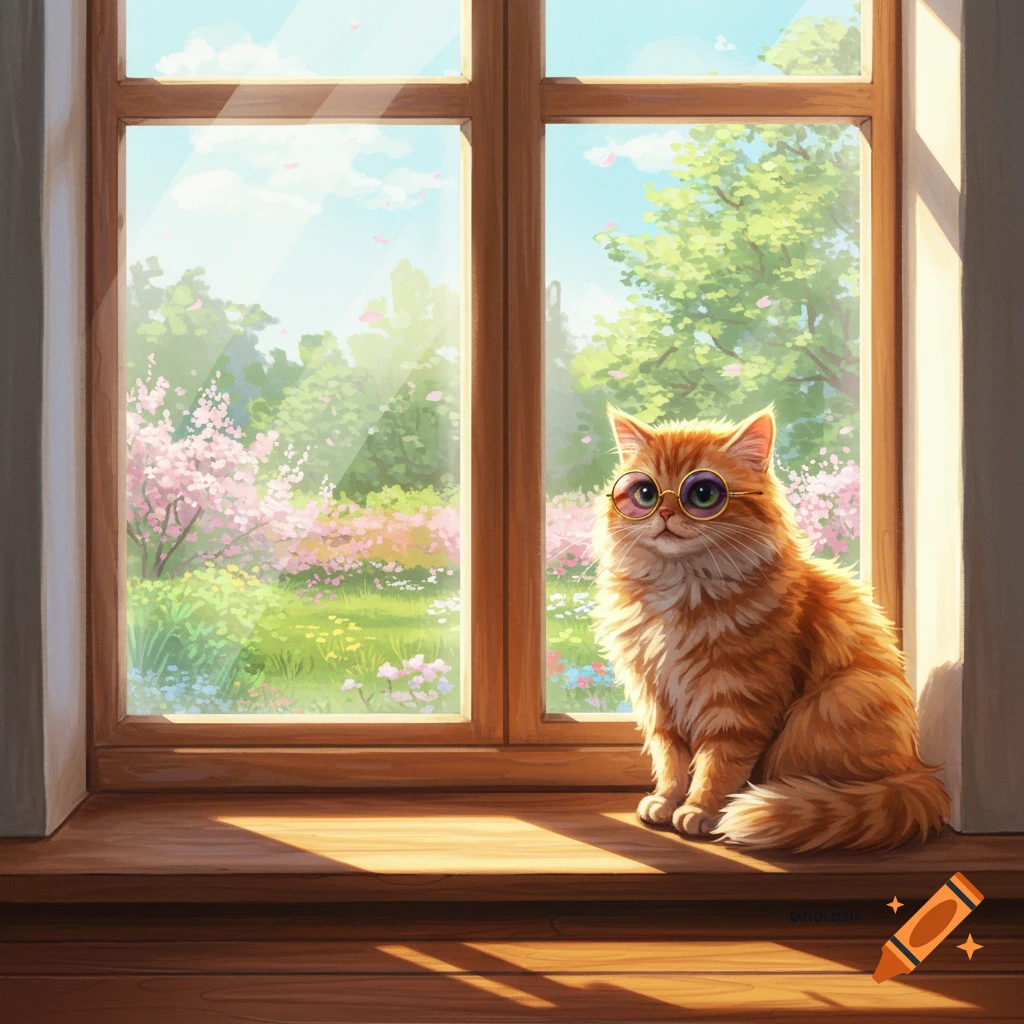
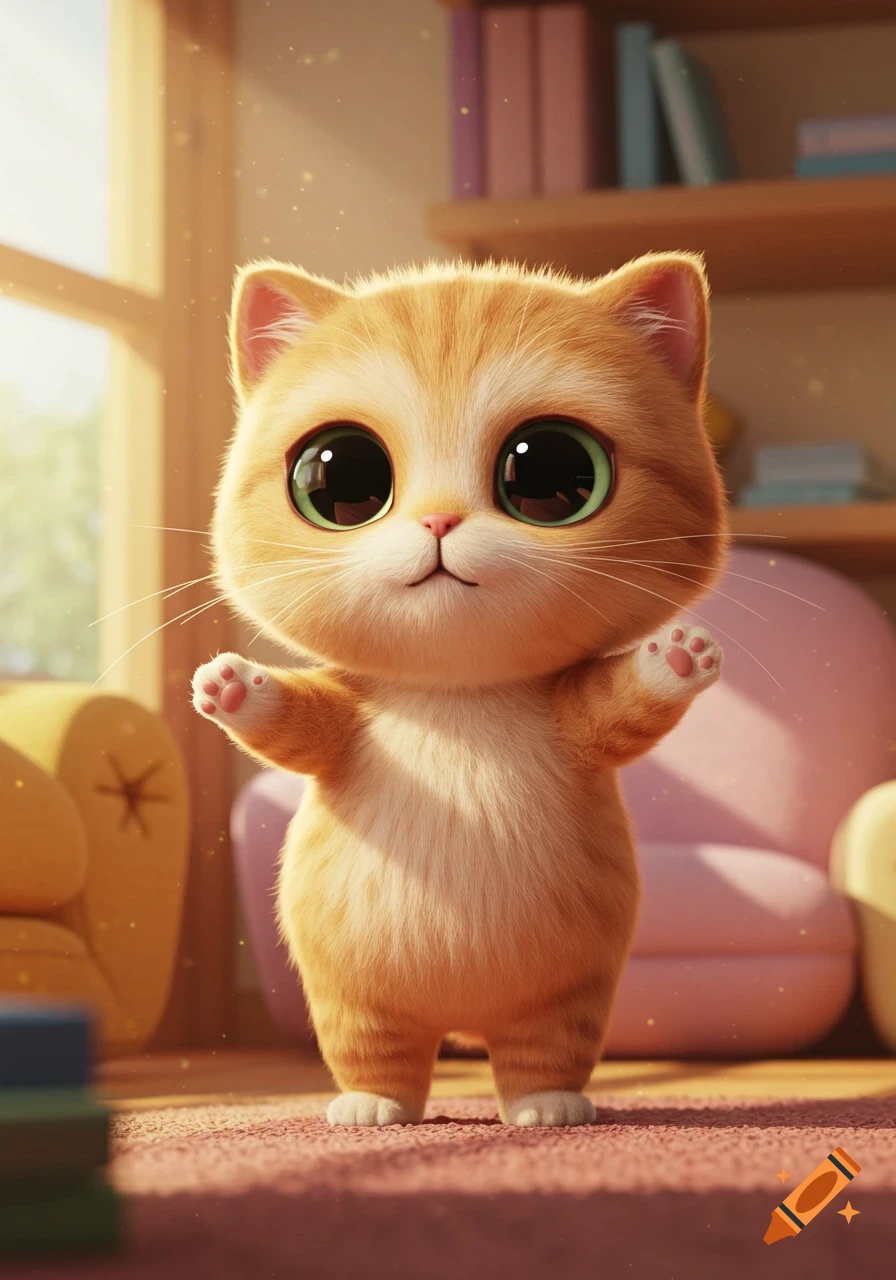
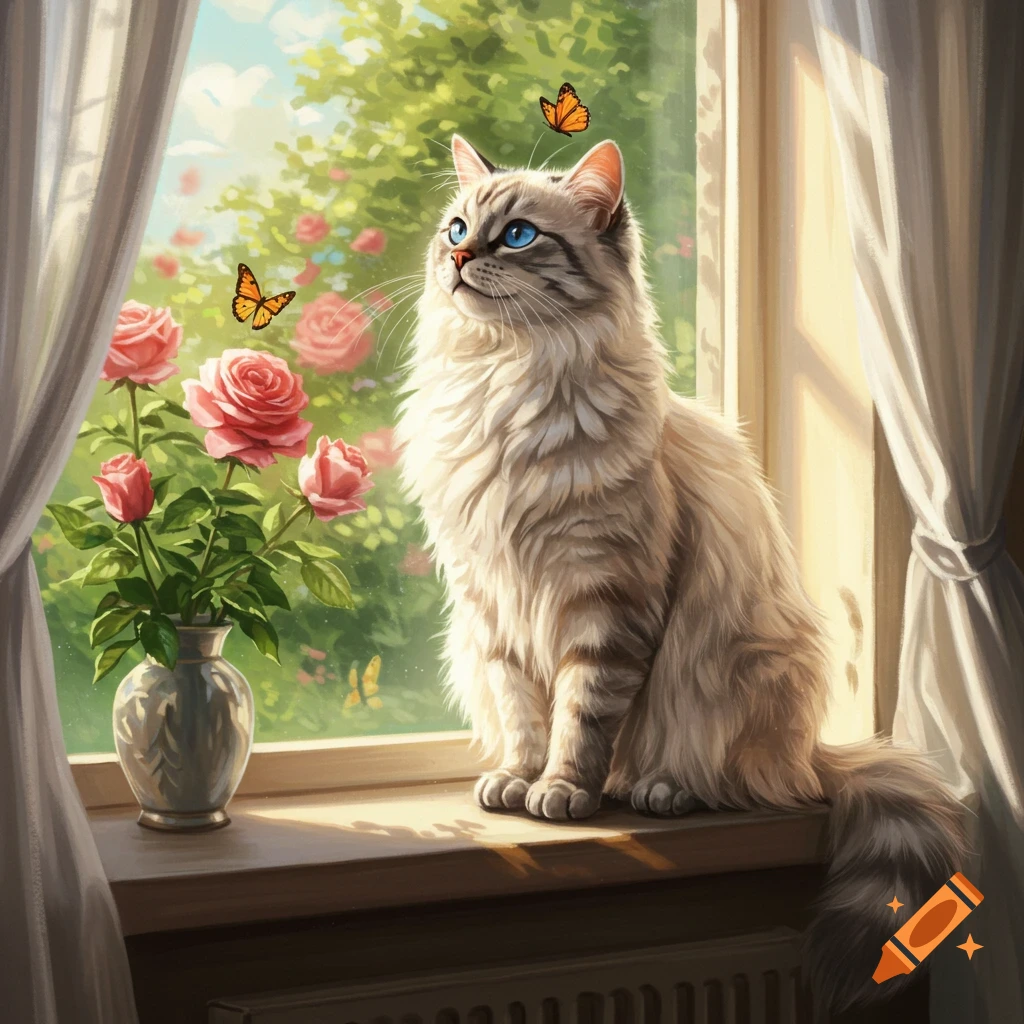
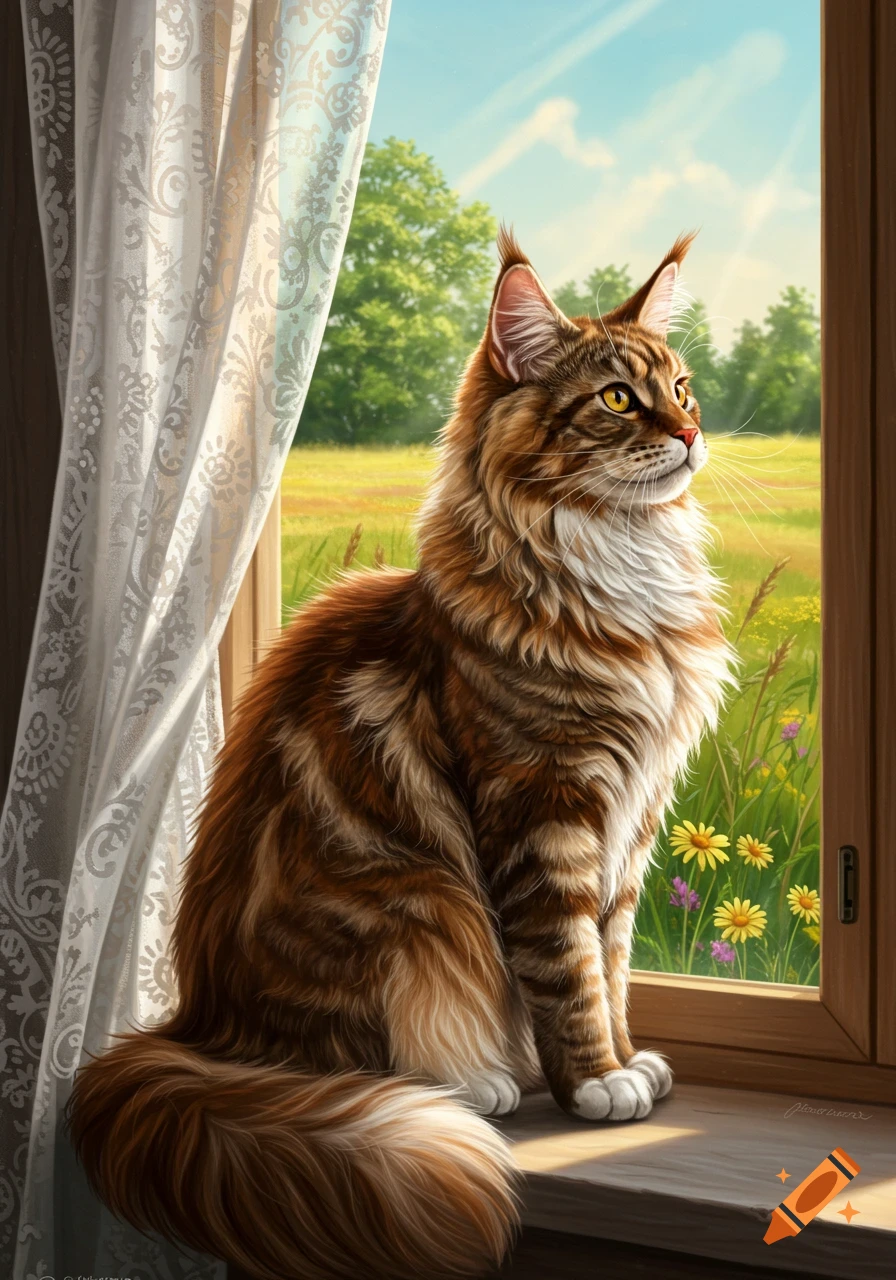
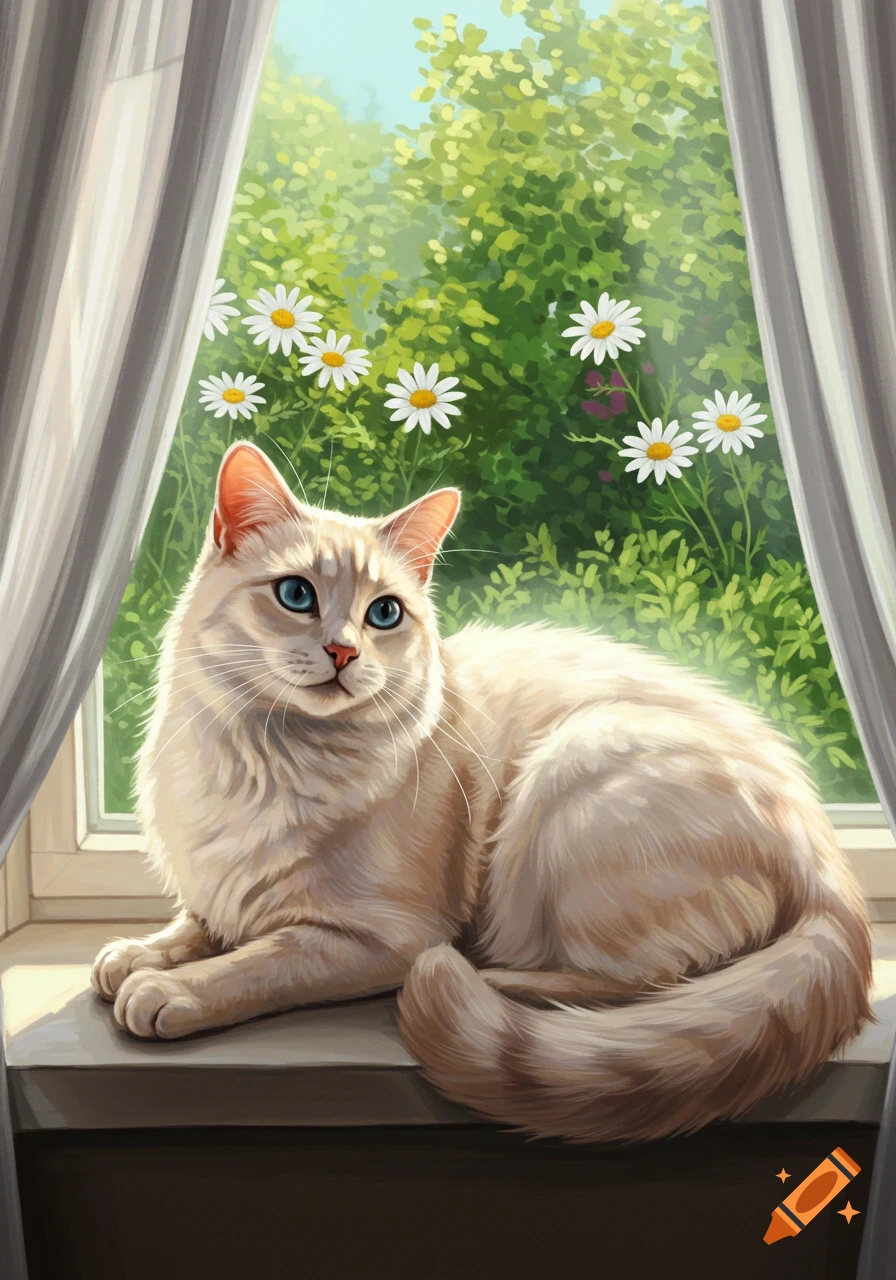
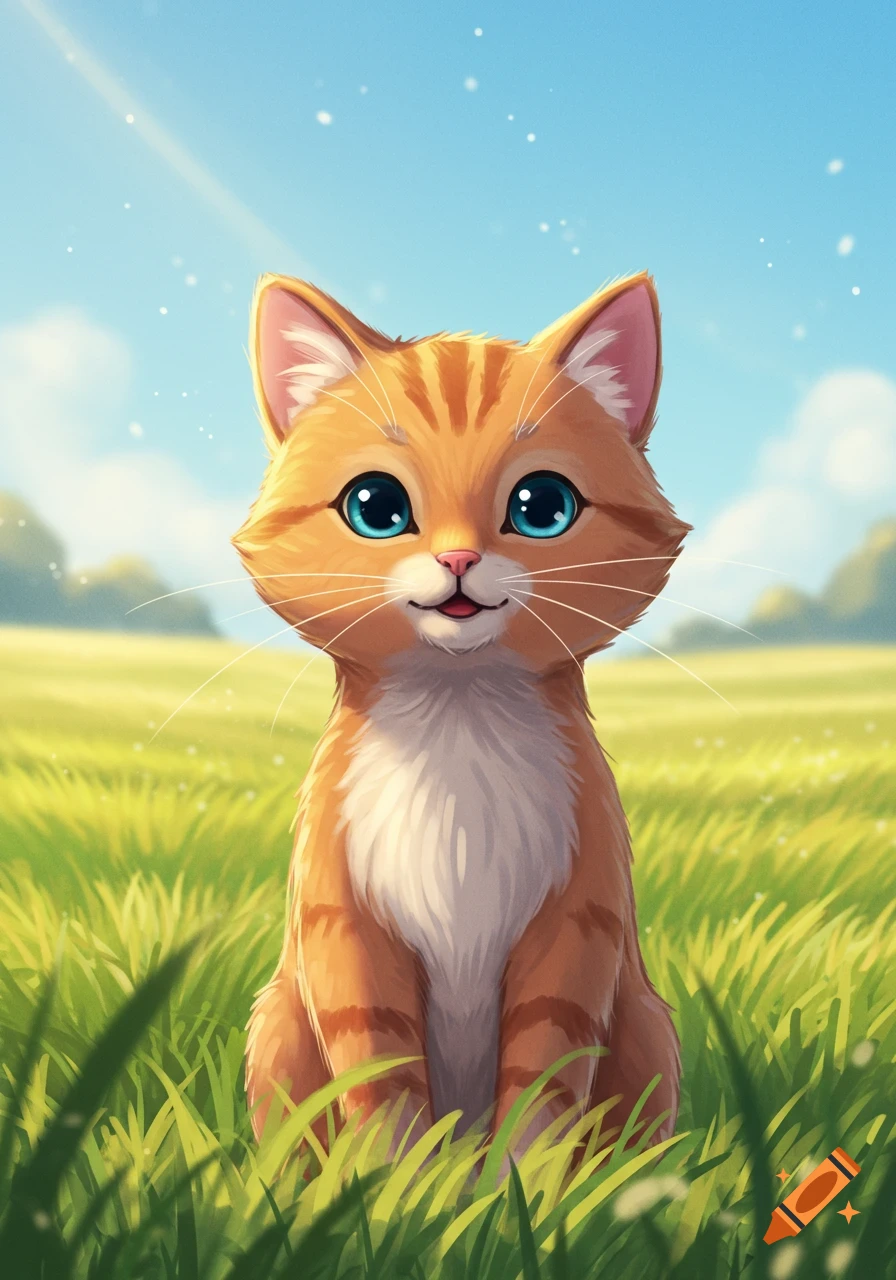
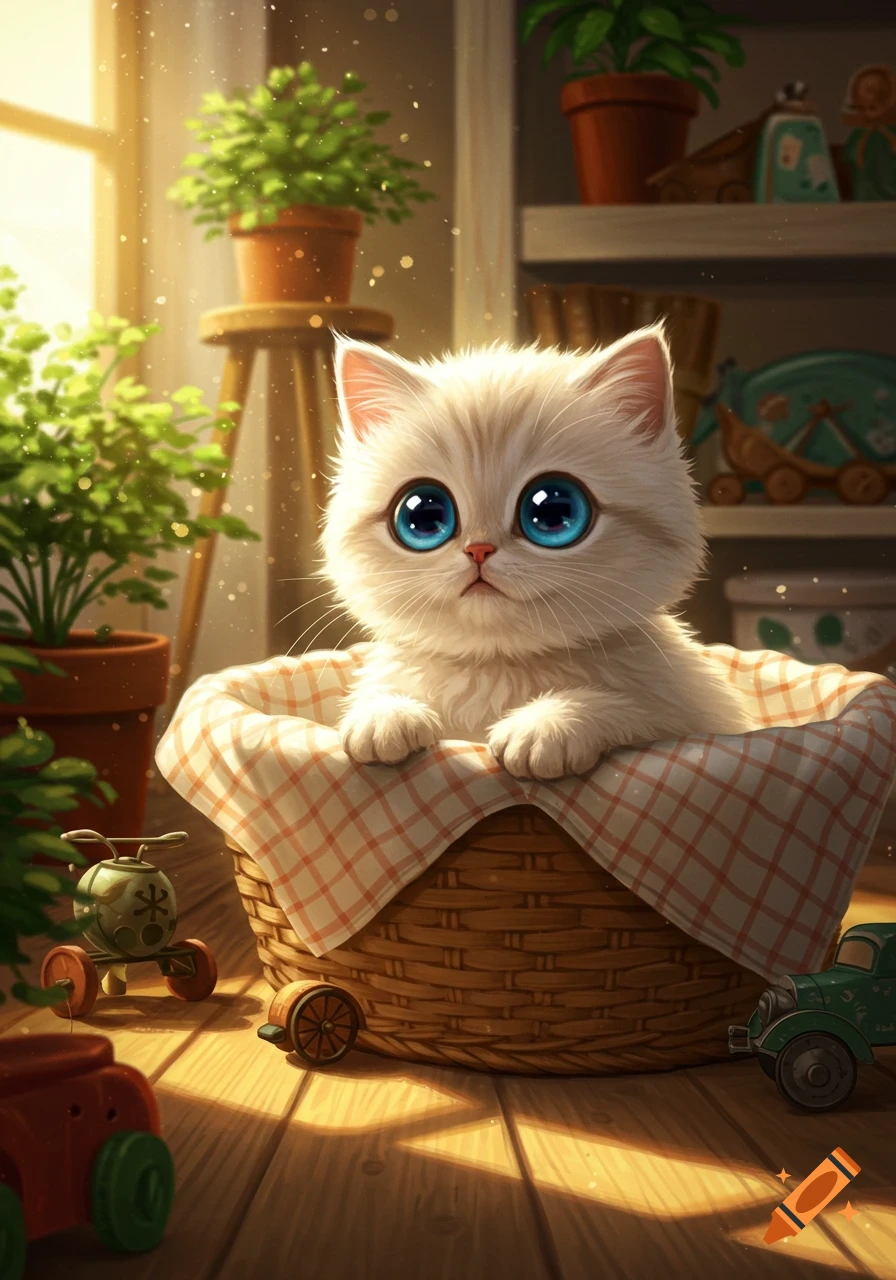
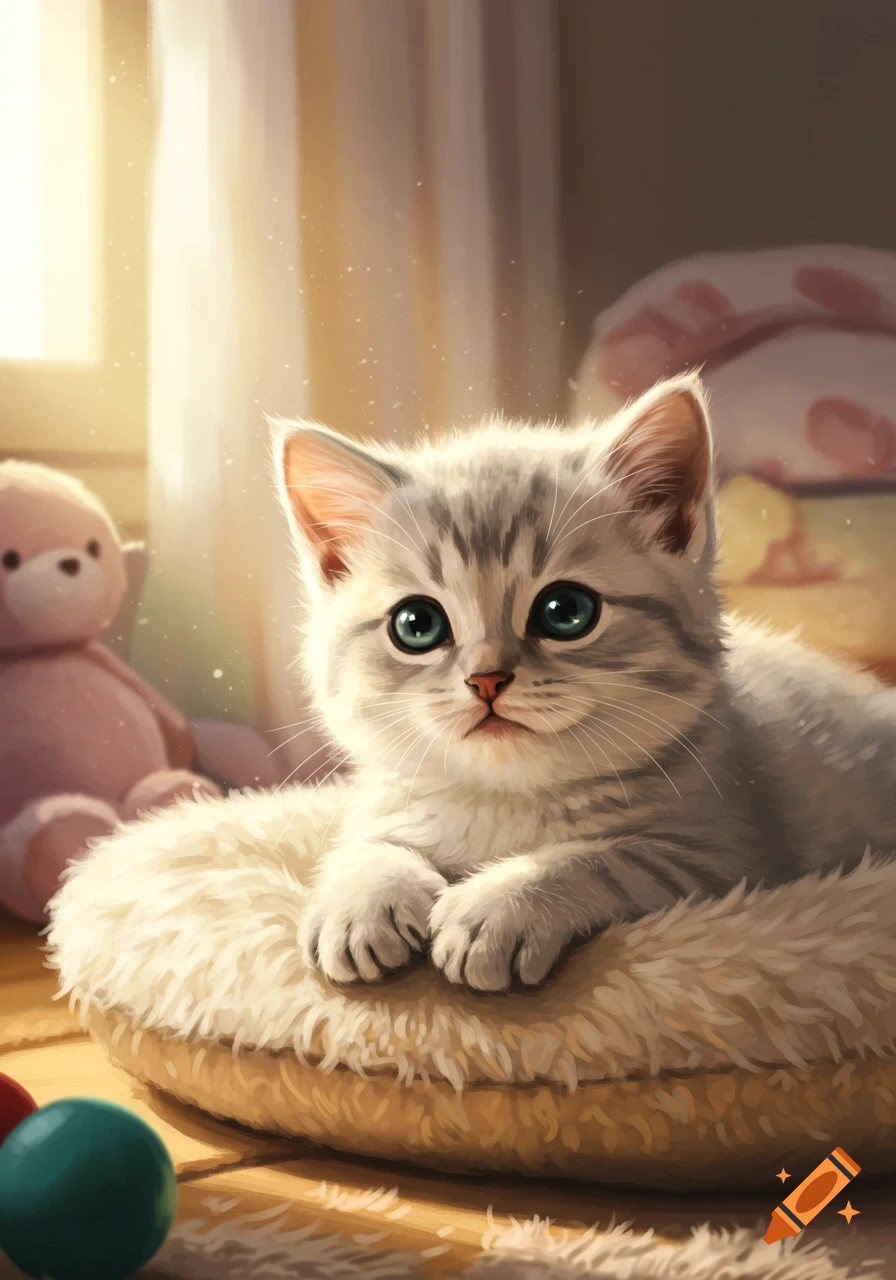
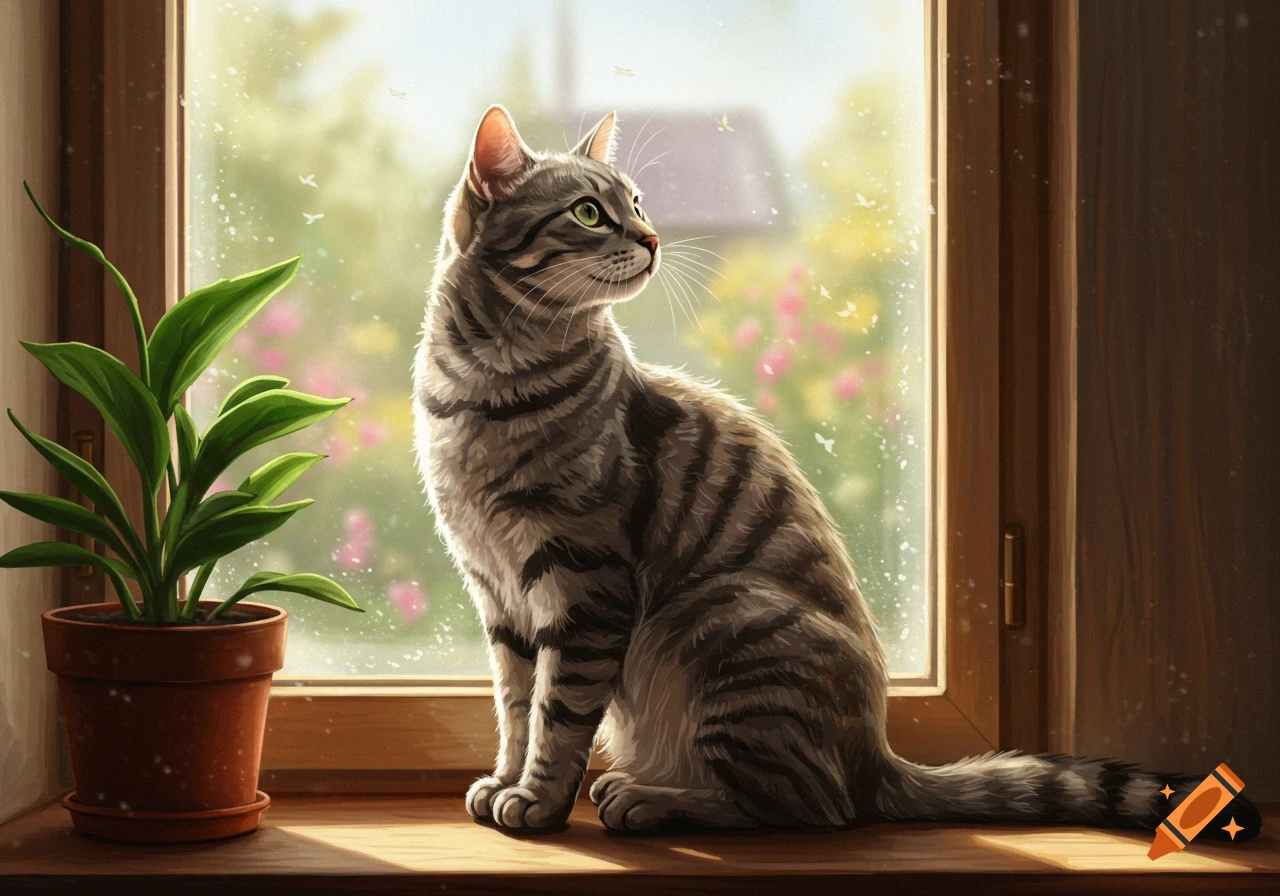
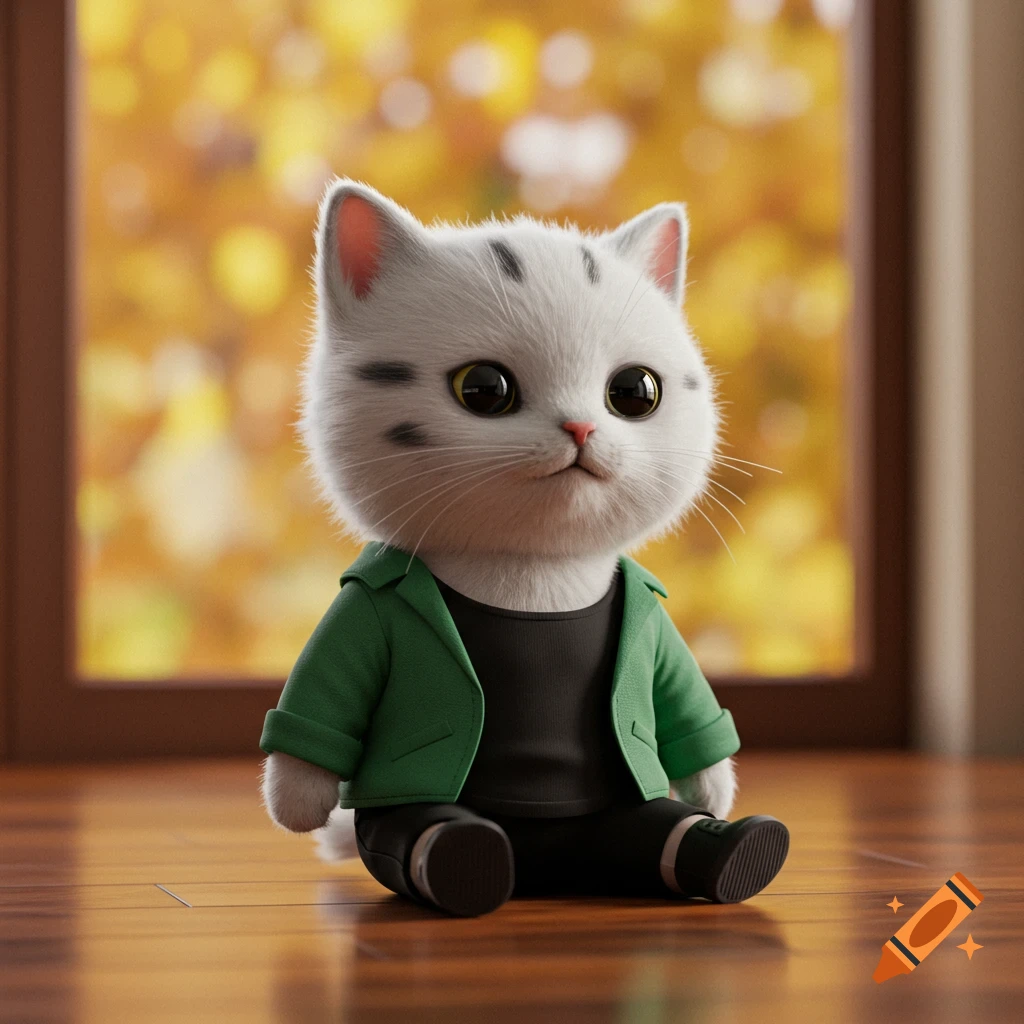
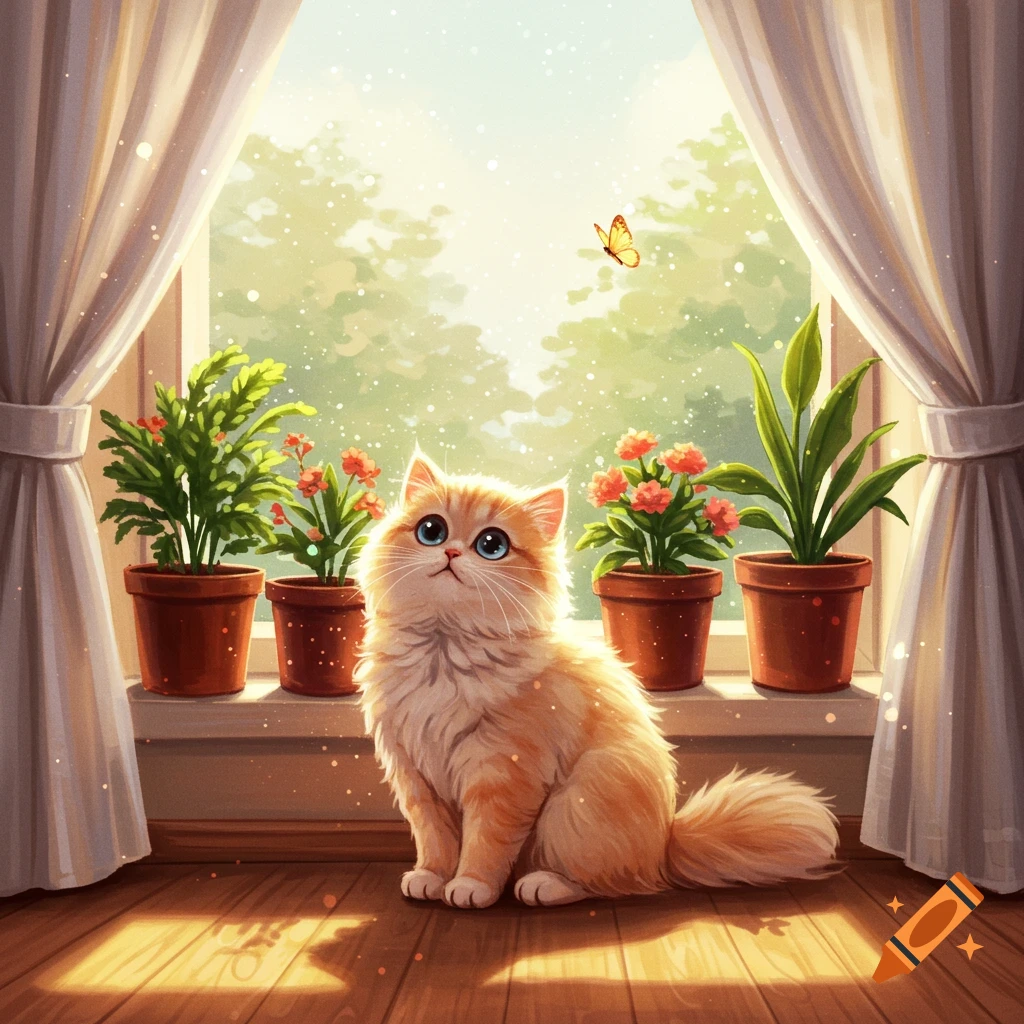
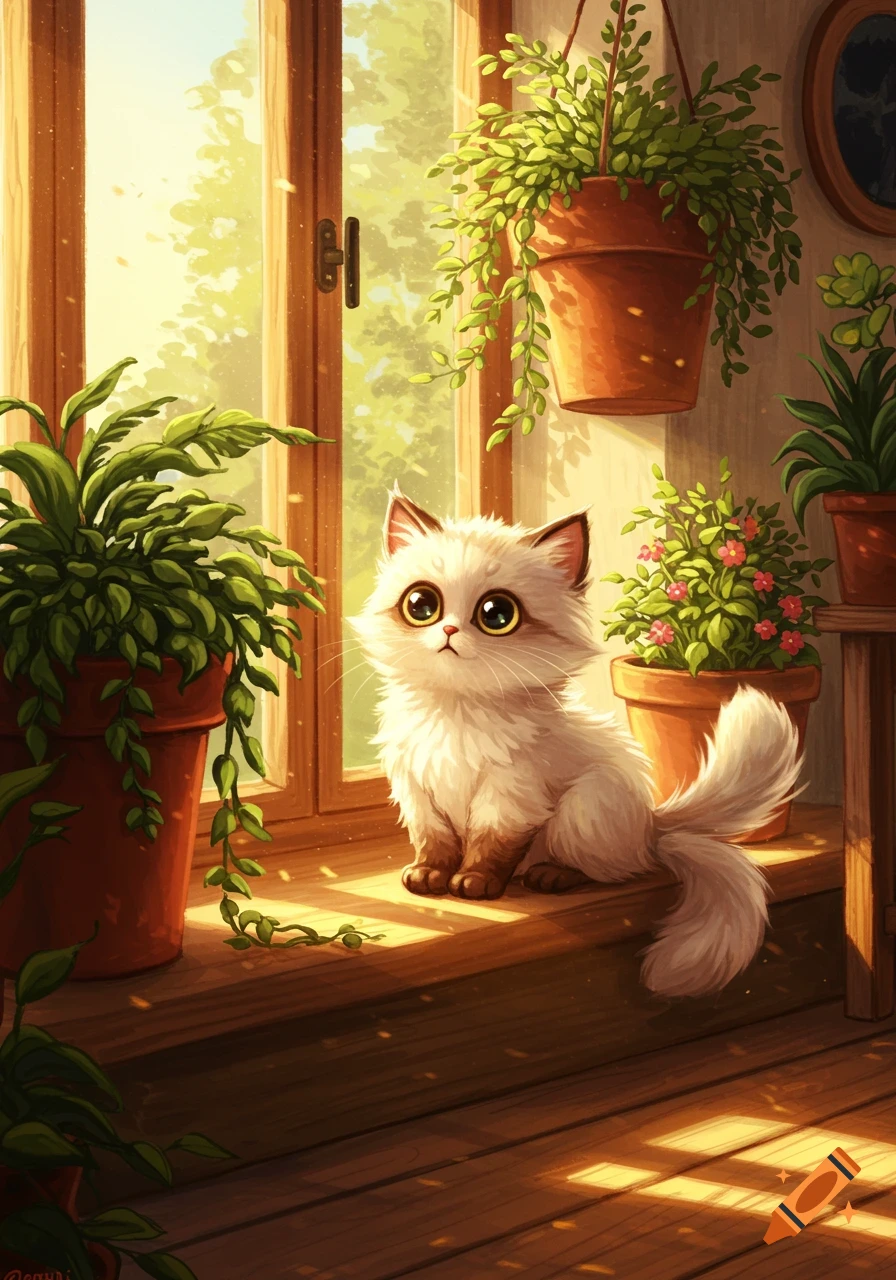
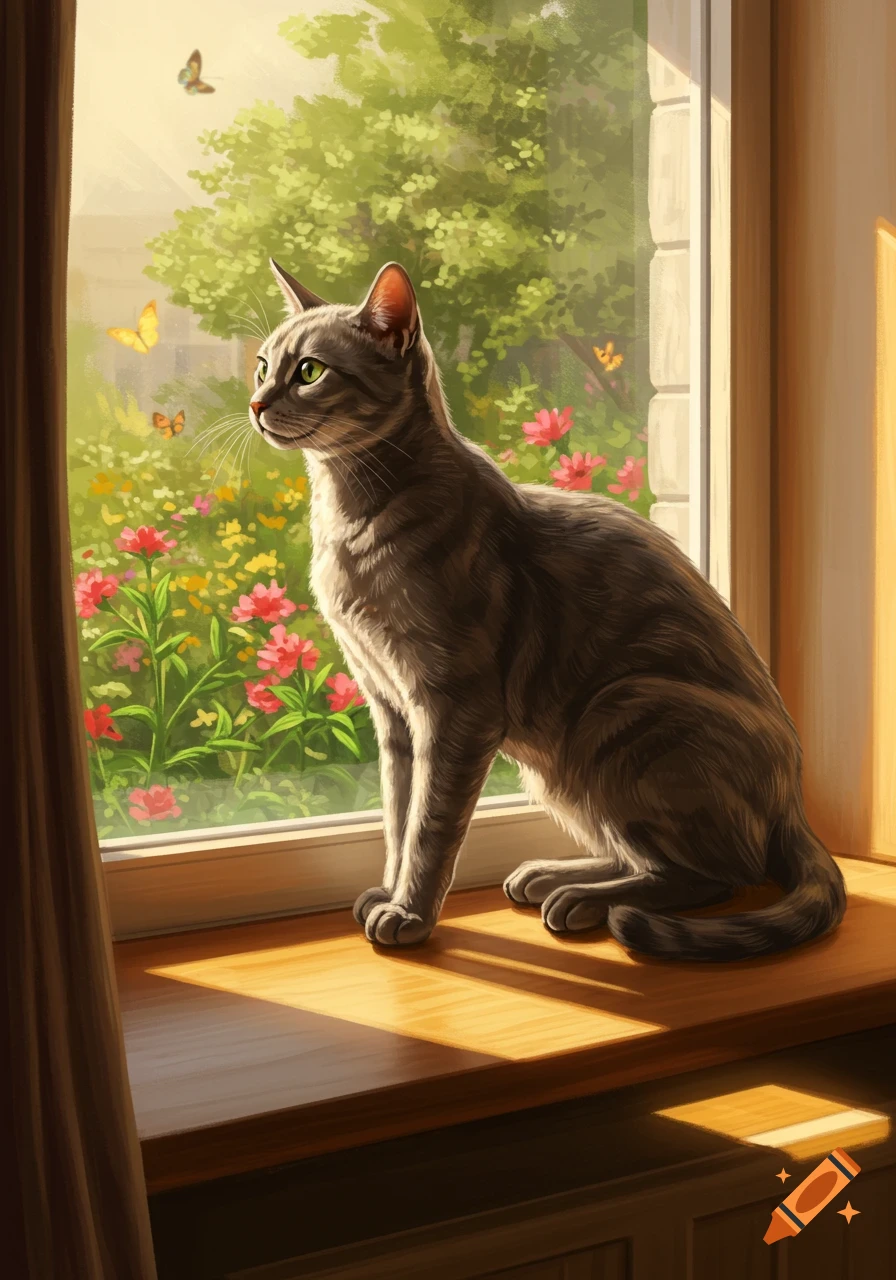
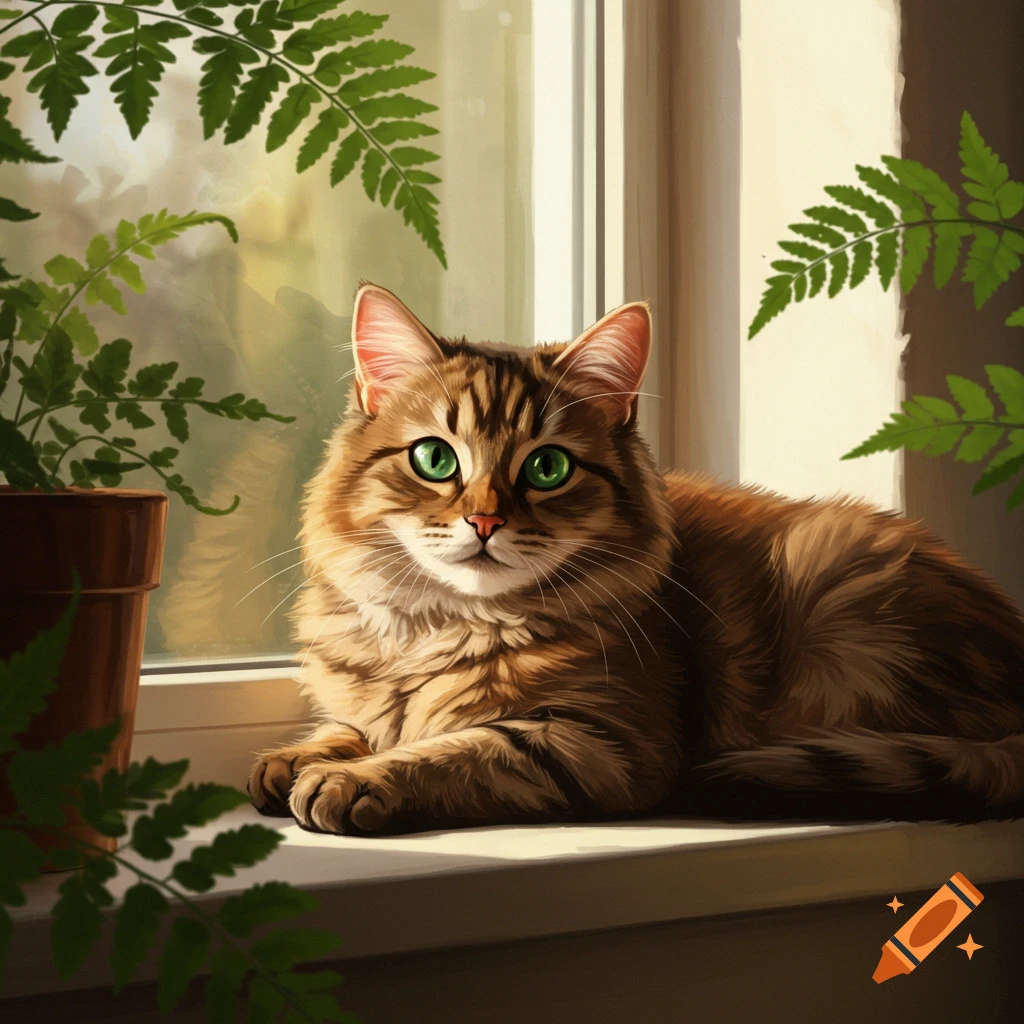
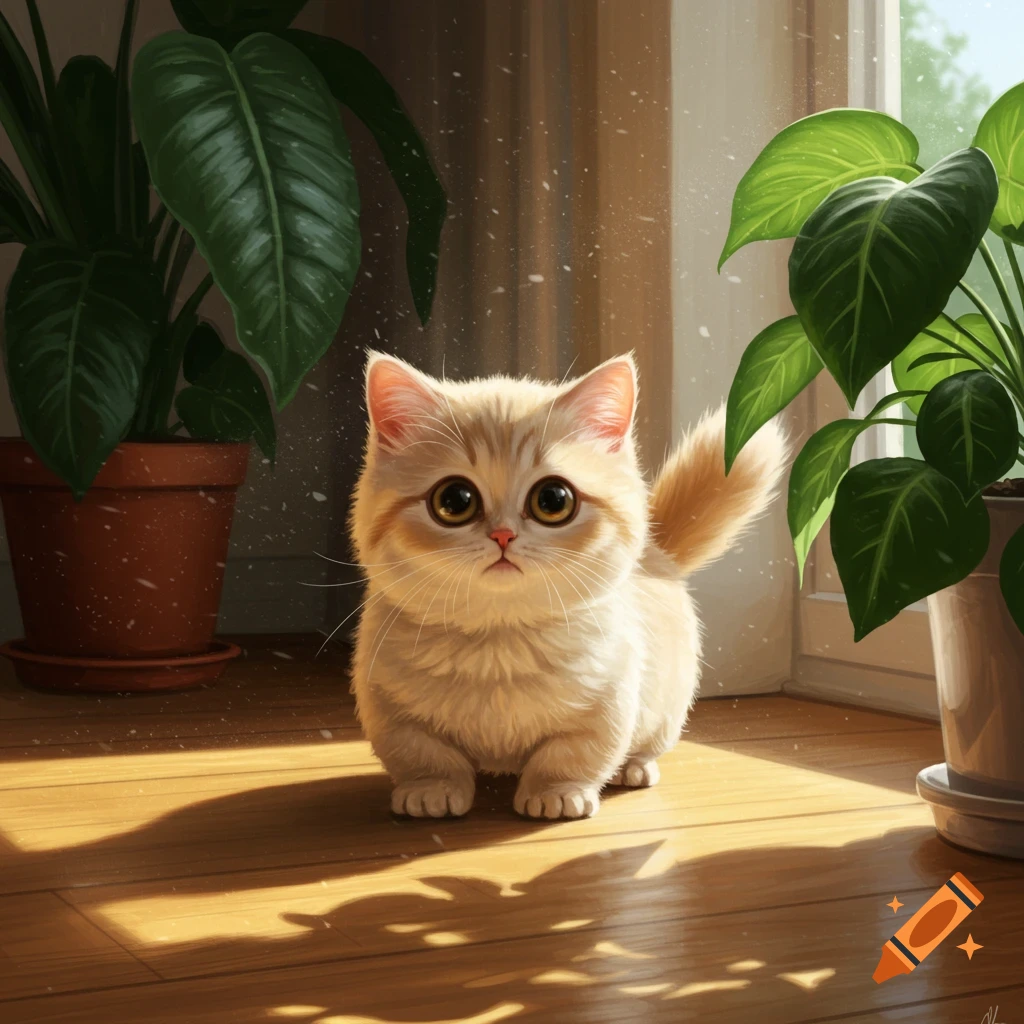
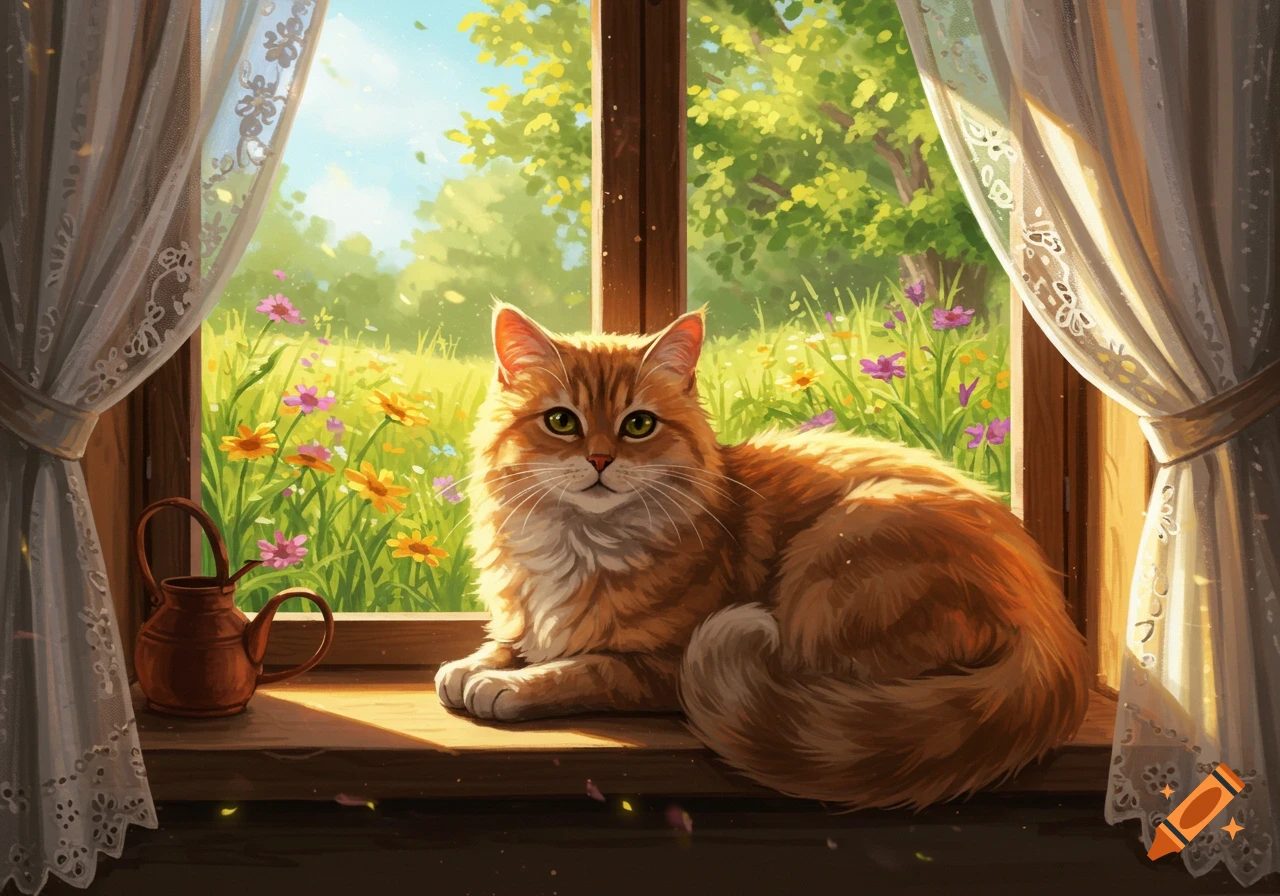
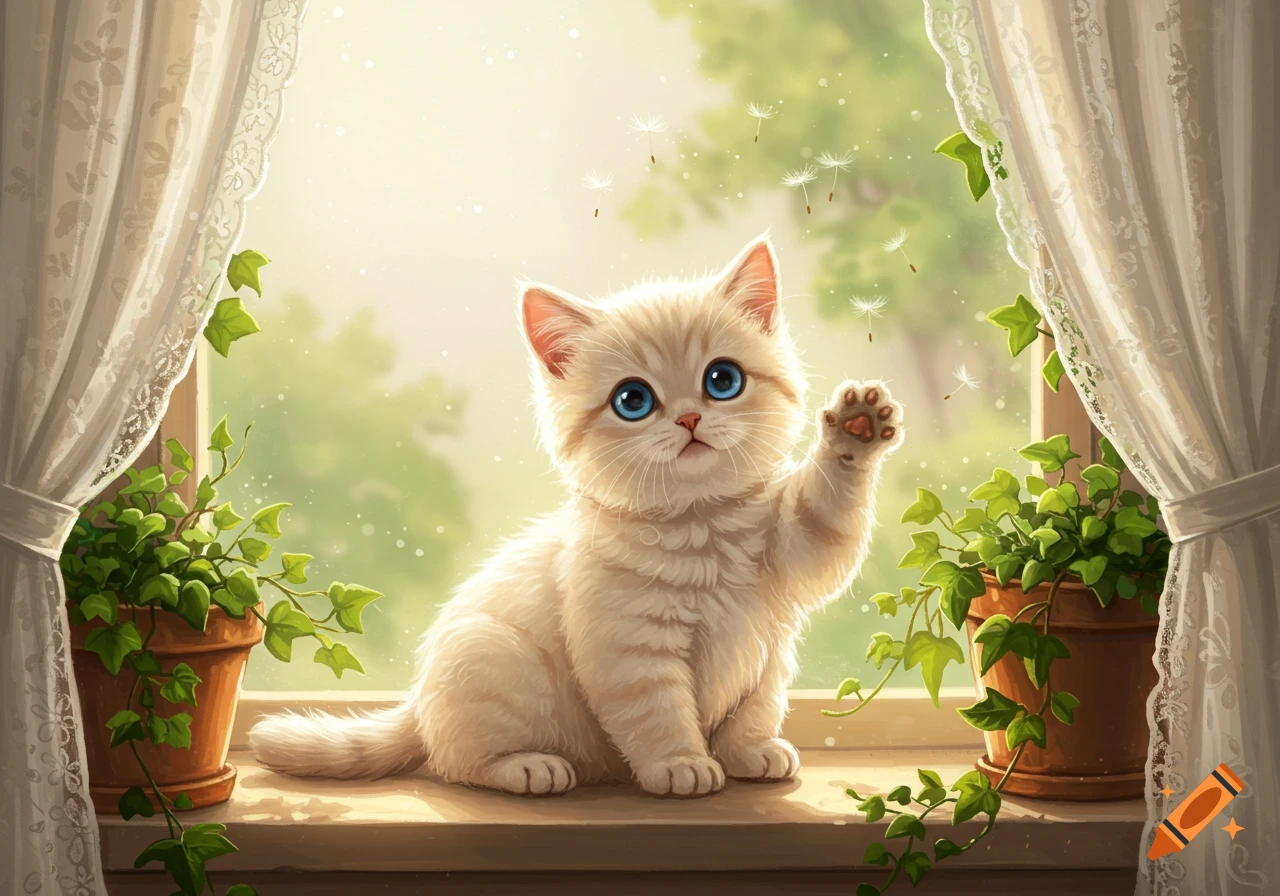
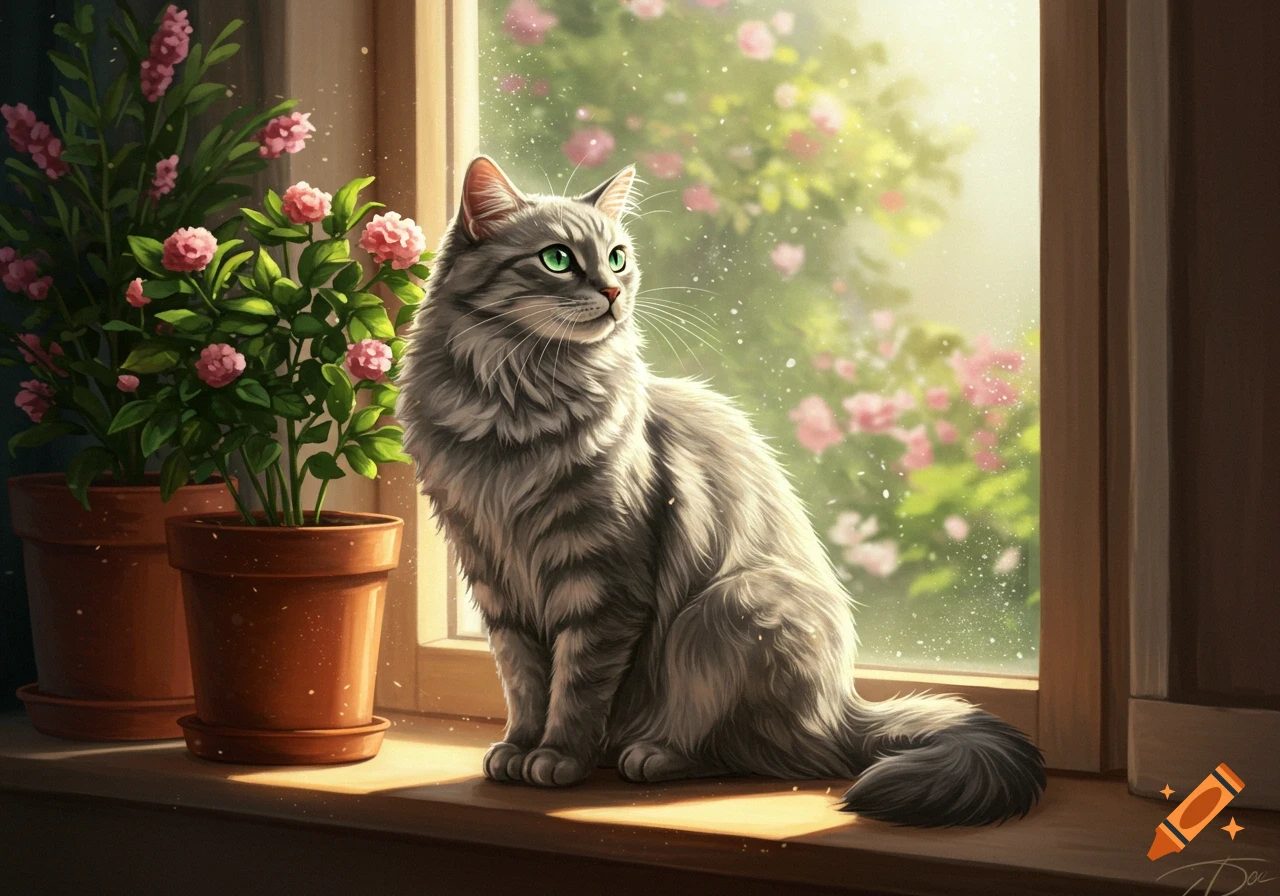
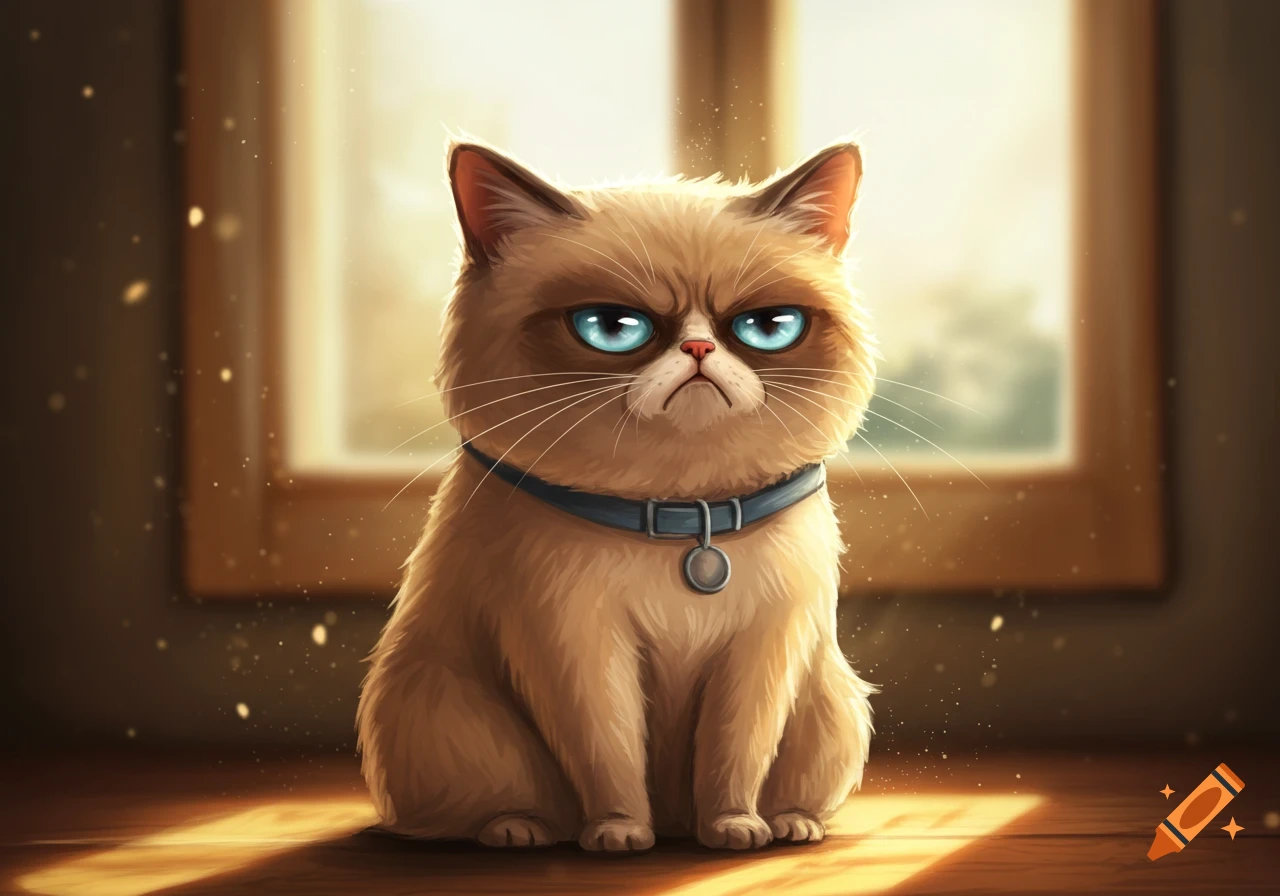
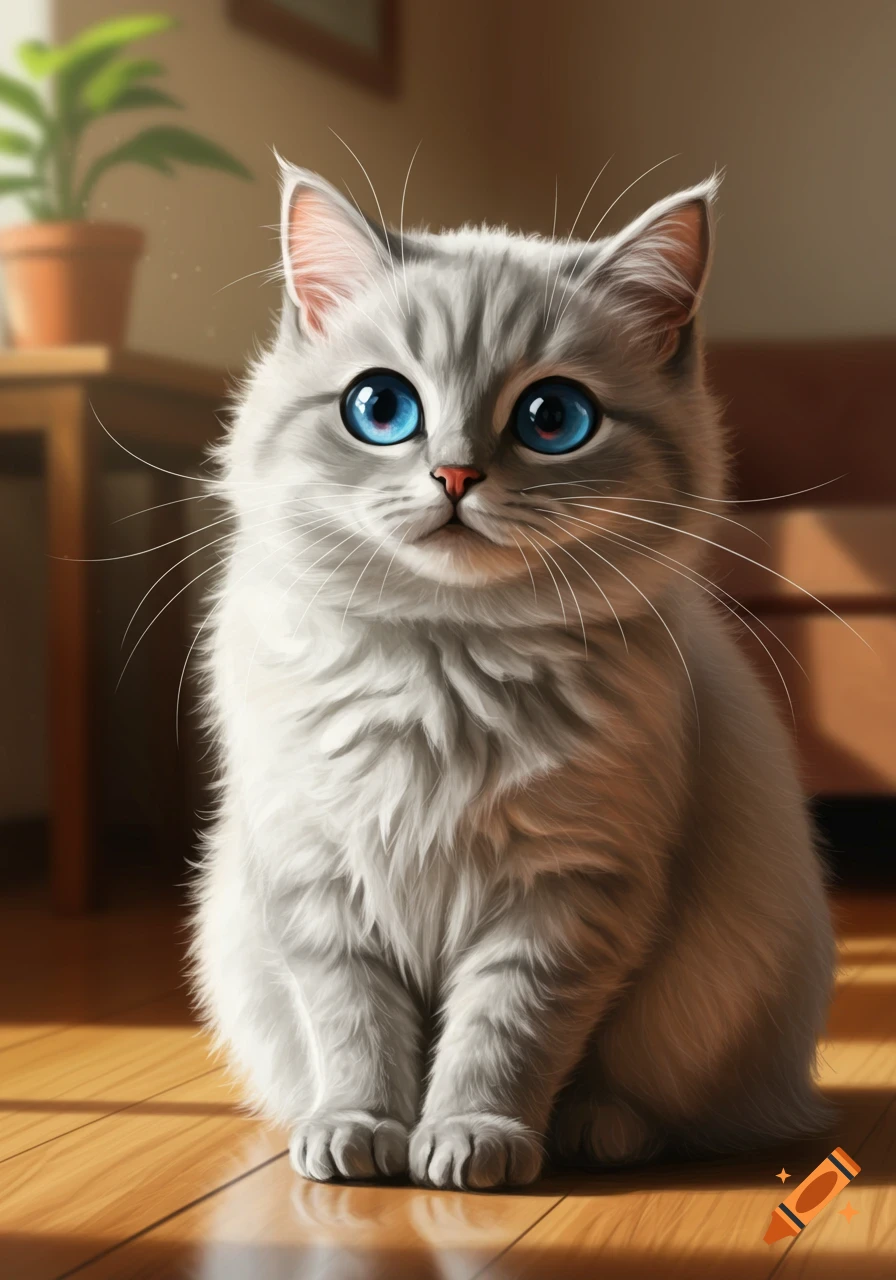
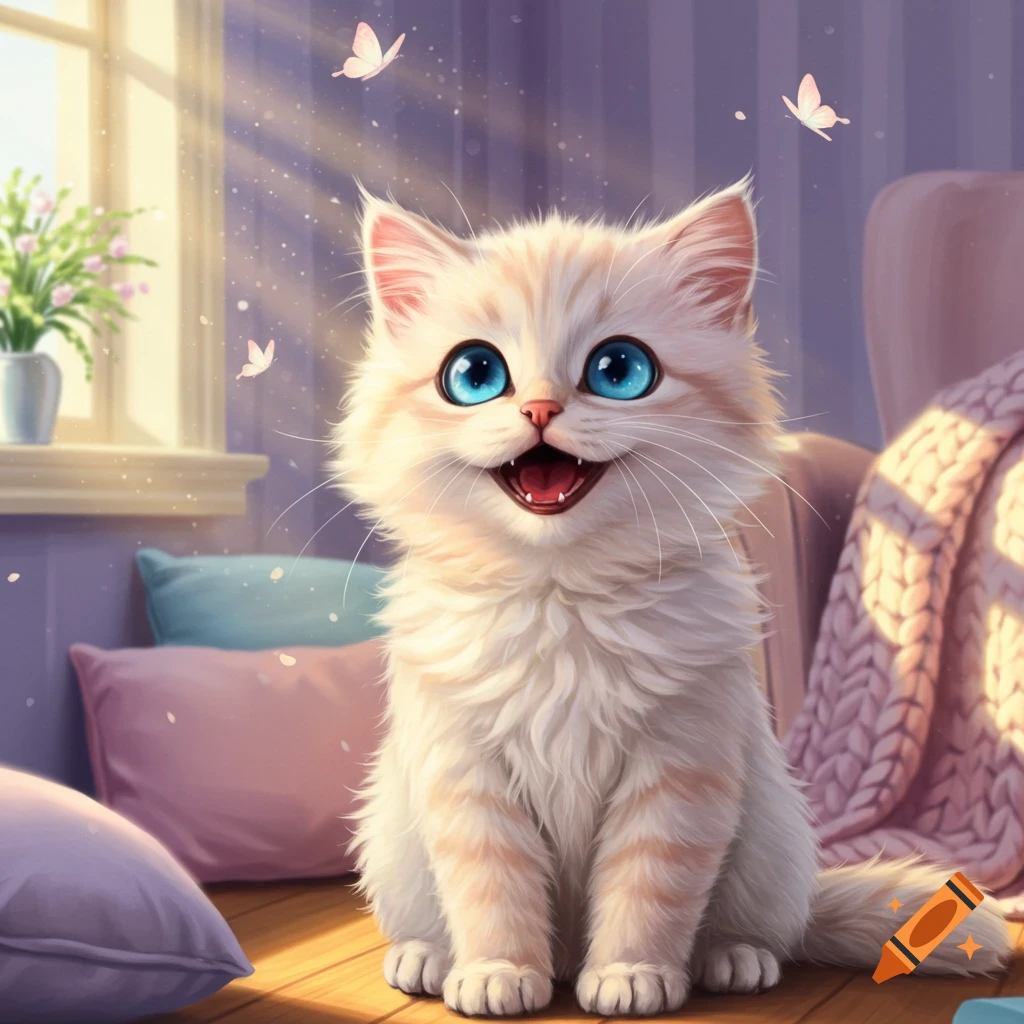
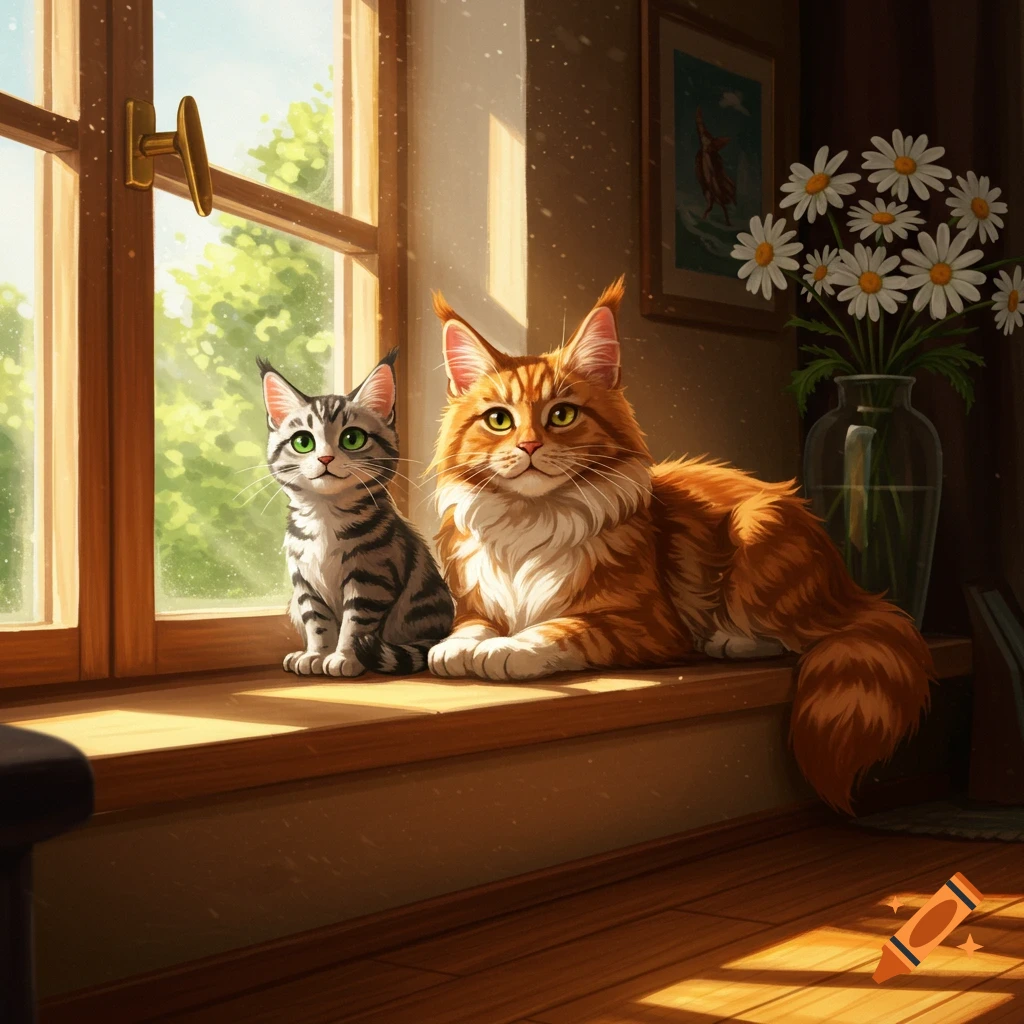
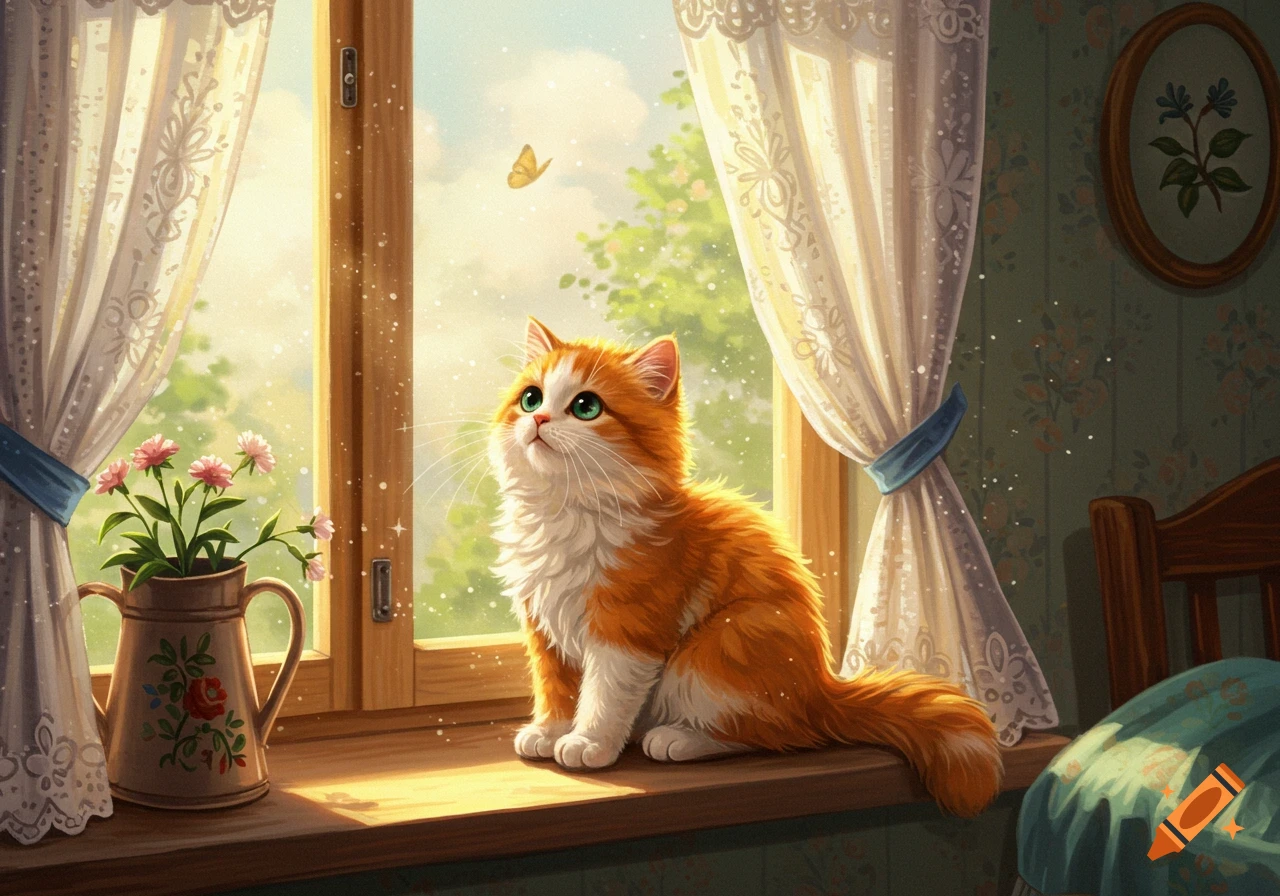
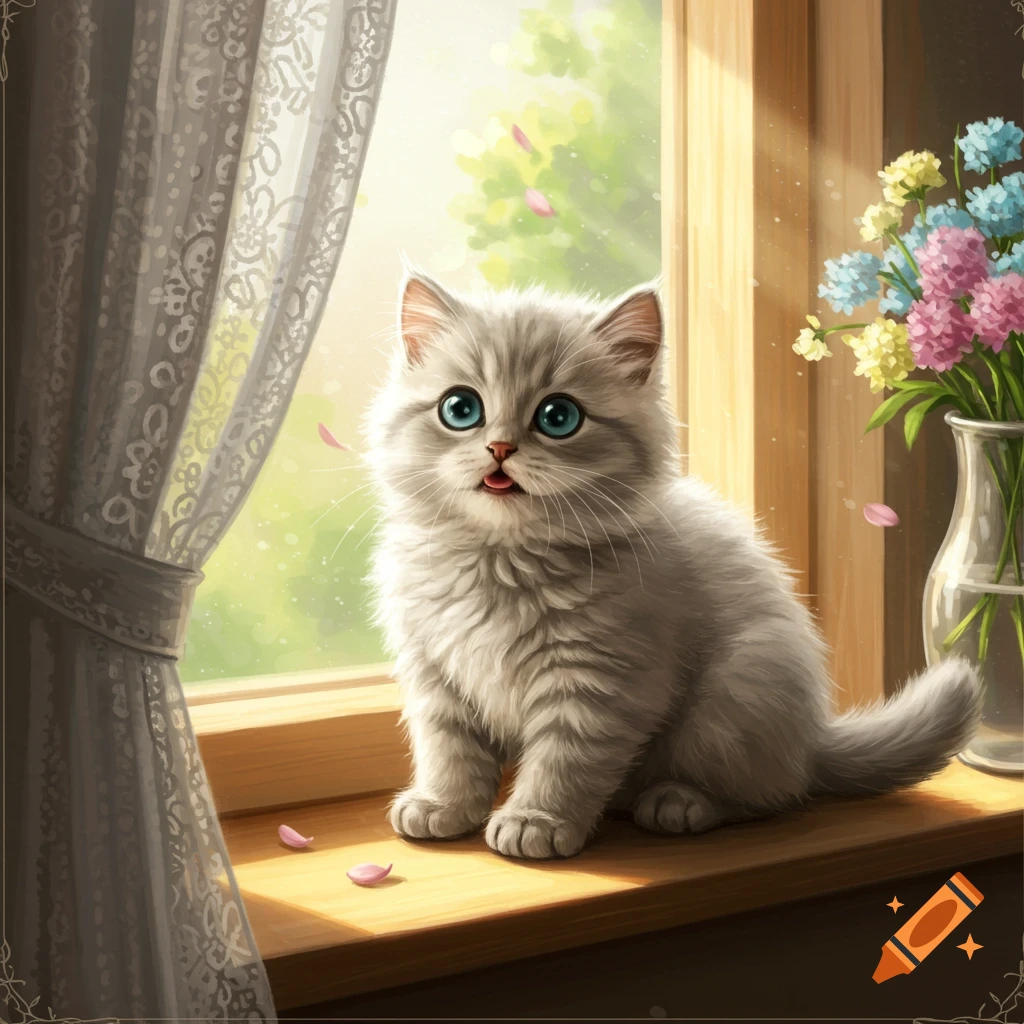
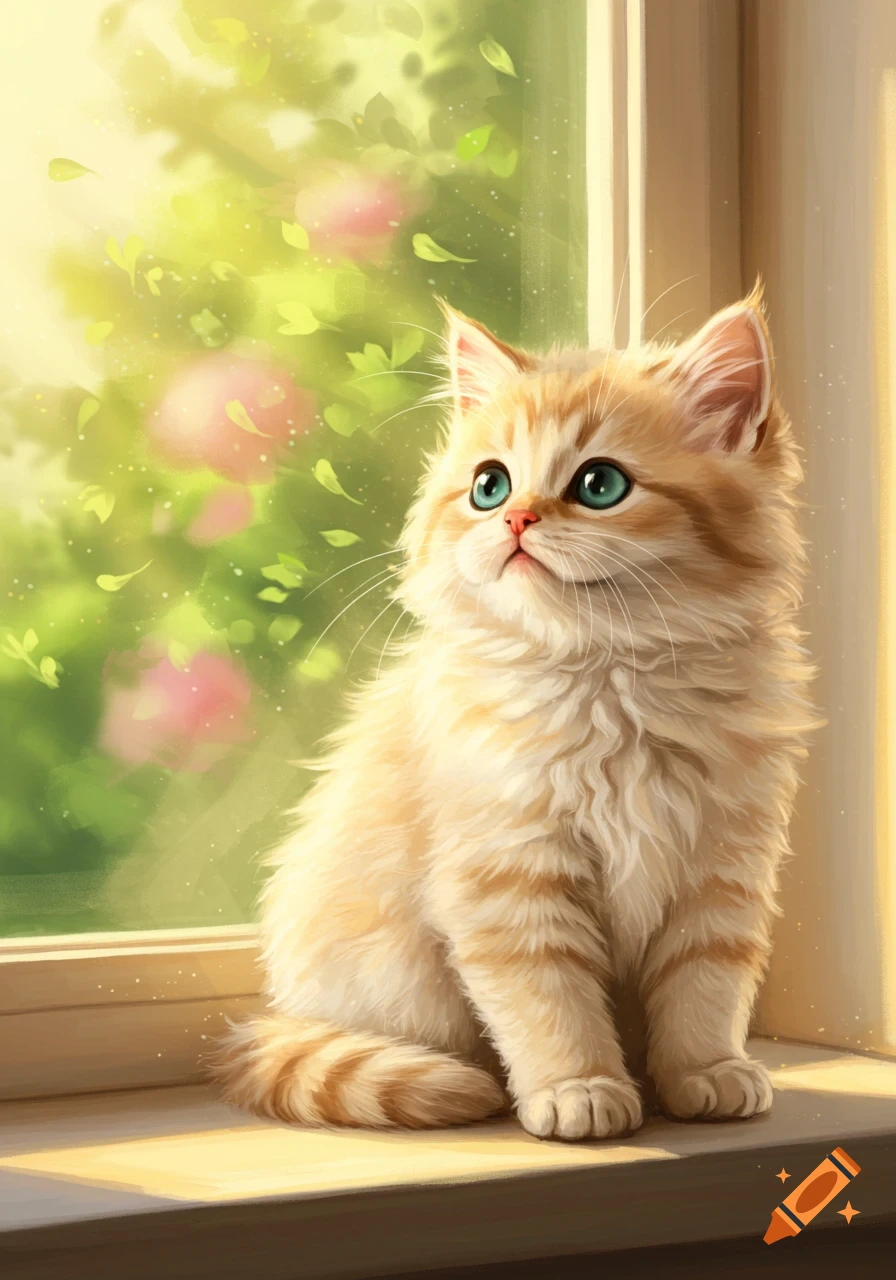
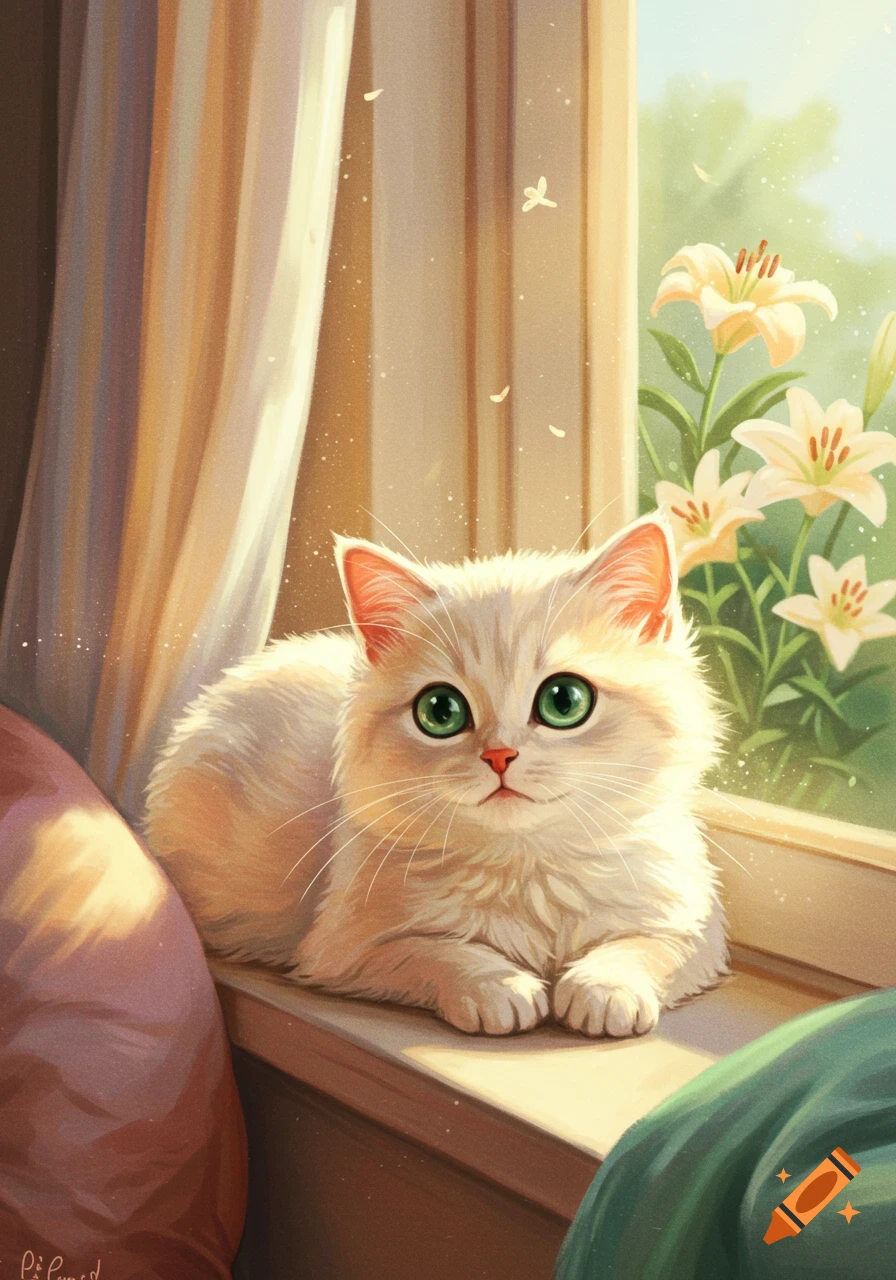
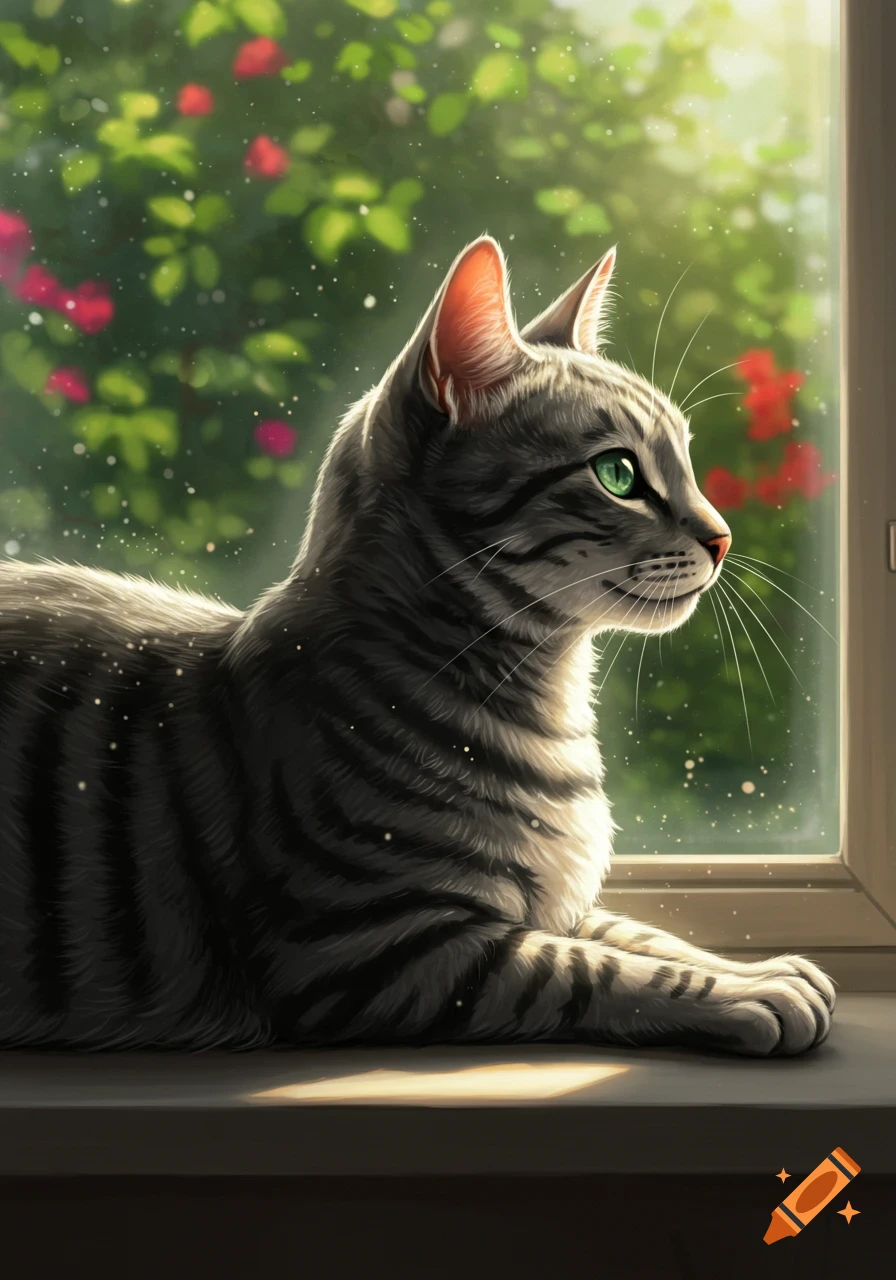
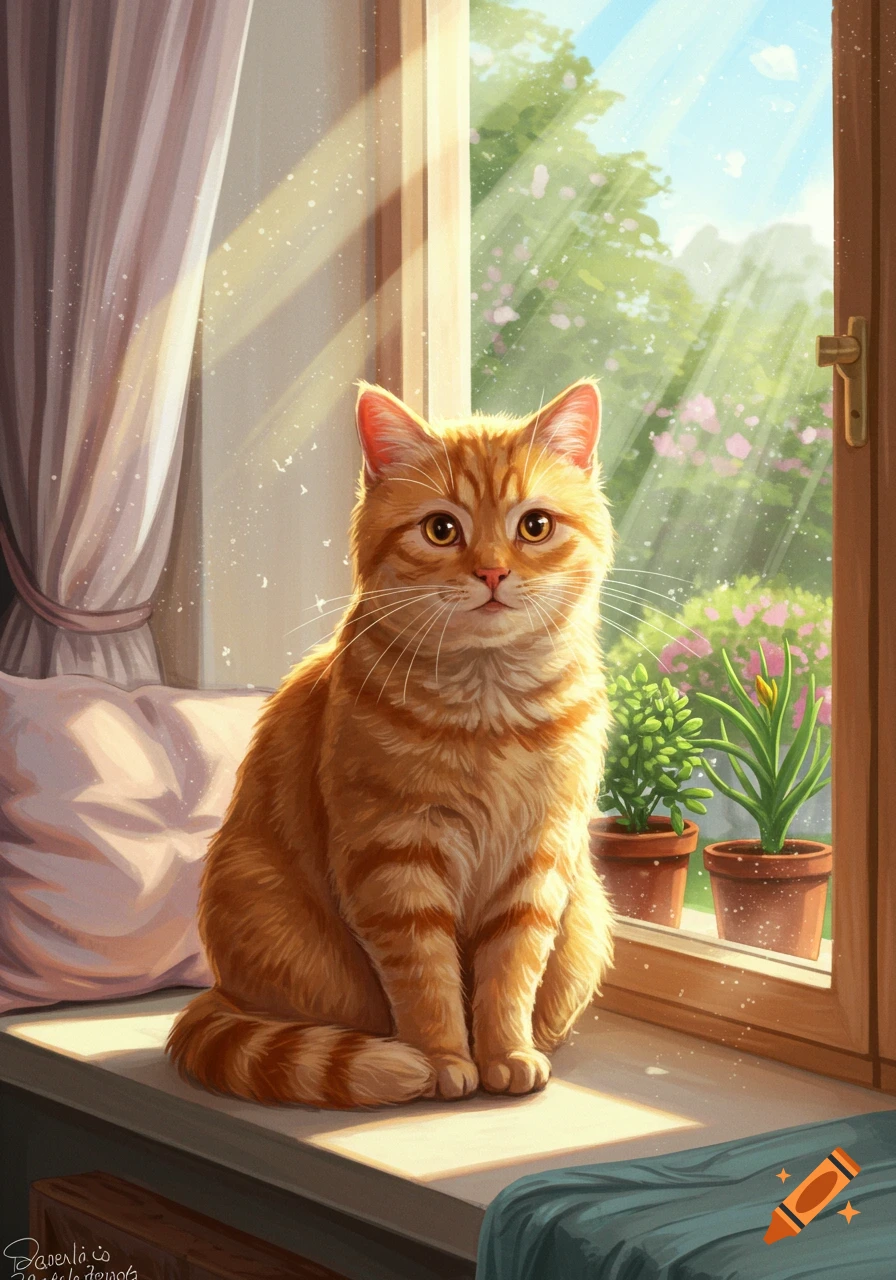
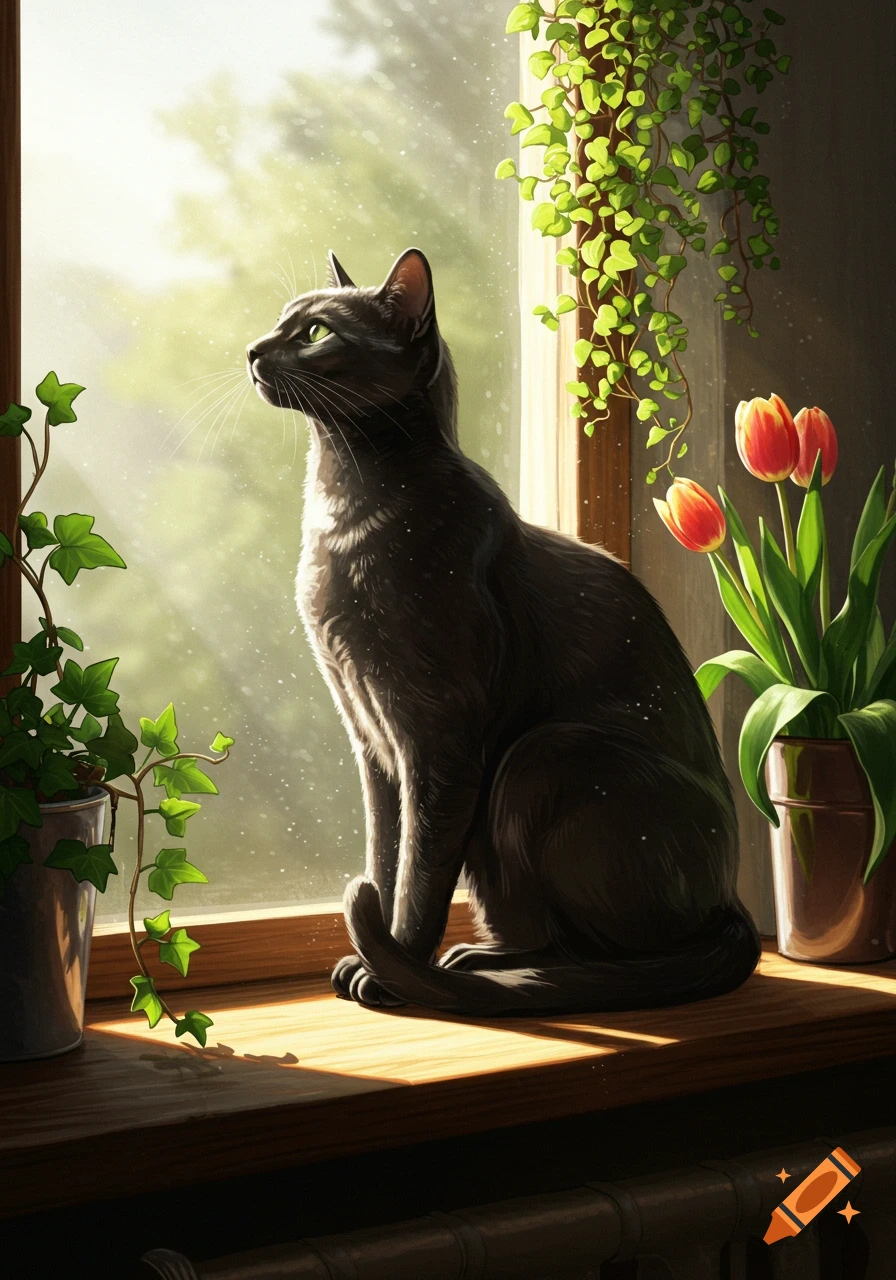
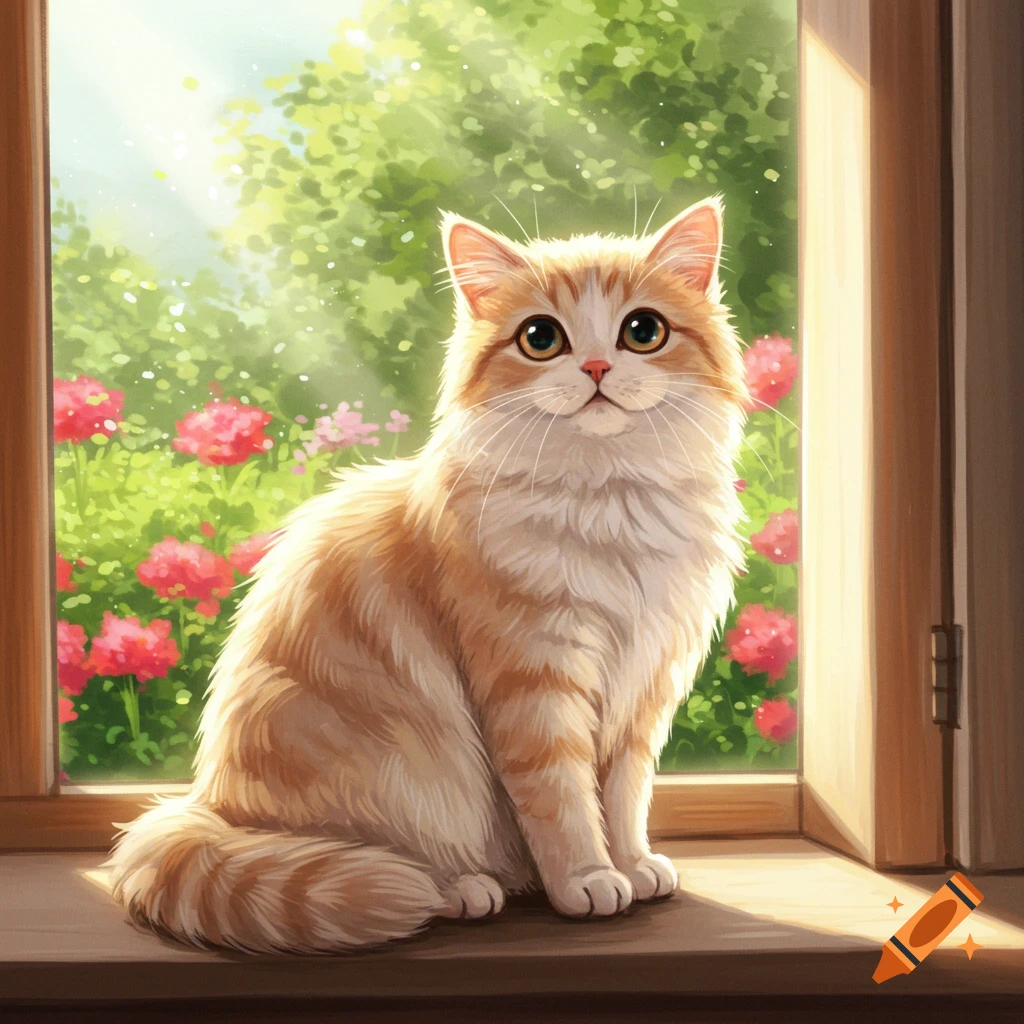
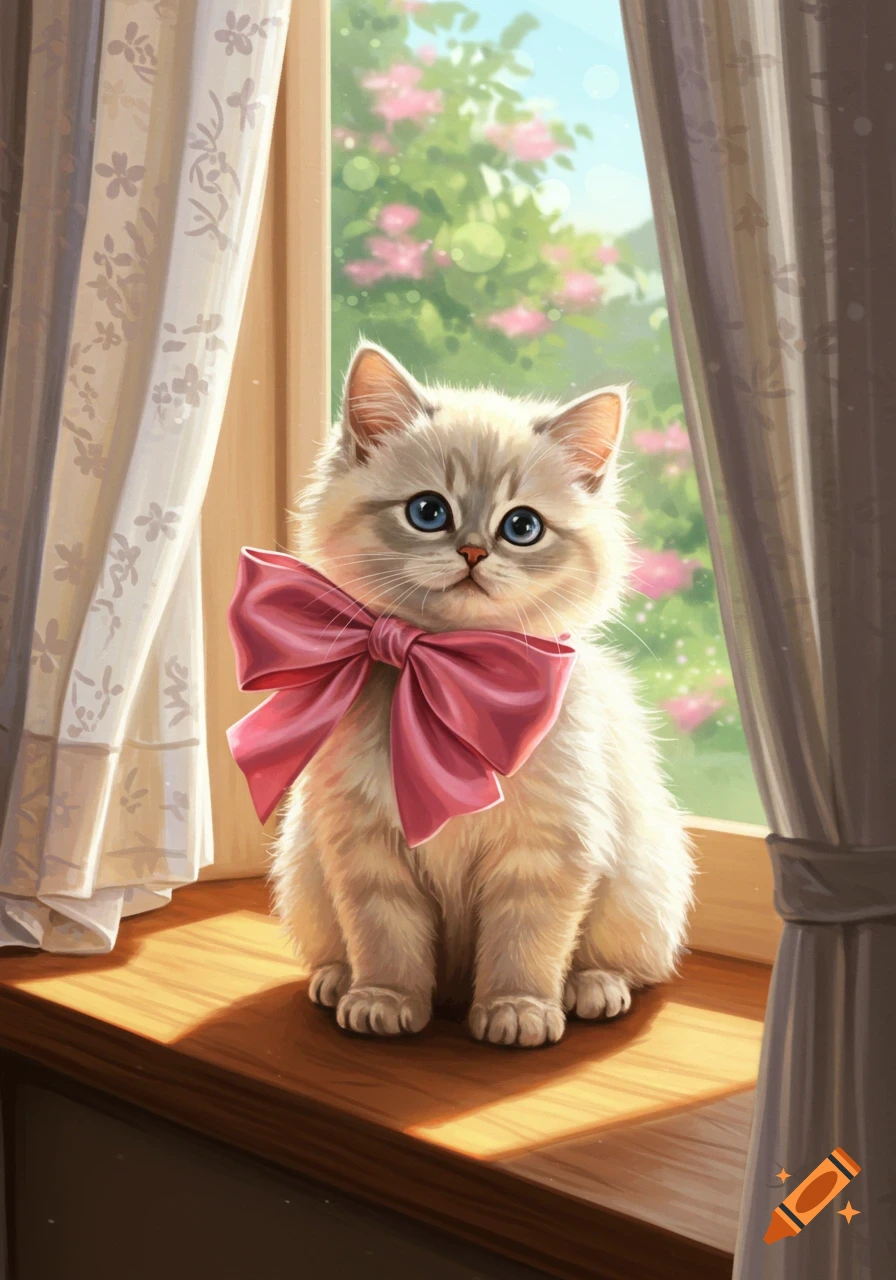
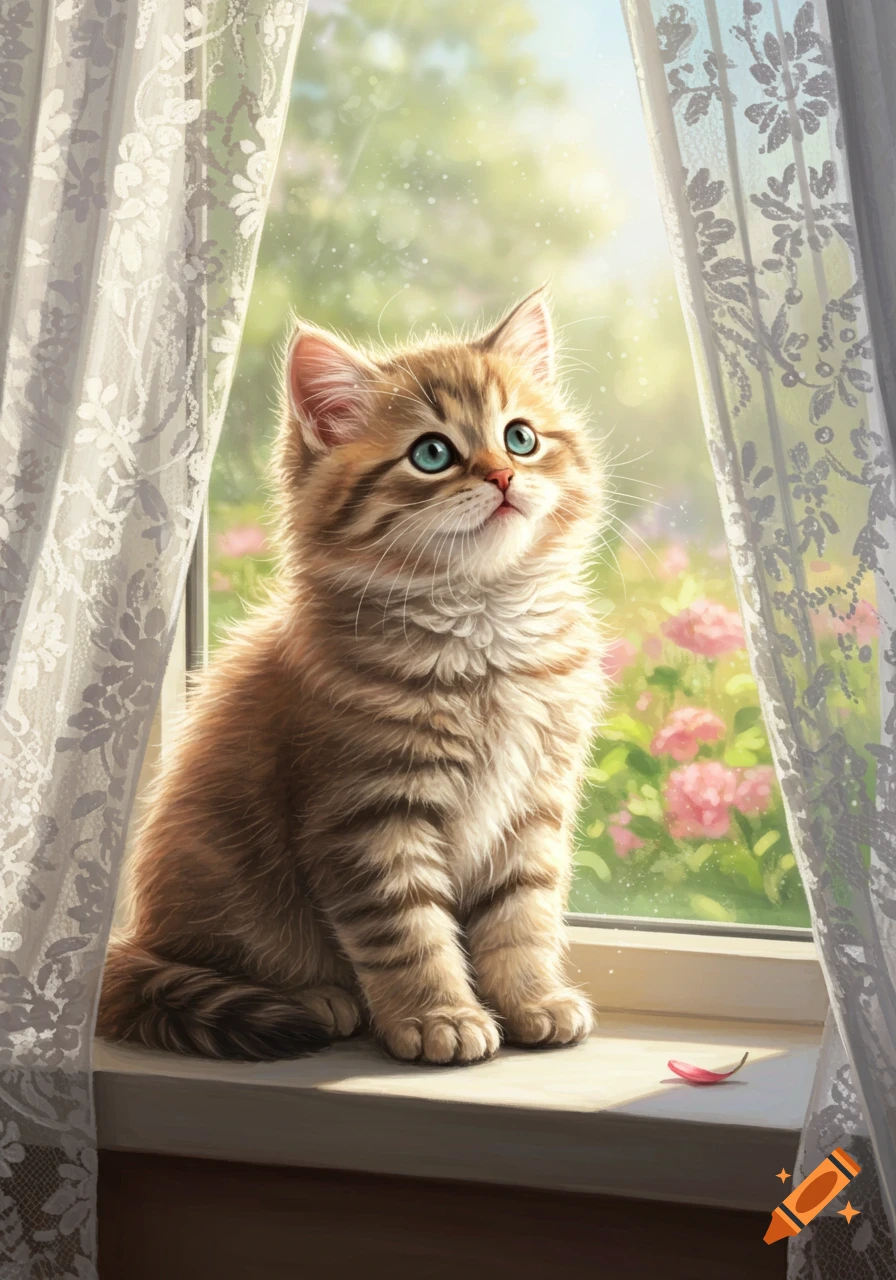
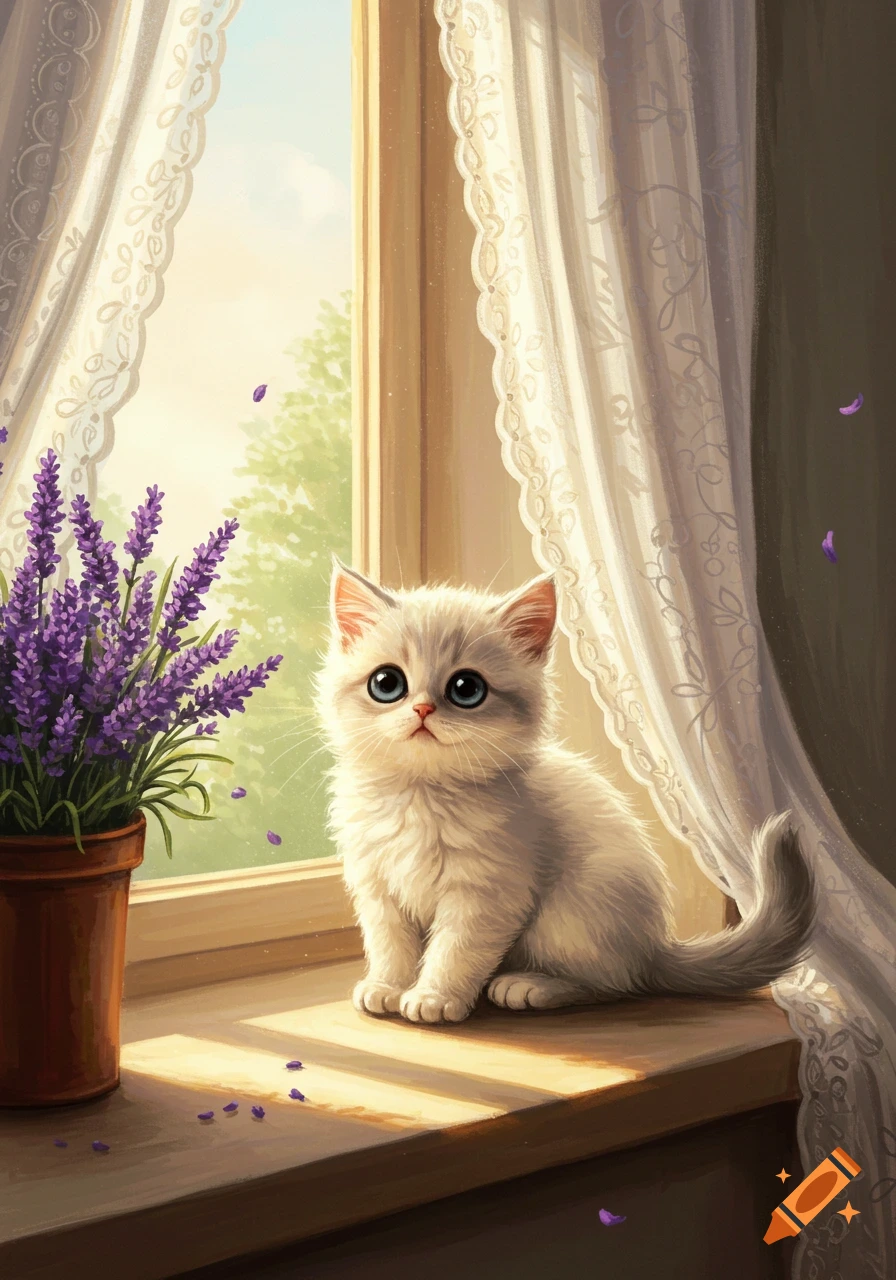
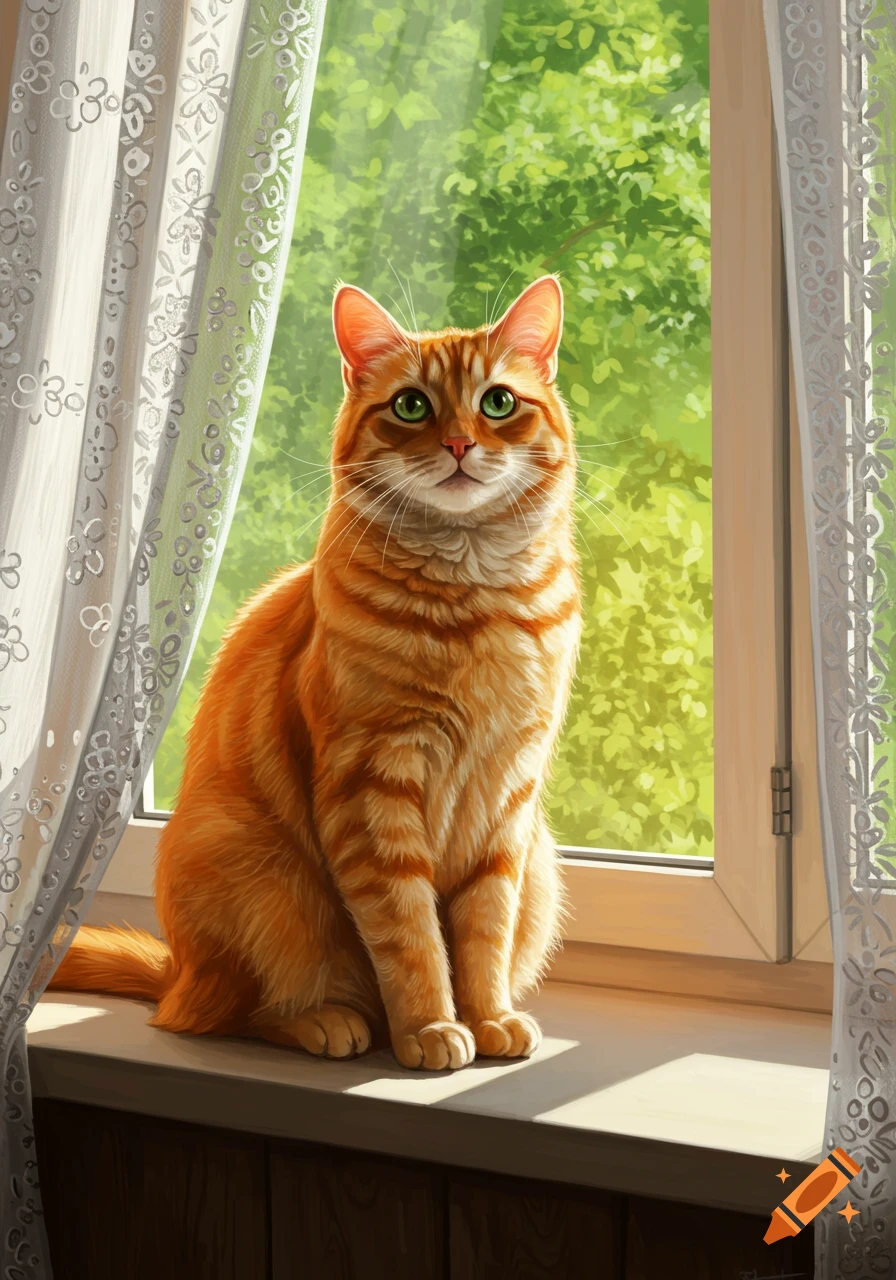
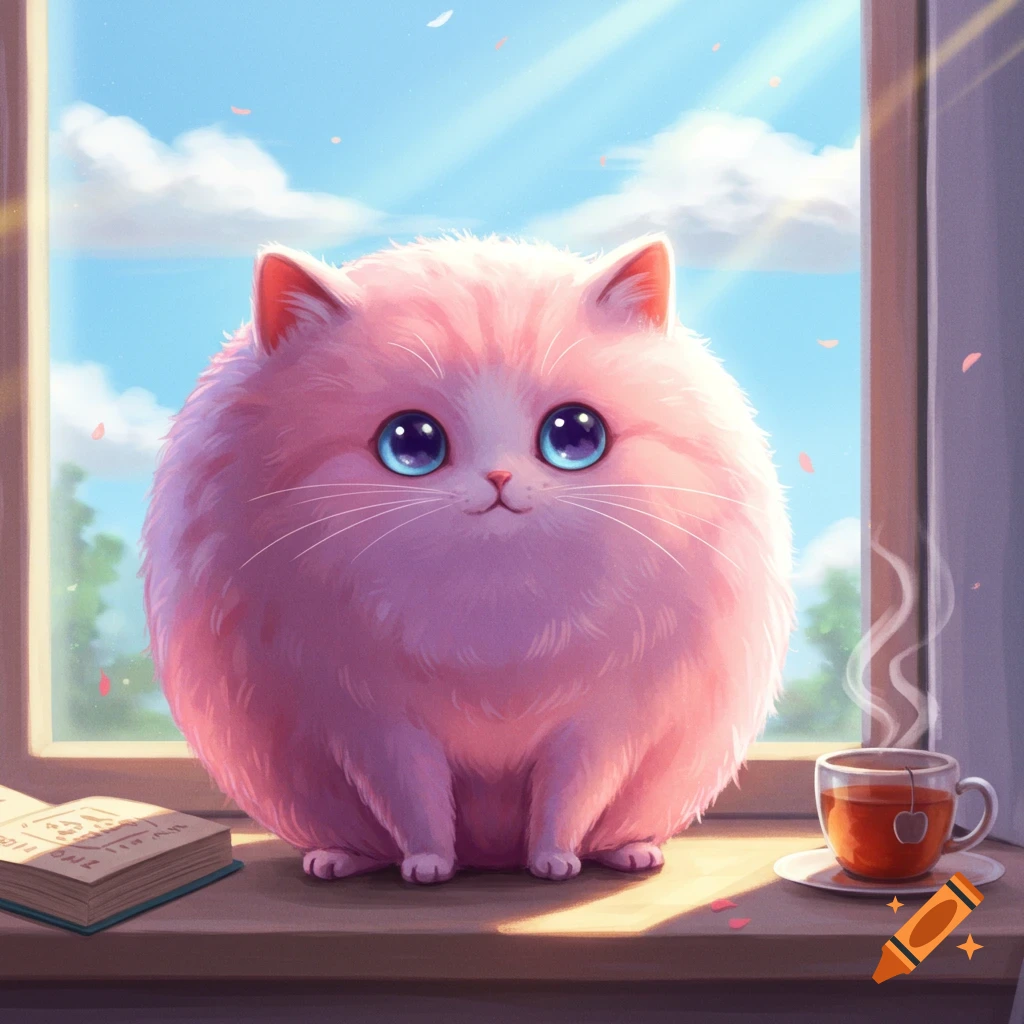
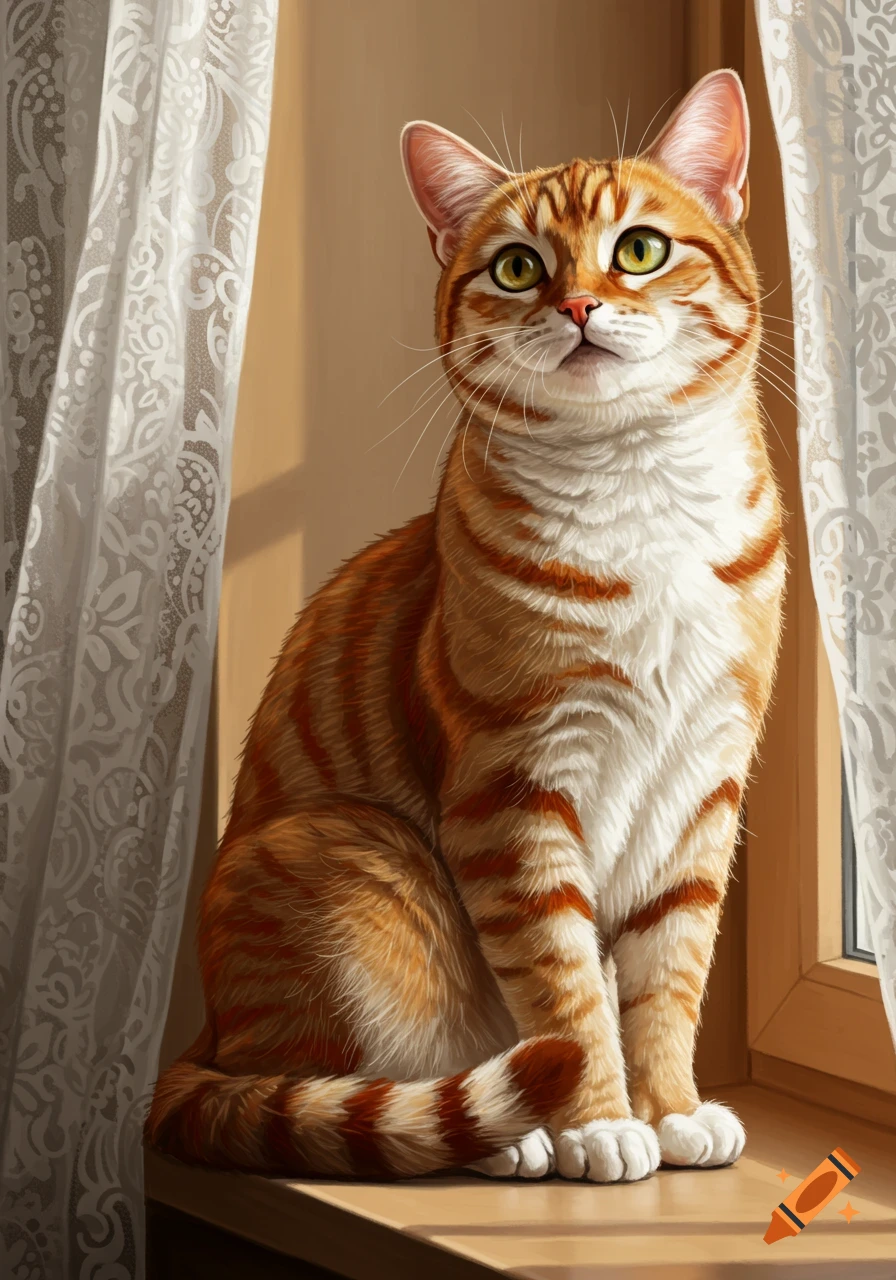
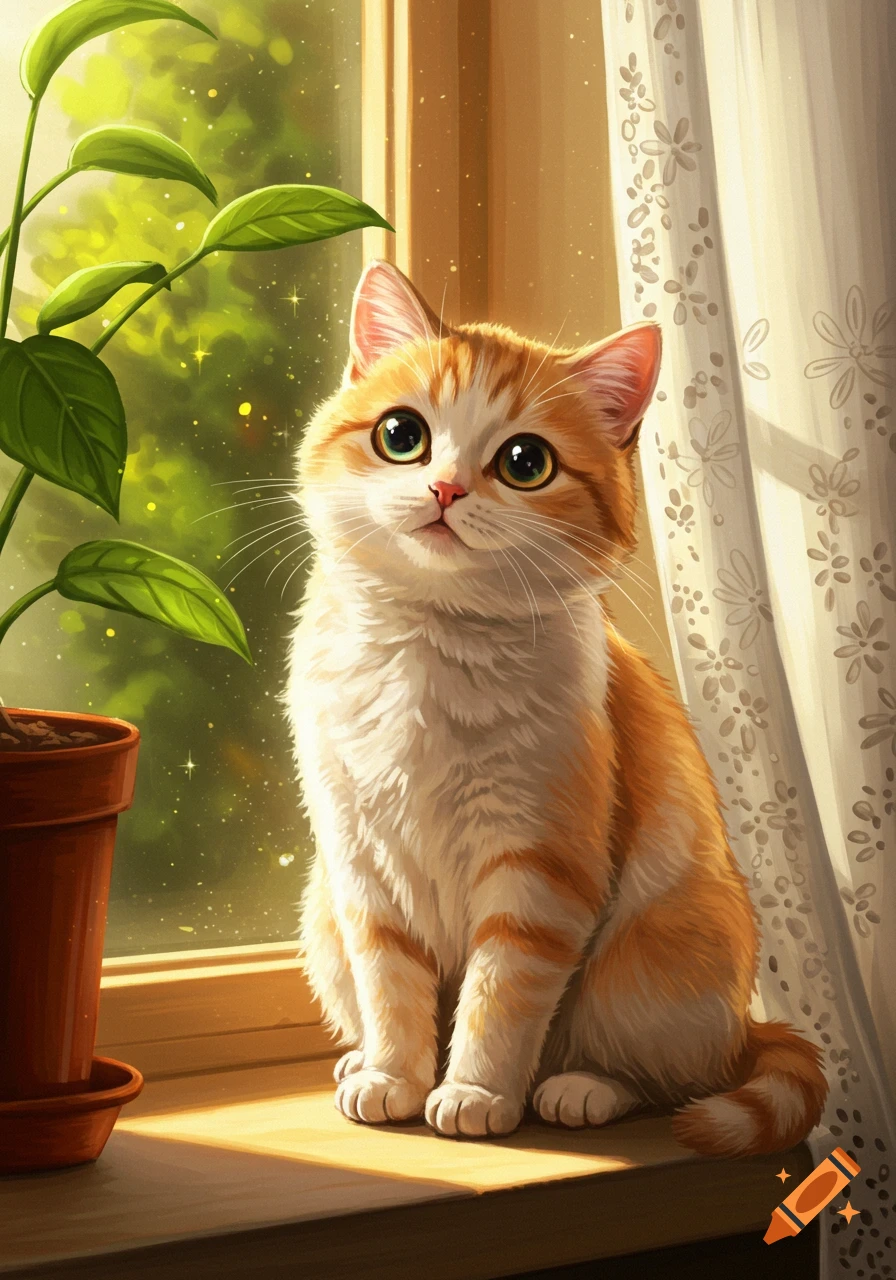
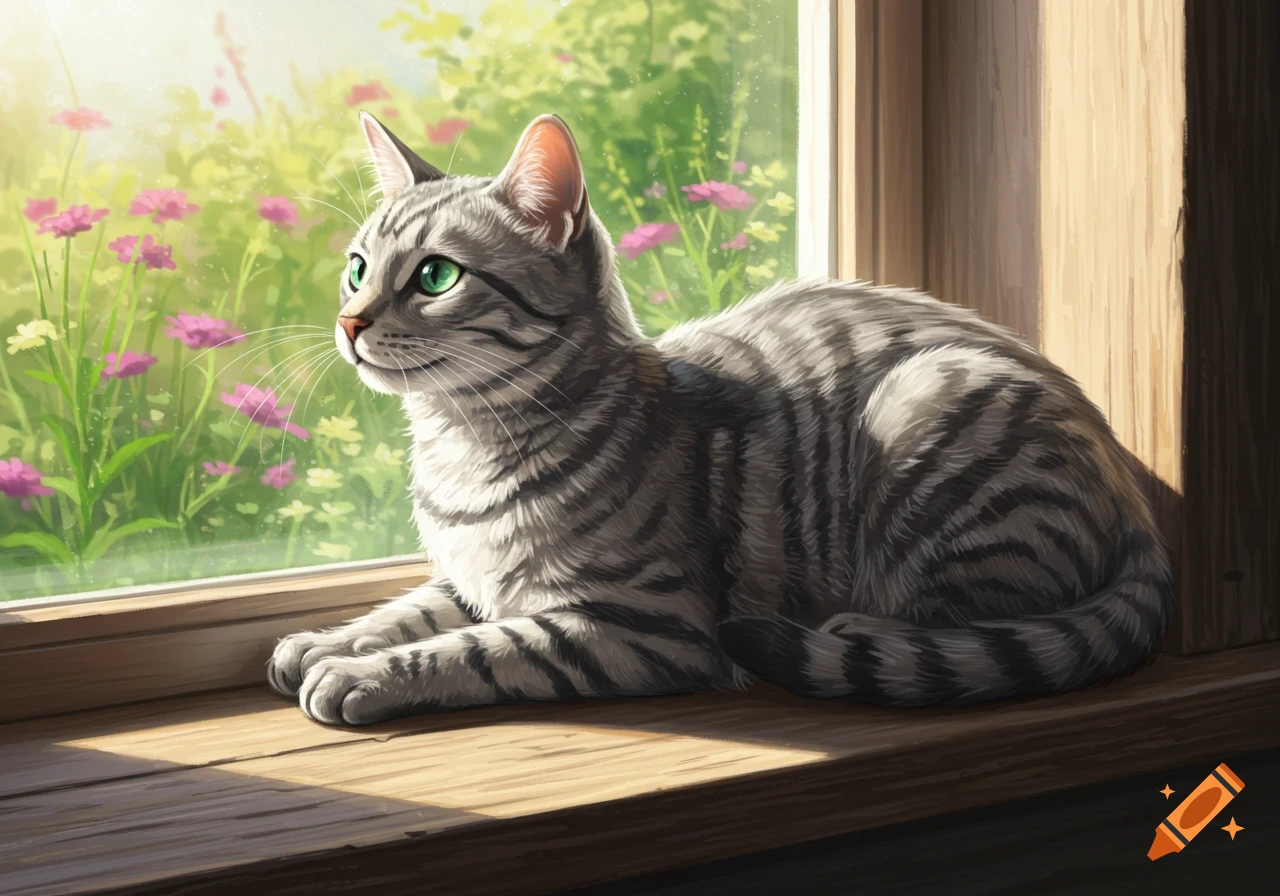
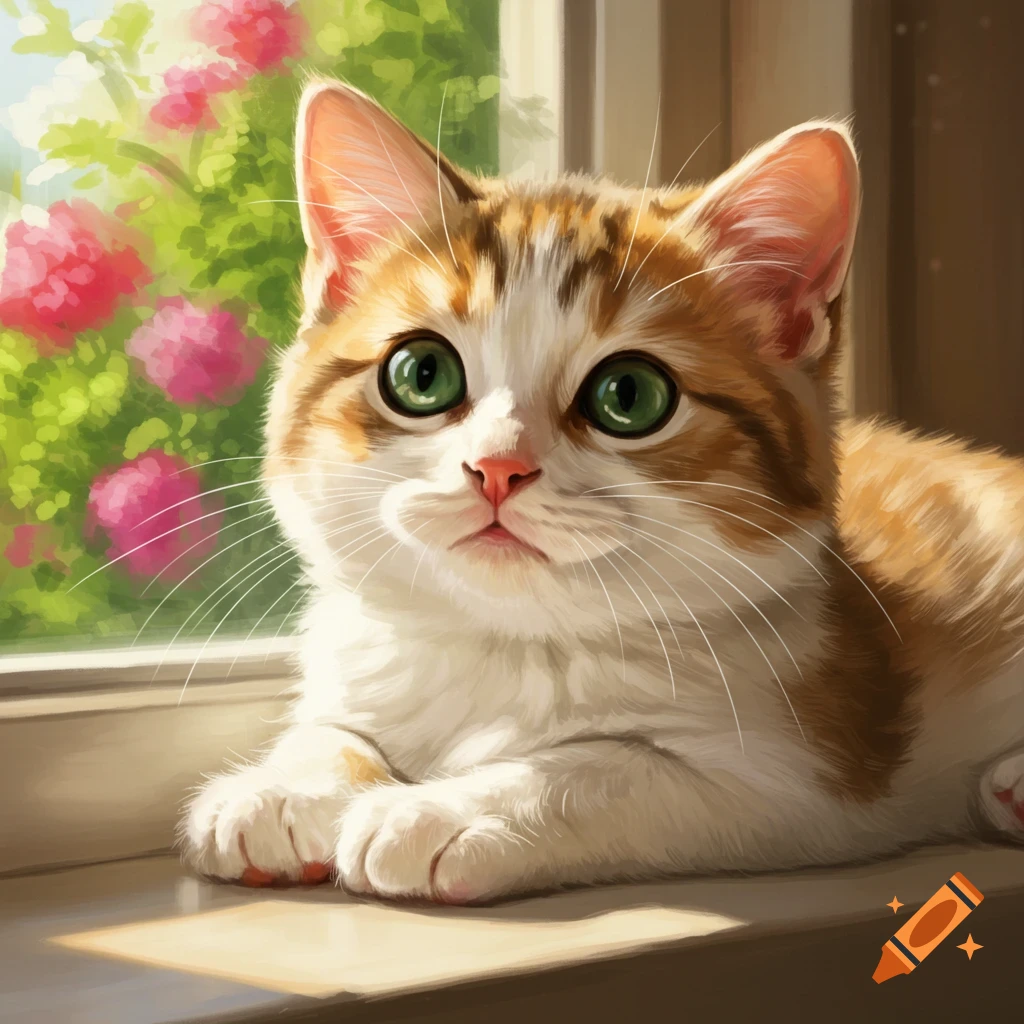
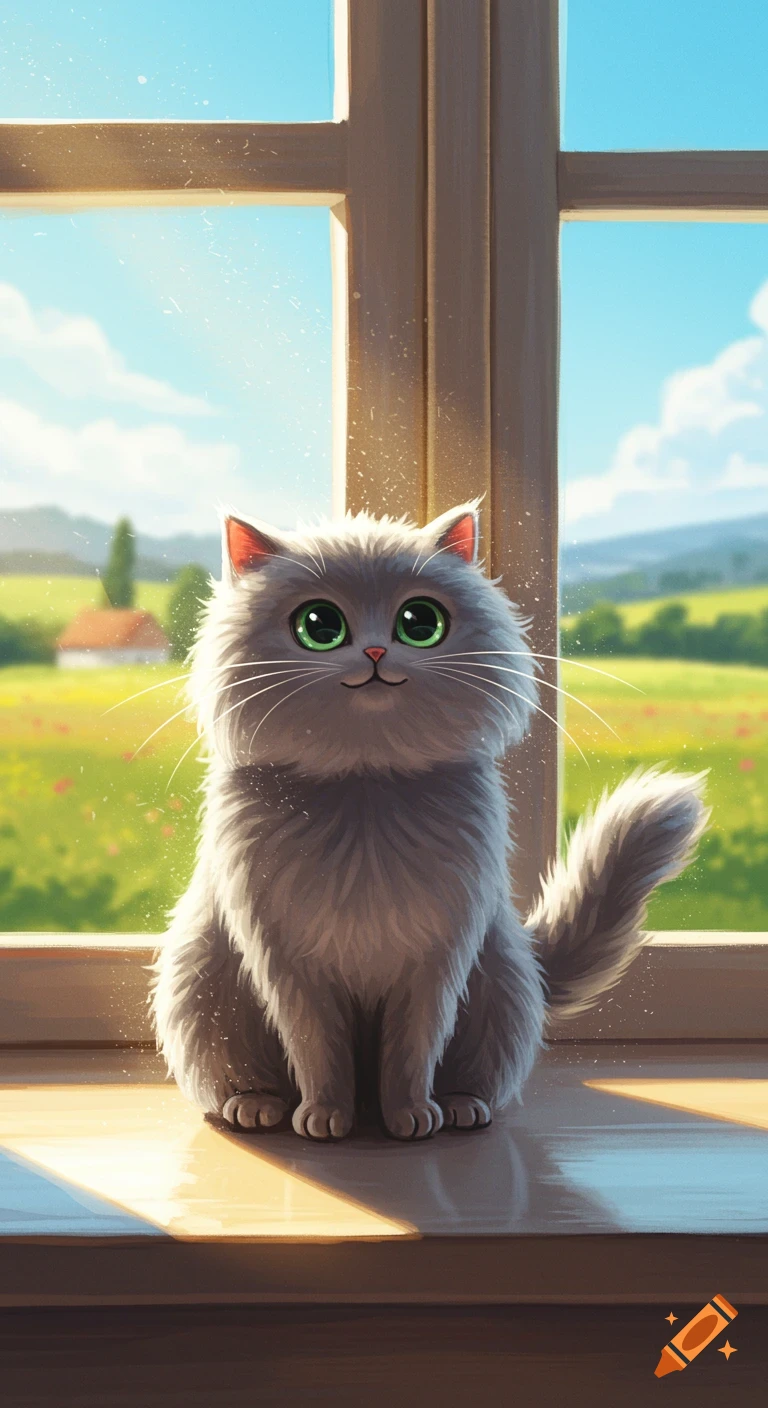
A fluffy grey cartoon cat with large green eyes sits on a sunny wooden windowsill. Outside the window, a green field with a distant house is visible under a blue sky with clouds.
Got it! You want to do everything on a website, without installing apps. Here’s how you can make a spinning AI cat video for free using only web tools: --- Step 1: Get Cat Images (Free Websites) 1. Craiyon – craiyon.com Type a description like: "cute fluffy grey cat sitting on a sunny windowsill, cartoon style" Download the generated image. 2. Unsplash – unsplash.com Search for “cat” → download free high-quality photos. 3. Pixabay – pixabay.com Another free stock photo source. --- Step 2: Create Spinning Video (Free Websites) A. Kapwing – kapwing.com Upload your cat images. Use the Animate / Spin / Rotate tools. Add zoom effects if you want. Add your voice or music. Export video in vertical format (9:16) for YouTube Shorts. B. Canva (Web Version) – canva.com Create a new Video (Vertical) project. Upload cat images. Apply rotate & zoom animations on each image. Add transitions between images. Add voice or music. Export as MP4. C. FlexClip – flexclip.com Similar to Canva & Kapwing. Add images → animate → add audio → export. --- Step 3: Add Your Voice Record on your computer or phone. Upload the audio to the web editor (Kapwing / Canva / FlexClip). Sync with your spinning cat images. --- If you want, I can make a ready-to-use plan: exactly which website to use for each step, which settings for rotation/zoom, and how to match your 20-second voice script. Do you want me to do that? See more