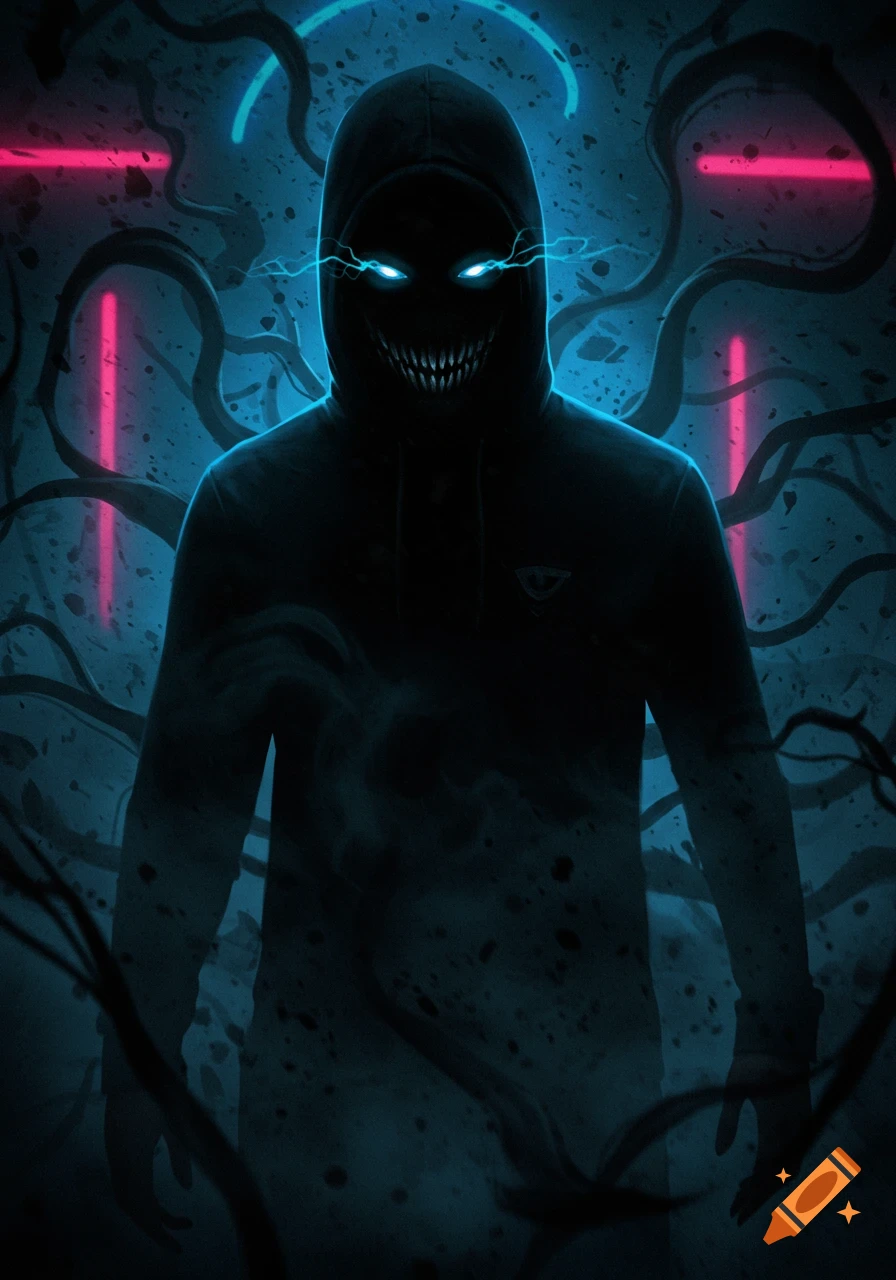
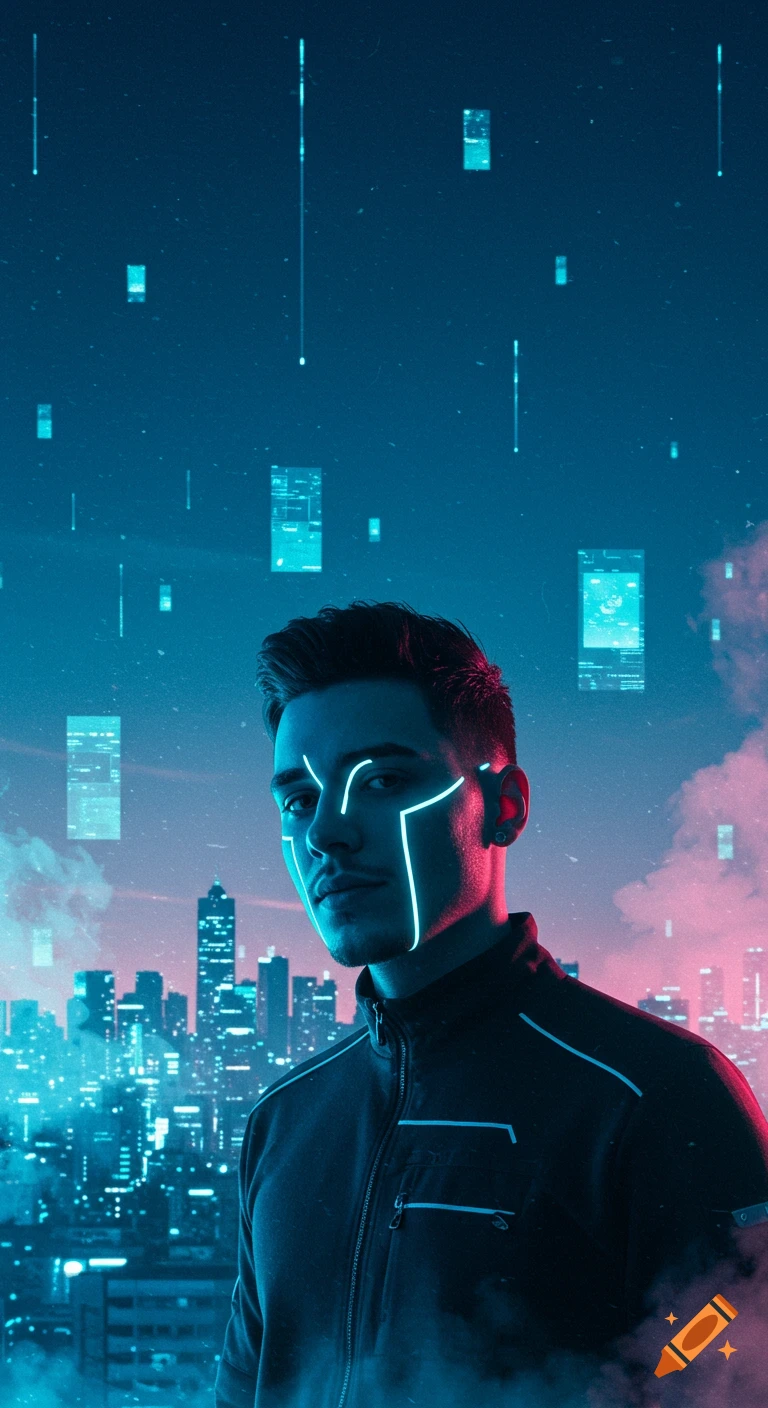
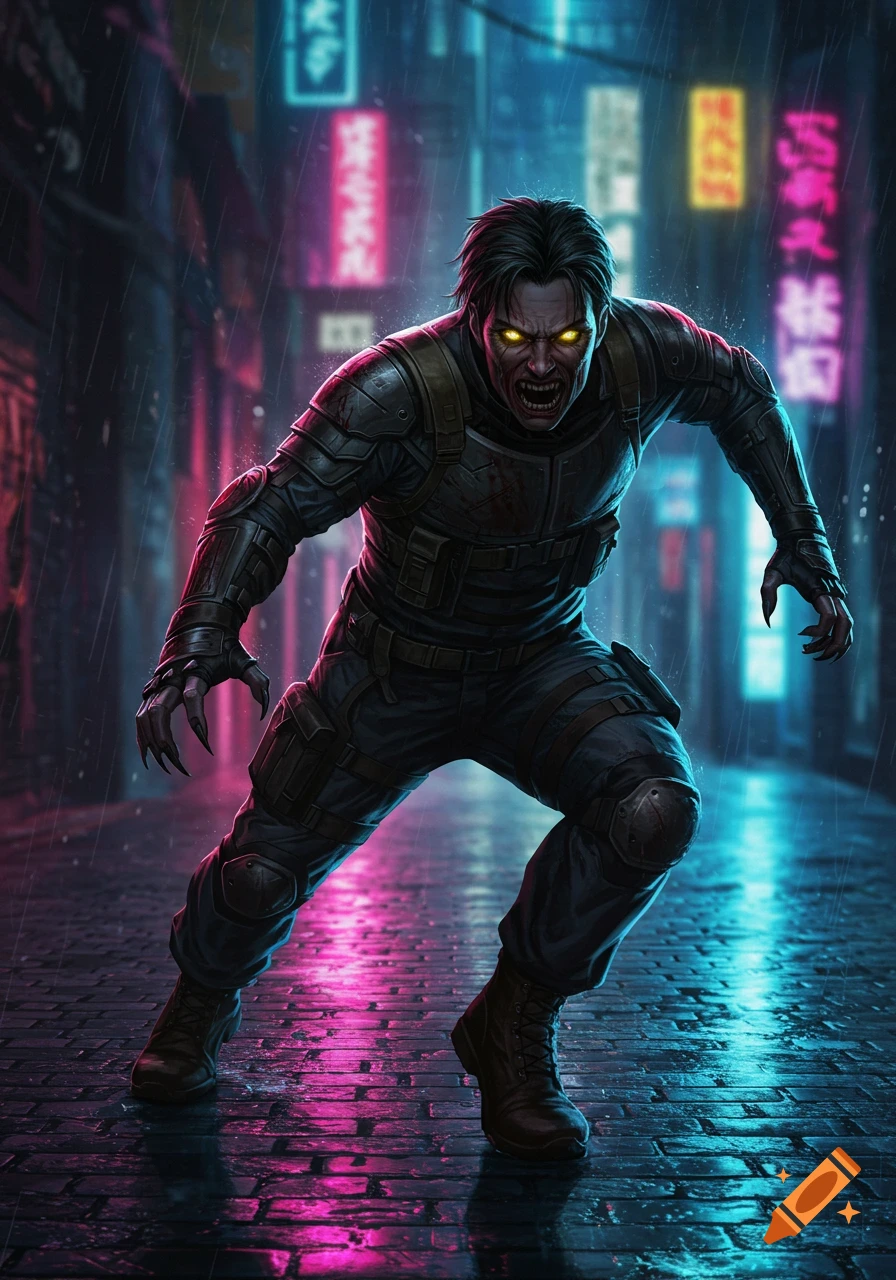
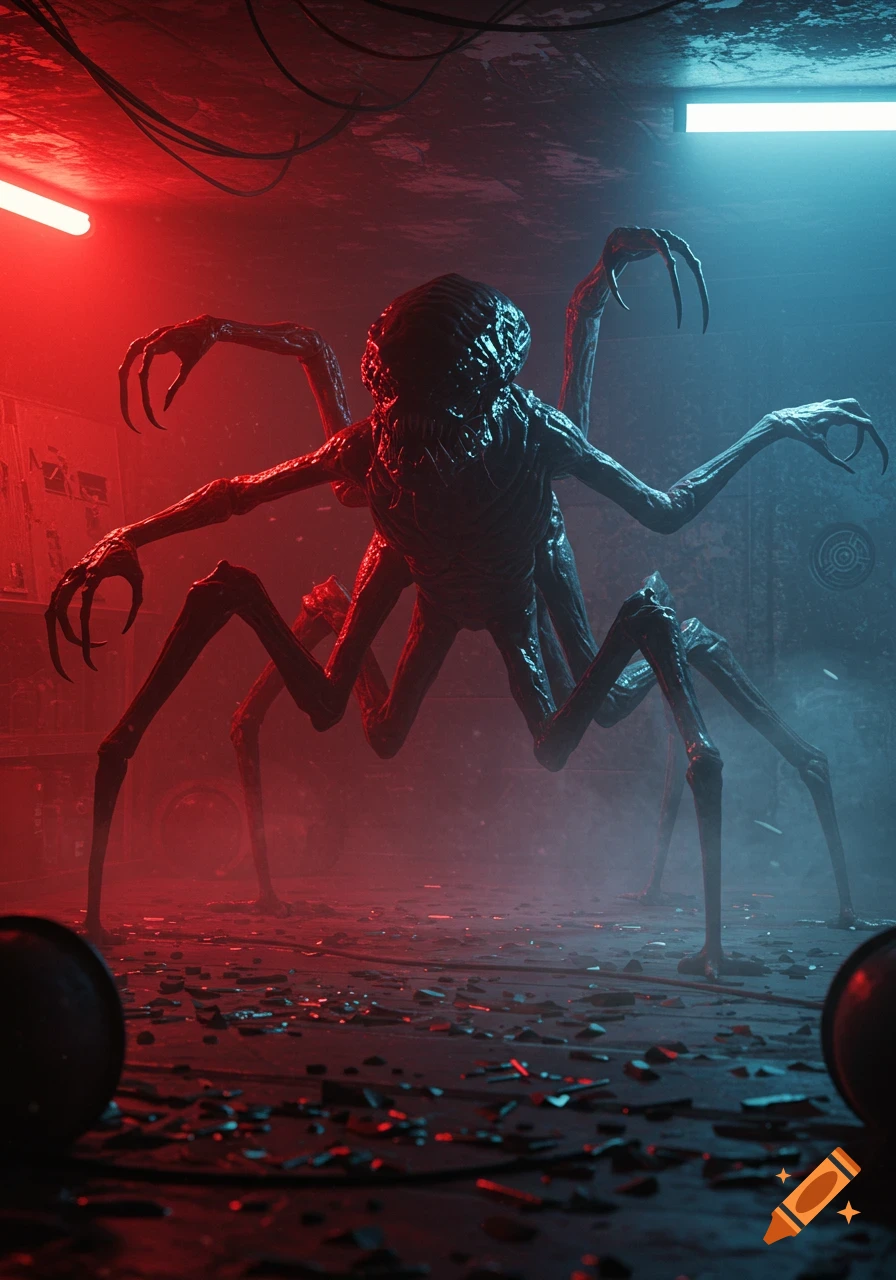
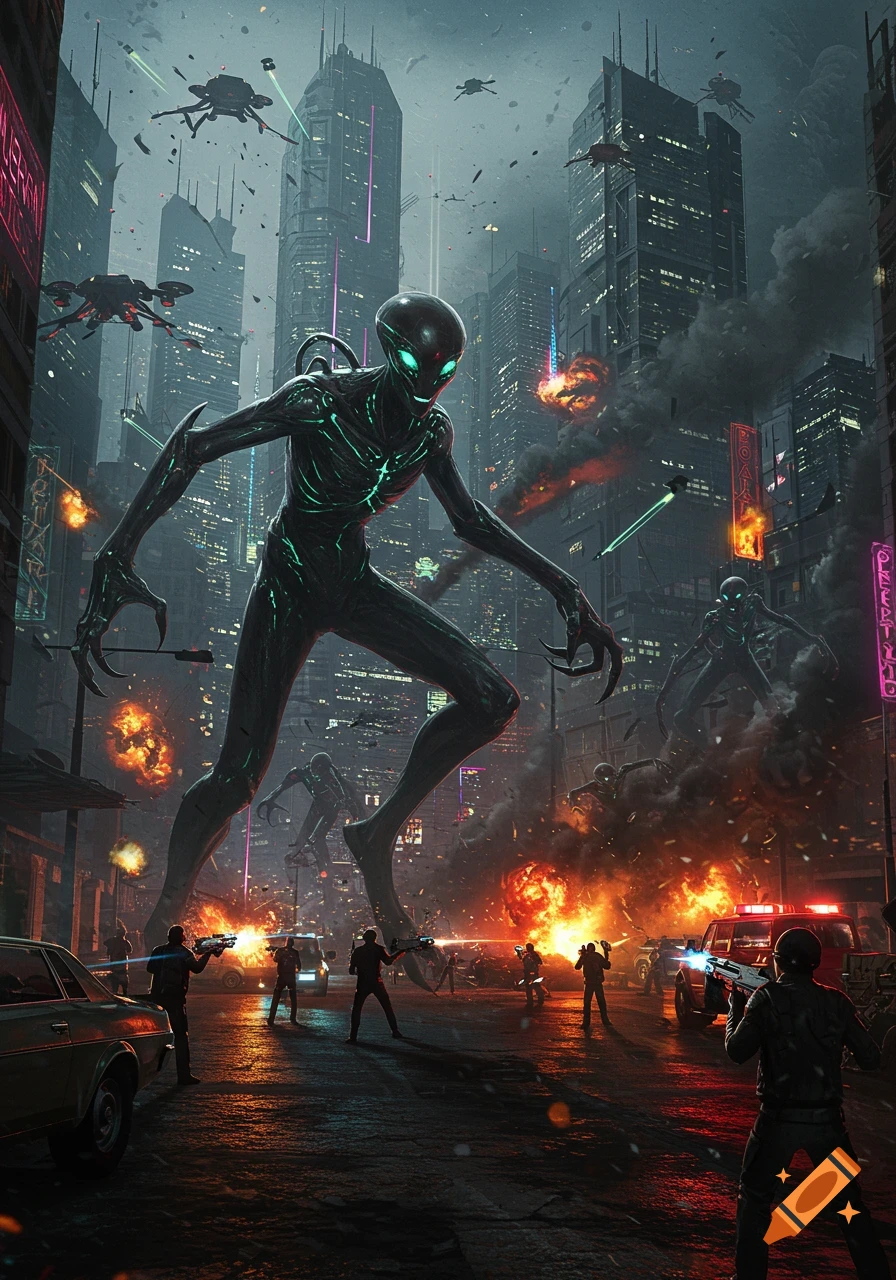
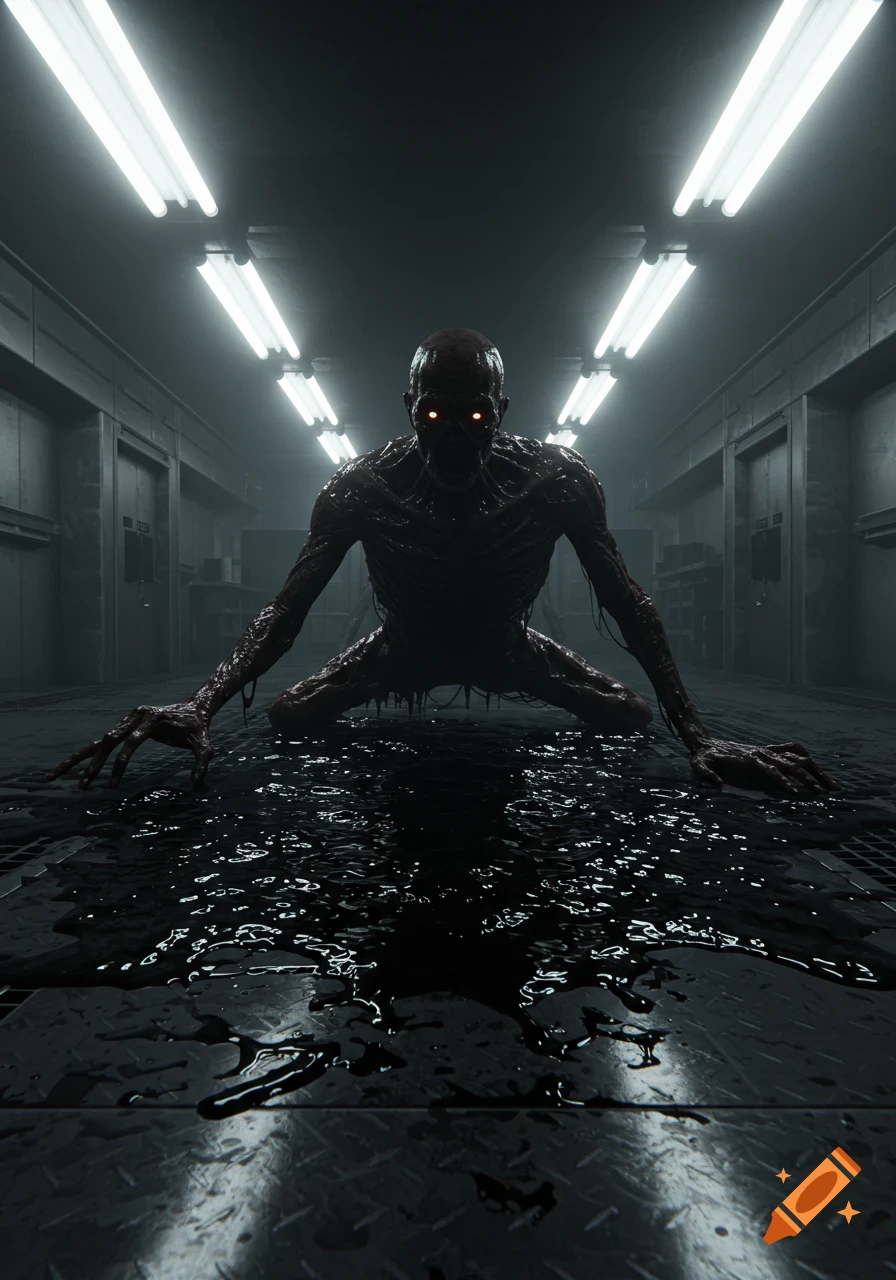
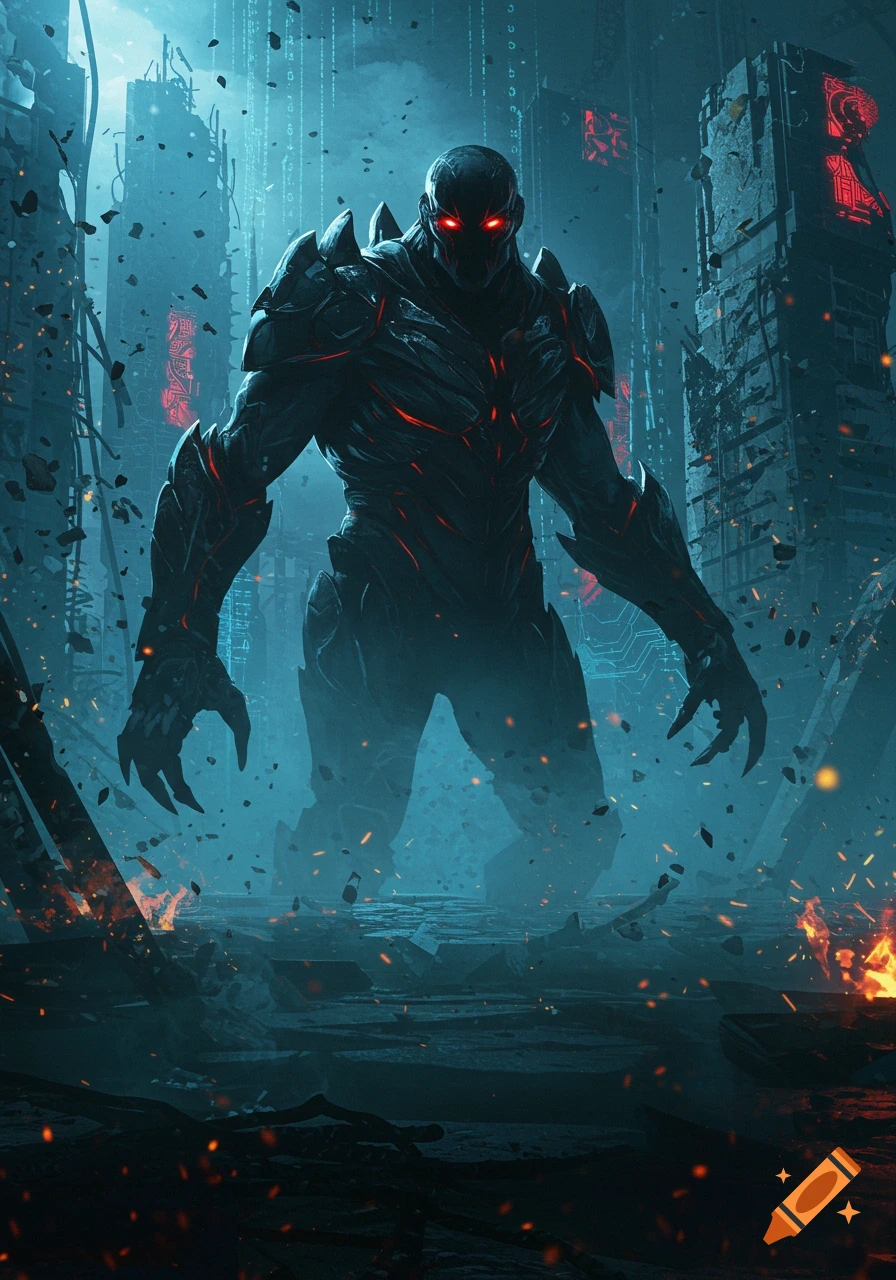
A terrified man looks back at a monstrous alien with red eyes and sharp claws looming behind him in a dark, teal sci-fi scene.
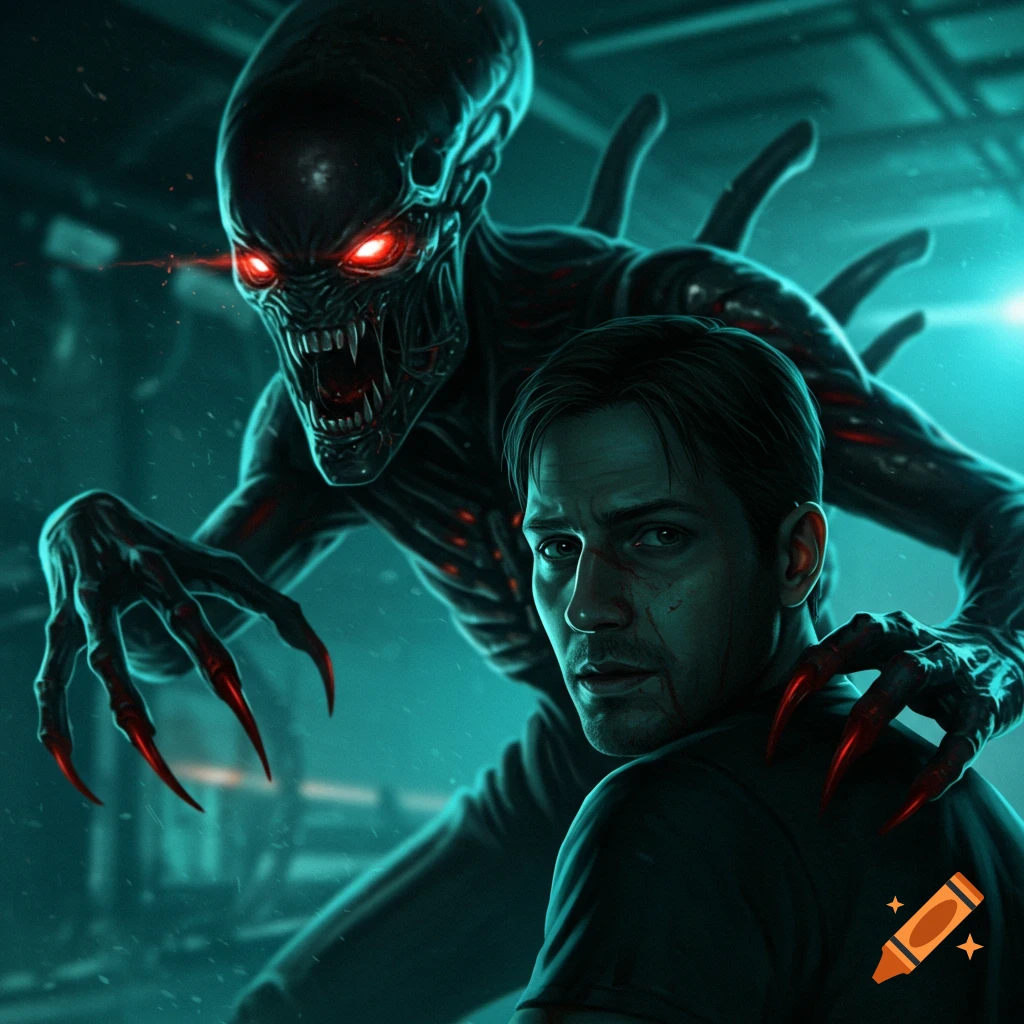
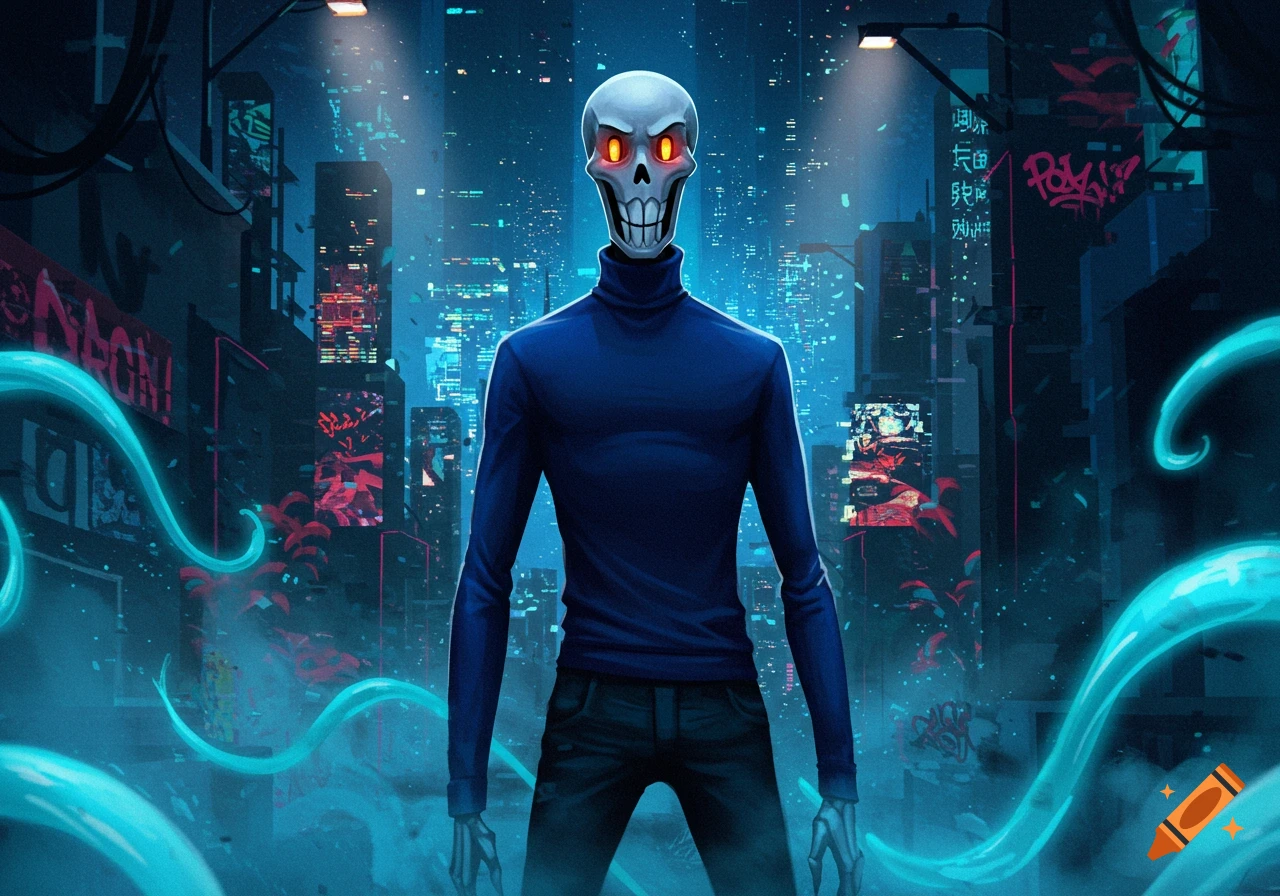
Position: Place the monster slightly behind your shoulder, looming over you. Make it look like it’s mid-motion, reaching out to grab you. Angle: Tilt the monster’s body so it’s angled toward you — like it’s emerging from the shadows. Lighting: Match the background light (blue/teal highlights on one side, deep shadows on the other). Add a faint red glow on its claws for contrast. Cinematic Look Depth of Field Blur the background just a little. Keep you + the monster sharp. This gives it a movie-shot look. Lighting Effects Add a spotlight glow hitting your face from the front. Put a rim light (blue/cyan) around the monster’s edges so it blends into the environment. Shadows Add a shadow of the monster falling across your shoulder or chest — that sells the realism. Color Grade Give the whole thumbnail a cool, teal sci-fi filter with some red accents. This makes it cinematic (like Dead Space or Alien: Isolation covers). Good Monster Style Choices Alien-like: Elongated head, glowing eyes, sharp claws. See more