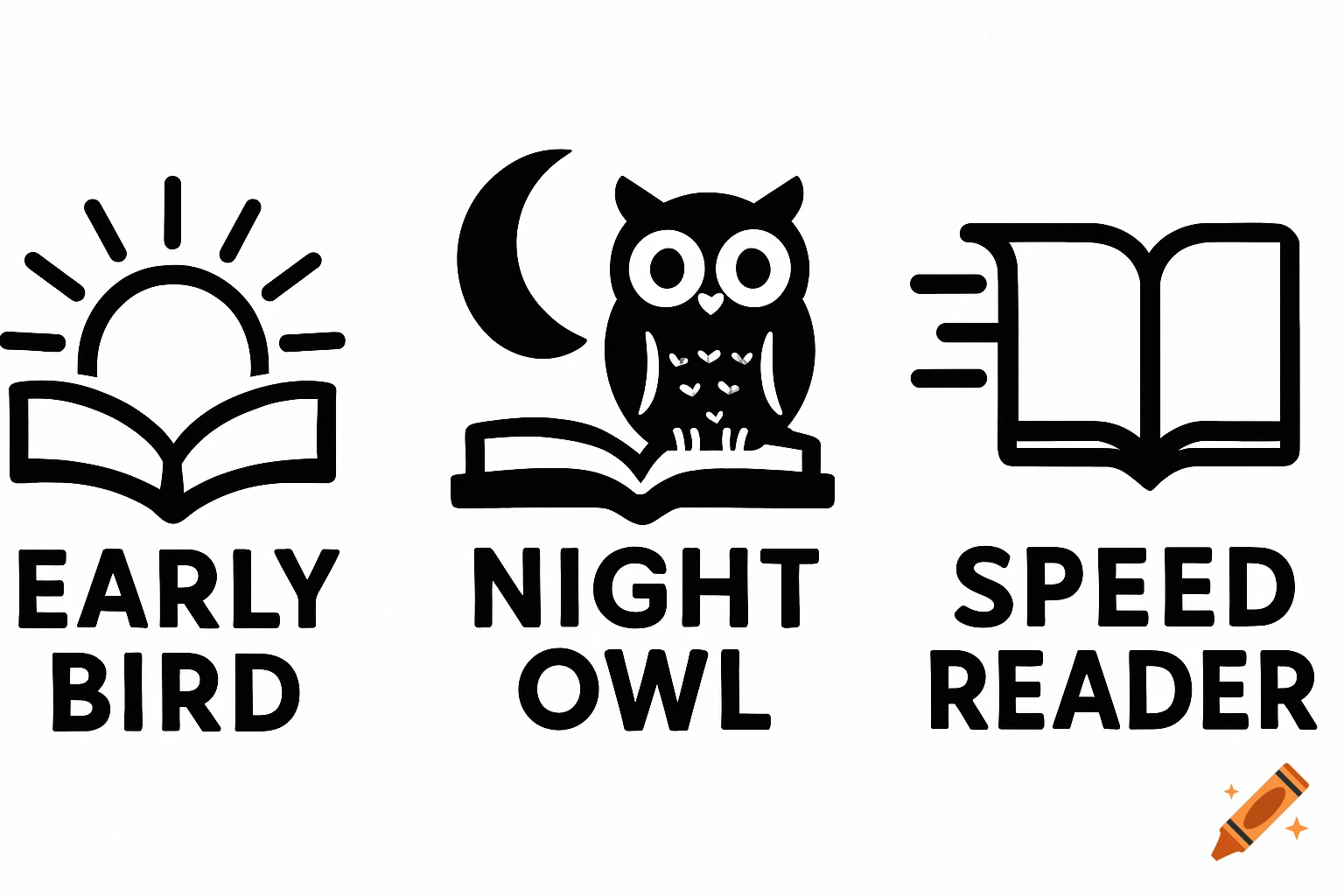
Three black and white minimalist icons. From left to right: an open book with a rising sun and 'EARLY BIRD' text; an open book with an owl under a crescent moon and 'NIGHT OWL' text; an open book with speed lines and 'SPEED READER' text.
Jag behöver skapa ett helt gäng ikoner i 200x200 för ett KOReader-plugin. Det ska vara ikoner som ska illustrera olika achievements. Här är readme-filerna: # Achievement Icons Folder Place your PNG achievement icons here! ## File Naming ``` {achievement_id}_large.png ``` Example: ``` manga_reader_large.png otaku_large.png early_bird_large.png ``` ## Icon Specifications - **Size:** 200x200 pixels (recommended) - **Format:** PNG with alpha transparency - **Colors:** High contrast (e-ink friendly) - **File size:** <50KB per icon (recommended) ## Available Achievement IDs ``` early_bird night_owl weekend_warrior centurion marathon sprint format_explorer book_slayer paperback_hero bibliophile literary_legend manga_reader manga_fan otaku speed_reader ``` ## How to Create Icons See `HOW_TO_CREATE_ICONS.md` in this folder for detailed instructions! ## Fallback If no PNG icon exists, the plugin automatically uses ASCII art from `ascii_art.lua` as fallback. This means: - ✓ Icons are optional - ✓ Mix PNG and ASCII is OK - ✓ No icons = ASCII still works - ✓ Add icons gradually ## Testing 1. Add your PNG file here 2. Restart KOReader 3. Open ReadMastery → Achievements 4. Tap achievement to see your icon! Happy designing! 🎨 Och # HOW TO CREATE ACHIEVEMENT ICONS ## Quick Start 1. **Open your favorite image editor** (GIMP, Photoshop, Krita, etc.) 2. **Create new image:** - Size: 200x200 pixels - Background: Transparent - Color mode: RGBA 3. **Design your icon:** - Simple, bold shapes work See more