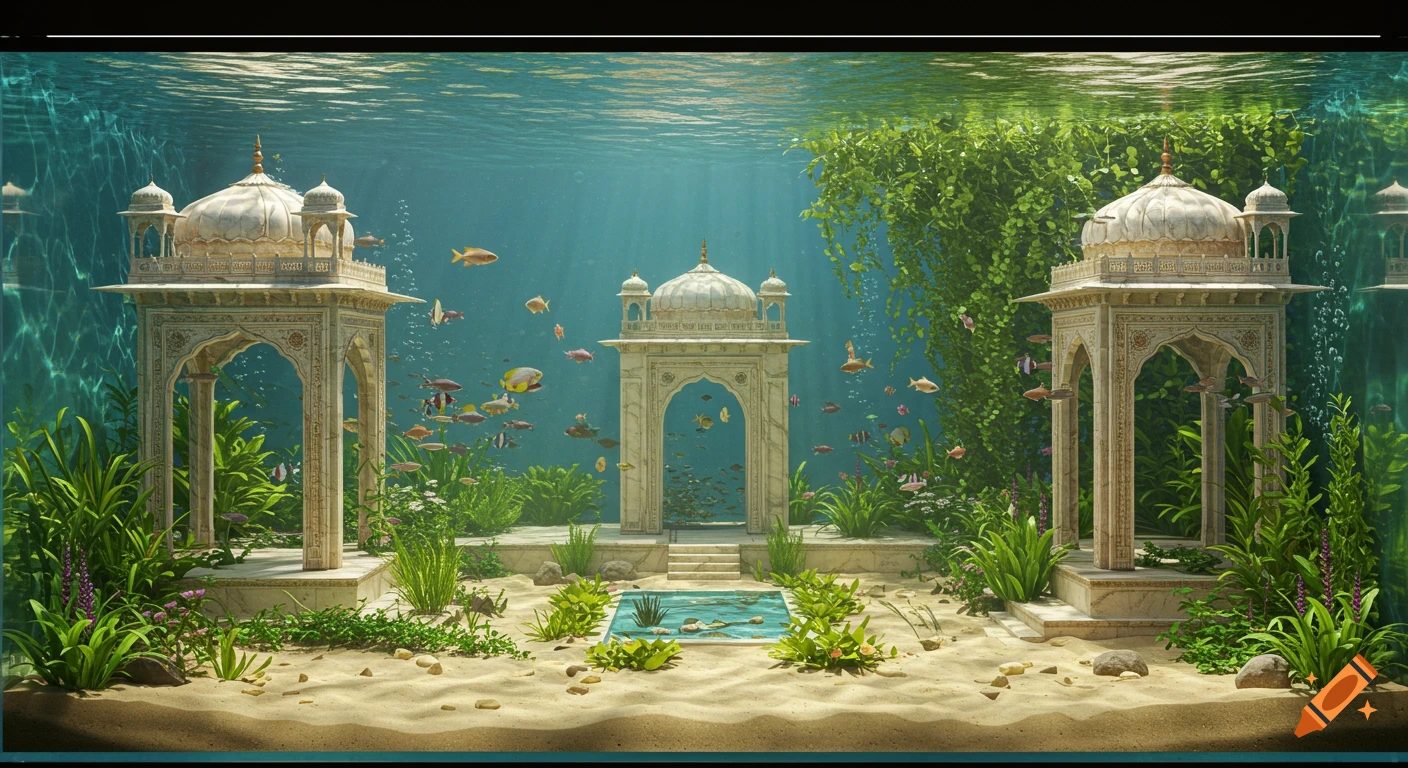
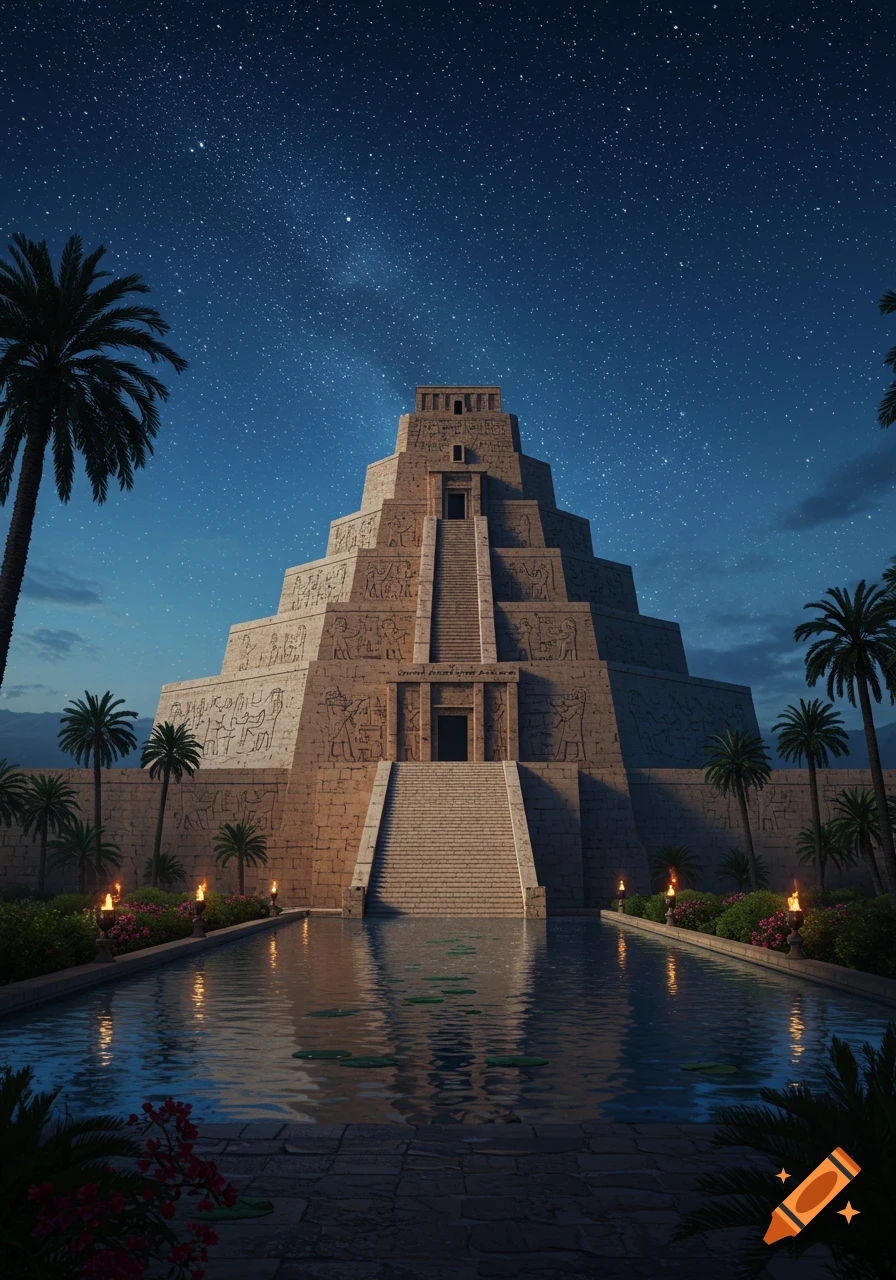
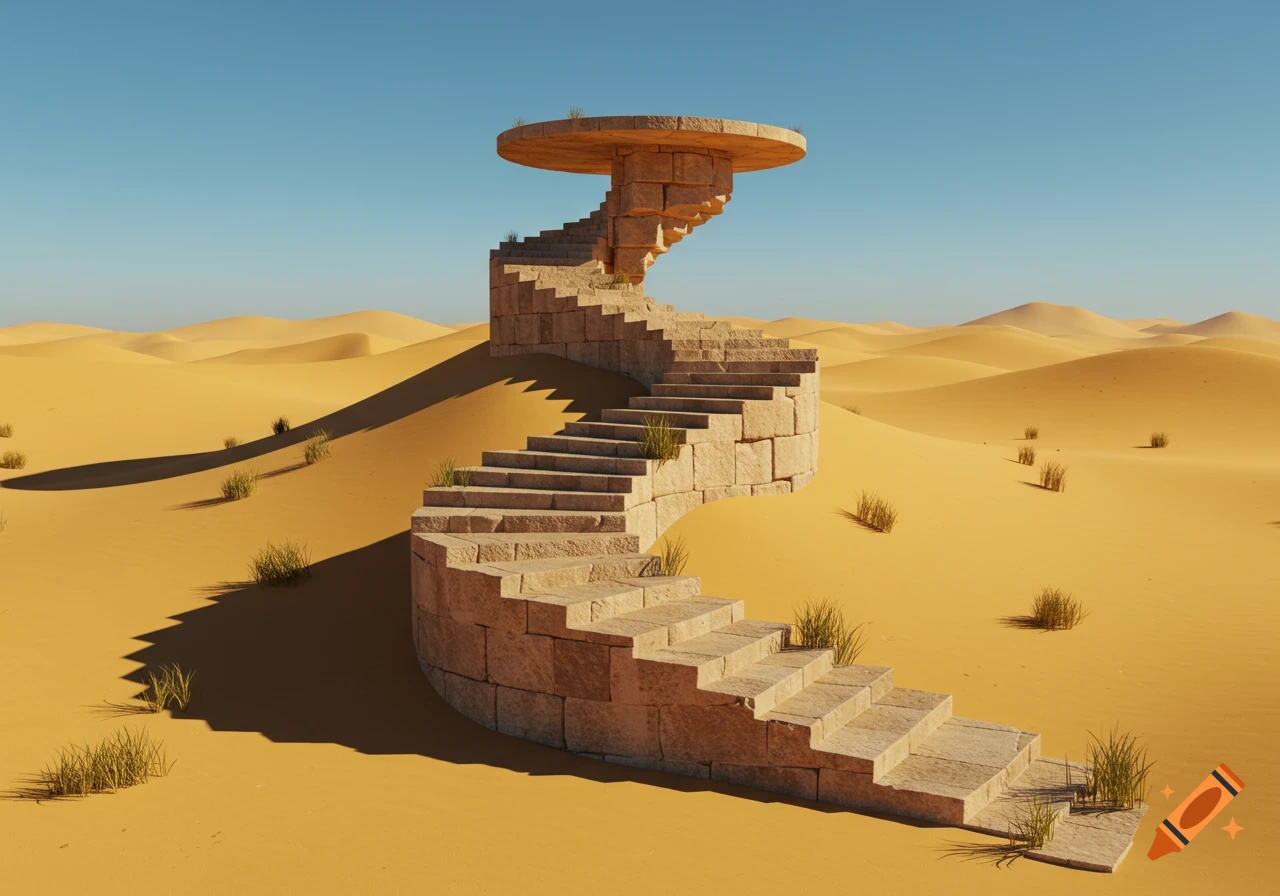
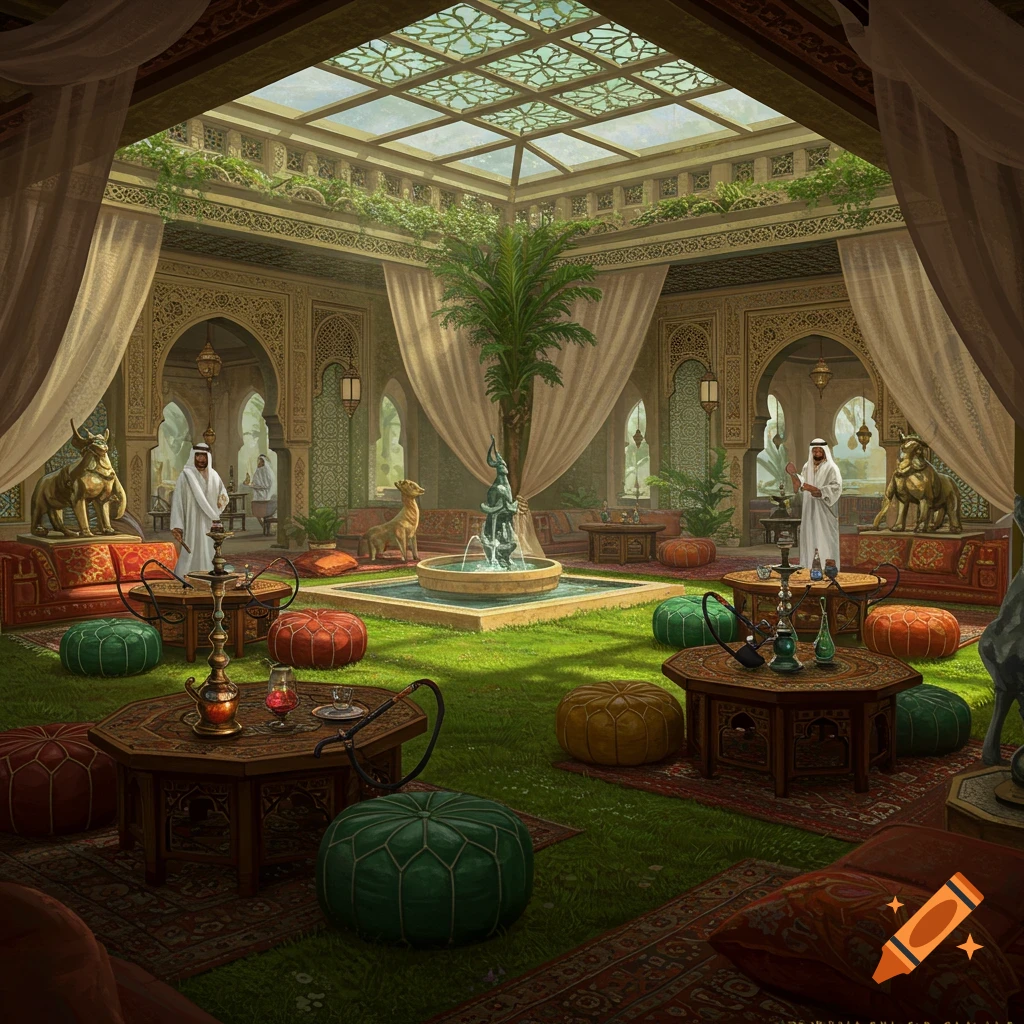
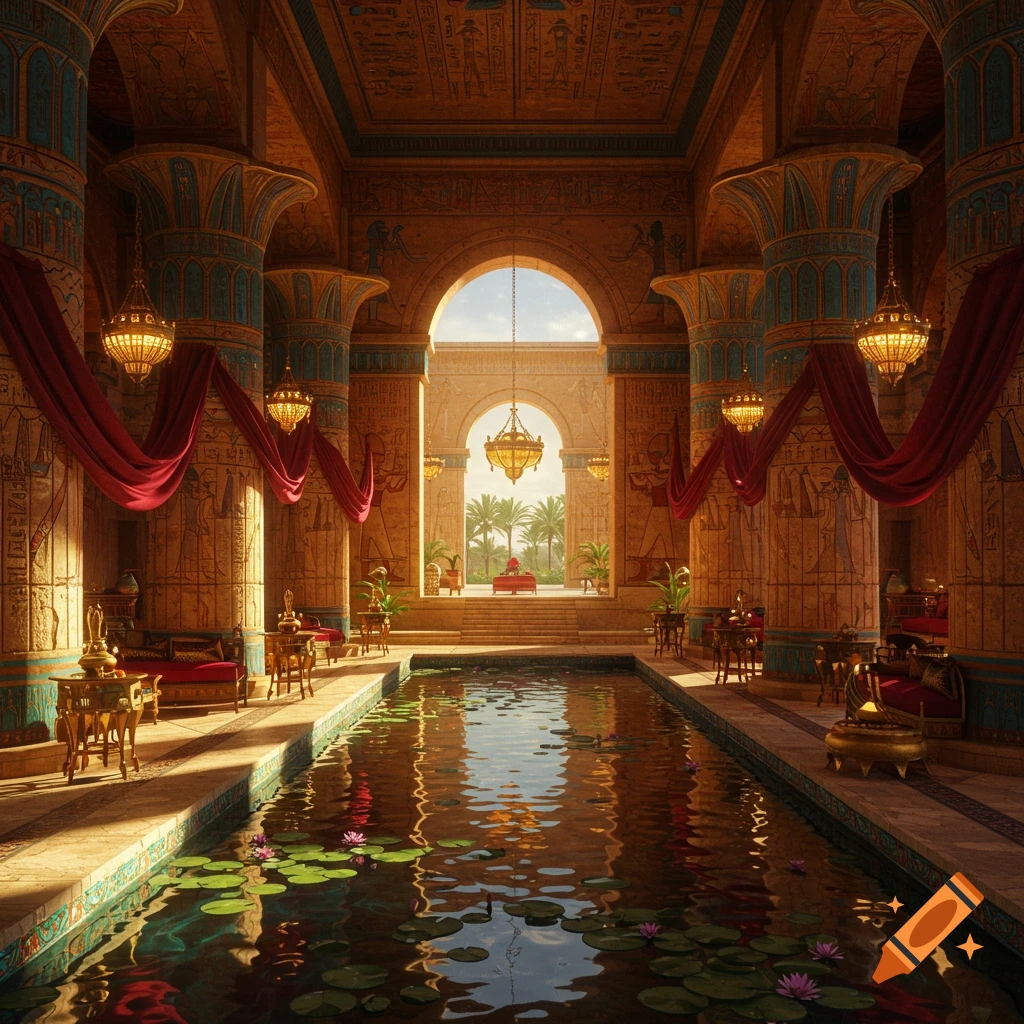
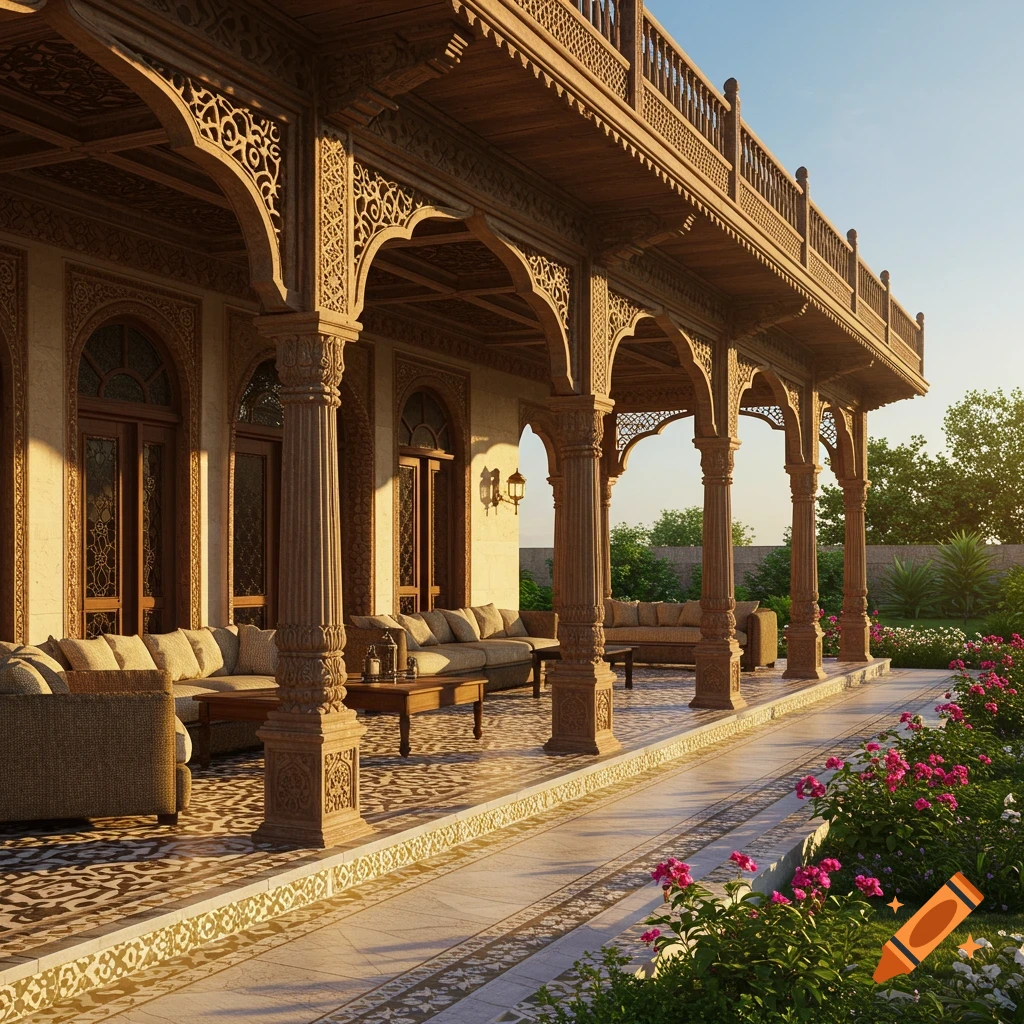
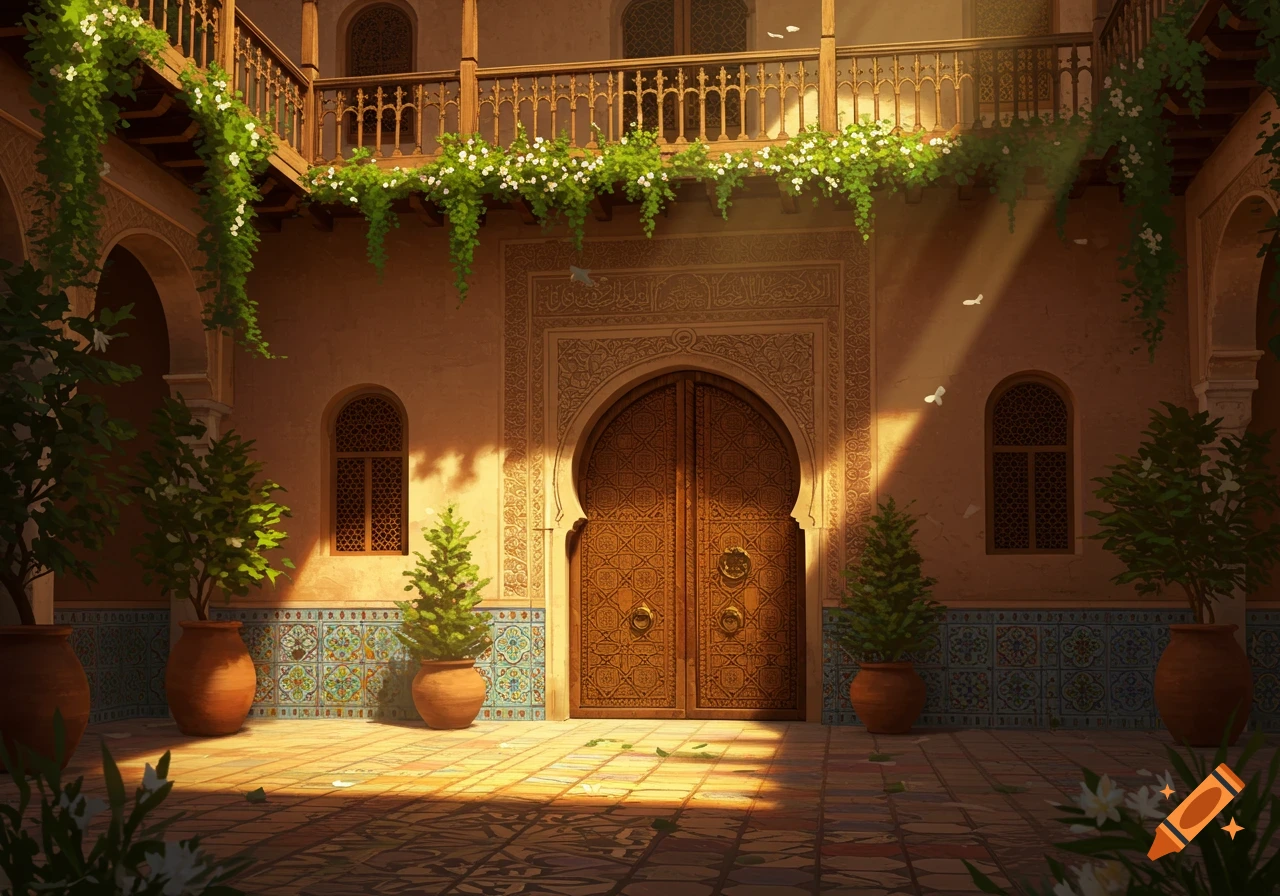
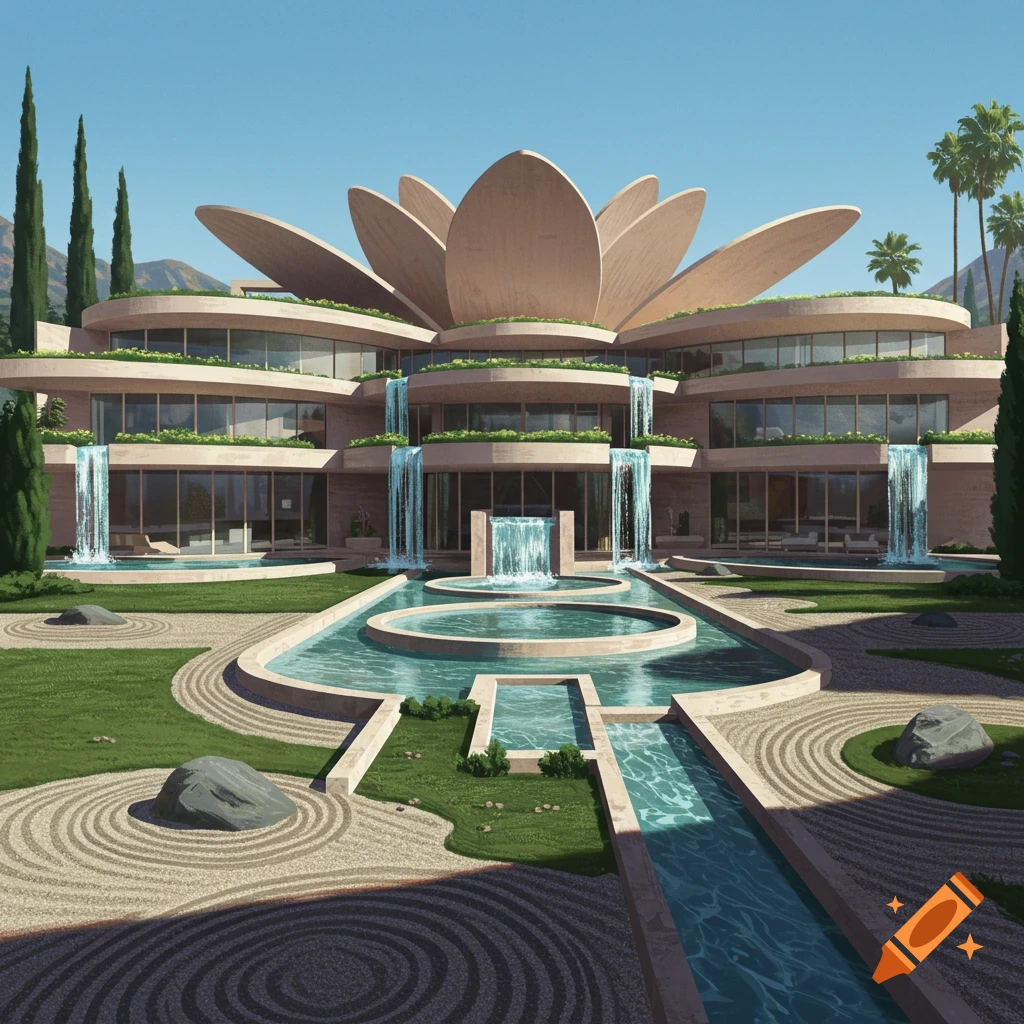
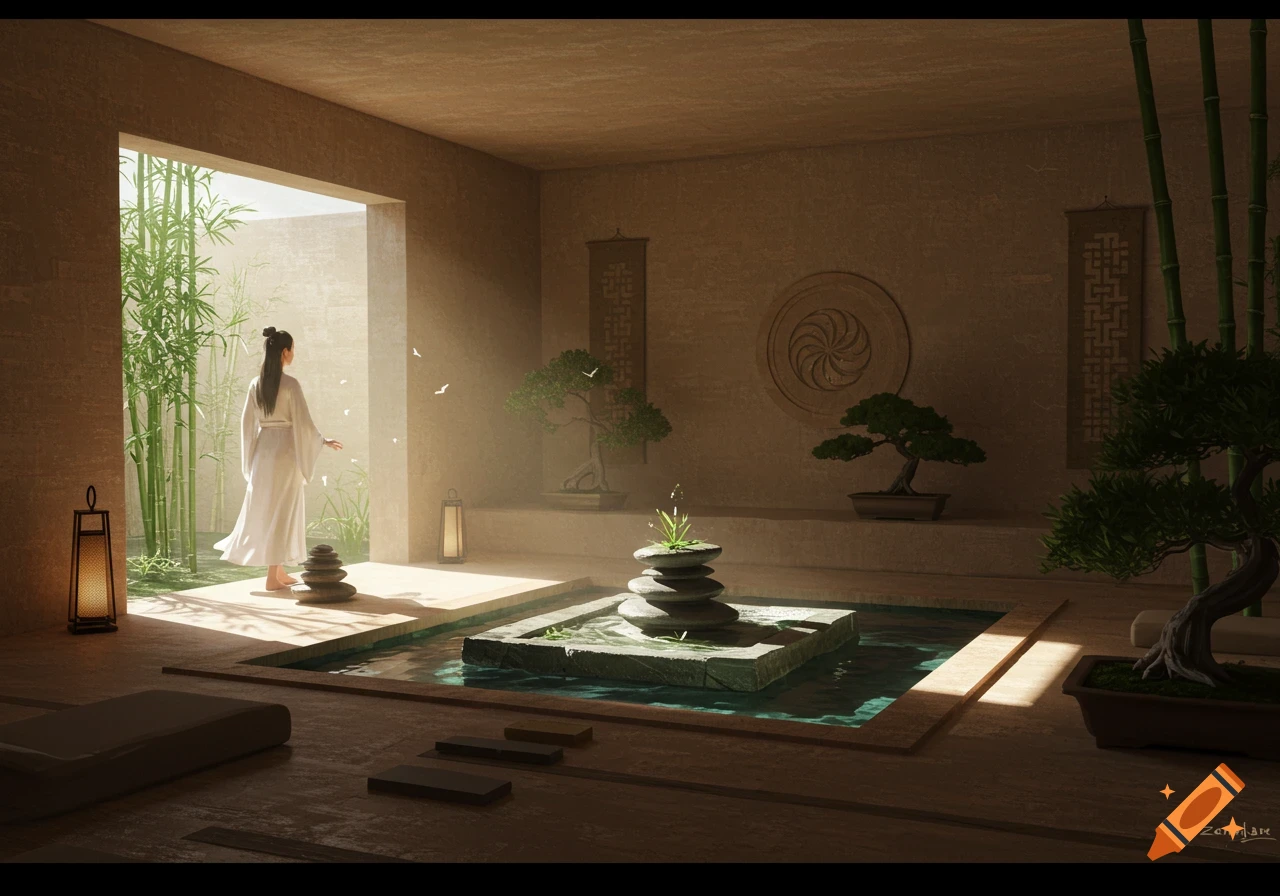
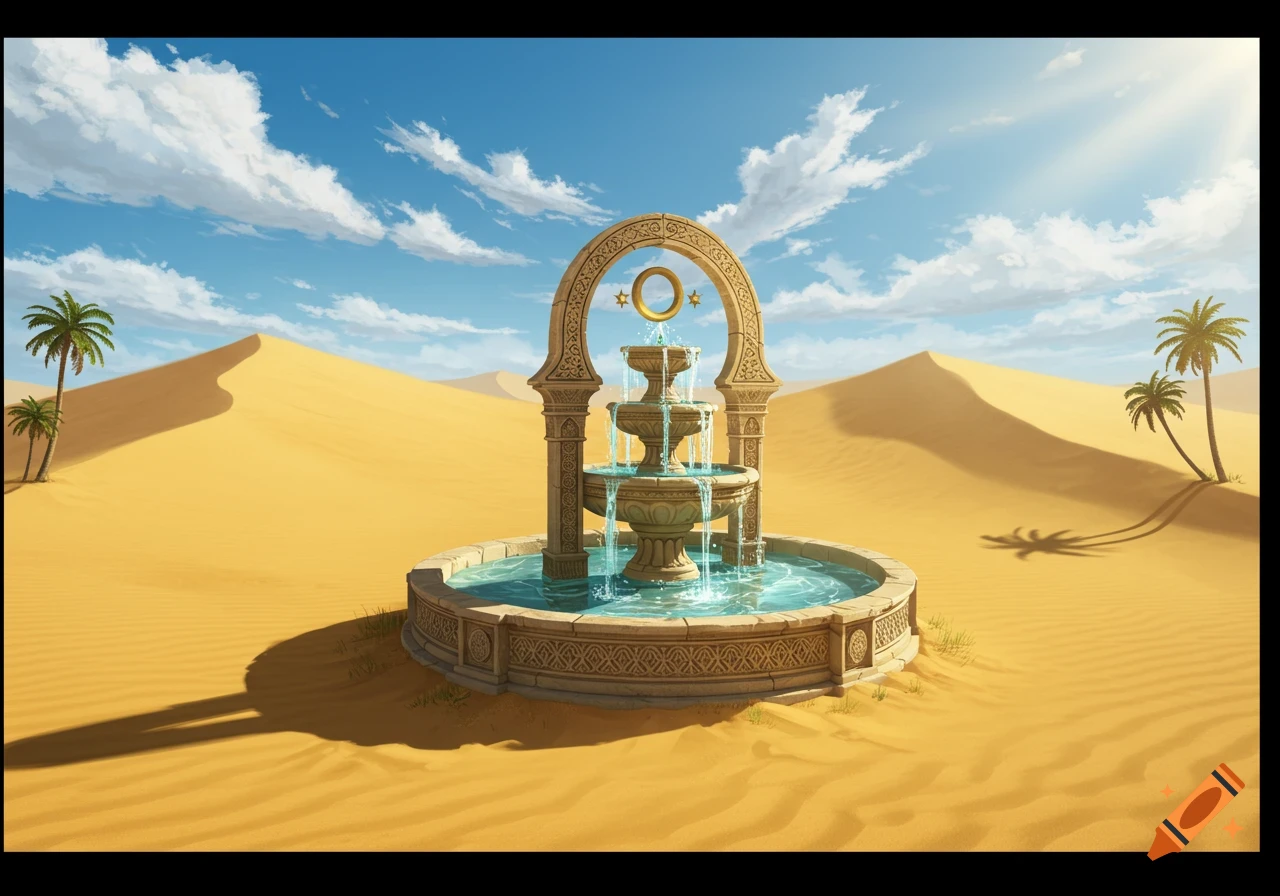
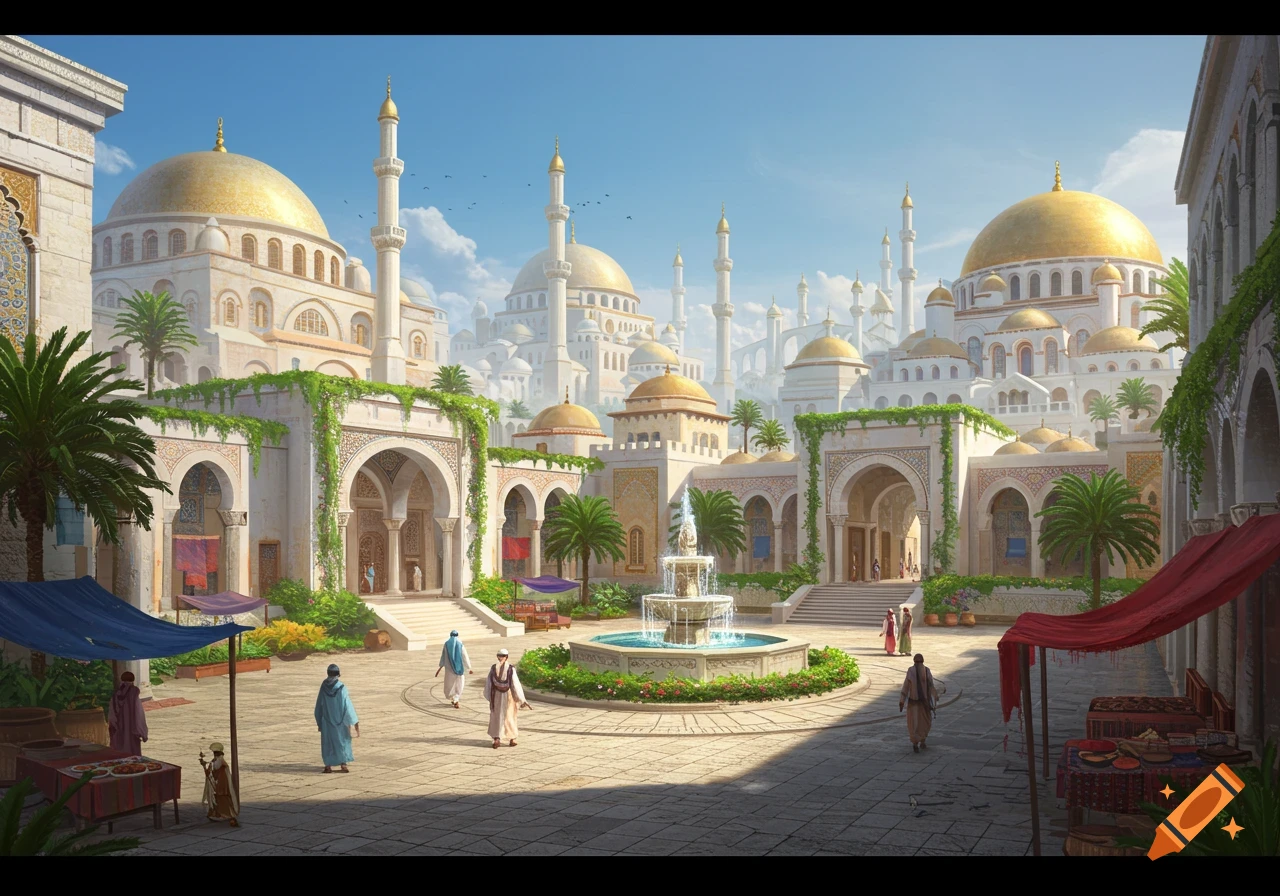
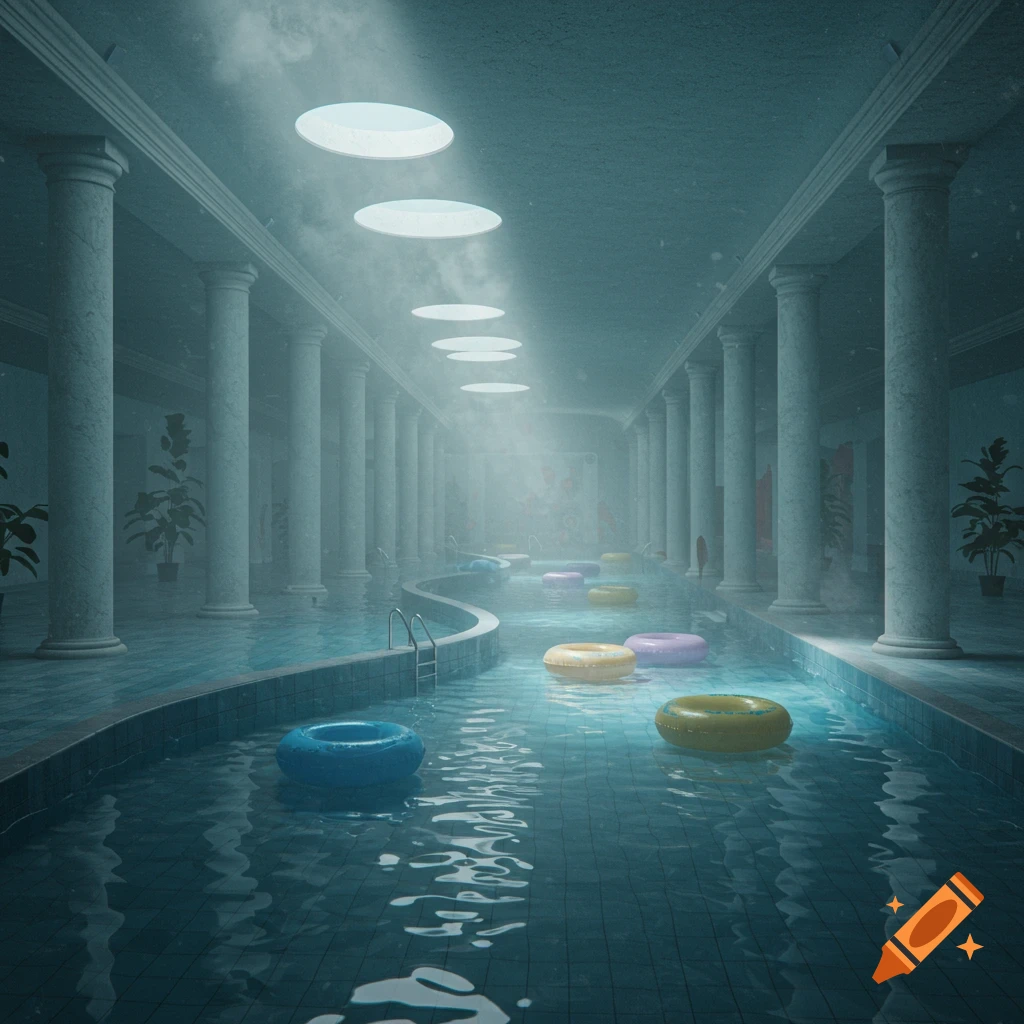
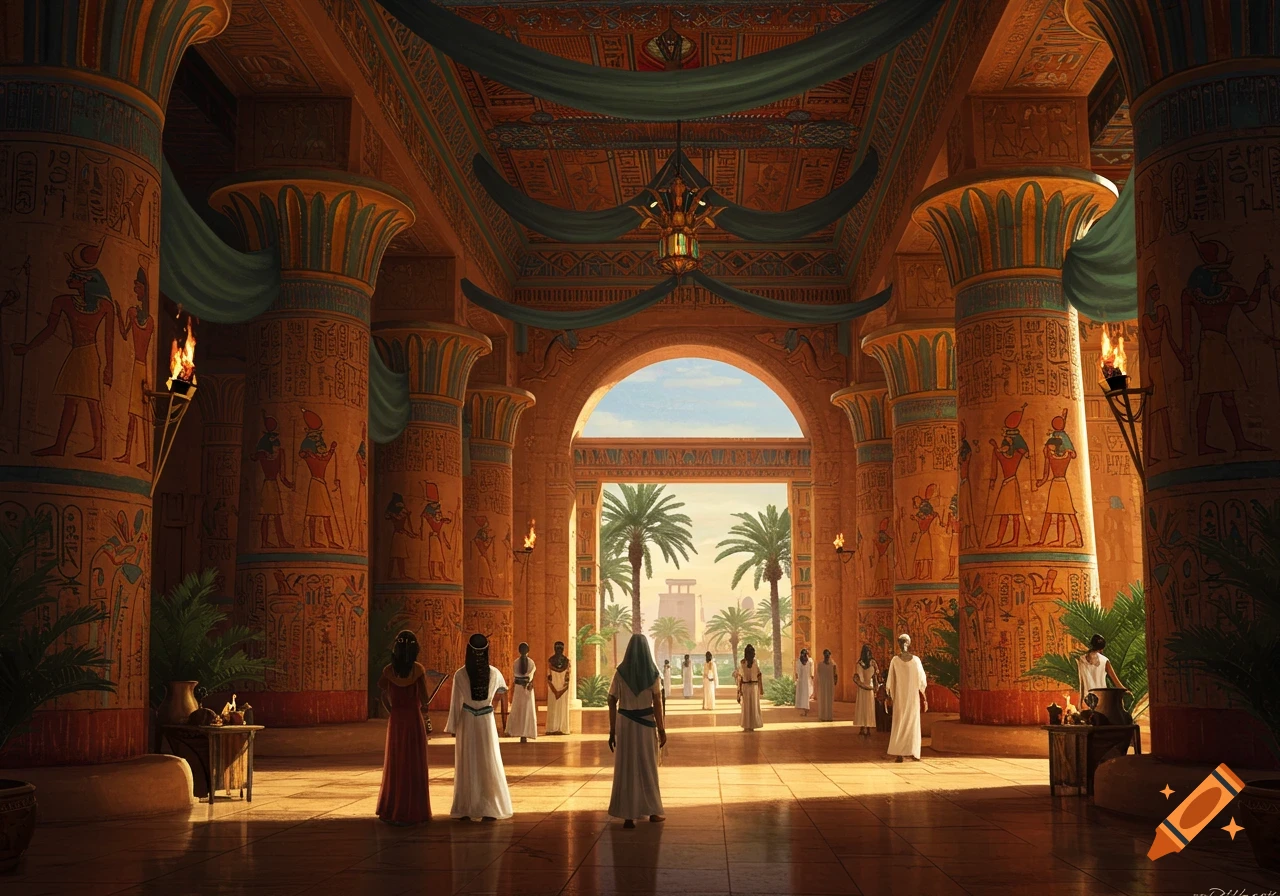
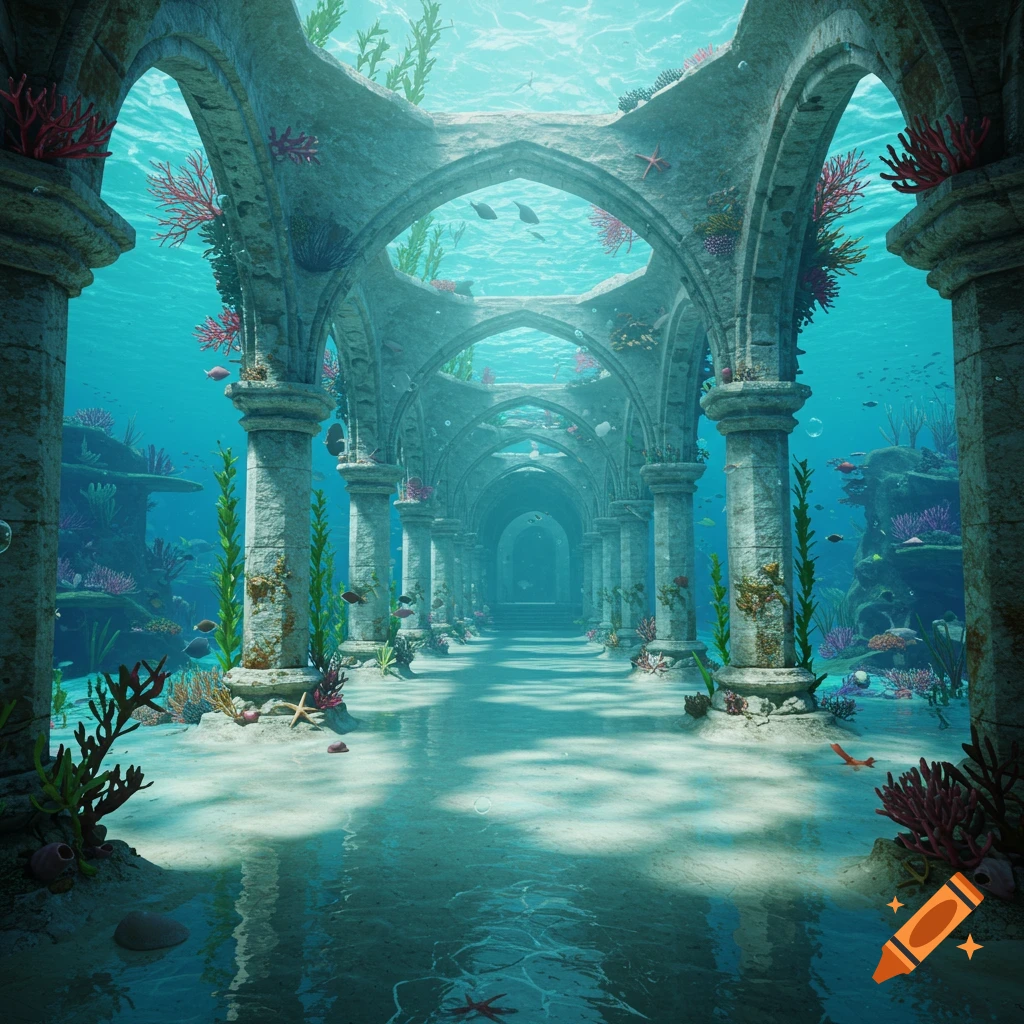
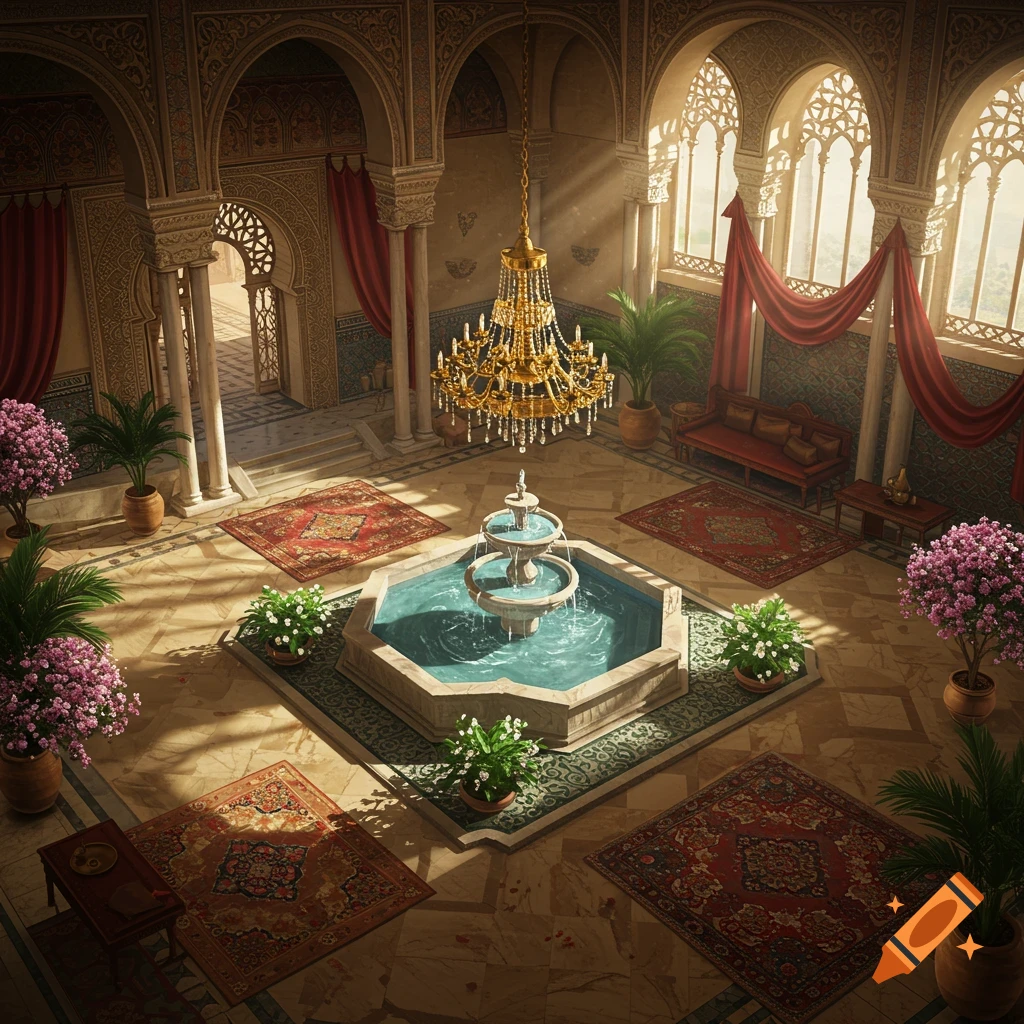
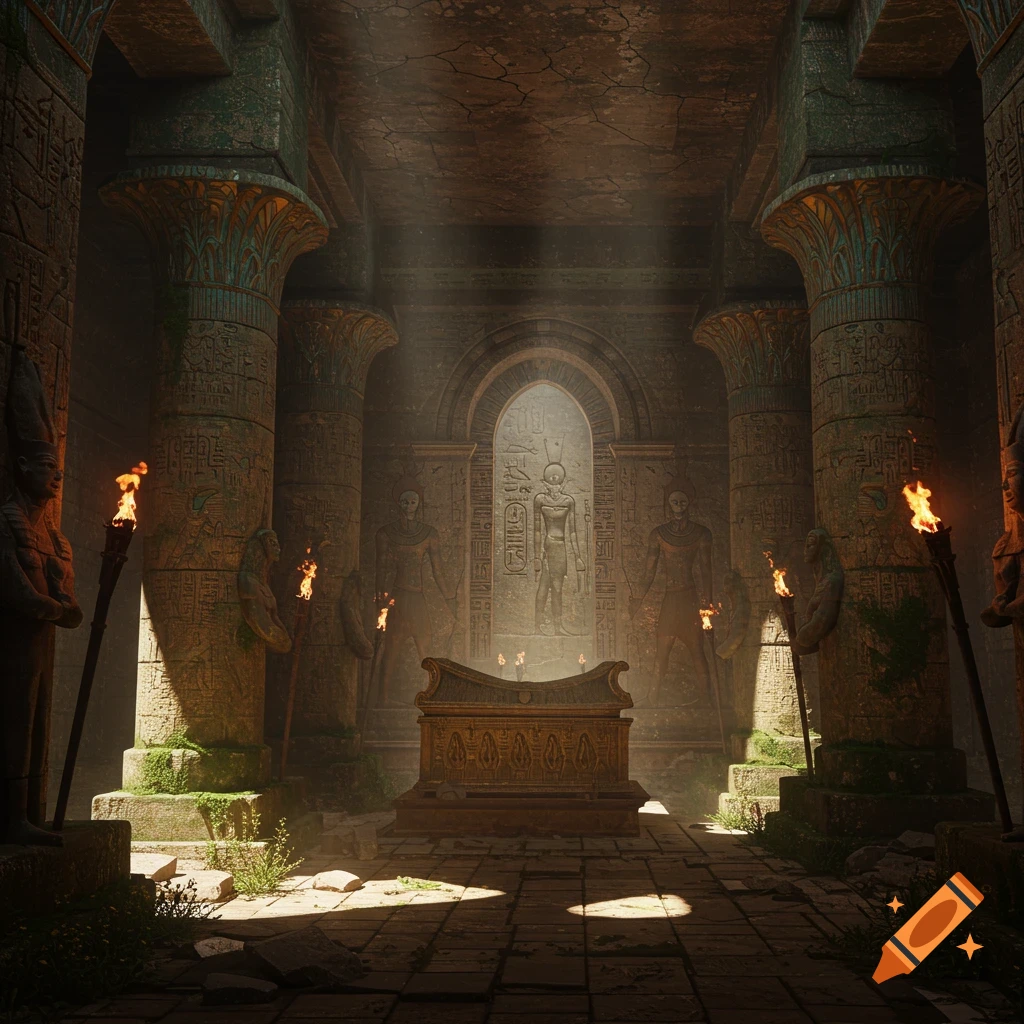
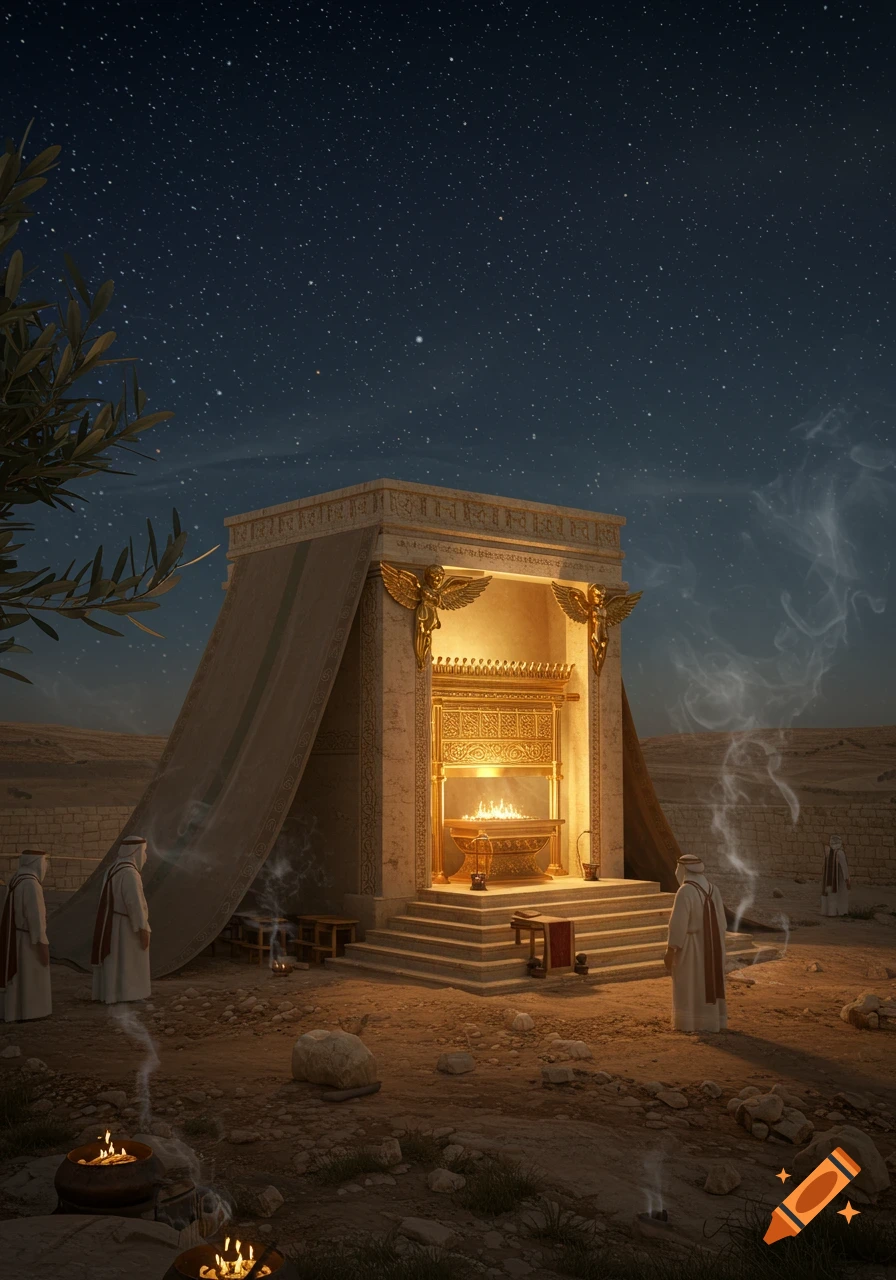
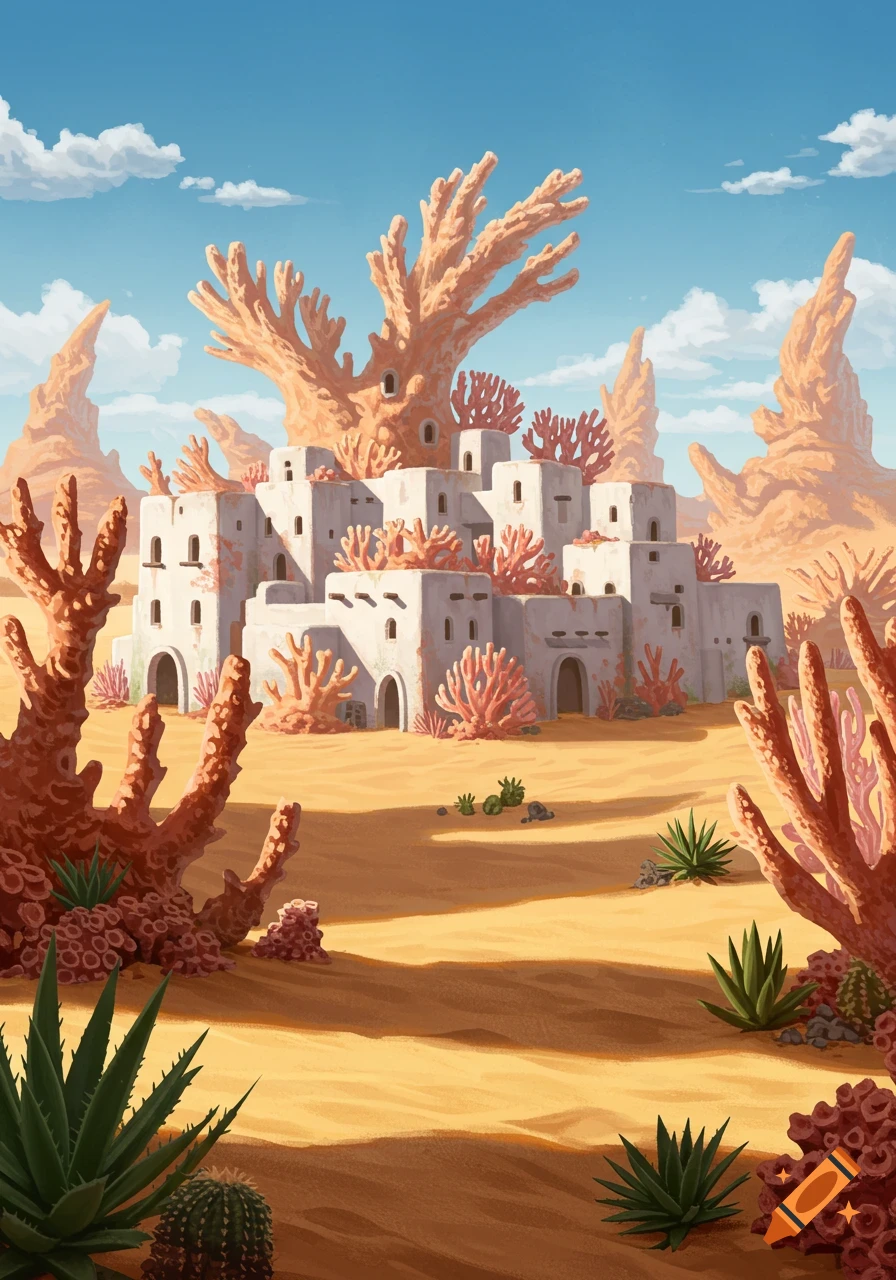
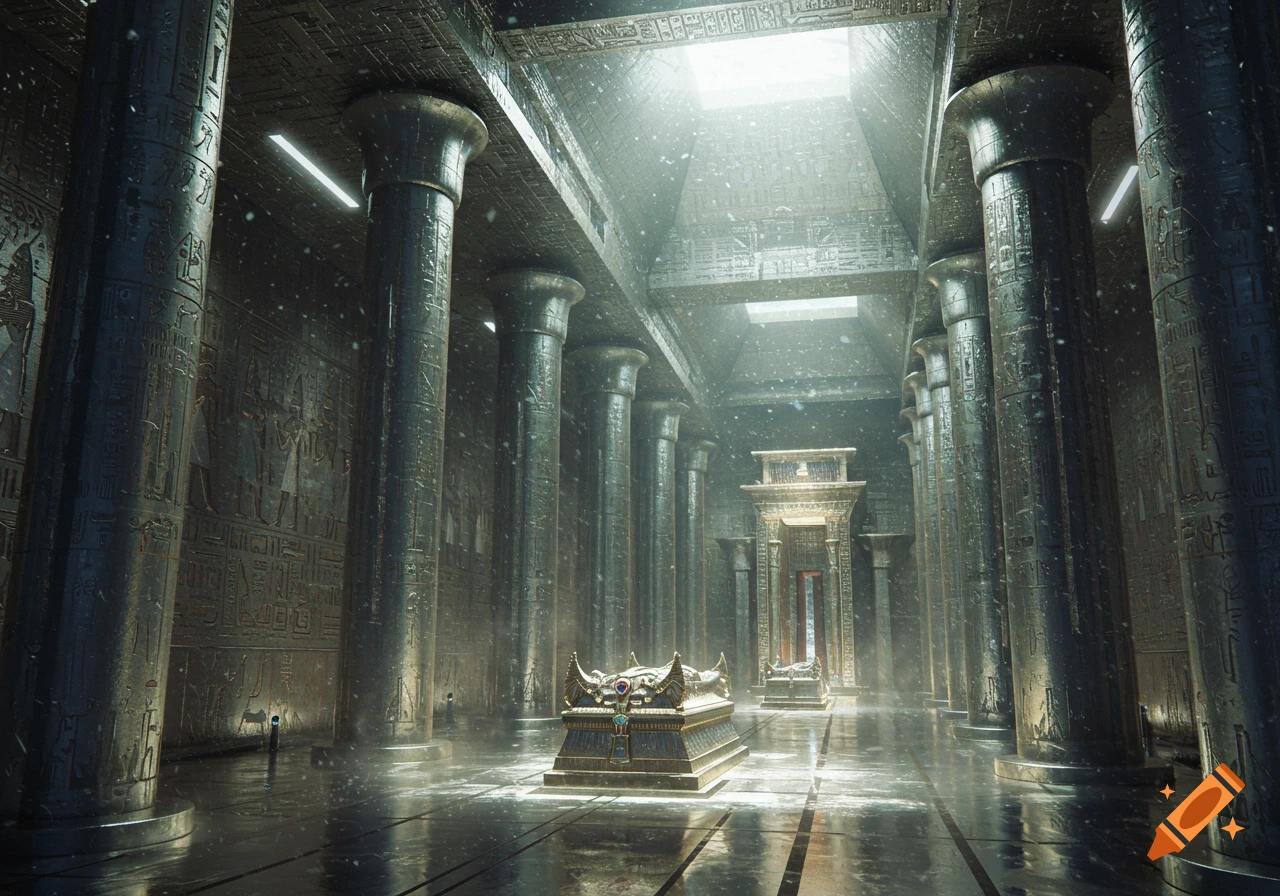
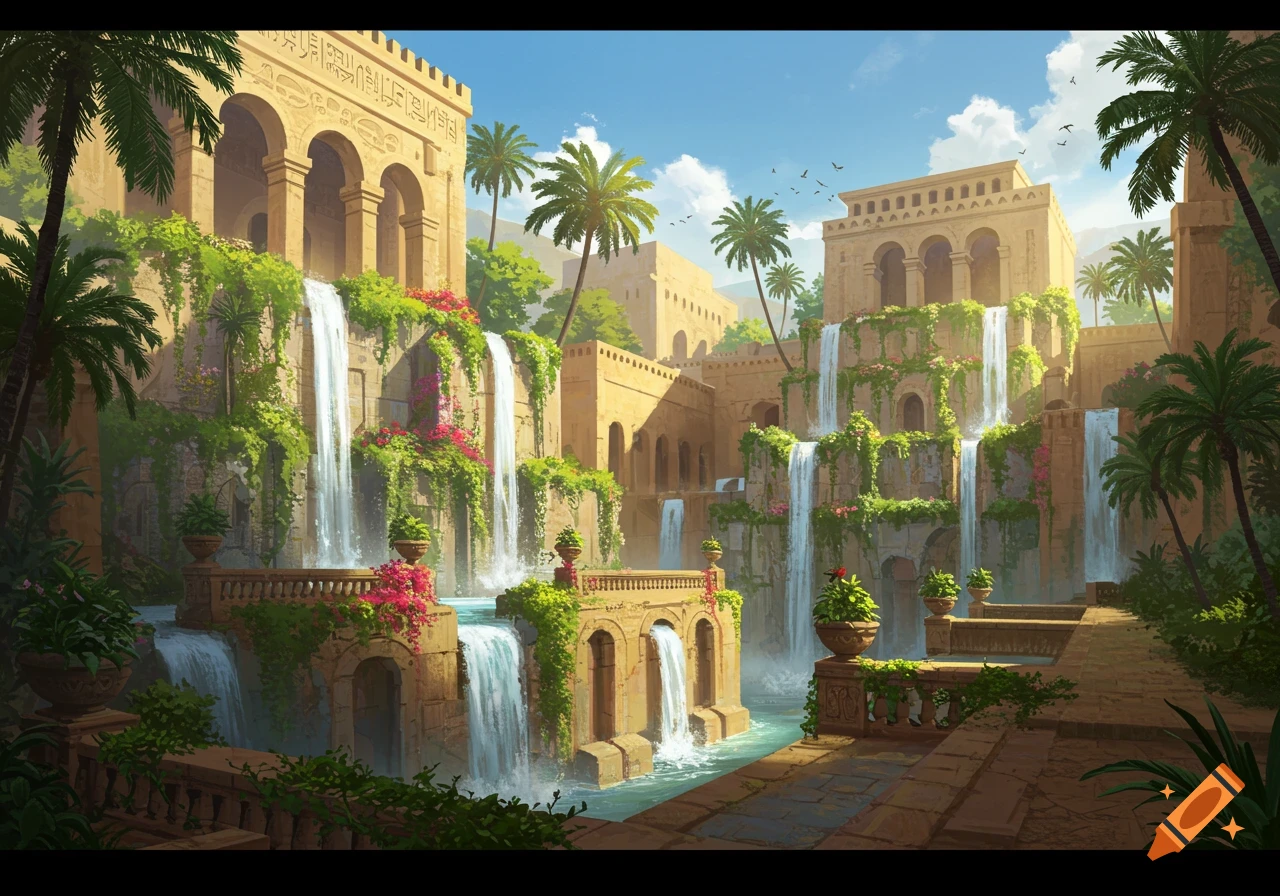
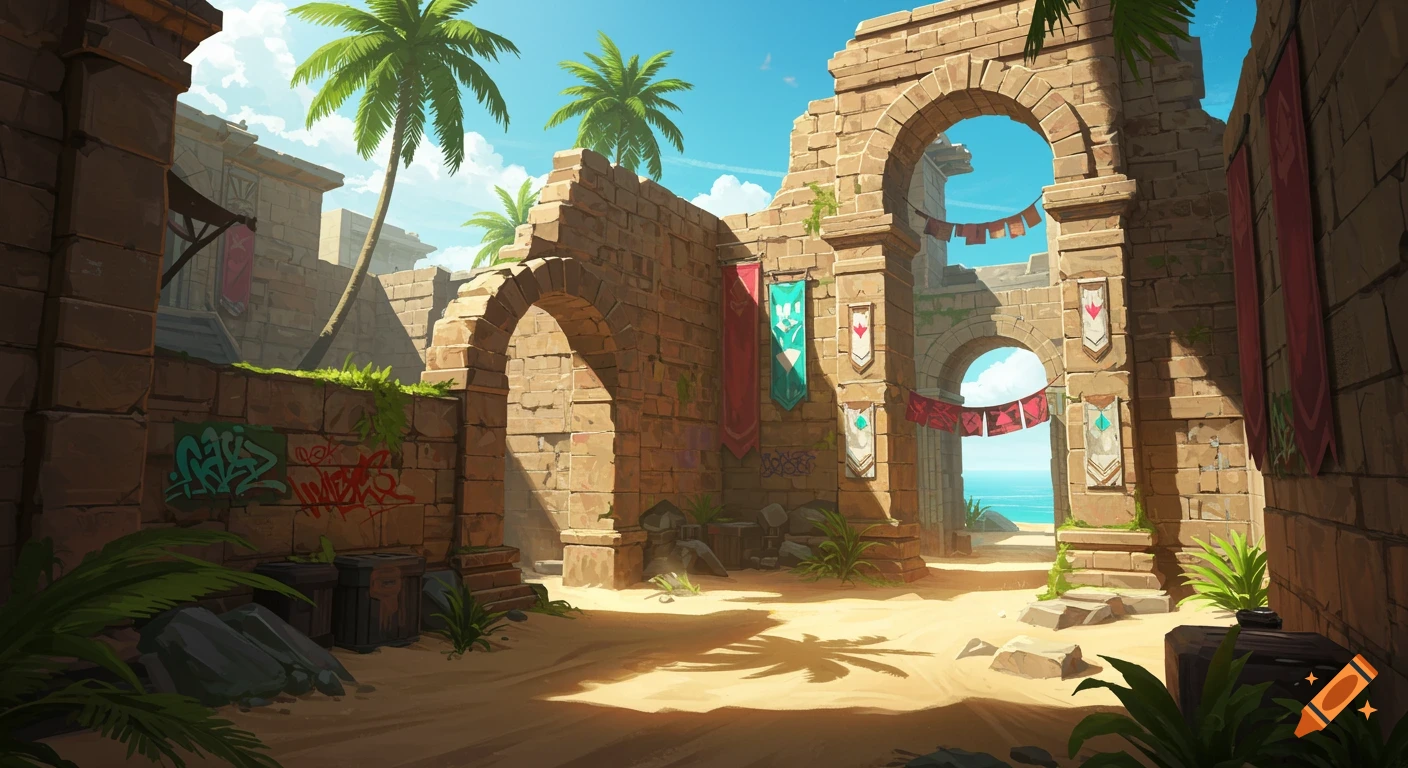
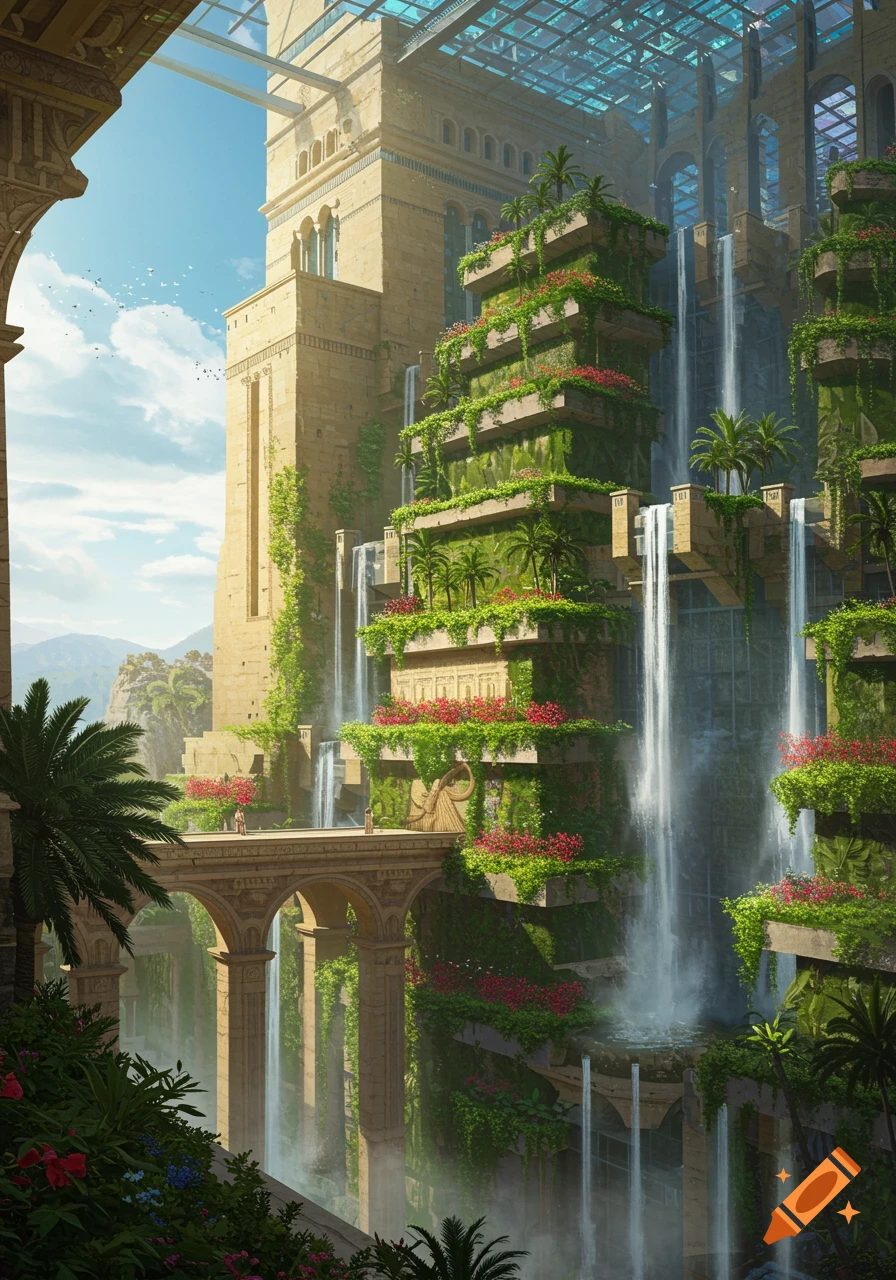
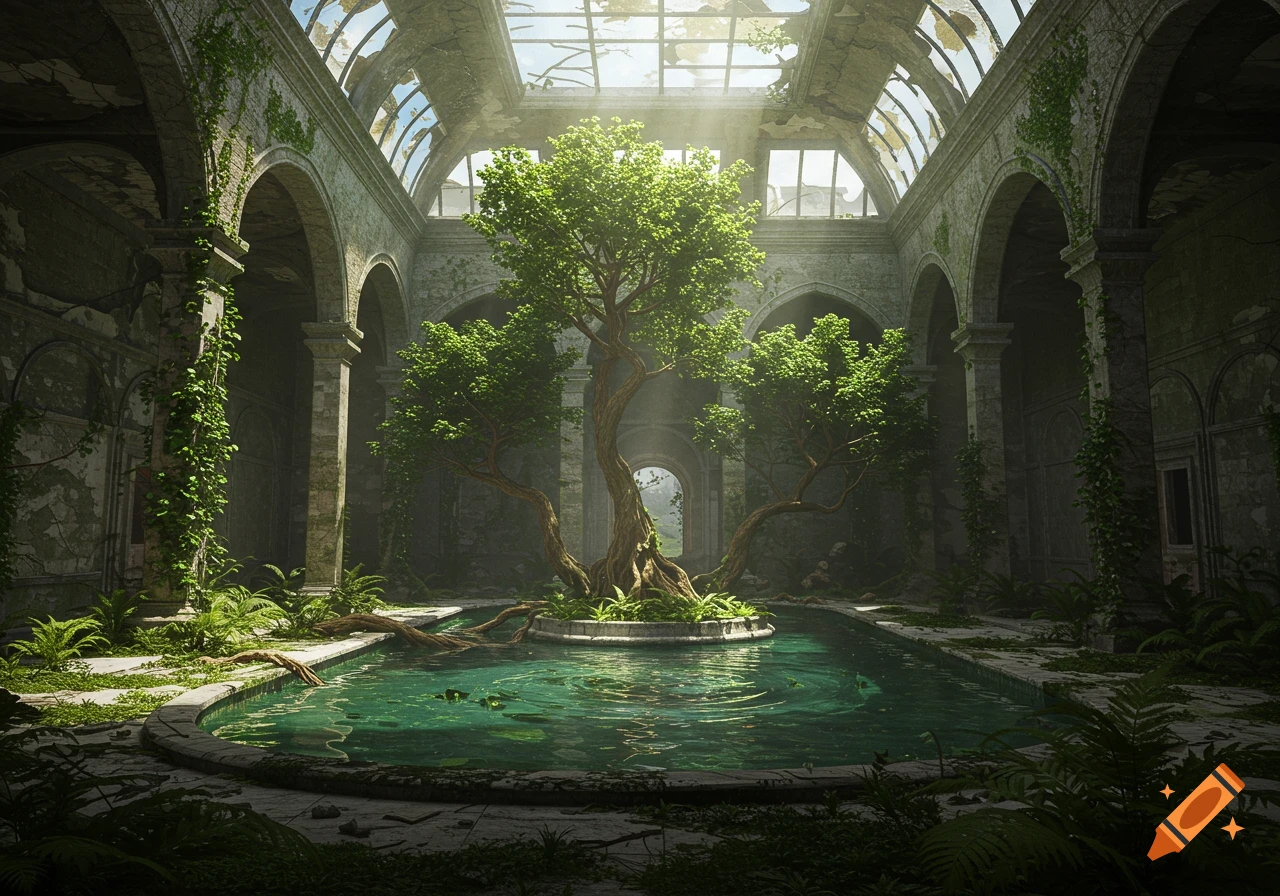
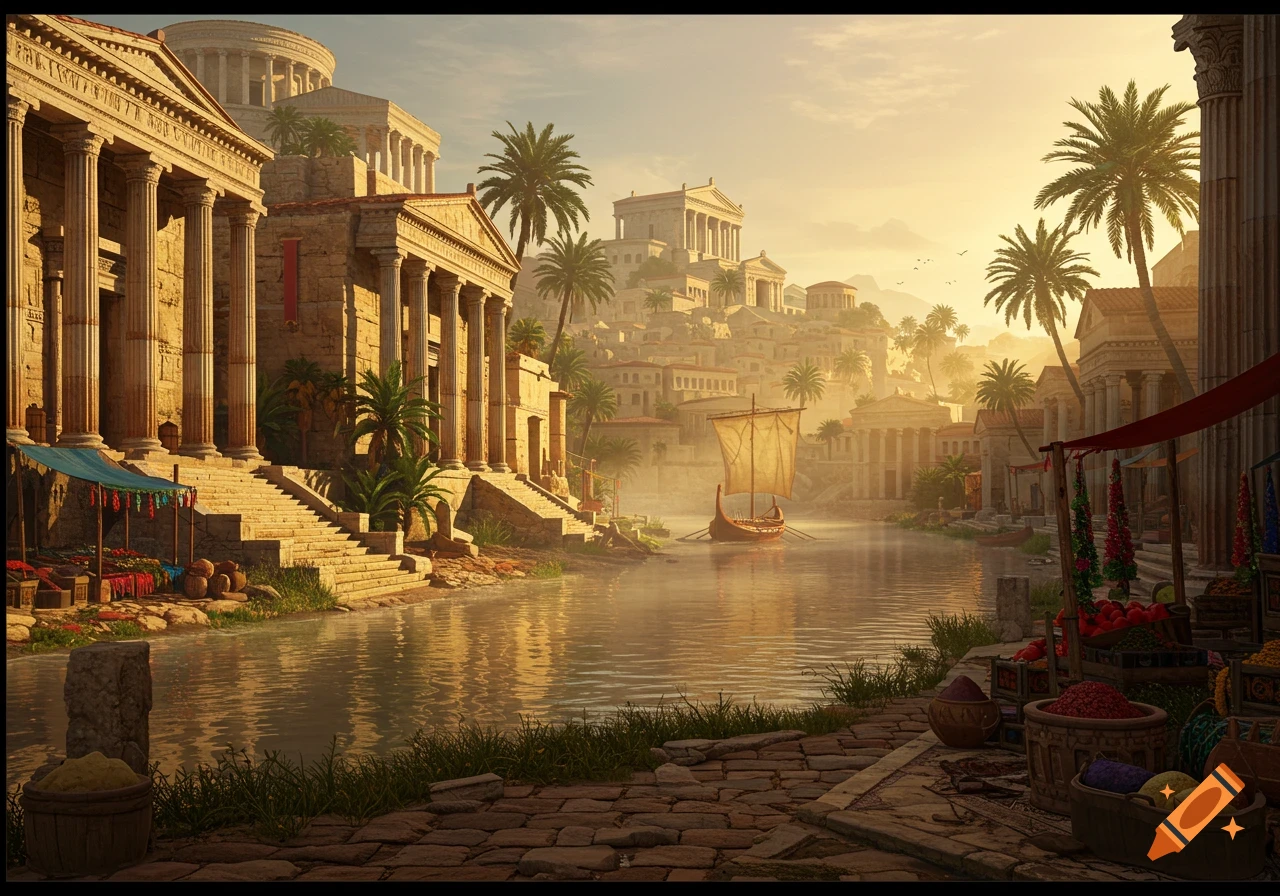
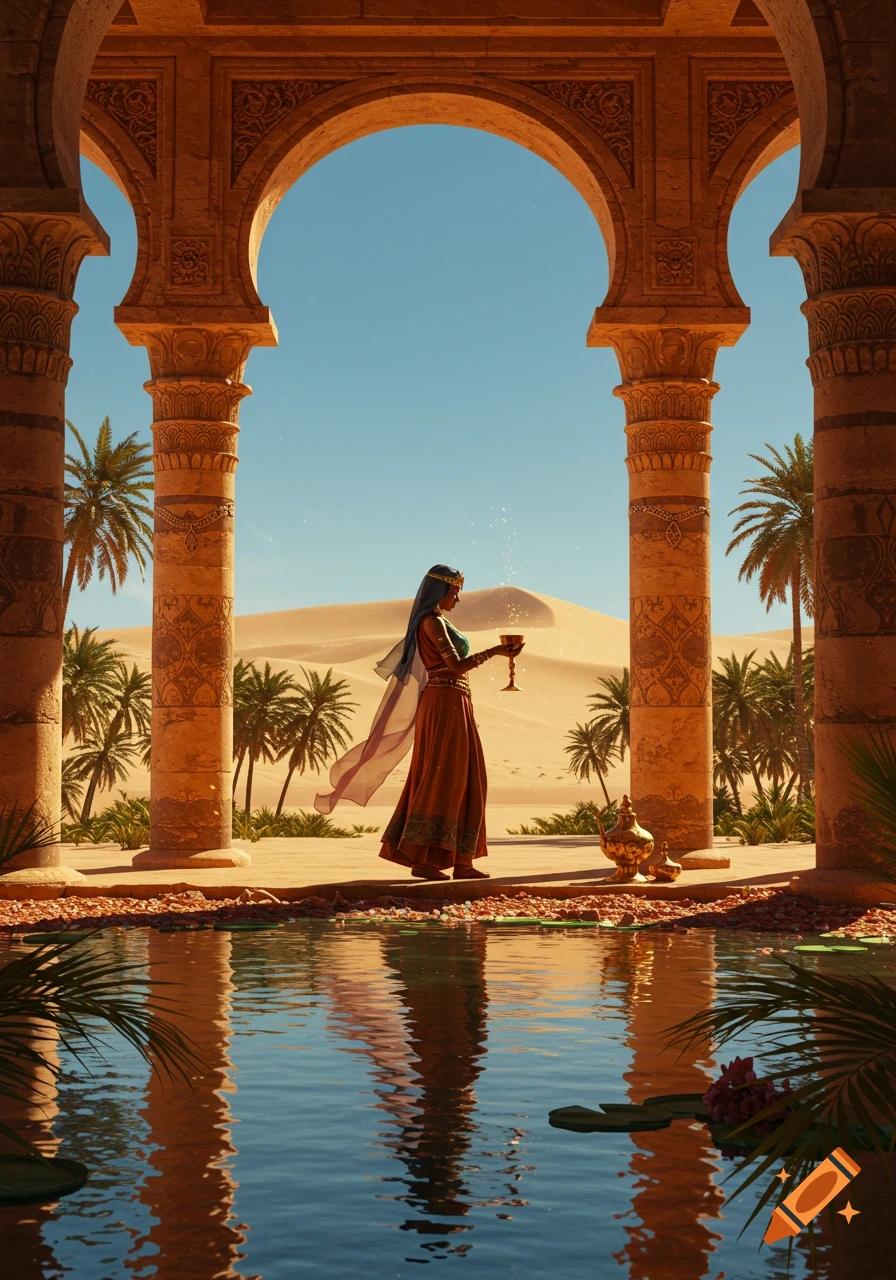
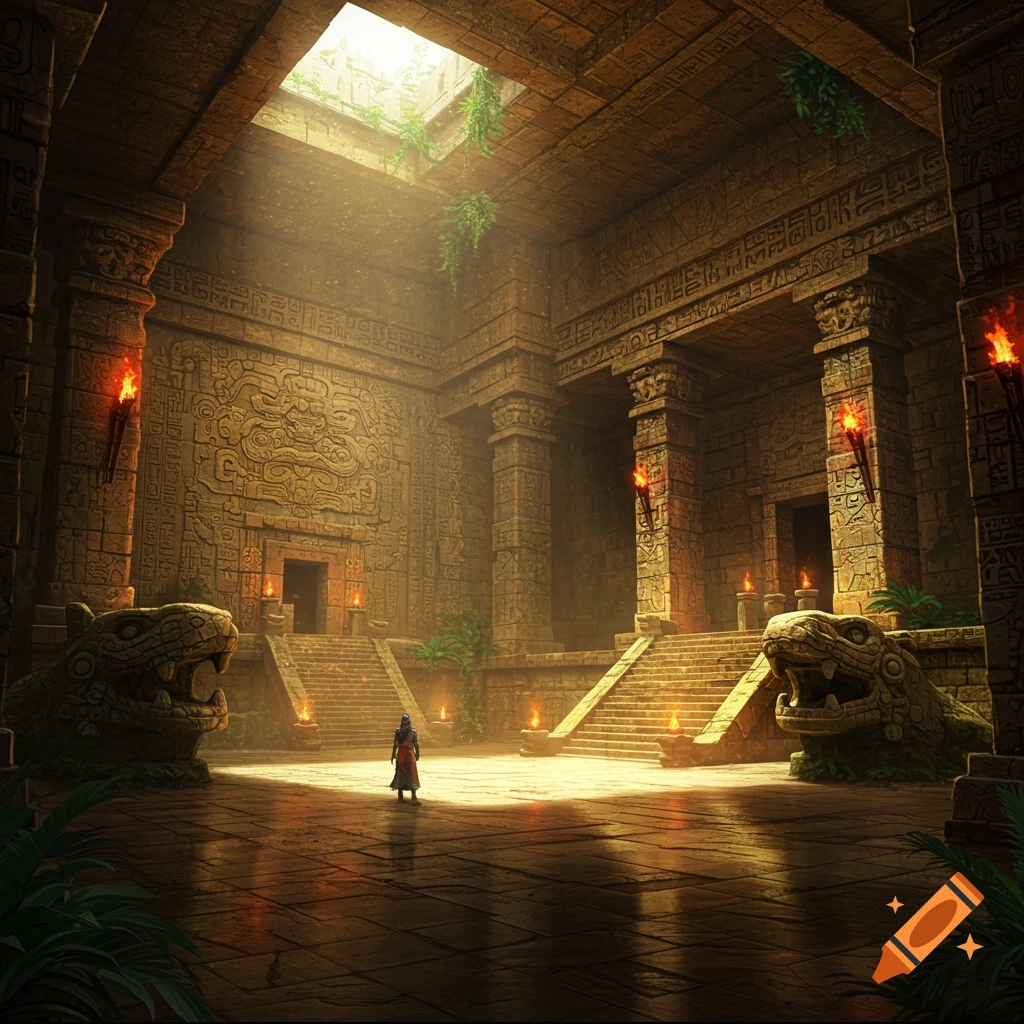
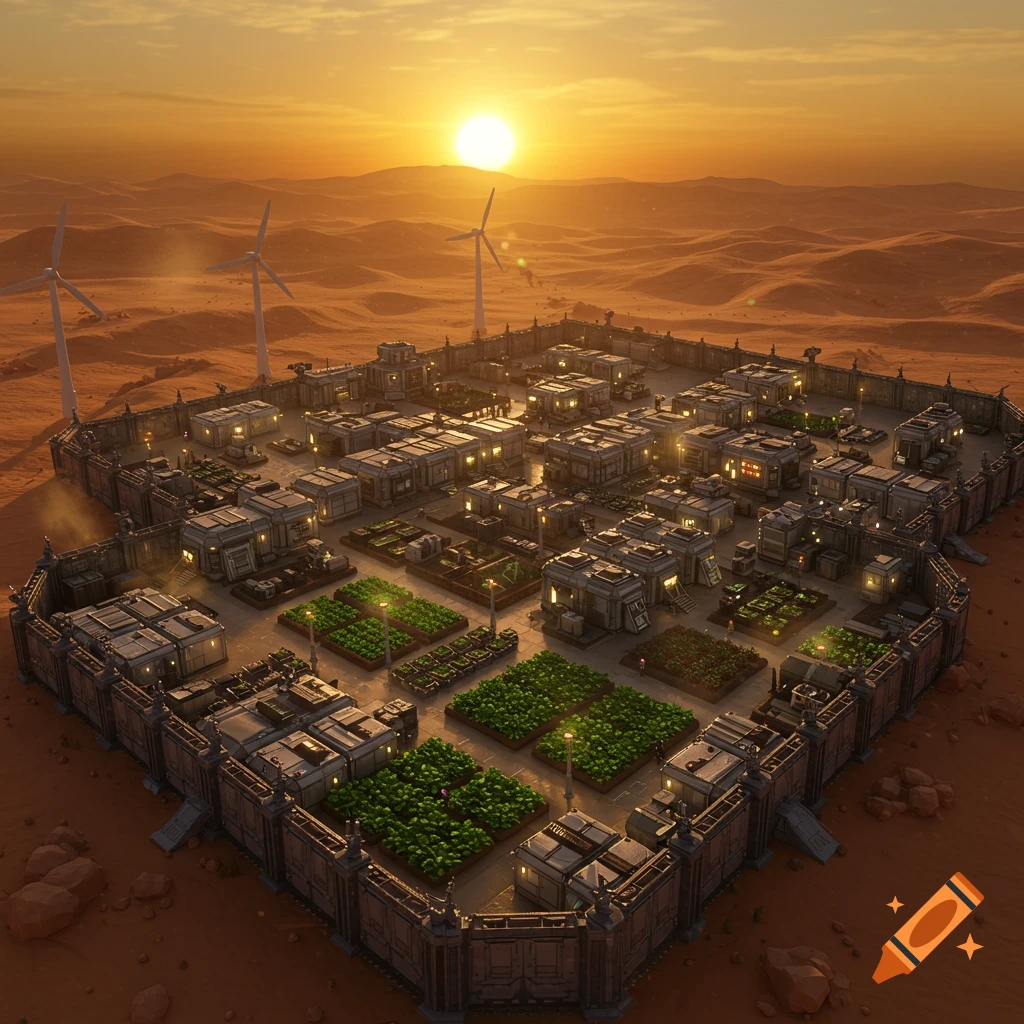
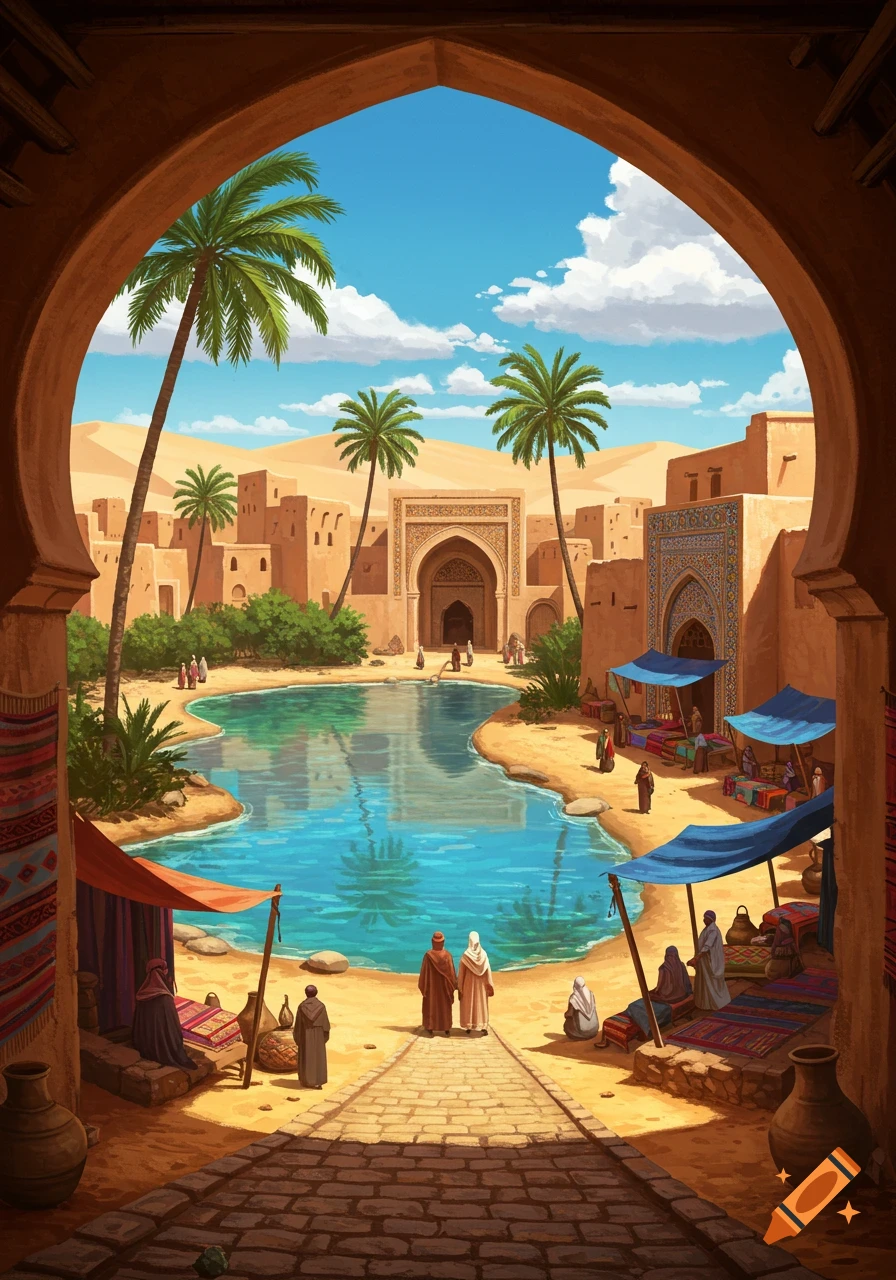
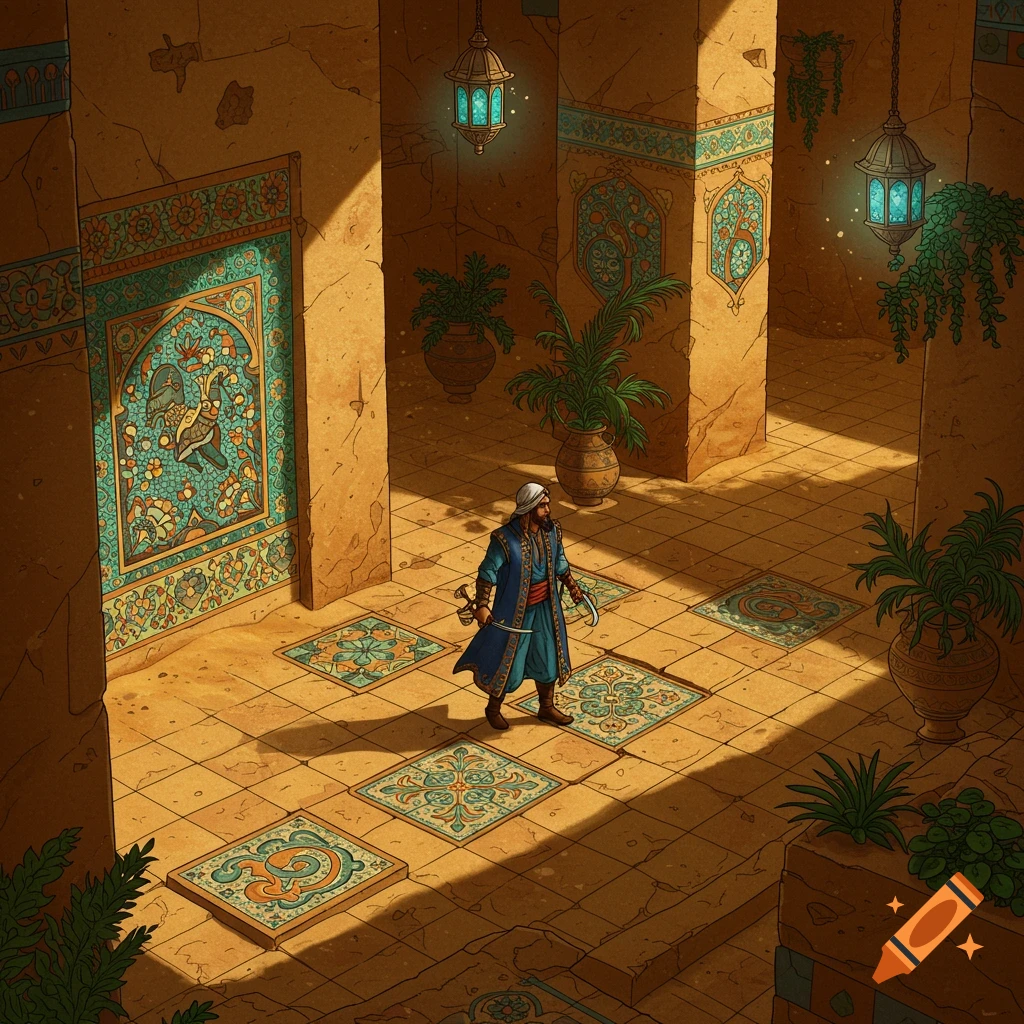
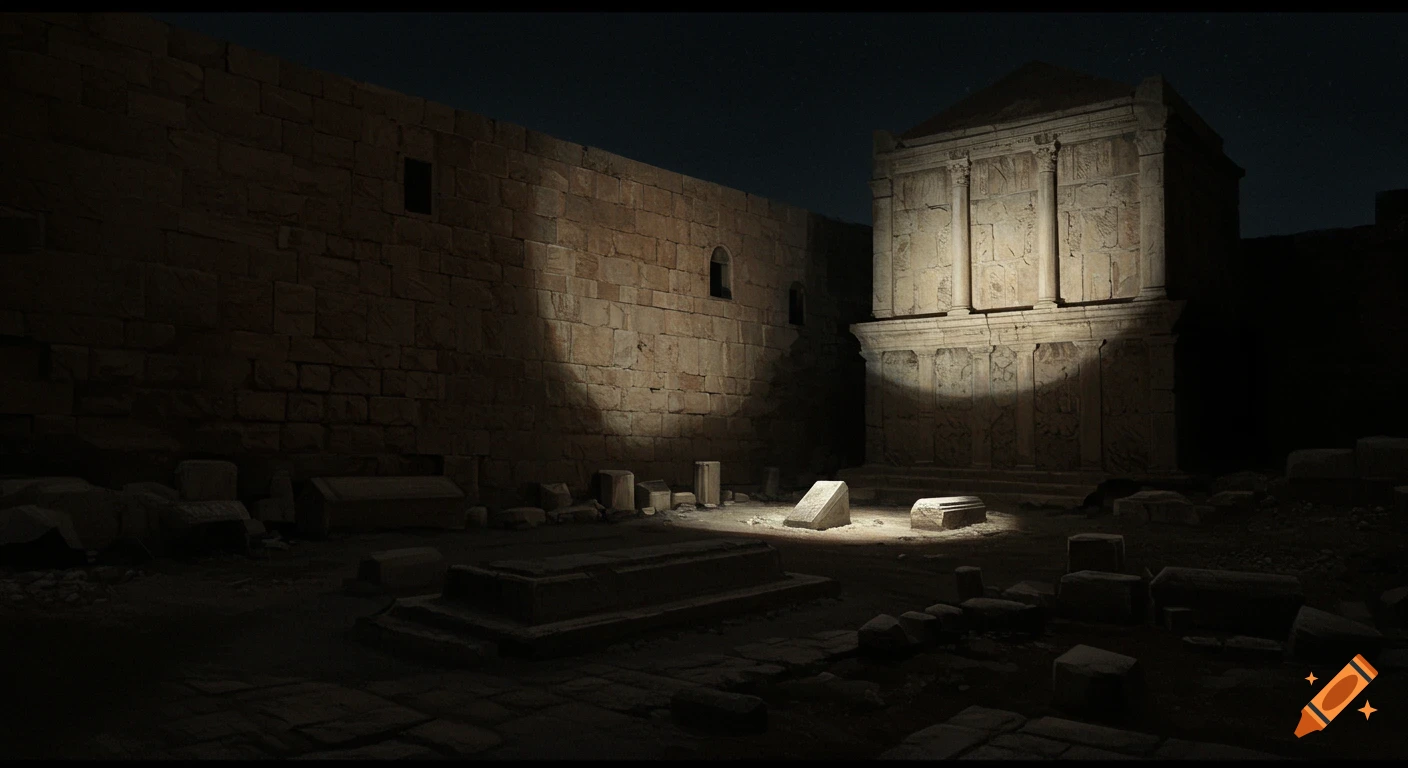
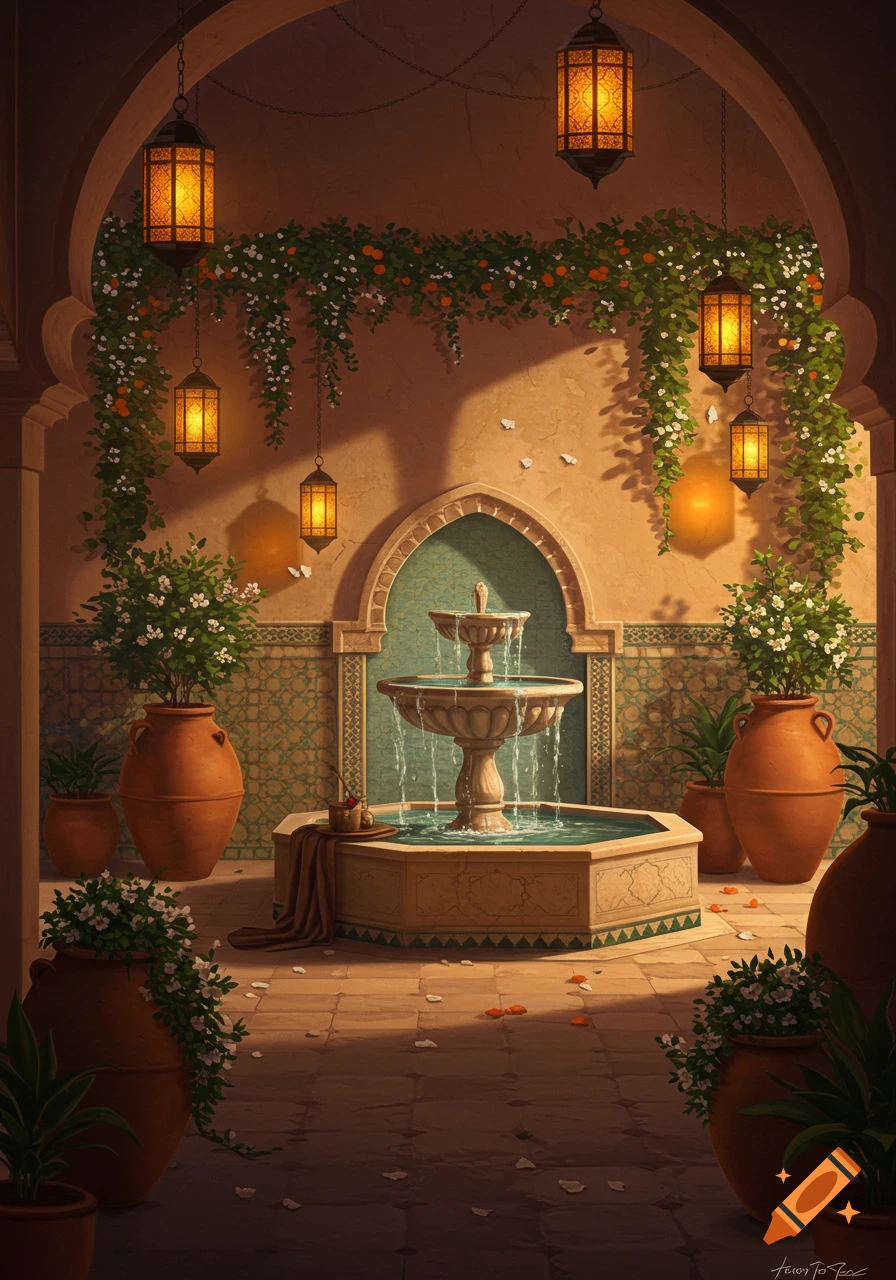
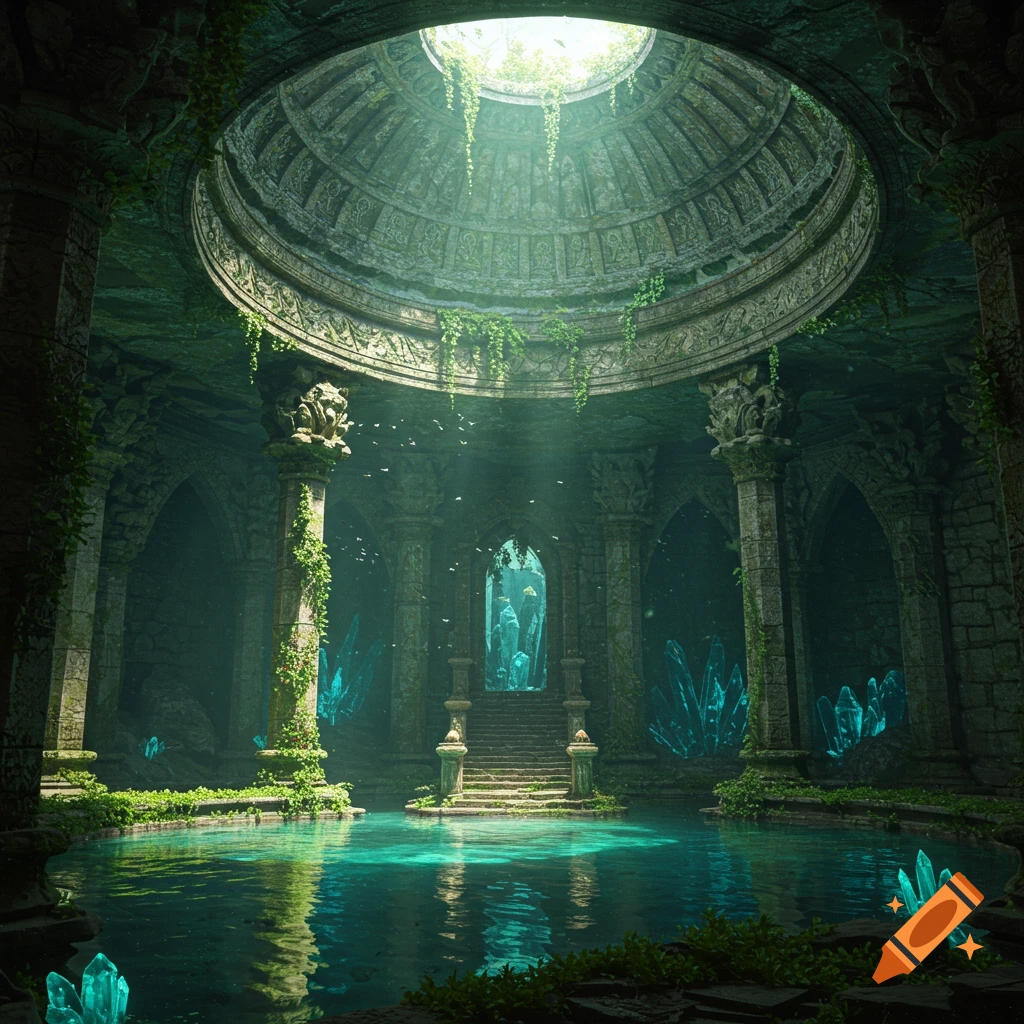
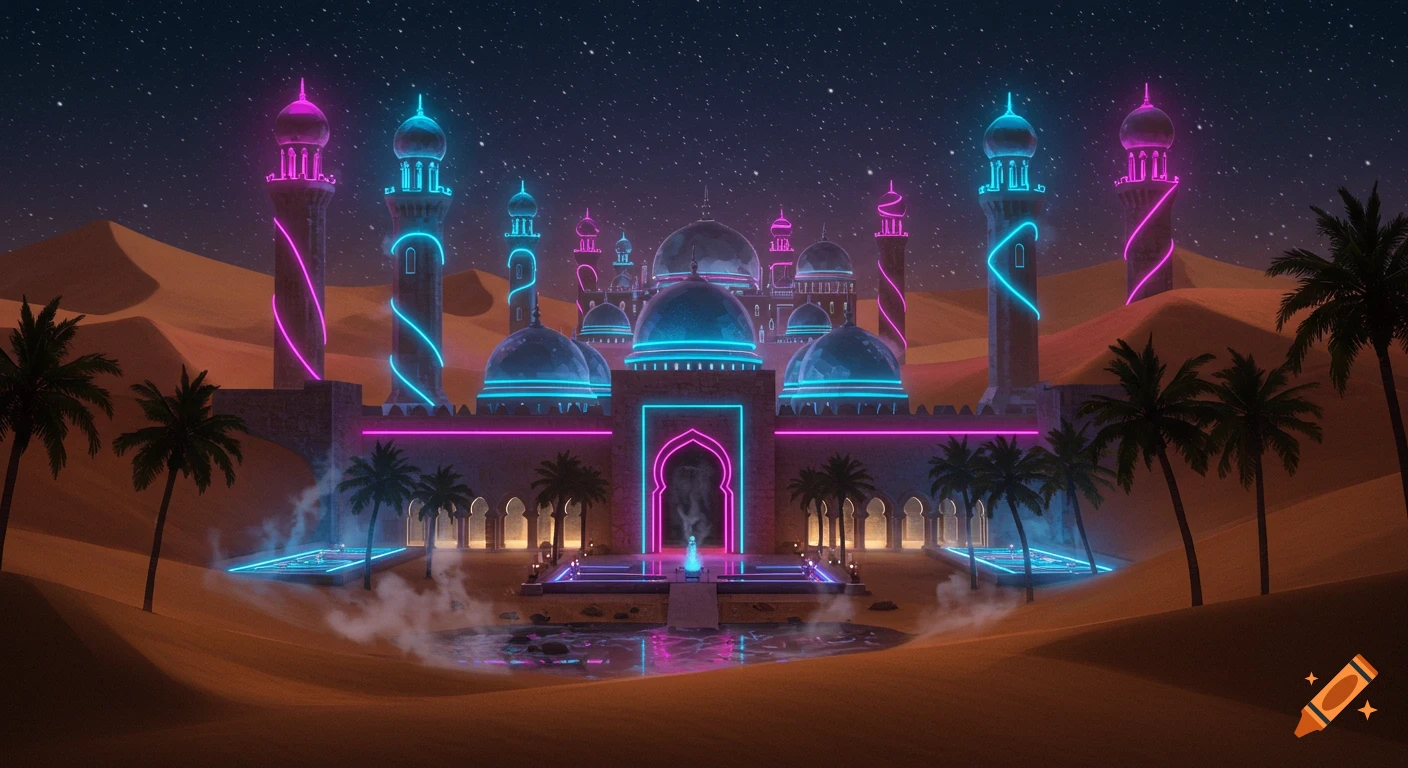
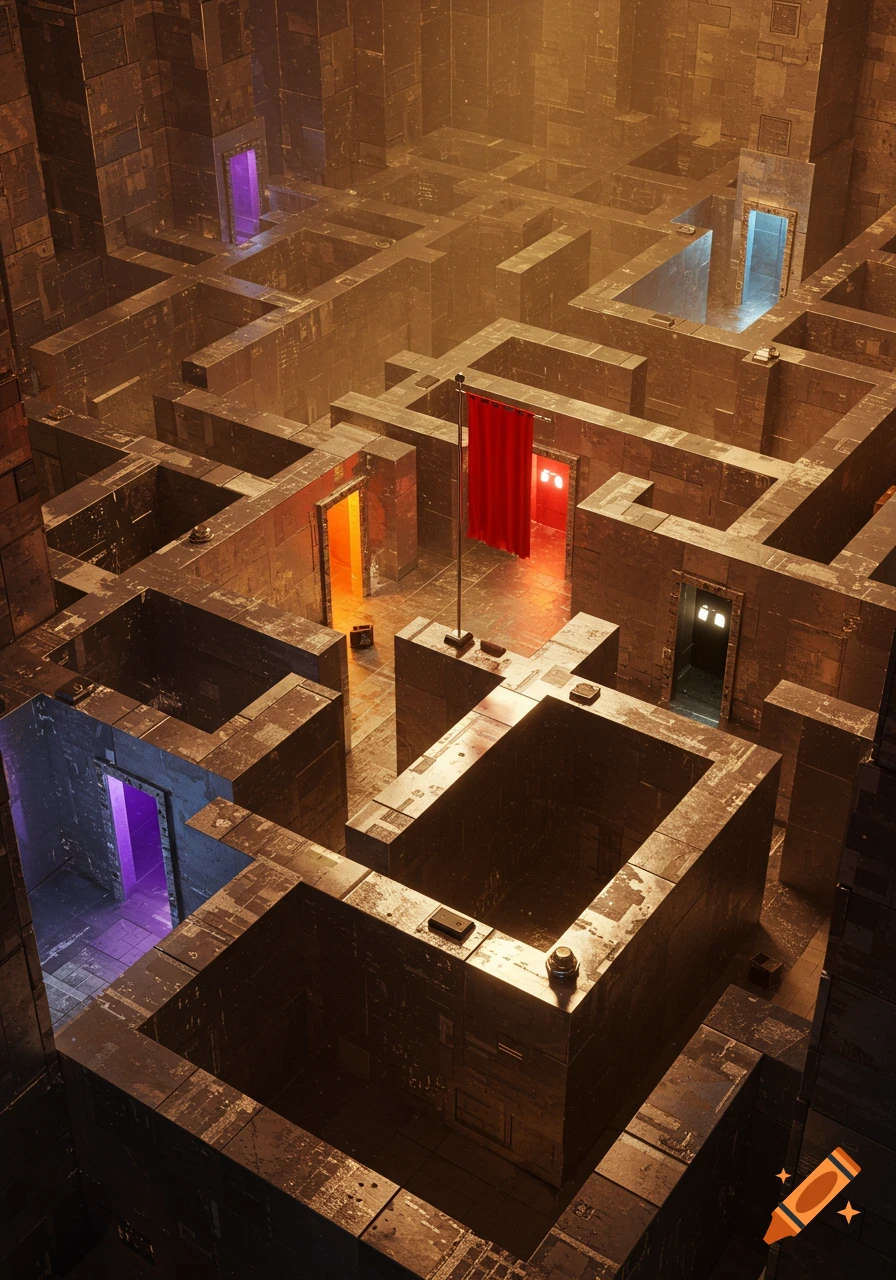
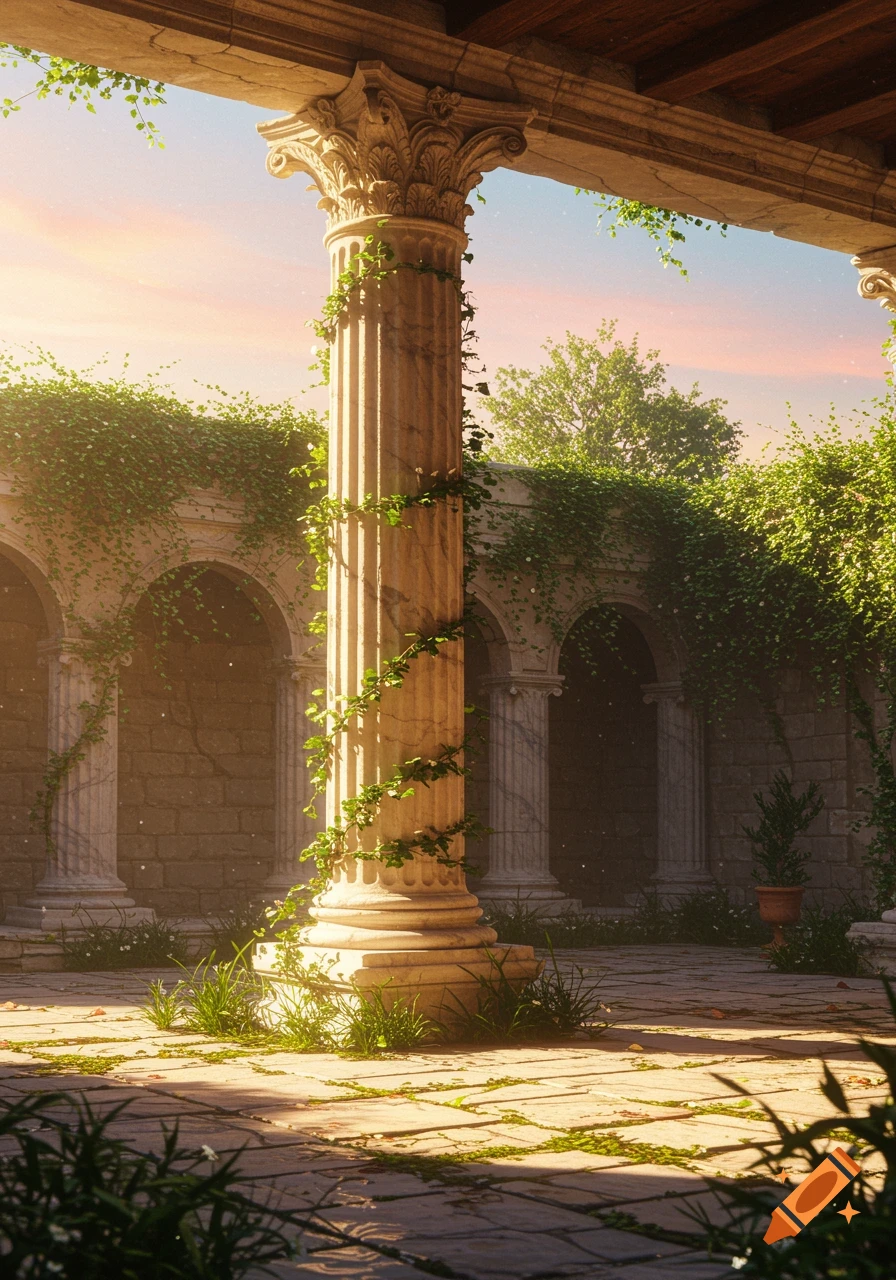
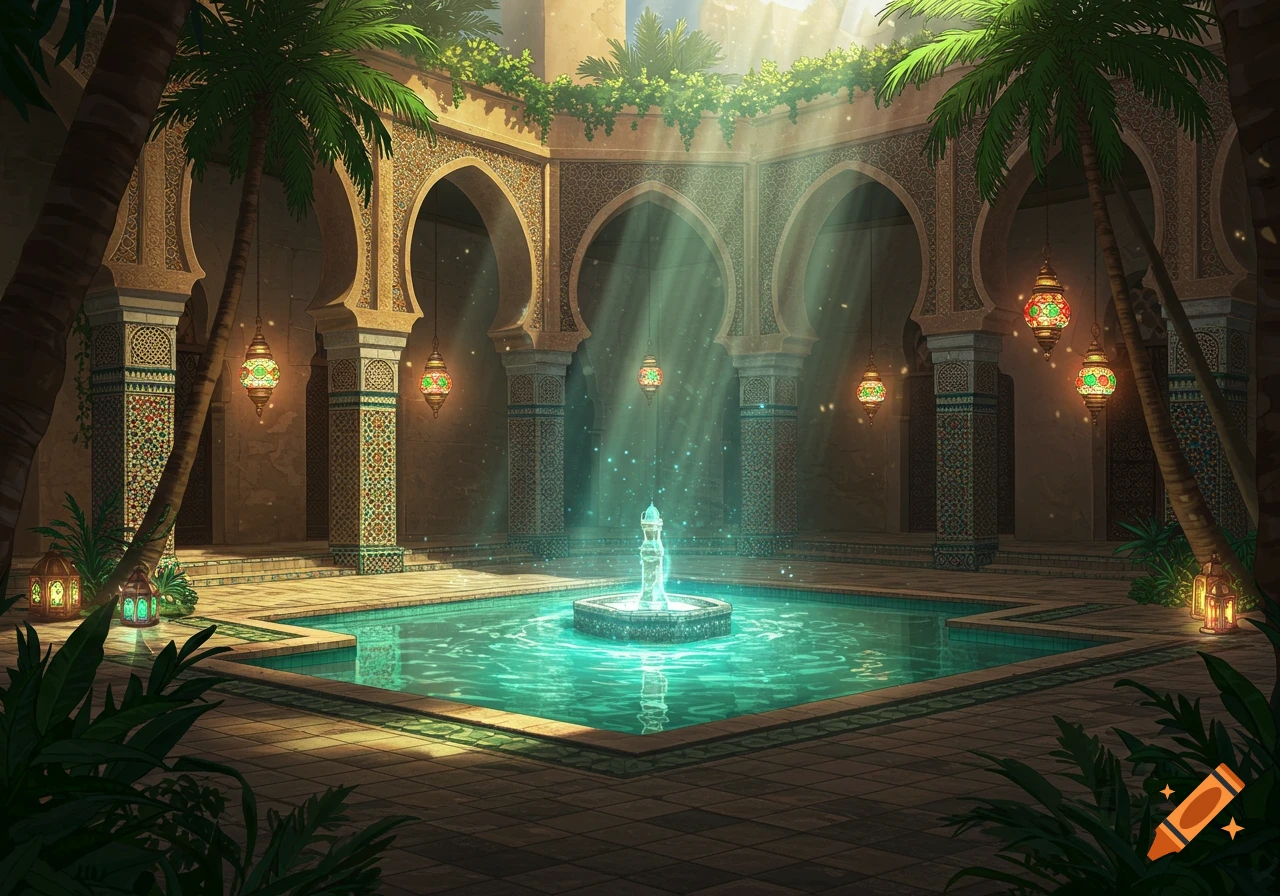
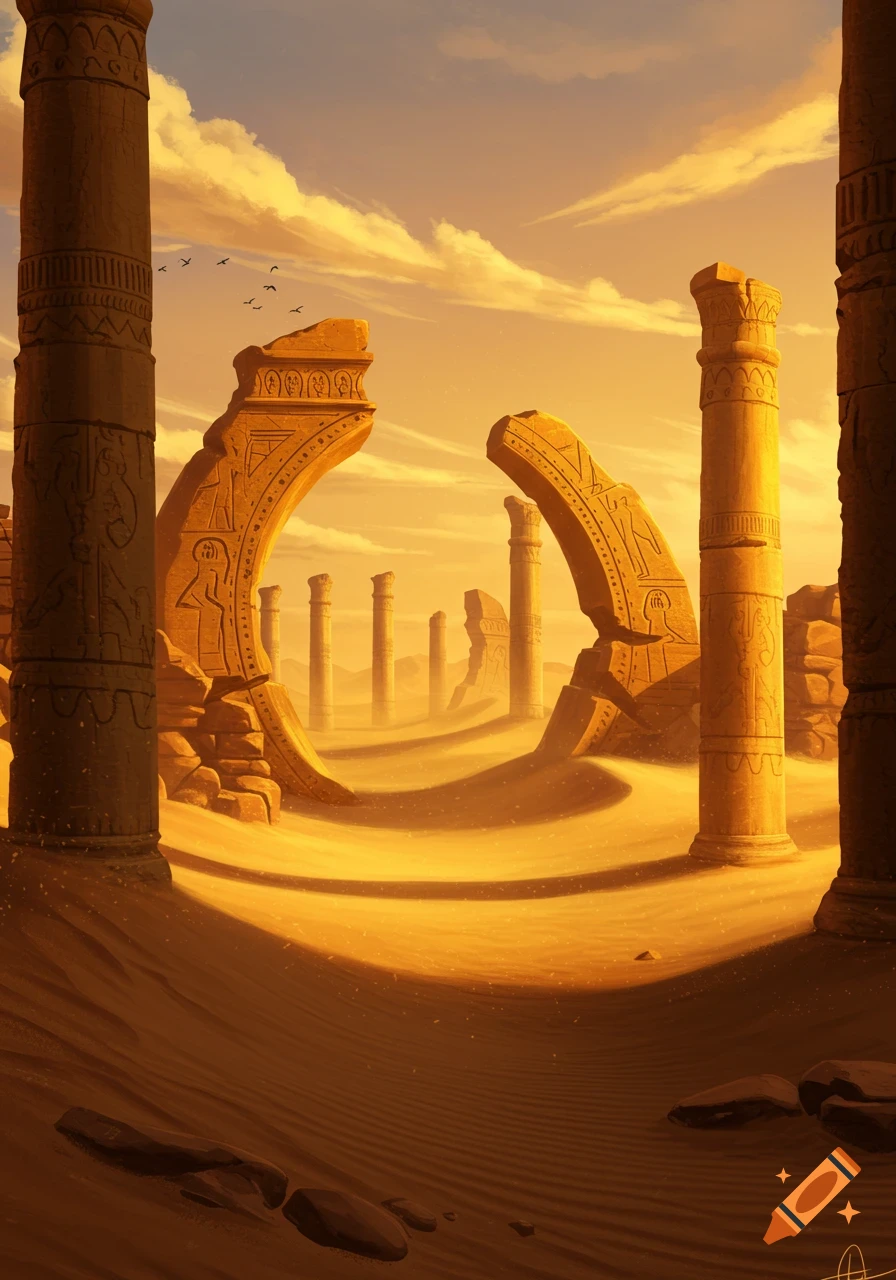
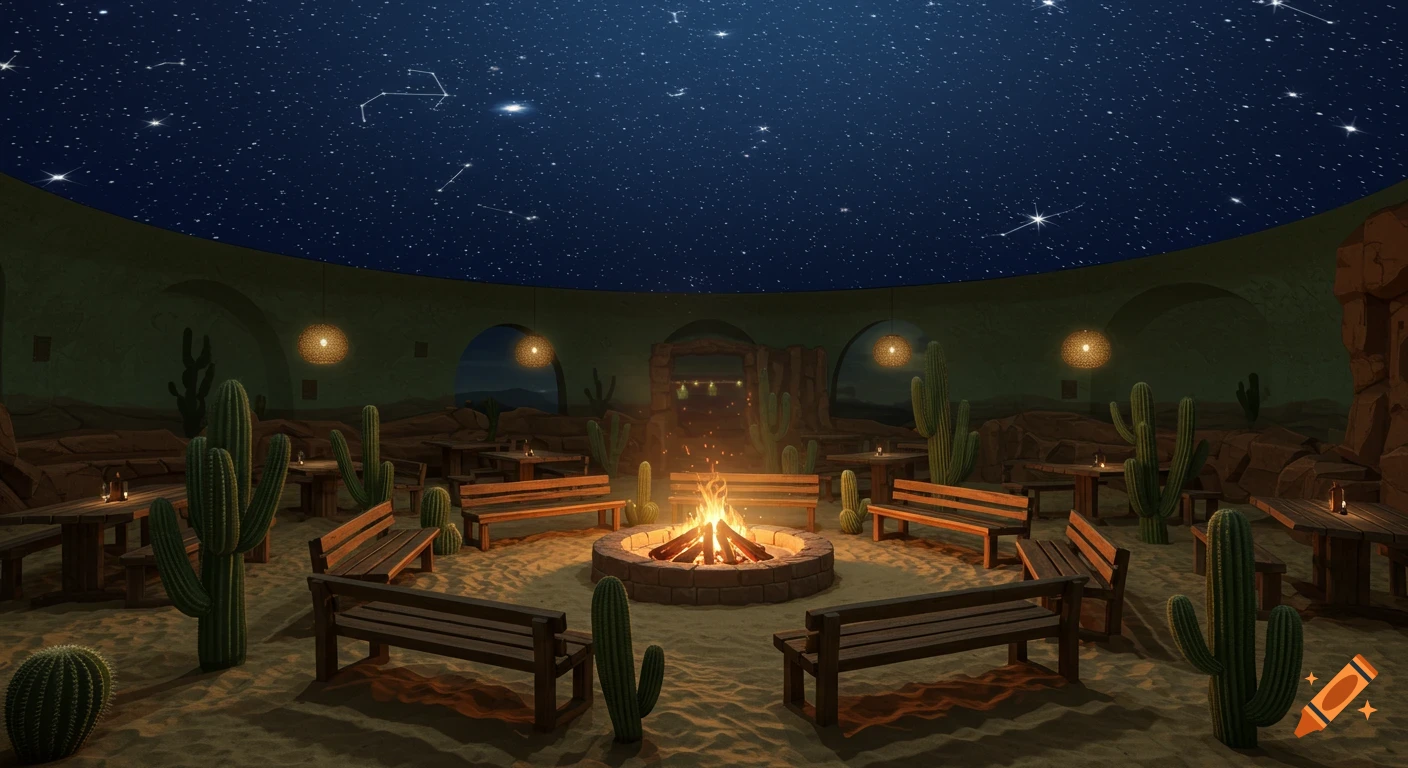
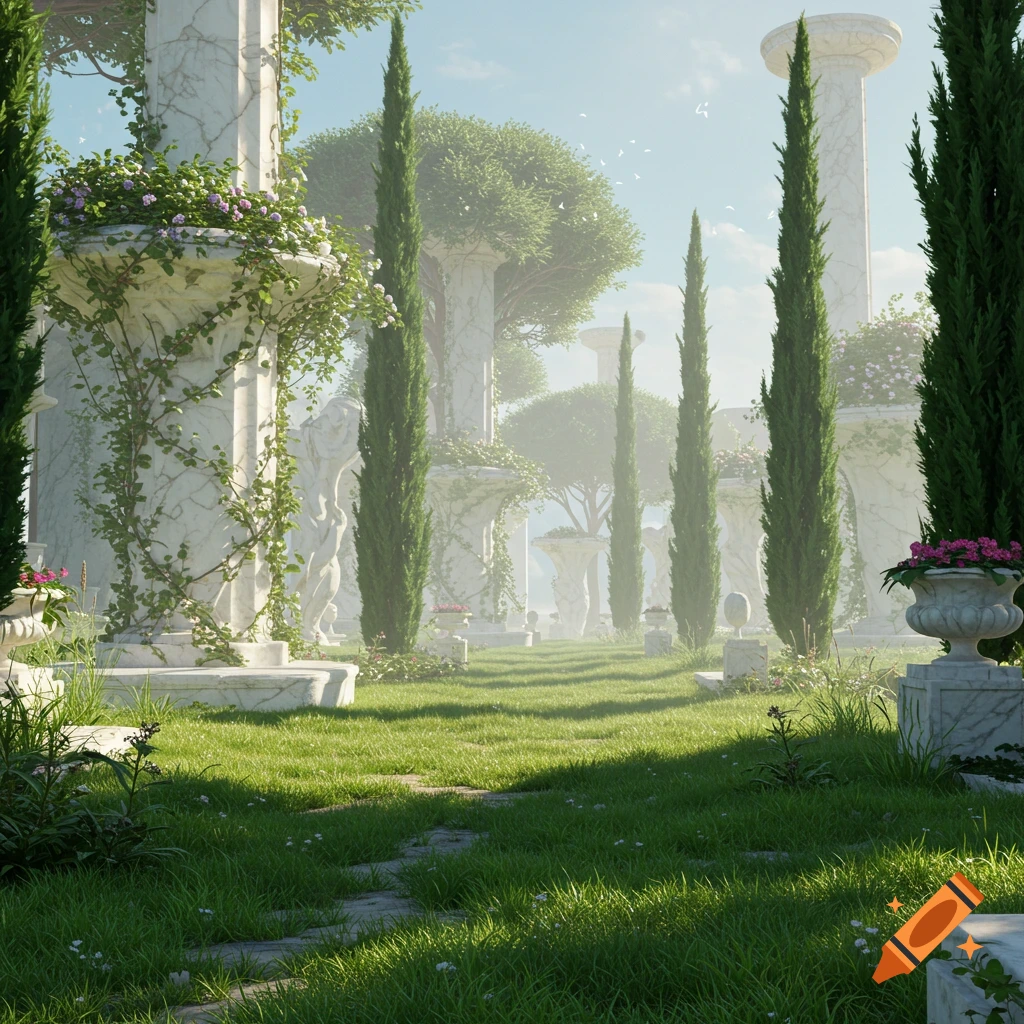
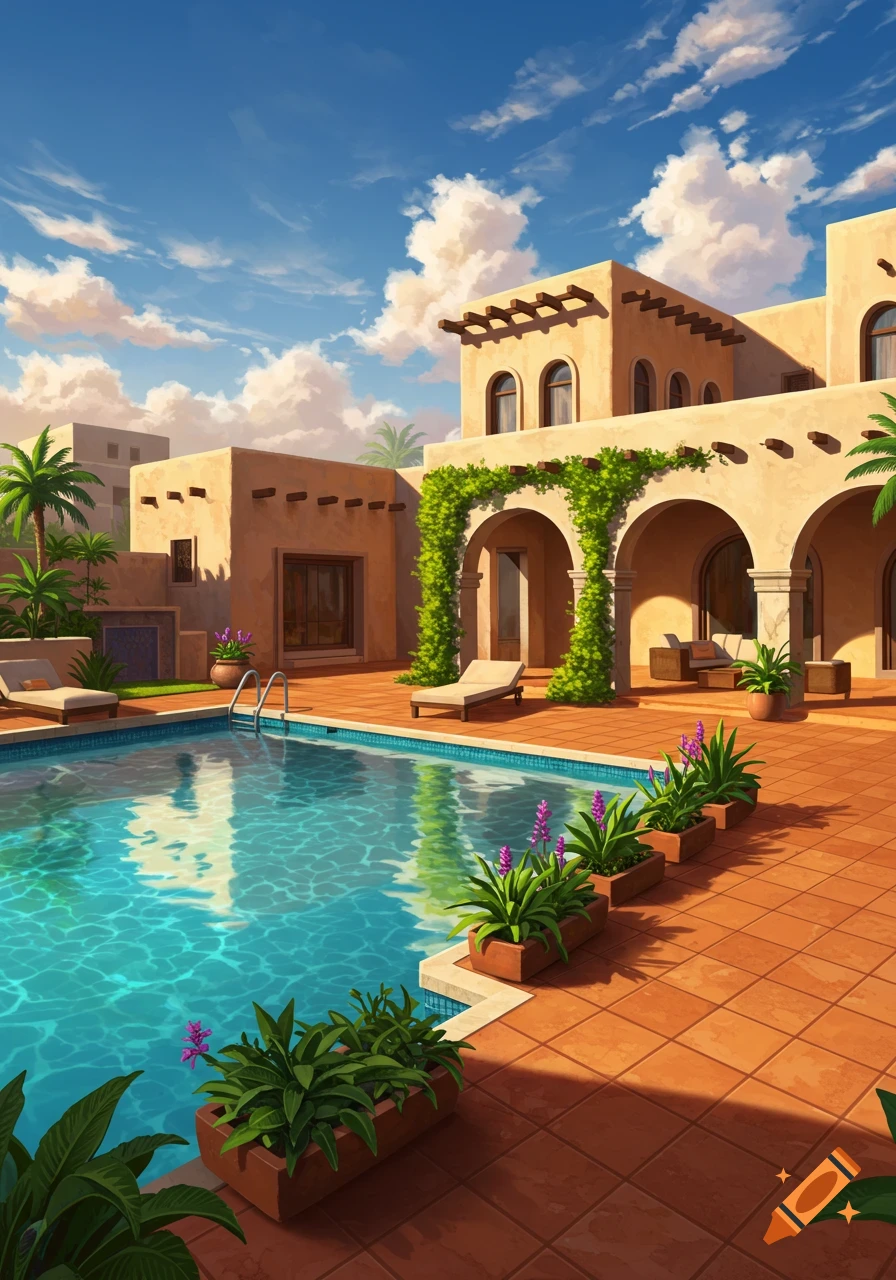
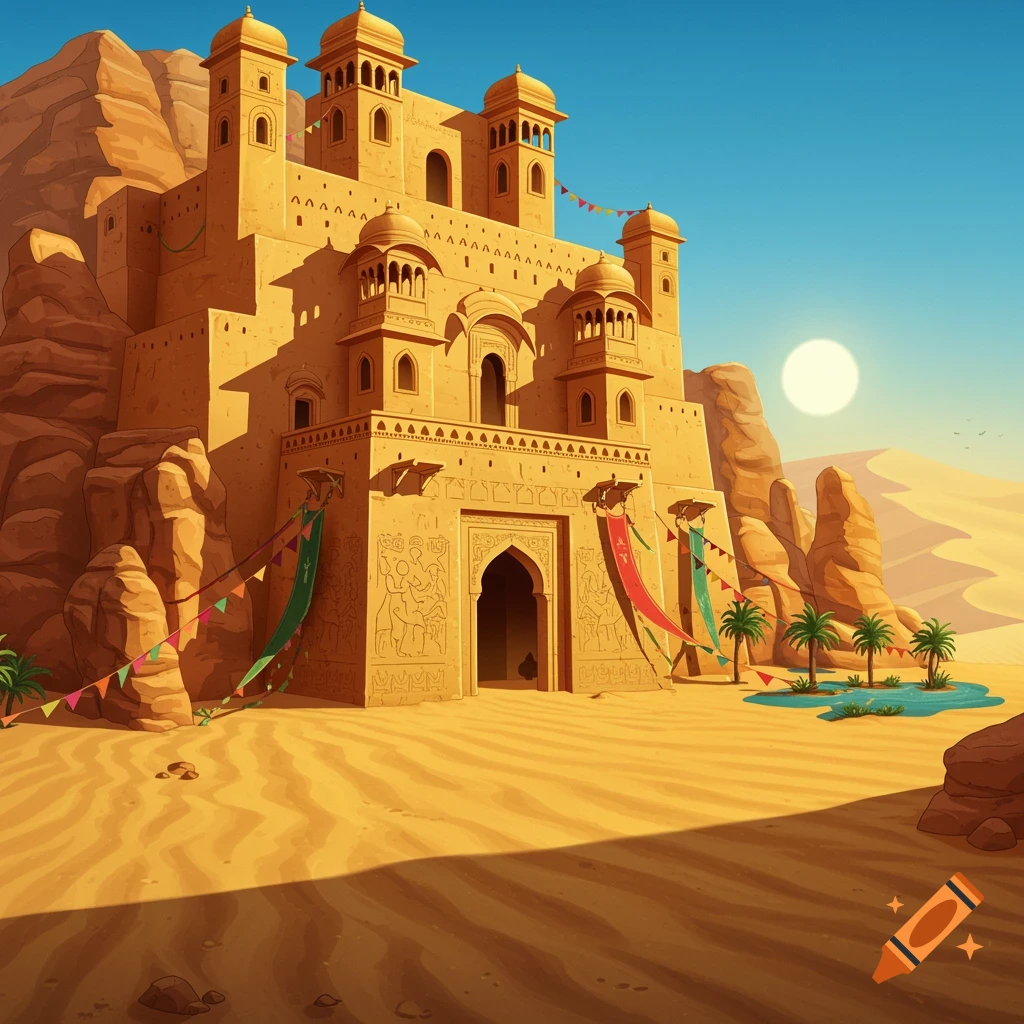
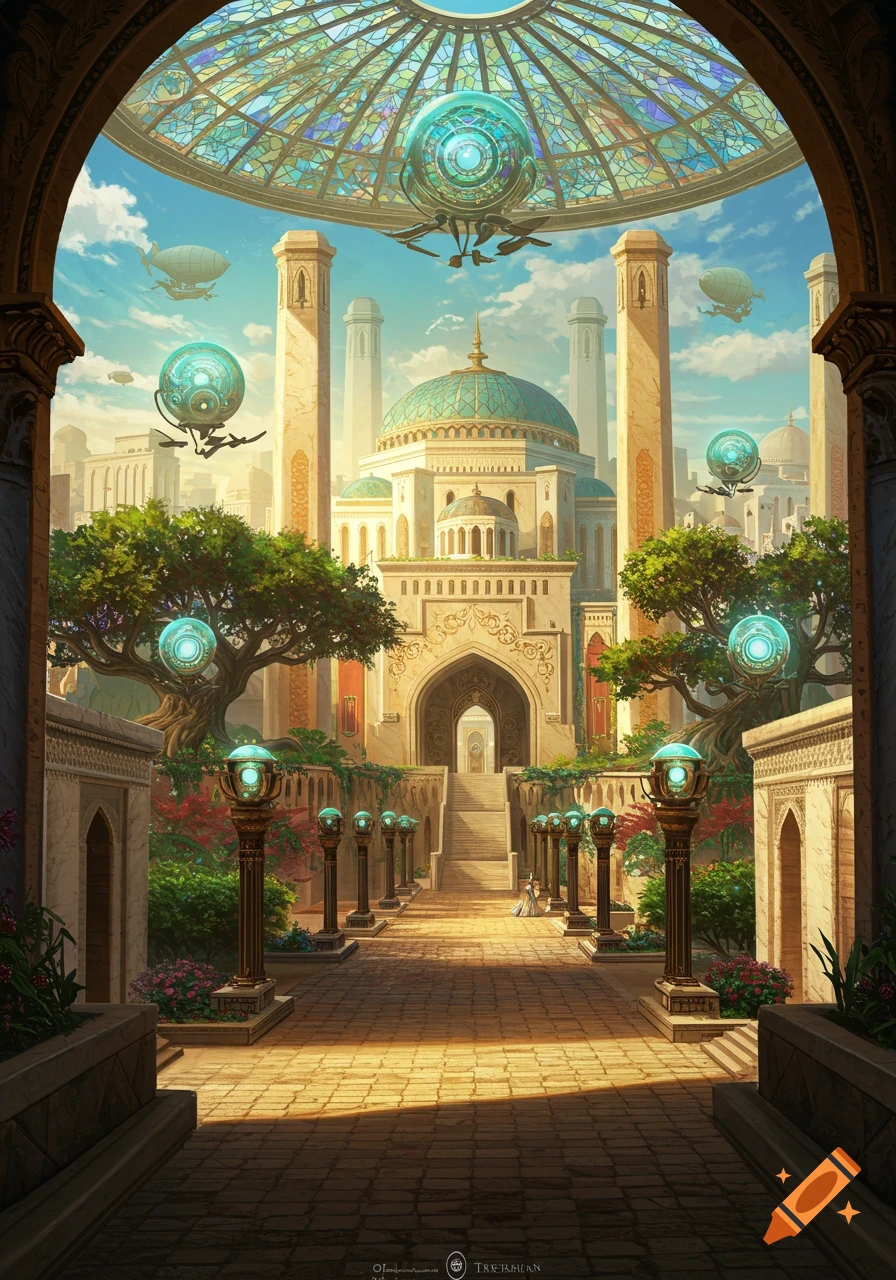
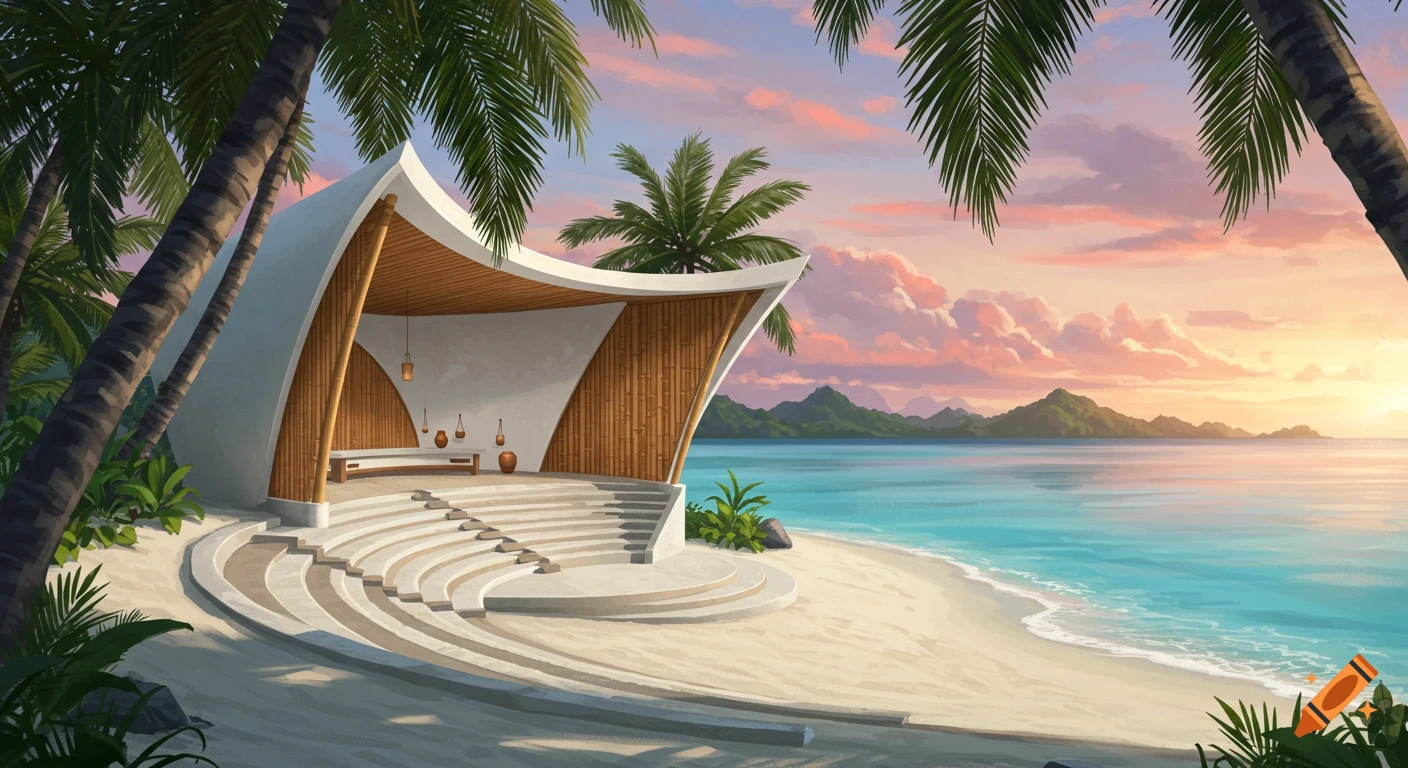
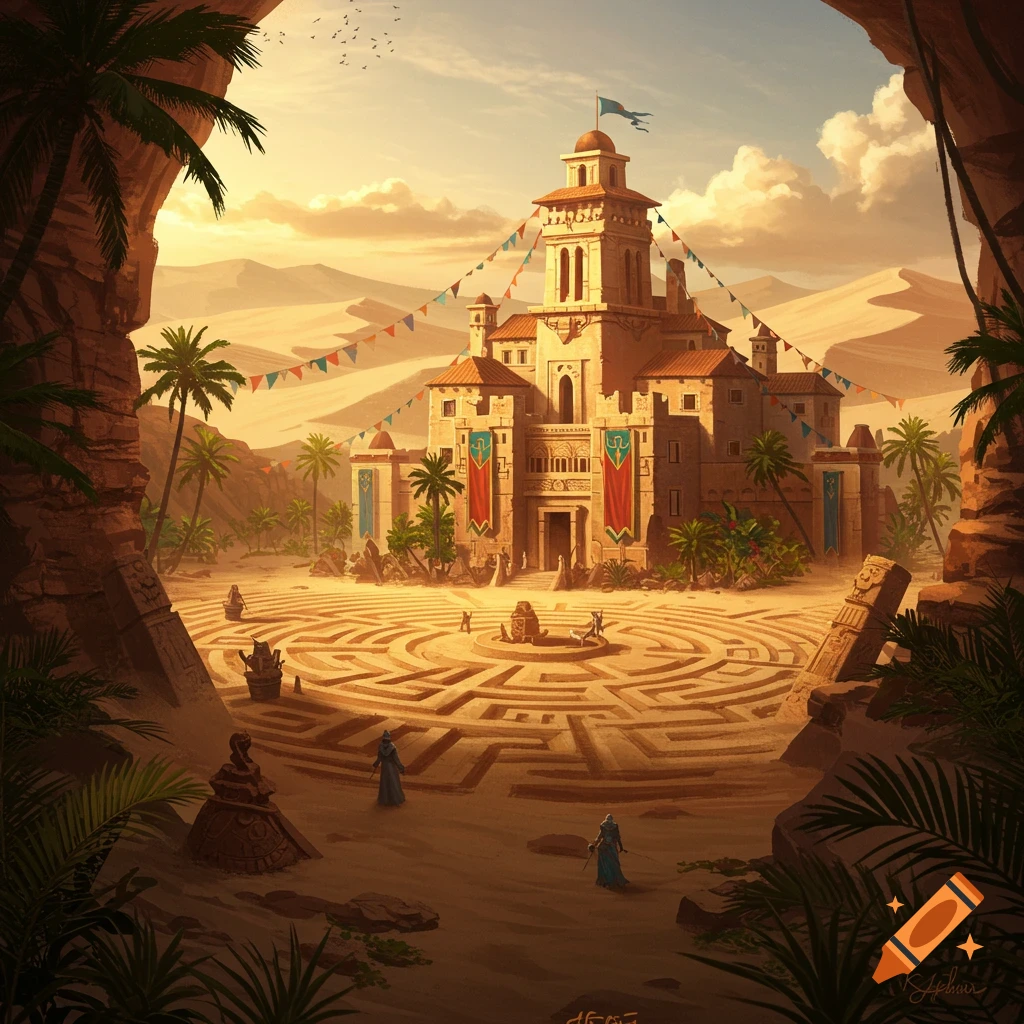
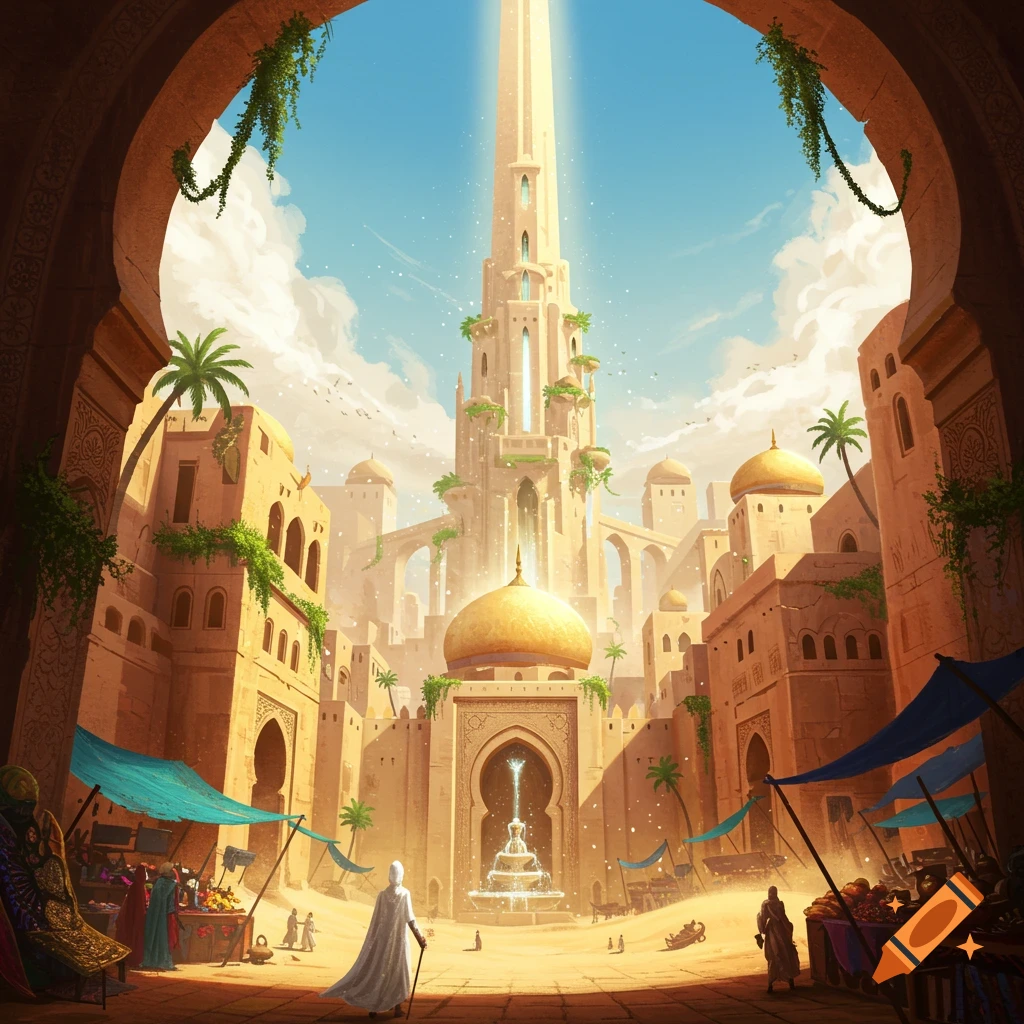
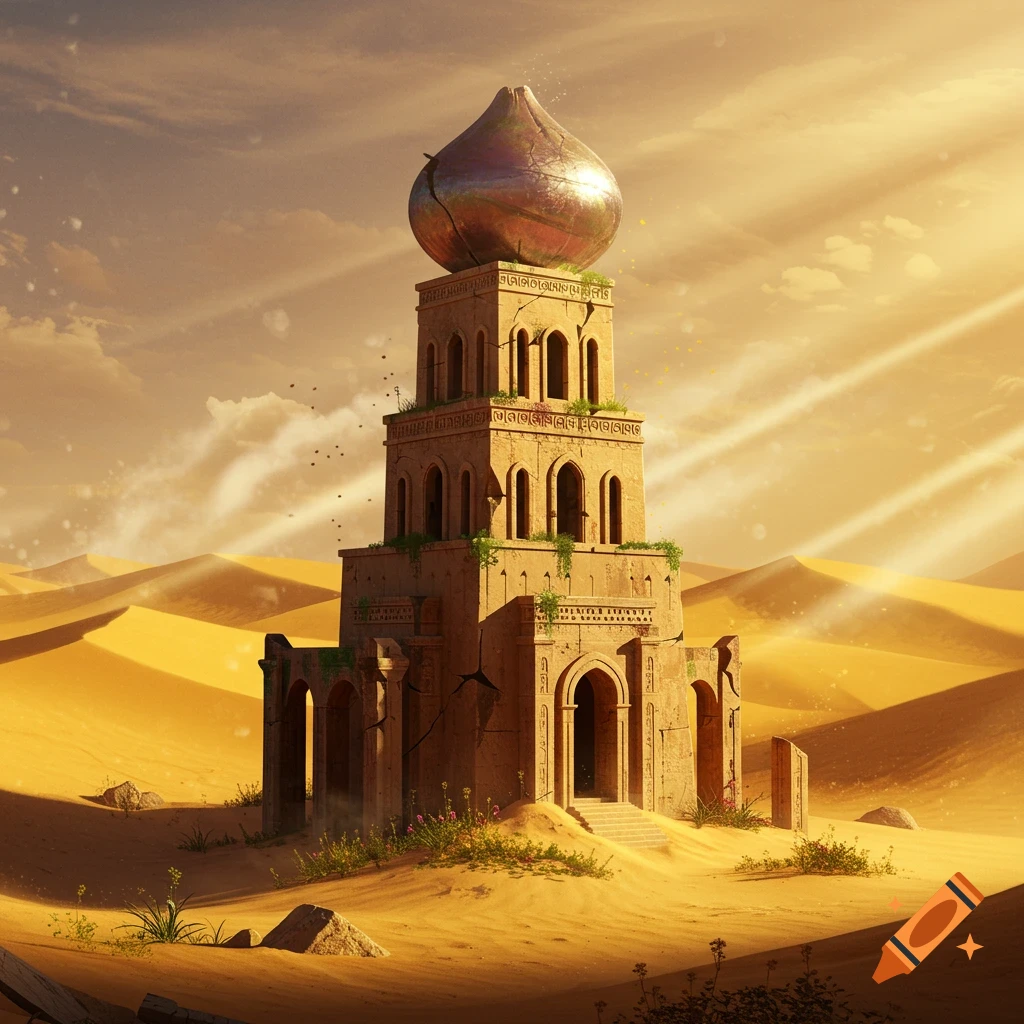
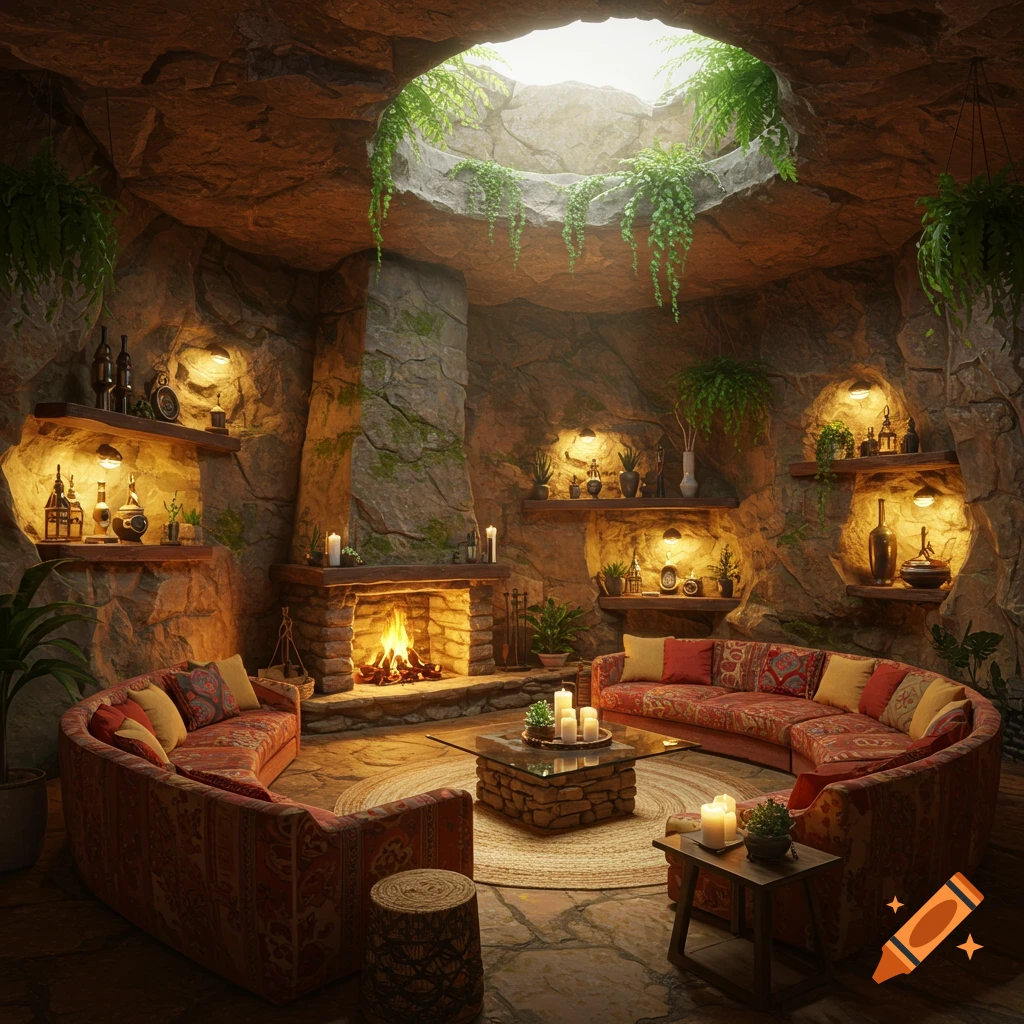
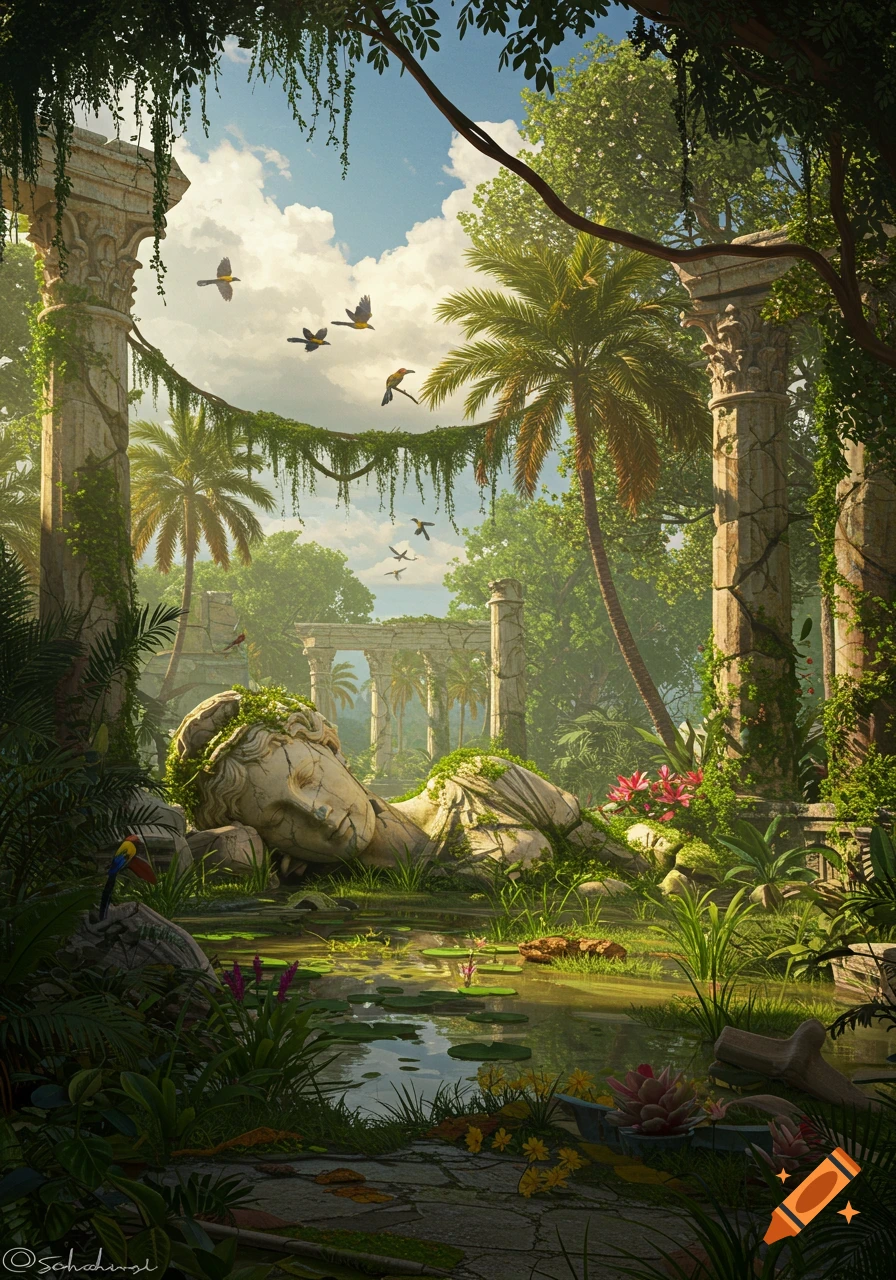
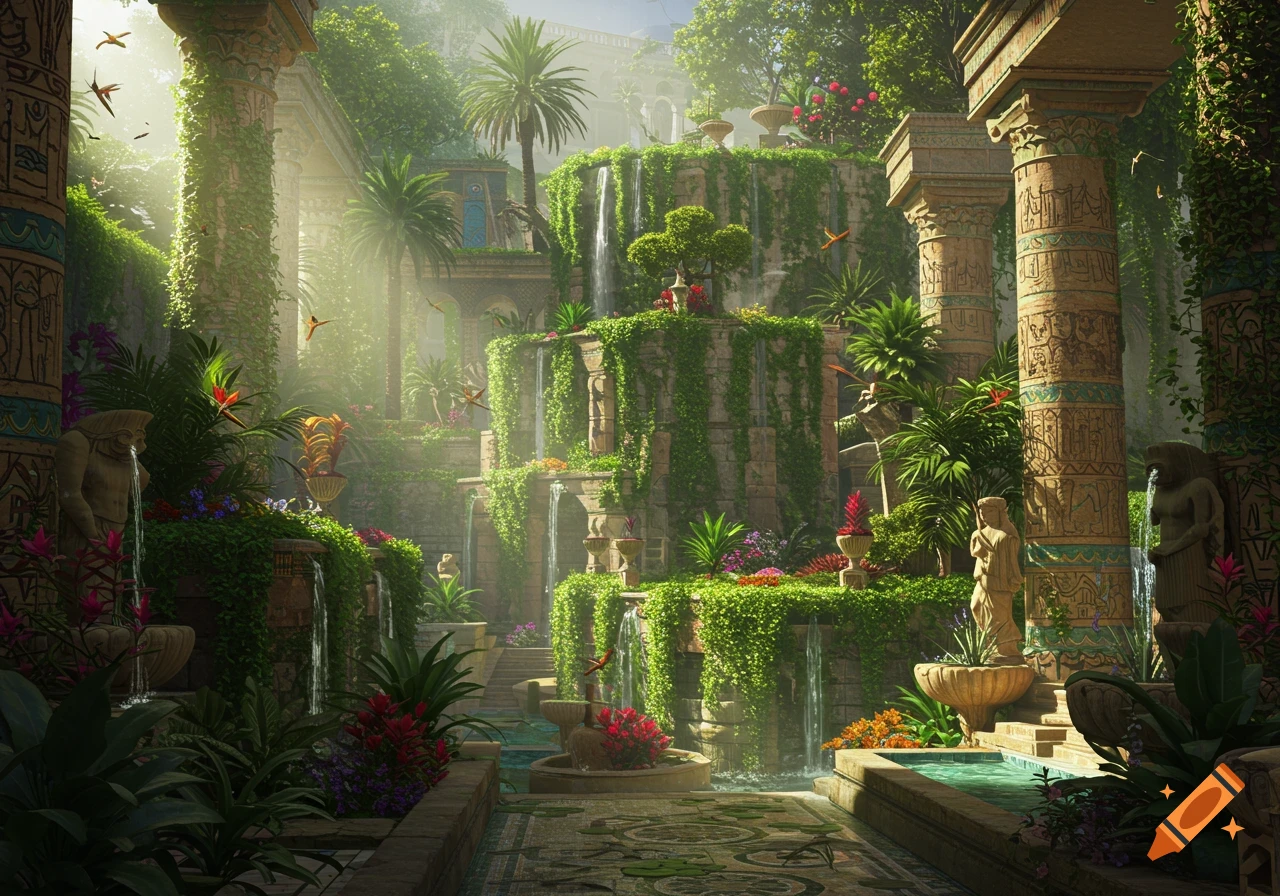
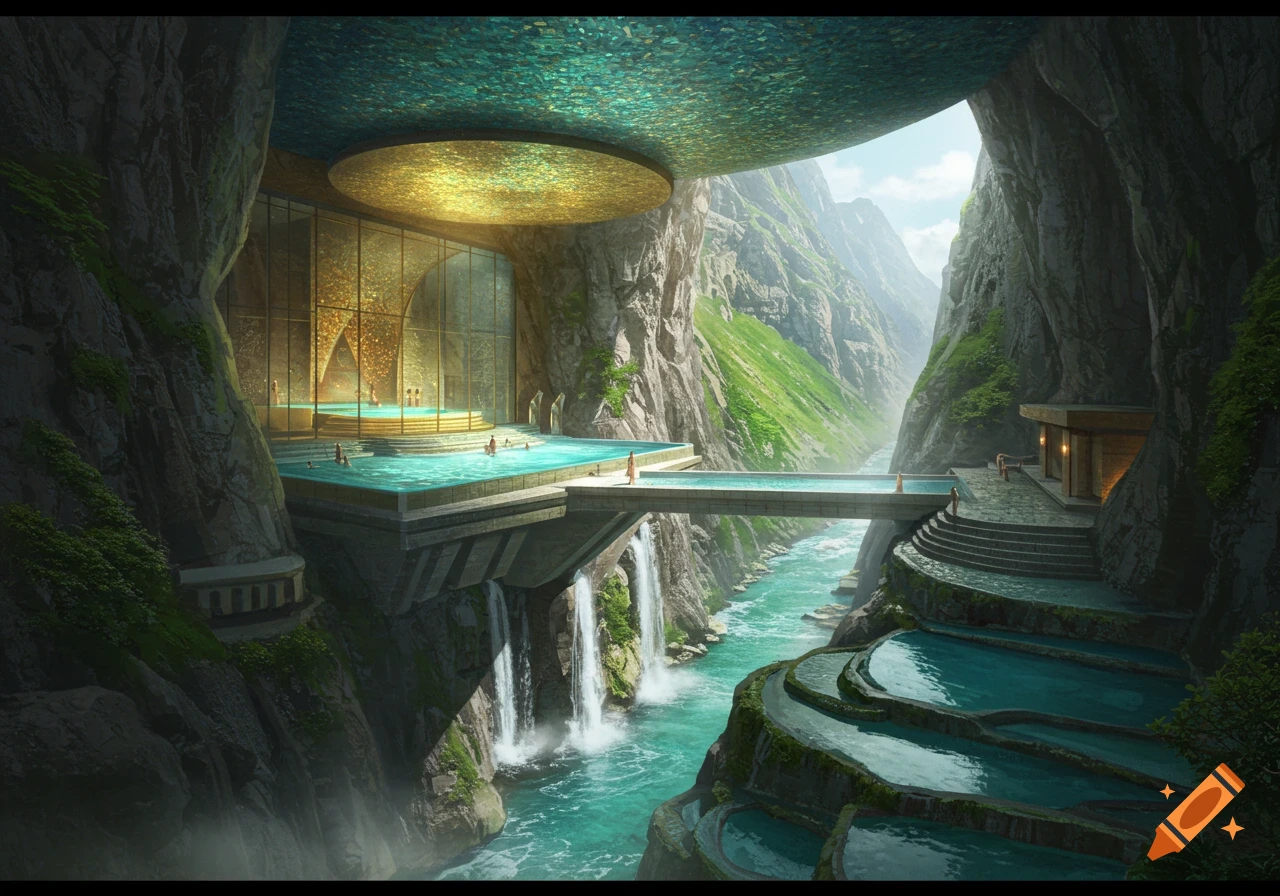
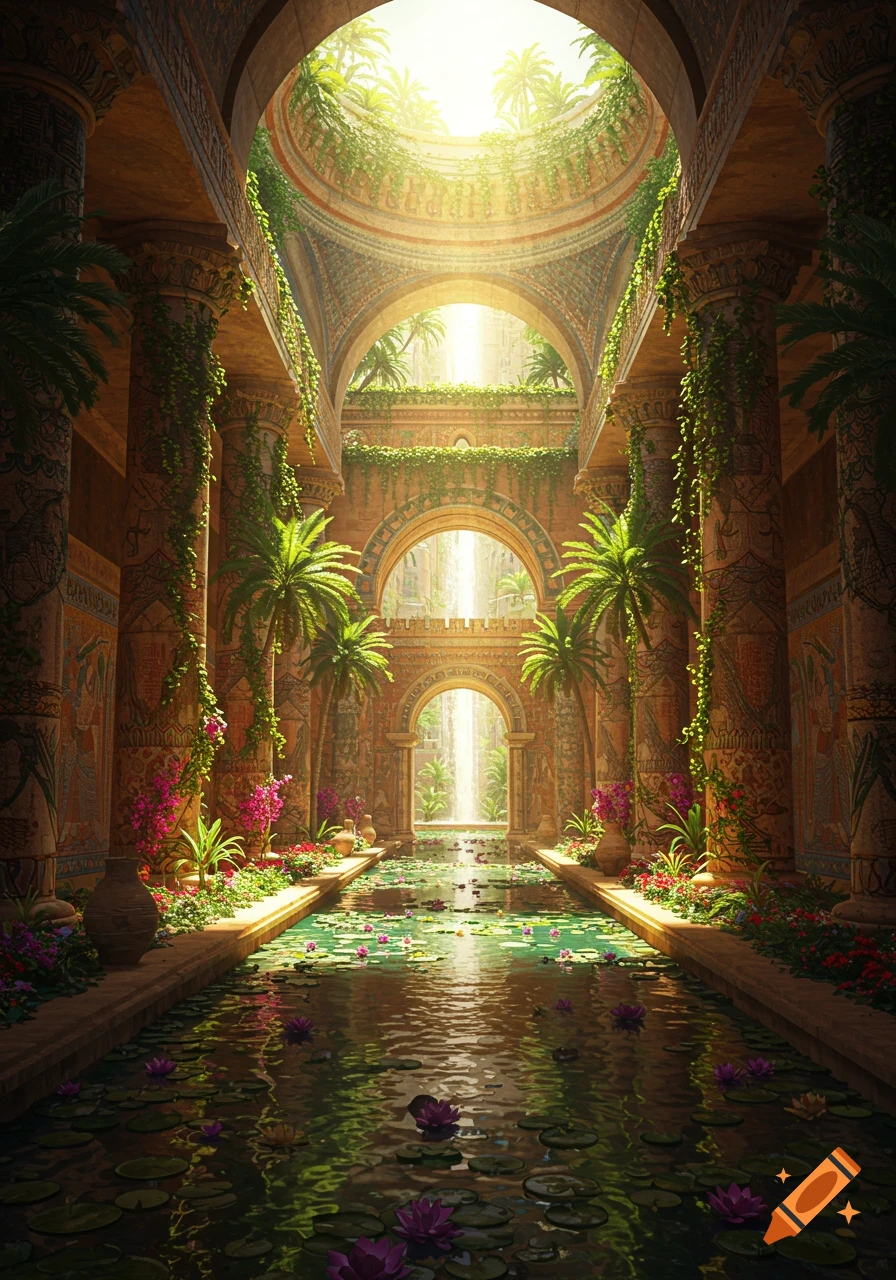
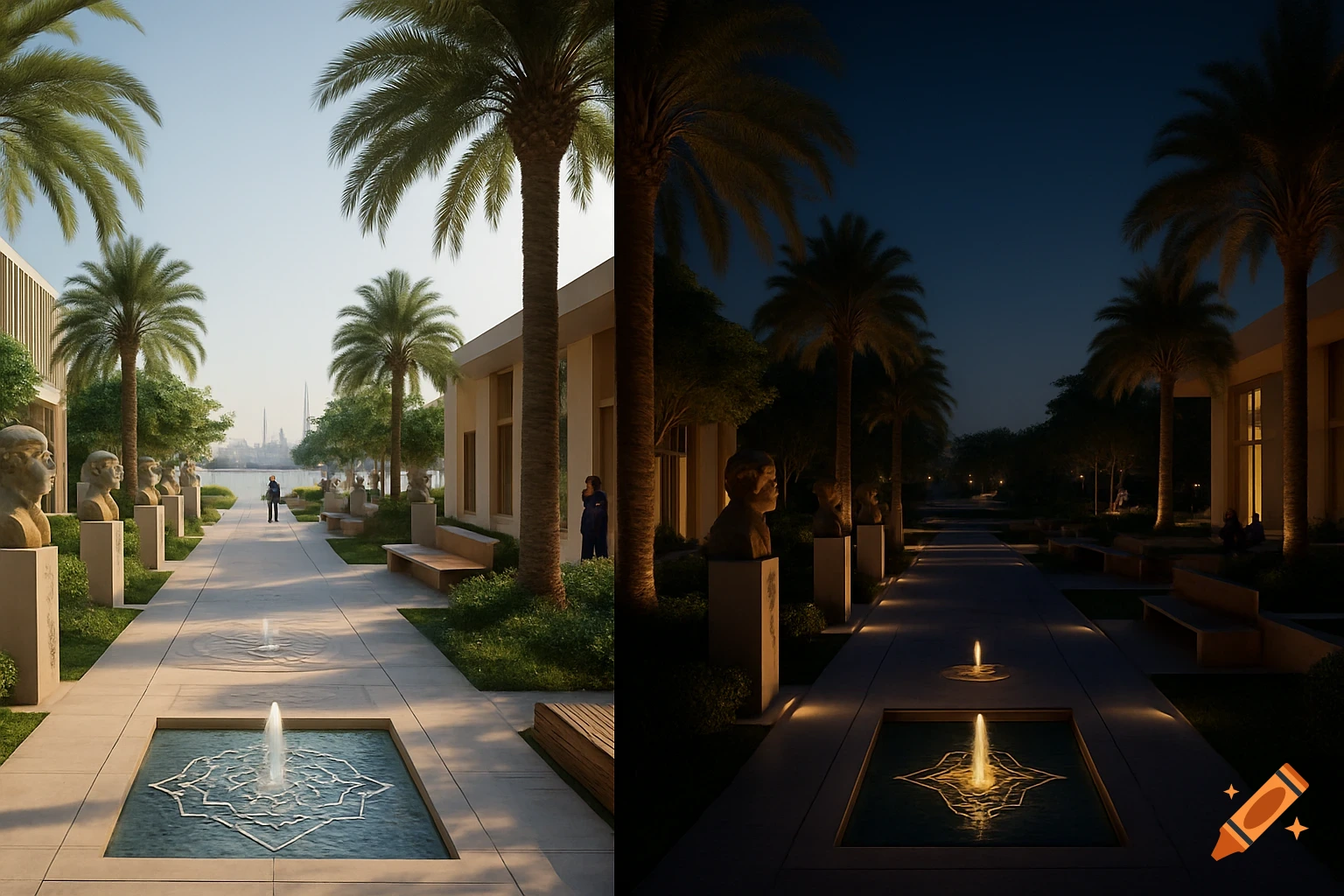
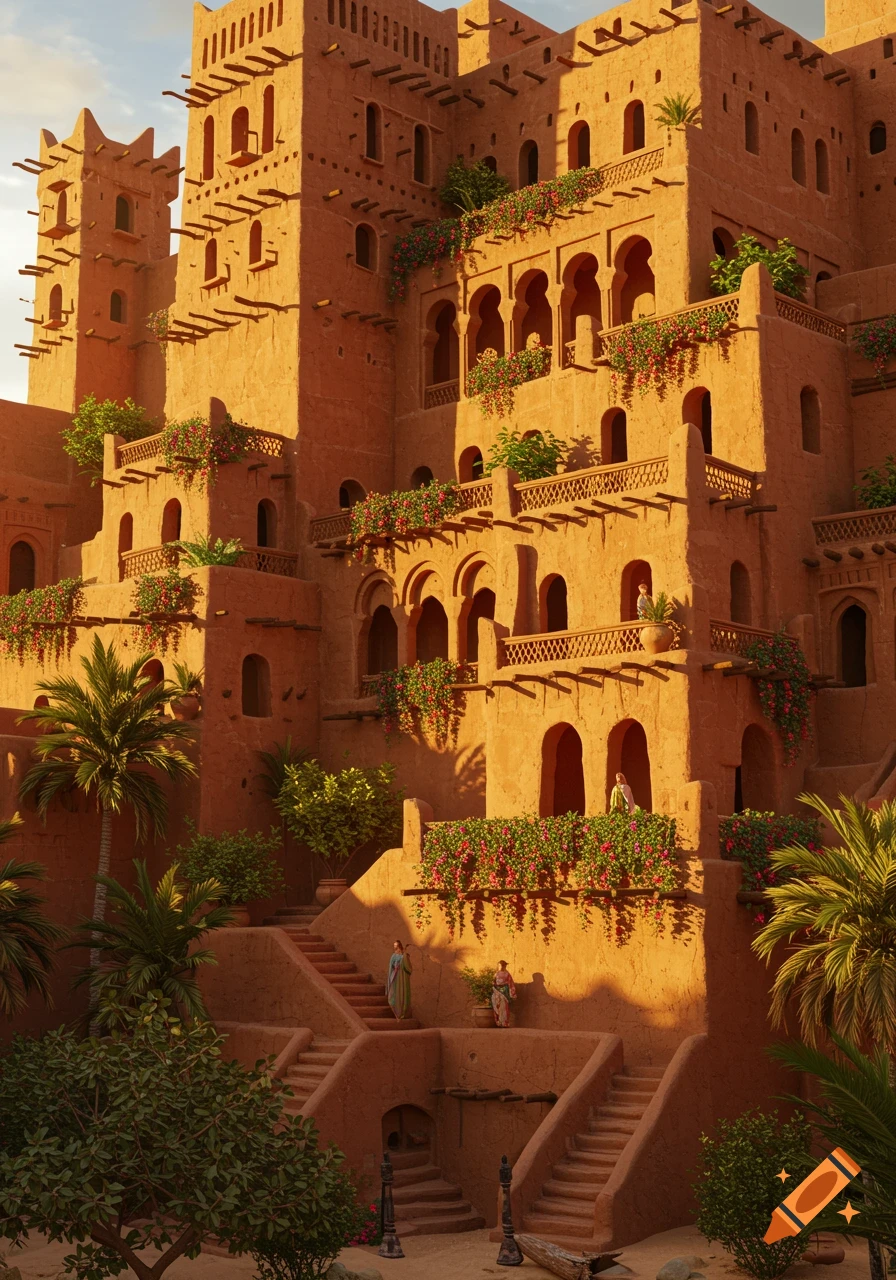
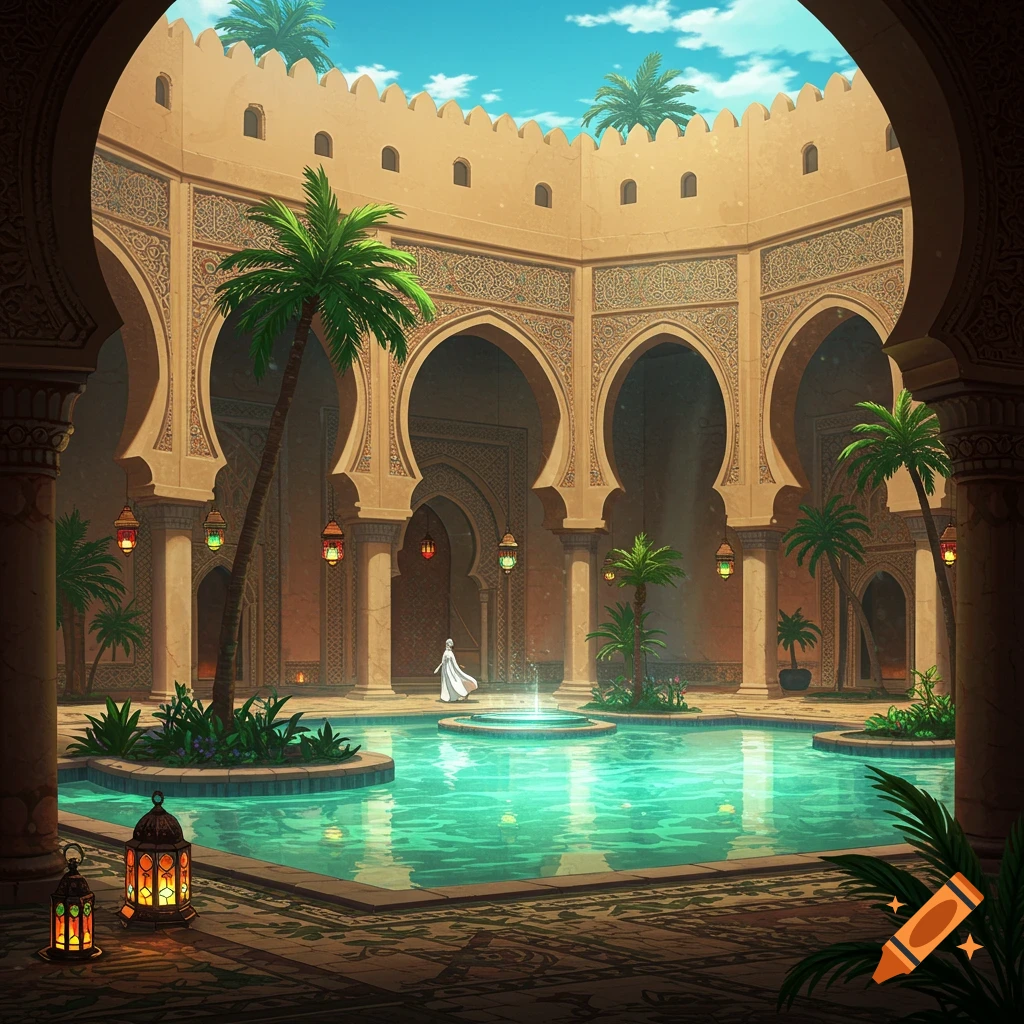
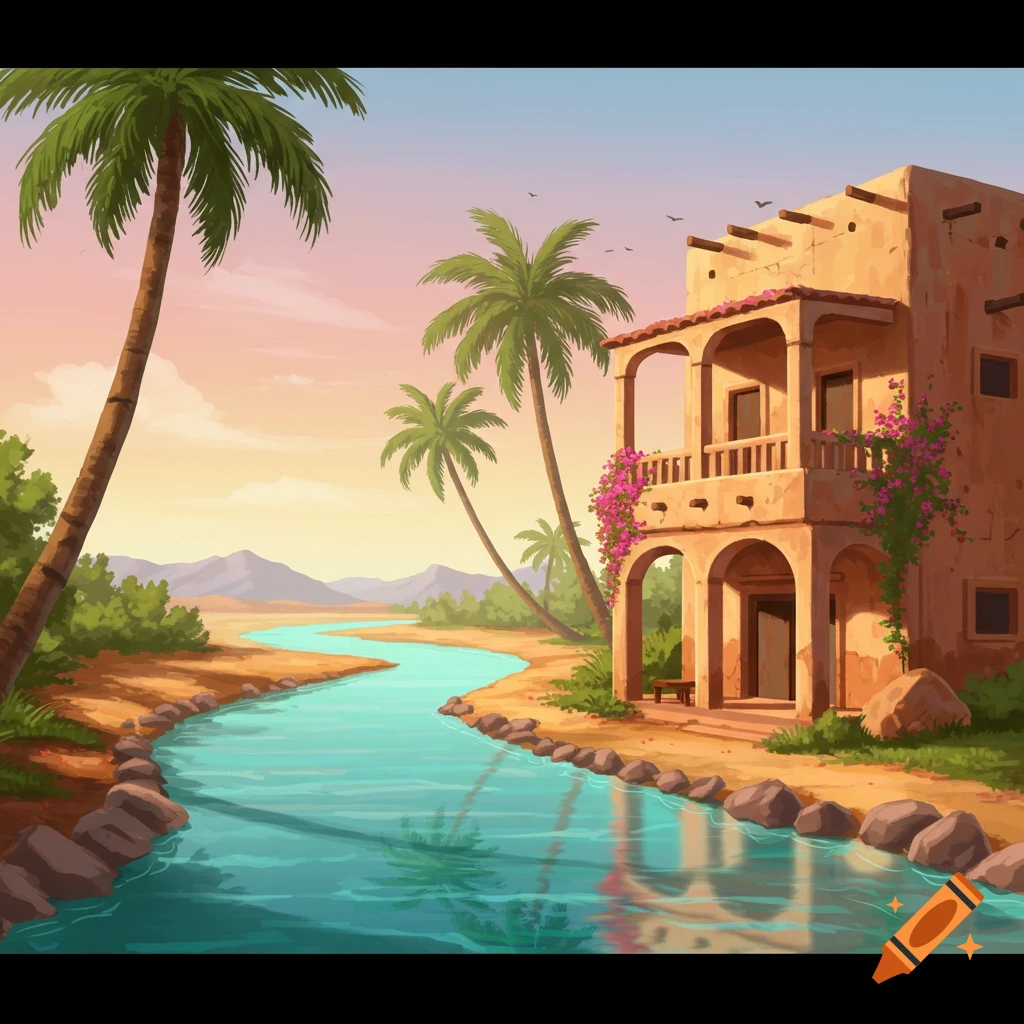
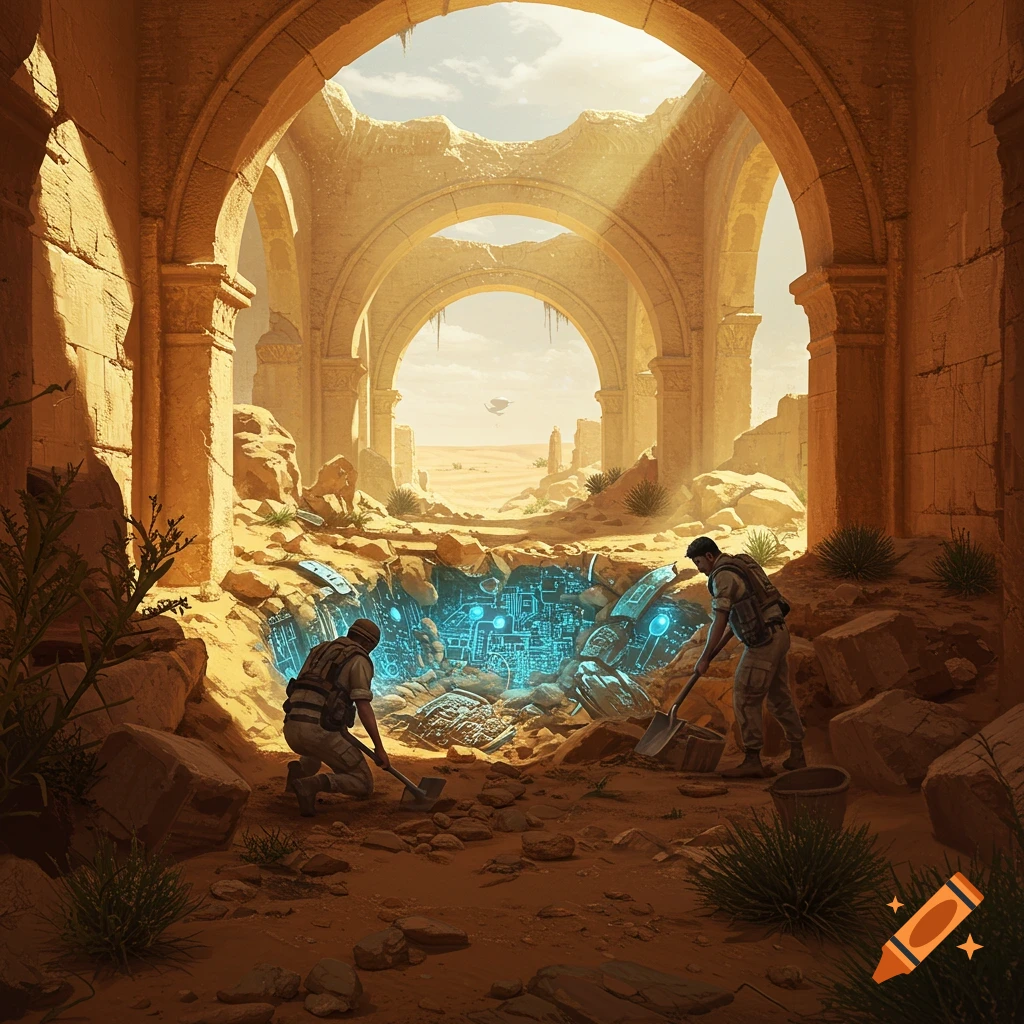
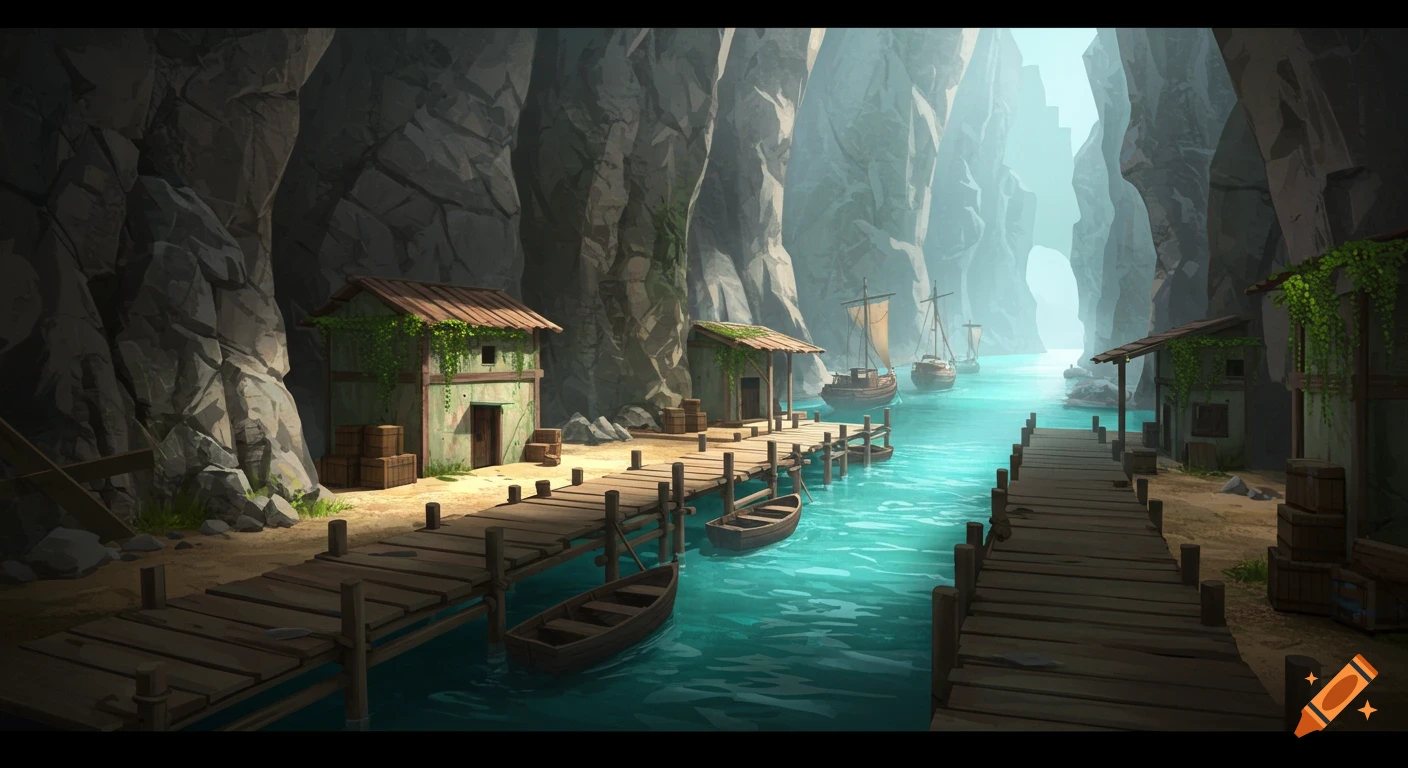
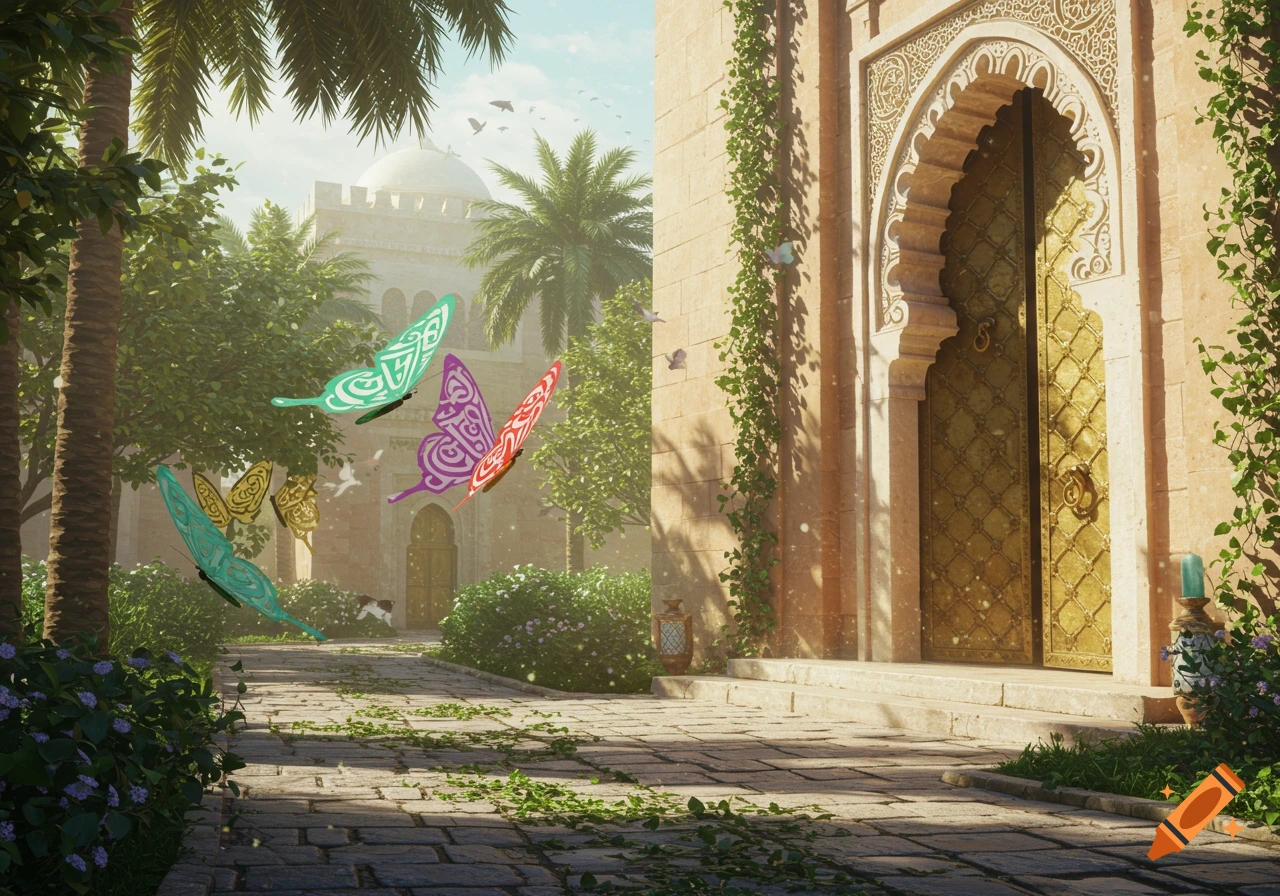
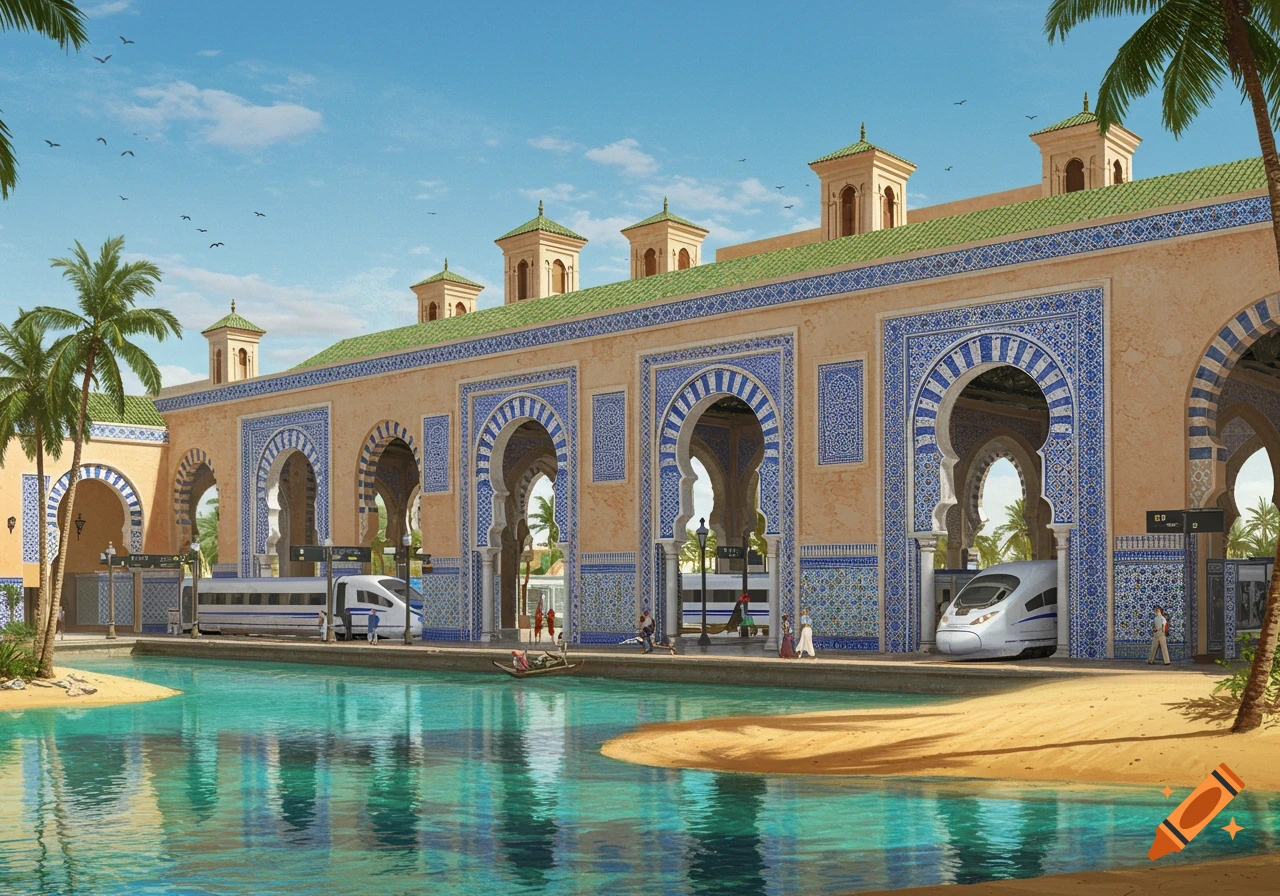
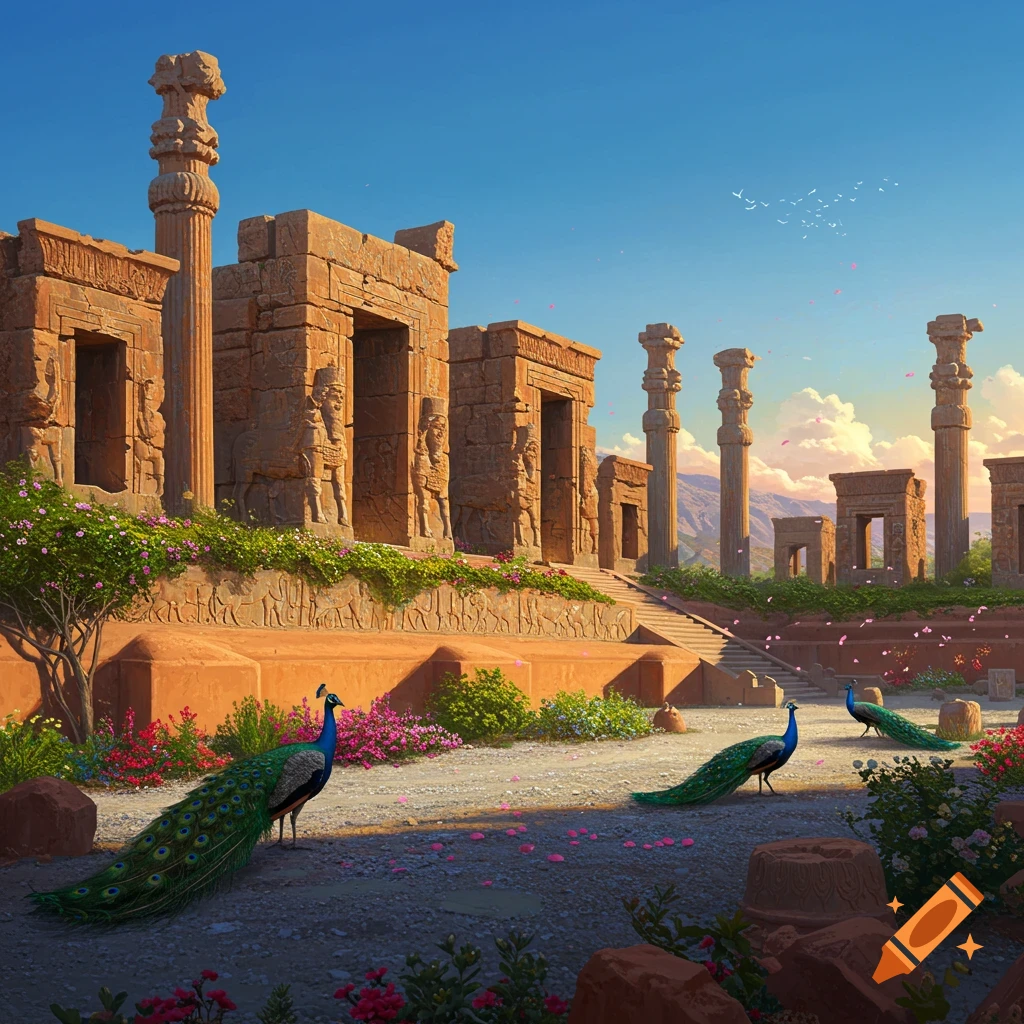
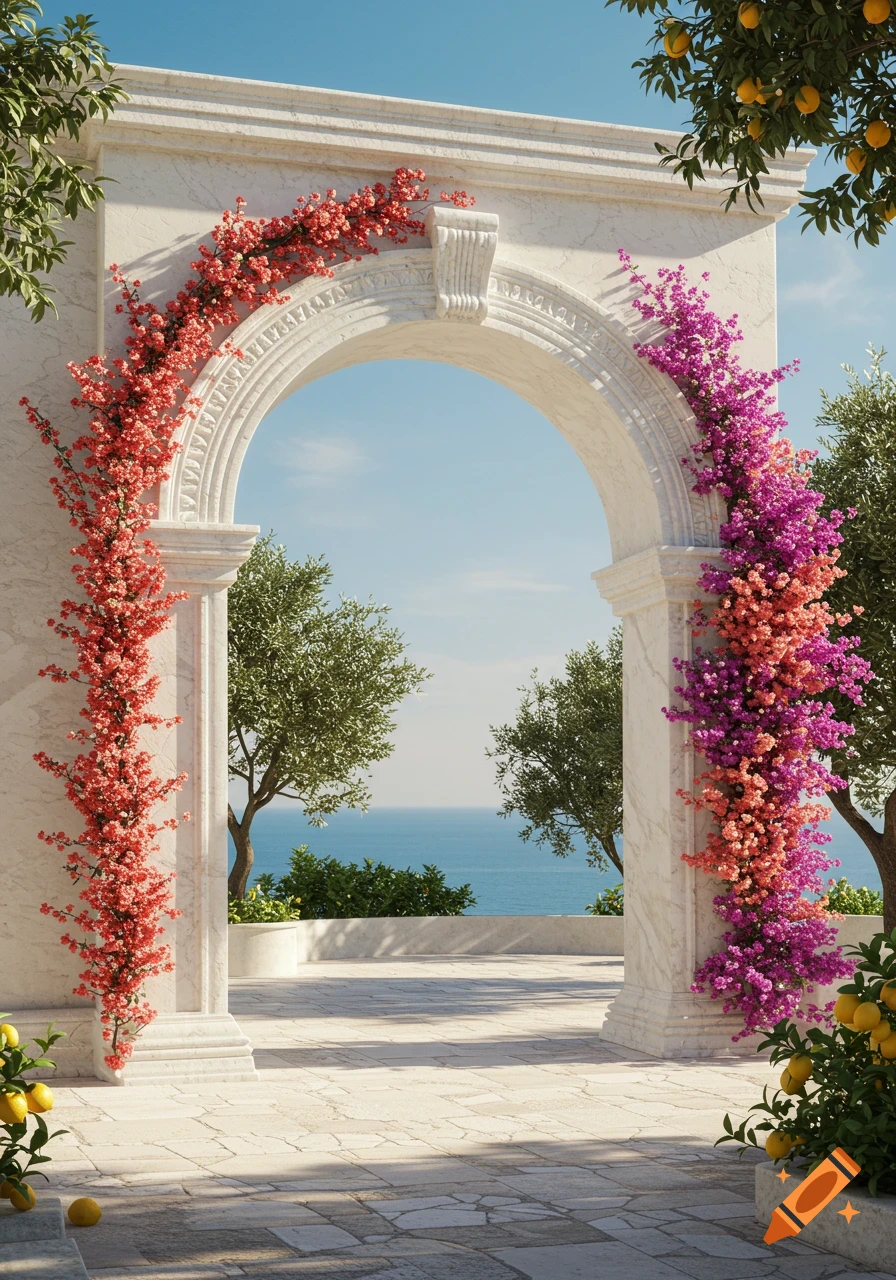
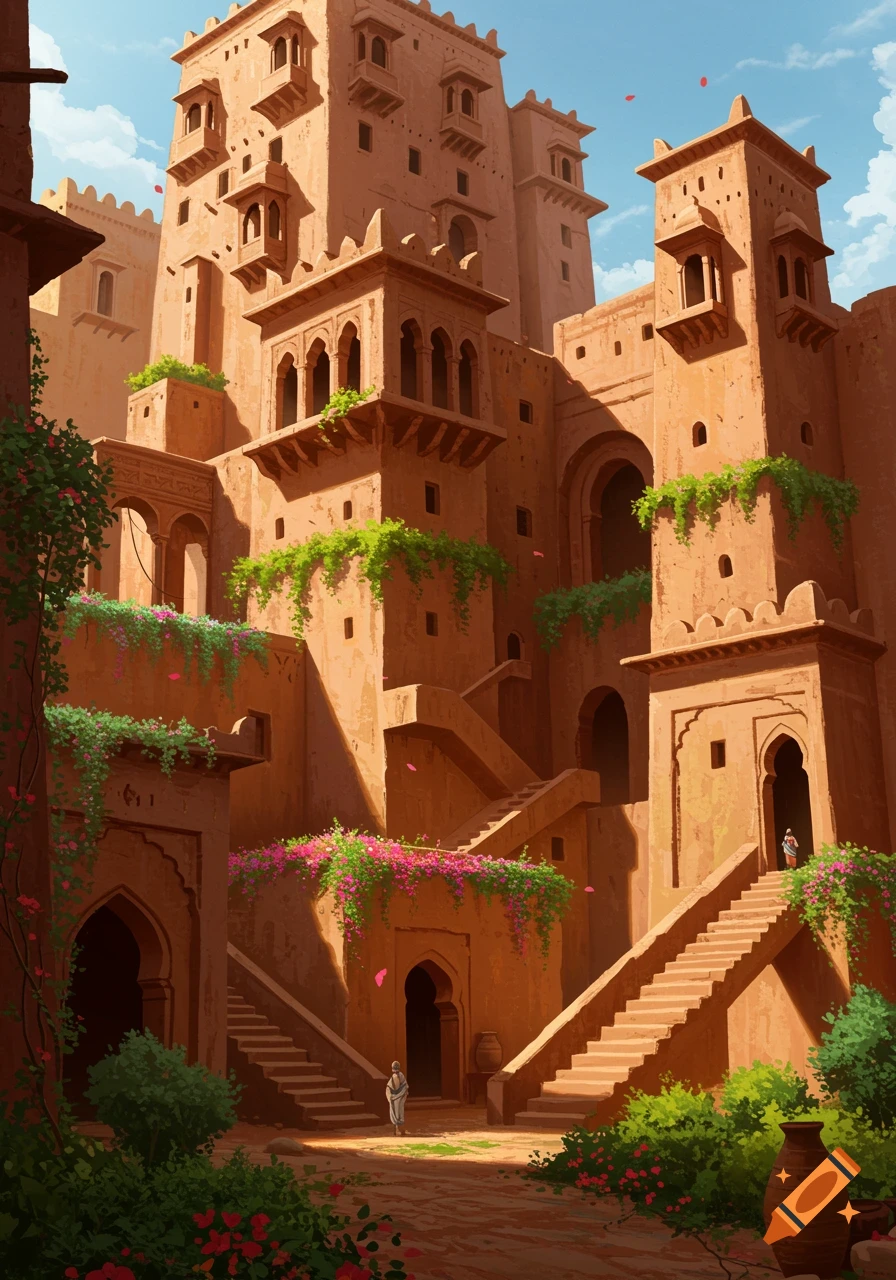
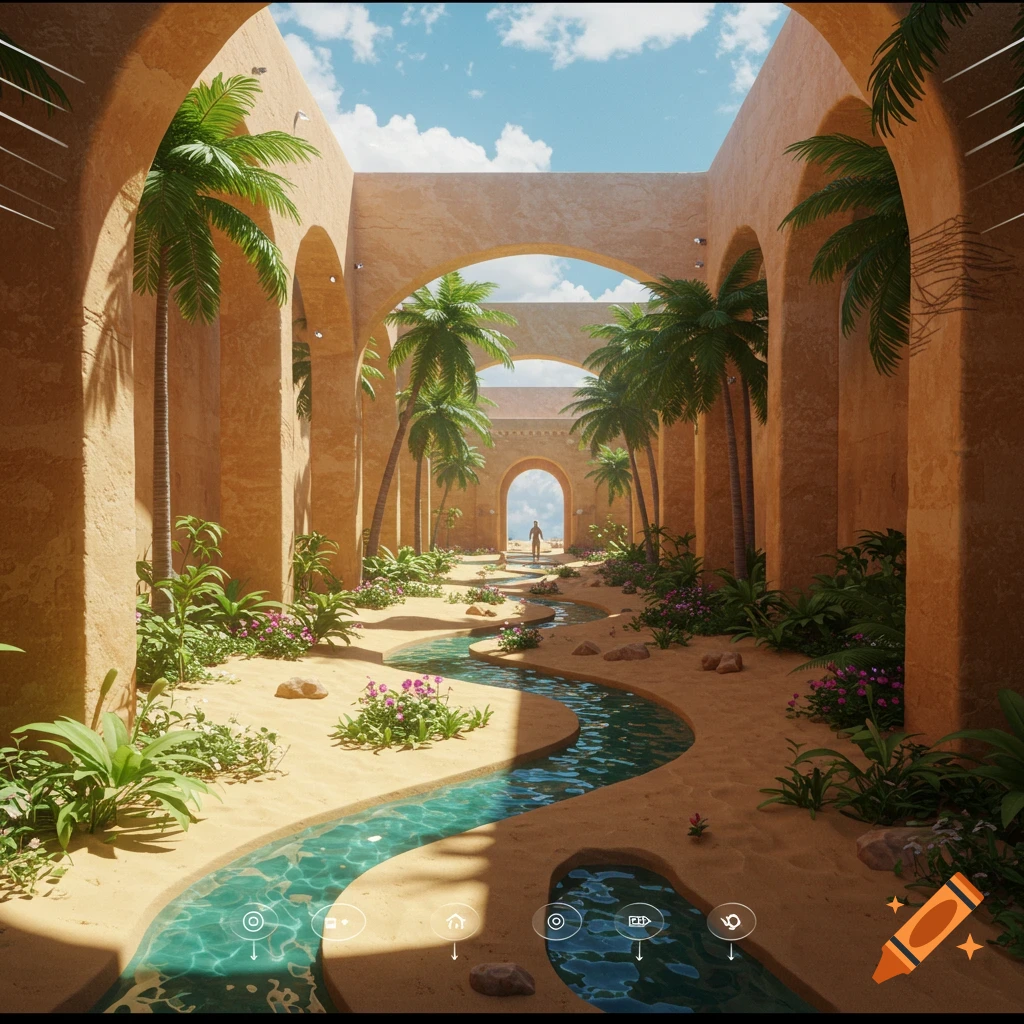
A rendered image of a desert oasis paradise with tall arches, palm trees, a winding stream, and a person walking in the distance.
To create an **interactive oasis paradise environment** using Blender and web technologies like HTML, CSS, and JavaScript, here's a breakdown of how each component can contribute to your vision: --- ### 🧱 Blender.org: 3D Modeling & Rendering Blender is your core tool for building the immersive 3D environment. #### Key Techniques: - **UV Wrap/Unwrap**: Map textures (like skies, buildings, roads) onto 3D models like cubes or human characters. - **Green Screen Studio Setup**: Simulate a dome or cube studio with green screen walls to allow compositing or image casting. - **Physics Engine**: Enable realistic movement for human models walking along node-based paths or roads. - **360° Camera**: Capture rotating views for animated stills or panoramic renders. - **Lighting**: Use natural and cinematic lighting to enhance realism (vaulted ceilings, skylights, etc.). --- ### 🧑💻 HTML, CSS, JavaScript: Interactive Web Layer These technologies help turn your Blender assets into a dynamic web experience. #### HTML: - Structure your interface: buttons, sliders, canvas elements for rendering. - Embed rendered images or animations from Blender. #### CSS: - Style the environment: transitions, overlays, responsive design. - Animate visual elements like sky changes or lighting shifts. #### JavaScript: - Control interactivity: camera movement, character navigation, asset loading. - Use libraries like Three.js to render Blender-exported models in-browser. - Implement caching, autofill, and See more