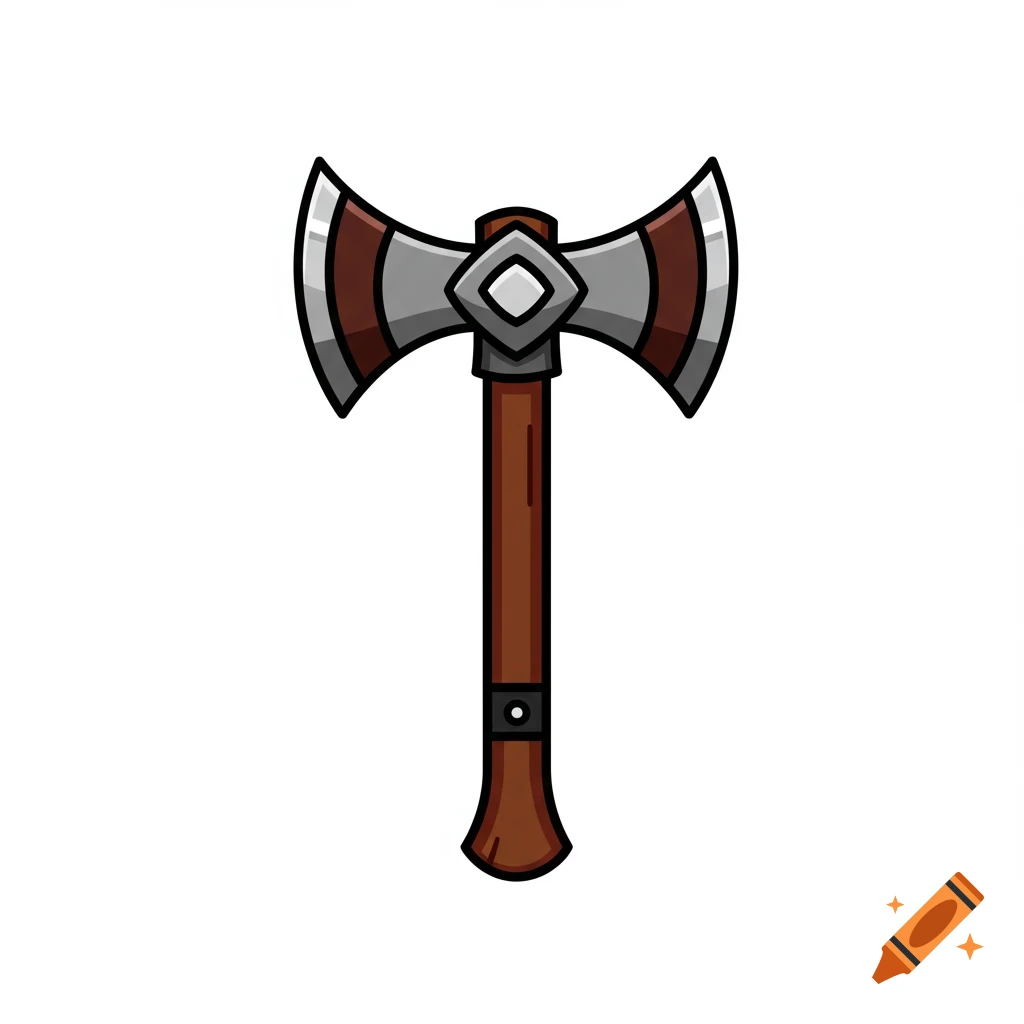
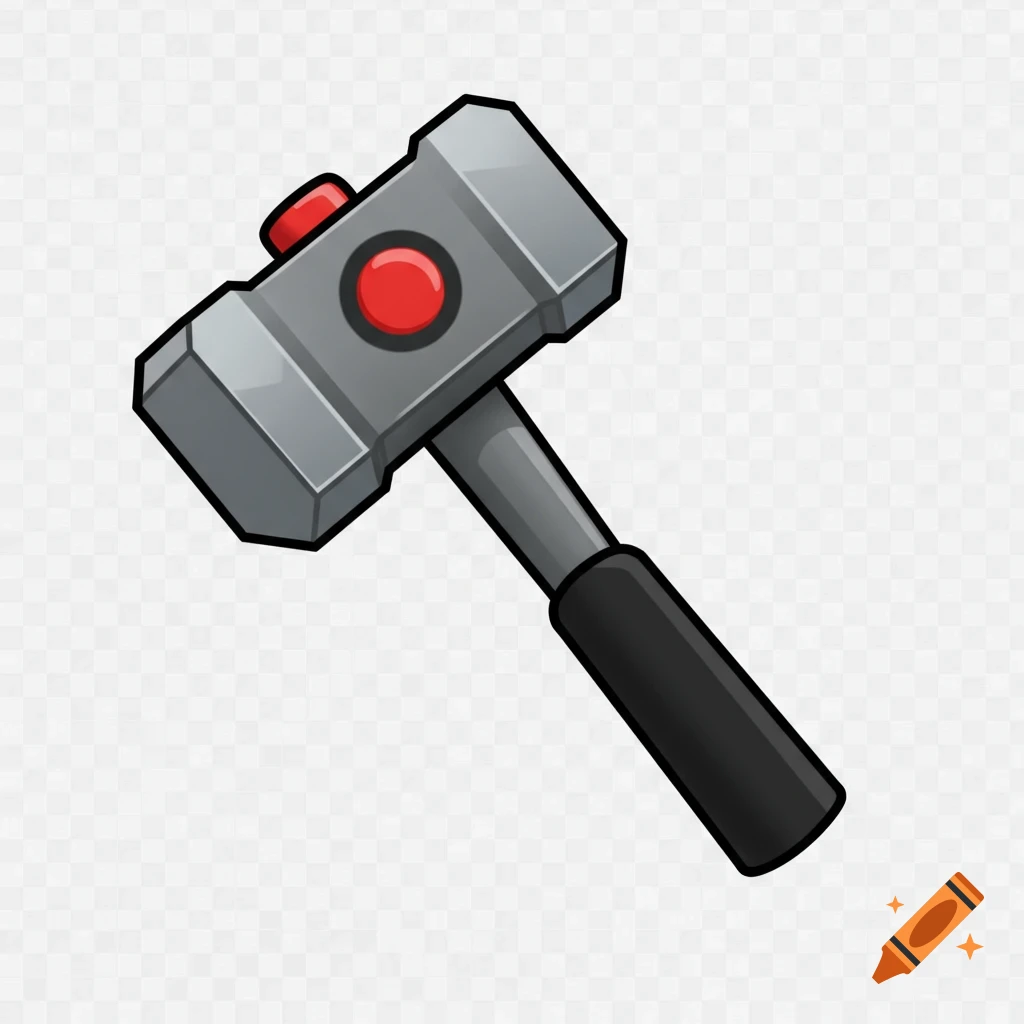
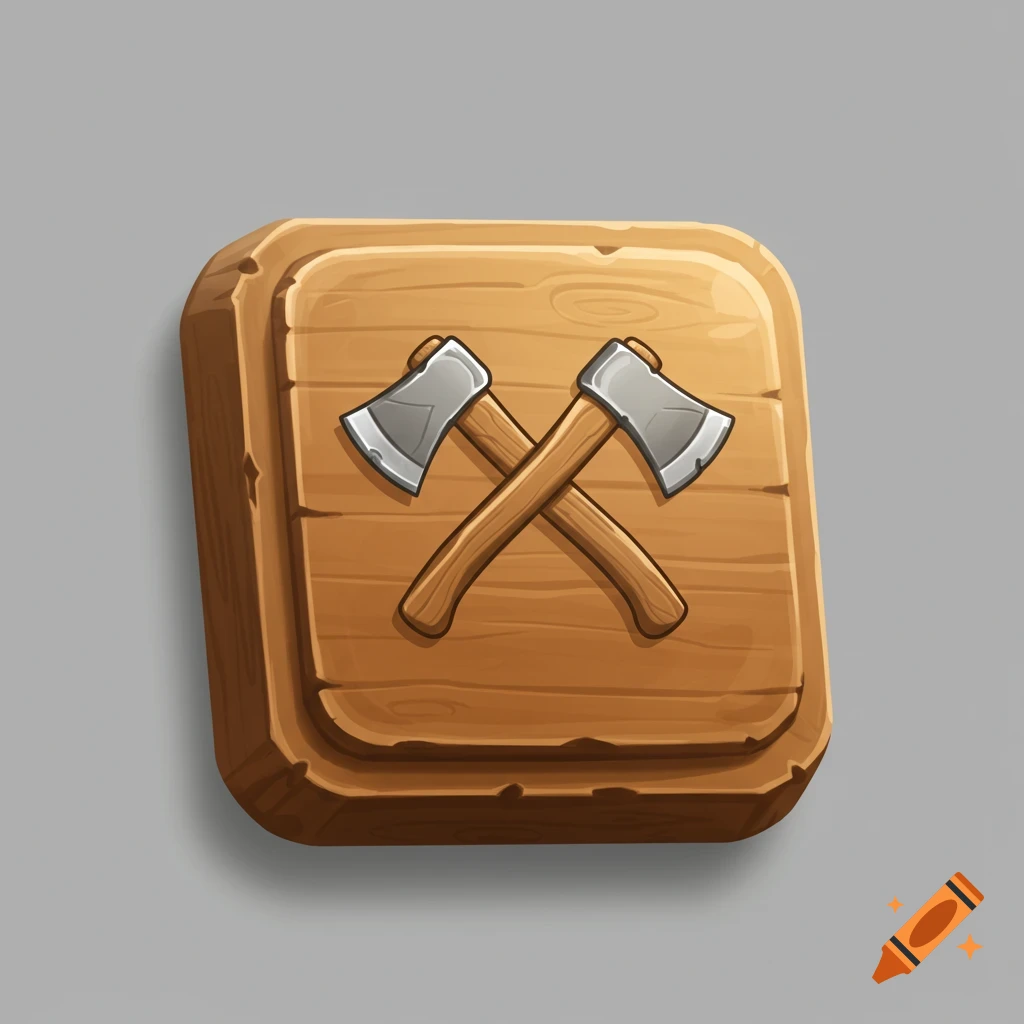
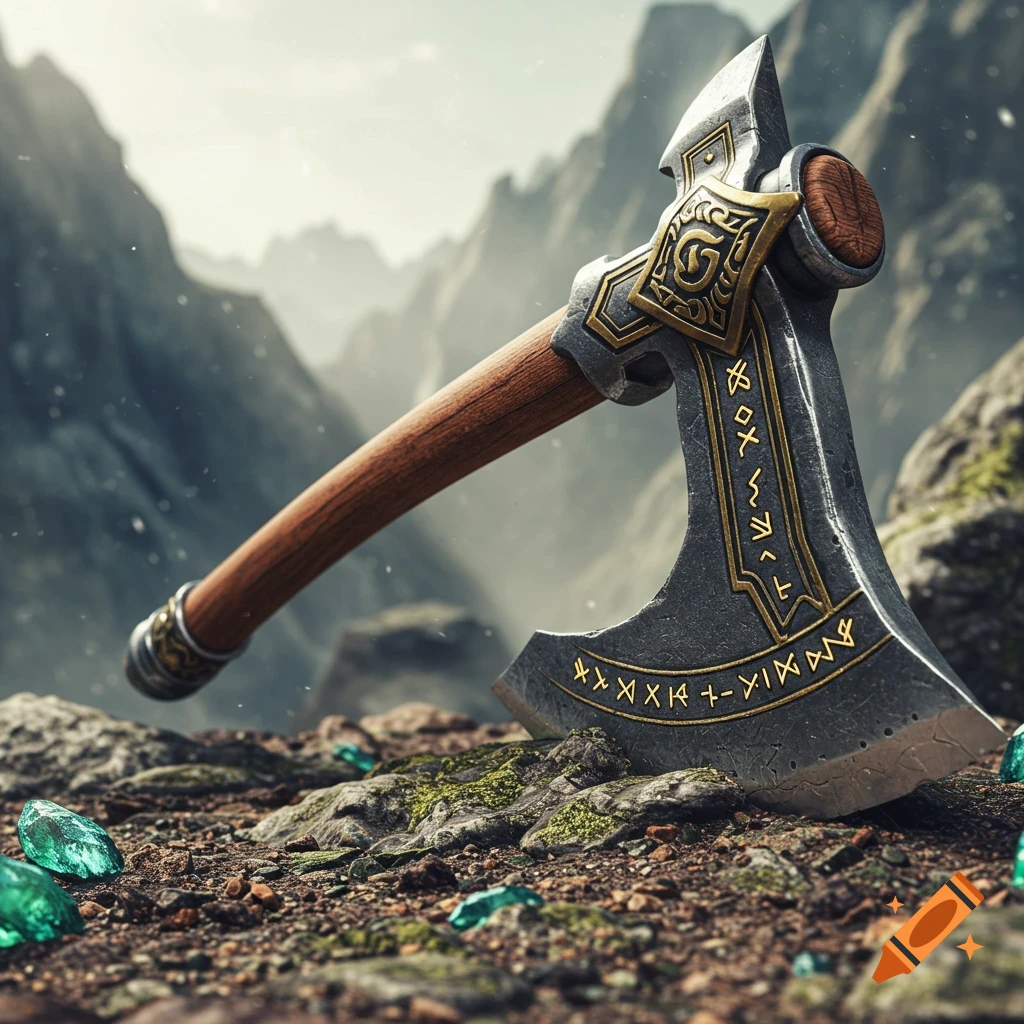
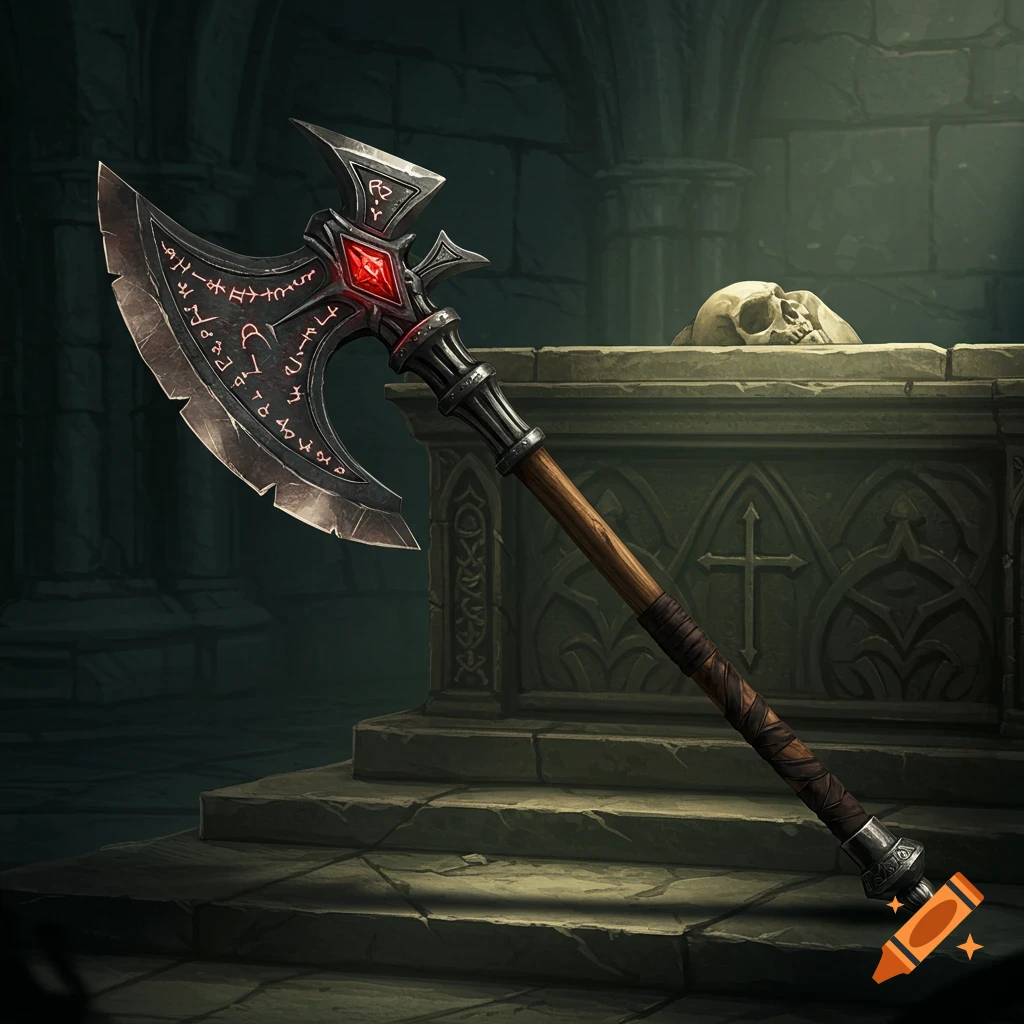
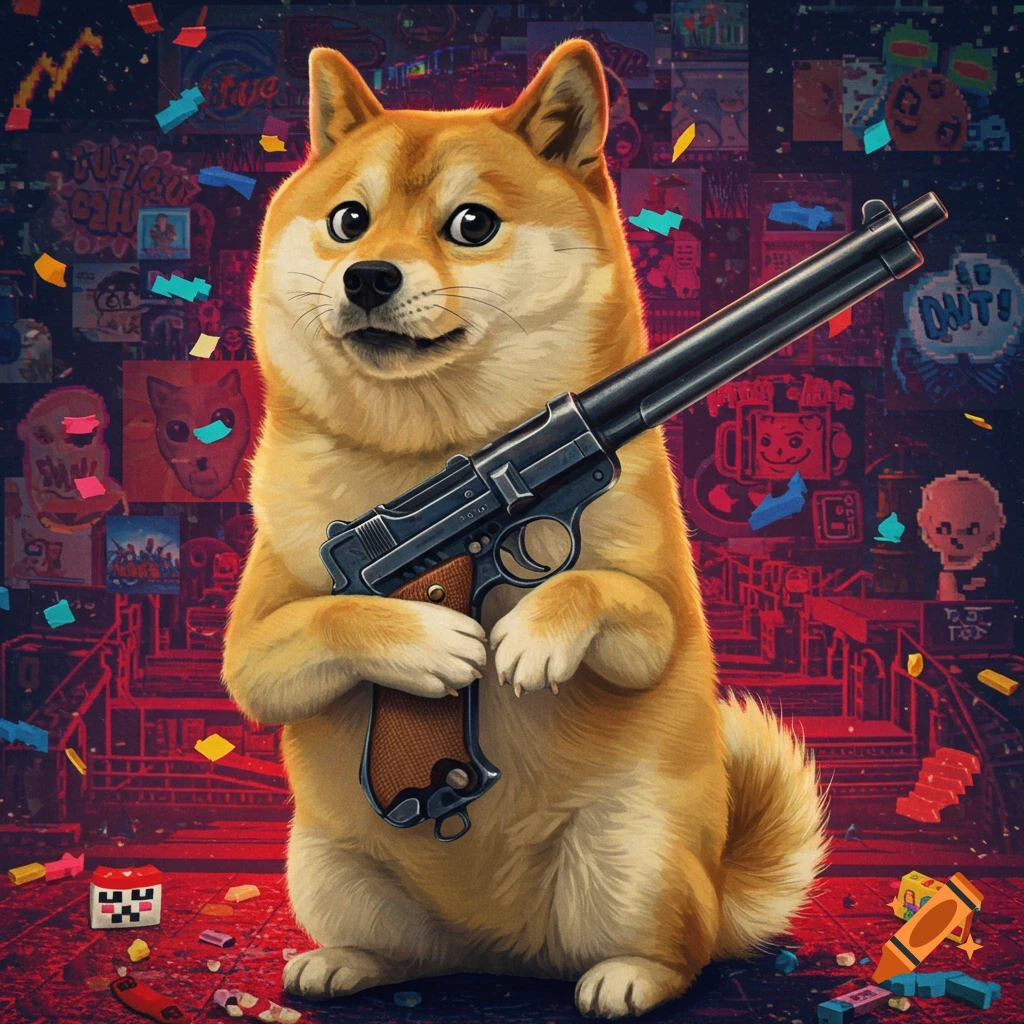
Cartoon axe with an Among Us character, Doge, '404 - Tree not found', 'Efficiency V', and 'Never gonna cut you down' text.
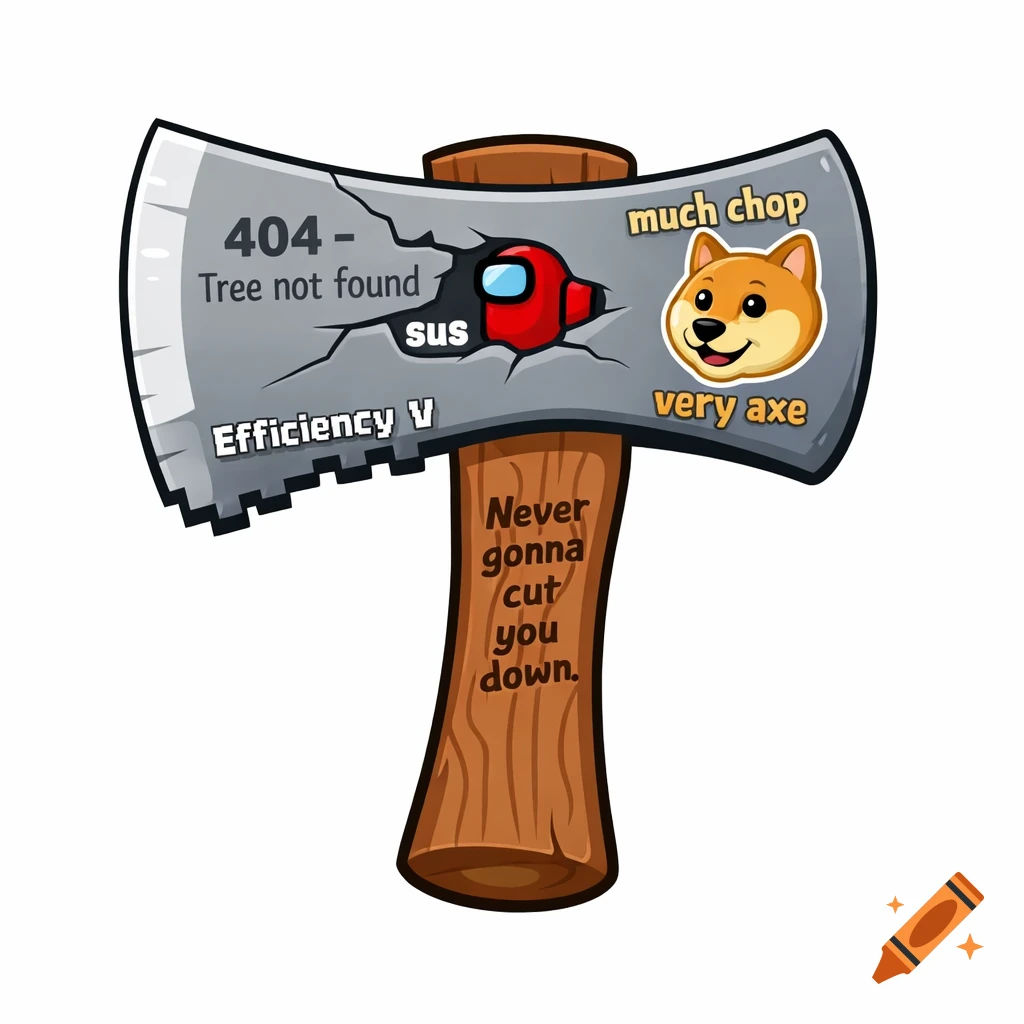
“Scratch sprite costume, vector style, cartoon axe with internet meme references. Simple flat colors, clean black outlines, white background. Grey axe blade with a small crack labeled ‘404 – Tree not found’. Tiny red Among Us crewmate embedded in the blade with the word ‘sus’. Small Doge face sticker on the blade with text ‘much chop’ and ‘very axe’. Brown wooden handle with simple wood lines and engraved text ‘Never gonna cut you down’. Slight pixelated Minecraft-style edge on the blade with text ‘Efficiency V’. Kid-friendly, non-violent, SVG-like, centered.” 📥 Ensuite dans Scratch Télécharge l’image générée Va dans Scratch → Costumes Importer un costume Ajuste la taille → terminé 🪓🔥 Si tu veux, je peux : 🎮 te donner le code Scratch pour l’animer 🖼️ adapter le prompt (plus pixel / plus cartoon) 🤯 faire une version encore plus meme Dis-moi 😄 je doit entrer ce code où?? Bonne question 👍 Tu n’entres pas ce code dans Scratch. Tu dois l’entrer dans un site d’IA qui génère des images. ✅ Méthode la plus simple (gratuit) 🖼️ Option 1 : Bing Image Creator Va sur bing.com/images/create Connecte-toi avec un compte Microsoft Colle le texte (le prompt) dans la barre Clique sur Créer Télécharge l’image 🖼️ Option 2 : DALL·E (OpenAI) Va sur openai.com → Images Colle le prompt Génère l’image Télécharge-la 📥 Ensuite dans Scratch Ouvre scratch.mit.edu Crée un projet Clique sur Choisir un sprite → Importer Sélectionne l’image téléchargée Va dans Costumes pour ajuster 🧠 Résumé ultra See more