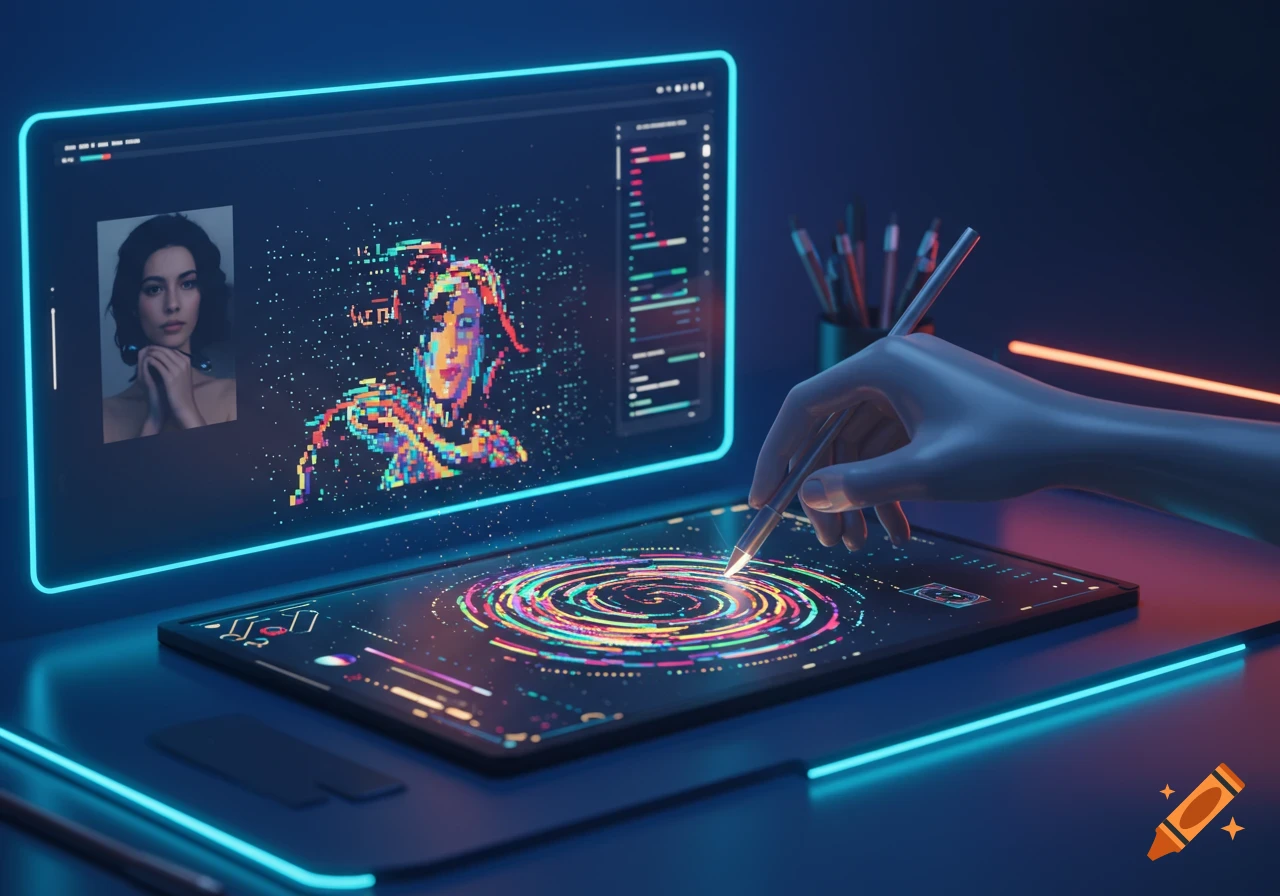
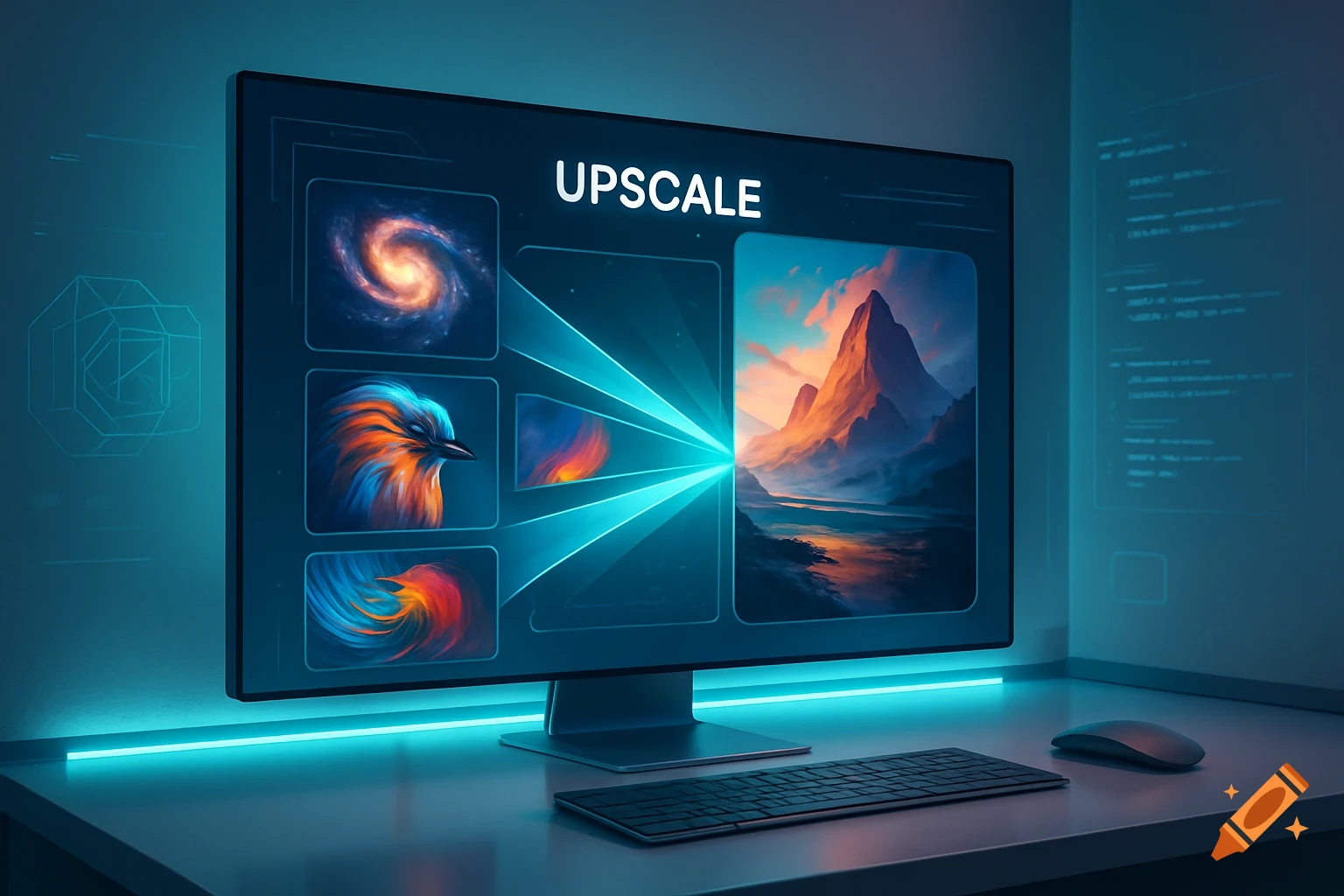
A computer monitor shows an image upscaling interface with galaxy, bird, and abstract patterns merging into a large mountain landscape, on a glowing desk.
from PIL import Image def upscale_image(input_path, output_path, scale_factor=2): """ 이미지 업스케일 함수 :param input_path: 원본 이미지 경로 :param output_path: 업스케일된 이미지 저장 경로 :param scale_factor: 업스케일 배율 (2배, 3배 등) """ # 이미지 열기 img = Image.open(input_path) # 새로운 크기 계산 new_width = img.width * scale_factor new_height = img.height * scale_factor # 업스케일 (고급 보간법: LANCZOS) upscaled_img = img.resize((new_width, new_height), Image.LANCZOS) # 저장 upscaled_img.save(output_path) print(f"{output_path} 저장 완료! (업스케일 {scale_factor}x)") # 예시 사용 upscale_image("10B_desktop.png", "10B_desktop_upscaled.png", scale_factor=2) upscale_image("10B_mobile.png", "10B_mobile_upscaled.png", scale_factor=2) See more