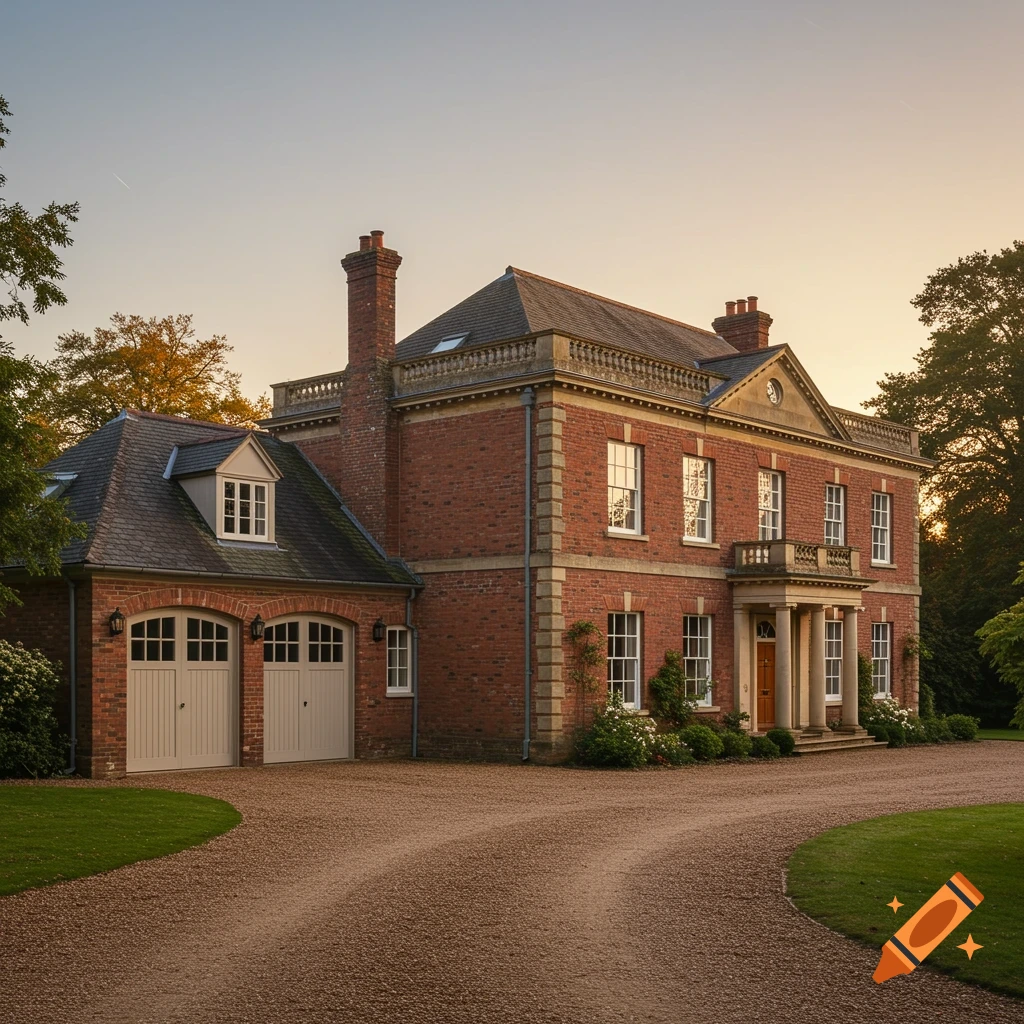
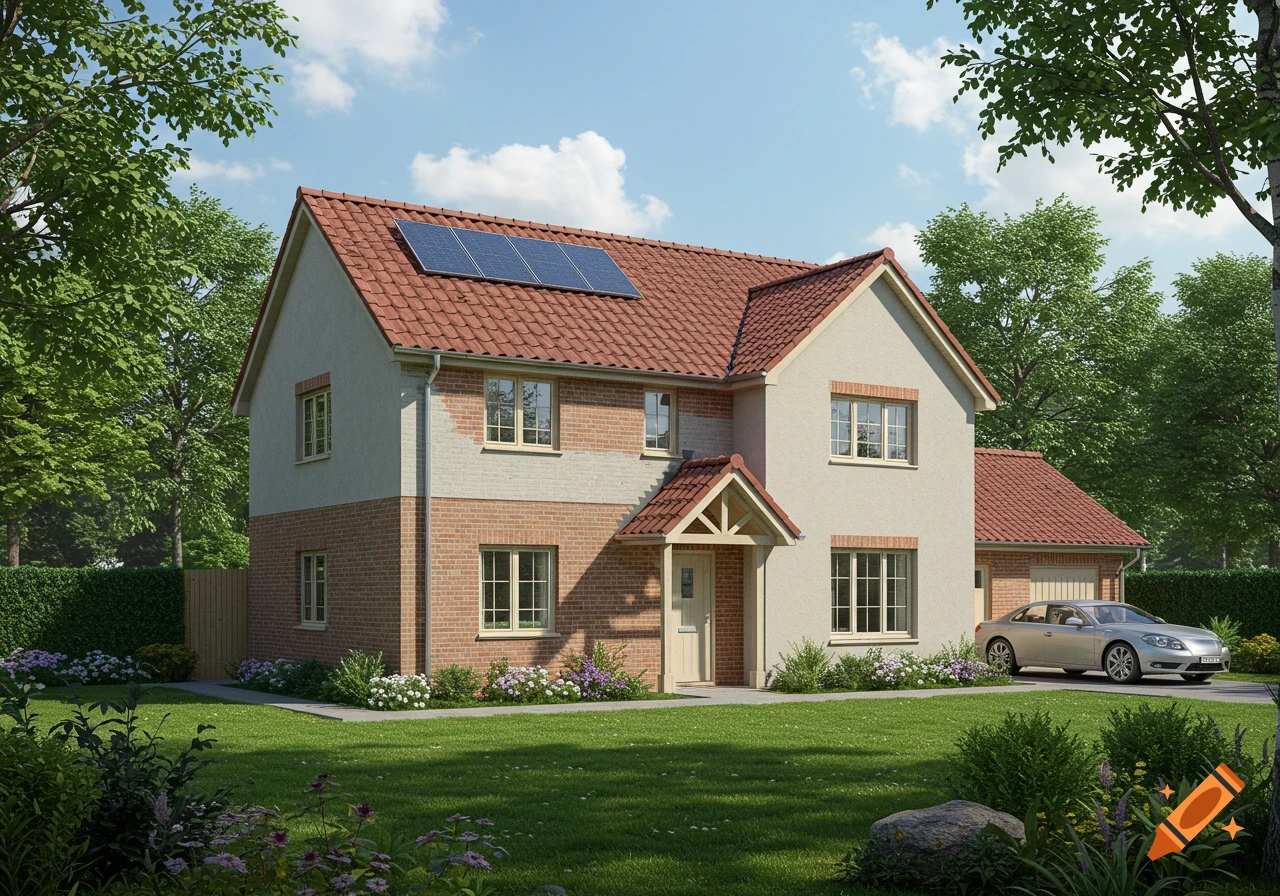
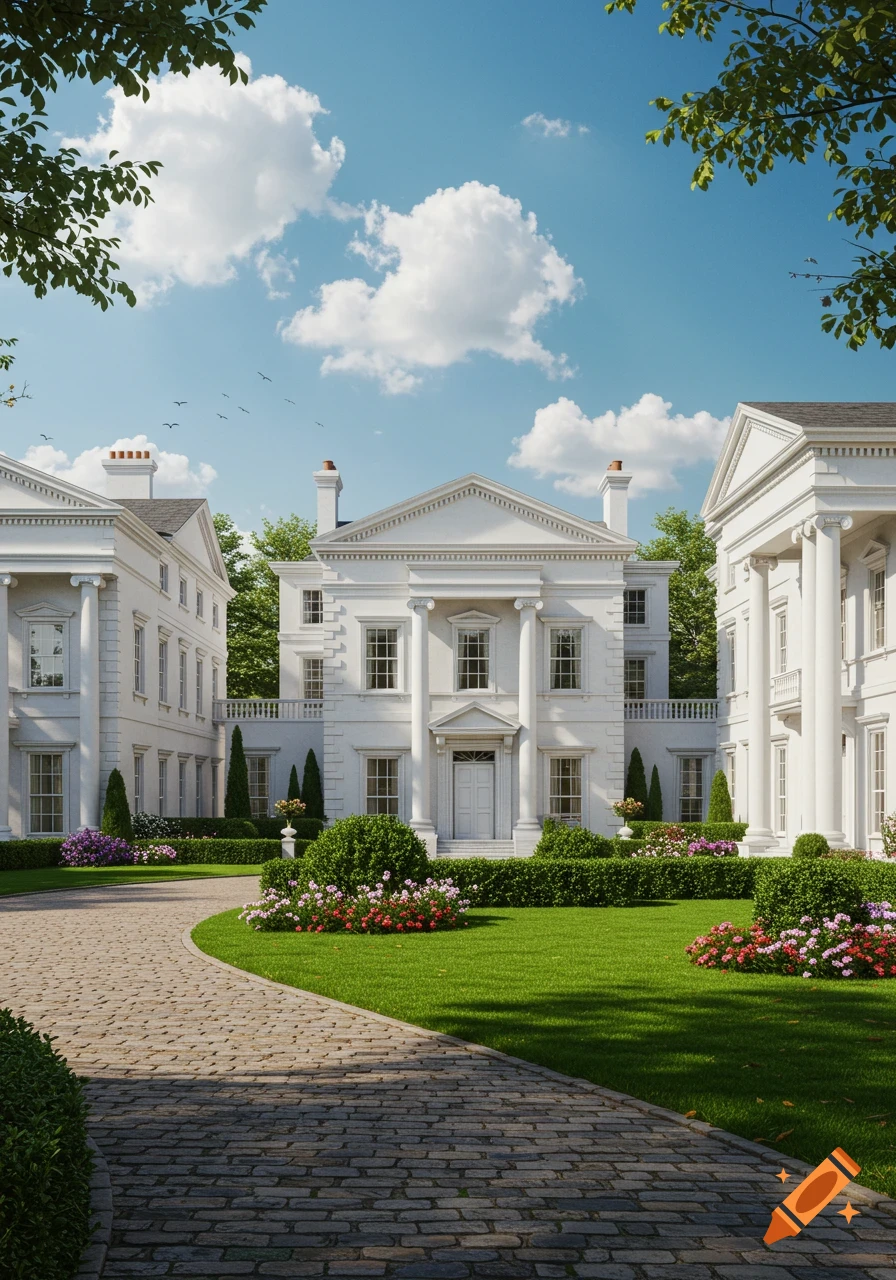
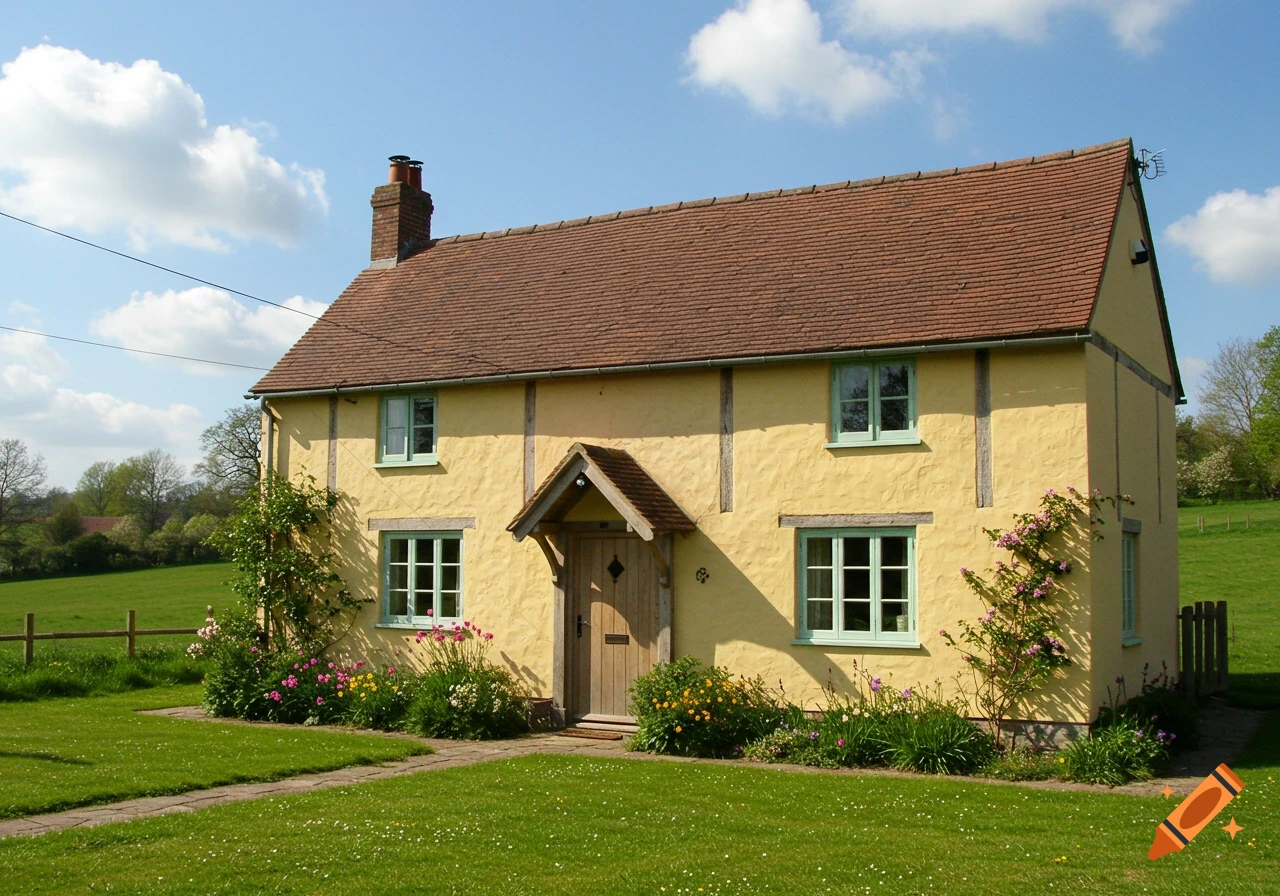
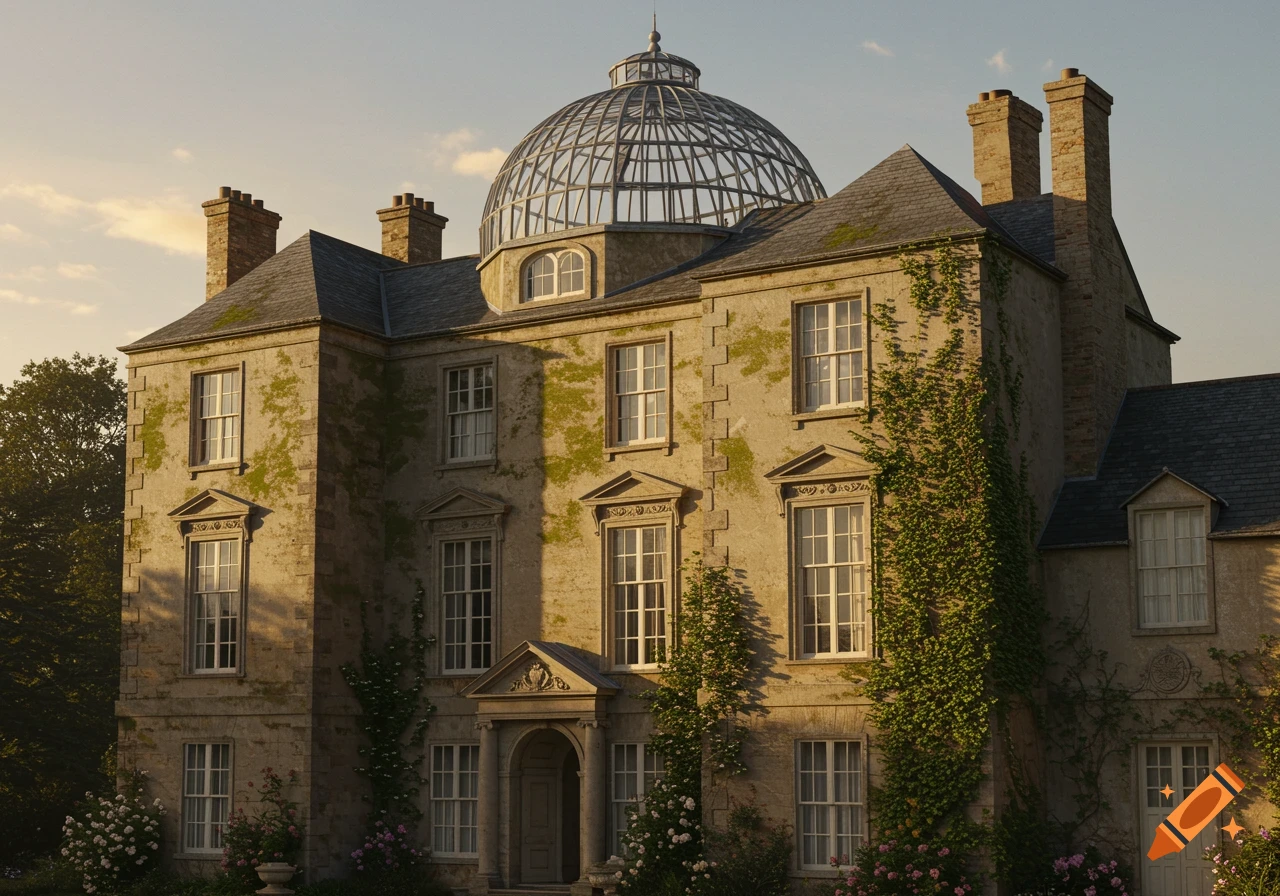
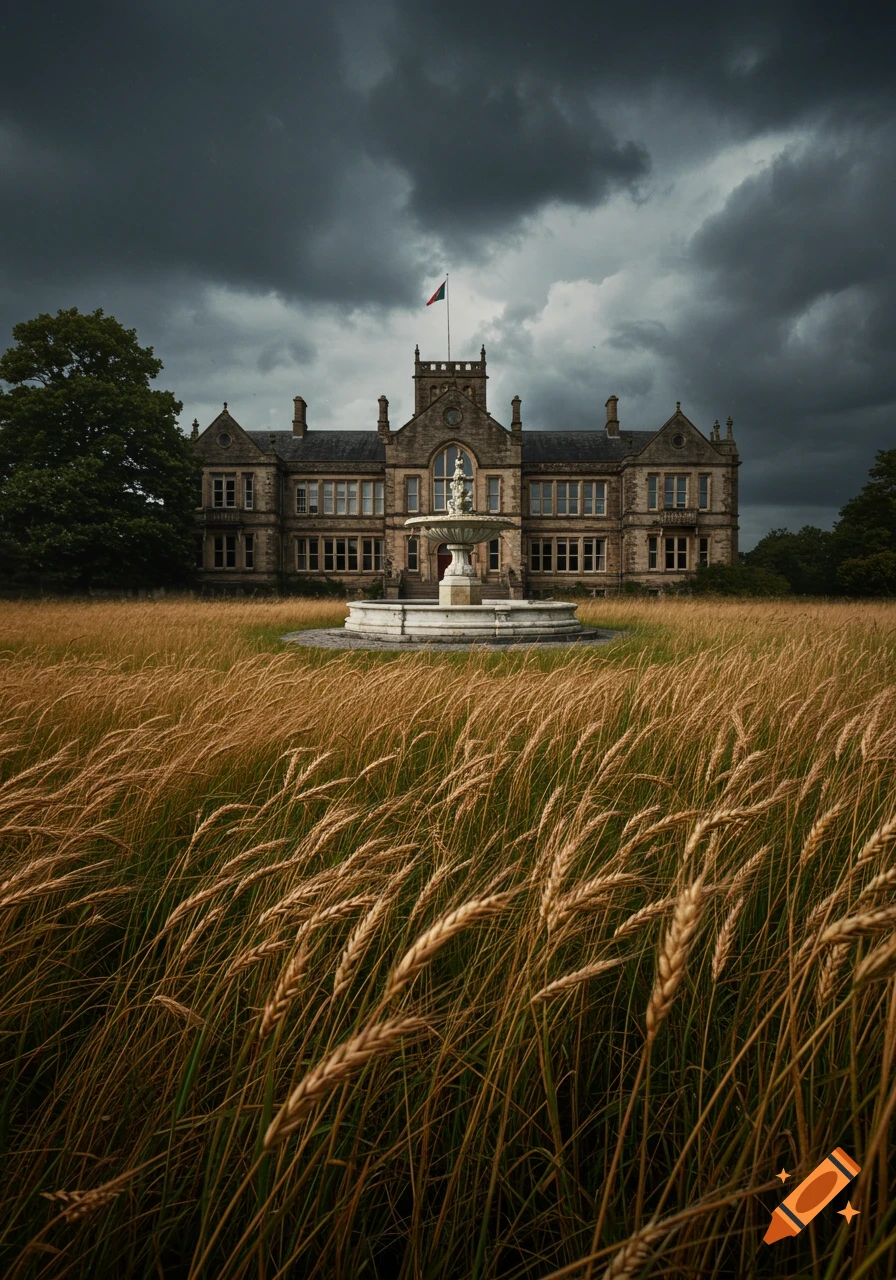
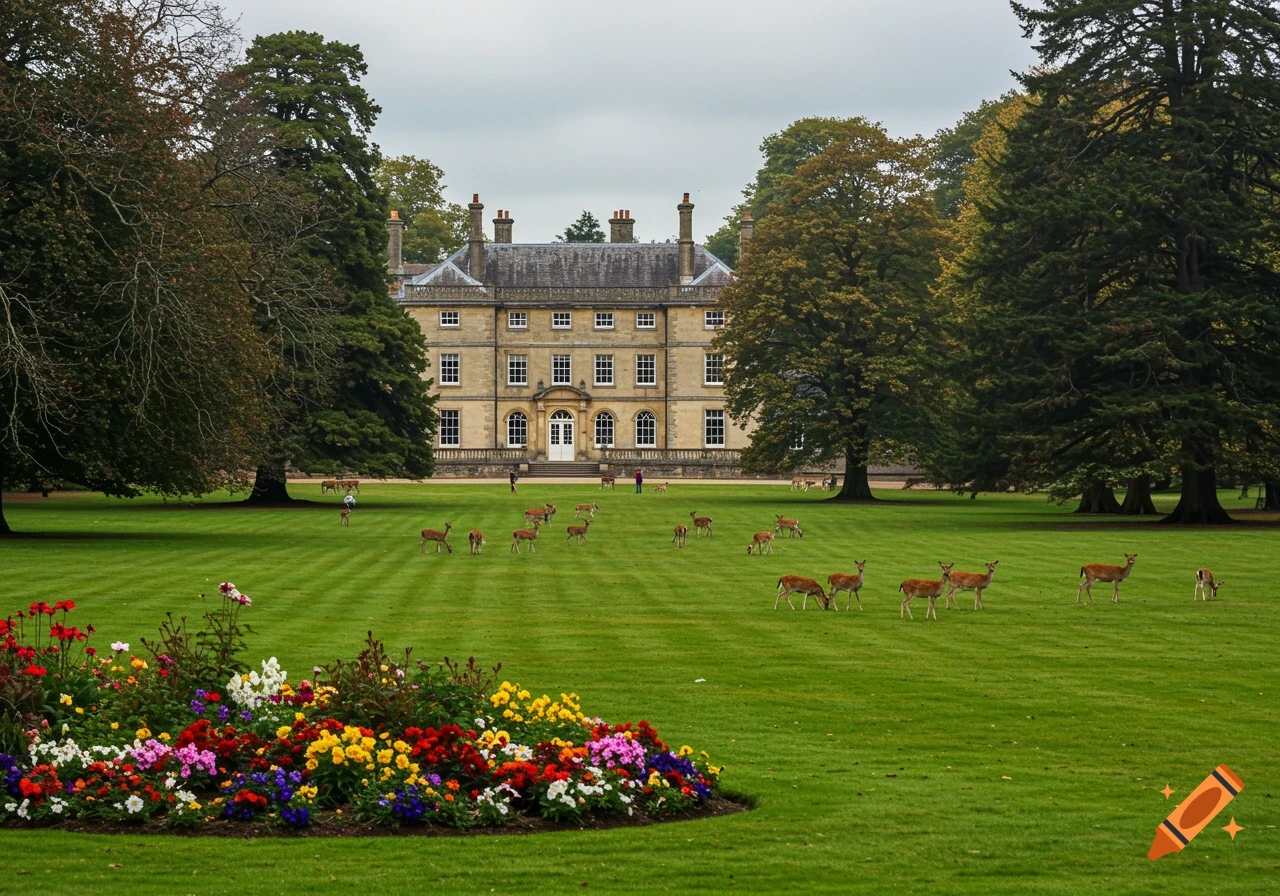
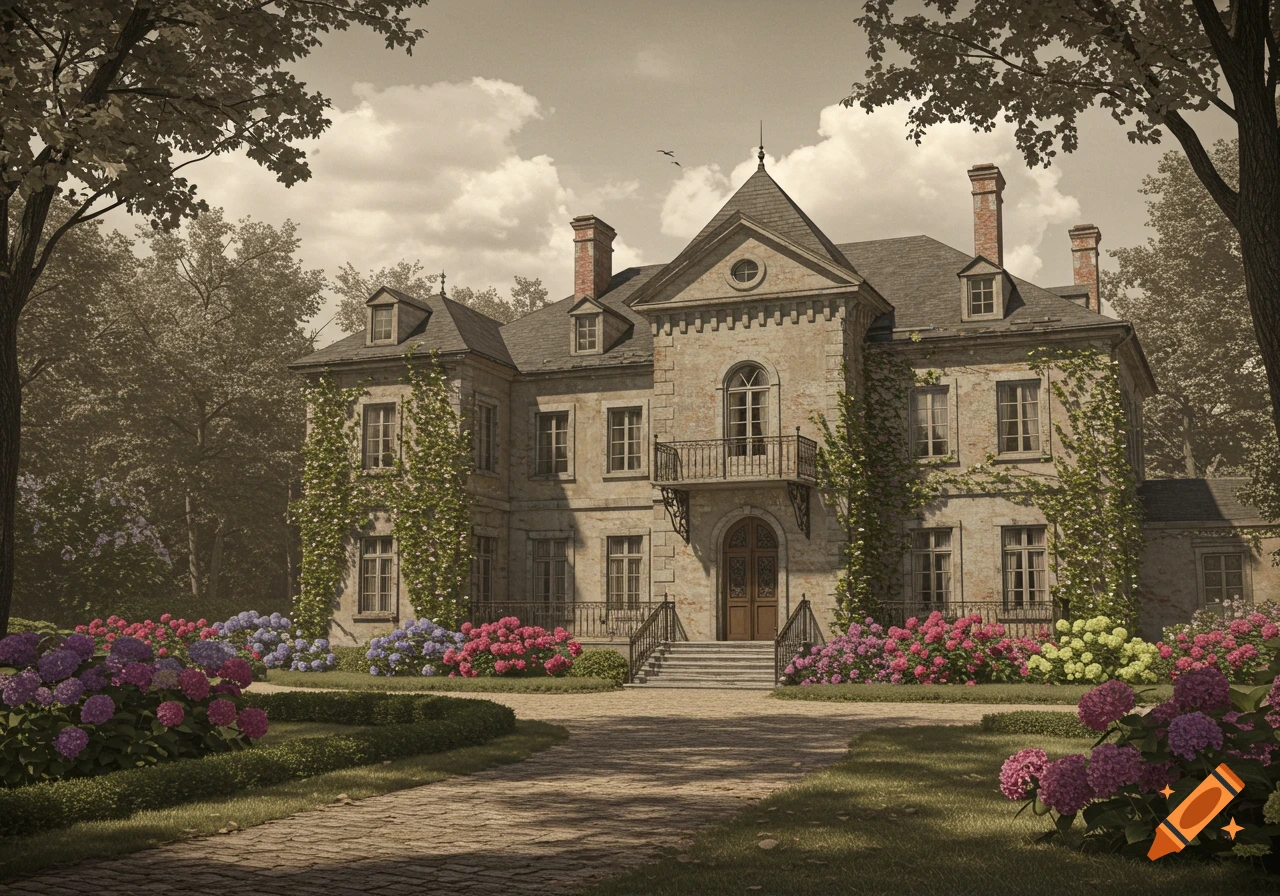
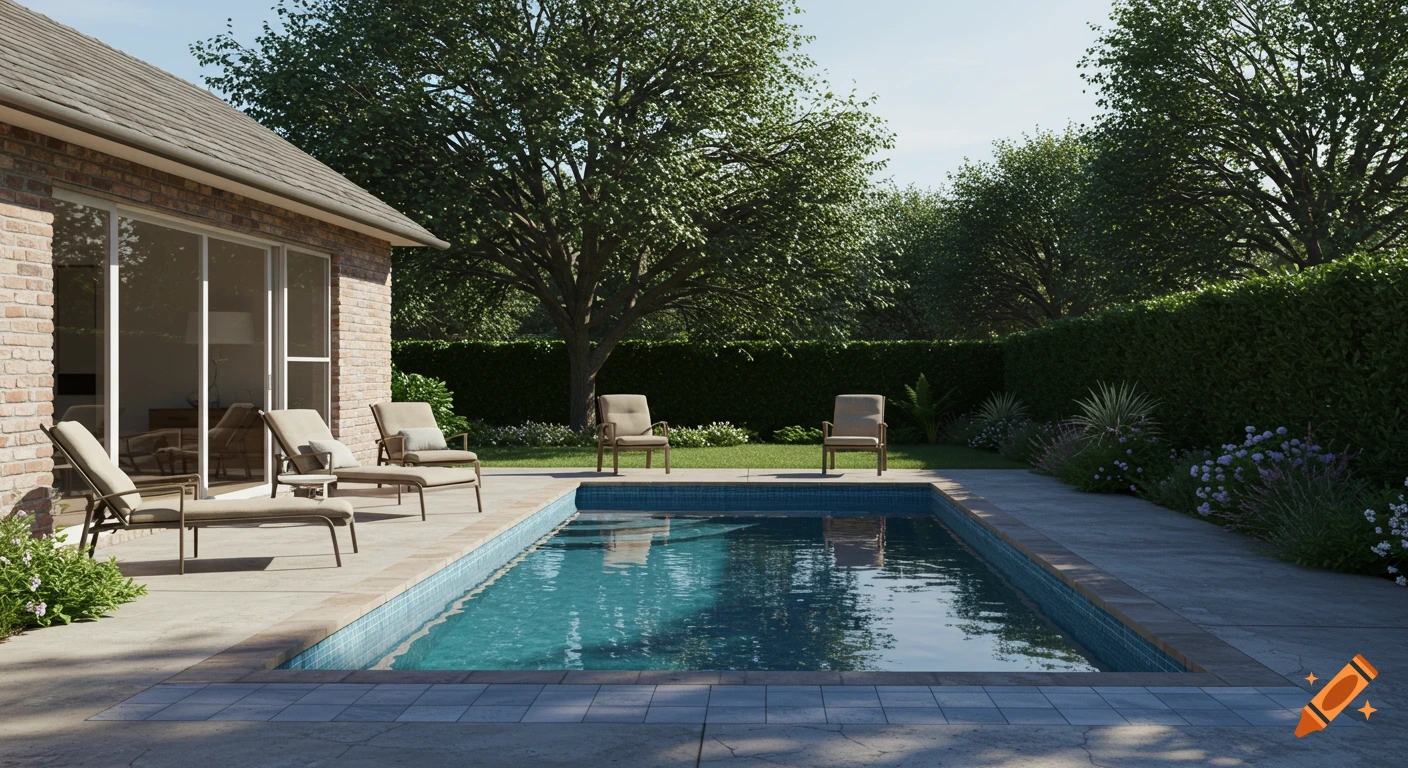
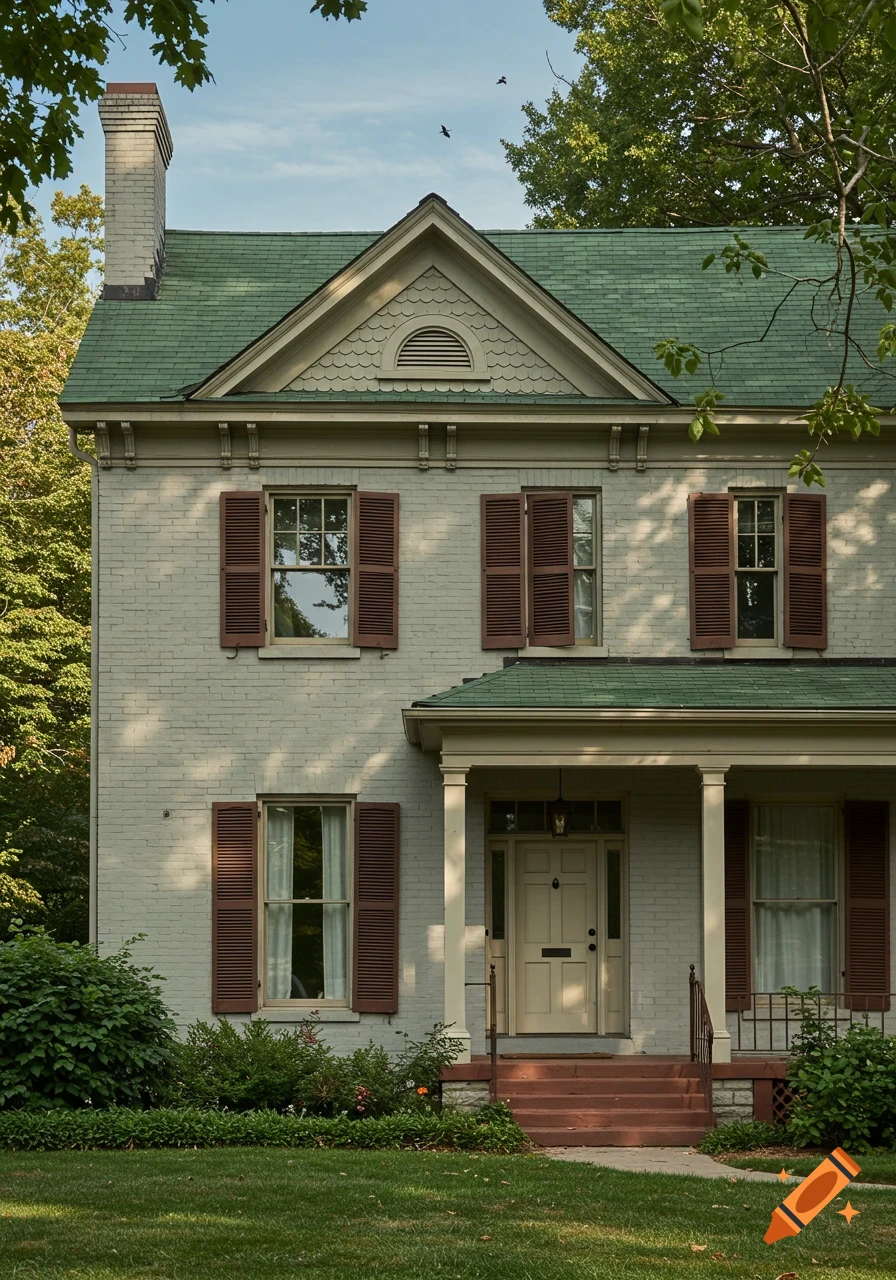
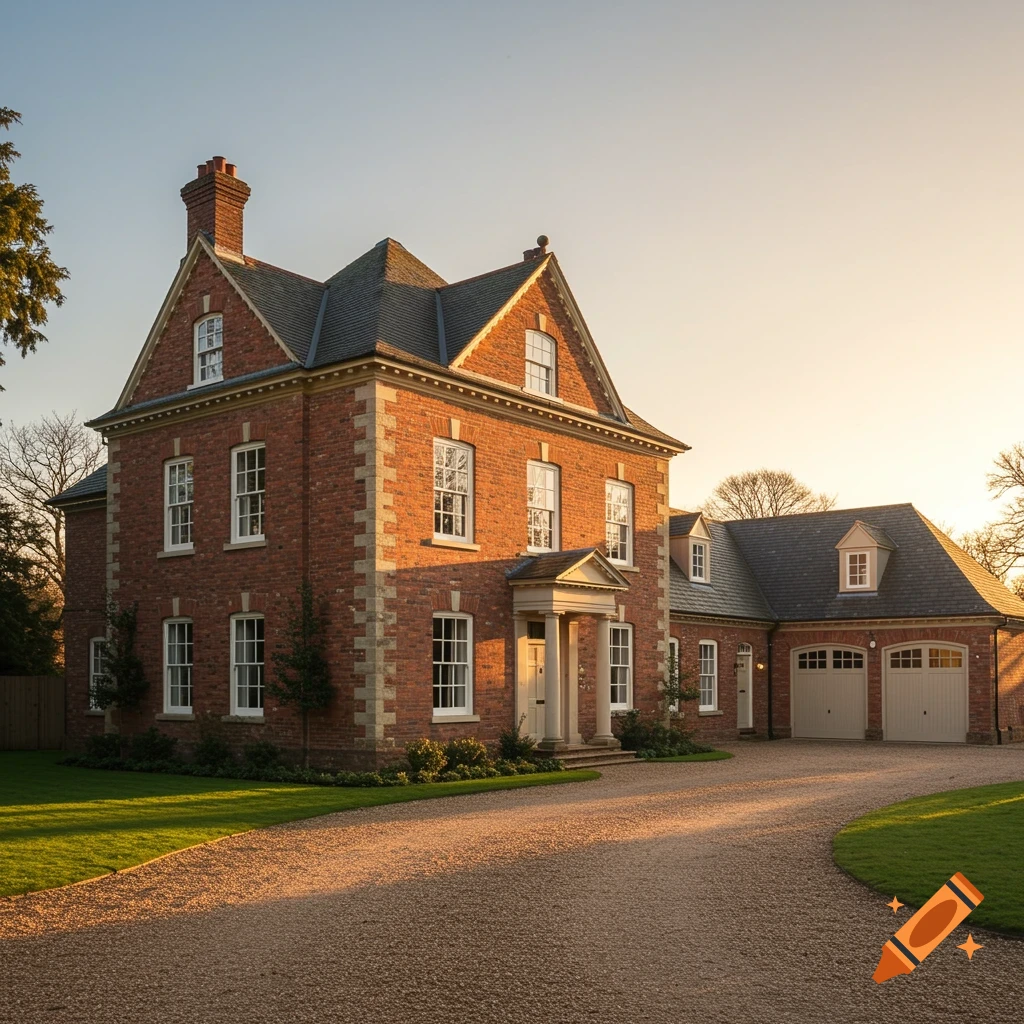
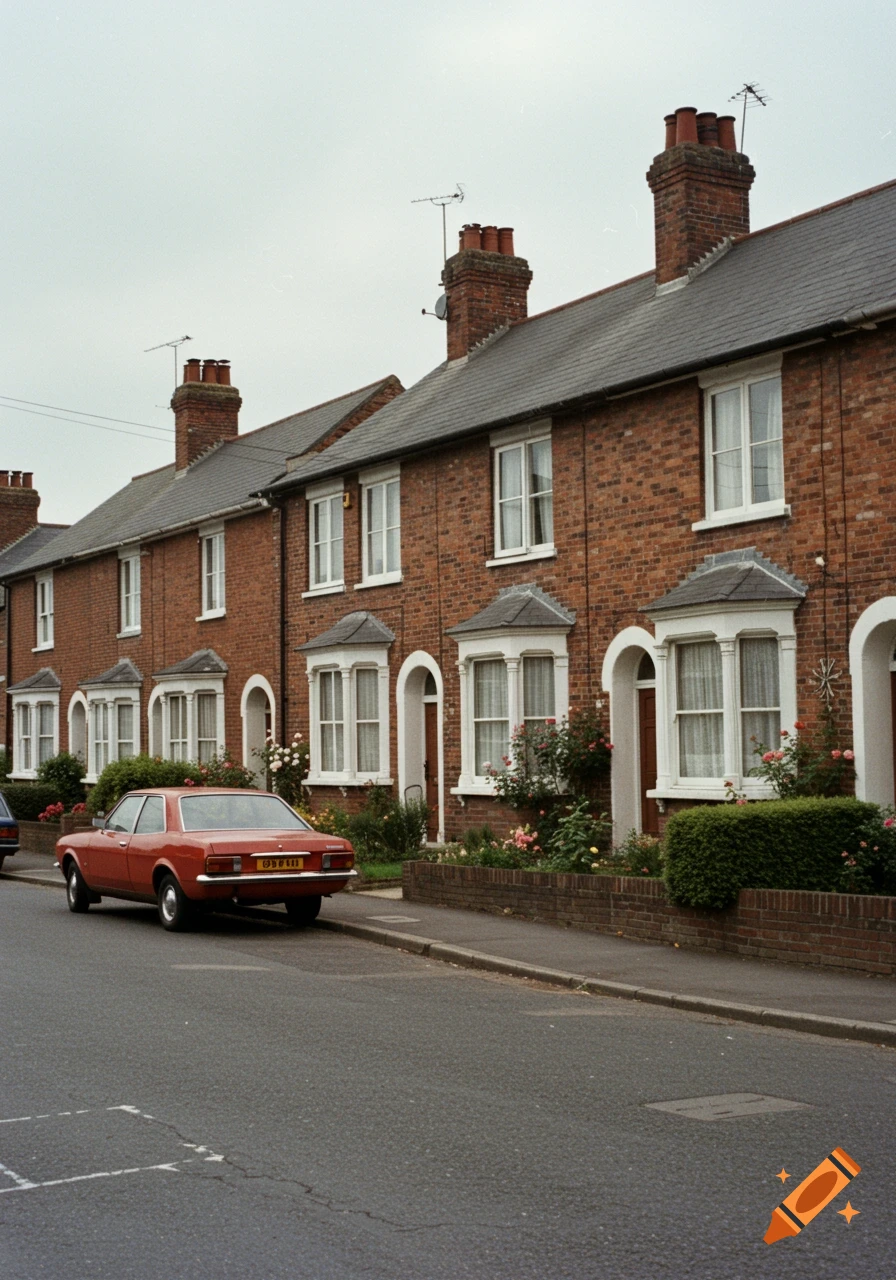
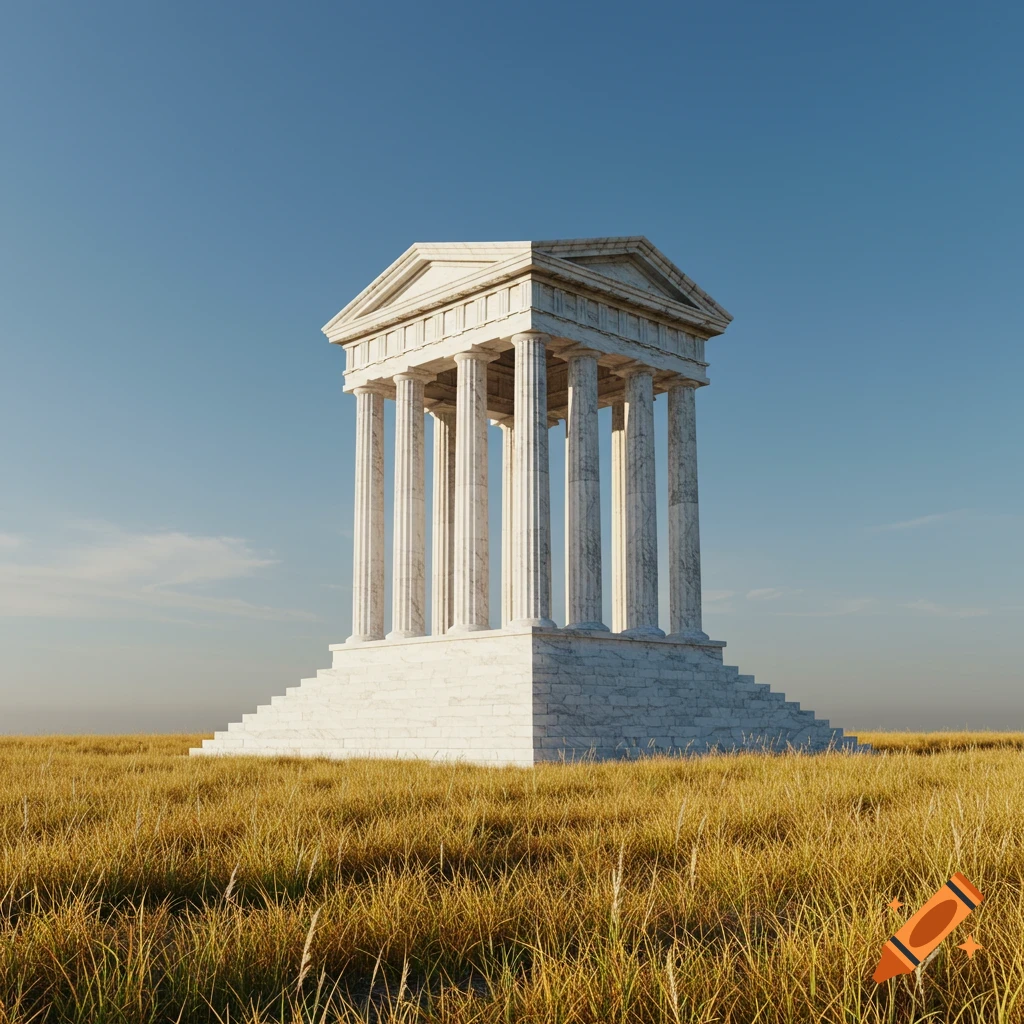
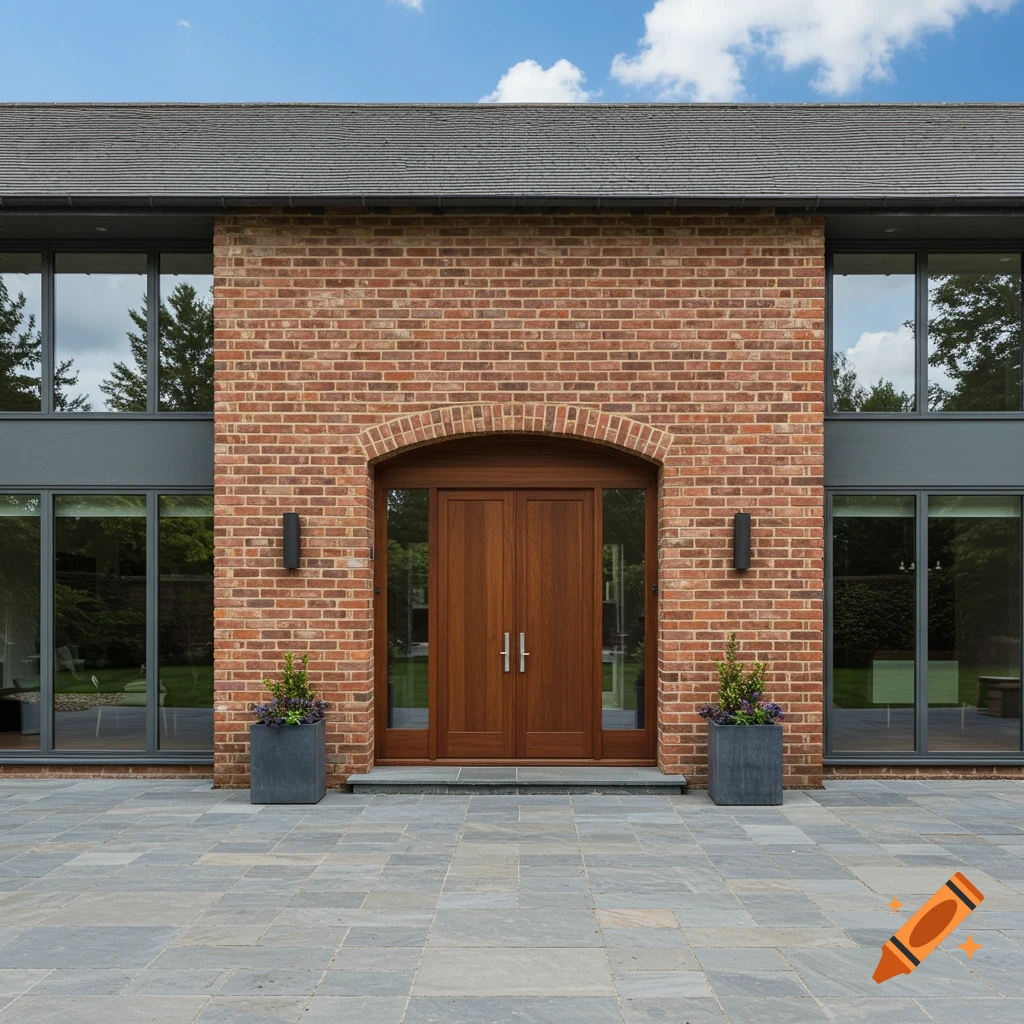
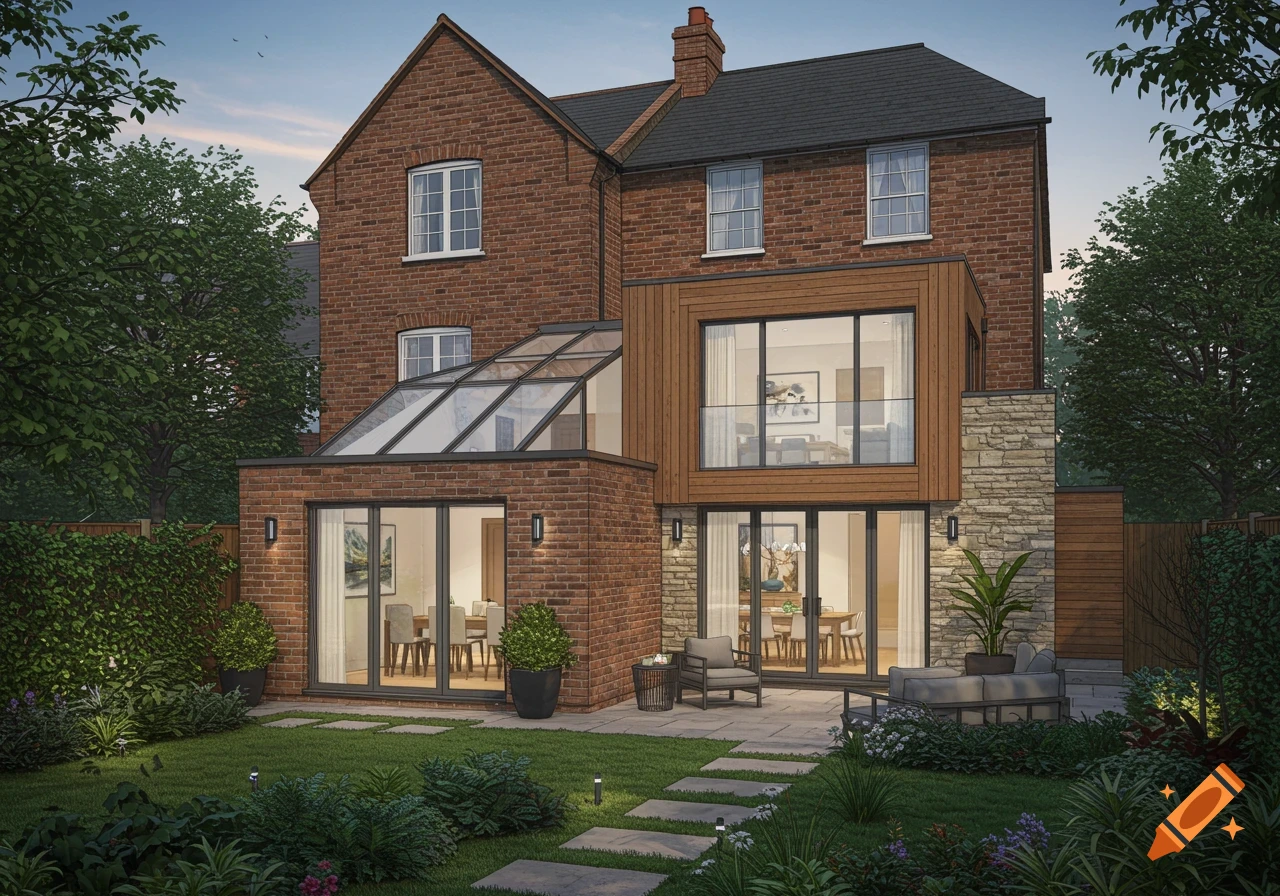
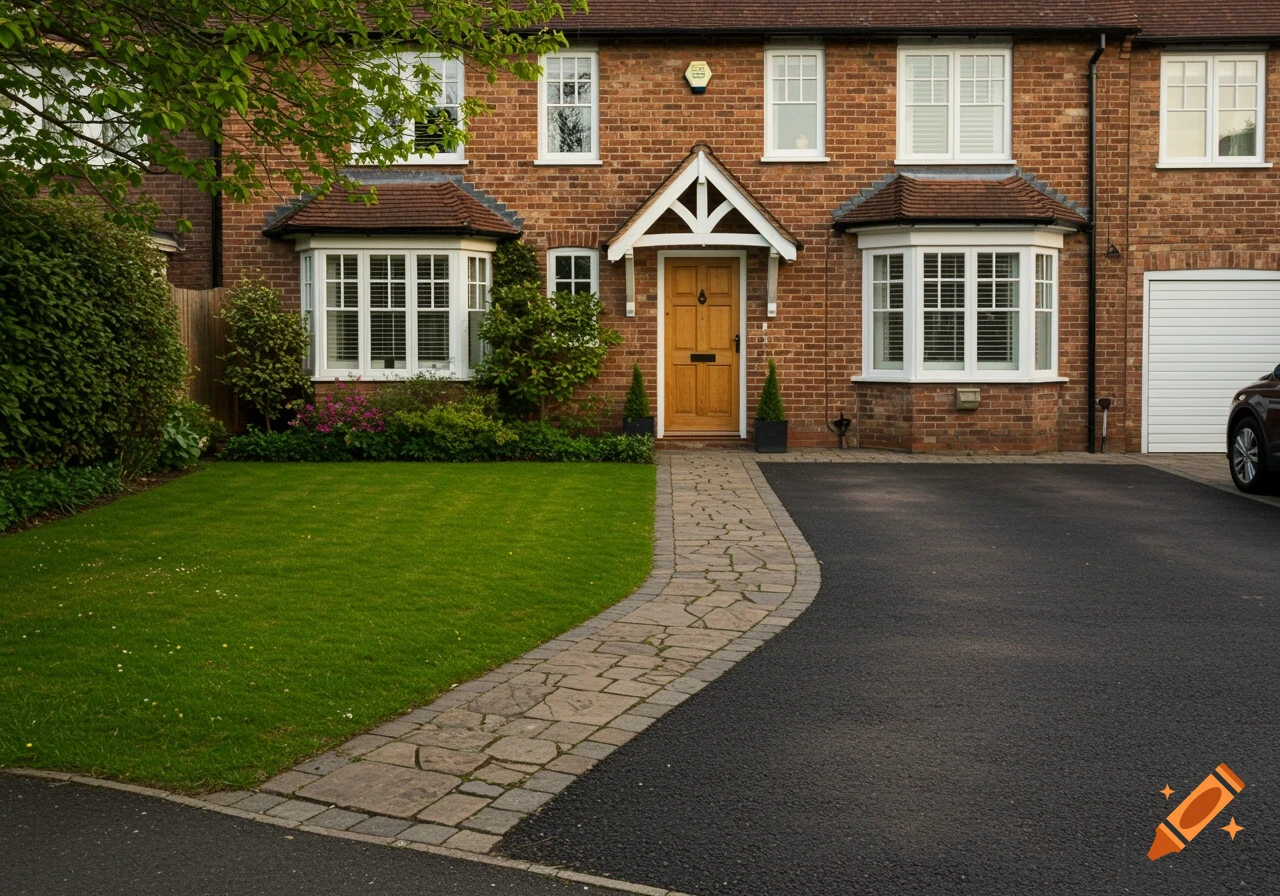
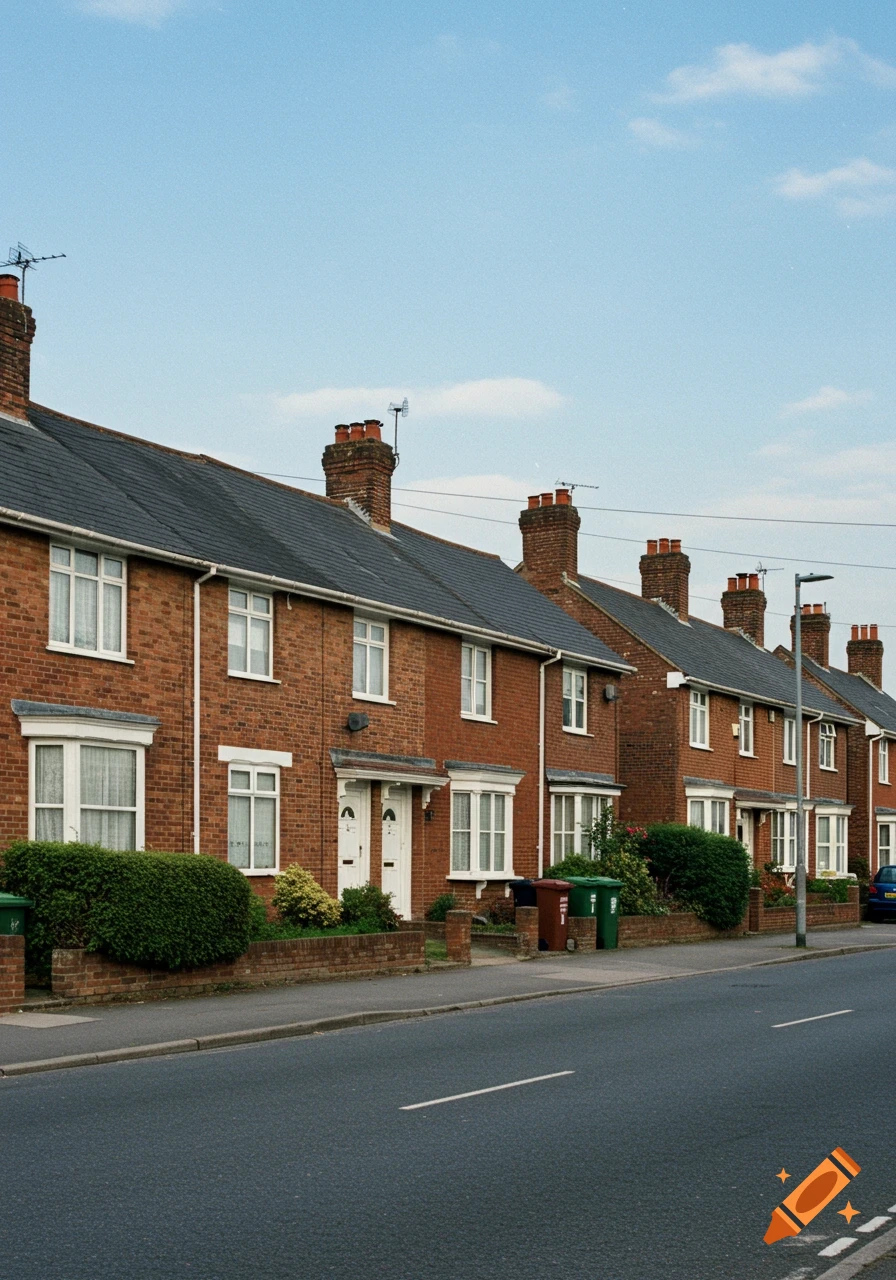
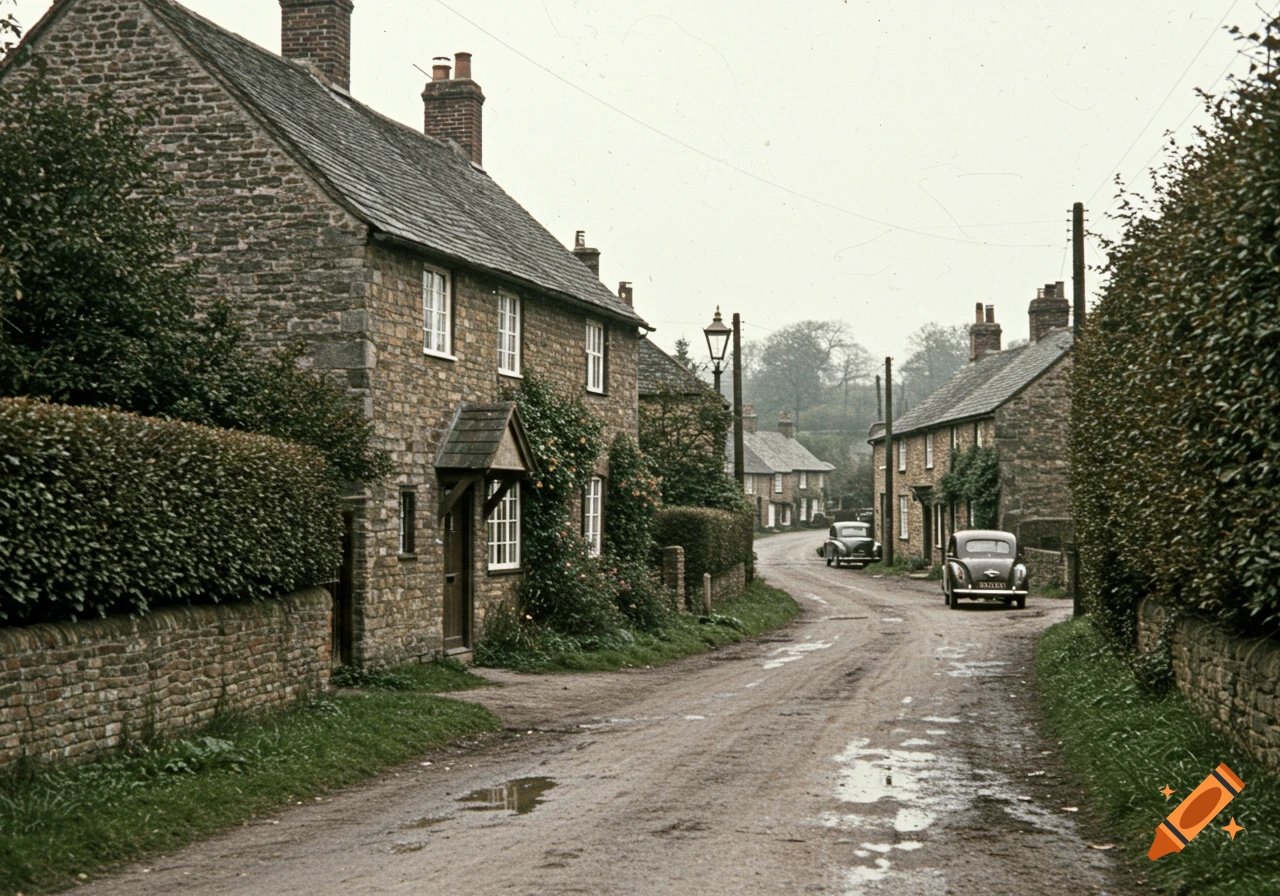
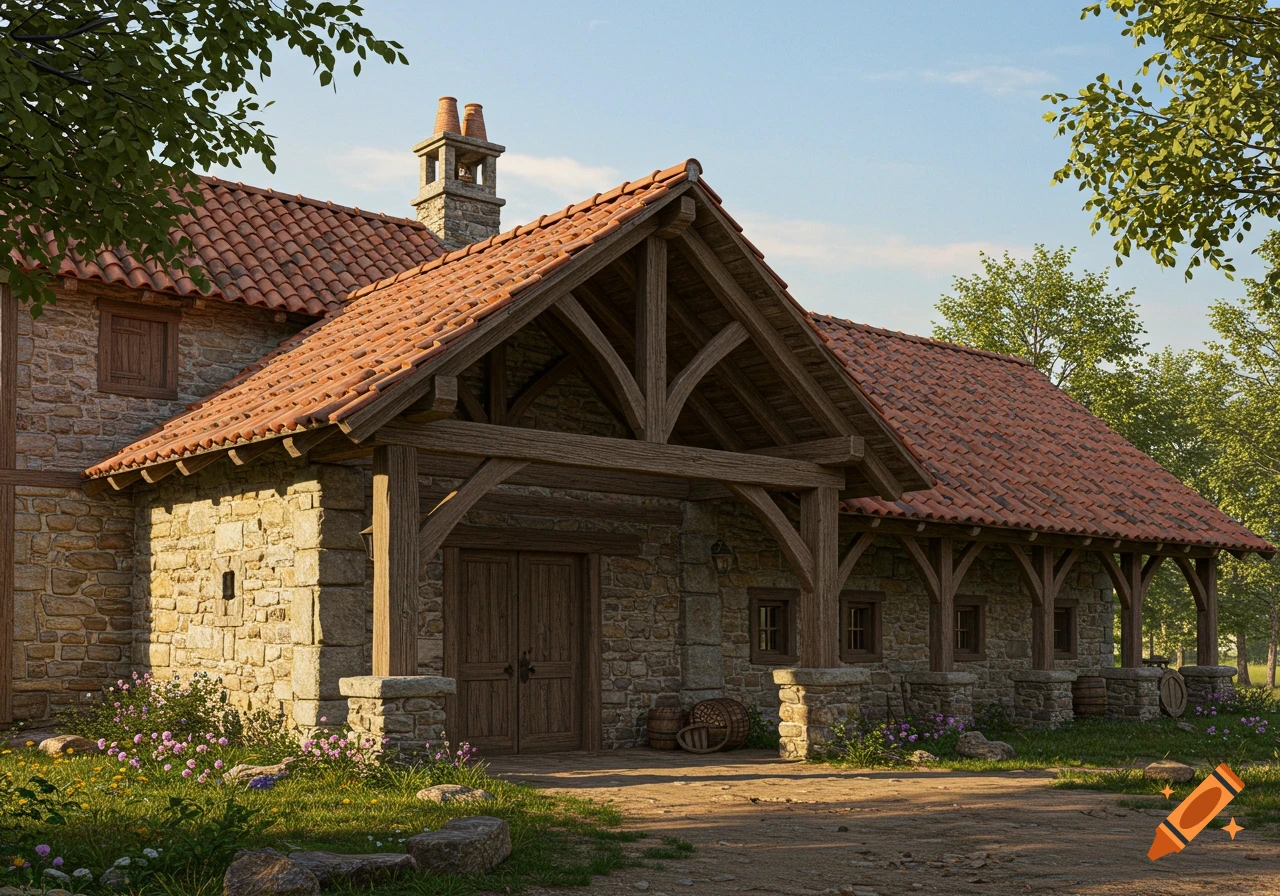
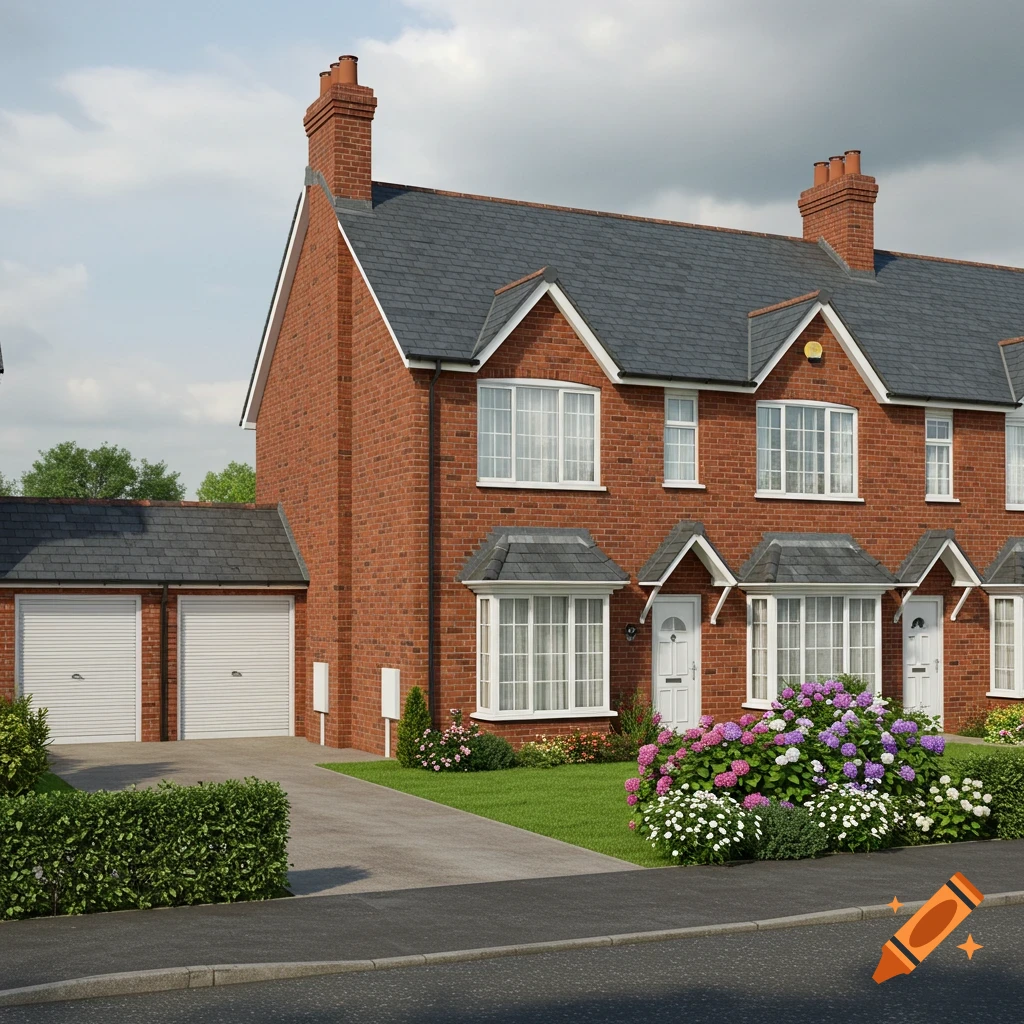
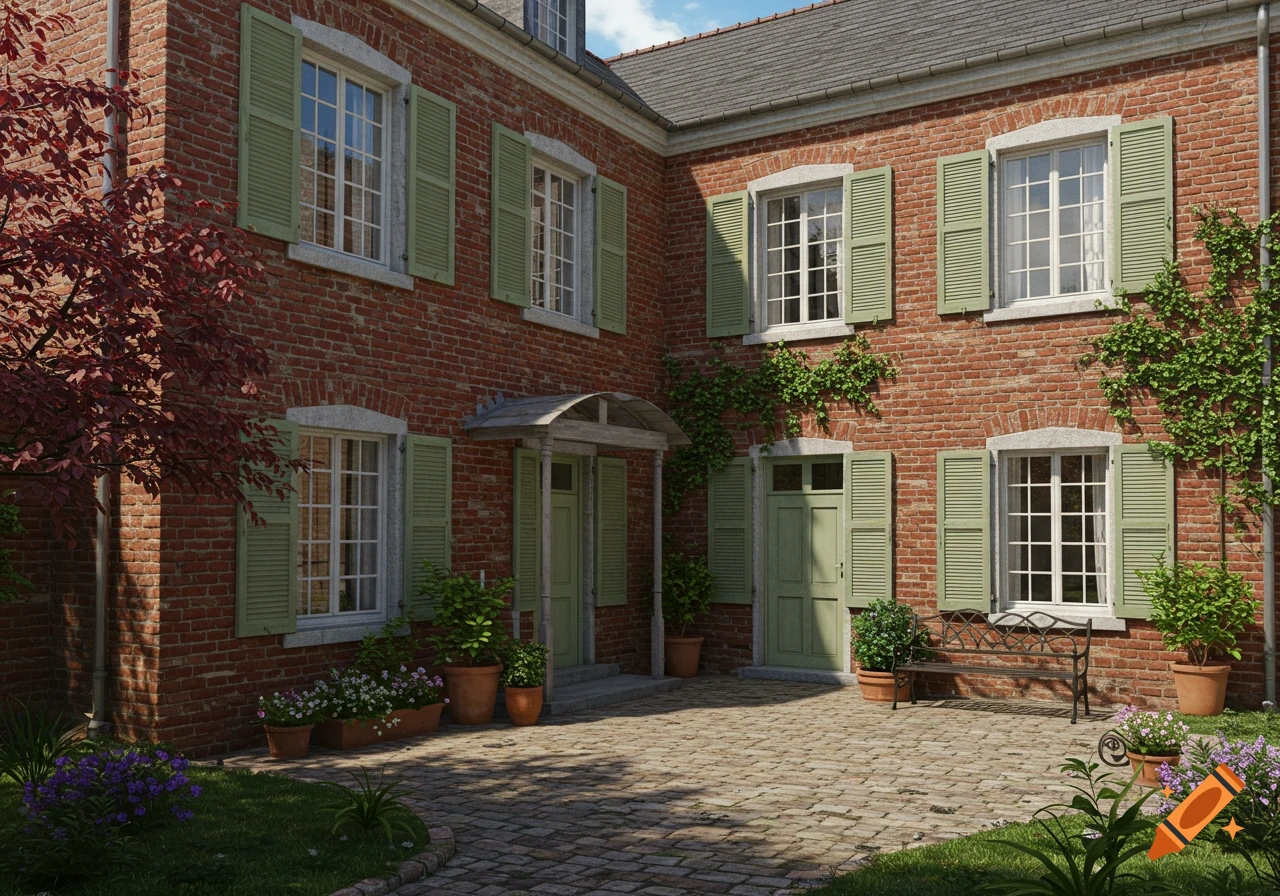
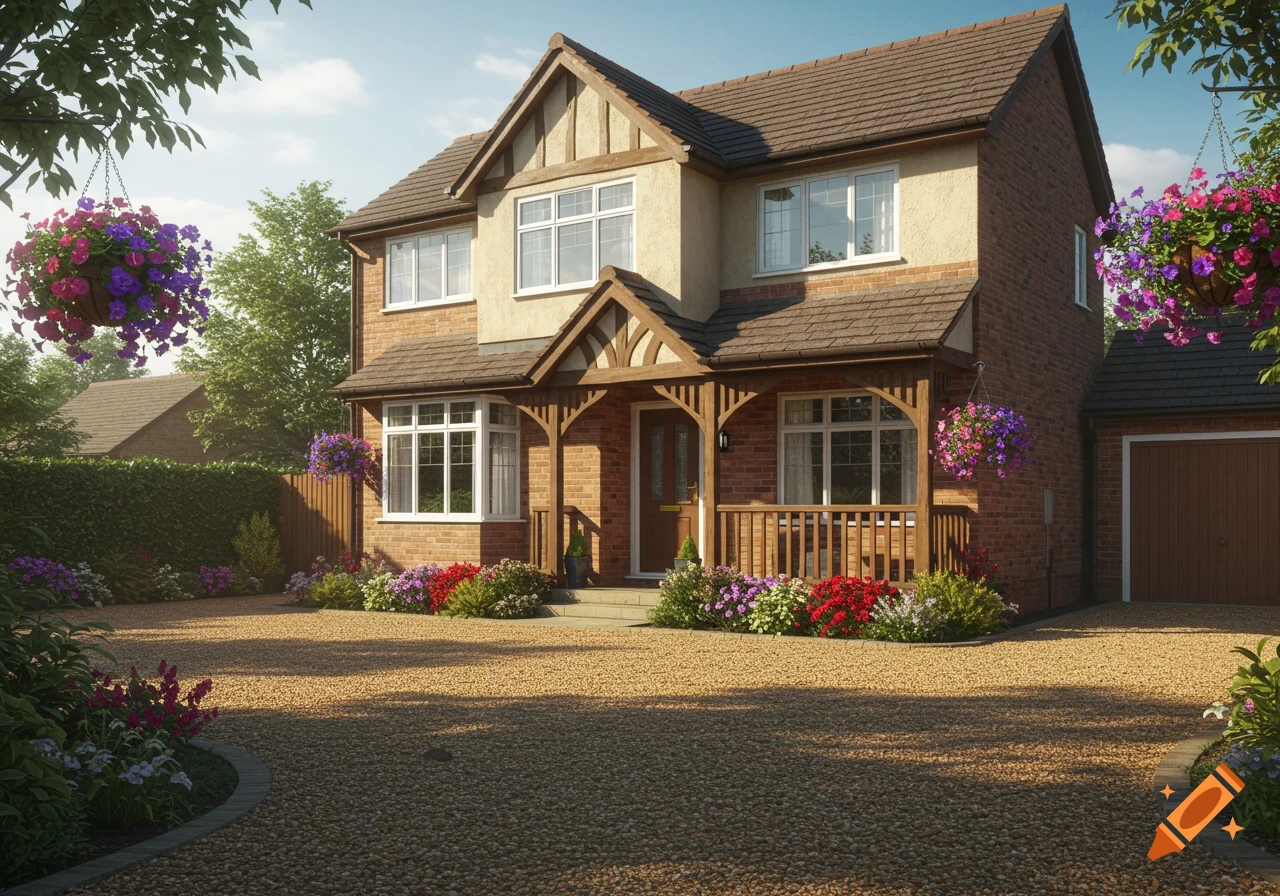
A red brick British house with a black door and white windows, flanked by two large stone pillars with ornate capitals, on a green lawn under a blue sky.
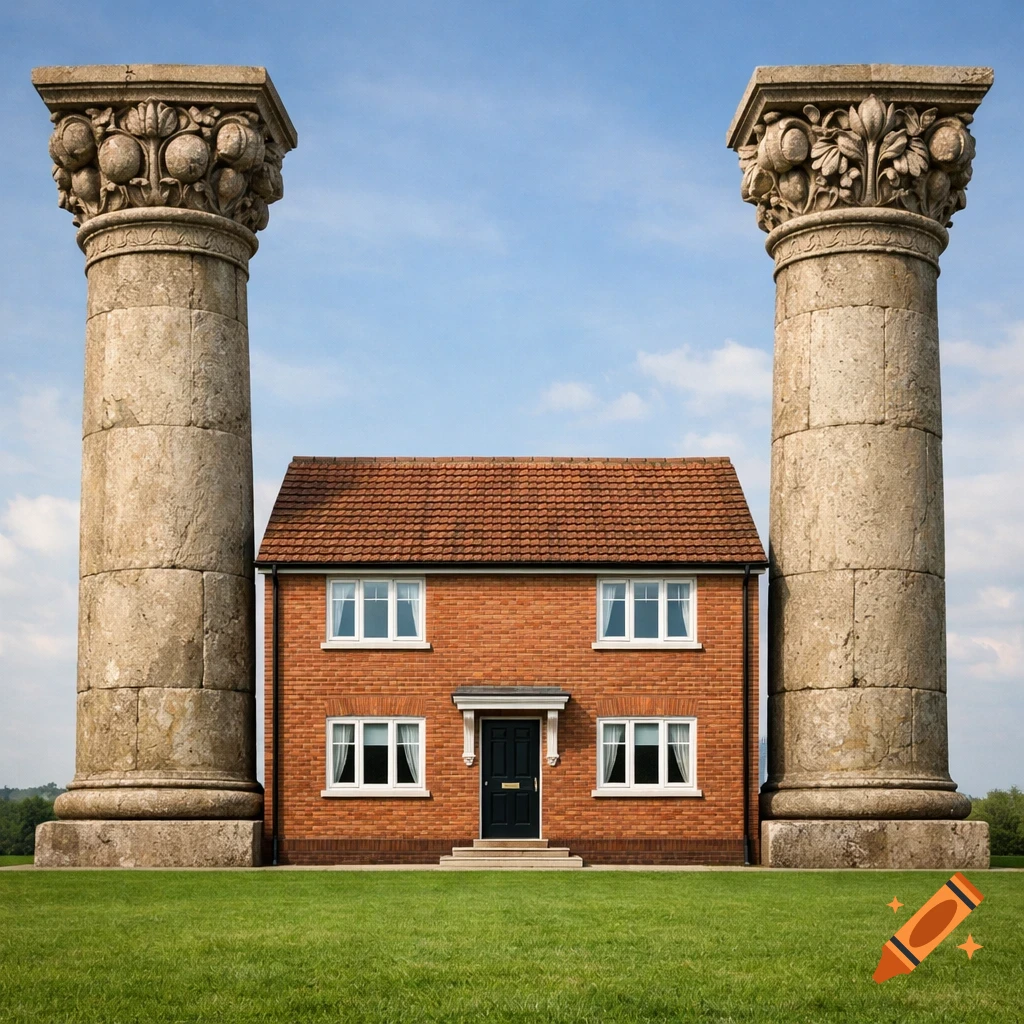
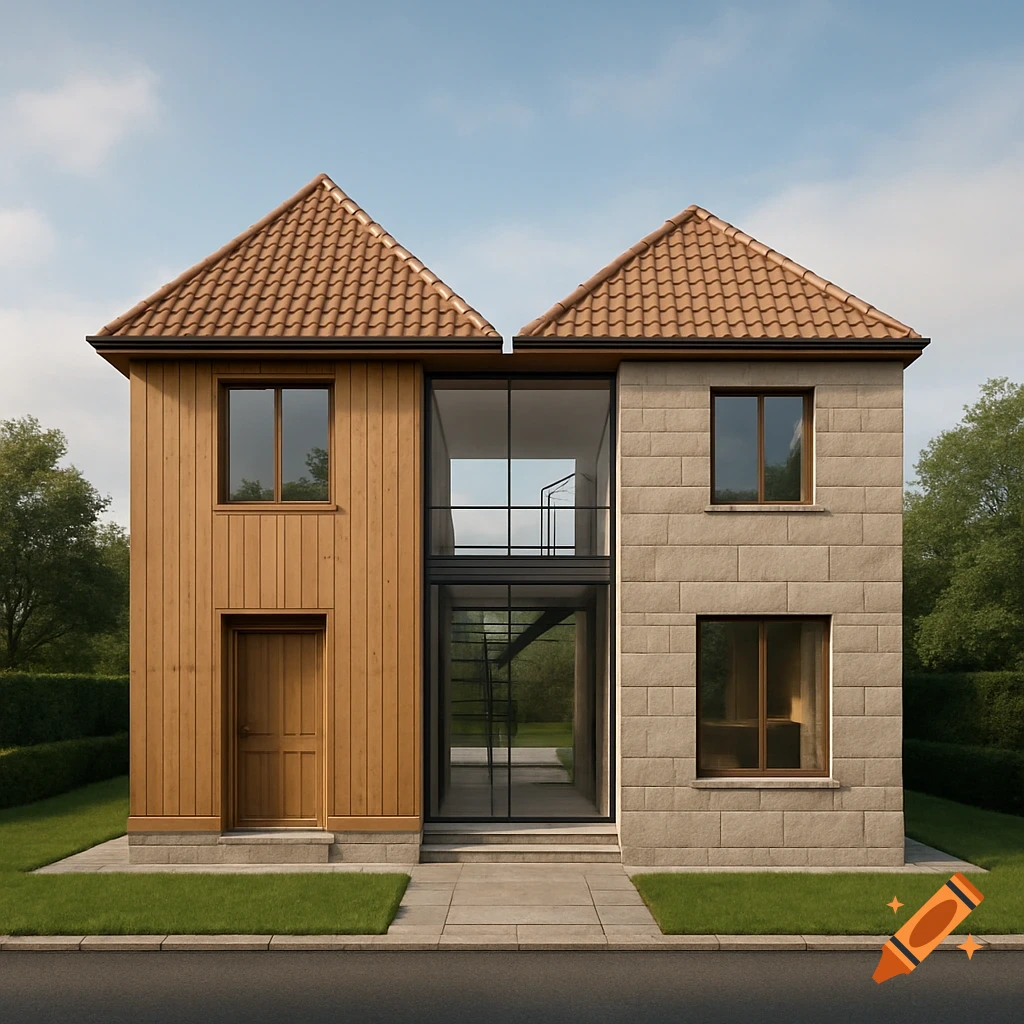
Absolutely! Let’s use Stable Diffusion Online – it’s free, no download needed, and works right in your phone browser. Here’s how to set it up and create your image: Step 1: Go to the website Open your phone’s browser (Chrome, Safari, etc.) and go to: https://stablediffusionweb.com/ You don’t need to sign up or create an account to use the free version! Step 2: Enter the custom prompt Once the page loads, find the big text box labeled "Prompt" (at the top of the screen). Copy and paste this exact prompt (tailored for Stable Diffusion): "Front-on elevation view, 1:1 square aspect ratio. Two massive circular stone Pillars of King Solomon with ornate carved capitals (pomegranates, lilies), flanking a typical British 3-bedroom detached house. Front facade of house is completely flush and aligned with front faces of pillars – same vertical plane, no setback. Pillar height matches house roof ridge exactly. House: red brick exterior, pitched tiled roof, centered front door, symmetric windows, small front step. Foreground: flat green lawn. Background: soft light blue sky with gentle clouds. Realistic style, even lighting, clear alignment." Step 3: Set the aspect ratio to 1:1 Scroll down a little to find the "Aspect Ratio" section (usually under "Settings"). Tap the dropdown menu and select "1:1 (Square)" – this ensures the image is the shape you need. Step 4: Generate the image Once everything’s set, tap the big "Generate" button (usually blue or purple) at the bottom of the screen. See more