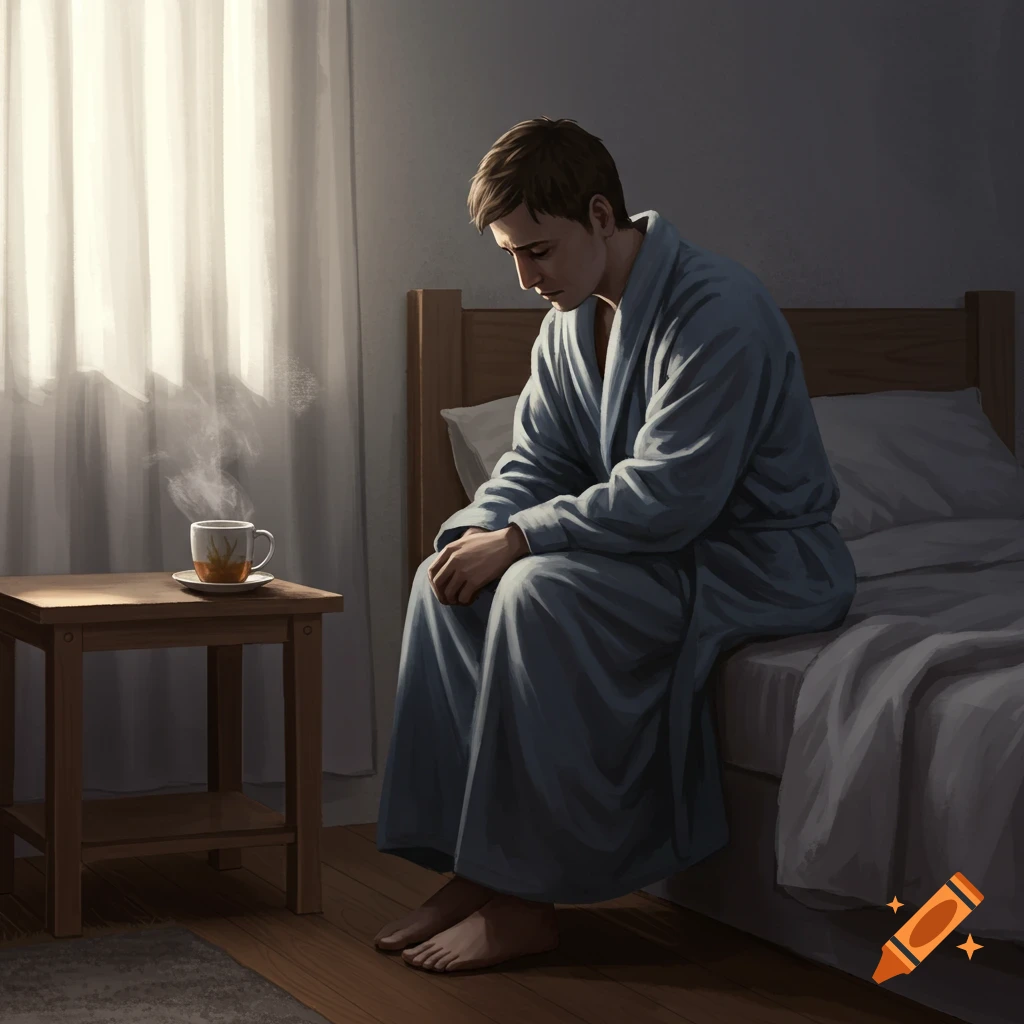
A young woman in bed looks at her phone as a figure resembling God stands beside her, looking with concern in a cozy bedroom.
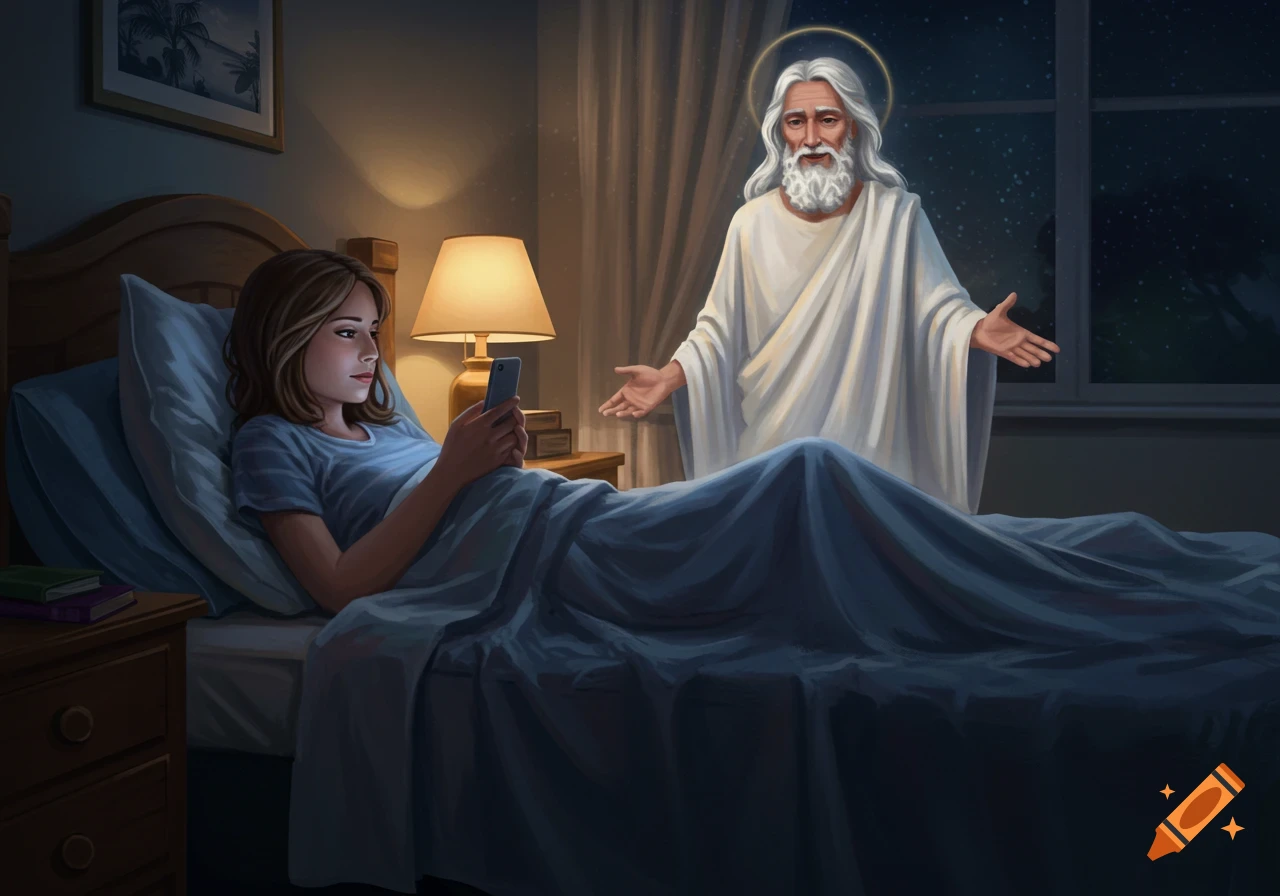
Okay, let's walk through the basic steps, assuming you don't already have an account with any of these services. I'll focus on the easier-to-use options, **Option 1: Craiyon (Free, Easiest, Lowest Quality)** 1. **Go to the website:**box that says "Enter text here", paste the image description: *A girl in her 20s lies comfortably in their bed, engrossed in their phone. The bedroom is cozy and perhaps a little messy. A soft warm light illuminates the scene. Behind the bed, partially obscured by shadows but clearly present, is God. God’s appearance is more implied than explicitly defined, older figure with a flowing beard and long hair and kind eyes, radiating a soft, ethereal light. God is looking down at the person on the bed with an expression of gentle amusement and perhaps a hint of concern or curiosity. God is not intrusive or frightening, but rather a comforting and reassuring presence.* 3. **Click "Draw":** Click the button that says "Draw". 4. **Wait:** It will take a few minutes for the AI to generate the images. 5. **Download:** Once the images are generated, you'll see a grid of 9 images. Click on the one you like best to enlarge it, and then right-click and choose "Save image as..." to save it to your computer or phone. **Option 2: DALL-E 2 (Requires Account, Better Quality, Costs Credits)** 1. **Create an OpenAI Account:** Go to [https://openai.com/dall-e-2/](https://openai.com/dall-e-2/) and create an account (you might need to provide payment information). You See more