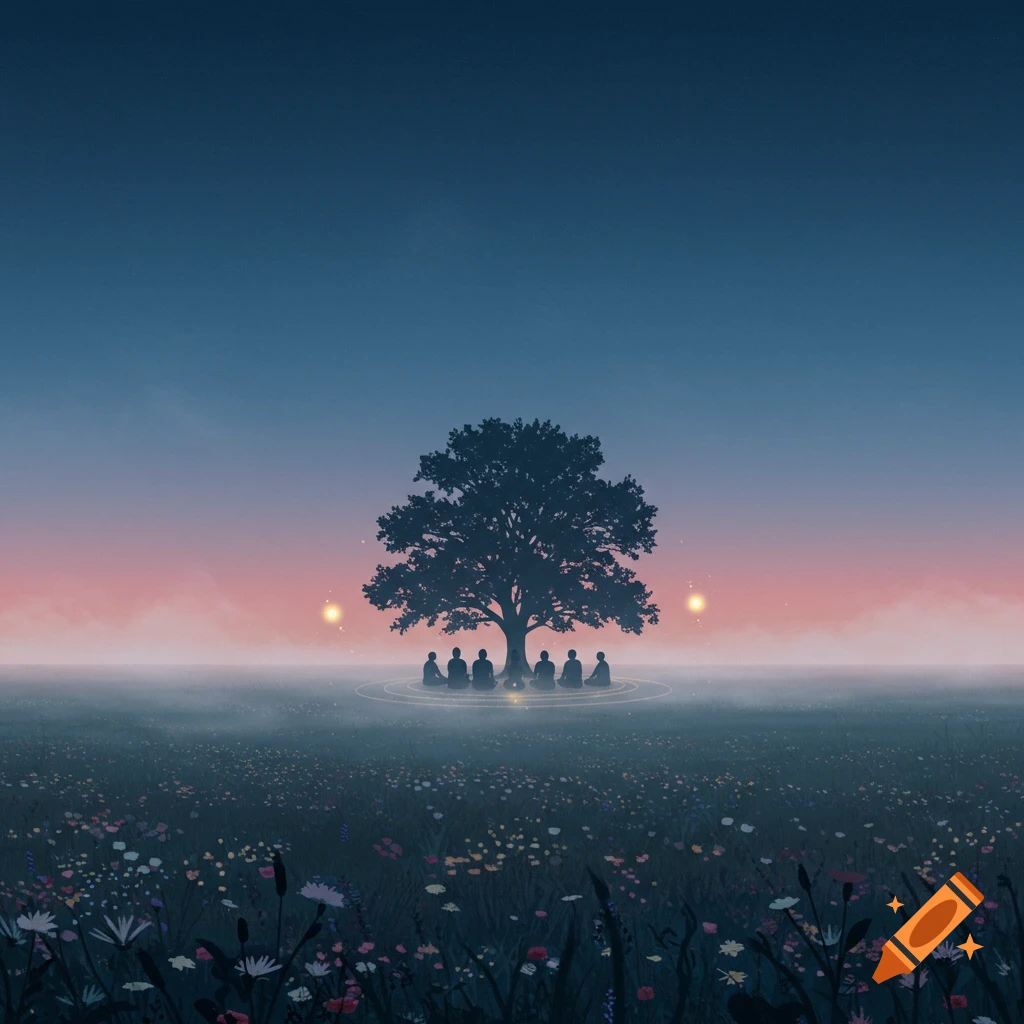
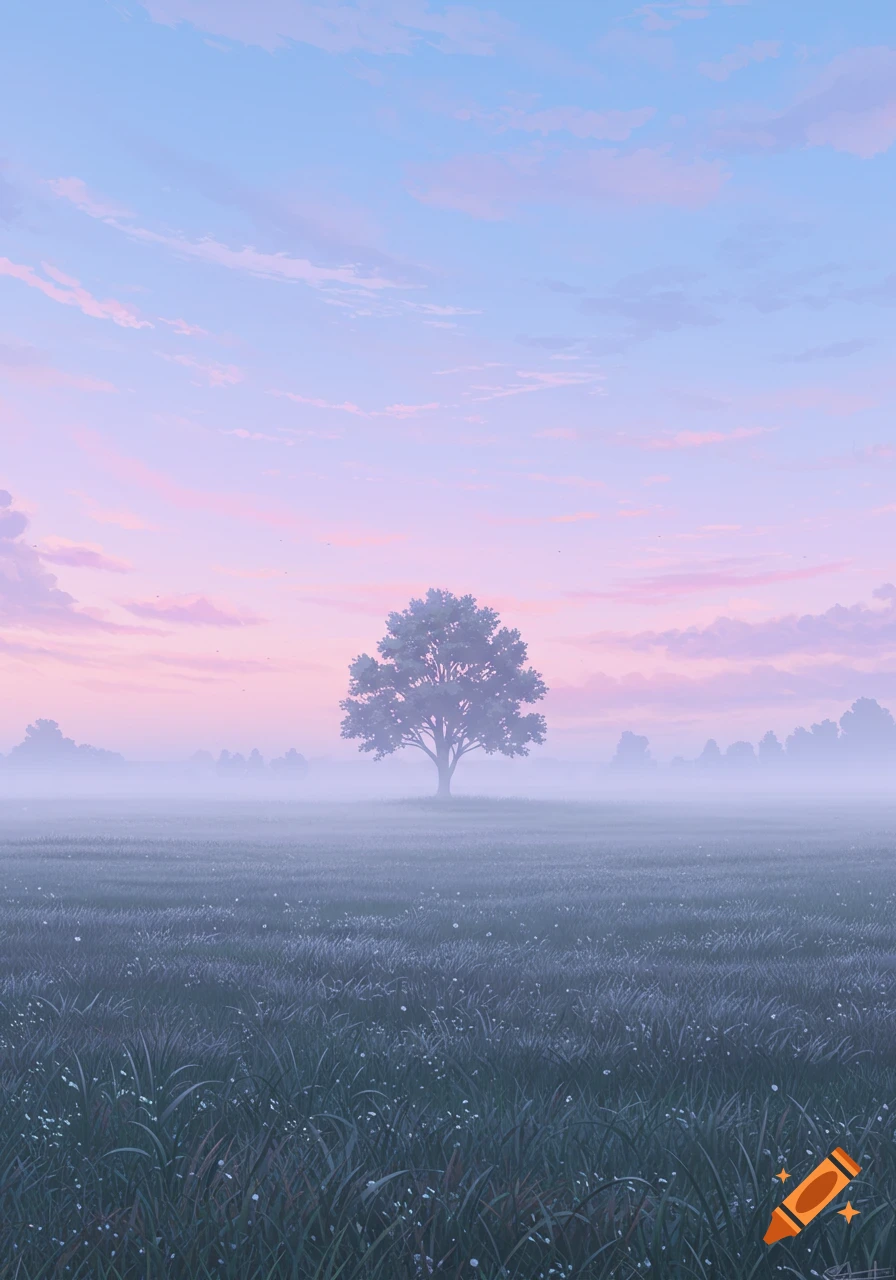
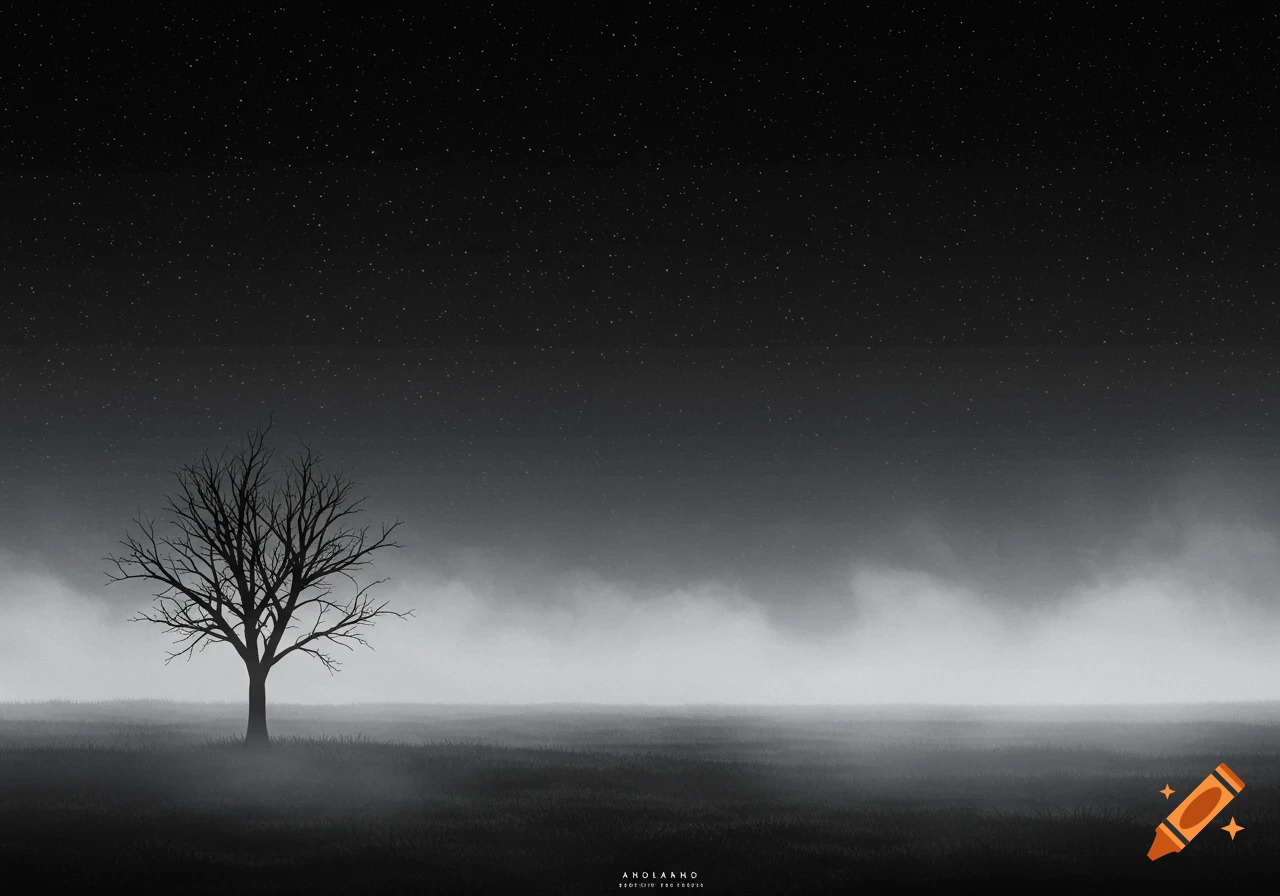
A dark, stylized geometric tree stands alone on a light blue ground, under a pastel gradient sky, in a minimalist illustration.

Act like a professional AI prompt designer specializing in generating visually minimal and artistically aesthetic prompts for generative image models like Stable Diffusion or LM Studio. Objective: Create a visually striking, modern, and clean minimalistic illustration using LM Studio. The goal is to generate a prompt that produces a high-quality graphic image with a focus on simplicity, negative space, and strong composition. The design should be suitable for digital posters, branding, or UI concept art. Step-by-step: 1. Focus on a central concept or object (e.g., a lone tree, a silhouette of a bird, a mountain peak, or a geometric shape) that serves as the anchor for the minimalism. 2. Set a plain or monochromatic background, using pastel tones or a soft gradient (e.g., off-white, sand beige, pale blue, charcoal). 3. Request high contrast between the subject and the background to reinforce minimalism. 4. Remove any unnecessary noise, textures, or decorative elements — request “clean edges”, “flat design”, or “minimal detail”. 5. Mention a specific art style if needed (e.g., “flat vector”, “Bauhaus”, “Swiss graphic design”, “Japanese Zen minimalism”). 6. Set framing rules: center-aligned, large negative space, use of the rule of thirds or symmetry for balance. 7. Use these image quality modifiers: “high resolution”, “sharp focus”, “professional lighting”, “crisp lines”. 8. Make sure to keep human figures abstract or stylized if included (optional). 9. Define the output See more