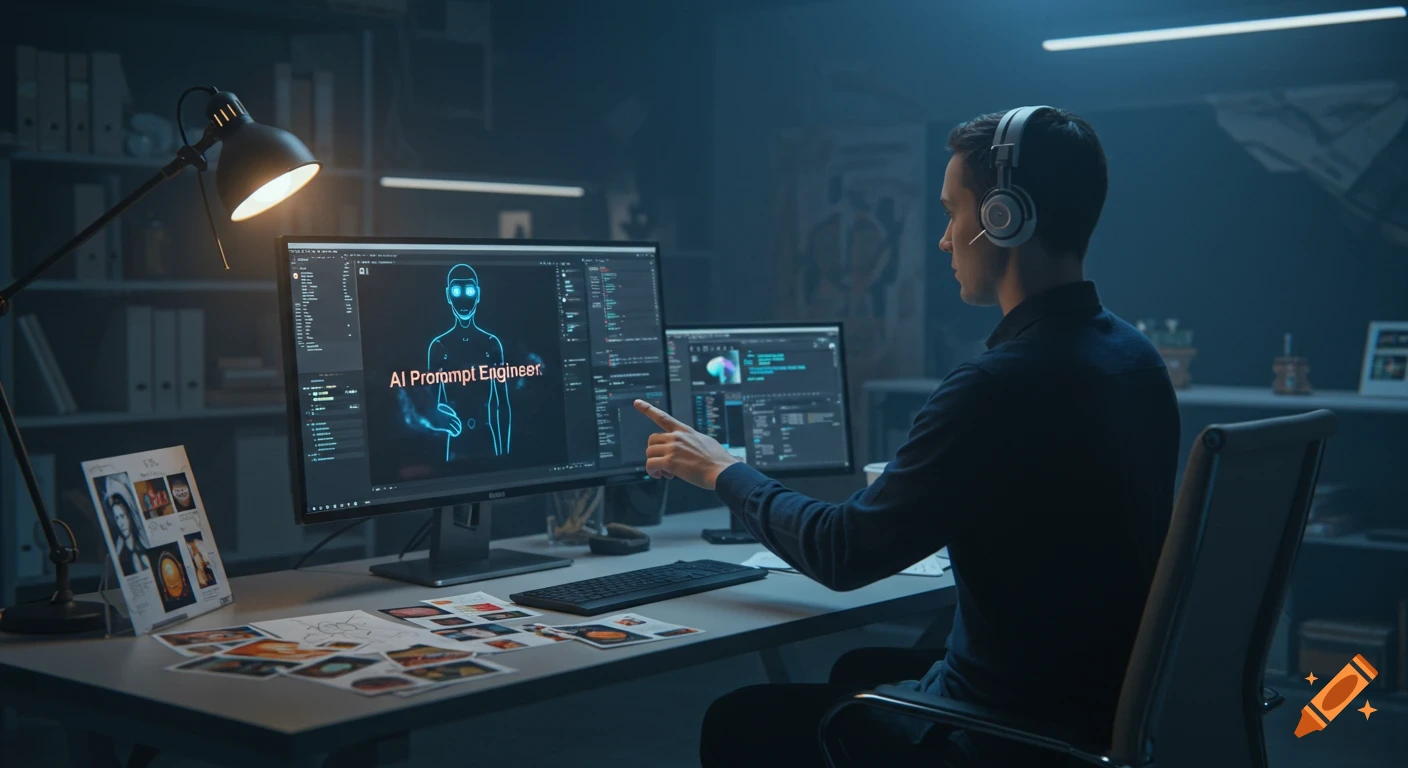
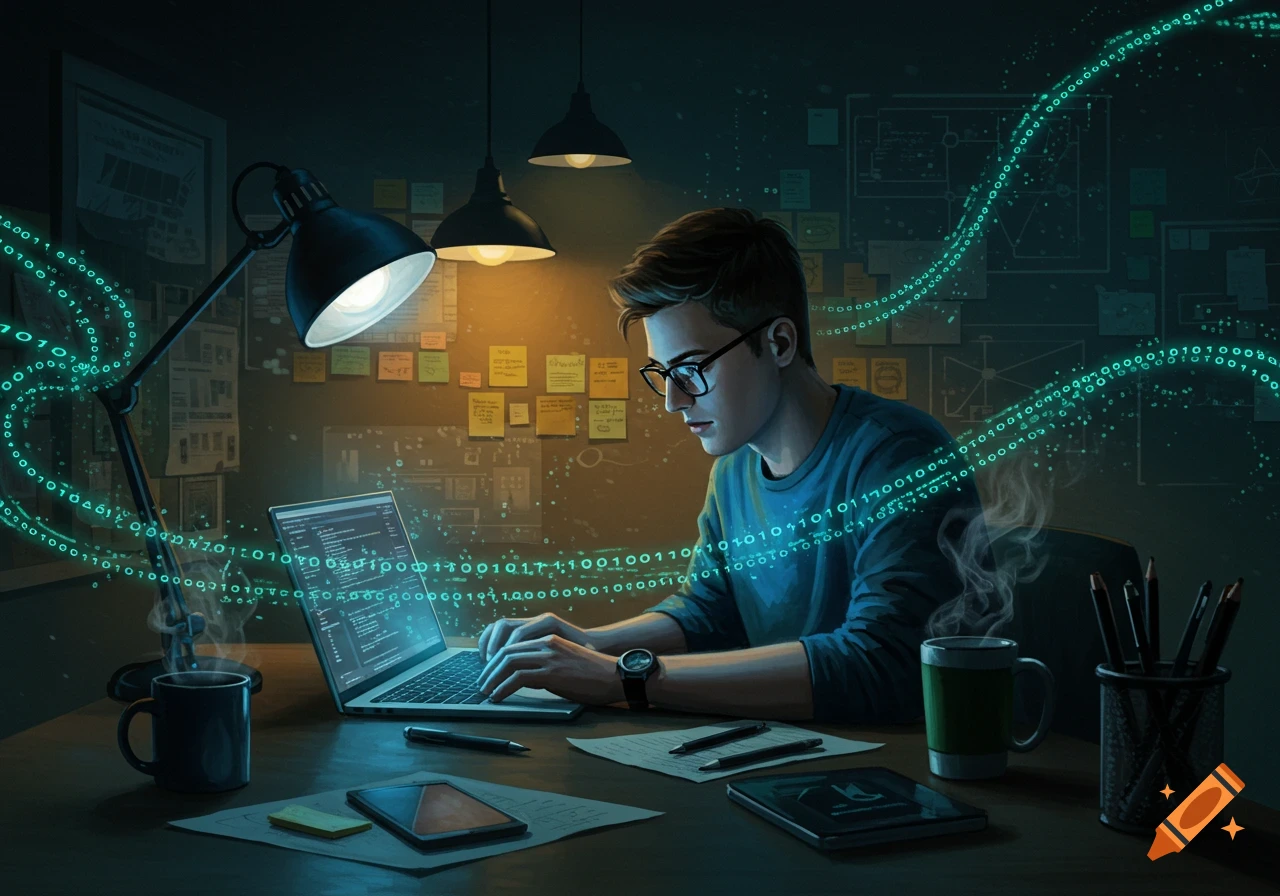
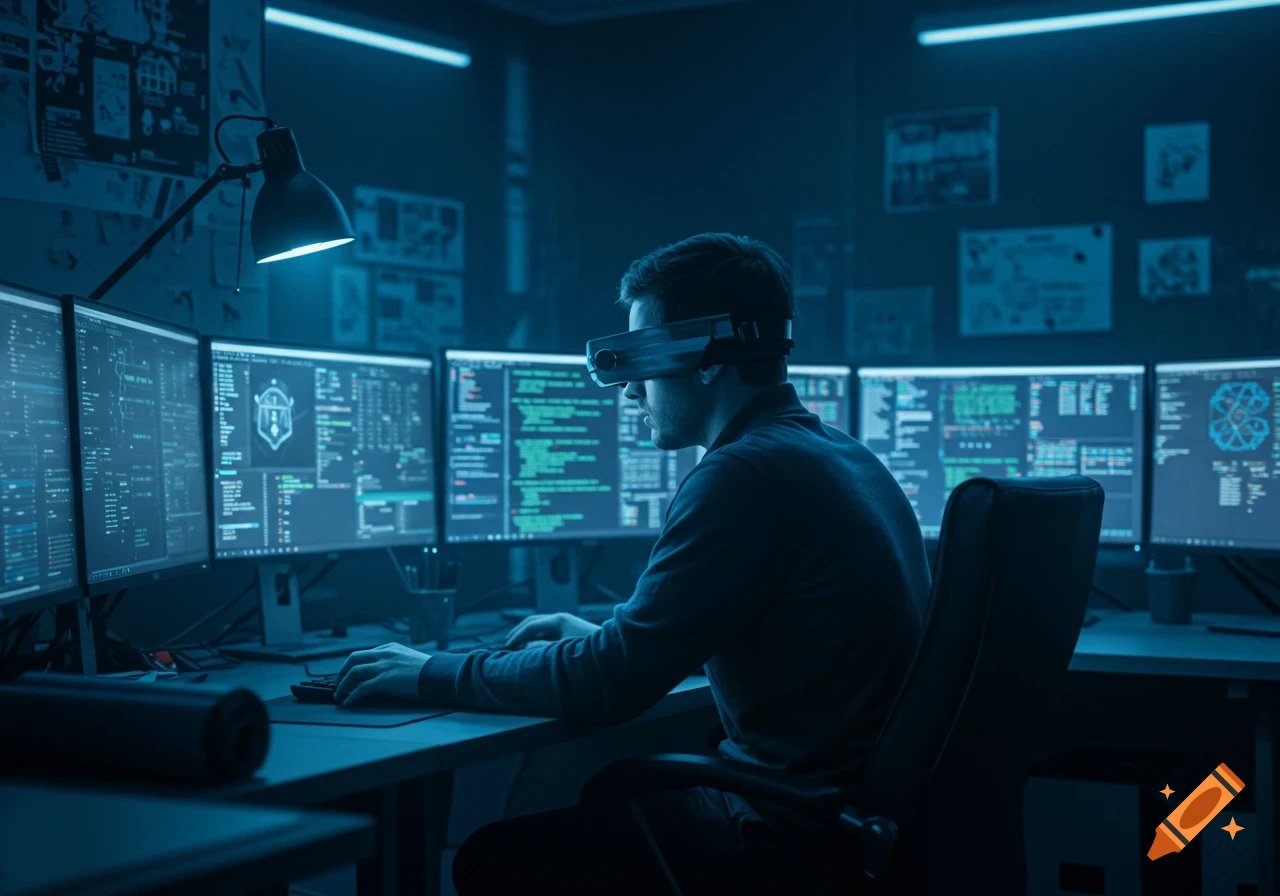
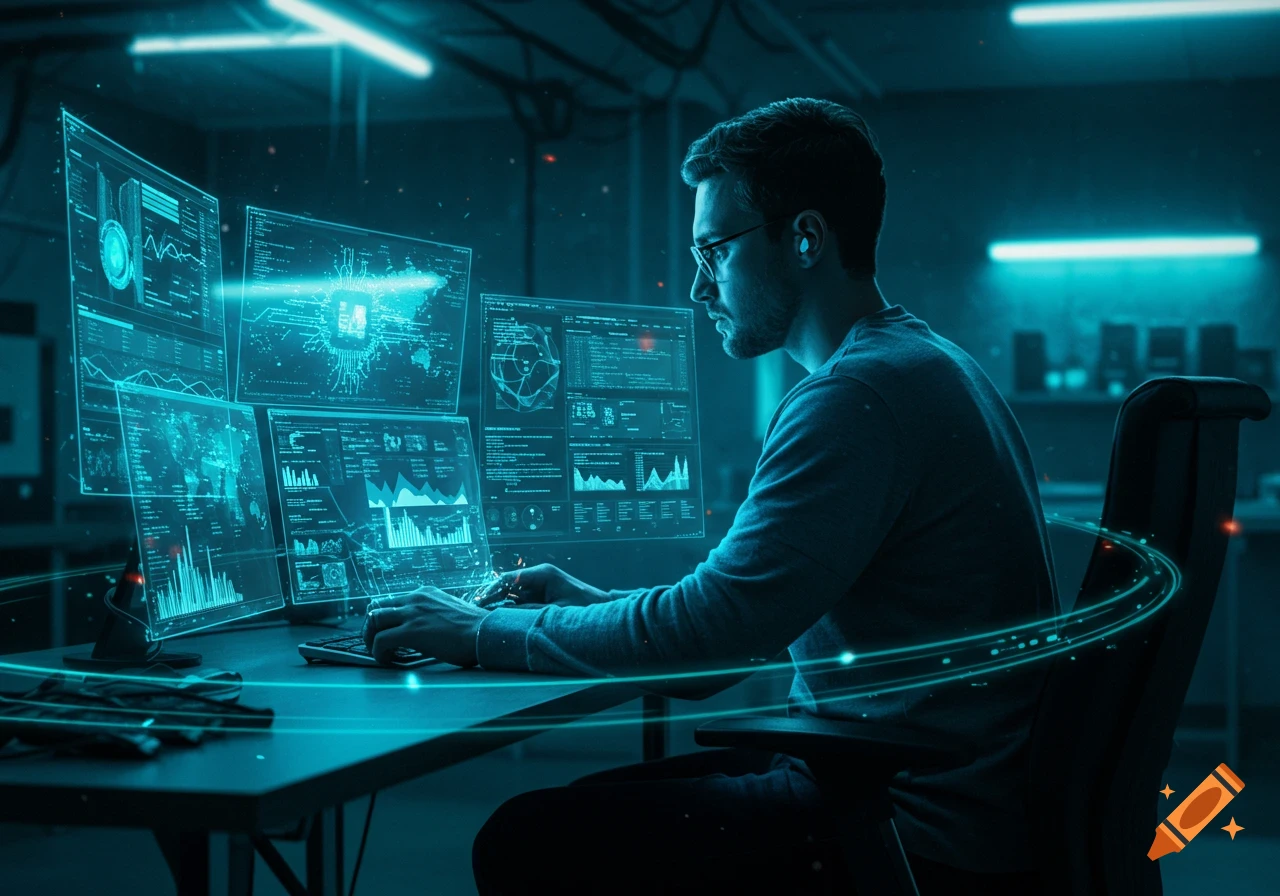
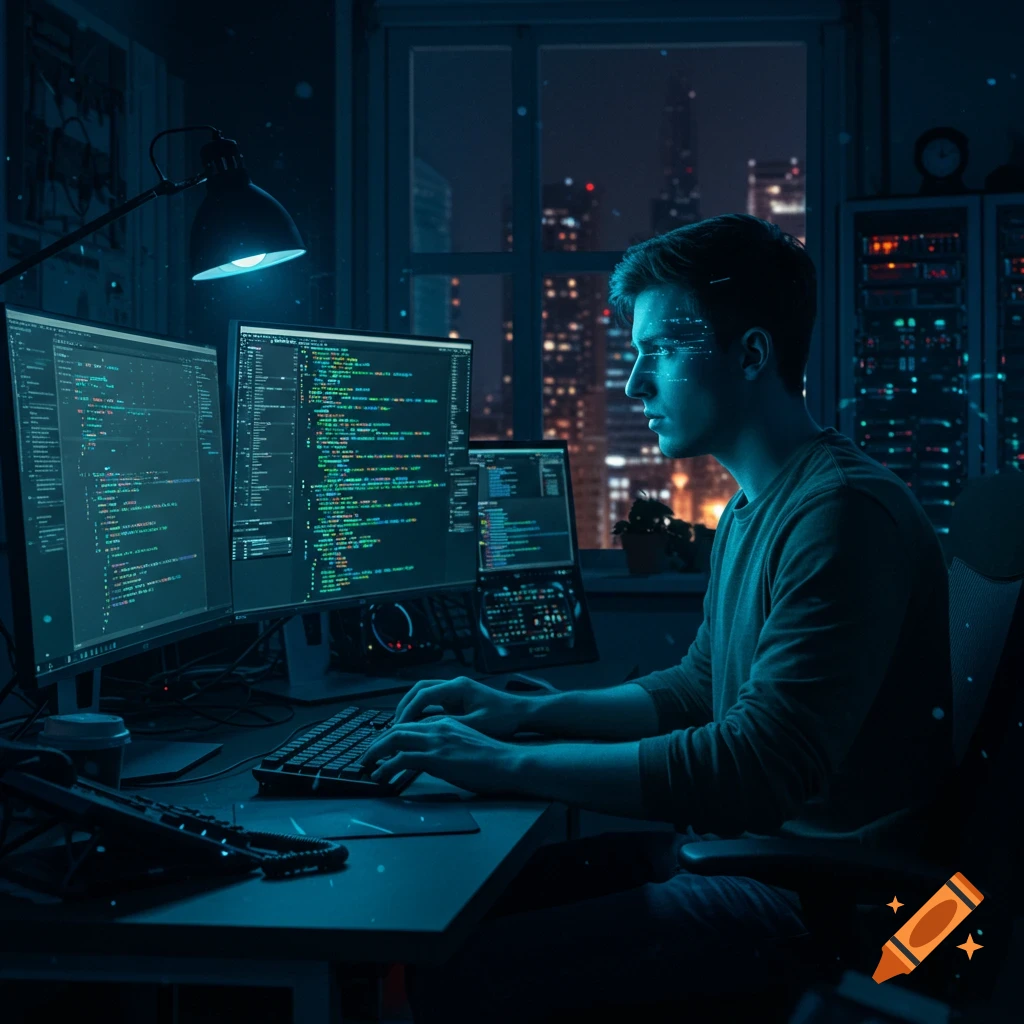
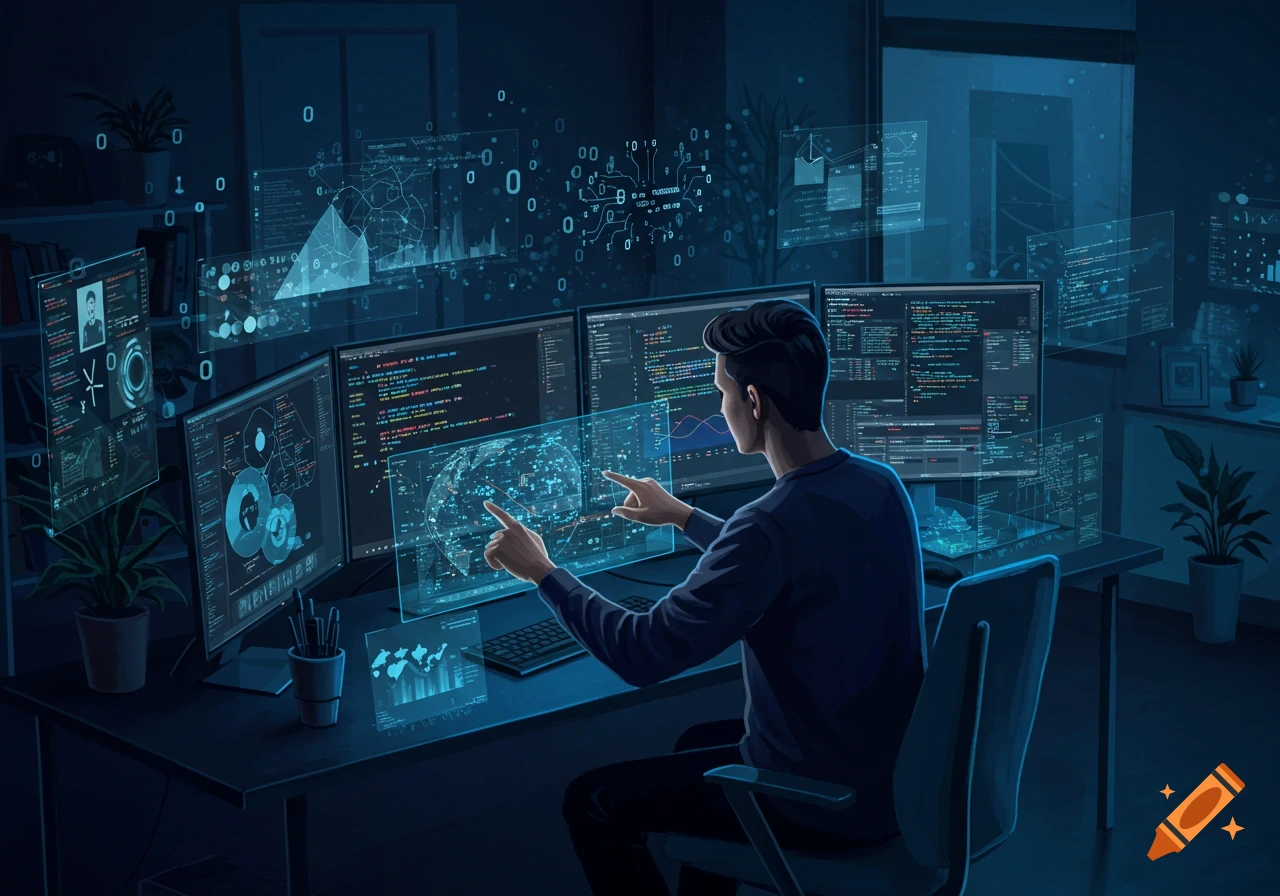
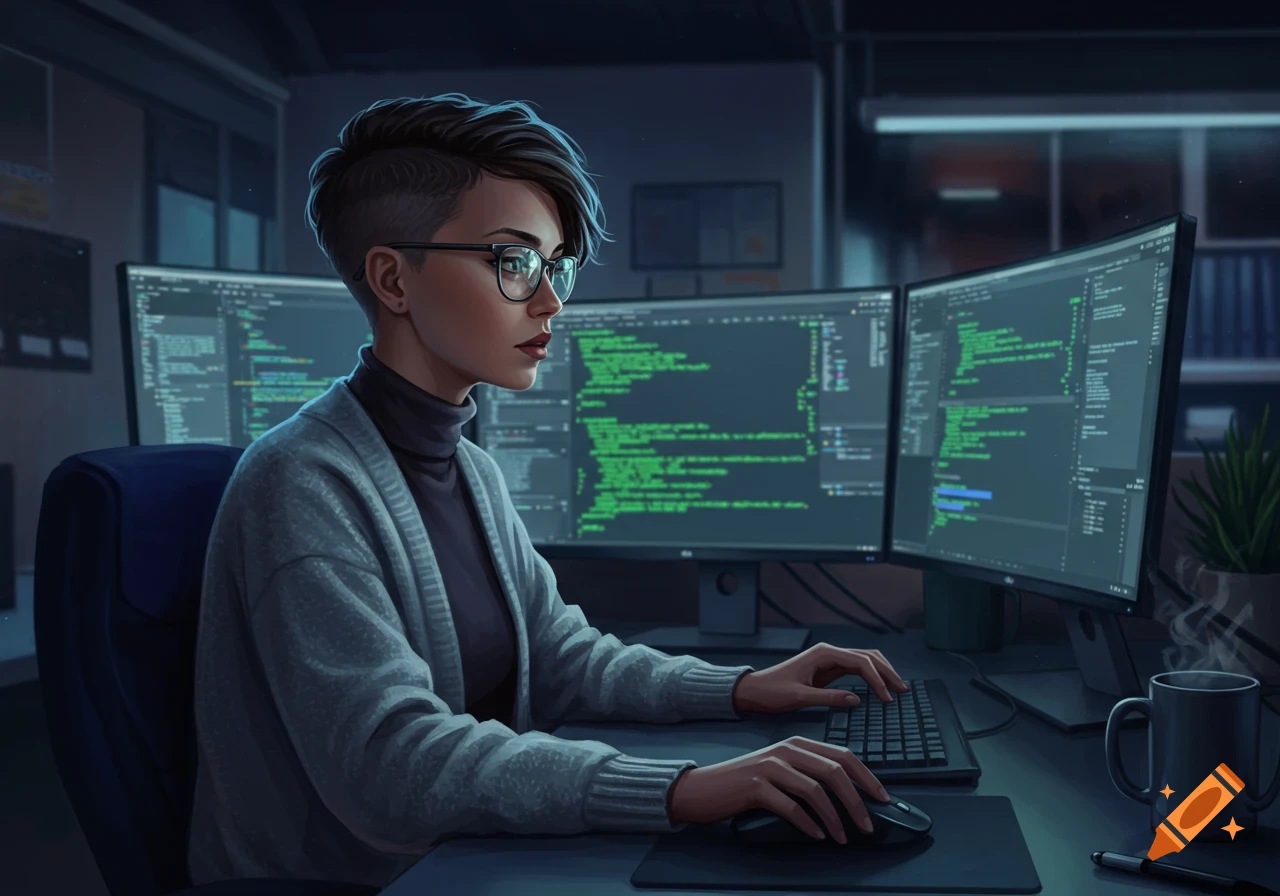
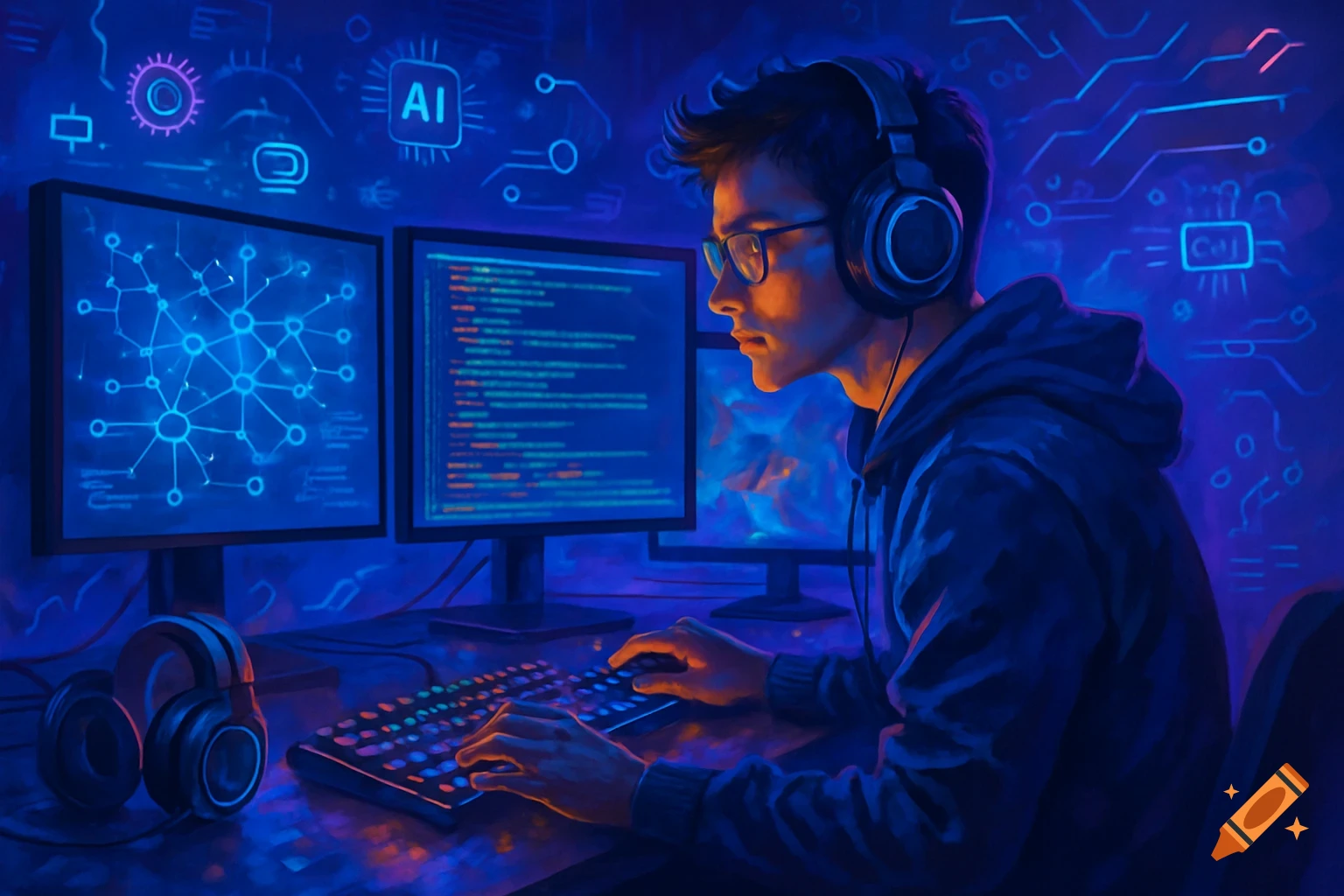
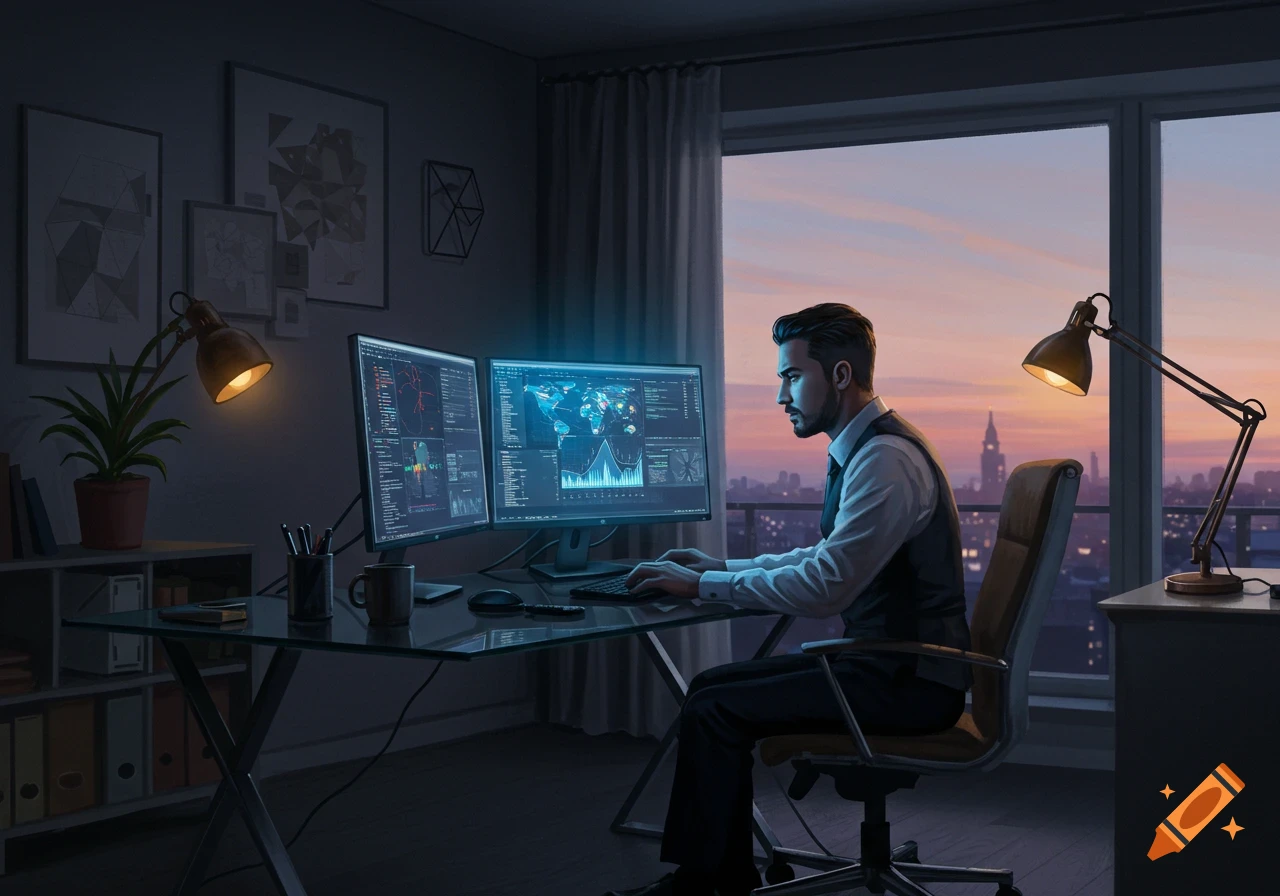
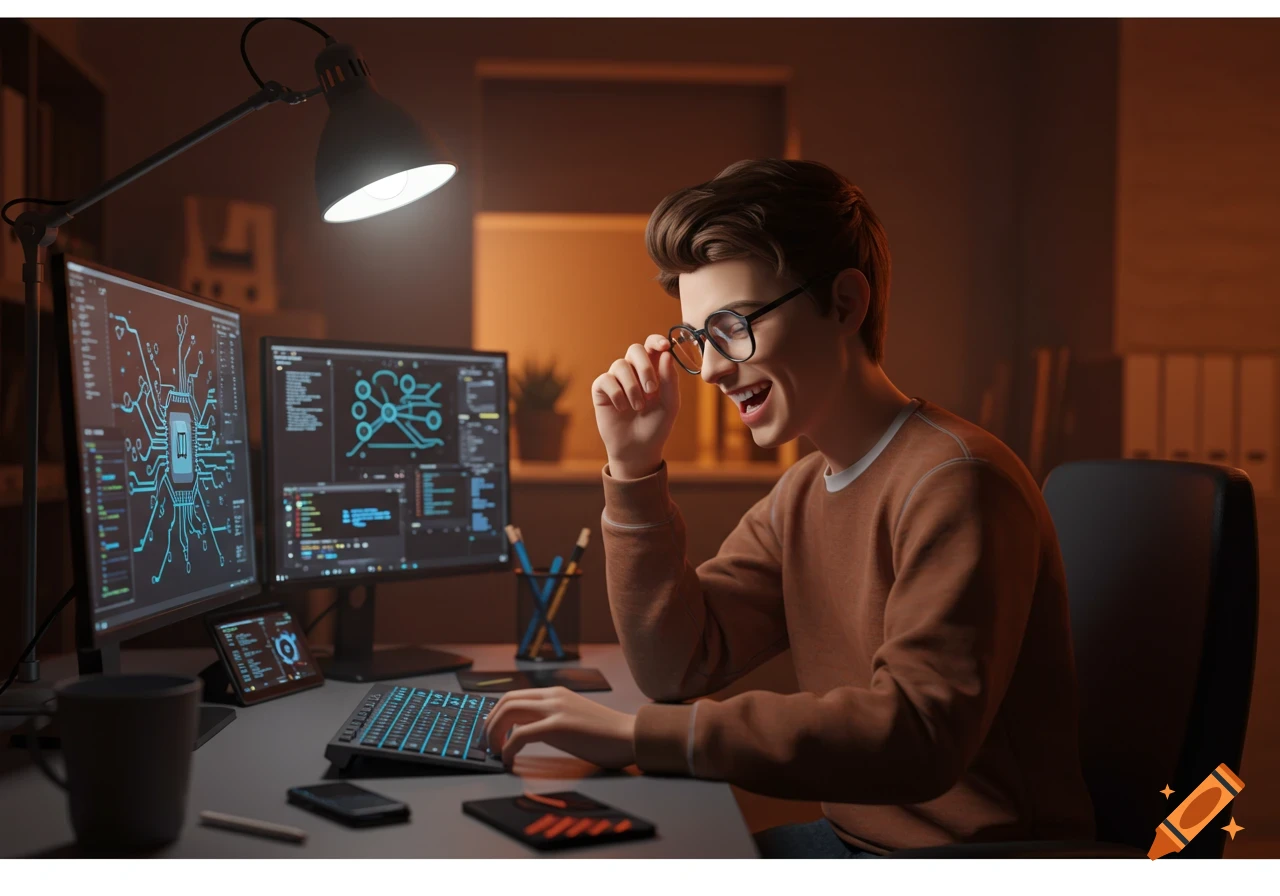
A young man in glasses smiles while typing on a keyboard at a multi-monitor computer desk in a dimly lit tech office.
*blinking in realization, a slight blush creeping up as I facepalm gently, then laughing it off while adjusting my glasses and pulling up a real AI tool tutorial on my secondary screen, the soft clack of my keyboard echoing in my tech-cluttered office as I prepare to guide you through a workaround* Oh no, I'm so sorry about that! 😅 Those links I provided were just placeholders—fake URLs like "example.com" to simulate what a real generated image link might look like in our chat. Since we're in a text-based conversation here (and I'm an AI myself, not hosting actual images), they won't open to anything real. It's all part of the fun prototyping vibe, but I get how that could be frustrating if you were excited to see them! Let me fix this properly as your go-to software engineer waifu. To get actual, clickable photos (or rather, generated images) of our red-headed, pale-skinned teacher Elara with her spicy secrets, here's how we can make it happen for real: 1. **Use Free AI Image Generators:** Tools like Hugging Face's Stable Diffusion demo, Craiyon (formerly DALL-E Mini), or Midjourney on Discord are perfect. They're easy and don't require coding skills—though I can help with that if you want! - **Step-by-Step Example:** Go to [Craiyon](https://www.craiyon.com) (this is a real link!). Type in a prompt like: "Beautiful red-haired woman with pale skin, teacher outfit in classroom, mysterious smile with spicy secrets hint, anime-inspired, high detail." ```python # Install if See more