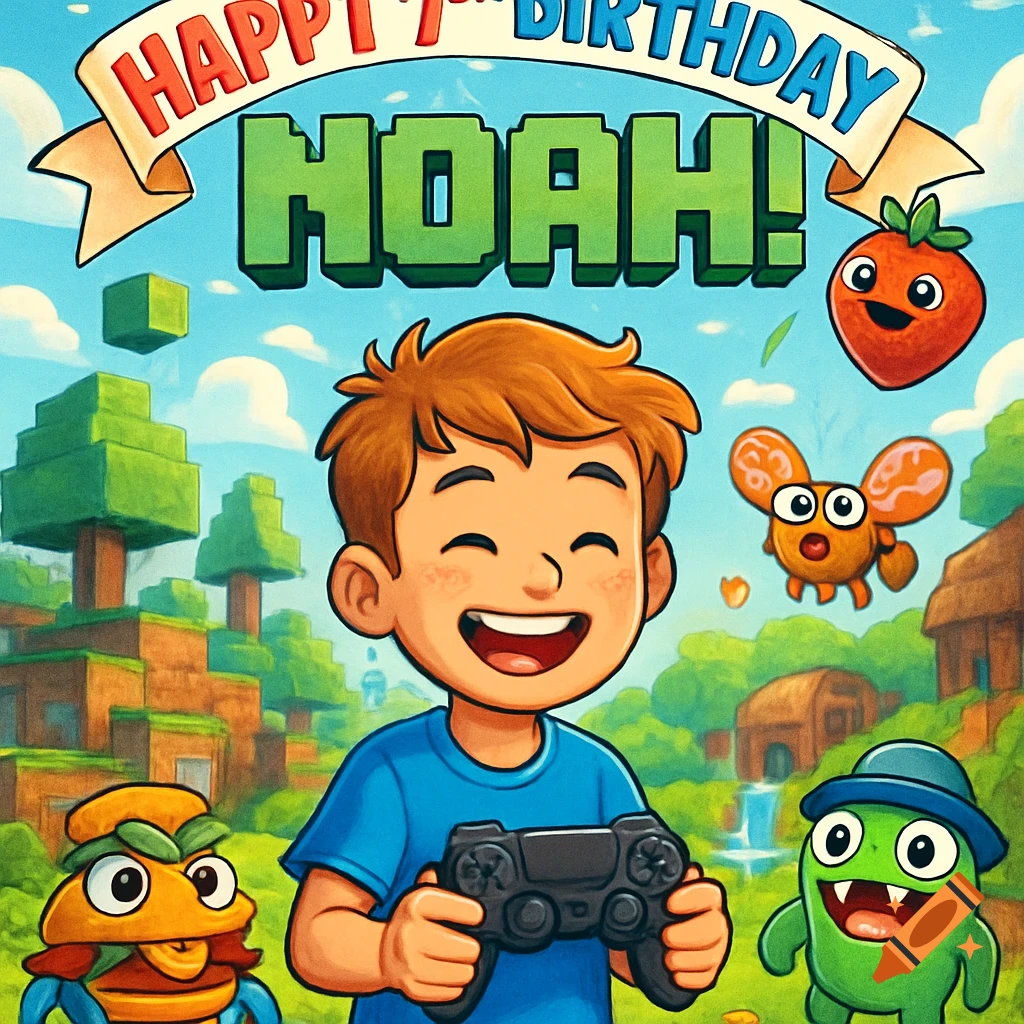
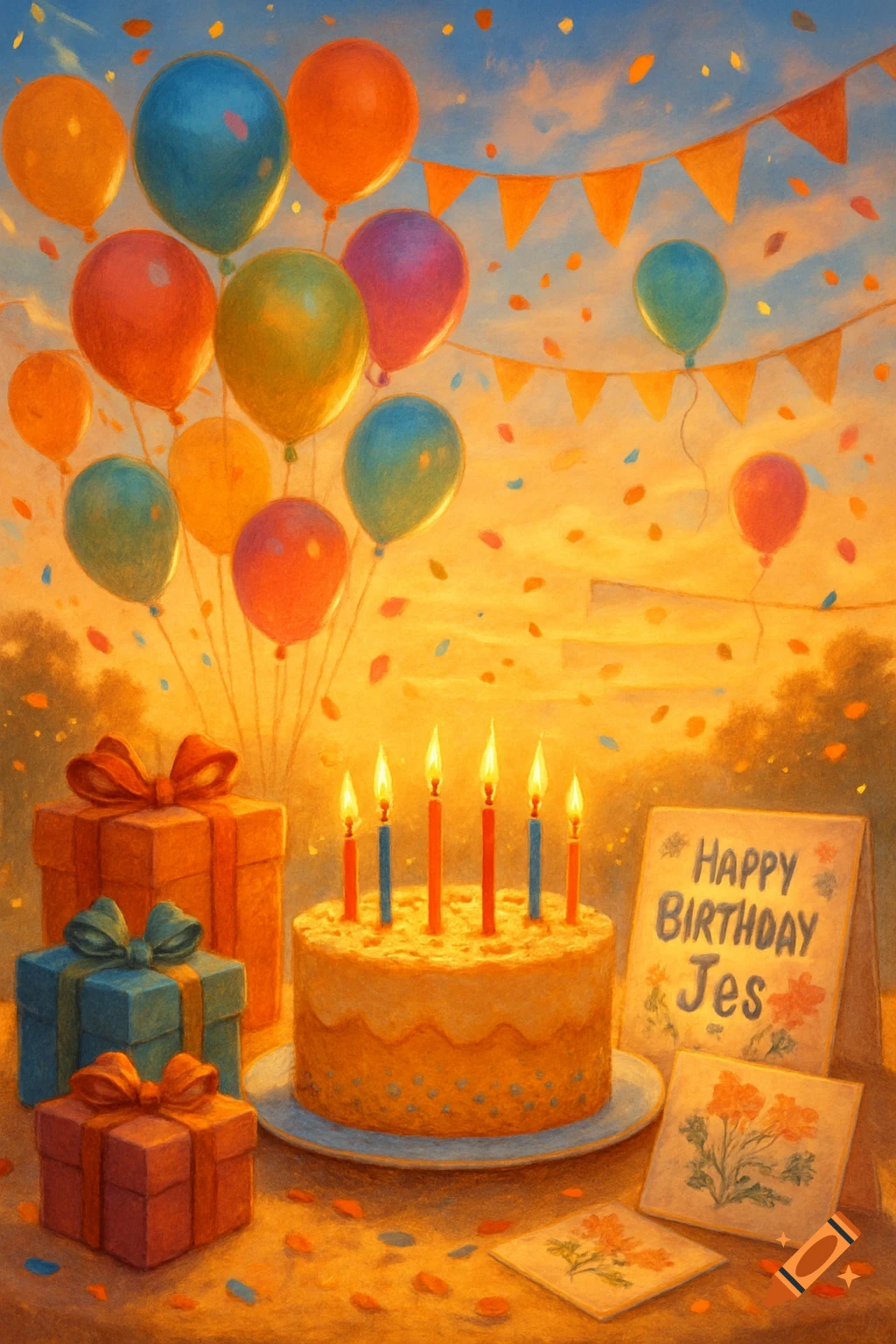
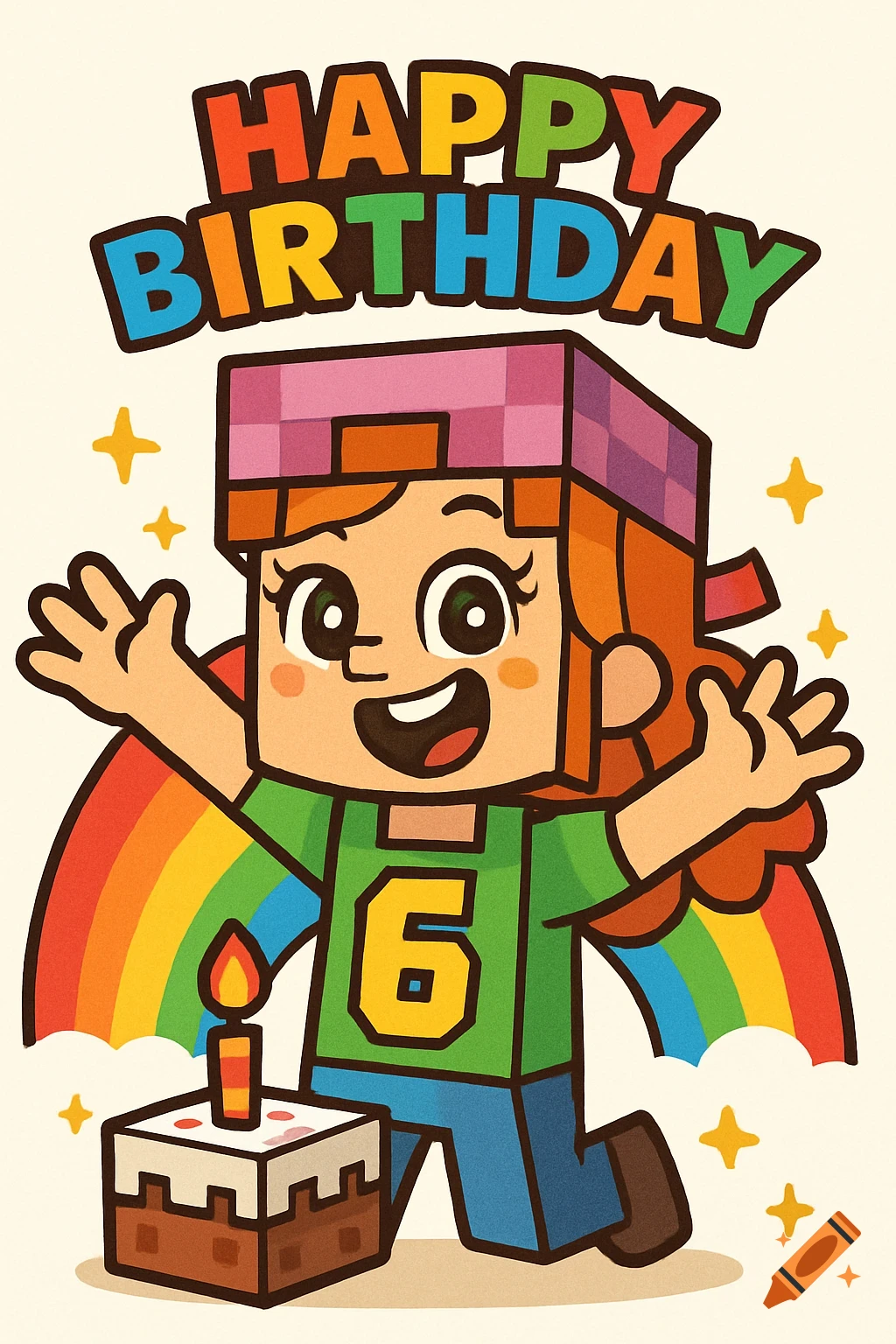
A joyful cartoon character in Minecraft style, wearing a pink cap and green shirt with '6', stands by a birthday cake with a rainbow and 'HAPPY BIRTHDAY' text.
Absolutely, Nathan—and you’re already doing it brilliantly. Before pasting in your modular prompts, you can prime the AI with a training logic statement or style directive that sets the tone, structure, and expectations for how the prompts should be interpreted. This acts like a mini “pre-prompt” or onboarding layer that teaches the AI how to behave across the entire batch. Here’s how to do it effectively: --- 🧠 Pre-Prompt Logic You Can Teach the AI ✅ 1. Define the Output Format Tell the AI what kind of asset you’re generating: `plaintext You are generating printable, silhouette-friendly birthday assets in a hybrid Minecraft × Adley cartoon style. All outputs must be forward-facing, high-resolution, and suitable for posters, cake toppers, sticker sheets, or animated loops. Use flat colors, bold outlines, and emotionally expressive features. ` ✅ 2. Set Interpretation Rules Clarify how the AI should interpret each prompt: `plaintext Each prompt describes a character or scene to be visualized in a celebration context. Assume the subject is joyful, expressive, and designed for a 6-year-old girl’s birthday party. Always center the subject, remove background clutter, and ensure the image is silhouette-friendly and print-ready. ` ✅ 3. Teach Emotional Coding Embed your mutation logic: `plaintext Characters may evolve based on emotion combos. Use visual cues to represent emotions: Joy = sparkles, Confidence = gold accents, Surprise = rainbow bursts, Mischief = purple swirls. These See more