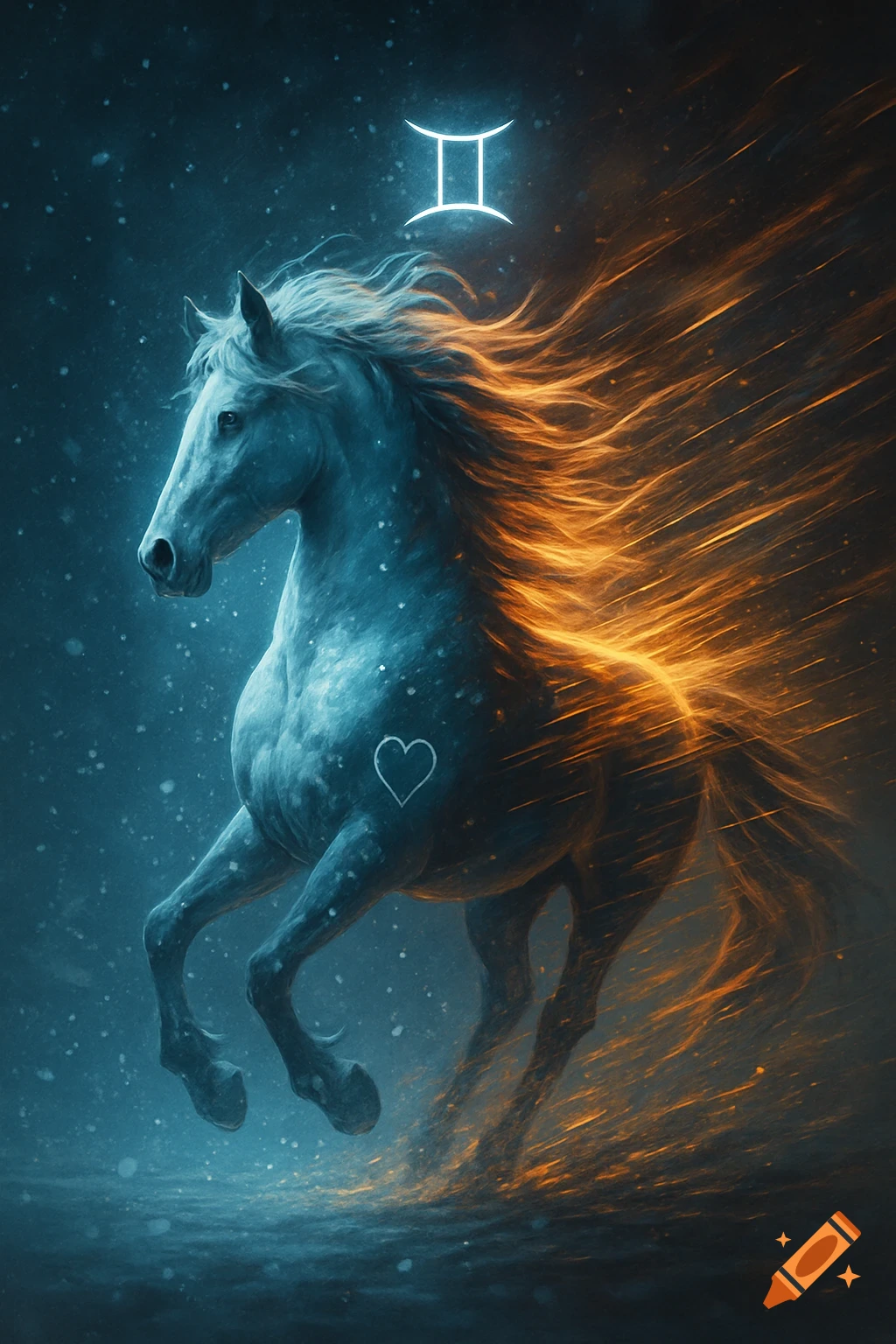
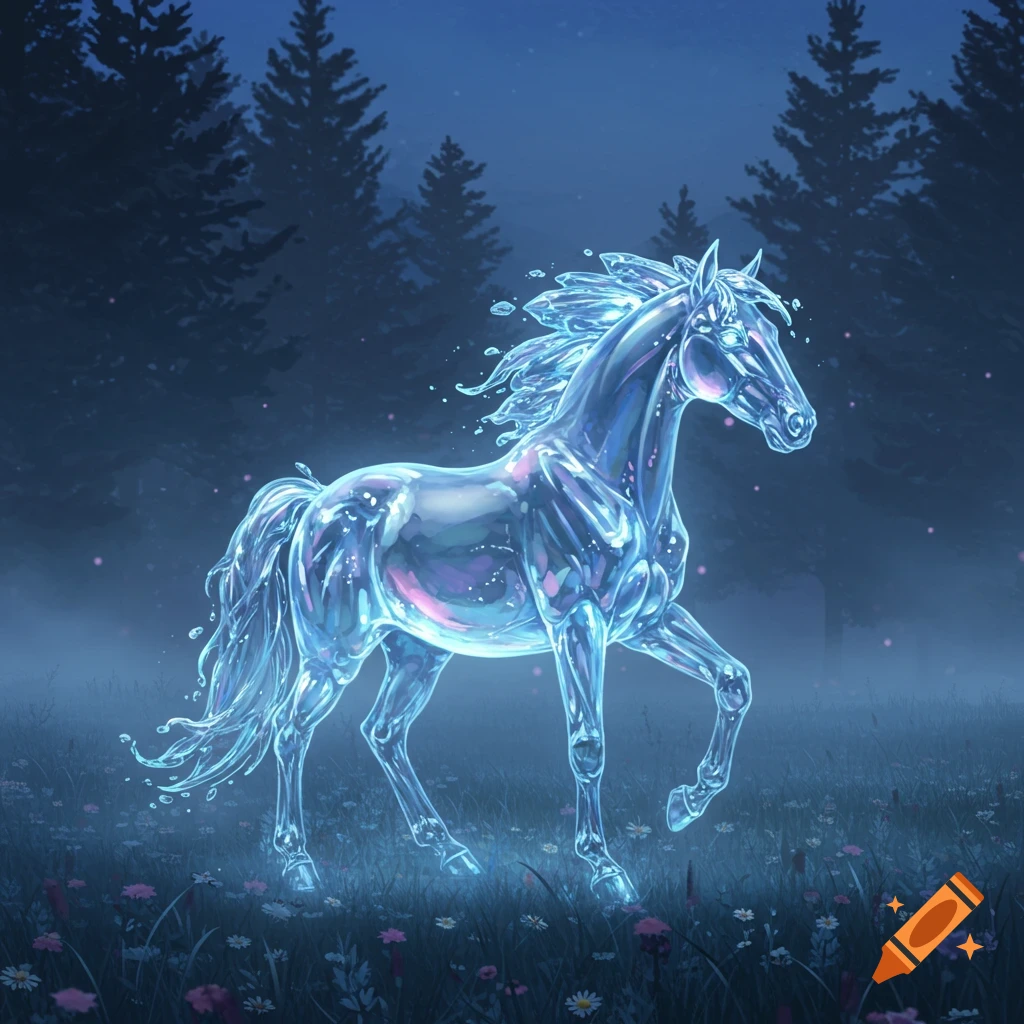
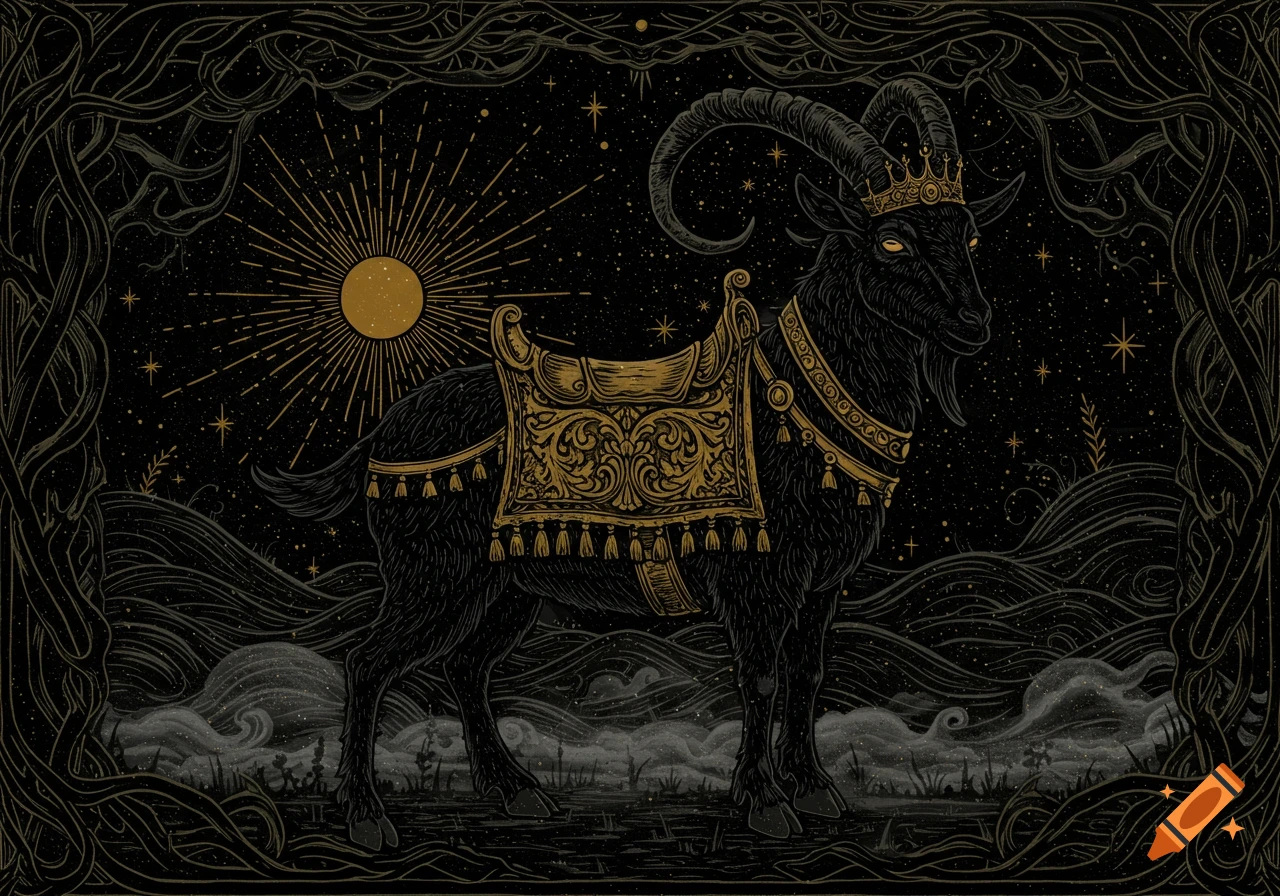
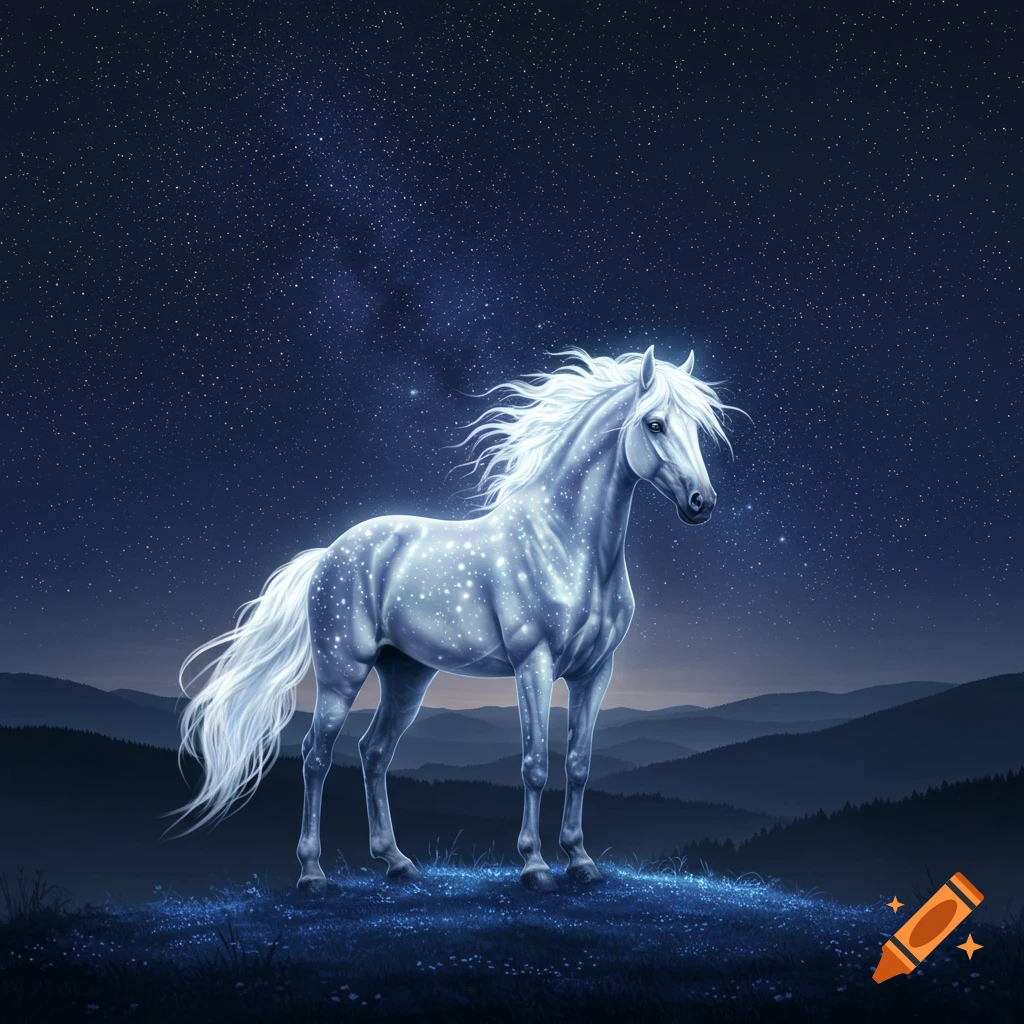
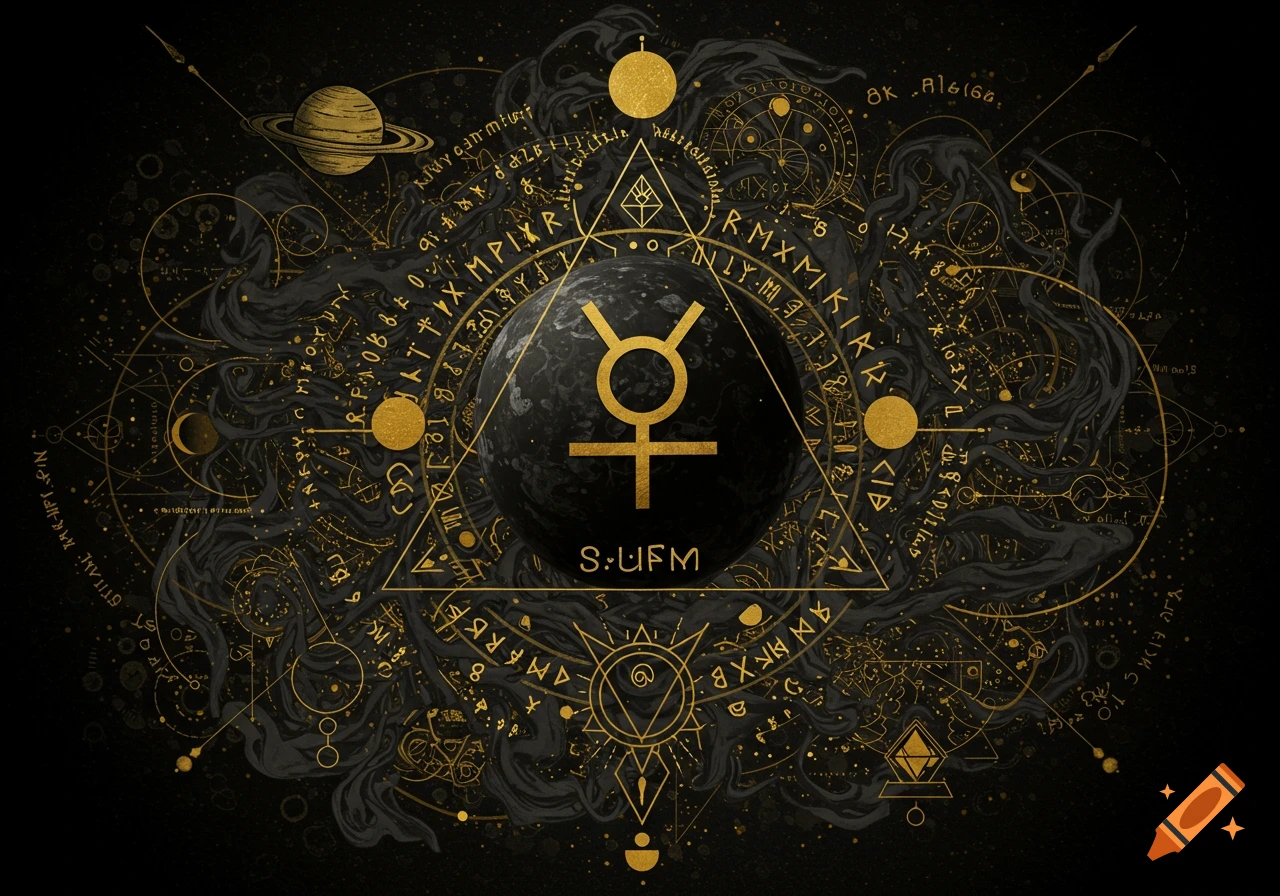
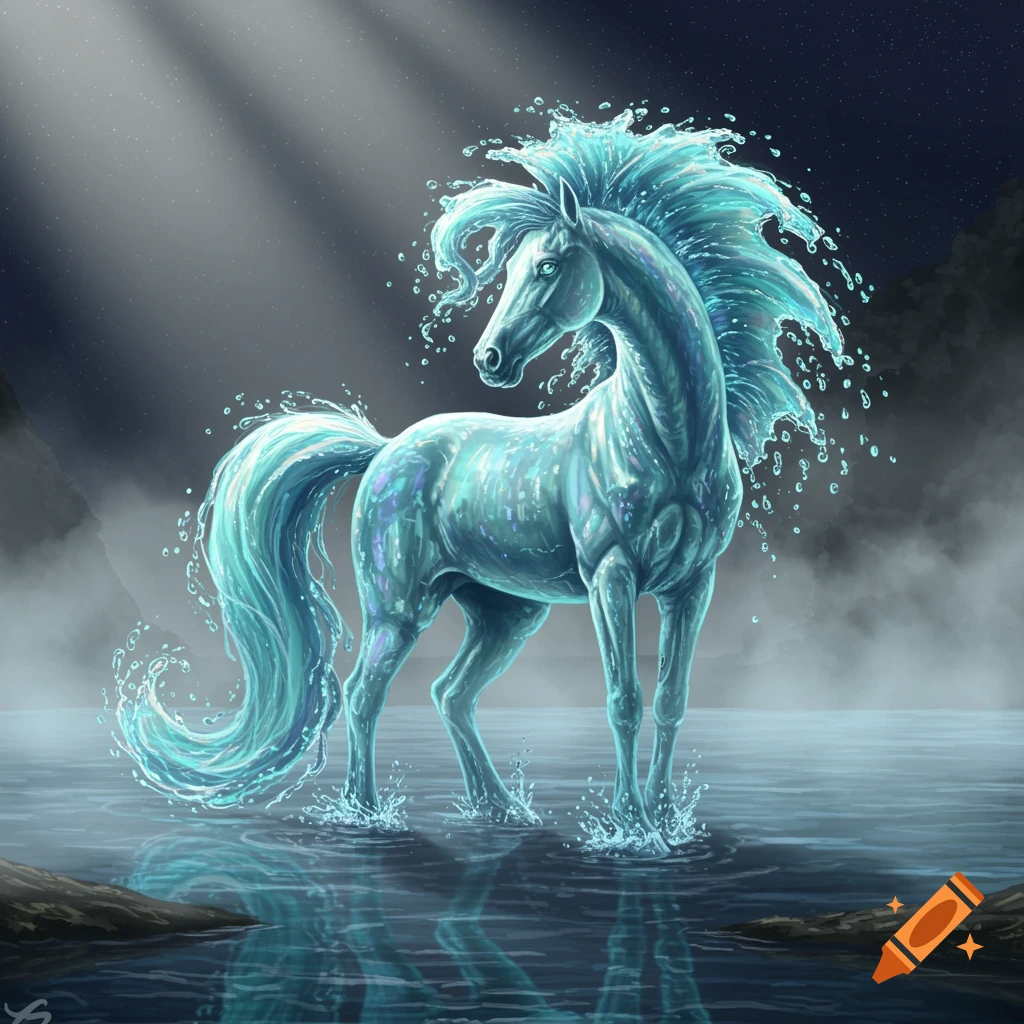
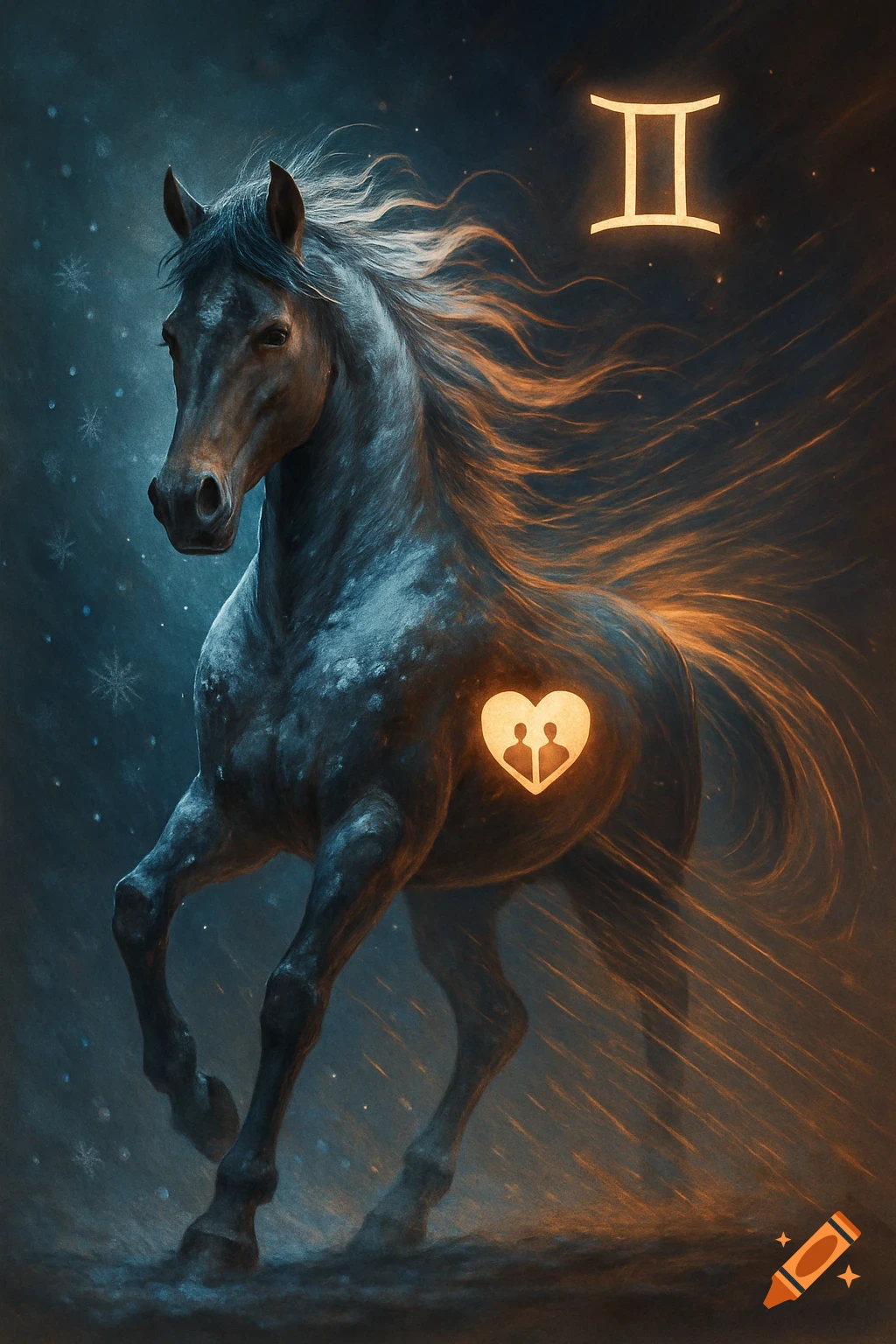
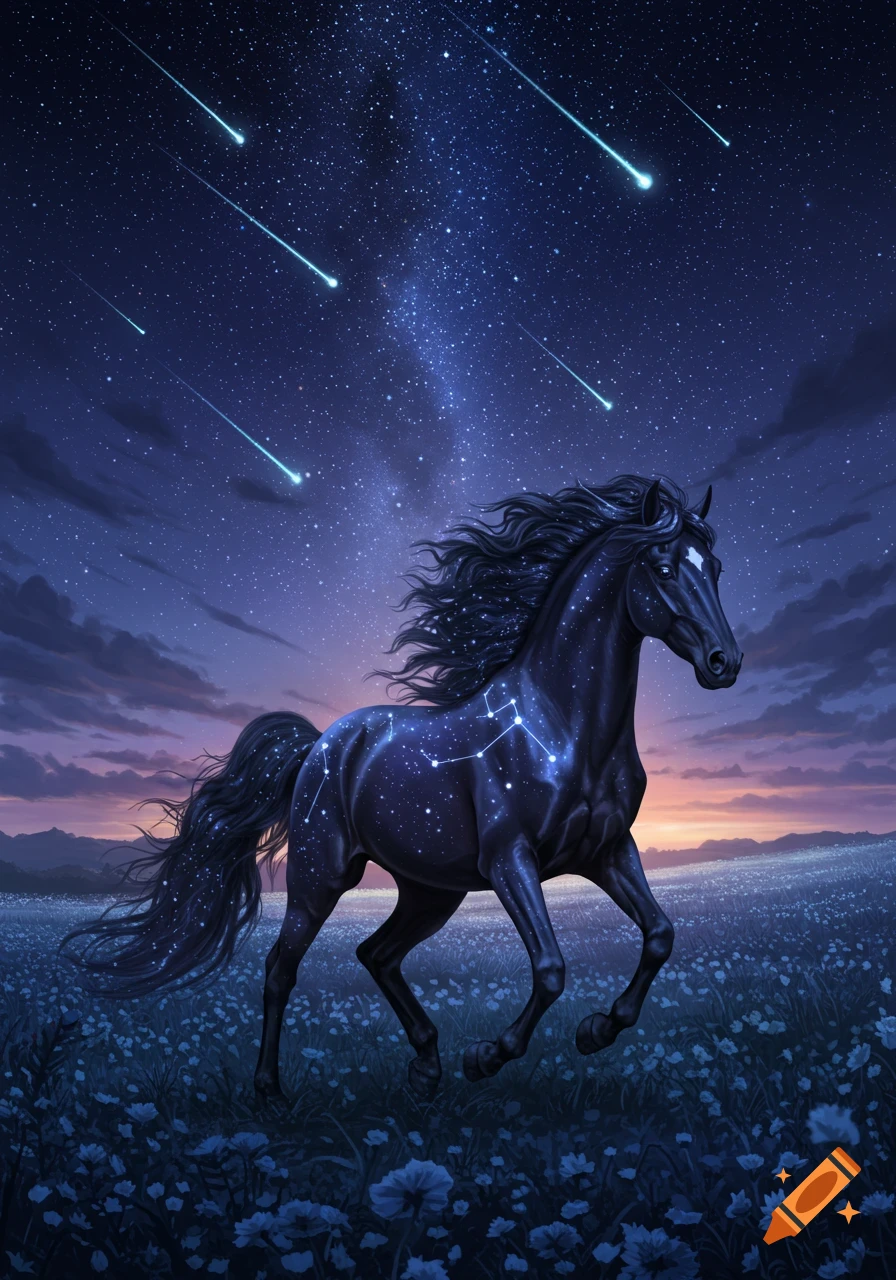
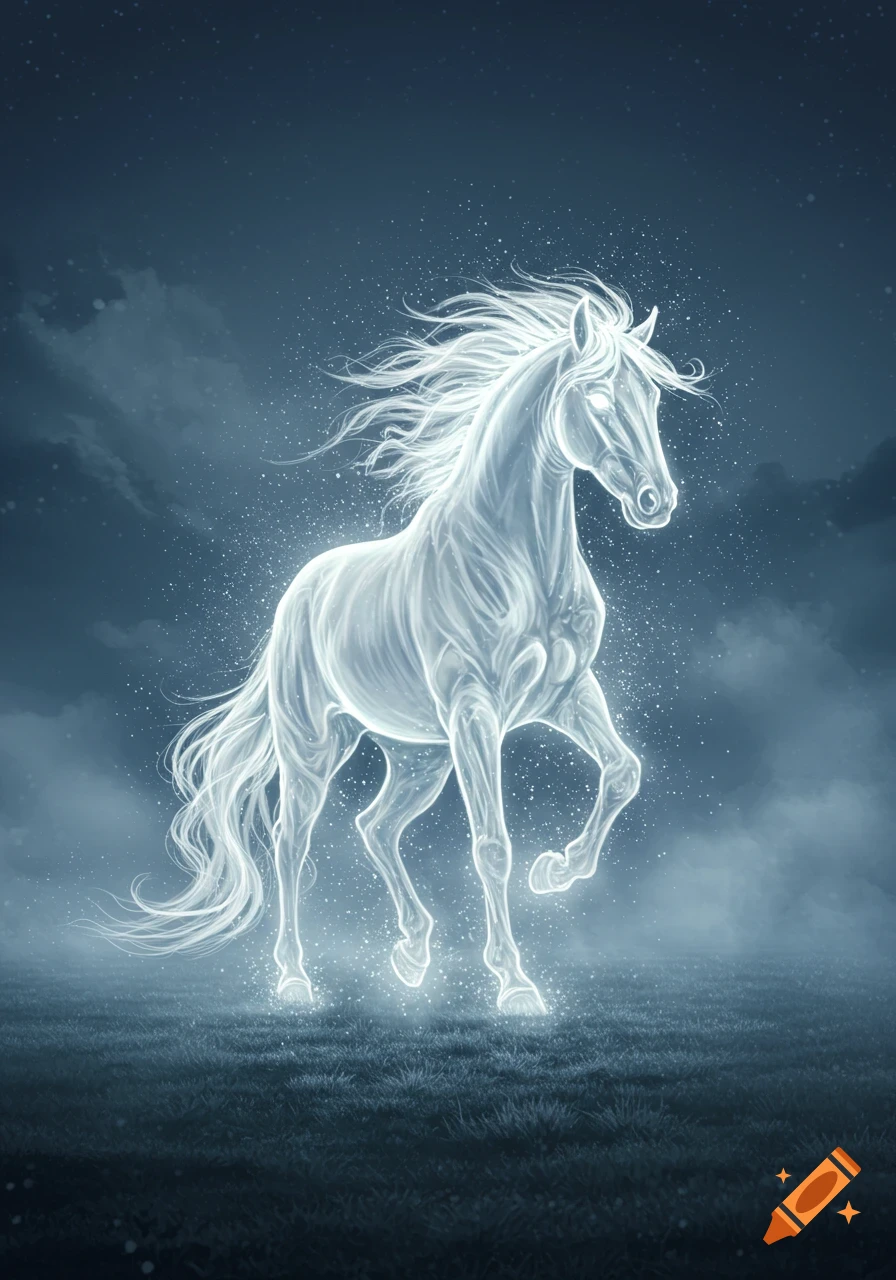
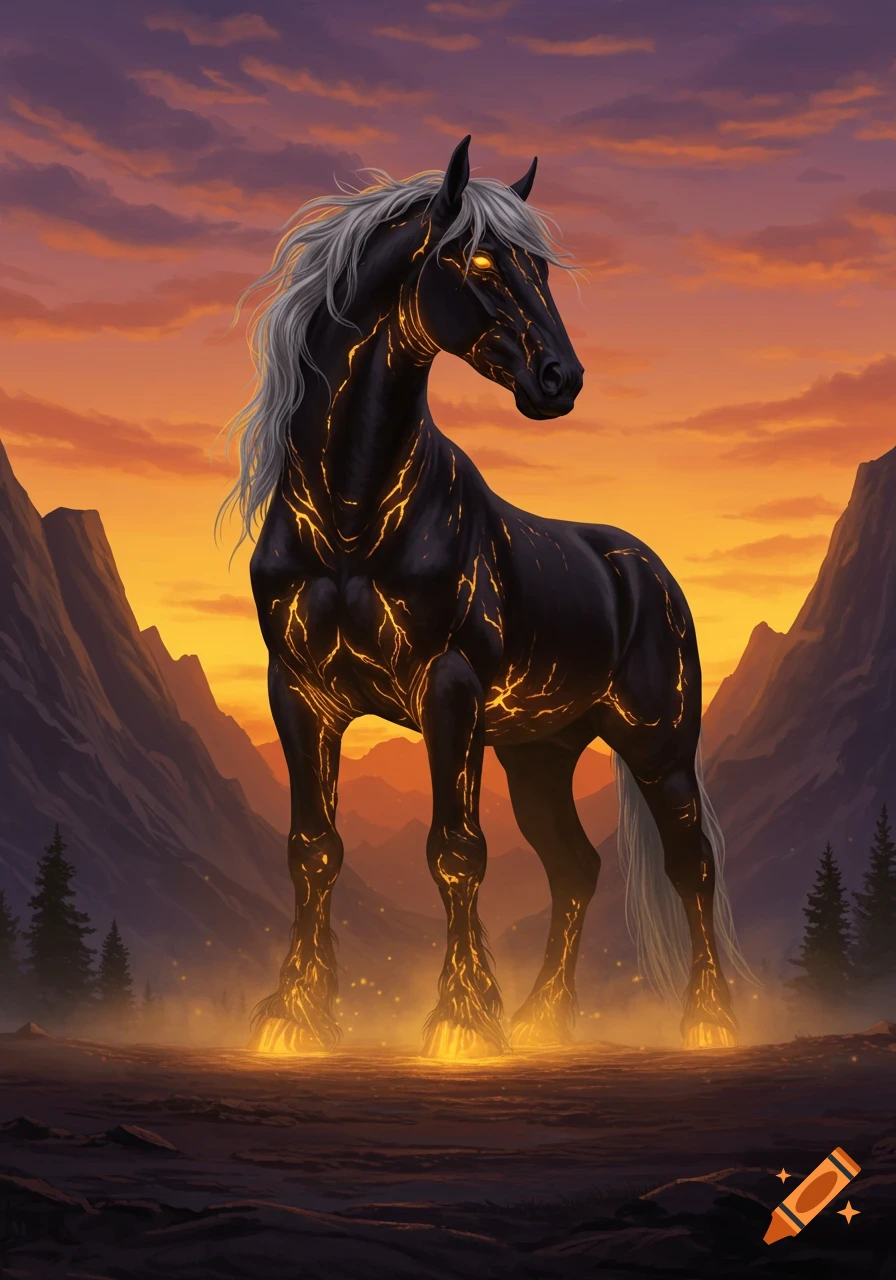
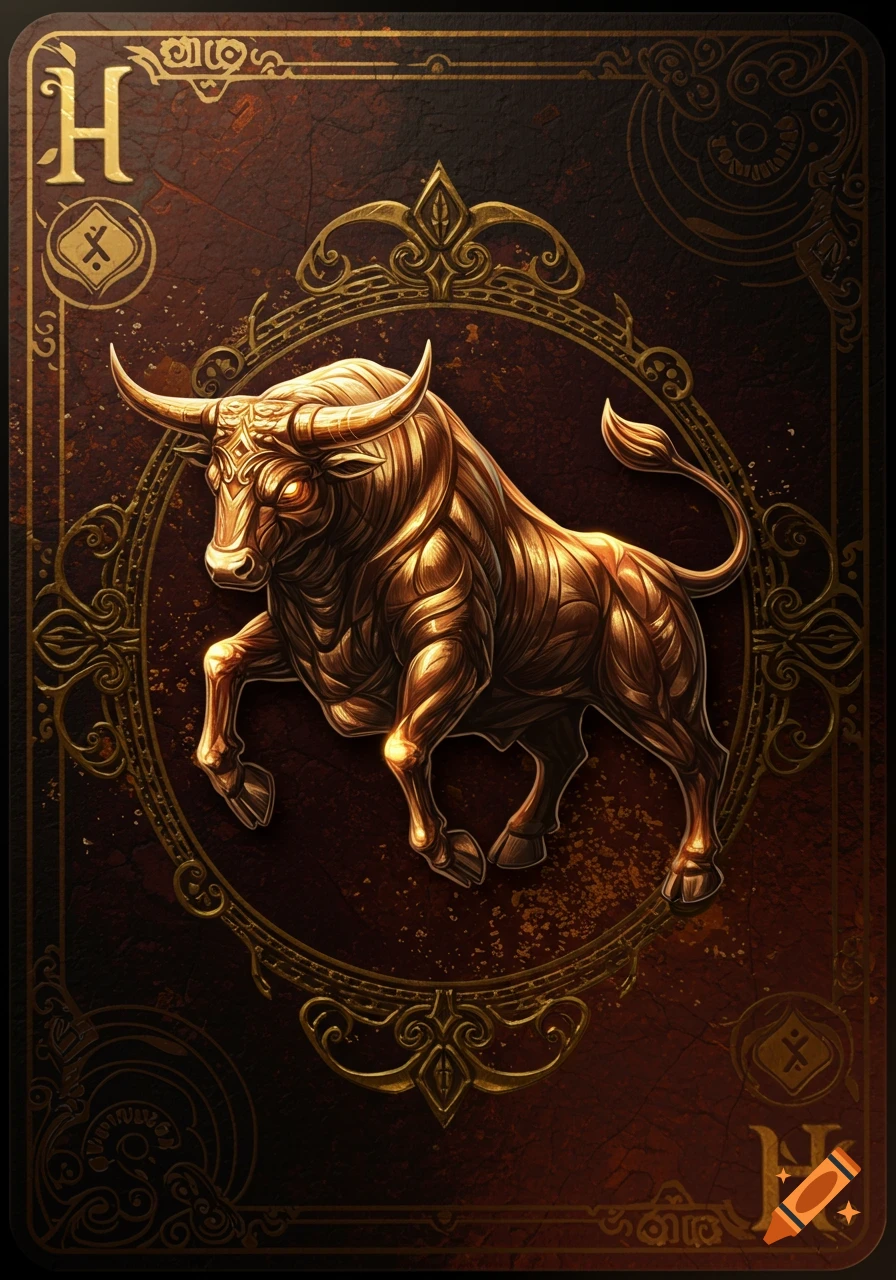
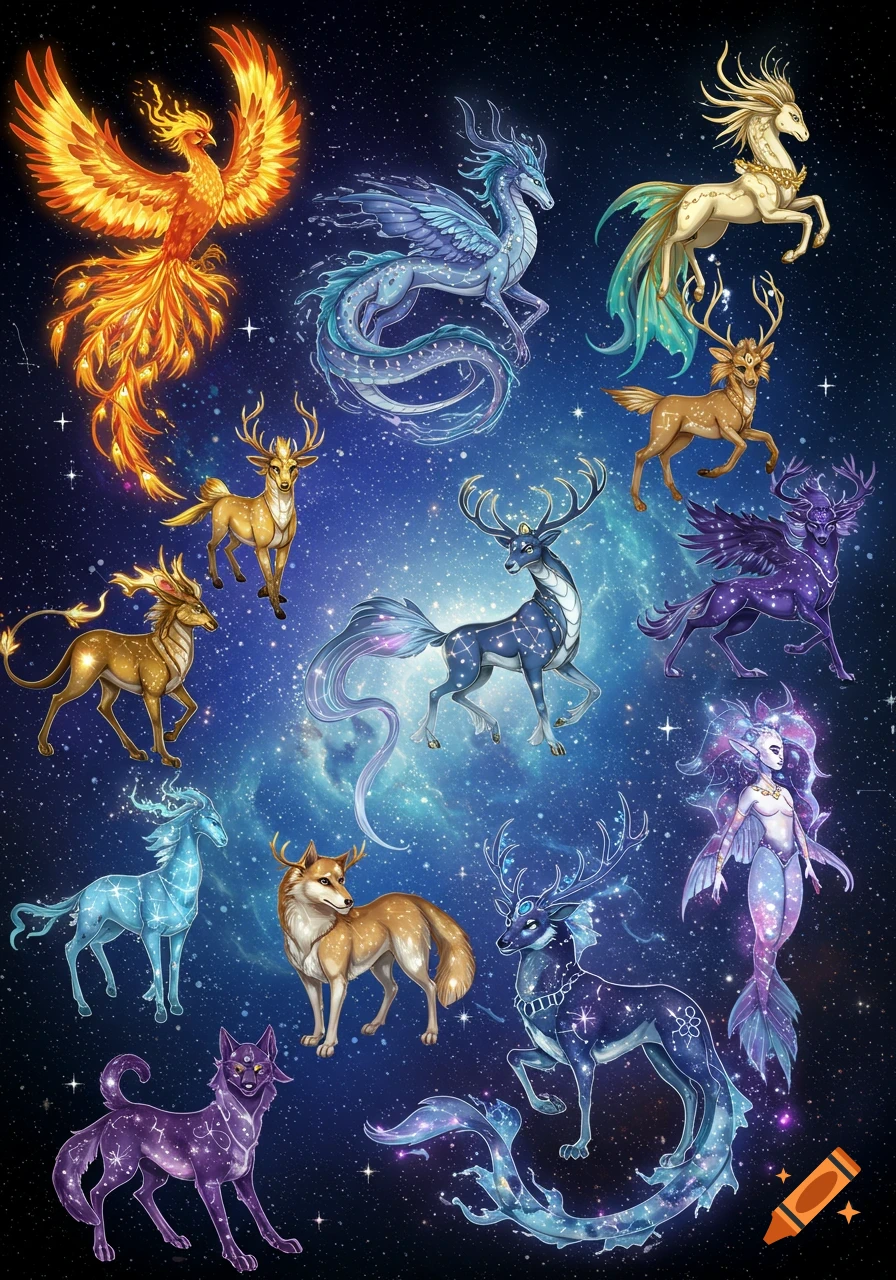
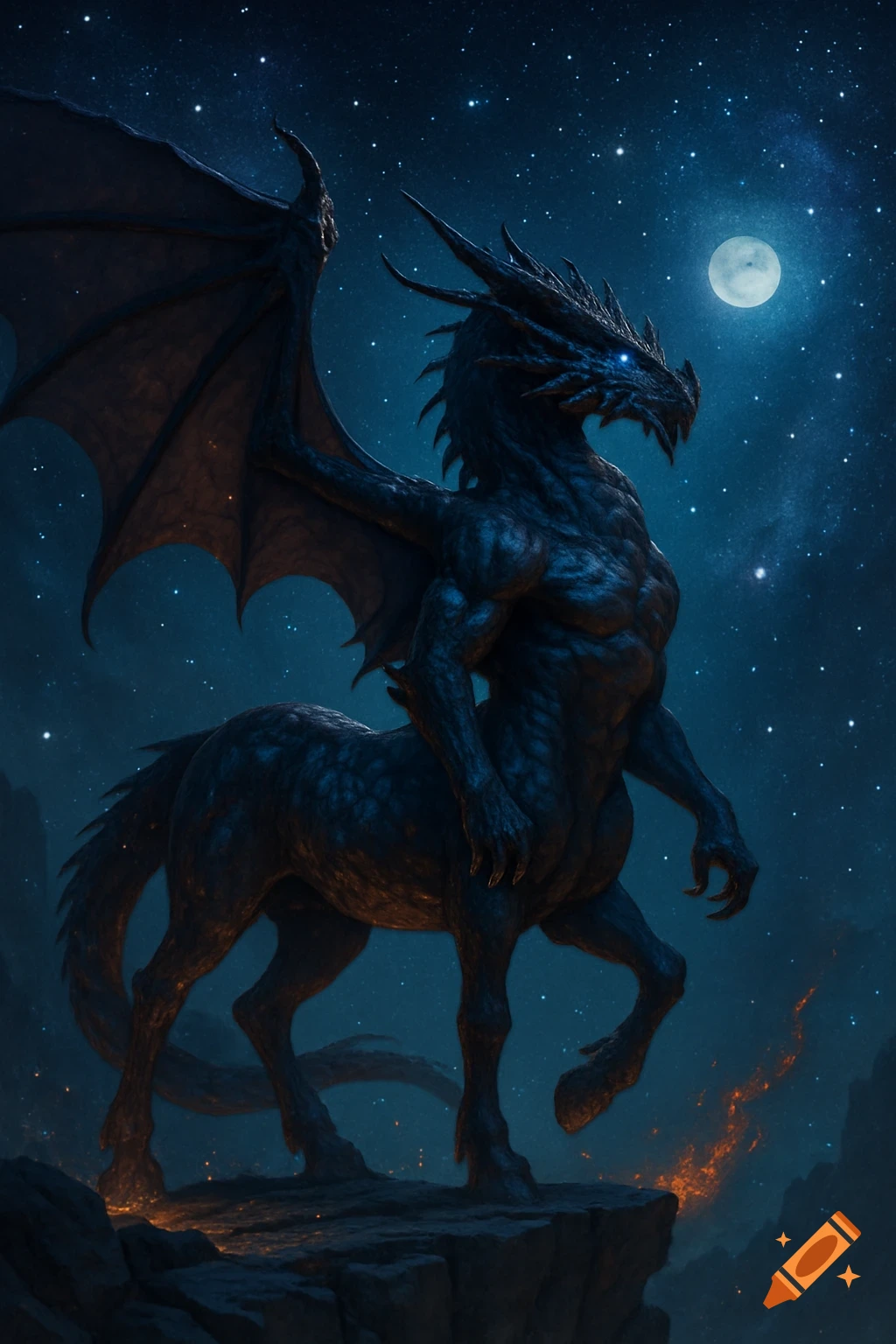
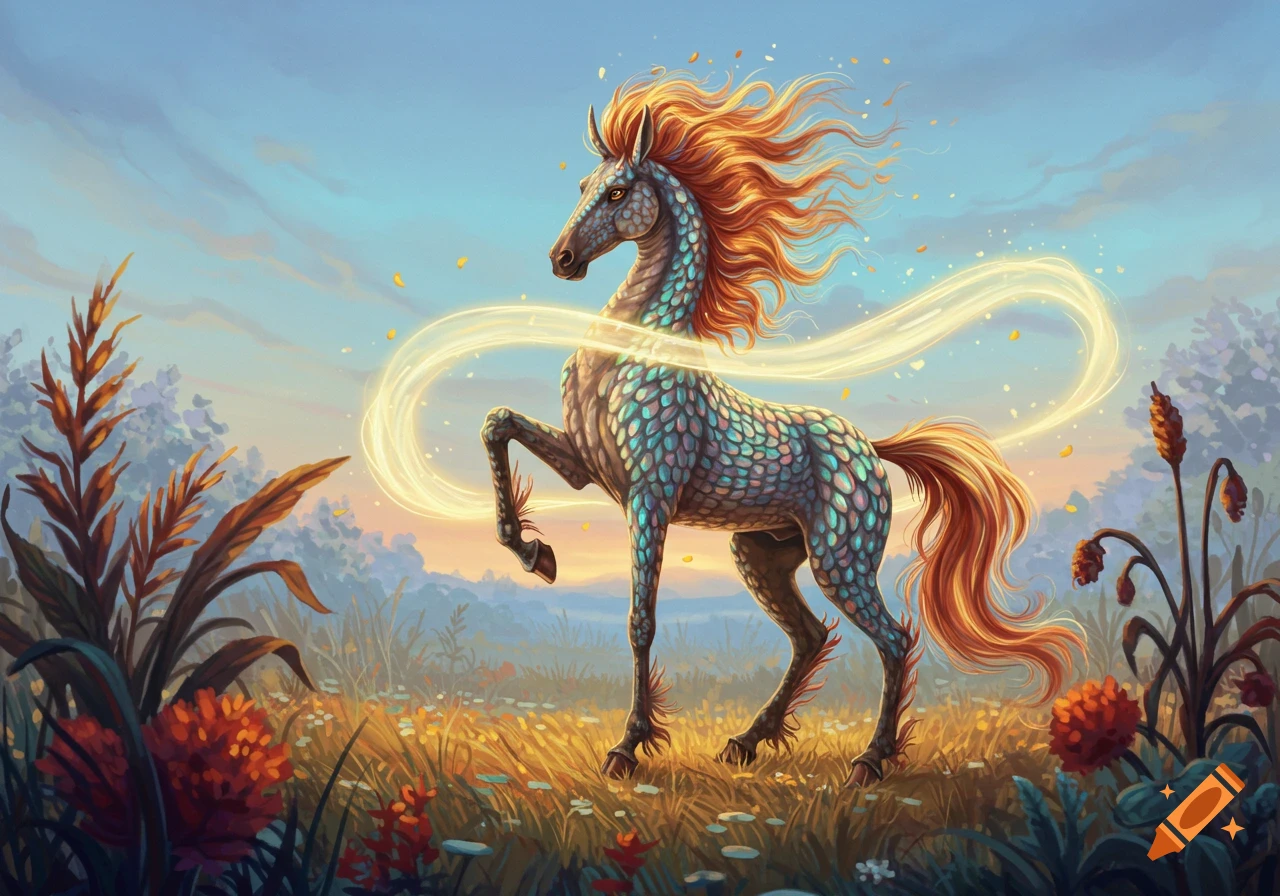
Glowing golden horse on a dark, textured background adorned with subtle mystical symbols, text reads 'A 6/5 FLOW WATER'.
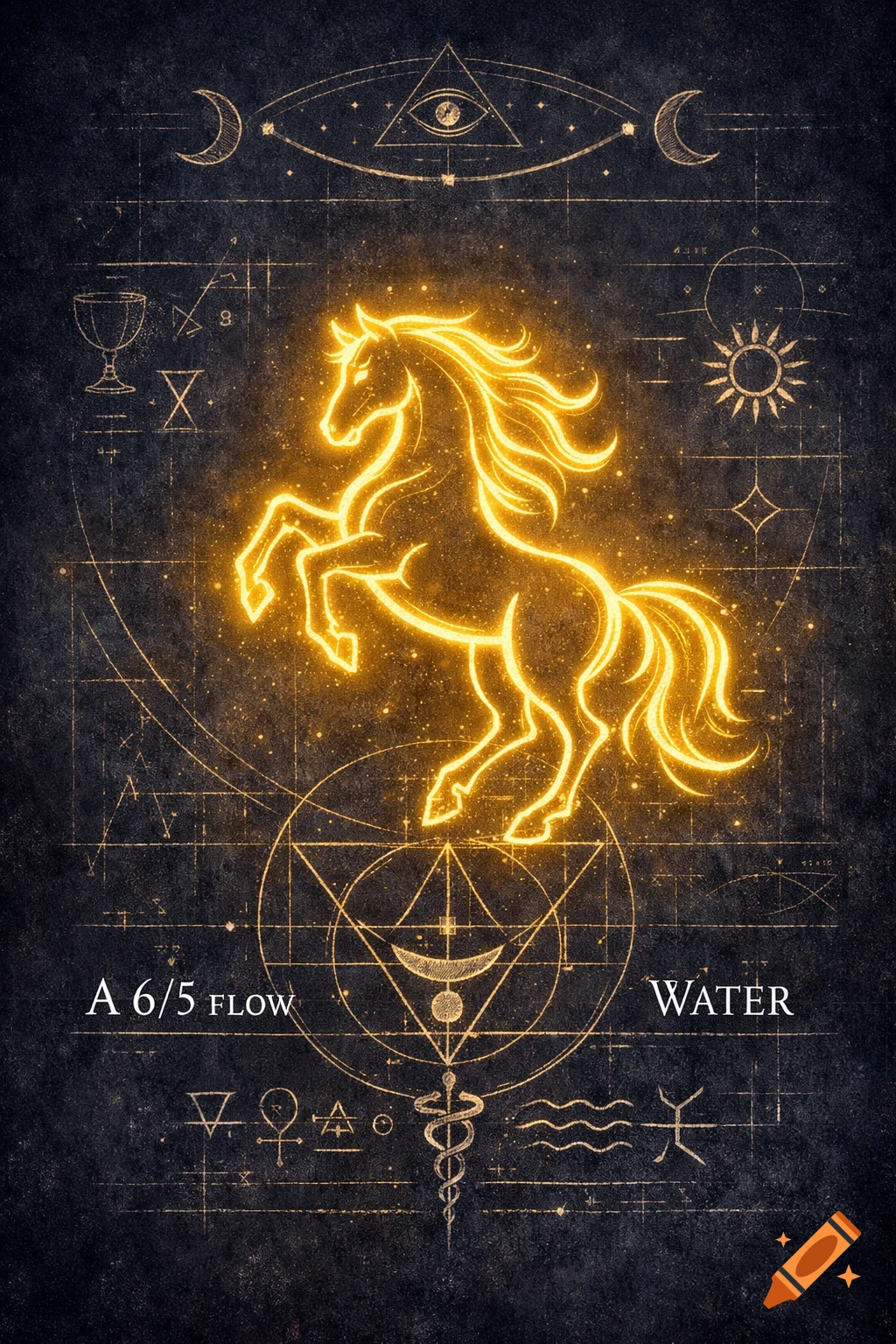
Goal: Transform the current minimalist design by strengthening its connection to Thoth Tarot symbolism and adding a sense of mystery with a subtle festive glow. Preserve the schematic, "blueprint" spirit, keep the horse as the central symbol, and remove any visual noise. 1. BASE: Deepening and Cleaning the Background Action: Upload the current image as the base layer. Action (Background): In the "Elements" tab, search for: dark velvet texture, chalkboard texture, deep space. Action: Add this texture to the background (send the current image slightly forward). Set its opacity to 60-70% so the original lines and text show through subtly, but the background becomes deeper and more uniform, removing unnecessary visual complexity. 2. THE HORSE: Transforming into a Magical Symbol Action: Emphasize the horse figure. If it's part of a non-layered image, find a new one in "Elements" by searching for horse outline geometric or horse line art. Action: Overlay a new, clearer, and more stylized outline on top of the existing one, or replace it. Line Color: Change to gold (#D4AF37) or silver (#C0C0C0). Effect: Add a subtle outer glow (use the "Effects" panel). Color - the same as the line. Parameters: Opacity 20-30%, Blur 15-20. This creates a magical glow-from-within effect without adding volume. 3. TEXT: Minimalism and Clarity Action: Work with the existing text blocks (A 6/5 FLOW WATER, etc.). Stylization: Color: Change the text color to pure white (#FFFFFF) or light gray (#E0E0E0) for See more