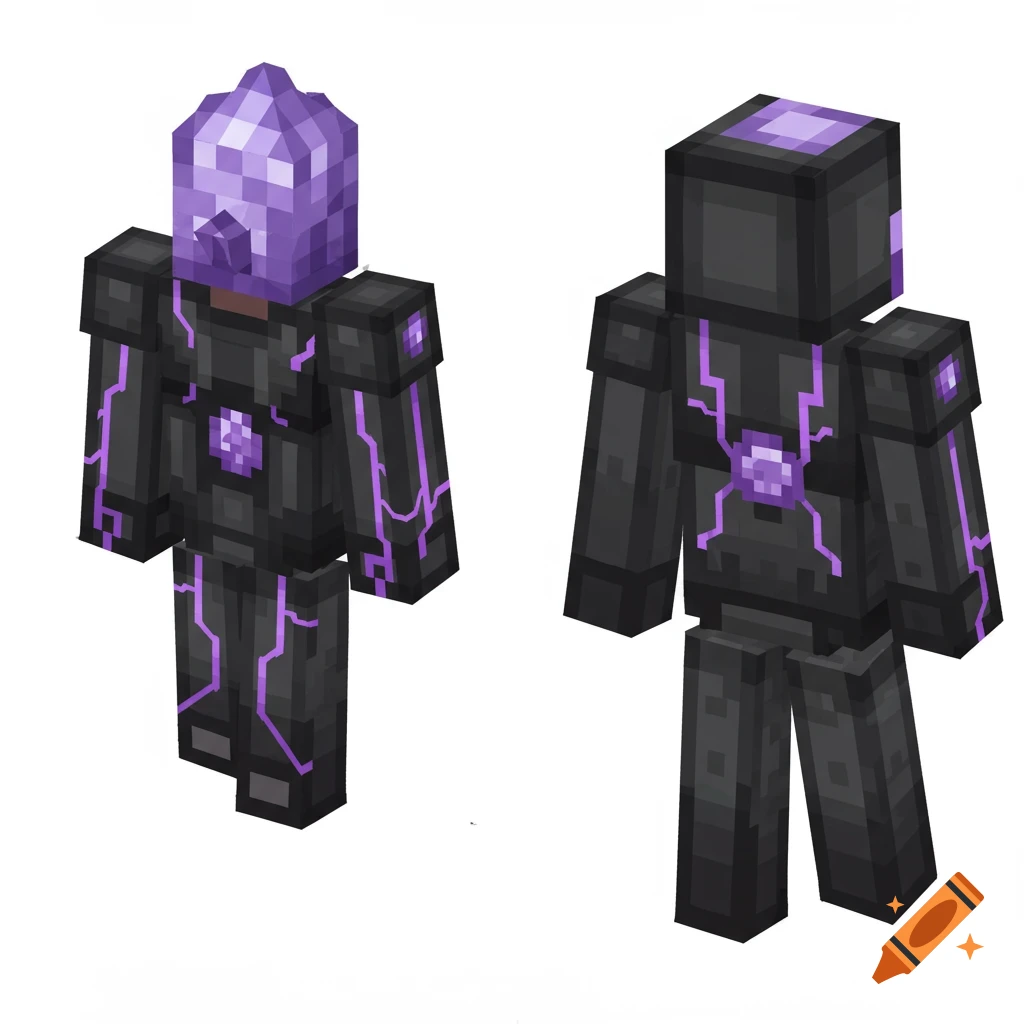
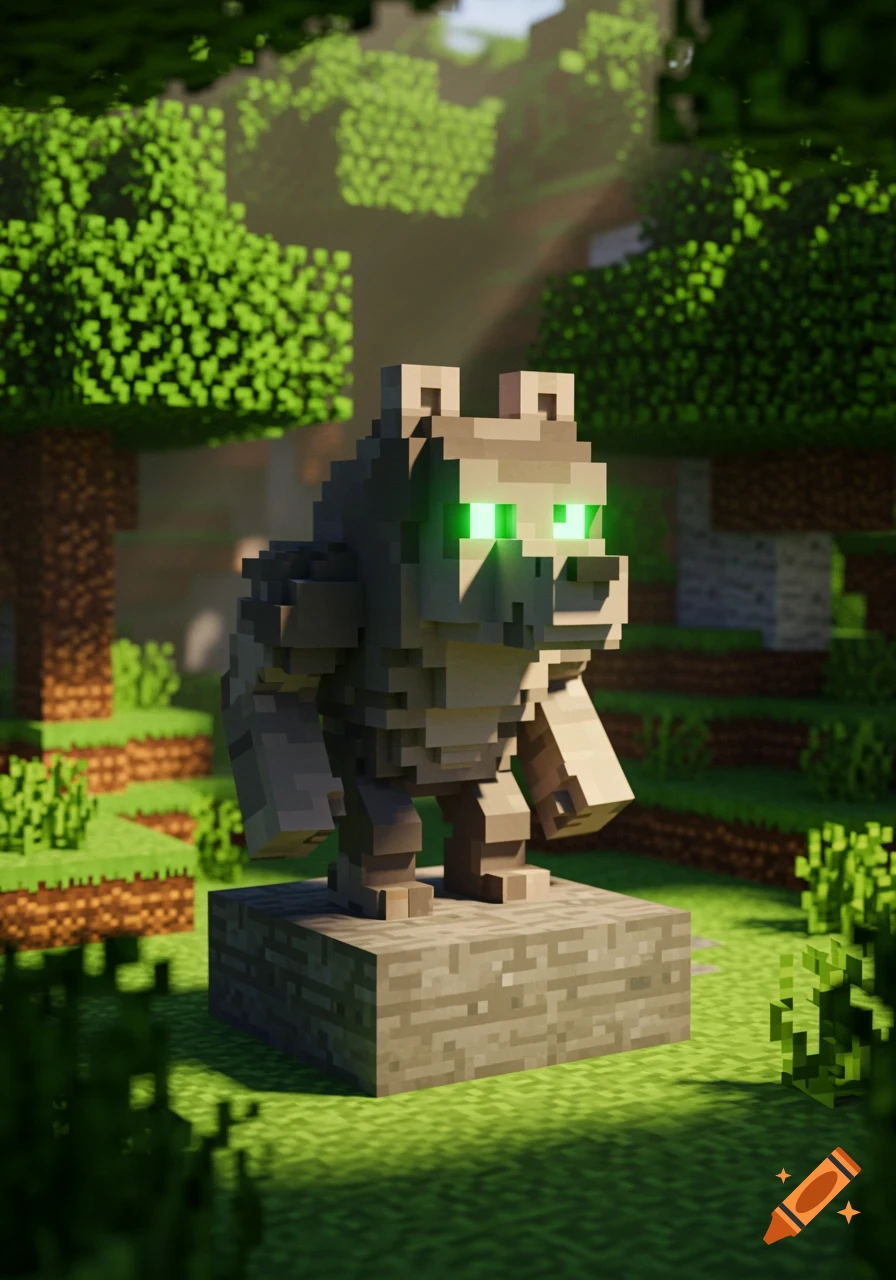
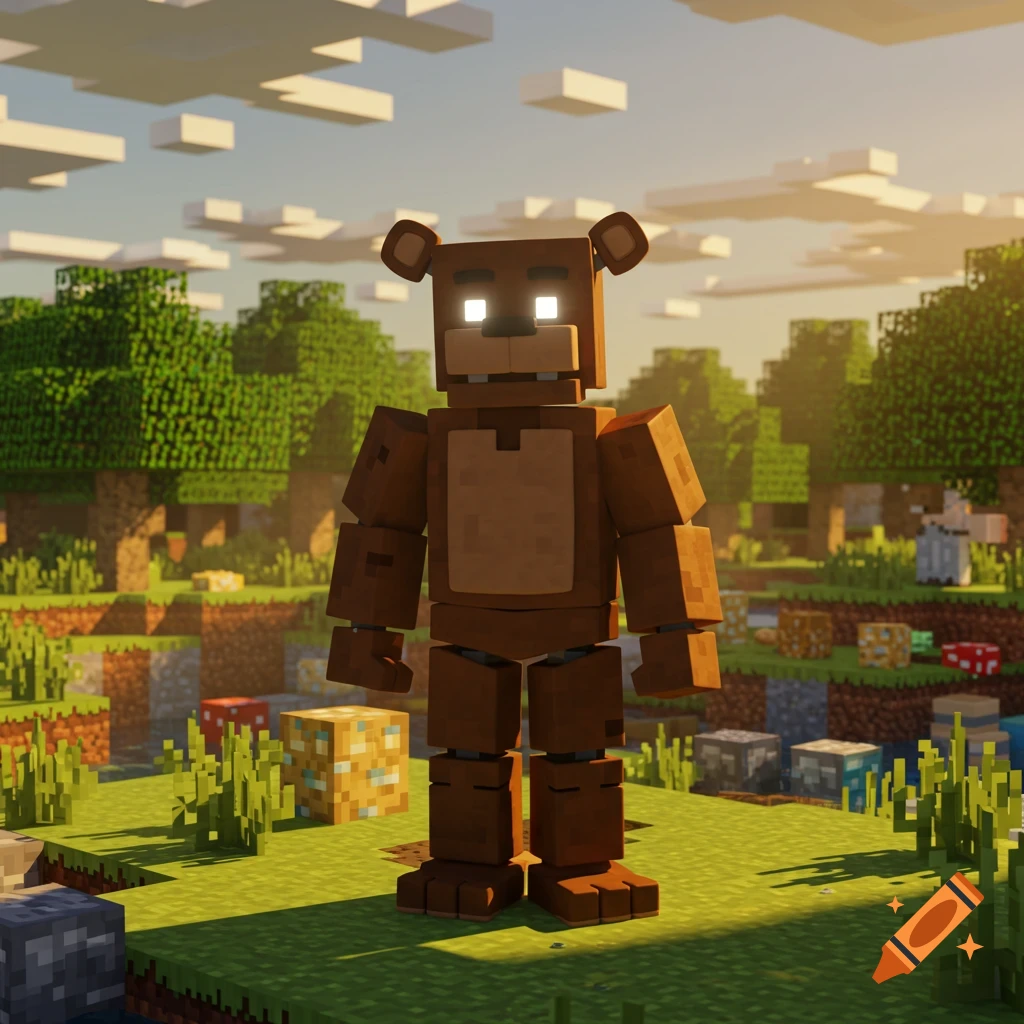
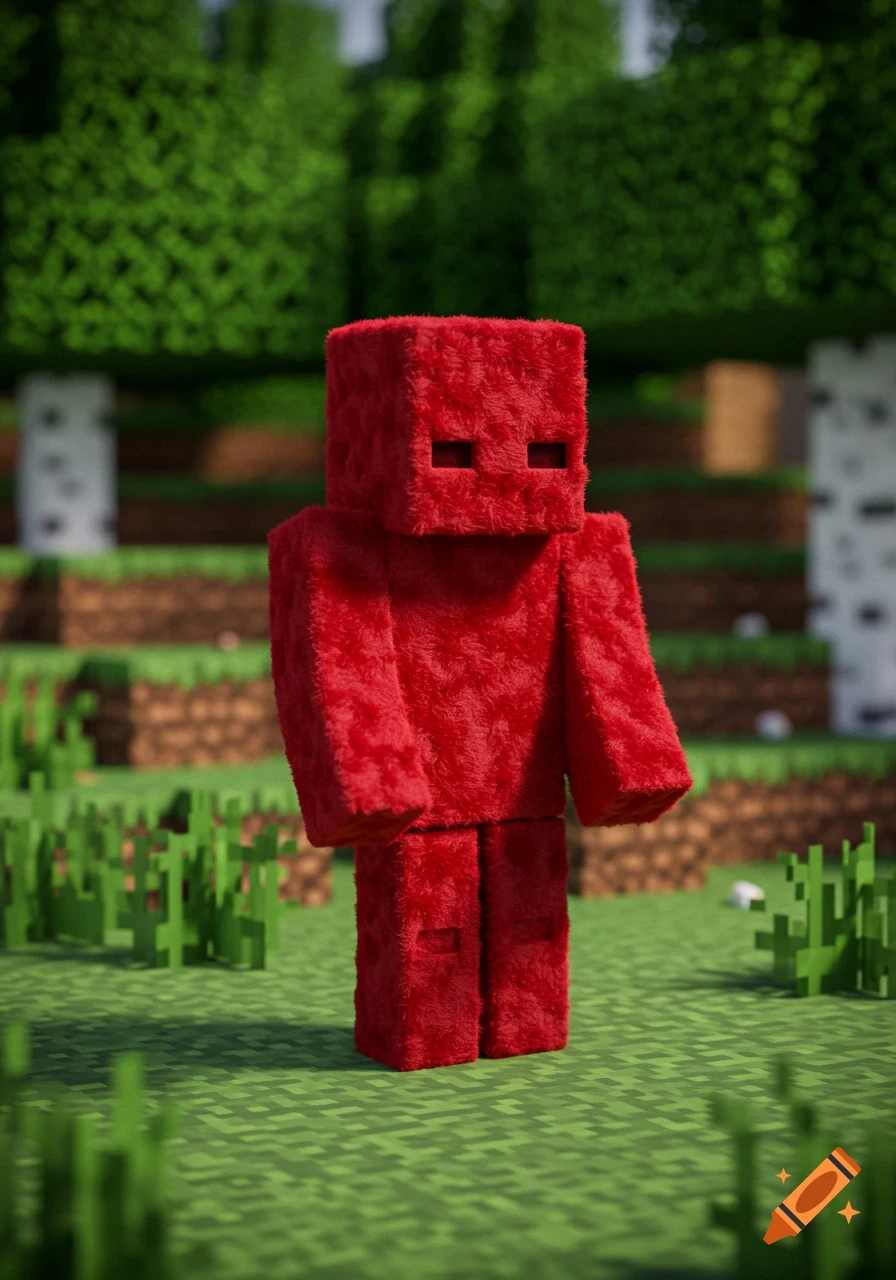
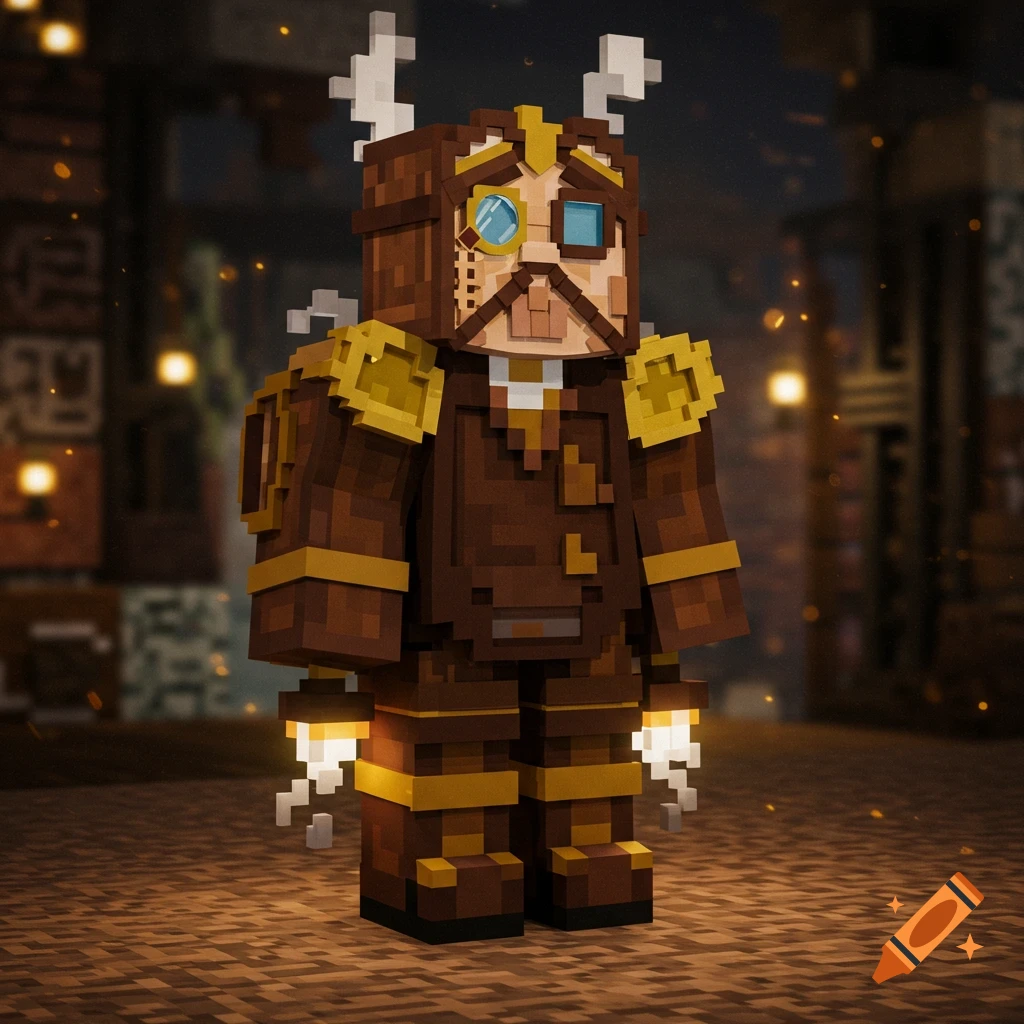
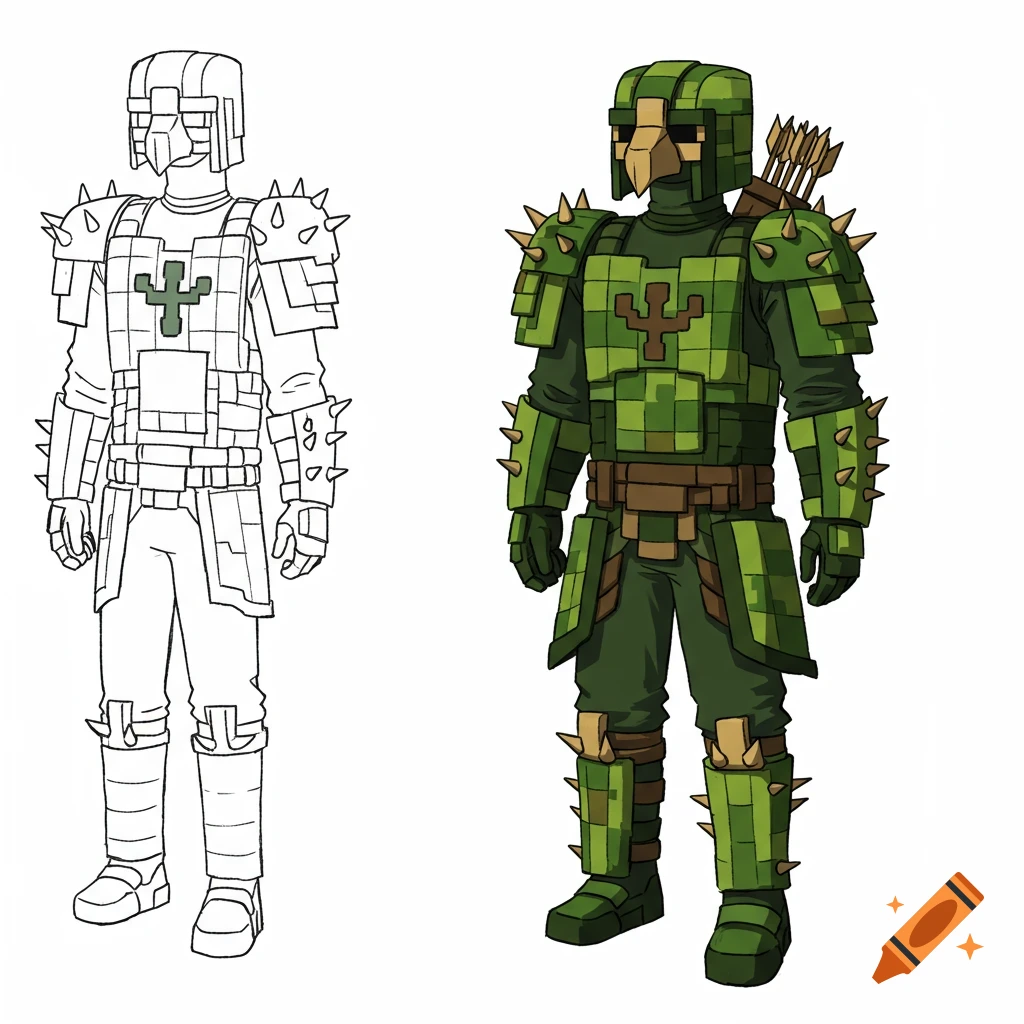
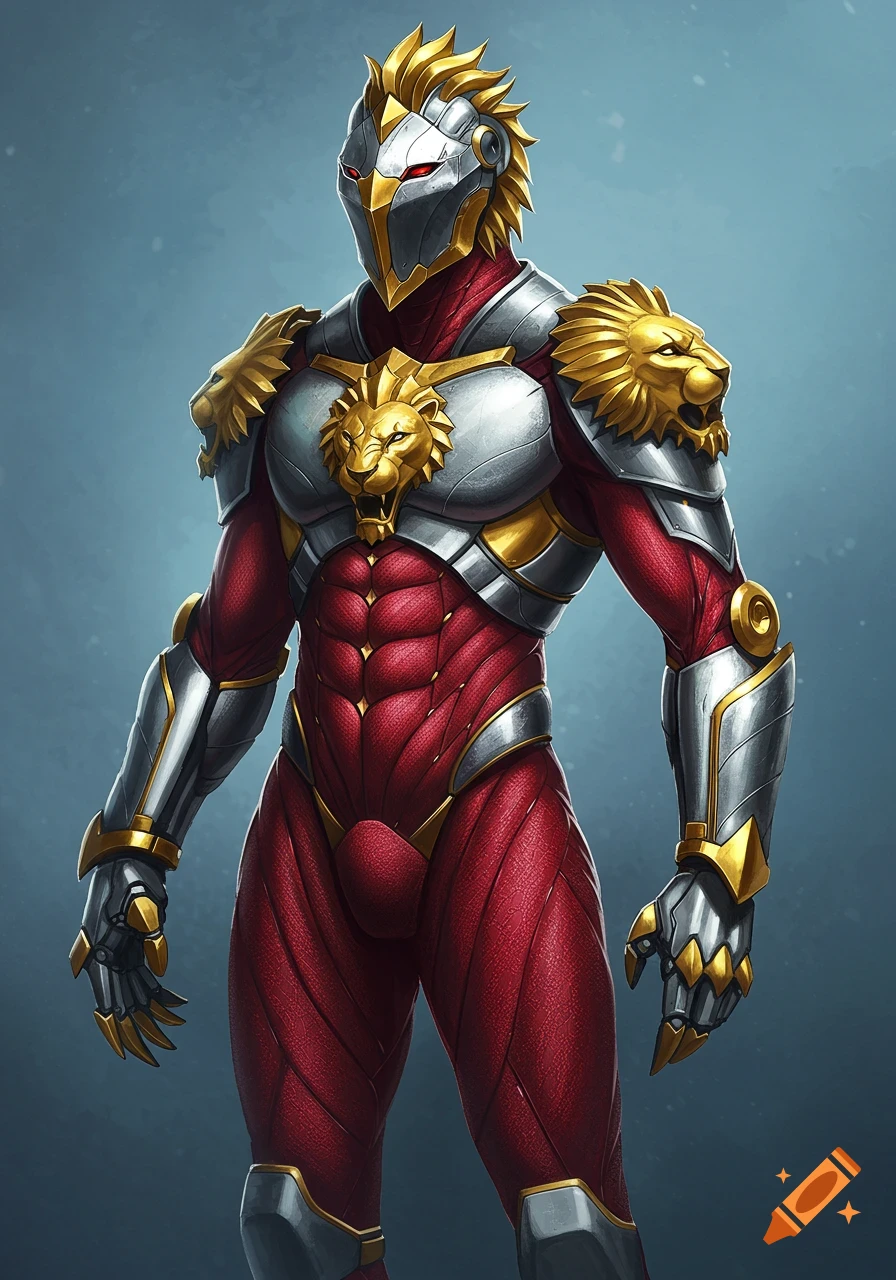
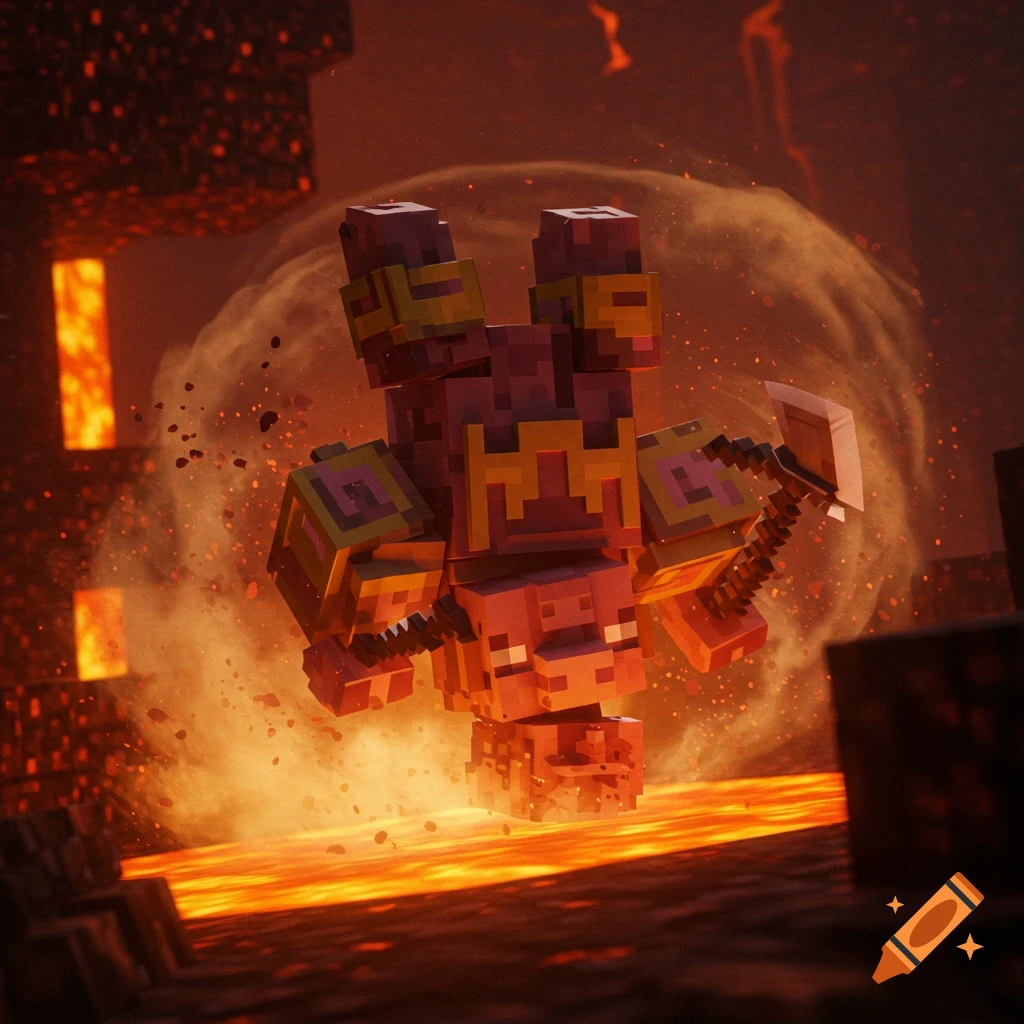
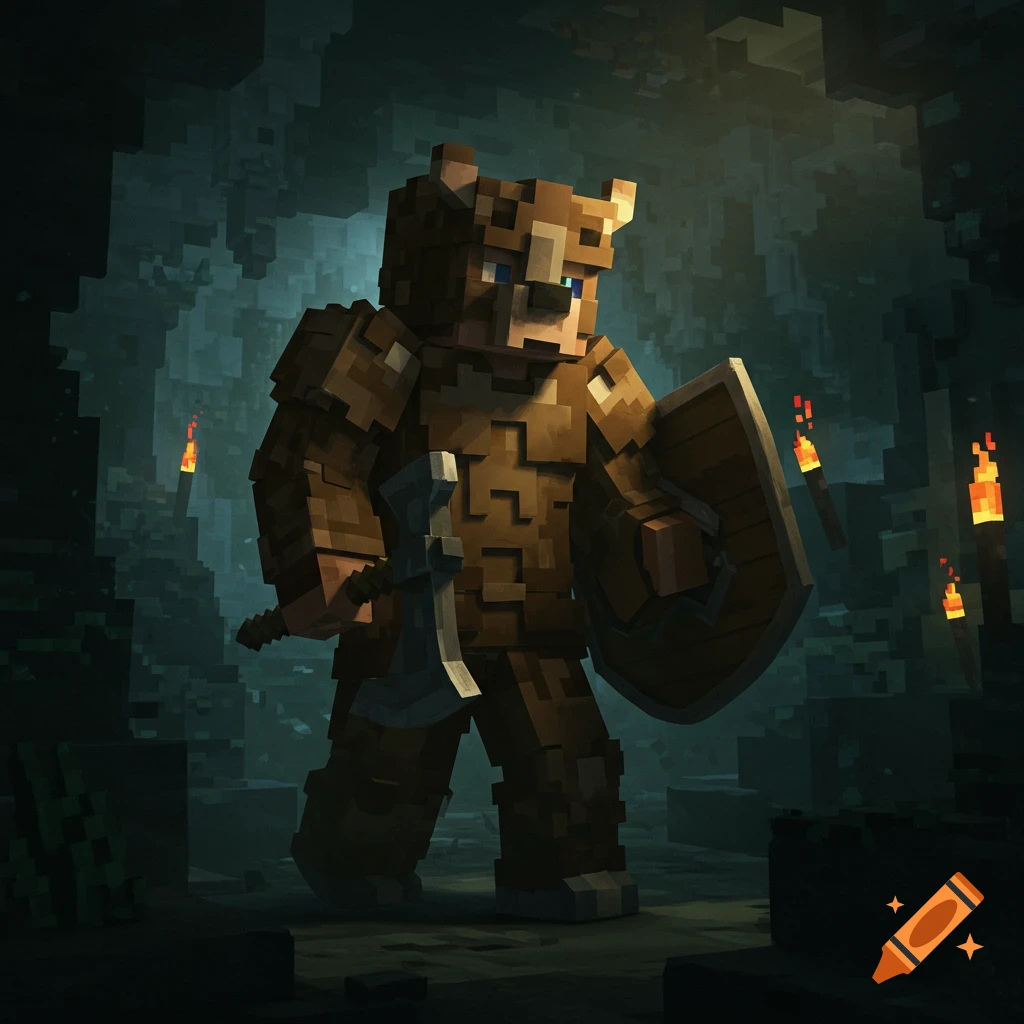
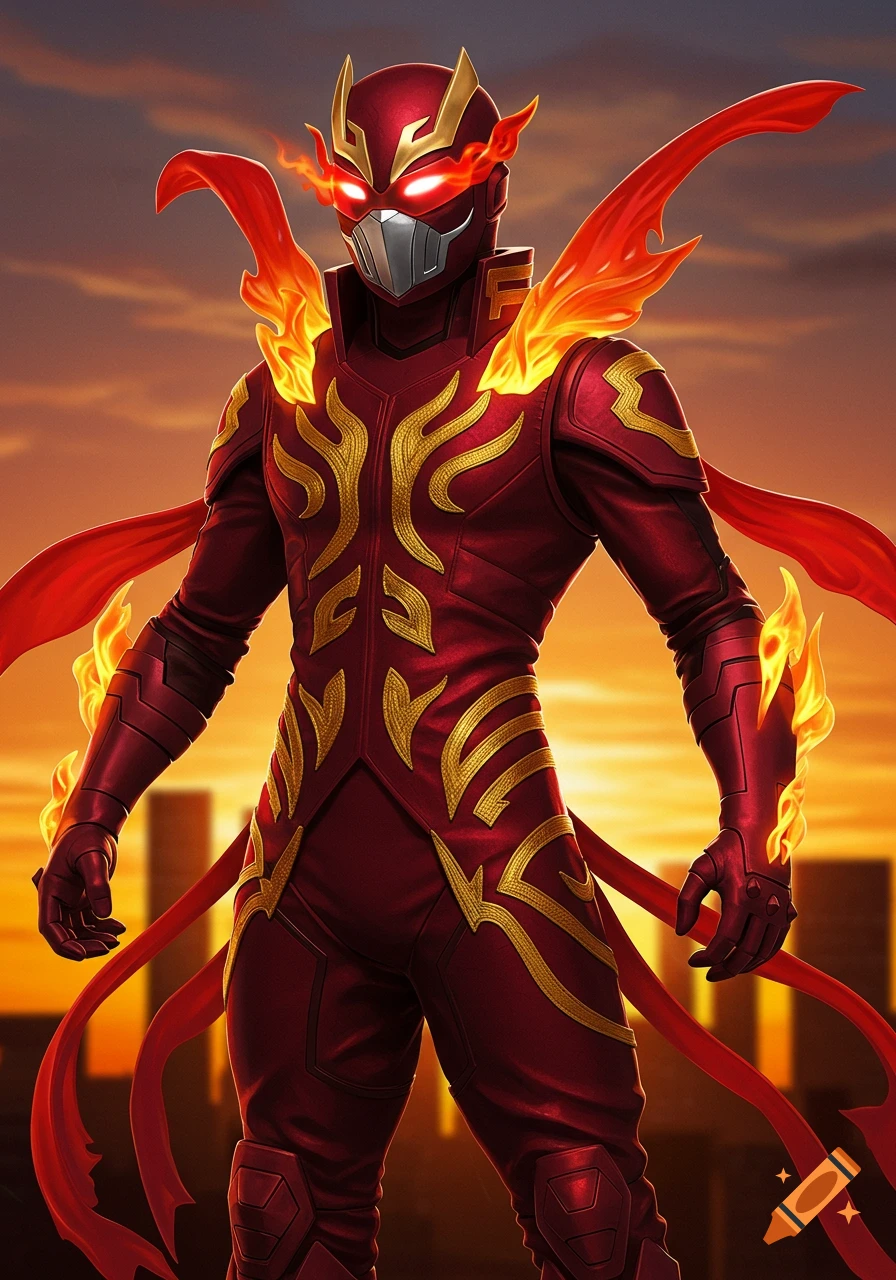
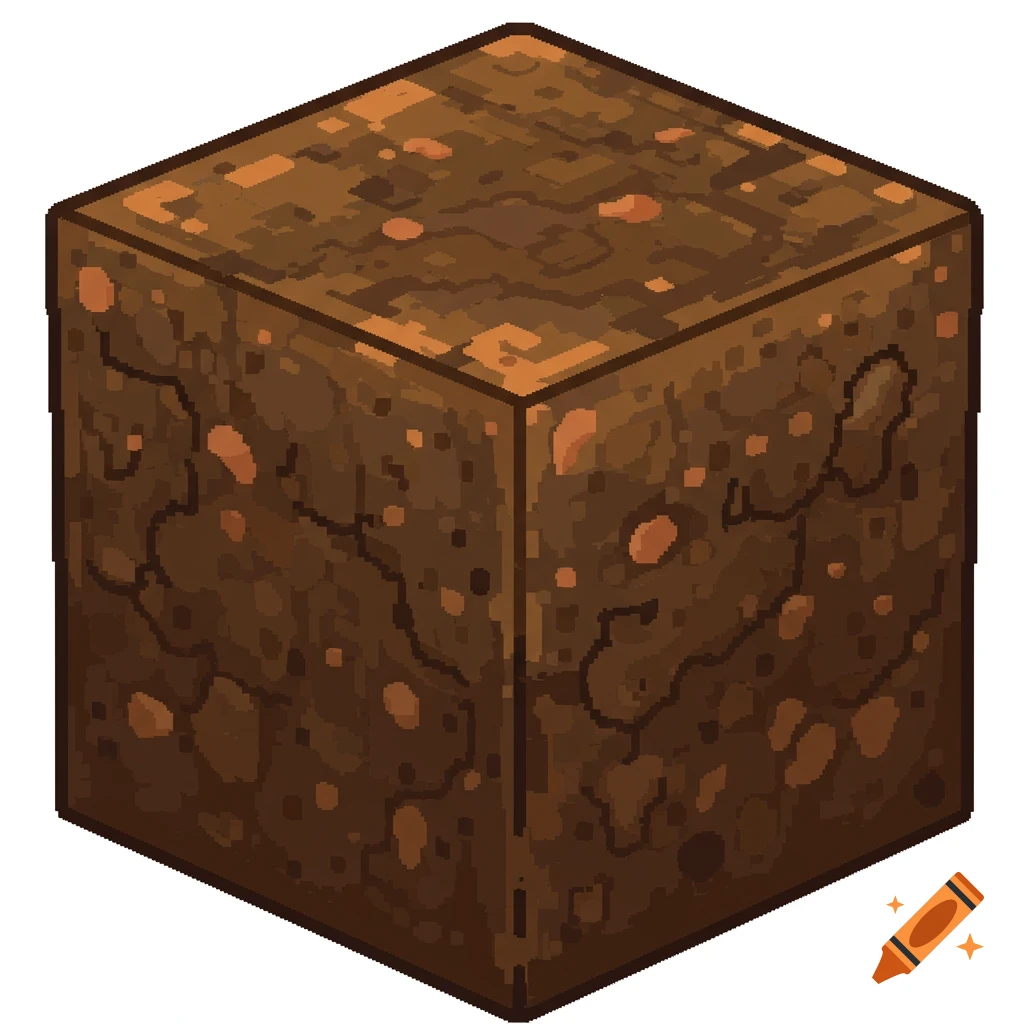
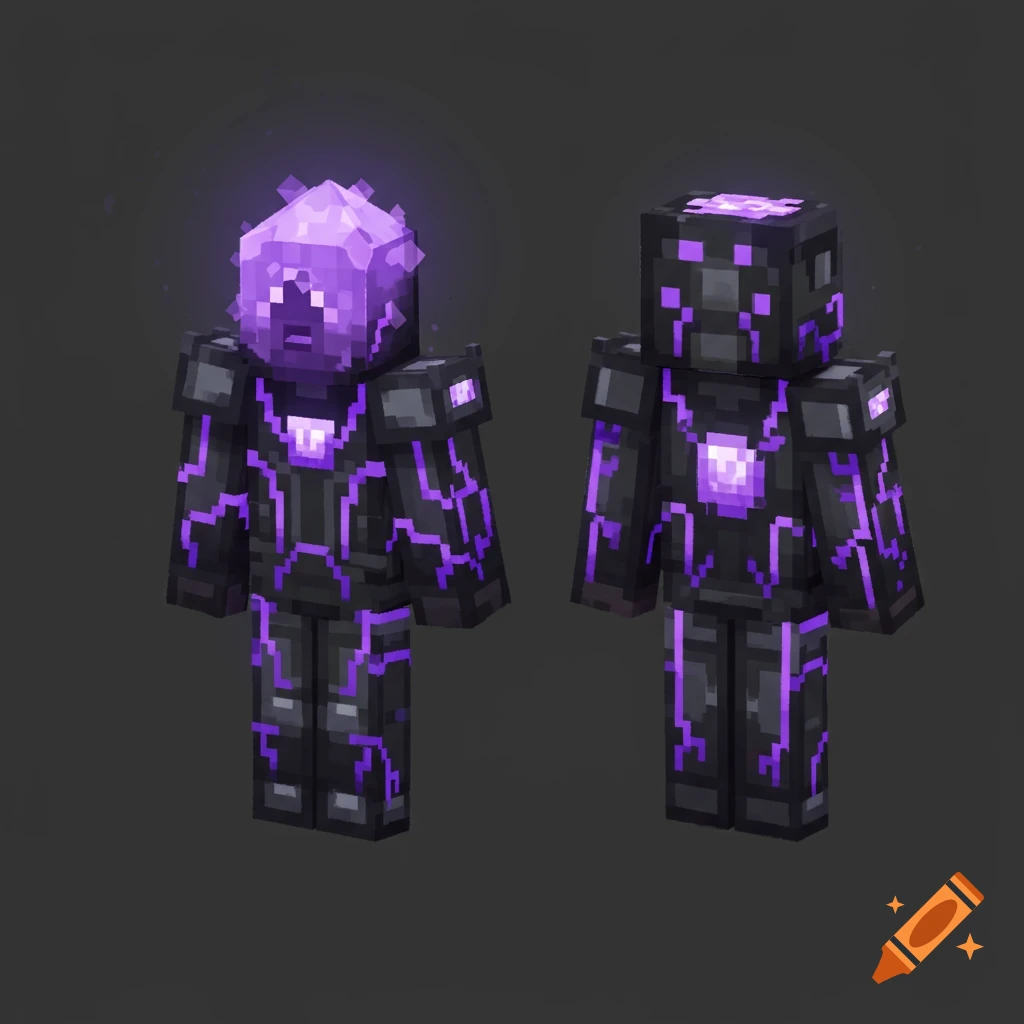
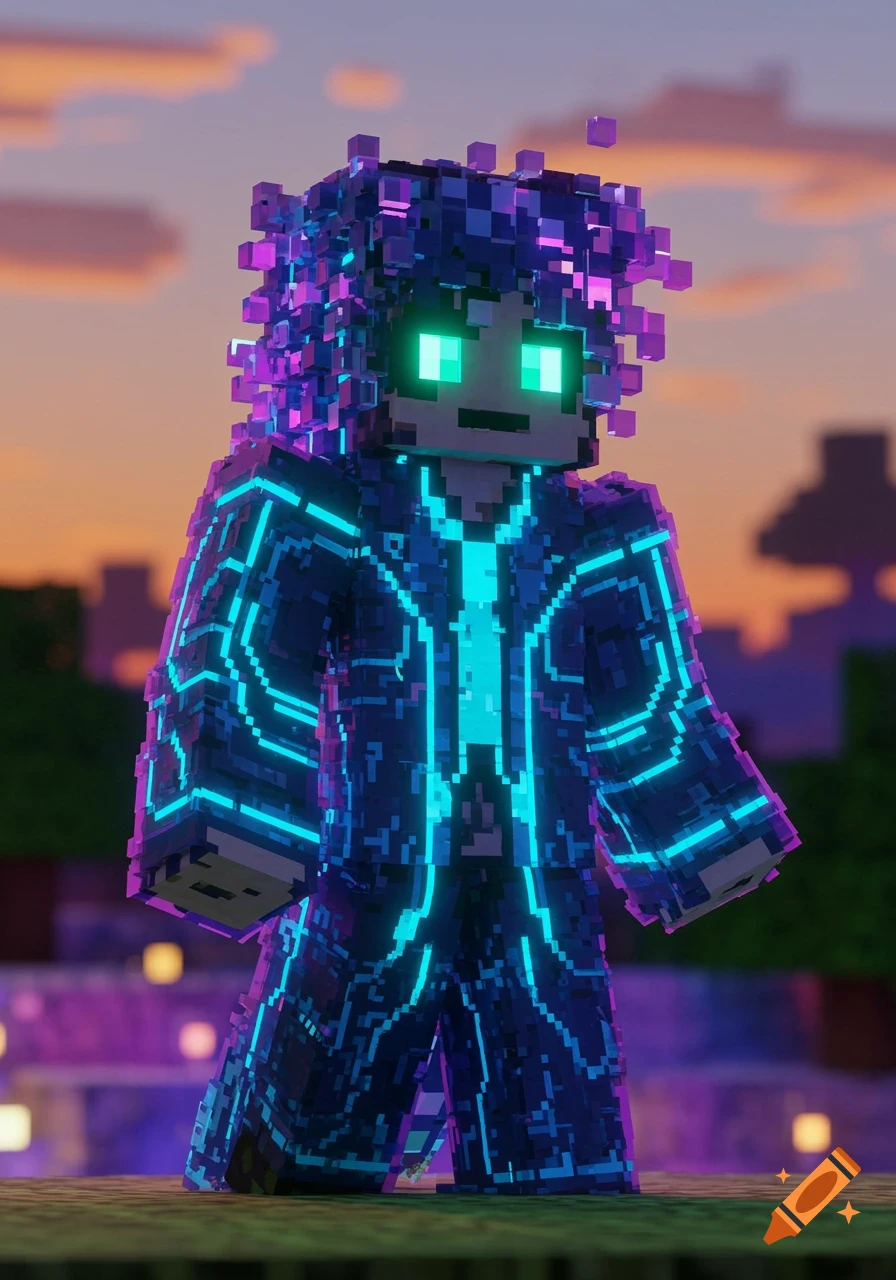
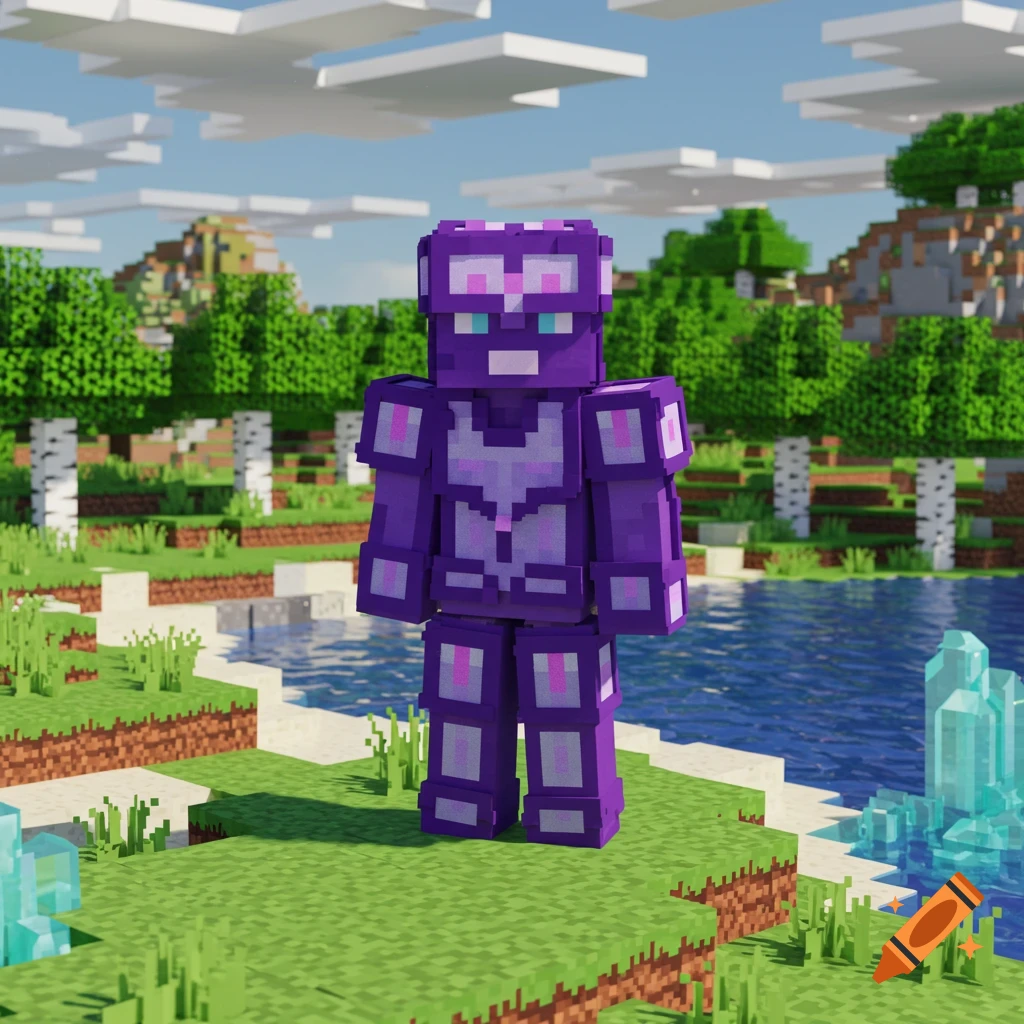
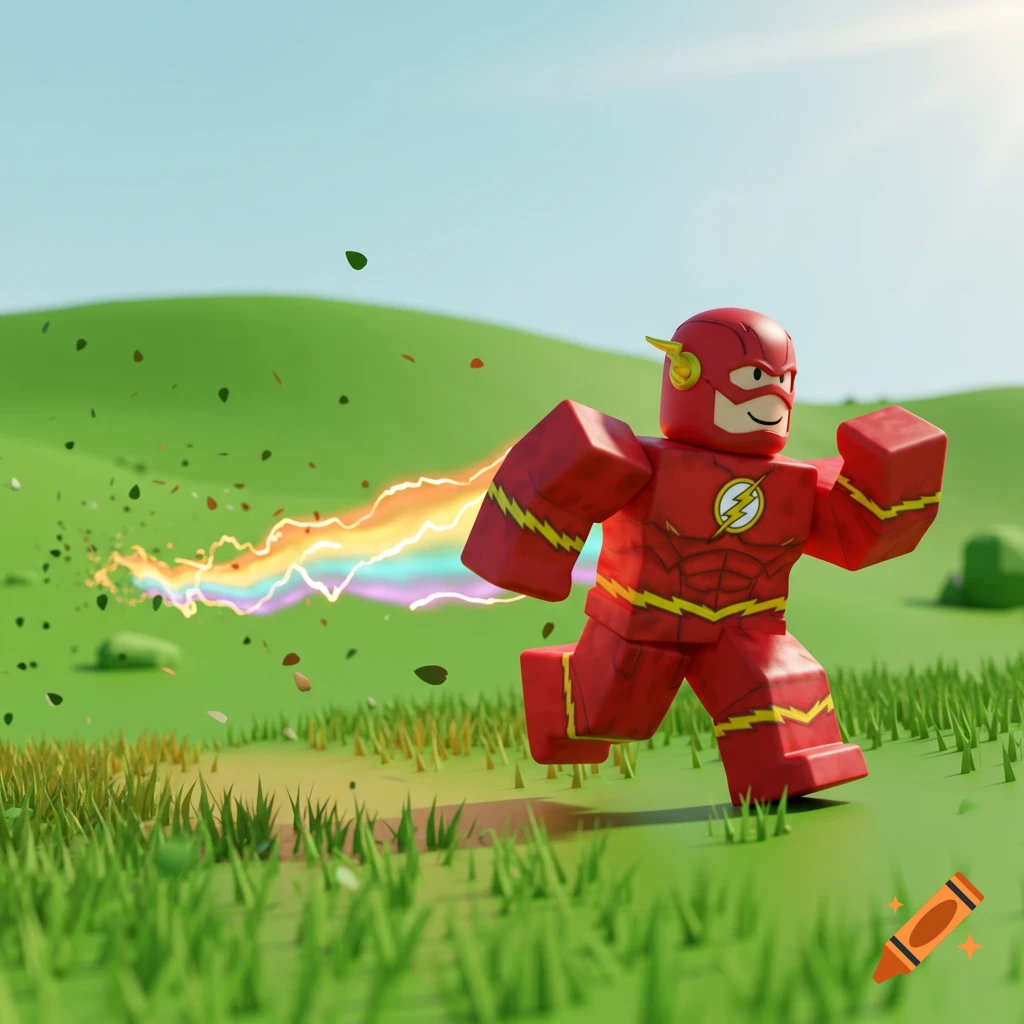
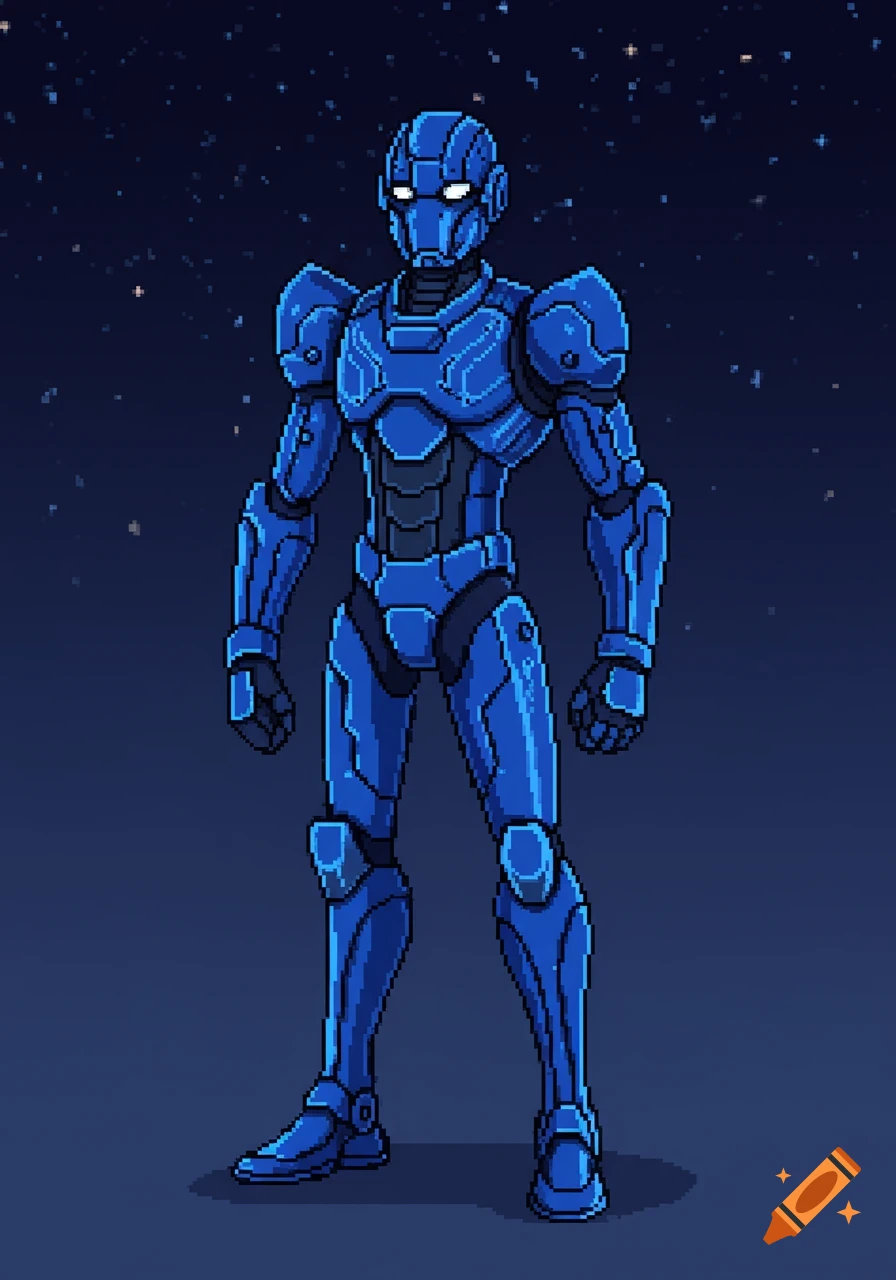
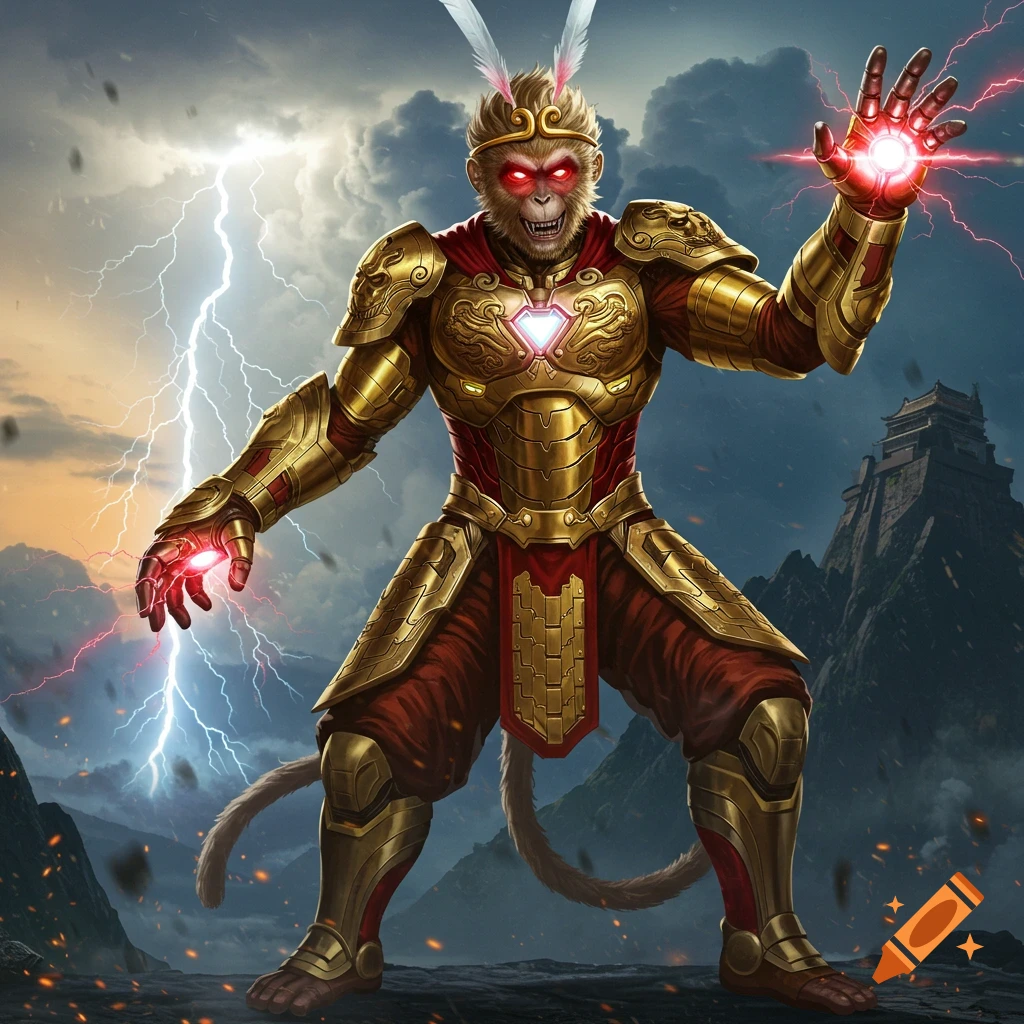
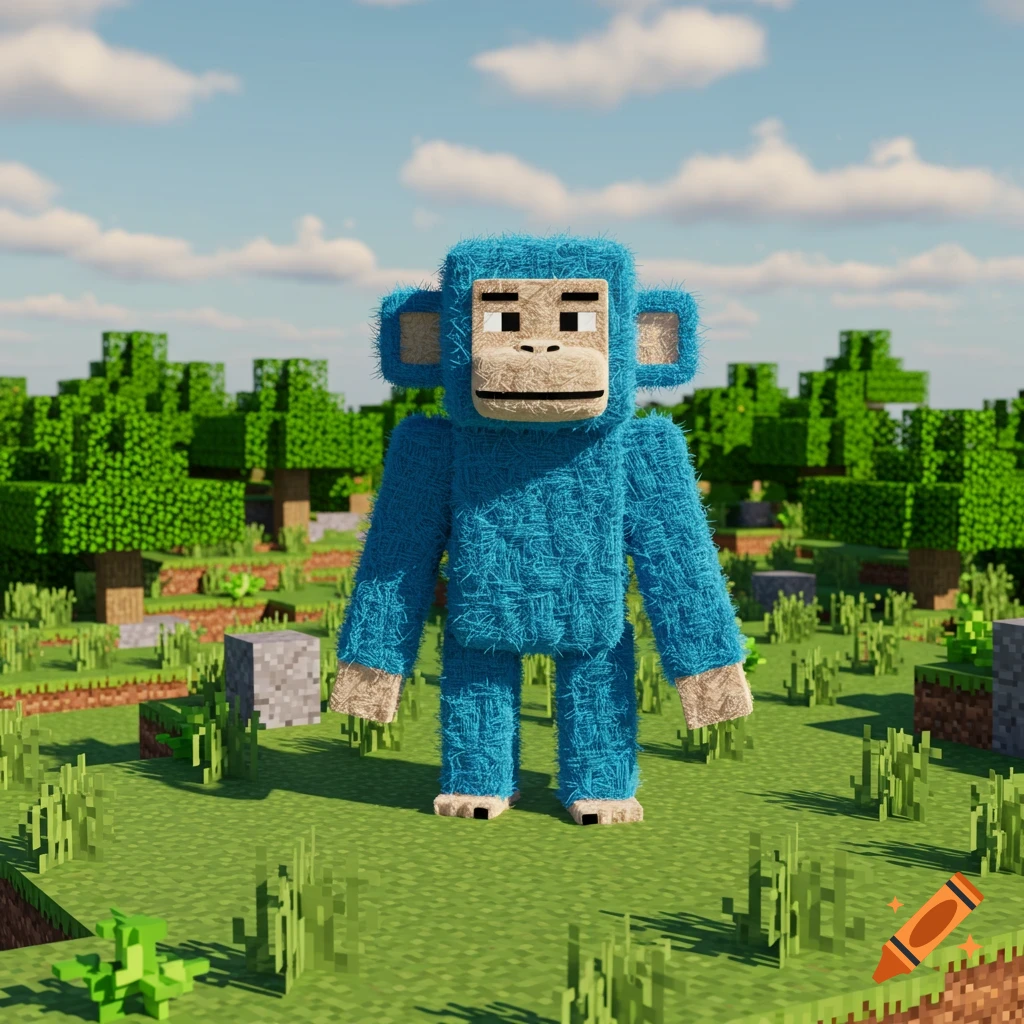
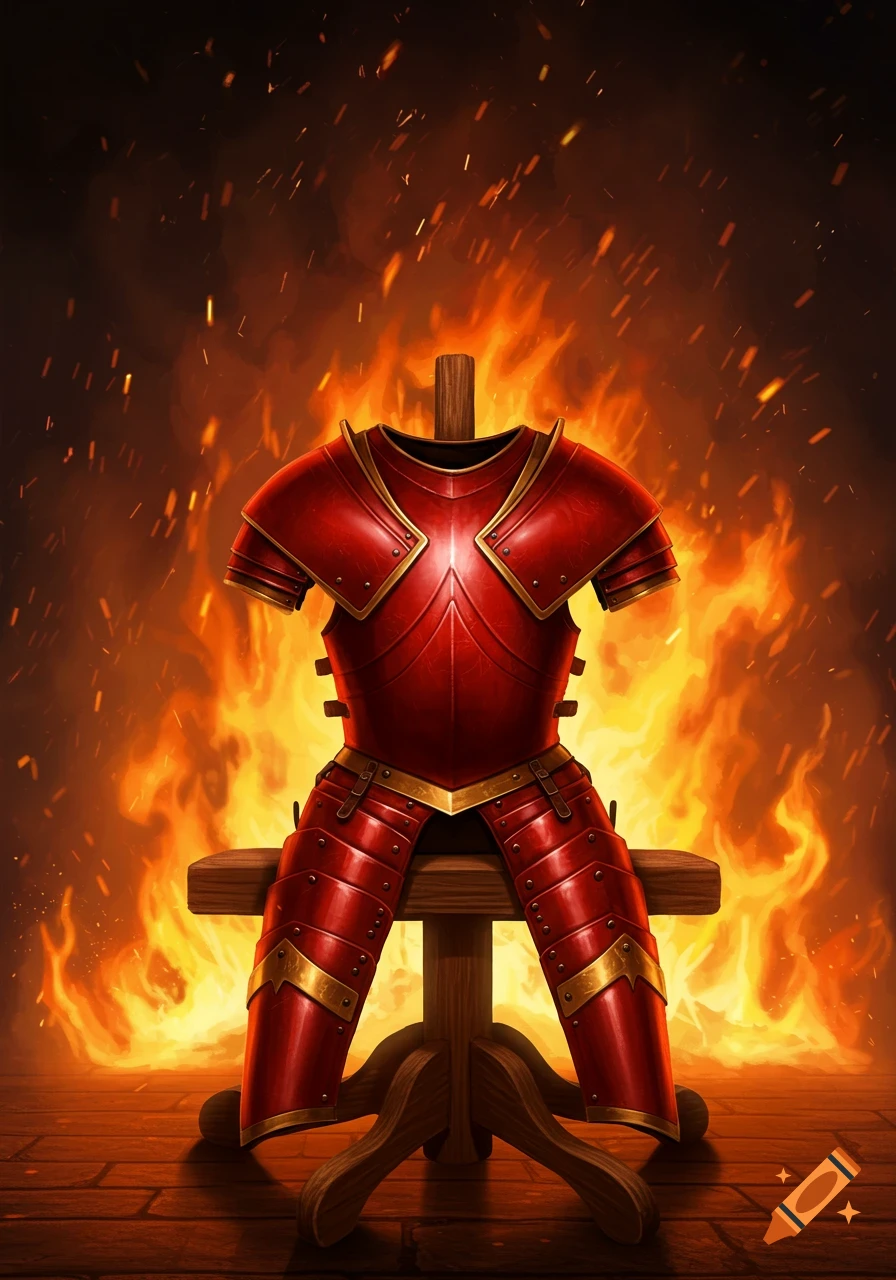
Pixel art of a red chestplate armor with a golden emblem, designed as a flat Minecraft skin texture.

Create a 256x256 pixel image of a flat Minecraft Java Edition skin texture in pixel art style. The layout must match the exact 64x64 Minecraft skin UV map, scaled up 4x so each original pixel becomes a 4x4 block. The image must look exactly like the 2D stretched Minecraft skin PNG used by the game, with all body parts placed in their correct UV positions and proportions. Do NOT draw a 3D character. Draw only the unfolded 2D texture map. Follow the exact Minecraft UV layout: HEAD (top-left): Place the unfolded head cube in the standard Minecraft order: top above front, bottom below front, left to the left, right to the right, back on the far right. Use pale skin (#fce8d8) for the face and neck. Add dark red hair (#8b0000) with sharp black streaks (#1a1a1a) on the top, sides, and back. Face must be neutral: simple black pixel eyes, no mouth, no emotion. Surround the head with the outer head layer (hat layer) in the same UV layout. Add tall pointed red deer ears on the hat layer, positioned above the head so they appear correctly in Minecraft. Ears should have a dark red base (#8b0000), black shading (#1a1a1a), and lighter red tips (#ff4d4d). Keep all head and hat textures strictly pixelated. TORSO (center): Place the unfolded torso cube directly below the head section in the standard Minecraft UV layout: front in the center, back to the right, left to the left, right to the far right, top above front, bottom below front. The front torso must show a highly detailed red and See more