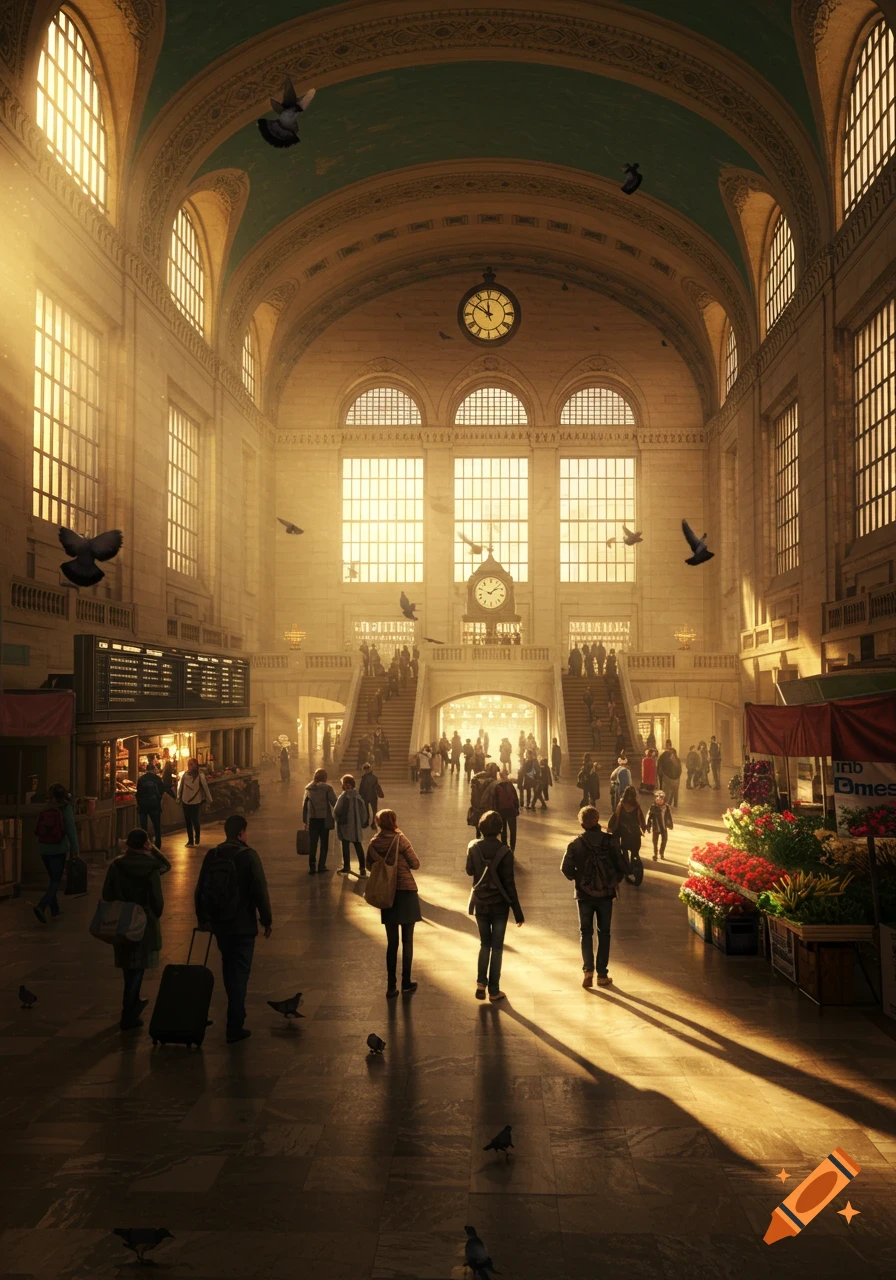
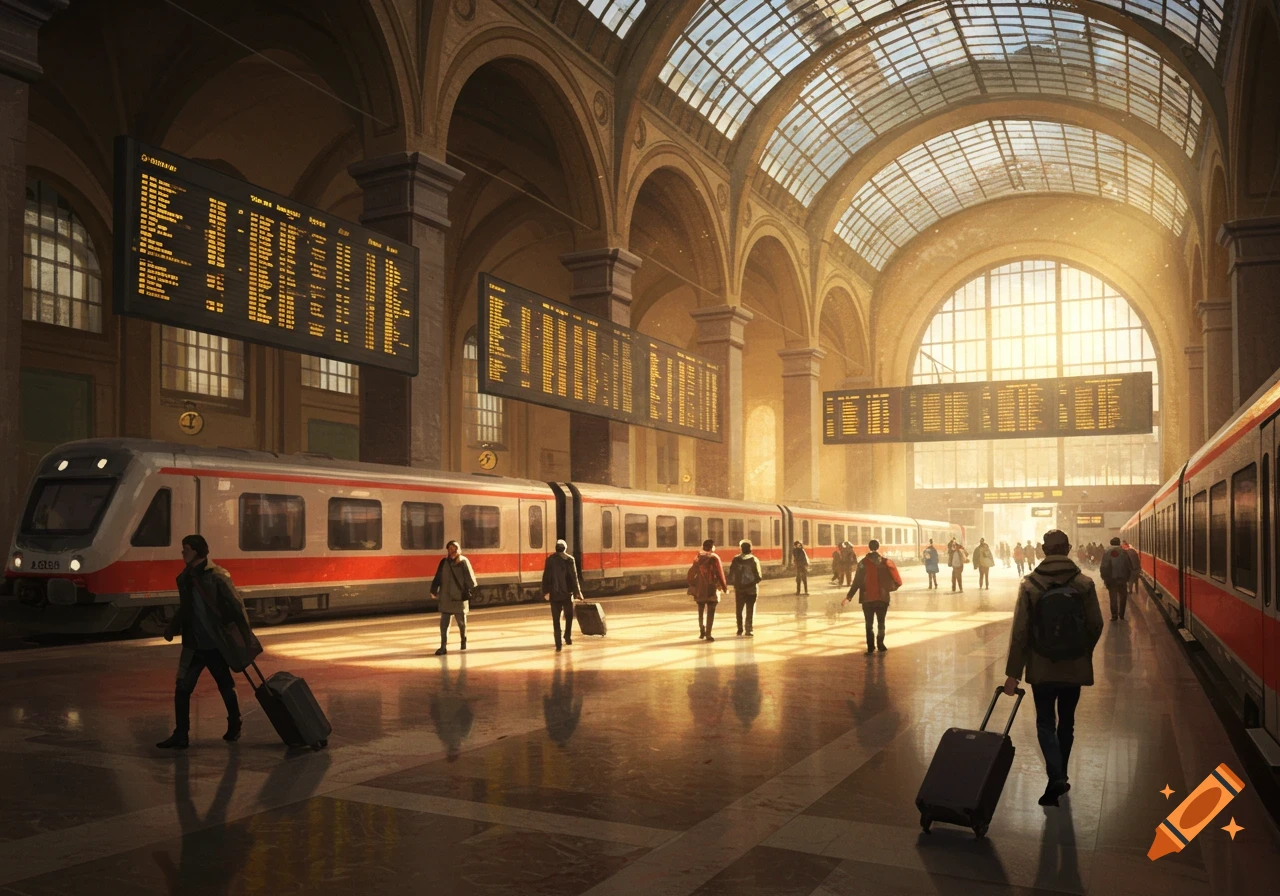
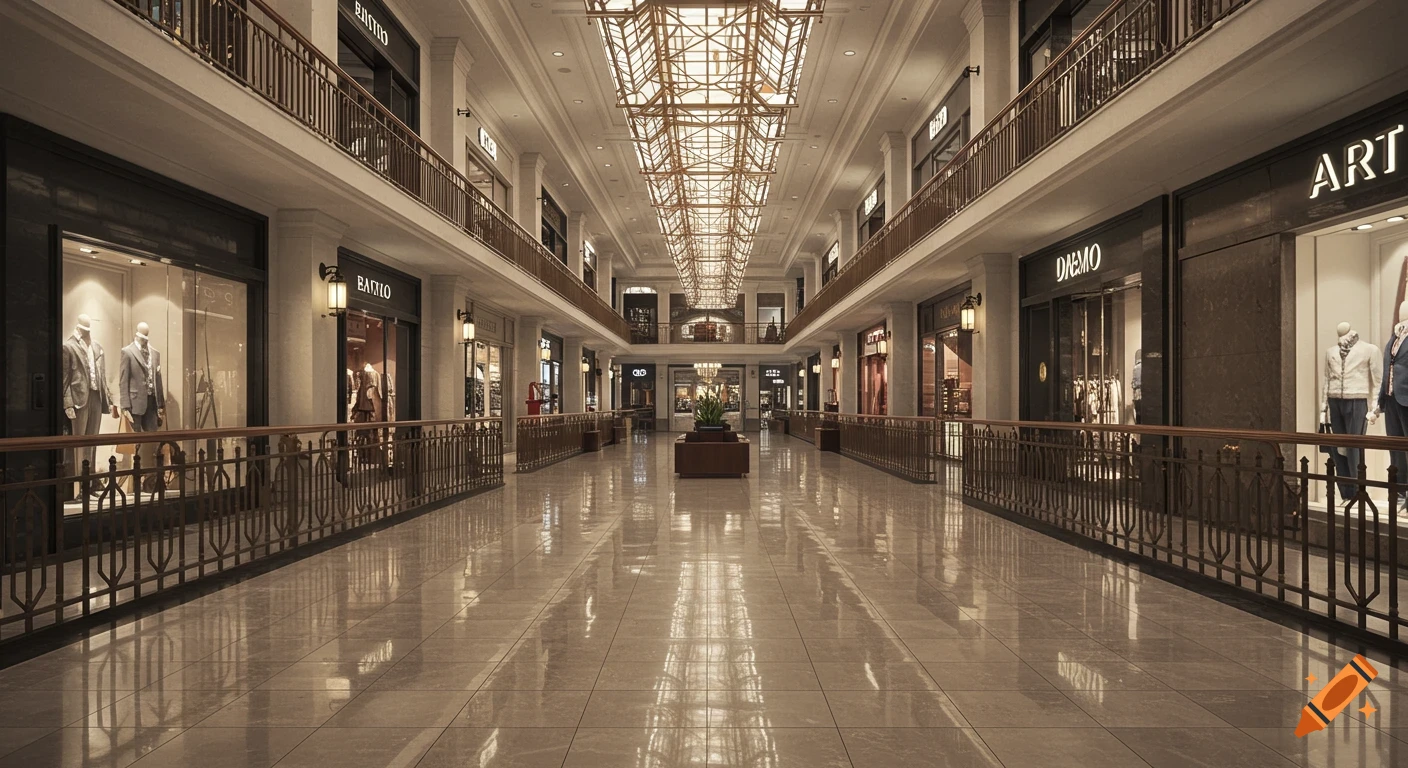
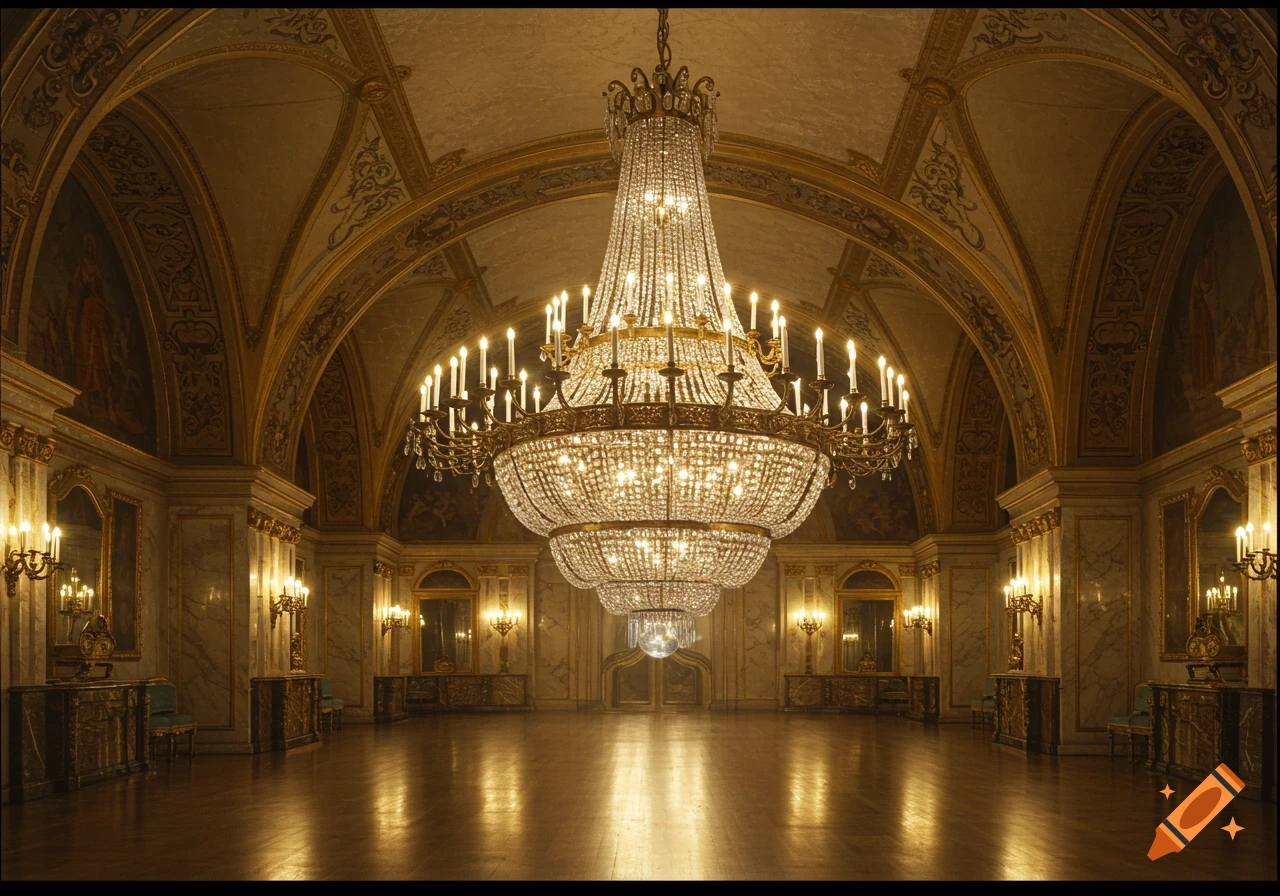
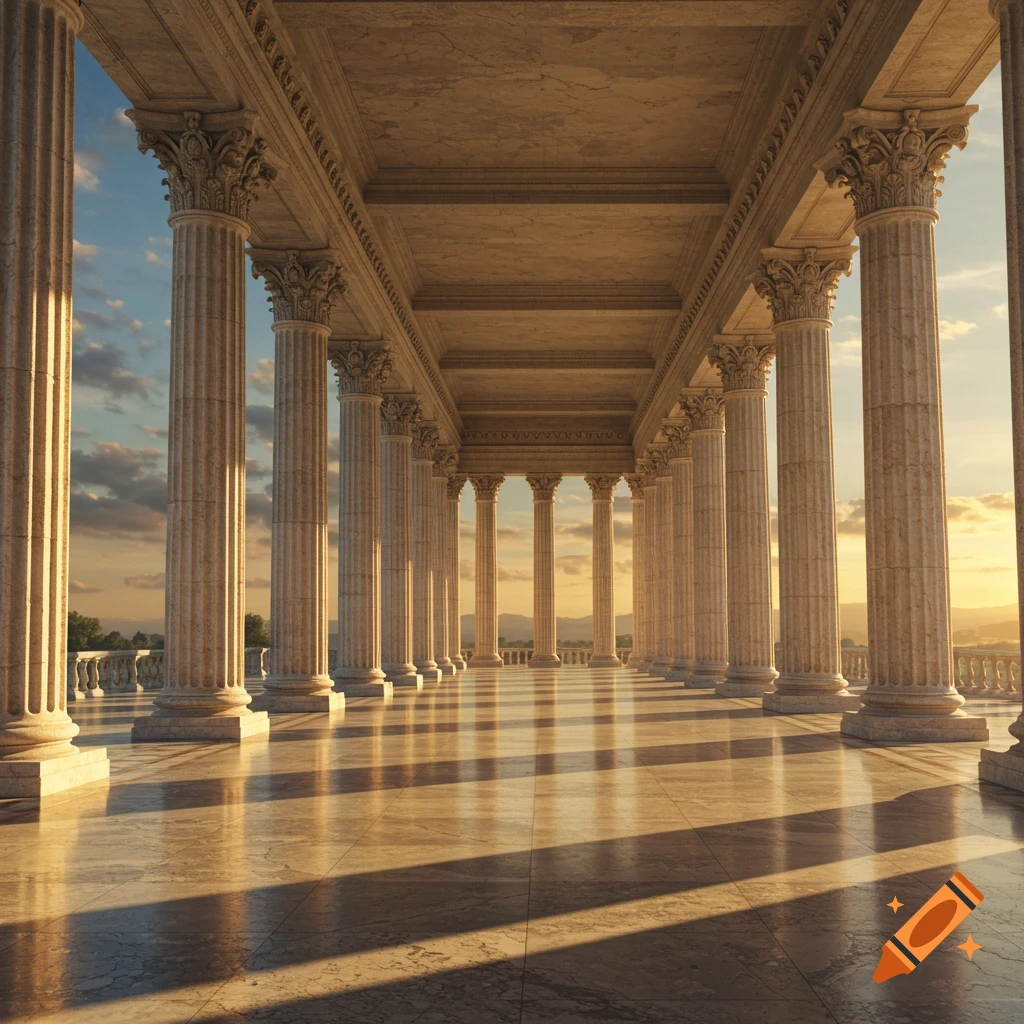
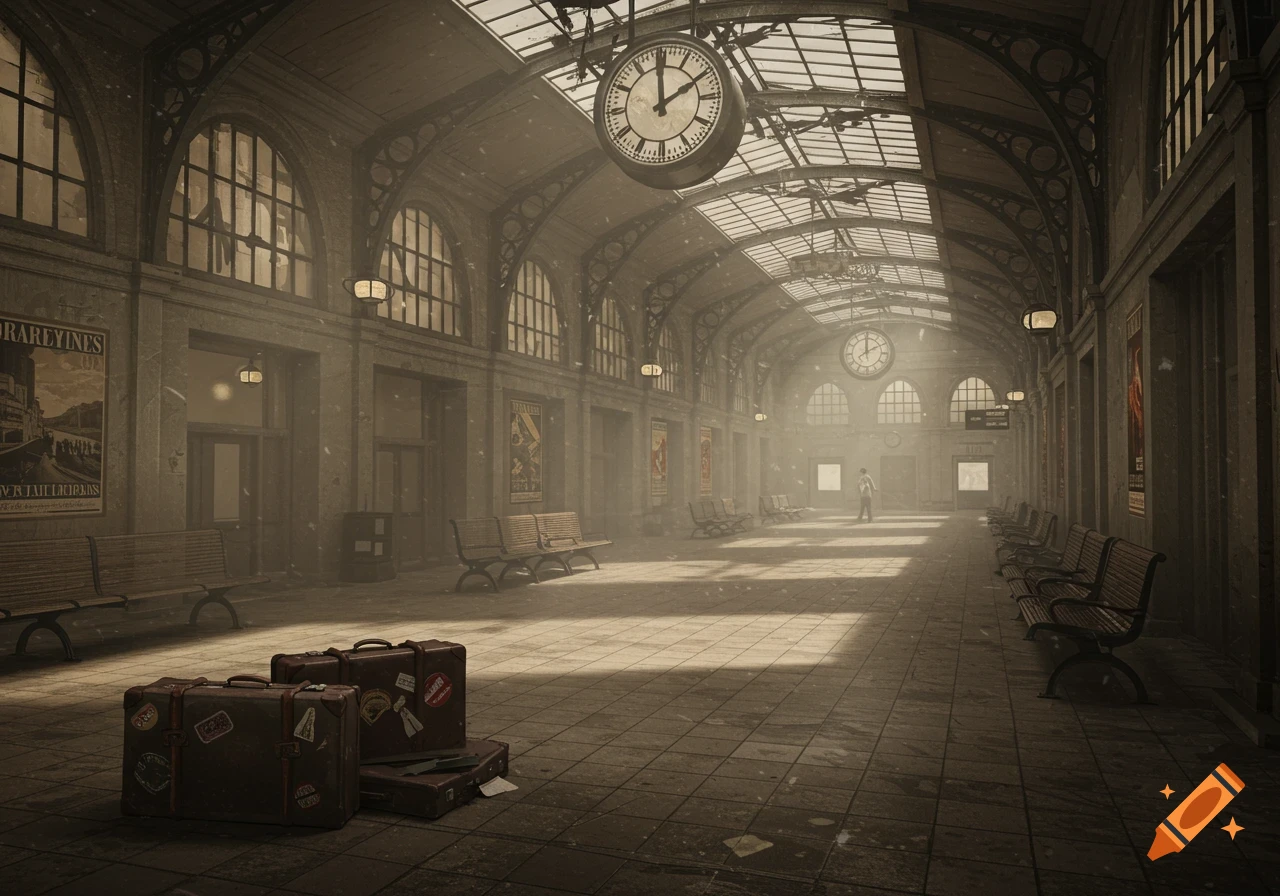
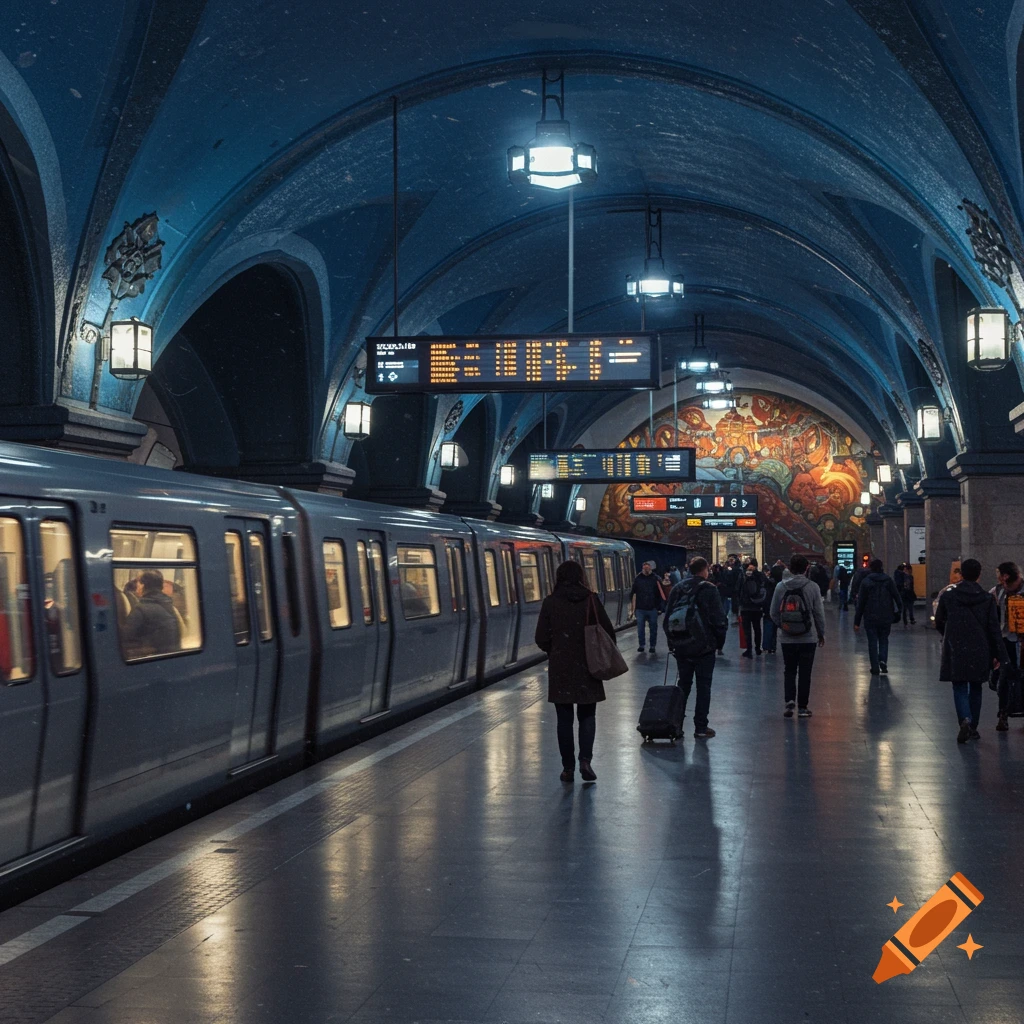
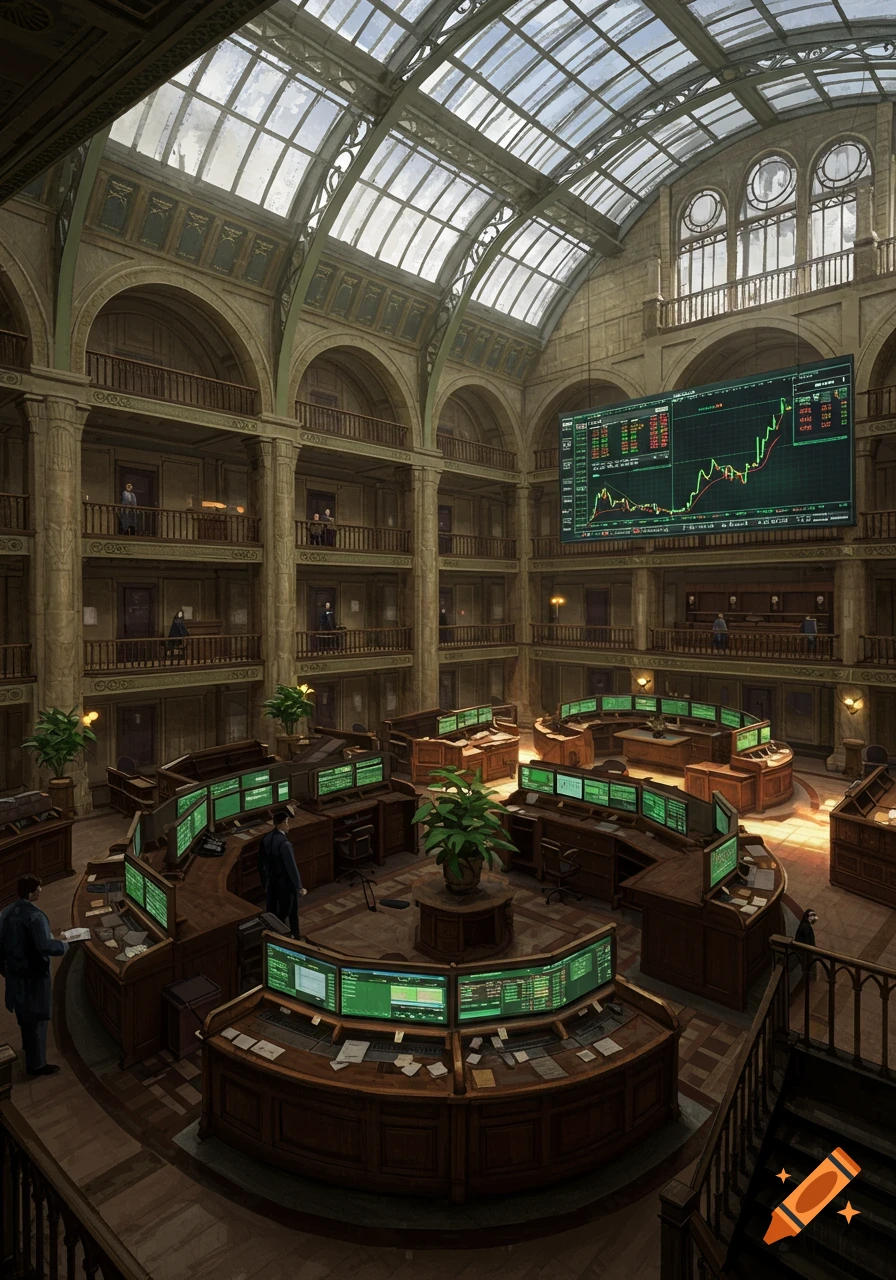
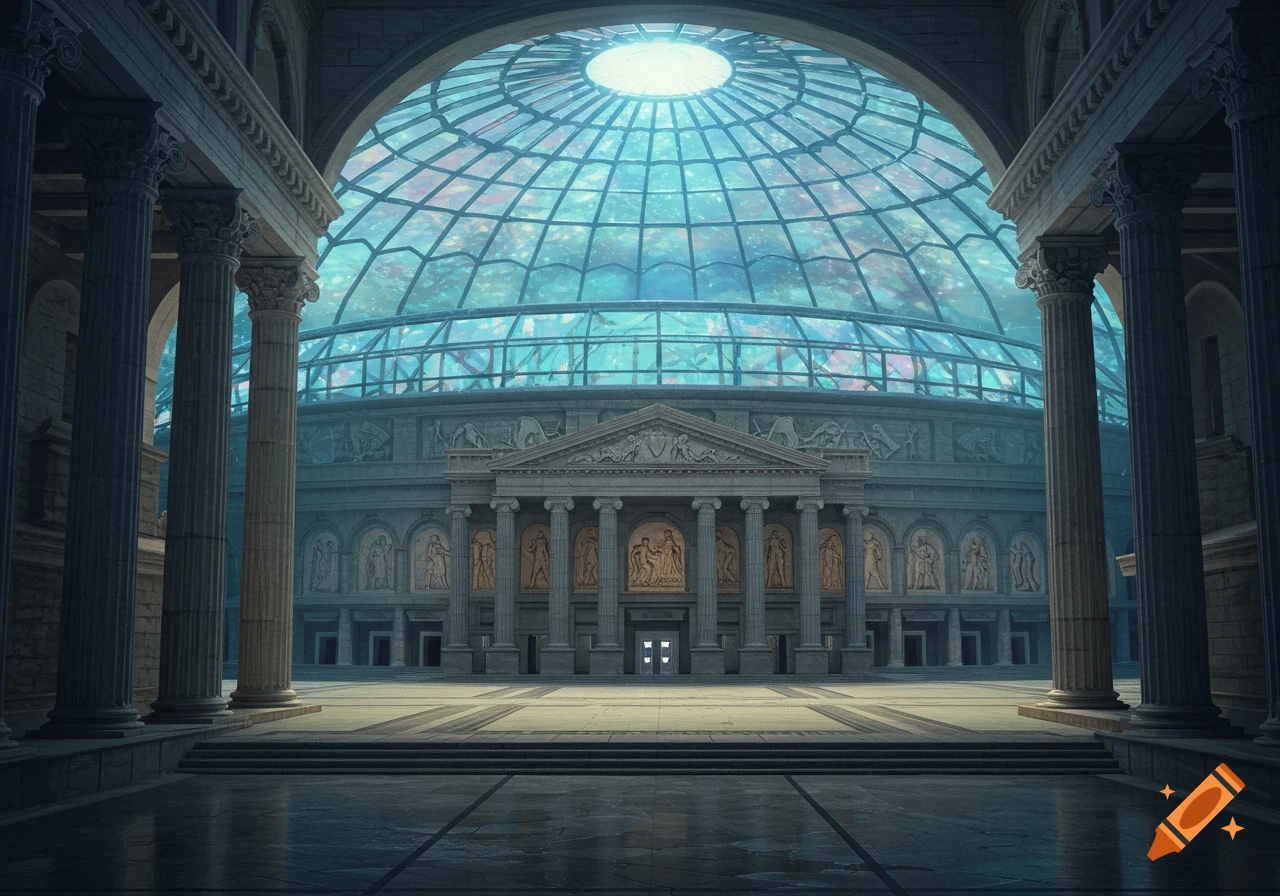
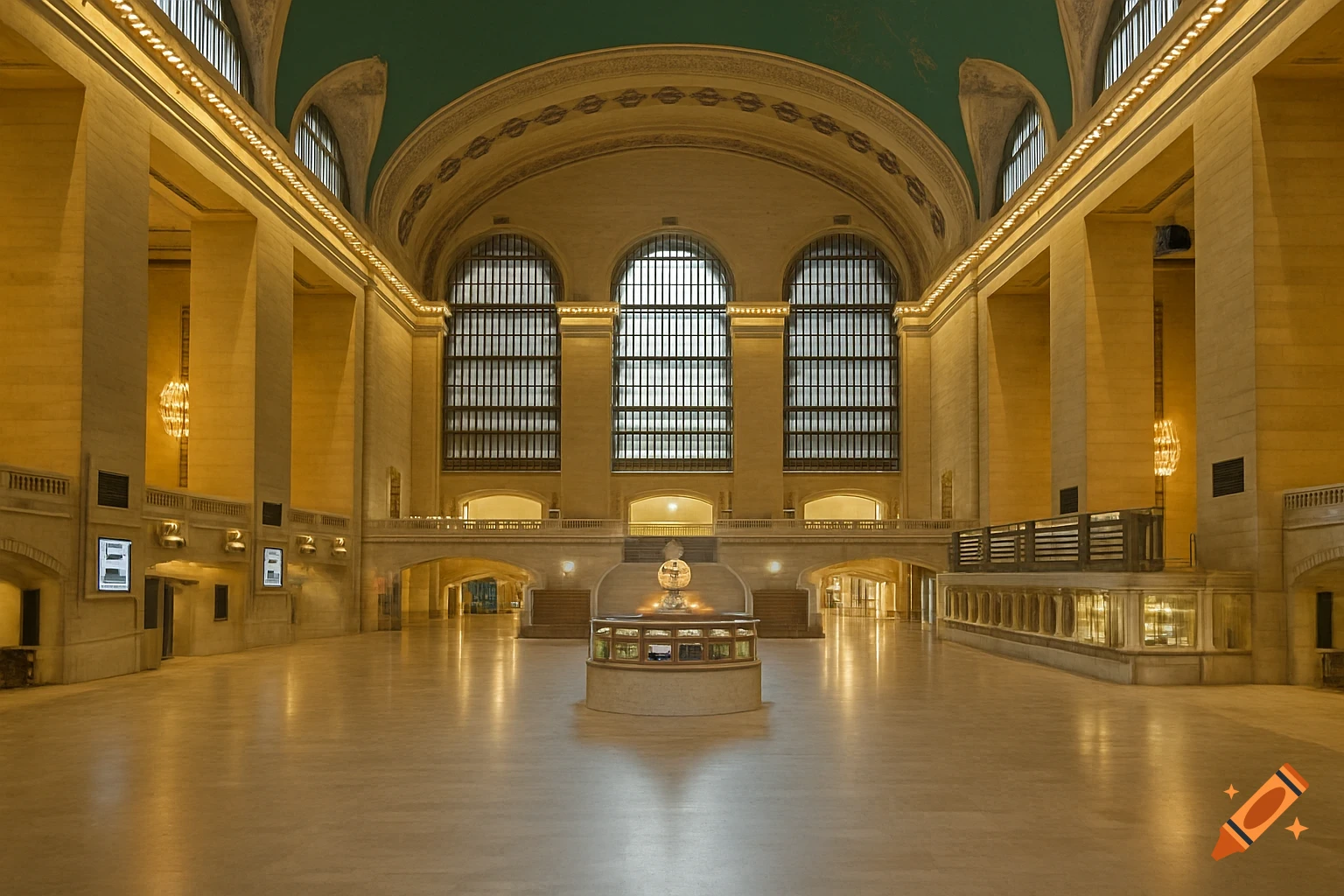
A grand, empty train station hall with high arched ceilings, large windows, ornate pillars, and a central circular booth.
Here is a well-crafted English prompt designed to remove all people from your photo while preserving the background with the highest quality. You can directly use the prompt below with AI image editing tools. **✨ Example Prompt:** ``` Remove all people and human figures from this image, ensuring only the original background remains. Use AI inpainting or content-aware fill to seamlessly reconstruct the background where the people were, matching the lighting, textures, and patterns for a natural and unedited look. The final image must retain its original high resolution and quality without any blurring or artifacts. ``` ### 💡 Tips for Best Results - **Use High-Resolution Photos**: The higher the quality of your original image, the more detail the AI has to work with, leading to better and more realistic results. - **Specify the Tool**: If you are using a specific application like Photoshop's "Generative Fill" or an AI-based mobile editor, you can mention it in the prompt for more tailored instructions. - **For iPhone Users**: If you have an iPhone with iOS 18, you can perform this task easily without a complex prompt using the built-in **"Clean Up"** tool in the Photos app. Simply open your picture, tap "Edit," select the "Clean Up" option, and then use your finger to mark the people you want to remove. I hope this prompt helps you achieve the perfect edit! If your photo has a particularly complex background or you need further refinements, feel free to ask. See more